
Rack mountable servers save space and power and are a standard part of most any enterprise communications network. The Adaptec Snap Server 520 is one of the more typical examples of this type of server, so we decided to Crack It Open to see what was inside.
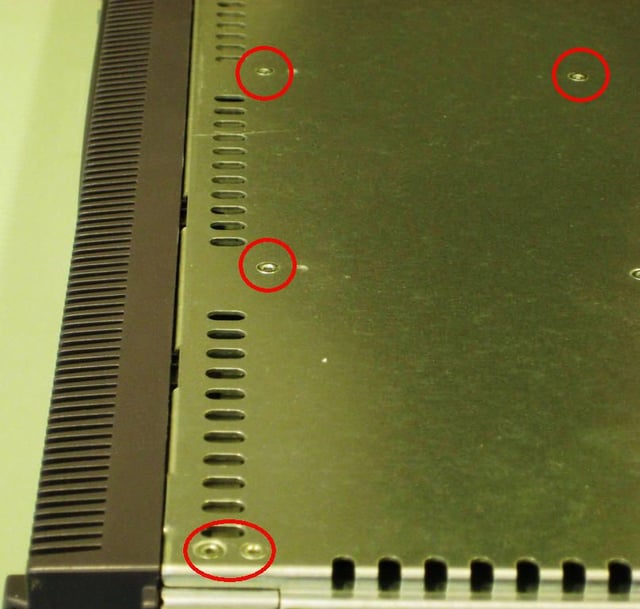
Much of the Snap Server 520 is riveted in place. (Red ovals) However, the front face plate is removed easily by way of side locking mechanisms.
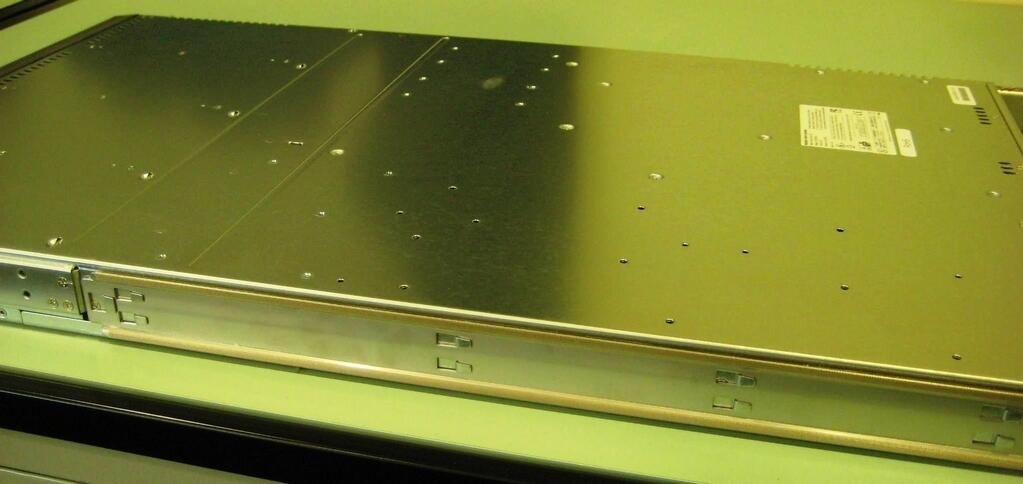
The slide rails are what make the server mountable in a rack. One screw and sideways tug and they are removed.
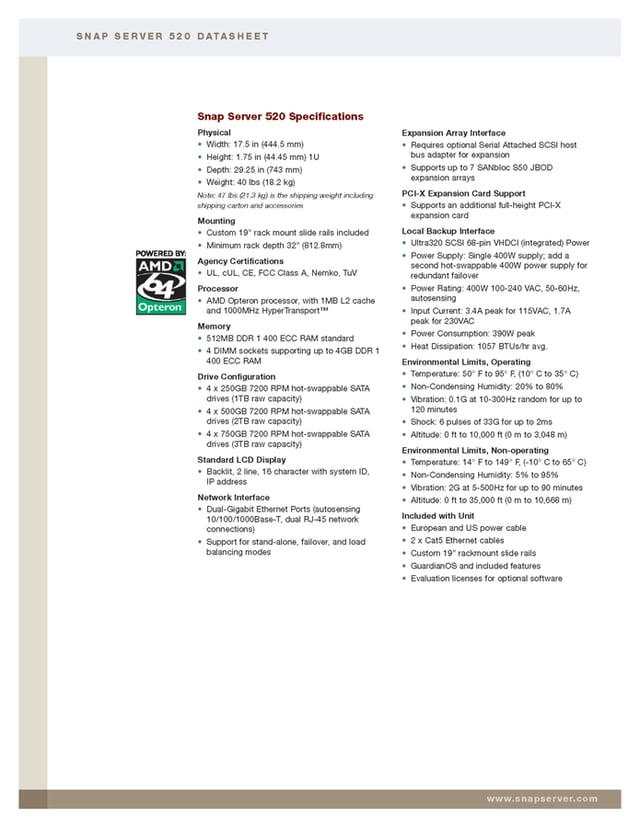
This is the specification page from the product page on the Adaptec Web site.
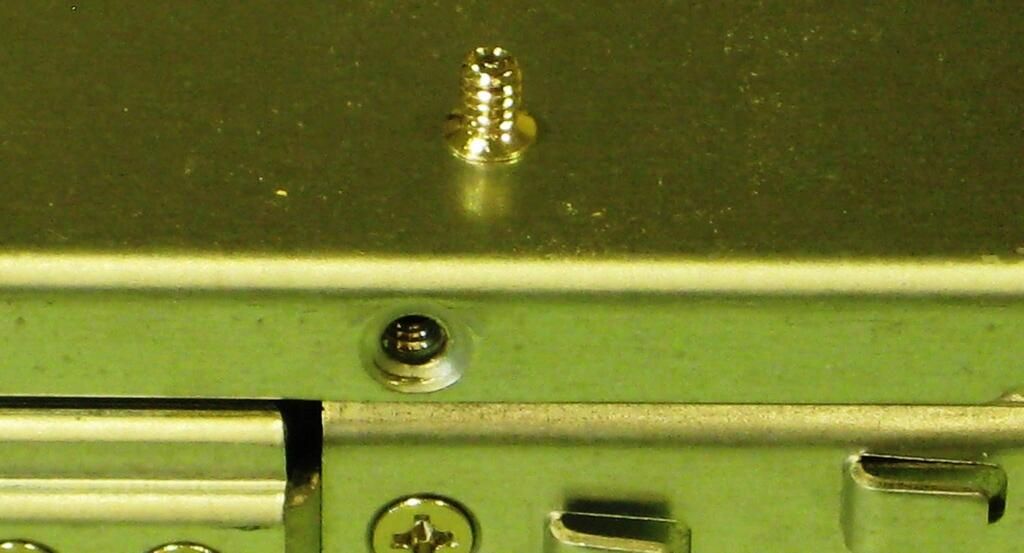
This single screw is all we need to remove to get inside the Snap Server 520.
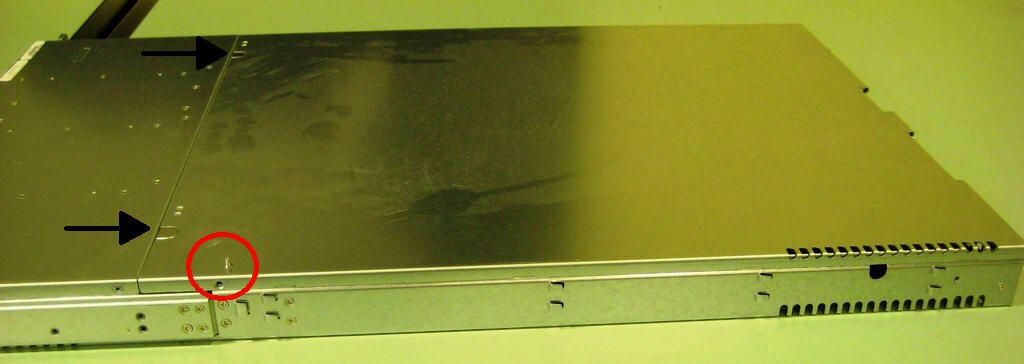
After removing the screw (oval), you press the tabs (arrows) and slide the top of the case off.
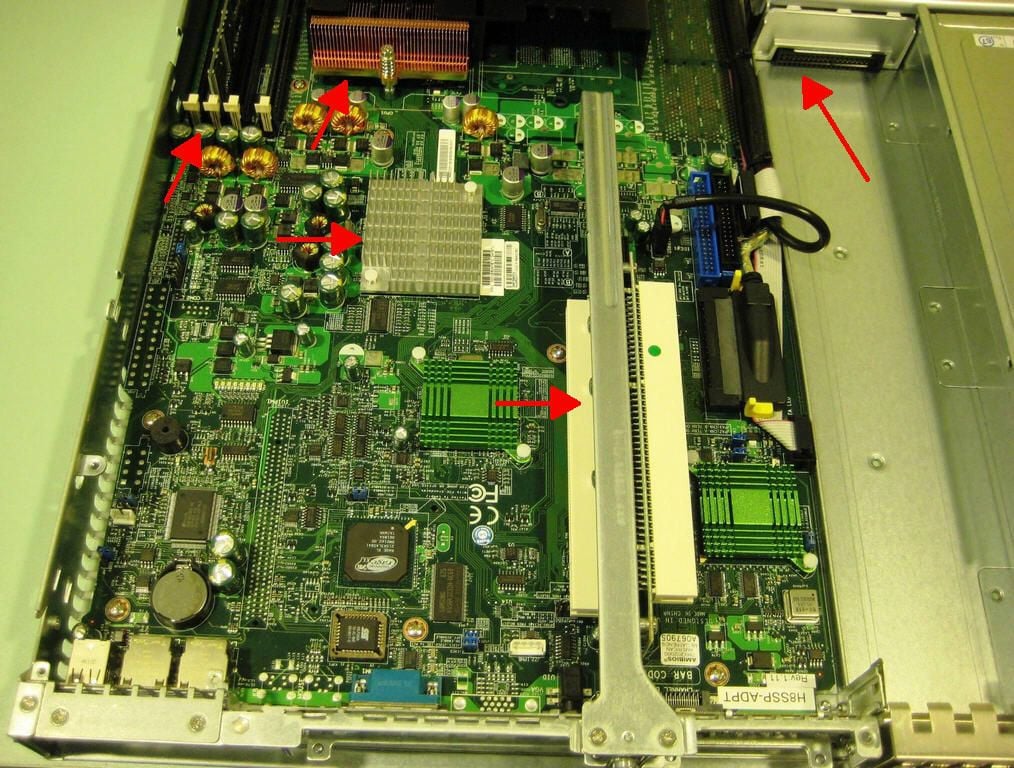
The motherboard is fairly straightforward. Several of the major parts of the Snap Server are marked.
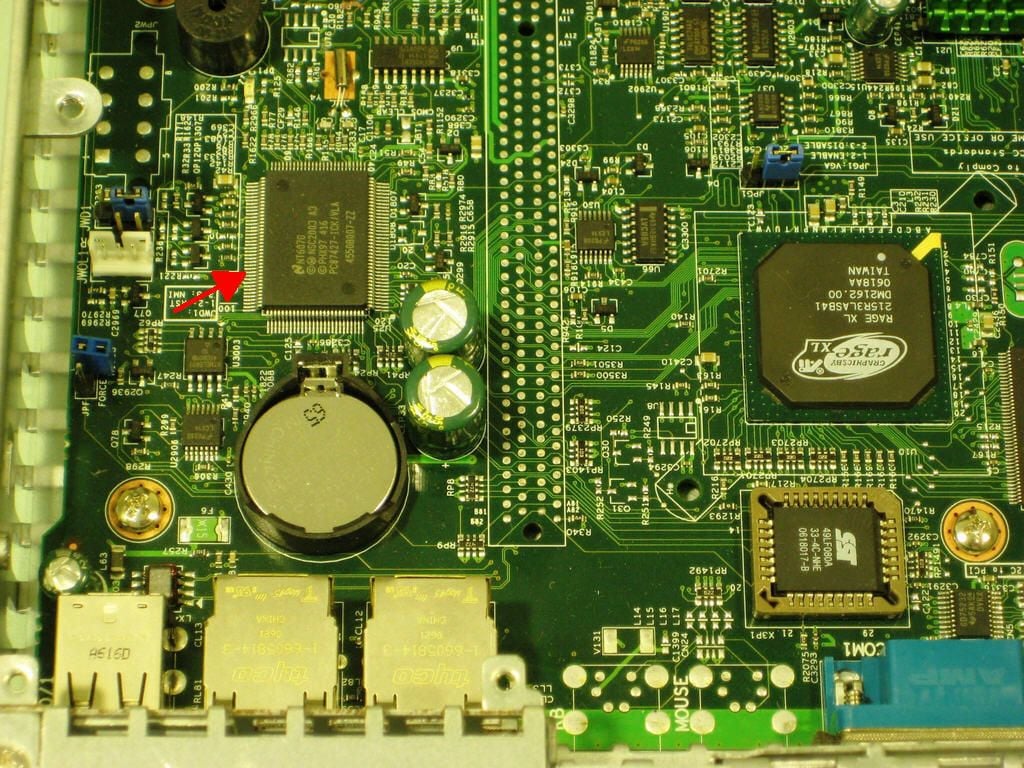
The chip marked with the arrow in this photo is listed as a transistor. My assumption that is has to do with the clock cycles, but I would welcome any additional input.
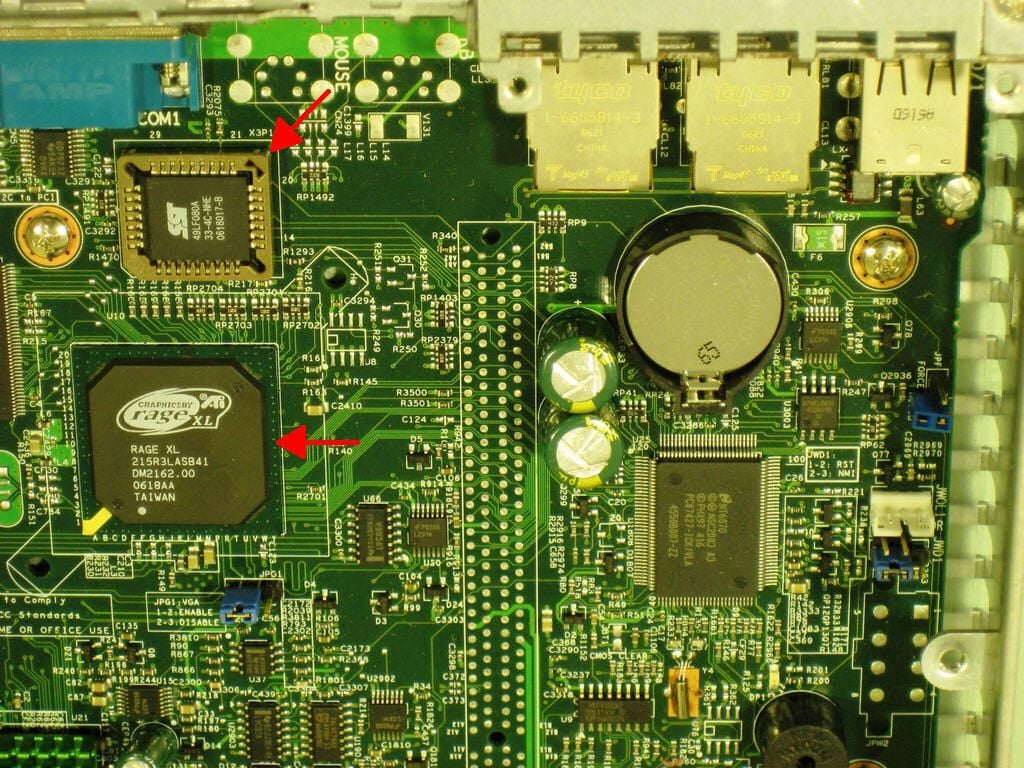
Flipping the previous image 180 degrees gives us a better look at the chips. One of the chips marked with the arrow is an 8 Mbit LPC Flash Memory chip that acts as the Firmware Hub for the Snap Server. The ATI Rage XL chip is the graphics controller. Since this is a server, only basic graphic capabilities are required.
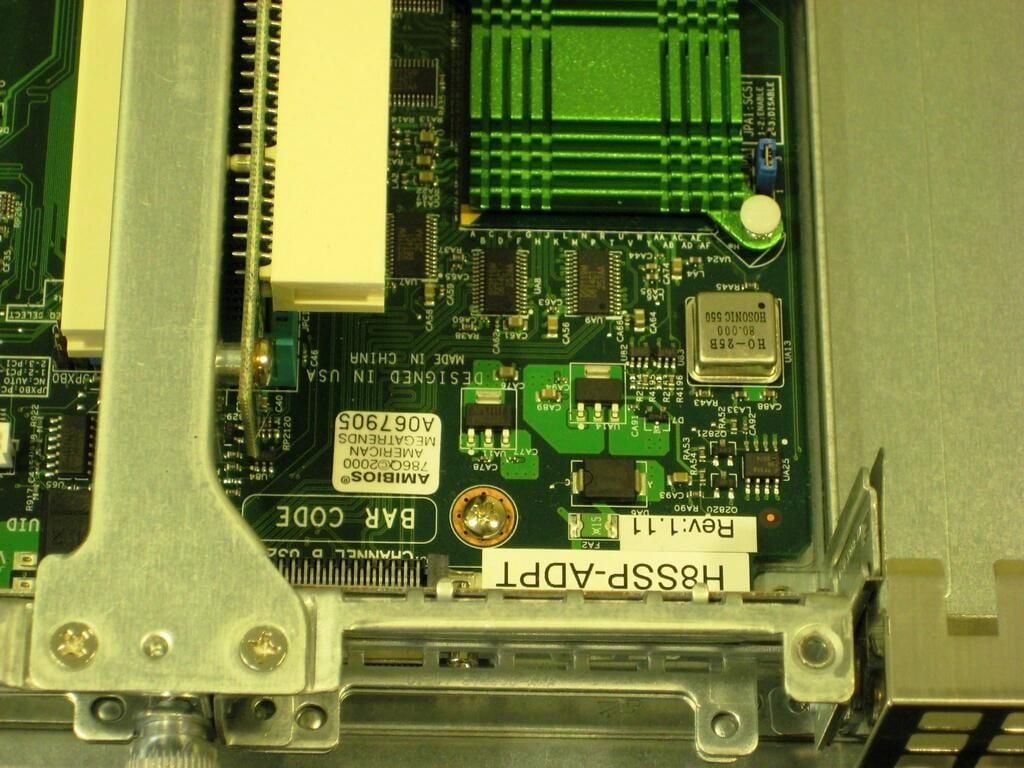
This section of the motherboard houses some of the BIOS components.
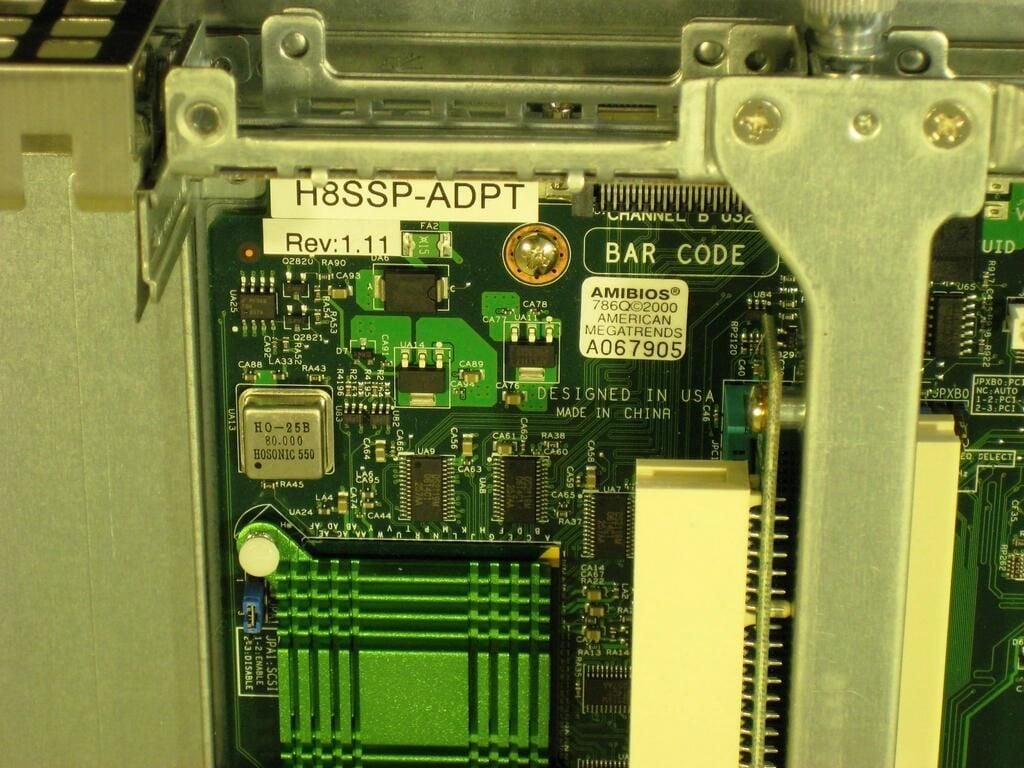
As you can see the BIOS is made by American Megatrends.
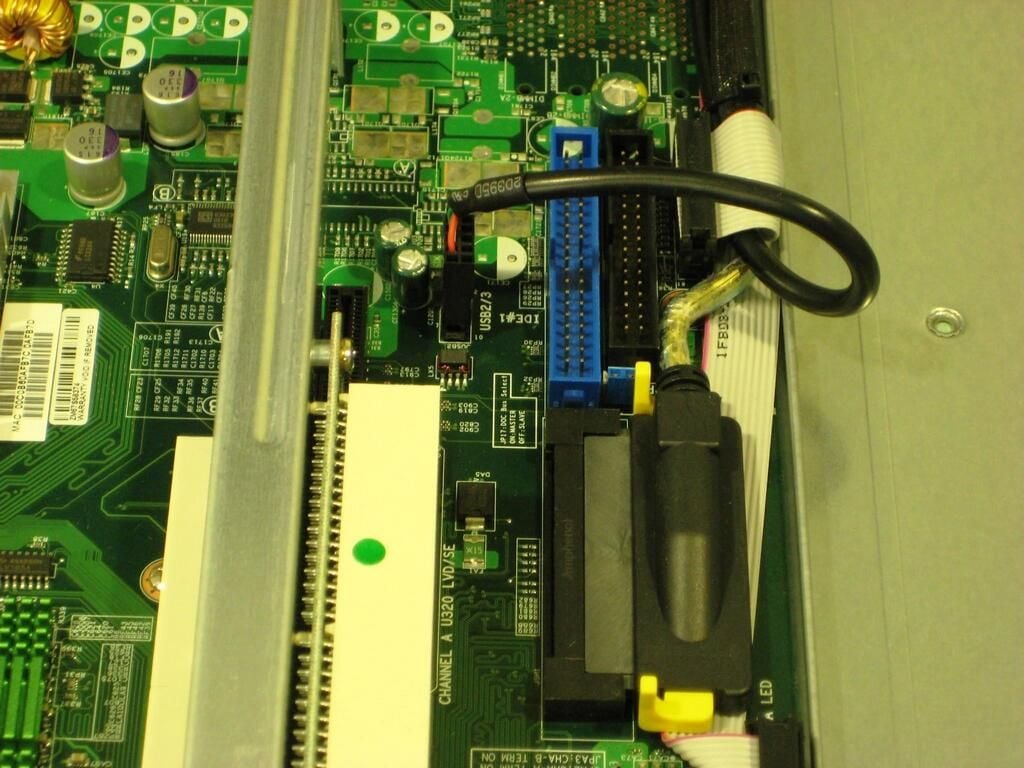
Here we get a close look at the IDE and SATA drive connections.
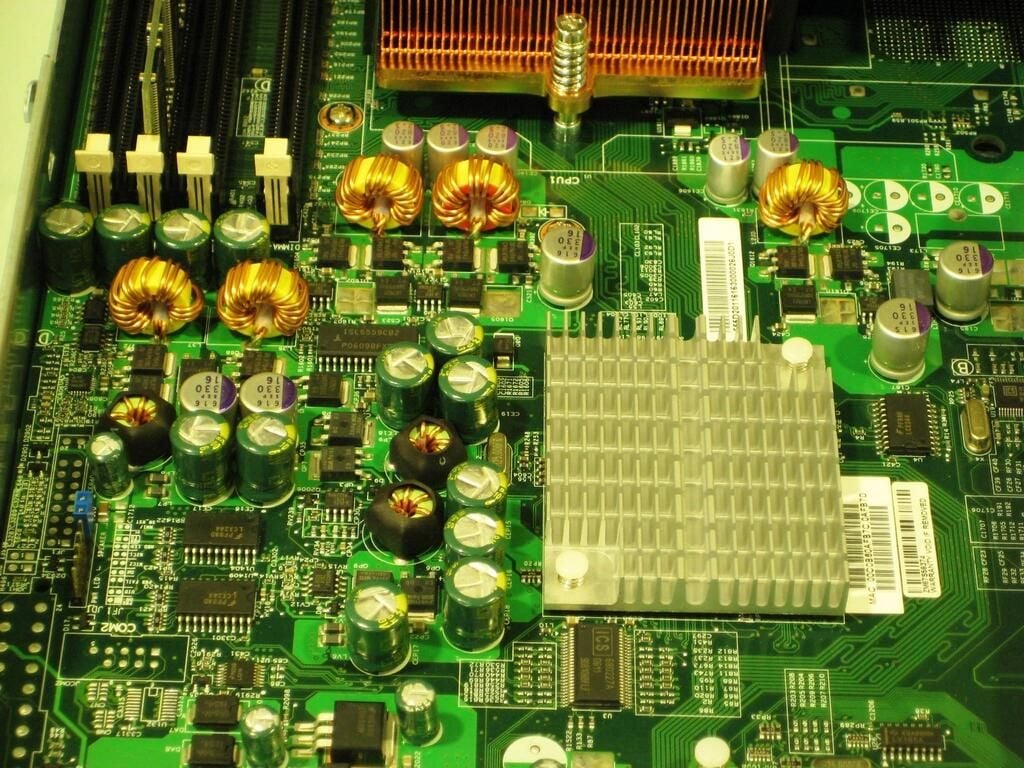
I could use some confirmation from the experts out there. I am thinking the chips under the silver heat sink are Gigabit Ethernet controllers. What do you think?
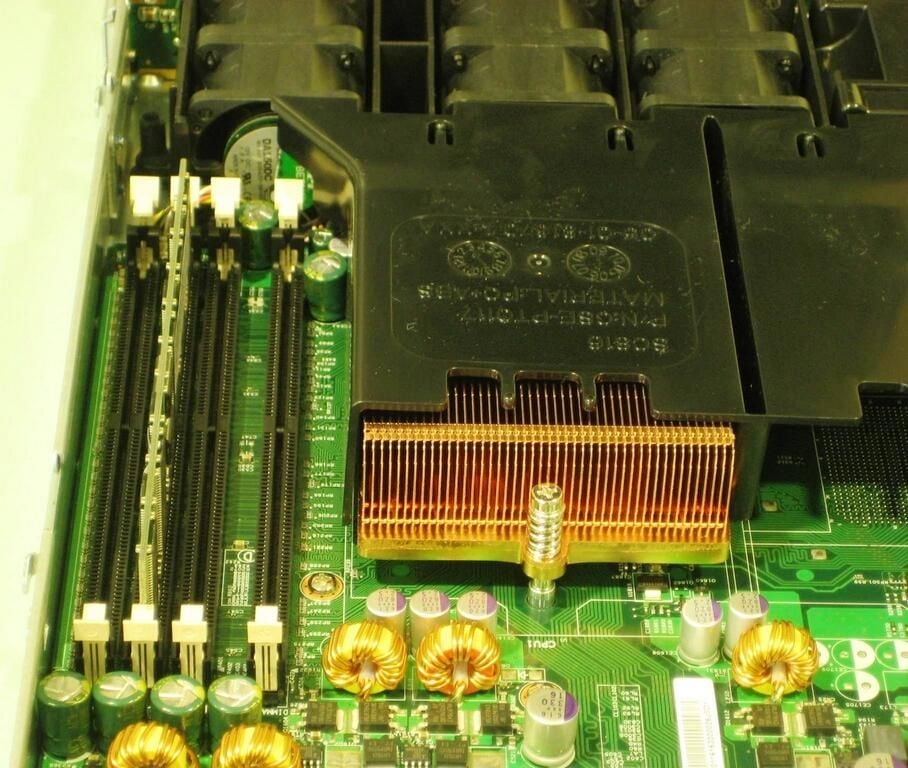
Here we get our first good look at the heat sink that sits on top of our CPU.
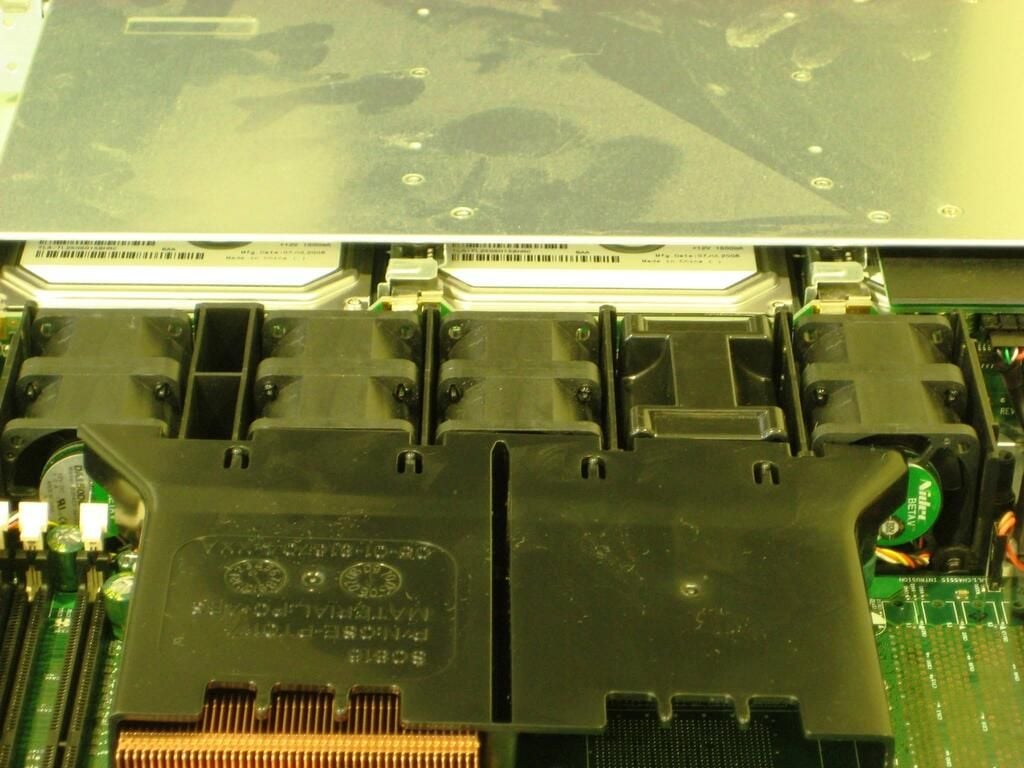
There are 10 fans lined up side-by-side. Servers work hard and it is important to dissipate as much heat as possible.
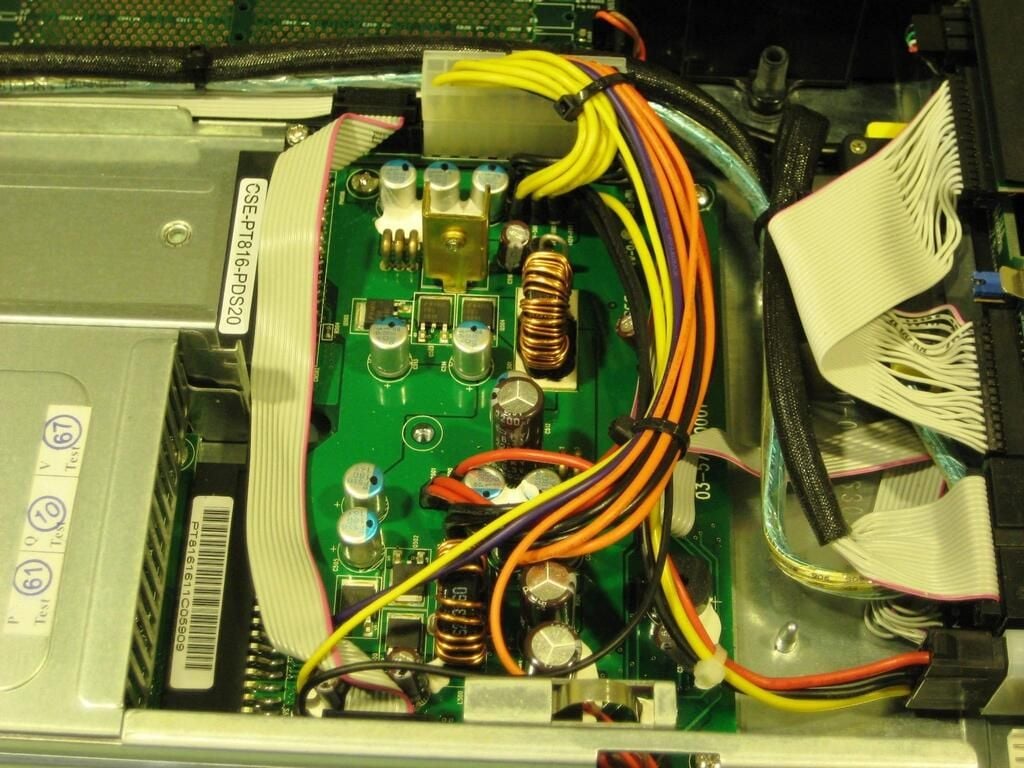
Not only does this section of the Snap Server control power from one supply, it also must monitor for a second power supply.
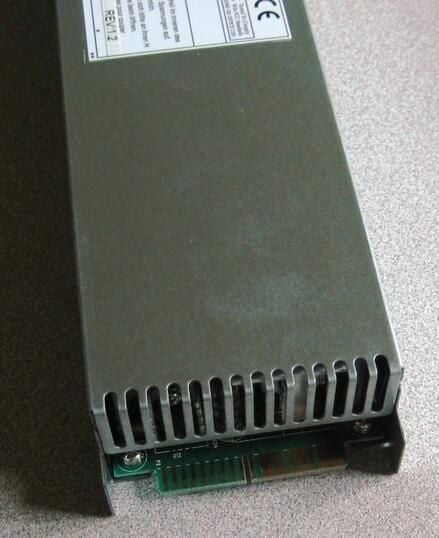
The edge connections makes the process easy.
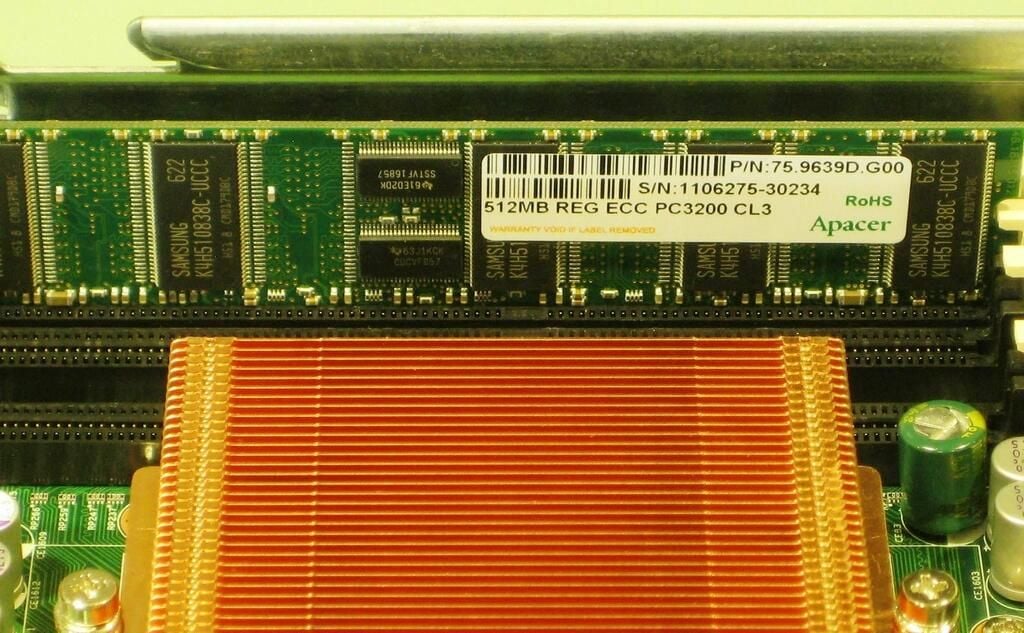
Adaptec ships the Snap Server 520 with 512MB of RAM, but with three more slots, the amount of memory can be upgraded as necessary.
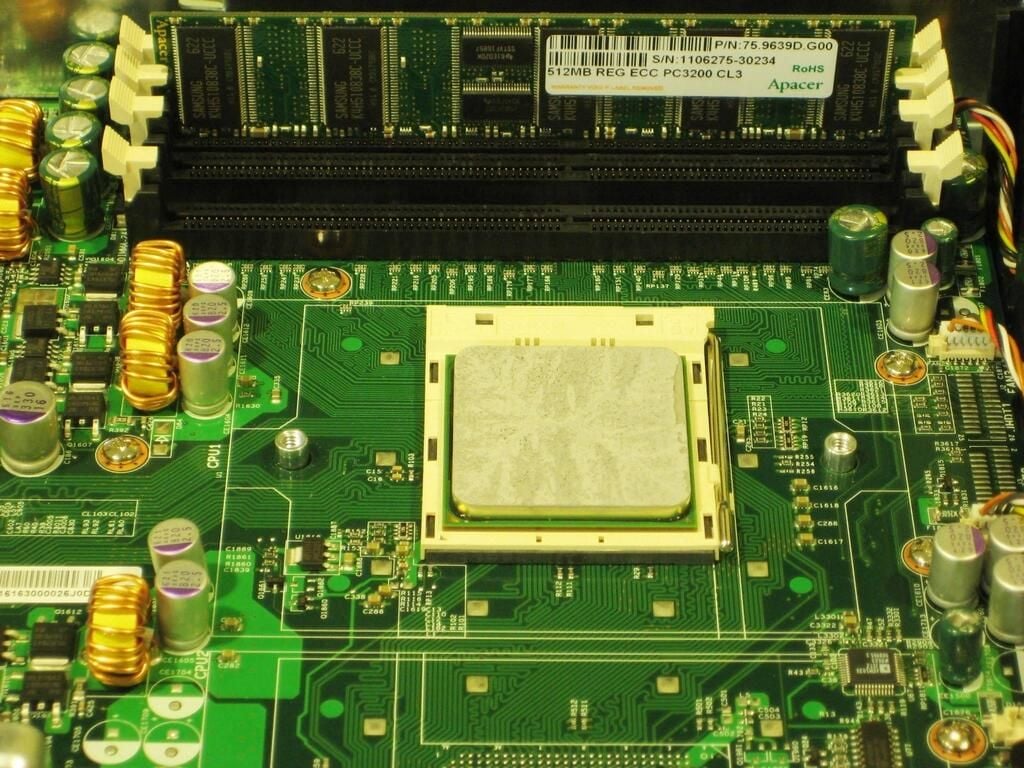
Removing the heat sink reveals a chip with a ton of thermal paste on it.
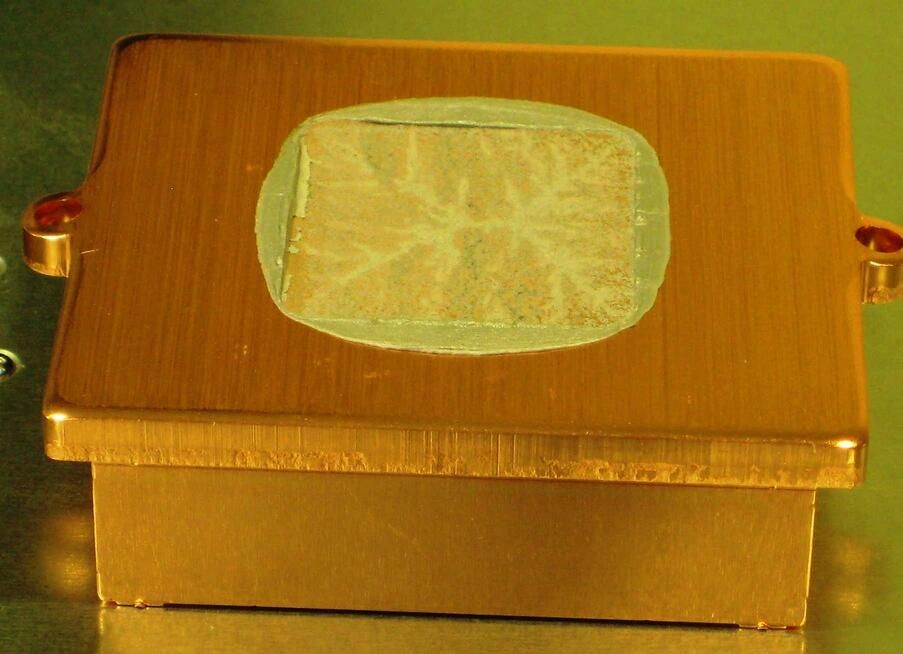
I know the AMD CPU chips run notoriously hot, but does it really need all this thermal paste?
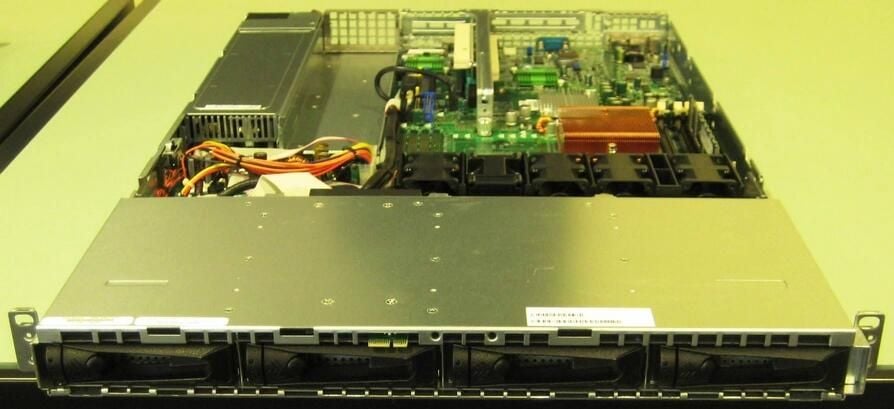
Removing the front faceplate reveals a bank of four hard drives.
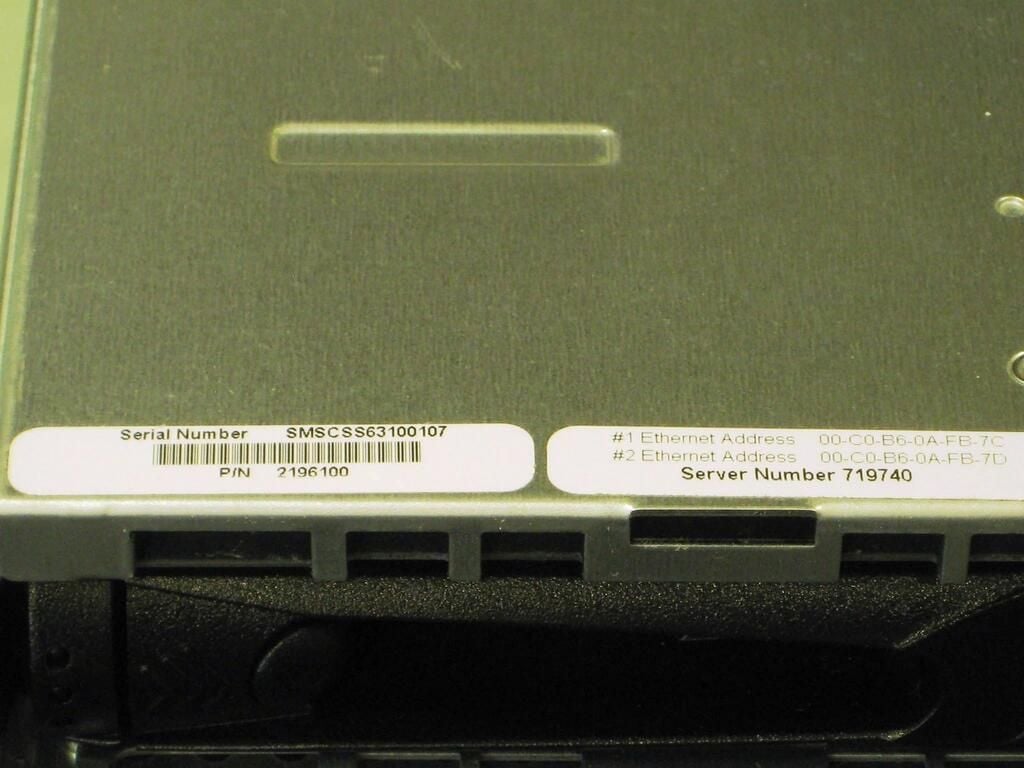
Simply pull the lever and out slides the hard drive.
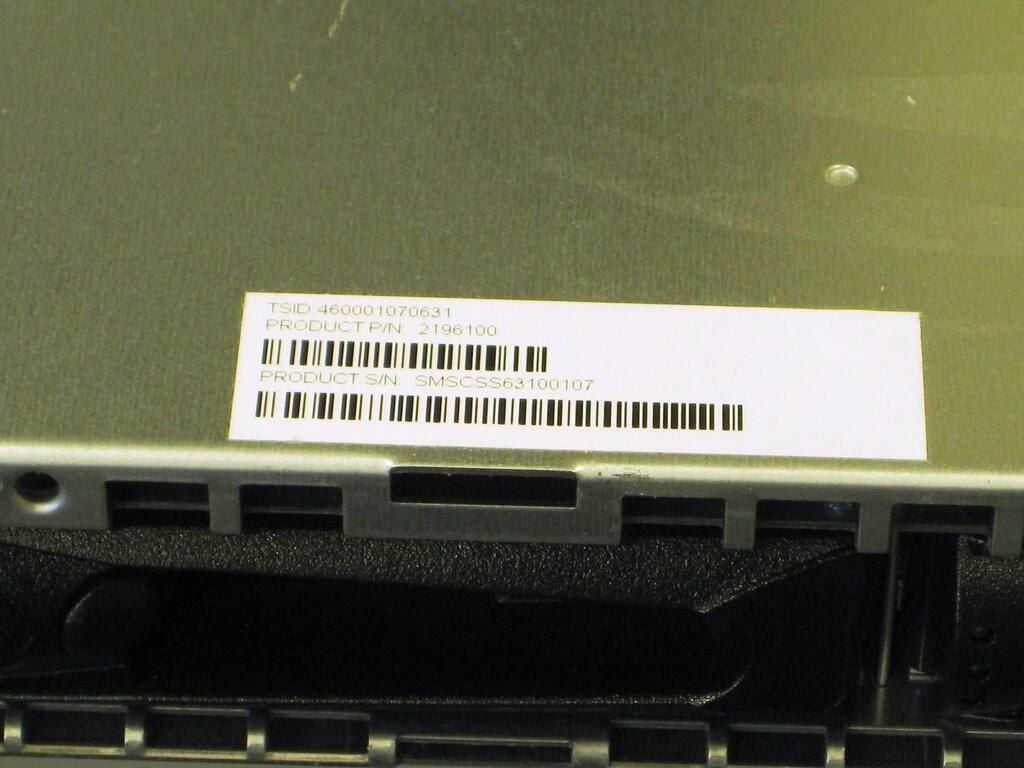
A few of the more pertinent serial numbers.
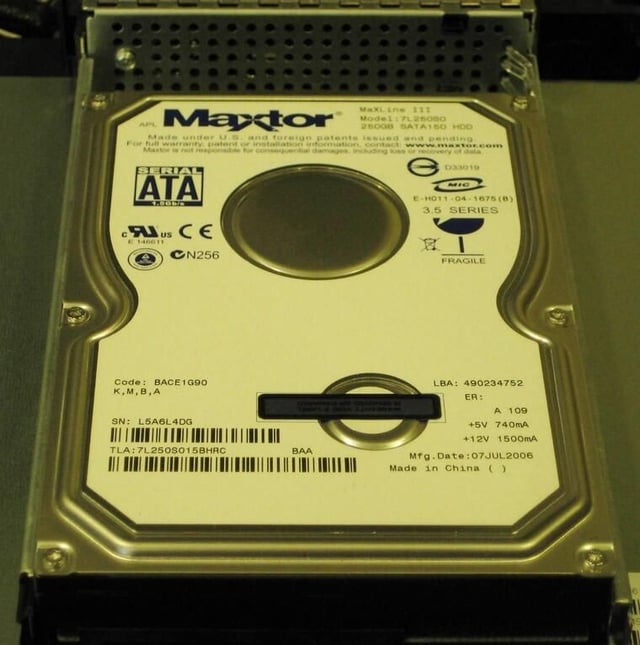
Our Snap Server 520 shipped with four 250GB Maxtor SATA hard drives.
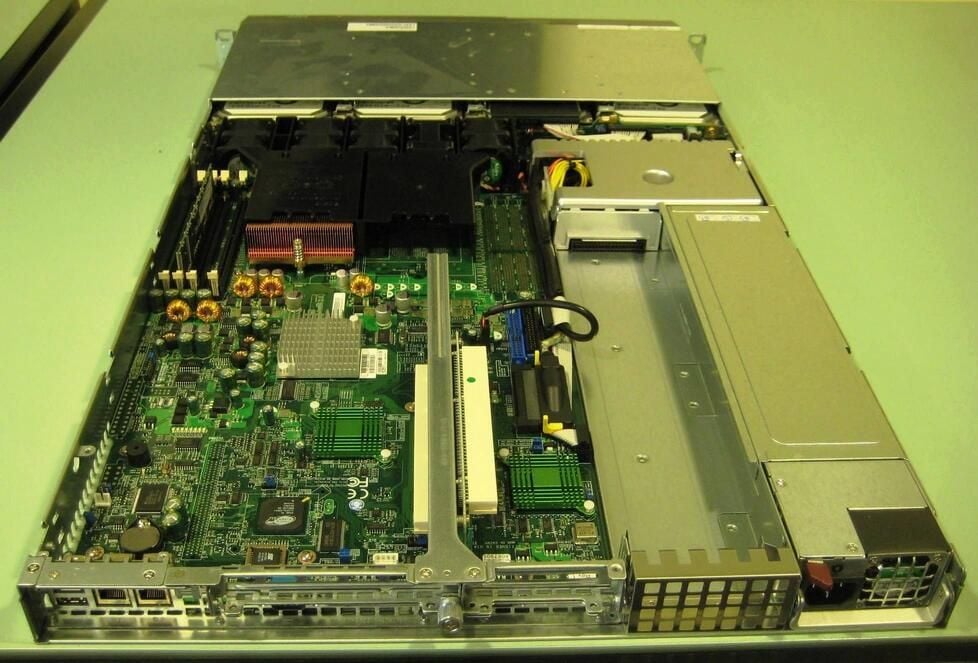
The Adaptec Snap Server 520 is your basic standard rack mountable server. According to plan, there is very little wasted space to be found inside the case.

Mark W. Kaelin has been writing and editing stories about the information technology industry, software, hardware, gaming, finance, accounting, and technology geekdom for more than 30 years.


