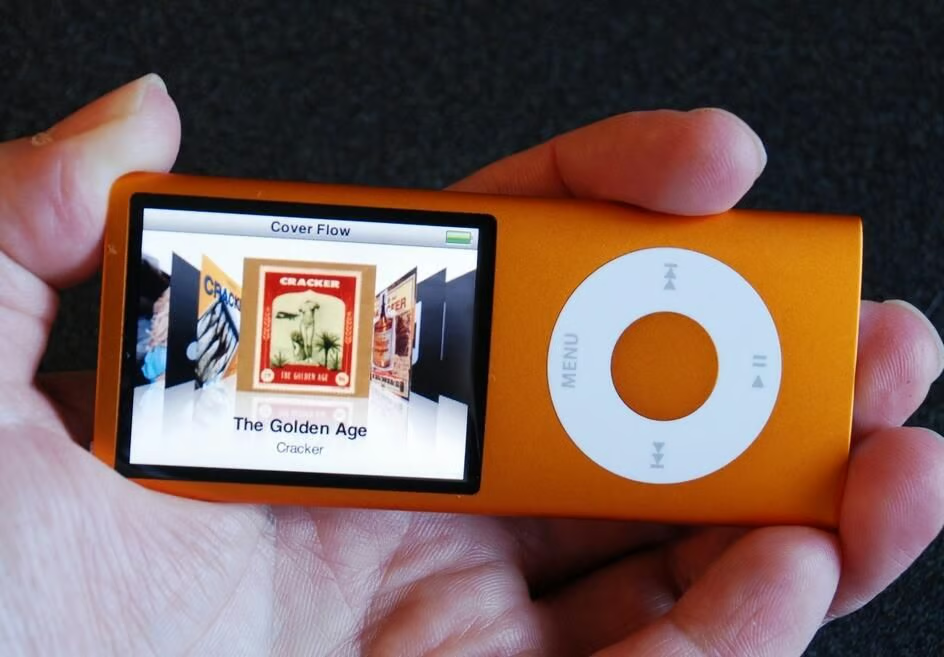
Cracking Open iPod’s from Apple is not for the faint of heart. We had already lost one iPod Nano to the Cracking Open process. Did the fourth generation iPod Nano survive our prying?The fourth generation iPod Nano from Apple is taller and thinner than the previous generation. The media player is also well built and difficult to crack open, but that didn’t stop us from trying — even if it meant sacrificing the device’s ability to operate.
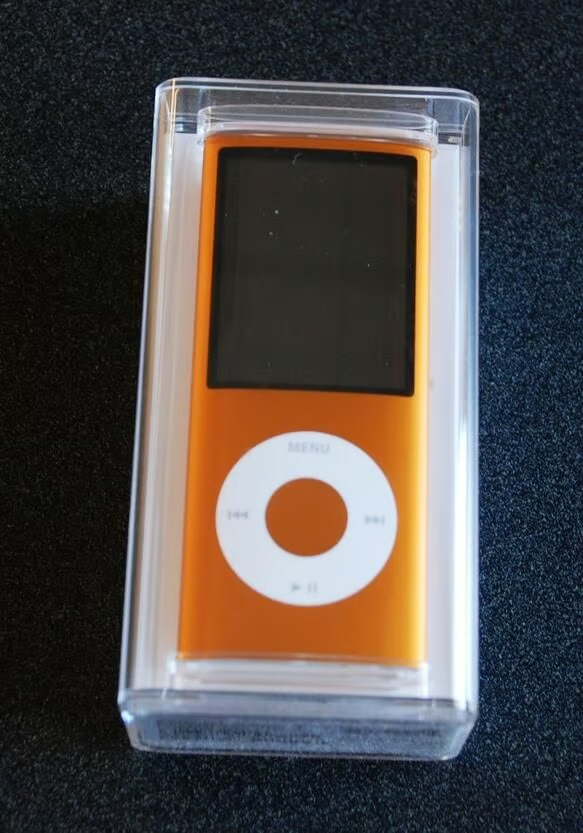
As with other Apple IPod’s, the Nano comes in a jewel case so you can marvel at its cool design.
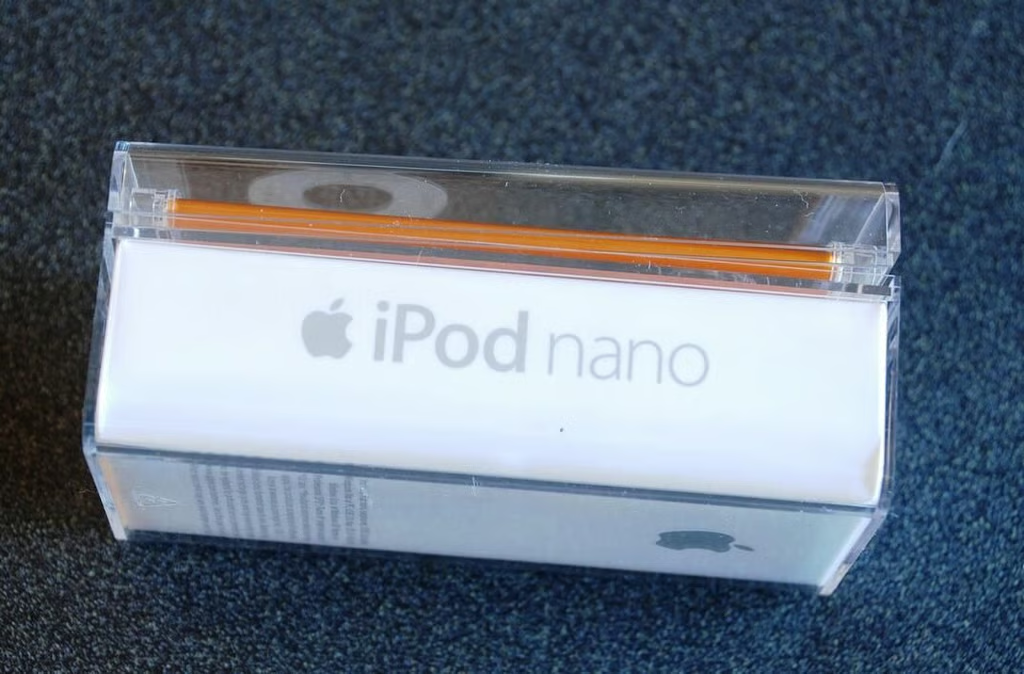
I generally like the iPod Nano line of media players from Apple – simple, sturdy, stylish, and reasonably priced.
I would really like to have a working iPod after this Cracking Open.
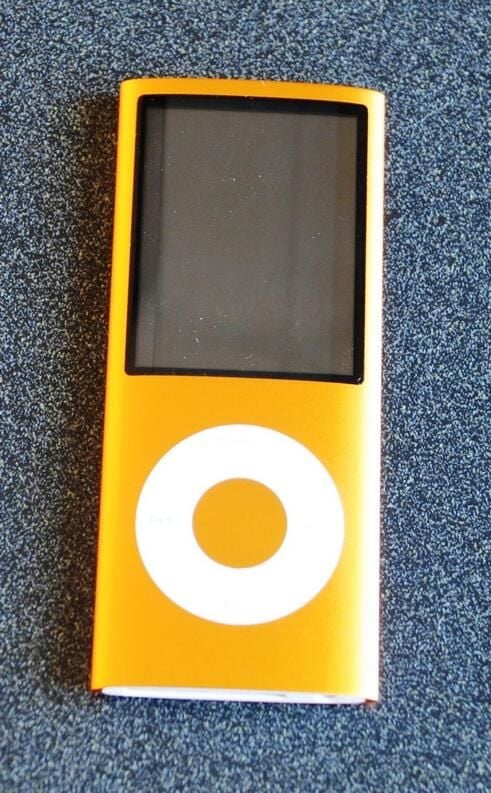
The 4th generation iPod Nano has rounded edges giving it an elliptical shape.
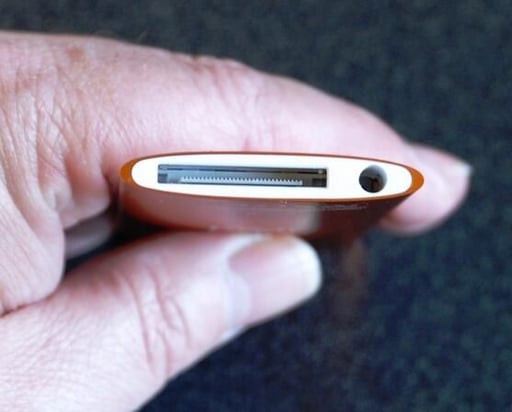
This generation of the iPod Nano is very thin. Even with my smallish hands it seem to be a little too thin. I think a sleeve is definitely in order for owners of this version of the Nano.
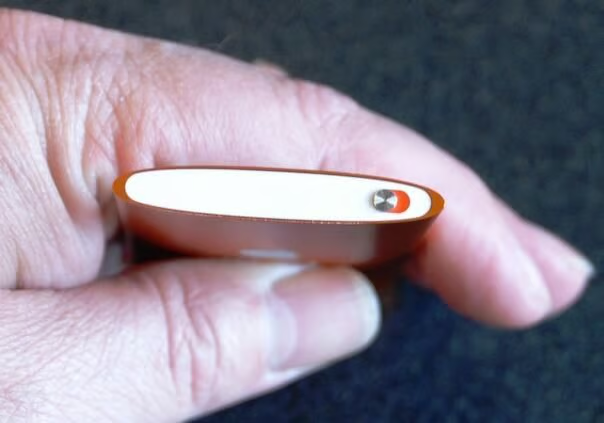
Like the iPod Shuffle which I have been using for years now, the iPod Nano is simplicity itself. Turn it on, push play, and enjoy.
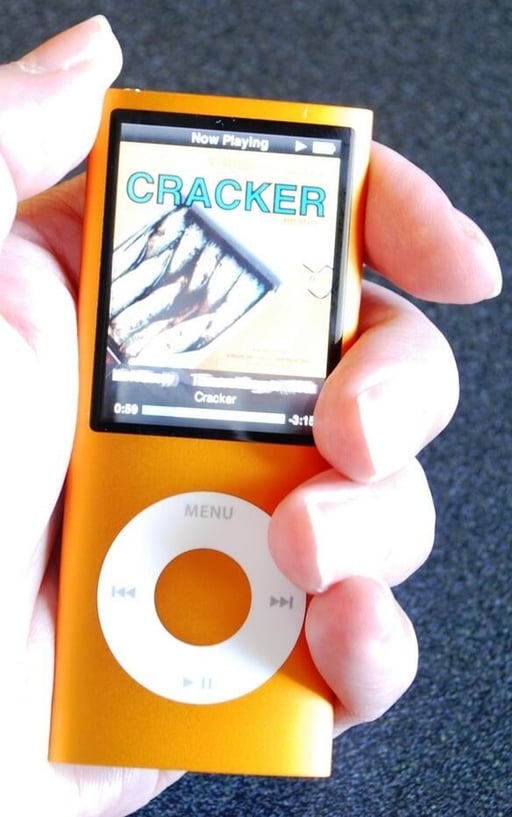
The 4th generation iPod Nano was a fraction too thin for my taste. I felt like I was dropping it. A protective sleeve would probably do the trick. The 8GB version here holds about 1600 songs from my music library.
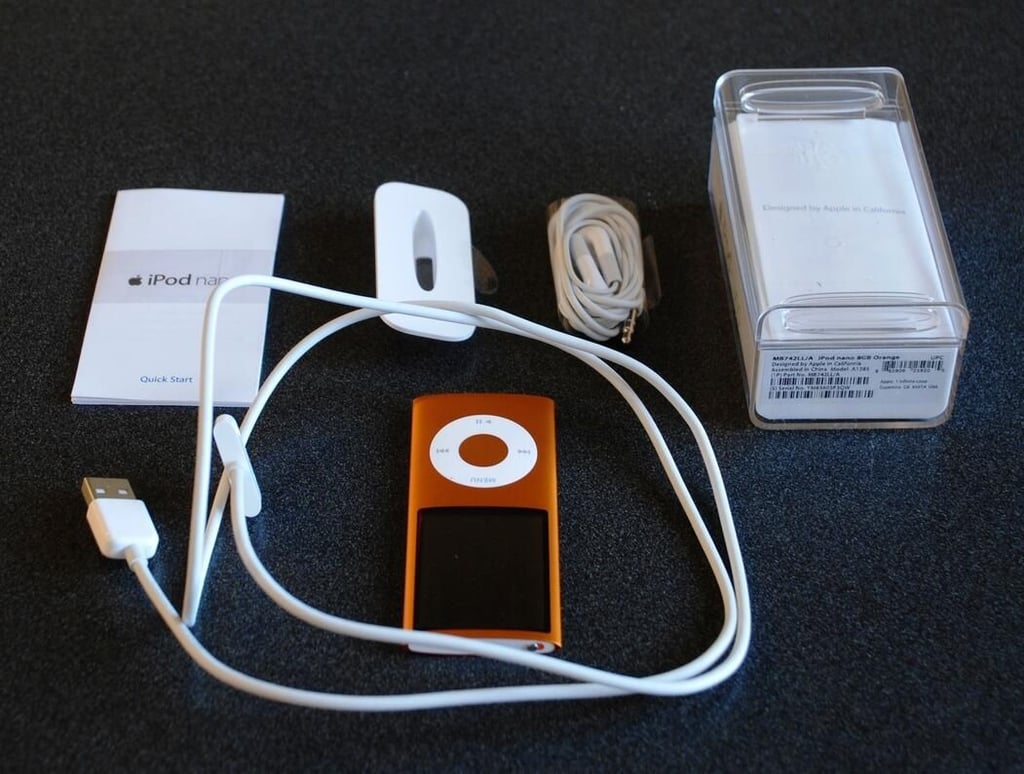
Here is what else comes in the iPod Nano box. I never use ear buds, but some people love them.
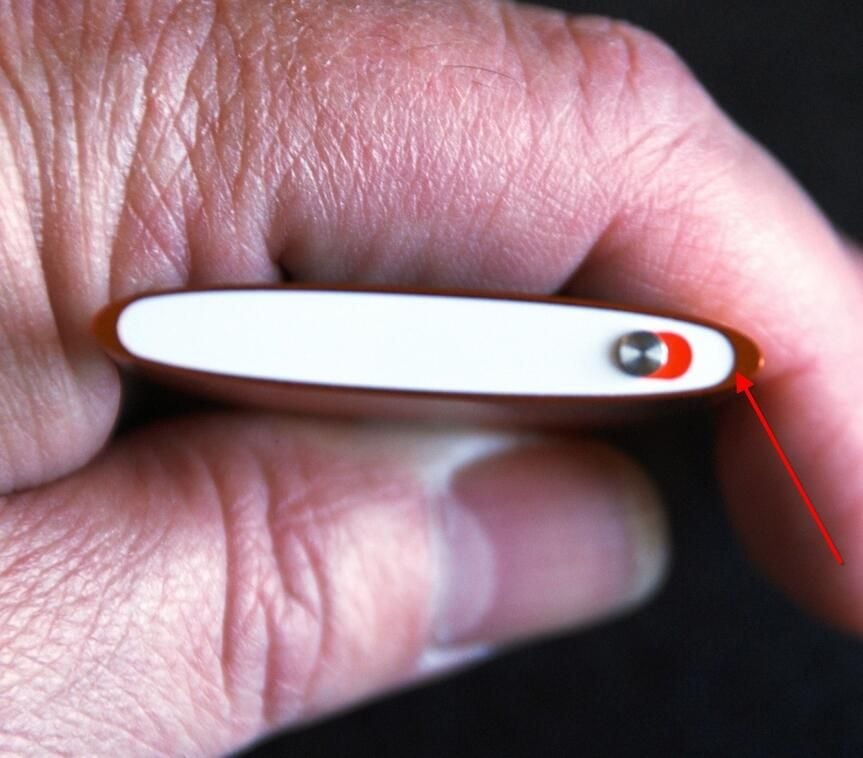
We start the Cracking Open process on the top end near the switch. (See the red arrow)
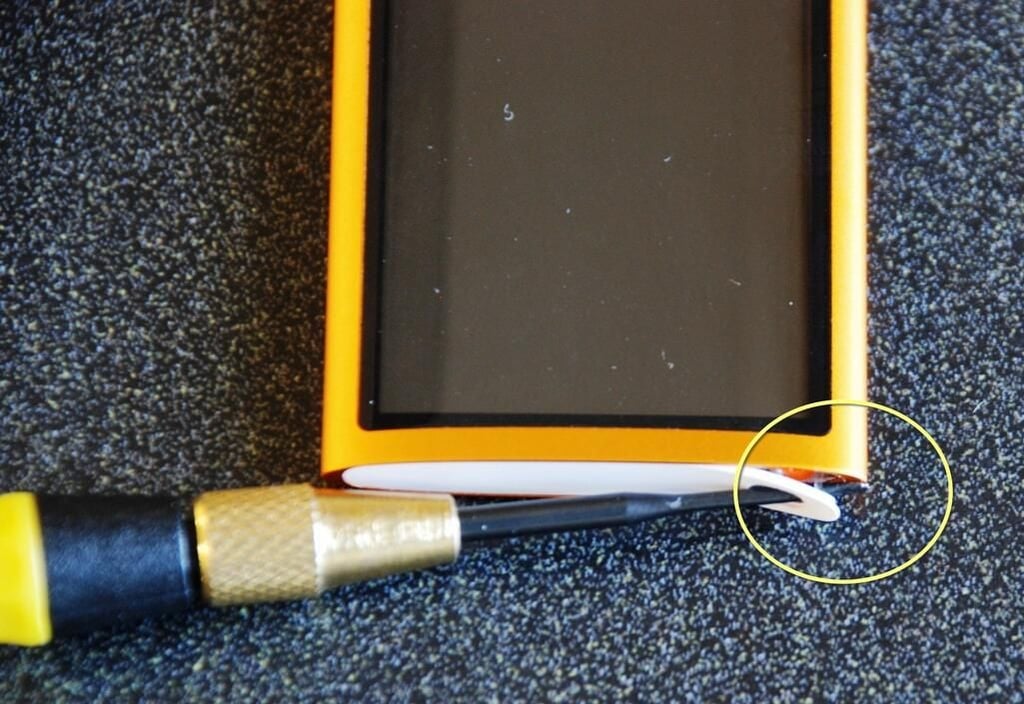
A precision flat head screwdriver is all we need to gently separate the plastic cover from the end of the iPod Nano.
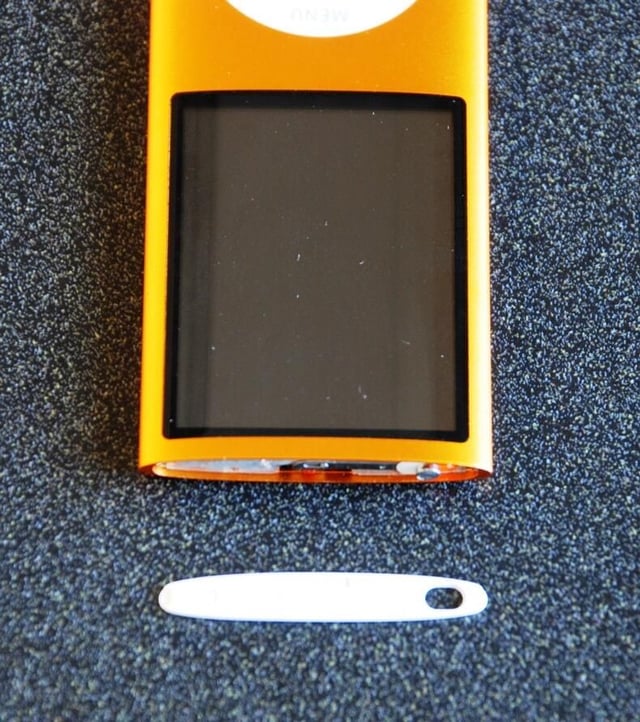
Well that part was easy. The plastic piece pulled right off. Putting it back in place may pose a problem, but we’ll think about that later.
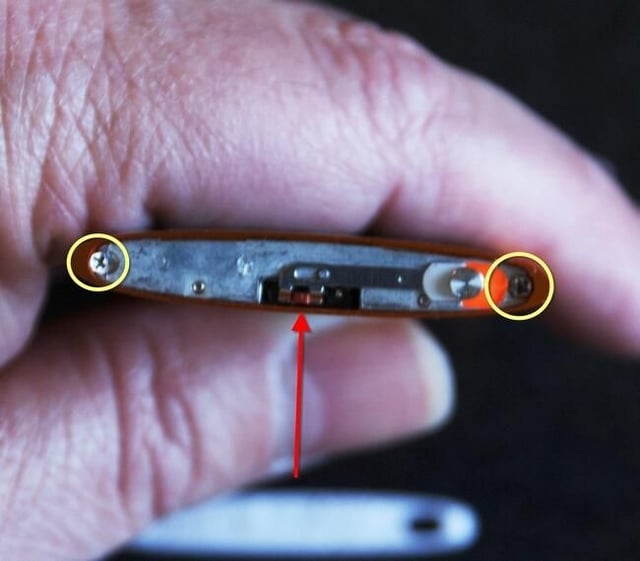
The top of the iPod Nano has two very small Phillips head screws that we will have to remove.
The switch is really just a mechanical offset for the real switch. An interesting design decision.
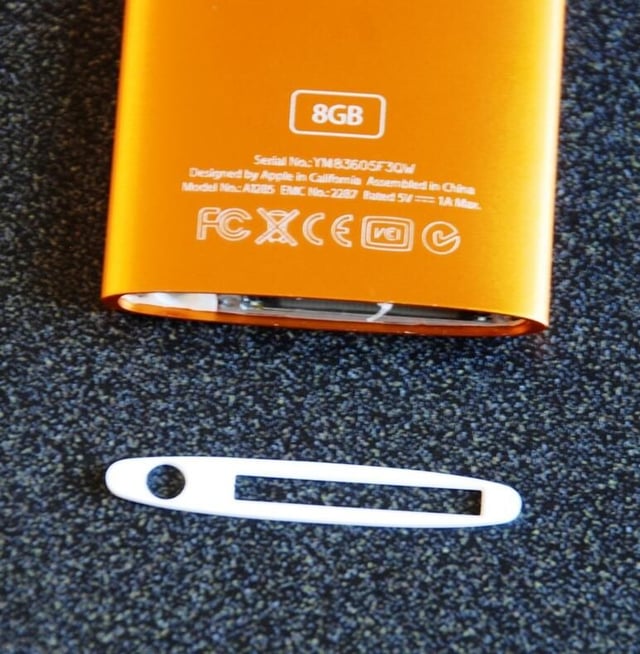
The bottom plastic covers comes off just as easy as the one on the top.
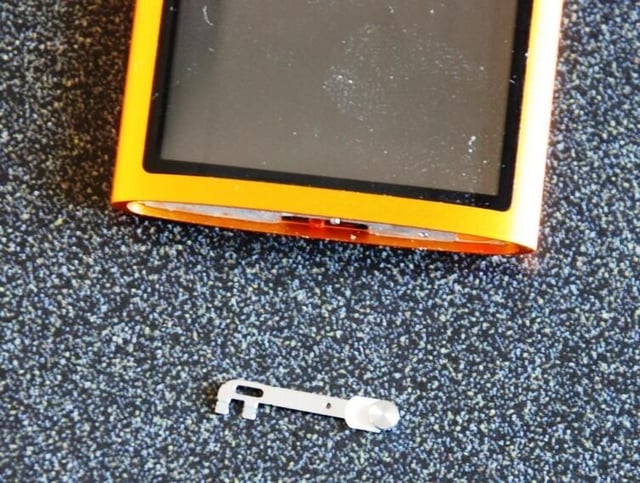
The locking switch on the top of the iPod just pops right off.
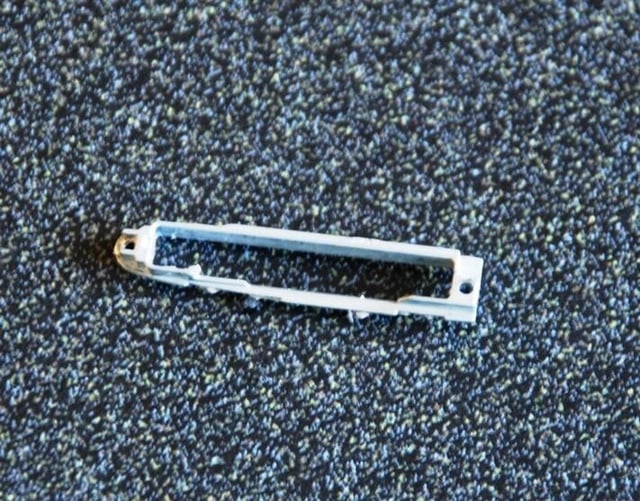
This little plastic piece helped keep the important connection in the bottom of the iPod Nano in place. Now comes the hard part.
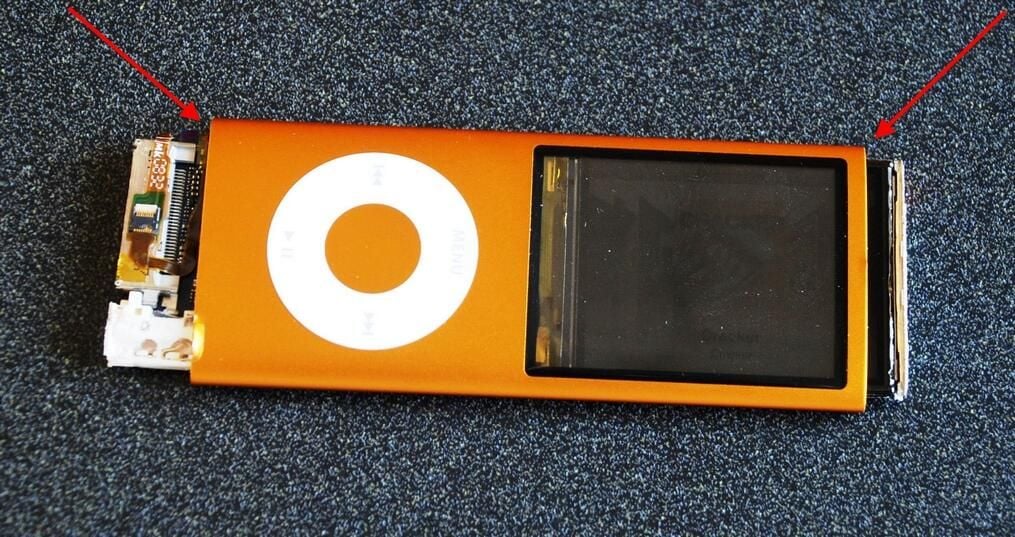
Okay, now we have come to the ultimate Cracking Open problem. Ideally, we should be able to slide the entire insides out one end of the case or the other, but that is not happening.
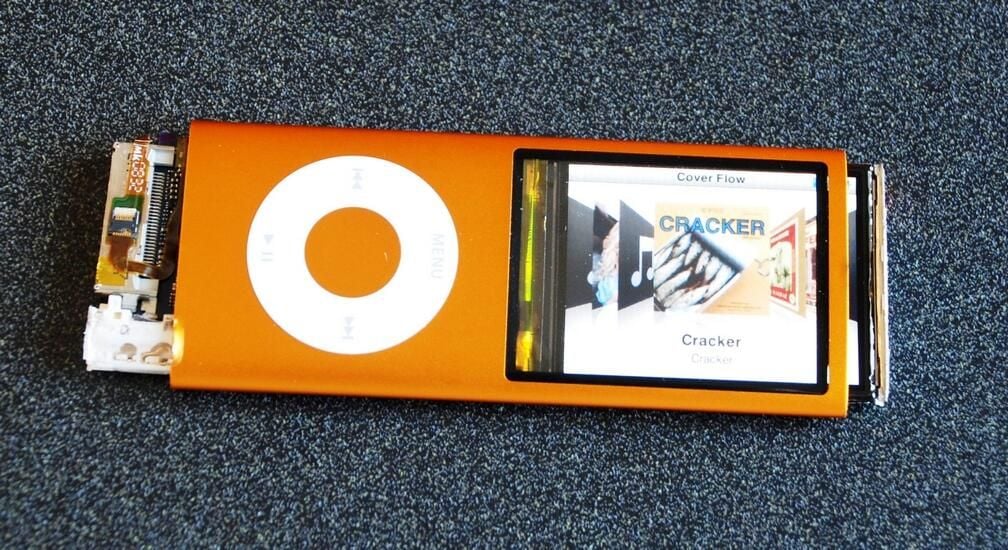
At this point the iPod Nano is still working. I could put it back to the way it was and no one would know the difference. But is this is a TechRepublic Cracking Open we must go on.
Unfortunately, this is the last time this particular iPod Nano was seen alive.
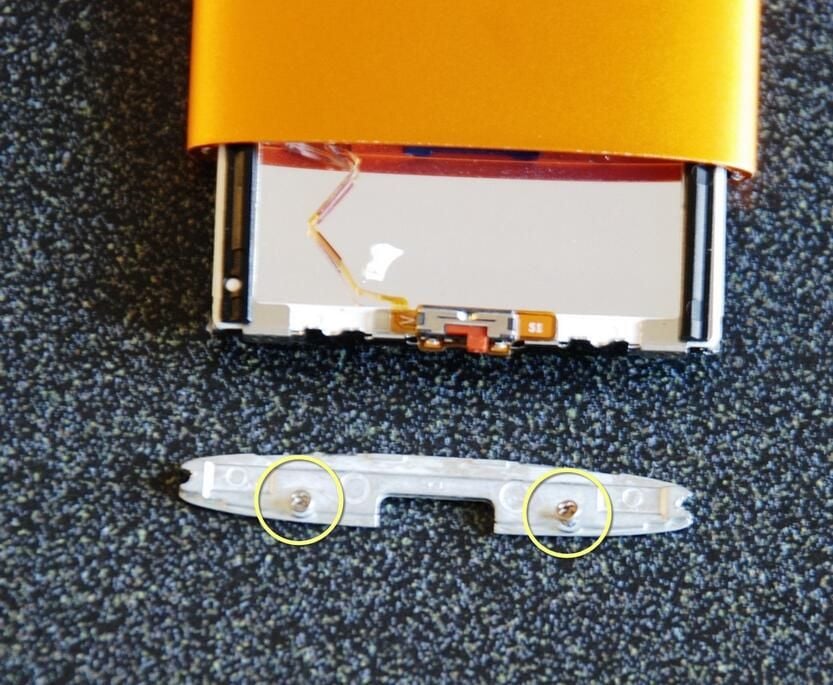
After looking at the problem from every angle and even sleeping on it overnight I was still stuck. I tried removing the end piece of the LCD screen hoping that would allow me to pull all of the parts out of the case from the other end.
Alas, it did not work.
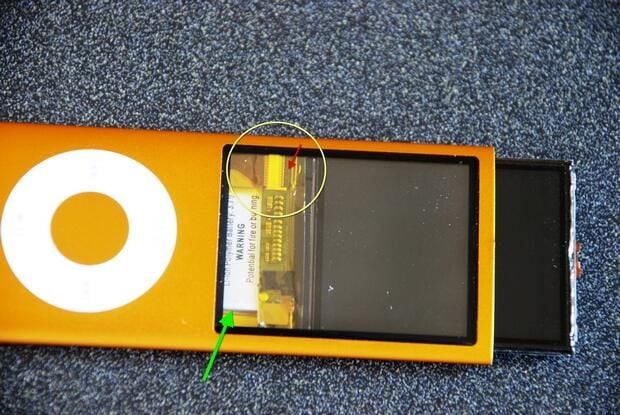
Here is the problem as best as I can show it in these images. The ribbon in the encircled area attaches the LCD screen to the circuit board under the controlling buttons. If there were someway to lift the ribbon gate (red arrow) I could remove the LCD and potentially get access to the battery which is the part preventing me from removing the rest of the device from the case.
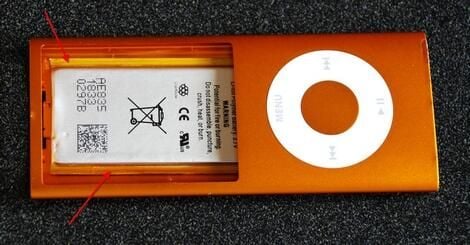
After a half day of wrangling, I had to make the fatal decision. To get access the chips and finish this Cracking Open I was going to have to break the iPod Nano. With steady pulling pressure the problematic ribbon cable broke and gave me access to all of the internal parts.
My apologies to the electronic gadget karma gods.
You can see that the battery is glued to the case.
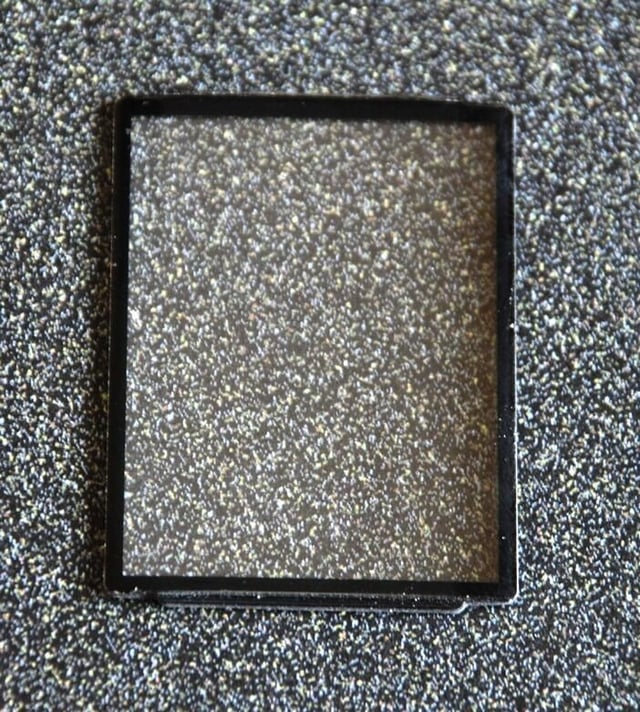
To improve the longevity of the LCD panel, Apple used a glass window at the case level. Oddly enough, the glass was not glued to the case like the battery – it just relied on the pressure of all of the other parts stuffed inside.
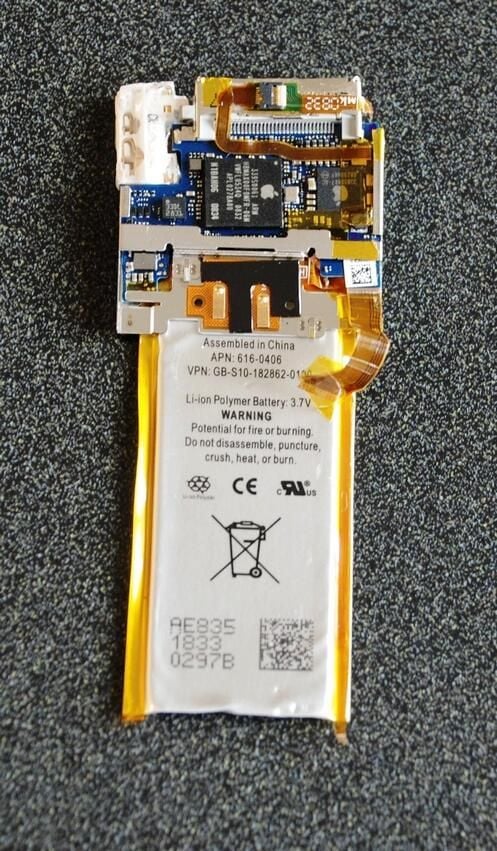
Here is how the circuit board is mounted when inside the case.
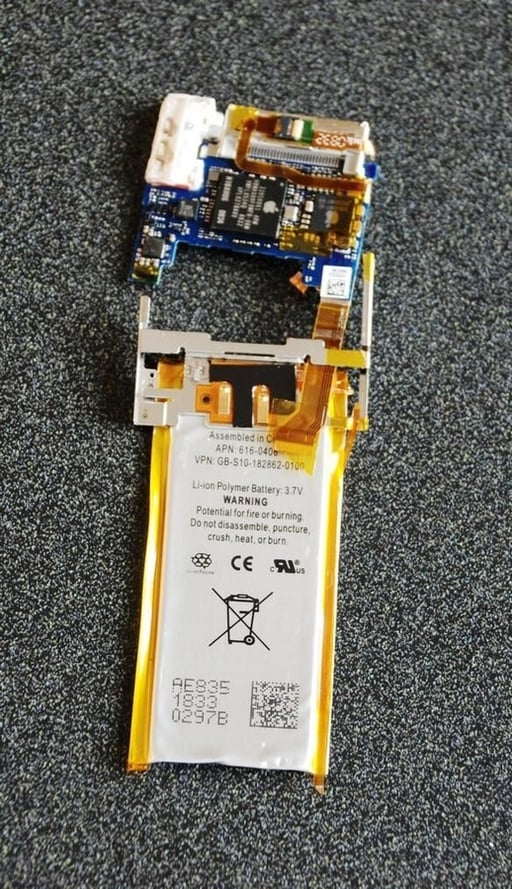
As you can see the ribbon cables were what was tying the curcuit board and LCD to the battery mount. Access to a couple of ribbon cable gates could have saved the Apple iPod Nano from the junk heap.
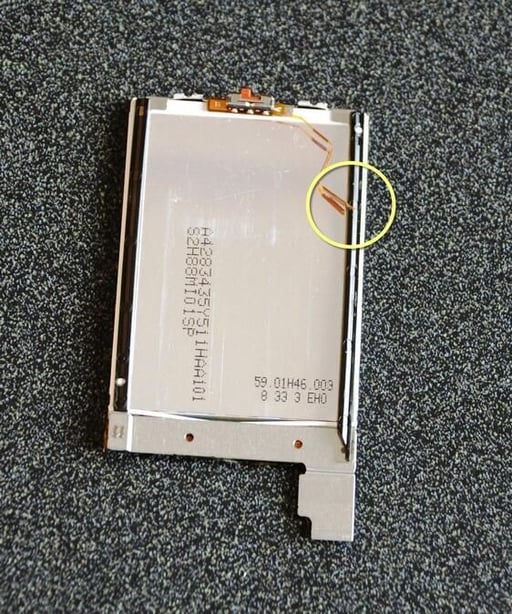
Besides the large ribbon cable connecting the LCD to the rest of the device, there was also this small ribbon cable (yellow) that connected the locking switch.
Yes, indeed, it too is broken.
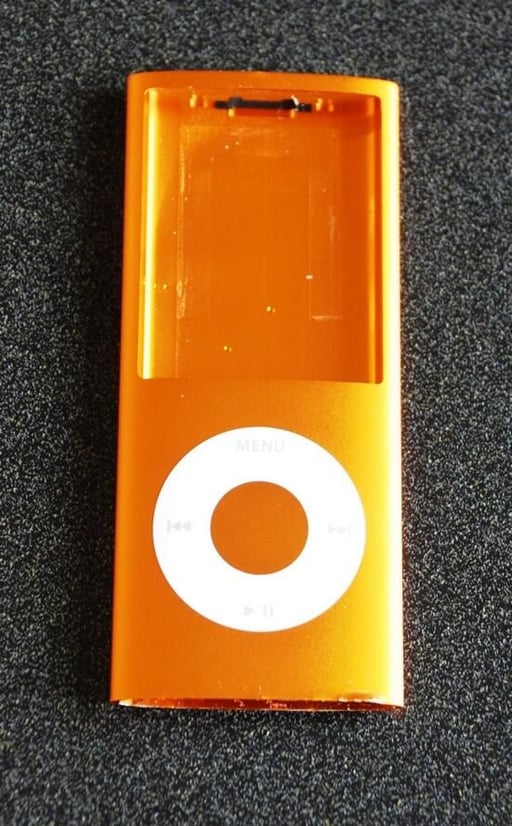
Once the insides are removed, we are left with a single piece case.
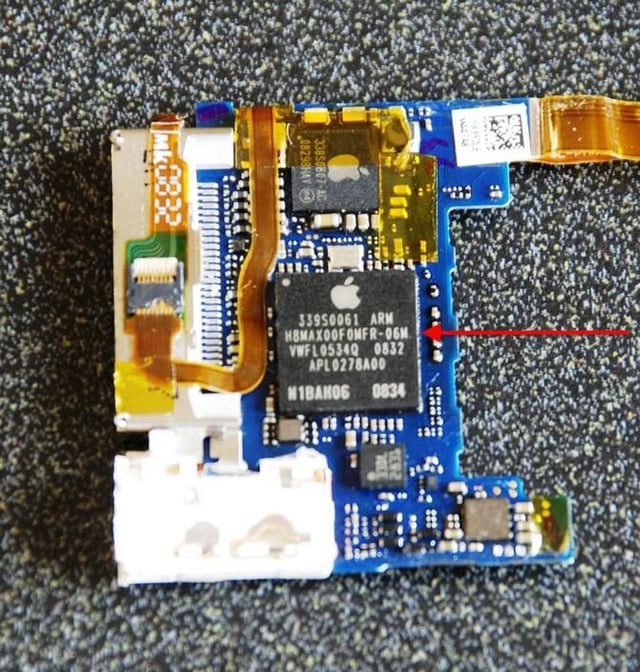
The red arrow is pointing to the main processor, an ARM chip.
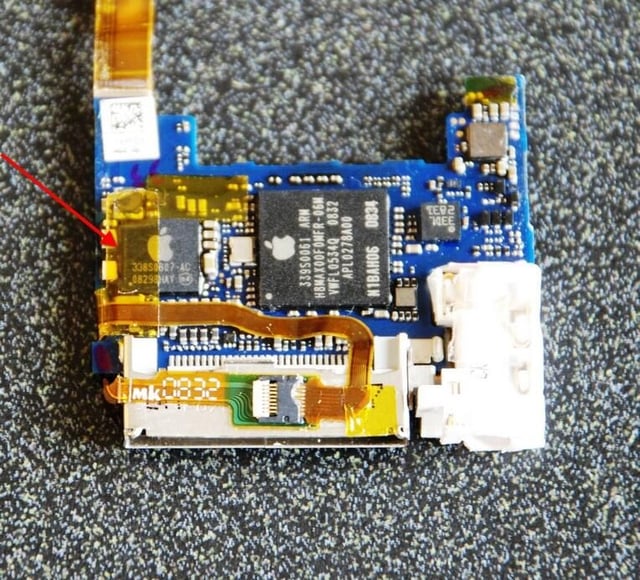
This Apple chip supplements the ARM chip and likely holds the operating system and menu systems. It may also have something to do with display sub system.
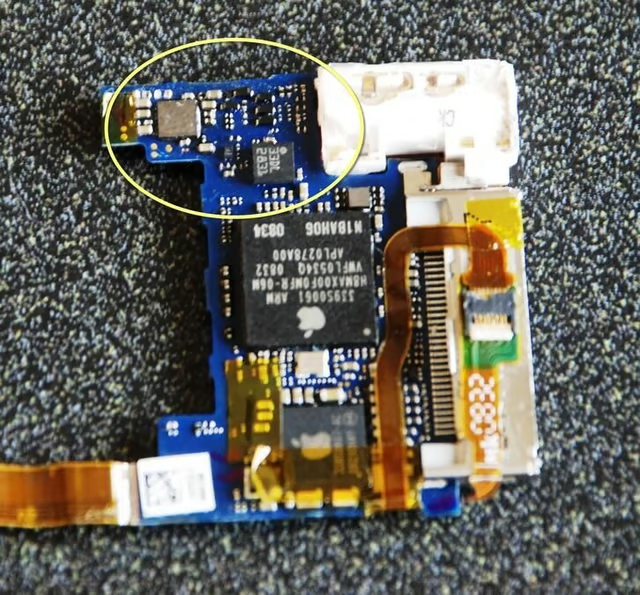
The smaller chips, judging by their location, are most likely chips involved with the production of sound.
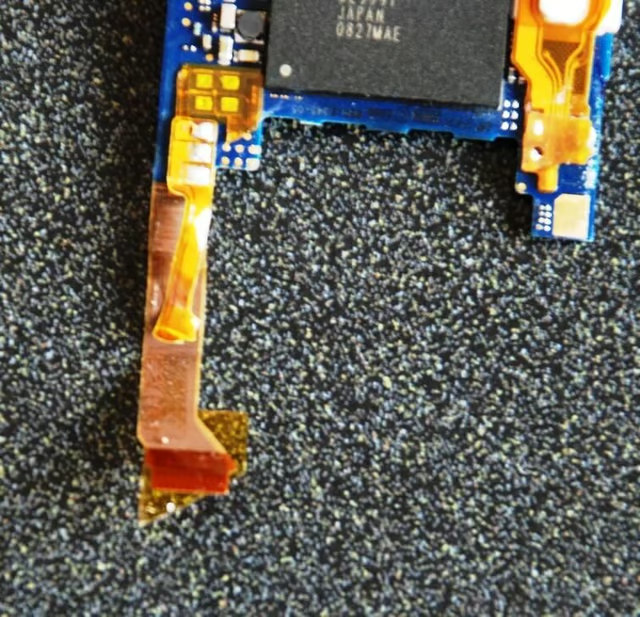
Here is another look at the ribbon cables that were torn apart — again I feel bad about having to break the iPod Nano – but a man’s got to do what a man’s got to do.
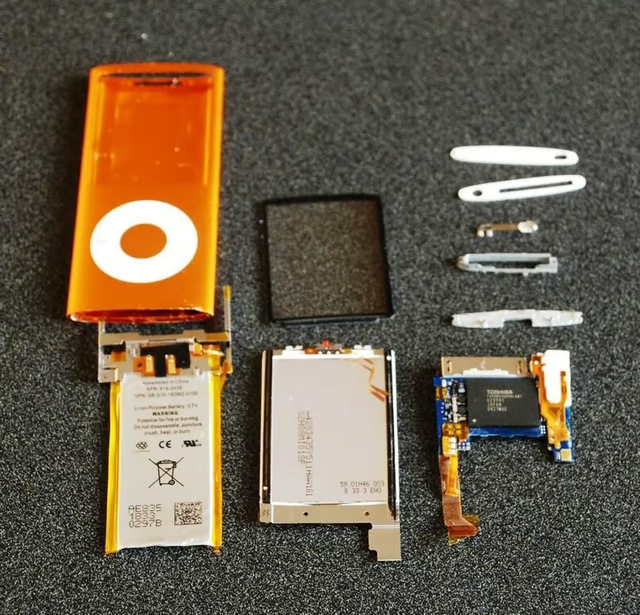
Here is the Apple iPod Nano all Cracked Open. Miniaturization of the electronics has shrunk some fairly powerful audio/visual performance into a very small space.
But once again, I cannot emphasize this enough – do not open your fourth generation iPod and expect it to work. These devices are not designed to be opened ever. Let the death of the TechRepublic Cracking Open iPod be your warning.

Mark W. Kaelin has been writing and editing stories about the information technology industry, software, hardware, gaming, finance, accounting, and technology geekdom for more than 30 years.


