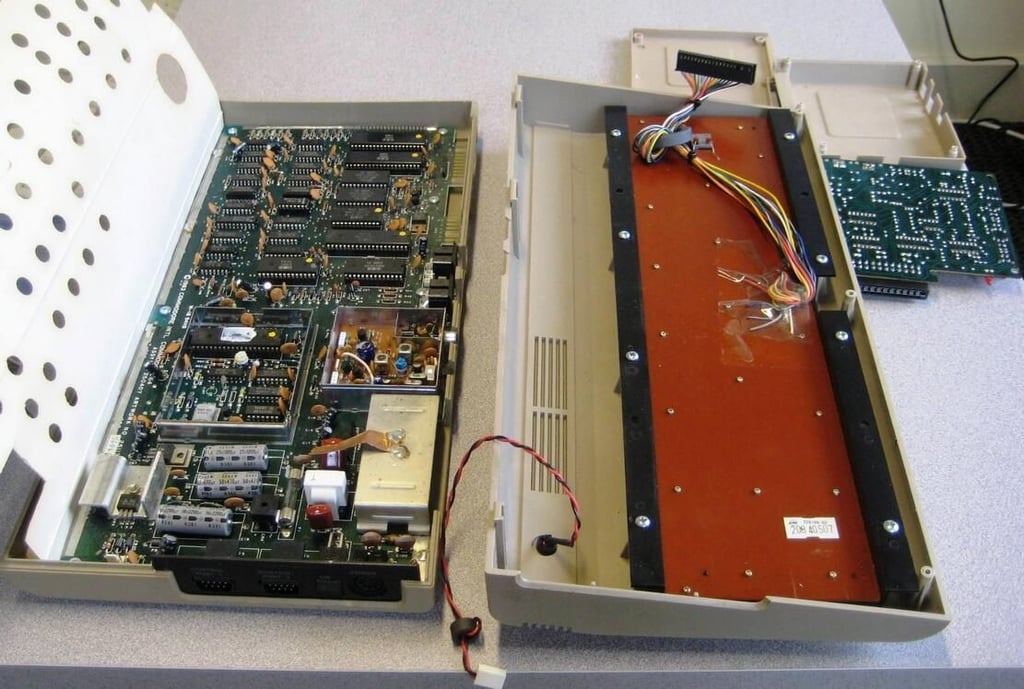
For many of us, the first computer we can remember having was the Commodore 64. For me the Commodore 64 replaced an Intellivision console and I was intrigued by the ability to not only play games but to also connect to an online community via a 300 baud modem. The Commodore 64 was extremely powerful in its day and we can still marvel at the beauty of its simple design in this TechRepublic Cracking Open.
You can get a good look at the Commodore 64 in the TechRepublic First Look photo gallery published earlier.
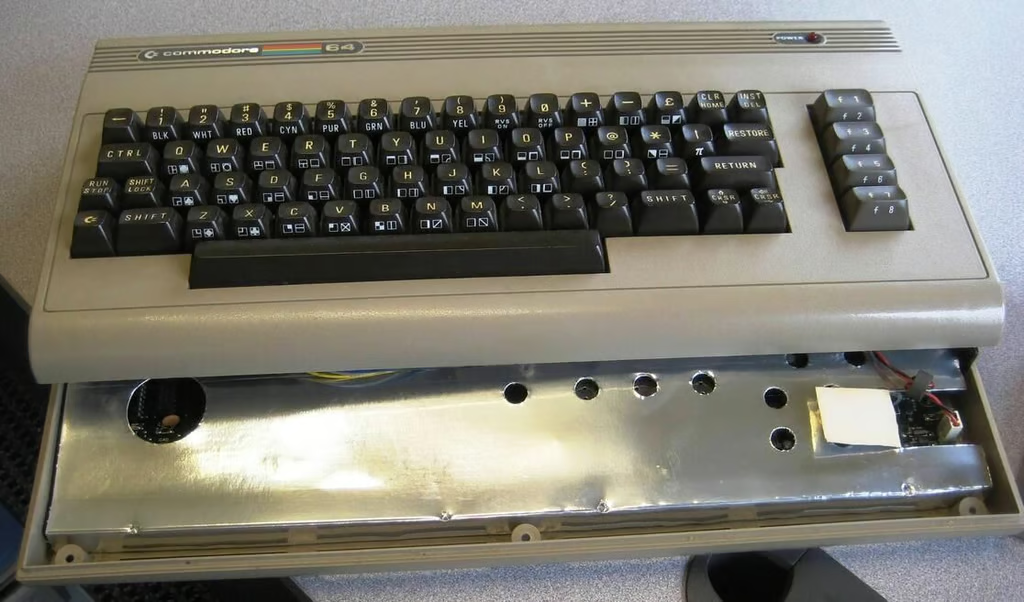
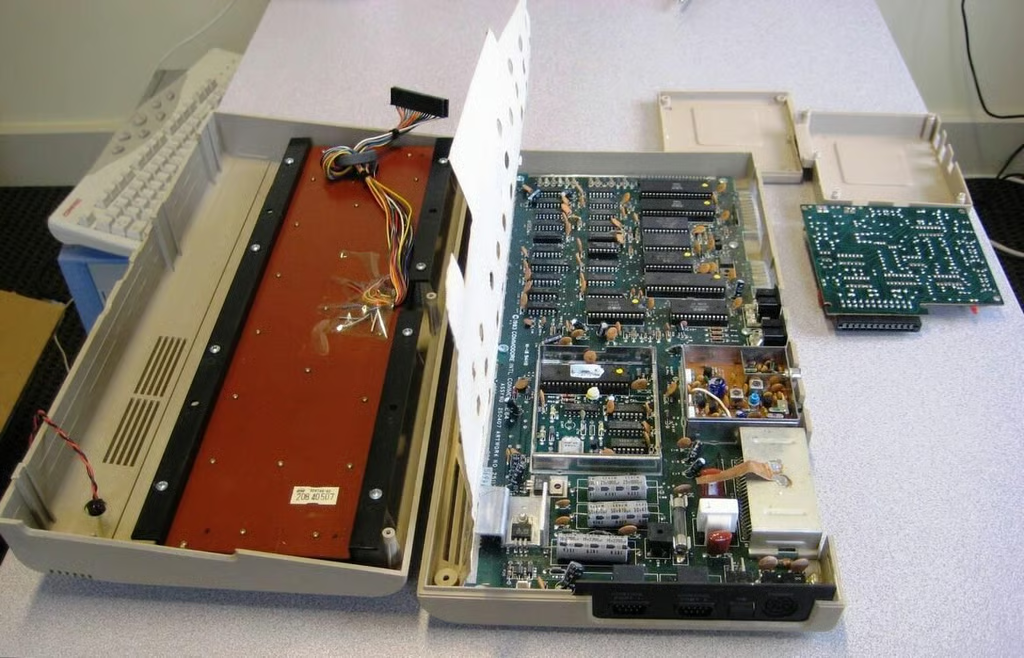
One of the first things you notice when you separate the case is that there is a huge piece of cardboard with tin foil on one side lying over the circuit board. Presumably this is for shield the electronic components.
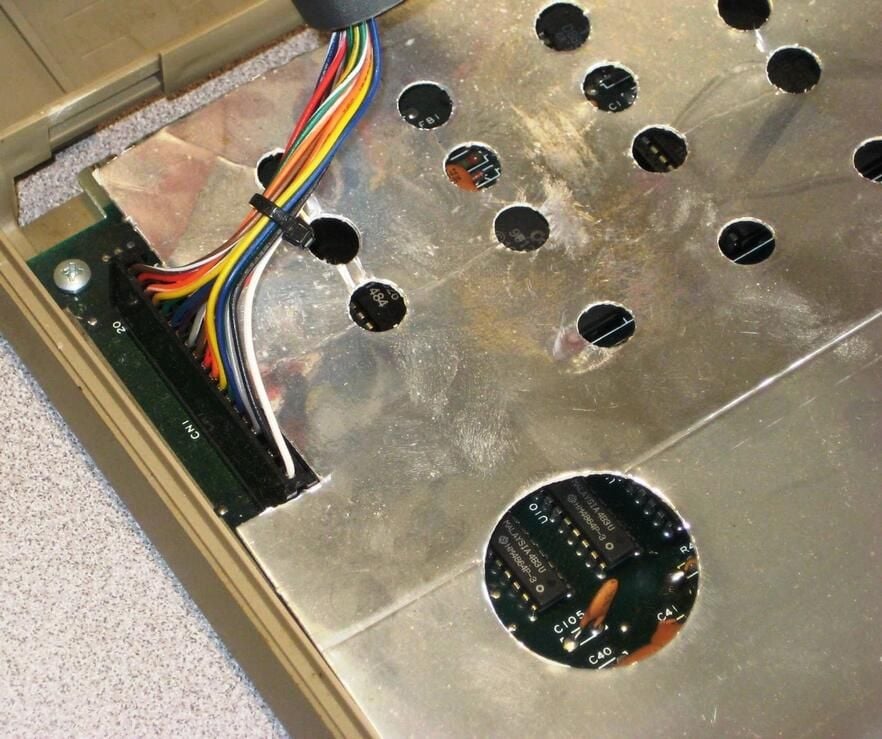
The keyboard connection is a familiar pins and plug setup.
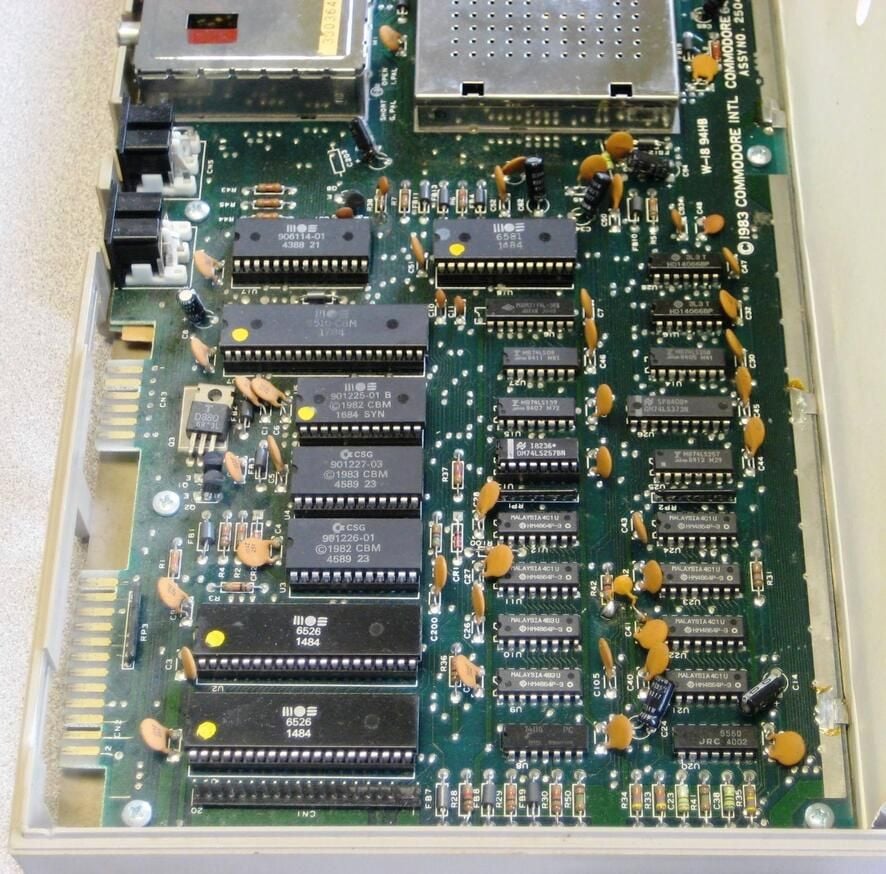
RAM chips are the most numerous chips to be found on the mother board. They are located on the bottom right of this image.
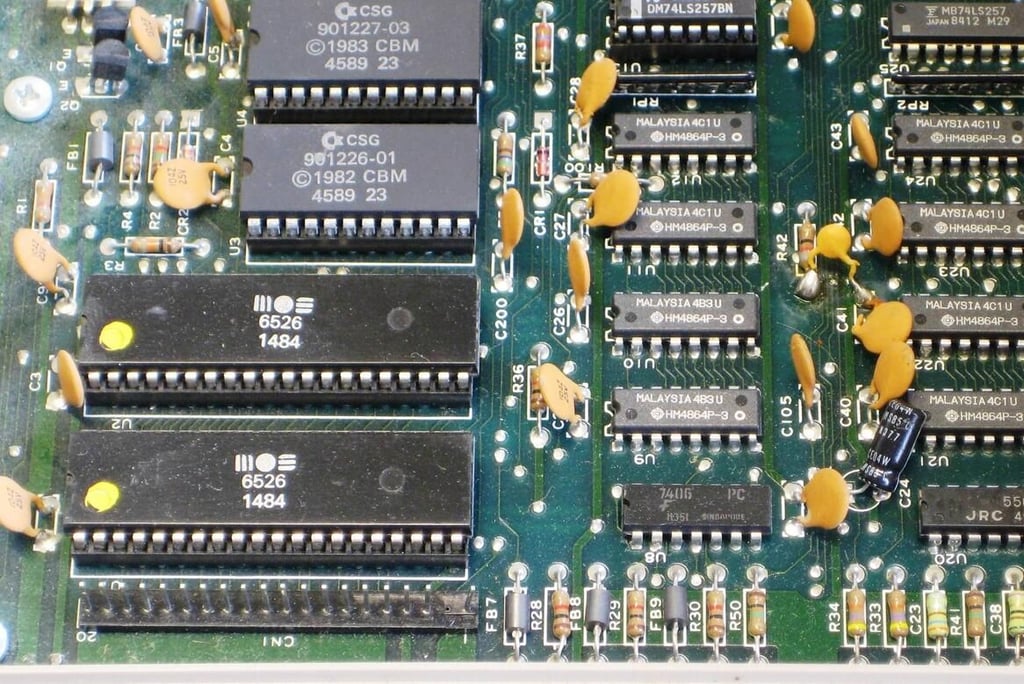
The two large chips on the bottom left are the Input/Output control chips. If your joysticks stop working, these chips are the likely culprit.
Above those we have the ROM Kernel chips which controlled the BASIC functions that acted as an operating system for the C64.
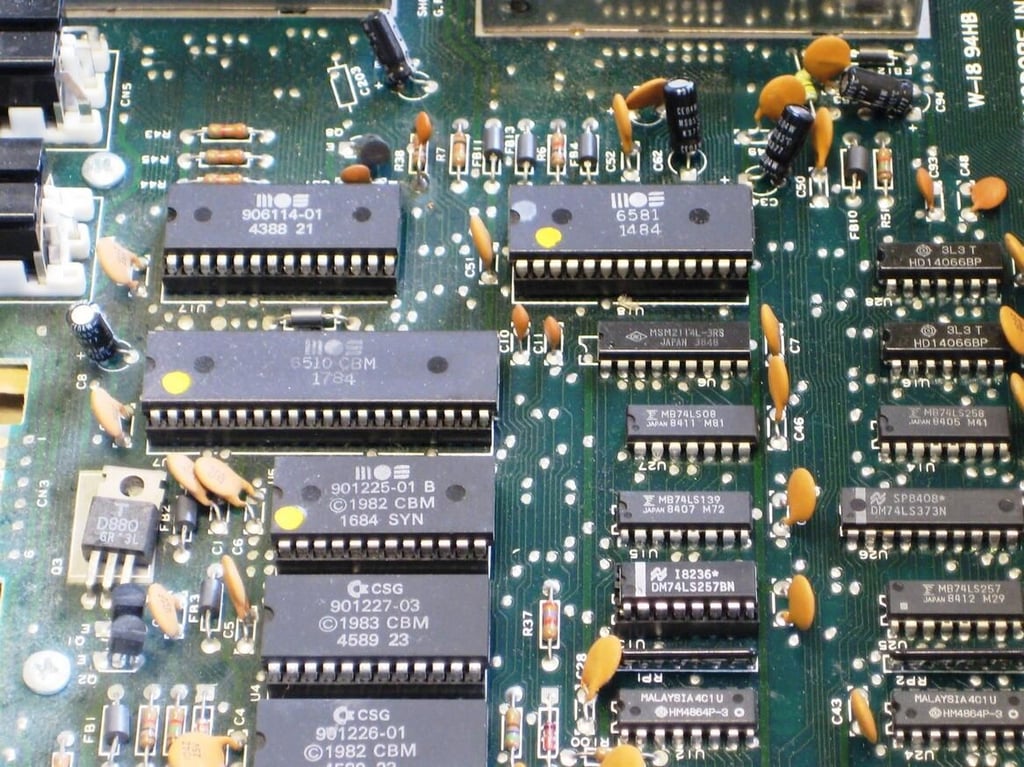
The chips in his image are where the processing gets done. The 6510 CBM 1784 chip is where machine language is generated, the 906114 is a Programmable Logic Array, and the 6581 1484 is the SID sound chip.
The other chips in this photo are various logic chips from various manufacturers. HD is Hitachi for example.
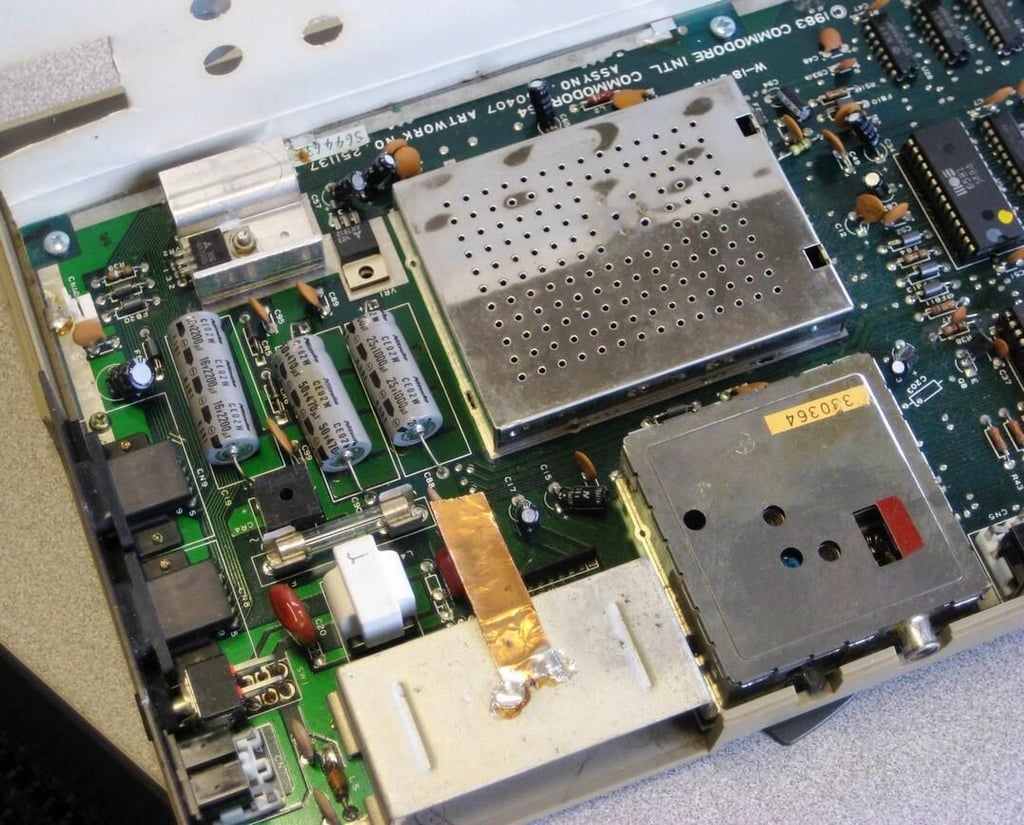
On this part of the motherboard you can see areas for video and power control.
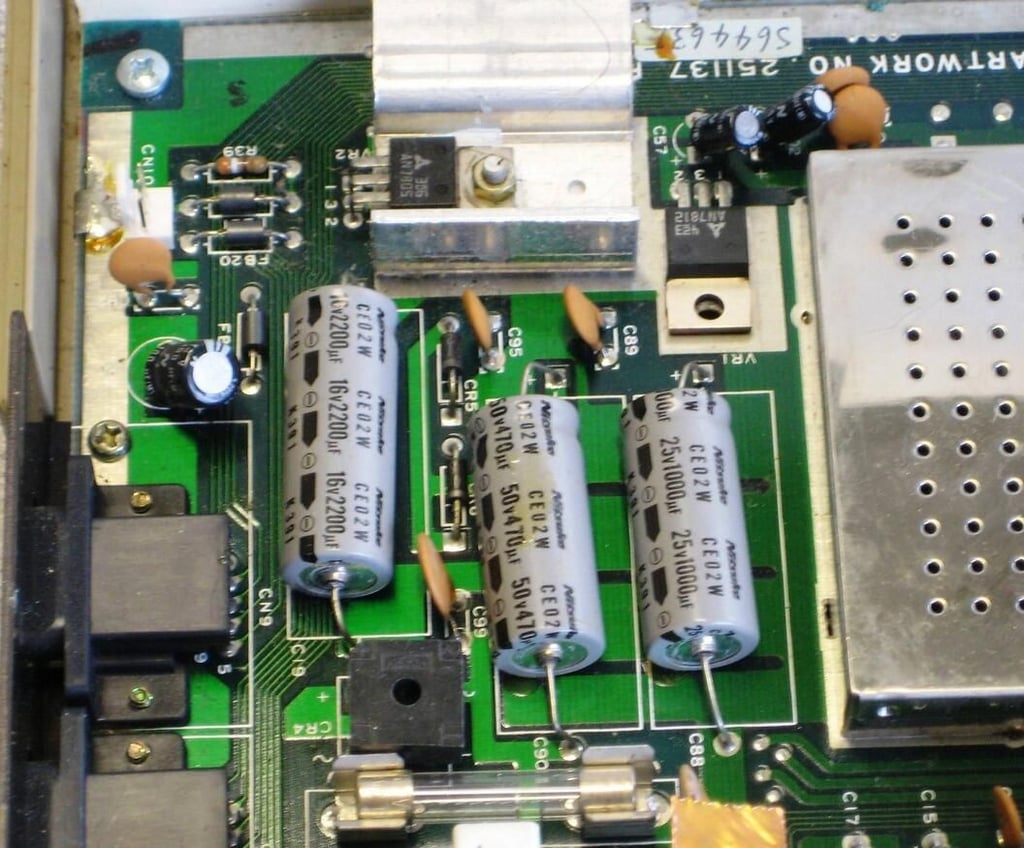
Those are some big capacitors. Electronics in the early 1980s was huge when you compare it to 2008.
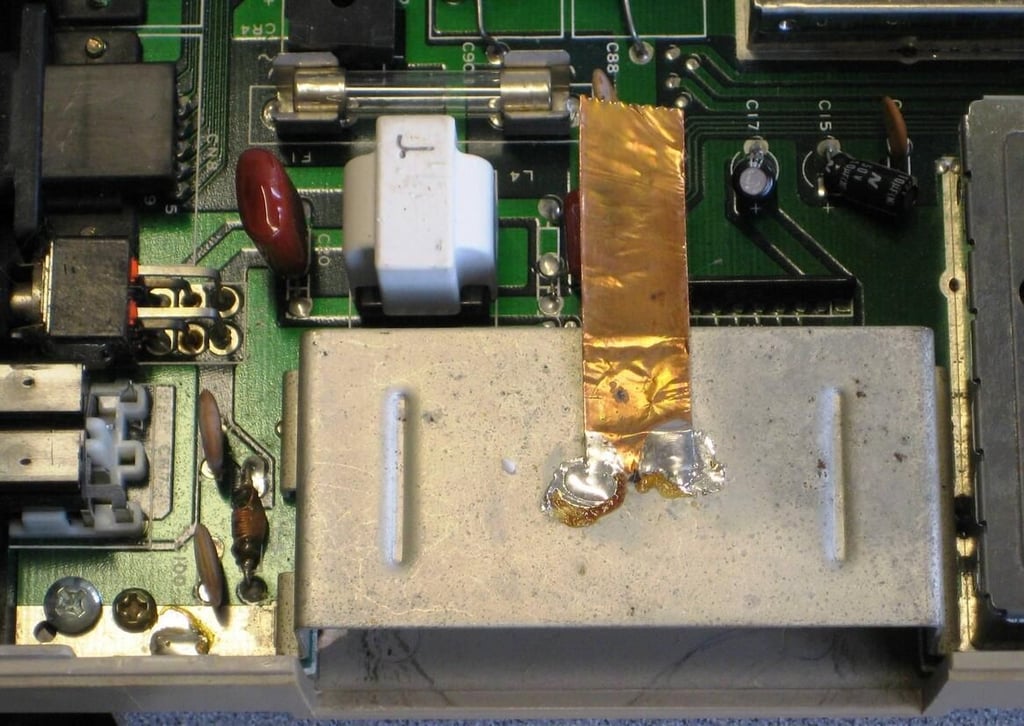
I’m guessing this is an inexpensive way to avoid static discharge to the various chips when you insert a modem or cartridge.
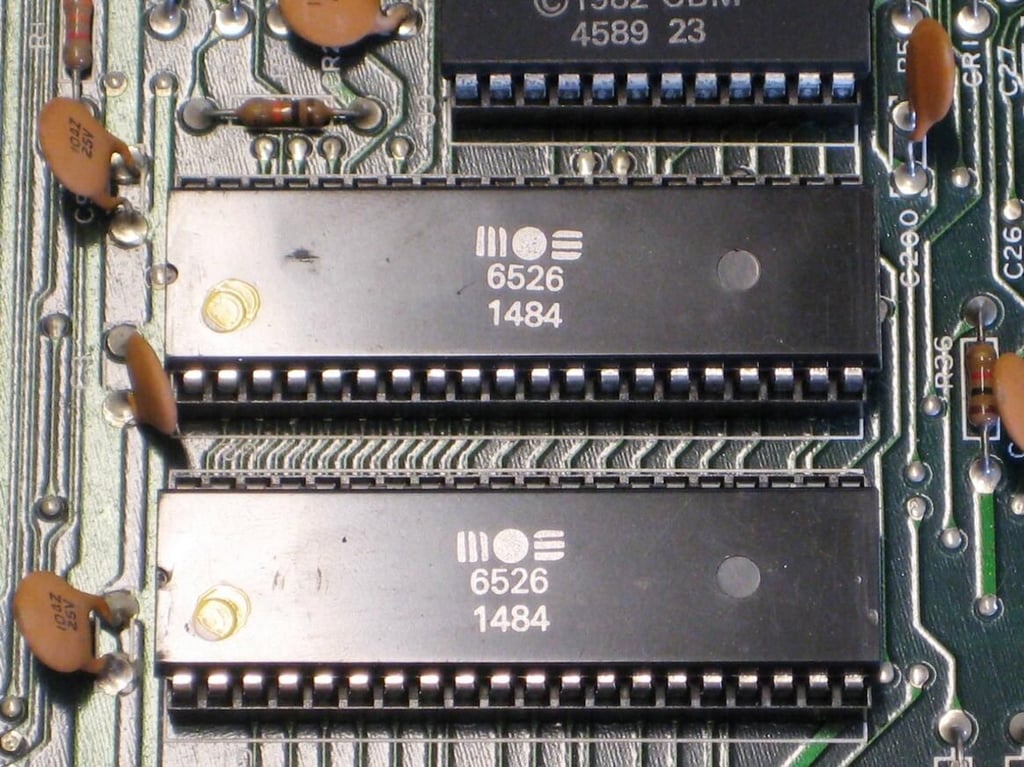
Here is a closer look at the chips that handle joystick and keyboard input.
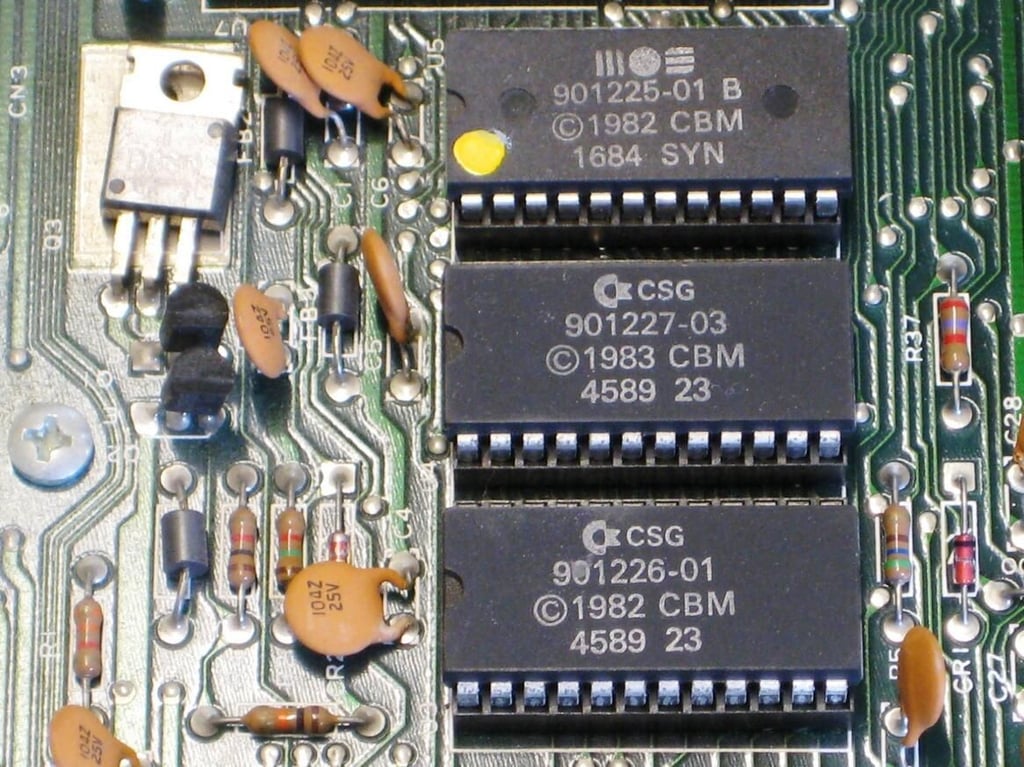
The BASIC ROM Kernel for the C64 is contained on these chips.
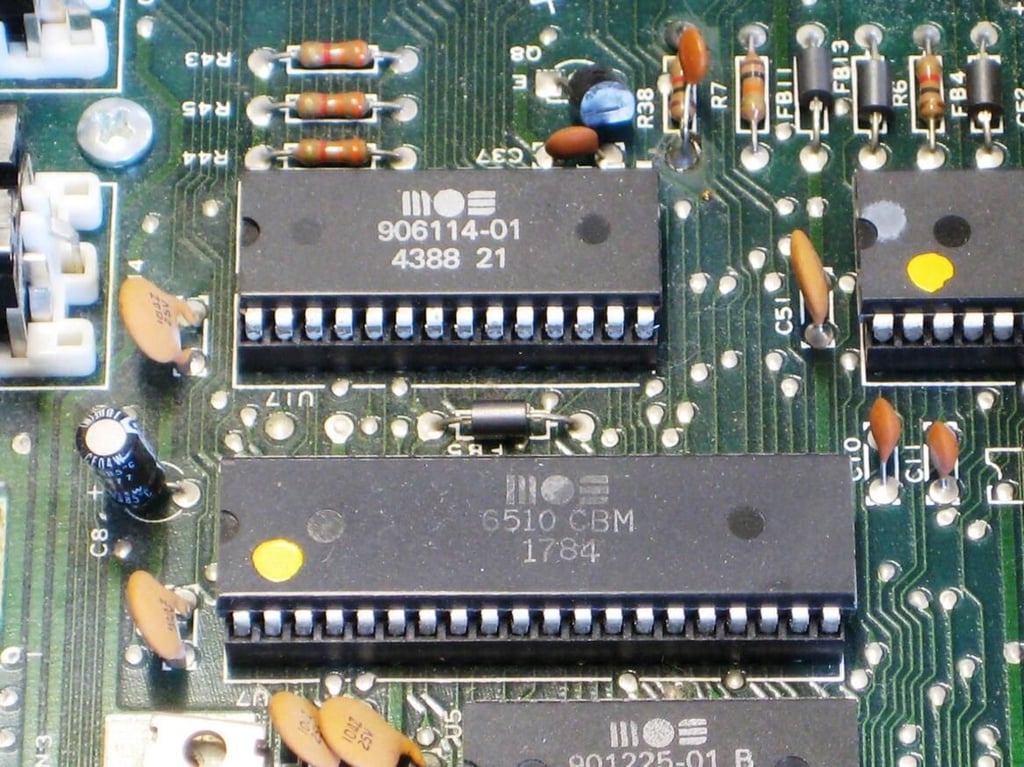
These two chips essentially make up the CPU of the system.
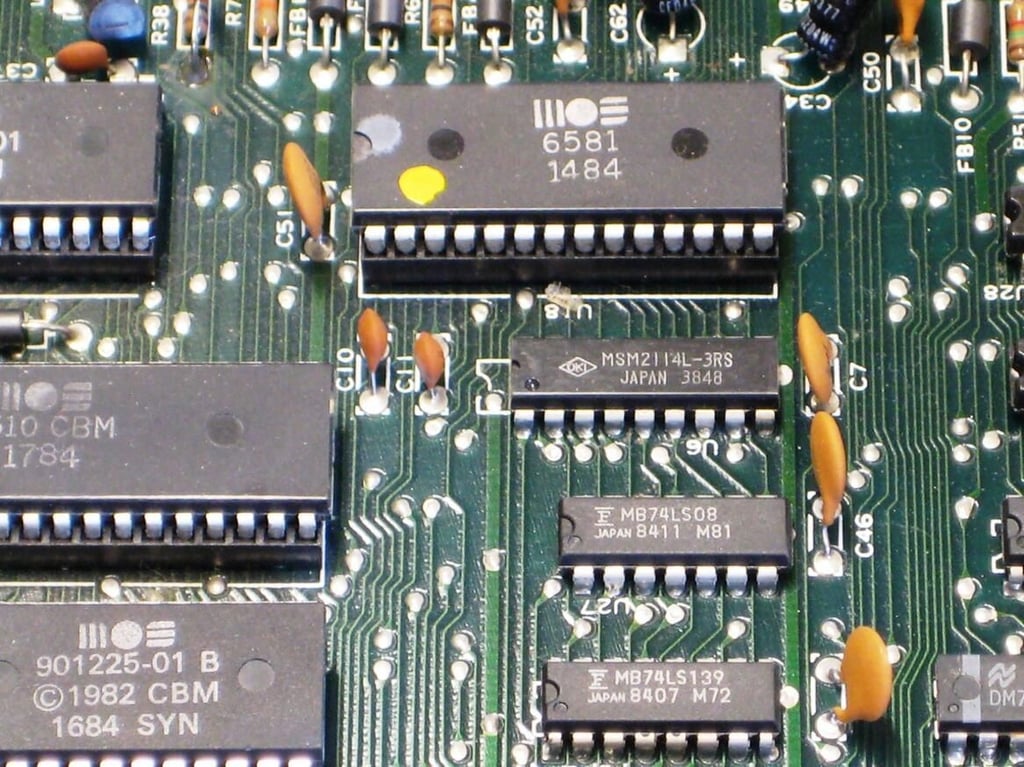
The big chip is the SID sound processor and the smaller chips are various logic chips.

There are various chips under this first metal cover. The MC4044P chip is a Phase Frequency Detector for example. There was too much thermal paste on the big chip for me to get the numbers, but it was connected to the cover via a piece of copper which suggests it generated heat.
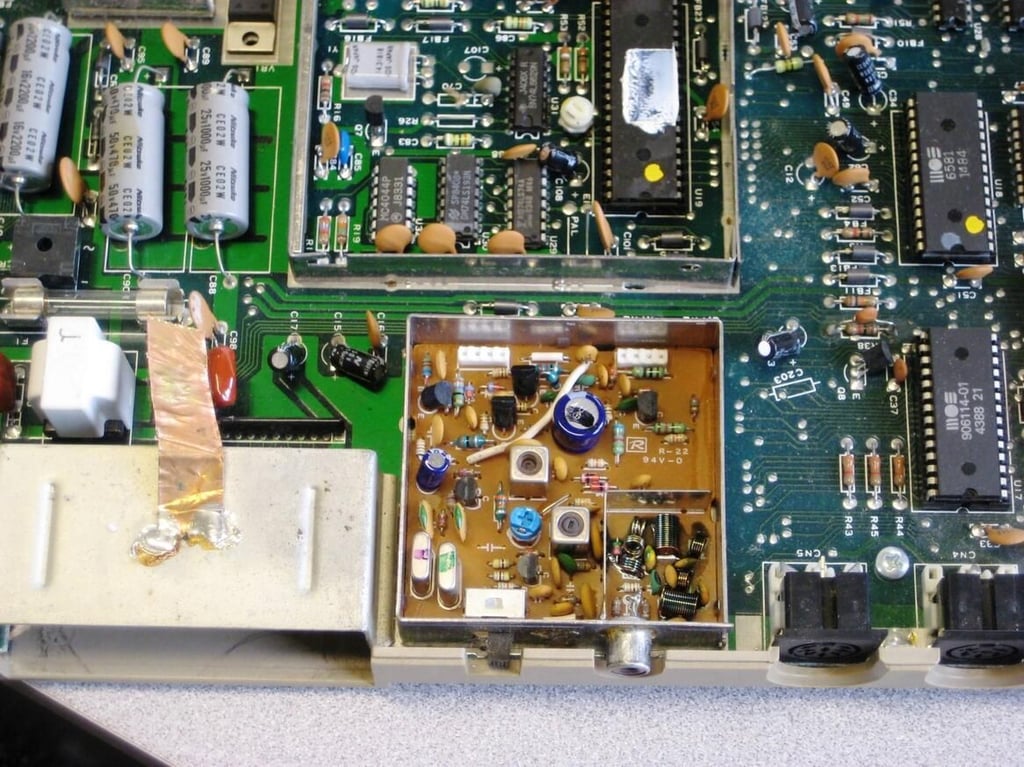
The chips located under the second cover control the video out to a monitor or television.
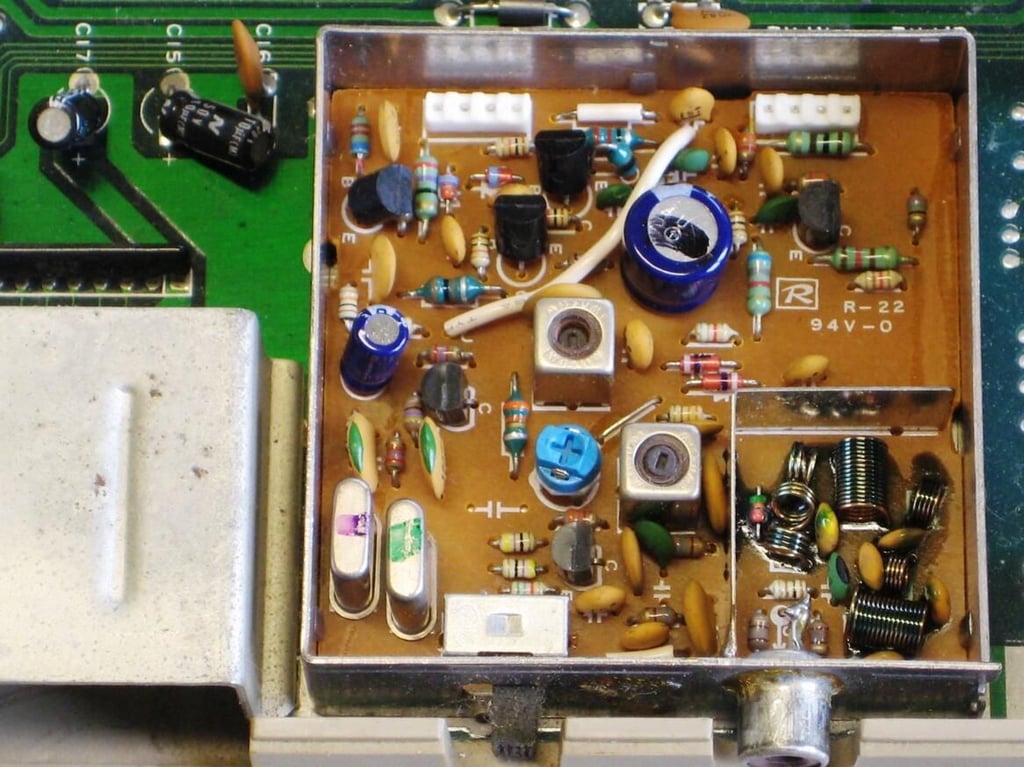
A closer look at the components responsible for video output.
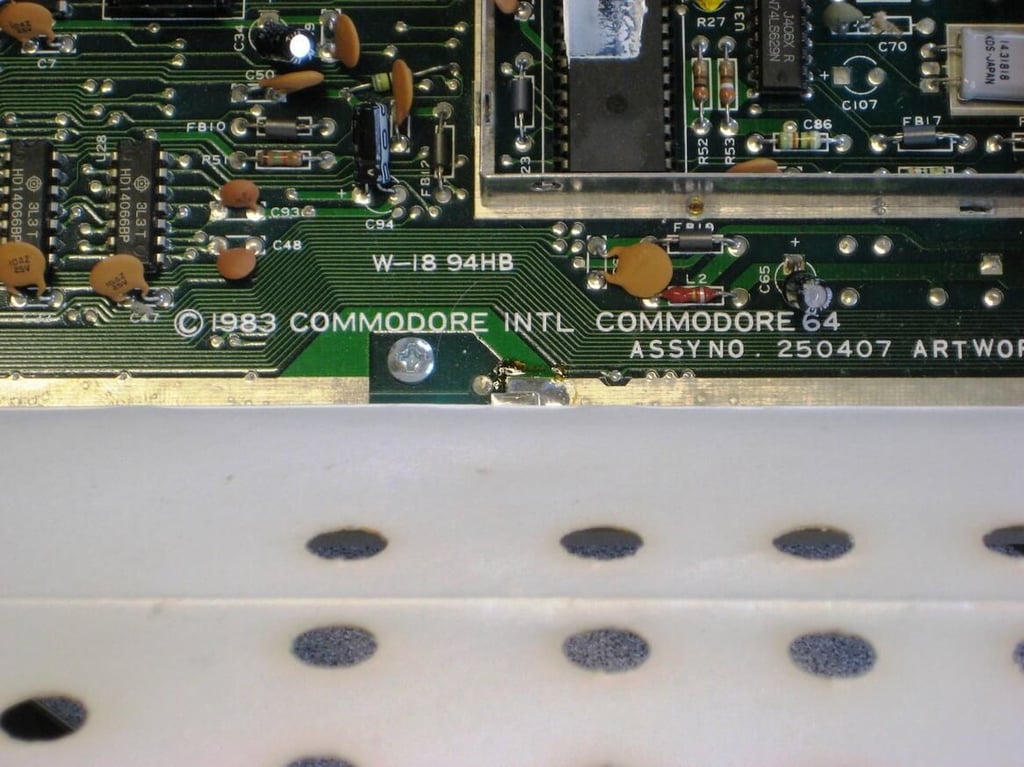
Confirmation – we are looking at the insides of a Commodore 64.
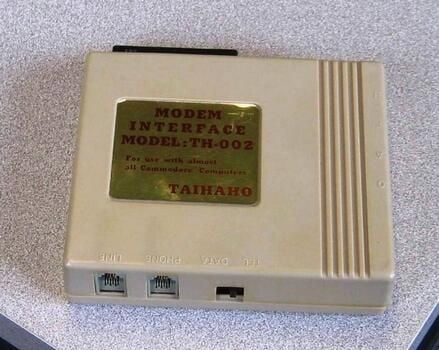
We got a modem with our Commodore 64 – might as well find out what is inside.
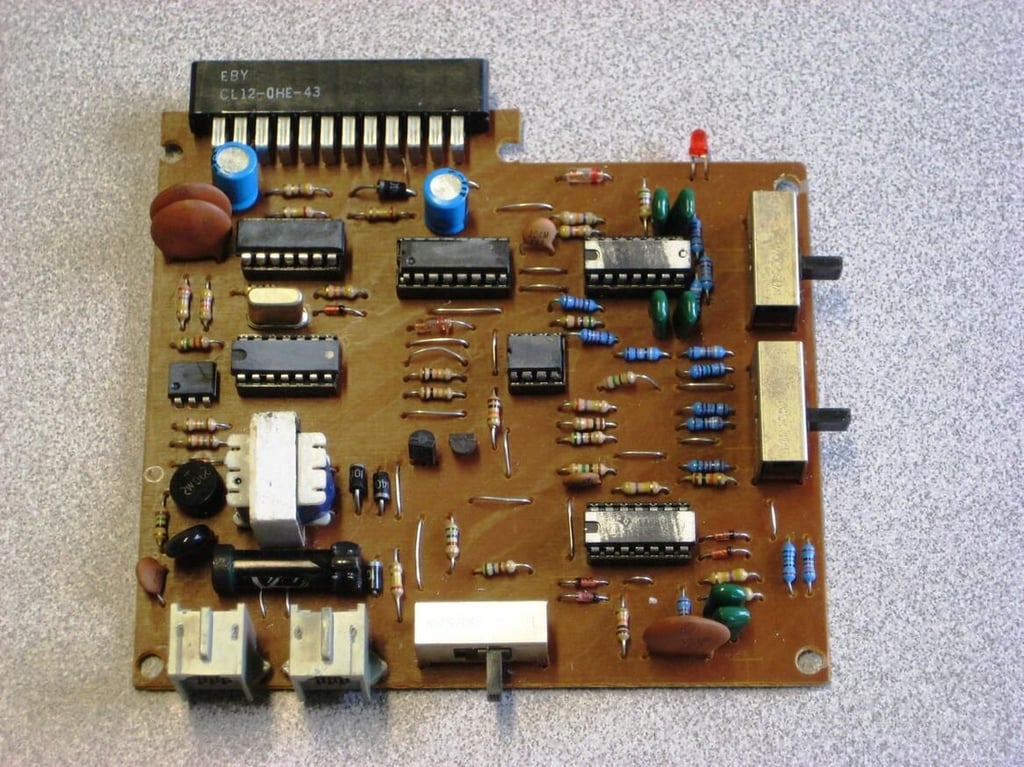
Not much to a modem back then – simple and elegant.

Mark W. Kaelin has been writing and editing stories about the information technology industry, software, hardware, gaming, finance, accounting, and technology geekdom for more than 30 years.


