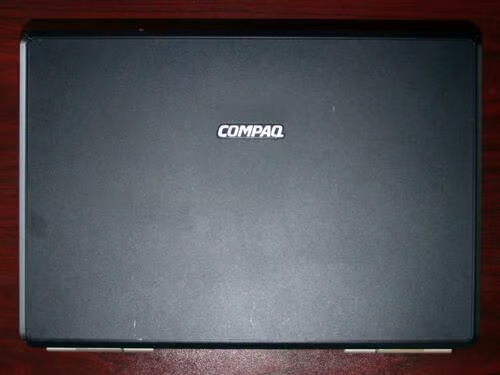
The Compaq Presario laptop. This test subject lasted two years in the trenches before experiencing a failed display.
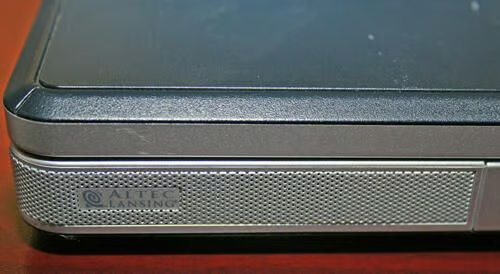
This Presario model boasted Altec Lansing stereo speakers built into the front of the unit.
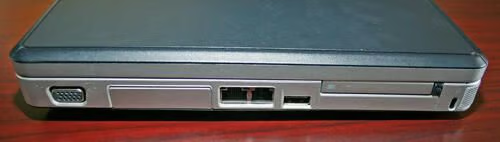
This Presario model, the V2000, featured such basic ports as a VGA out (left), Ethernet and modem (center), USB (center-right), PC Card slot (right) and locking port (far right).
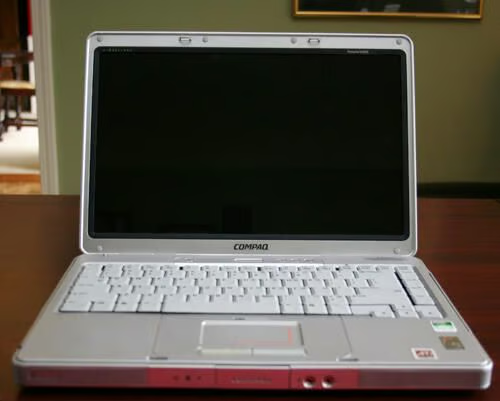
The Compaq Presario features a 14.1-inch widescreen display.
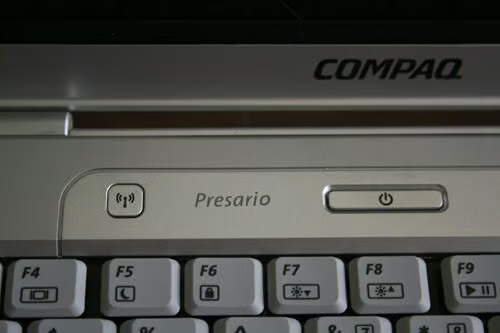
Like most laptops, the Presario features integrated wireless networking, which can be enabled/disabled using a push button located near the unit’s power switch.
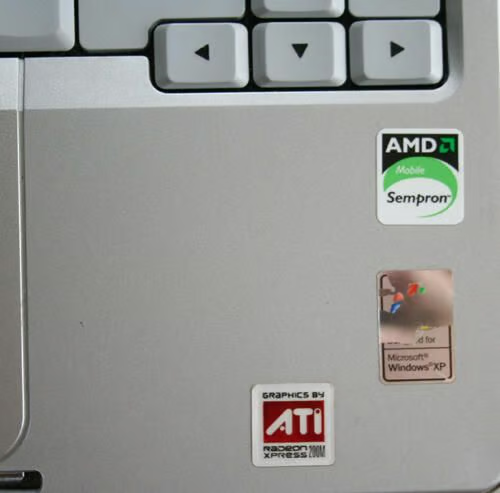
This Presario model was powered by an AMD Sempron chip. The graphics adapter was a Radeon Xpress 200M, manufactured by ATI.
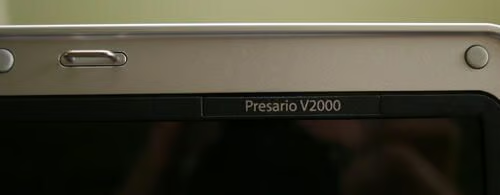
Compaq labels its Presario models using a tag inset on the trim pieces that help secure the LCD display.
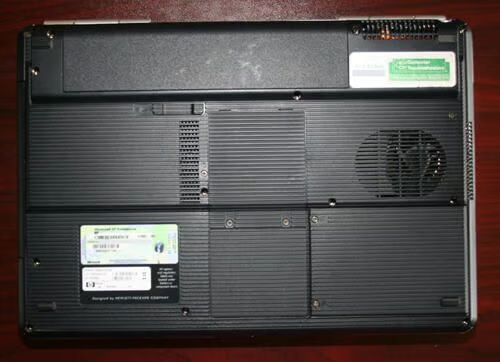
The Presario V2000 features an exhaust fan (to help direct heat away from the CPU and outside the chassis), which can be seen toward the right.
The unit’s hard disk sits behind a compartment beneath the exhaust fan, while the integrated wireless network card sits to the left of the hard disk compartment.
The laptop’s RAM sits within a compartment to the left of the CPU exhaust fan. The battery, meanwhile, sits within its own horizonal compartment at the top of this image.
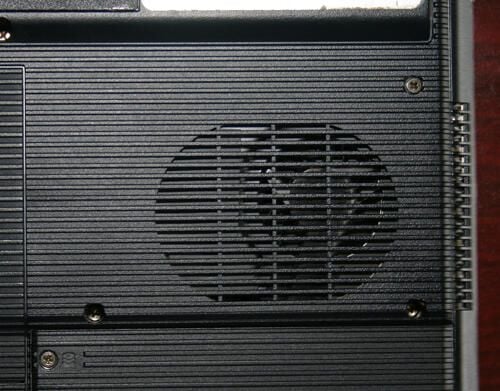
Here’s a closer look at the Presario’s CPU exhaust fan.
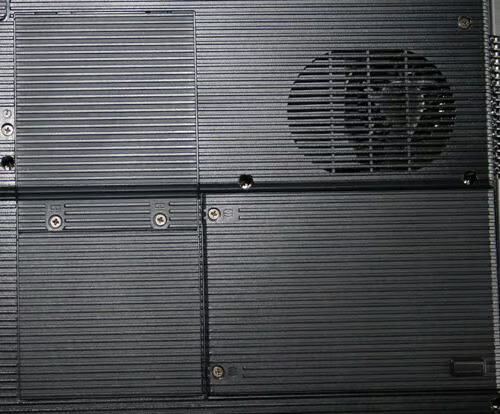
As mentioned before, the unit’s RAM, integrated wireless card and hard disk sit within these compartments.
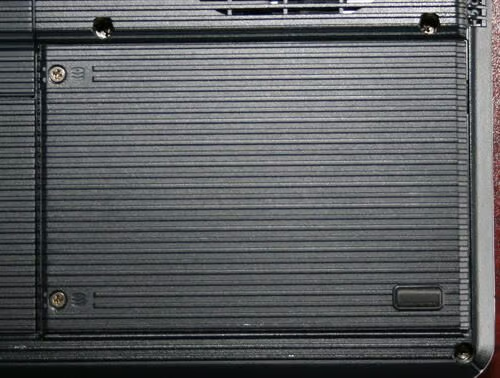
Two Philips head screws, visible here to the right, must be removed to expose the Presario’s hard disk.
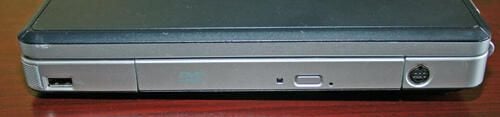
Last, outside the Presario’s chassis is one more bay (occupied here by a standard DVD-ROM bay. There’s also an additional USB port, as well as an S video output.
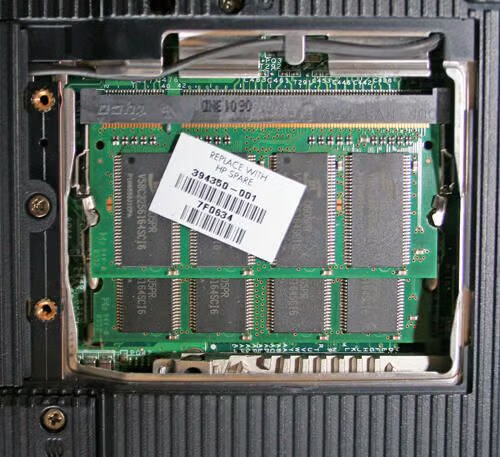
This Presario V2000 model boasted 512MB of RAM. Here you can see two 256MB RAM chips sitting atop one another within the Presario’s RAM compartment.
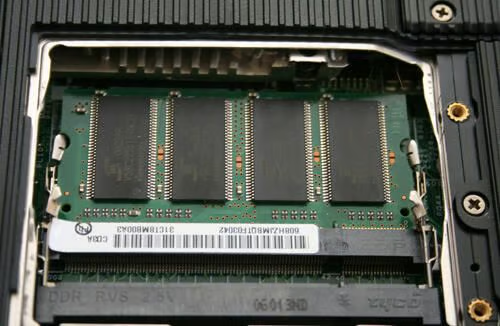
Here’s a look at the RAM compartment with one of the RAM chips removed.
The Presario V2000 uses DDR 333MHz RAM.
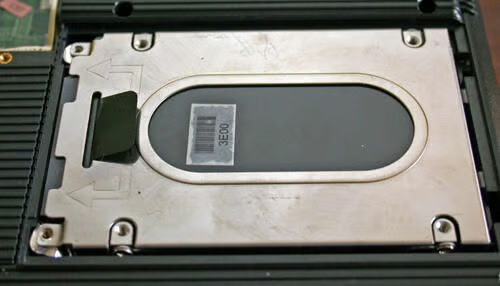
With the Presario’s hard disk cover removed from the unit’s undercarriage, the hard disk becomes visible.
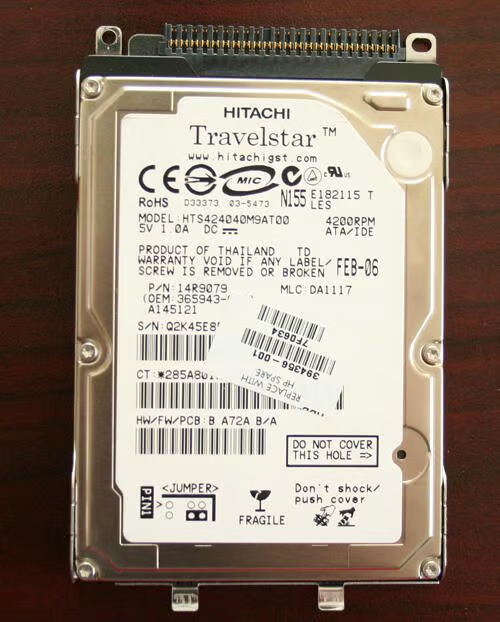
Compaq equipped this Presario V2000 with a Hitachi Travelstar hard disk. This model is an HTS4240M9AT00 with 40GB of space and disk speed of 4200RPM.
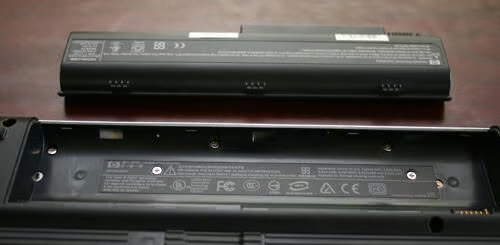
The Presario’s battery is seen here removed from the laptop’s chassis. The Lithium Ion unit is listed at 10.8 volts, possesses six cells and weighs 310 grams.
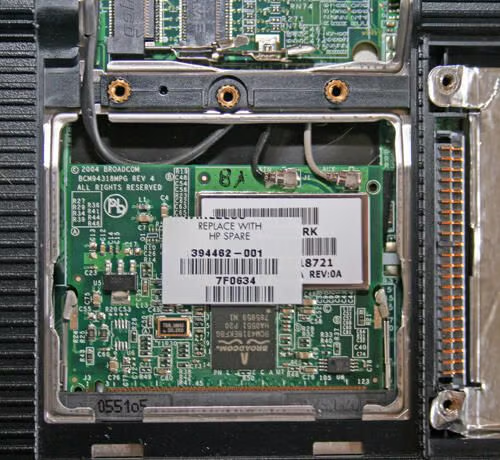
Here’s a view of the Presario’s integrated wireless card (as it sits inside the laptop chassis with the undercarriage compartment lid removed).
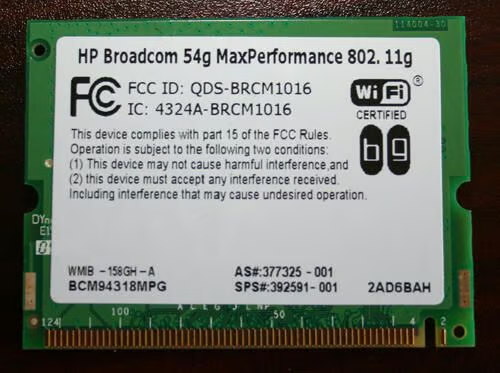
Here’s the HP Broadcom 54G WiFi integrated wireless card (once removed from the laptop chassis).
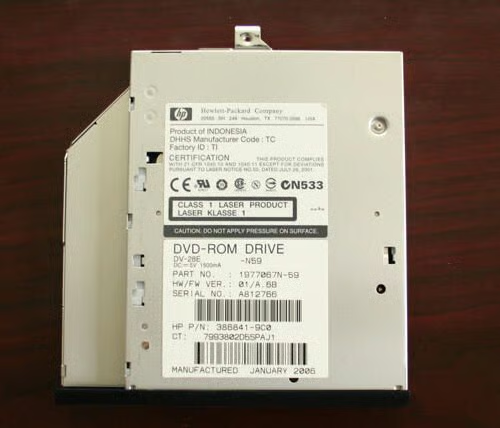
Here’s the HP DVD-ROM drive, once removed from the laptop chassis. This specific unit was manufactured by TEAC Corporation.
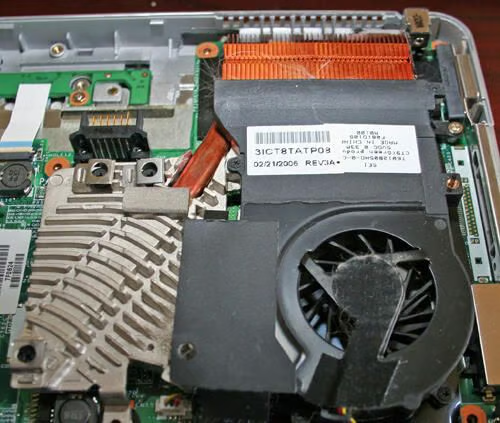
This Presario’s AMD Semptron CPU is cooled using this fan and heatsink assembly.
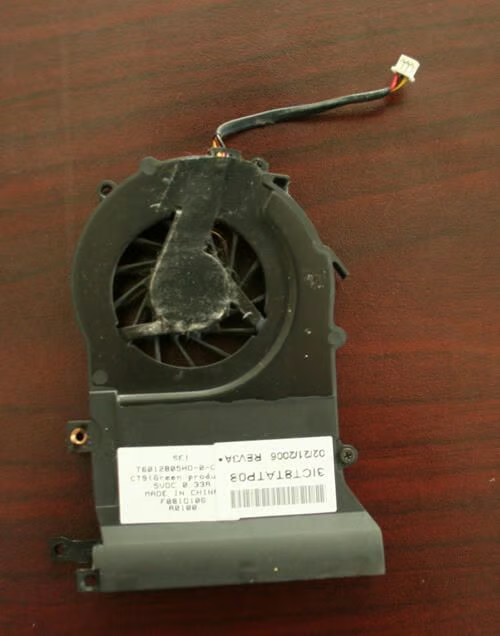
Here’s the Presario’s CPU cooling fan, once unplugged and unscrewed from the unit’s motherboard.
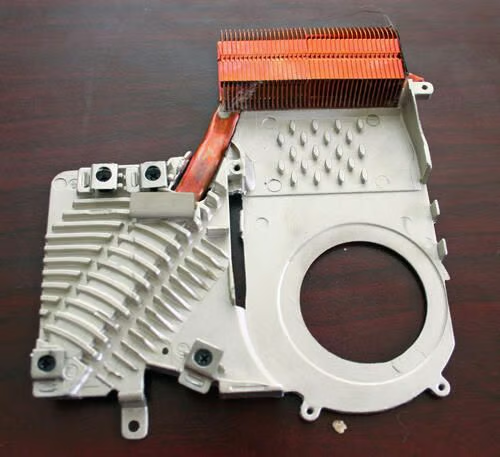
With the CPU cooling fan removed, and the heatsink removed from the laptop, you get a better view of the heatsink assembly (shown here) itself.
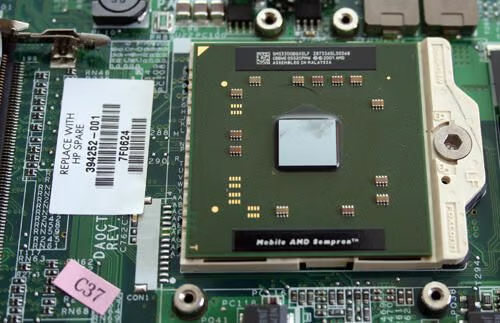
With the CPU cooling fan and heatsink assemblies removed, the AMD Sempron CPU becomes visible. Here you can see the AMD processor seated within its Foxconn connector.
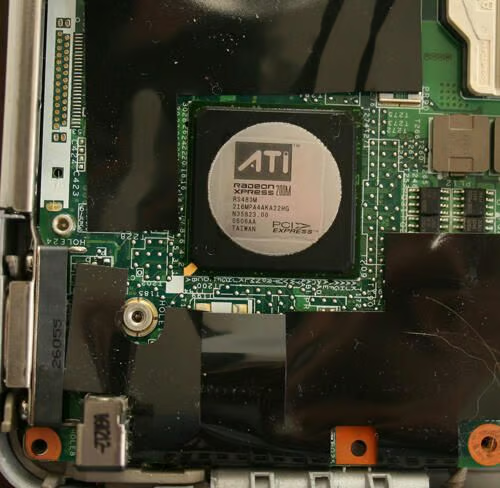
Compaq powered the Presario V2000’s video graphics using an ATI Radeon Xpress 200M graphics chip, which is located adjacent to the Presario’s CPU. The Presario’s heatsink/cooling fan assemblies served to help cool both the unit’s CPU and this graphics chip.
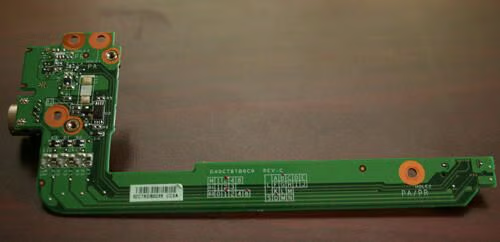
This HannStar circuit board powered the Presario’s S-Video output.
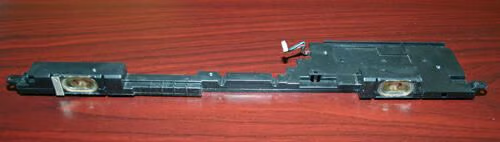
This Altec Lansing speaker assembly was positioned at the front of the Presario’s case (behind the silver chassis), powering its stereo sound.
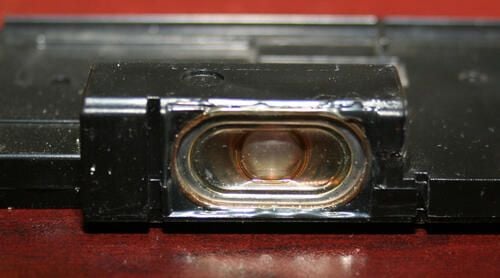
Here’s a close-up view of one of the Altec Lansing’s stereo speakers.
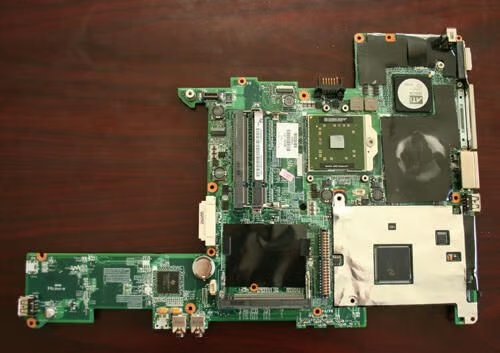
Here’s the Presario motherboard, removed from the laptop’s plastic chassis, with the CPU cooling fan and heatsink removed. This Compaq systemboard boasts AMD chipset support, integrated ATI Radeon Xpress 200M PCI-Express graphics, audio input and output and two USB ports, as well as a PC Card slot.
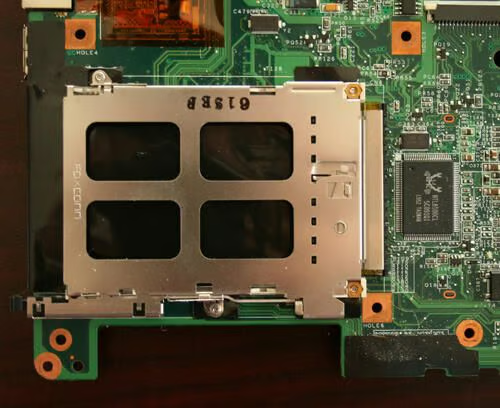
Here’s a close up of the Presario’s Foxconn PC Card chassis (as connected to the system board.
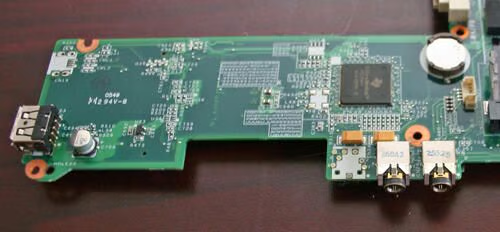
Here’s a close-up view of the audio input/output jacks that sit recessed within the front panel of the Presario’s silver plastic chassis.
To the far left you can also see one of the systemboard’s two USB ports.
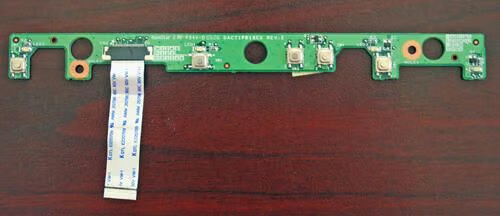
This HannStar circuit board powered the Presario’s button board (the unit’s power switch, audio controls and wireless radio, specifically).

This trimplate sat atop the Compaq Presario. The HannStar circuit board (seen in the last image) was positioned directly beneath this trim piece.
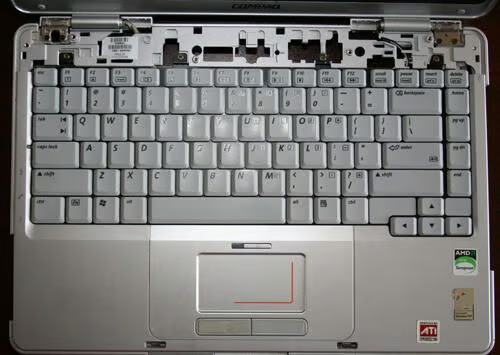
The Presario V2000 features a trendy keyboard complete with gray keys. Removing the four Philips head screws (revealed in this image in which the trim piece from the last image has been removed) frees the keyboard from the laptop’s chassis.
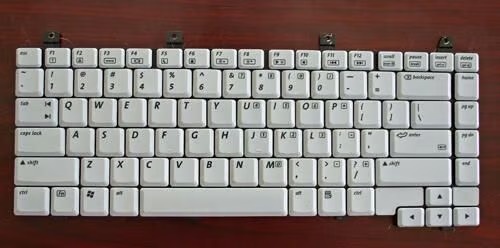
Compaq used this 86 key keyboard in its Presario M2000, V2000, V2100, V2300, ZV5000, ZV6000 and ZX5000 models.
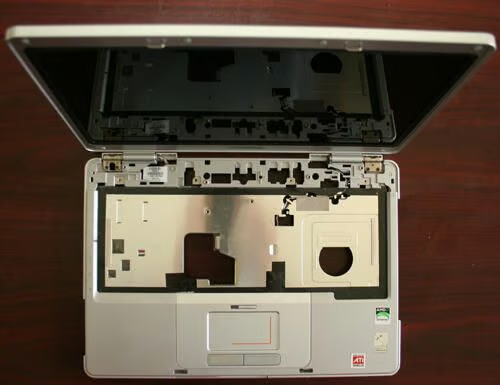
Here’s how the Presario laptop chassis looks with the trim pieces, systemboard and keyboard removed.
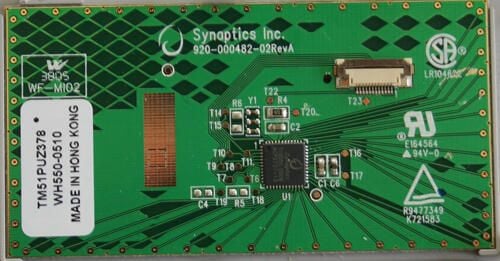
This printed circuit board powers the Presario V2000’s Synaptics touchpad/mouse.
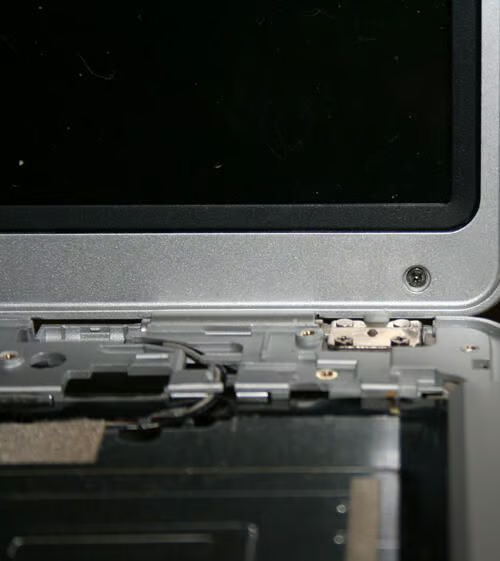
To remove the Presario’s LCD widescreen display, several recessed Philips head screws (such as the one shown here) must be removed. Most of these recessed screws sit behind rubberized foot pads.
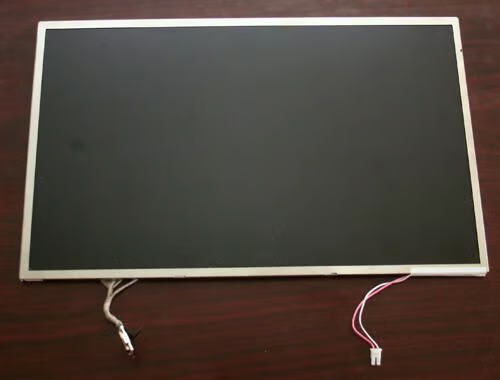
Here’s the Presario’s 14.1-inch widescreen LCD display, once removed from the laptop’s lid. Data and power cables, seen protruding from the LCD’s frame, connect the unit to the laptop’s motherboard.
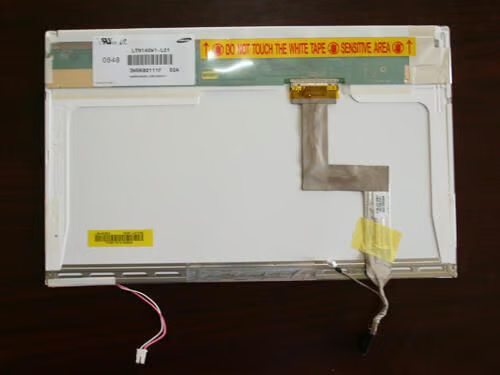
A view of the back of the LCD display reveals the unit was manufactured by Samsung.
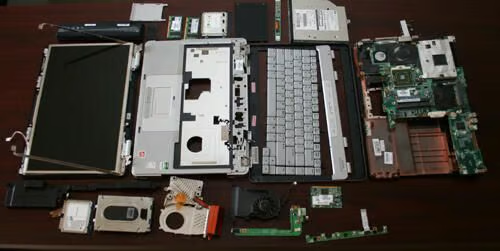
Numerous components are required to assemble a single laptop, as can be seen here in the completely disassembled Compaq Presario.

Erik Eckel is a managing partner at Louisville Geek and president of Eckel Media Corp. He previously served as Executive Editor at TechRepublic. He received Microsoft Engineer accreditation from Sullivan University and earned his Bachelor's Degree in English from the University of Louisville. He's earned Network+, Windows NT 4.0 MCP+I and MCSE, and Windows 2000 Professional MCP accreditations.


