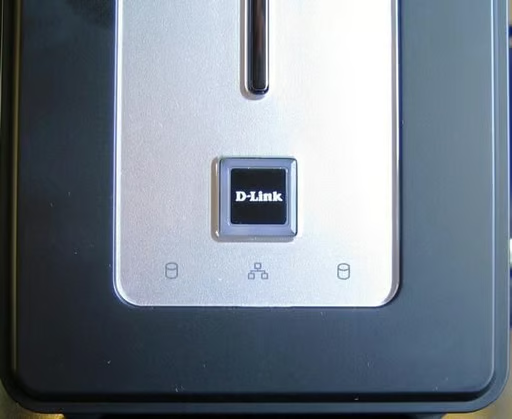
\n\tStorage continues to be a hot topic this year. With the availability of simple NAS devices and inexpensive hard drives, it is very likely that you will be buying some form of mass backup storage in the near future. The DNS-323 from D-Link is an excellent example of a small NAS device that you can attach to your current network without a lot of fuss. In this TechRepublic Cracking Open we take a look at what is inside the DNS-323.
\n\t
\n\tSpecifications
\n
\n\t
\n\t
\n\t
\n\t
\n\t
\n
\n
\n\tSystem requirements
\n
\n\t
\n\t
\n\t
\n\t
\n\t
\n
\n
\n\t\n\n
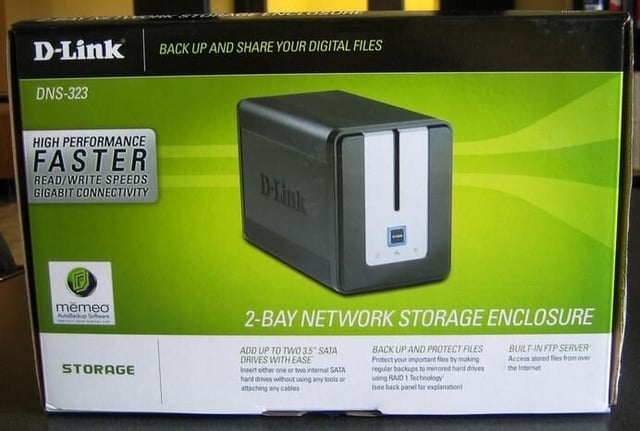
High-speed storage in a package smaller than a breadbox.
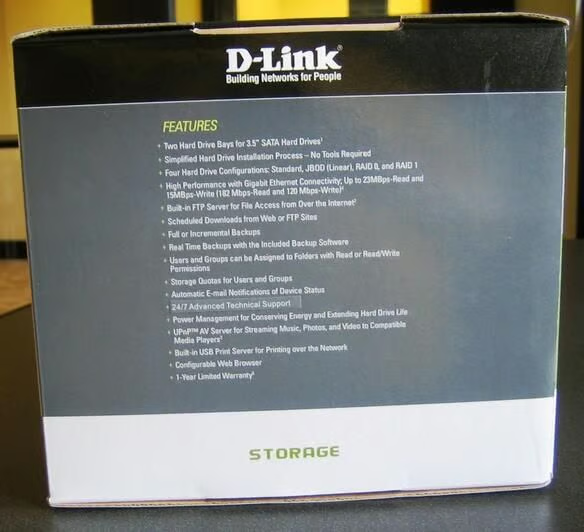
For such a small package, the D-Link DNS-323 has many features found in more expensive storage devices.
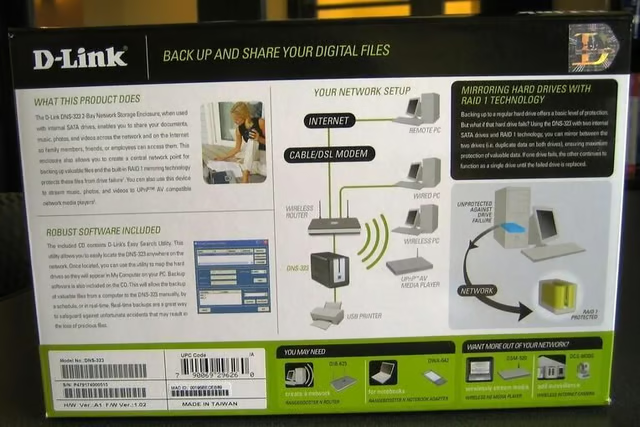
One thing you can say about D-Link, they let you know exactly what you are going to get.
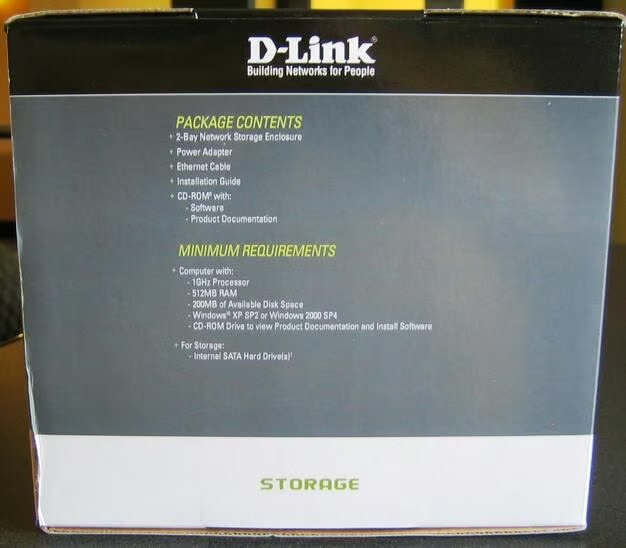
The inside documentation recommends at least 256MB RAM, but the box says 512MB. I think the box is closer to the truth.
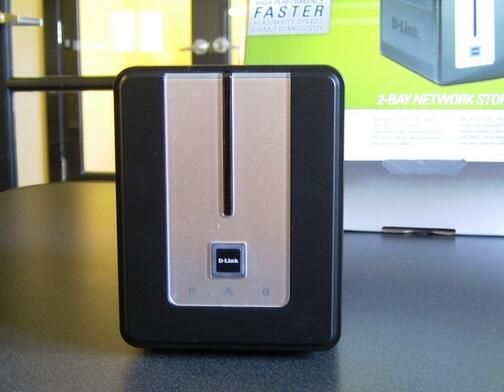
The D-Link DNS-323 looks like a kitchen toaster and is about the size of a short-loaf of bread.
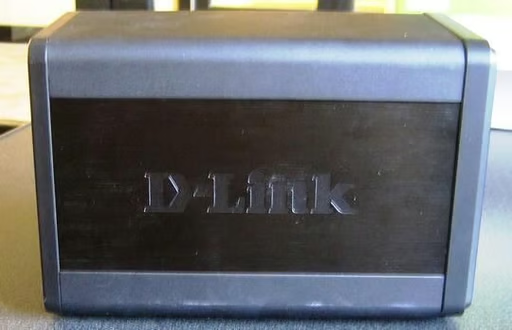
The depth of the device is just about the length of a typical 3.5 inch hard drive. The desktop footprint is so small as to not really be a factor.
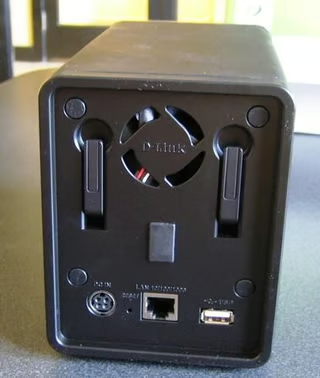
The ports on the back are for a Gigabit Ethernet connection and USB device.
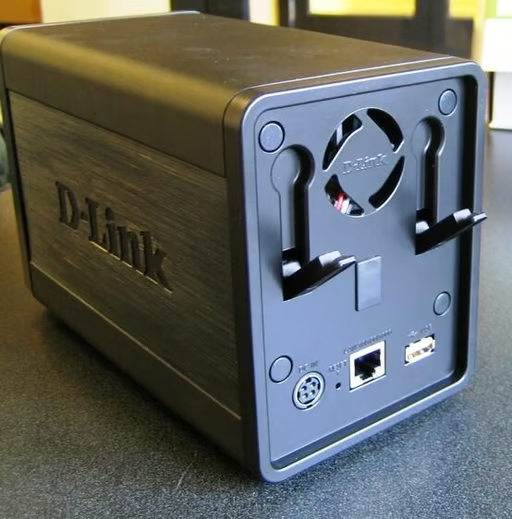
The locking mechanism for the two hard drive bays is just a simple lever system.
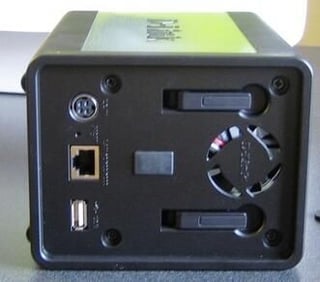
After removing the front face plate where the sliding door attaches, it was obvious that to get to the components the back panel would have to be opened. I found four screws hiding under rubber pads on the back panel.
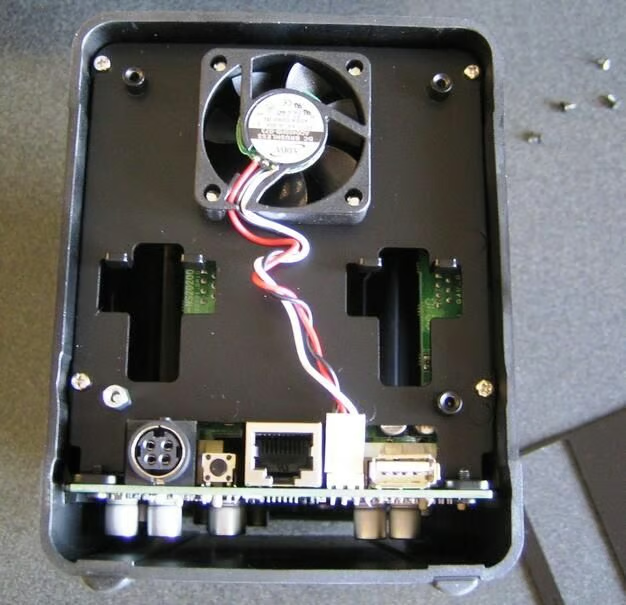
Removing the back panel revealed four silver screws which held the internal component rack in place.
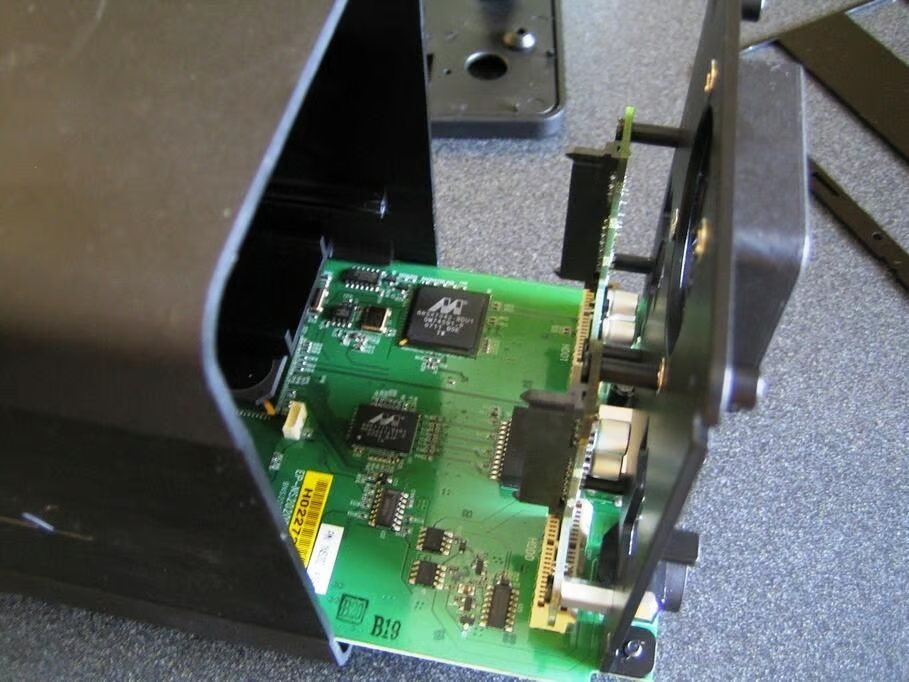
Once the four silver screws were removed, the internal housing for the circuit boards slide out the back without any problem.
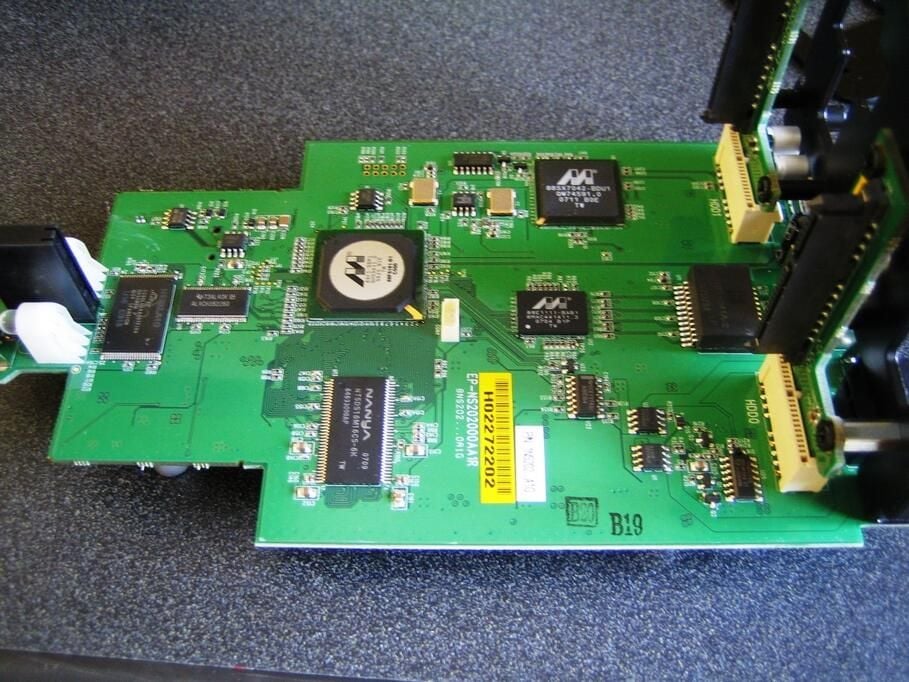
All of the chips necessary to manage the D-Link DNS-323 are located on one circuit board.
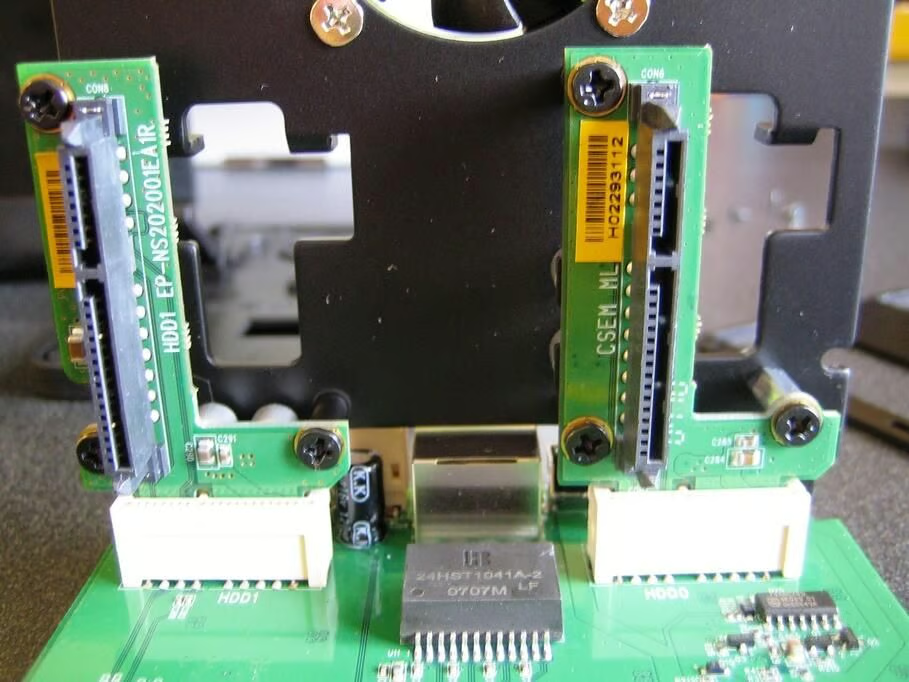
Two standard SATA drives connect to the device at this point.
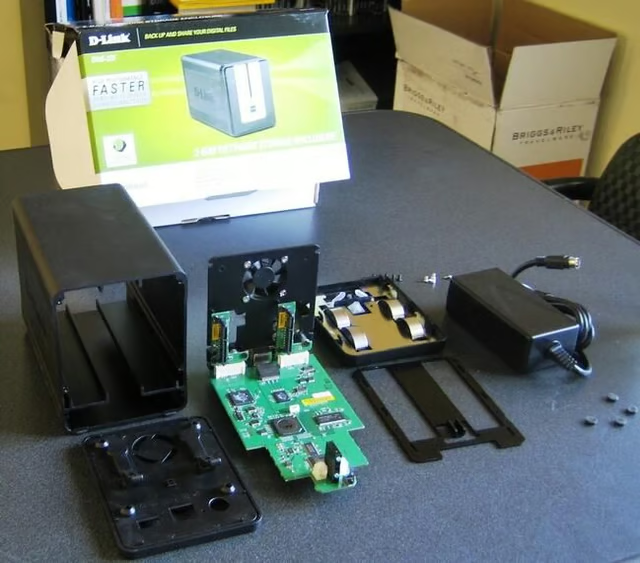
Here are all of the pieces laid out together. As you can see, the D-Link DNS-323 is a designed to be efficient and compact. There aren’t many moving parts and everything fits together like a glove.

Mark W. Kaelin has been writing and editing stories about the information technology industry, software, hardware, gaming, finance, accounting, and technology geekdom for more than 30 years.


