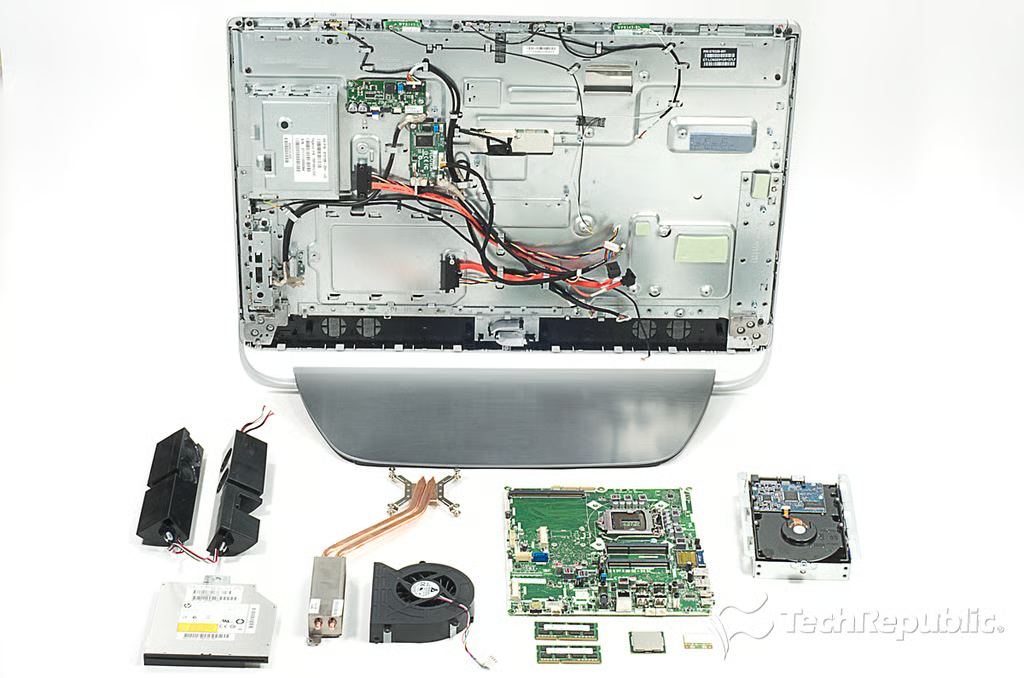
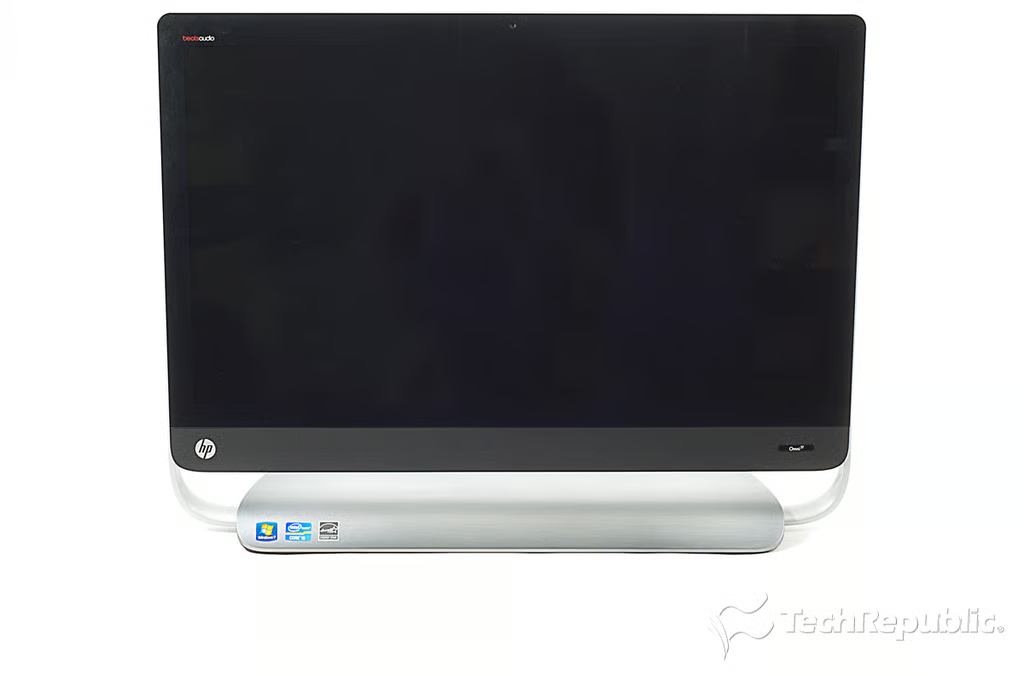
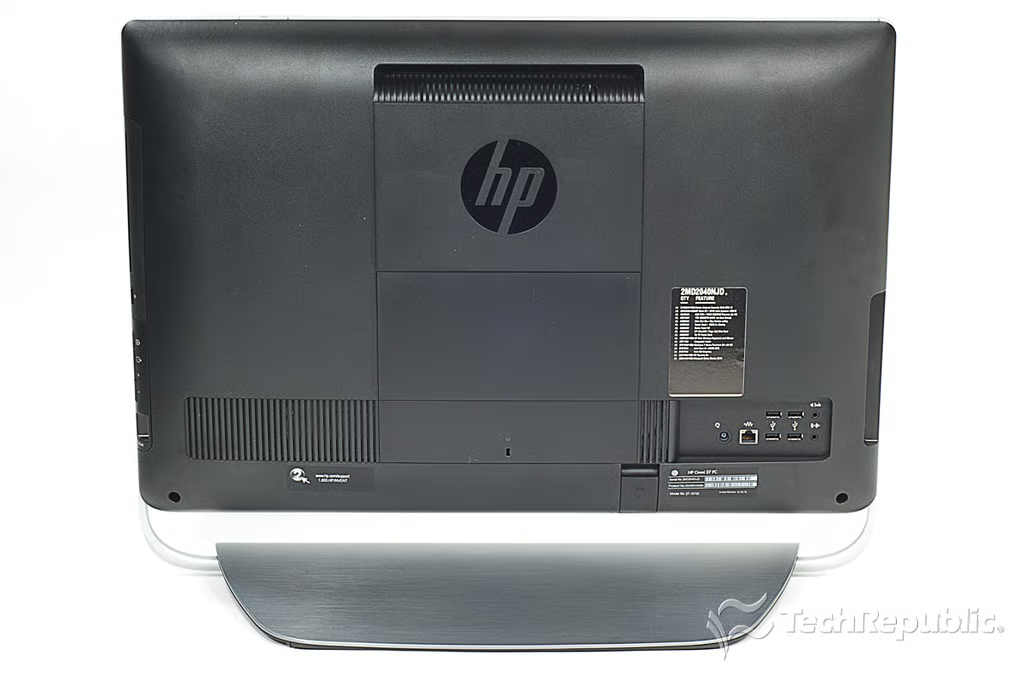
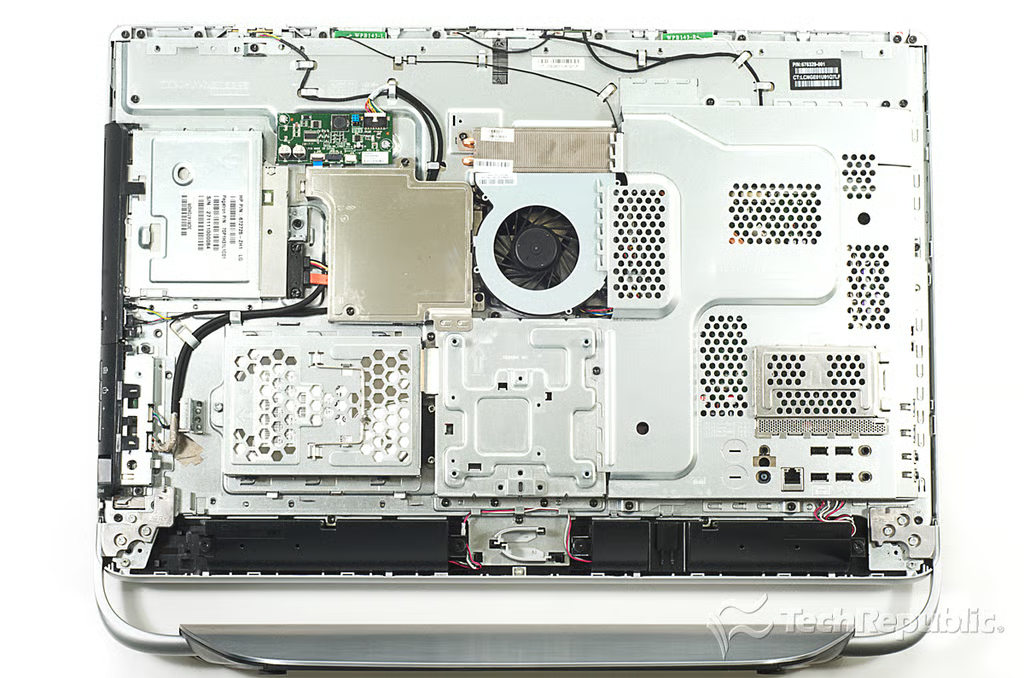
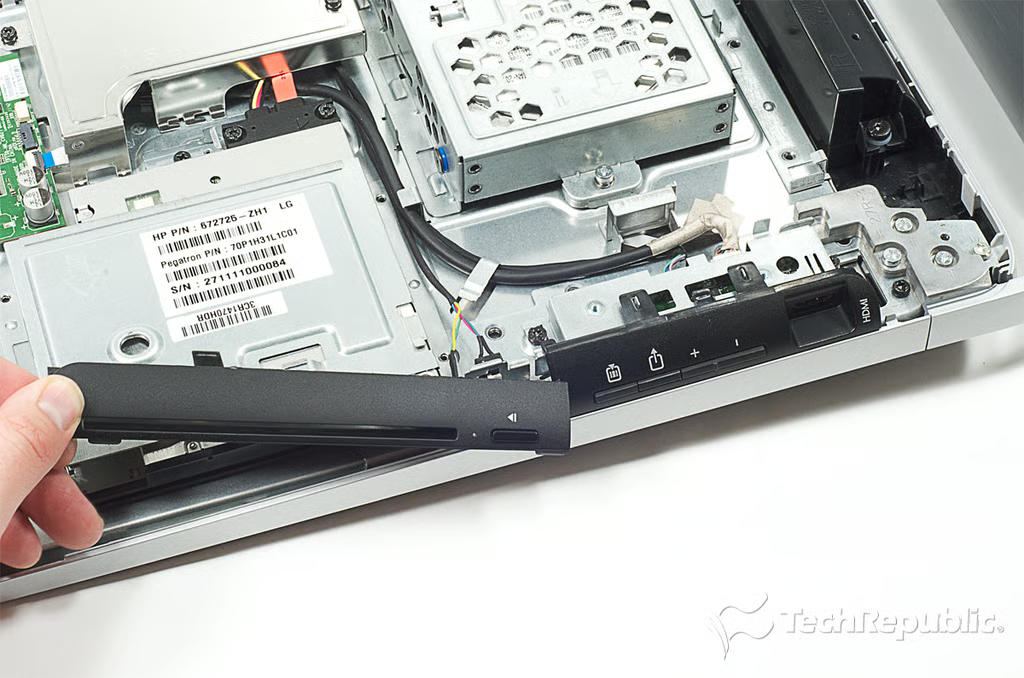
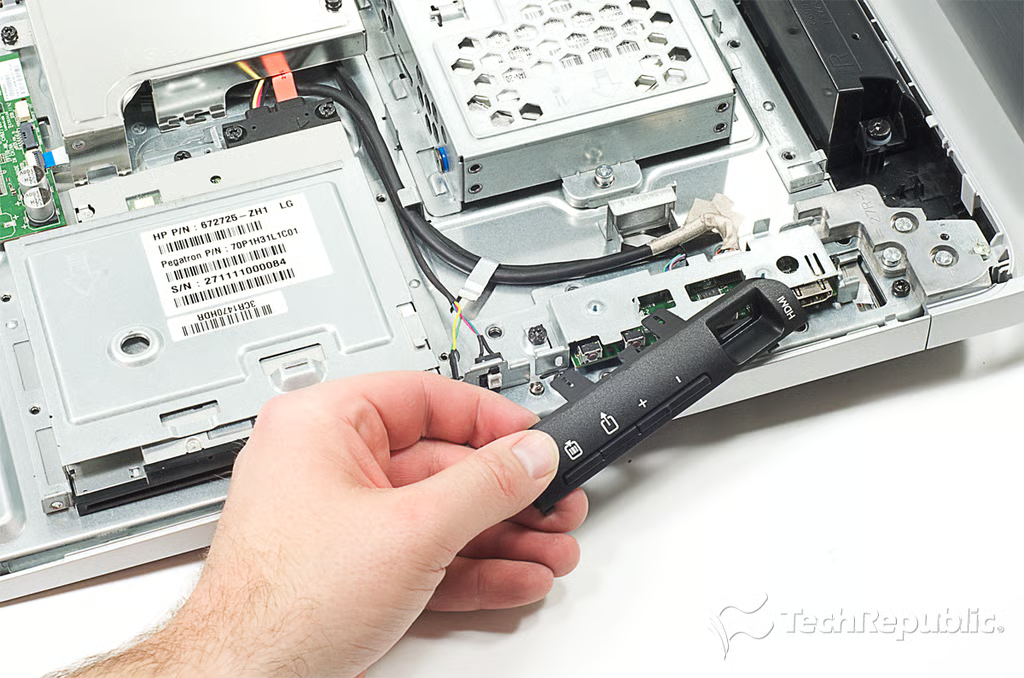
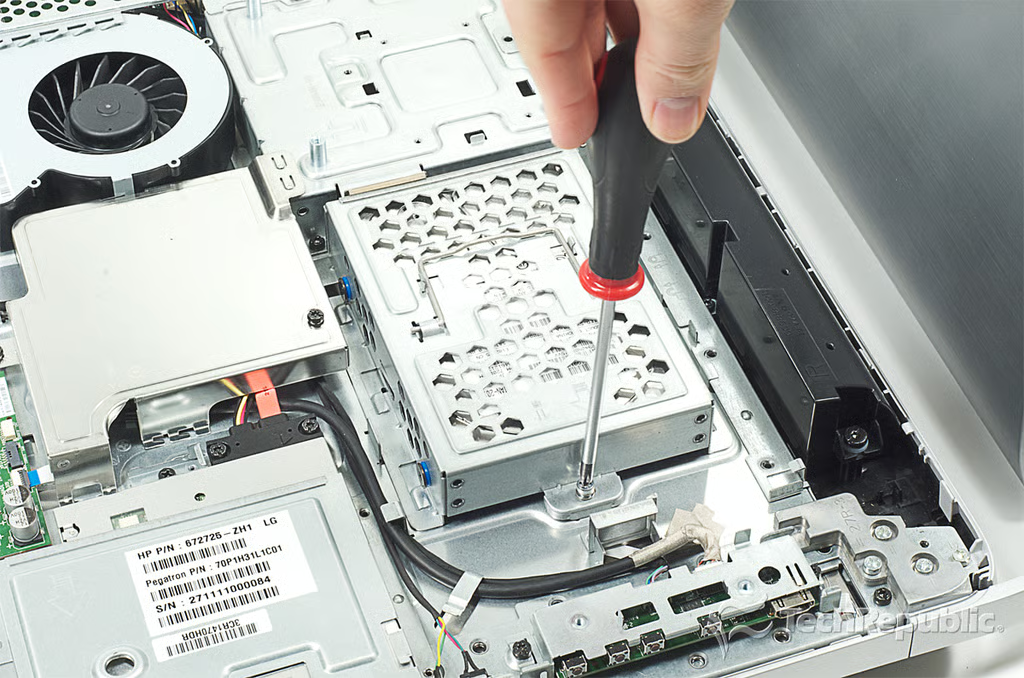
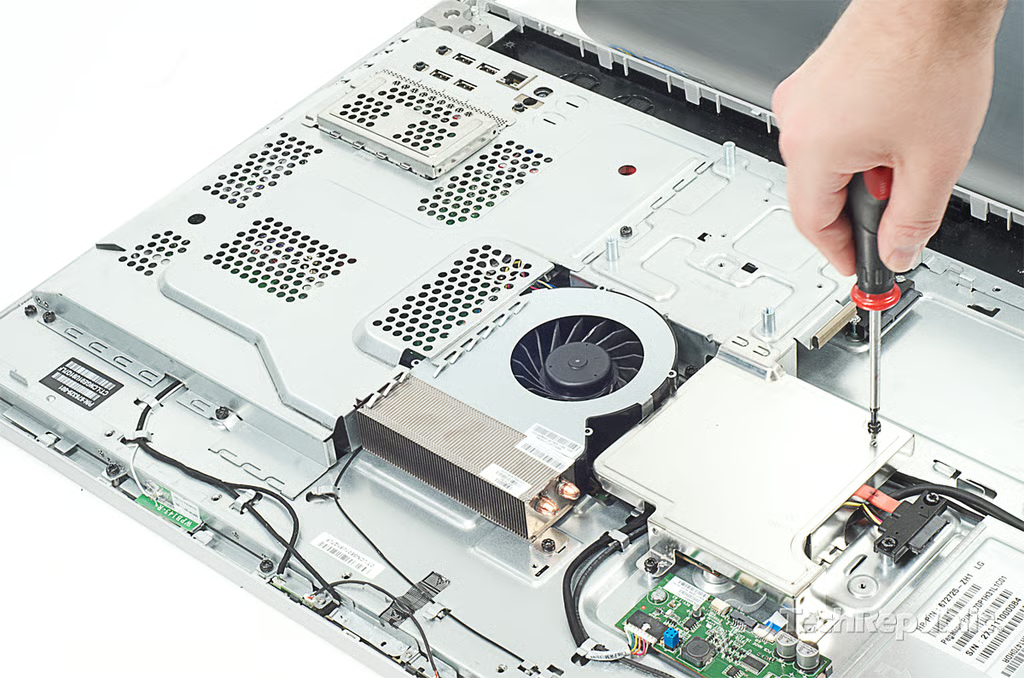
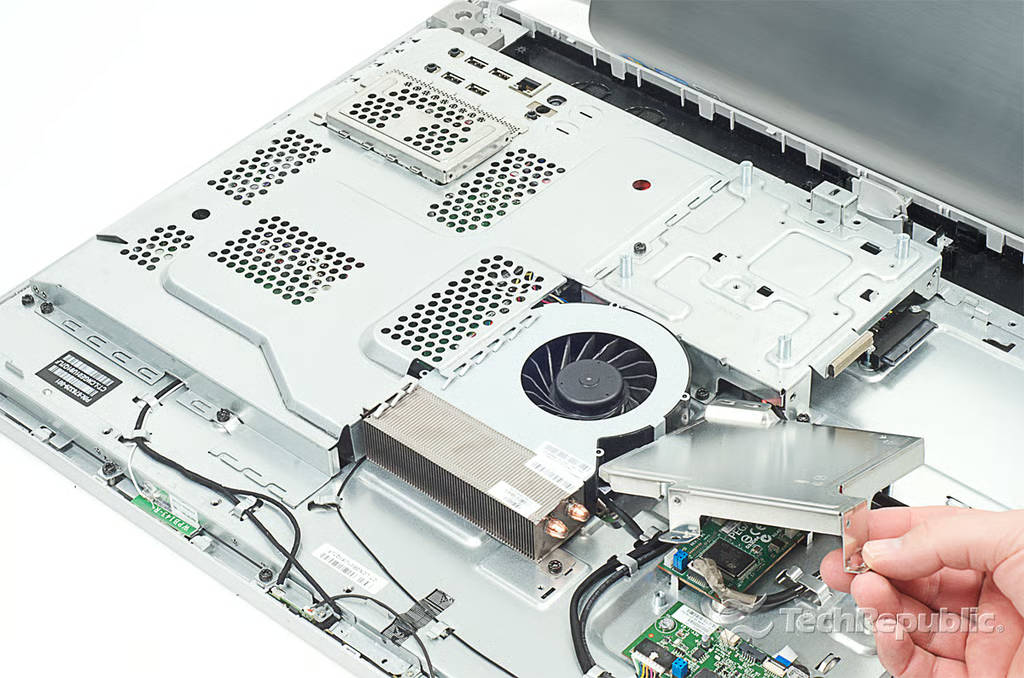
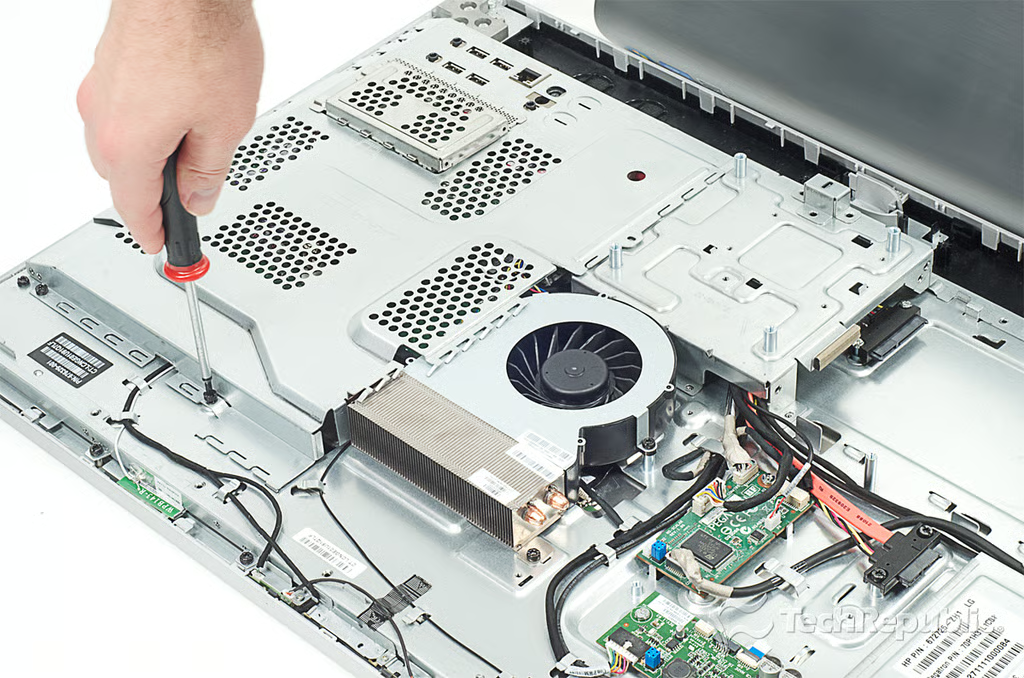
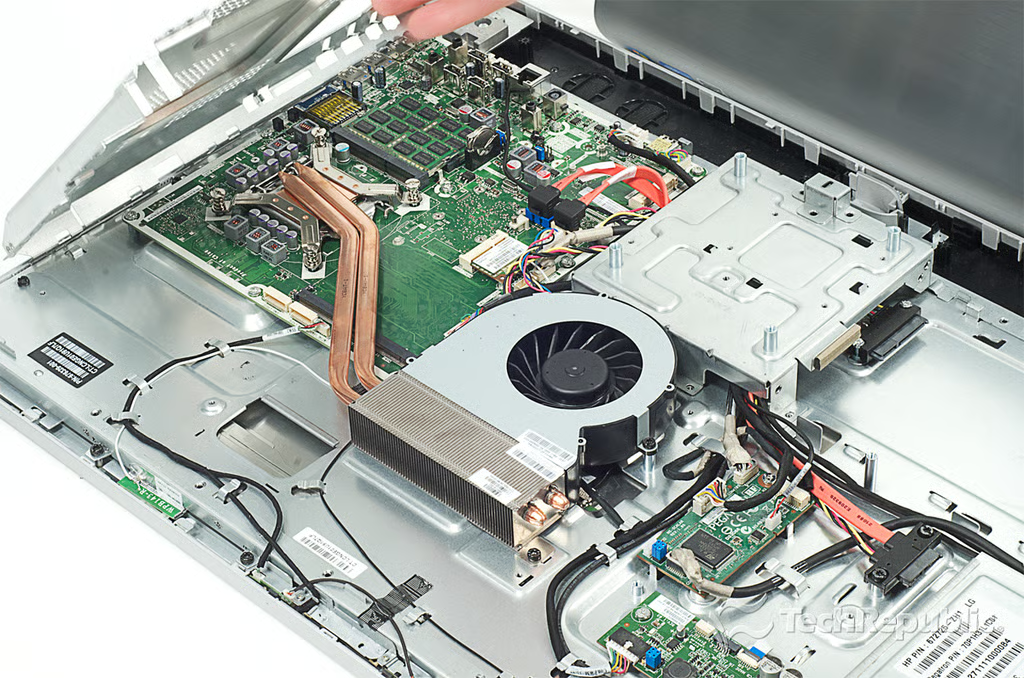
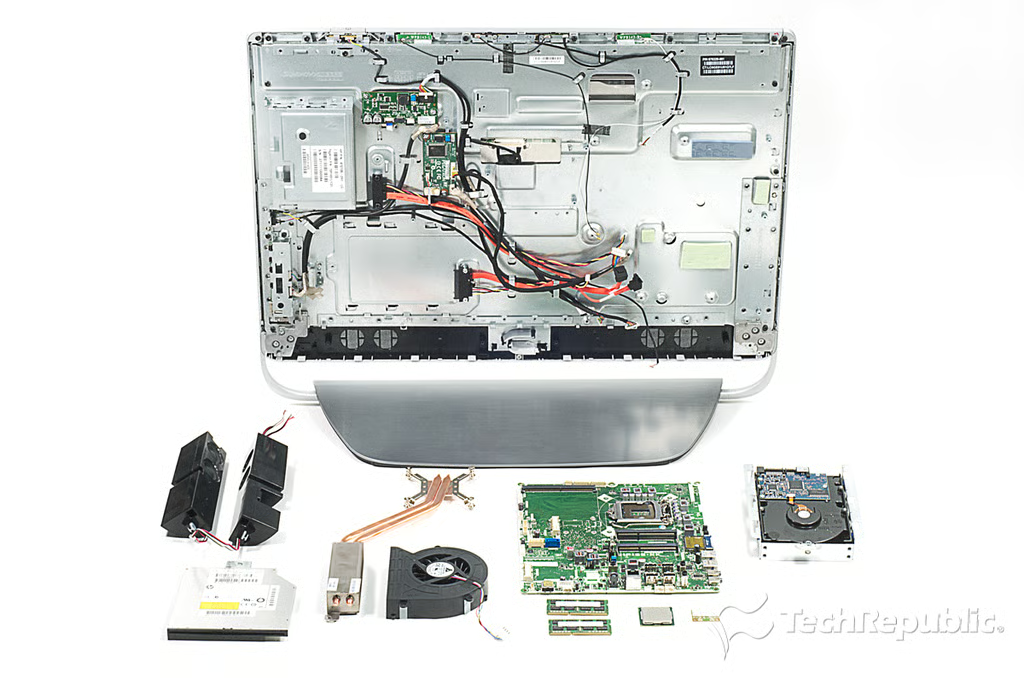
\n\tReleased in February 2012, the HP Omni 27 Quad was the first Windows-based all-in-one PC to break the 27-inch barrier. Before then, only Apple offered an all-in-one machine with such a large display–the 27-inch iMac. With HP and other Windows PC makers entering the 27-inch market, prices should come down and buyers will have more choice. Follow along as I crack open the HP Omni 27 for a look at the hardware inside.
\n\t
\n\tFor a detailed analysis of the teardown, check out my article and video, HP Omni 27 teardown reveals easy-to-service machine with respectable hardware.
\n
\n\t\n\n
\n
\n\t
\n\tPhoto by: Bill Detwiler / TechRepublic
\n\tCaption by: Bill Detwiler
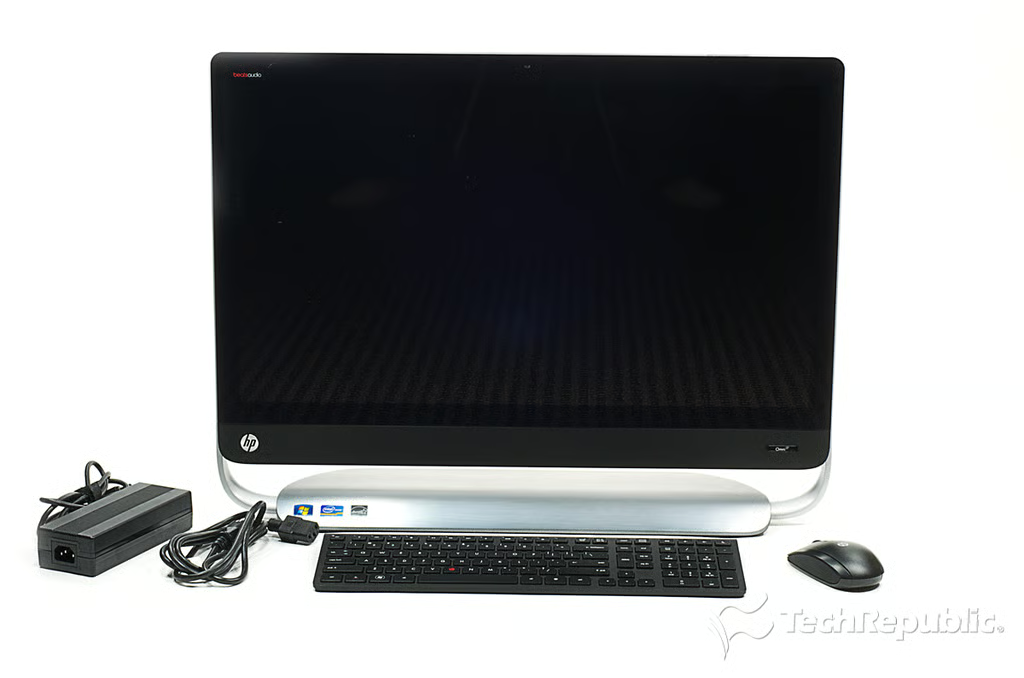
Cracking Open HP Omni 27: Box contents
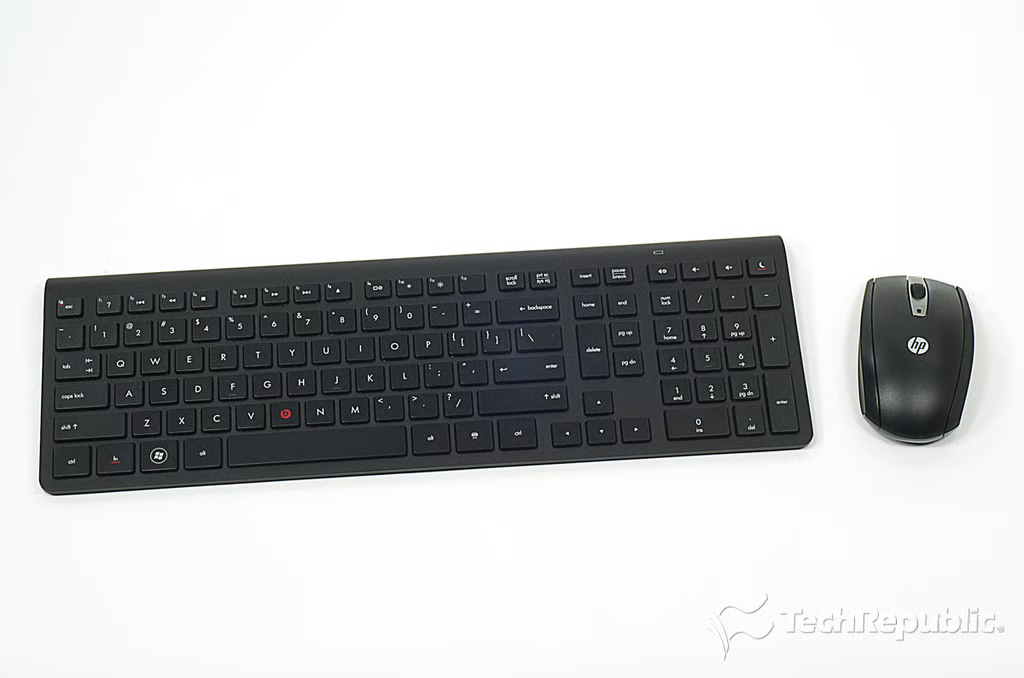
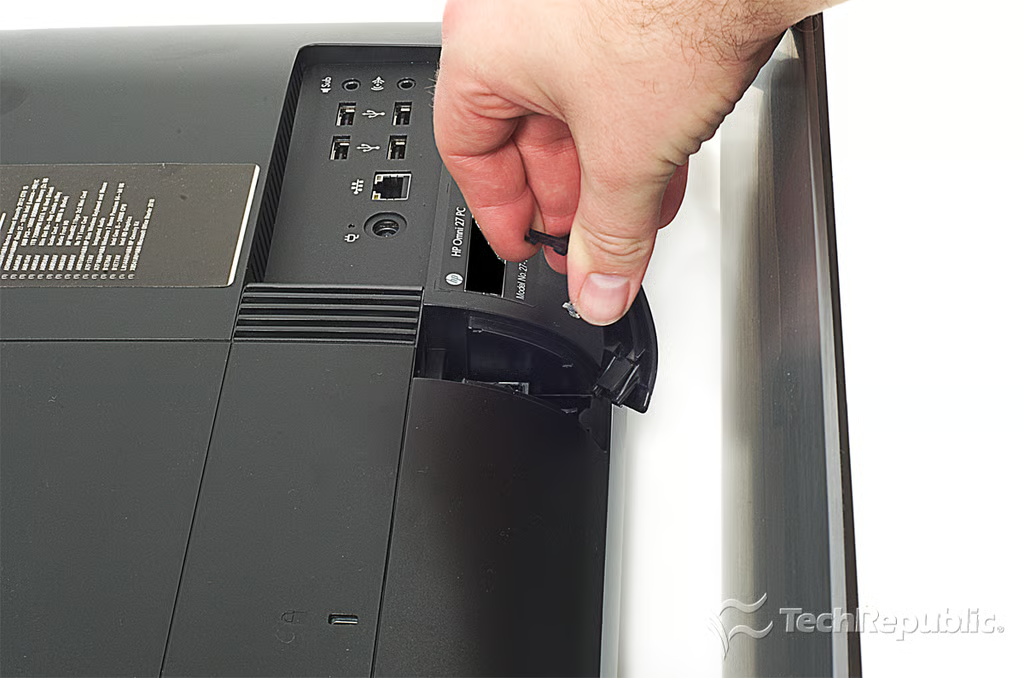
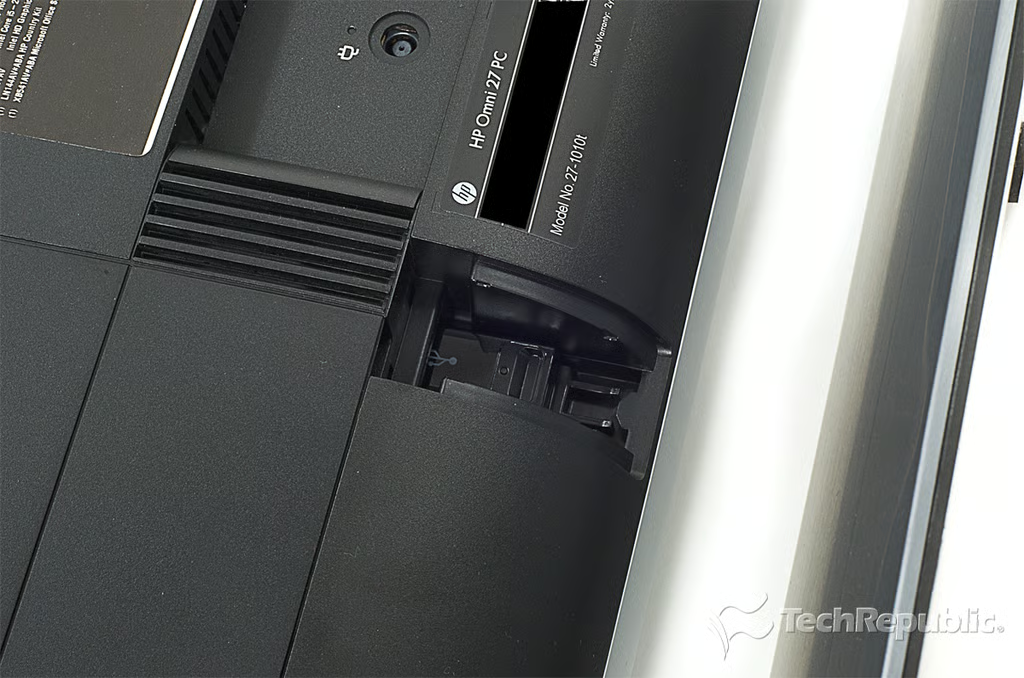
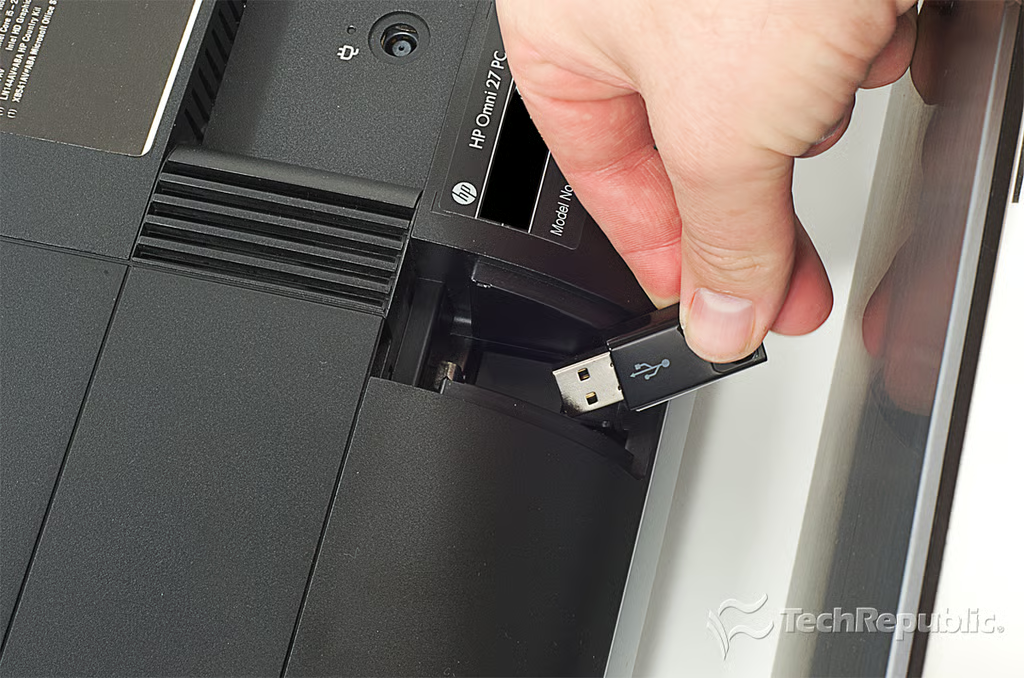
\n\tThe HP Omni 27 comes with a wireless keyboard and mouse. The wireless USB receiver is hidden in a dedicated compartment on the back of the case.
\n
\n\tPhoto by: Bill Detwiler / TechRepublic
\n\tCaption by: Bill Detwiler
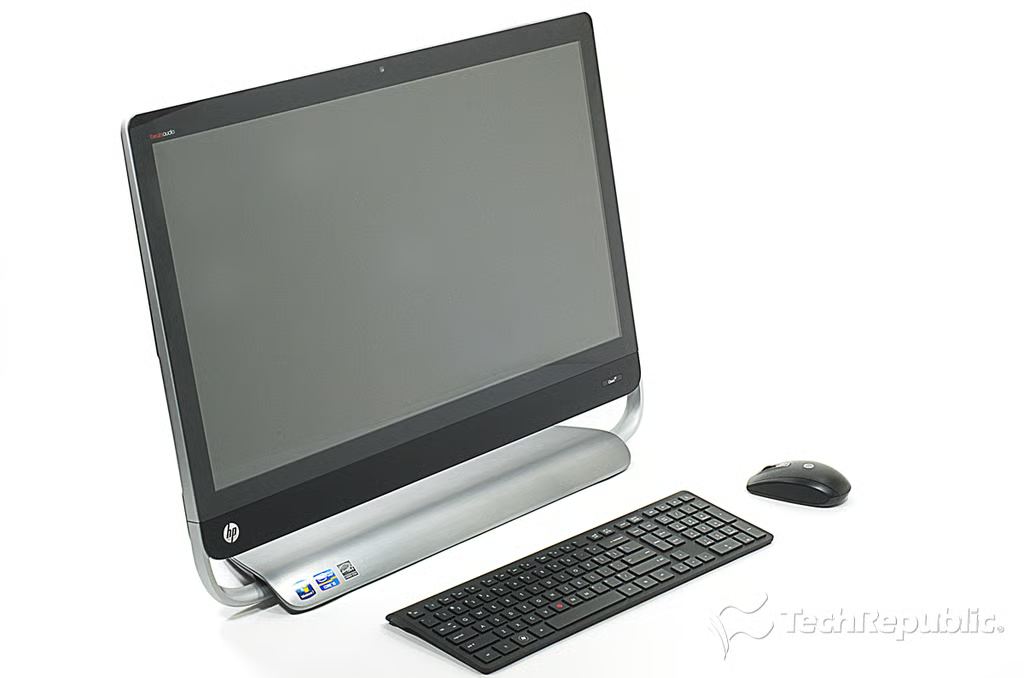
Cracking Open HP Omni 27: Hardware specifications
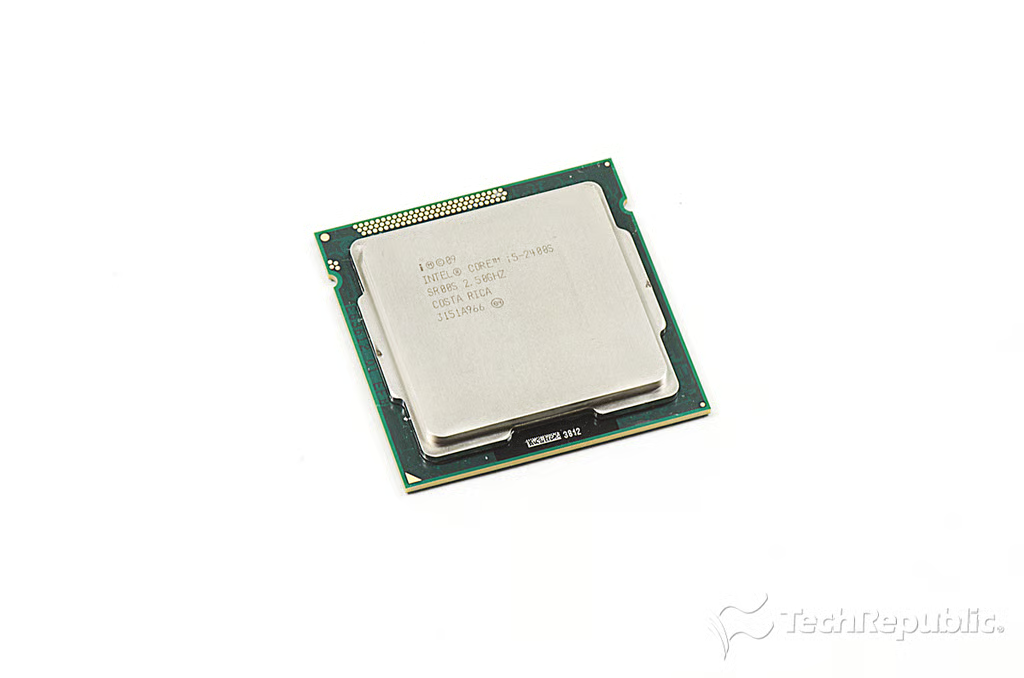
\n\tAlthough you can configure the Omni 27 with a variety of hardware, our test unit had a 2.5GHz Intel Core i5 processor, 8GB RAM, Intel HD Integrated graphics, Blu-ray/DVD combo drive, 2 USB 3.0 ports, an HDMI-input, and a 27-inch display (1,920 x 1,080). As configured, its price was $1,249 (US).
\n\t
\n\tPhoto by: Bill Detwiler / TechRepublic
\n\tCaption by: Bill Detwiler
Cracking Open HP Omni 27: Wireless keyboard and mouse
Cracking Open HP Omni 27: Dimensions and weight
\n\tLike the 27-inch Apple iMac, the Omni is big and heavy. It measures measures 19.76″ (H) x 8.38″ (W) x 25.63″ (D) and weighs just over 30 pounds.
\n\t
\n\tPhoto by: Bill Detwiler / TechRepublic
\n\tCaption by: Bill Detwiler
Cracking Open HP Omni 27: Back
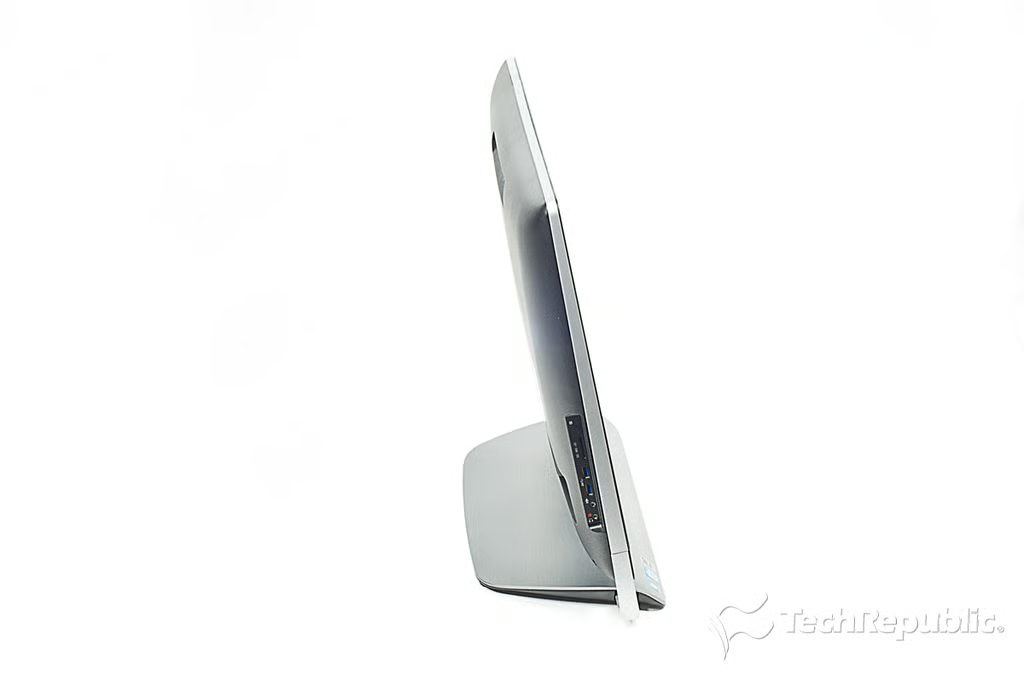
Cracking Open HP Omni 27: Left side
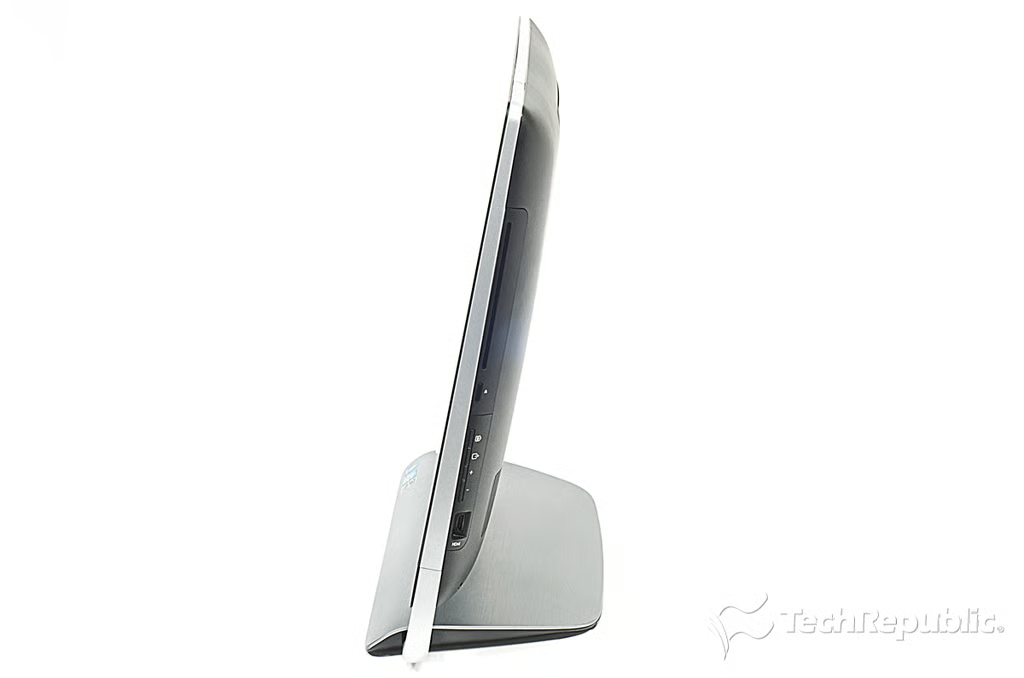
Cracking Open HP Omni 27: Right side
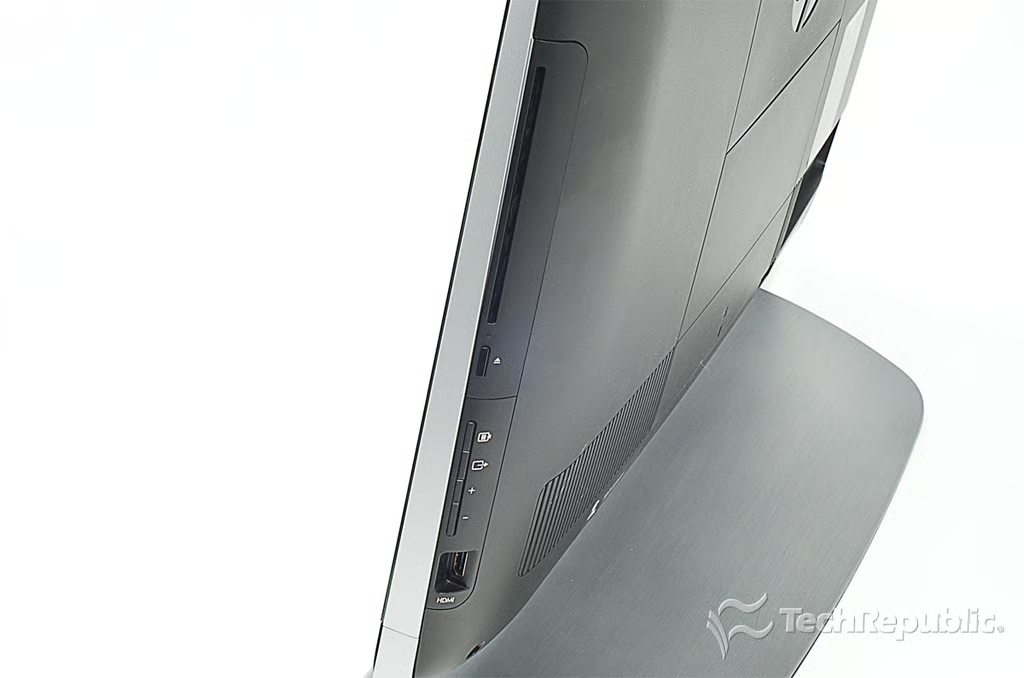
Cracking Open HP Omni 27: Blu-ray/DVD combo drive and HDMI-input
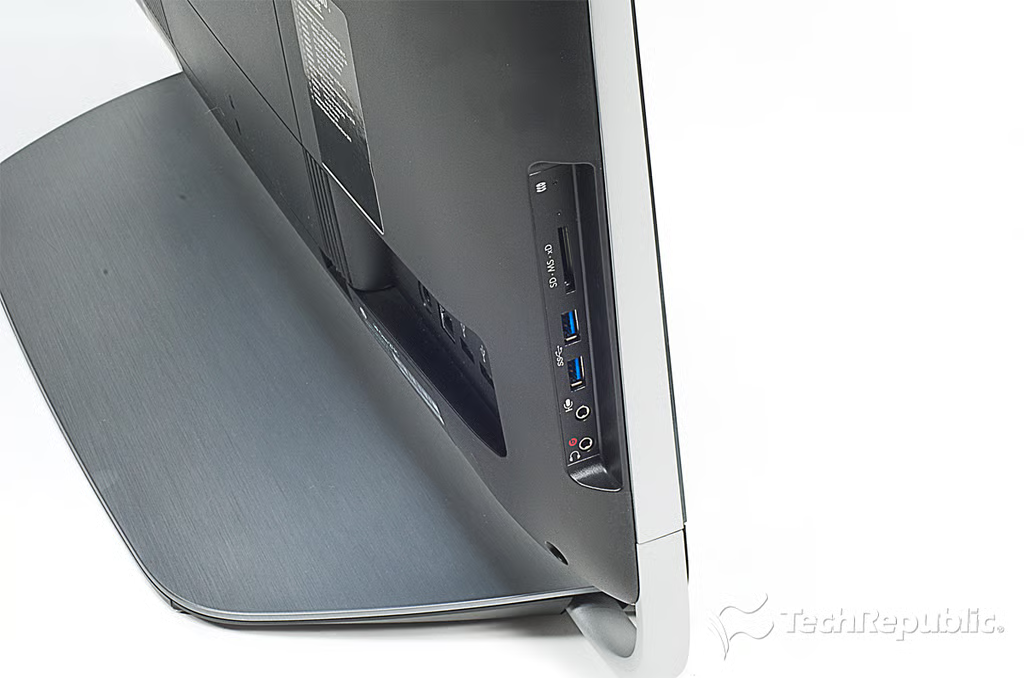
Cracking Open HP Omni 27: SD card reader, USB ports, mic and headphone jack
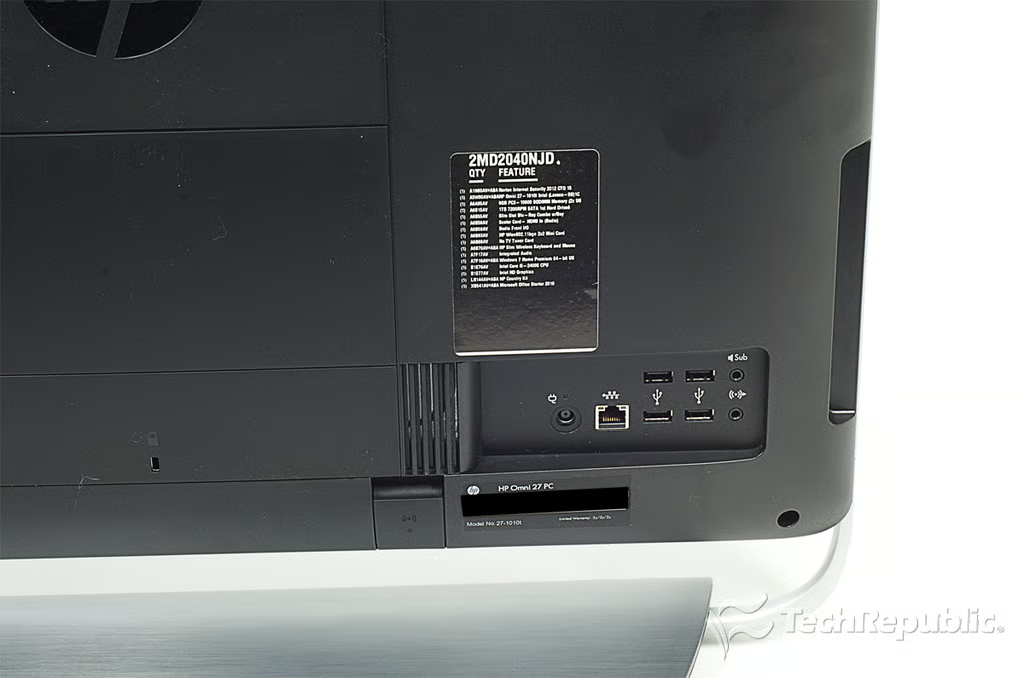
Cracking Open HP Omni 27: Rear ports (Ethernet jack, USB ports, audio line out and subwoofer out)
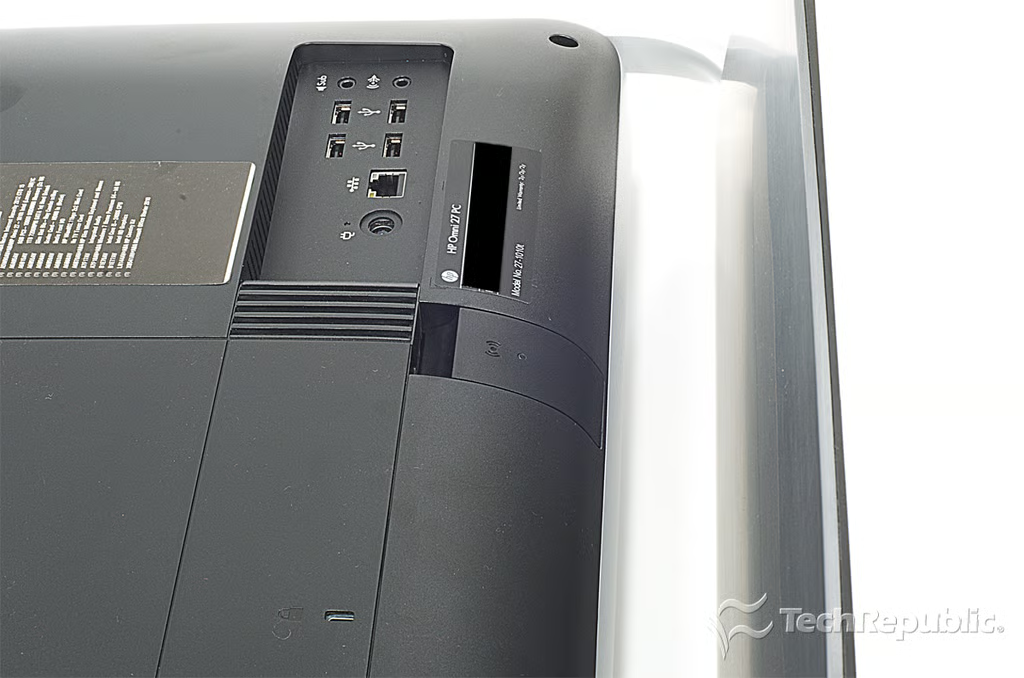
Cracking Open HP Omni 27: Wireless keyboard and mouse receiver compartment
Cracking Open HP Omni 27: Opening the wireless receiver compartment
Cracking Open HP Omni 27: Wireless keyboard and mouse receiver
Cracking Open HP Omni 27: Removing wireless keyboard and mouse receiver
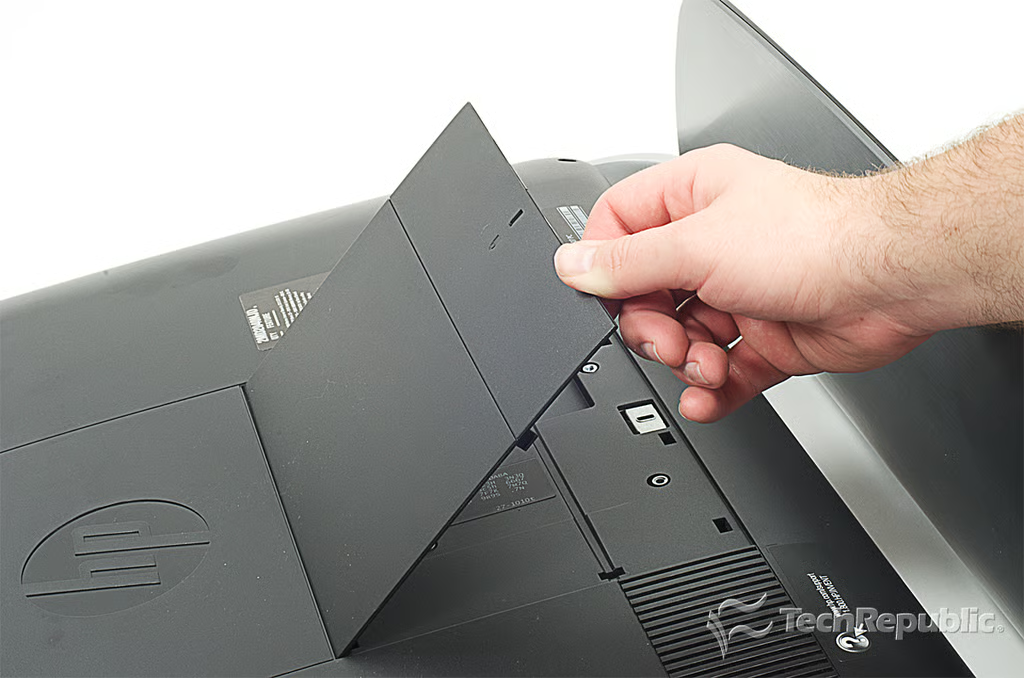
Cracking Open HP Omni 27: Removing the VESA screw holes cover
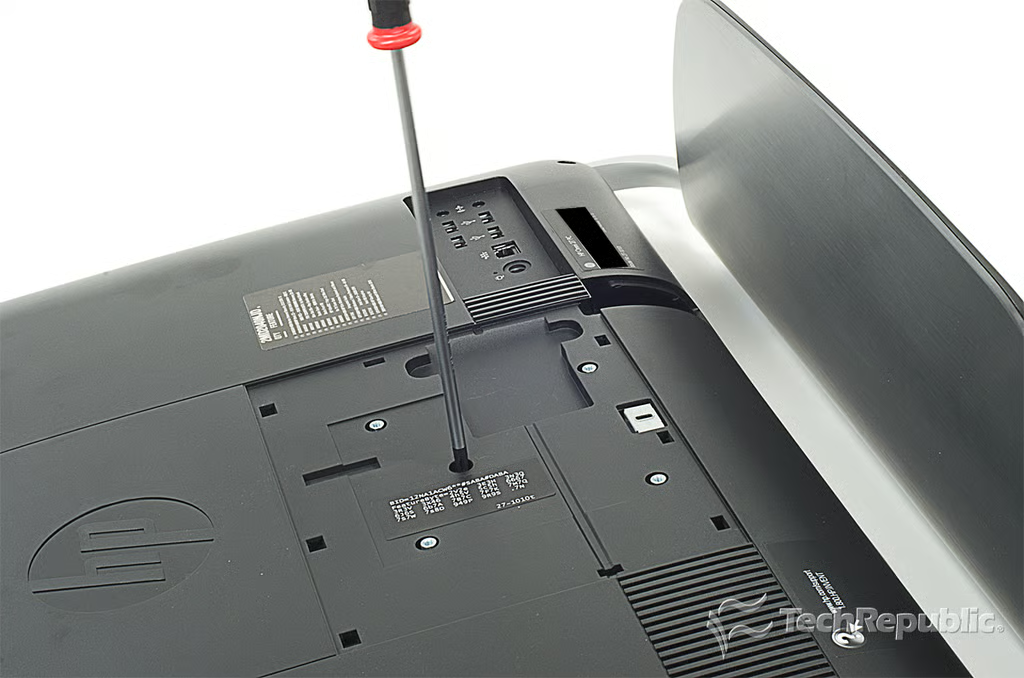
Cracking Open HP Omni 27: Removing the hidden back panel screw
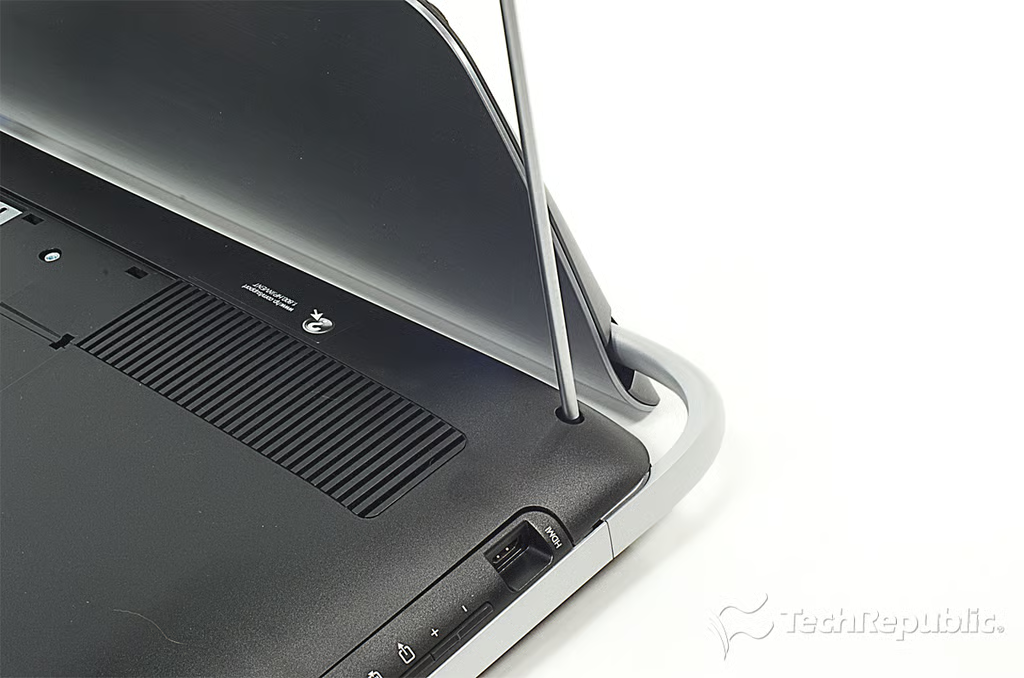
Cracking Open HP Omni 27: Removing the back cover screws
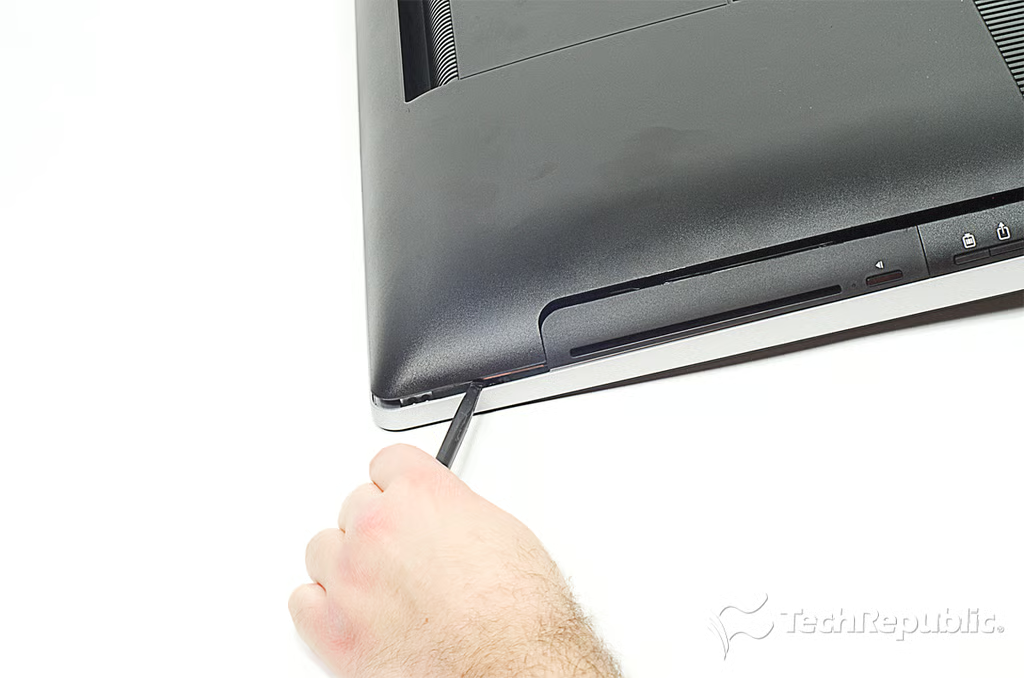
Cracking Open HP Omni 27: Popping loose the back cover
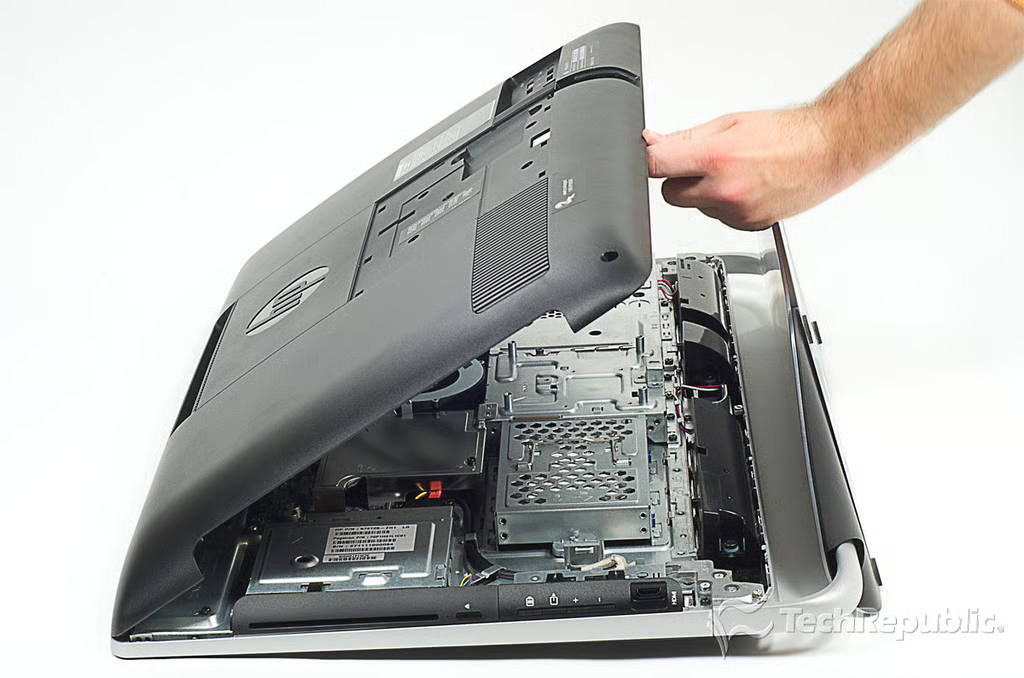
Cracking Open HP Omni 27: Removing the back cover
Cracking Open HP Omni 27: Internal hardware
Cracking Open HP Omni 27: Removing the optical drive port cover
Cracking Open HP Omni 27: Removing the side button and HDMI-input port cover
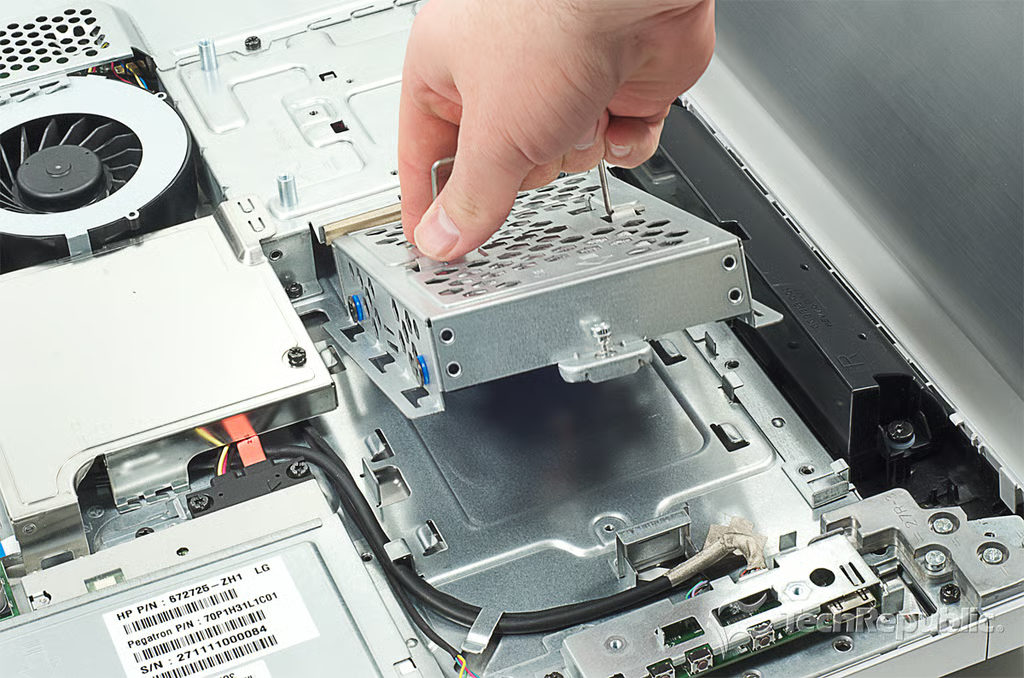
Cracking Open HP Omni 27: Removing the hard drive enclosure screw
Cracking Open HP Omni 27: Removing the hard drive and enclosure
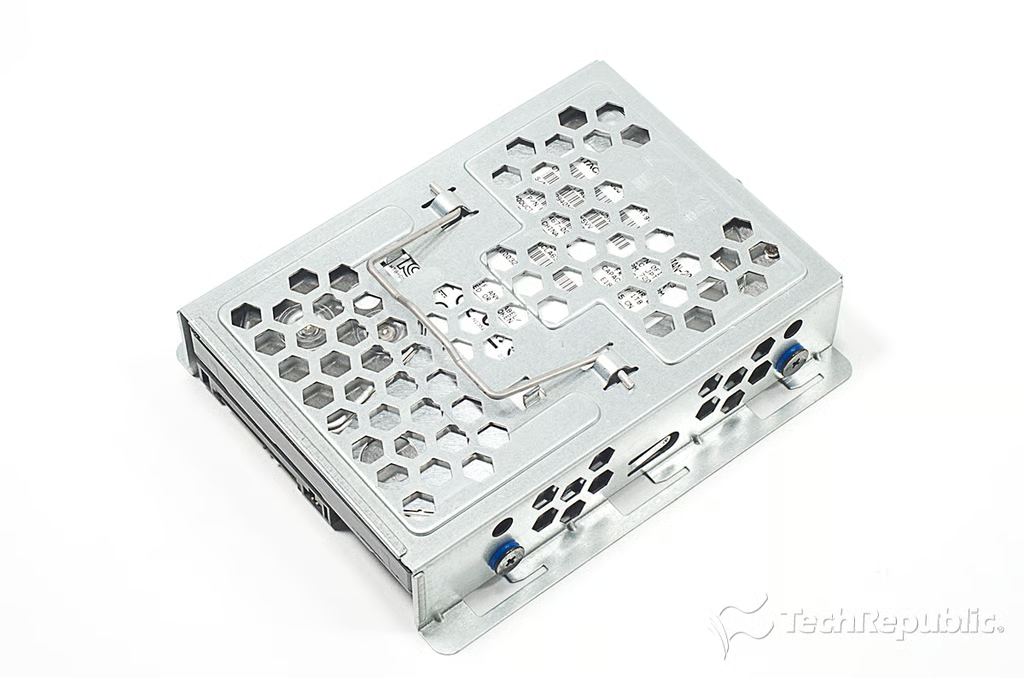
Cracking Open HP Omni 27: 1TB Hitachi SATA 7,200 RPM hard drive
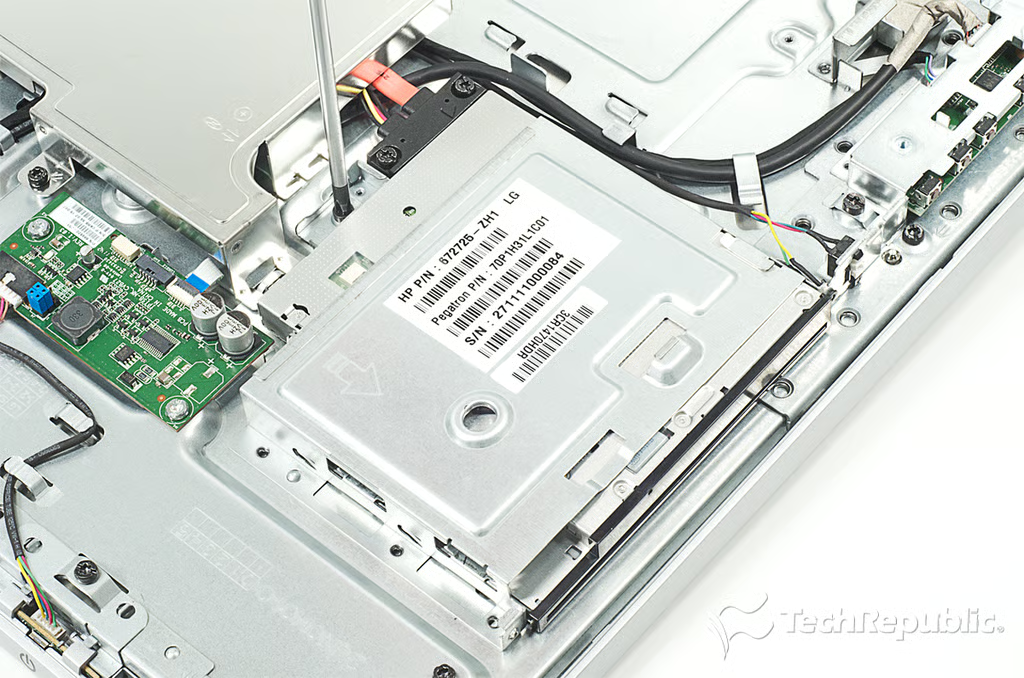
Cracking Open HP Omni 27: Removing the optical drive screws
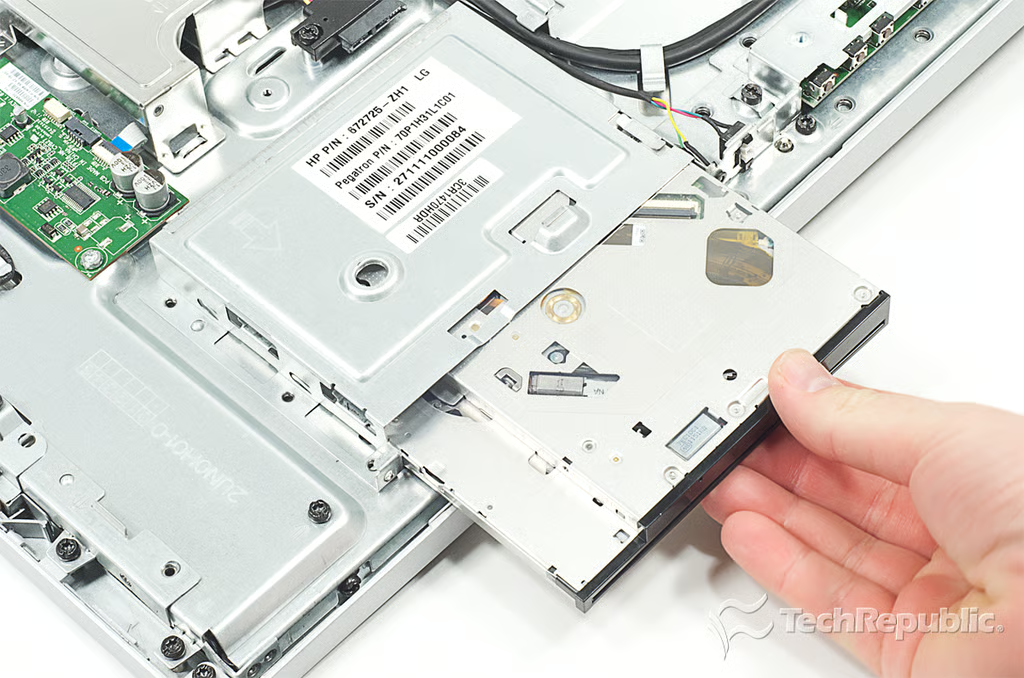
Cracking Open HP Omni 27: Removing the Blu-ray/DVD drive
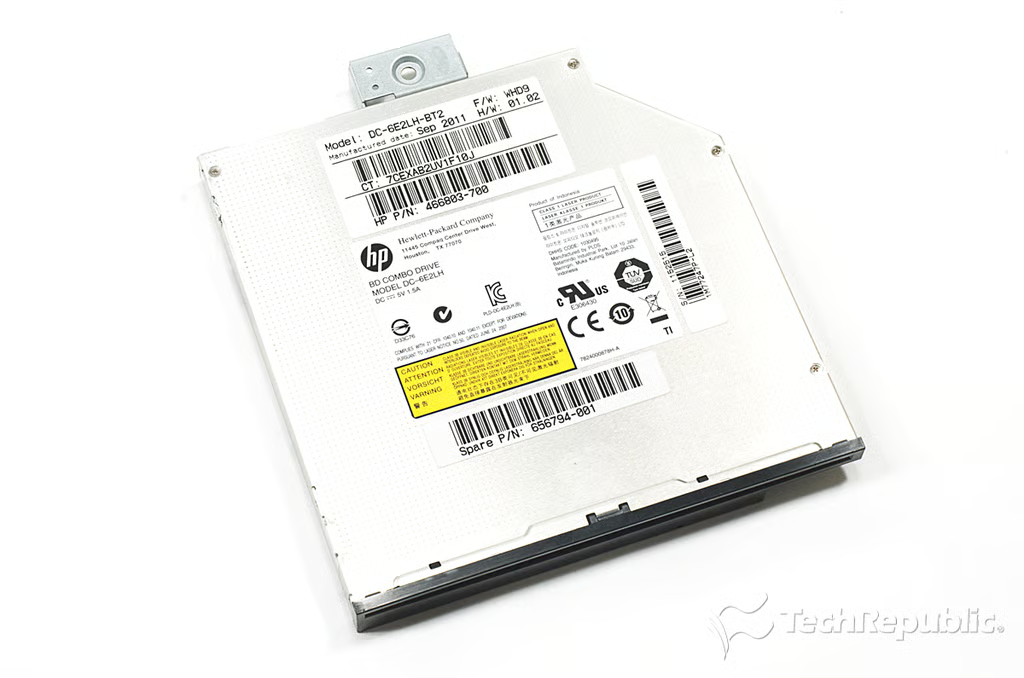
Cracking Open HP Omni 27: HP Blu-ray/DVD combo drive (DC-6E2LH)
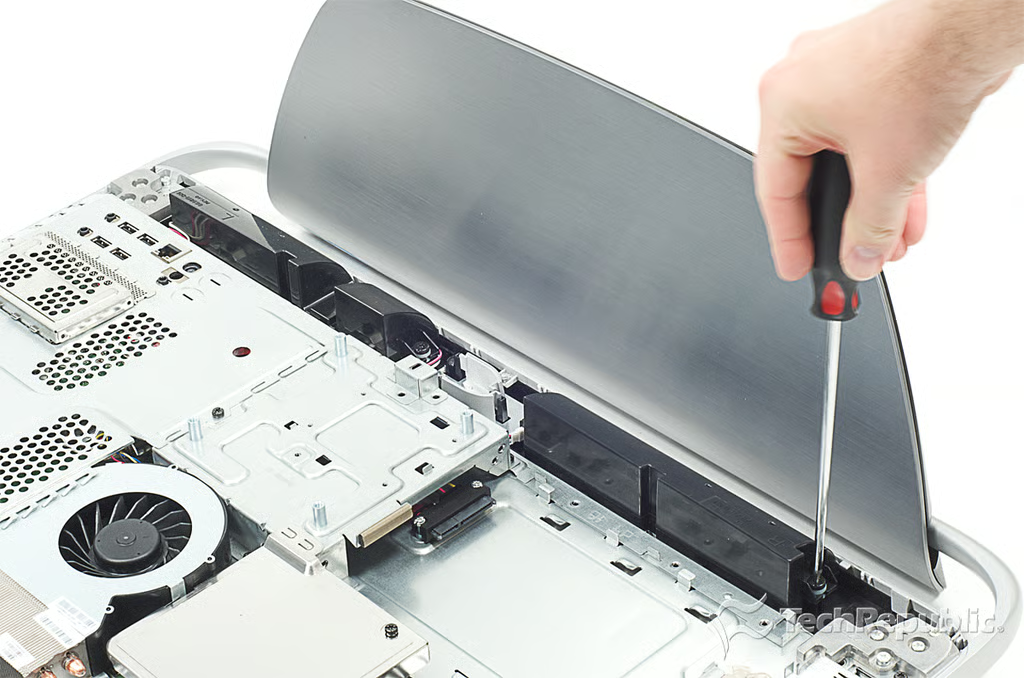
Cracking Open HP Omni 27: Removing the speaker screws
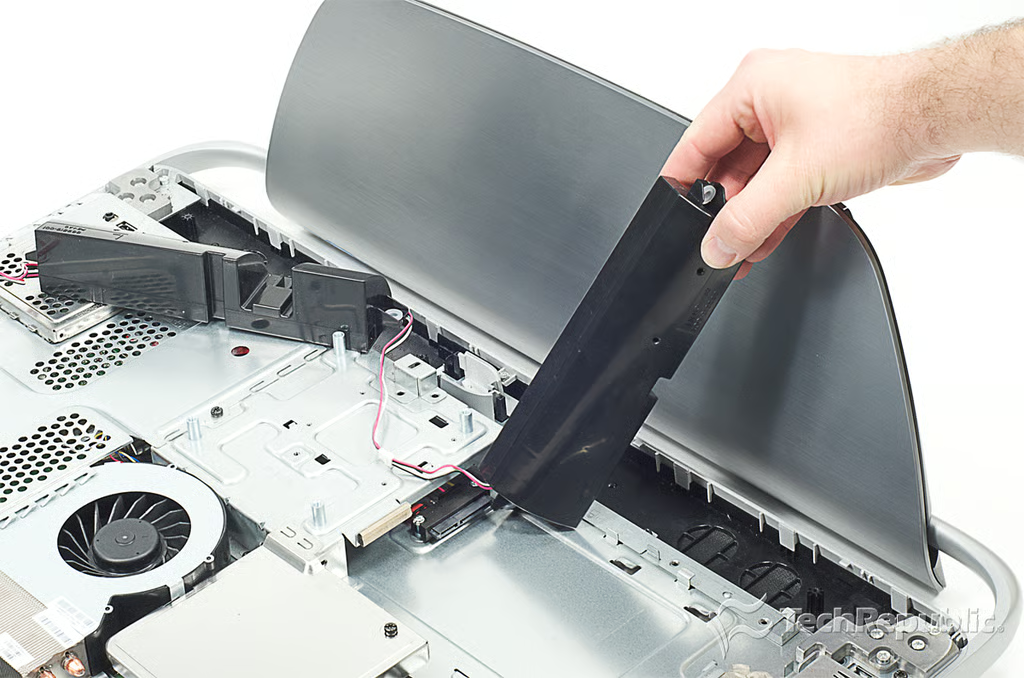
Cracking Open HP Omni 27: Removing the speakers
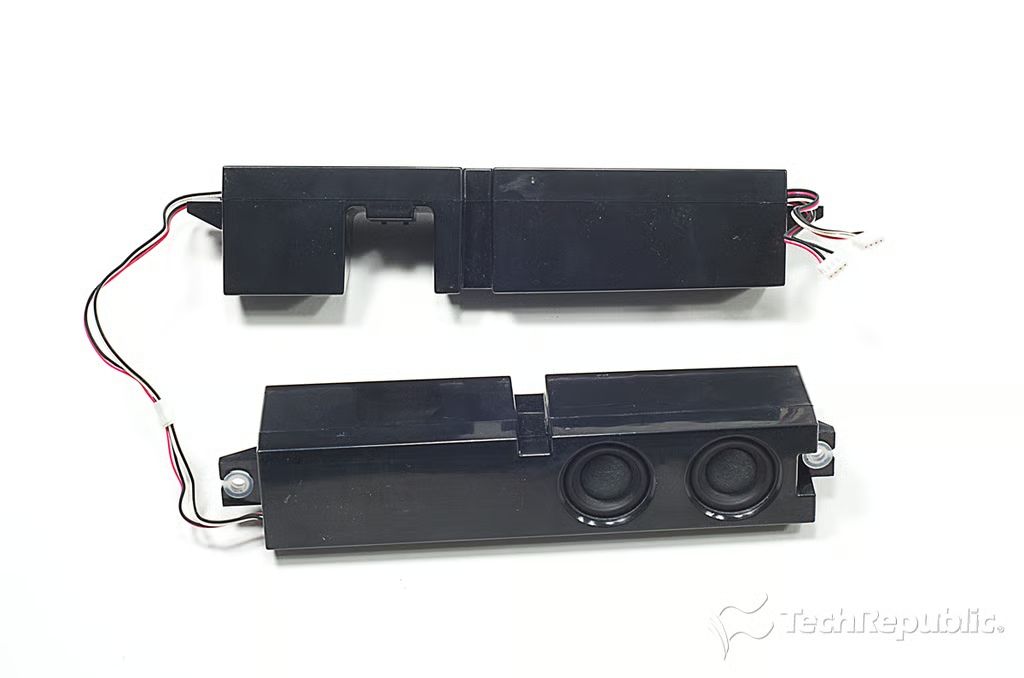
Cracking Open HP Omni 27: Speakers
Cracking Open HP Omni 27: Removing the LCD controller board metal shield screws
Cracking Open HP Omni 27: Removing the LCD controller board metal shield
Cracking Open HP Omni 27: Removing the motherboard metal shield screws
Cracking Open HP Omni 27: Removing the motherboard shield
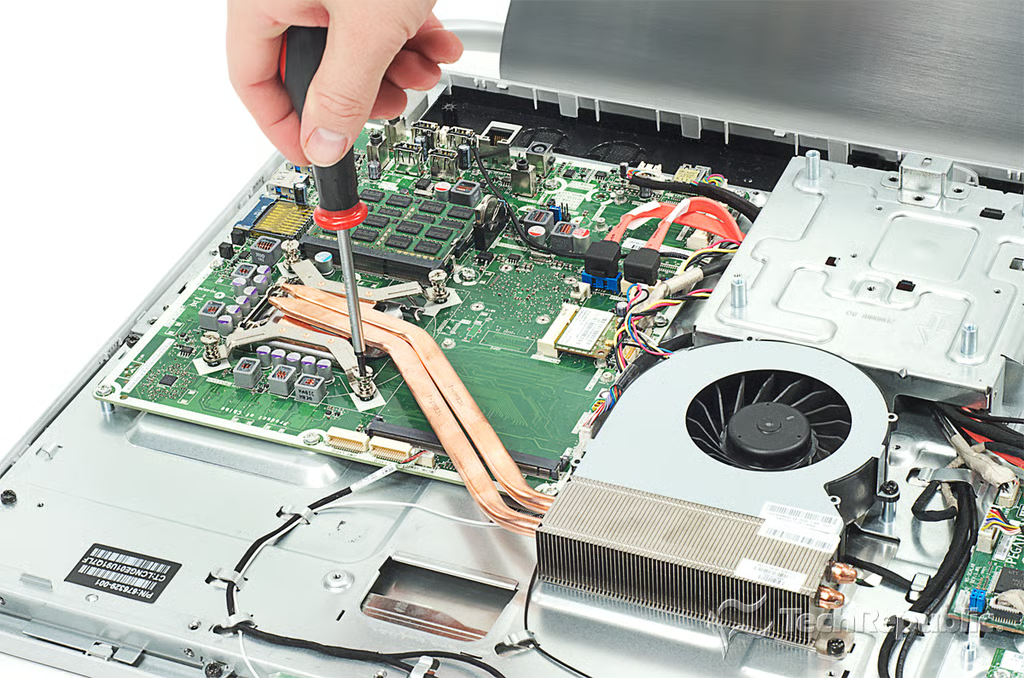
Cracking Open HP Omni 27: Loosening the CPU heatsink screws
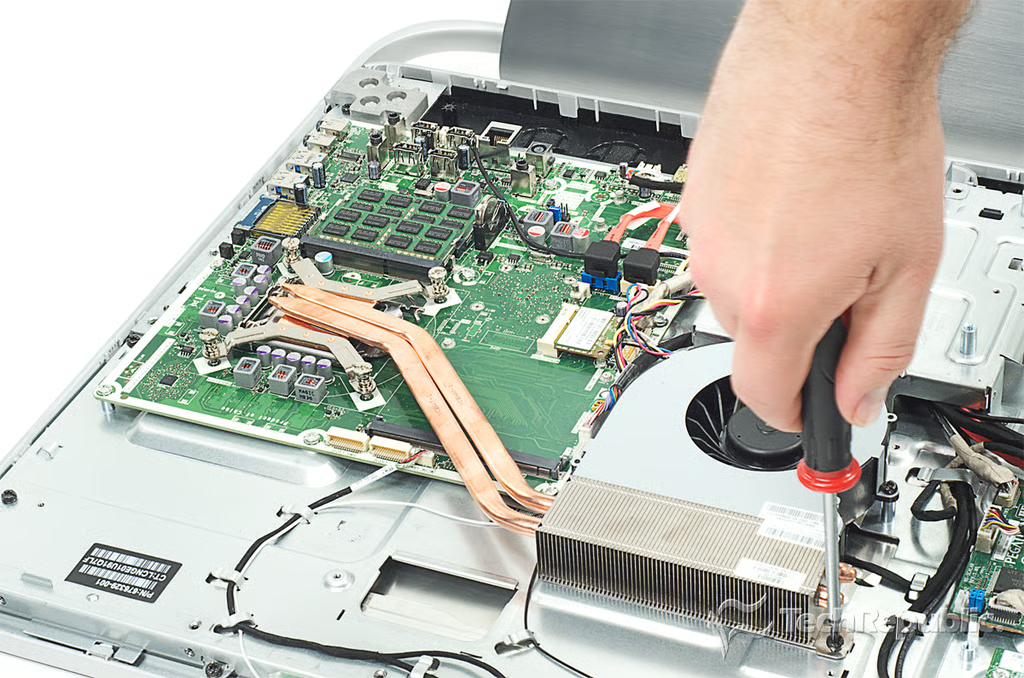
Cracking Open HP Omni 27: Removing the cooling assembly screw
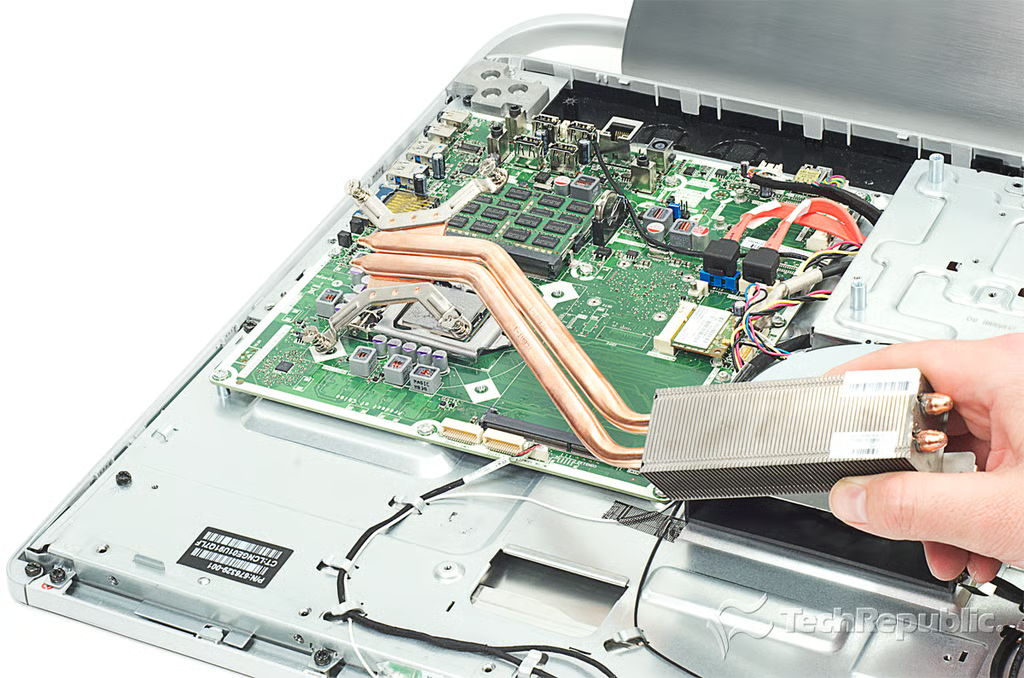
Cracking Open HP Omni 27: Removing the heatsink and cooling assembly
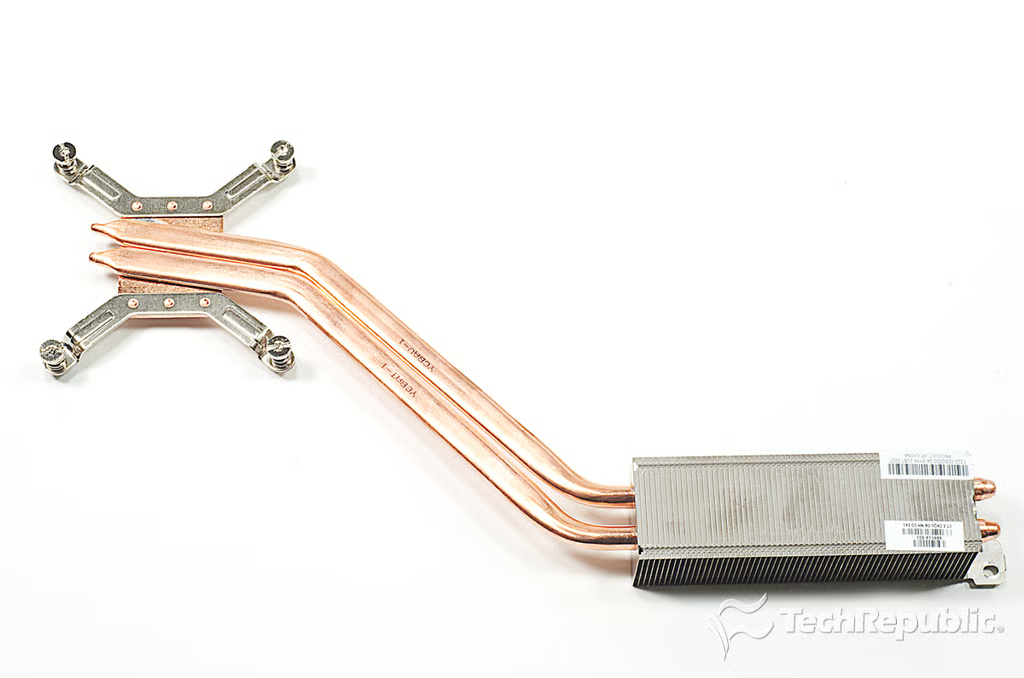
Cracking Open HP Omni 27: Heatsink and cooling assembly
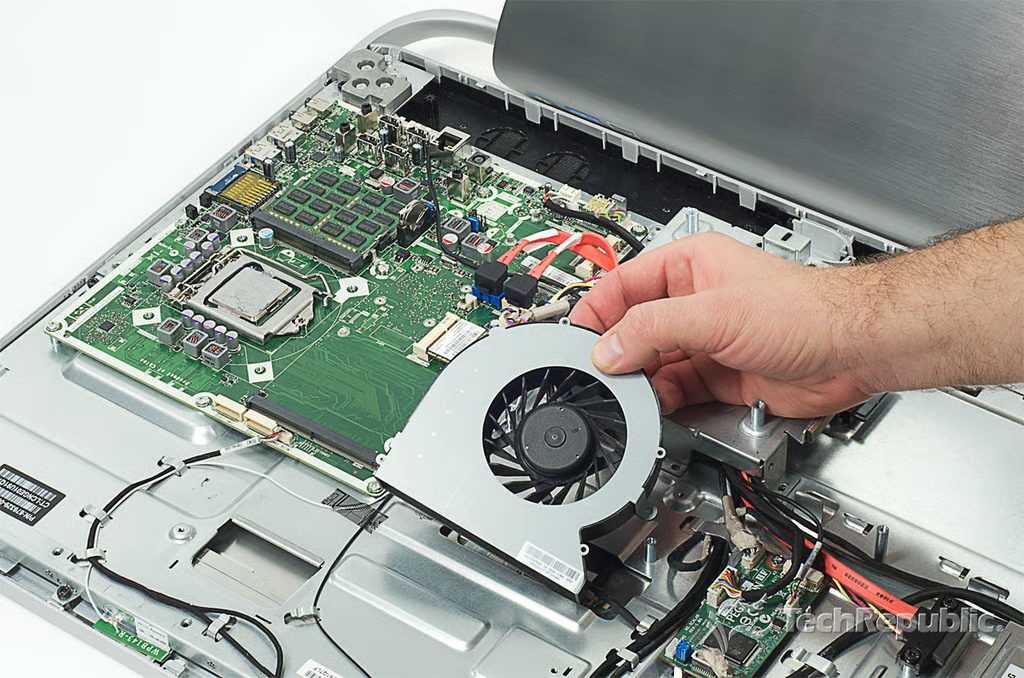
Cracking Open HP Omni 27: Removing the fan
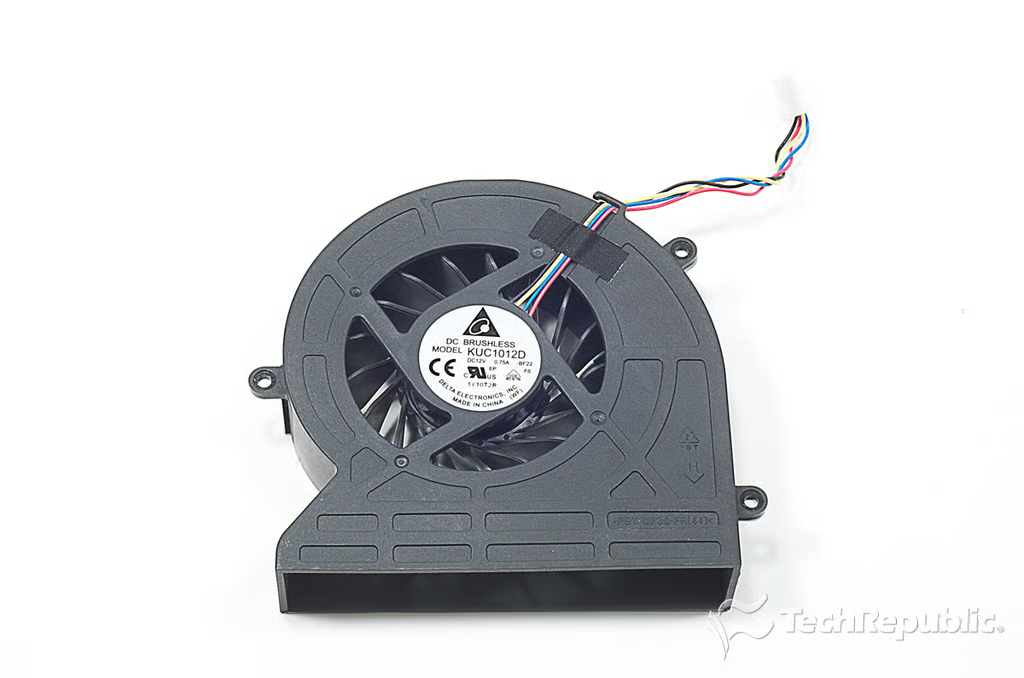
Cracking Open HP Omni 27: Delta Electronics 12V, 0.75A DC brushless cooling fan (KU1012D)
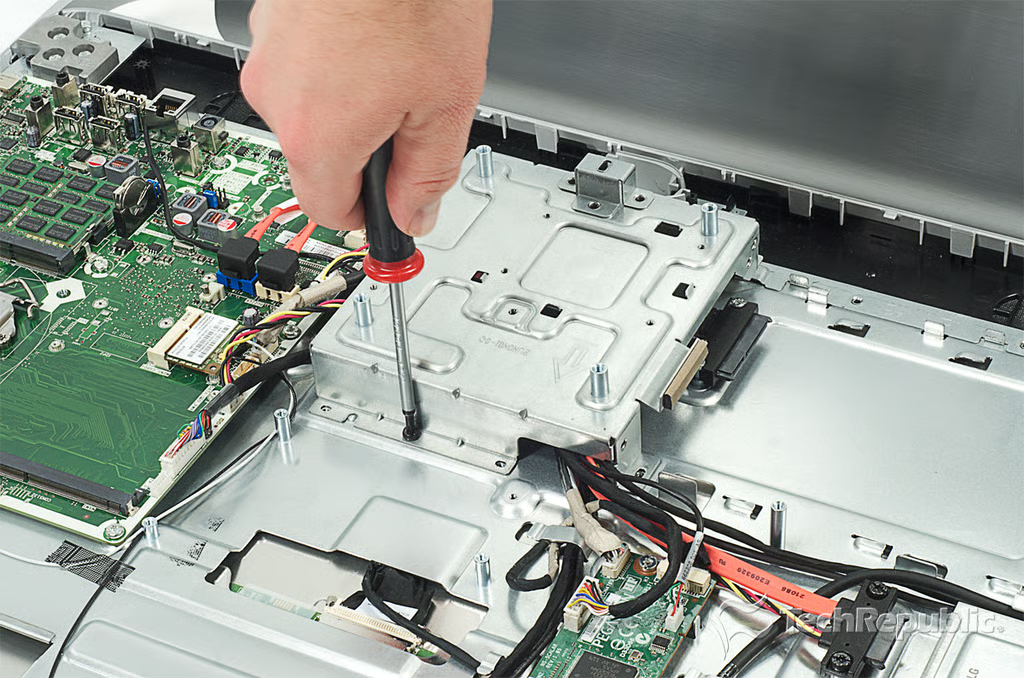
Cracking Open HP Omni 27: Removing the final metal shield screws
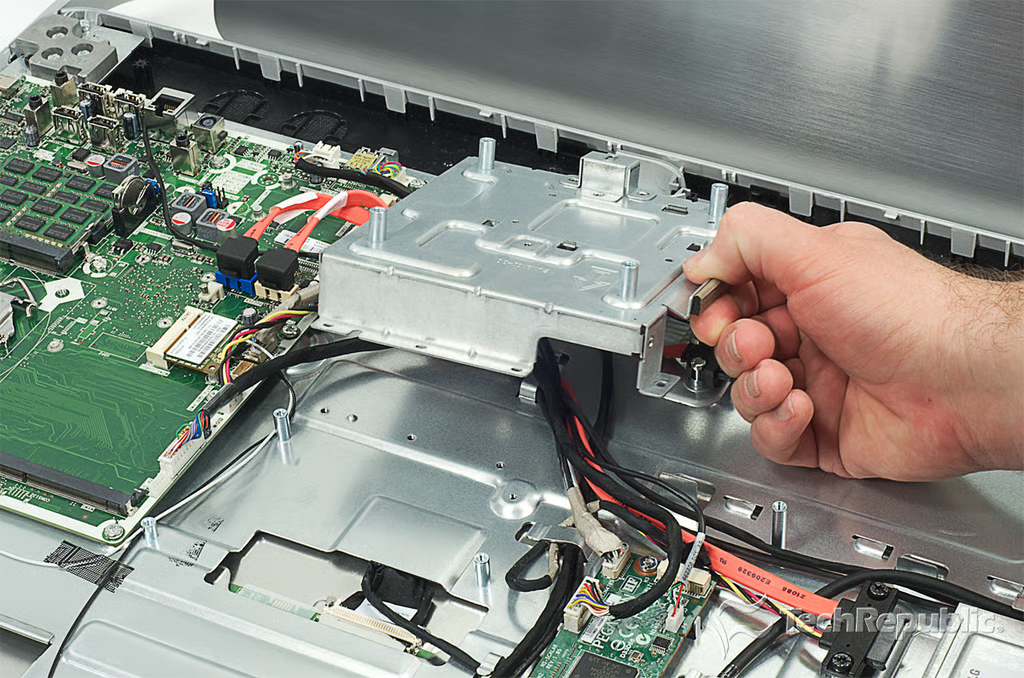
Cracking Open HP Omni 27: Removing the final internal metal shield
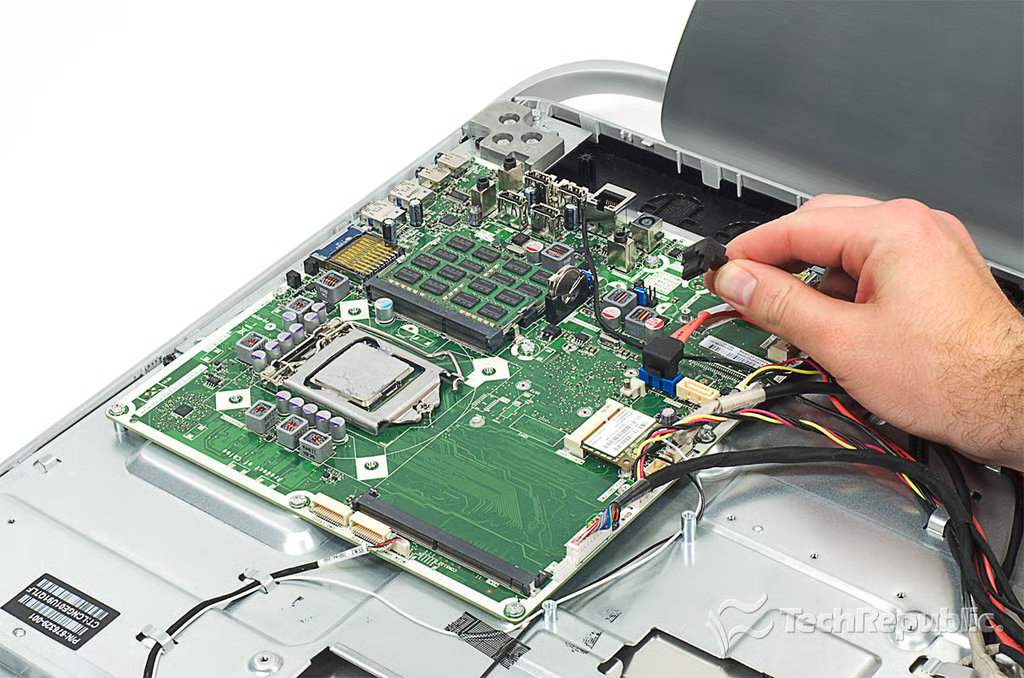
Cracking Open HP Omni 27: Disconnecting the motherboard cables
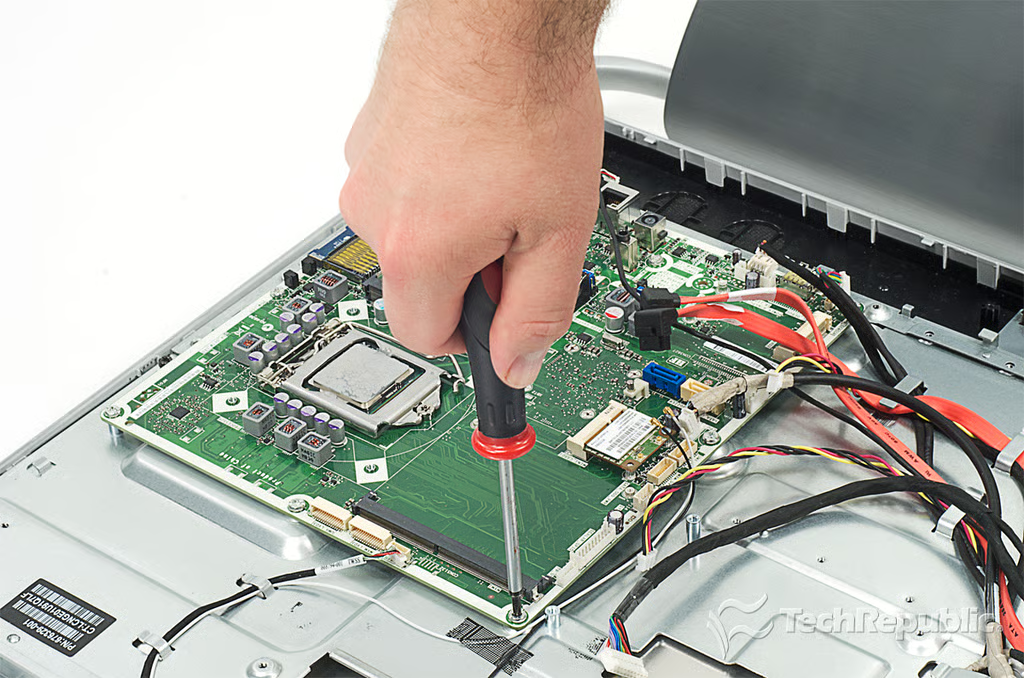
Cracking Open HP Omni 27: Removing the motherboard screws
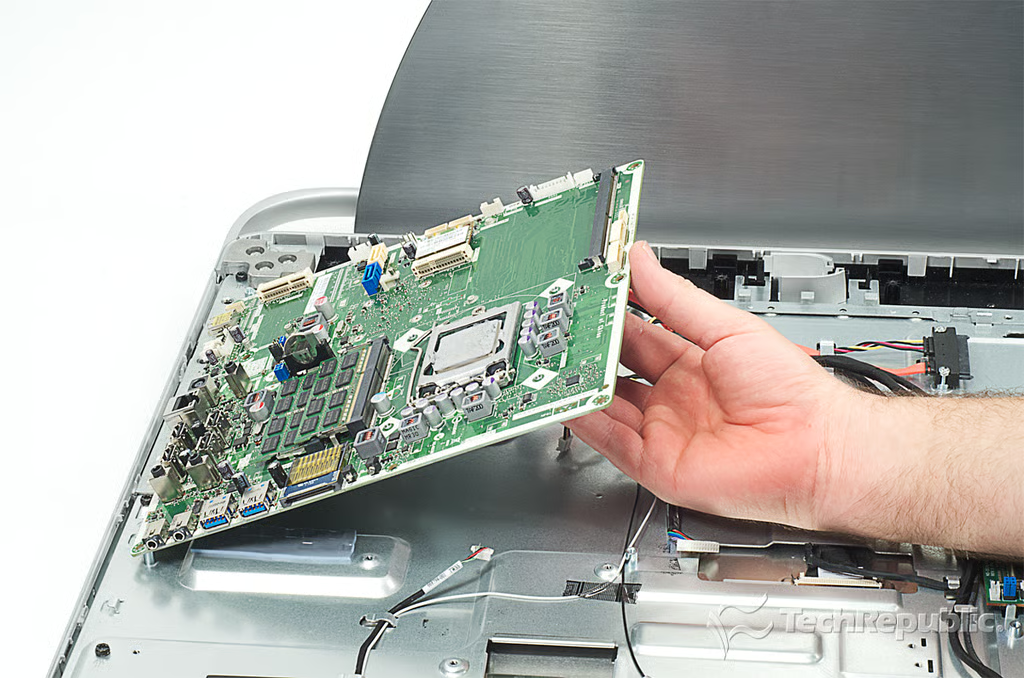
Cracking Open HP Omni 27: Removing the motherboard
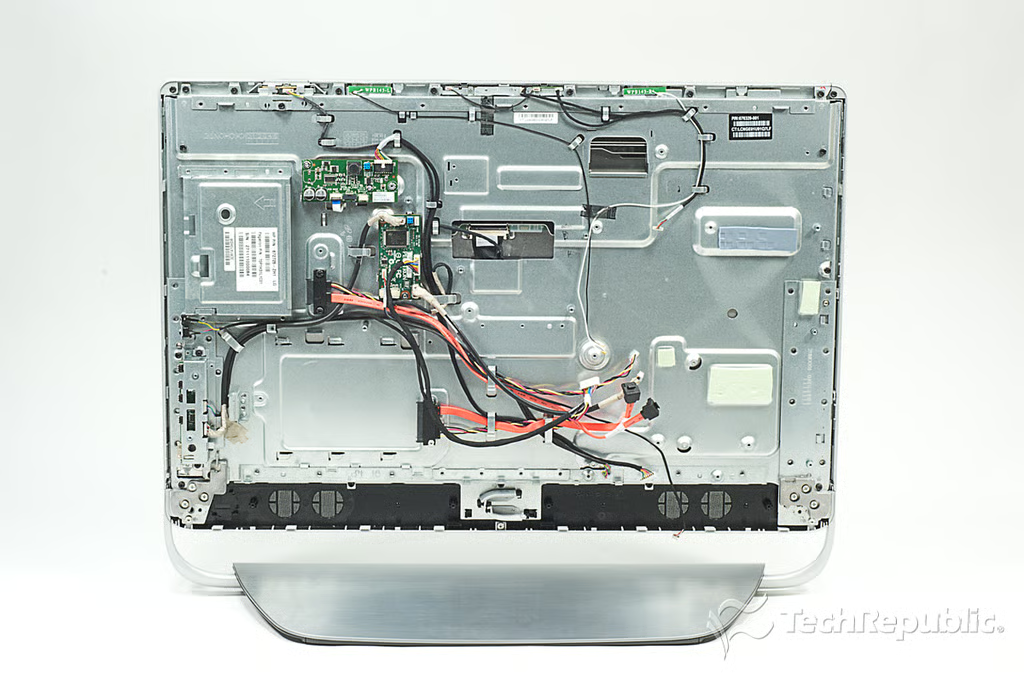
Cracking Open HP Omni 27: Chasis with attached components and LCD
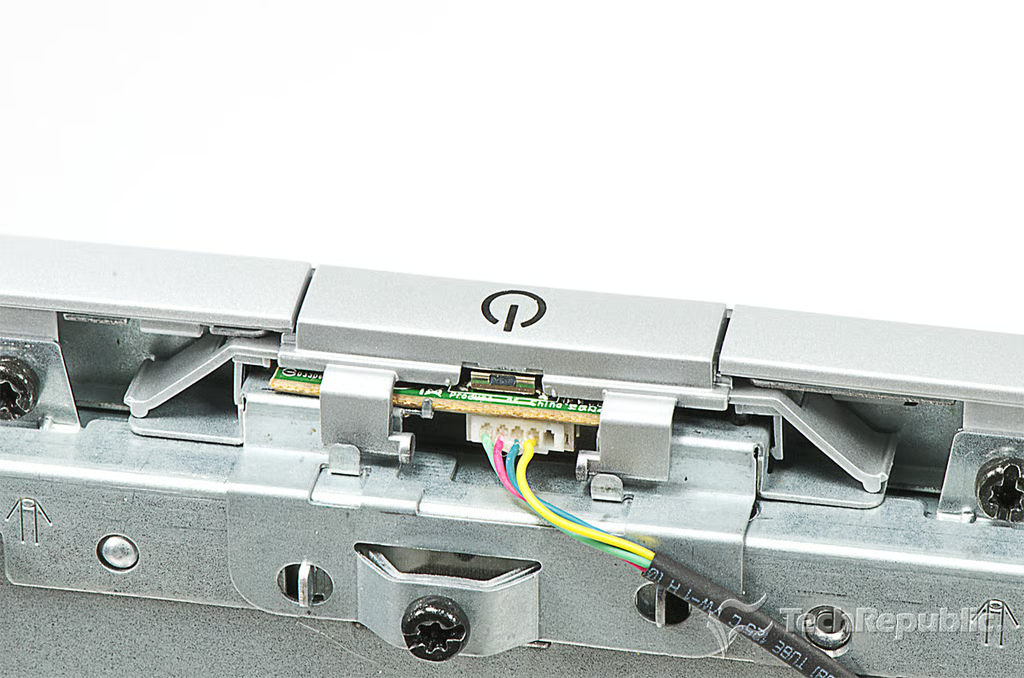
Cracking Open HP Omni 27: Power button
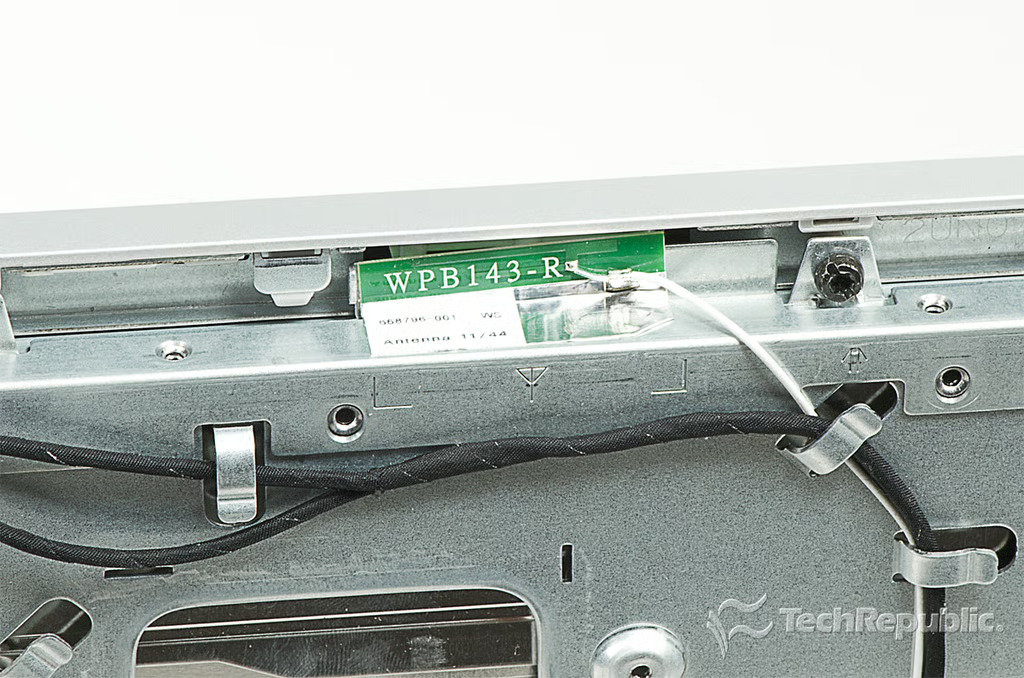
Cracking Open HP Omni 27: Right wireless antenna
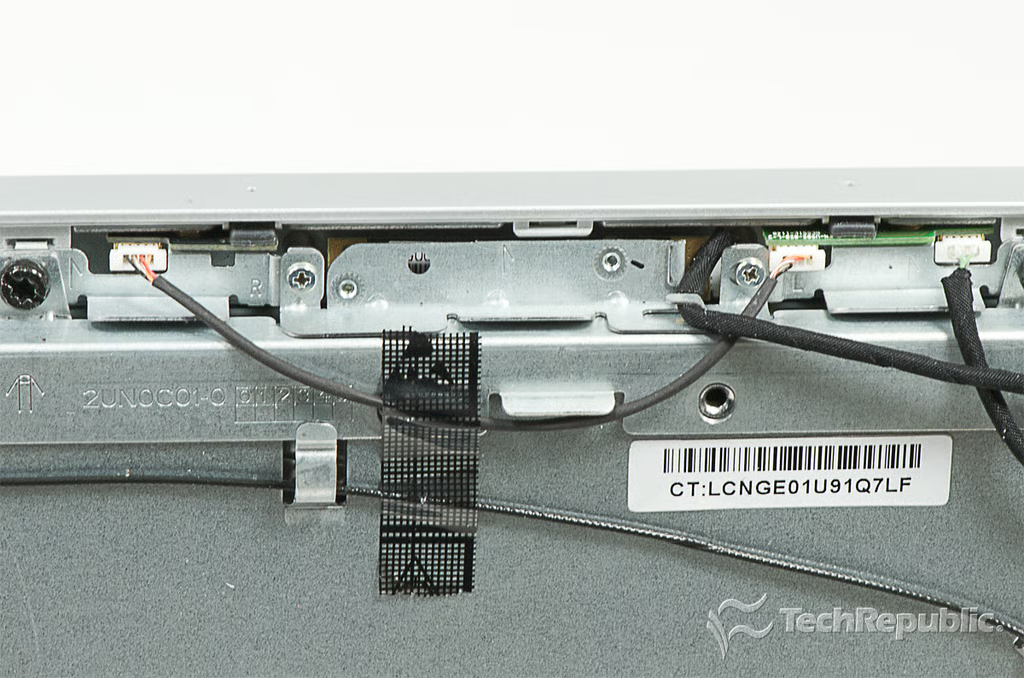
Cracking Open HP Omni 27: Camera
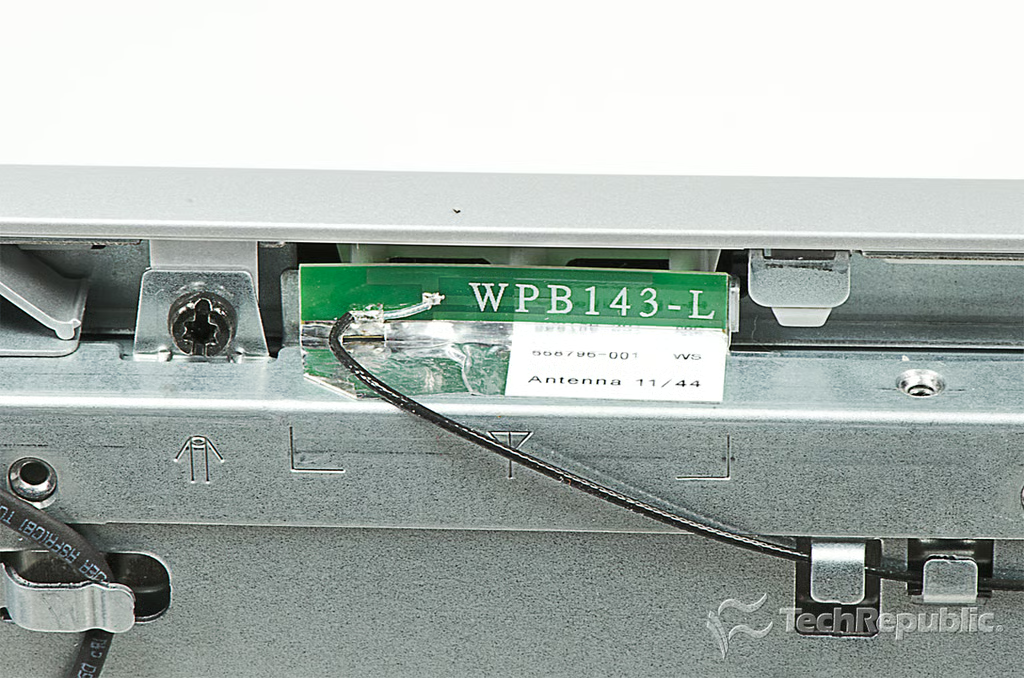
Cracking Open HP Omni 27: Left wireless antenna
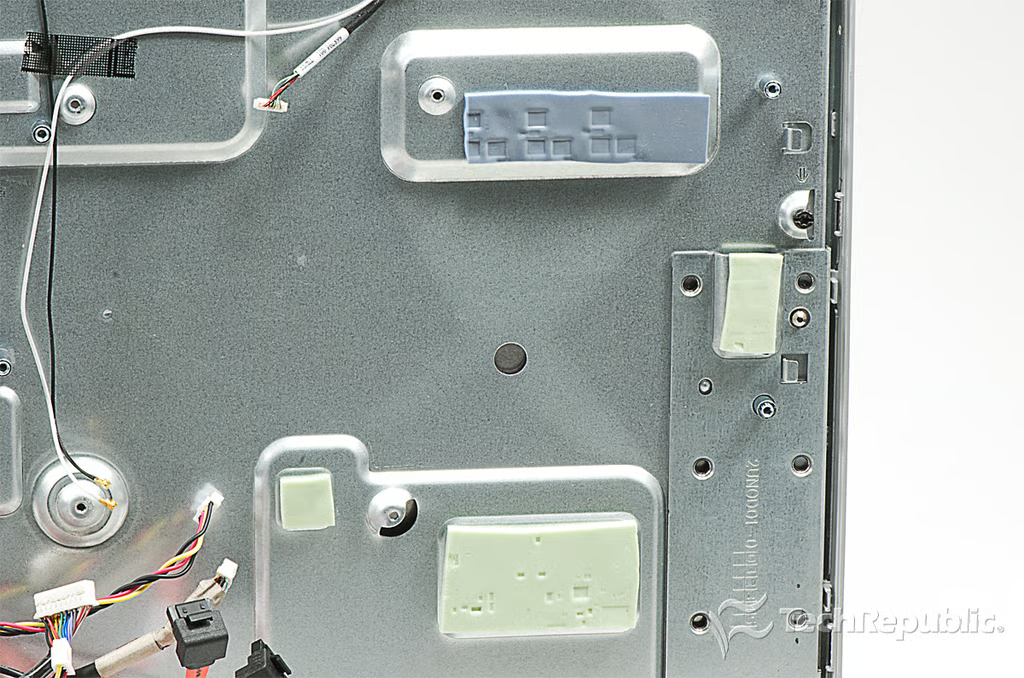
Cracking Open HP Omni 27: Back-side motherboard pads
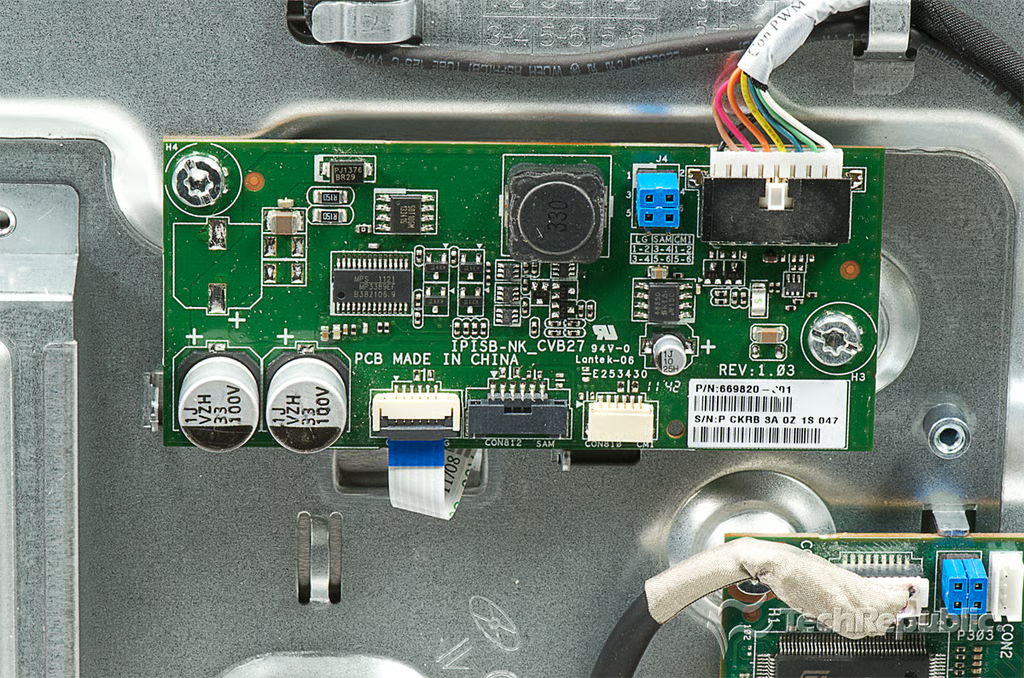
Cracking Open HP Omni 27: MPS MP3389 step-up controller for WLED LCD panel backlight
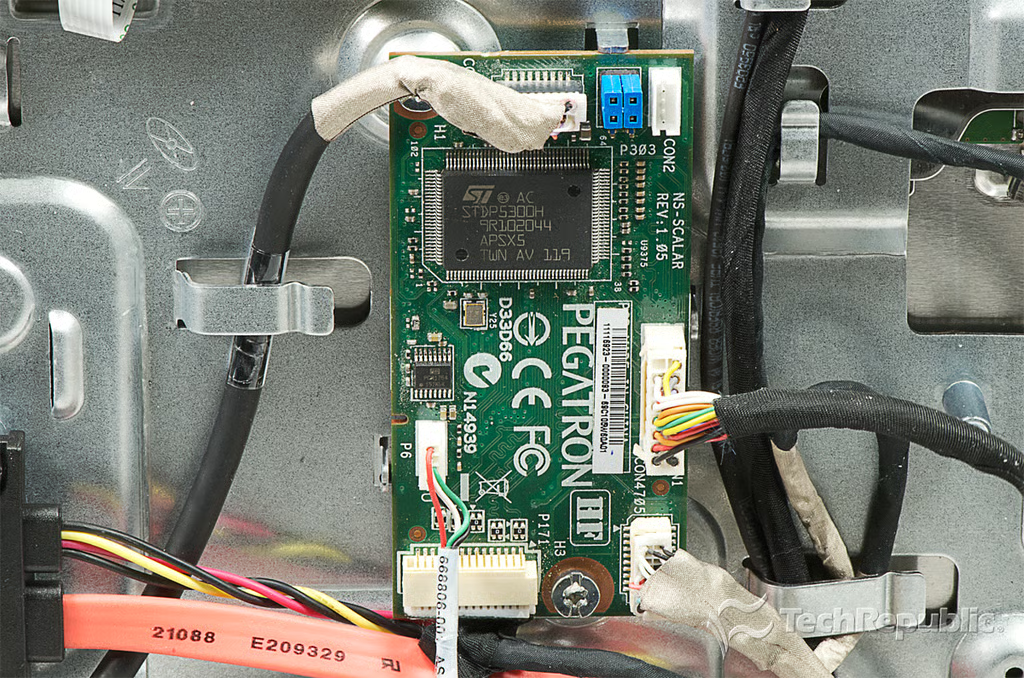
Cracking Open HP Omni 27: LCD controller PCB
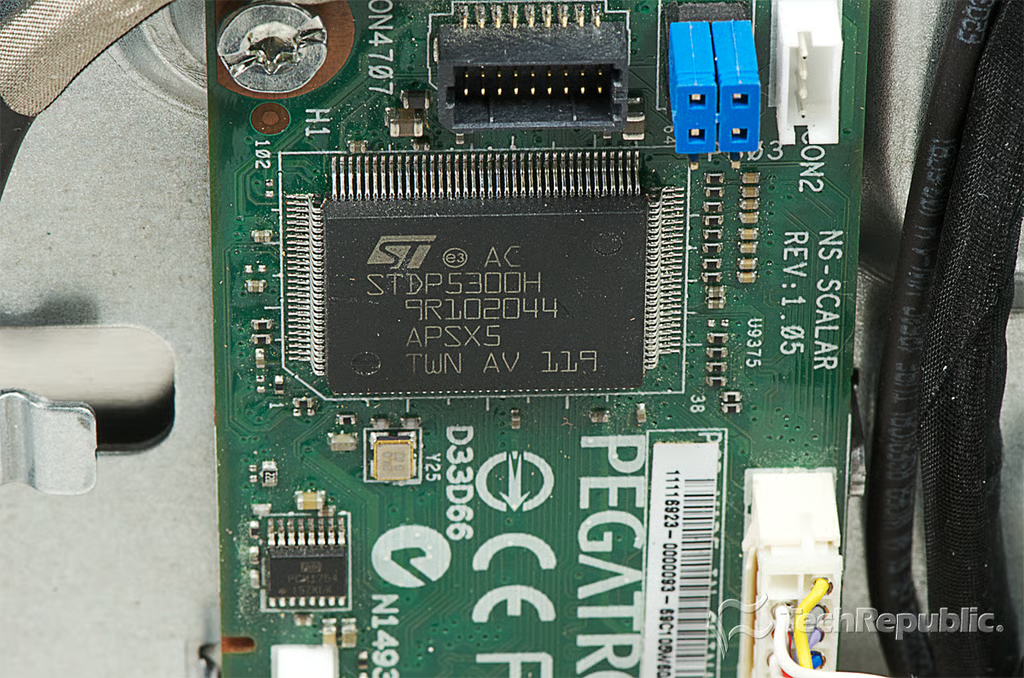
Cracking Open HP Omni 27: STMicroelectronics STDP5300H WUXGA triple input LCD controller with LVDS output
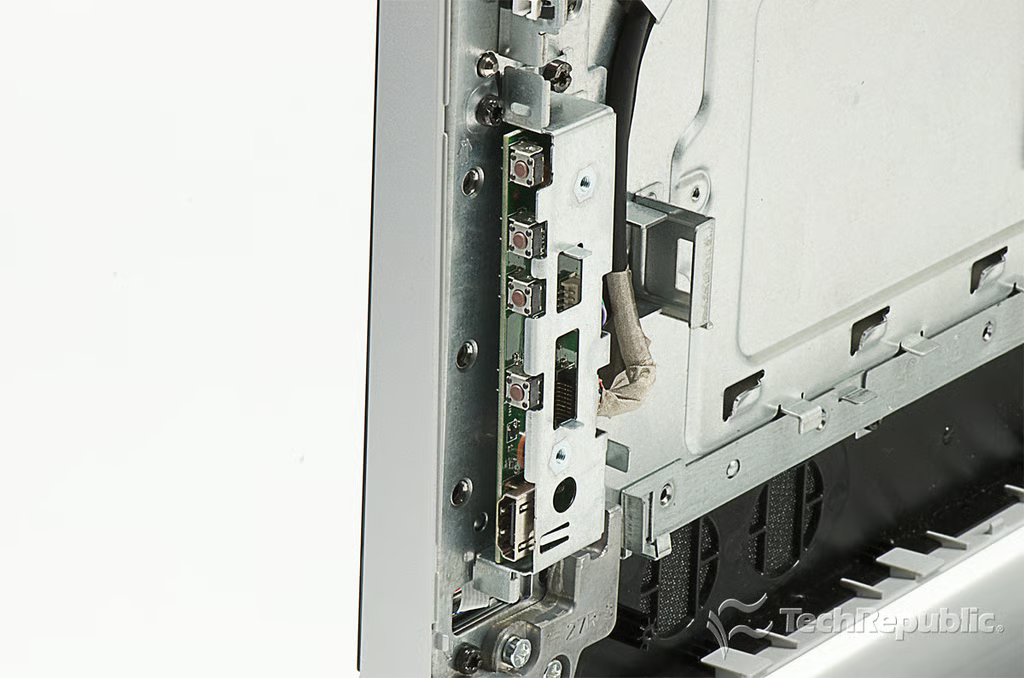
Cracking Open HP Omni 27: Side-panel buttons and HDMI-input
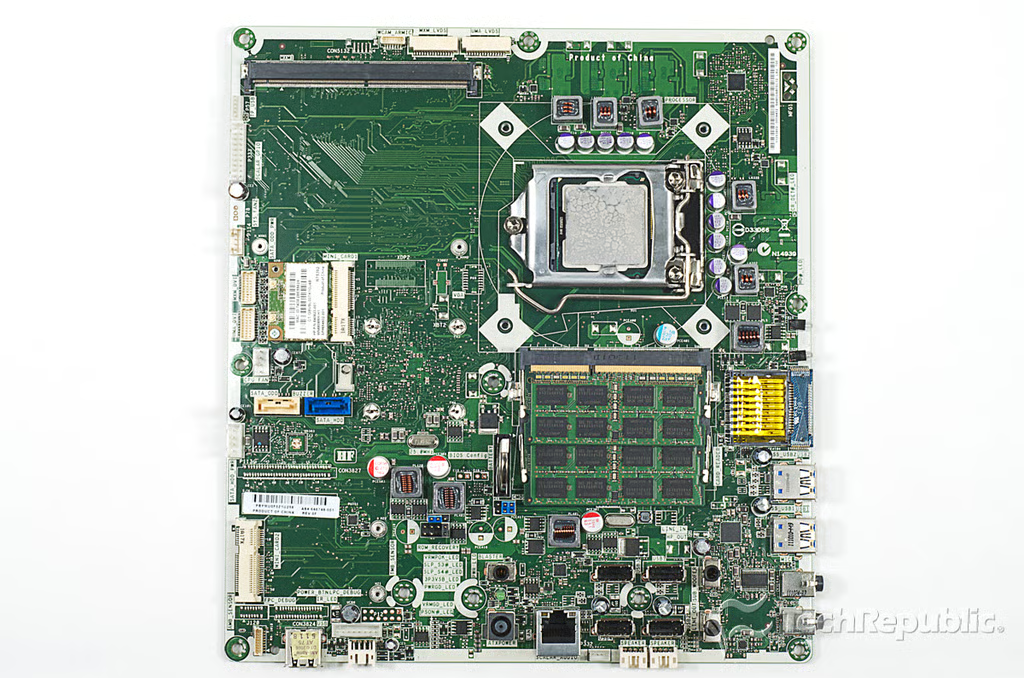
Cracking Open HP Omni 27: Motherboard with RAM, processor, and wireless card
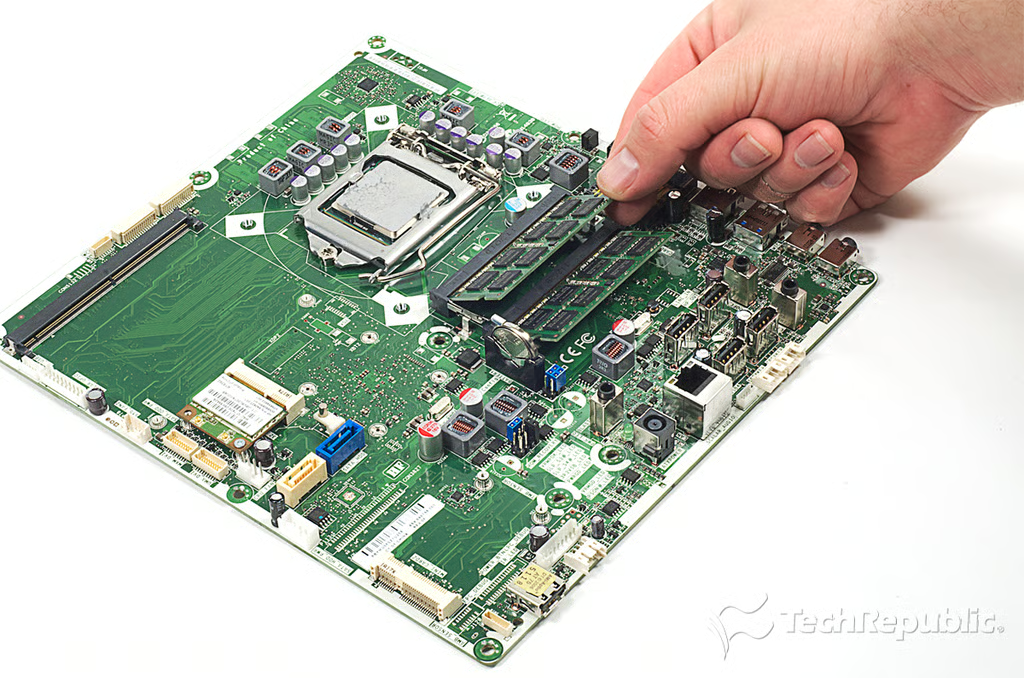
Cracking Open HP Omni 27: Removing the RAM
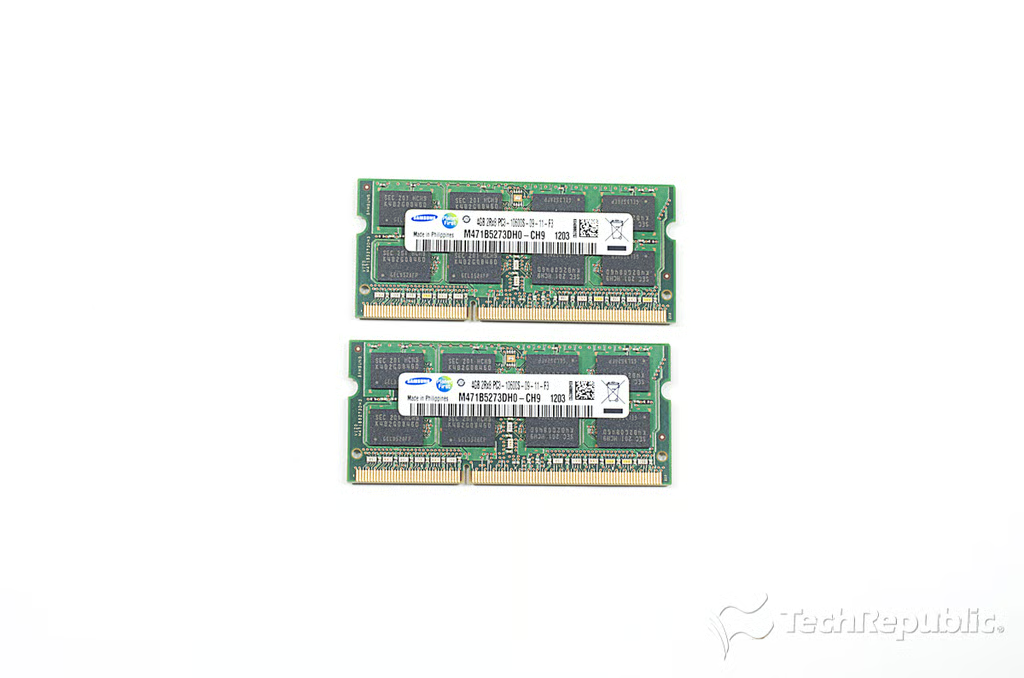
Cracking Open HP Omni 27: 8GB Samsung DDR3 RAM (2 x 4GB M471B5273DH0-CH9)
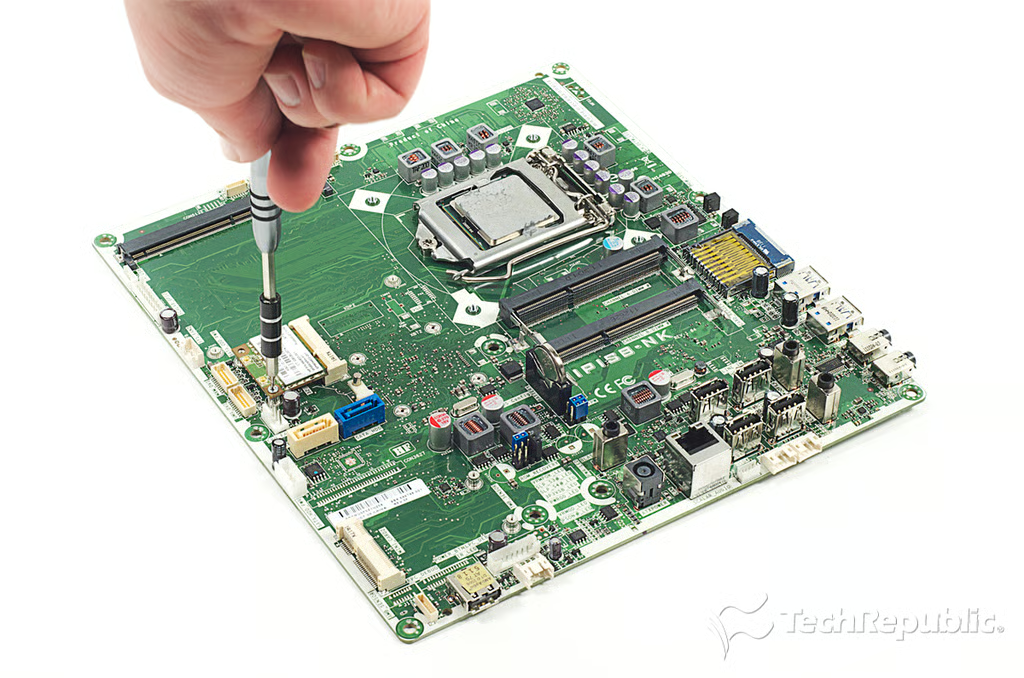
Cracking Open HP Omni 27: Removing the wireless card screw
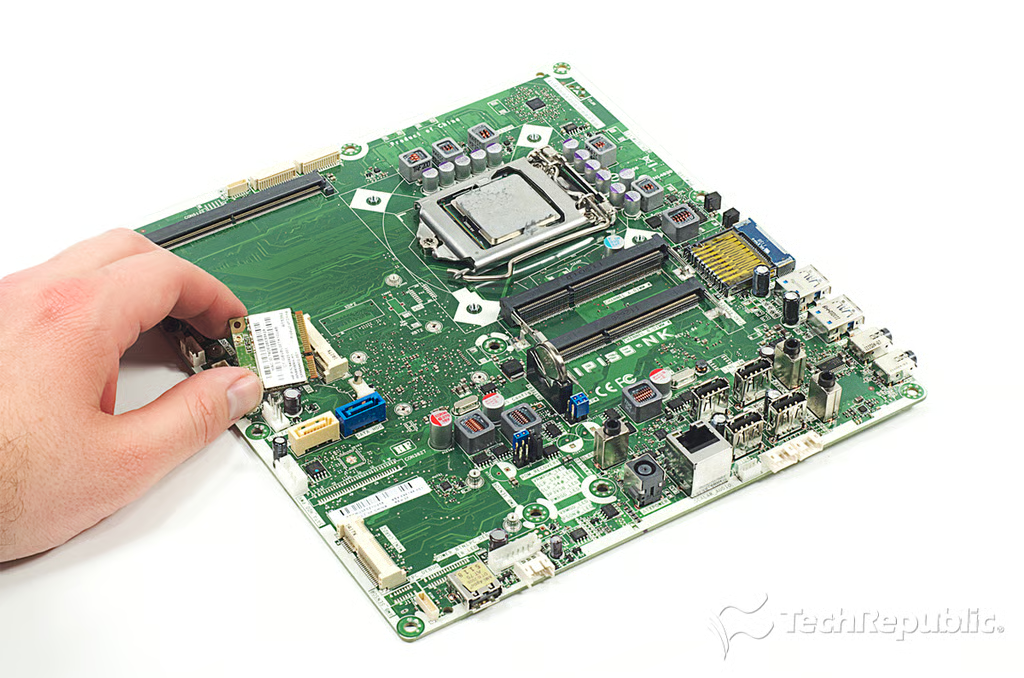
Cracking Open HP Omni 27: Removing the wireless card
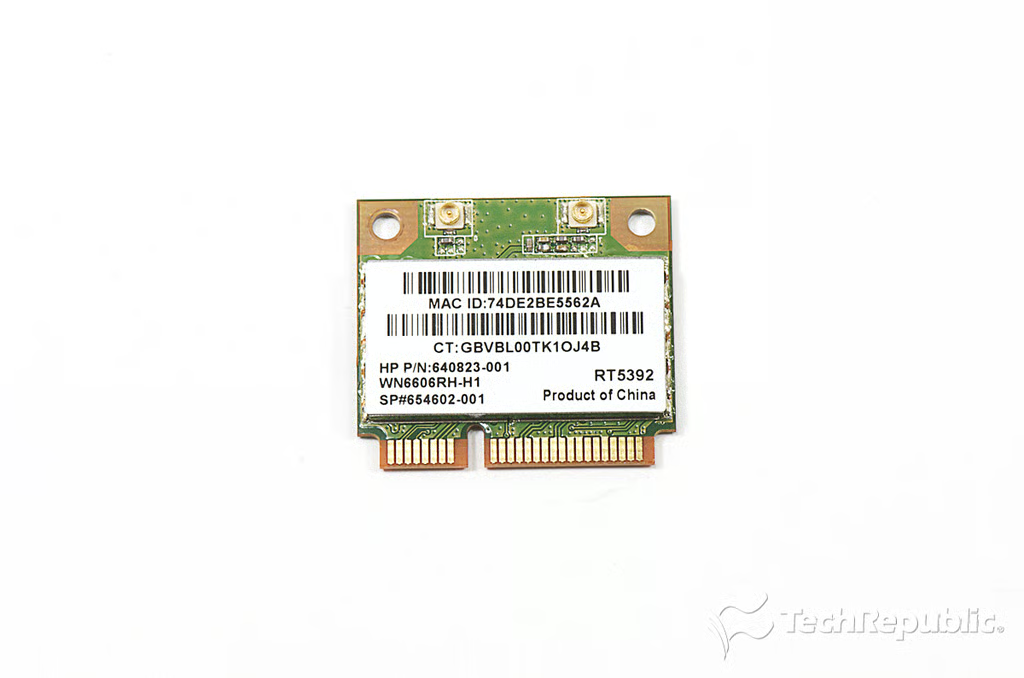
Cracking Open HP Omni 27: HP 640823-001 Wi-Fi 802.11 b/g/n PCIe Half-Size Mini card (with Ralink RT5392)
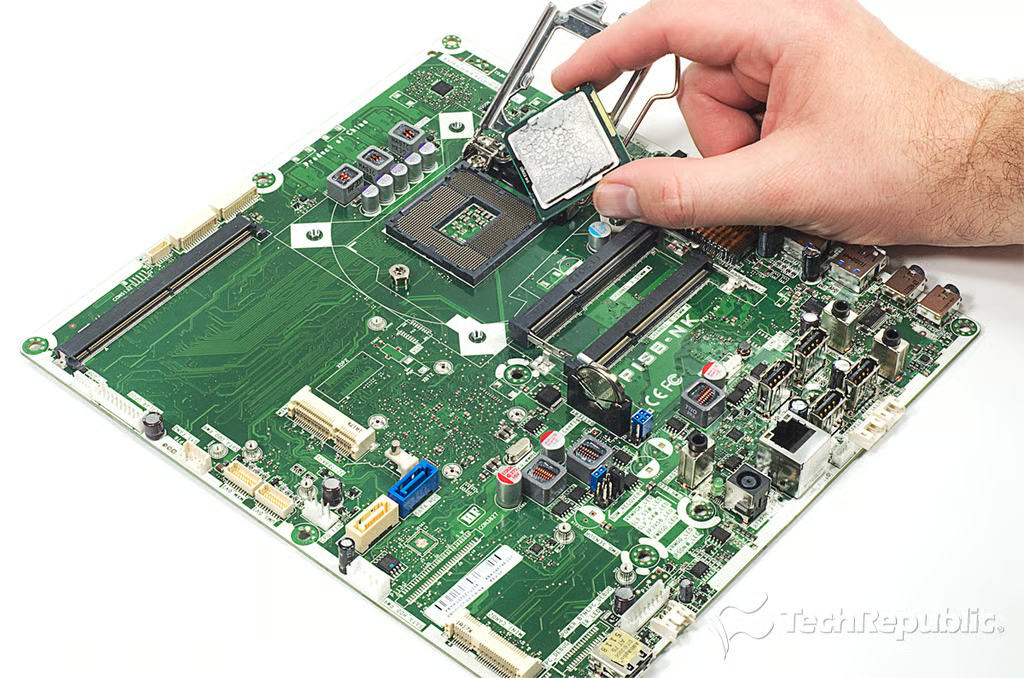
Cracking Open HP Omni 27: Removing the processor
Cracking Open HP Omni 27: 2.5GHz 2nd Generation Intel Core i5 processor (i5-2400S E63612 01 EFB)
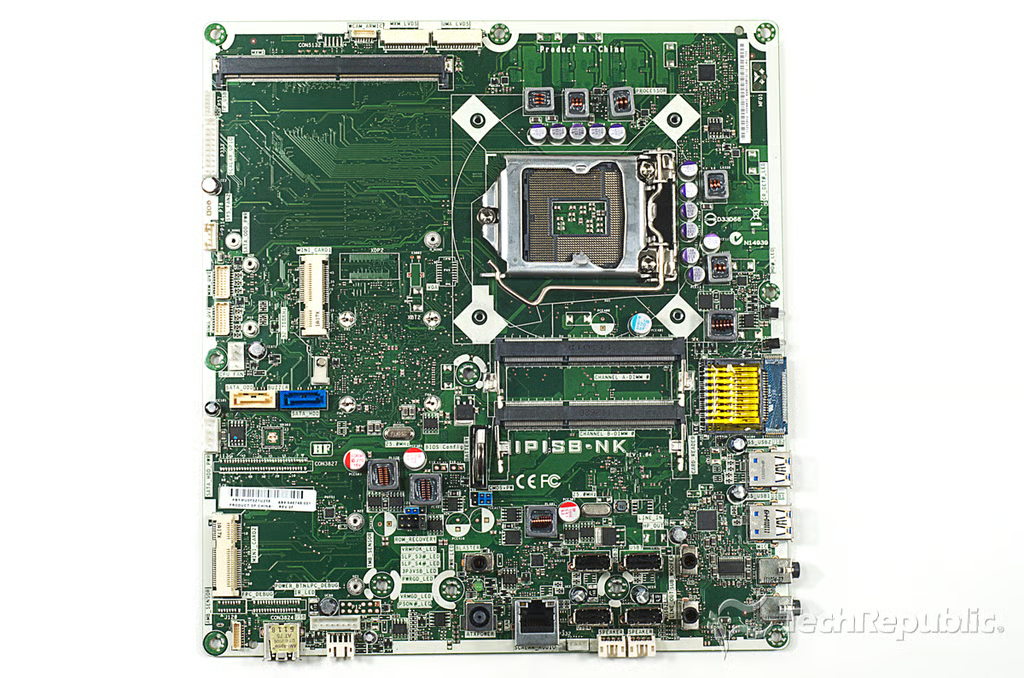
Cracking Open HP Omni 27: Motherboard - Front
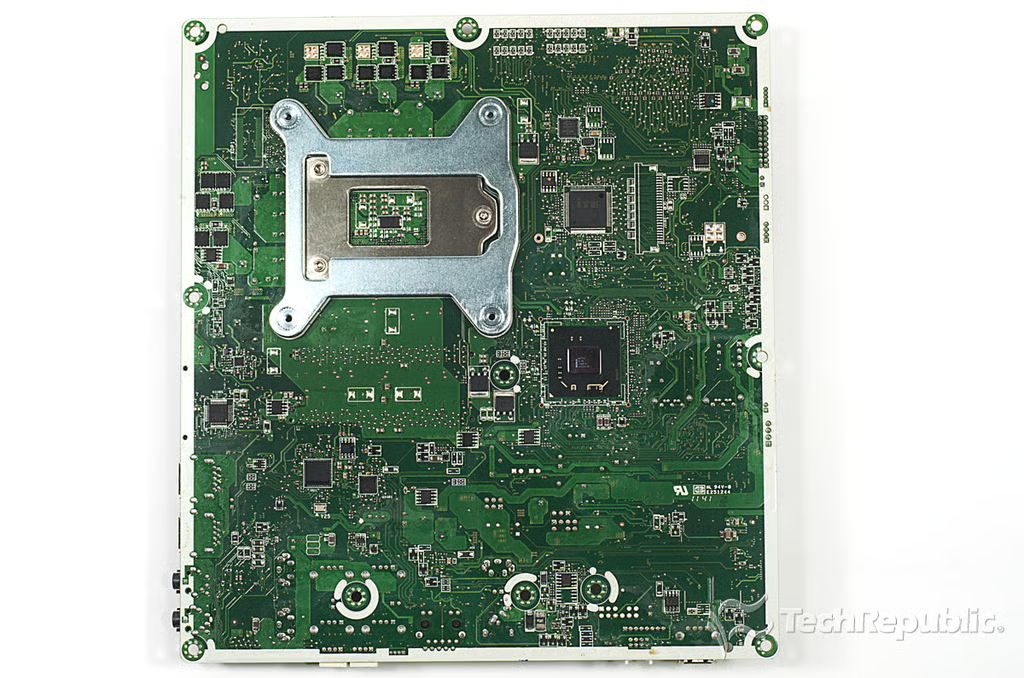
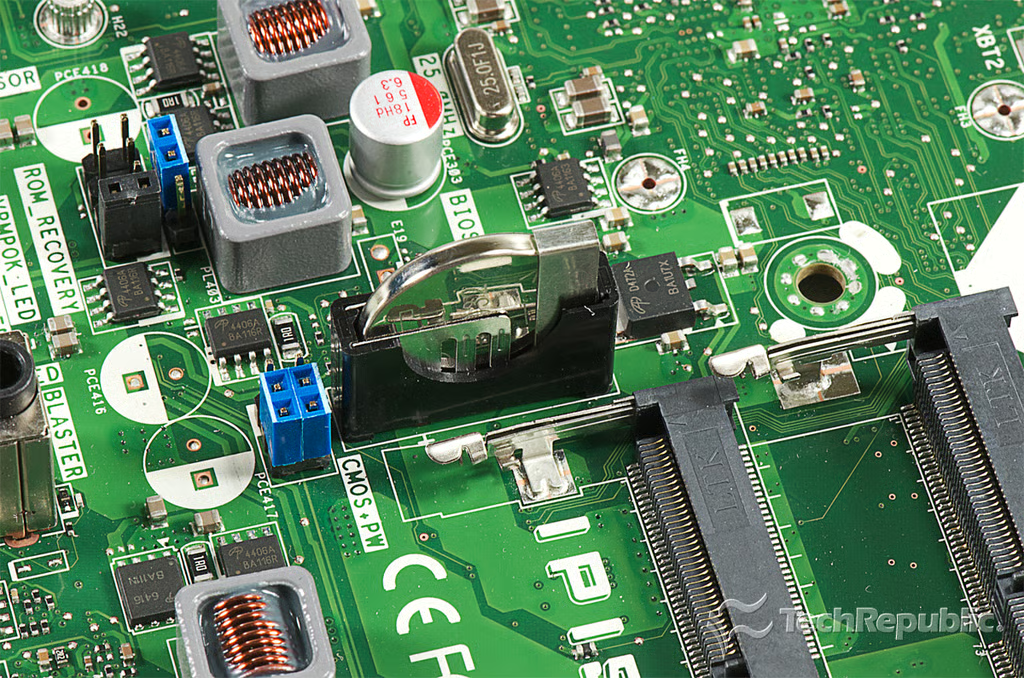
Cracking Open HP Omni 27: Motherboard - Back
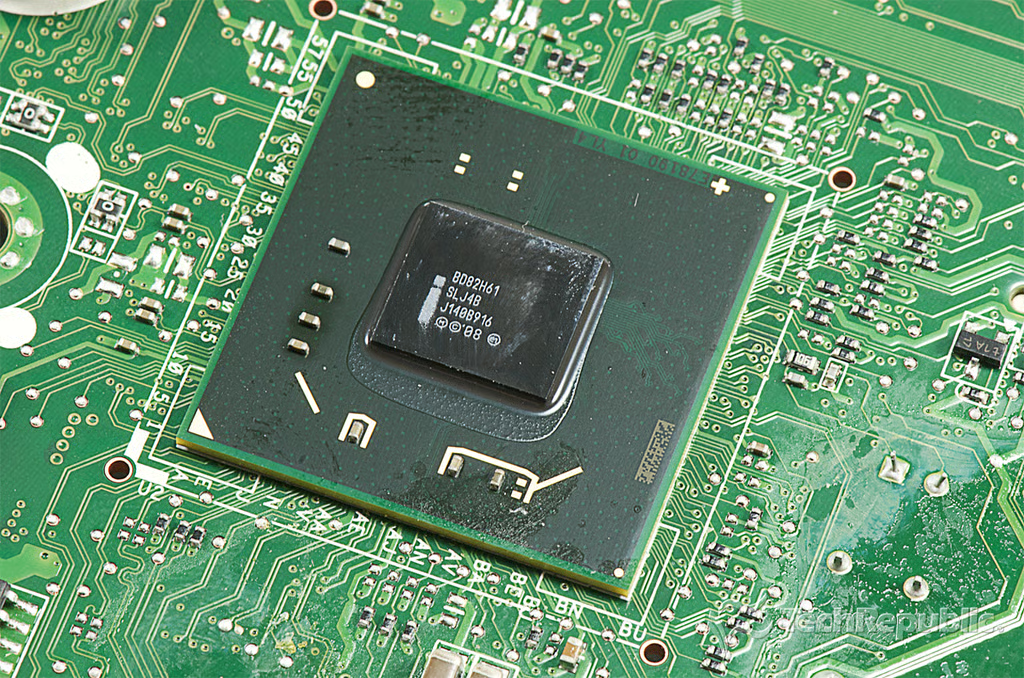
Cracking Open HP Omni 27: BD82H61 Platform Controller Hub (Intel HD Integrated graphics)
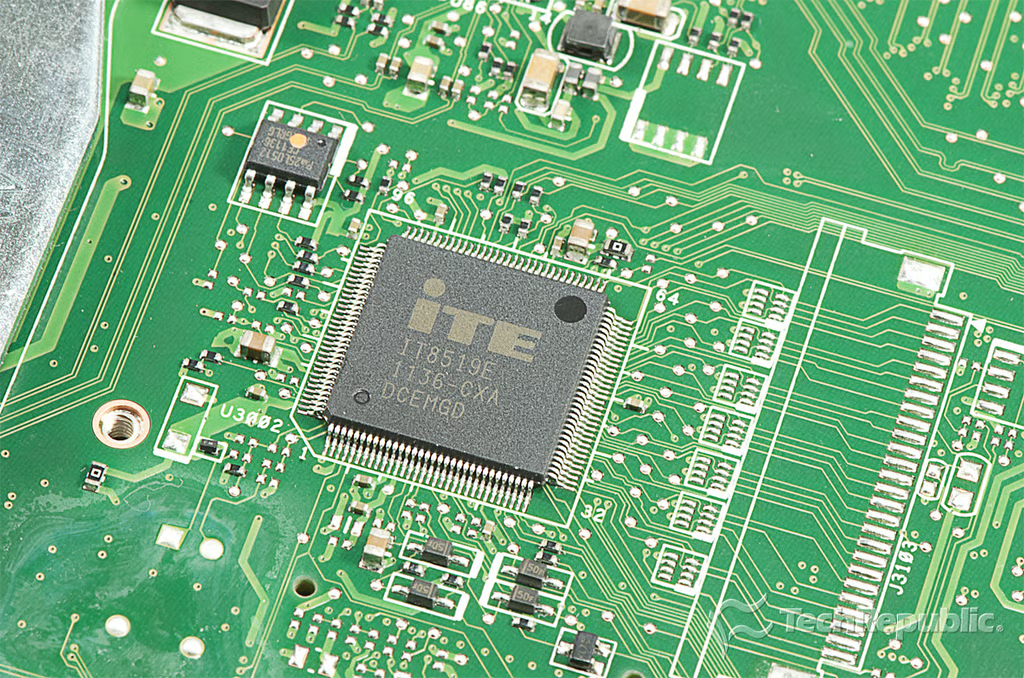
Cracking Open HP Omni 27: ITE IT8519E embedded controller
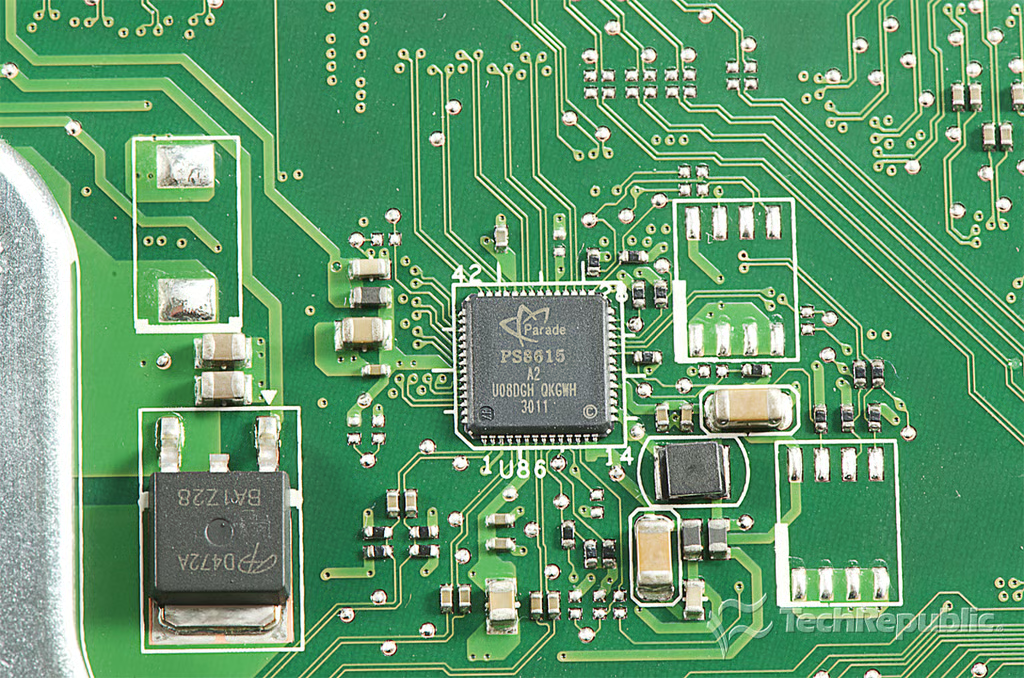
Cracking Open HP Omni 27: Parade PS8615 Embedded DisplayPort to LVDS Converter
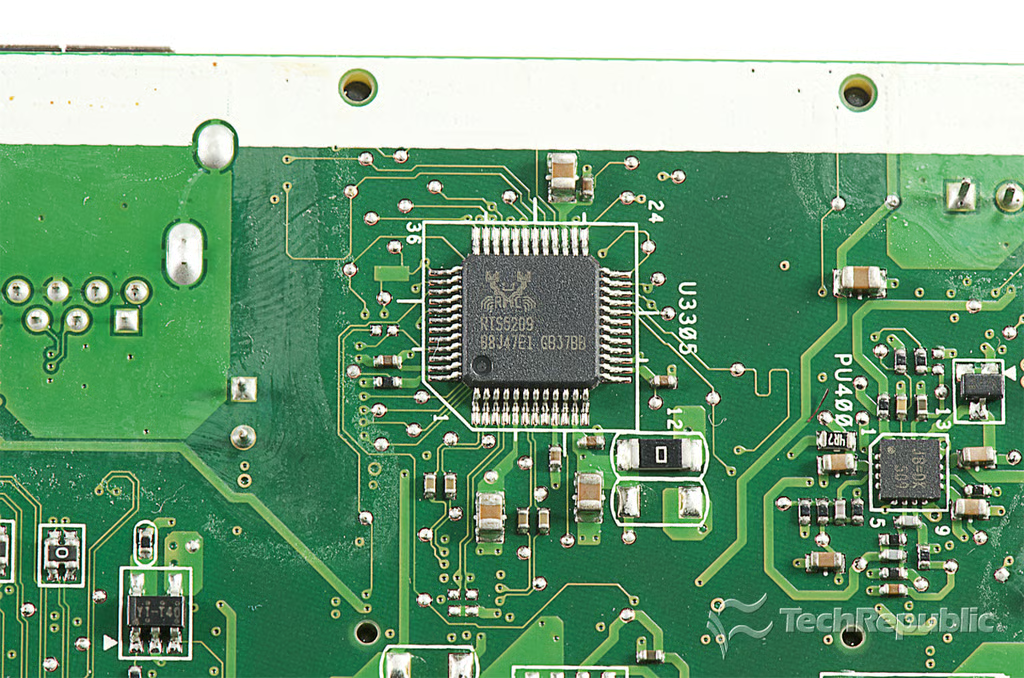
Cracking Open HP Omni 27: Realtek RTS5209 card reader
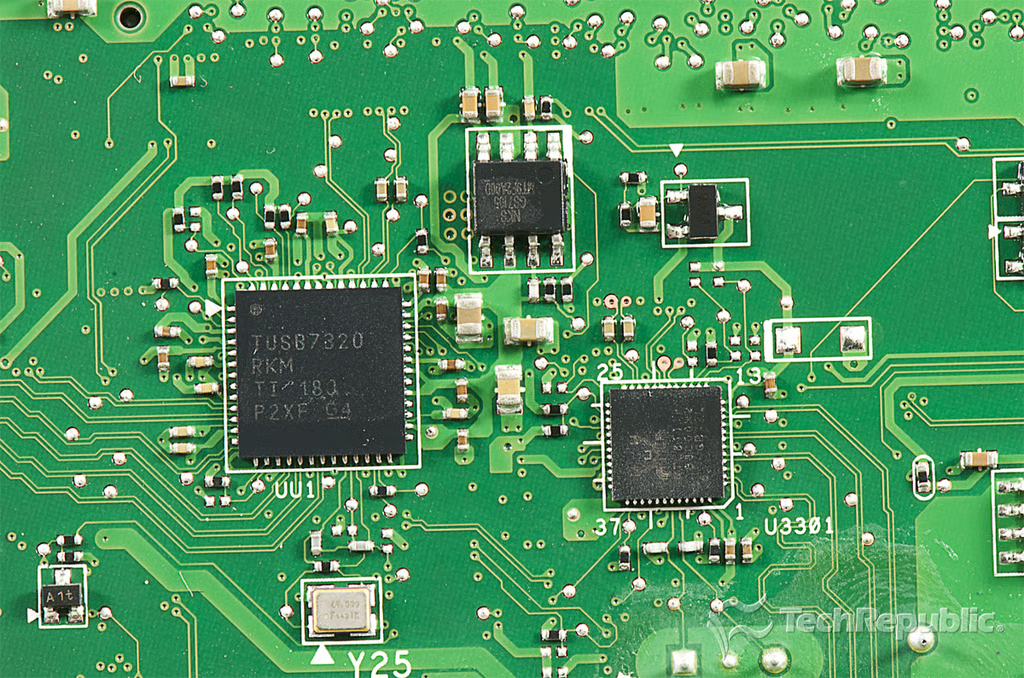
Cracking Open HP Omni 27: Texas Instruments TUSB7320 SuperSpeed USB 2–Port xHCI Host Controller
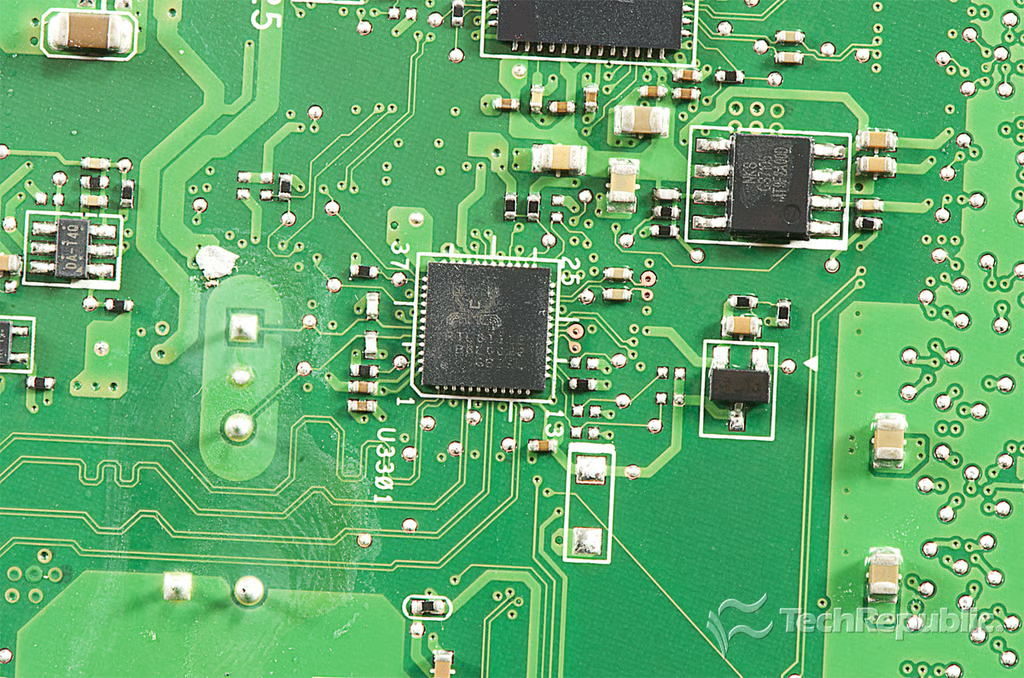
Cracking Open HP Omni 27: Realtek RTL8111E Single-Chip Gigabit Ethernet Controller
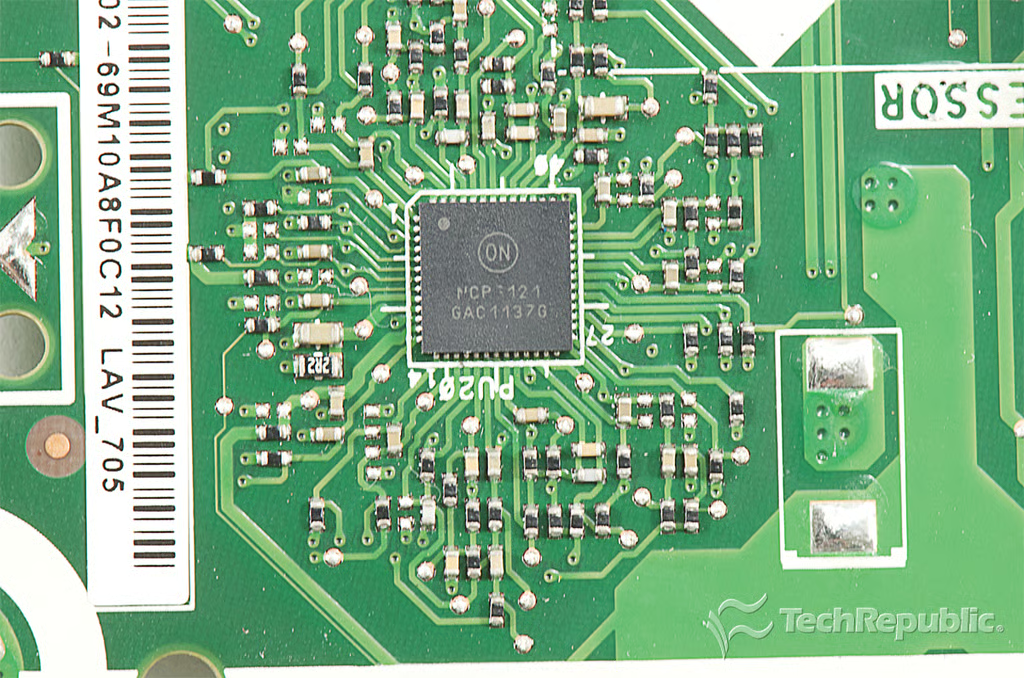
Cracking Open HP Omni 27: ON MCP3121 GAC1137G
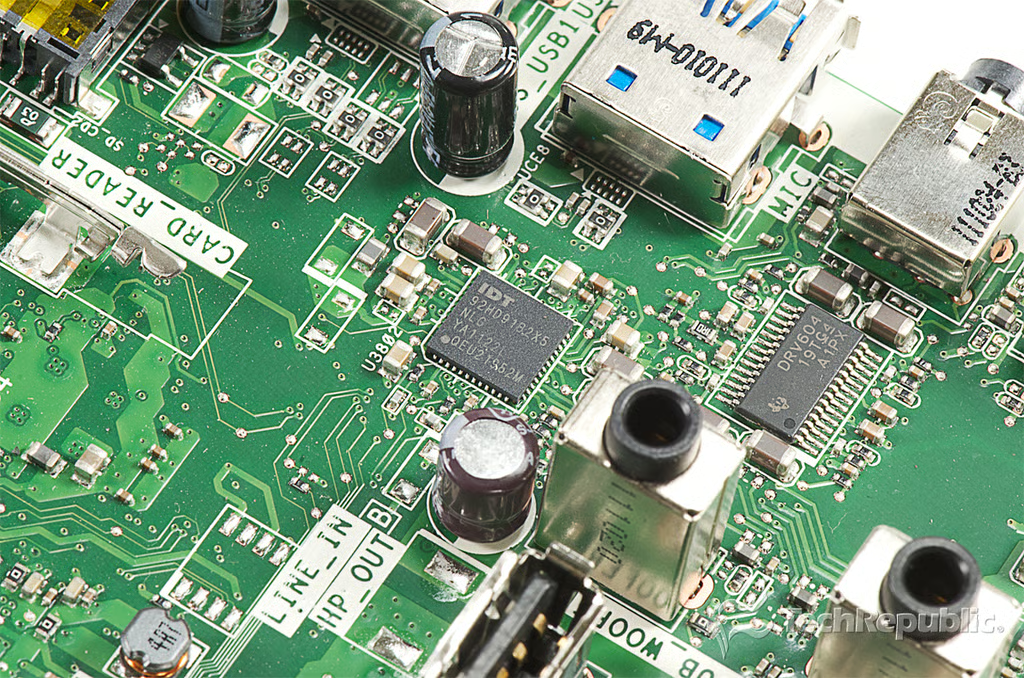
Cracking Open HP Omni 27: IDT 92HD91B2X5 Single Chip PC Audio System: CODEC + Speaker Amplifier + Capless HP + LDO
Bill Detwiler is the Editor for Technical Content and Ecosystem at Celonis. He is the former Editor in Chief of TechRepublic and previous host of TechRepublic's Dynamic Developer podcast and Cracking Open, CNET and TechRepublic's popular online show. Previously, Bill was an IT manager in the social research and energy industries. He has bachelor's and master's degrees from the University of Louisville, where he has also lectured on computer crime and crime prevention.