Cracking open the HP TouchPad - TechRepublic

Cracking open the HP TouchPad

  • Cracking Open the HP TouchPad

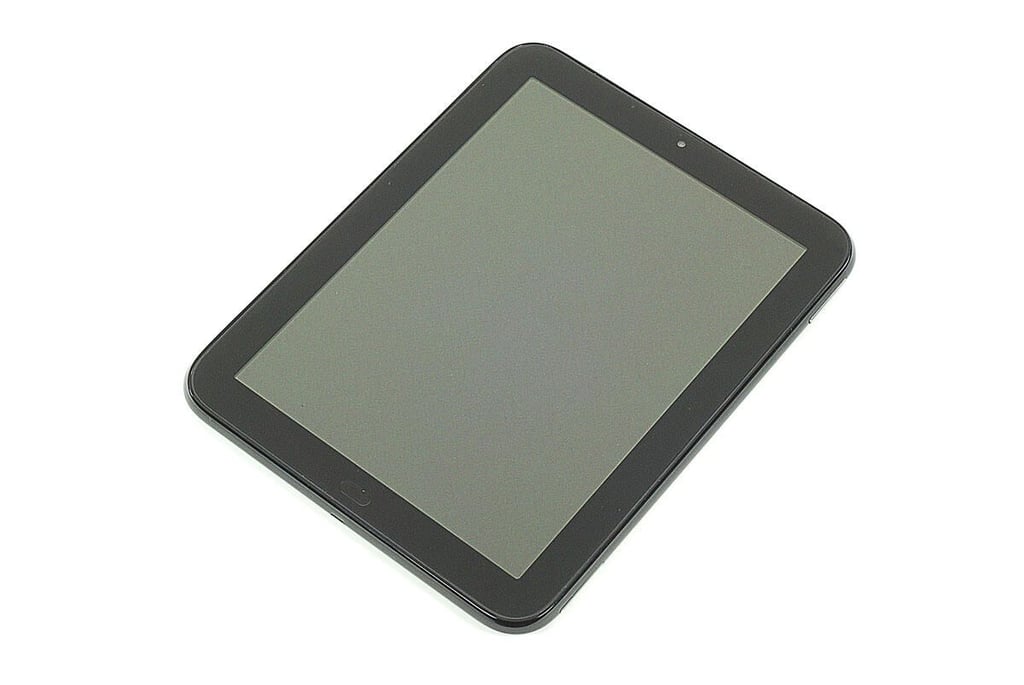
    HP TouchPad
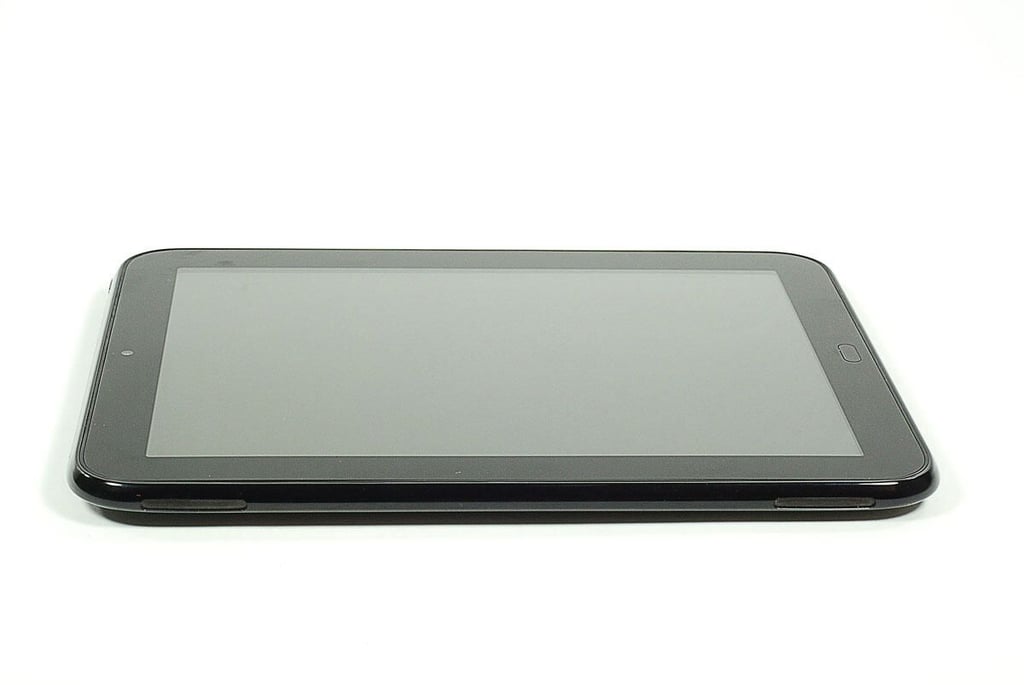
  • Cracking Open the HP TouchPad: Front

    \n\tThe HP TouchPad is available in two flavors–a 16GB model for $499.99 (US) and 32GB model for $599.99. The current versions only support Wi-Fi connectivity, but HP plans to launch 3G models later this summer.
    \n\t
    \n\tOur HP TouchPad test unit had the following hardware specifications:

    \n

      \n\t

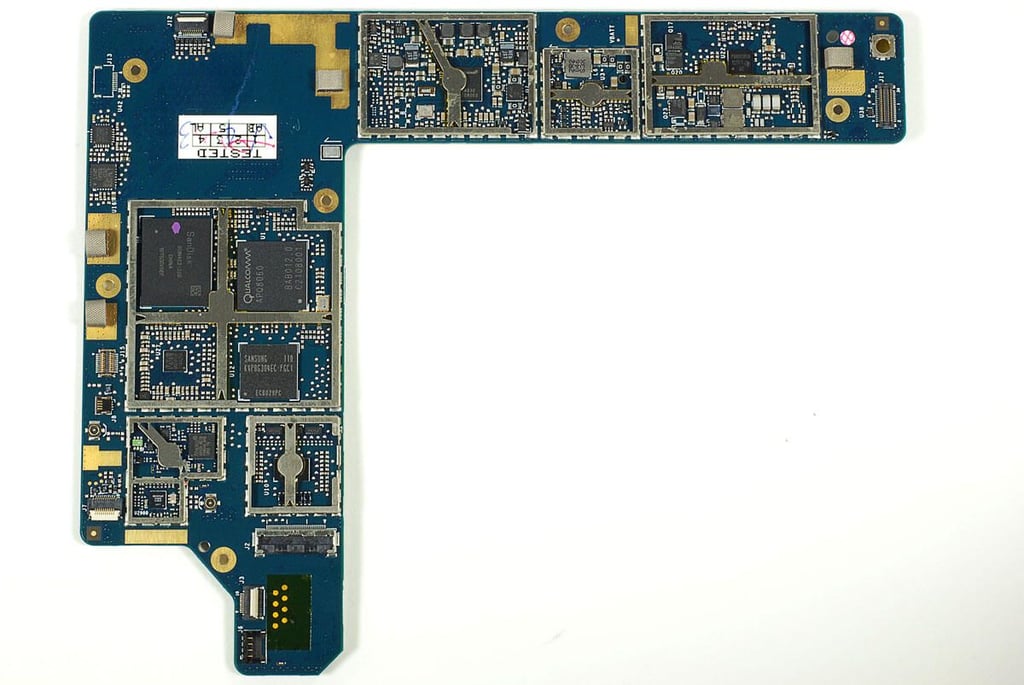
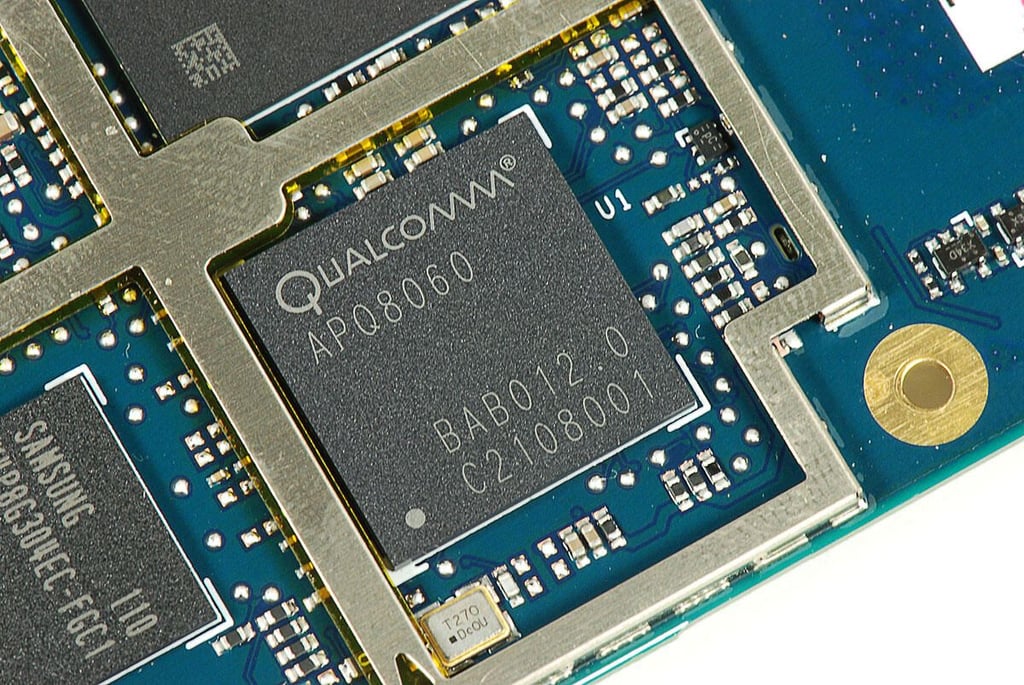
    • \n\t\tProcessor: 1.2 GHz dual-core Qualcomm Snapdragon APQ8060
    • \n\t

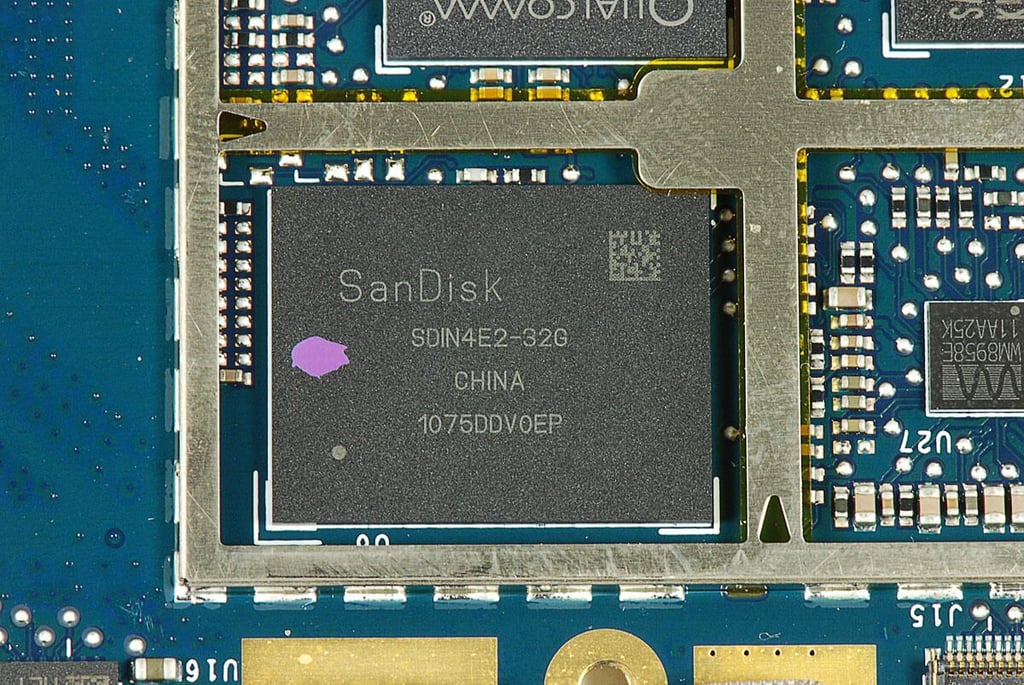
    • \n\t\tStorage: 32GB SandDisk SDIN4E2-32G
    • \n\t

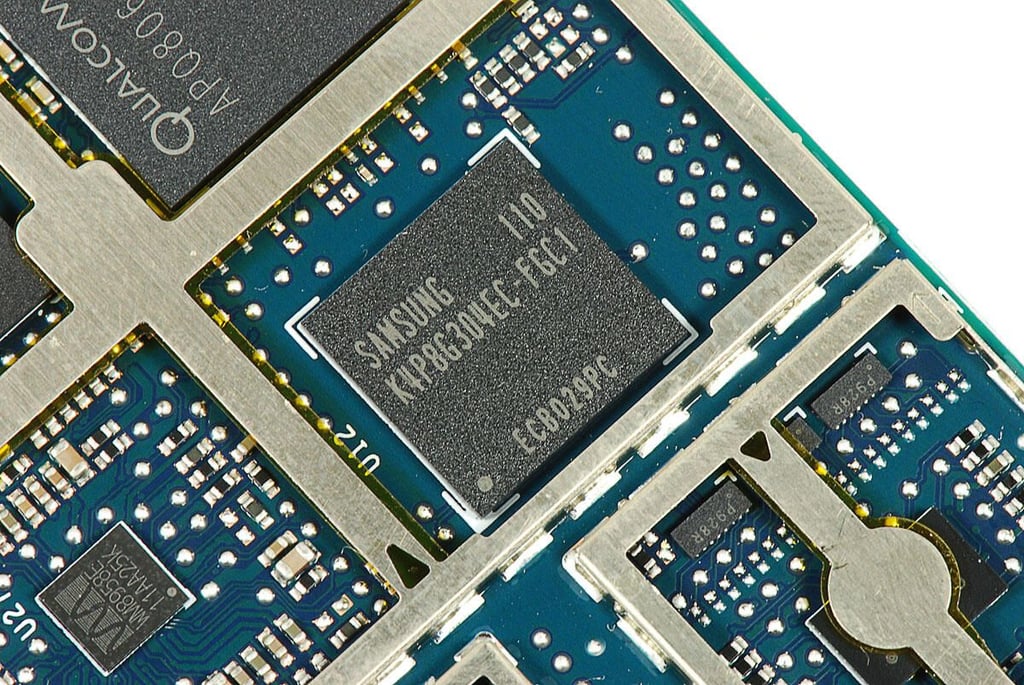
    • \n\t\tRAM: 1G3B Samsung K4P8G304EC-FGC1 LPDDR2
    • \n\t

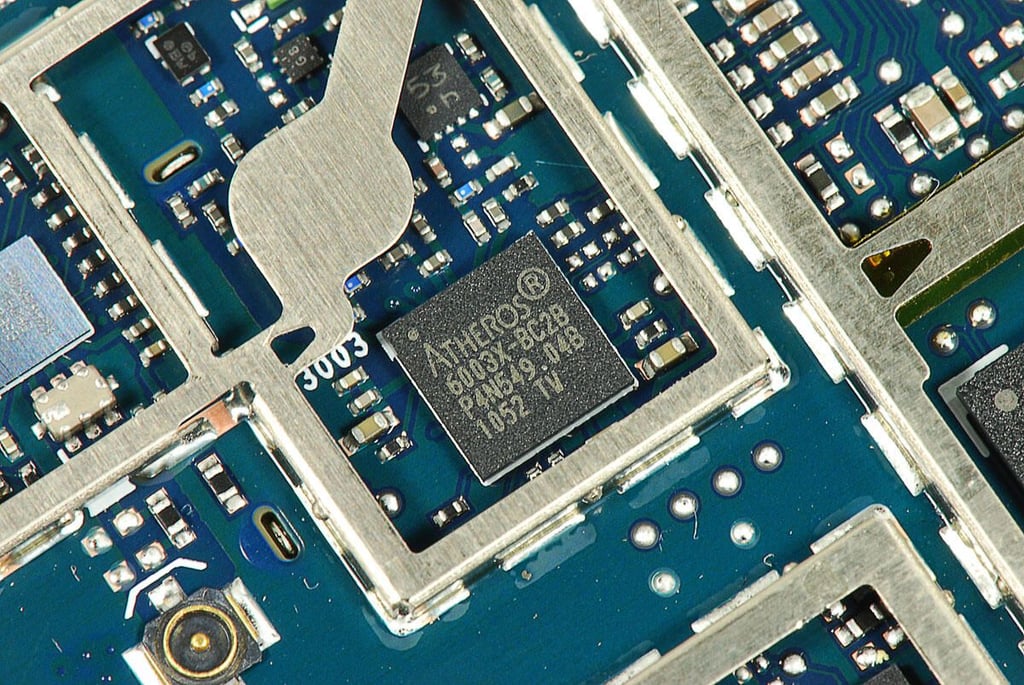
    • \n\t\tCommunications: Atheros AR6003X WLAN IC
    • \n\t

    • \n\t\tDisplay: 9.7-inch multi-touch screen (1024×768 resolution)
    • \n\t

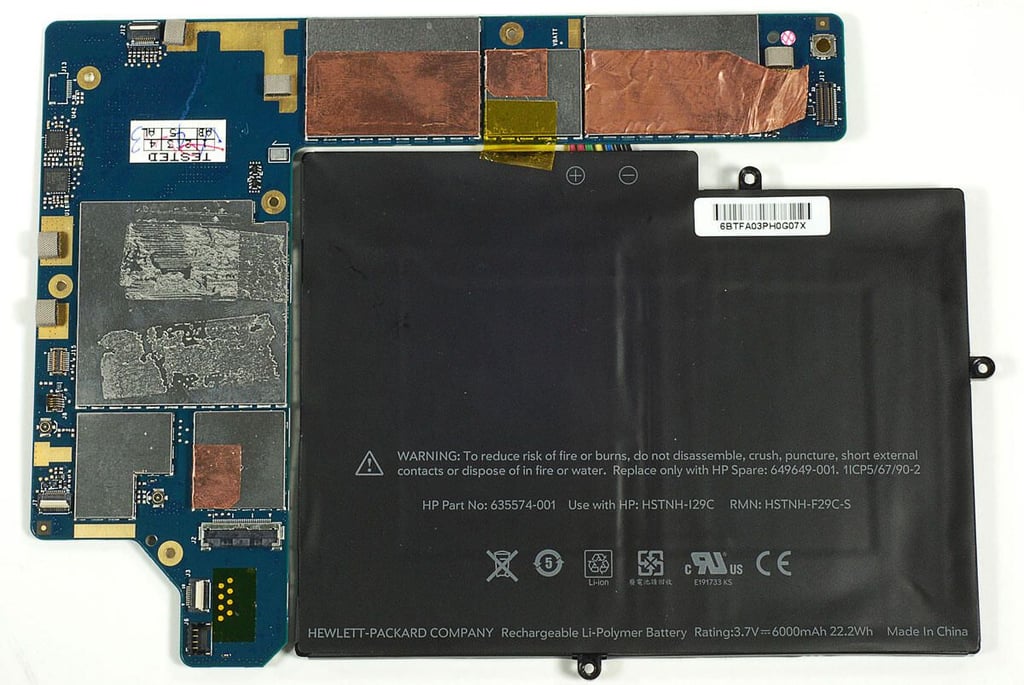
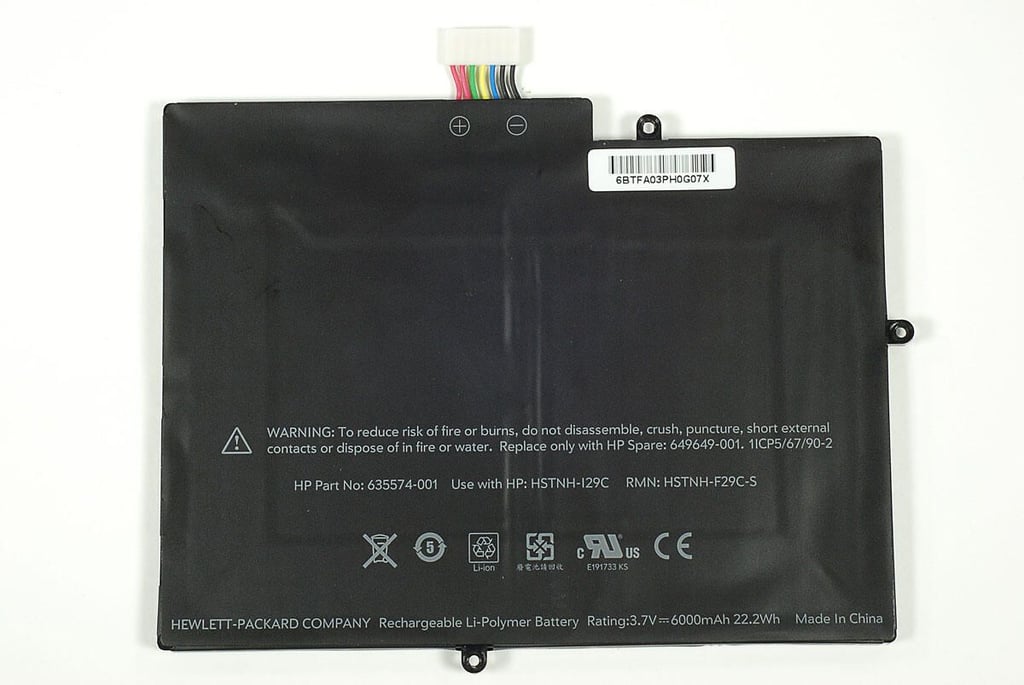
    • \n\t\tBattery: 3.7V 6000mAh 22.2Wh Li-Polymer battery
    • \n\t

    • \n\t\tPorts: MicroUSB, 3.5mm headset jack
    • \n\t

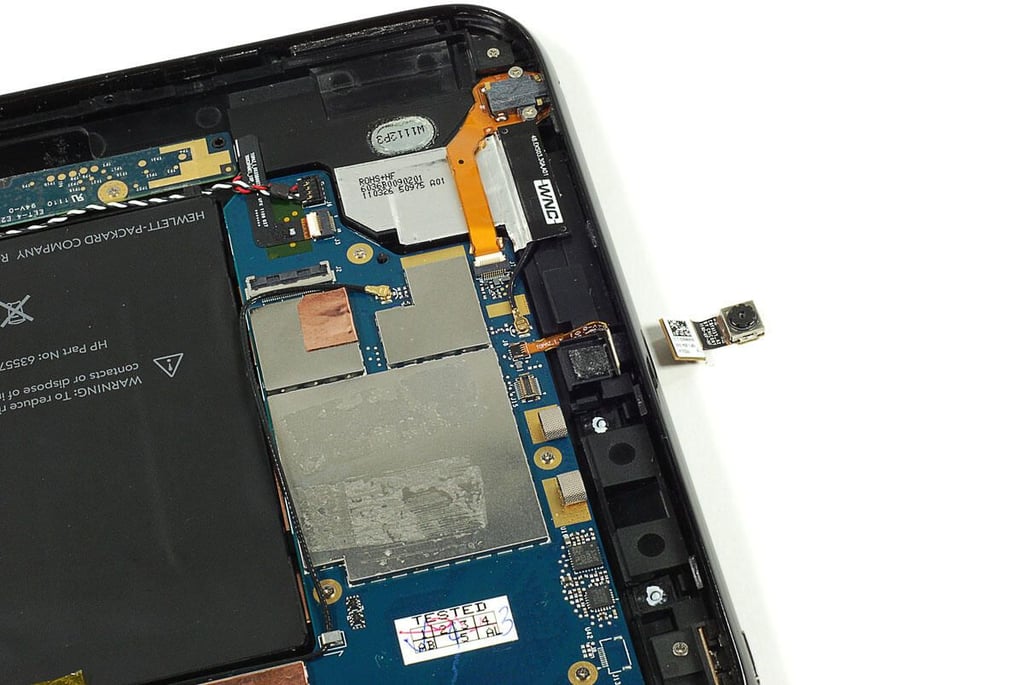
    • \n\t\tCamera: 1.3Mp webcam
    • \n\t

    • \n\t\tAudio: Built-in microphone and stereo speakers
    • \n

    \n

    \n\tPhoto by: Bill Detwiler / TechRepublic
    \n\tCaption by: Bill Detwiler

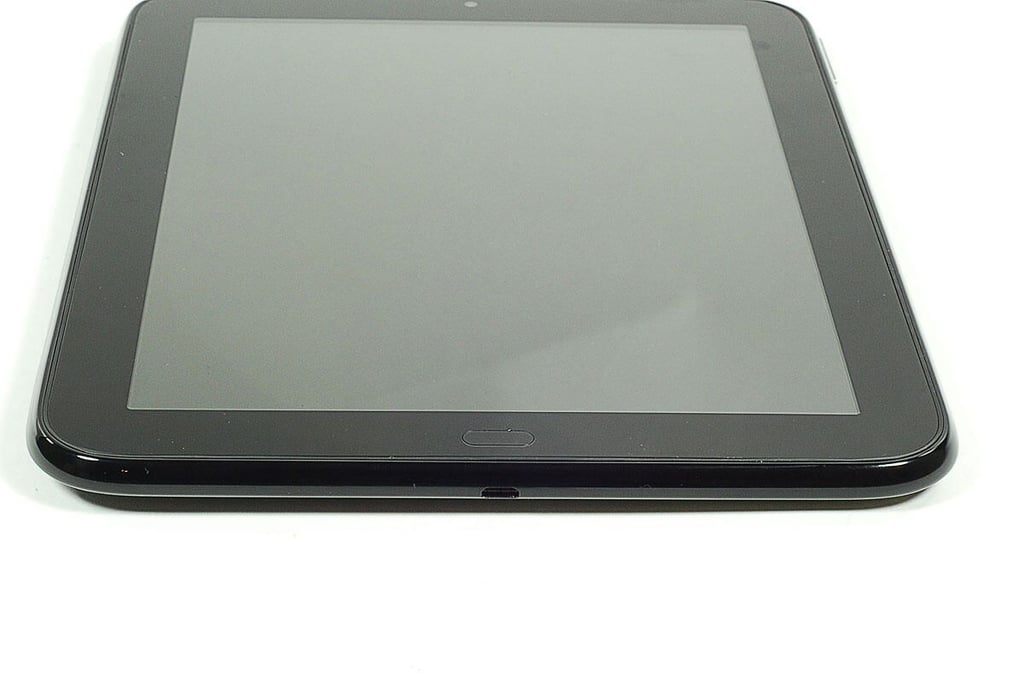
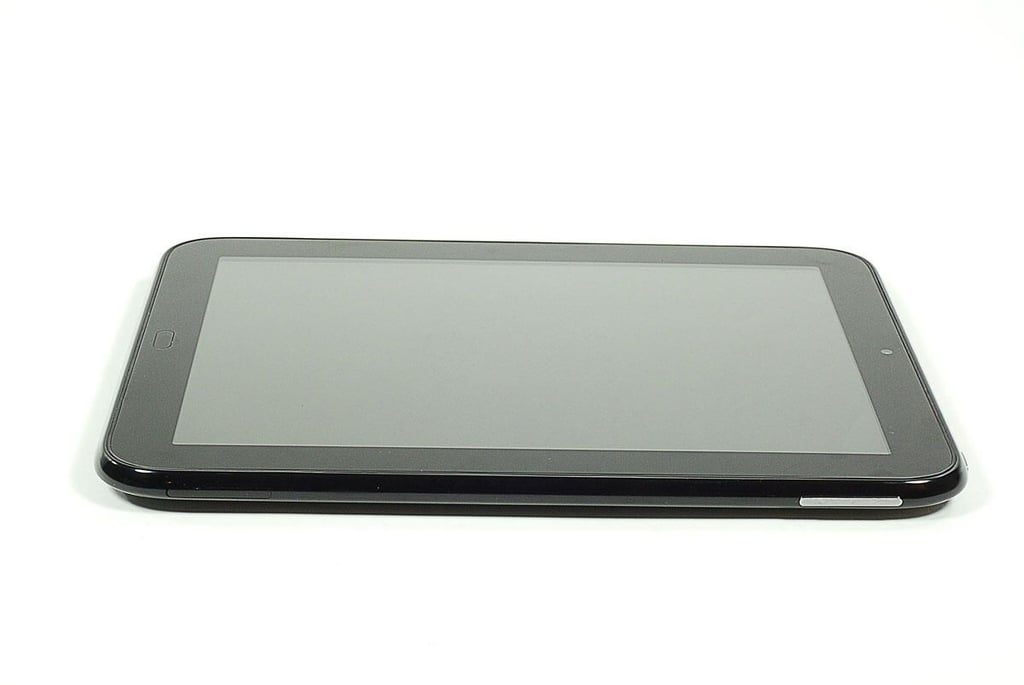
  • Cracking Open the HP TouchPad: microUSB port and Center button

    \n\tPhoto by: Bill Detwiler / TechRepublic
    \n\tCaption by: Bill Detwiler

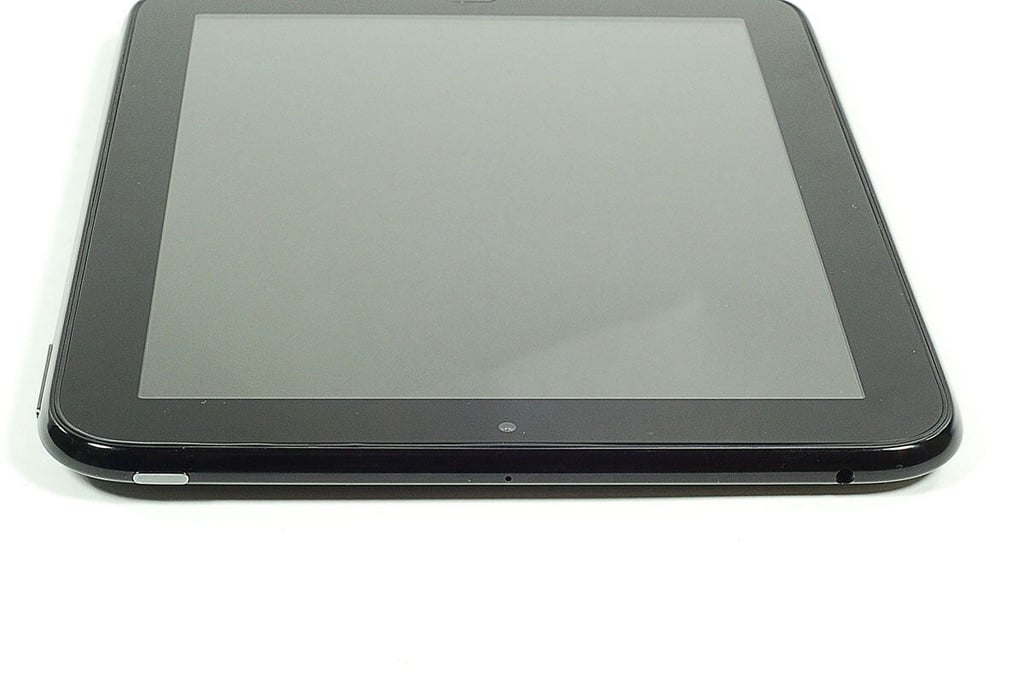
  • Cracking Open the HP TouchPad: Power button, webcam, microphone, and headphone jack

    \n\tPhoto by: Bill Detwiler / TechRepublic
    \n\tCaption by: Bill Detwiler

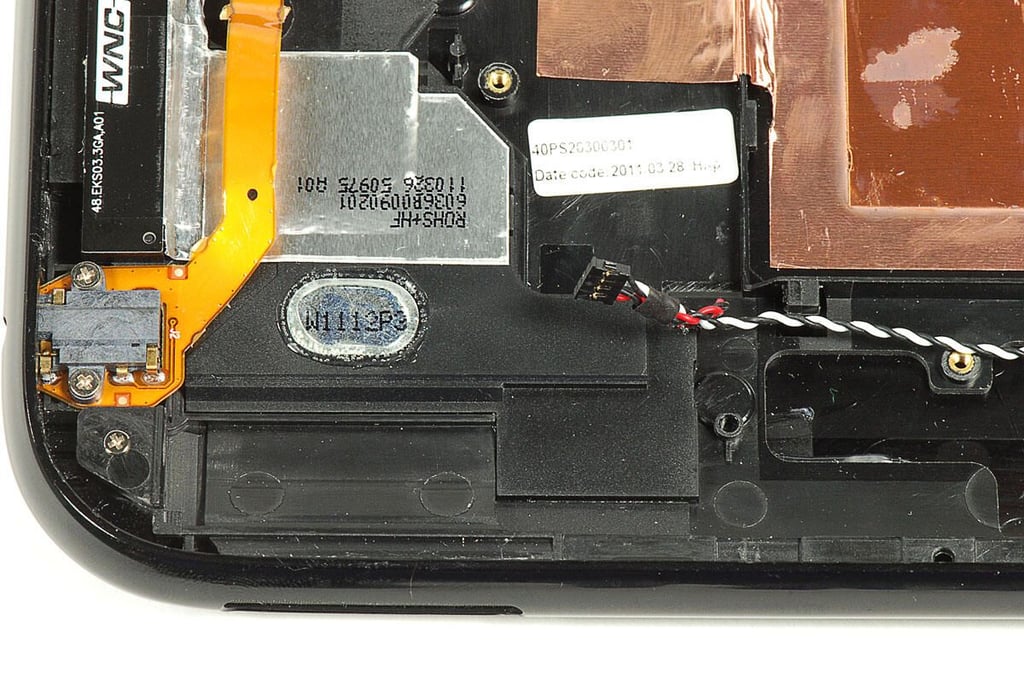
  • Cracking Open the HP TouchPad: Speakers

    \n\tPhoto by: Bill Detwiler / TechRepublic
    \n\tCaption by: Bill Detwiler

  • Cracking Open the HP TouchPad: Volume control and SIM card placeholder

    \n\tPhoto by: Bill Detwiler / TechRepublic
    \n\tCaption by: Bill Detwiler

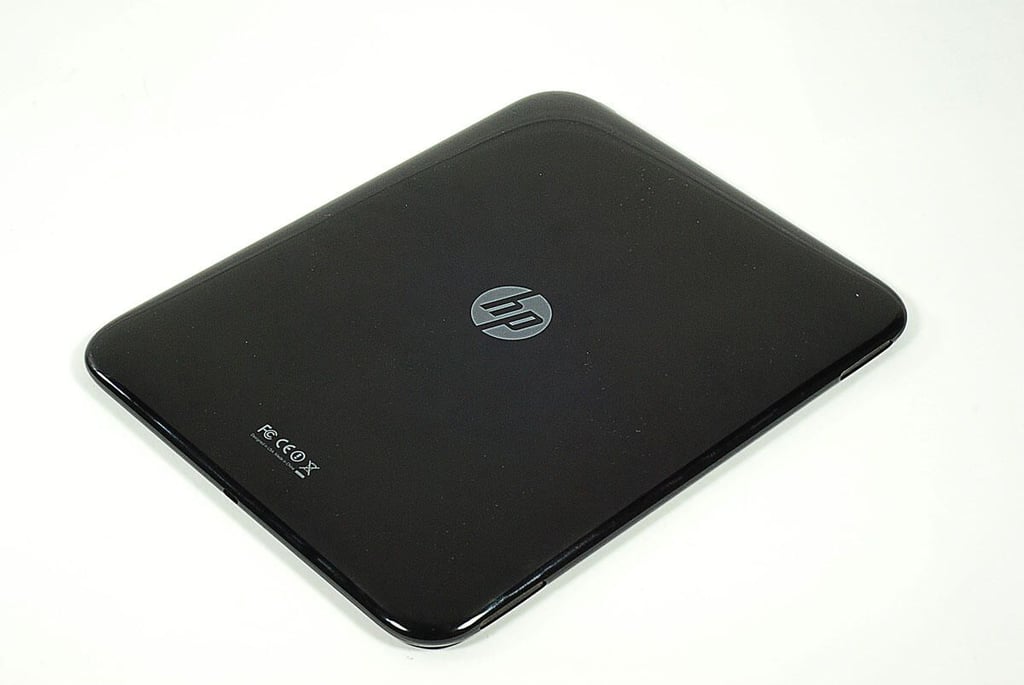
  • Cracking Open the HP TouchPad: Back

    \n\tPhoto by: Bill Detwiler / TechRepublic
    \n\tCaption by: Bill Detwiler

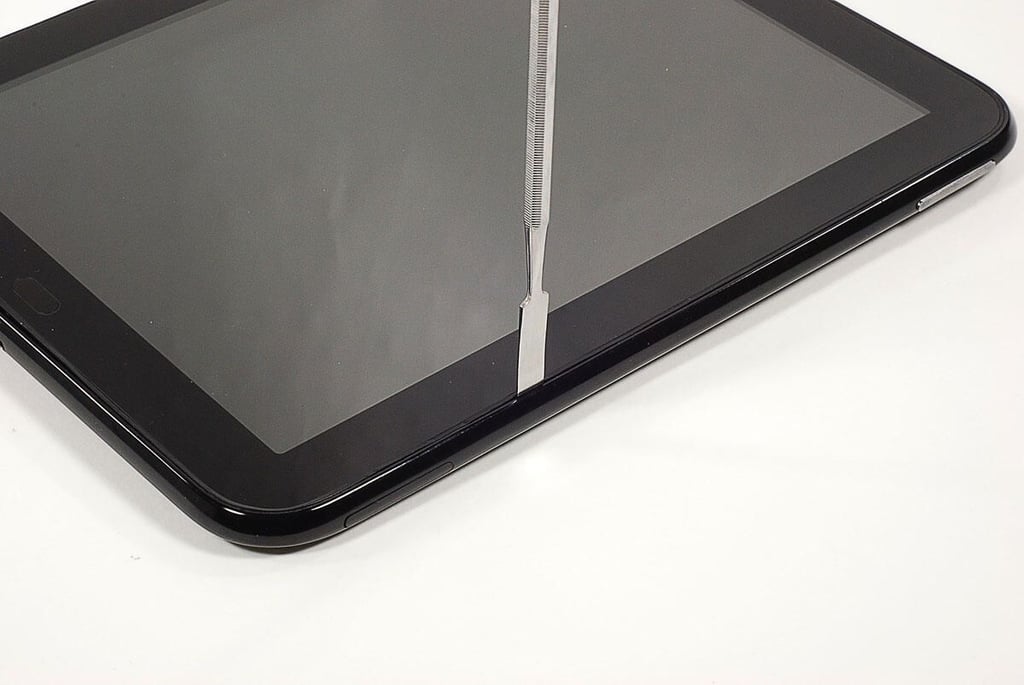
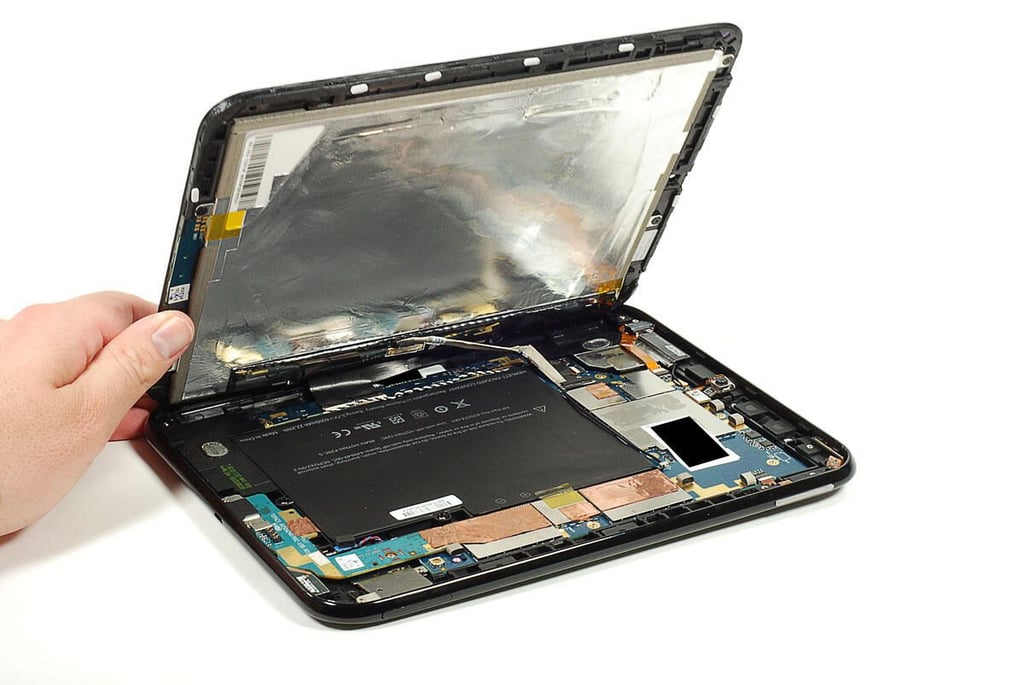
  • Cracking Open the HP TouchPad: Popping off the front panel assembly

    \n\tPhoto by: Bill Detwiler / TechRepublic
    \n\tCaption by: Bill Detwiler

  • Cracking Open the HP TouchPad: Removing the front panel assembly

    \n\tPhoto by: Bill Detwiler / TechRepublic
    \n\tCaption by: Bill Detwiler

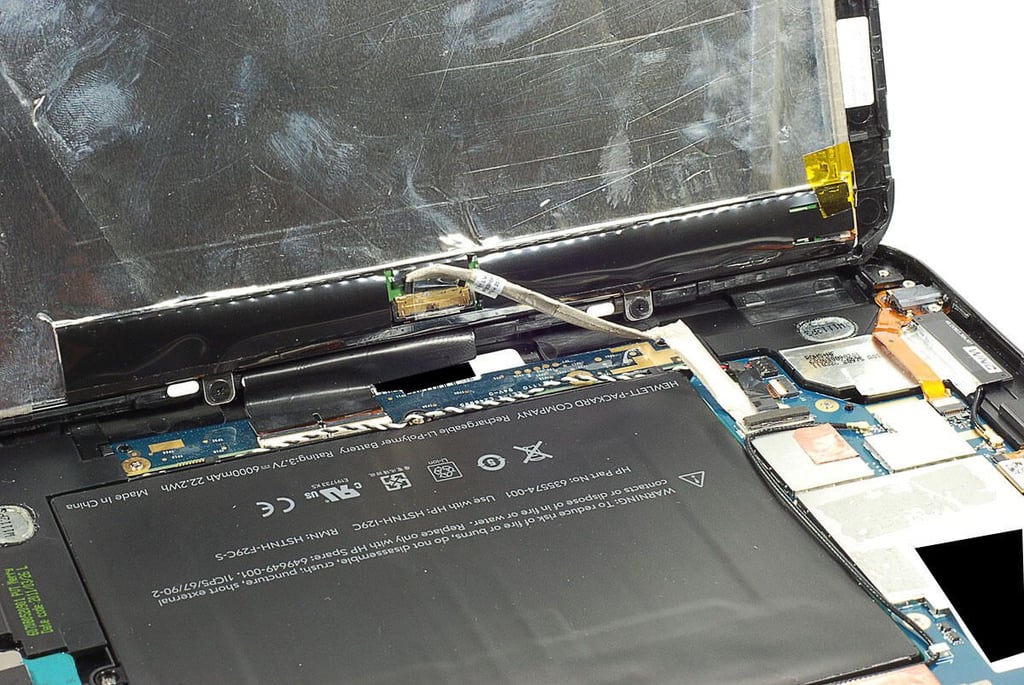
  • Cracking Open the HP TouchPad: Display and digitizer cables

    \n\tPhoto by: Bill Detwiler / TechRepublic
    \n\tCaption by: Bill Detwiler

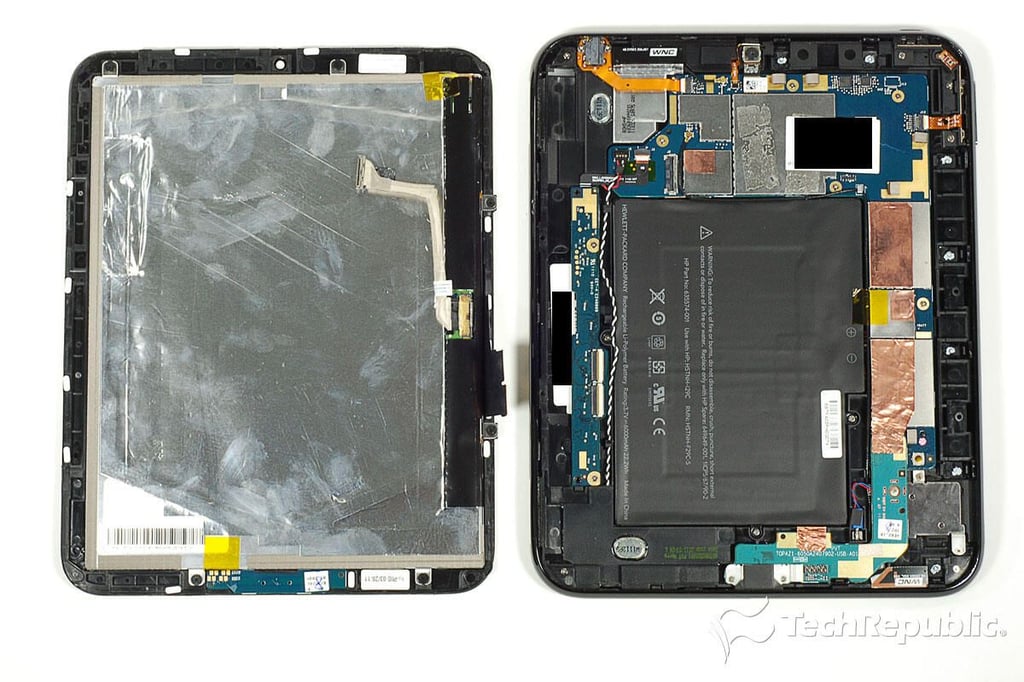
  • Cracking Open the HP TouchPad: Inside the case

    \n\tPhoto by: Bill Detwiler / TechRepublic
    \n\tCaption by: Bill Detwiler

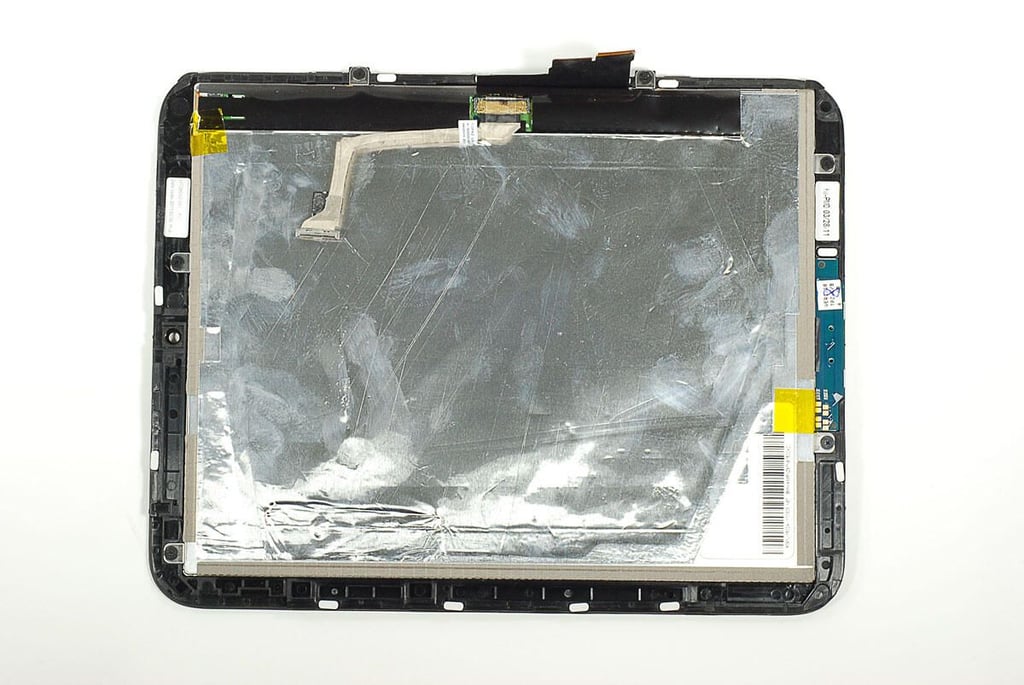
  • Cracking Open the HP TouchPad: Front panel assembly

    \n\tPhoto by: Bill Detwiler / TechRepublic
    \n\tCaption by: Bill Detwiler

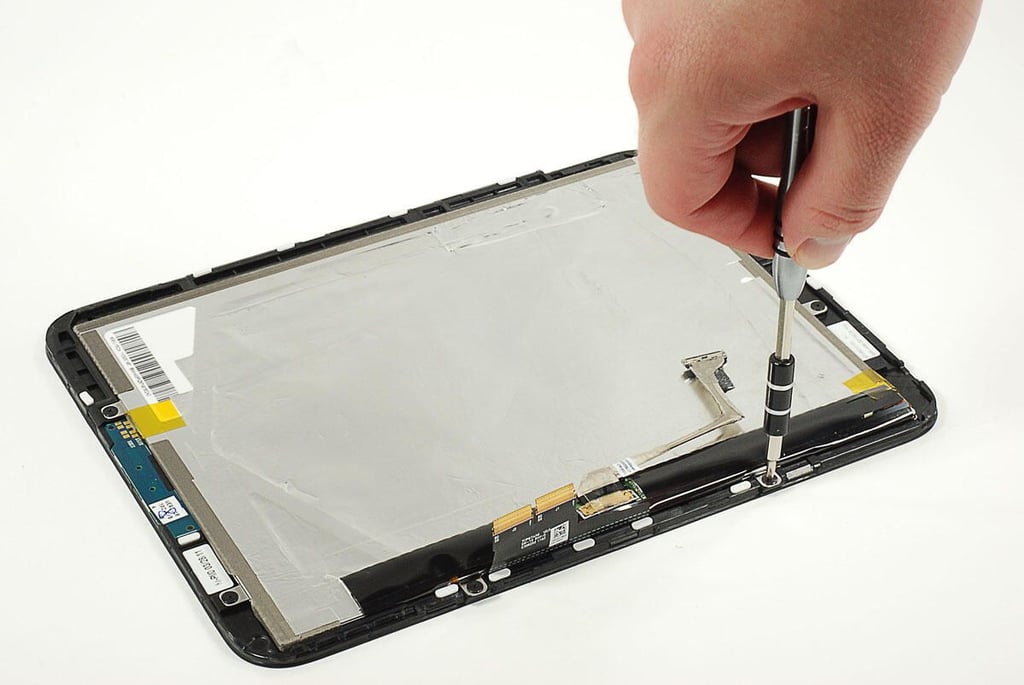
  • Cracking Open the HP TouchPad: Removing the display screws

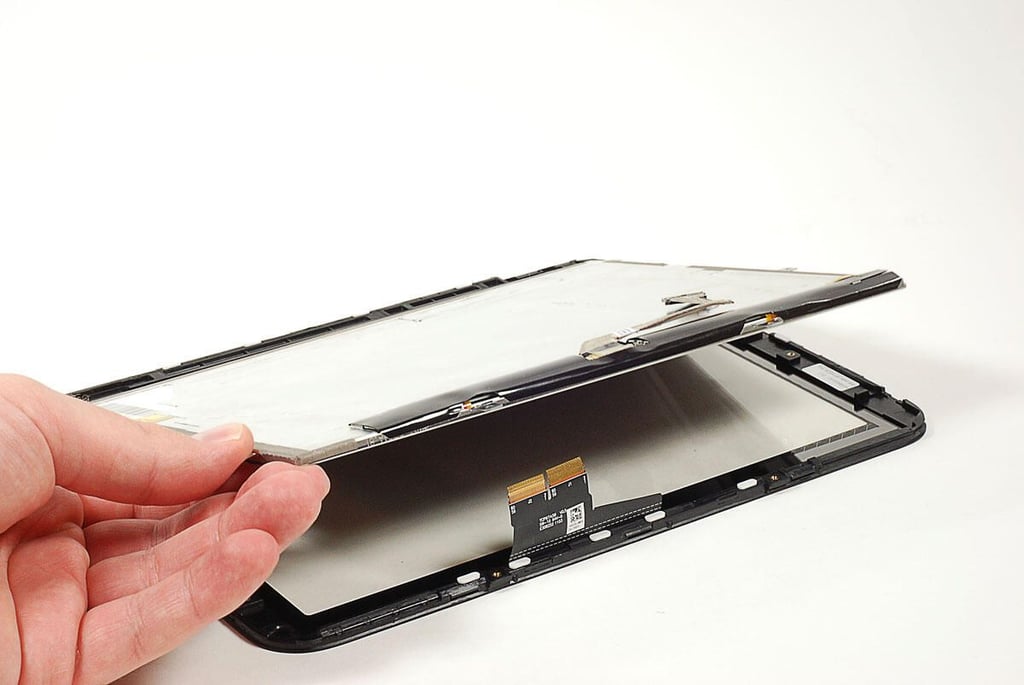
  • Cracking Open the HP TouchPad: Removing the display

    \n\tPhoto by: Bill Detwiler / TechRepublic
    \n\tCaption by: Bill Detwiler

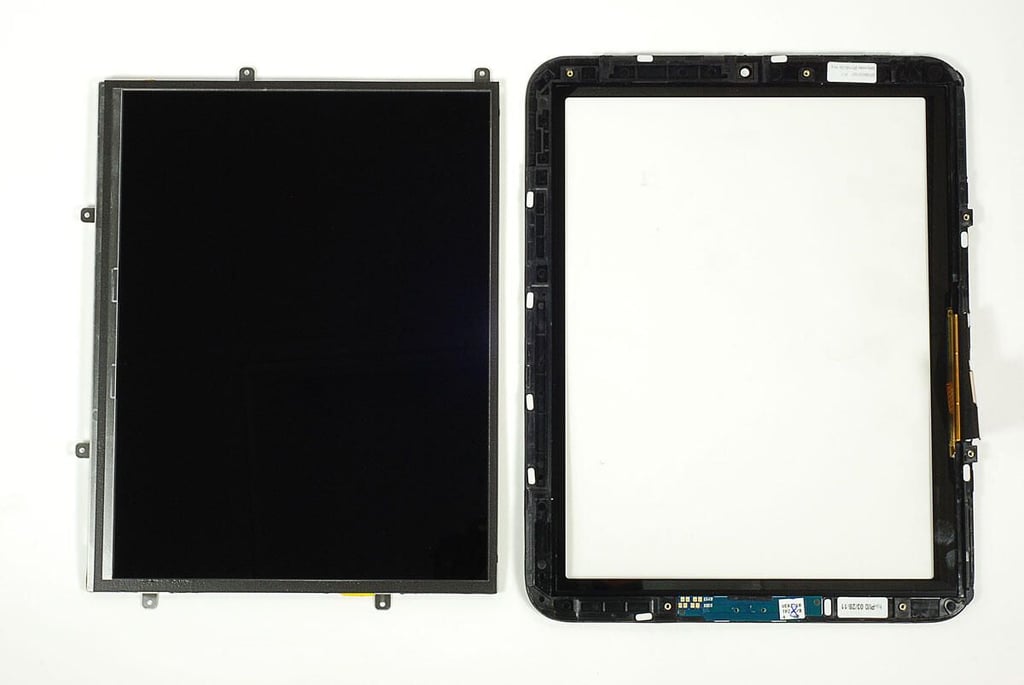
  • Cracking Open the HP TouchPad: Display and digitizer panel

    \n\tPhoto by: Bill Detwiler / TechRepublic
    \n\tCaption by: Bill Detwiler

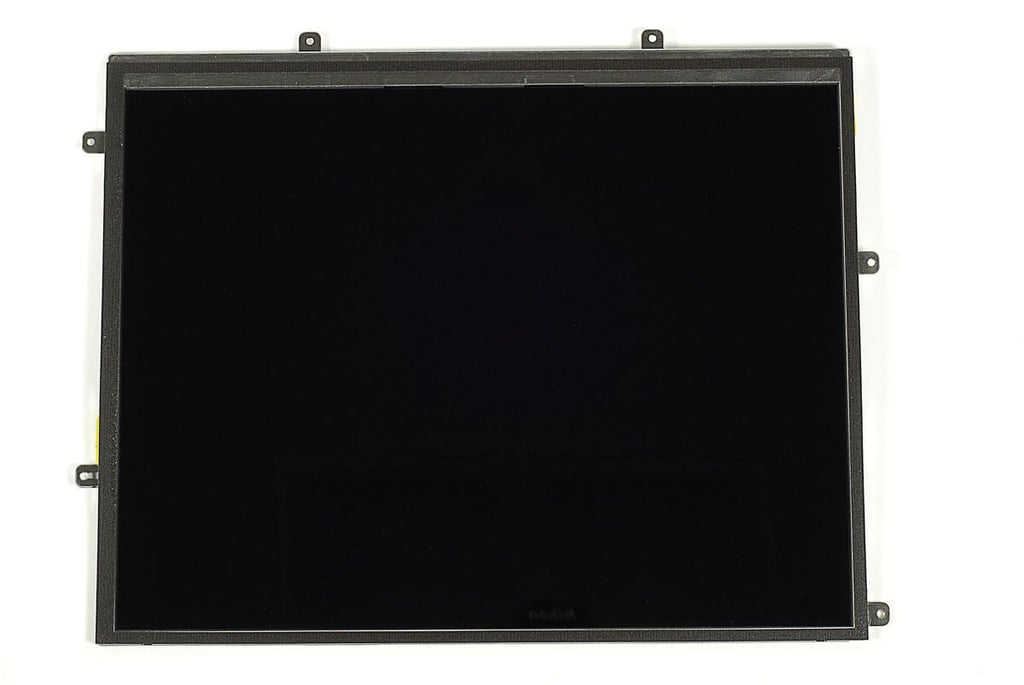
  • Cracking Open the HP TouchPad: LCD screen - Front

    \n\tPhoto by: Bill Detwiler / TechRepublic
    \n\tCaption by: Bill Detwiler

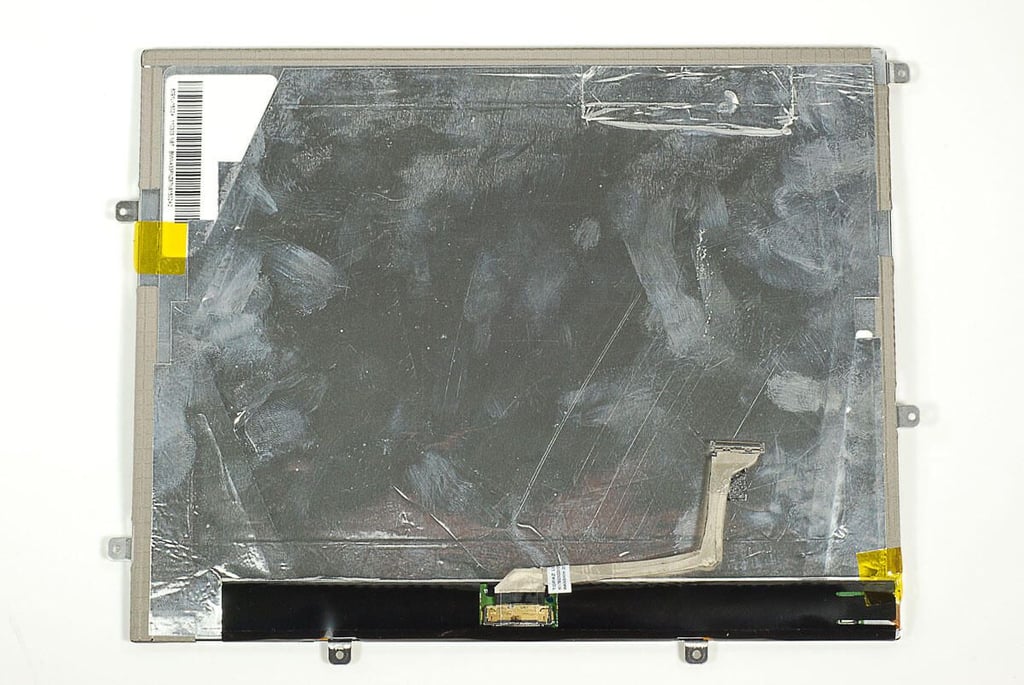
  • Cracking Open the HP TouchPad: LCD screen - Back

    \n\tPhoto by: Bill Detwiler / TechRepublic
    \n\tCaption by: Bill Detwiler

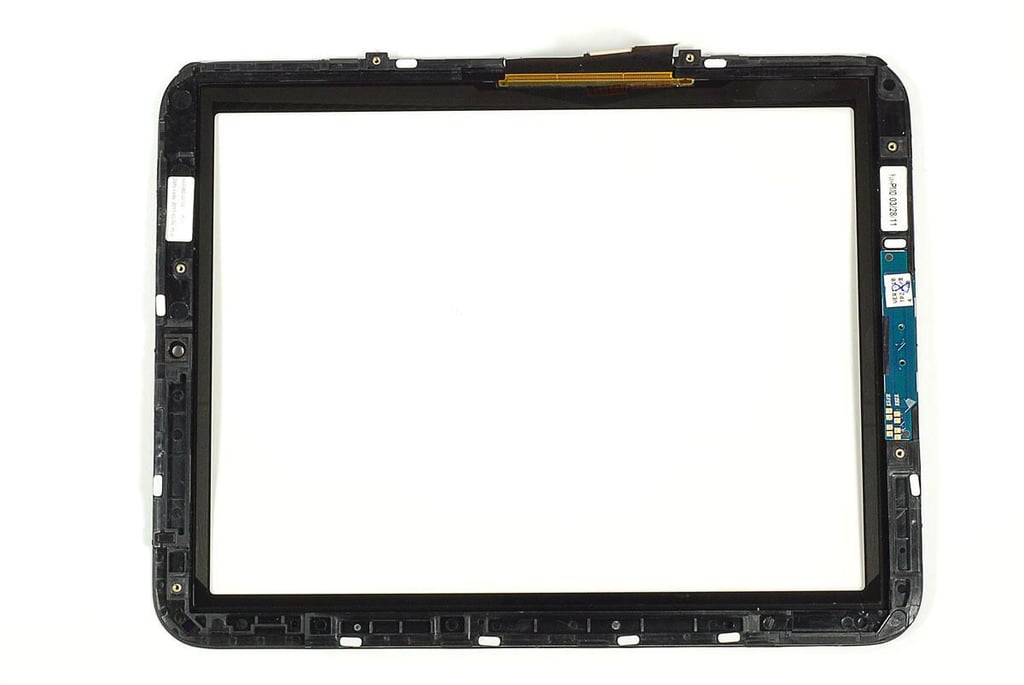
  • Cracking Open the HP TouchPad: Front panel and digitizer

    \n\tPhoto by: Bill Detwiler / TechRepublic
    \n\tCaption by: Bill Detwiler

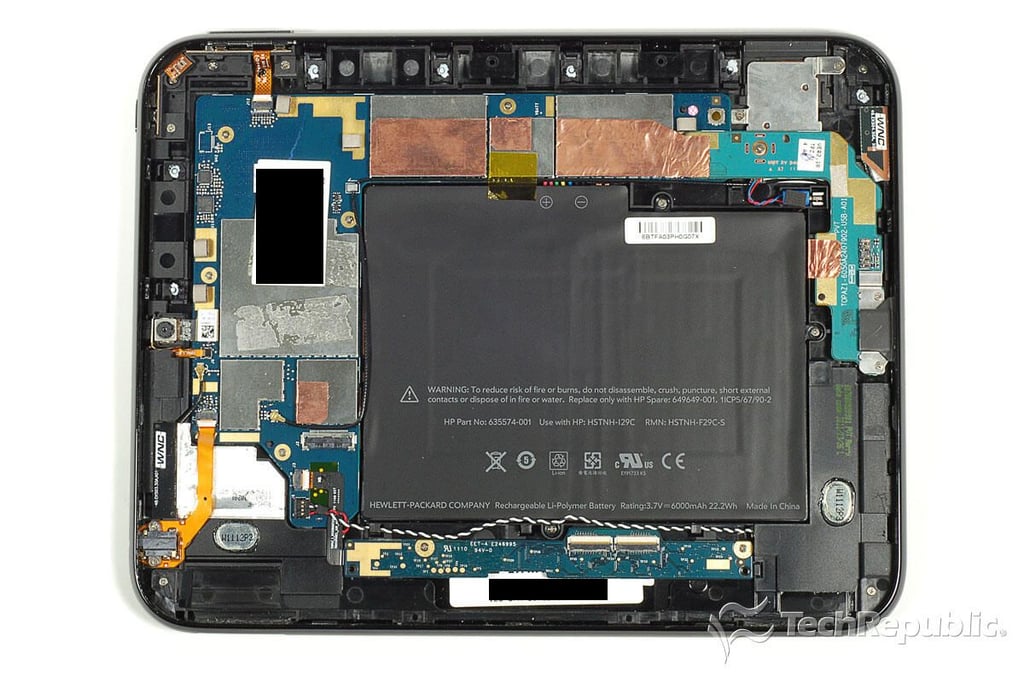
  • Cracking Open the HP TouchPad: Case with internal hardware

    \n\tPhoto by: Bill Detwiler / TechRepublic
    \n\tCaption by: Bill Detwiler

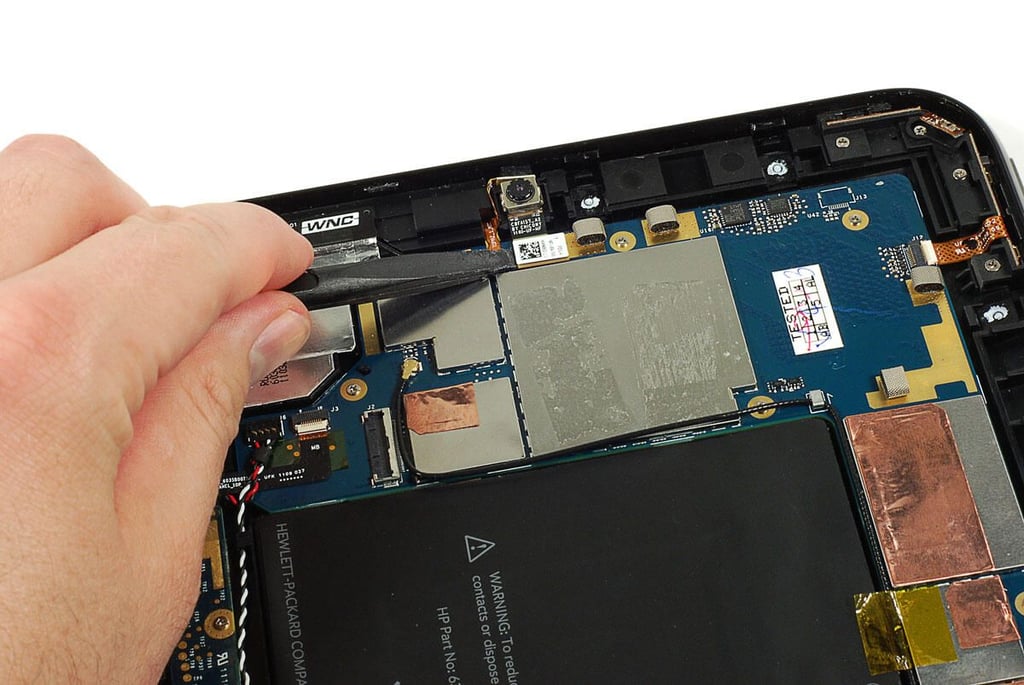
  • Cracking Open the HP TouchPad: Removing the 1.3MB webcam

    \n\tPhoto by: Bill Detwiler / TechRepublic
    \n\tCaption by: Bill Detwiler

  • Cracking Open the HP TouchPad: Webcam removed

    \n\tPhoto by: Bill Detwiler / TechRepublic
    \n\tCaption by: Bill Detwiler

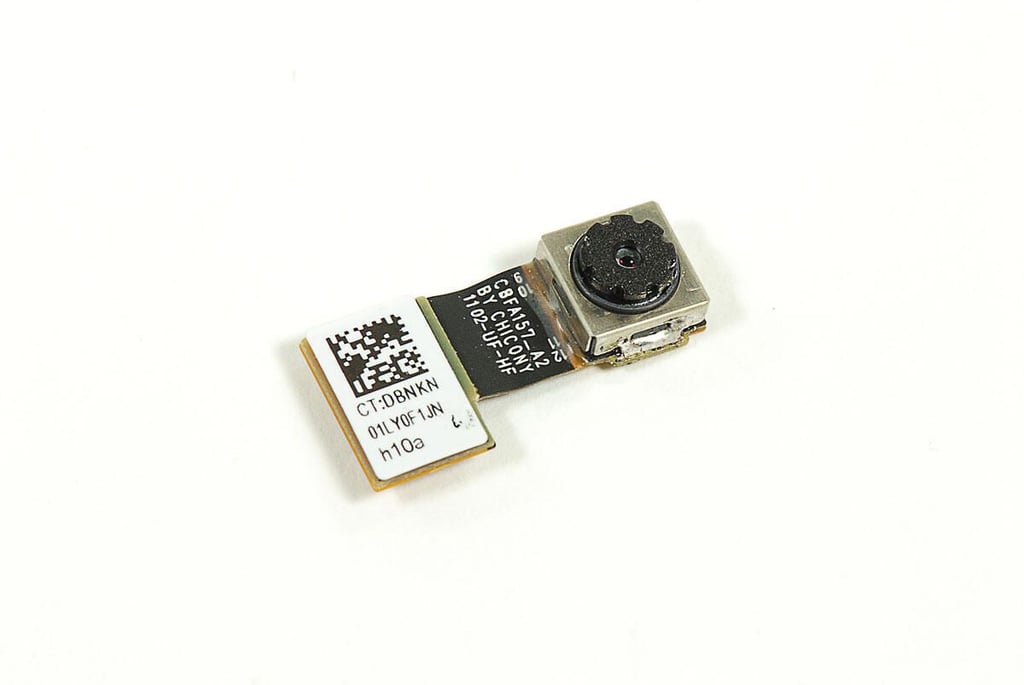
  • Cracking Open the HP TouchPad: 1.3MP webcam - Front

    \n\tPhoto by: Bill Detwiler / TechRepublic
    \n\tCaption by: Bill Detwiler

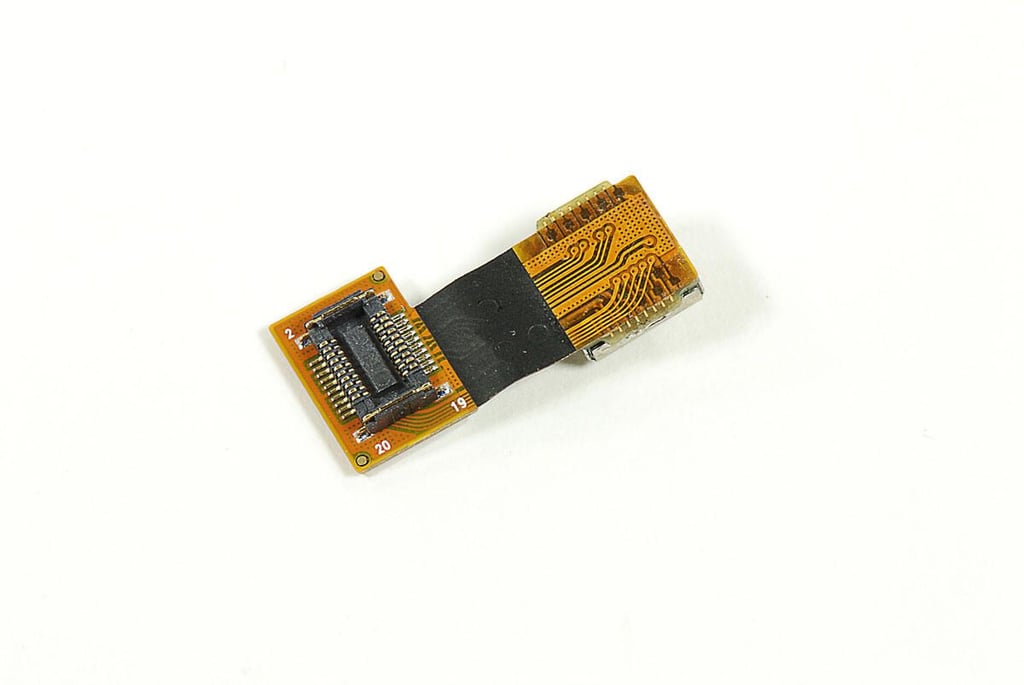
  • Cracking Open the HP TouchPad: 1.3MP webcam - Back

    \n\tPhoto by: Bill Detwiler / TechRepublic
    \n\tCaption by: Bill Detwiler

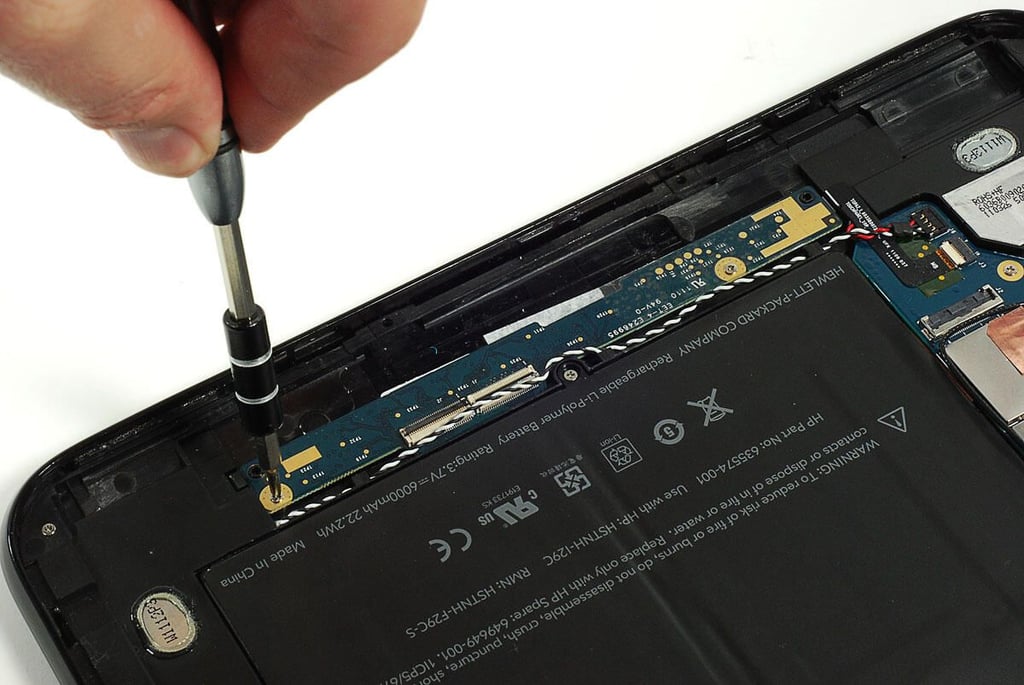
  • Cracking Open the HP TouchPad: Removing the digitizer PCB screws

    \n\tPhoto by: Bill Detwiler / TechRepublic
    \n\tCaption by: Bill Detwiler

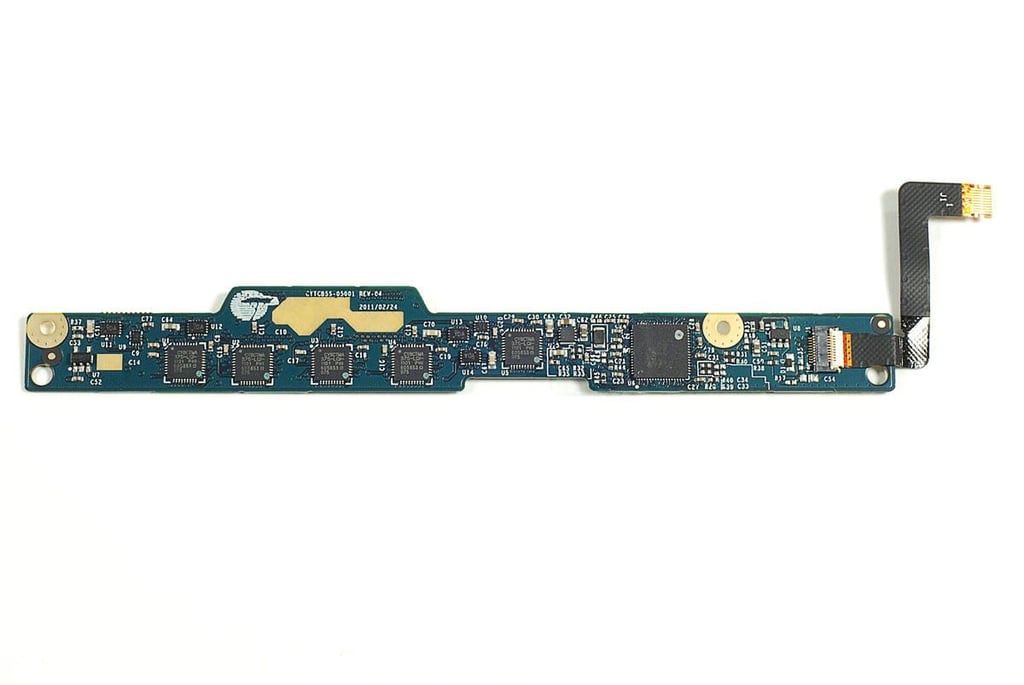
  • Cracking Open the HP TouchPad: Digitizer PCB - Front

    \n\tPhoto by: Bill Detwiler / TechRepublic
    \n\tCaption by: Bill Detwiler

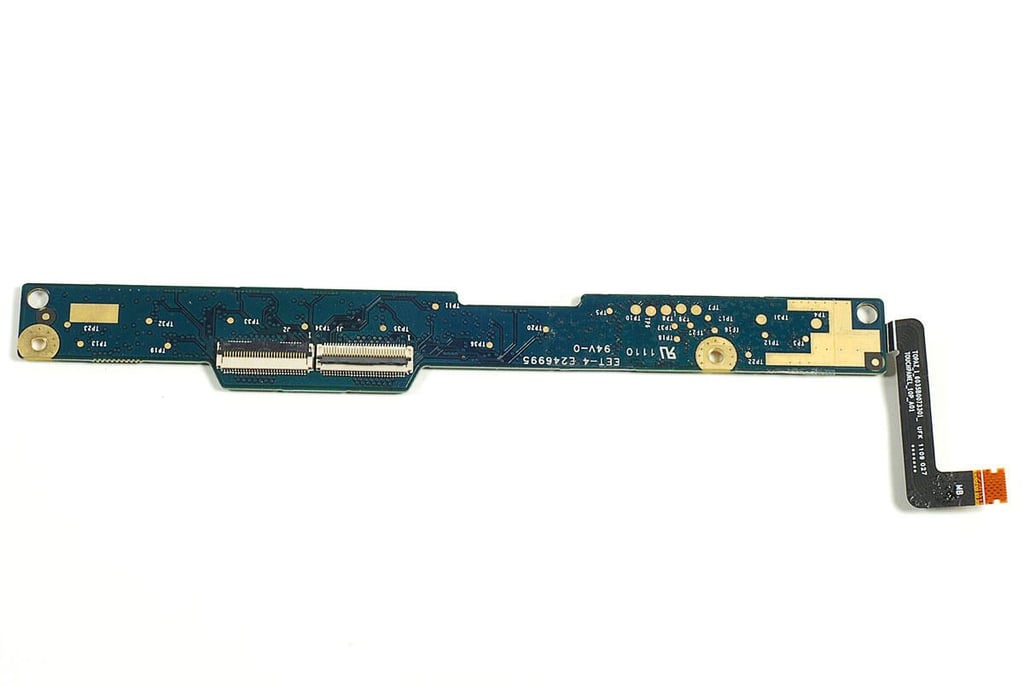
  • Cracking Open the HP TouchPad: Digitizer PCB back

    \n\tPhoto by: Bill Detwiler / TechRepublic
    \n\tCaption by: Bill Detwiler

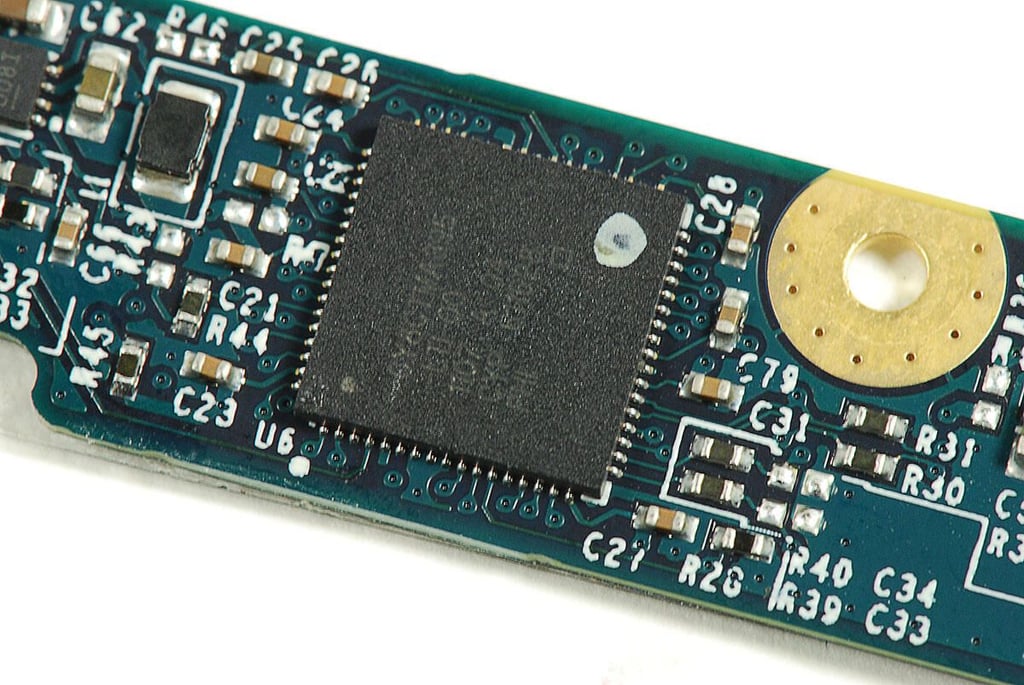
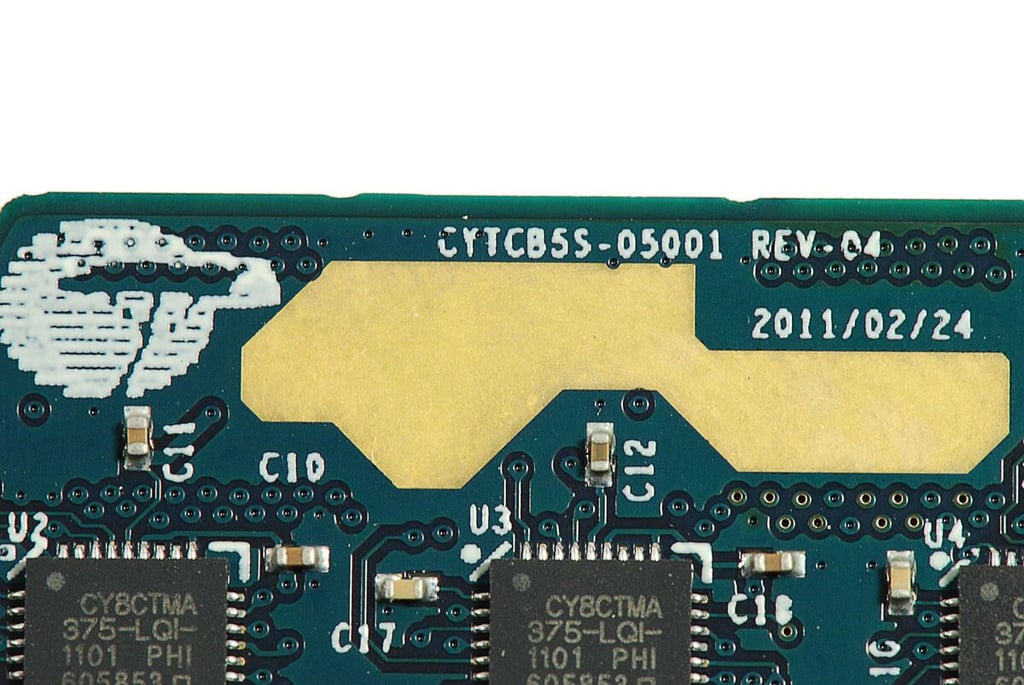
  • Cracking Open the HP TouchPad: Cypress Semiconductor CY8CTMA395 touchscreen controller

    \n\tPhoto by: Bill Detwiler / TechRepublic
    \n\tCaption by: Bill Detwiler

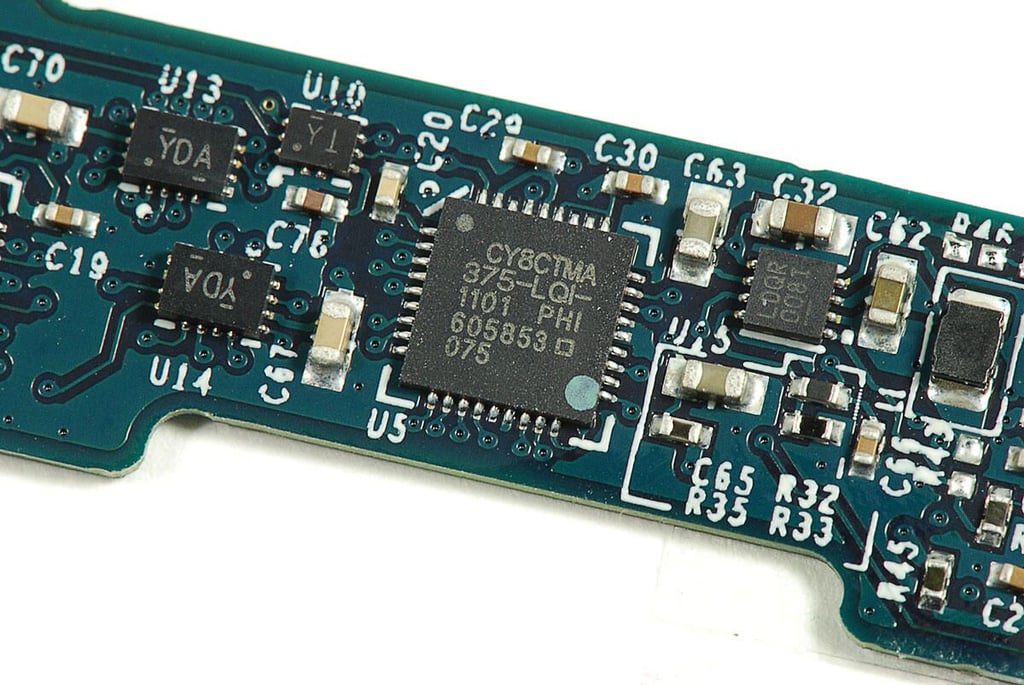
  • Cracking Open the HP TouchPad: Cypress Semiconductor CY8CTMA375 TrueTouch controller

    \n\tPhoto by: Bill Detwiler / TechRepublic
    \n\tCaption by: Bill Detwiler

  • Cracking Open the HP TouchPad: Cypress Semiconductor PCB logo

    \n\tPhoto by: Bill Detwiler / TechRepublic
    \n\tCaption by: Bill Detwiler

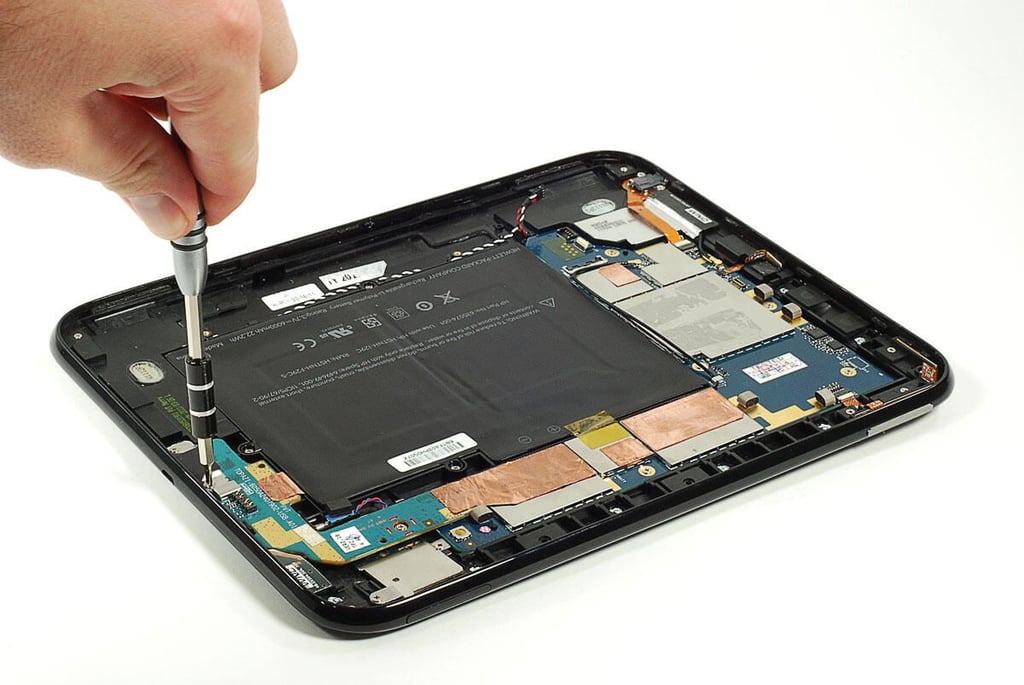
  • Cracking Open the HP TouchPad: Removing the microUSB PCB screws

    \n\tPhoto by: Bill Detwiler / TechRepublic
    \n\tCaption by: Bill Detwiler

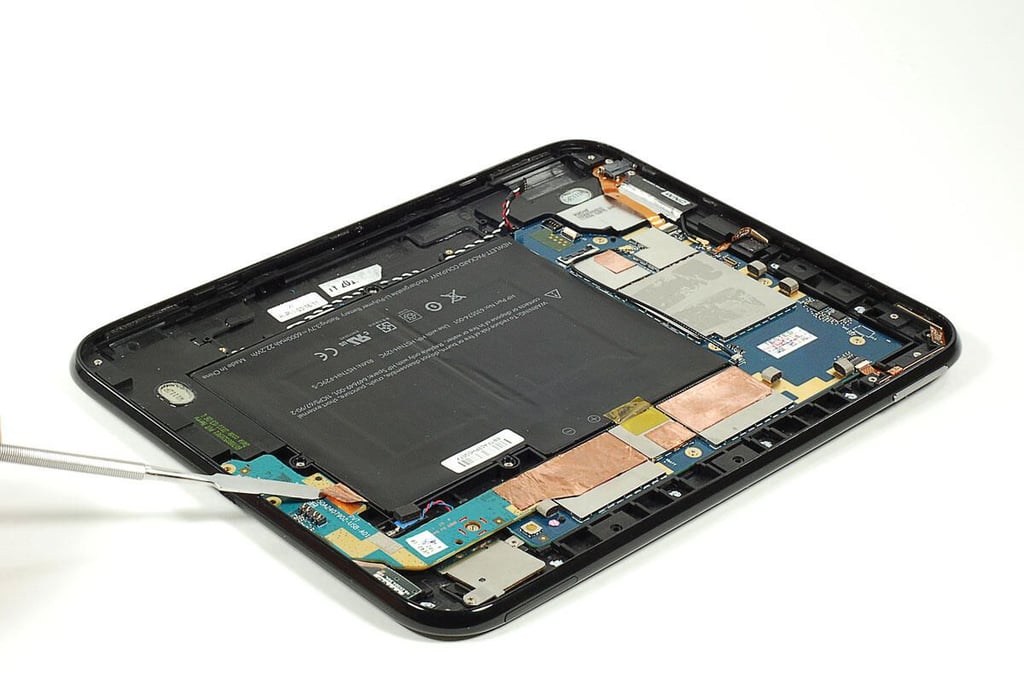
  • Cracking Open the HP TouchPad: Detaching the copper foil from the microUSB PCB

    \n\tPhoto by: Bill Detwiler / TechRepublic
    \n\tCaption by: Bill Detwiler

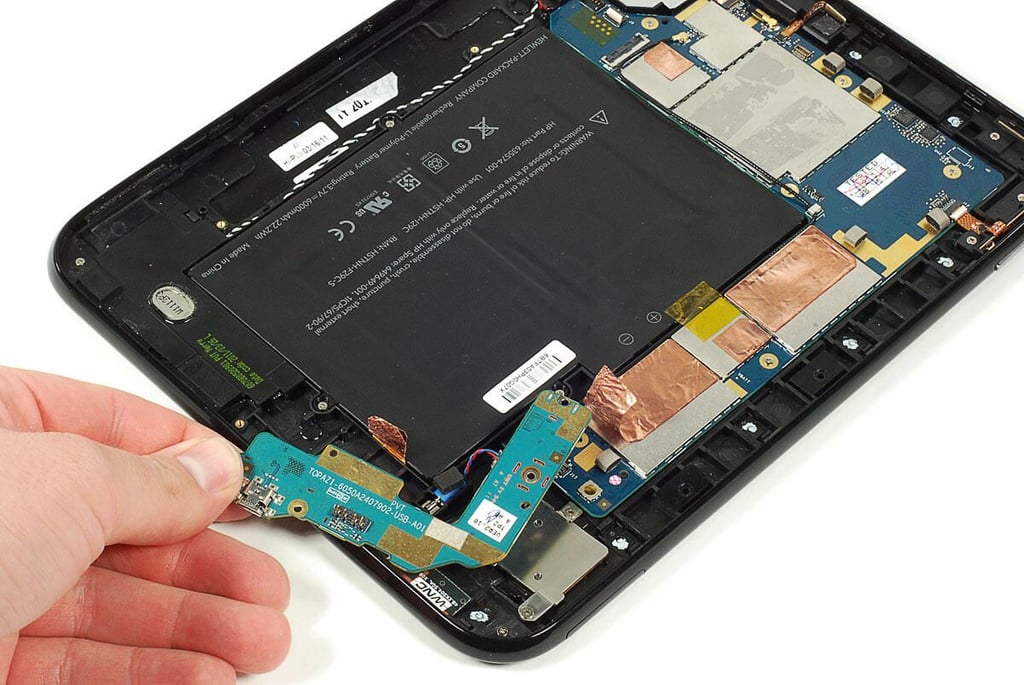
  • Cracking Open the HP TouchPad: Removing the microUSB port PCB

    \n\tPhoto by: Bill Detwiler / TechRepublic
    \n\tCaption by: Bill Detwiler

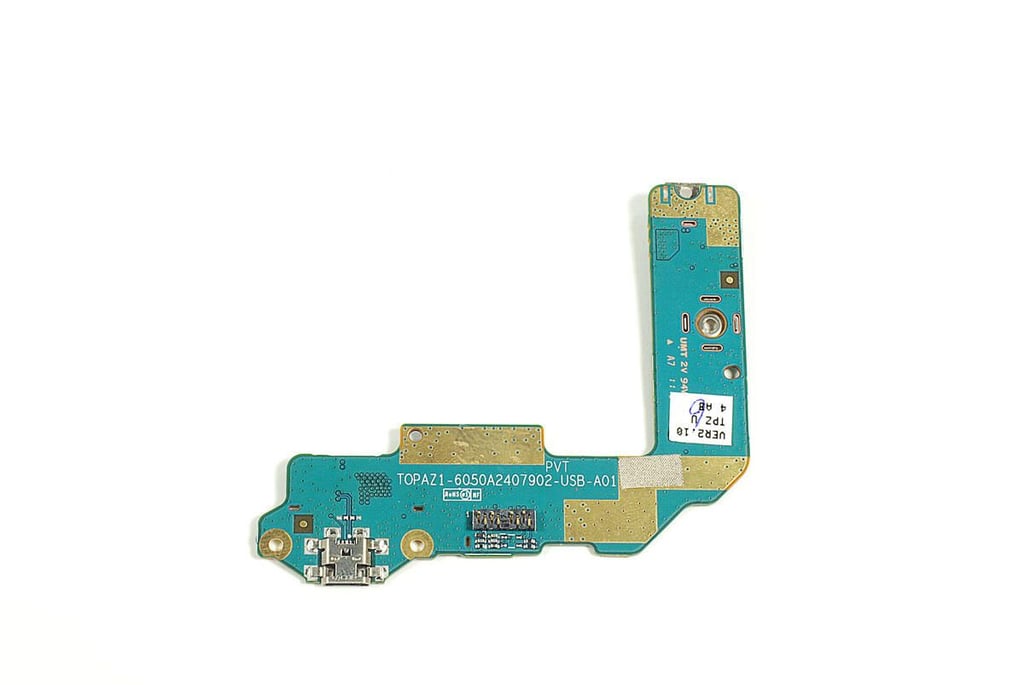
  • Cracking Open the HP TouchPad: microUSB port PCB - Front

    \n\tPhoto by: Bill Detwiler / TechRepublic
    \n\tCaption by: Bill Detwiler

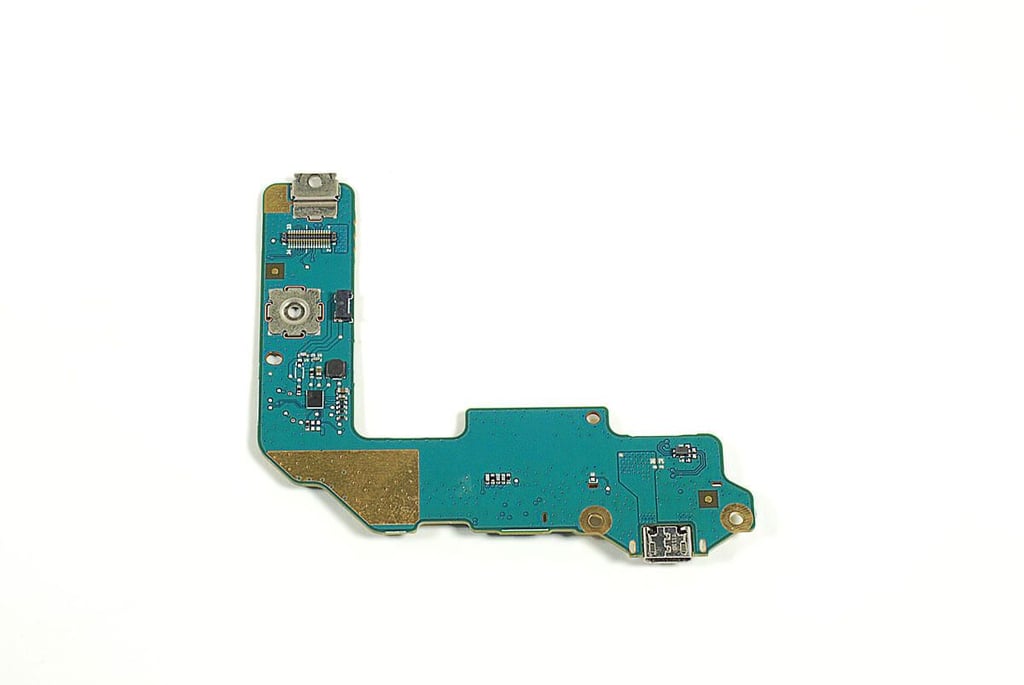
  • Cracking Open the HP TouchPad: microUSB port PCB - Back

    \n\tPhoto by: Bill Detwiler / TechRepublic
    \n\tCaption by: Bill Detwiler

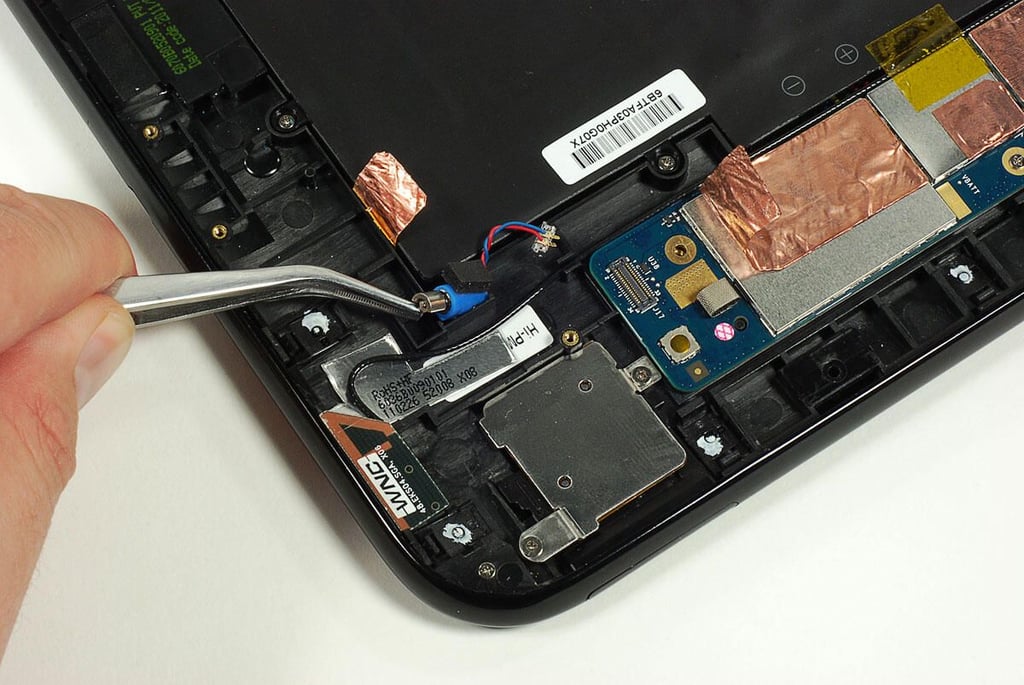
  • Cracking Open the HP TouchPad: Removing the vibration motor

    \n\tPhoto by: Bill Detwiler / TechRepublic
    \n\tCaption by: Bill Detwiler

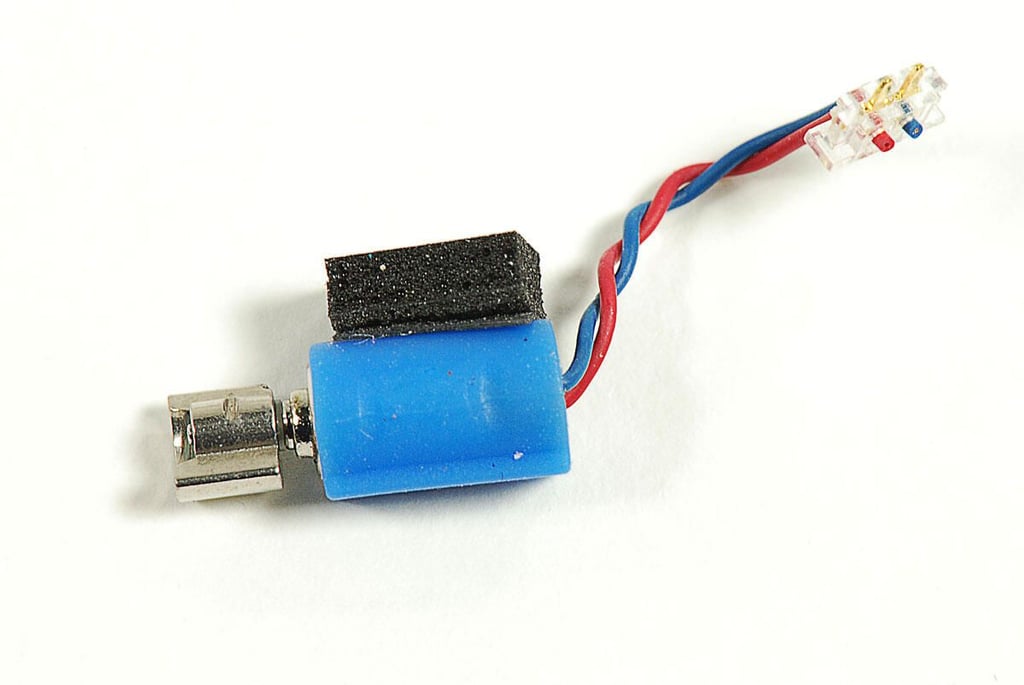
  • Cracking Open the HP TouchPad: Vibration motor

    \n\tPhoto by: Bill Detwiler / TechRepublic
    \n\tCaption by: Bill Detwiler

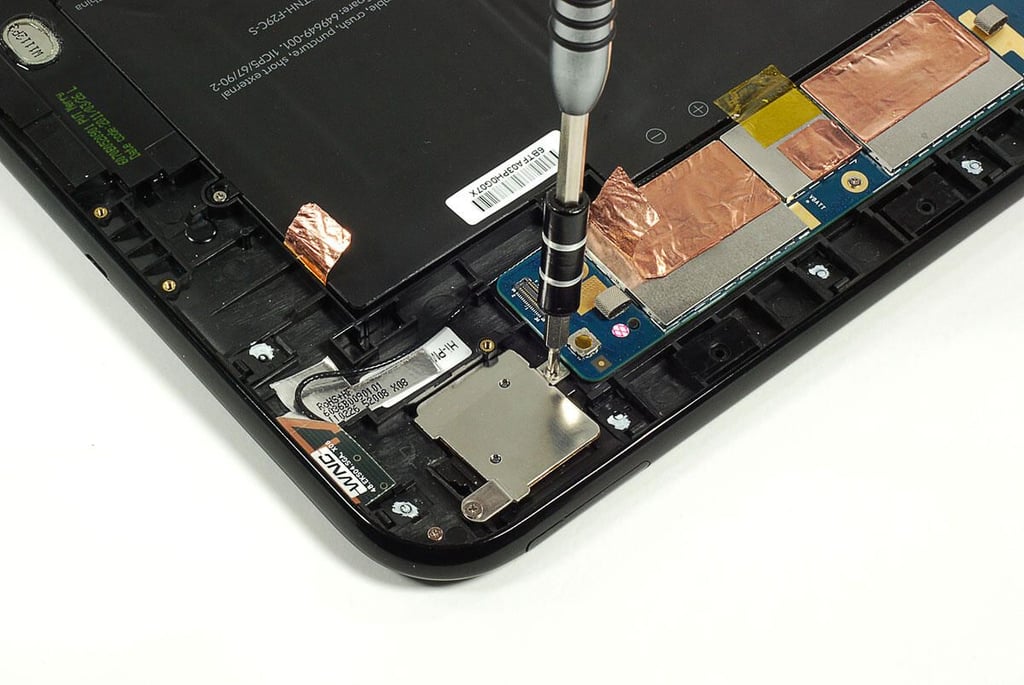
  • Cracking Open the HP TouchPad: Removing the SIM card slot screws

    \n\tPhoto by: Bill Detwiler / TechRepublic
    \n\tCaption by: Bill Detwiler

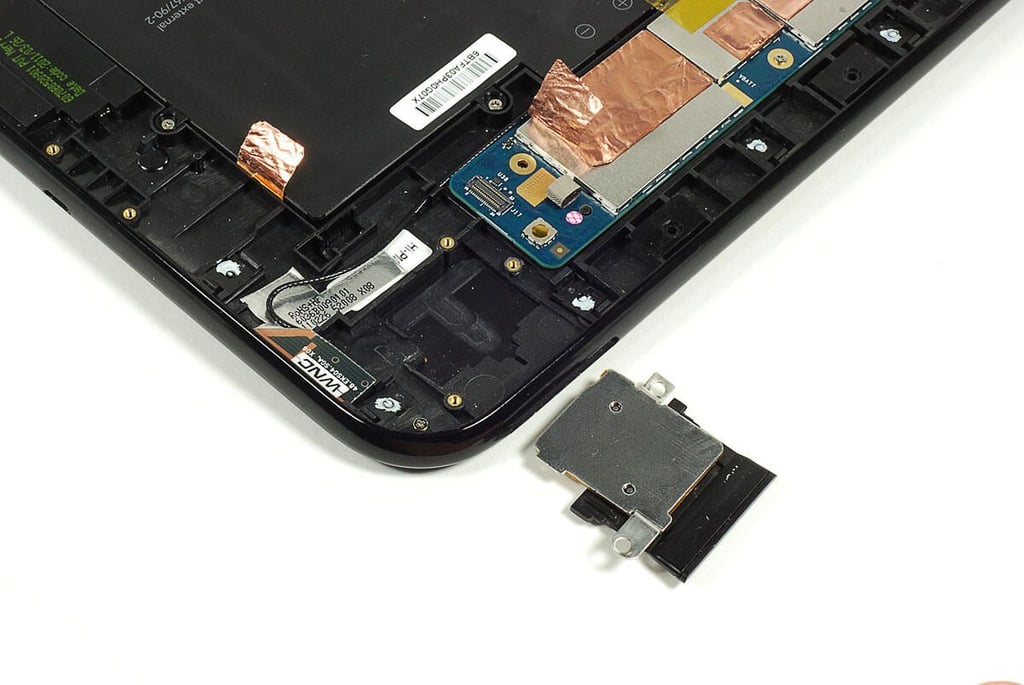
  • Cracking Open the HP TouchPad: SIM card slot removed

    \n\tPhoto by: Bill Detwiler / TechRepublic
    \n\tCaption by: Bill Detwiler

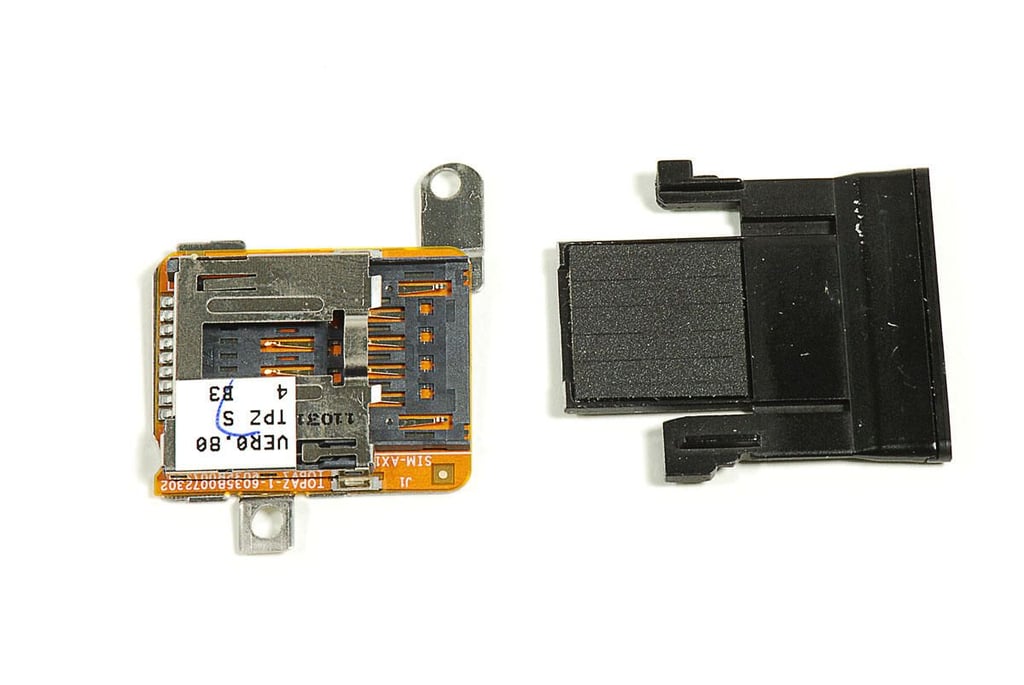
  • Cracking Open the HP TouchPad: SIM card slot

    \n\tPhoto by: Bill Detwiler / TechRepublic
    \n\tCaption by: Bill Detwiler

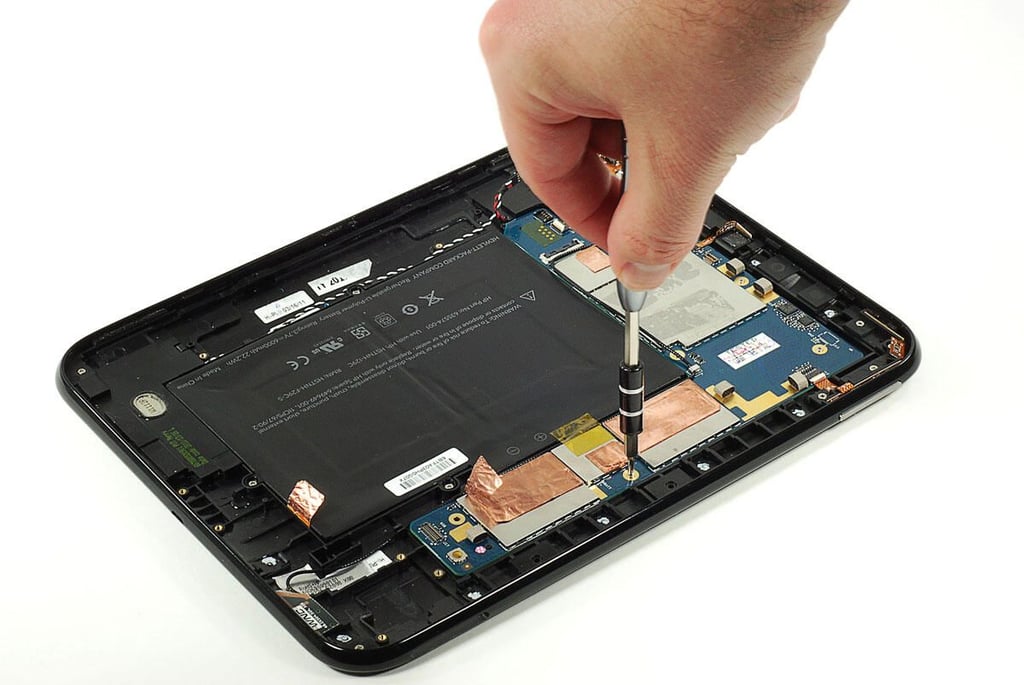
  • Cracking Open the HP TouchPad: Removing the main PCB screws

    \n\tPhoto by: Bill Detwiler / TechRepublic
    \n\tCaption by: Bill Detwiler

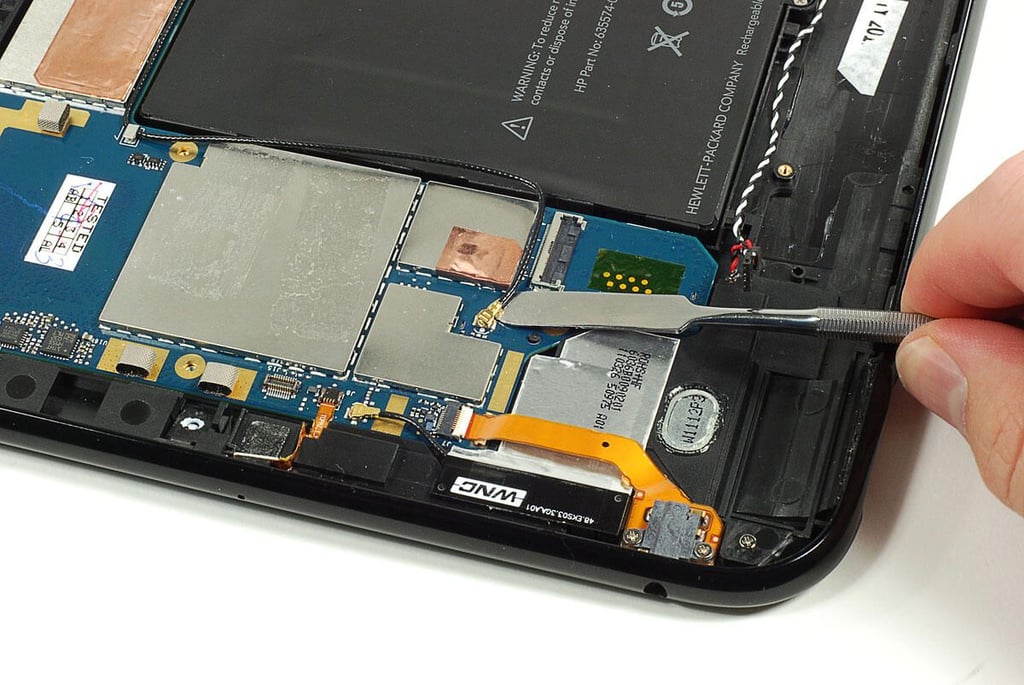
  • Cracking Open the HP TouchPad: Disconnecting the antenna wires

    \n\tPhoto by: Bill Detwiler / TechRepublic
    \n\tCaption by: Bill Detwiler

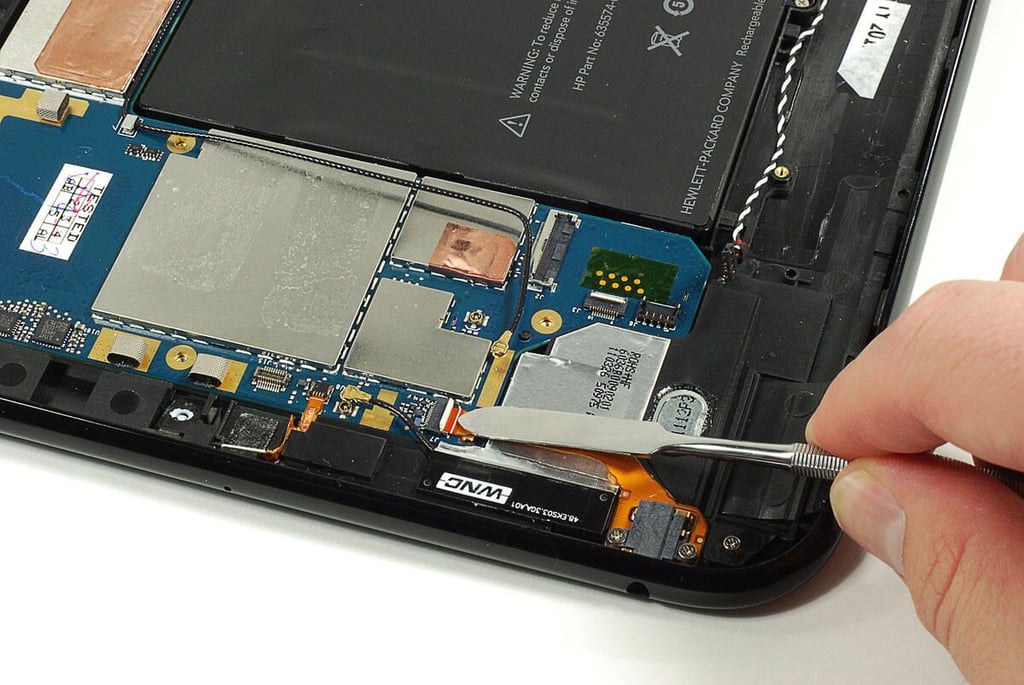
  • Cracking Open the HP TouchPad: Disconnecting the main PCB ribbon cables

    \n\tPhoto by: Bill Detwiler / TechRepublic
    \n\tCaption by: Bill Detwiler

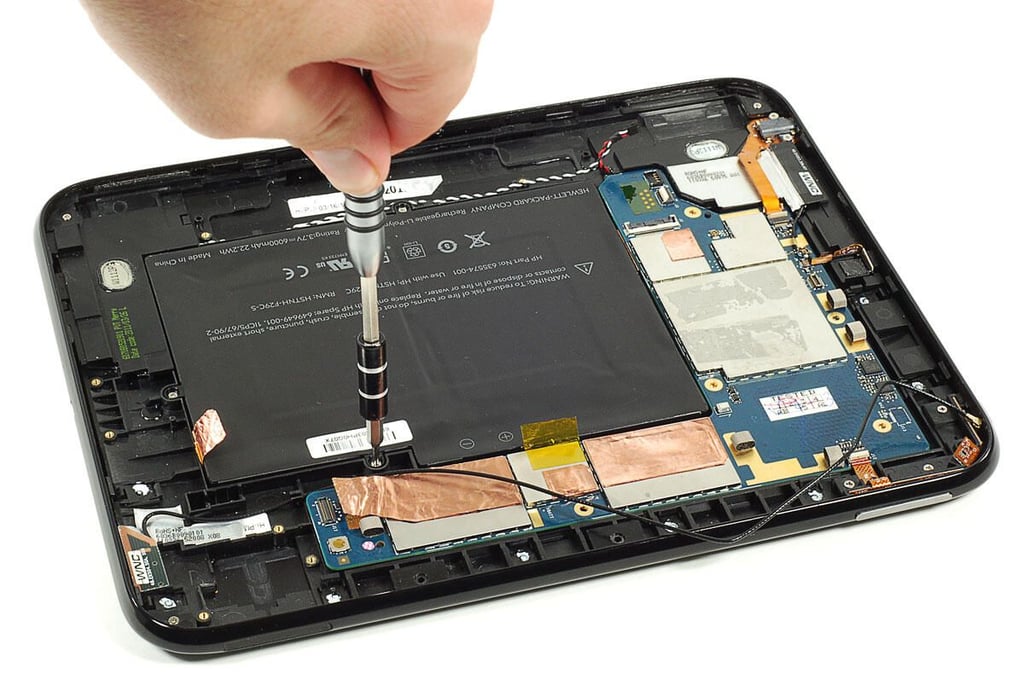
  • Cracking Open the HP TouchPad: Removing the battery screws

    \n\tPhoto by: Bill Detwiler / TechRepublic
    \n\tCaption by: Bill Detwiler

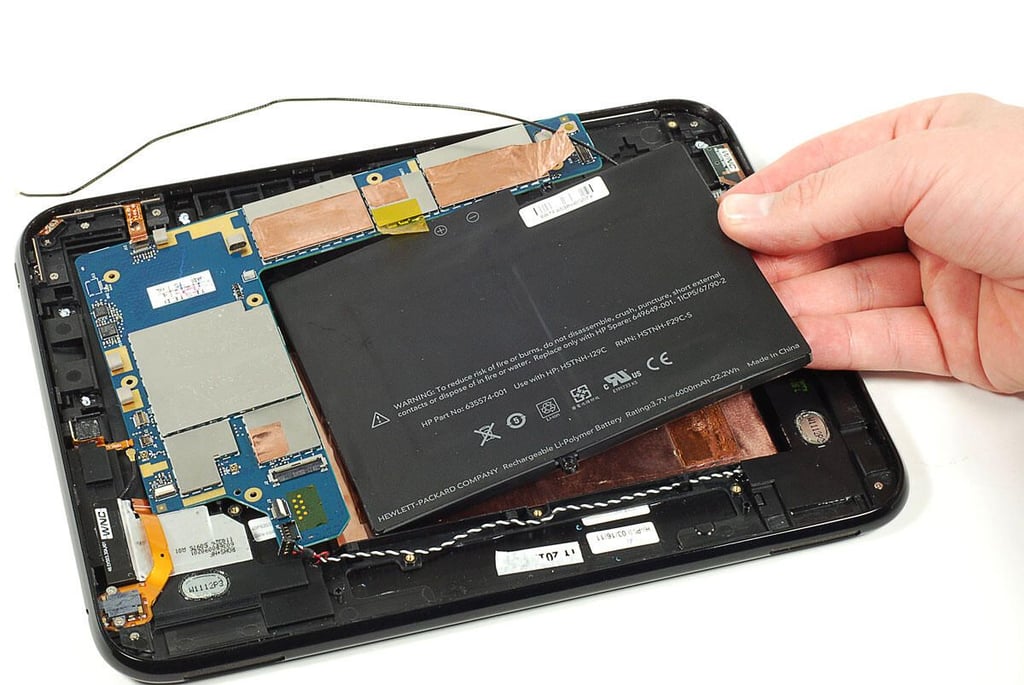
  • Cracking Open the HP TouchPad: Removing the battery and main PCB

    \n\tPhoto by: Bill Detwiler / TechRepublic
    \n\tCaption by: Bill Detwiler

  • Cracking Open the HP TouchPad: Main PCB and battery - Front

    \n\tPhoto by: Bill Detwiler / TechRepublic
    \n\tCaption by: Bill Detwiler

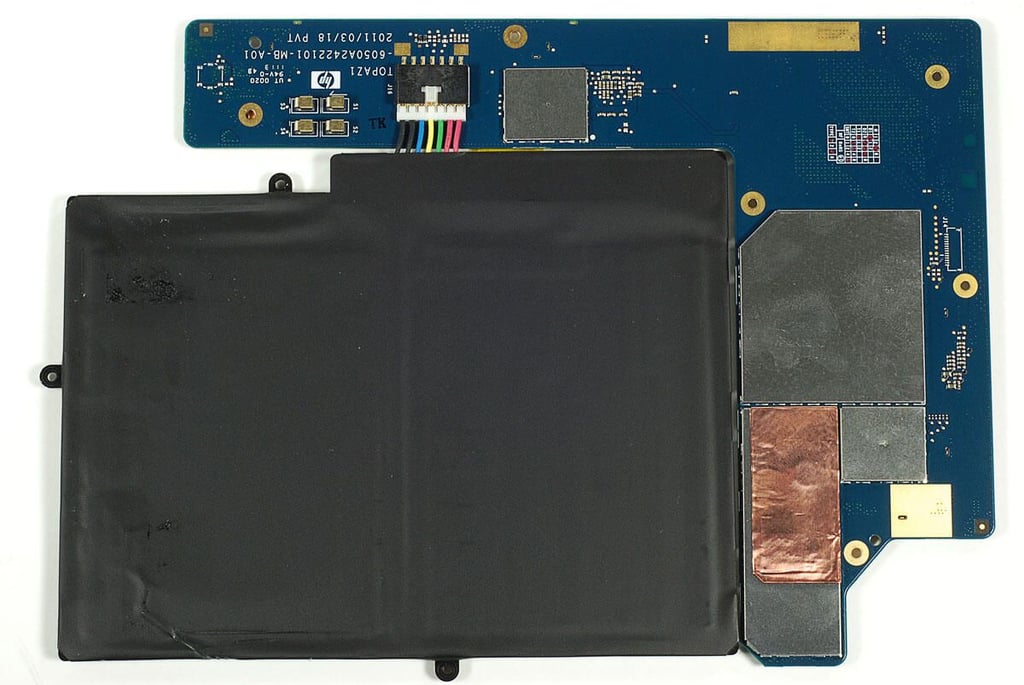
  • Cracking Open the HP TouchPad: Battery and Main PCB - Back

    \n\tPhoto by: Bill Detwiler / TechRepublic
    \n\tCaption by: Bill Detwiler

  • Cracking Open the HP TouchPad: 3.7V 600mAh 22.2Wh battery - Front

    \n\tPhoto by: Bill Detwiler / TechRepublic
    \n\tCaption by: Bill Detwiler

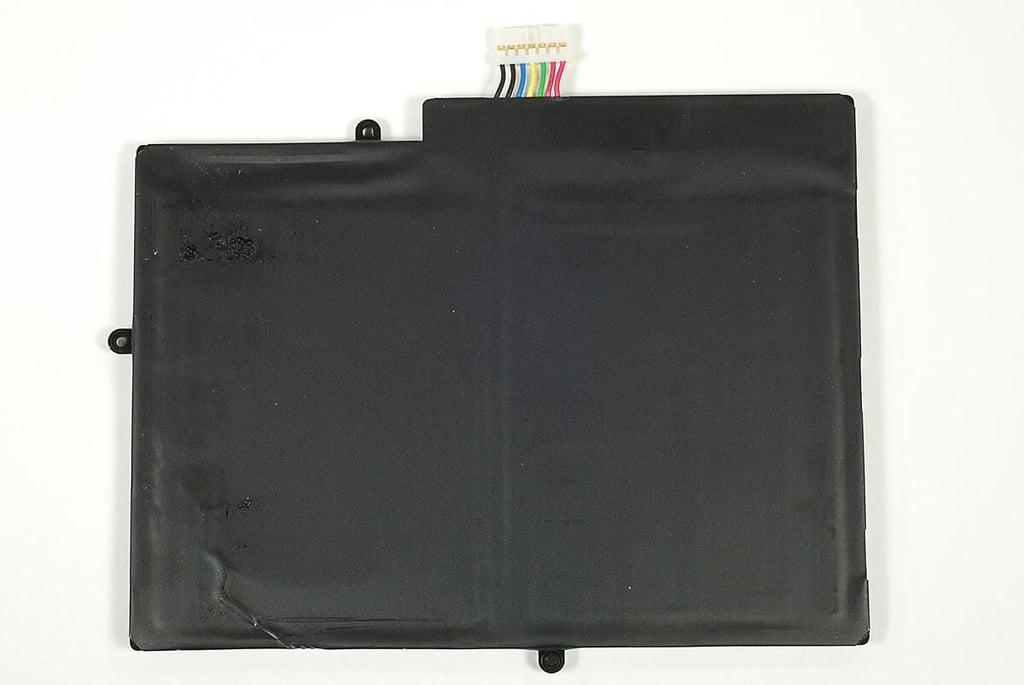
  • Cracking Open the HP TouchPad: 3.7V 600mAh 22.2Wh battery - Back

    \n\tPhoto by: Bill Detwiler / TechRepublic
    \n\tCaption by: Bill Detwiler

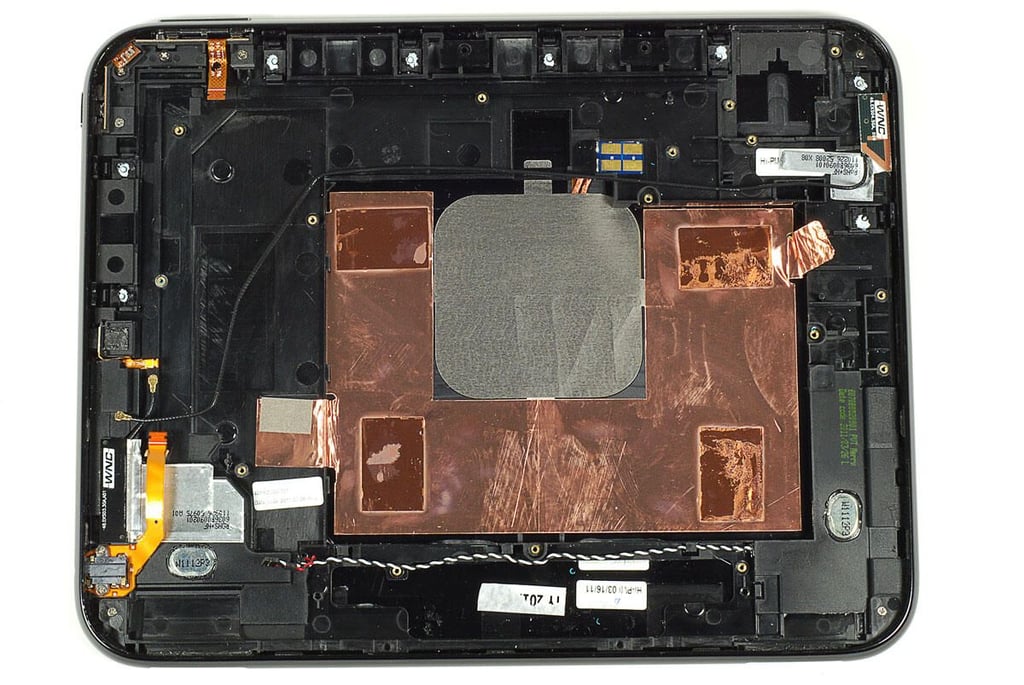
  • Cracking Open the HP TouchPad: Case with attached components

    \n\tPhoto by: Bill Detwiler / TechRepublic
    \n\tCaption by: Bill Detwiler

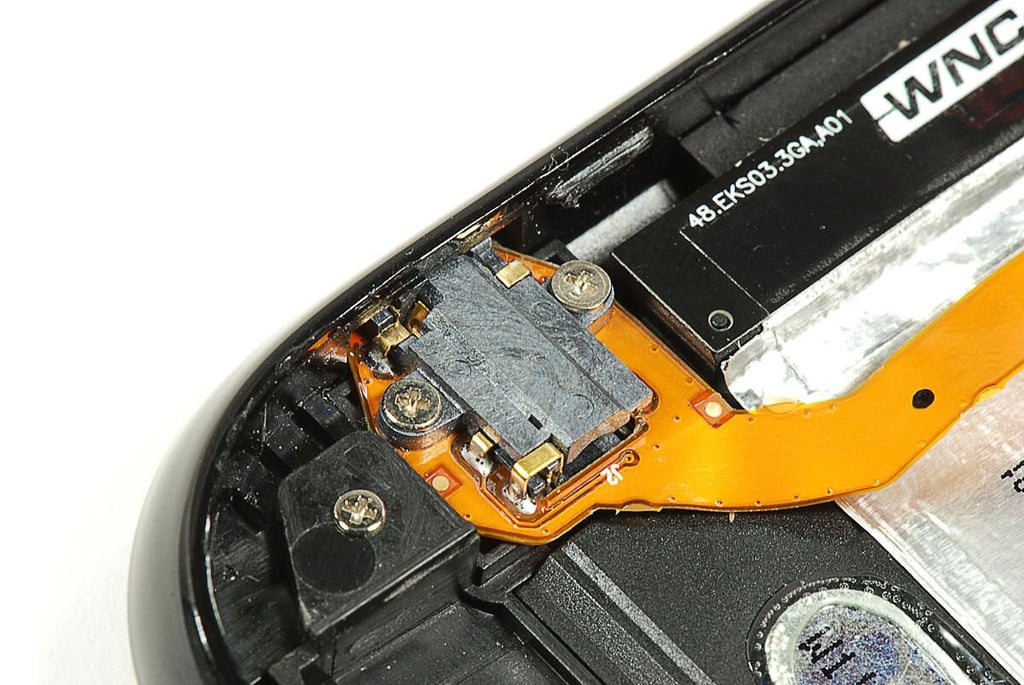
  • Cracking Open the HP TouchPad: 3.5mm headset jack

    \n\tPhoto by: Bill Detwiler / TechRepublic
    \n\tCaption by: Bill Detwiler

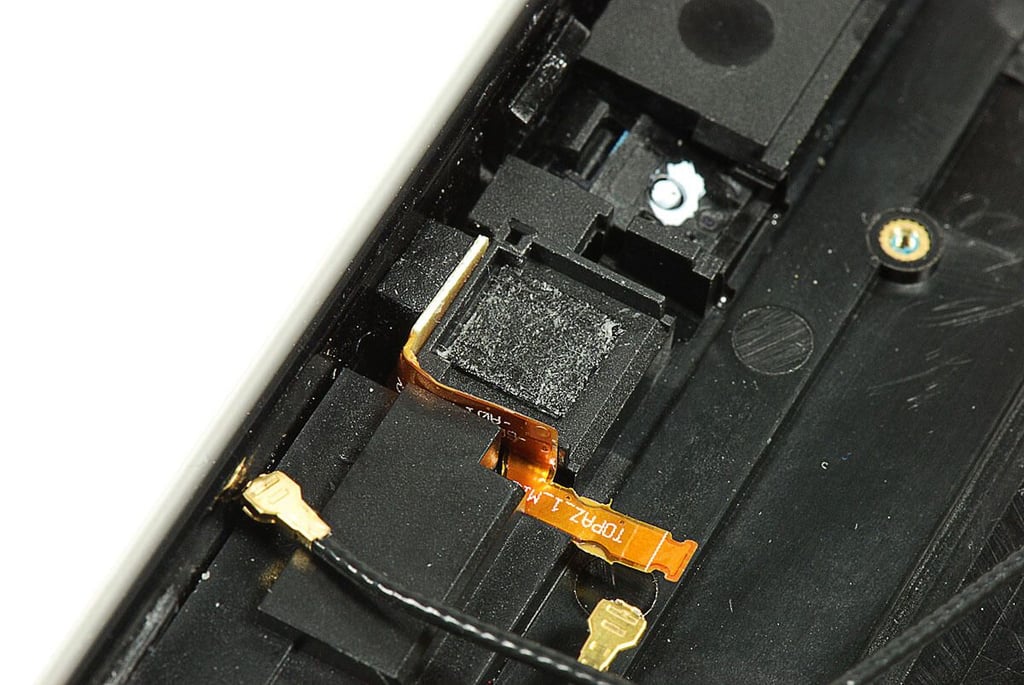
  • Cracking Open the HP TouchPad: Microphone

    \n\tPhoto by: Bill Detwiler / TechRepublic
    \n\tCaption by: Bill Detwiler

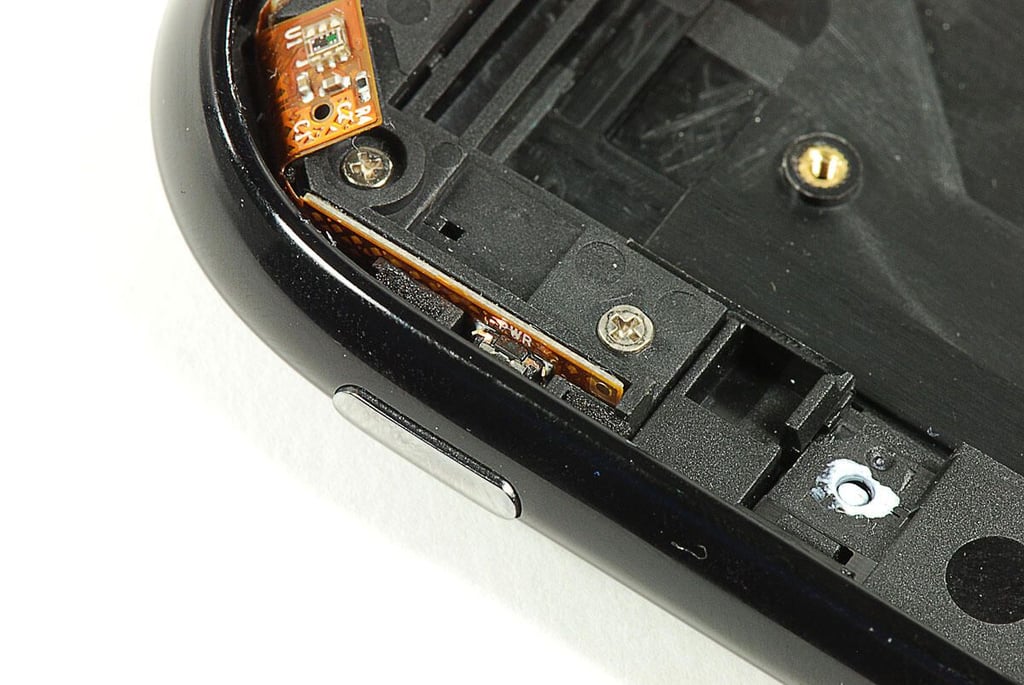
  • Cracking Open the HP TouchPad: Power button

    \n\tPhoto by: Bill Detwiler / TechRepublic
    \n\tCaption by: Bill Detwiler

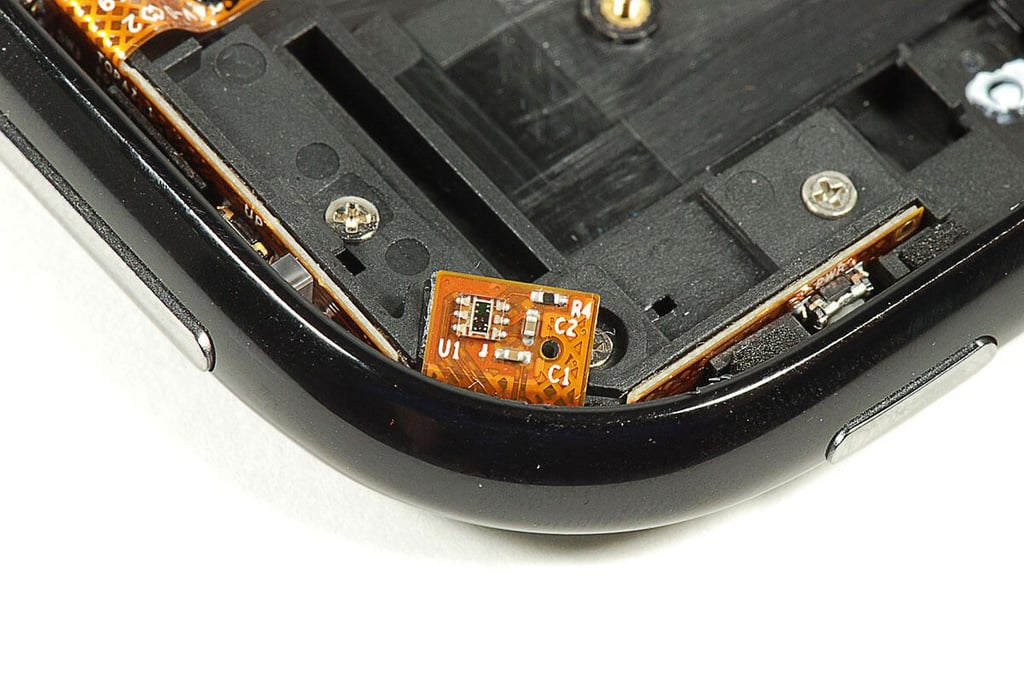
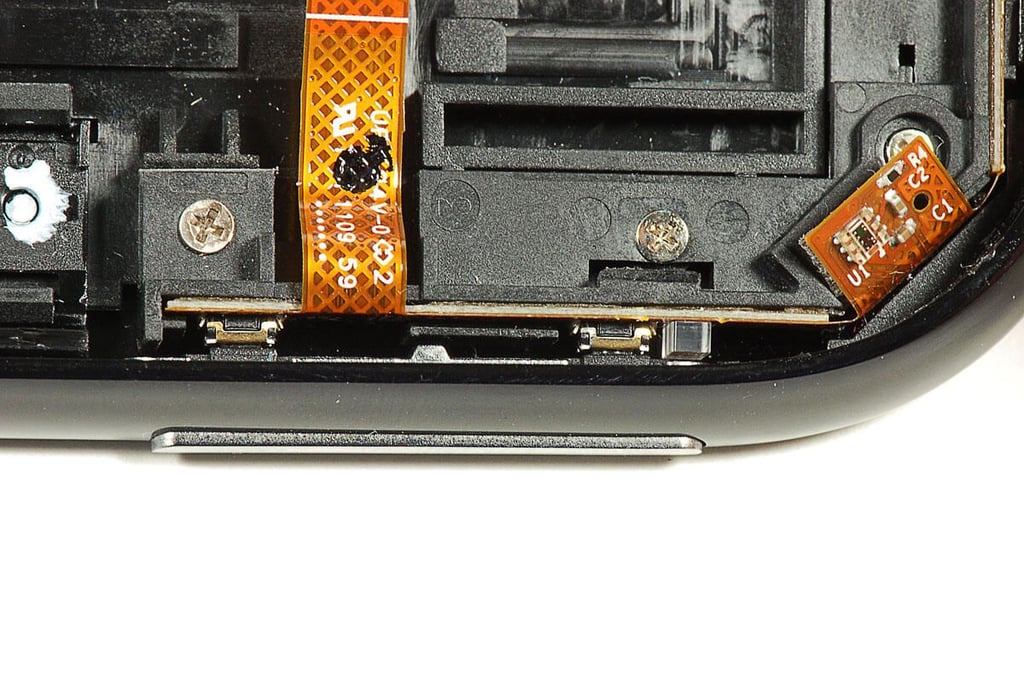
  • Cracking Open the HP TouchPad: Ambient light sensor

  • Cracking Open the HP TouchPad: Volume control

    \n\tPhoto by: Bill Detwiler / TechRepublic
    \n\tCaption by: Bill Detwiler

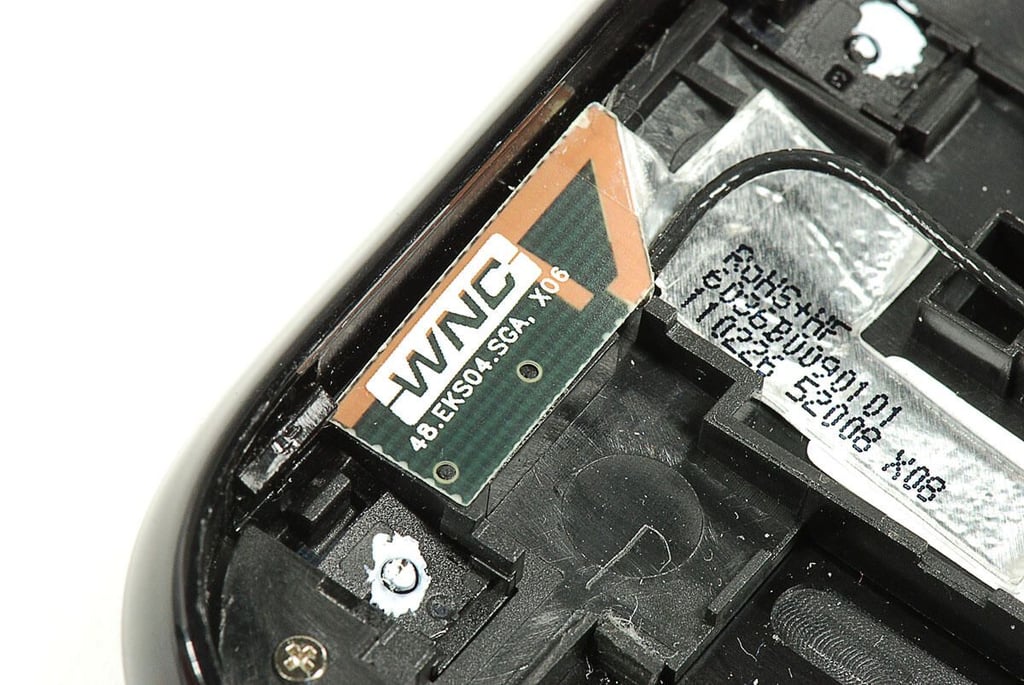
  • Cracking Open the HP TouchPad: Wireless antenna

    \n\tPhoto by: Bill Detwiler / TechRepublic
    \n\tCaption by: Bill Detwiler

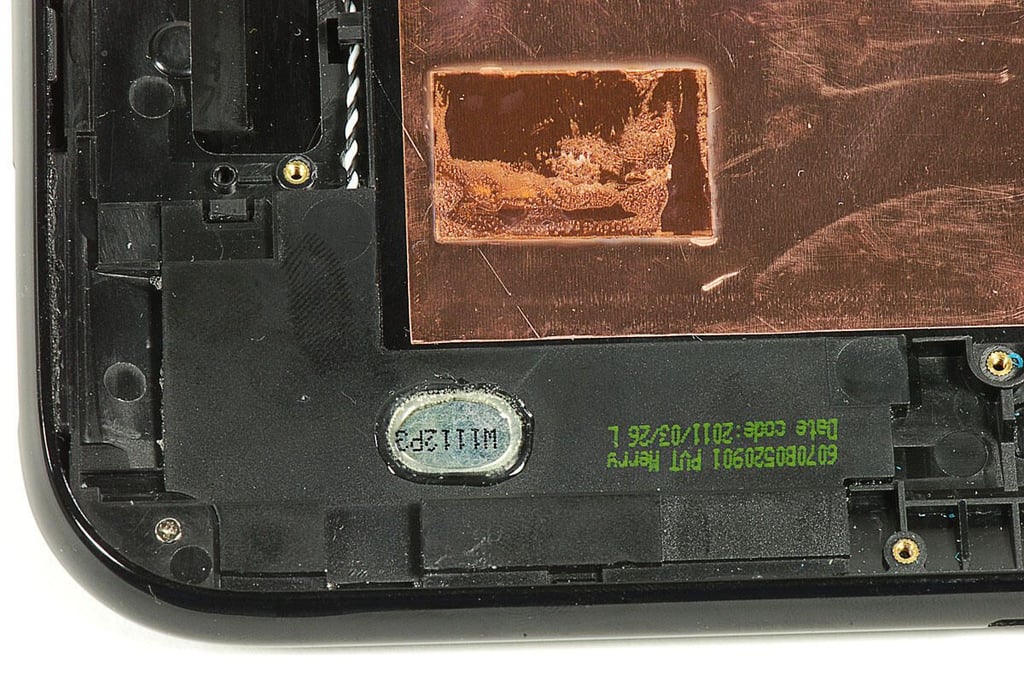
  • Cracking Open the HP TouchPad: Right-side speaker

    \n\tPhoto by: Bill Detwiler / TechRepublic
    \n\tCaption by: Bill Detwiler

  • Cracking Open the HP TouchPad: Left-side speaker

    \n\tPhoto by: Bill Detwiler / TechRepublic
    \n\tCaption by: Bill Detwiler

  • Cracking Open the HP TouchPad: Main PCB - Top

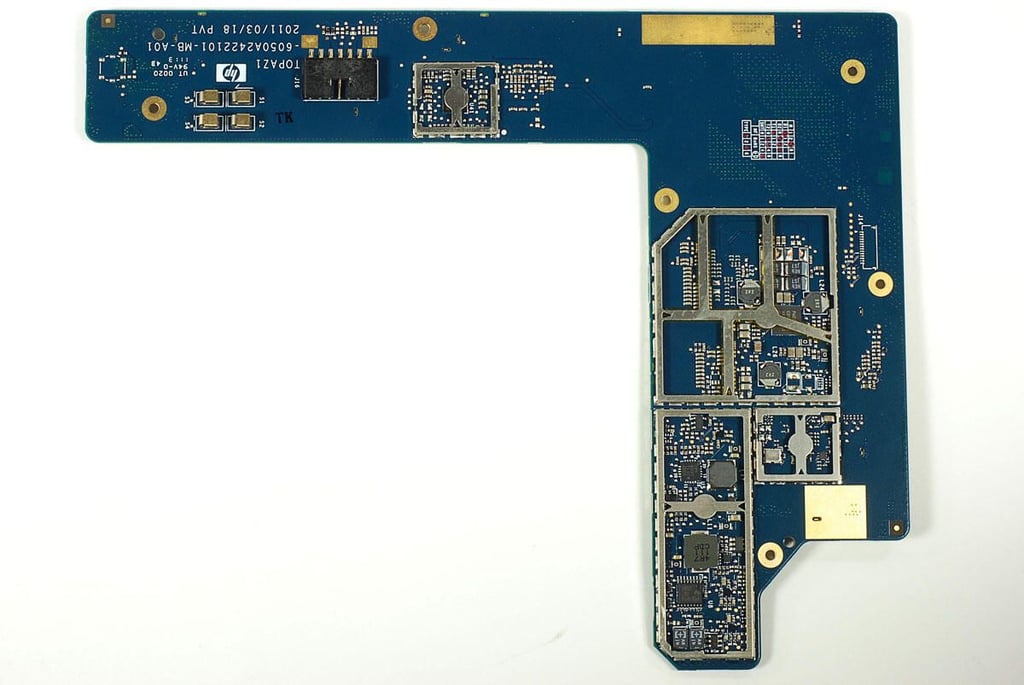
  • Cracking Open the HP TouchPad: Main PCB - Bottom

    \n\tPhoto by: Bill Detwiler / TechRepublic
    \n\tCaption by: Bill Detwiler

  • Cracking Open the HP TouchPad: 1.2 GHz dual-core Qualcomm Snapdragon APQ8060

    \n\tPhoto by: Bill Detwiler / TechRepublic
    \n\tCaption by: Bill Detwiler

  • Cracking Open the HP TouchPad: 32GB SandDisk SDIN4E2-32G storage chip

    \n\tPhoto by: Bill Detwiler / TechRepublic
    \n\tCaption by: Bill Detwiler

  • Cracking Open the HP TouchPad: 1GB Samsung K4P8G304EC-FGC1 LPDDR2

    \n\tPhoto by: Bill Detwiler / TechRepublic
    \n\tCaption by: Bill Detwiler

  • Cracking Open the HP TouchPad: Atheros AR6003X WLAN IC

    \n\tPhoto by: Bill Detwiler / TechRepublic
    \n\tCaption by: Bill Detwiler

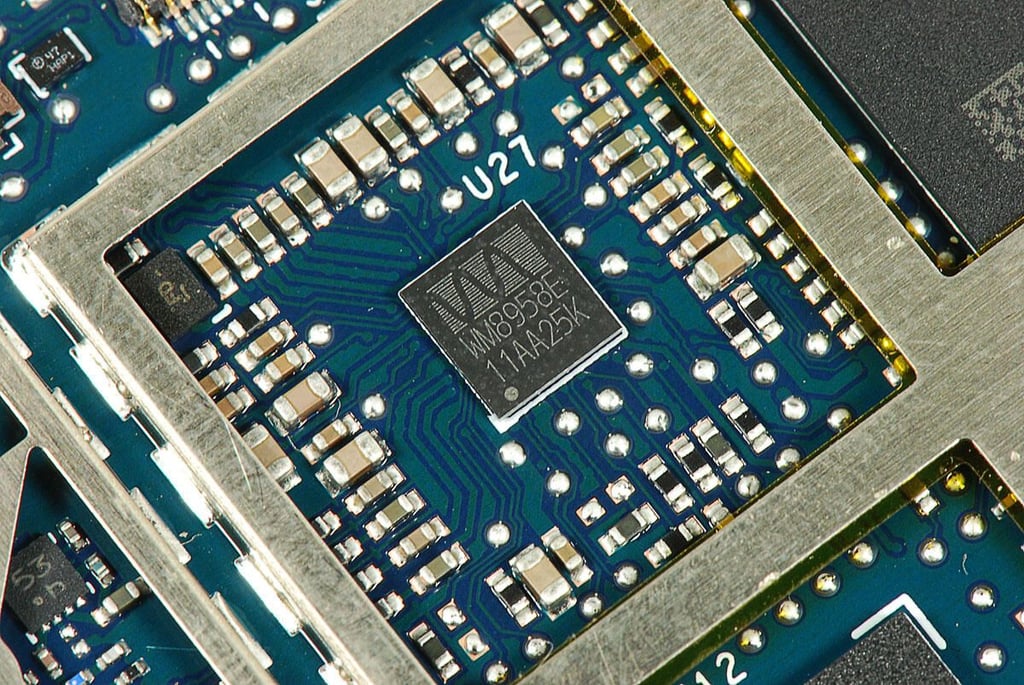
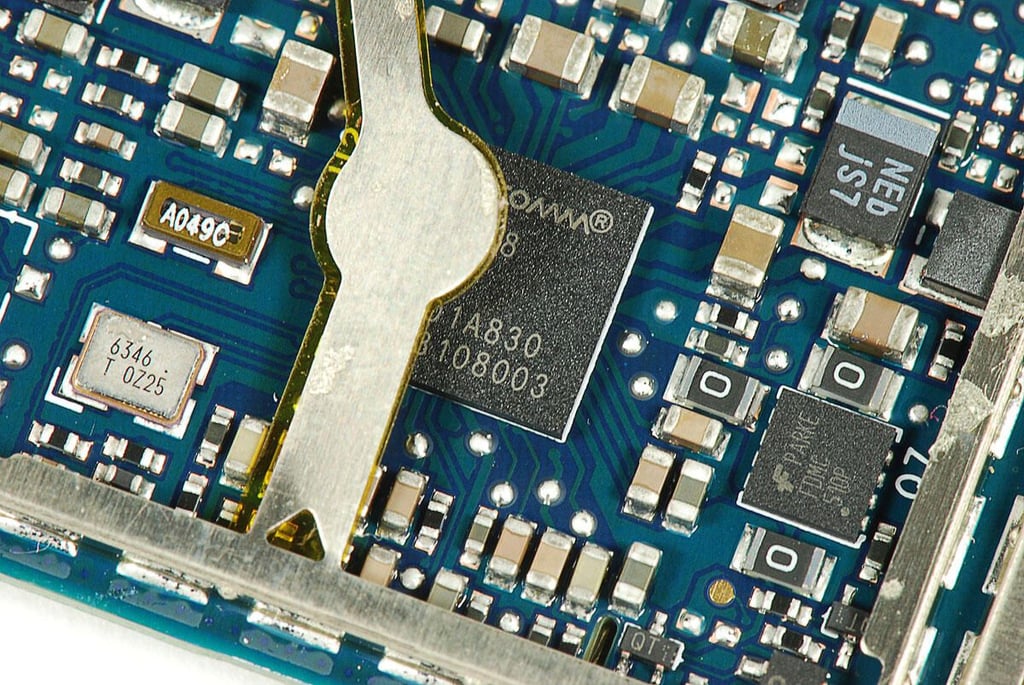
  • Cracking Open the HP TouchPad: Wolfson Micro WM8958E Audio Hub and CODEC

    \n\tPhoto by: Bill Detwiler / TechRepublic
    \n\tCaption by: Bill Detwiler

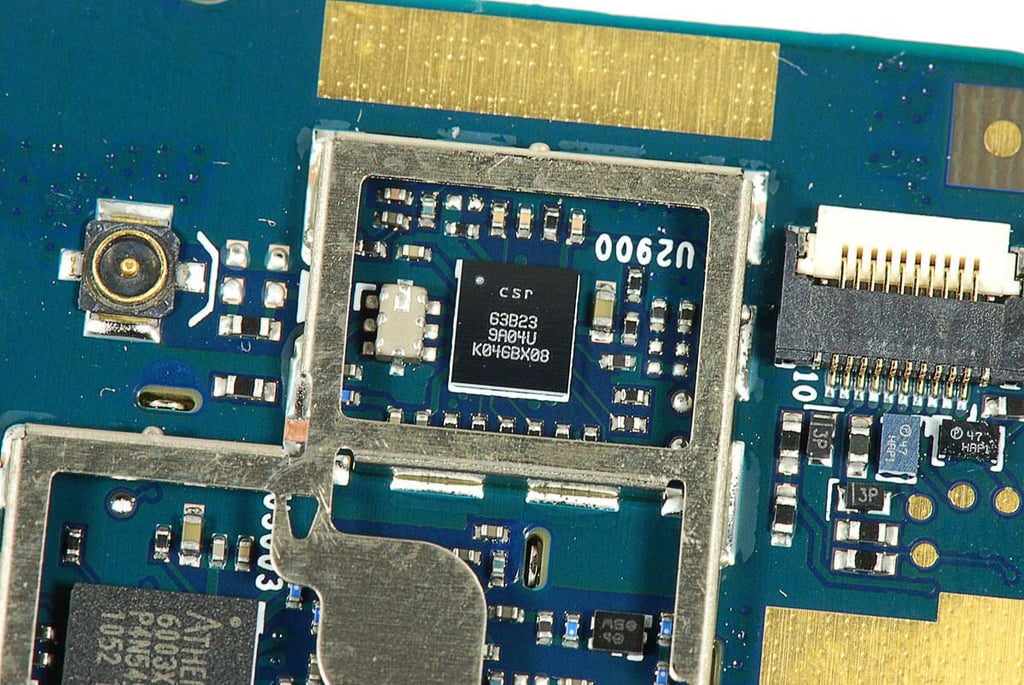
  • Cracking Open the HP TouchPad: CSR 63B23 9A04U K046BX08

    \n\tPhoto by: Bill Detwiler / TechRepublic
    \n\tCaption by: Bill Detwiler

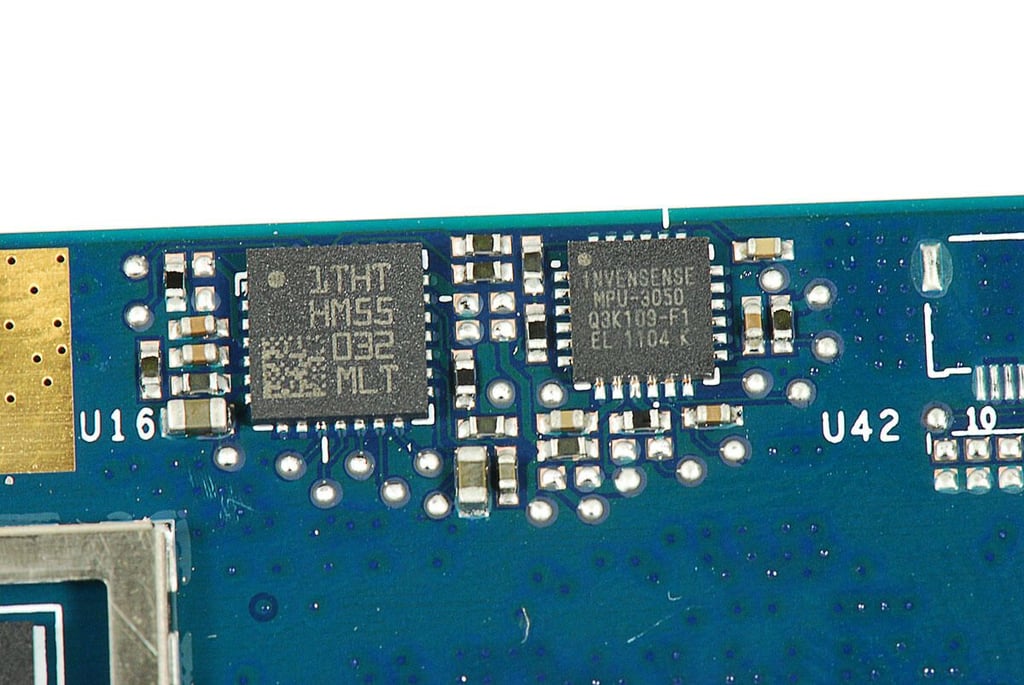
  • Cracking Open the HP TouchPad: Invensense 3-Axis MPU-3050 gyroscope

    \n\tPhoto by: Bill Detwiler / TechRepublic
    \n\tCaption by: Bill Detwiler

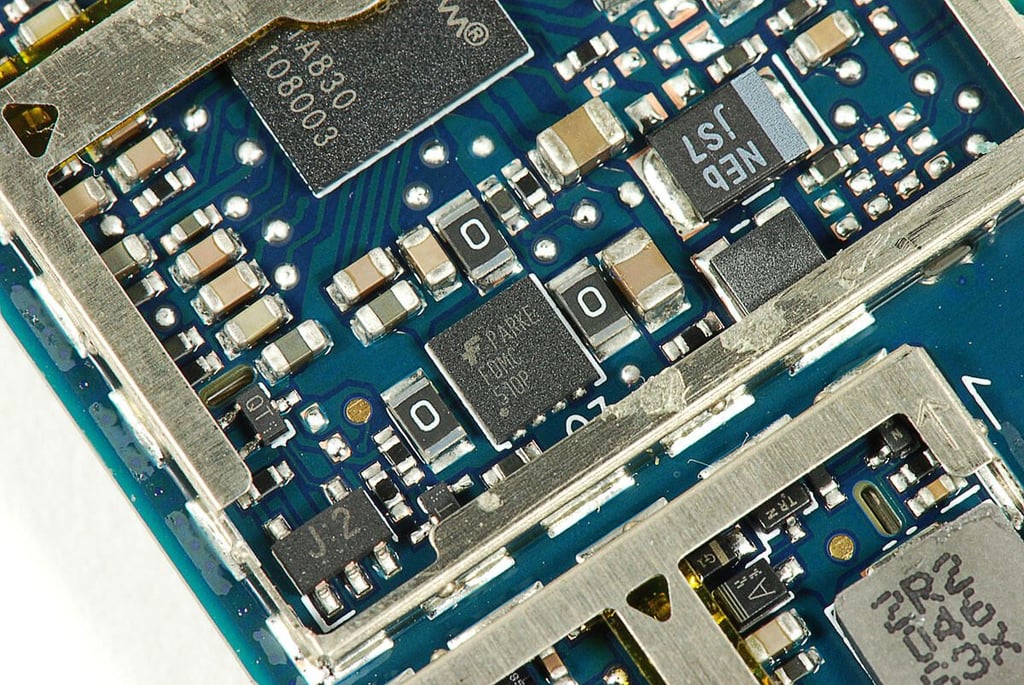
  • Cracking Open the HP TouchPad: Fairchild Semiconductor FDMC510P P-channel MOSFET

    \n\tPhoto by: Bill Detwiler / TechRepublic
    \n\tCaption by: Bill Detwiler

  • Cracking Open the HP TouchPad: Qualcomm PM8050 power managment IC

    \n\tPhoto by: Bill Detwiler / TechRepublic
    \n\tCaption by: Bill Detwiler

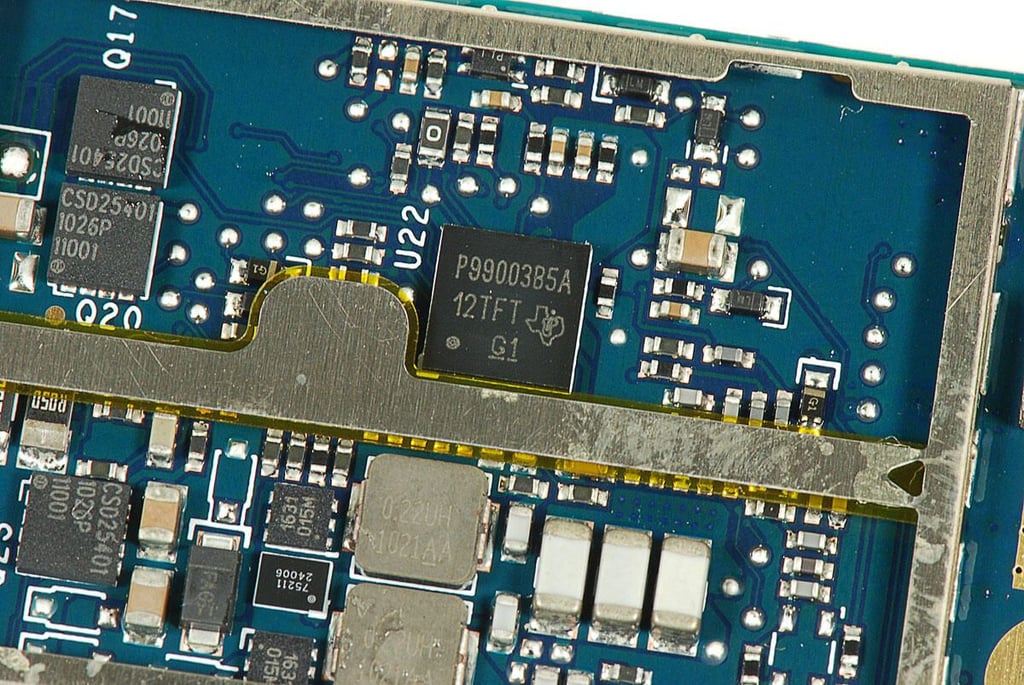
  • Cracking Open the HP TouchPad: Texas Instruments P99003B5A

    \n\tPhoto by: Bill Detwiler / TechRepublic
    \n\tCaption by: Bill Detwiler

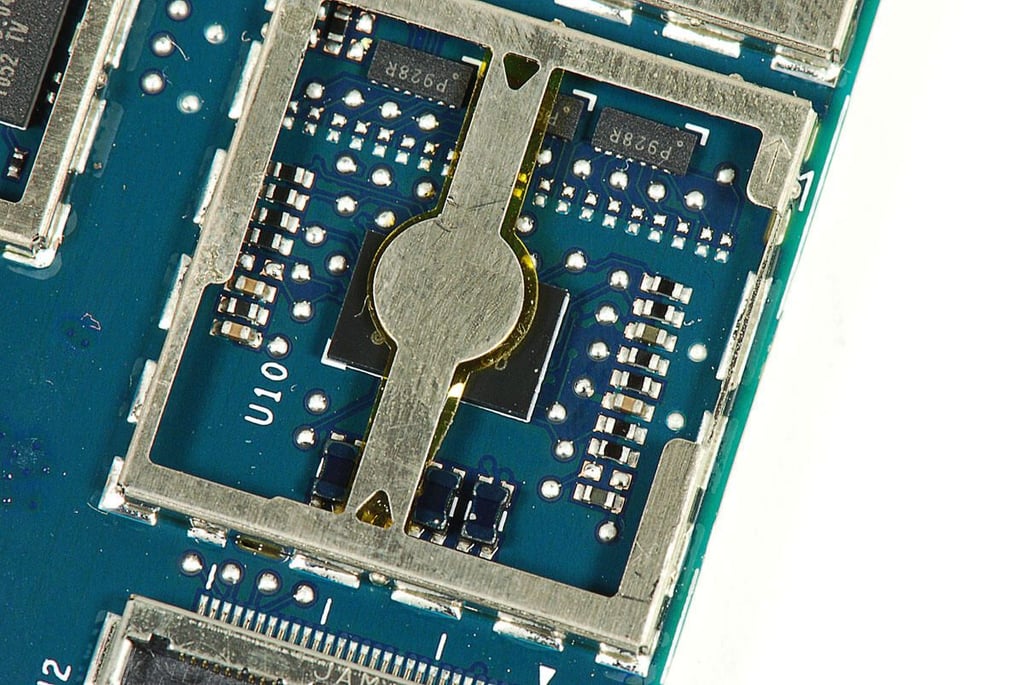
  • Cracking Open the HP TouchPad: Unknown chip

    \n\tPhoto by: Bill Detwiler / TechRepublic
    \n\tCaption by: Bill Detwiler

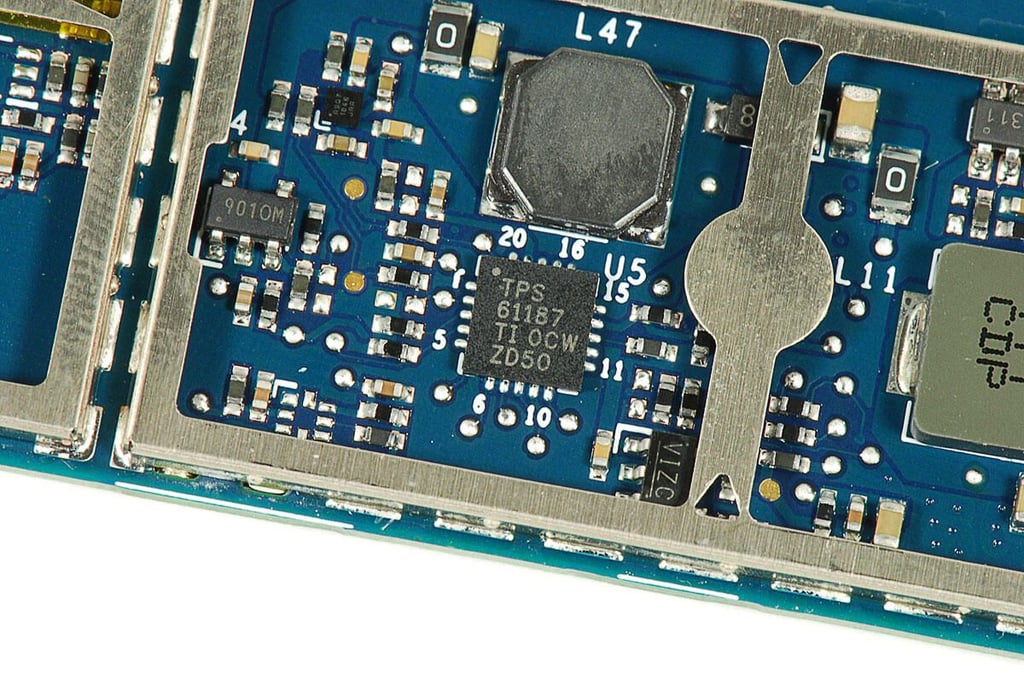
  • Cracking Open the HP TouchPad: Texas Instruments TPS 61187

    \n\tPhoto by: Bill Detwiler / TechRepublic
    \n\tCaption by: Bill Detwiler

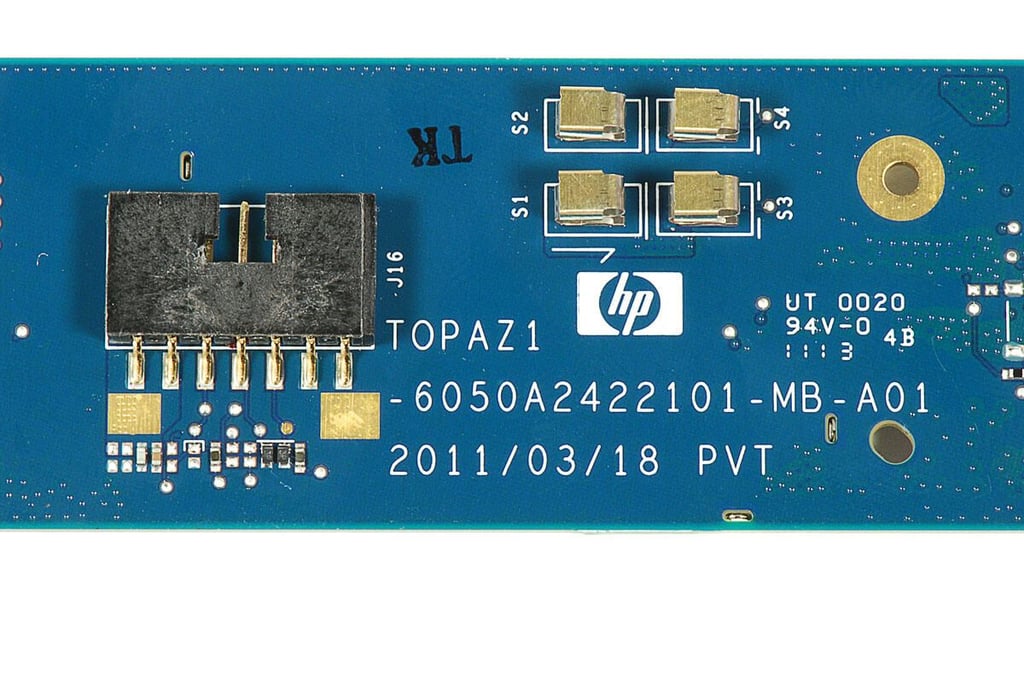
  • Cracking Open the HP TouchPad: Main PCB markings

    \n\tPhoto by: Bill Detwiler / TechRepublic
    \n\tCaption by: Bill Detwiler

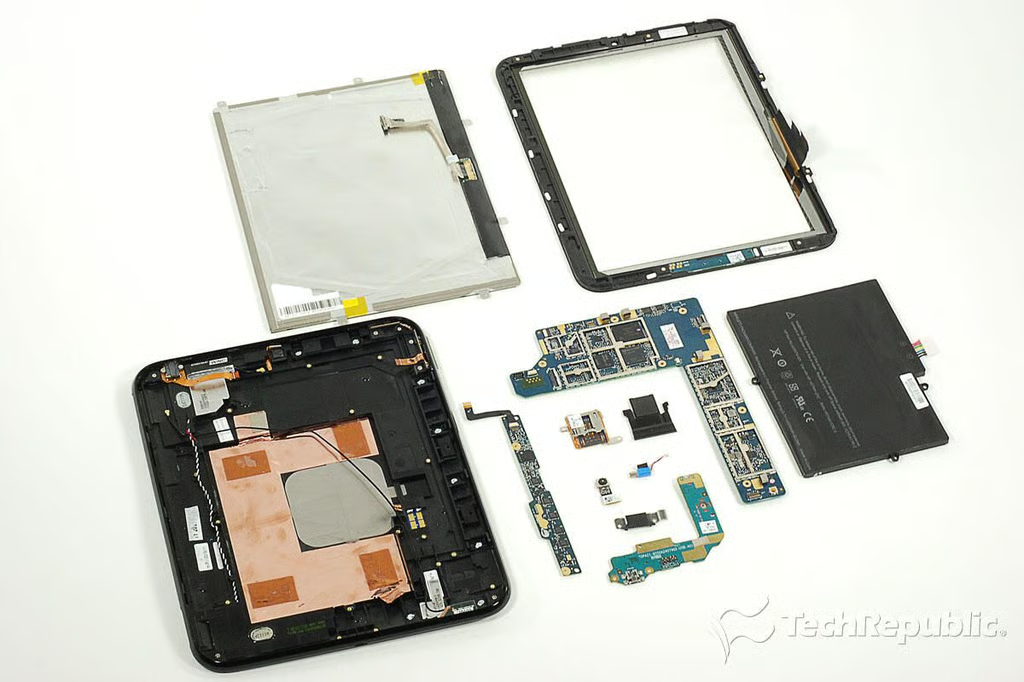
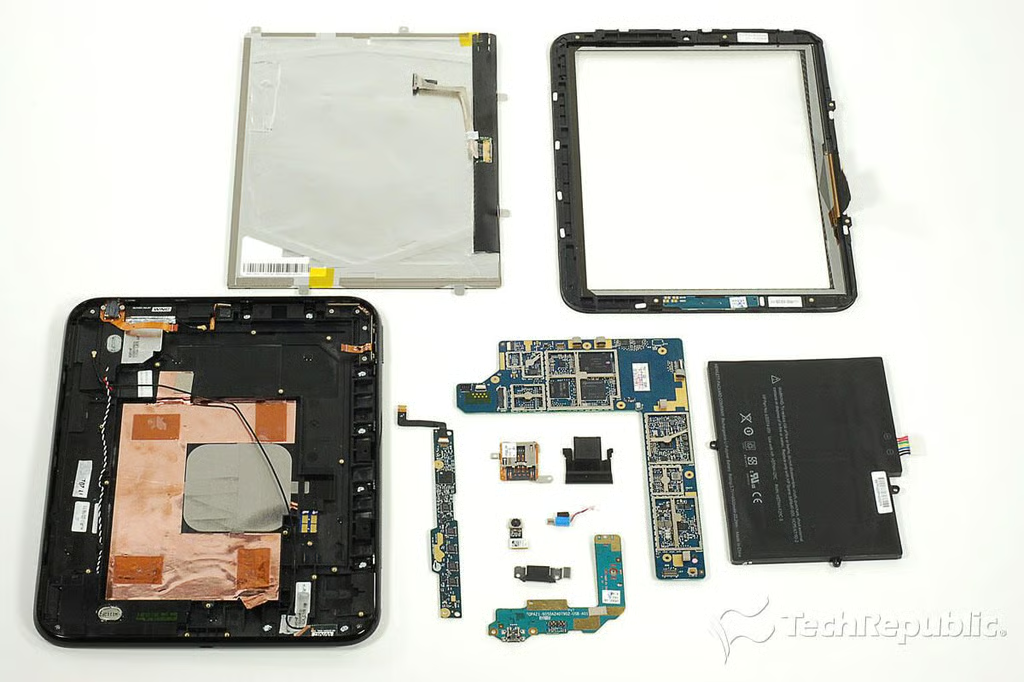
  • Cracking Open the HP TouchPad: Completely disassembled

    \n\tSo what are my observations about the HP TouchPad?

    \n

      \n\t

    1. \n\t\tIt’s much easier to disassemble than the Apple iPad 2, but not as easy as the Motorola XOOM.
    2. \n\t

    3. \n\t\tHP used standard Phillips screws inside the case and most of the internal components can be removed and replaced. Provided you can find replacement parts.
    4. \n\t

    5. \n\t\tThe display and digitizer are separate components. This lets you replace one without the other.
    6. \n

    \n

    \n\tBut along with these significant positives, there were also a few negatives.

    \n

      \n\t

    1. \n\t\tThe battery can be replaced, but you must remove the main PCB to do so.
    2. \n\t

    3. \n\t\tThe batterr is also attached to the case with adhesive.
    4. \n

    \n

    \n\tOverall, the HP TouchPad is a tablet that’s built more like a PC than an iPad. Which is good if you want to repair the device, but it also means that the components require a larger case.

    \n

    \n\tPhoto by: Bill Detwiler / TechRepublic
    \n\tCaption by: Bill Detwiler

1 of 73
BD

Bill Detwiler is the Editor for Technical Content and Ecosystem at Celonis. He is the former Editor in Chief of TechRepublic and previous host of TechRepublic's Dynamic Developer podcast and Cracking Open, CNET and TechRepublic's popular online show. Previously, Bill was an IT manager in the social research and energy industries. He has bachelor's and master's degrees from the University of Louisville, where he has also lectured on computer crime and crime prevention.