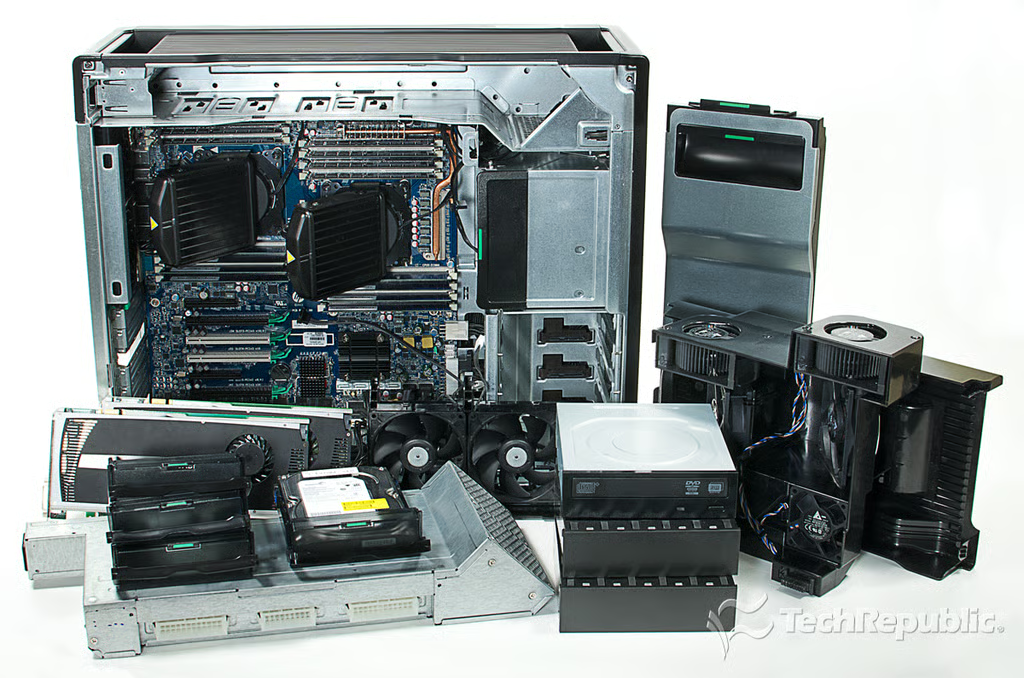
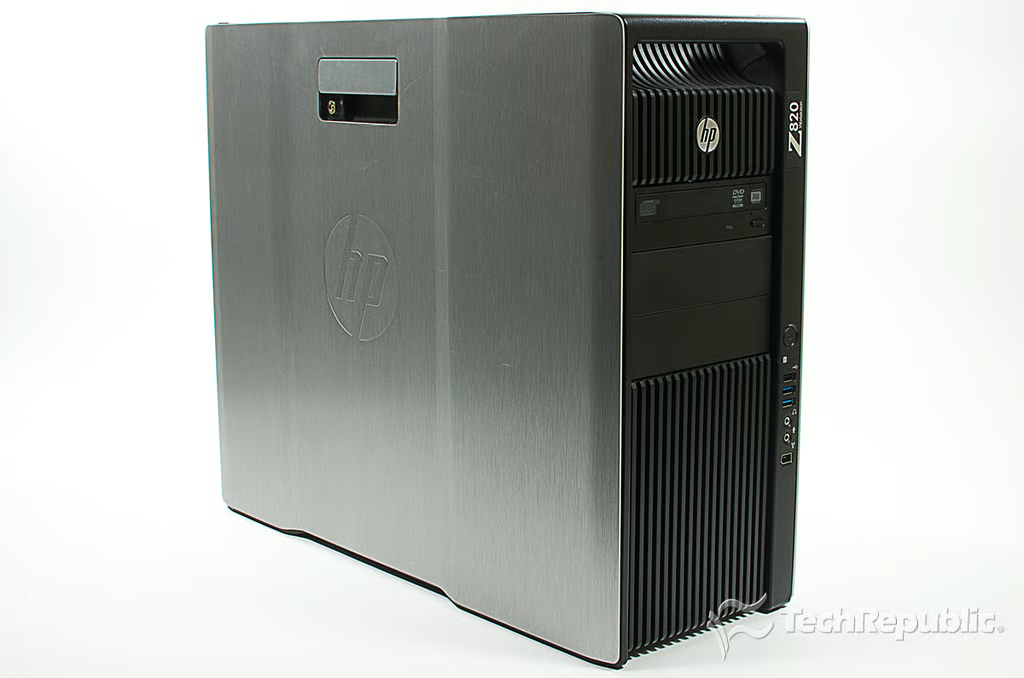
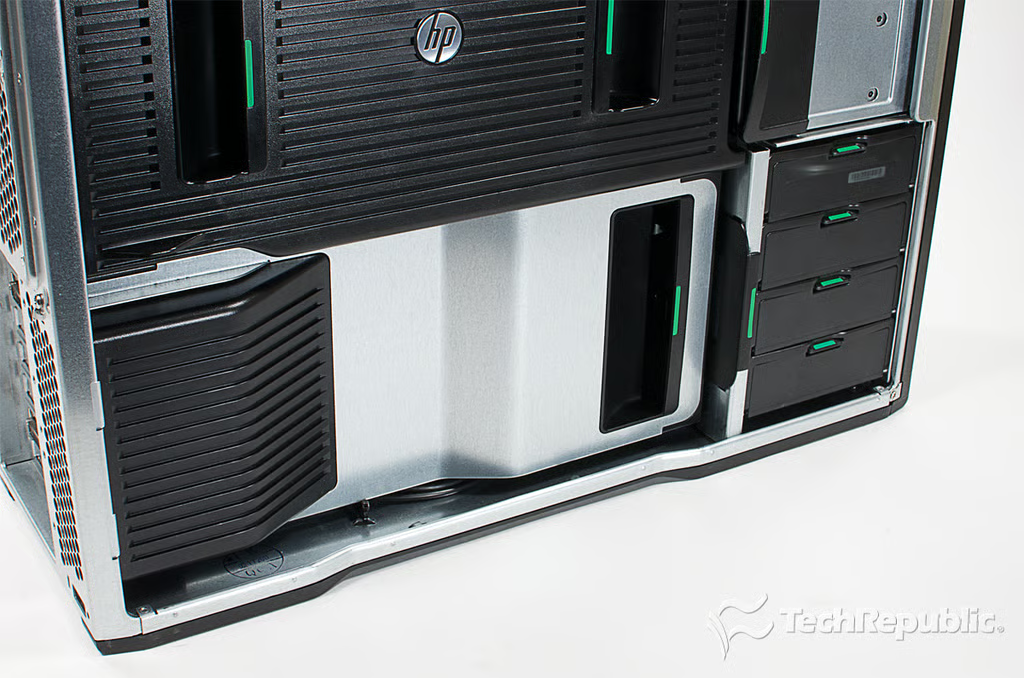
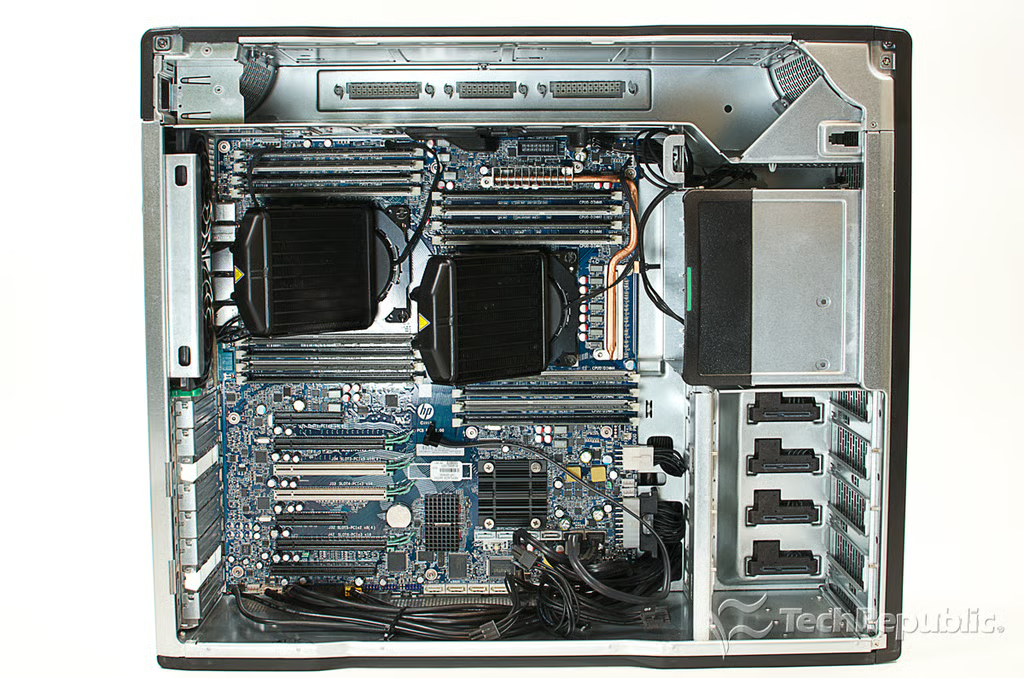
\n\tDesigned for mission-critical, high-end computing tasks, the HP Z820 Workstation is one of the most power computers you can fit under your desk. In this gallery, I show you how HP packed all that tech into a near tool-less case.
\n\tPhoto by: Bill Detwiler / TechRepublic
\n\tCaption by: Bill Detwiler
Cracking Open HP Z820 Workstation: Hardware specifications, dimensions, and pricing
\n\tPricing starts at $2,299 (US), but the final cost depends heavily on how you configure the machine–512GB of RAM isn’t cheap.
\n
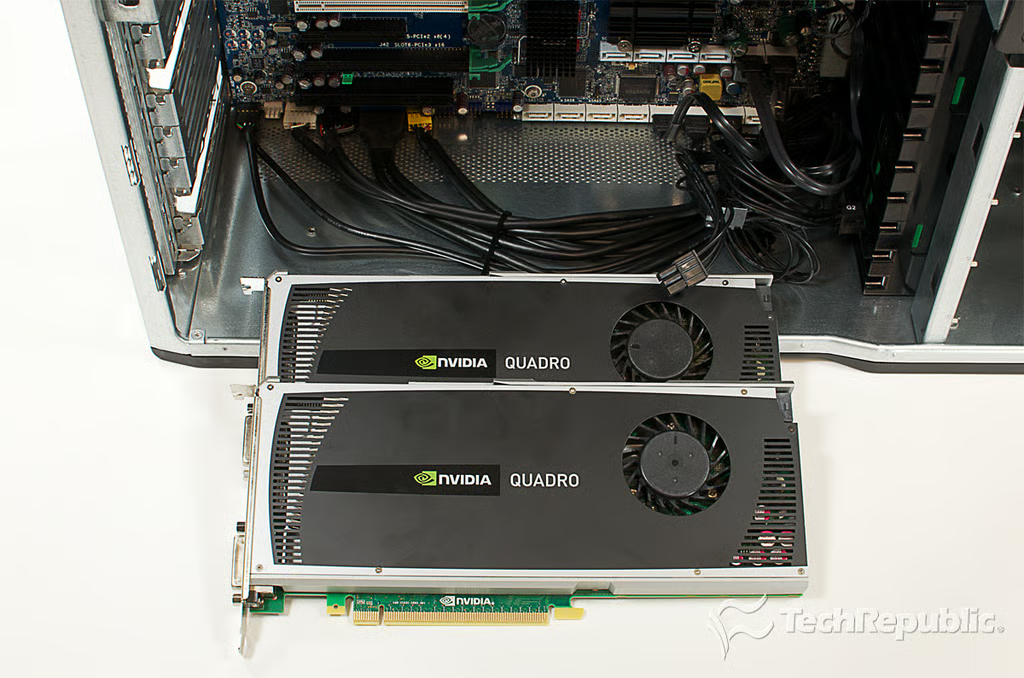
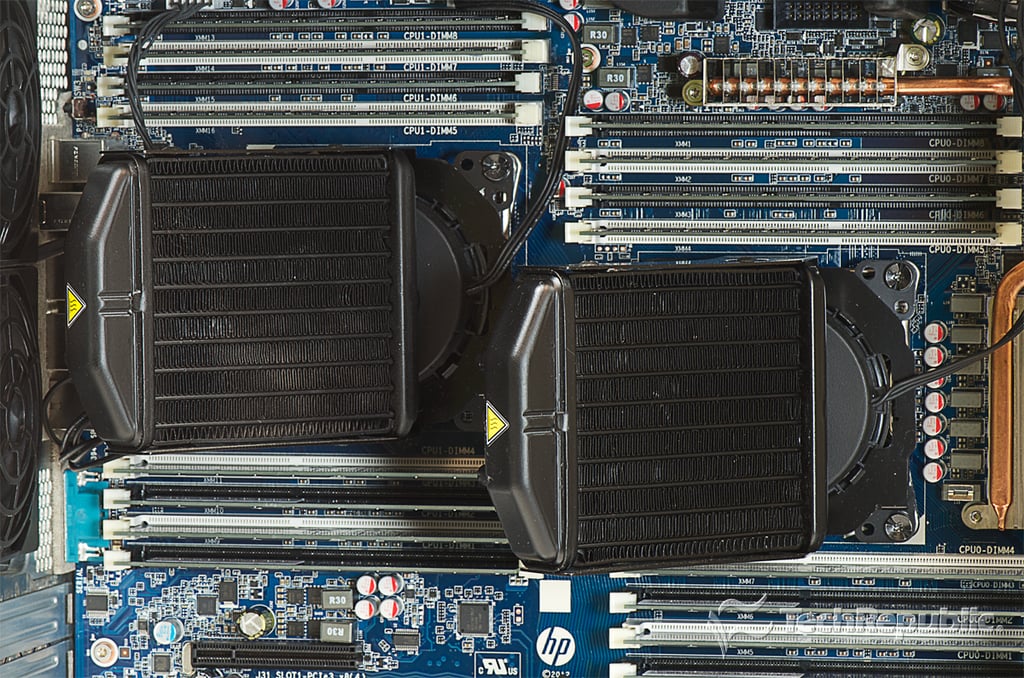
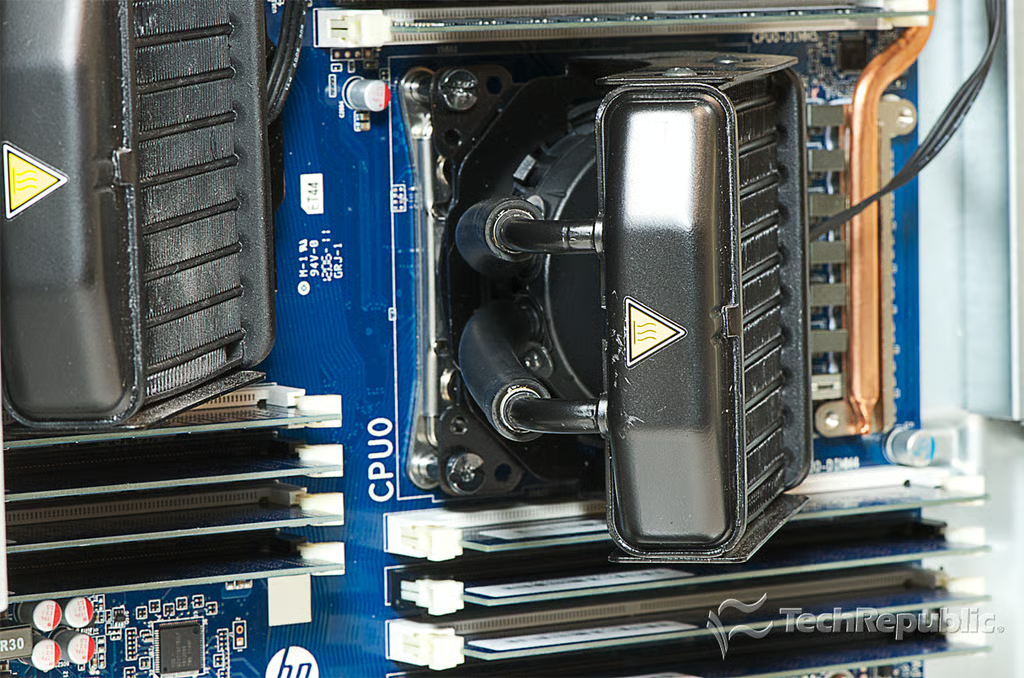
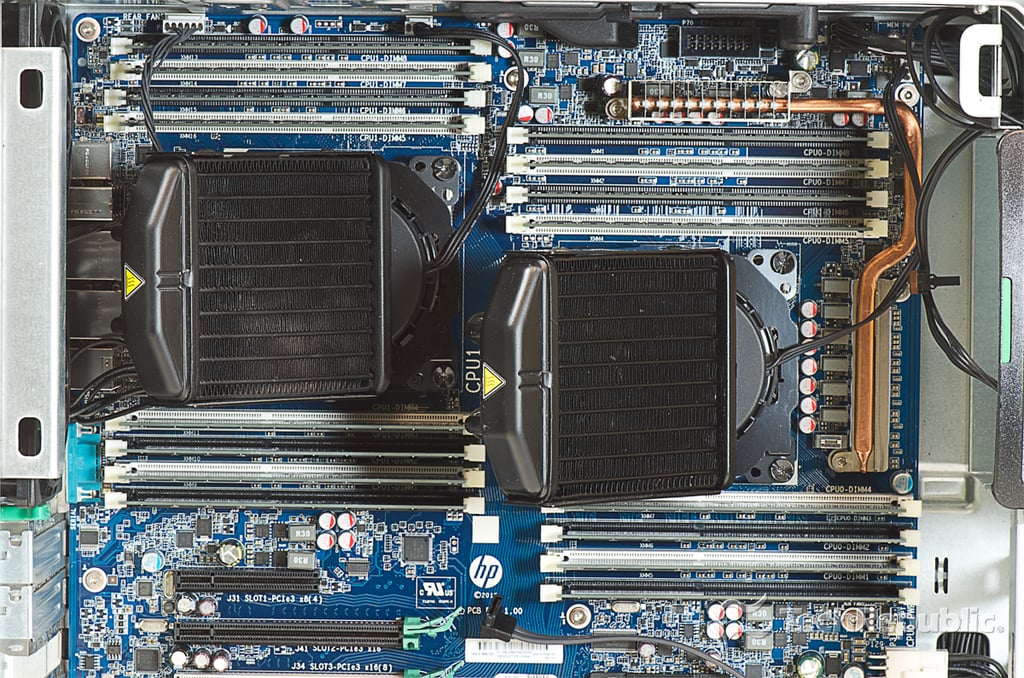
\n\tOur test unit had two 2.0 GHz Intel Xeon E5-2620 processors with liquid cooling, two NVIDIA Quadro 4000 2GB graphics cards, 32GB DDR3-1600 (16x2GB), a 500GB 7200RPM SATA HDD, and a 16X SuperMulti DVDRW SATA optical drive.
\n\t
\n\tPhoto by: Bill Detwiler / TechRepublic
\n\tCaption by: Bill Detwiler
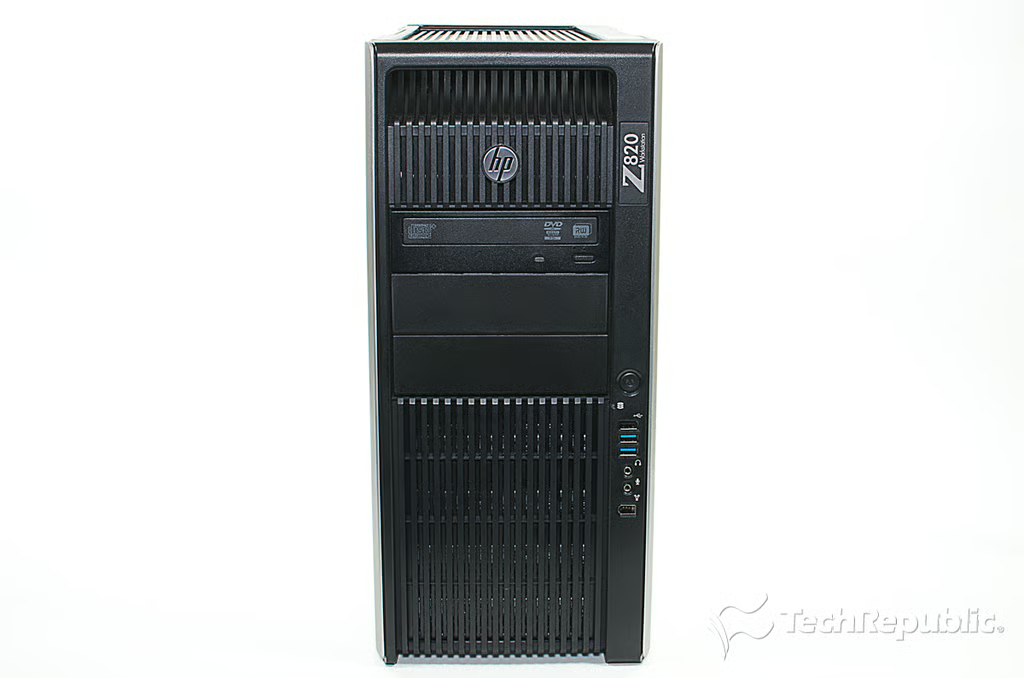
Cracking Open HP Z820 Workstation: Front
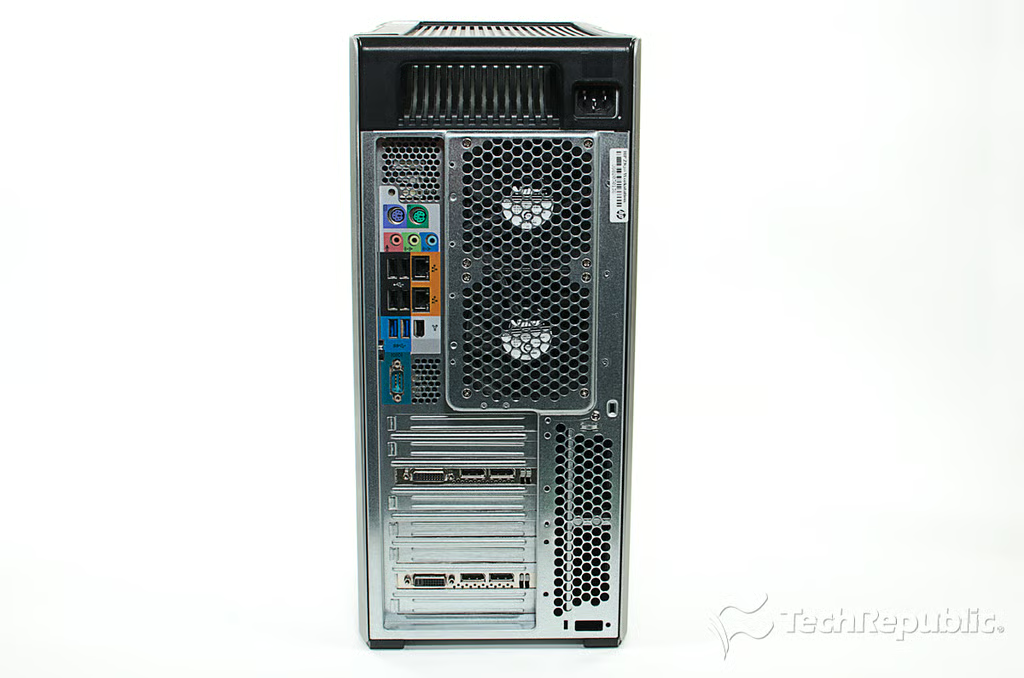
Cracking Open HP Z820 Workstation: Rear ports
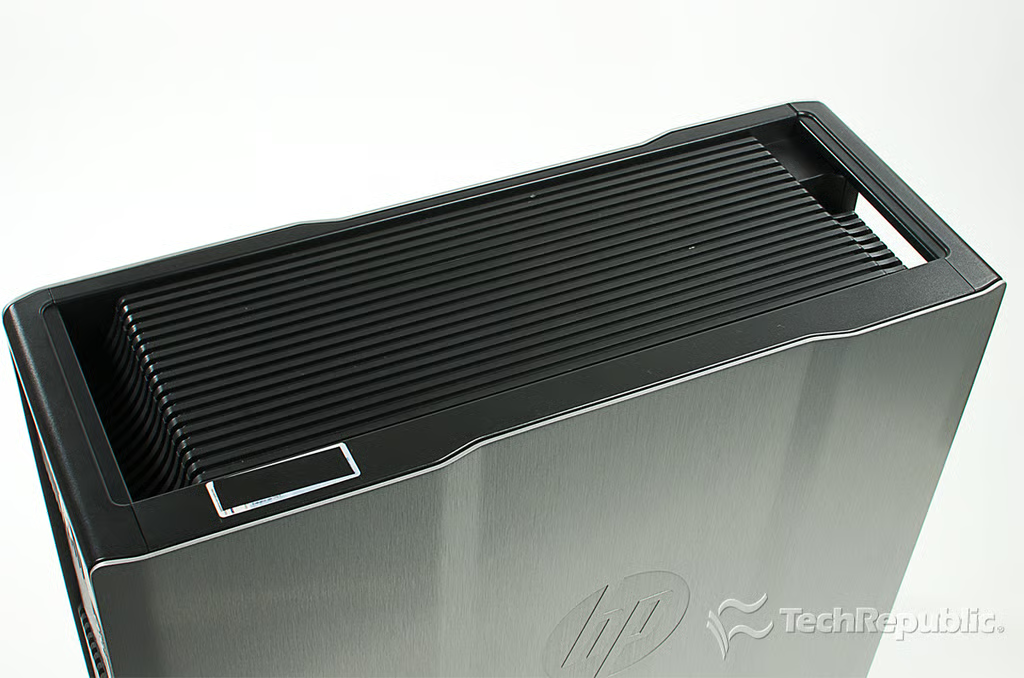
Cracking Open HP Z820 Workstation: Top handles
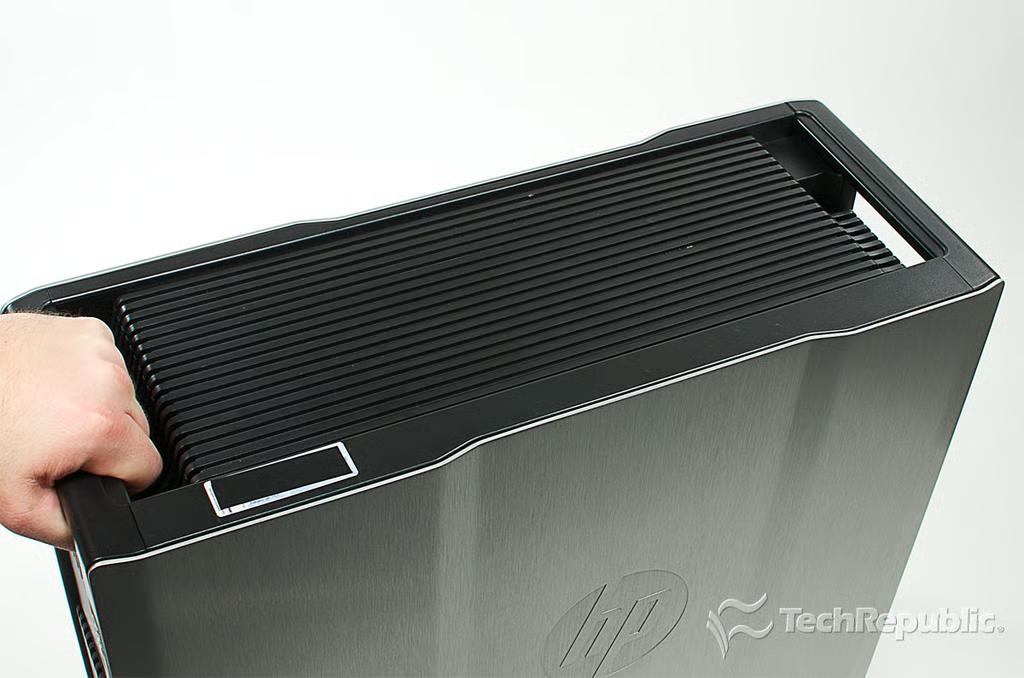
Cracking Open HP Z820 Workstation: Holding a handle
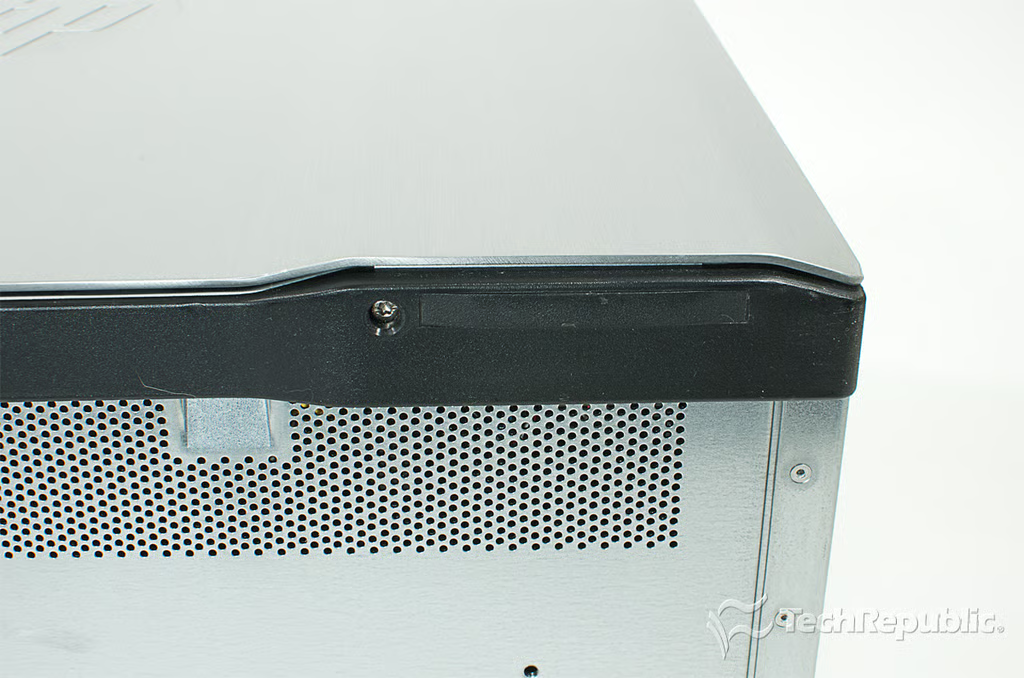
Cracking Open HP Z820 Workstation: Bottom skids
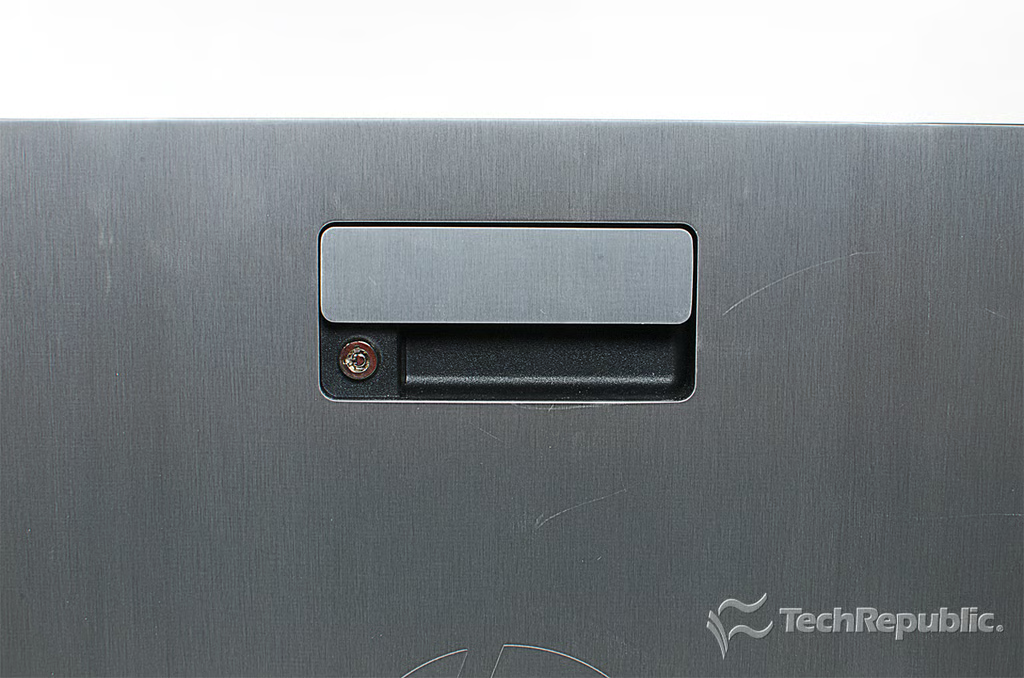
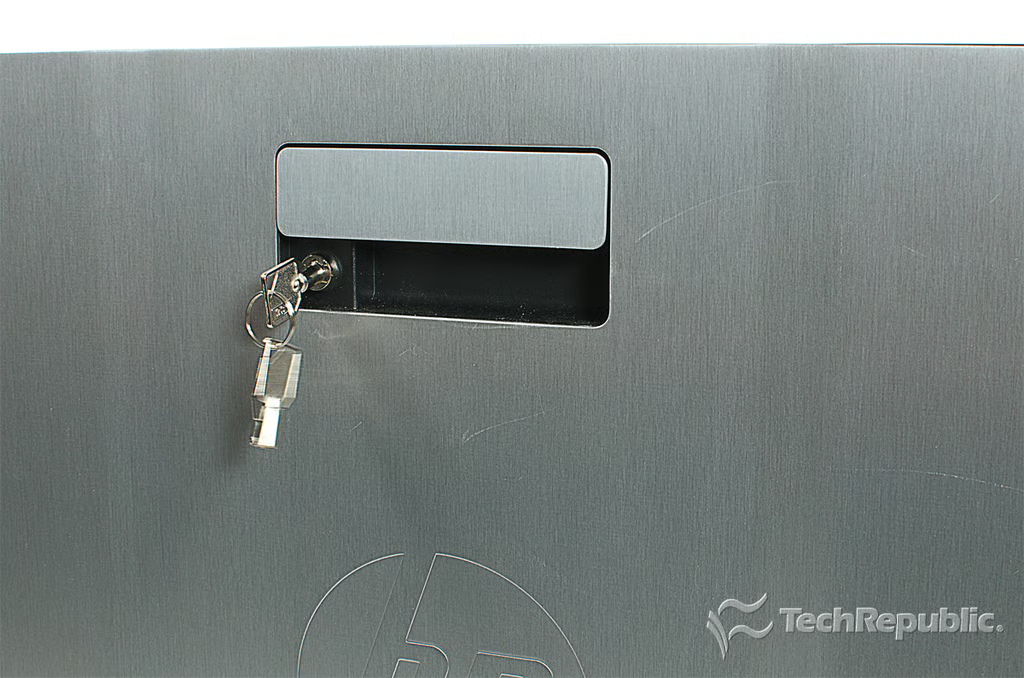
Cracking Open HP Z820 Workstation: Side panel latch
Cracking Open HP Z820 Workstation: Side panel latch key
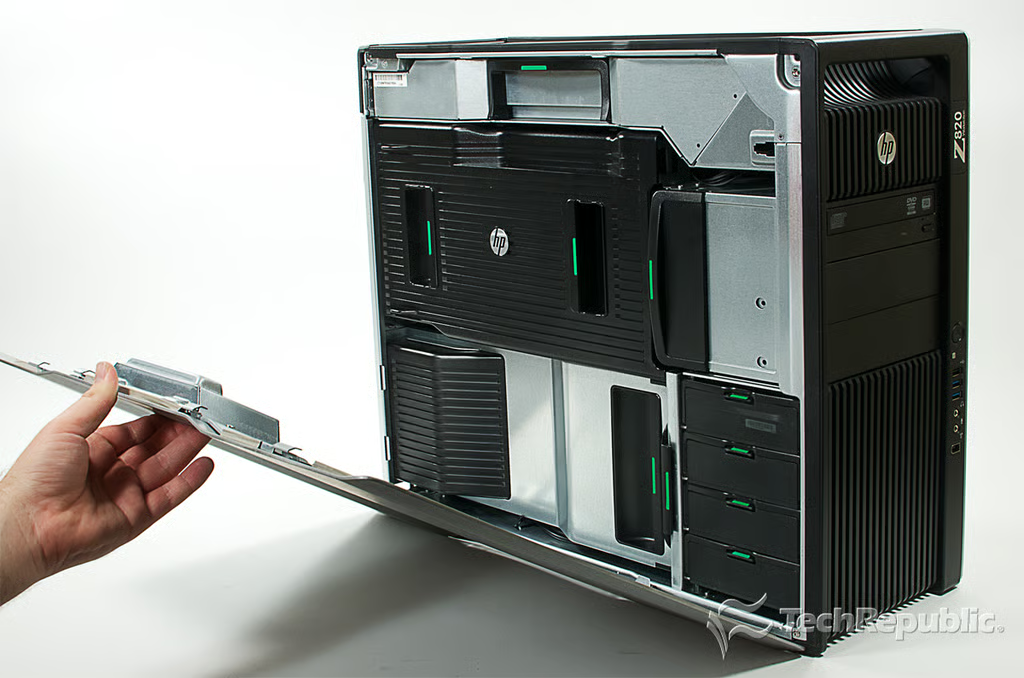
Cracking Open HP Z820 Workstation: Opening the case
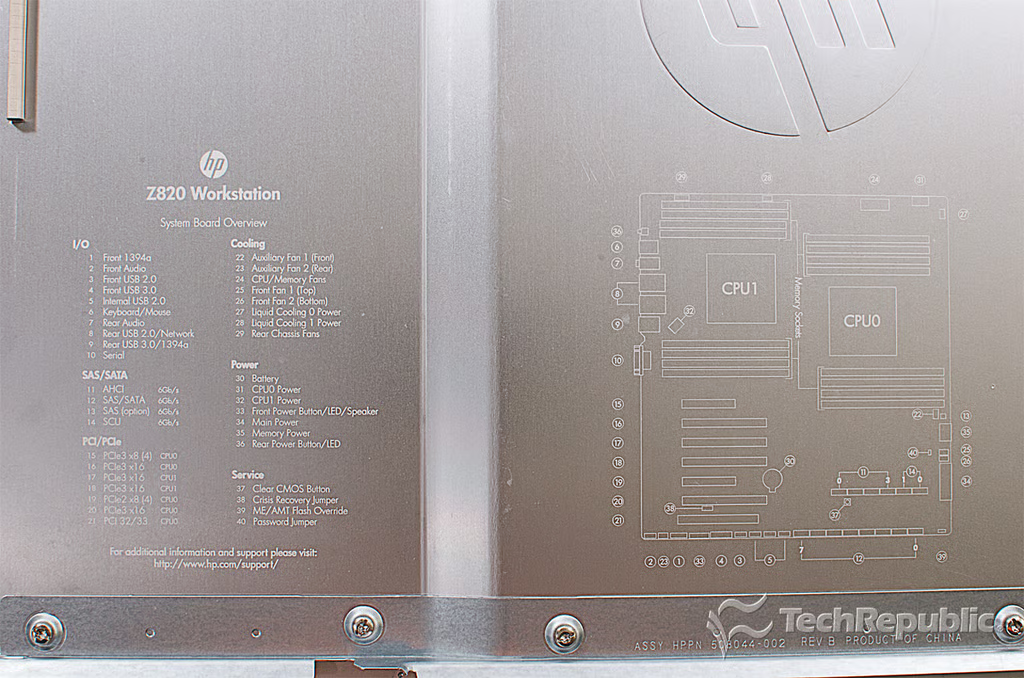
Cracking Open HP Z820 Workstation: Motherboard diagram on side panel
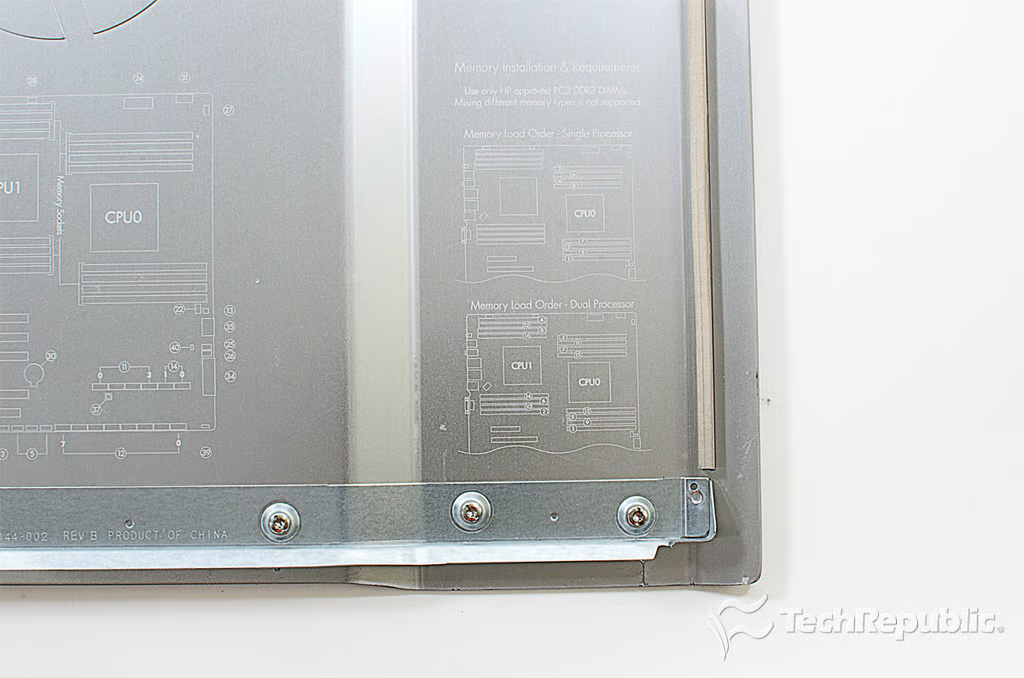
Cracking Open HP Z820 Workstation: Memory installation diagram on side panel
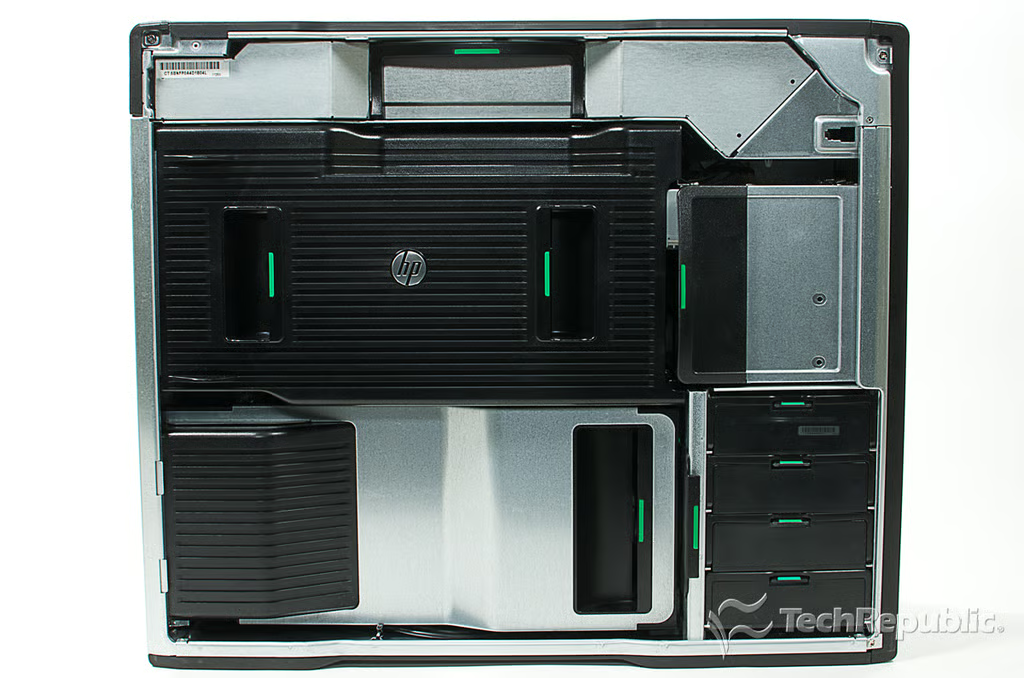
Cracking Open HP Z820 Workstation: Internal hardware
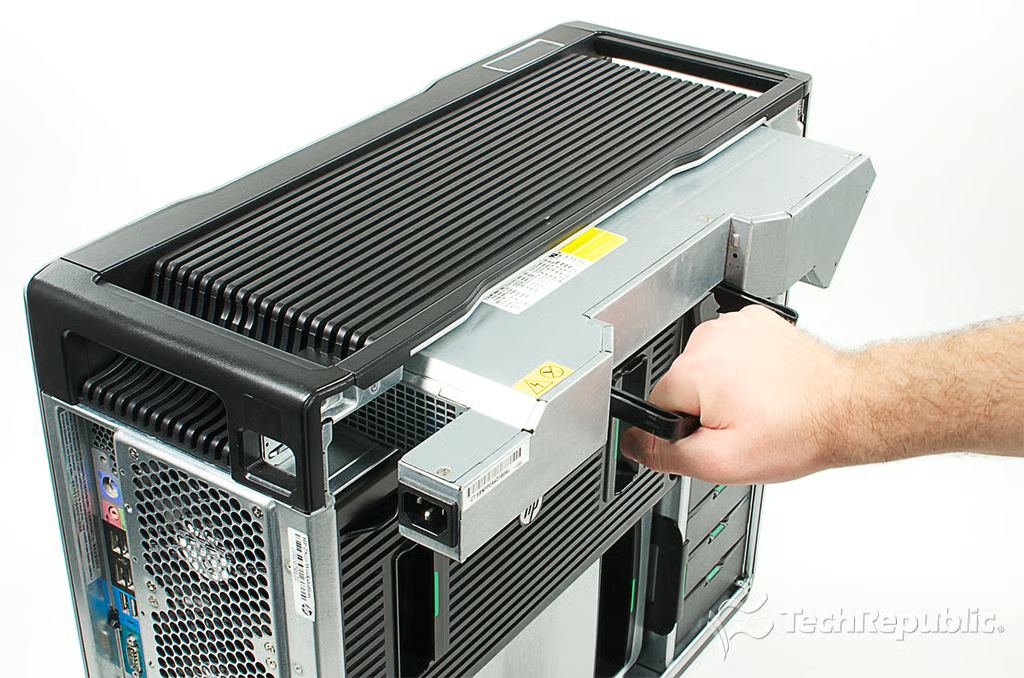
Cracking Open HP Z820 Workstation: Removing the power supply unit (PSU)
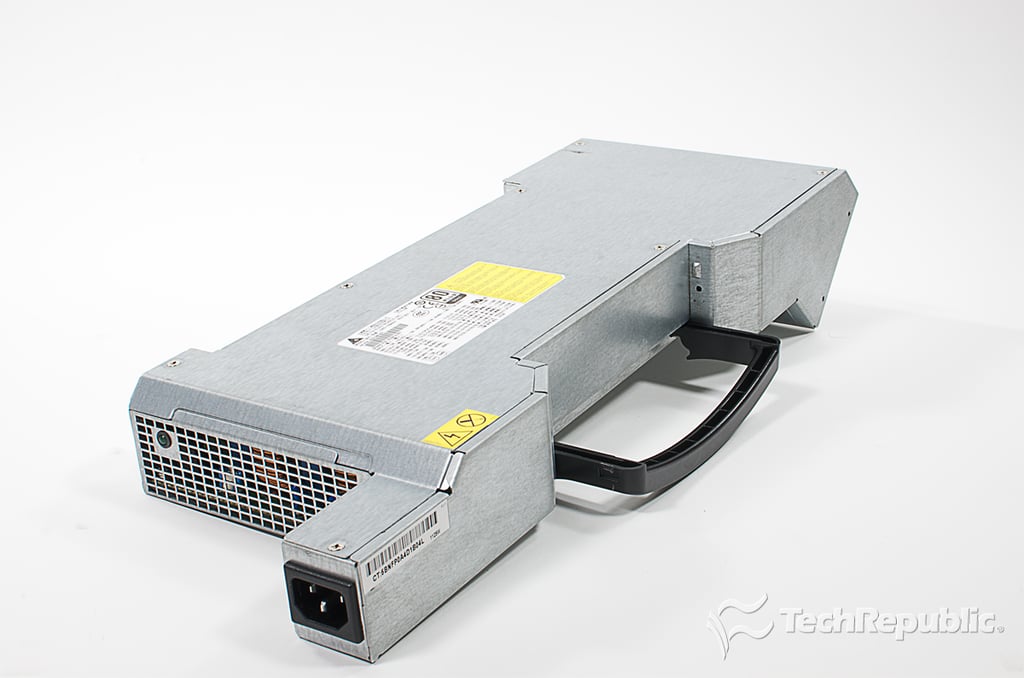
Cracking Open HP Z820 Workstation: 1,150W power supply
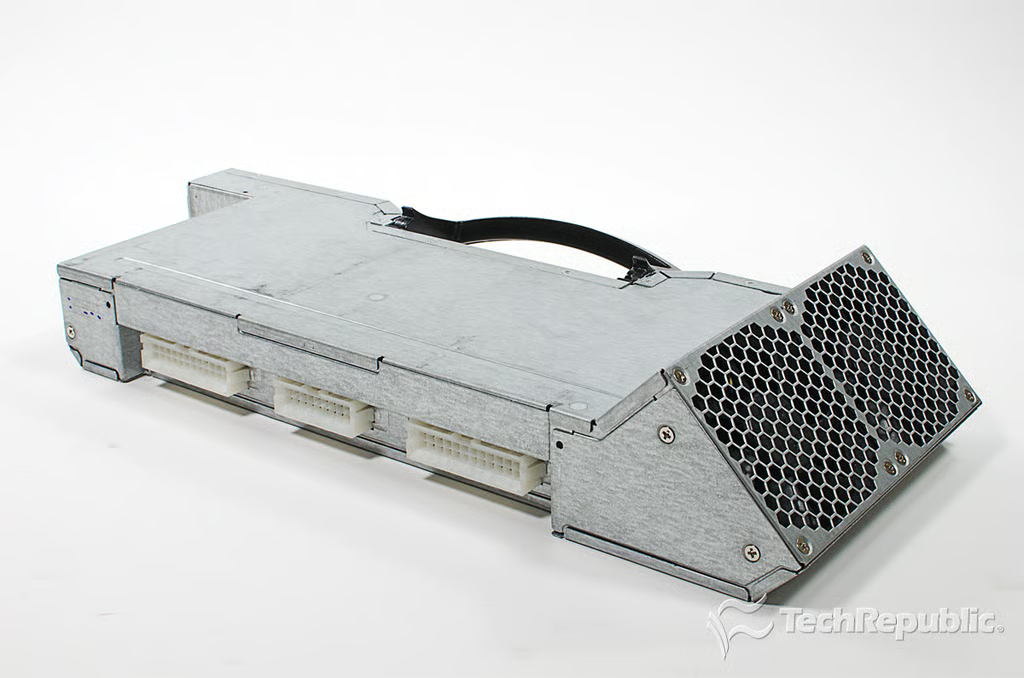
Cracking Open HP Z820 Workstation: Power supply cooling fans
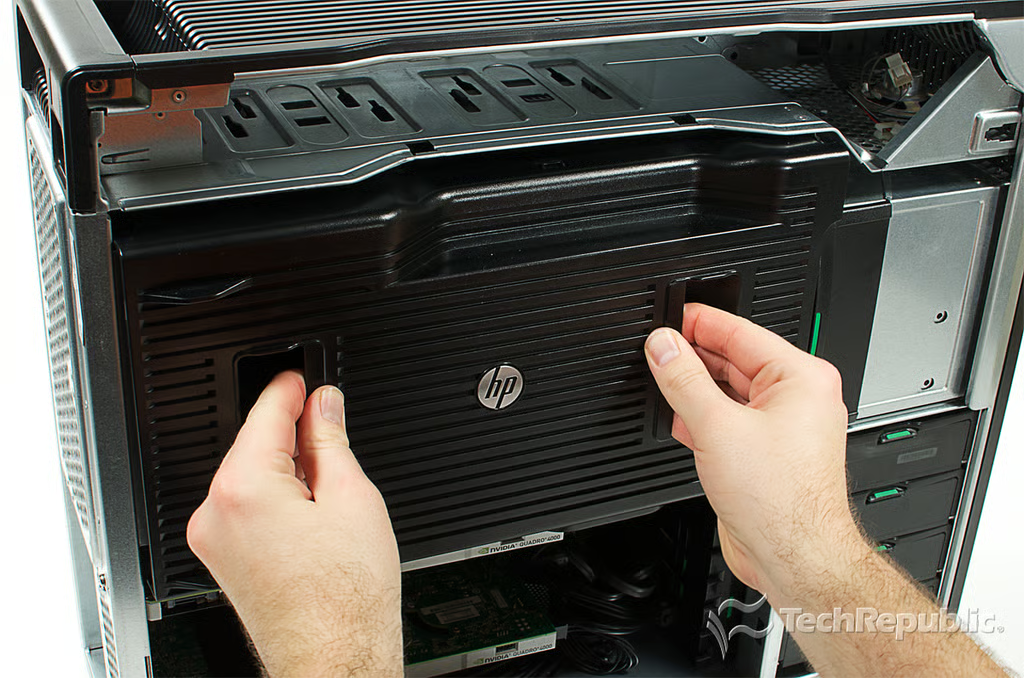
Cracking Open HP Z820 Workstation: I/O section shroud
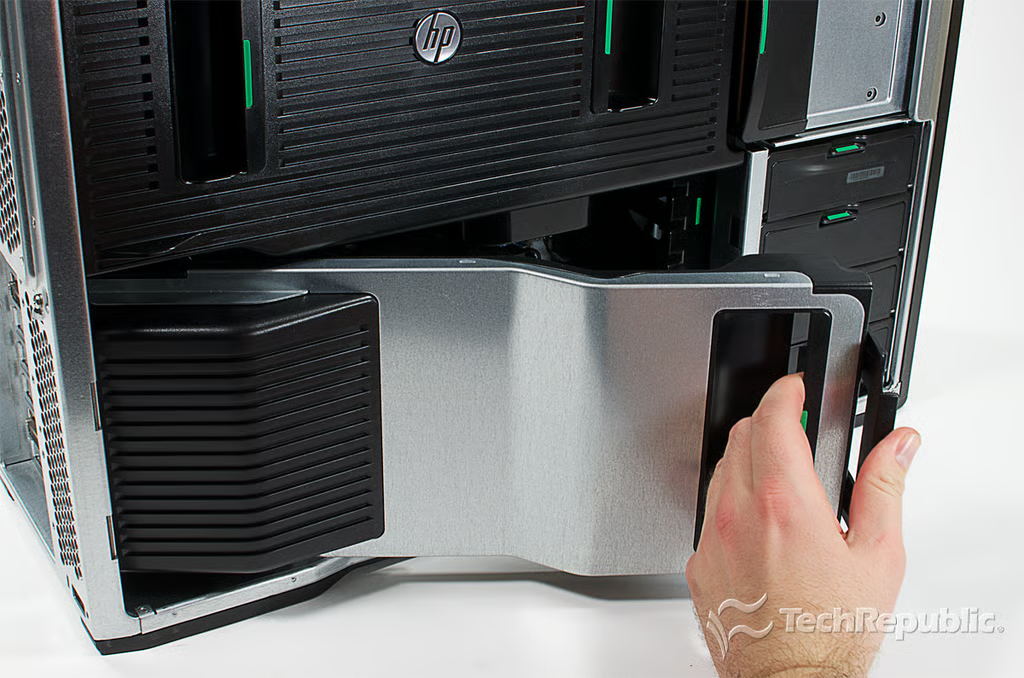
Cracking Open HP Z820 Workstation: Removing the I/O section shroud
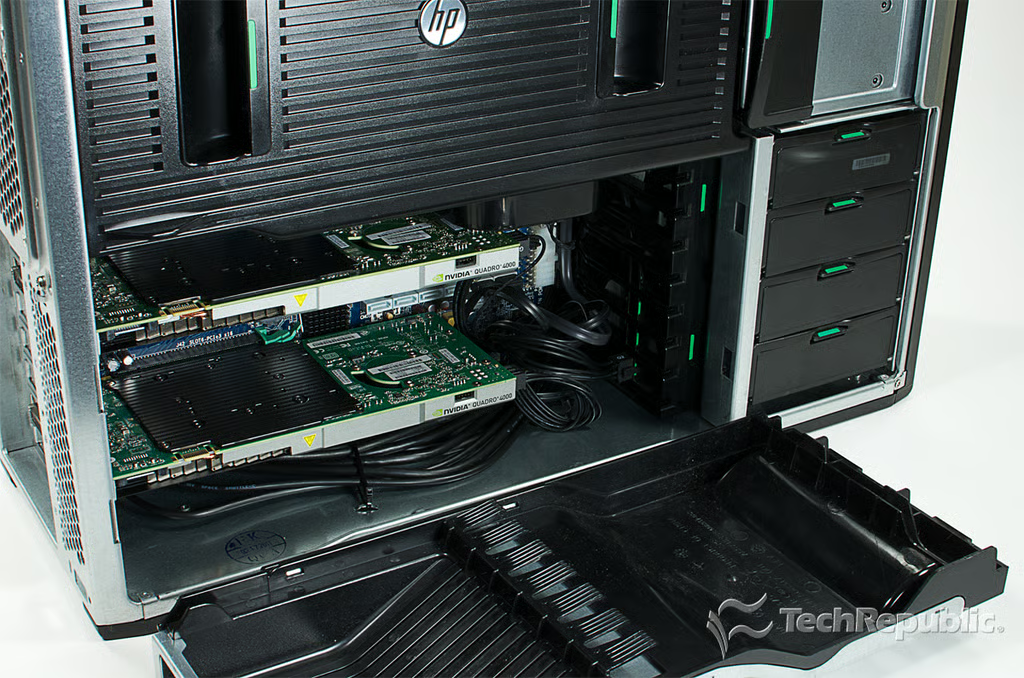
Cracking Open HP Z820 Workstation: I/O section shroud removed
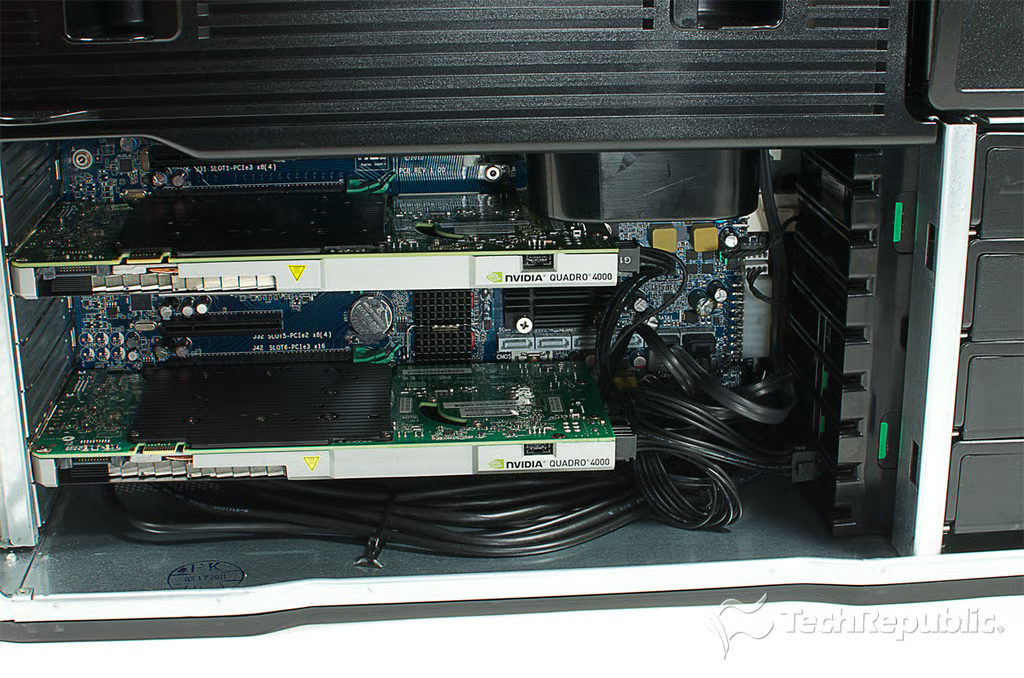
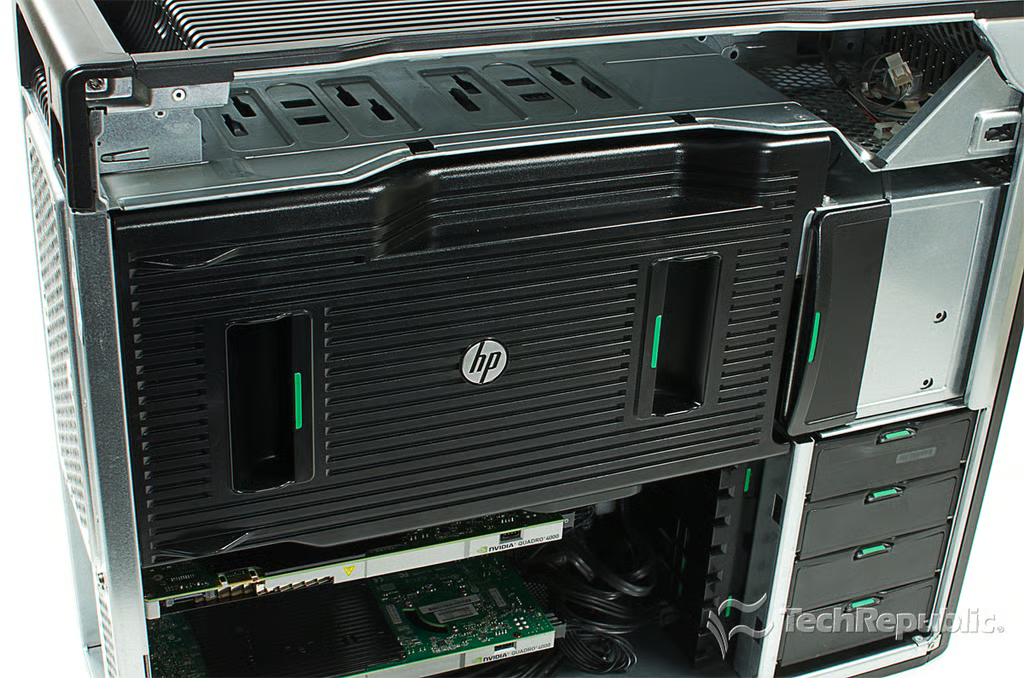
Cracking Open HP Z820 Workstation: Graphics cards and expansion slots in the I/O section
Cracking Open HP Z820 Workstation: Motherboard and memory cooling assembly in the case
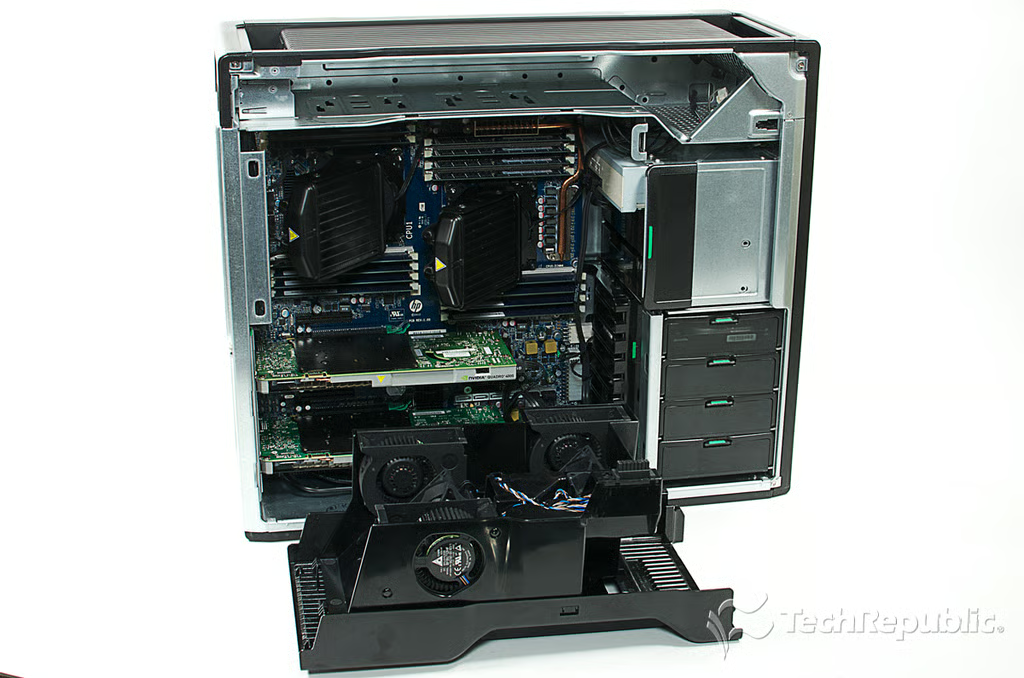
Cracking Open HP Z820 Workstation: Removing the motherboard and memory cooling assembly
Cracking Open HP Z820 Workstation: Motherboard and memory cooling assembly removed
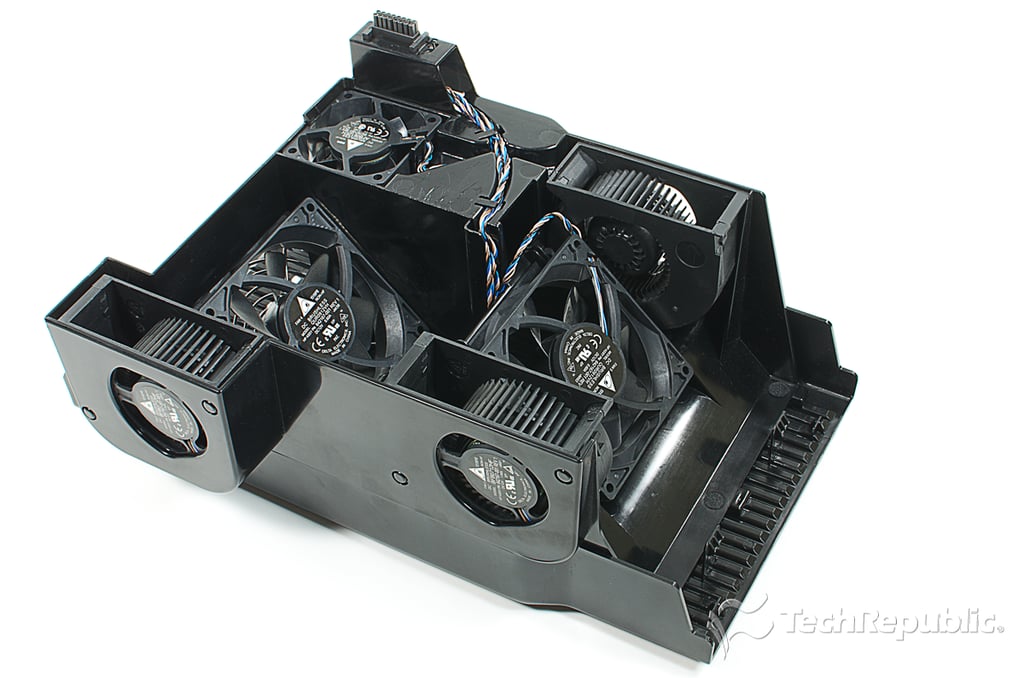
Cracking Open HP Z820 Workstation: Motherboard and memory cooling assembly (six separate fans)
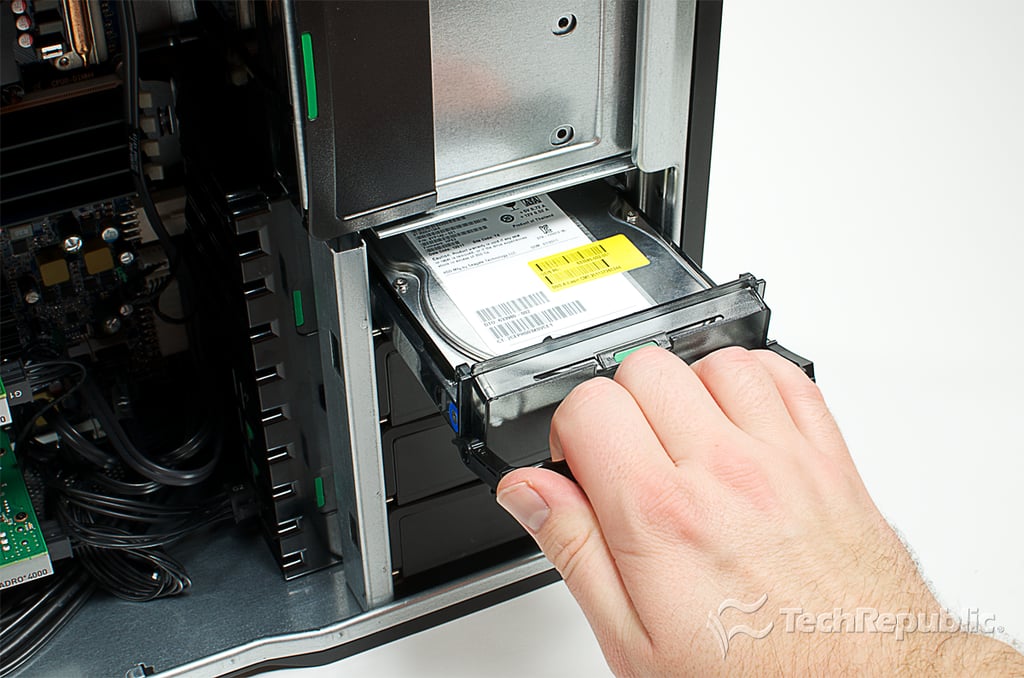
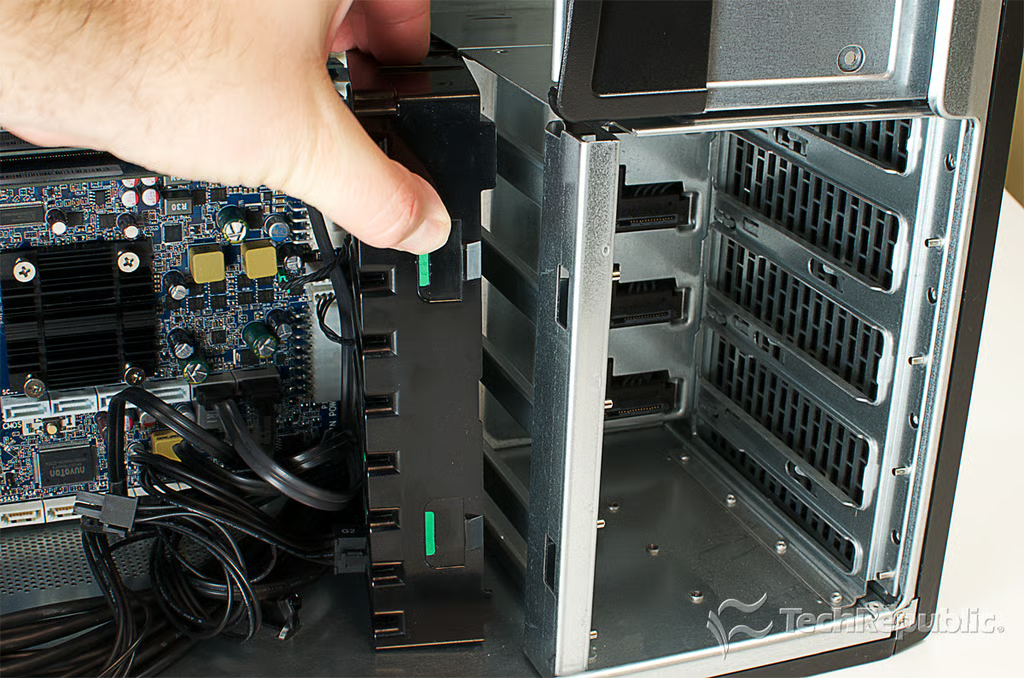
Cracking Open HP Z820 Workstation: Removing the HDD rails
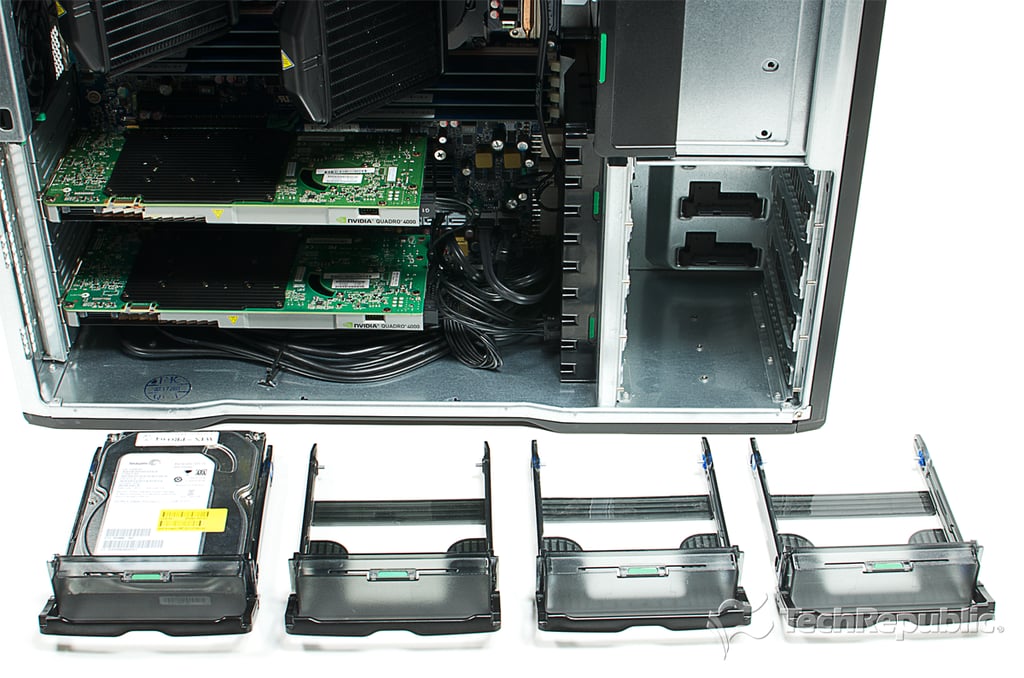
Cracking Open HP Z820 Workstation: Storage rails removed
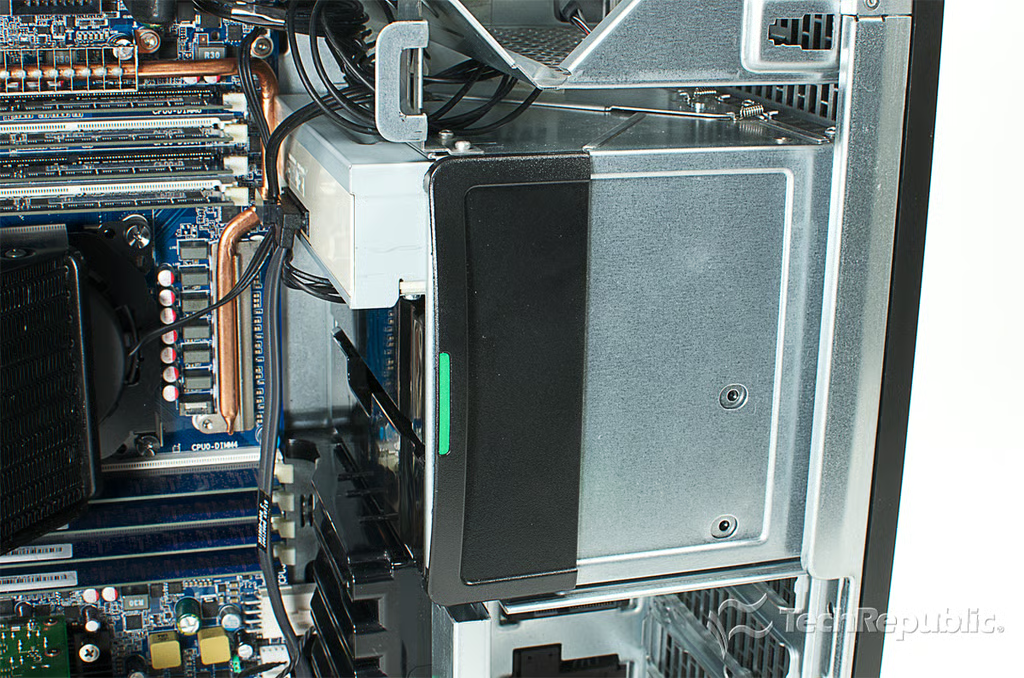
Cracking Open HP Z820 Workstation: Optical and upper drive bay latch
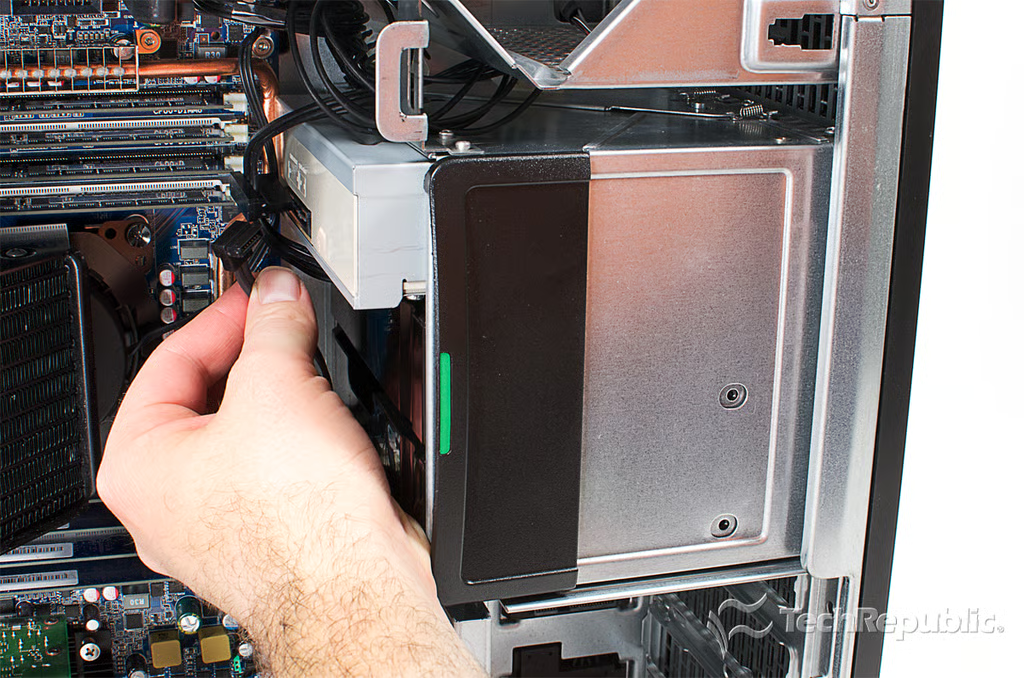
Cracking Open HP Z820 Workstation: Disconnecting the optical drive cables
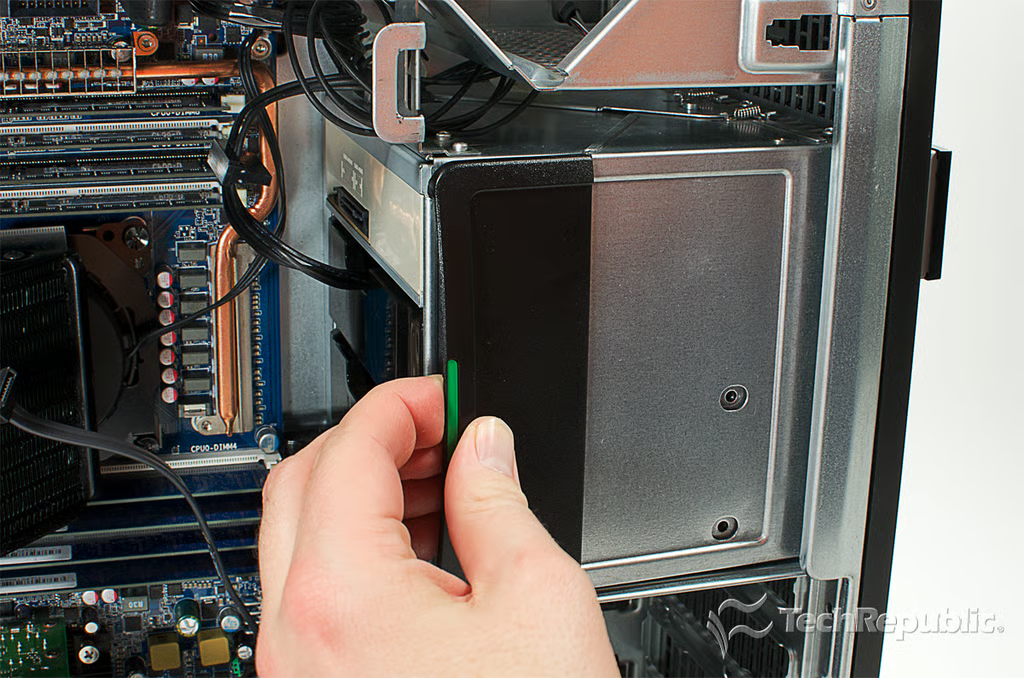
Cracking Open HP Z820 Workstation: Releasing the optical drive and upper drive bay latch
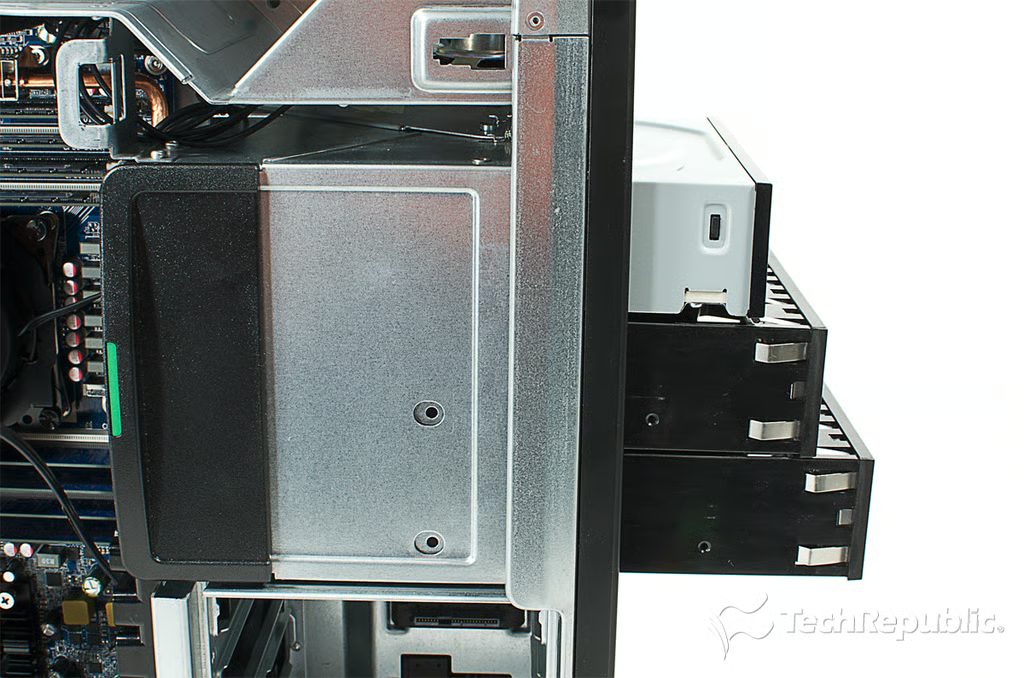
Cracking Open HP Z820 Workstation: Sliding out the optical drive and empty drive bays
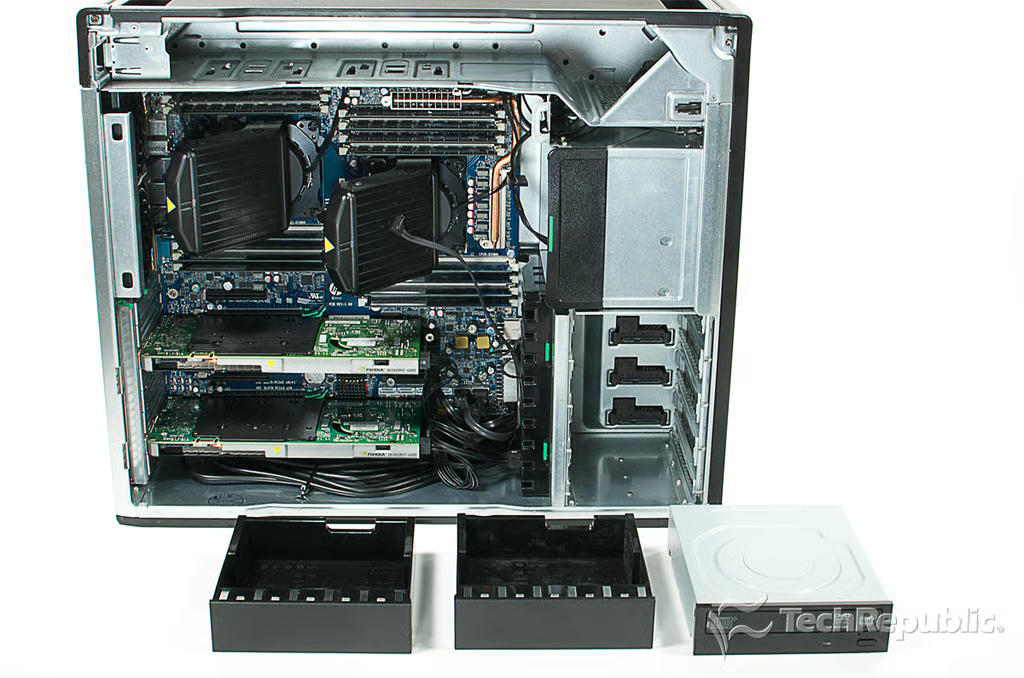
Cracking Open HP Z820 Workstation: Optical drive and upper drive bays removed
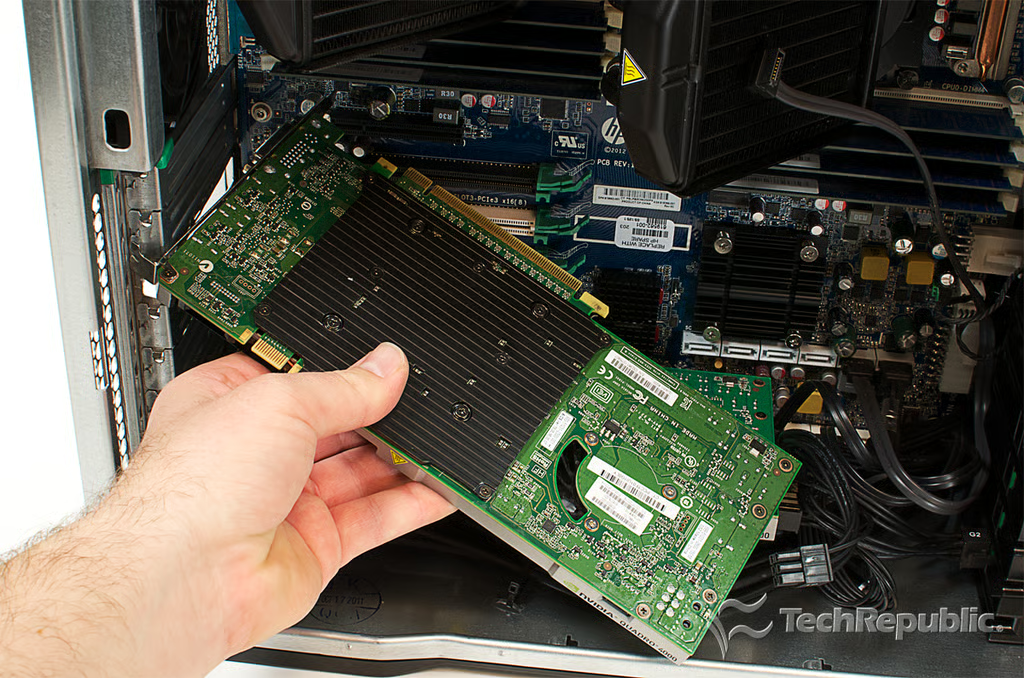
Cracking Open HP Z820 Workstation: Removing the graphics cards
Cracking Open HP Z820 Workstation: NVIDIA Quadro 4000 video cards
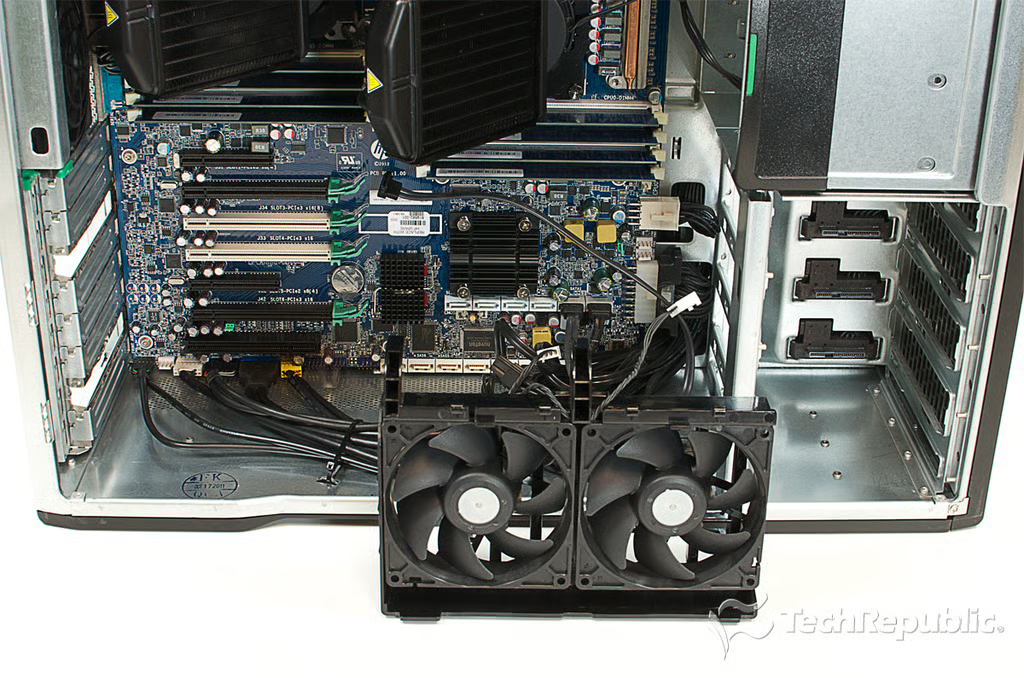
Cracking Open HP Z820 Workstation: Removing the I/O cooling zone fans
Cracking Open HP Z820 Workstation: I/O cooling zone fans removed
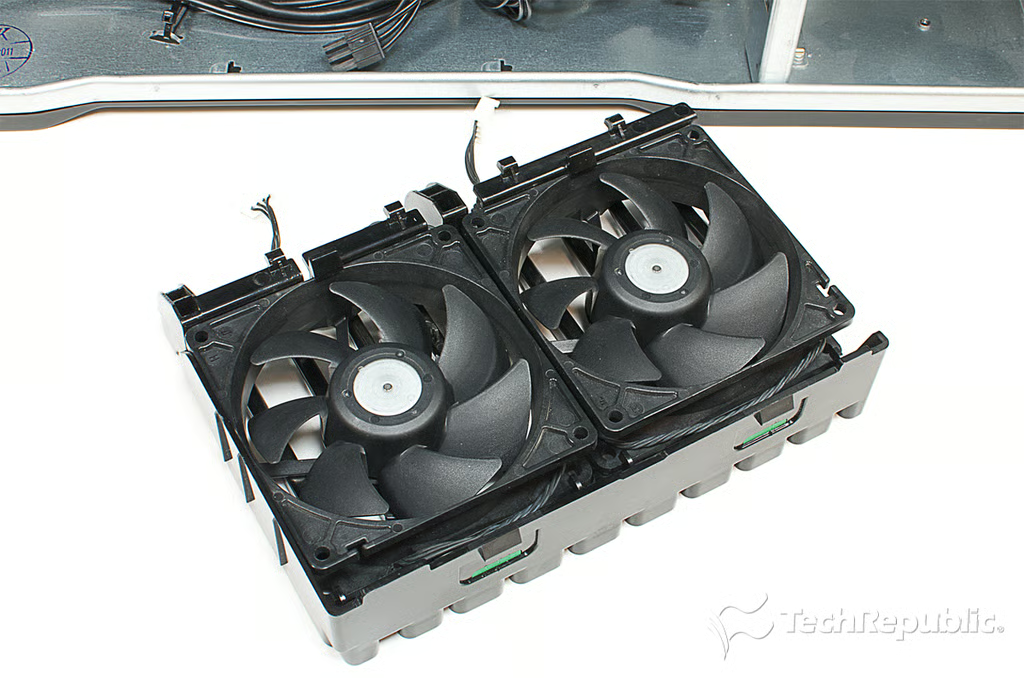
Cracking Open HP Z820 Workstation: I/O cooling zone fans
Cracking Open HP Z820 Workstation: Motherboard, processors, memory, cables and a near empty case
Cracking Open HP Z820 Workstation: 2.00Ghz Intel Xeon E5-2620 processors
Cracking Open HP Z820 Workstation: HP Liquid Cooling Solution
Cracking Open HP Z820 Workstation: Four memory banks (up to 512GB of RAM)
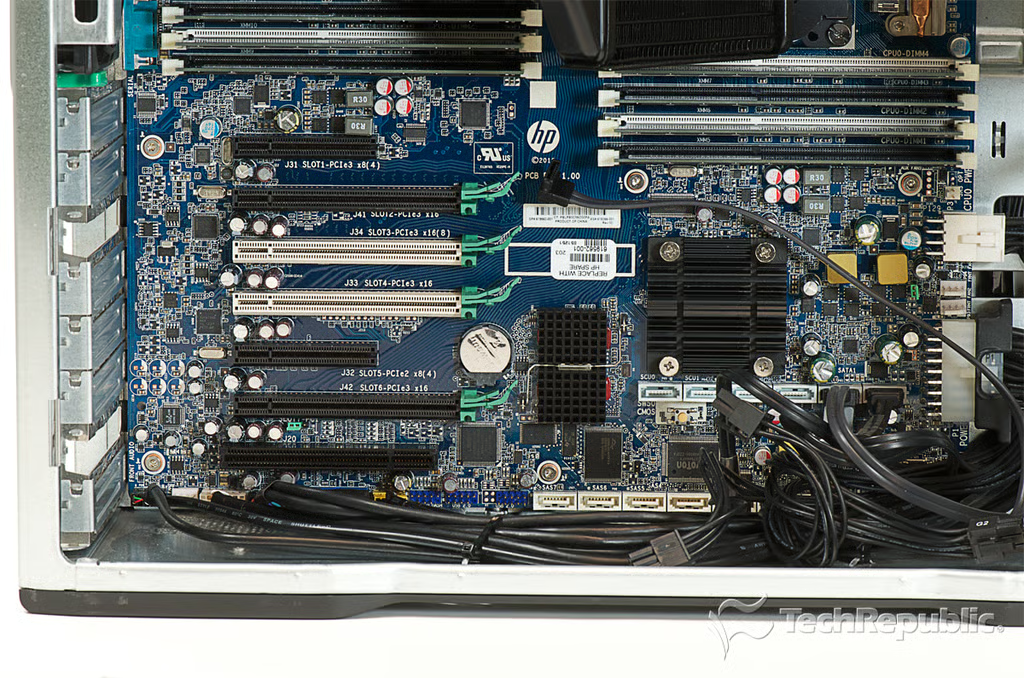
Cracking Open HP Z820 Workstation: Expansion slots
Cracking Open HP Z820 Workstation: Completely disassembled
Bill Detwiler is the Editor for Technical Content and Ecosystem at Celonis. He is the former Editor in Chief of TechRepublic and previous host of TechRepublic's Dynamic Developer podcast and Cracking Open, CNET and TechRepublic's popular online show. Previously, Bill was an IT manager in the social research and energy industries. He has bachelor's and master's degrees from the University of Louisville, where he has also lectured on computer crime and crime prevention.