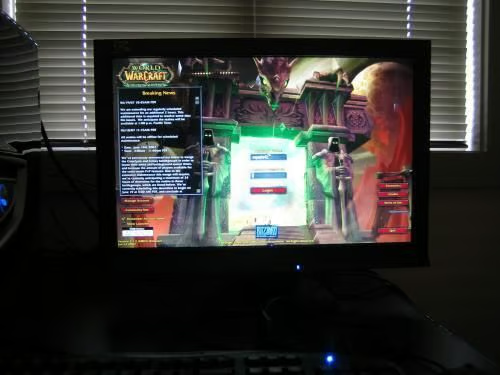
\n\tTechRepublic has been testing and reviewing the iZ3D monitor for about a month now. After creating a First Look gallery and then publishing a review on how well the 3D technology translates to real game play, we felt it was time to crack it open to see what was inside. The folks at iZ3D were very gracious and brave to allow us to do this and we appreciate the gesture.
\n\t
\n\tThe iZ3D Web site said we would find two LCD panels inside, but we were not sure how they would be configured. We envisioned elaborate optical trickery was needed to get the 3D effect, but we found the engineering to be rather straightforward. Scroll through the images and see for yourself.
\n
\n\t\n\n
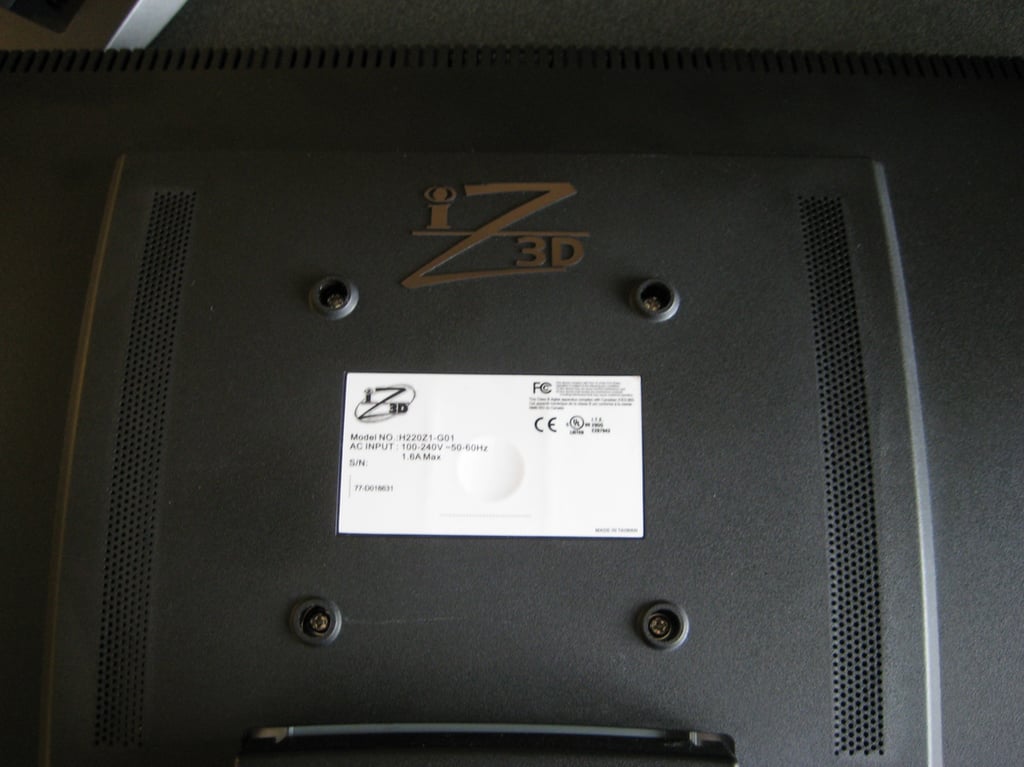
To get the iZ3D monitor open we have to remove four screws.
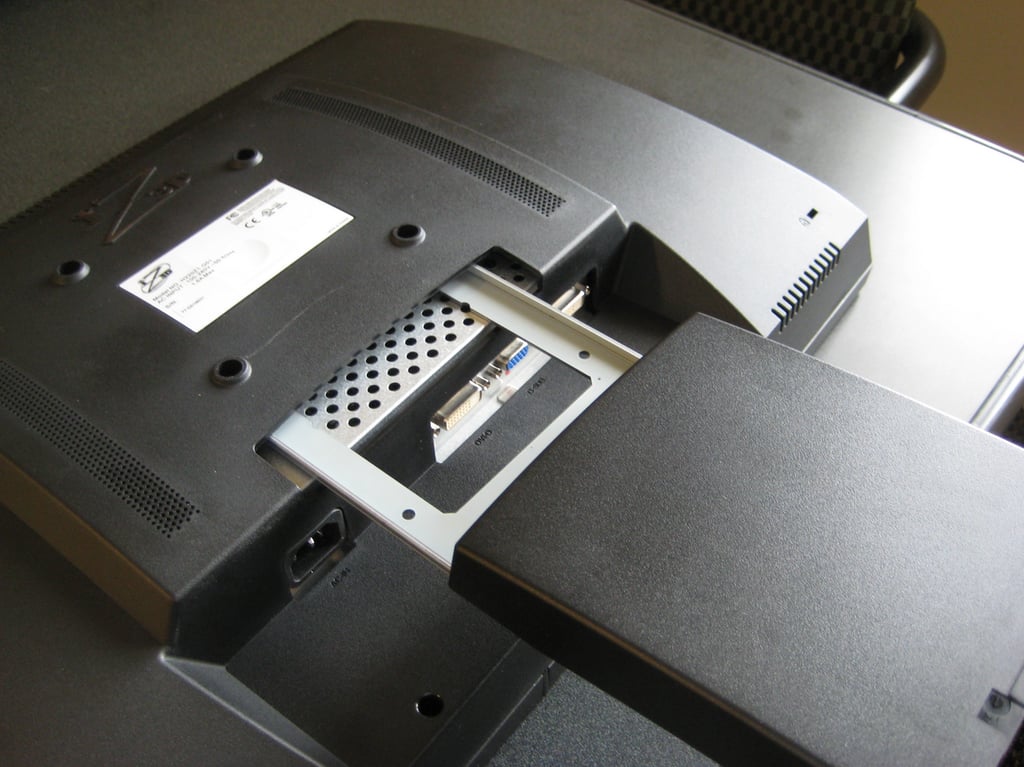
The stand slides right out.
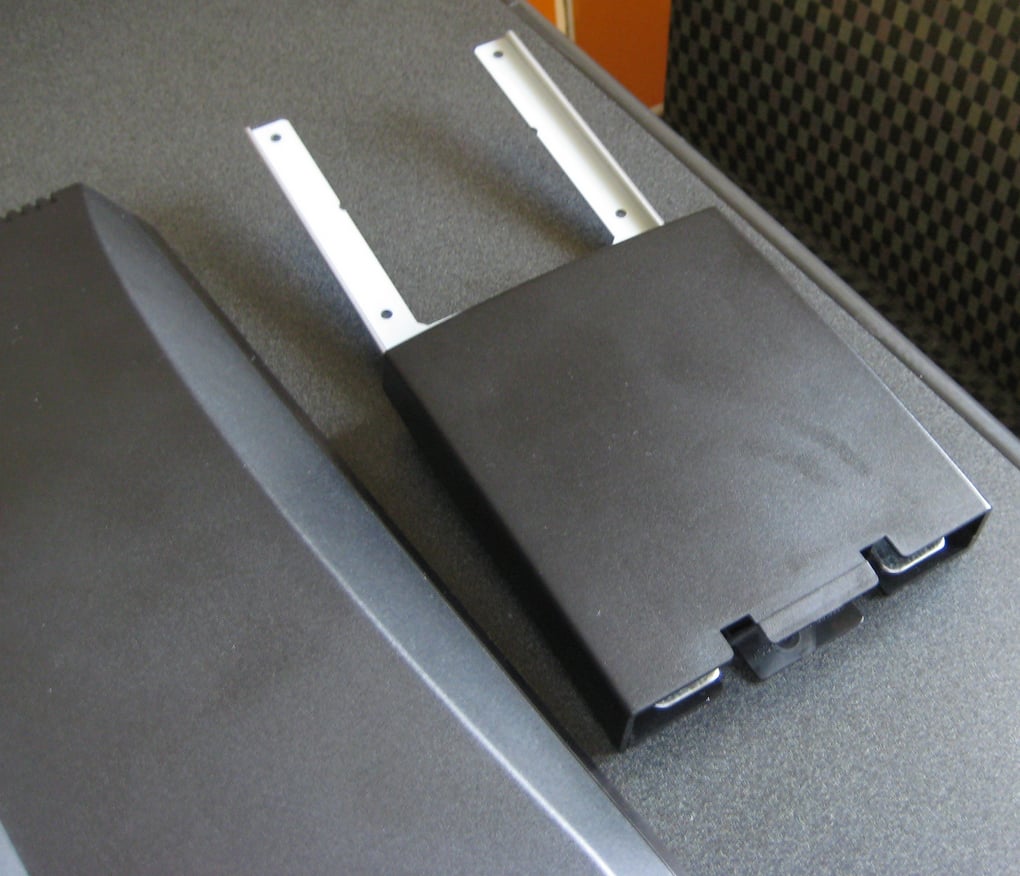
This single piece, the part that holds the iZ3D monitor up in the air for us to look at, is the heaviest single piece we remove.
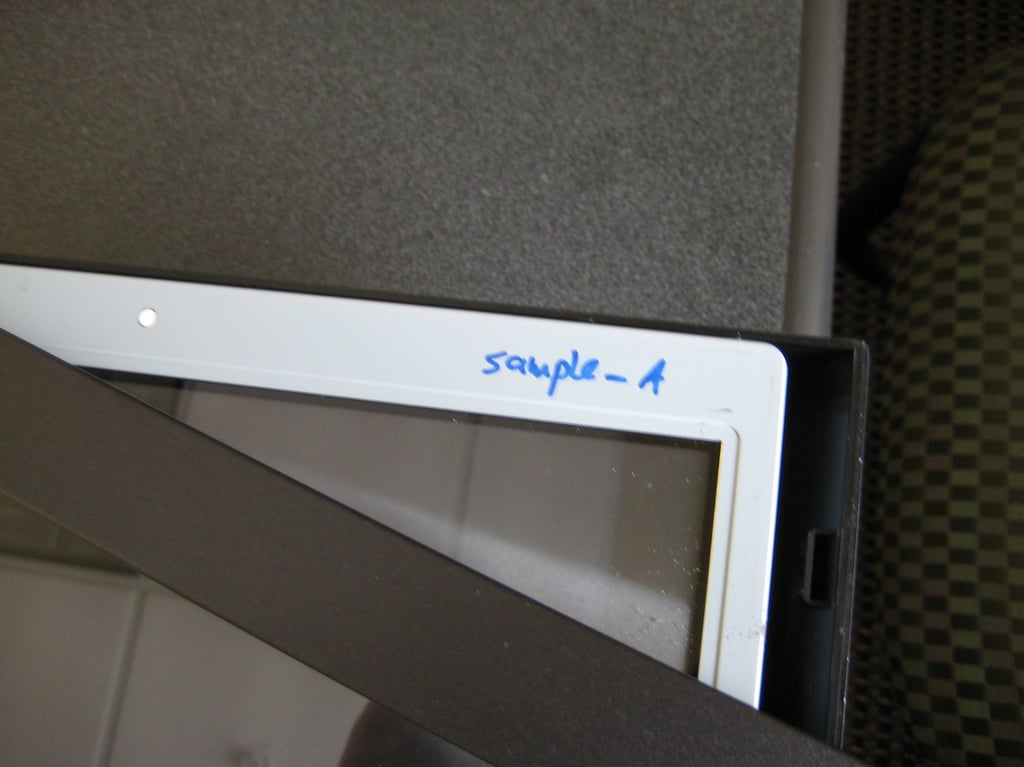
The front grill snaps off. You have to be careful with the tabs because they are just plastic and can easily break.
This is a pre-production model so there are some hand written markings inside the case. I’m not sure what Sample A means exactly.
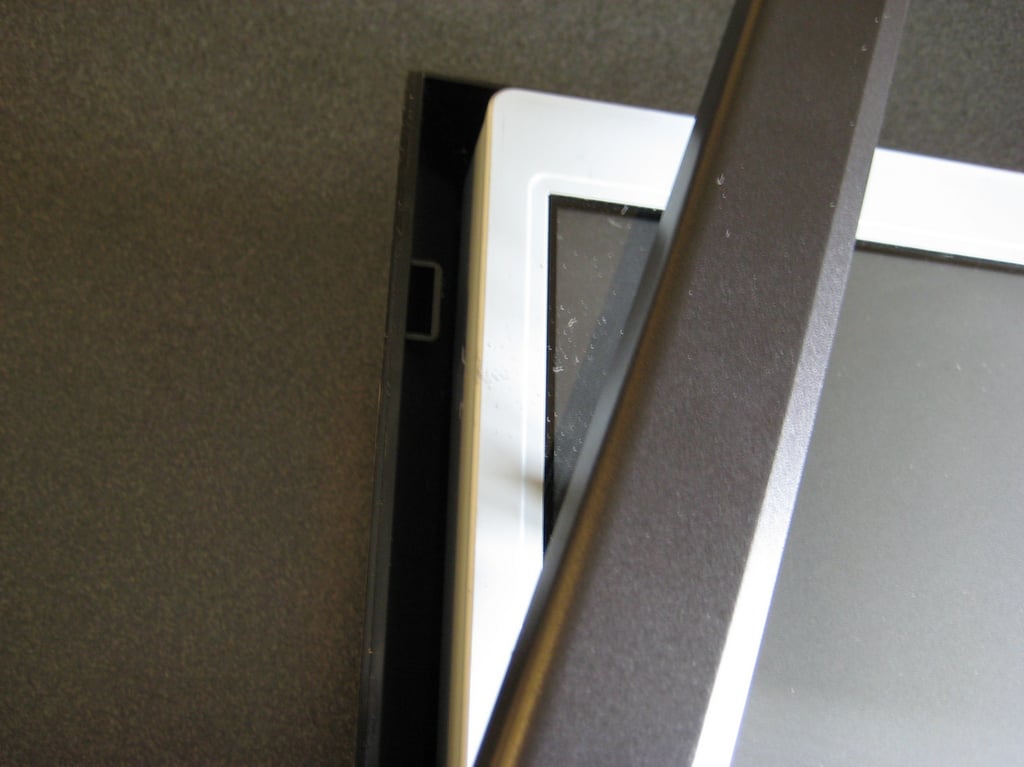
A closer look at the tab/slot connection for the housing.
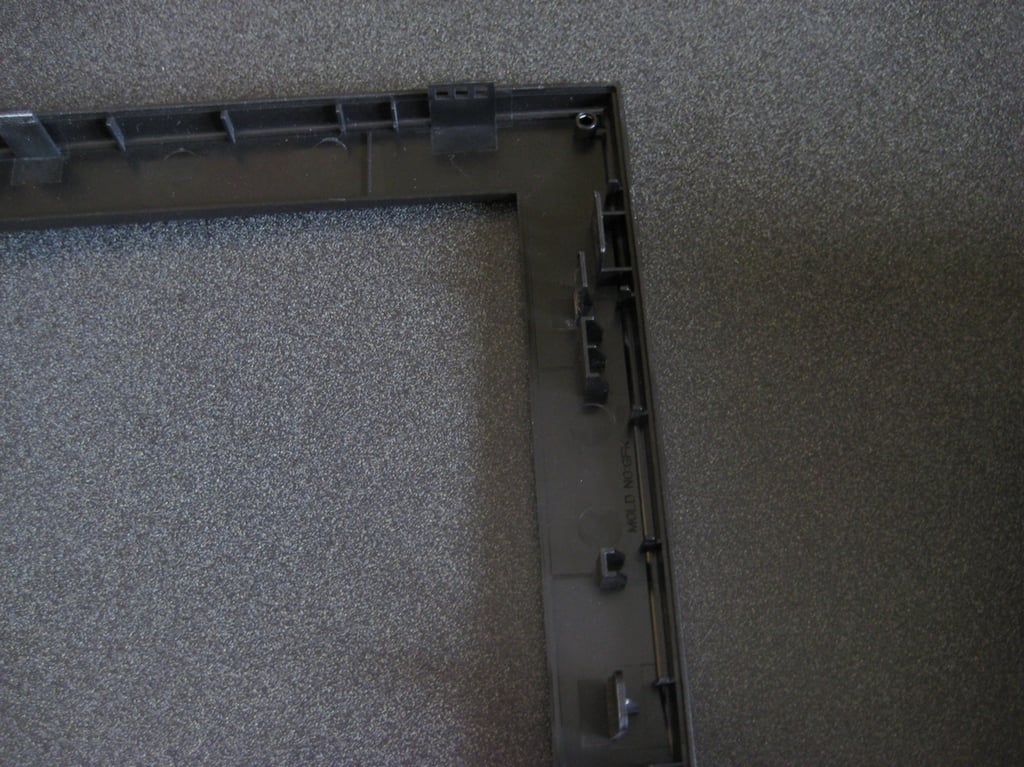
Another angle of the tab/slot connection.
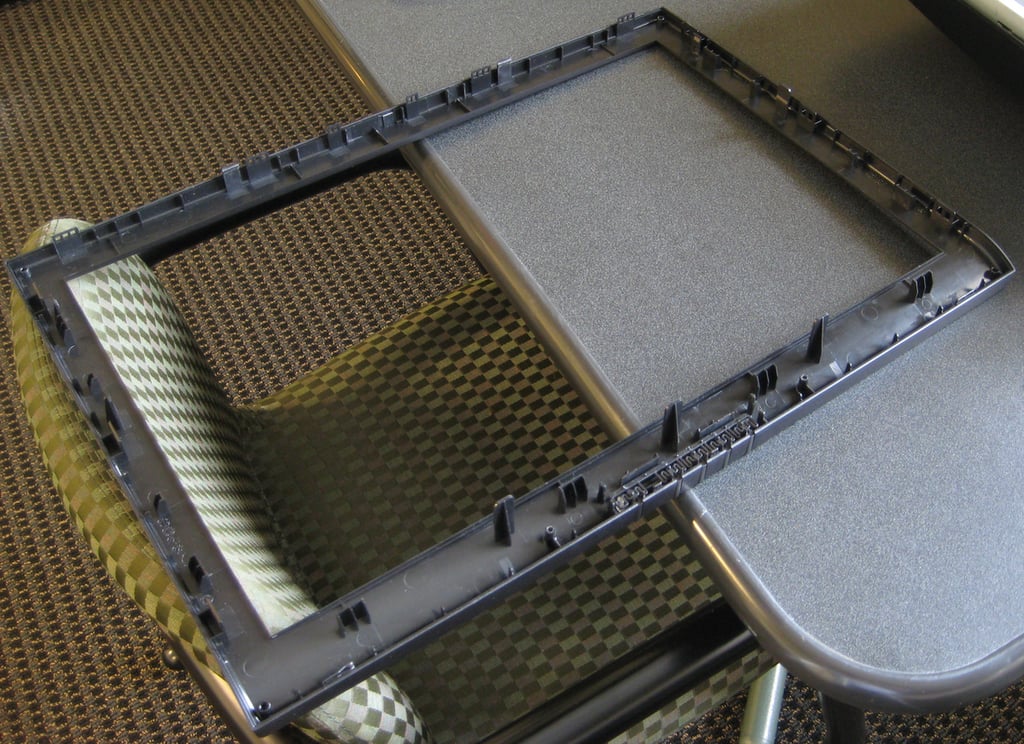
Here is the front grill fully separated from the back piece of the monitor housing.
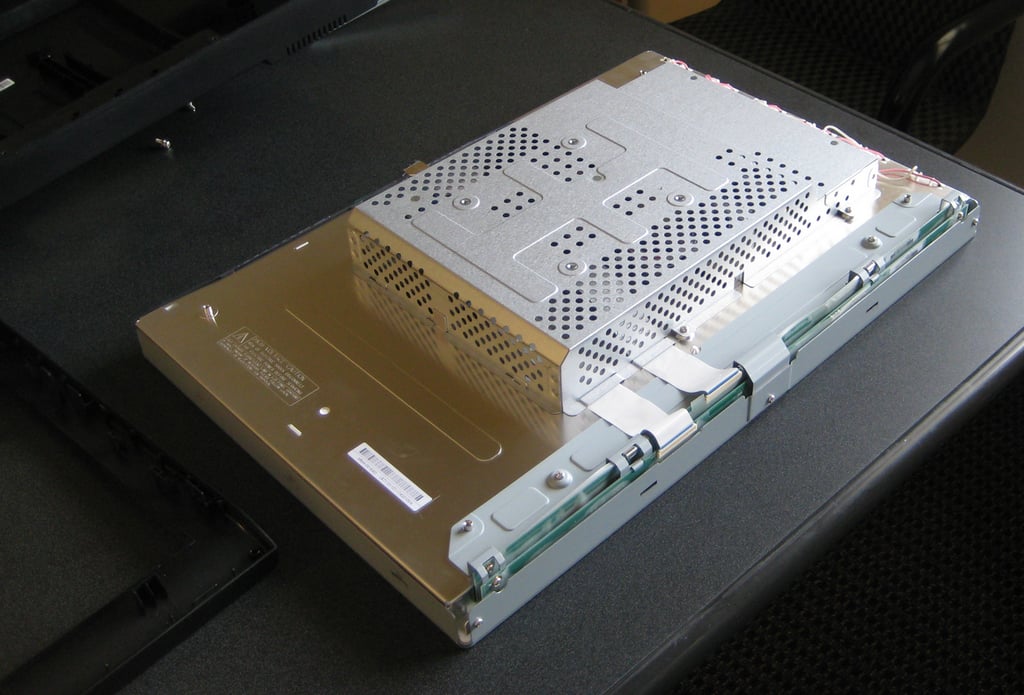
Now that all of the monitor housing is removed we can begin to see how the iZ3D monitor is engineered.
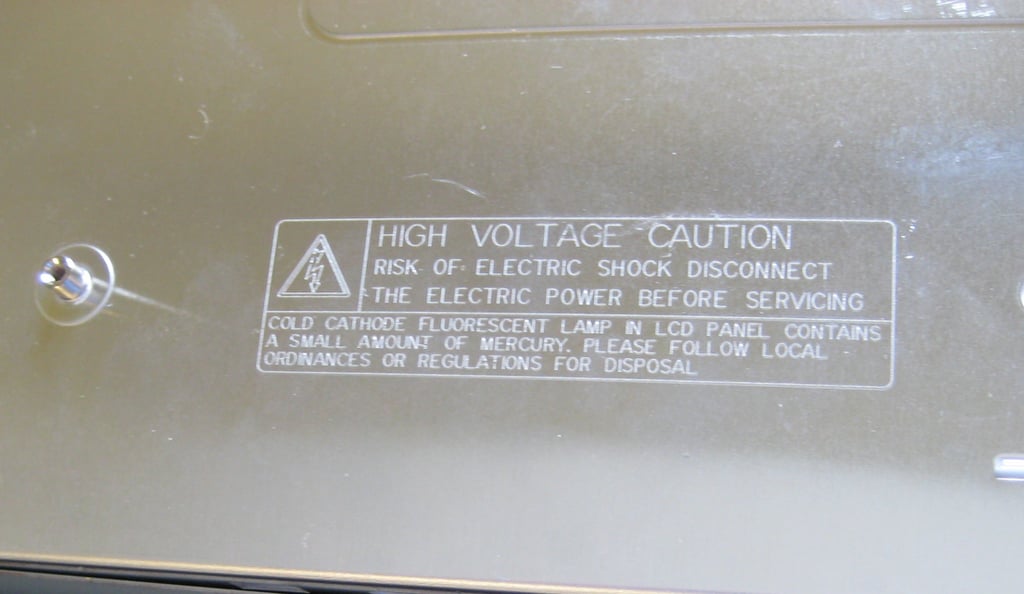
First, we have to observe the obligatory warning of danger. We disconnected the plug so we have nothing to worry about — right?
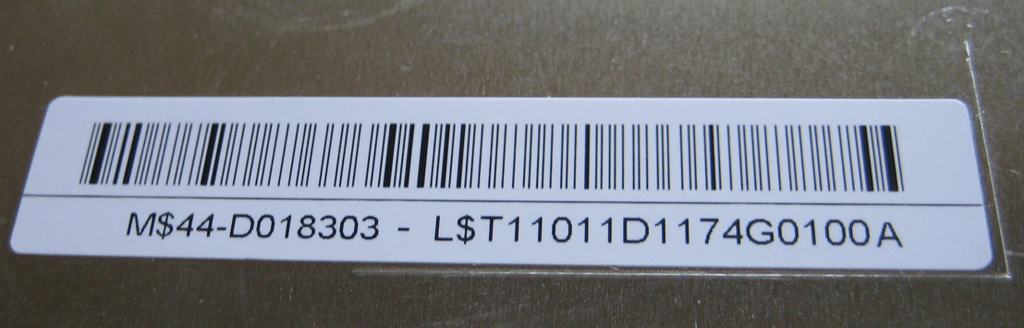
I don’t know what the serial numbers represent, but I do notice a couple of dollar signs.
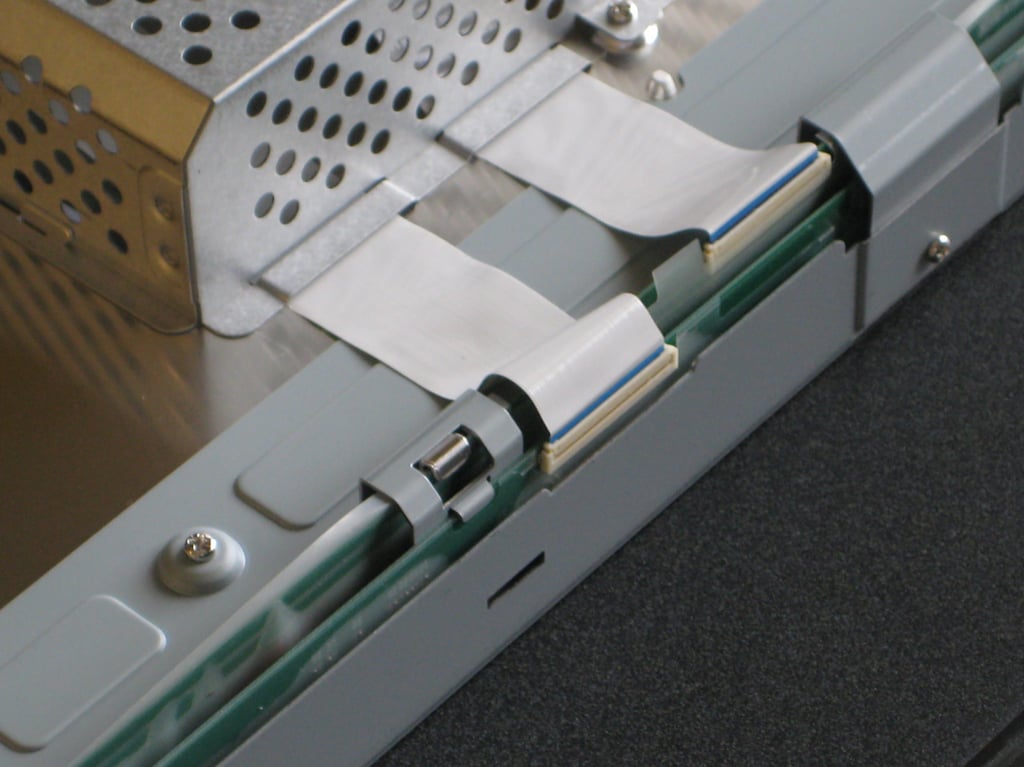
Our first indication that there are indeed to LCD panels under all this other stuff are these two ribbons.
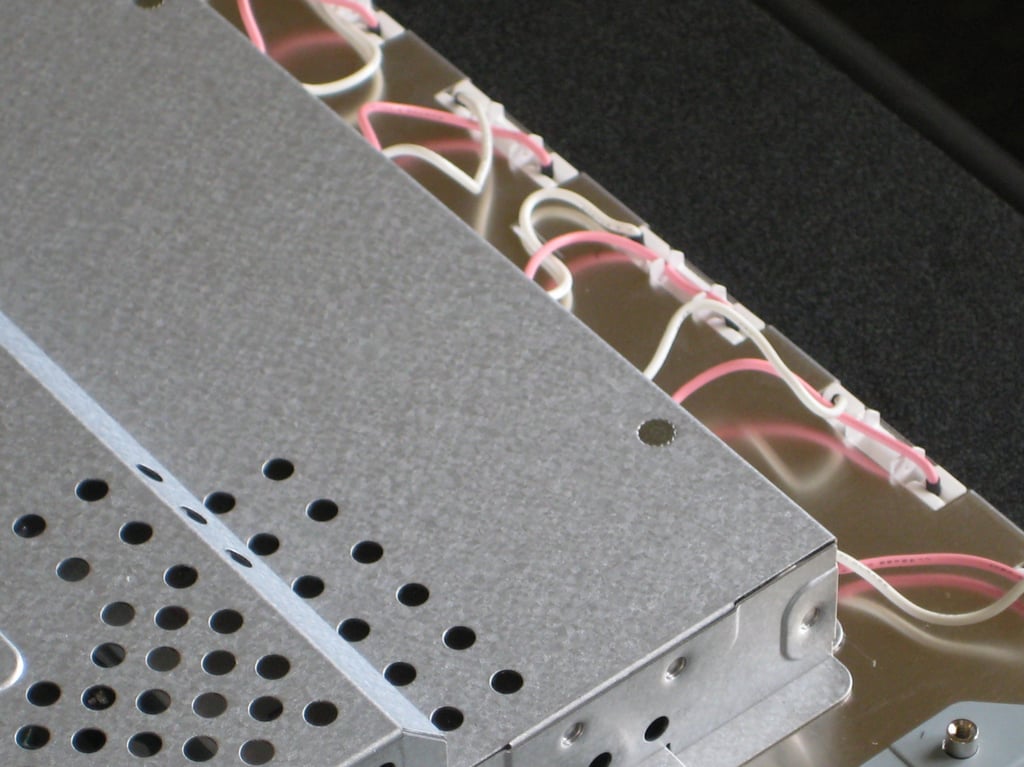
The power connections are pink and white, but I think power wire should be red.
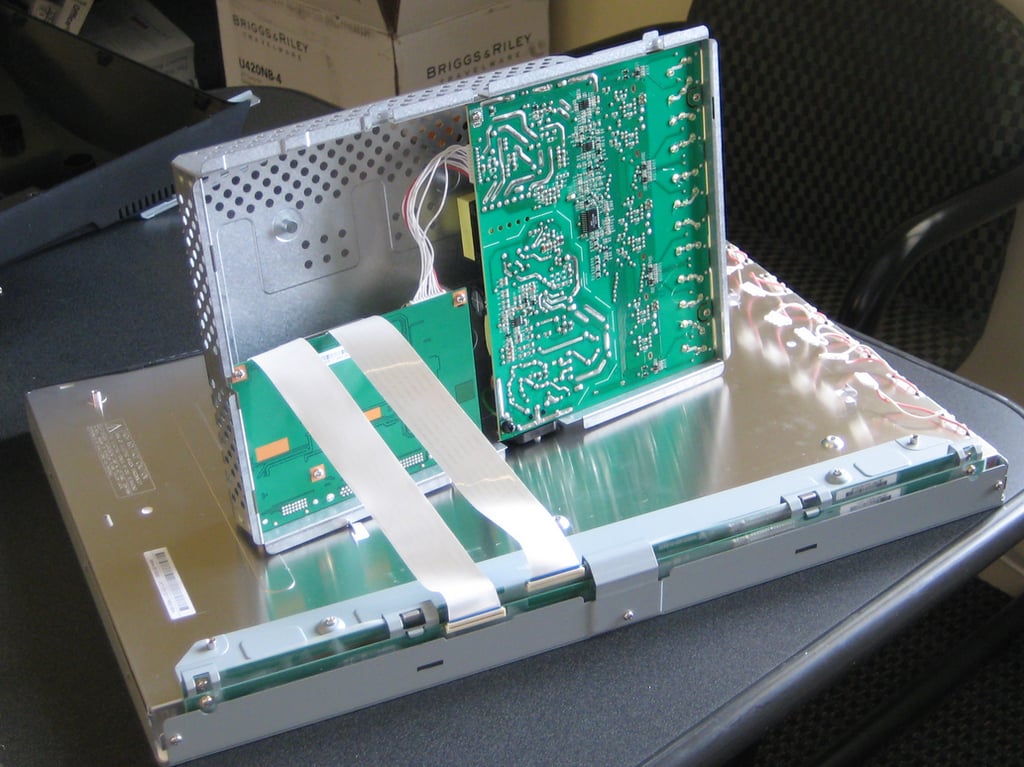
We remove two screws and slide the circuitry housing off to reveal two circuit boards.
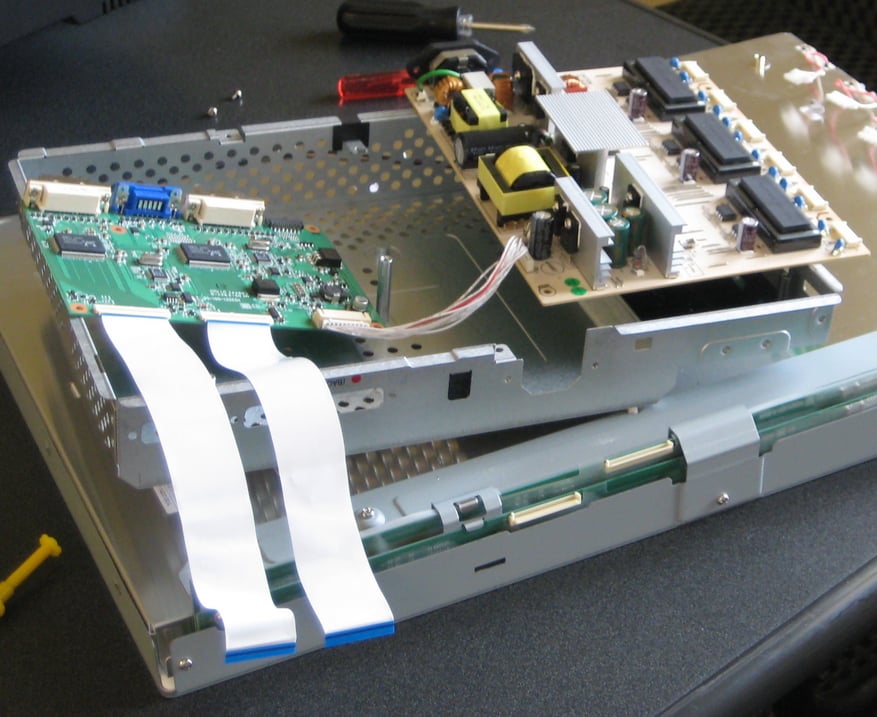
After getting some help from Bill Detwiller on the ribbon connectors we are able to get our first look some electronic insides of the monitor.
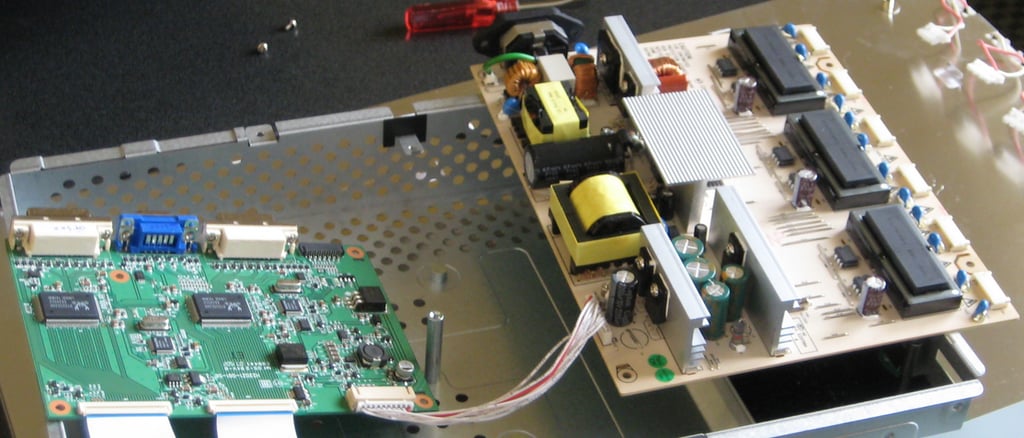
A closer look at the two circuit boards. I see lots of exposed power electronics — good thing we unplugged the monitor.
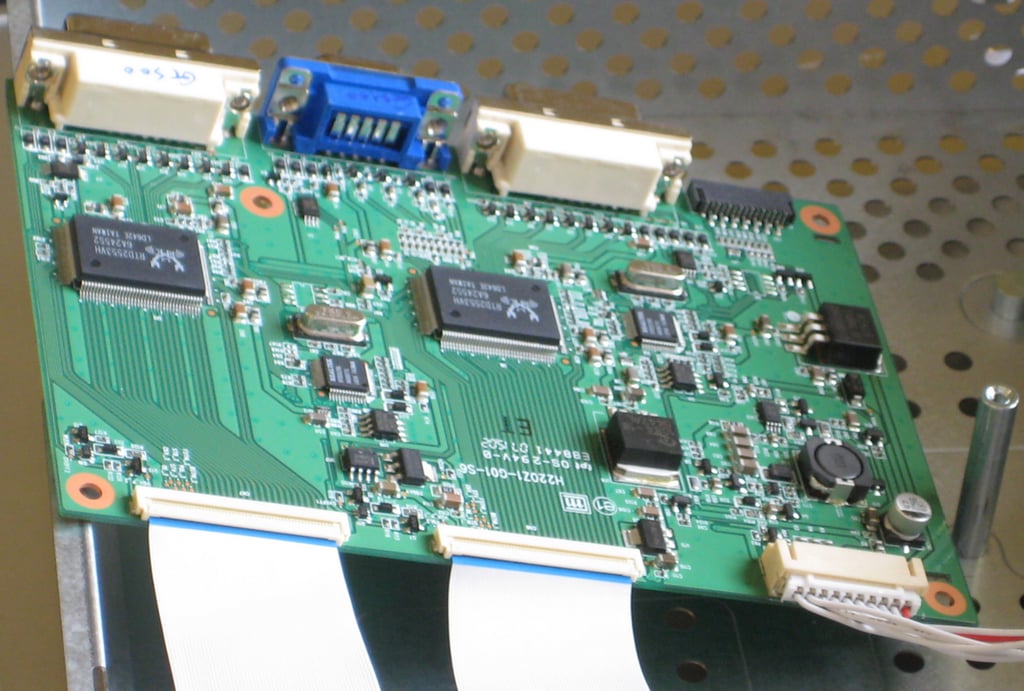
There are three video-in ports; 2 DVIs and 1 VGA. Besides needing to be an NVIDIA card, your video will need to have two outputs to power the iZ3D monitor.
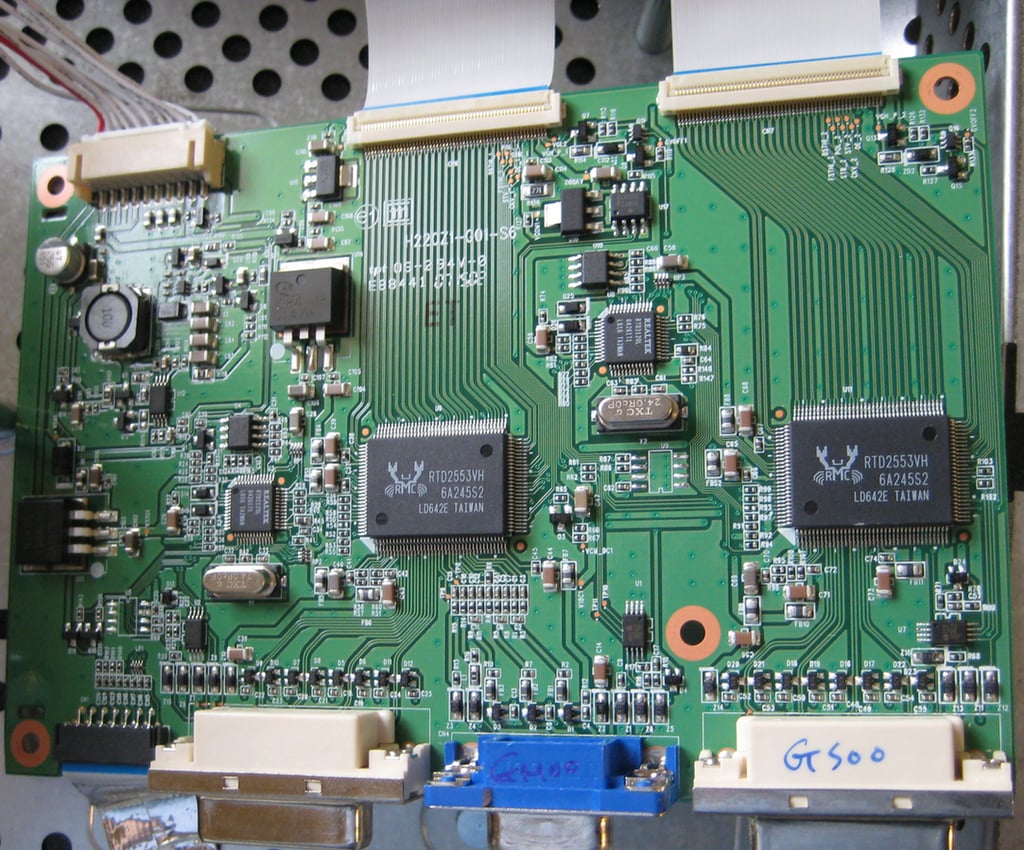
I’ve been seeing a lot of RealTek chips lately.
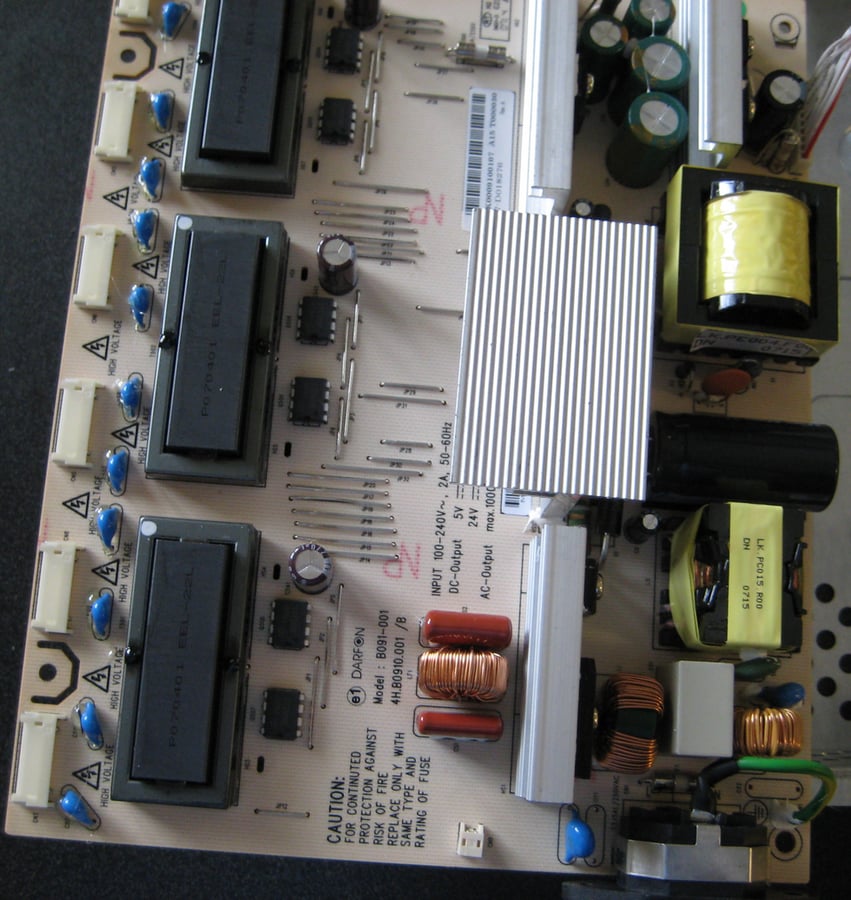
There is some serious power control going on here. One suspects that with two LCDs more electronic circuitry is required.
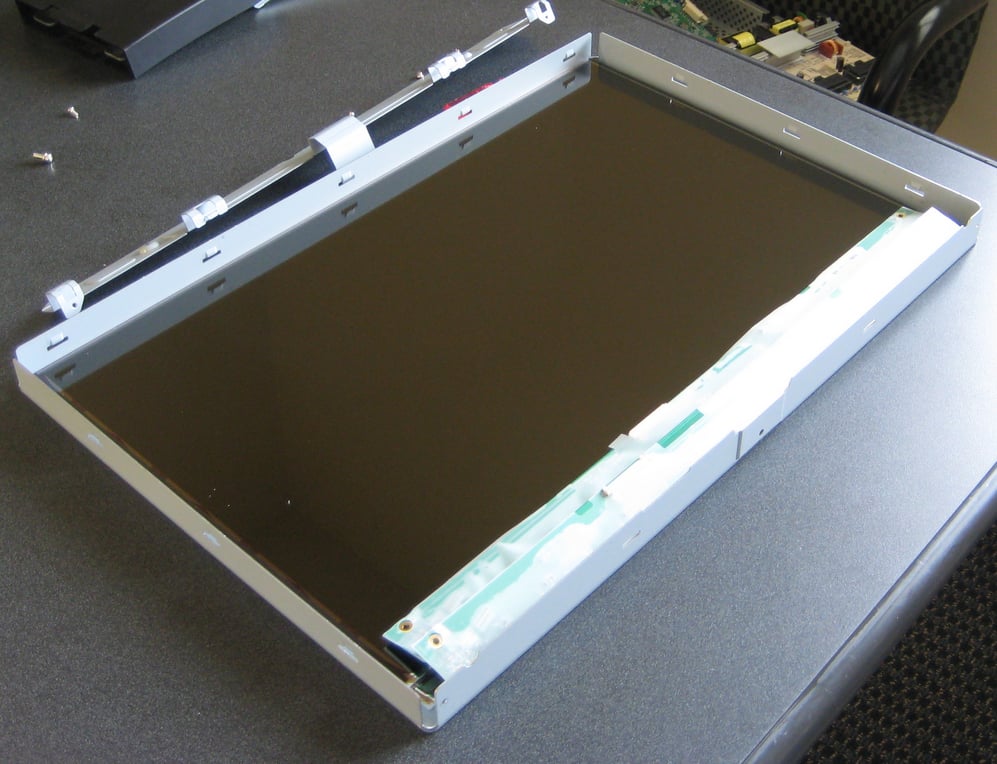
There they are — two TFT LCD panels.
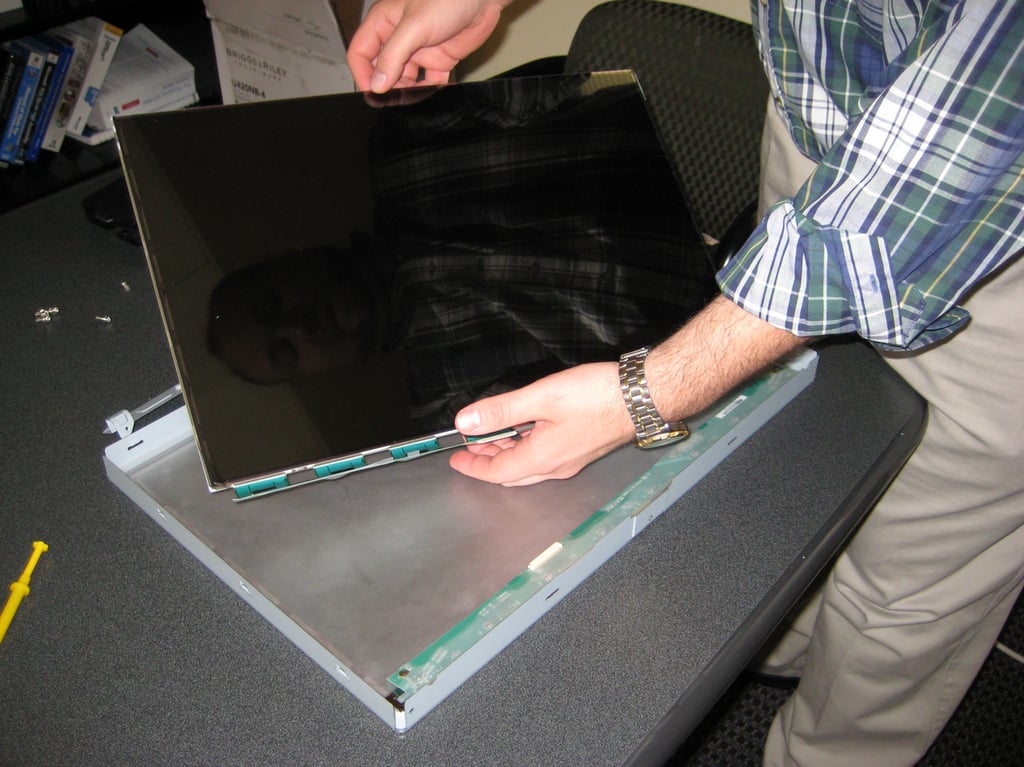
I asked Bill Detwiler to help me show off one of the LCD panels.
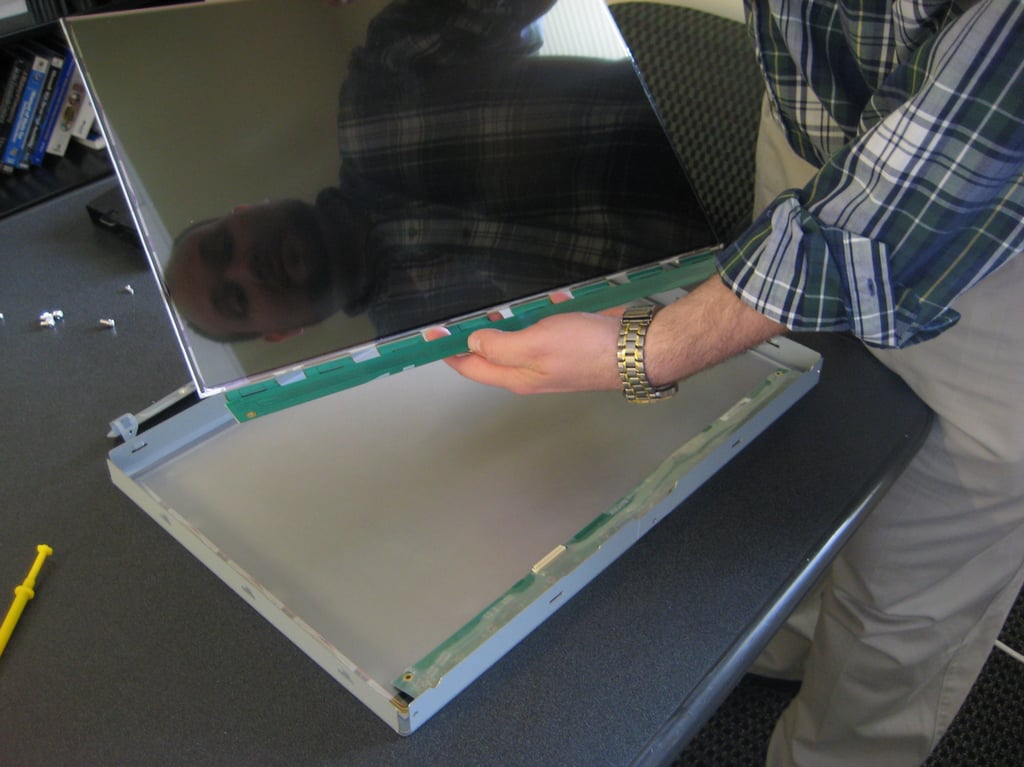
You can see the reflective surface of the LCD panel.
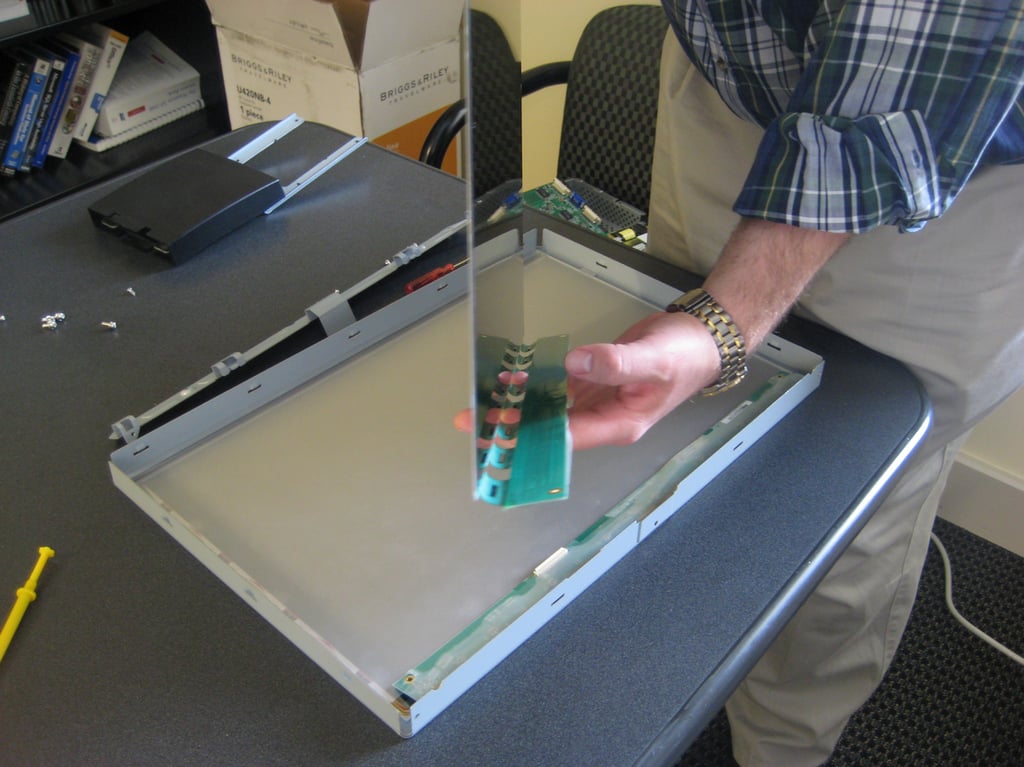
Well, I guess you can say it is a flat panel after all.

Mark W. Kaelin has been writing and editing stories about the information technology industry, software, hardware, gaming, finance, accounting, and technology geekdom for more than 30 years.


