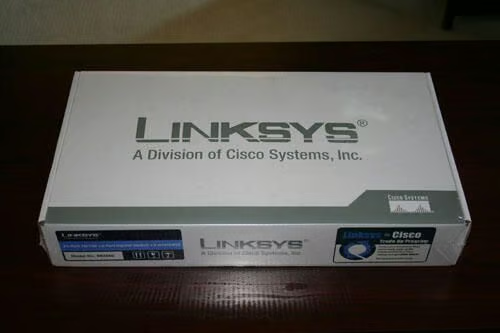
Here is the box for the new Linksys SR224G. This unit replaced an older, failing version of the same unit.
Despite sharing the same model number, there are a few notable differences. The old model boasted a single gigabit Ethernet switch port and single miniGBIC port. The new model boasts two gigabit ports and two mini GBIC ports.
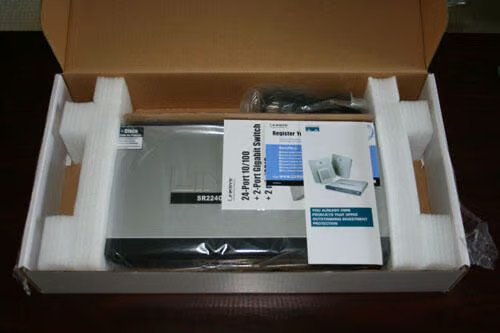
The new, still-in-the-box Linksys SR224G. In addition to 24 10/100 ports, this model features twin gigabit and twin miniGBIC ports.
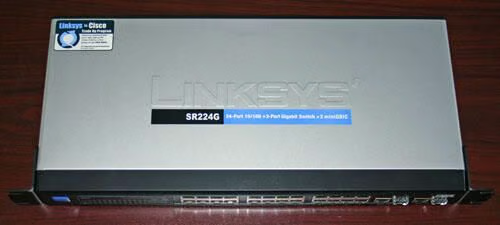
The new Linksys SR224G rack mountable network switch.
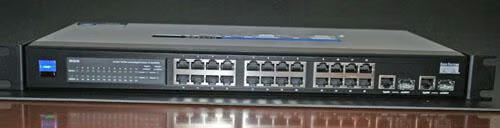
The Linksys SR224G switch, as seen from the front.
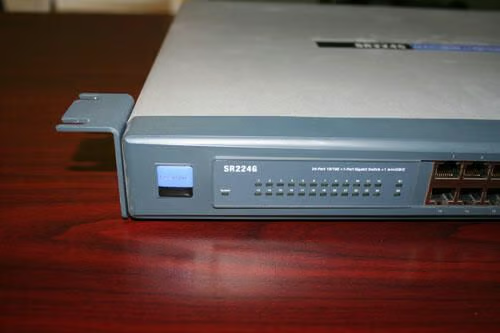
Here’s the old Linksys SR224G. This unit was replaced by the new model that boasts twin gigabit and miniGBIC ports.
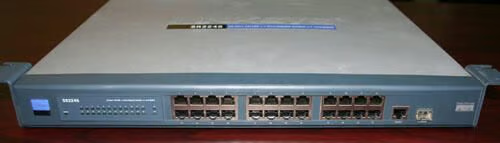
Here’s a full view of the old SR224G’s front panel. Note the single gigabit and miniGBIC ports to the far right.
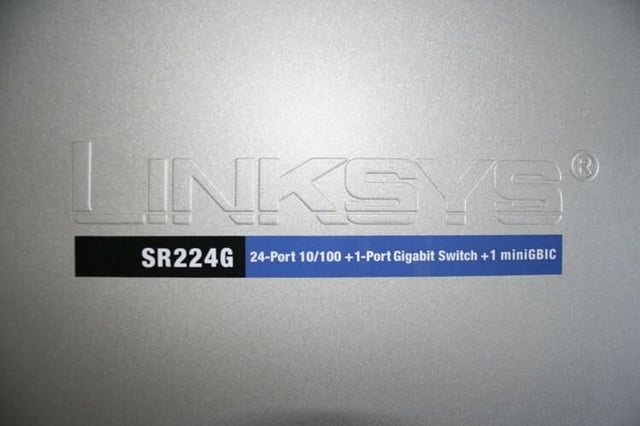
Here’s the nameplate found atop the old SR224G switch.
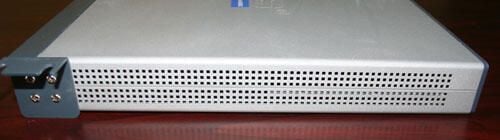
Heat is an enemy of virtually every computing product. Network switches are no different.
In the case of the Linksys SR224G, a pair of 1.5-inch, 5-volt fans are responsible for drawing air through the switch’s ventilated sides.
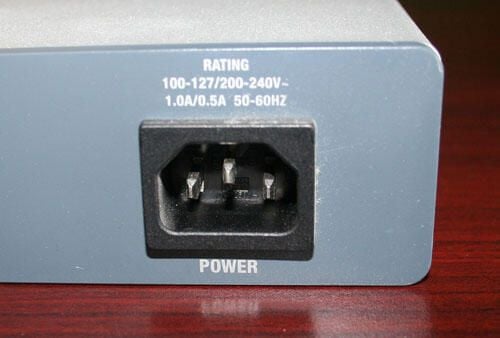
The Linksys SR224G switch features an industry standard C14 chassis plug (similar to those used by common ATX PCs). A standard C13 plug (also known as a mains power cord) connects the unit to wall electricity.
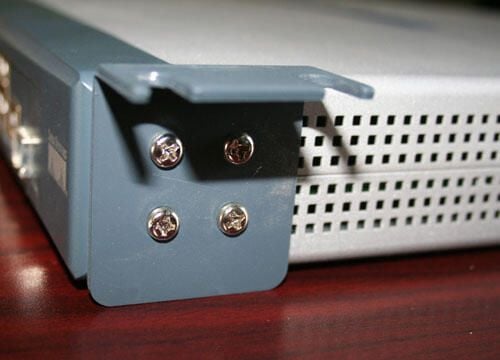
The Linksys SR224G can be placed on a shelf or mounted to a wall or standard computer rack. Here you can see the unit’s brackets are positioned to enable mounting the device to a wall.
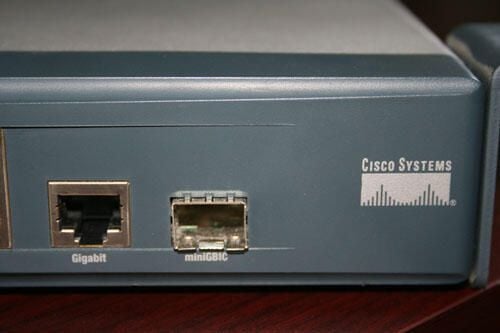
The older SR224G unit features only one Gigabit and miniGBIC port, shown here.
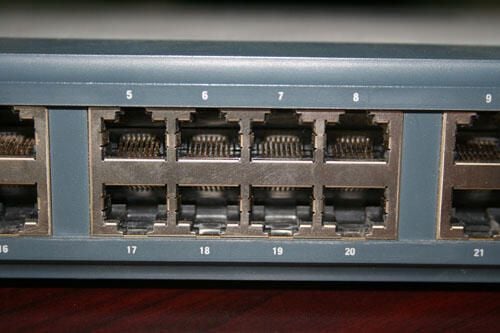
The SR224G features 24 10/100 ports. The center of this image features ports 5 through 8 and 17 through 20.
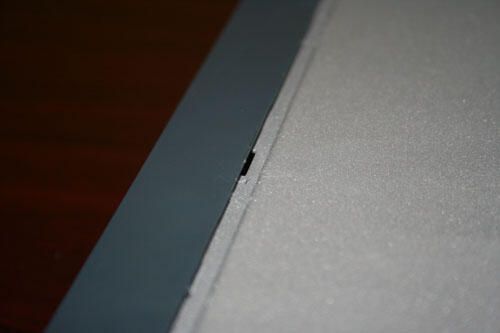
To open the Linksys SR224G, you must separate the front cover from the device’s casing. This is most easily done sliding a flathead screwdriver in between each fastener. Applying just slight pressure prompts the front fascia to separate.
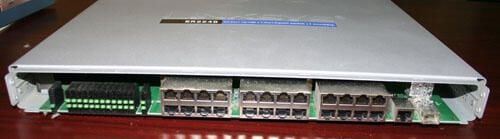
Here’s the Linksys SR224G with its front cover removed.
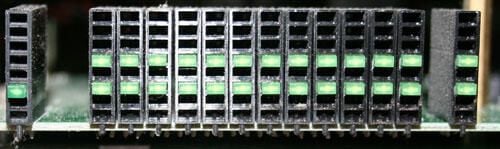
Each of the Linksys’ 24 ports receive their own activity/collision LED. Additional LEDs are present for indicating system power and the status of the gigabit and miniGBIC ports.
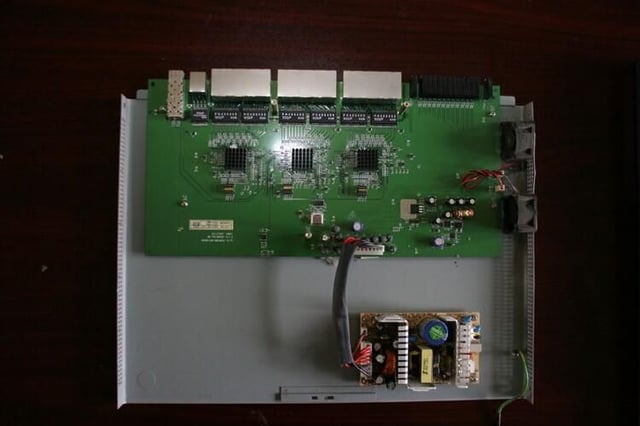
Removing the SR224G’s top metal case reveals the printed circuit board (and power supply at bottom) inside.
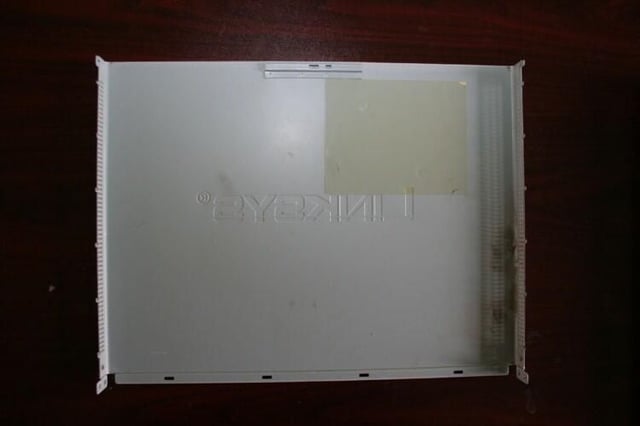
A special tape-like decal is affixed to the inside top cover of the SR224G’s top case, presumably to help deflect heat from the unit’s power supply.
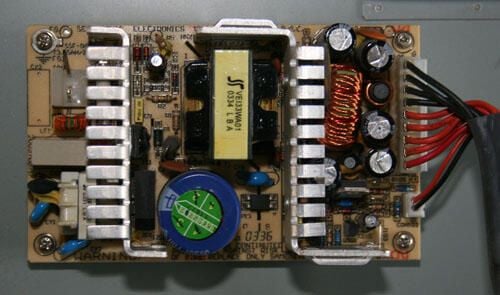
The Linksys SR224G power supply is manufactured by SEA Sonic Electronics Co. Ltd. Made in China, the power supply accepts standard wall-outlet provided electricity (120/240 volt, 50/60 Hz).
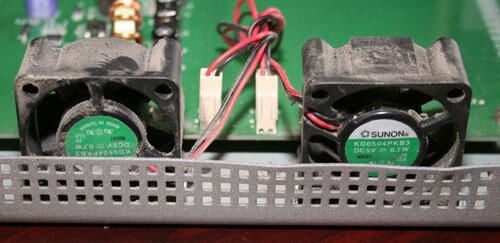
The task of cooling the Linksys SR224G network switch falls to this pair of inch-and-a-half Sunon fans.
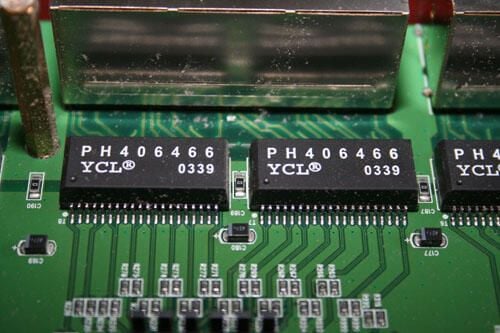
Here’s a close up view of a few of the chips that power the SR224G’s 24 ports.
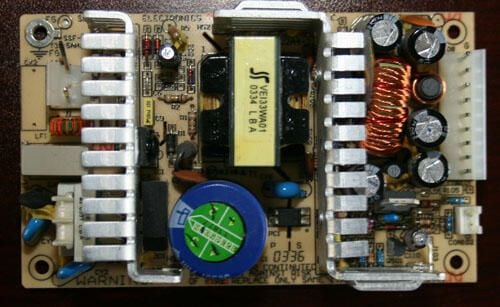
Here’s a close up view of the SEA Sonic Electronics power supply, with the ribbon power cable connector removed.
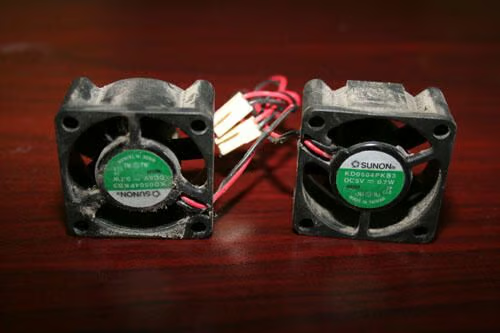
Here are the Sunon cooling fans, once removed from the SR224G case. These were the culprits. The unit failed due to overheating, as these fans became stuck when covered with dust, dirt and debris.
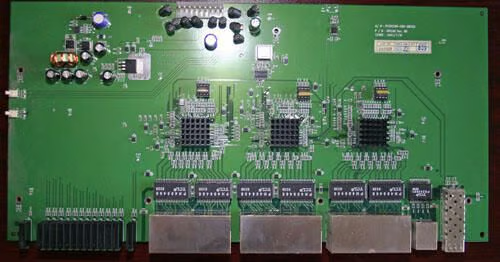
Here’s a view of the Linksys SR224G’s circuit board, once removed from the unit’s metal case. The device’s 24 10/100 ports are positioned within each of the large three boxes that appear on the image’s bottom side, while the gigabit Ethernet and miniGBIC ports appear as the last two silver metal boxes, respectively, to the bottom right.
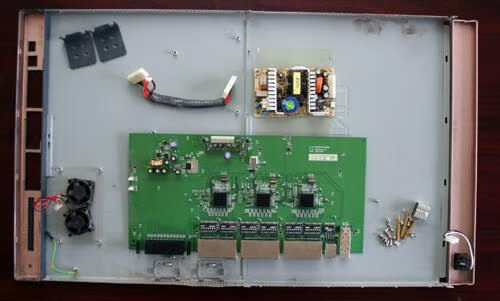
Numerous screws, two large metal casings, a power supply, two mounting brackets and two panels (a front and rear cover) compose the Linksys SR224G. Here you can see all those components positioned inside the unit’s two metal halves (seen here laying on their front sides to reveal their interiors.

Erik Eckel is a managing partner at Louisville Geek and president of Eckel Media Corp. He previously served as Executive Editor at TechRepublic. He received Microsoft Engineer accreditation from Sullivan University and earned his Bachelor's Degree in English from the University of Louisville. He's earned Network+, Windows NT 4.0 MCP+I and MCSE, and Windows 2000 Professional MCP accreditations.


