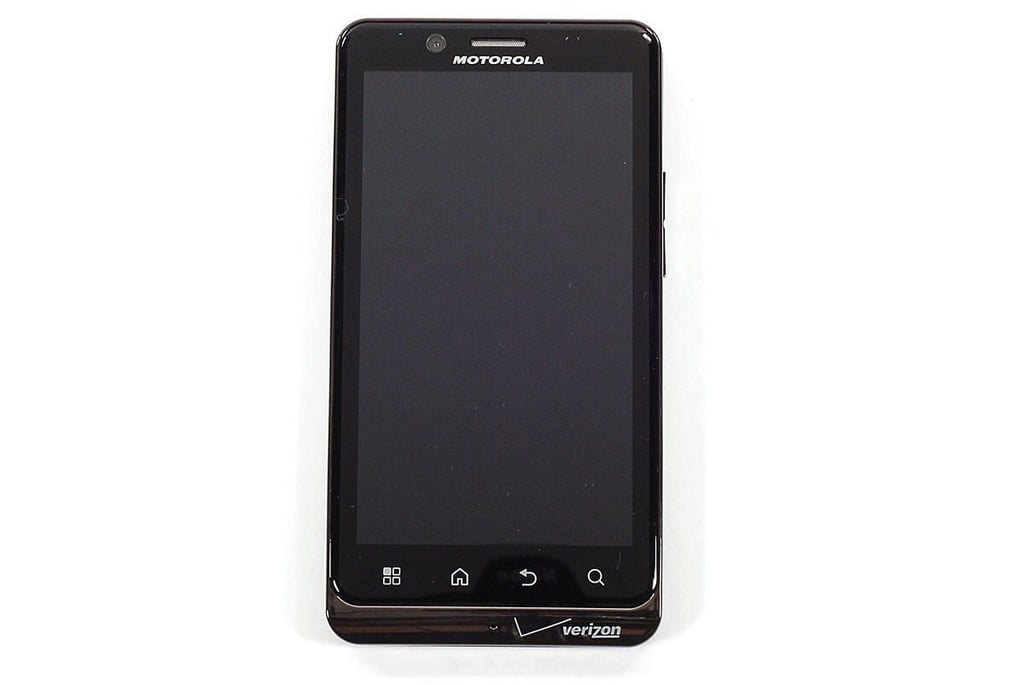
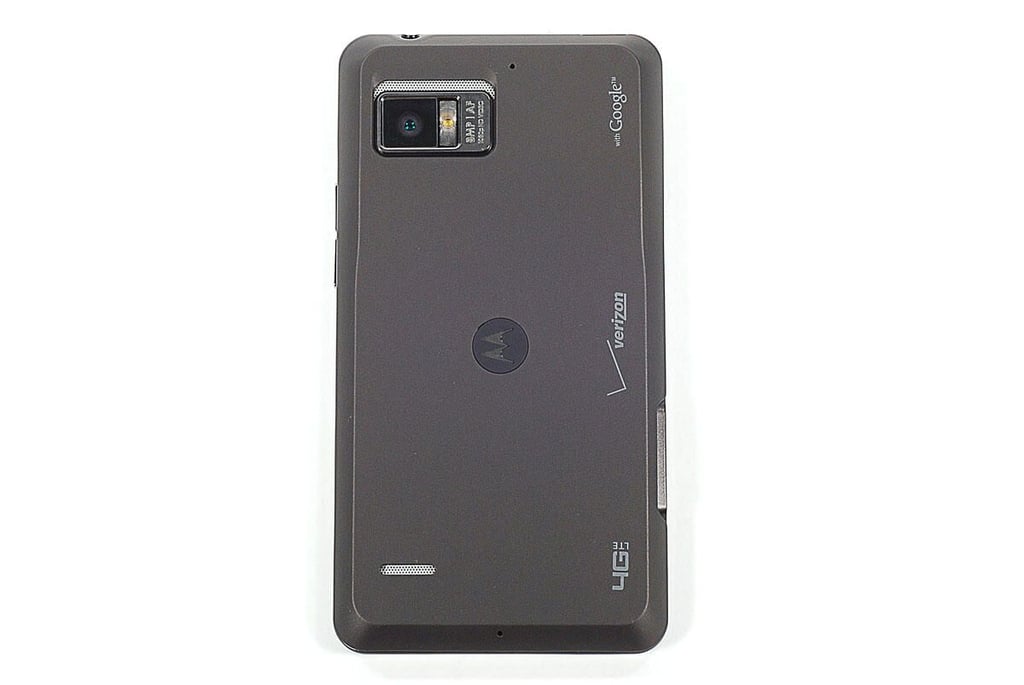
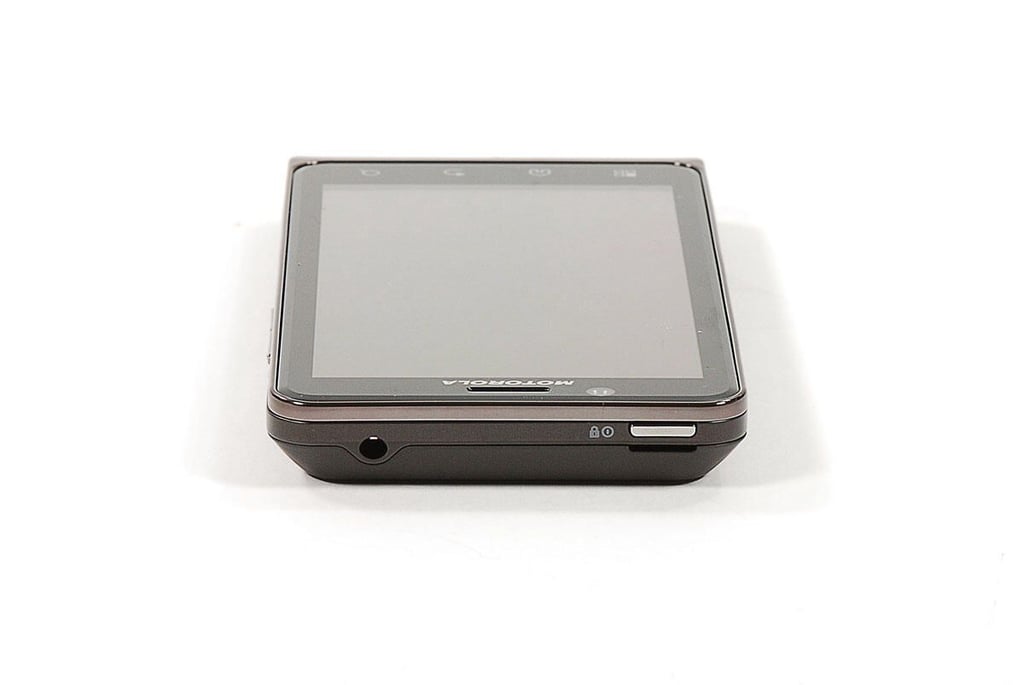
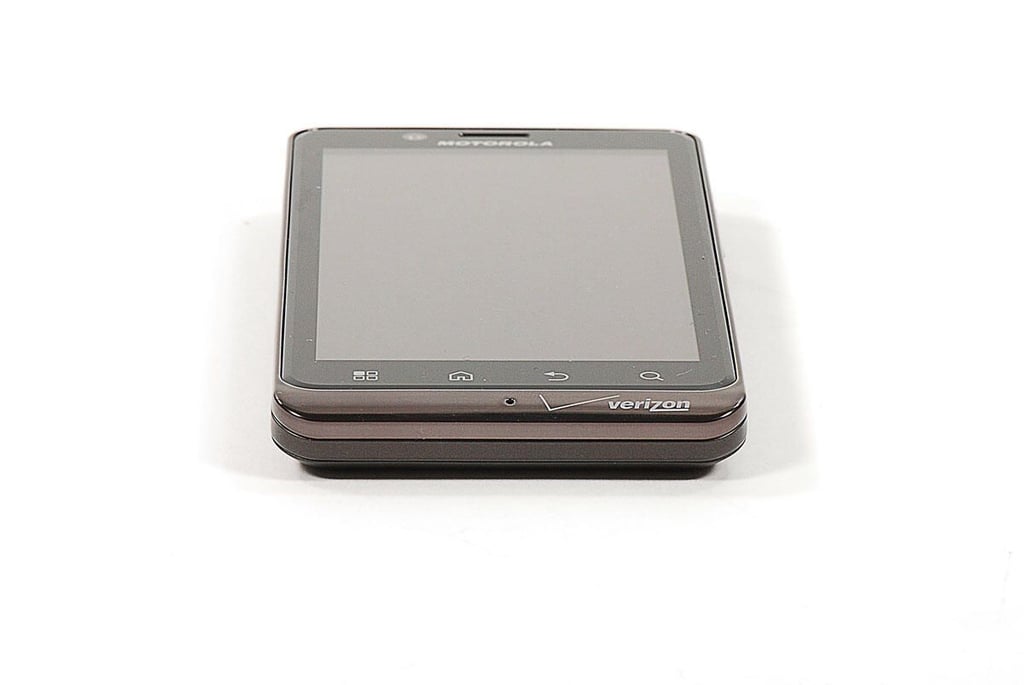
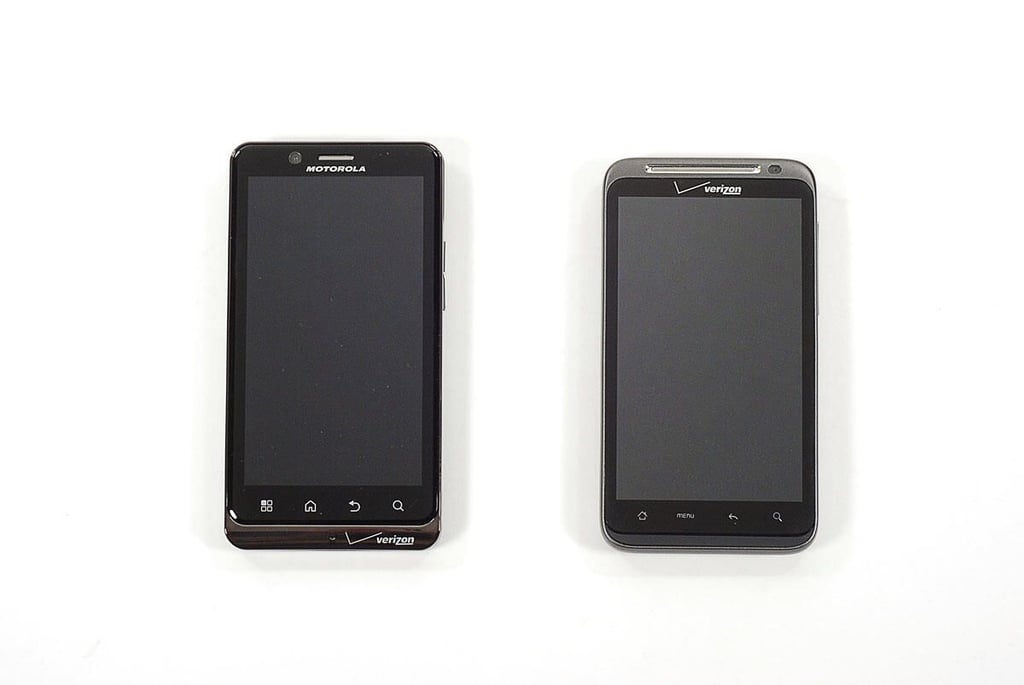
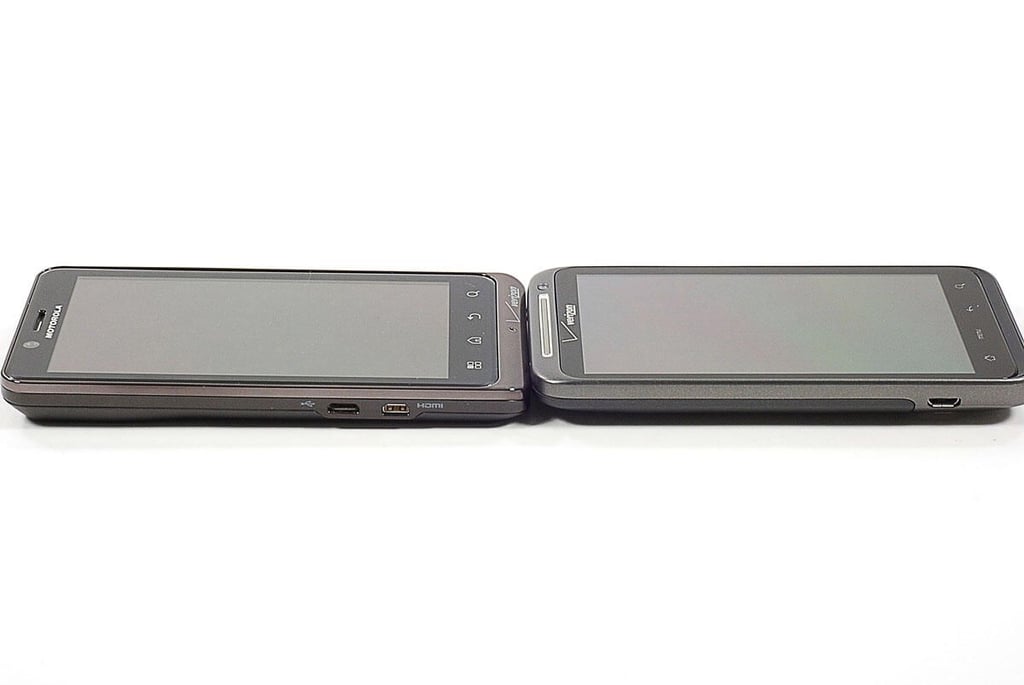
\n\tIn September 2011, Verizon added a fourth device to its growing lineup of 4G LTE smartphones–the Motorola Droid Bionic. Like Verizon’s other 4G phones (the HTC ThunderBolt, LG Revolution, and Samsung Droid Charge), the Bionic runs Google’s Android operating system.
\n\t
\n\tIn May, I cracked open the HTC ThunderBolt, and was excited to get my hands on another 4G device. Follow along as I go inside the Motorola Droid Bionic.
\n\tPhoto by: Bill Detwiler / TechRepublic
\n\tCaption by: Bill Detwiler
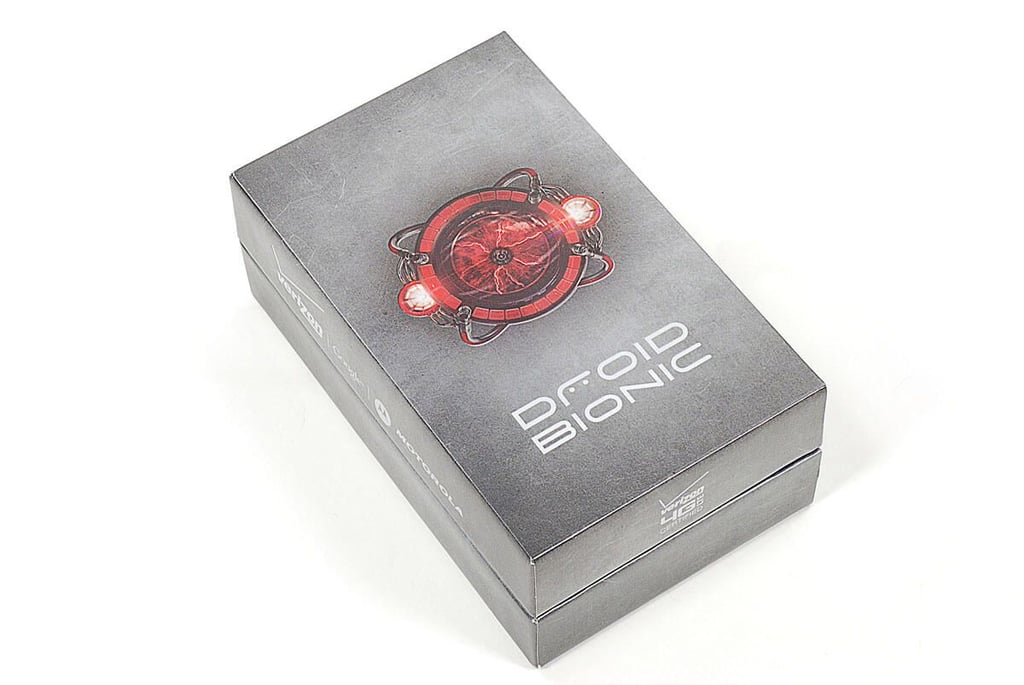
Cracking Open the Motorola Droid Bionic: Verizon $299 with contract
\n\tThe Motorola Droid Bionic is available from Verizon for $299.99 (US) with a two-year contract. I bought our Bionic test device (sans contract) from a local Best Buy Mobile location for $699.99 (plus tax). Interestingly, Verizon’s Web site lists the full retail price as $589.99.
\n\t
\n\tPhoto by: Bill Detwiler / TechRepublic
\n\tCaption by: Bill Detwiler
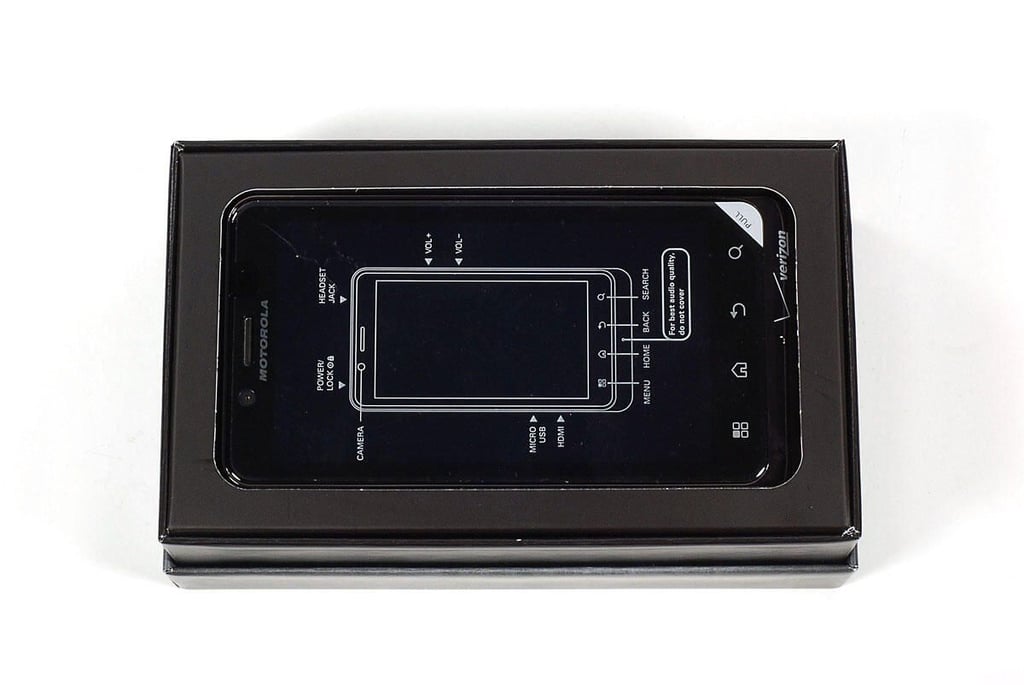
Cracking Open the Motorola Droid Bionic: Brief hardware specifications
\n\tOur the Droid Bionic has a 1GHz dual-core processor, 1GB of DDR2 RAM, 16GB of storage, 8MP rear-facing camera, VGA-quality front-facing camera, and 4.3″ display (960×540 pixels).
\n\t
\n\tPhoto by: Bill Detwiler / TechRepublic
\n\tCaption by: Bill Detwiler
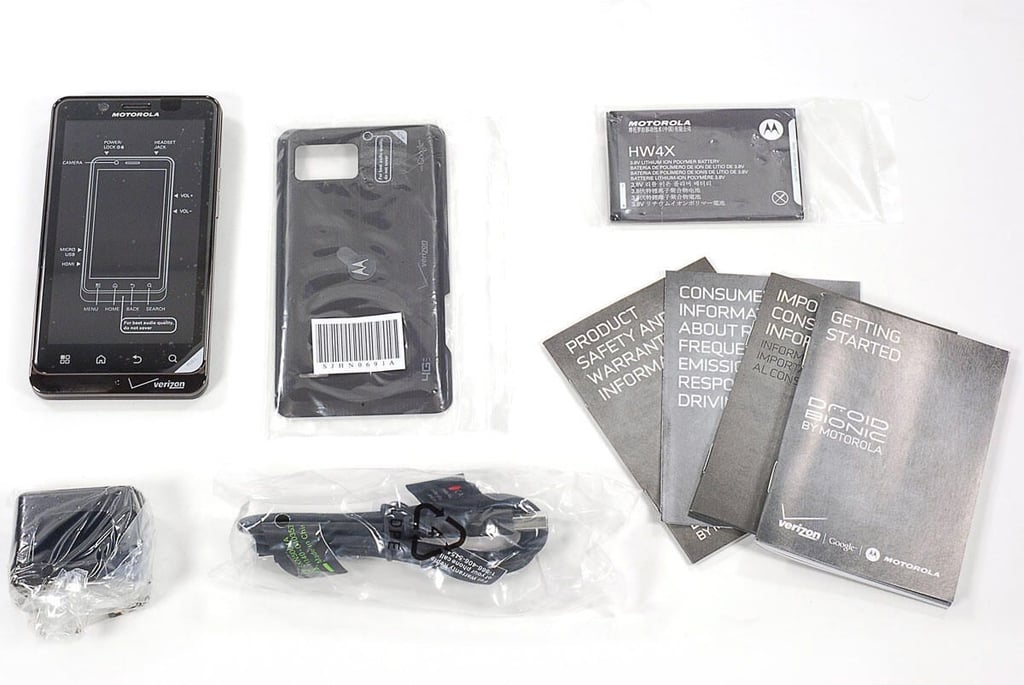
Cracking Open the Motorola Droid Bionic: Box contents
\n\tInside the Droid Bionic’s box, you’ll find the device itself (includes removable back panel, battery, and microSD card), USB cable, power adapter, and product documentation.
\n\t
\n\tPhoto by: Bill Detwiler / TechRepublic
\n\tCaption by: Bill Detwiler
Cracking Open the Motorola Droid Bionic: Front
\n\tThe Droid Bionic measures 5″ (H) x 2.6″ (W) x 0.5″ (D). It weighs 5.6 ounces.
\n\t
\n\tPhoto by: Bill Detwiler / TechRepublic
\n\tCaption by: Bill Detwiler
Cracking Open the Motorola Droid Bionic: Back
Cracking Open the Motorola Droid Bionic: micro-USB and micro-HDMI ports
Cracking Open the Motorola Droid Bionic: Volume buttons
Cracking Open the Motorola Droid Bionic: Power button and headphone jack
Cracking Open the Motorola Droid Bionic: Bottom edge
Motorola Droid Bionic and HTC ThunderBolt side by side
Motorola Droid Bionic and HTC ThunderBolt end to end
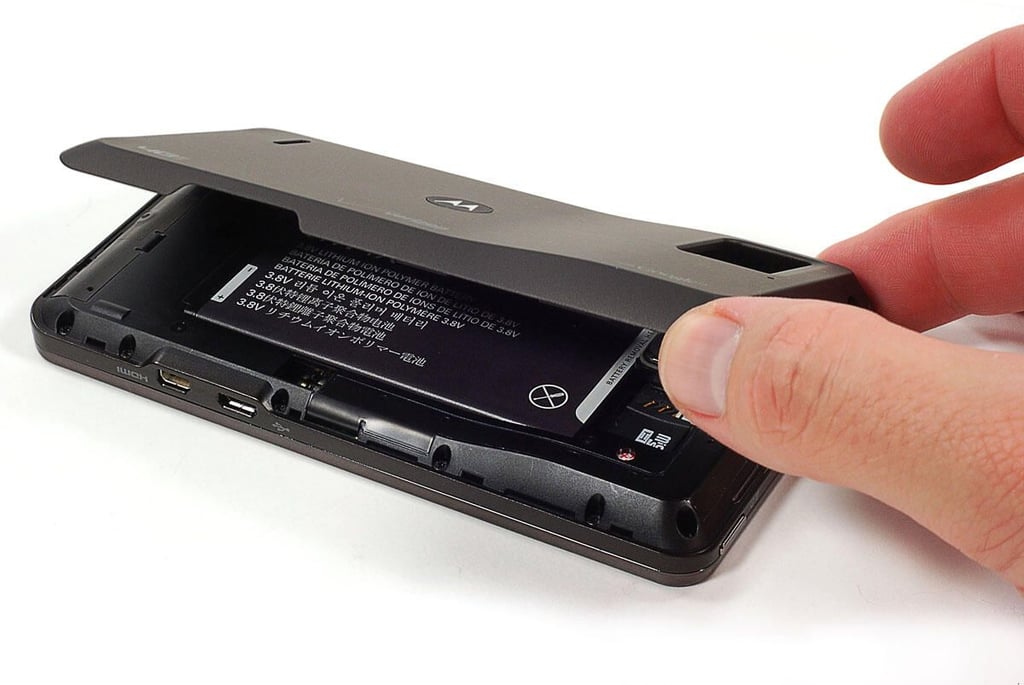
Cracking Open the Motorola Droid Bionic: Removing the back cover
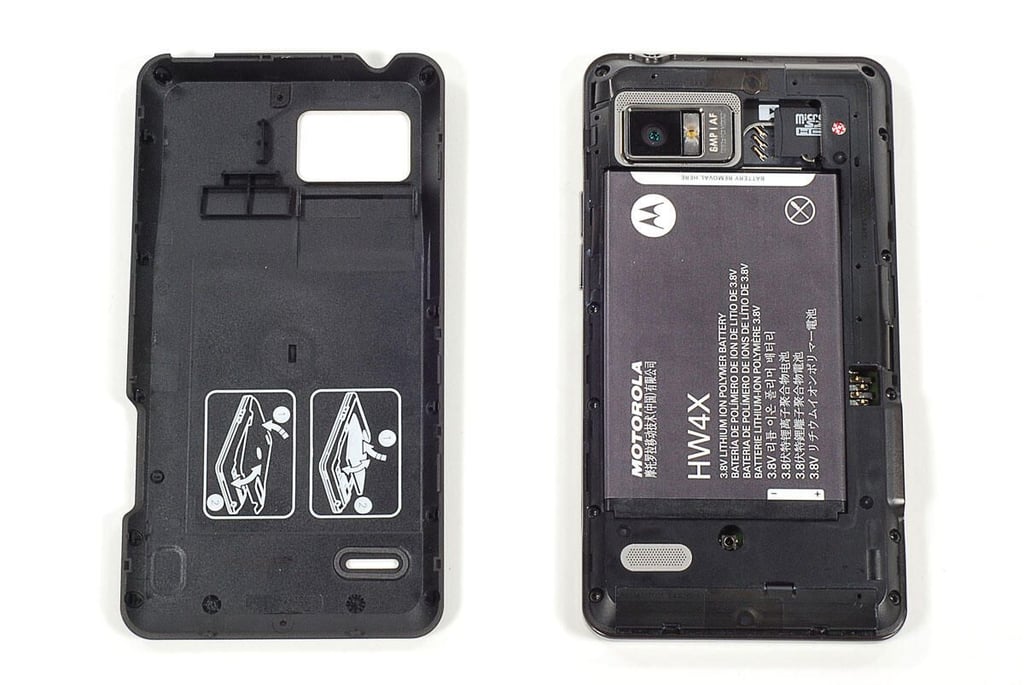
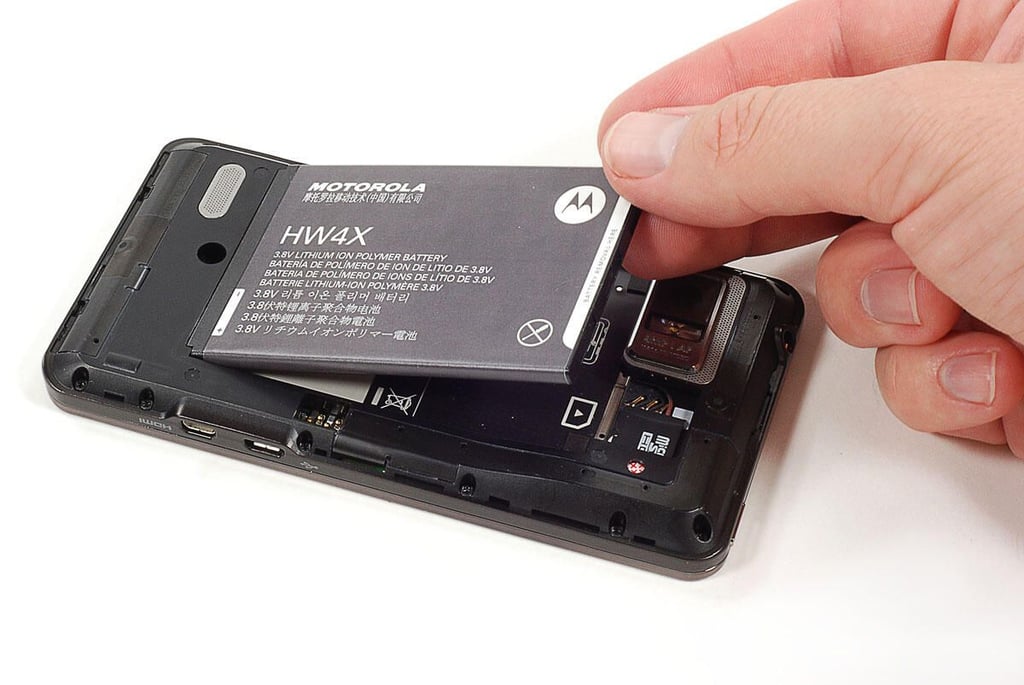
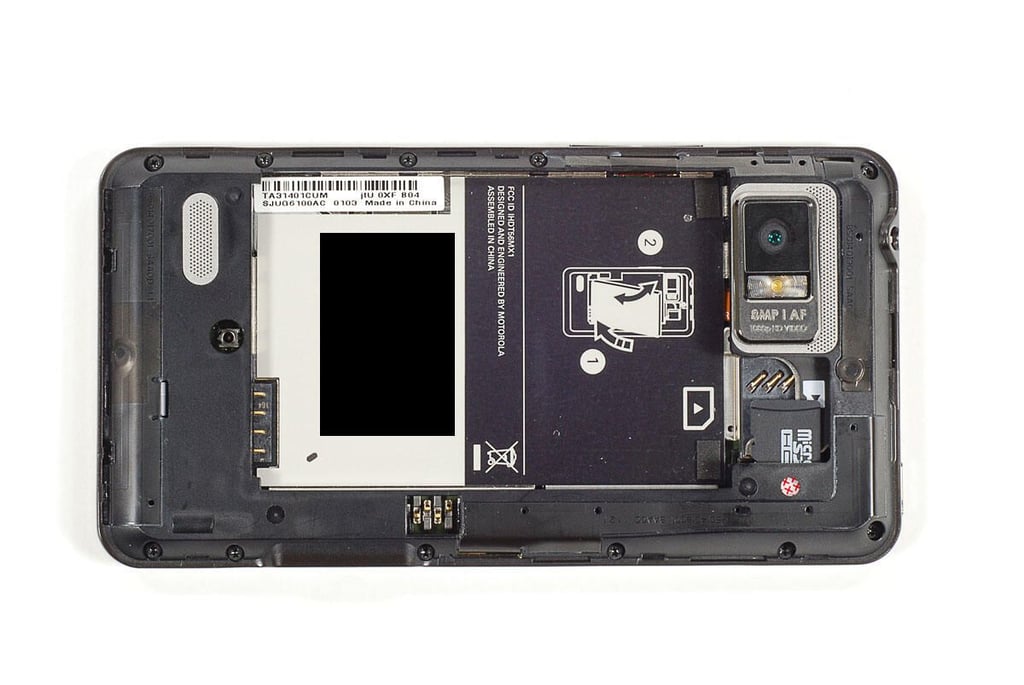
\n\tRemoving the Droid Bionic’s back cover grants you access to the user-replaceable battery, microSD card slot, and SIM card slot.
Cracking Open the Motorola Droid Bionic: Back cover removed
Cracking Open the Motorola Droid Bionic: Removing the battery
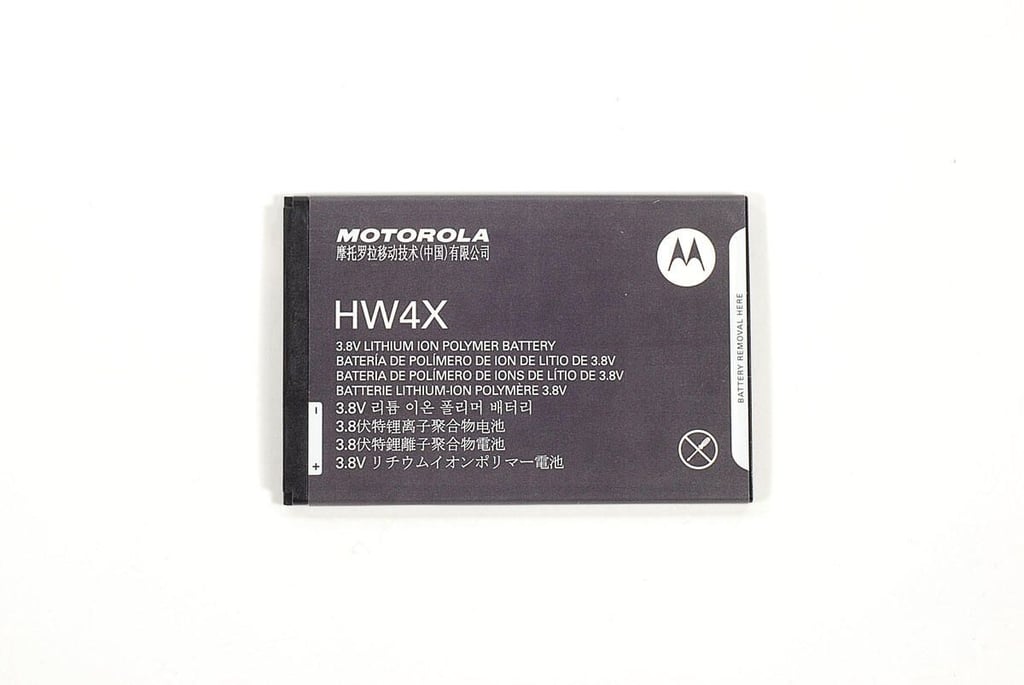
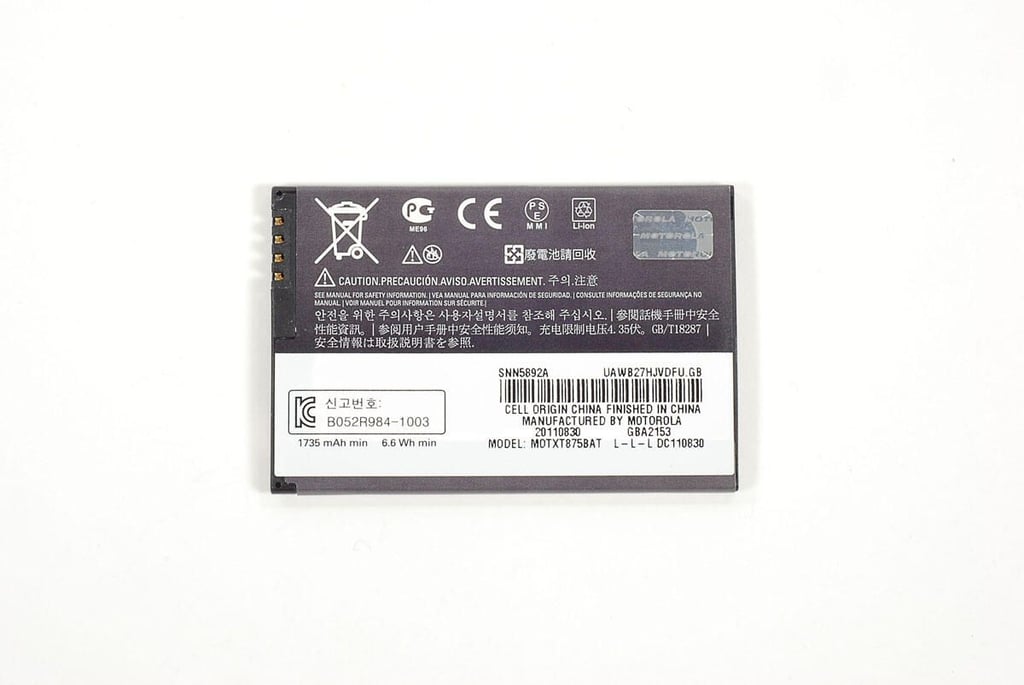
Cracking Open the Motorola Droid Bionic: 3.8V 1735mAh battery
Cracking Open the Motorola Droid Bionic: Battery model MOTXT8758BAT
Cracking Open the Motorola Droid Bionic: With battery removed
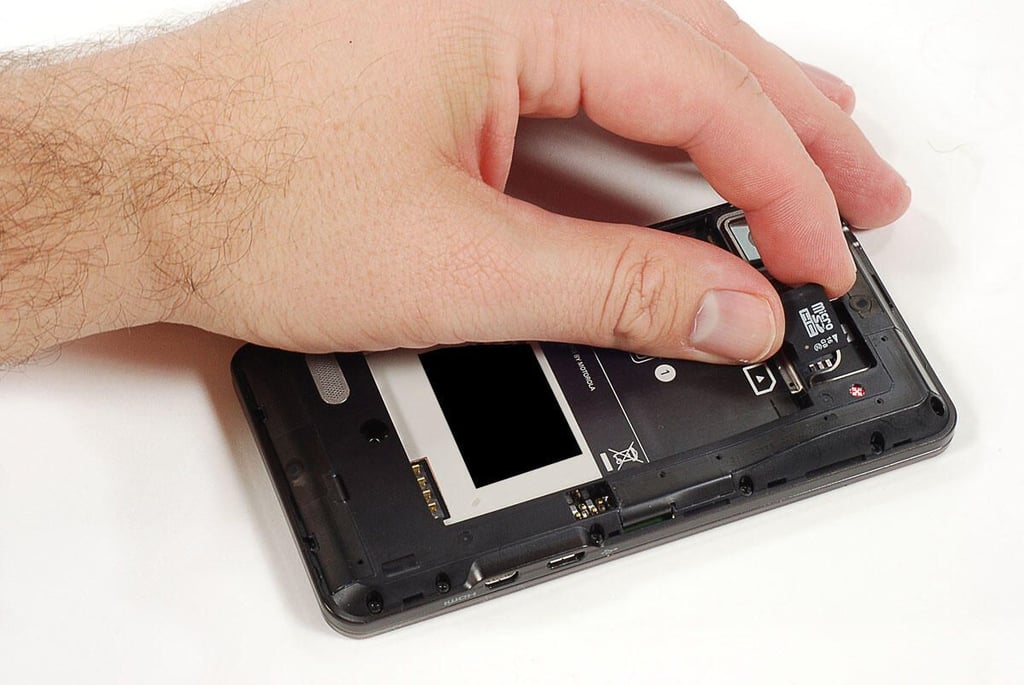
Cracking Open the Motorola Droid Bionic: Removing the microSD card
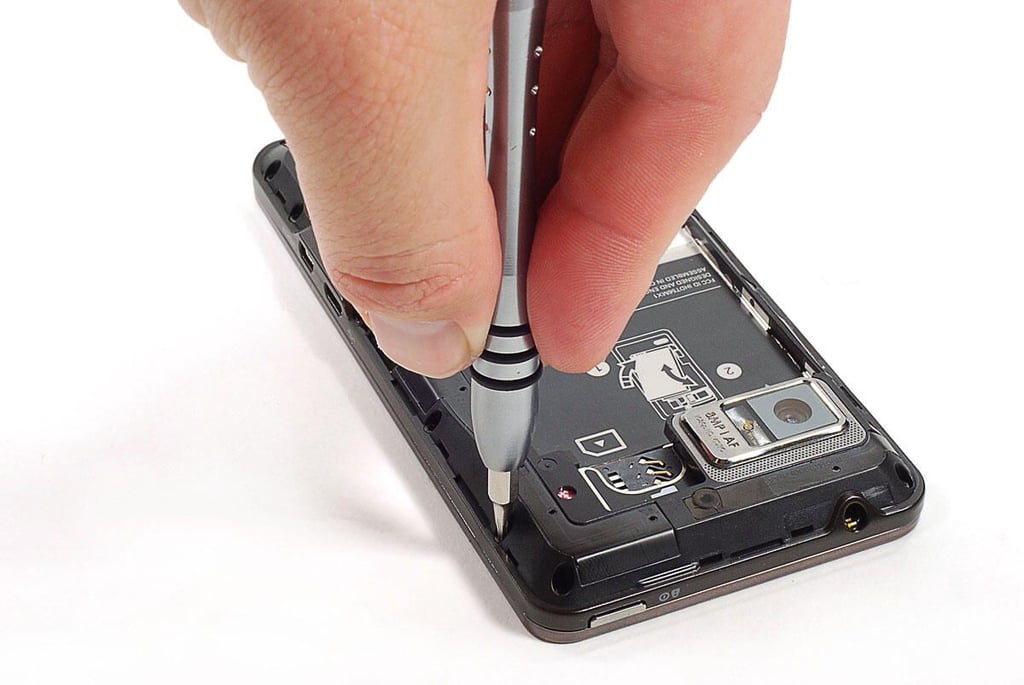
Cracking Open the Motorola Droid Bionic: Removing the Torx T5 case screws
\n\tThe Droid Bionic’s rear case is held in place with 11 Torx T5 screws.
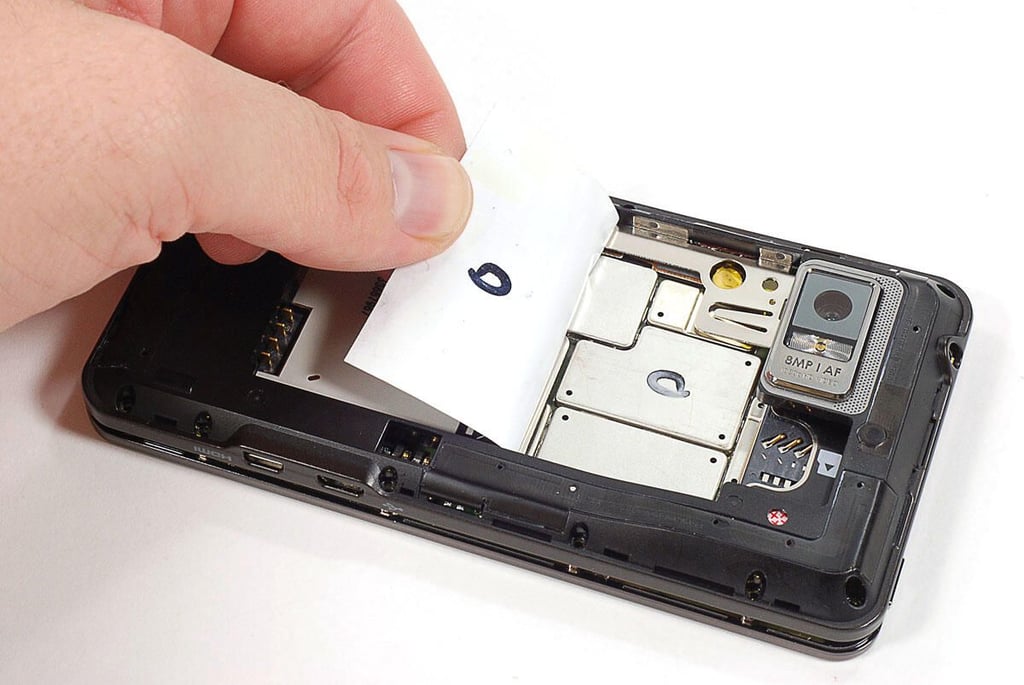
Cracking Open the Motorola Droid Bionic: Peeling off the battery compartment sticker
\n\tBefore removing the rear case, I had to peel off a sticker that lined the back of the battery compartment.
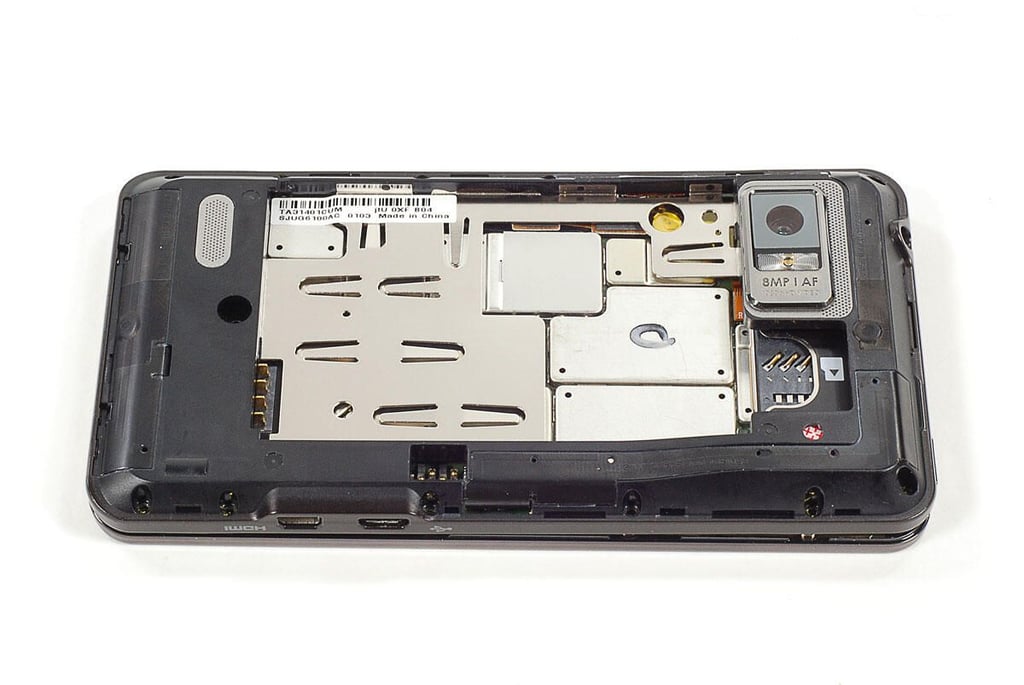
Cracking Open the Motorola Droid Bionic: Ready to remove rear case
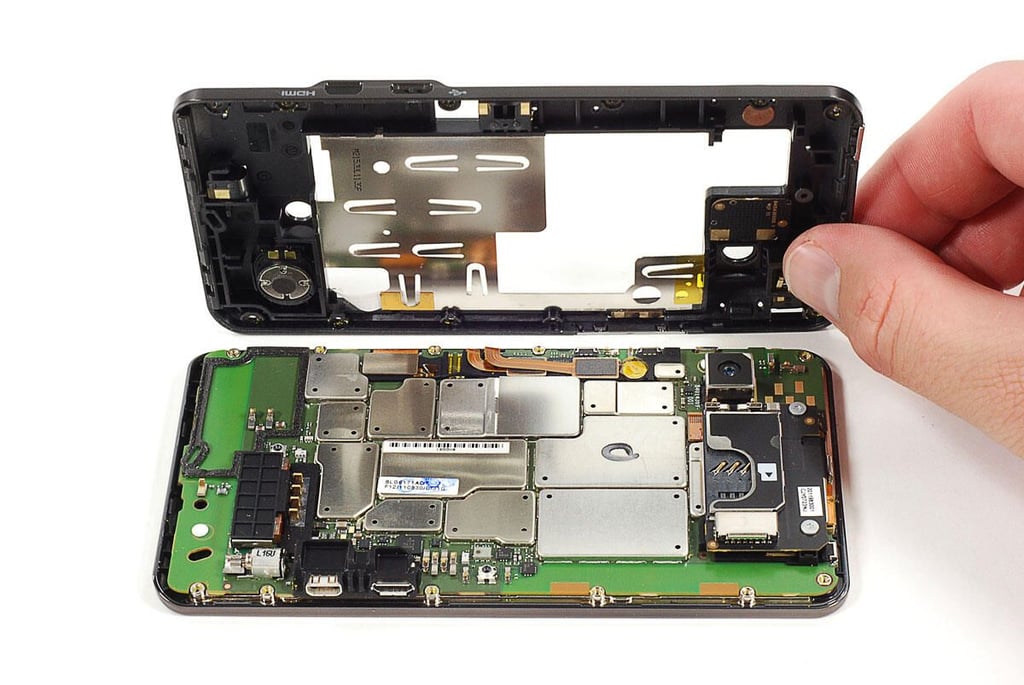
\n\tWith the rear case screws and battery compartment sticker removed, you can remove the rear case.
Cracking Open the Motorola Droid Bionic: Removing the rear case
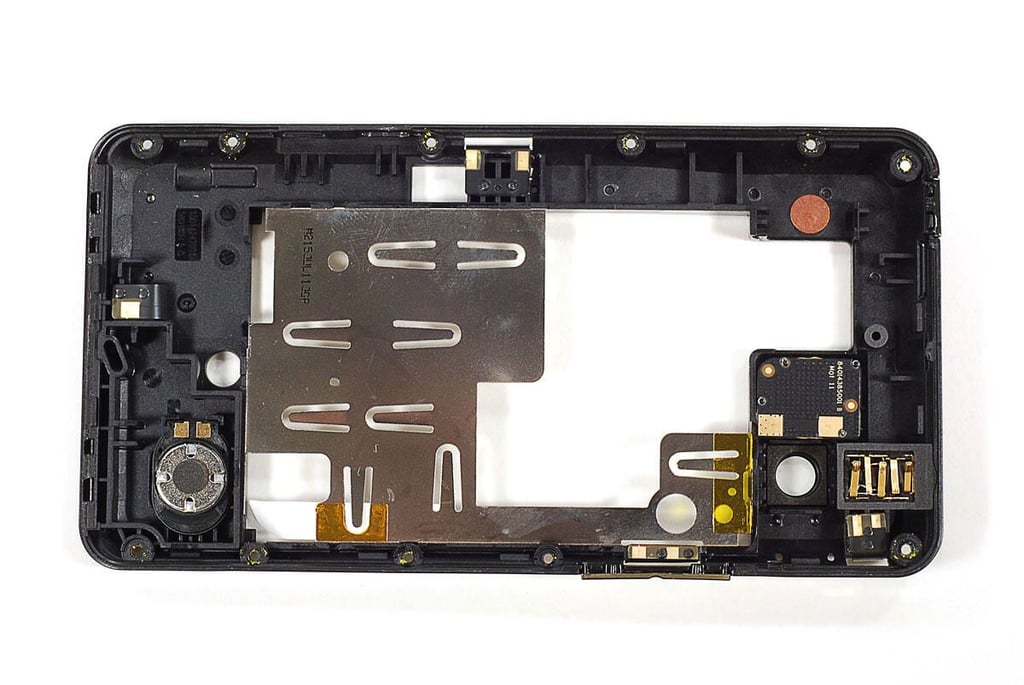
Cracking Open the Motorola Droid Bionic: Rear case
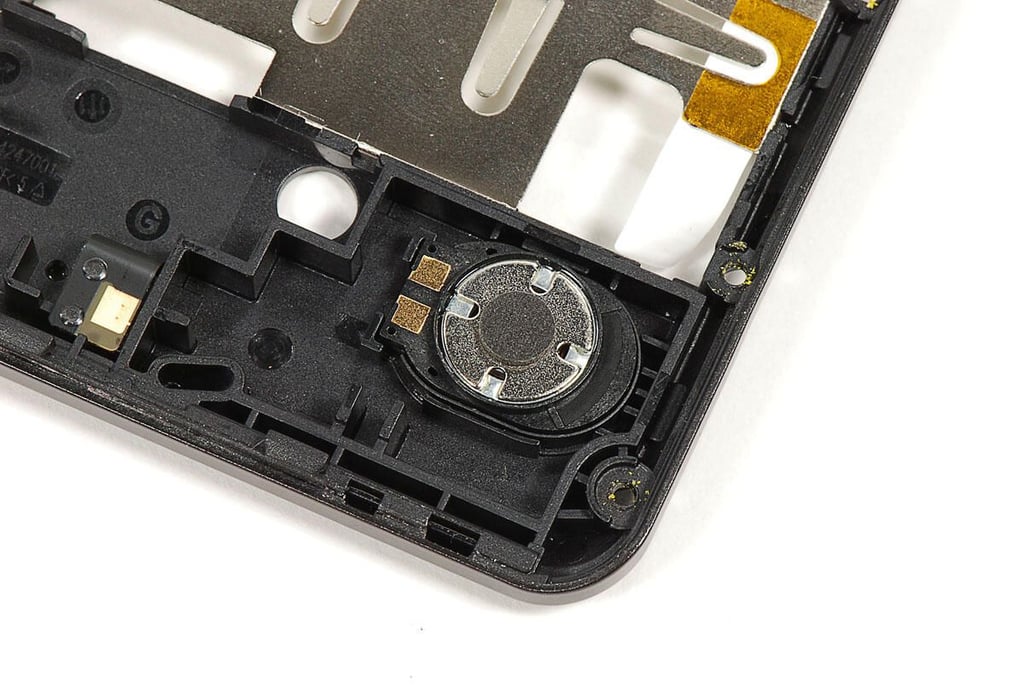
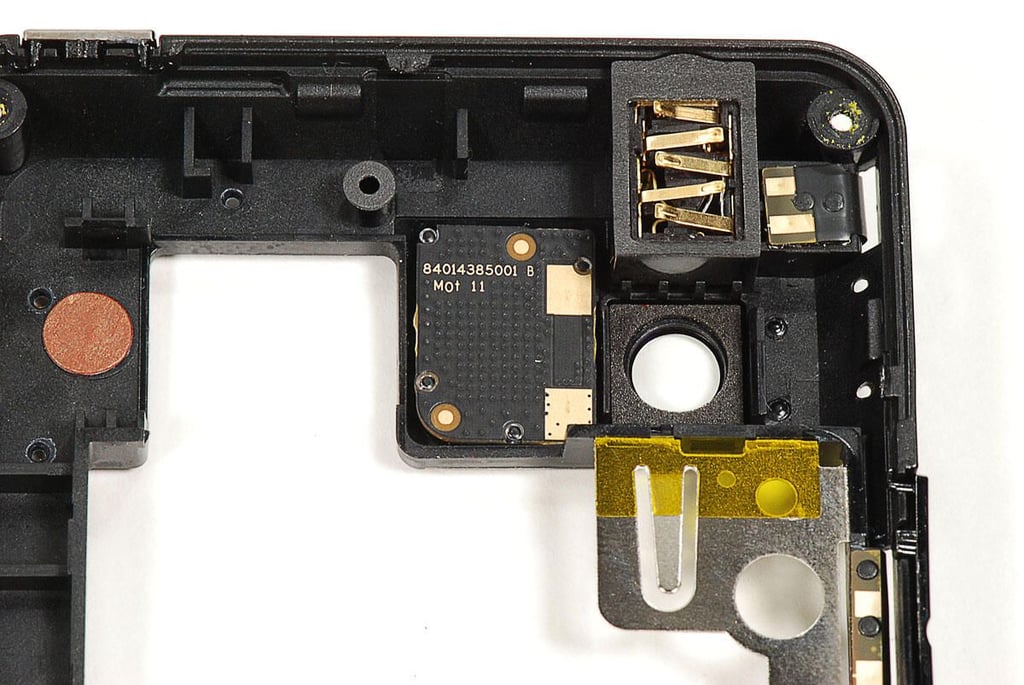
\n\tThe internal loudspeaker, headphone jack, and LED flash are mounted to the rear case.
Cracking Open the Motorola Droid Bionic: Internal loudspeaker
Cracking Open the Motorola Droid Bionic: LED flash and 3.5mm headphone jack
Cracking Open the Motorola Droid Bionic: Internal hardware
Cracking Open the Motorola Droid Bionic: Removing the microSD and SIM card reader bracket screws
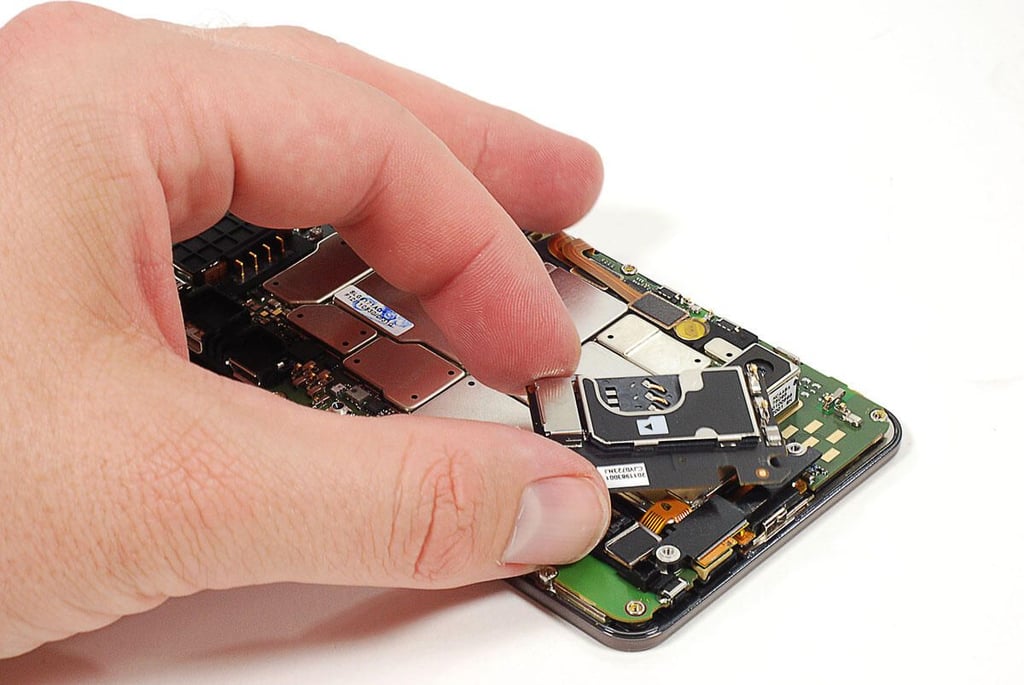
Cracking Open the Motorola Droid Bionic: Removing the microSD and SIM card reader
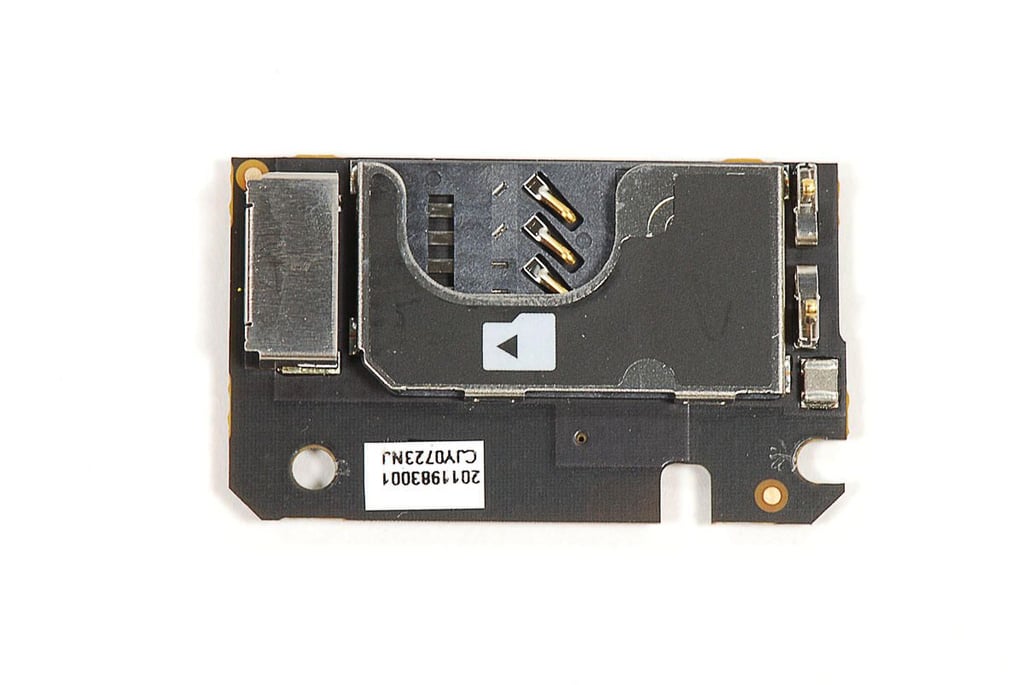
Cracking Open the Motorola Droid Bionic: microSD and SIM card reader
Cracking Open the Motorola Droid Bionic: Removing the webcam/card reader spacking bracket
Cracking Open the Motorola Droid Bionic: Disconnecting the LCD and touchscreen connectors
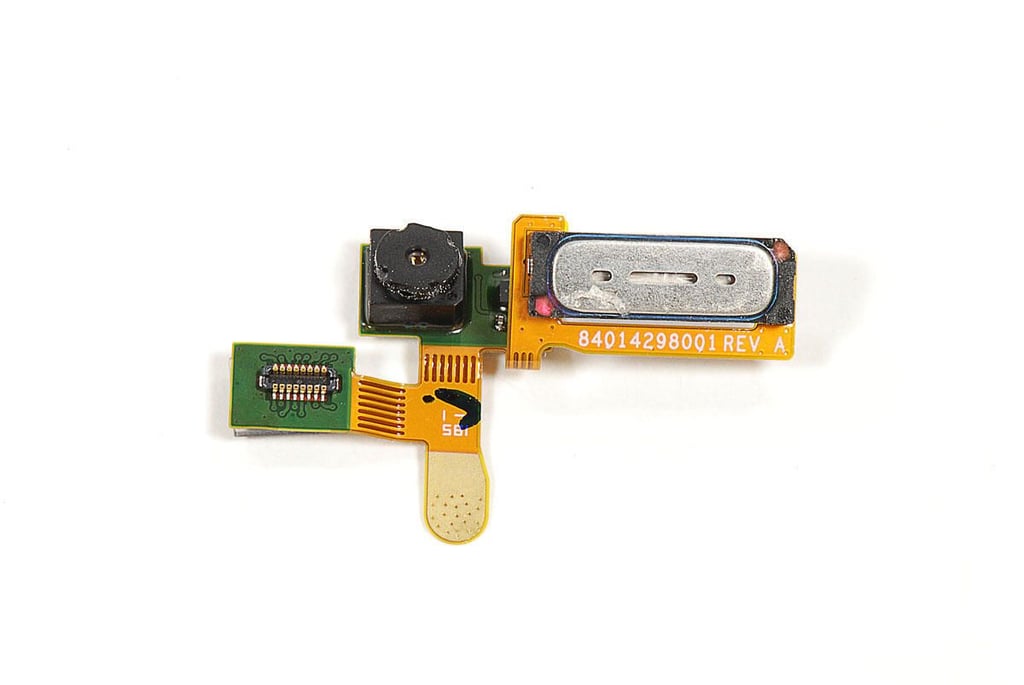
Cracking Open the Motorola Droid Bionic: Removing the front-facing webcam and speaker
Cracking Open the Motorola Droid Bionic: Front-facing webcam and speaker
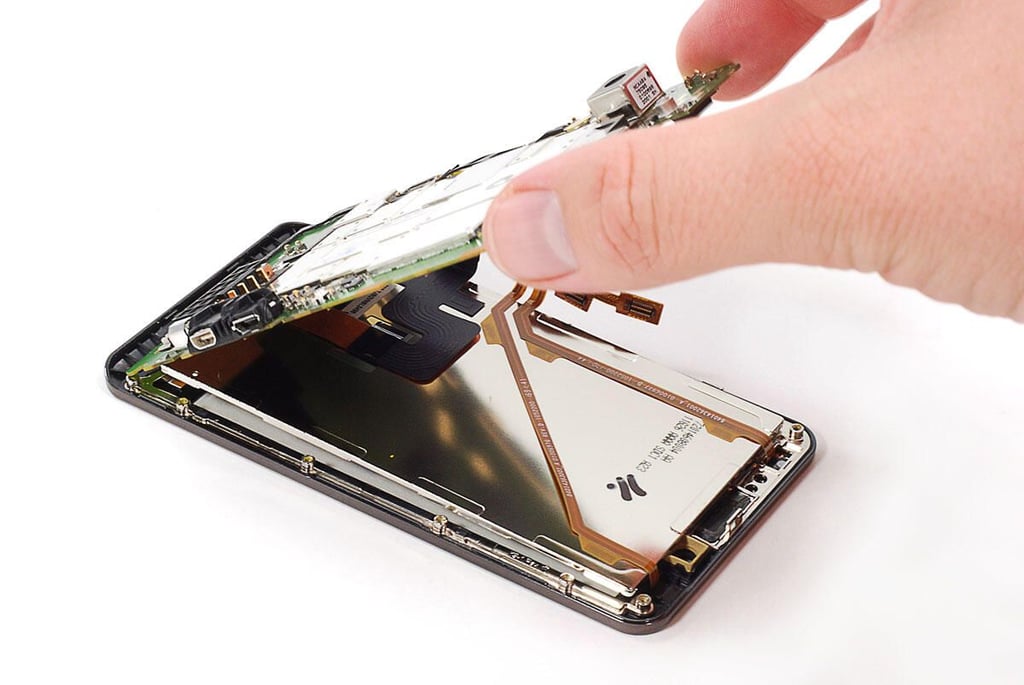
Cracking Open the Motorola Droid Bionic: Removing the main PCB
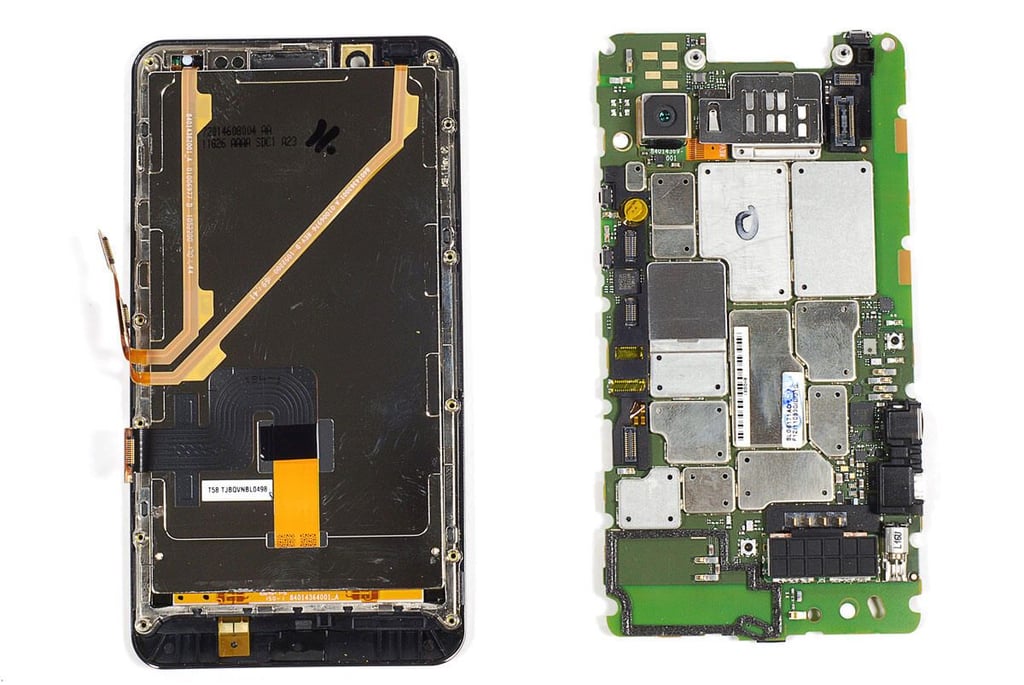
Cracking Open the Motorola Droid Bionic: Front panel assembly and main PCB
Cracking Open the Motorola Droid Bionic: Touchscreen and LCD
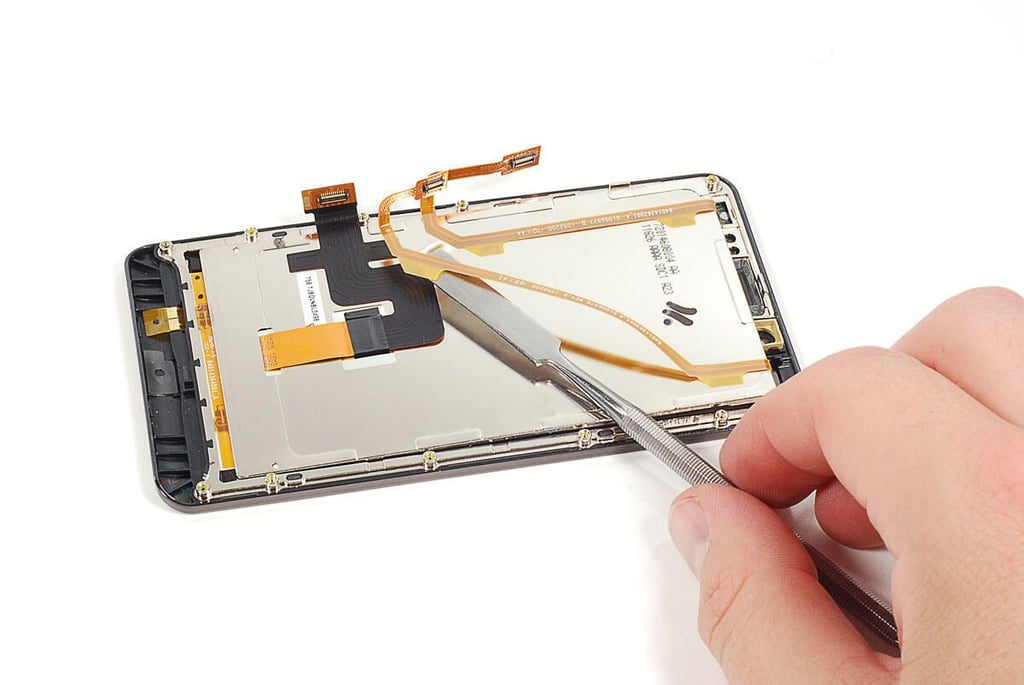
Cracking Open the Motorola Droid Bionic: Detaching the touchscreen ribbon cables from the LCD
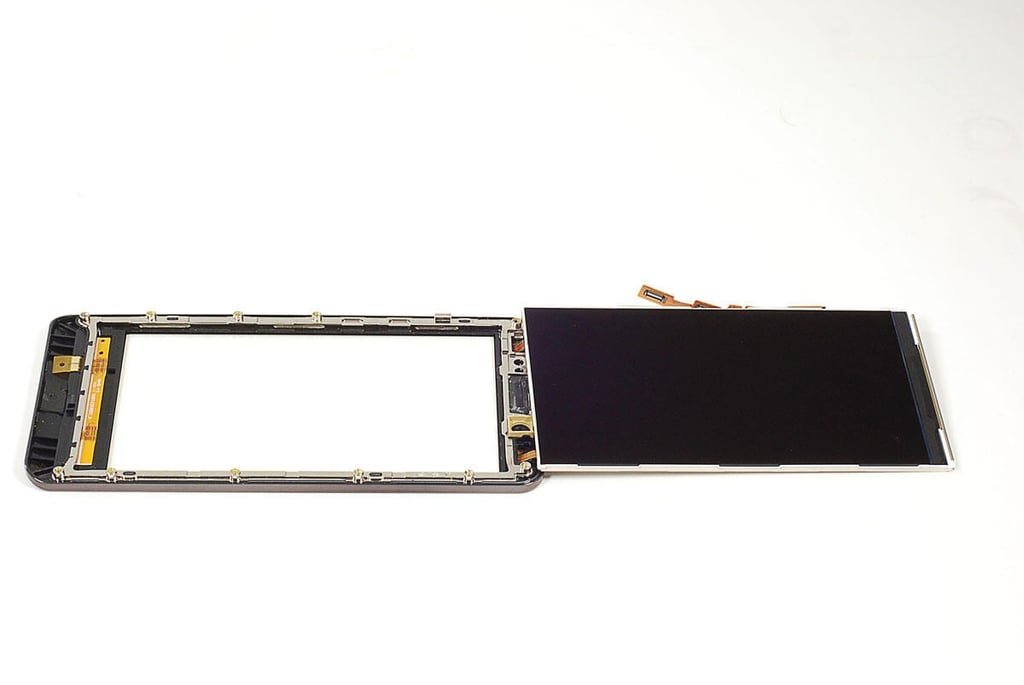
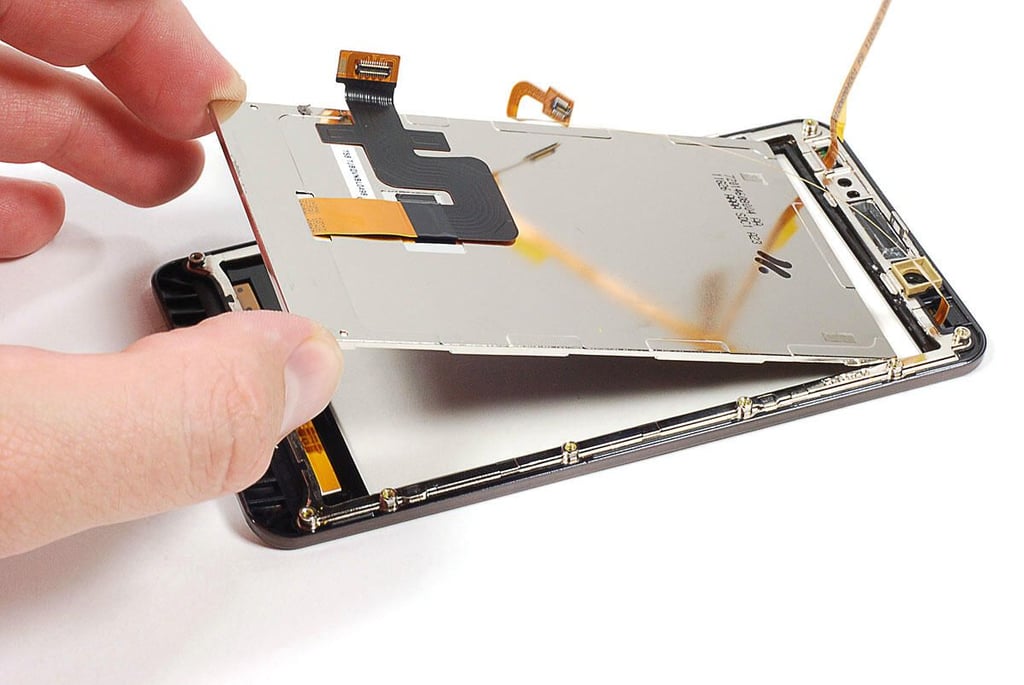
Cracking Open the Motorola Droid Bionic: Removing the LCD
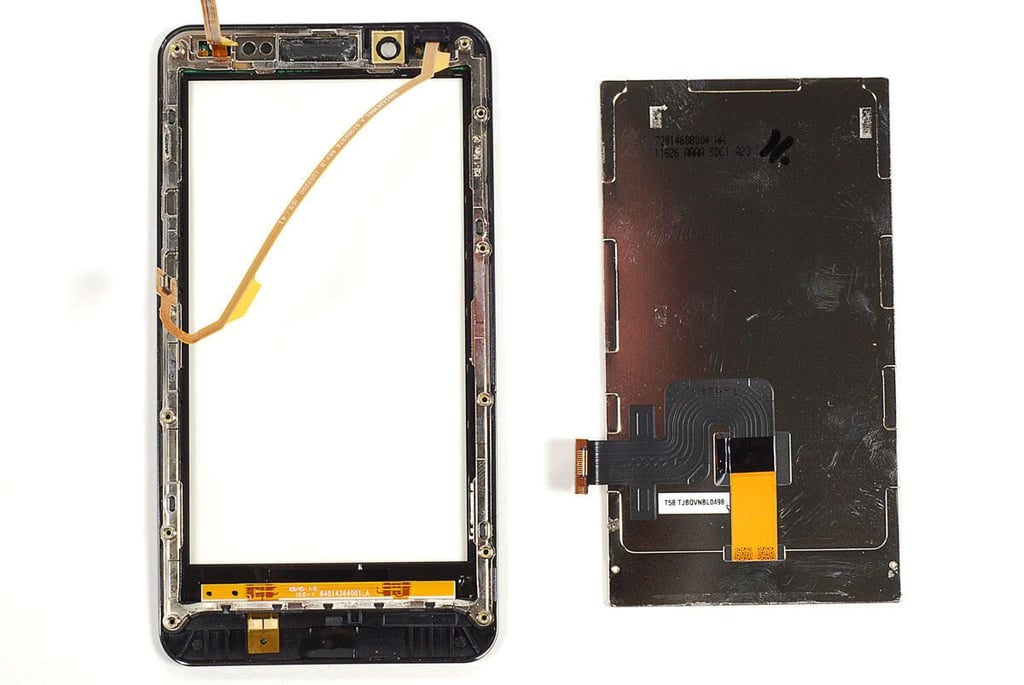
Cracking Open the Motorola Droid Bionic: Touchscreen and LCD
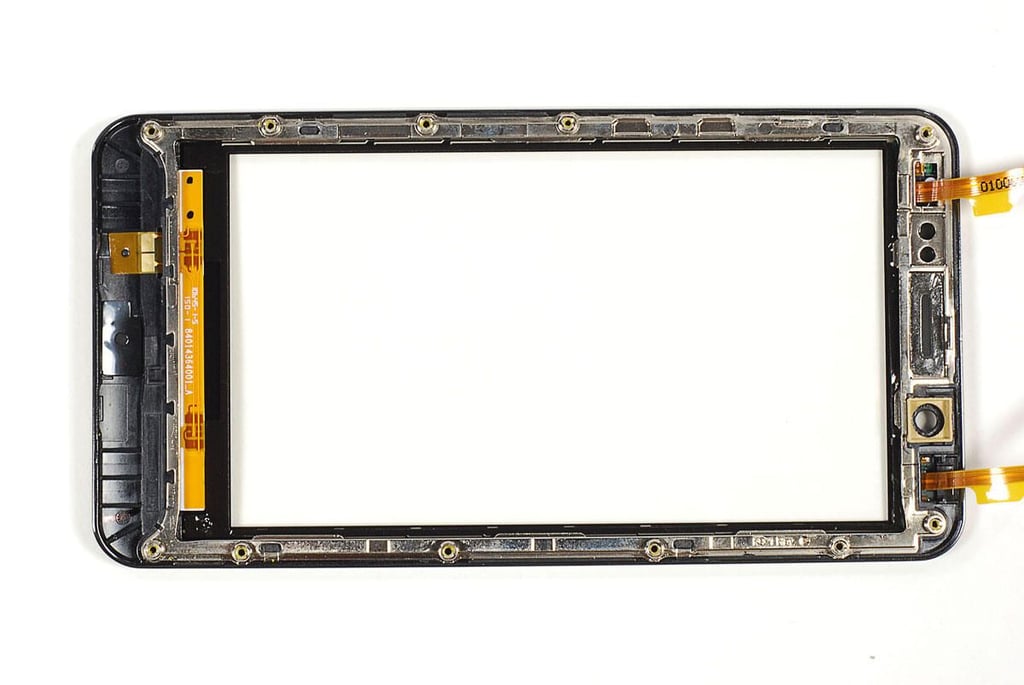
Cracking Open the Motorola Droid Bionic: Touchscreen
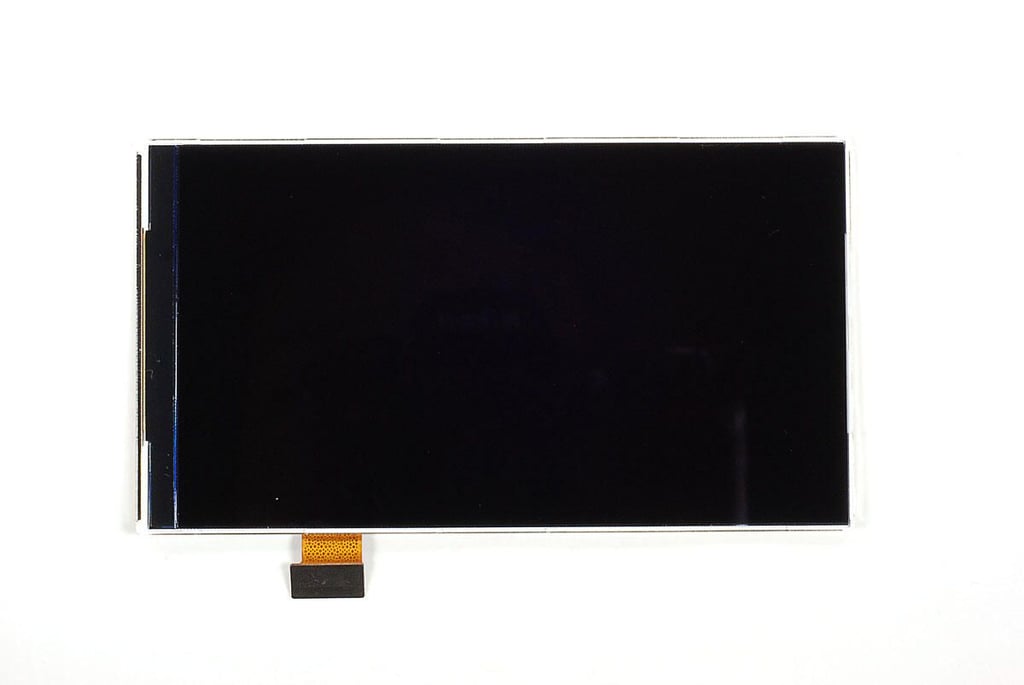
Cracking Open the Motorola Droid Bionic: LCD - Front
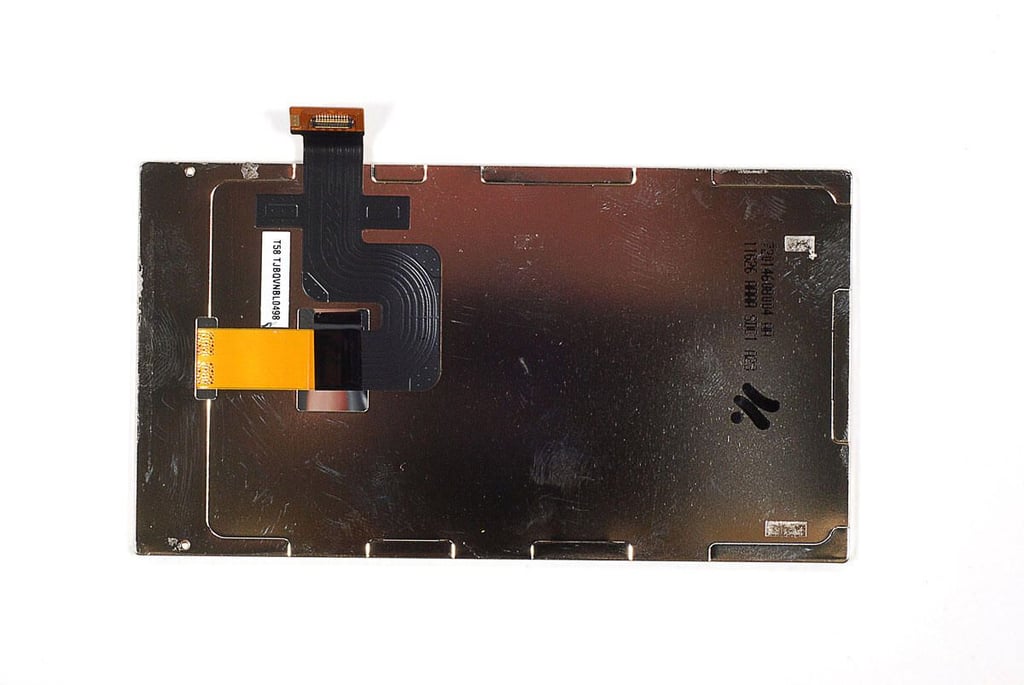
Cracking Open the Motorola Droid Bionic: LCD - Back
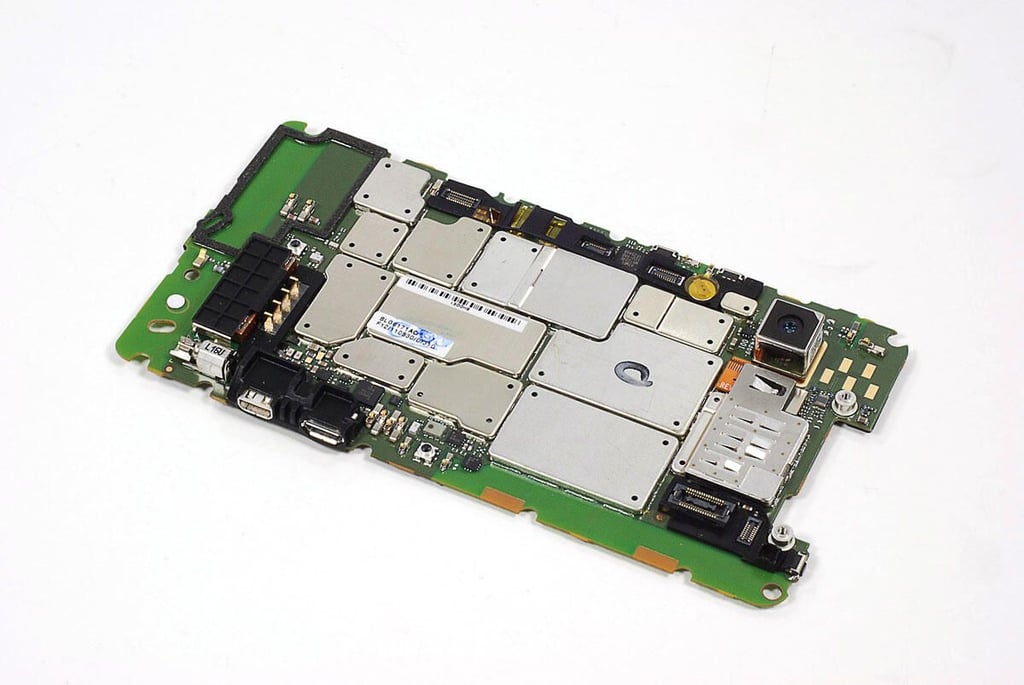
Cracking Open the Motorola Droid Bionic: Main PCB
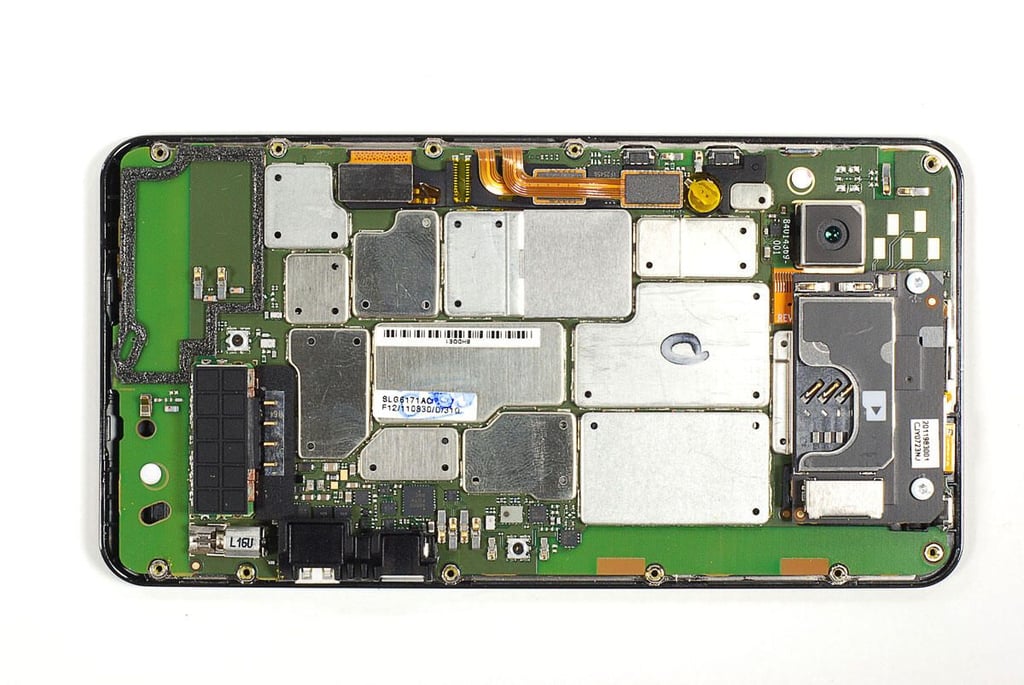
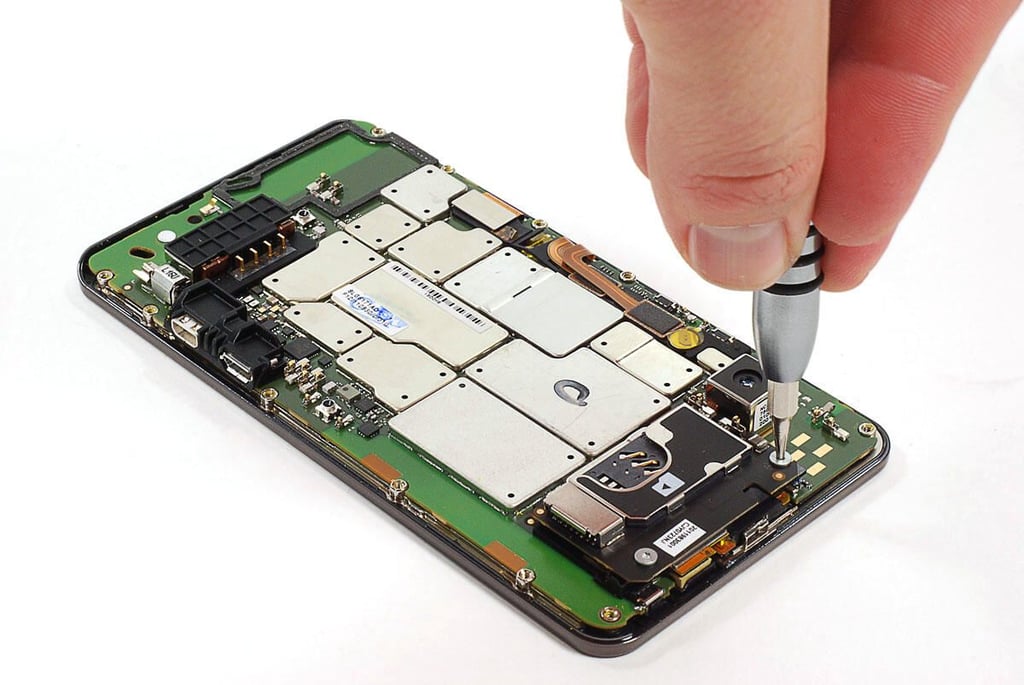
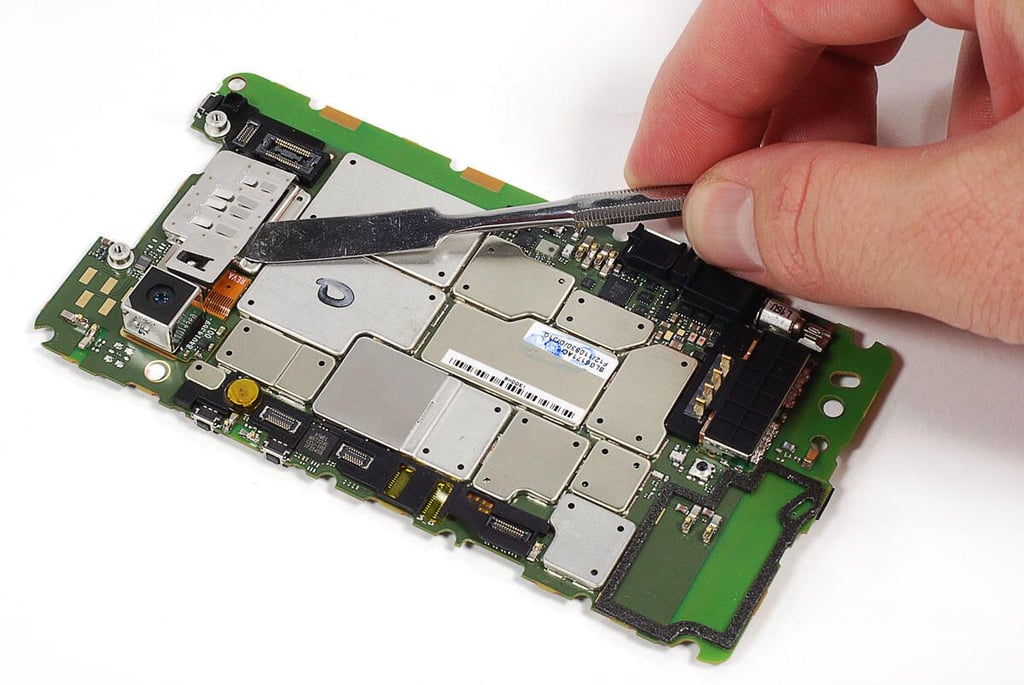
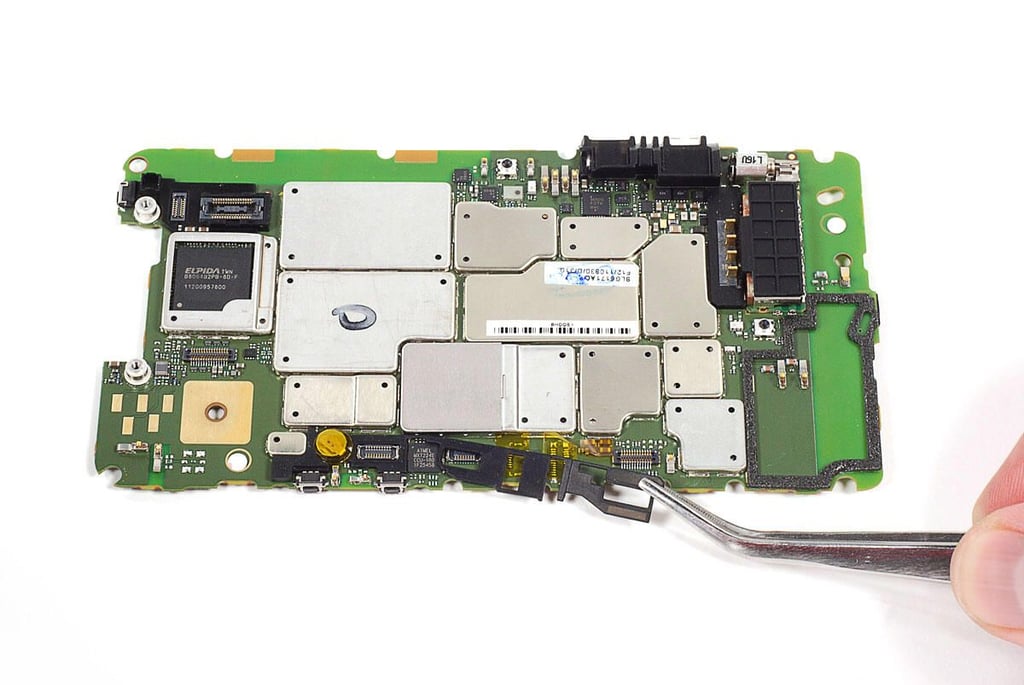
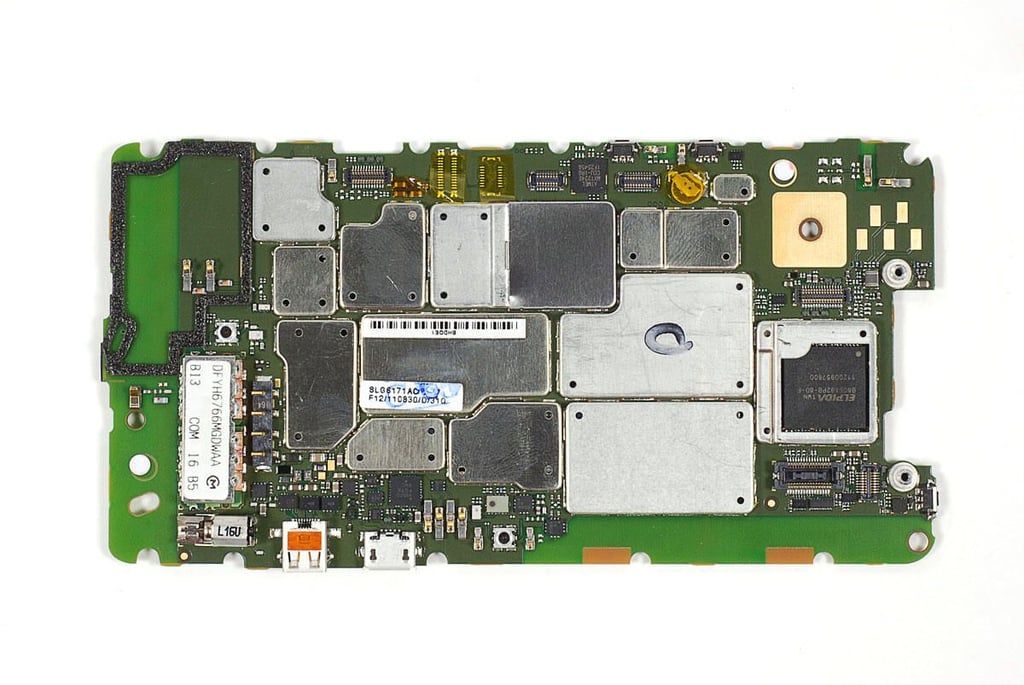
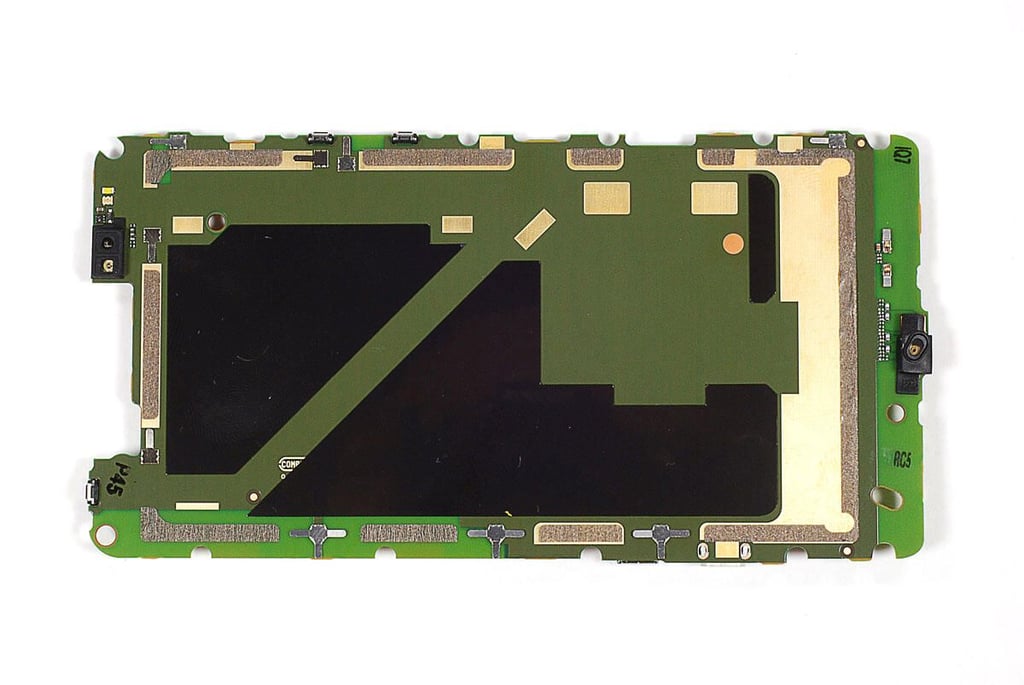
\n\tUnfortunately, the EMI shields on the Motorola Droid Bionic’s main PCB are soldered in place. To avoid damaging the components on the PCB, I decided to leave the shields in place. There are still a few components we can remove from the main PCB.
Cracking Open the Motorola Droid Bionic: Removing the processor shield
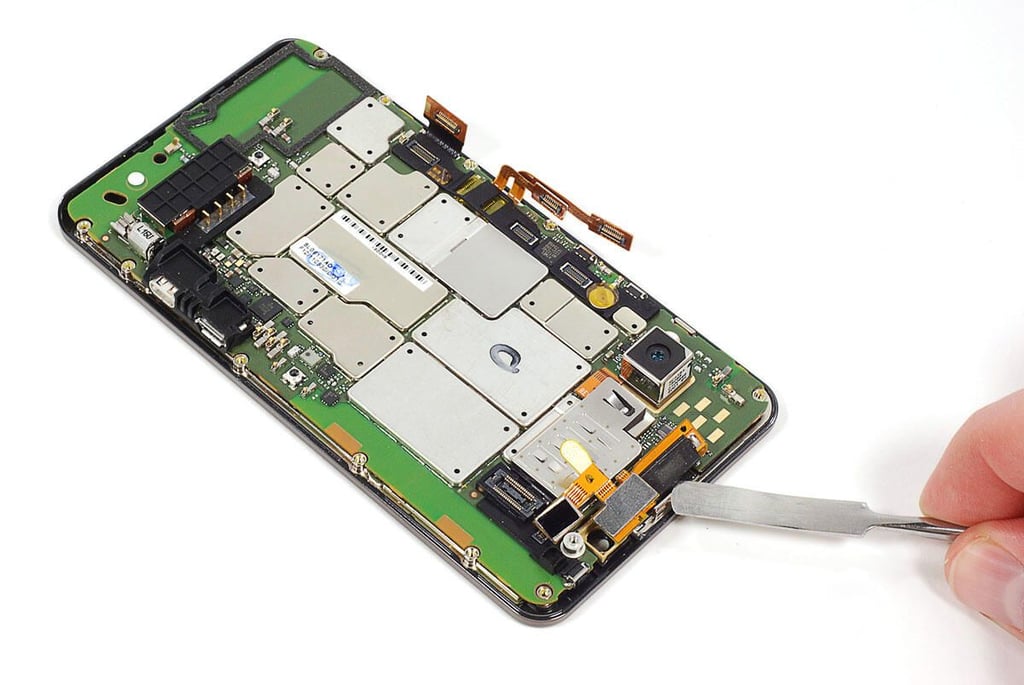
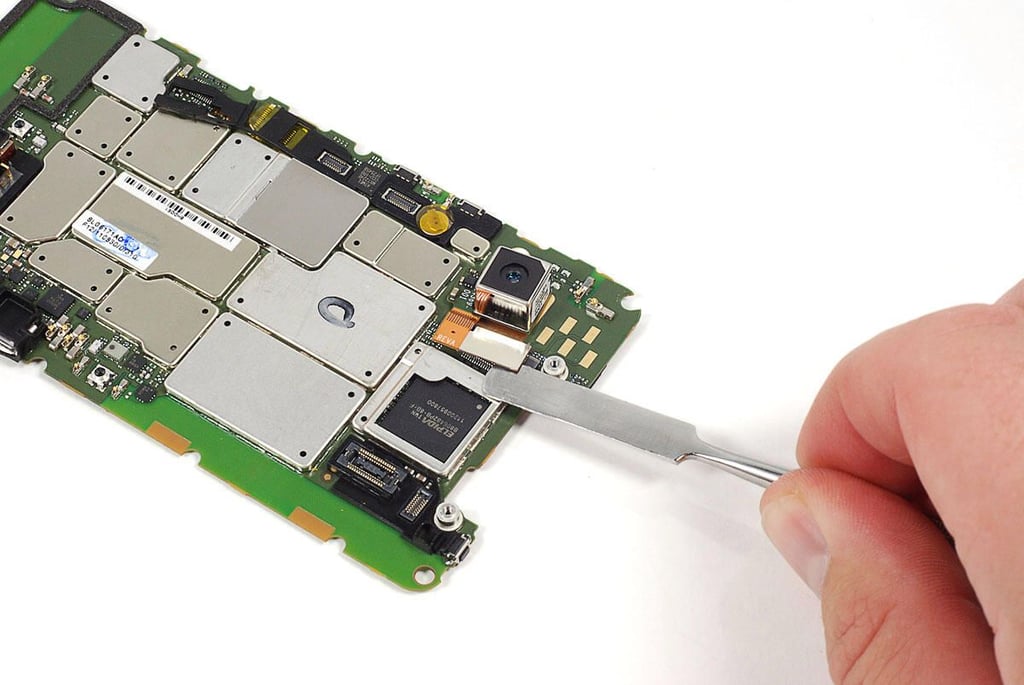
\n\tOne of the only removable shields on the Droid Bionic’s main PCB is the one covering the processor. It also covers the rear-facing camera’s connector.
Cracking Open the Motorola Droid Bionic: Disconnecting the rear-facing camera
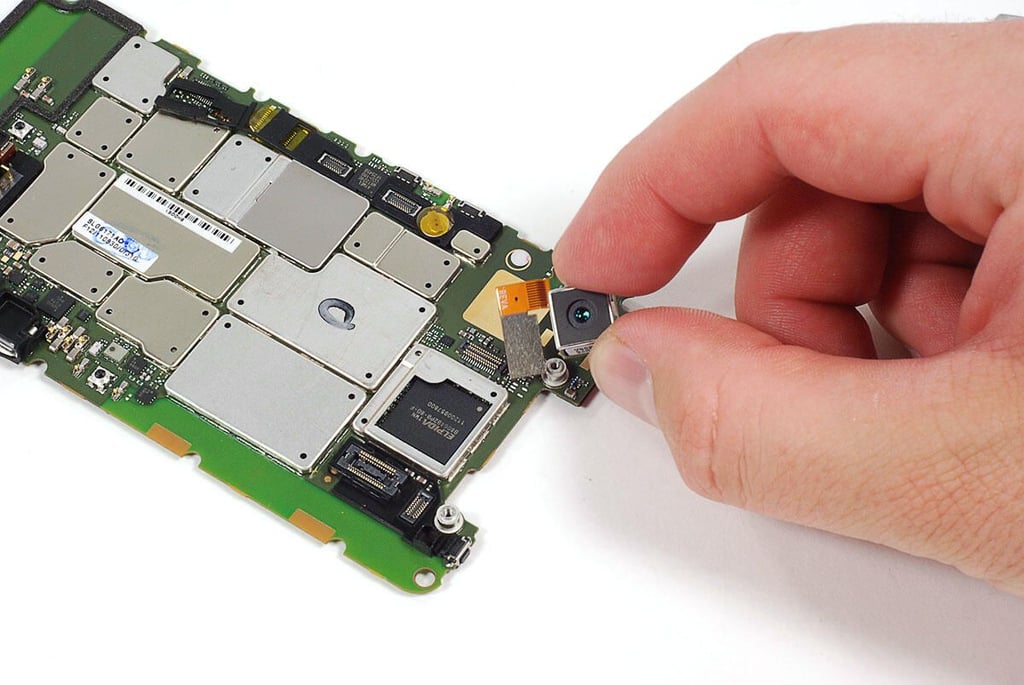
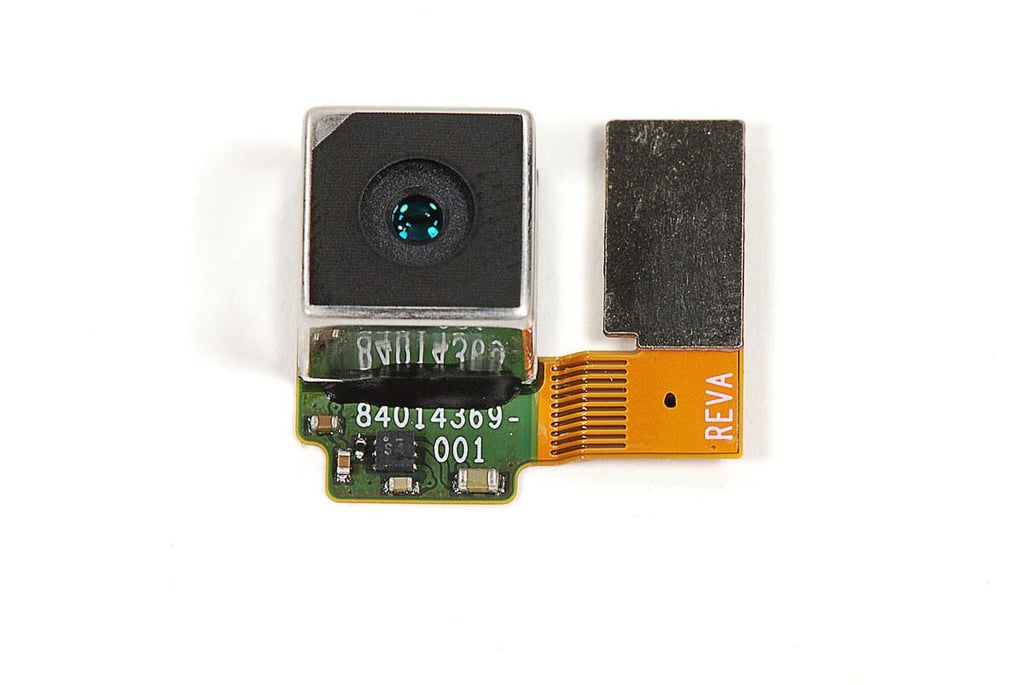
\n\tUsing a thin metal blade, I detached the 8MP rear-facing camera’s connector from the main PCB.
Cracking Open the Motorola Droid Bionic: Removing the rear-facing camera
Cracking Open the Motorola Droid Bionic: 8MP rear-facing camera
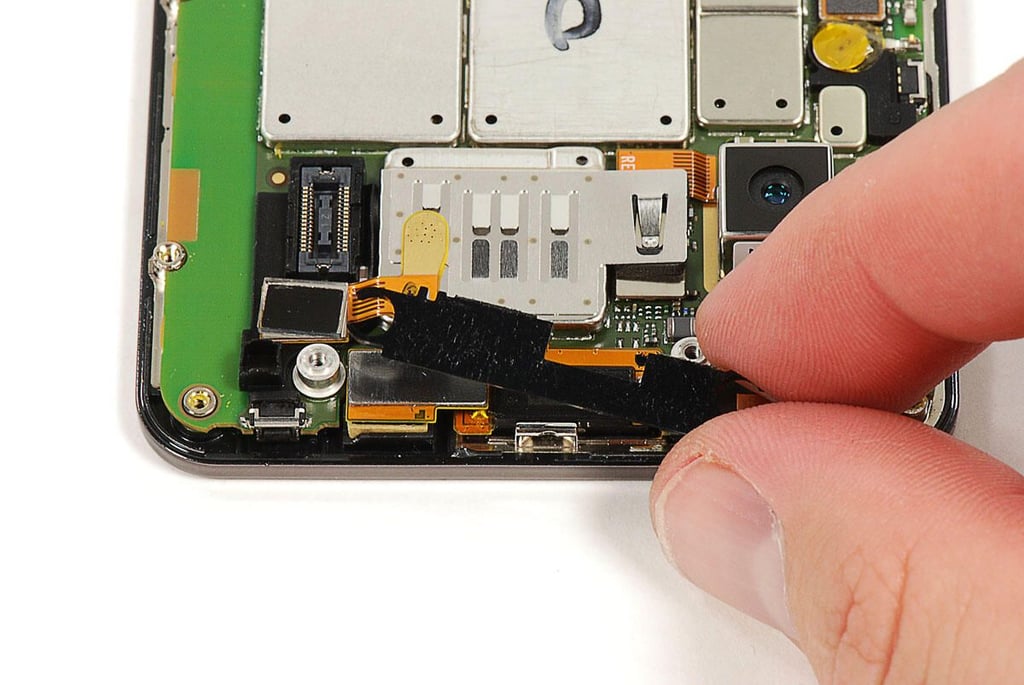
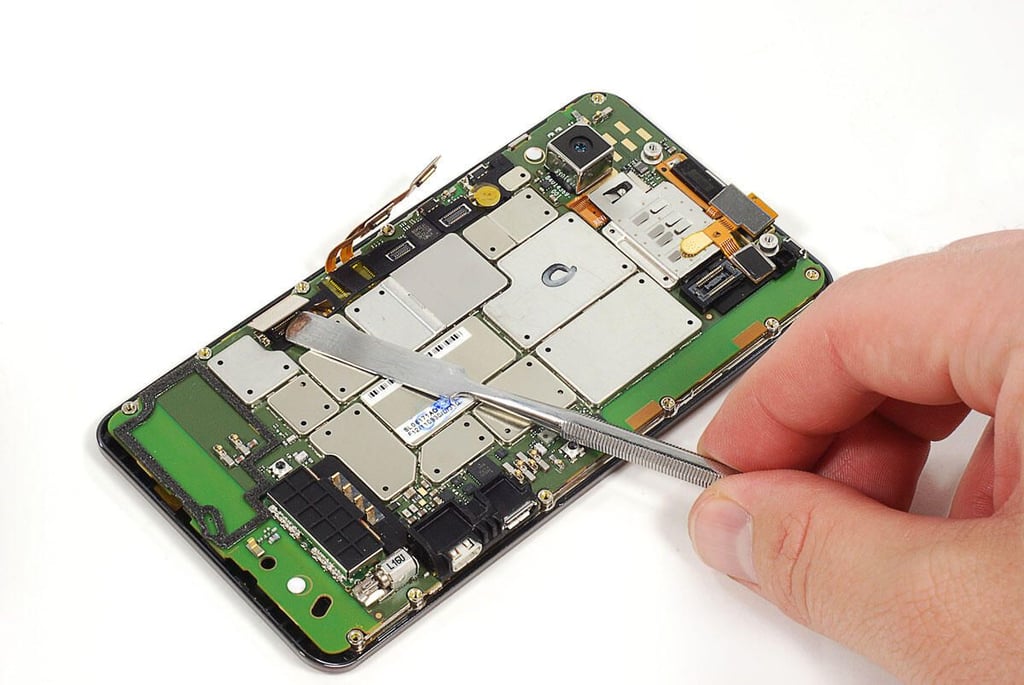
Cracking Open the Motorola Droid Bionic: Removing rubber cushions from the main PCB
\n\tSeveral rubber “cushions” surround various components on the main PCB. I removed them using a pair of tweezers.
Cracking Open the Motorola Droid Bionic: Main PCB - Front
Cracking Open the Motorola Droid Bionic: Main PCB - Back
Cracking Open the Motorola Droid Bionic: Elpida B8064B2PB-8D-F
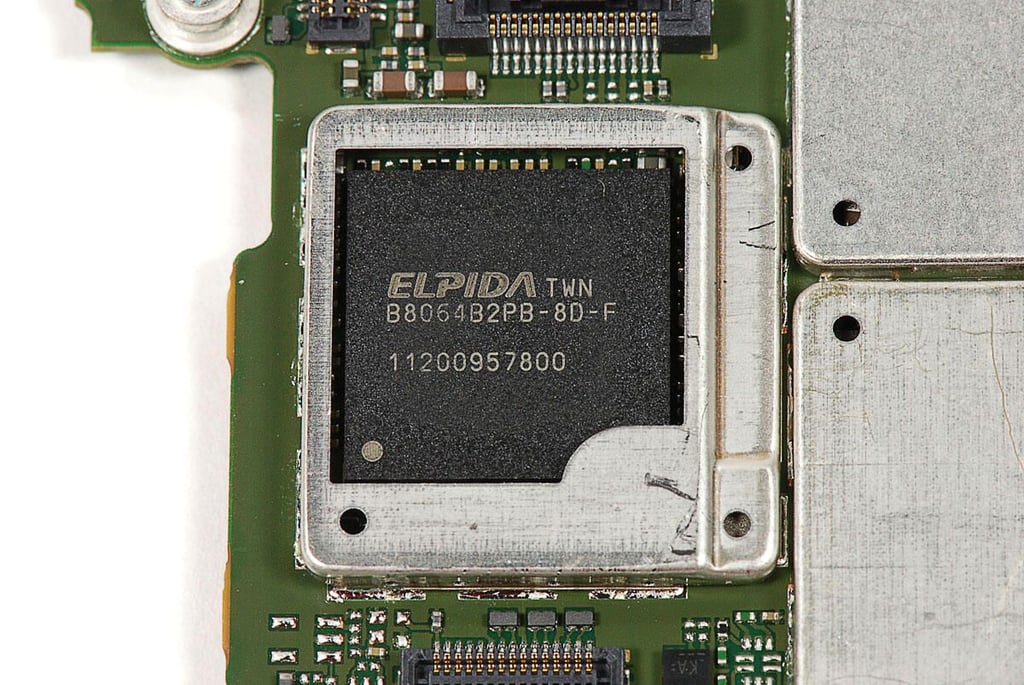
When announced at CES 2011, Motorola indcated that the Droid Bionic would use a dual-core Nvidia TEgra 2 processor. But the final version of the phone uses this Elpida B8064B2PB-8D-F chip, which contains 8 Gb DRAM and the Texas Instruments OMAP4430 Application Processor.
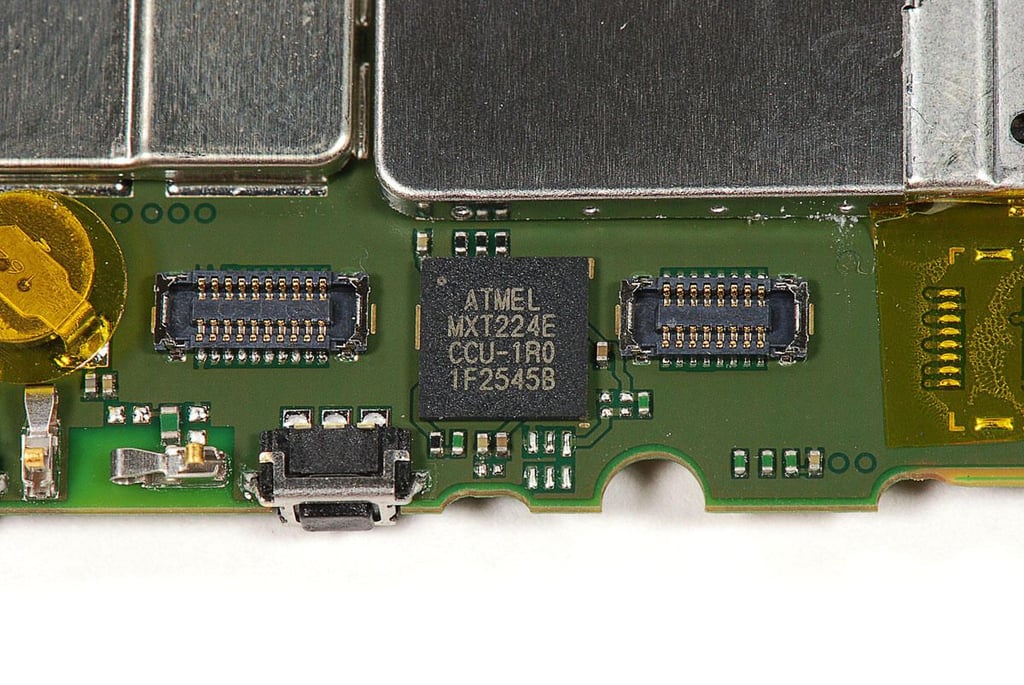
Cracking Open the Motorola Droid Bionic: Atmel MXT224E touchscreen controller
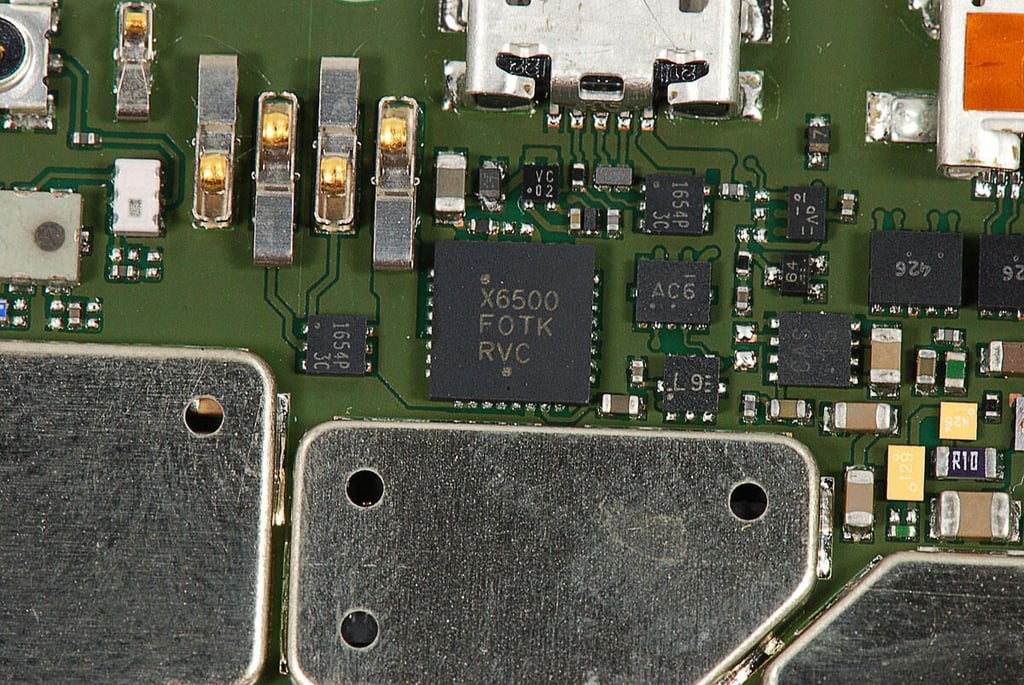
Cracking Open the Motorola Droid Bionic: X6500 F0TK RVC
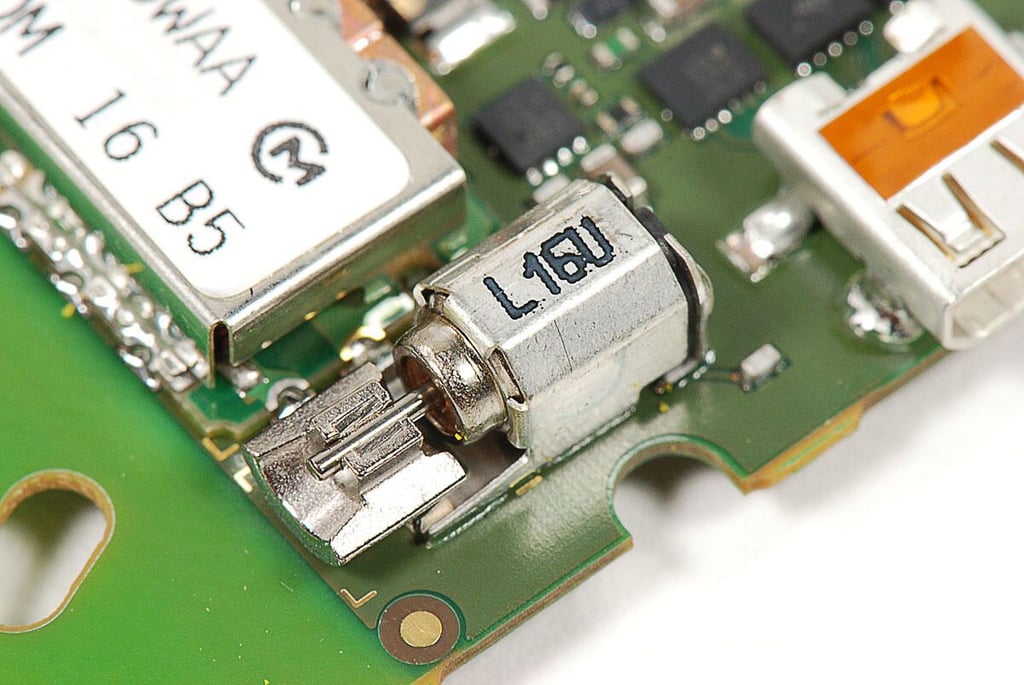
Cracking Open the Motorola Droid Bionic: Vibration motor
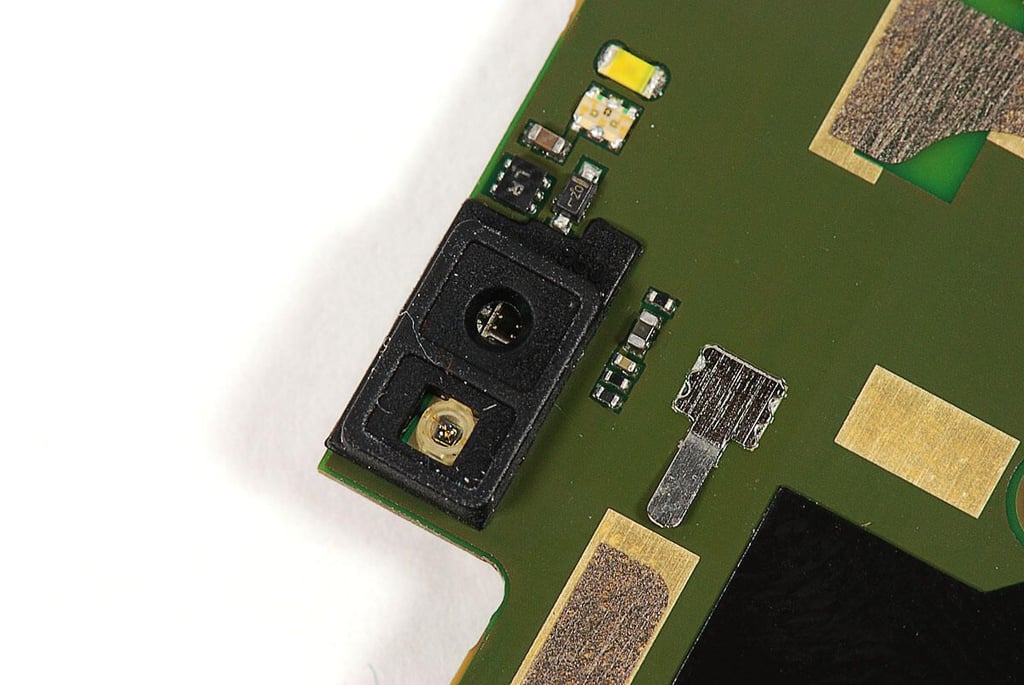
Cracking Open the Motorola Droid Bionic: Ambient light sensor and proximity sensor
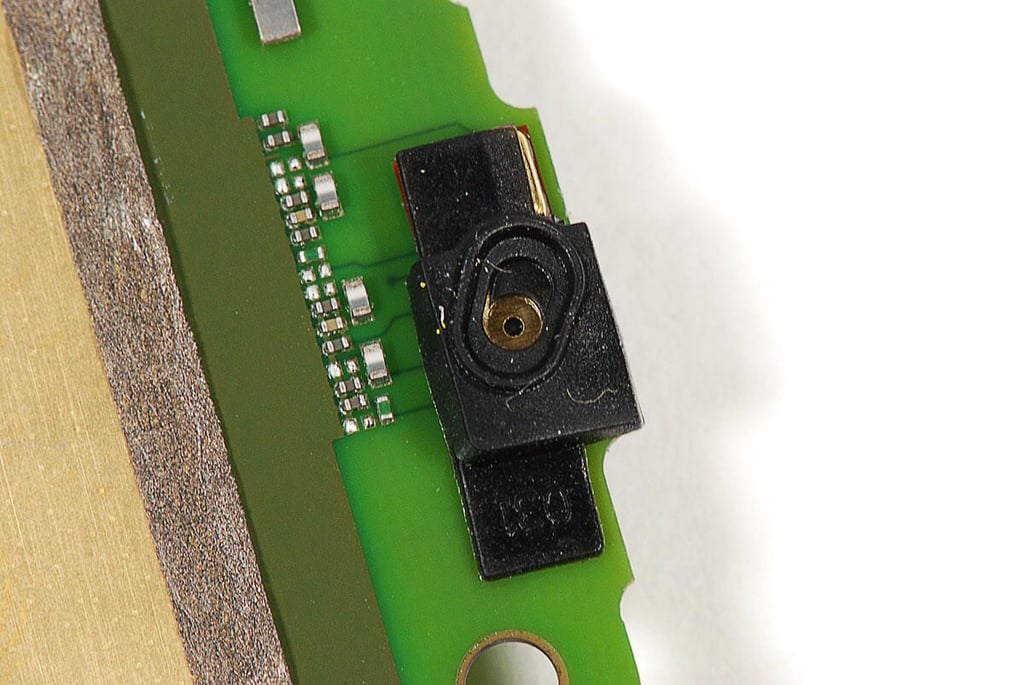
Cracking Open the Motorola Droid Bionic: Microphone
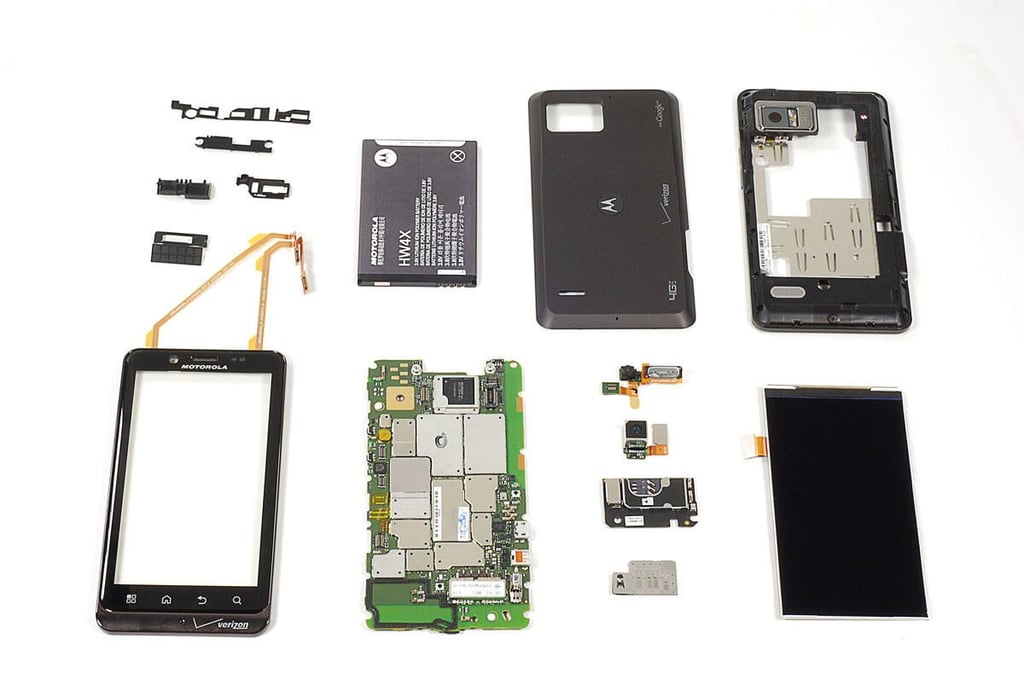
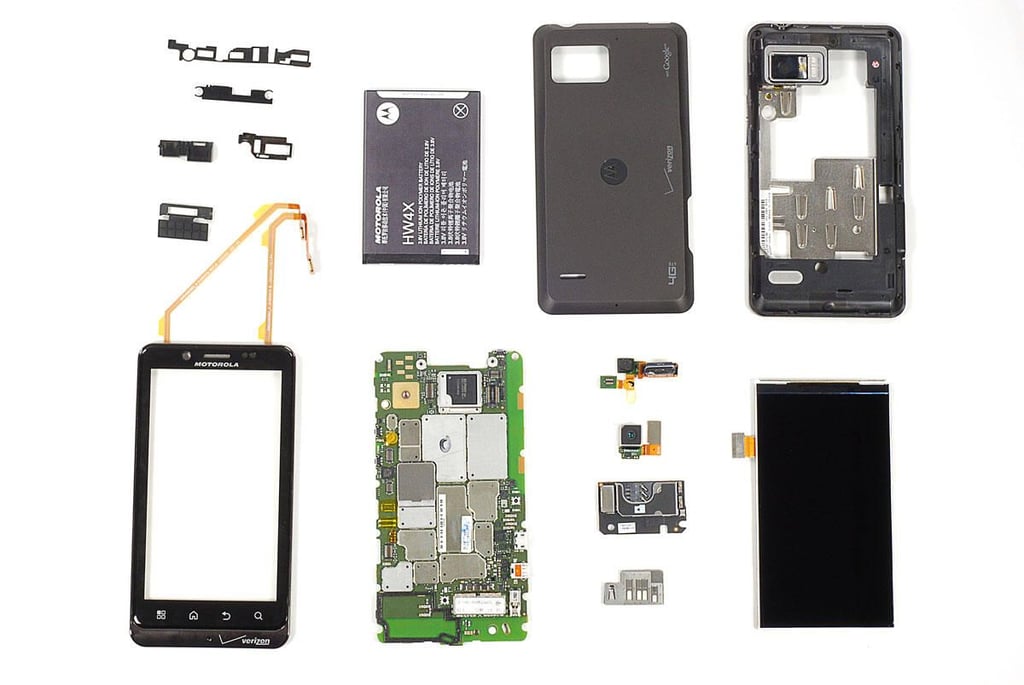
Cracking Open the Motorola Droid Bionic: Complete teardown
\n\tThe Motorola Droid Bionic was remarkabley easy to disassemble. It uses standard screws, has a user-replaceable battery, and readily-accessible components. Only the rear-facing camera was a pain to remove.
Bill Detwiler is the Editor for Technical Content and Ecosystem at Celonis. He is the former Editor in Chief of TechRepublic and previous host of TechRepublic's Dynamic Developer podcast and Cracking Open, CNET and TechRepublic's popular online show. Previously, Bill was an IT manager in the social research and energy industries. He has bachelor's and master's degrees from the University of Louisville, where he has also lectured on computer crime and crime prevention.