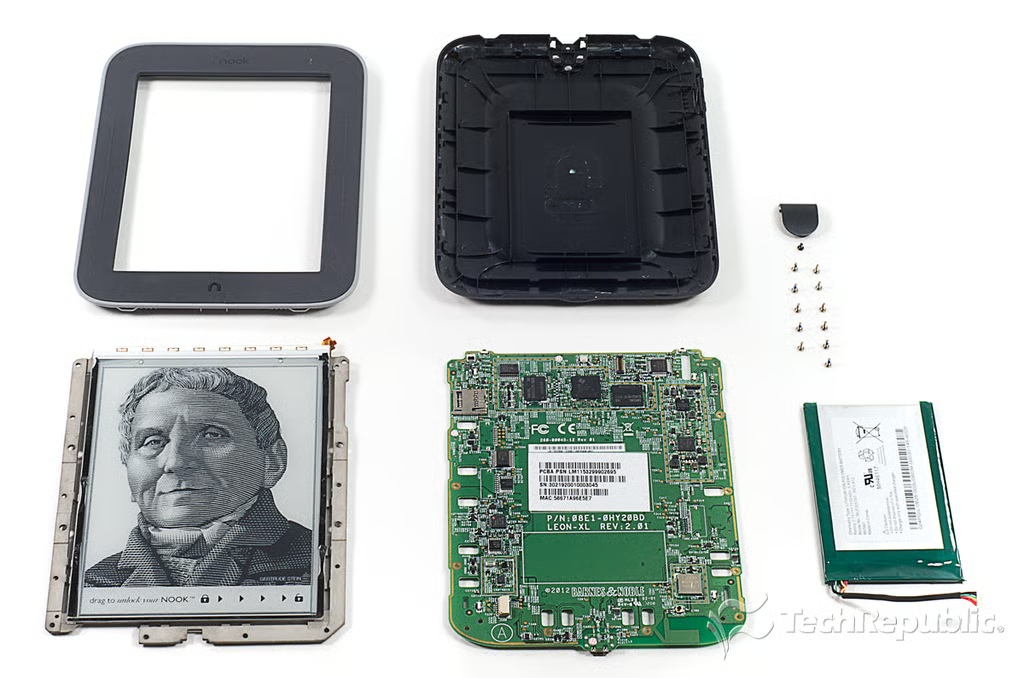
\n\tReleased in May 2012, Nook Simple Touch with GlowLight is lighter than the standard Nook, has an antiglare screen protector, and an integrated light. In this Cracking Open gallery, I show you what’s inside the new Nook Simple Touch and reveal the secret behind its GlowLight.
\n
\n\tFor a detailed analysis of the teardown, check out my article and video, Nook GlowLight teardown reveals secrets behind integrated light and lower weight.
\n\t
\n\tPhoto by: Bill Detwiler / TechRepublic
\n\tCaption by: Bill Detwiler
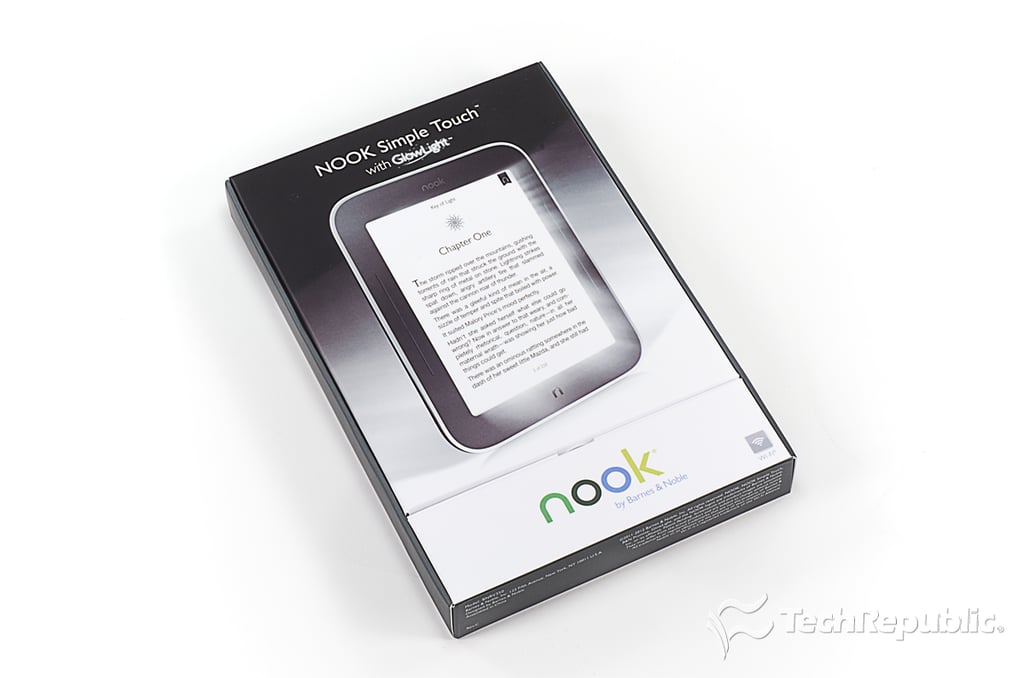
\n\tThe Nook Simple Touch with GlowLight retails for $139 (US), which is $40 more than the standard Nook Simple Touch.
\n
\n\tPhoto by: Bill Detwiler / TechRepublic
\n\tCaption by: Bill Detwiler
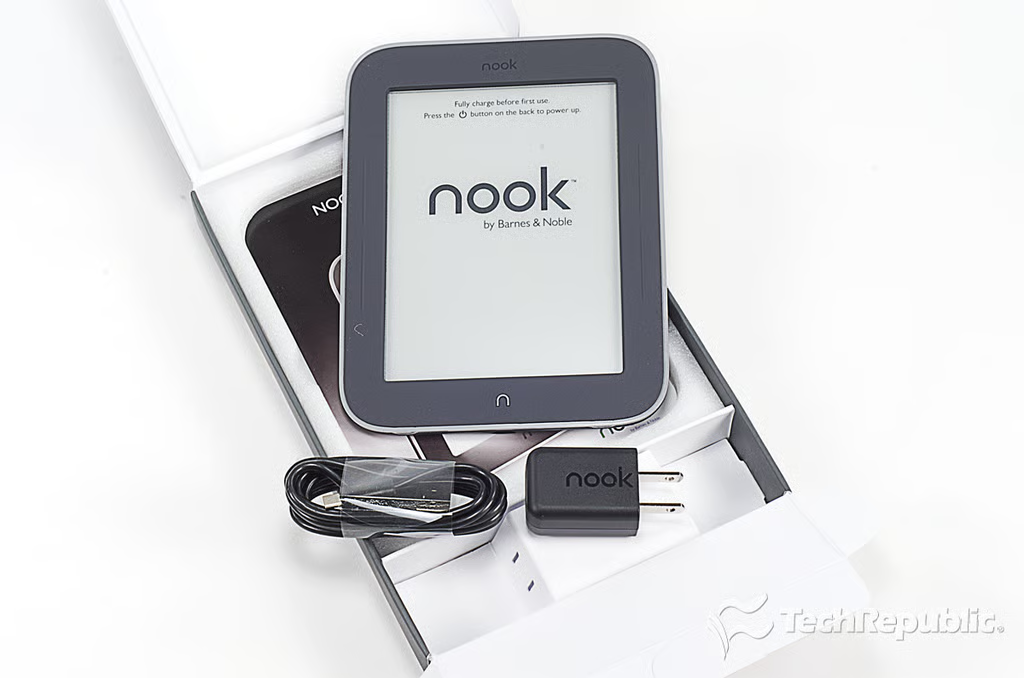
\n\tAlong with the e-reader itself, the Nook Simple Touch with GlowLight box contains a USB cord, power adapter, and product documentation.
\n
\n\tPhoto by: Bill Detwiler / TechRepublic
\n\tCaption by: Bill Detwiler
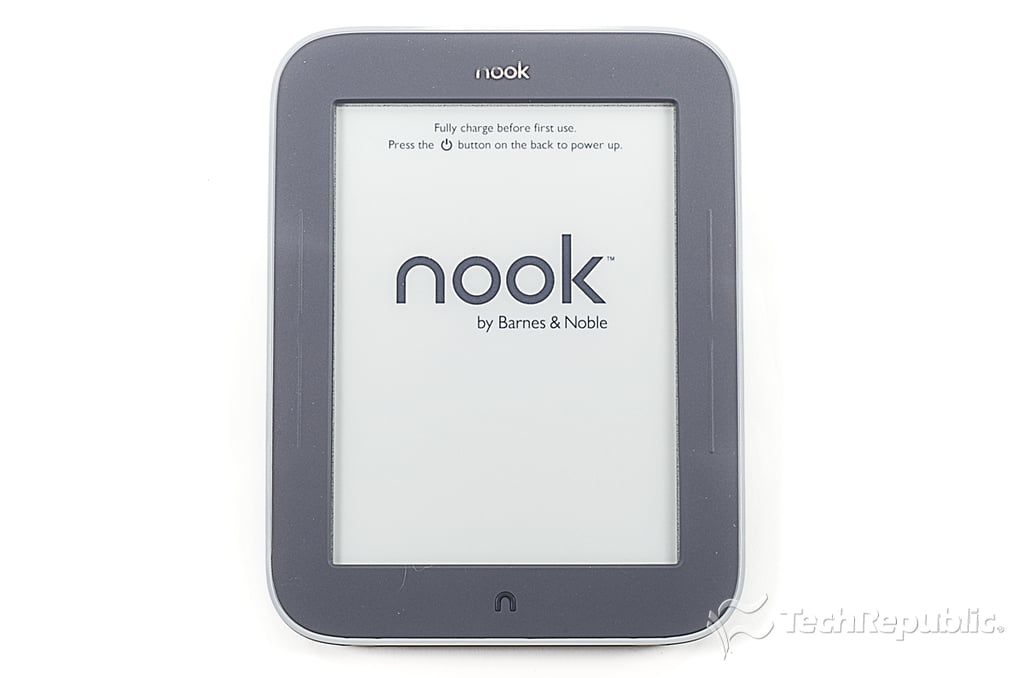
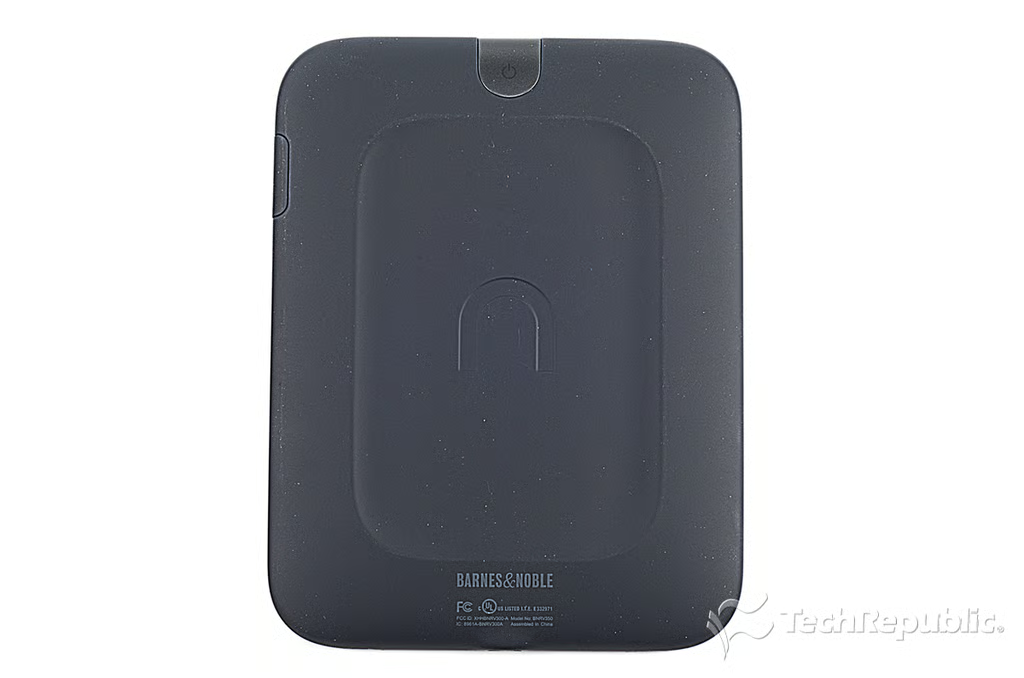
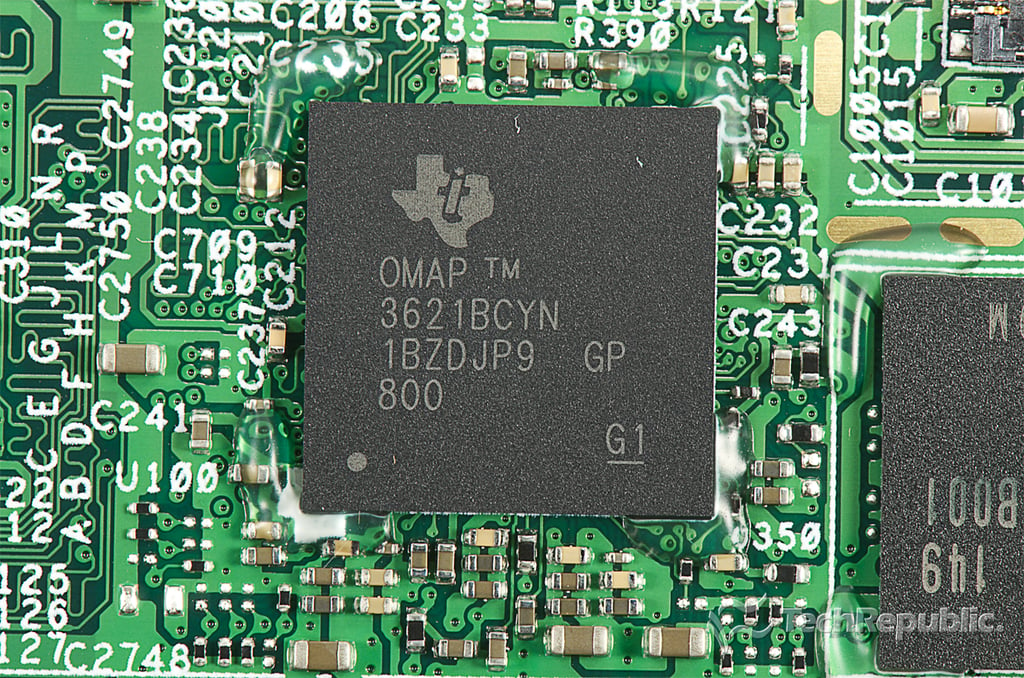
\n\tThe Nook Simple Touch with GlowLight has an 800MHz Texas Instruments OMAP3621 applications processor, 256MB of RAM, 2GB of storage, a 6\u2033 Pearl e-ink screen with Neonode zForce touchscreen, and 802.11 b/g/n WLAN support. It measures measures 6.5″ (H) x 5″ (W) x 0.5″ (D) and weighs 6.9 ounces. It weighs half an ounce less than the standard Nook Simple Touch.
\n
\n\tPhoto by: Bill Detwiler / TechRepublic
\n\tCaption by: Bill Detwiler
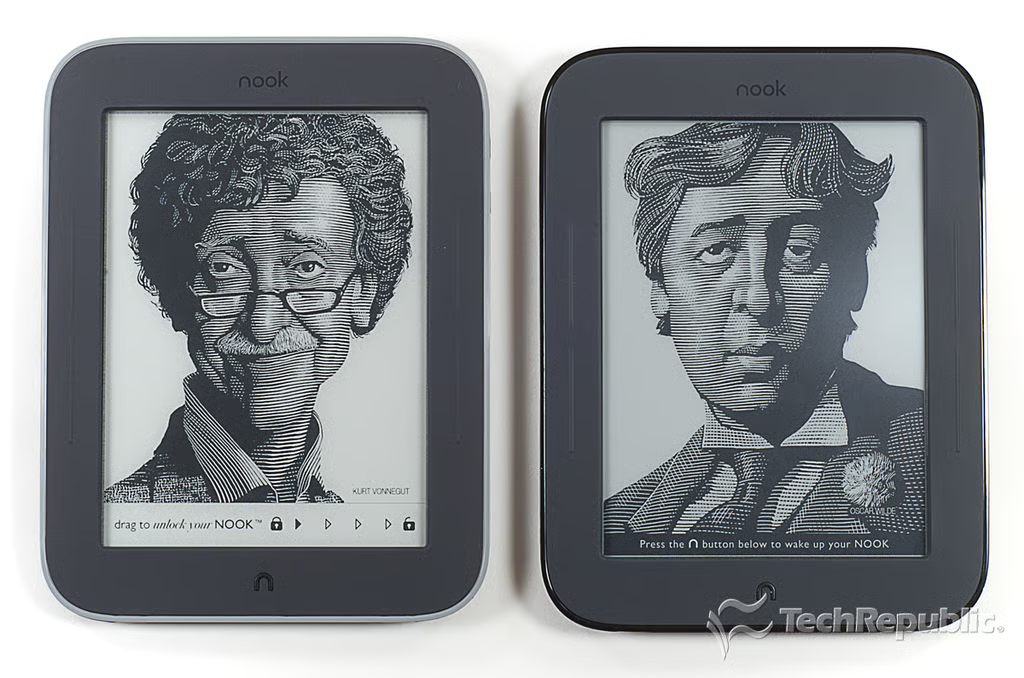
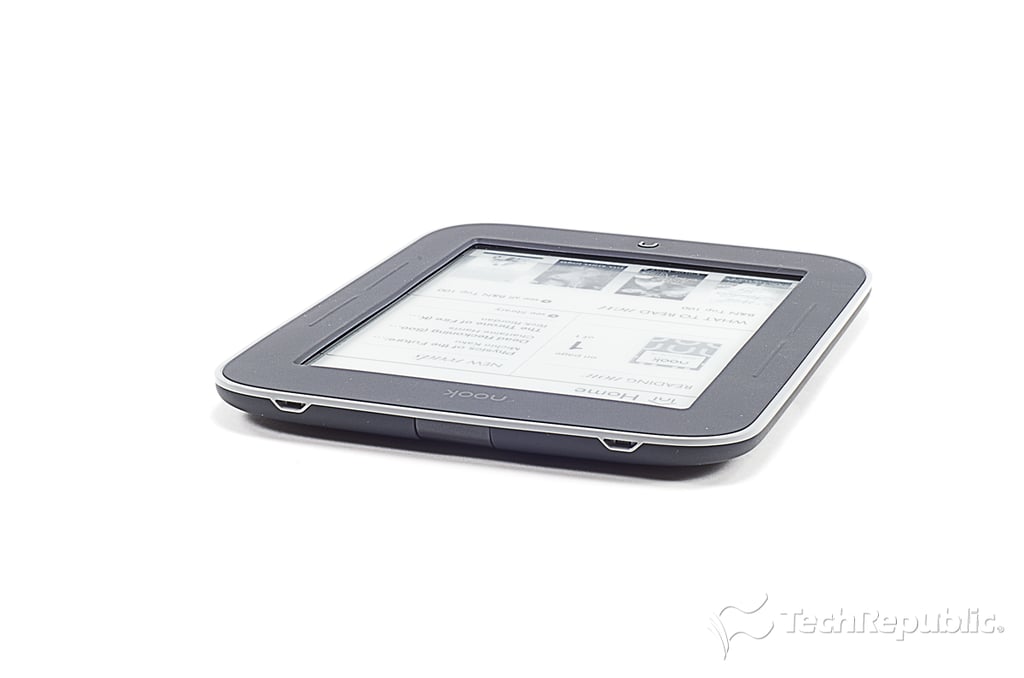
\n\tIf it weren’t for the grey edge along its bezel, the Nook Simple Touch with GlowLight would look identical to the standard Nook Simple Touch, which I cracked open last year.
\n
\n\tPhoto by: Bill Detwiler / TechRepublic
\n\tCaption by: Bill Detwiler
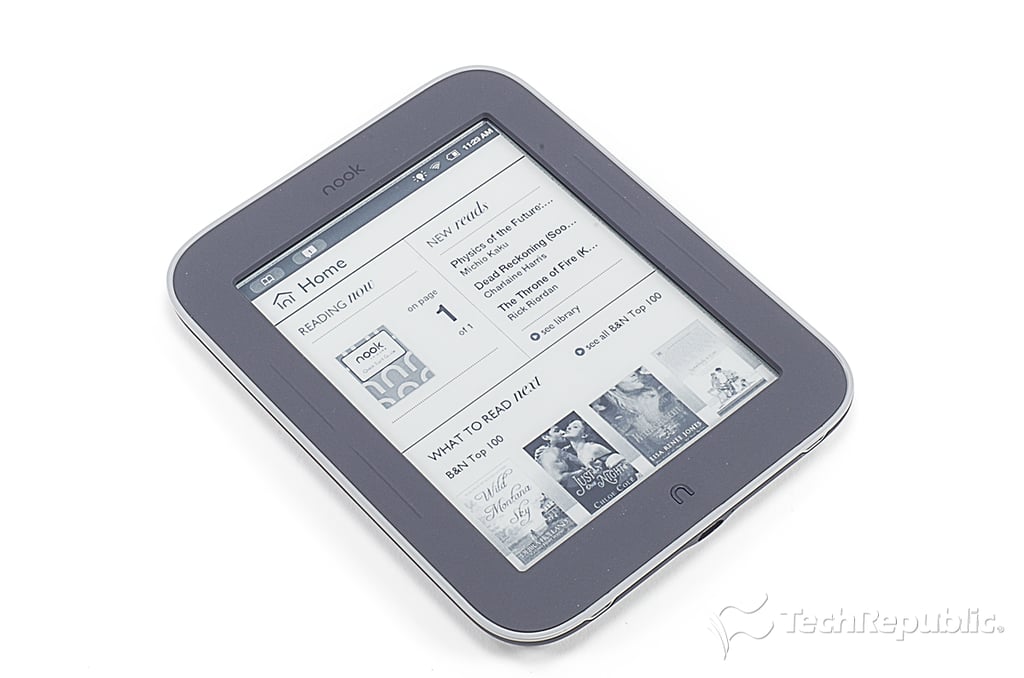
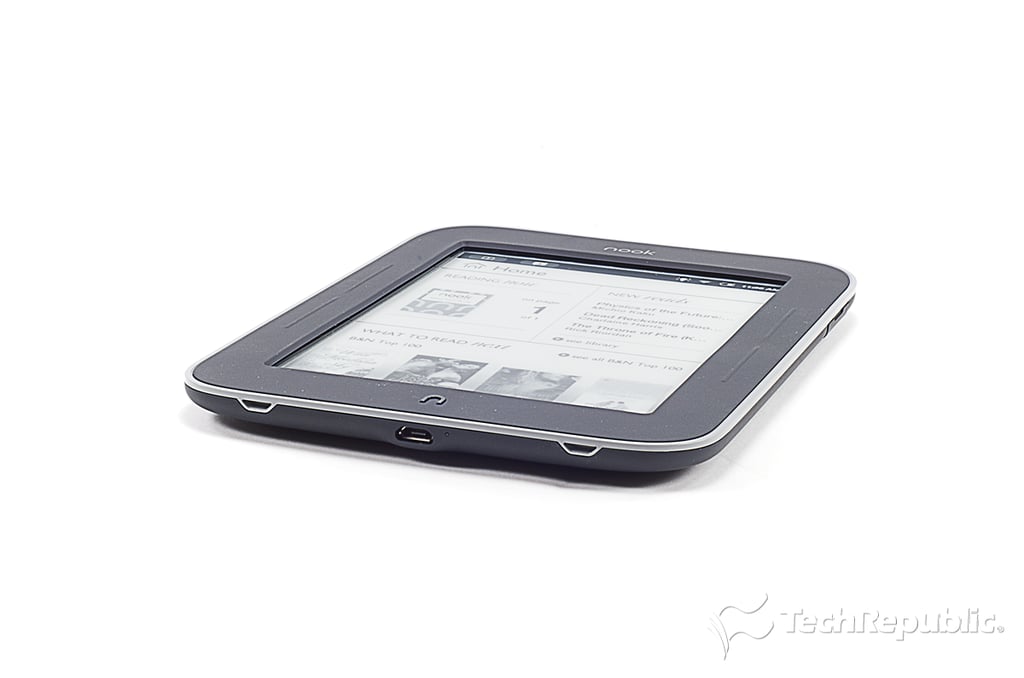
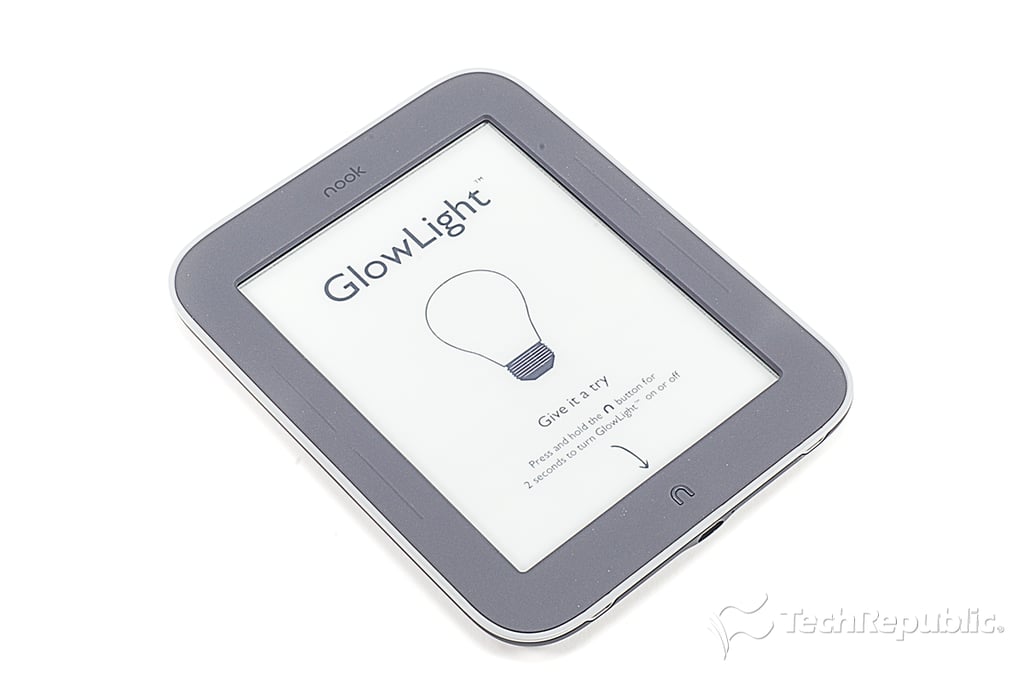
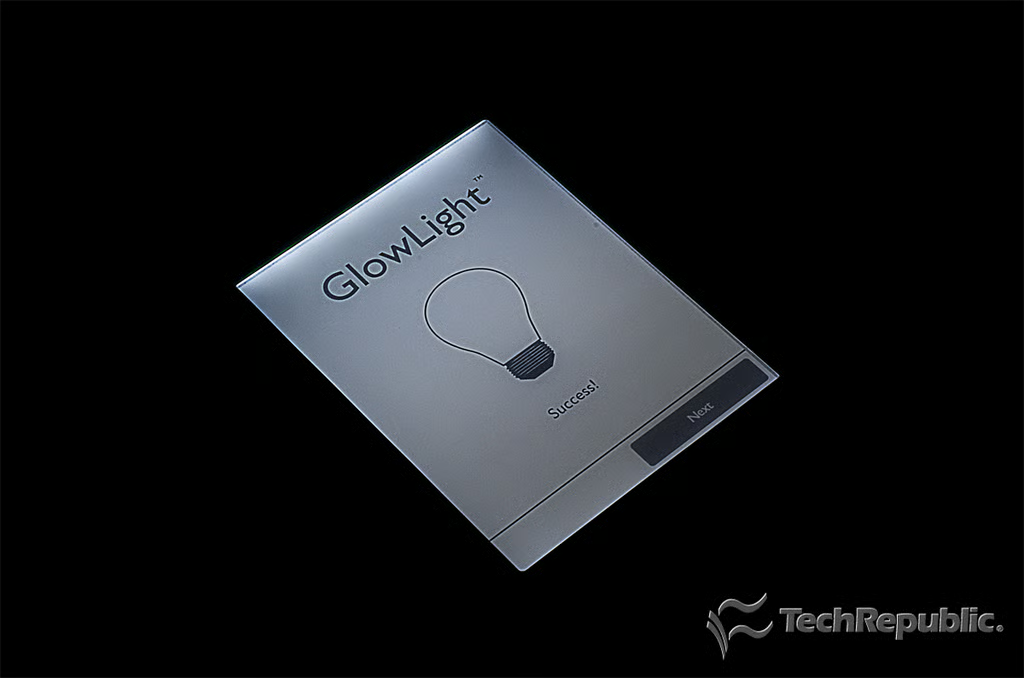
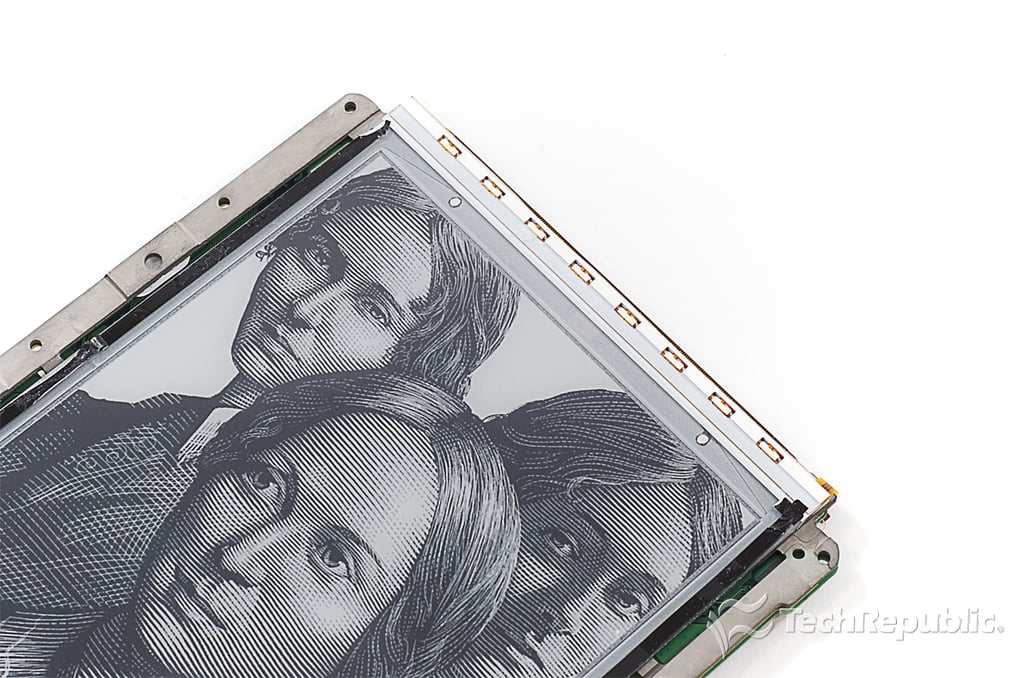
\n\tAccording to CNET’s David Carnoy, GlowLight uses a form of LED front-lighting, instead of the traditional backlights found on everything from tablets to TVs. Barnes and Noble developed GlowLight in house and has filed for a patent.
\n
\n\tPhoto by: Bill Detwiler / TechRepublic
\n\tCaption by: Bill Detwiler
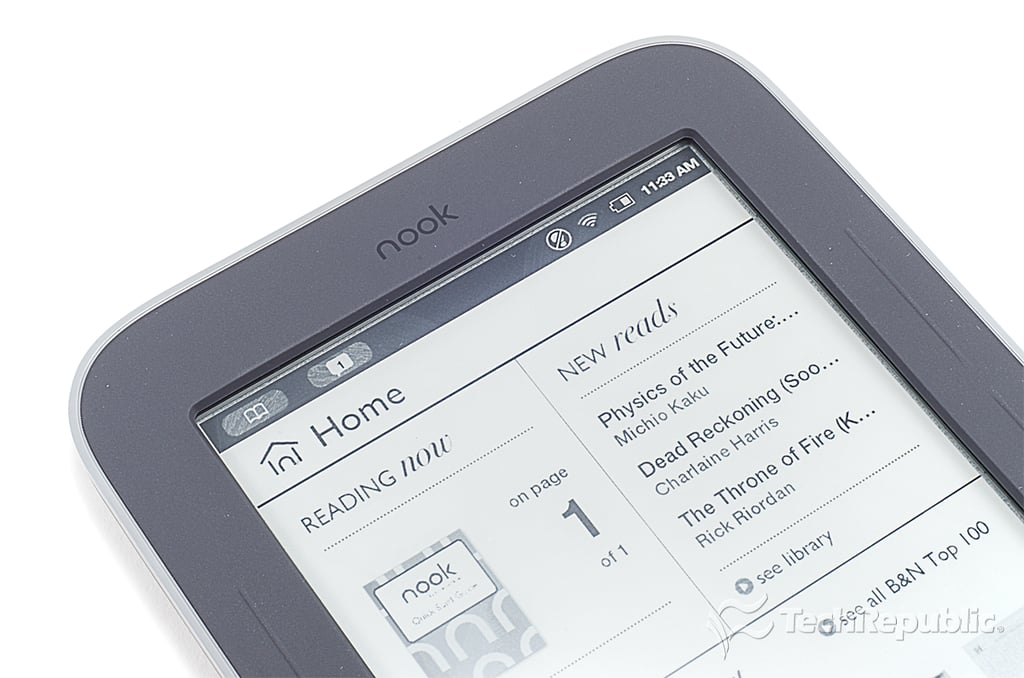
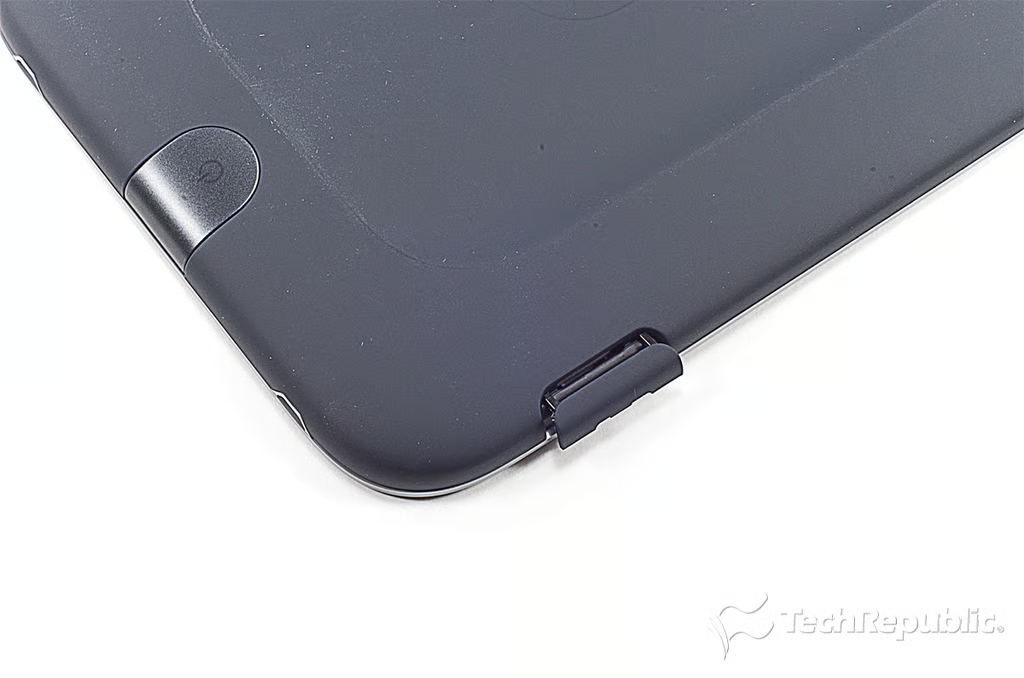
\n\tYou can expand your Nook’s storage up to 32GB with a microSD card.
\n
\n\tPhoto by: Bill Detwiler / TechRepublic
\n\tCaption by: Bill Detwiler
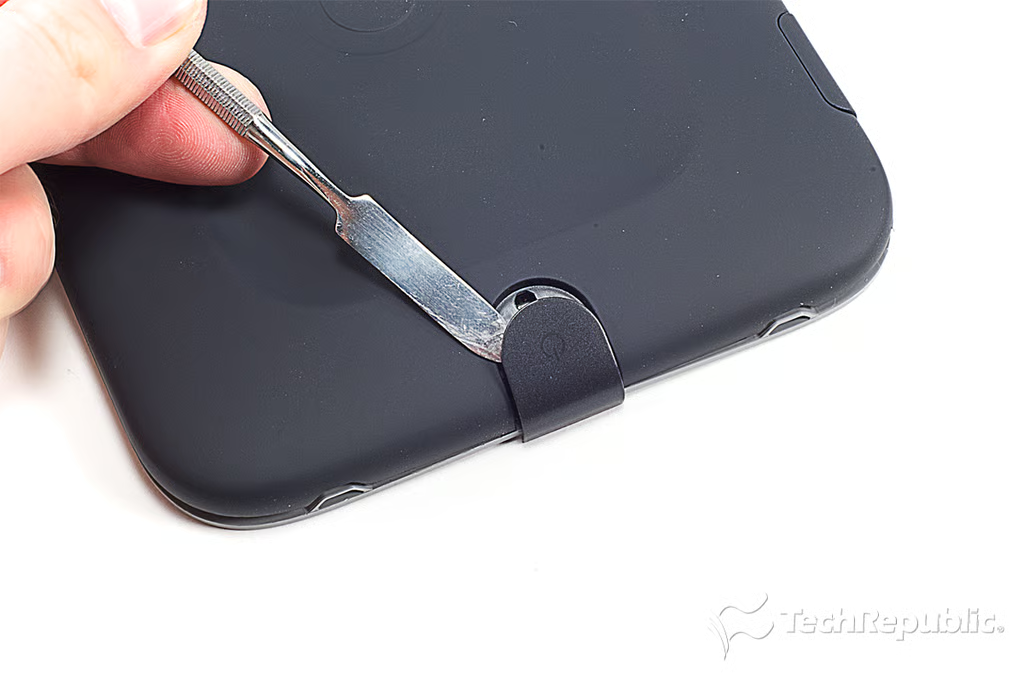
\n\tAs with the standard Nook, the first step in cracking open the Nook Simple Touch with GlowLight is removing the power button.
\n
\n\tPhoto by: Bill Detwiler / TechRepublic
\n\tCaption by: Bill Detwiler
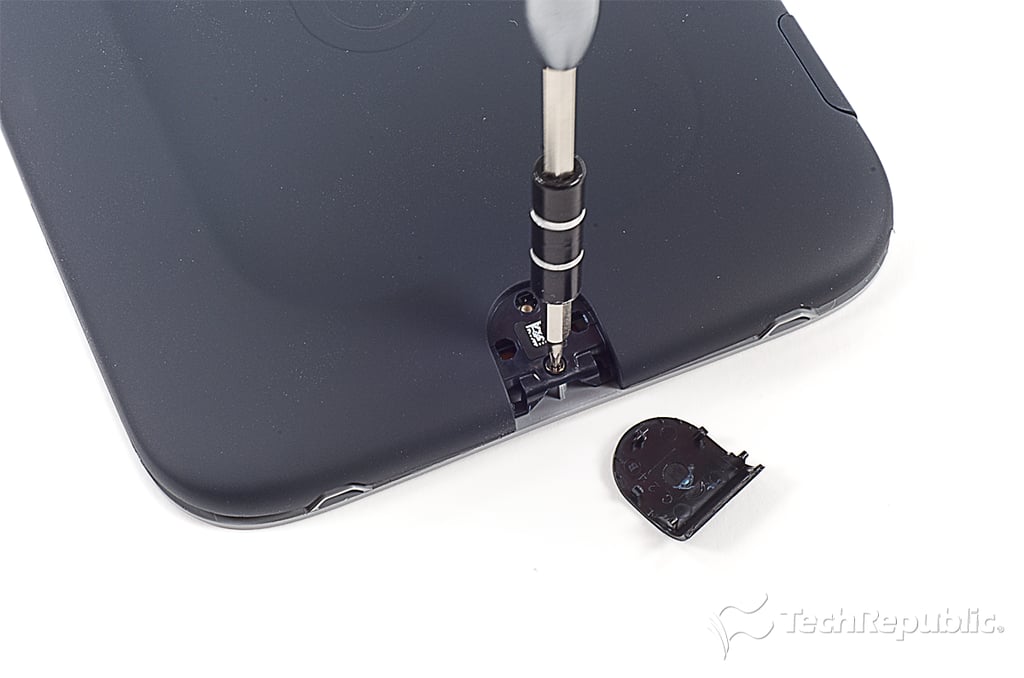
\n\tUnder the power button is the single back cover screw.
\n
\n\tPhoto by: Bill Detwiler / TechRepublic
\n\tCaption by: Bill Detwiler
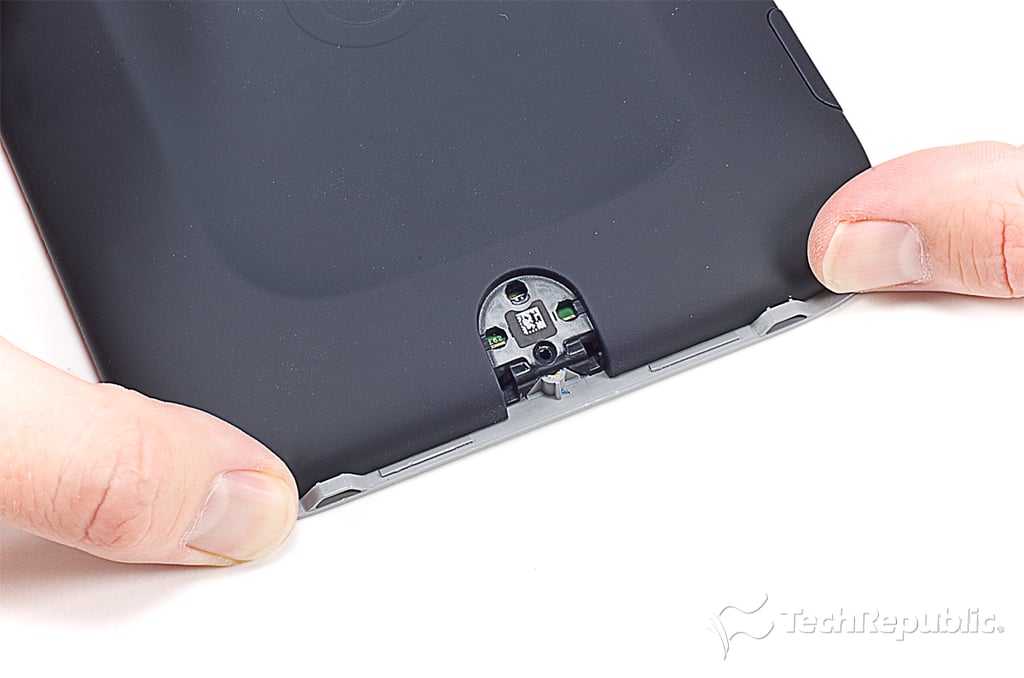
\n\tAfter removing the screw, you can slide the cover down and lift it off.
\n
\n\tPhoto by: Bill Detwiler / TechRepublic
\n\tCaption by: Bill Detwiler
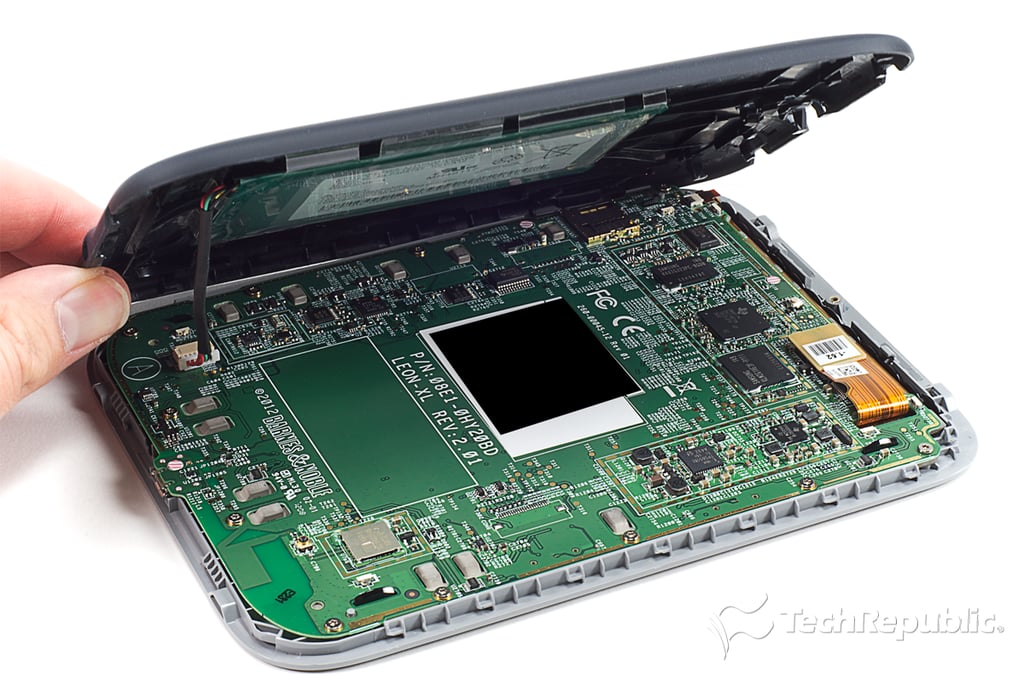
\n\tAs you remove the Nook’s back cover, you’ll need to disconnect the batter from the motherboard.
\n
\n\tPhoto by: Bill Detwiler / TechRepublic
\n\tCaption by: Bill Detwiler
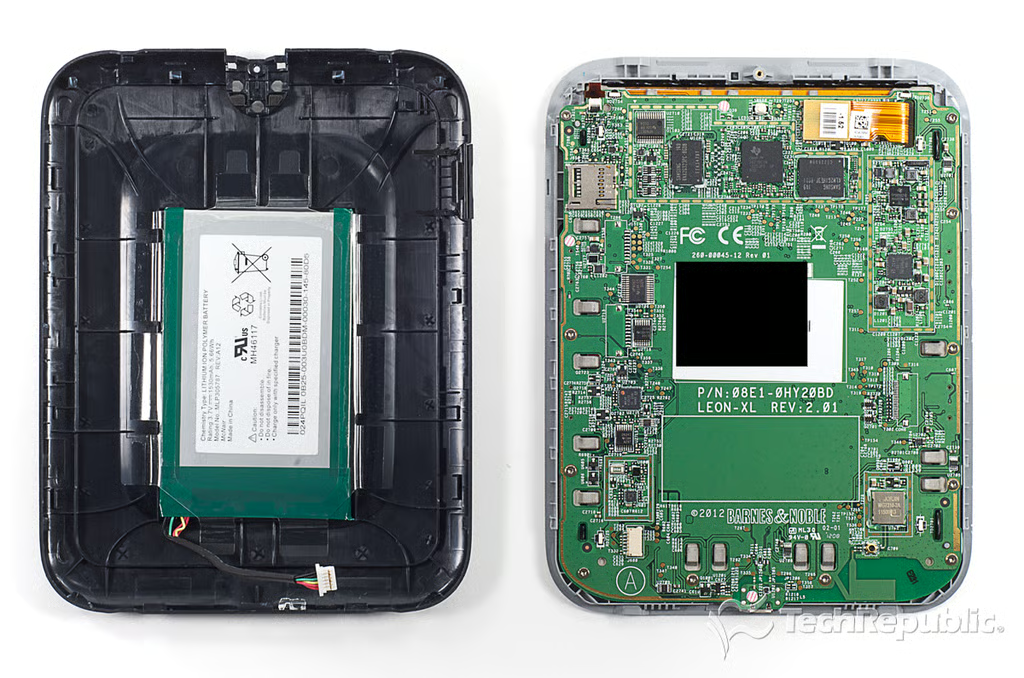
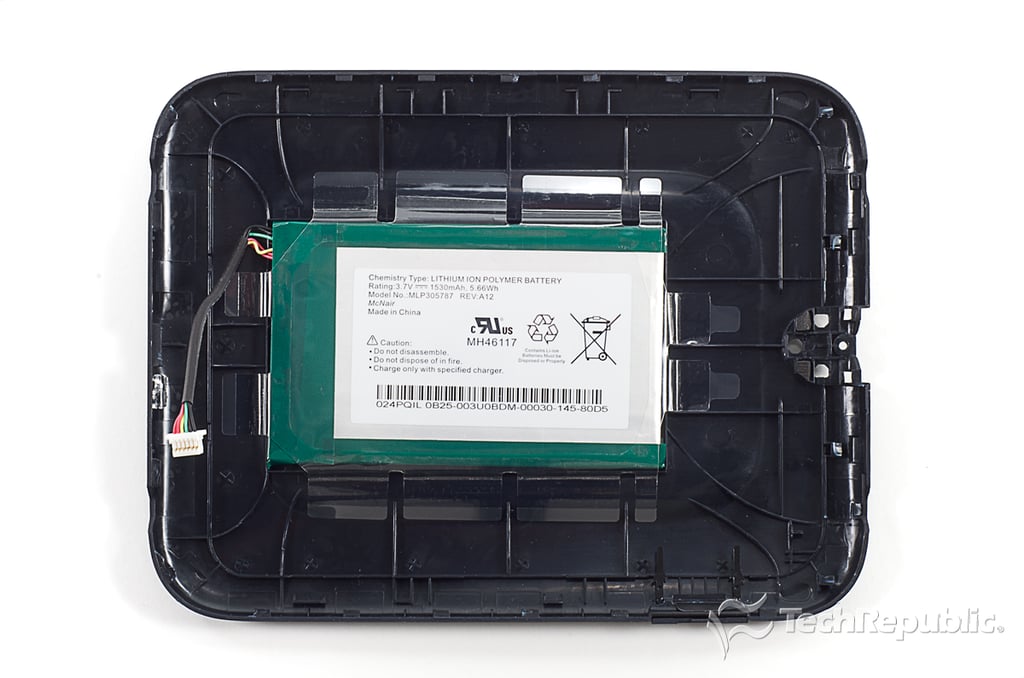
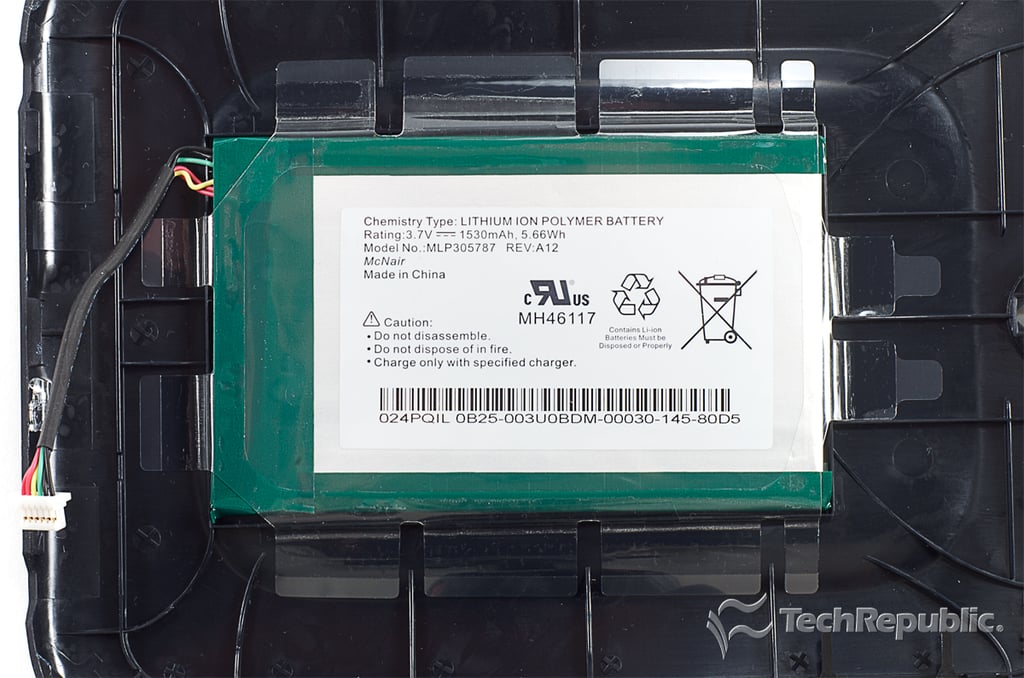
\n\tThe Nook Simple Touch with GlowLight’s 1,530 mAh battery has the same model number (MLP305787) as the one on the standard Nook. This makes the batteries interchangeable, but it also means a single charge won’t last as long when running the reader’s light.
\n
\n\tPhoto by: Bill Detwiler / TechRepublic
\n\tCaption by: Bill Detwiler
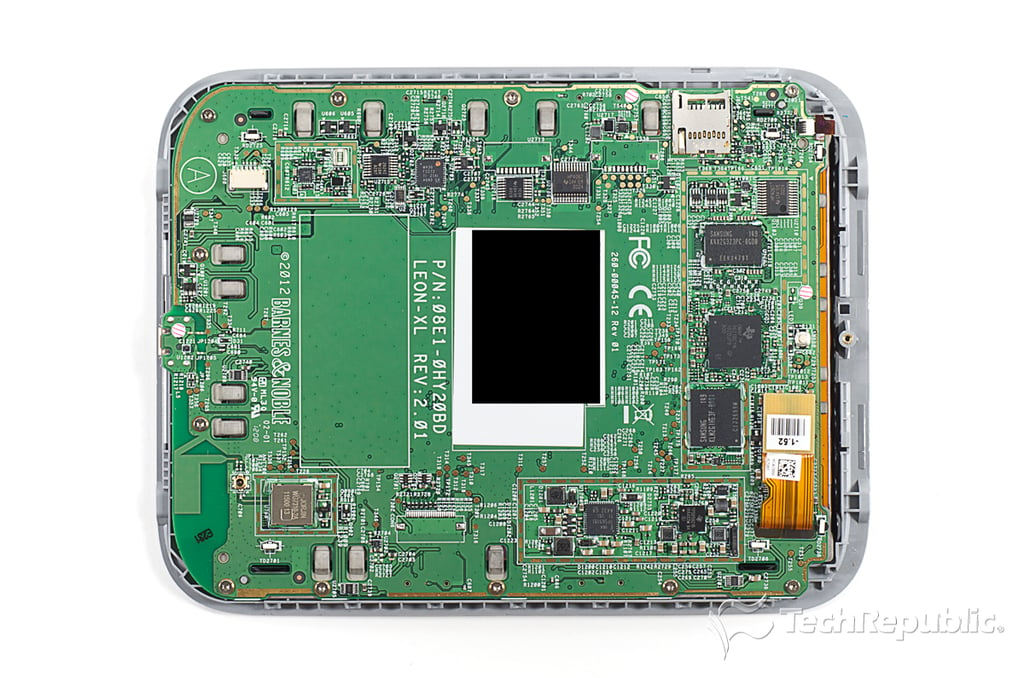
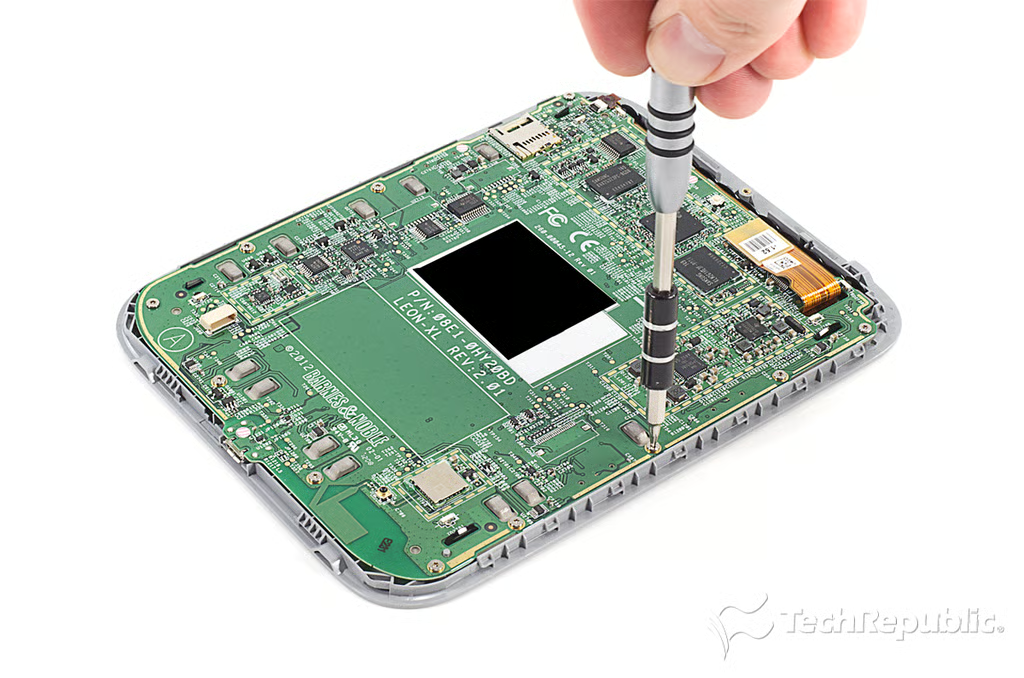
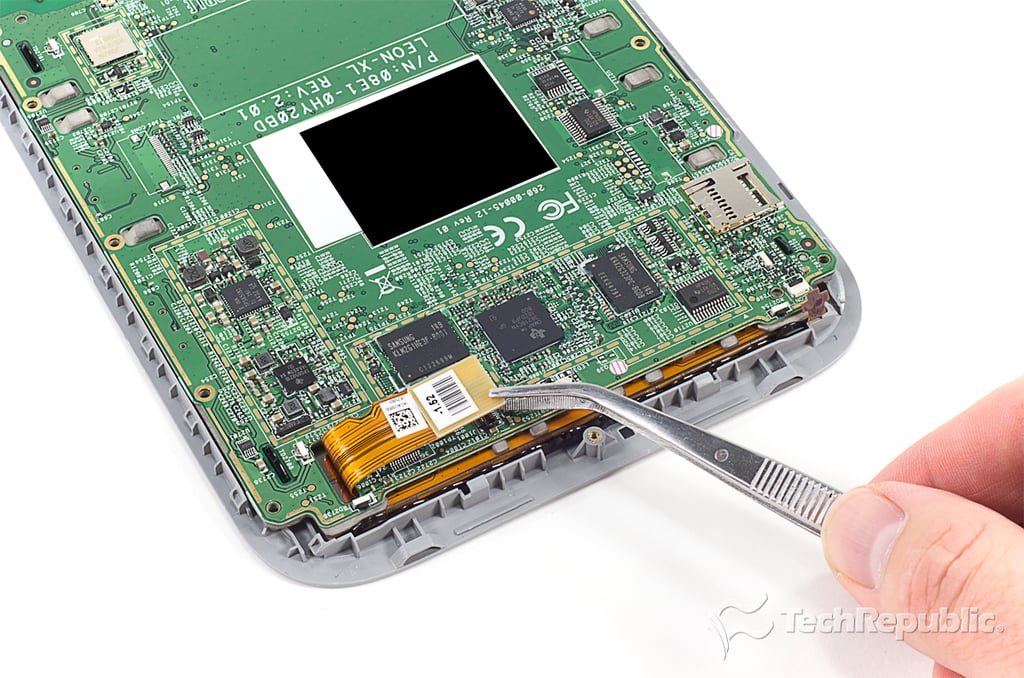
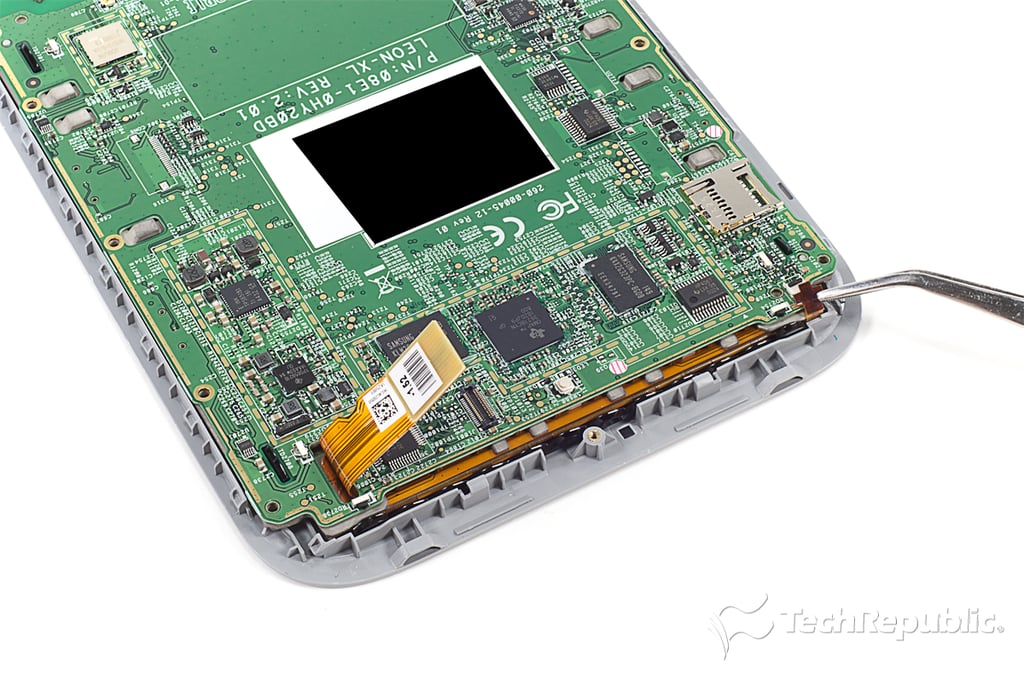
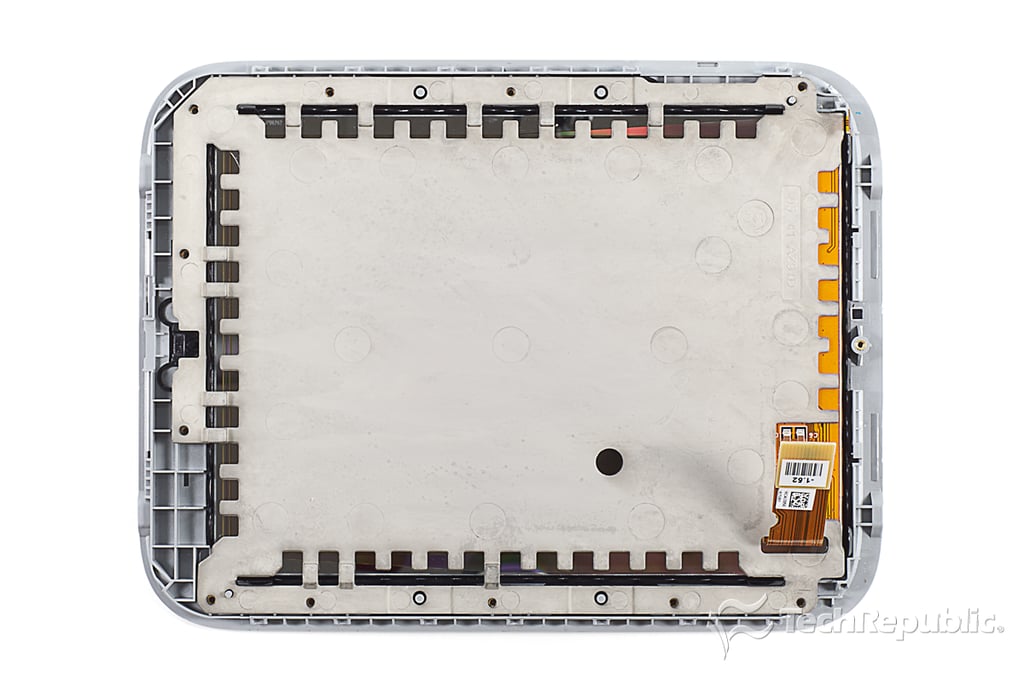
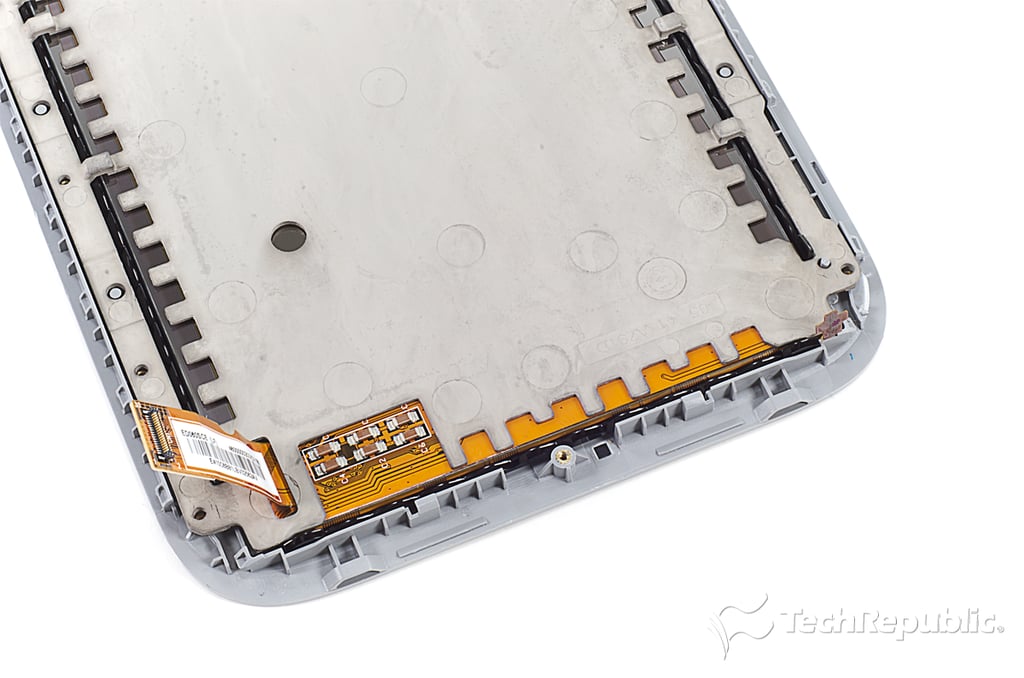
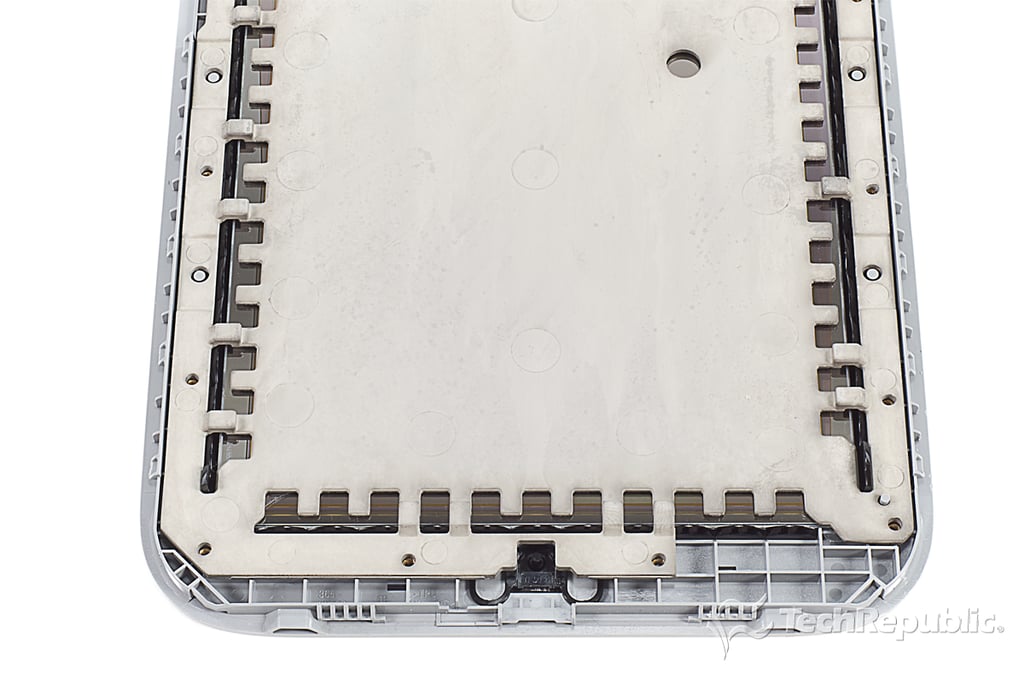
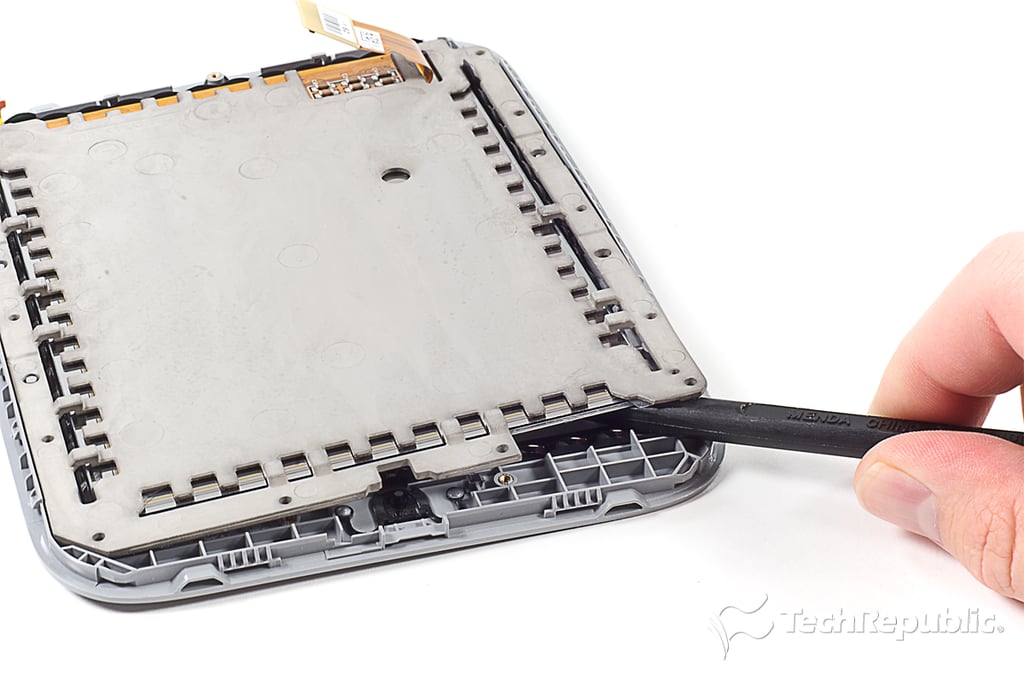
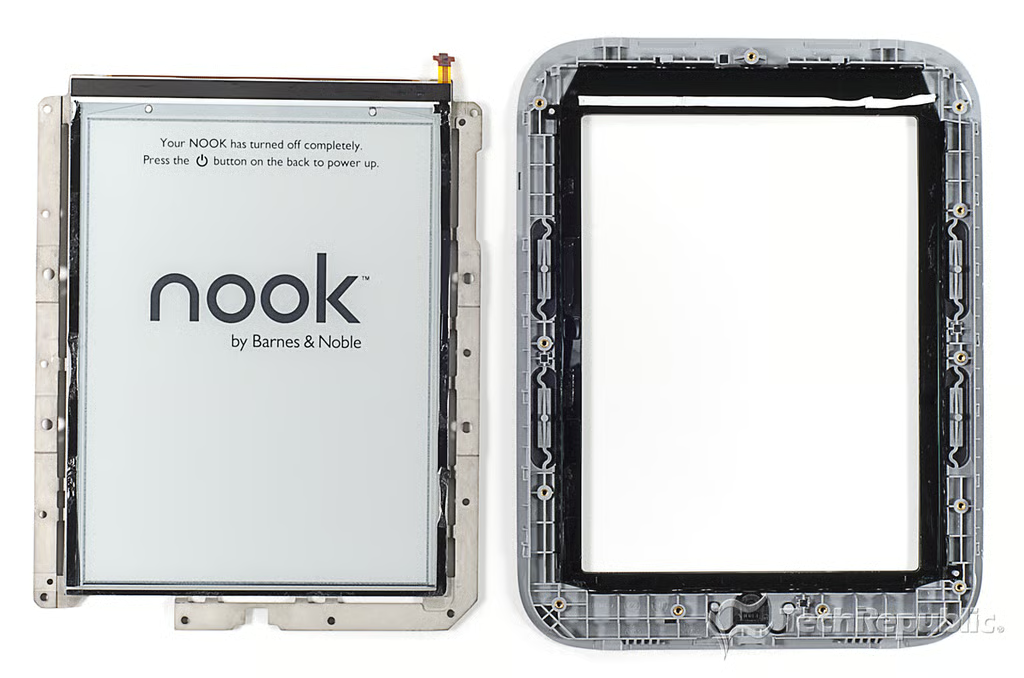
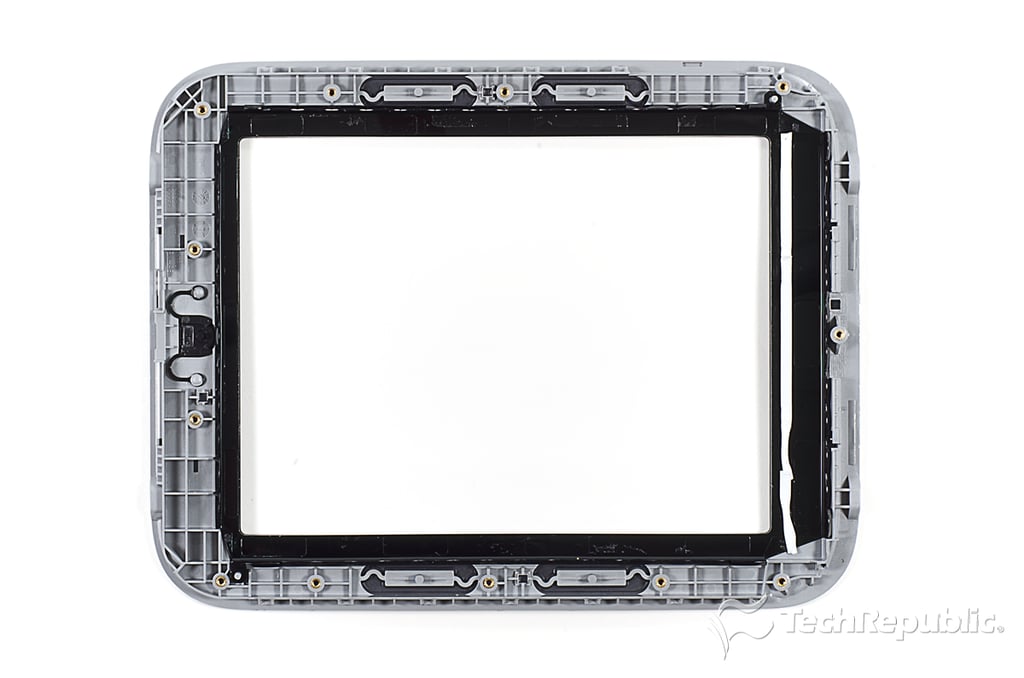
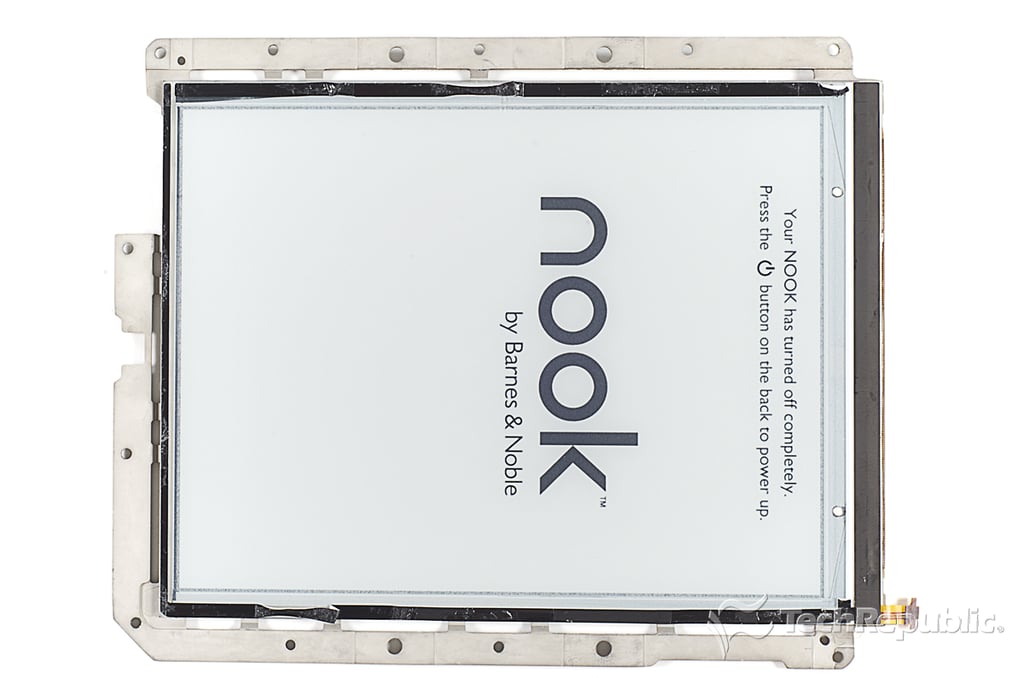
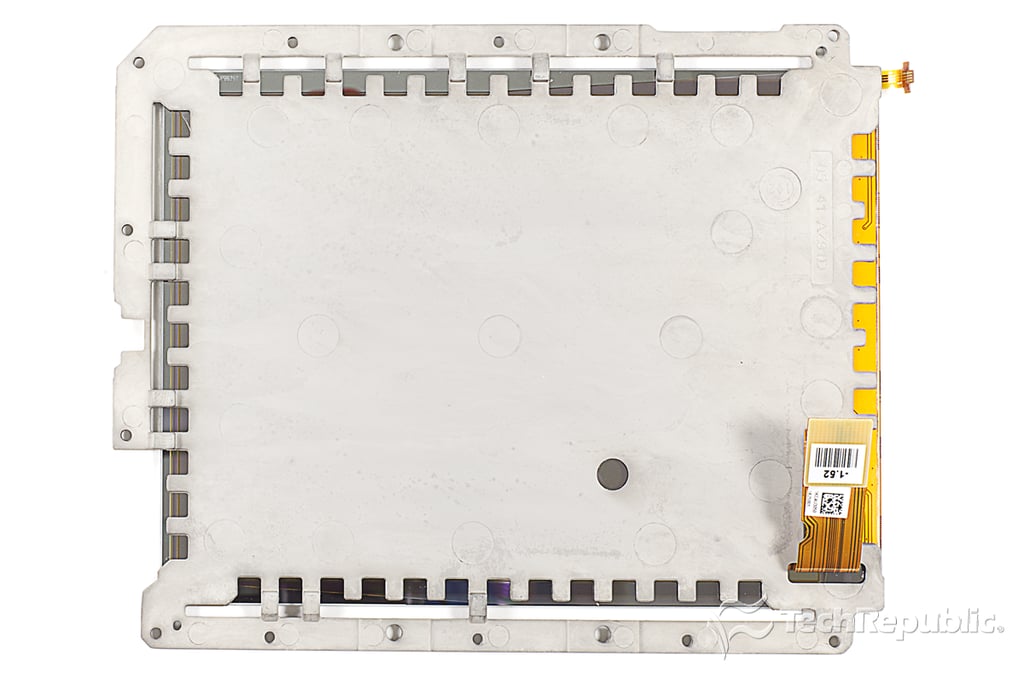
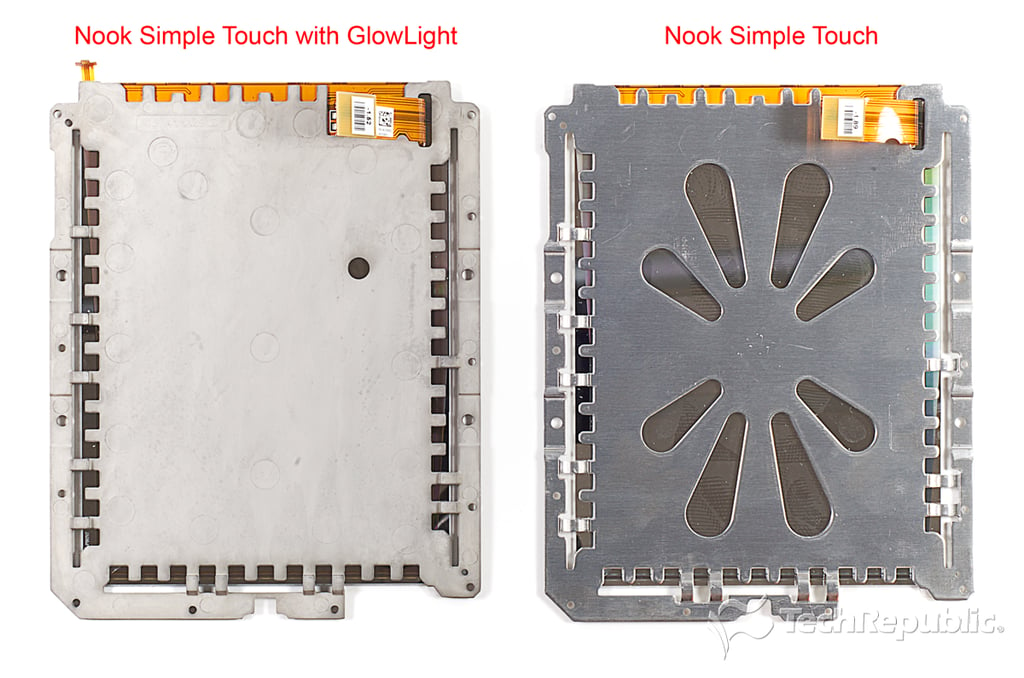
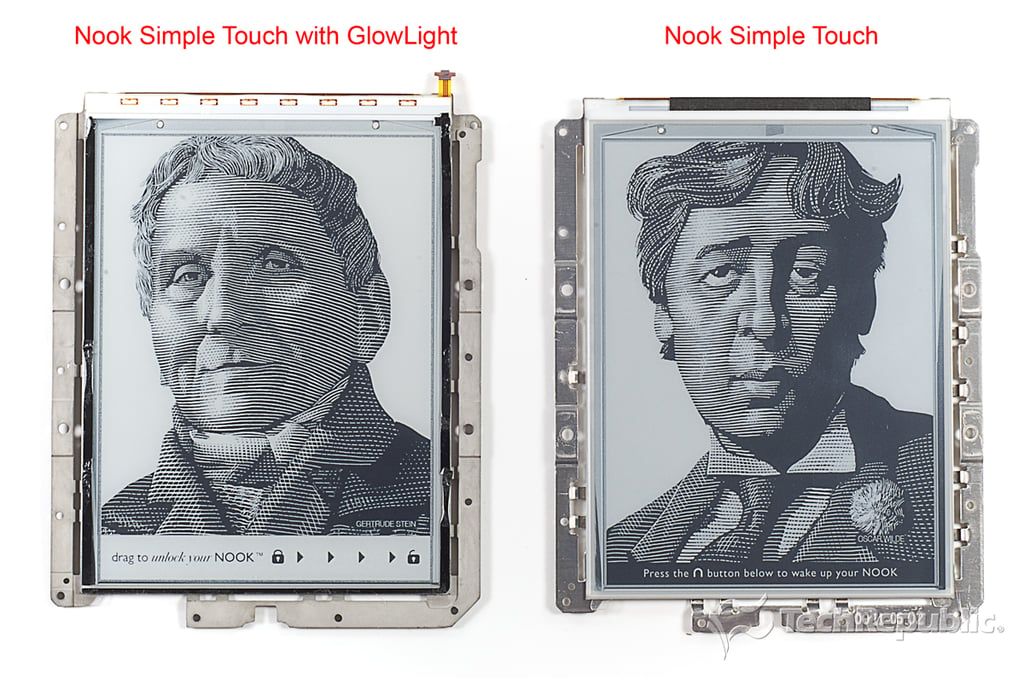
\n\tThe Nook Simple Touch with GlowLight weighs about a half an ounce less than the standard Nook Simple Touch. Barnes and Noble achieved the weight reduction by making the GlowLight’s display mounting plate (left) from a die cast magnesium alloy, AZ91D specifically. The standard Nook’s plate (right) appears to be made from aluminum.
\n
\n\tPhoto by: Bill Detwiler / TechRepublic
\n\tCaption by: Bill Detwiler
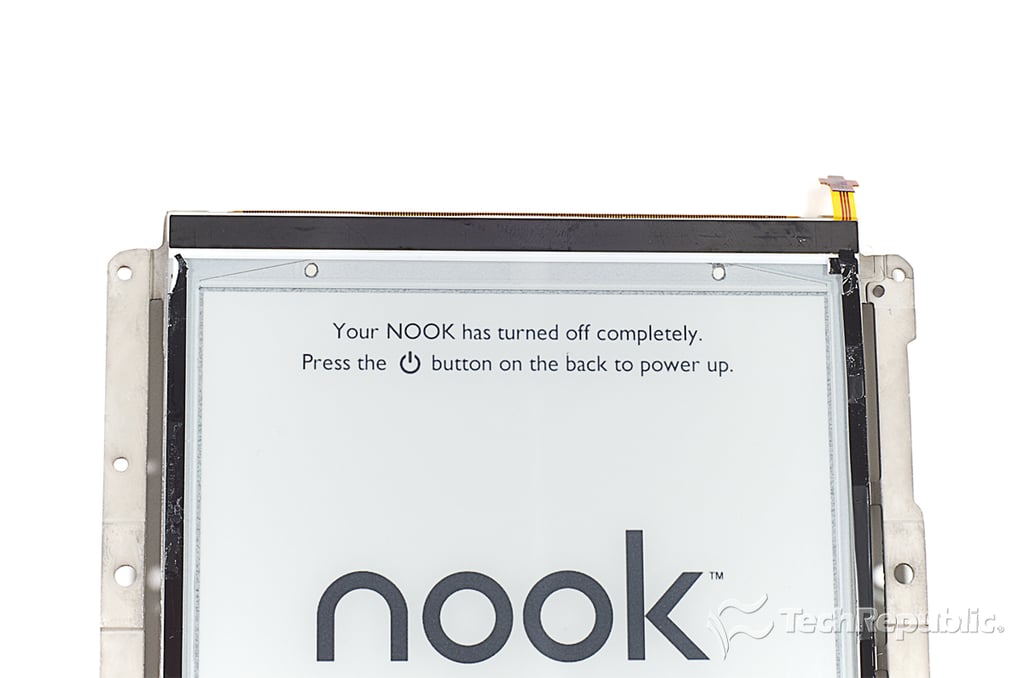
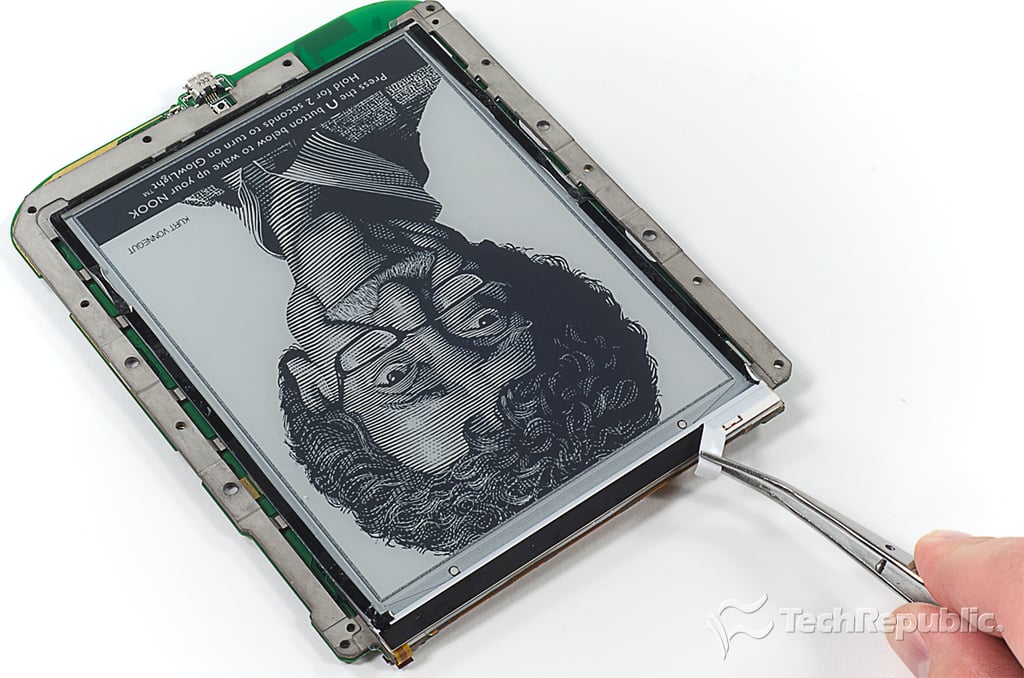
\n\tThe GlowLight LEDs are covered with a thin piece of black tape. Before I remove the tape, I wanted to make sure this is were the LEDs are.
\n
\n\tPhoto by: Bill Detwiler / TechRepublic
\n\tCaption by: Bill Detwiler
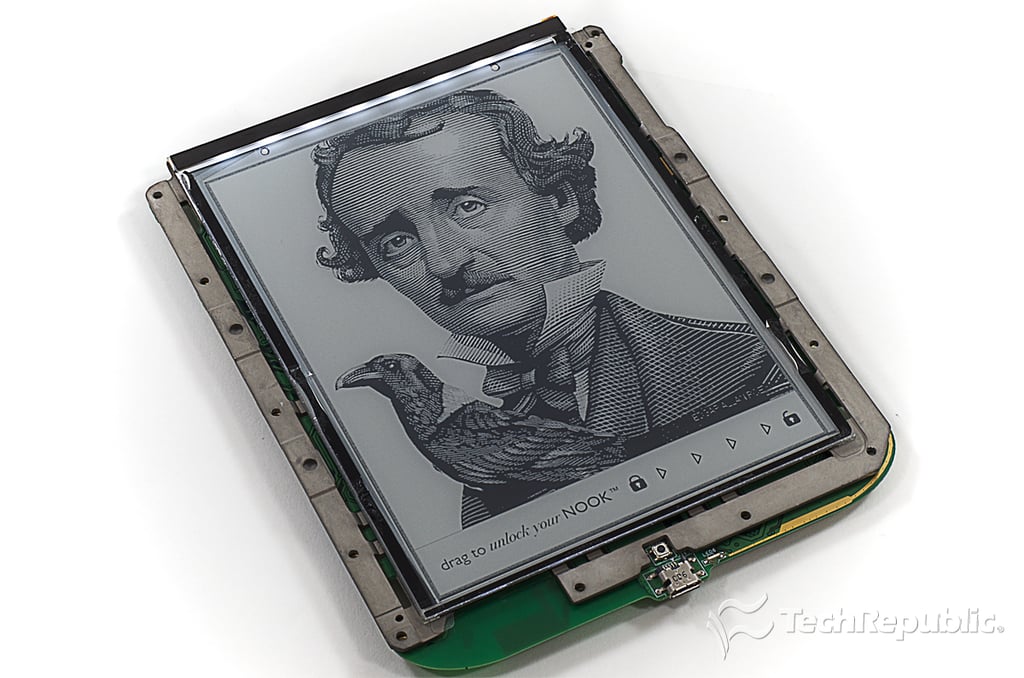
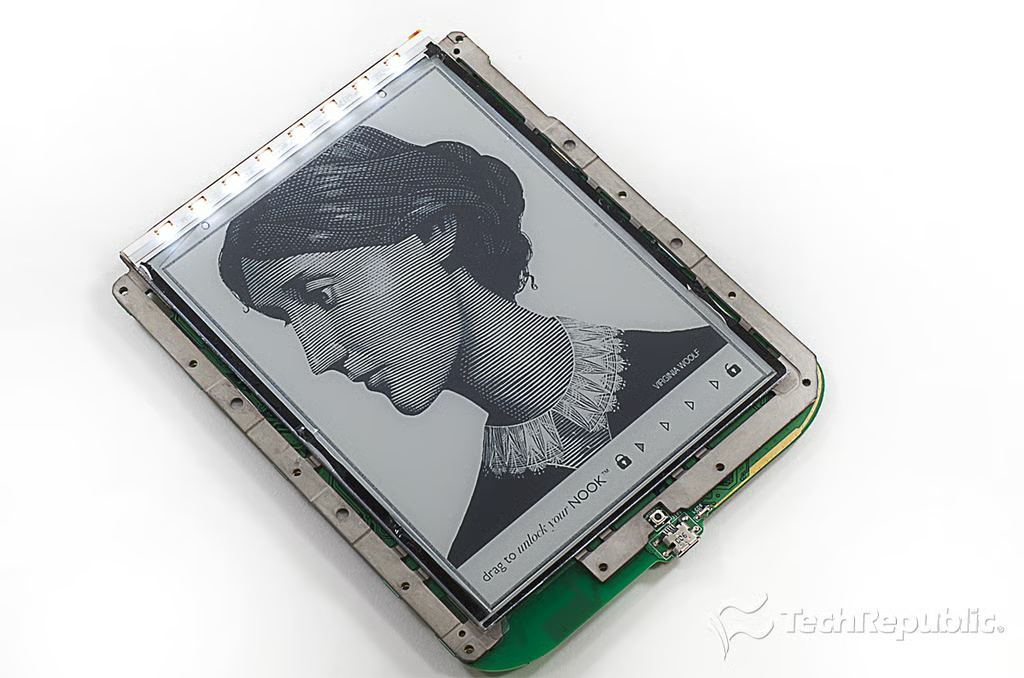
\n\tTo make sure the LEDs were under the black tape along the display’s upper edge, I reconnected the motherboard and battery and turned the GlowLight on.
\n
\n\tPhoto by: Bill Detwiler / TechRepublic
\n\tCaption by: Bill Detwiler
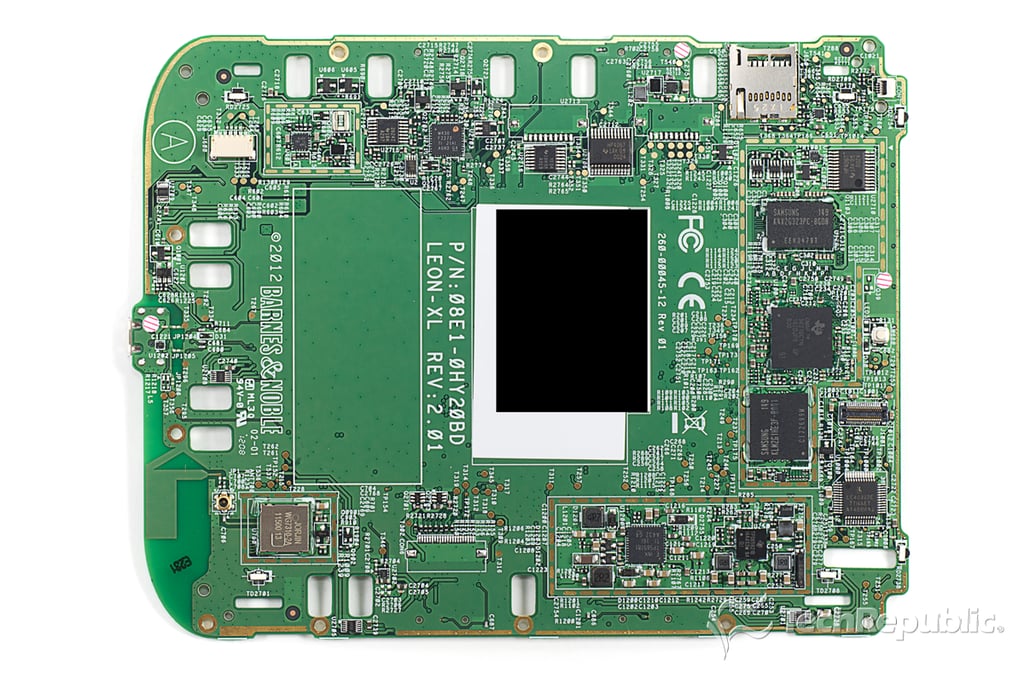
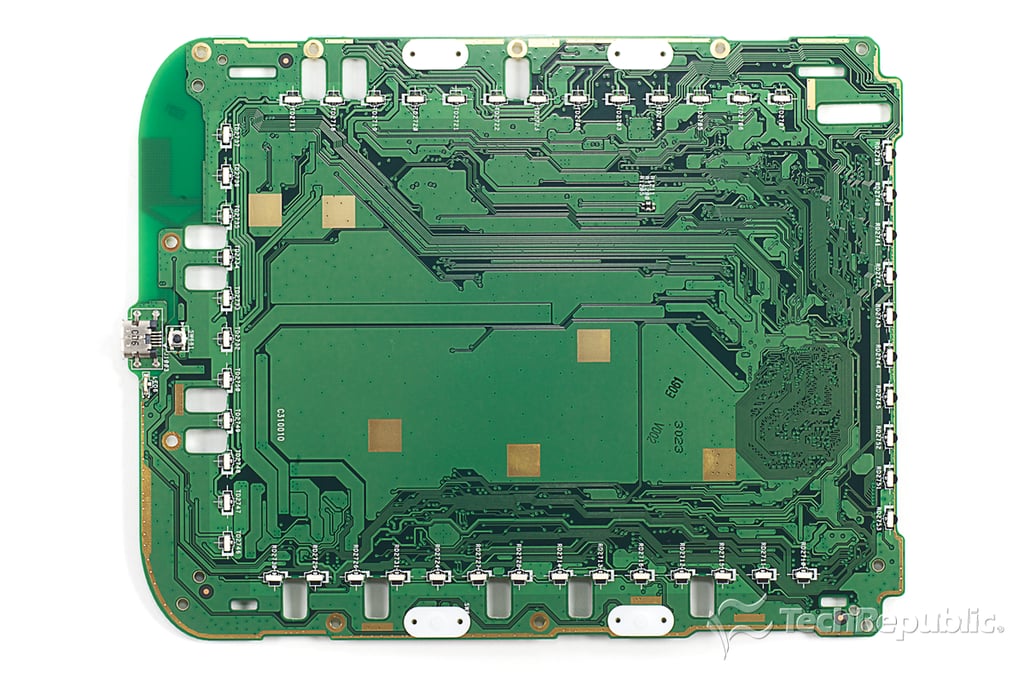
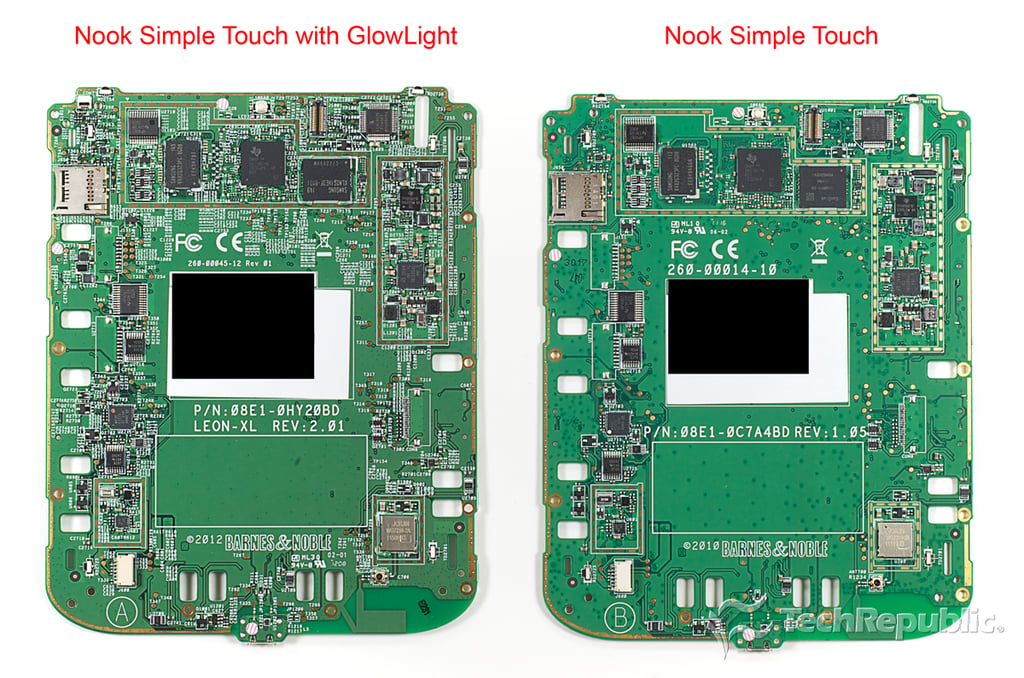
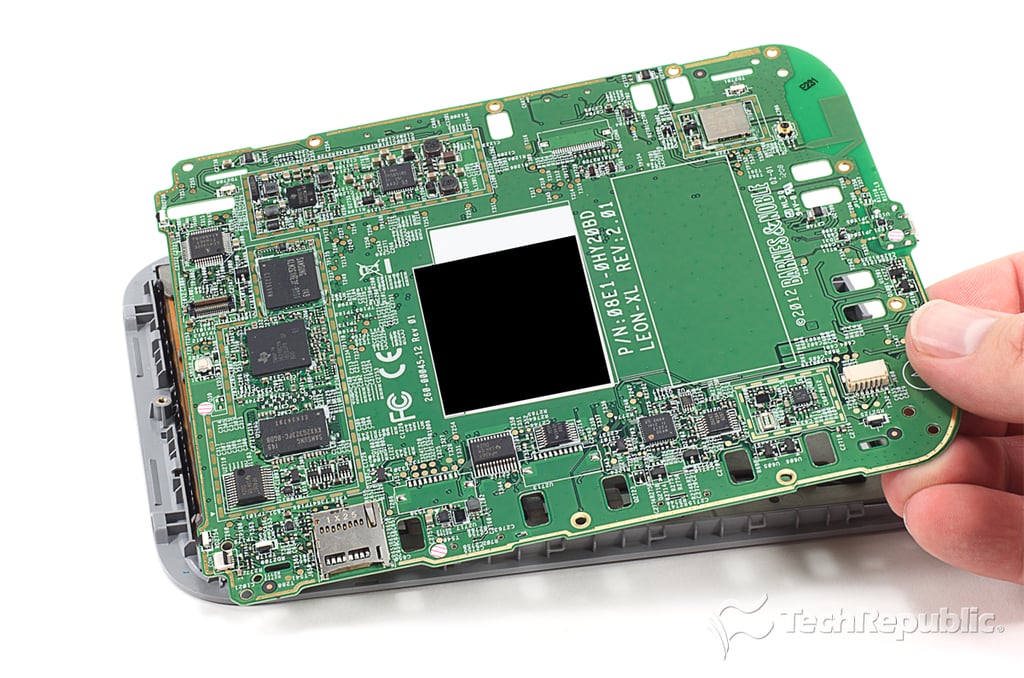
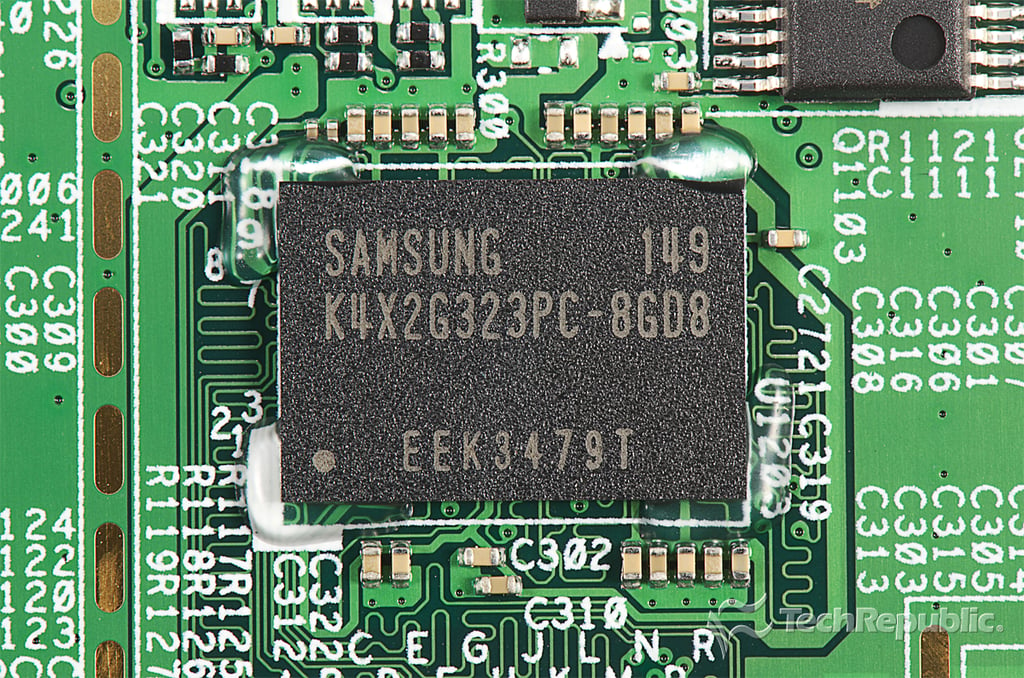
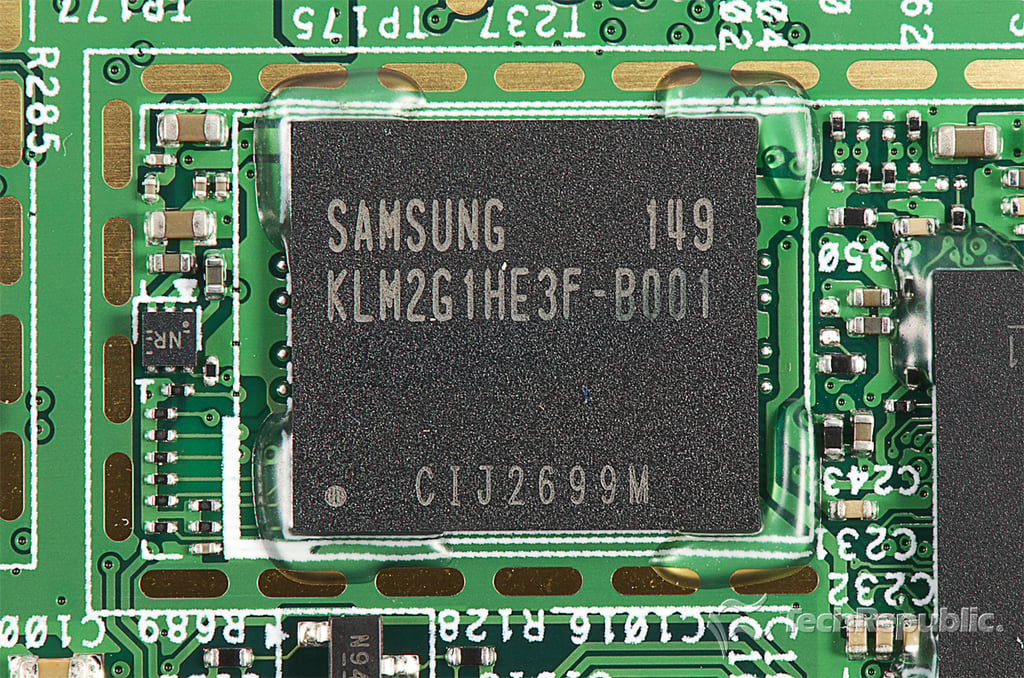
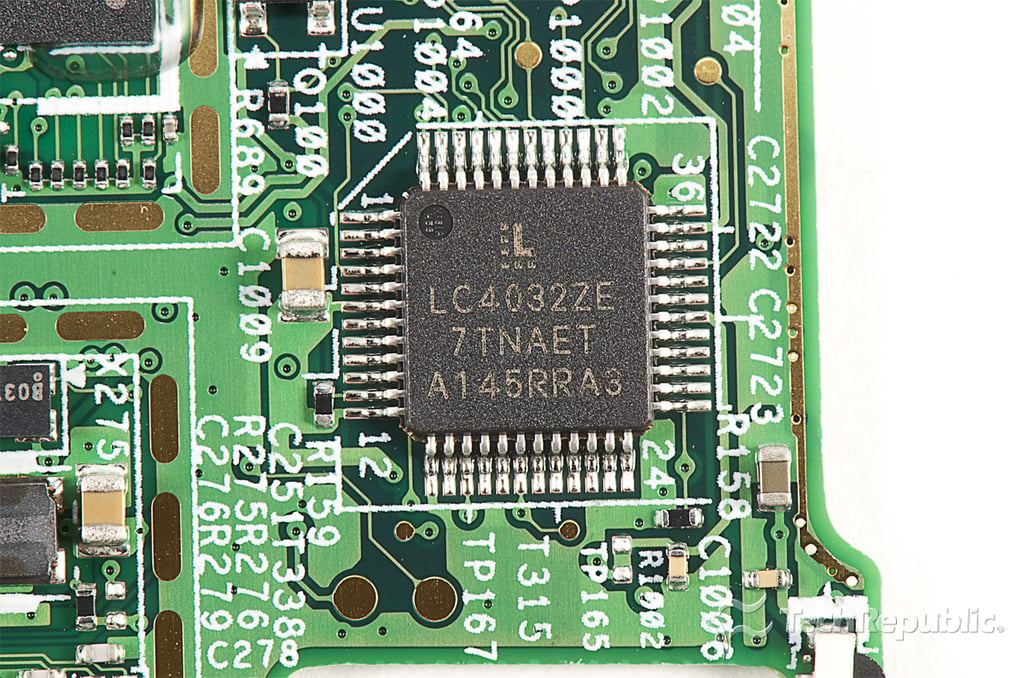
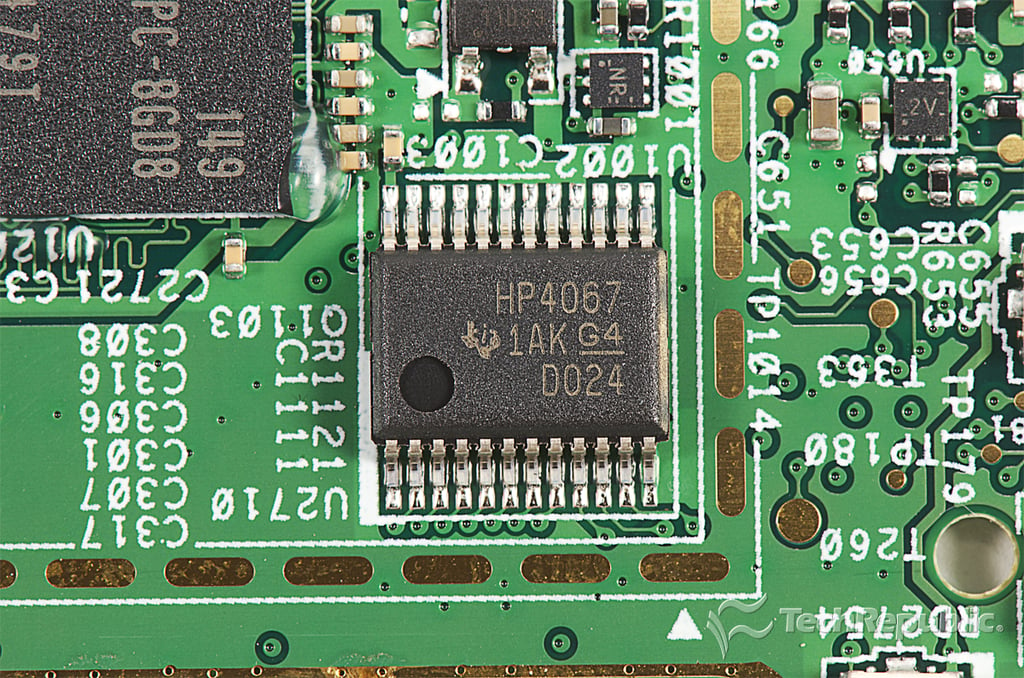
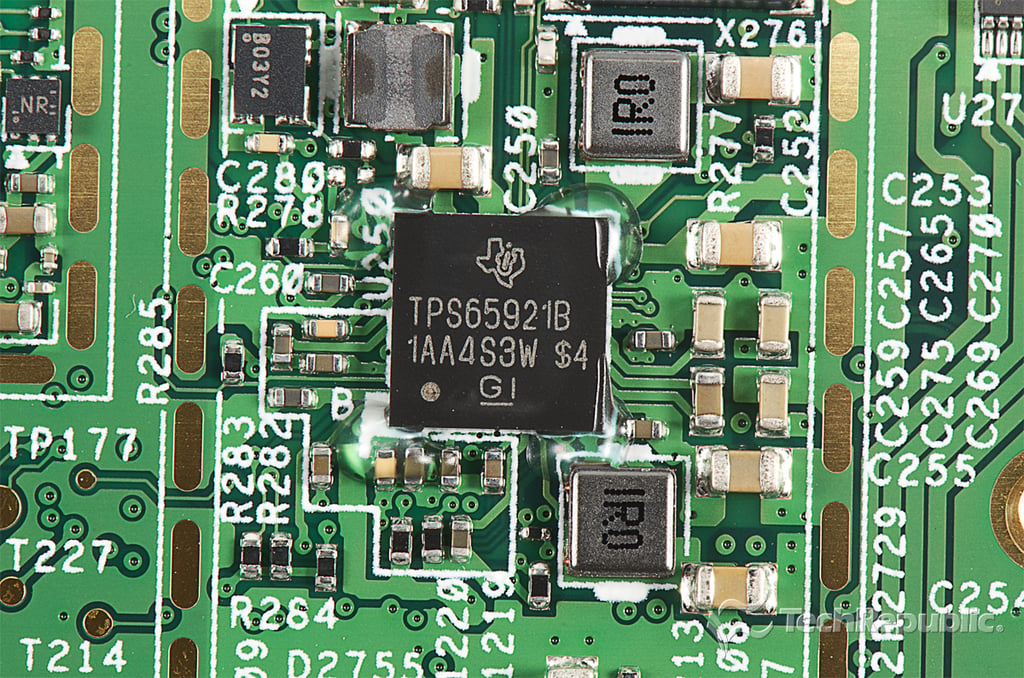
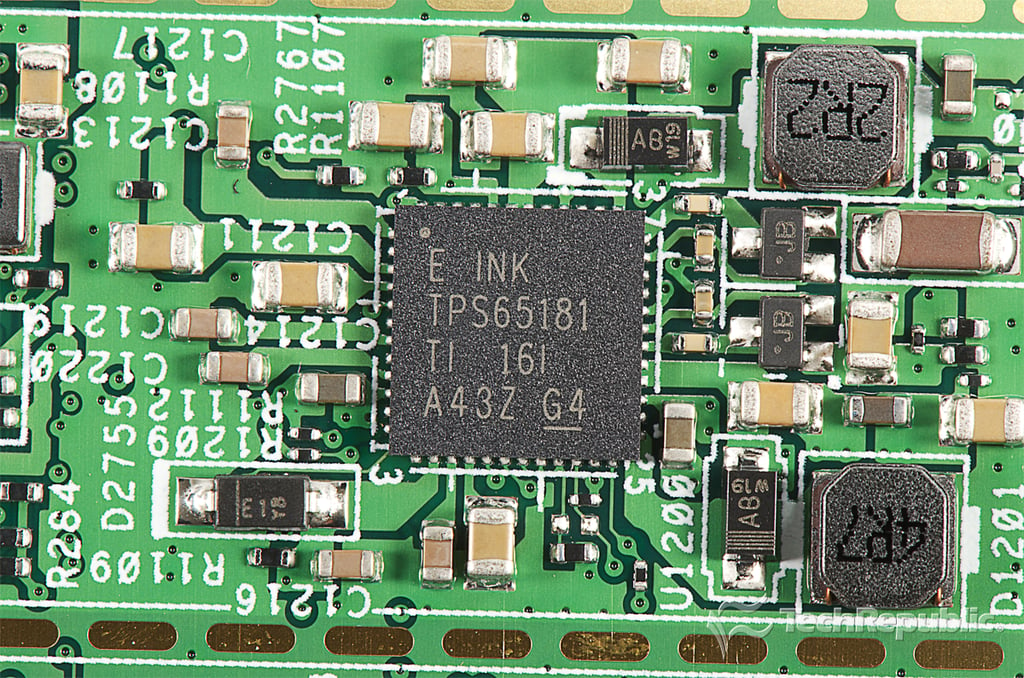
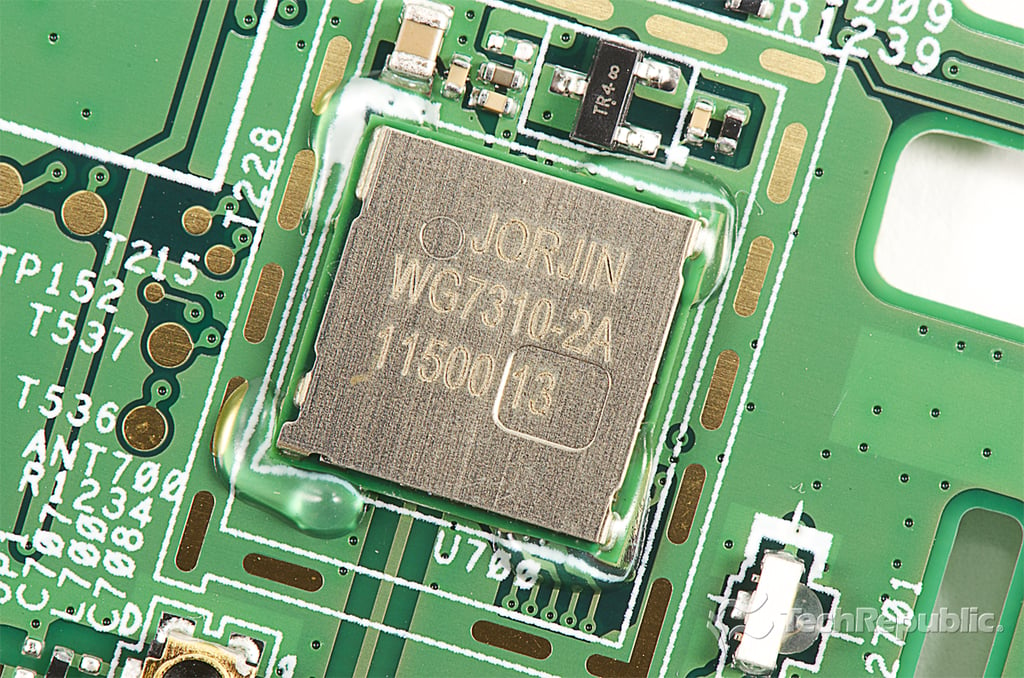
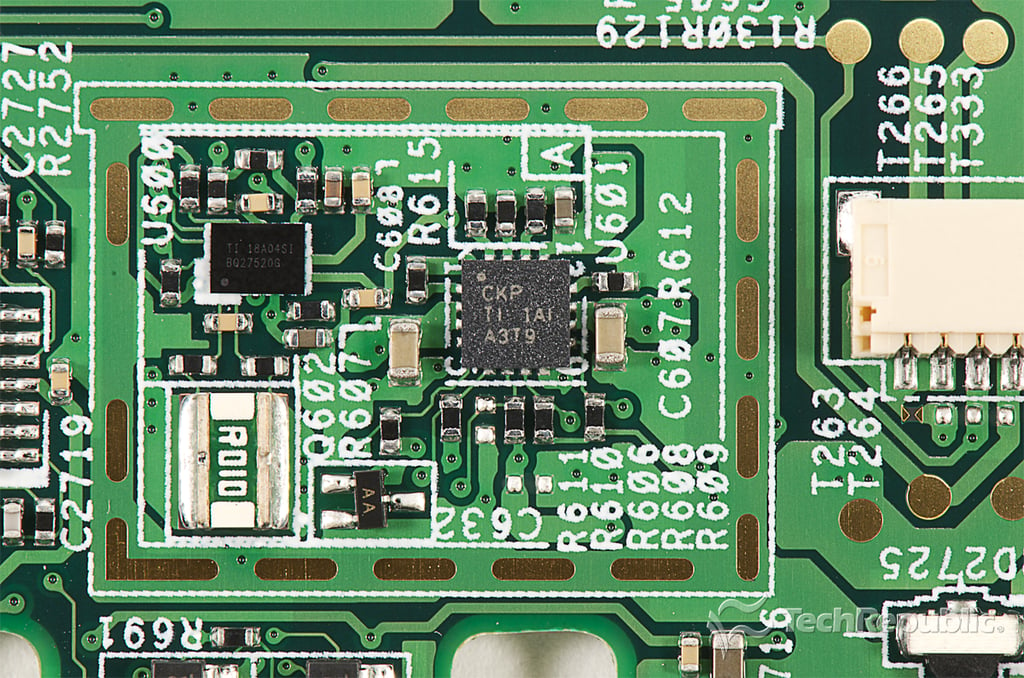
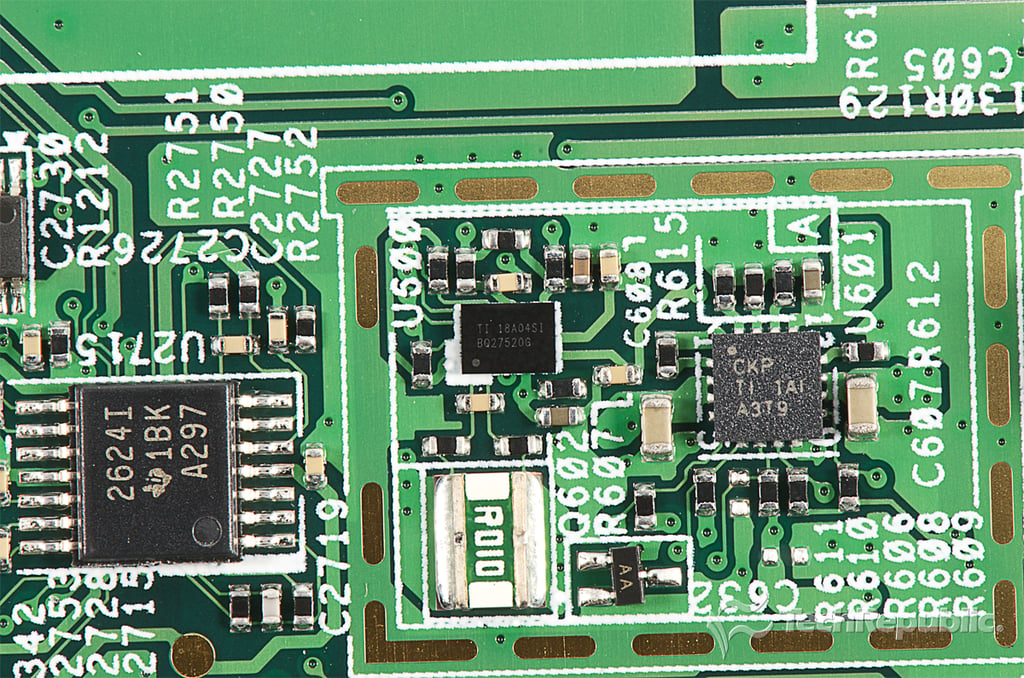
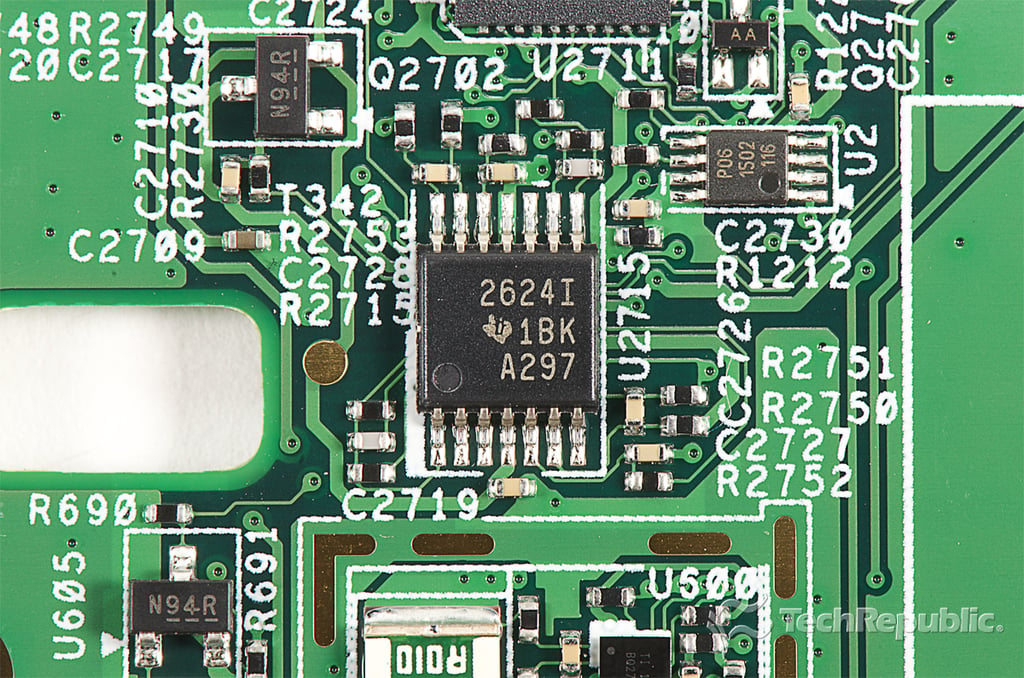
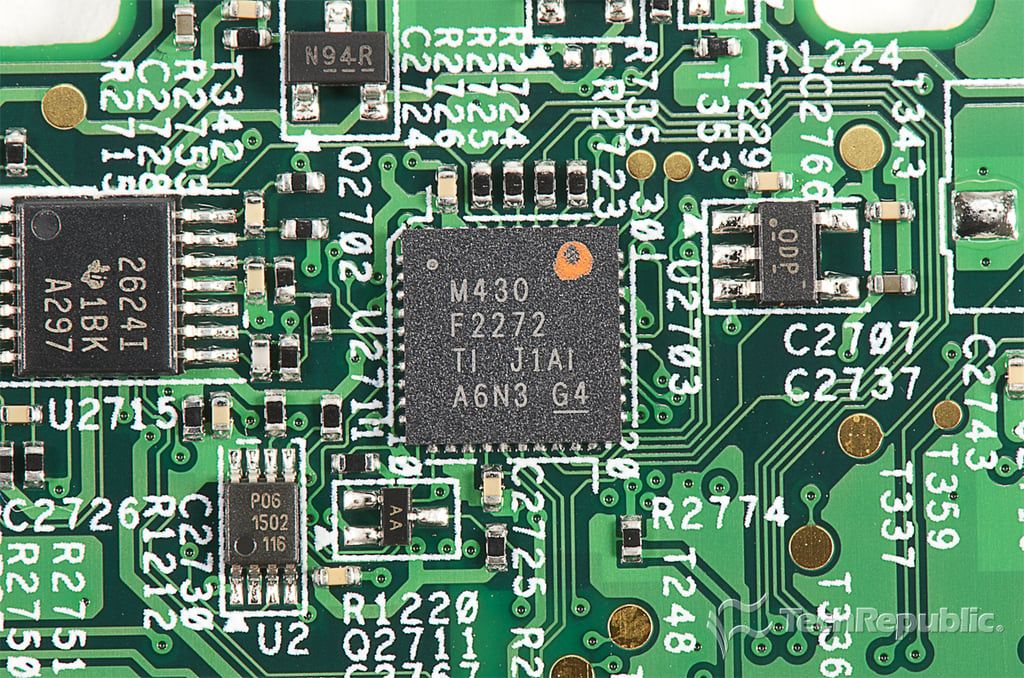
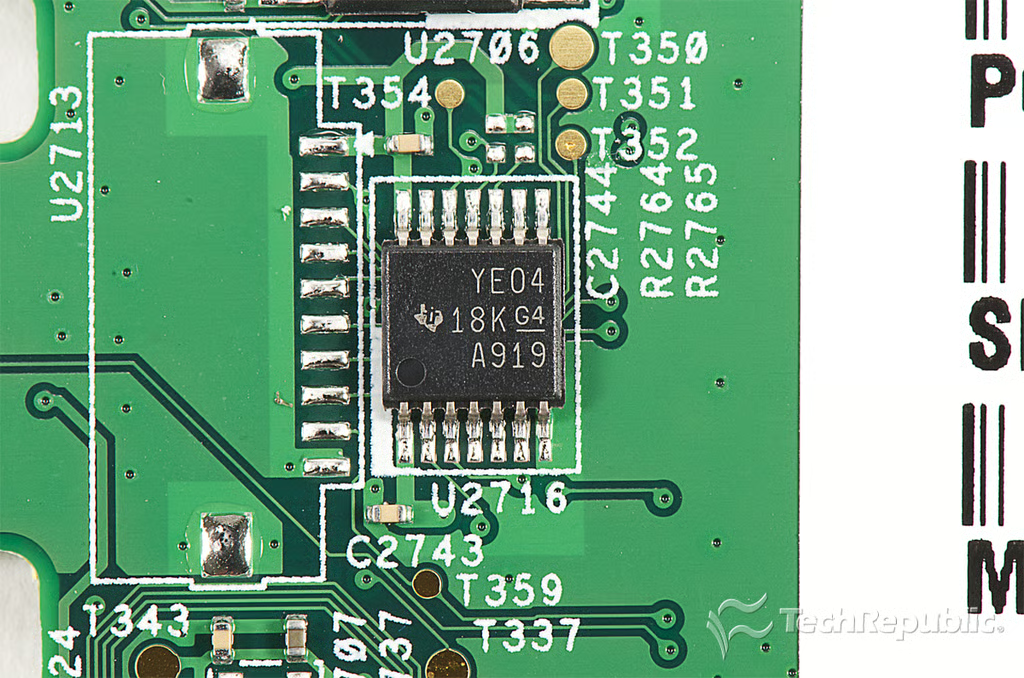
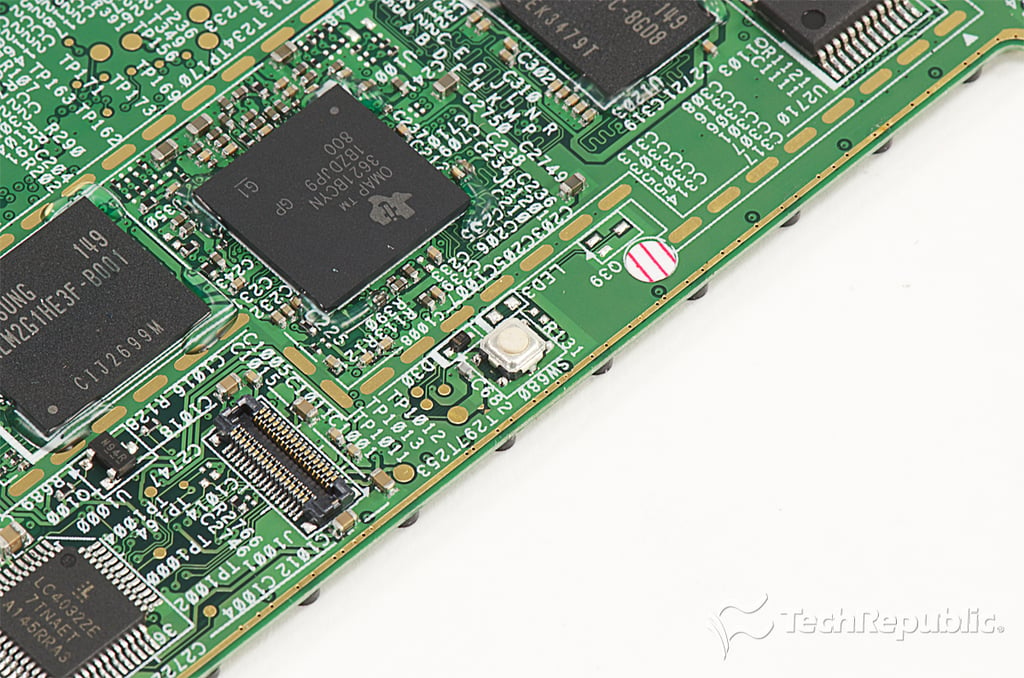
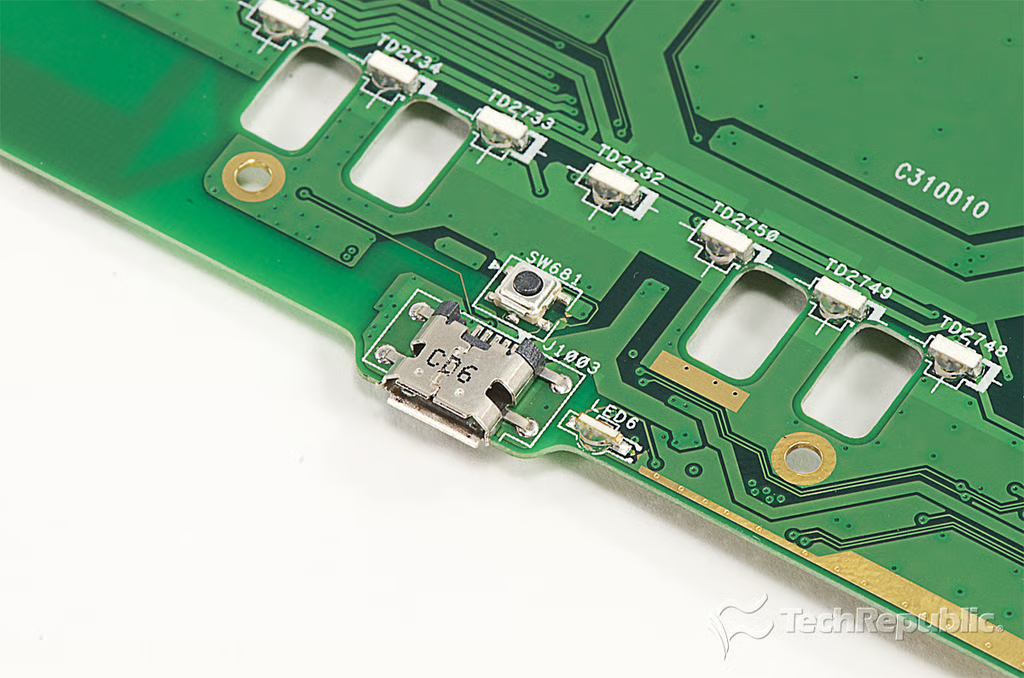
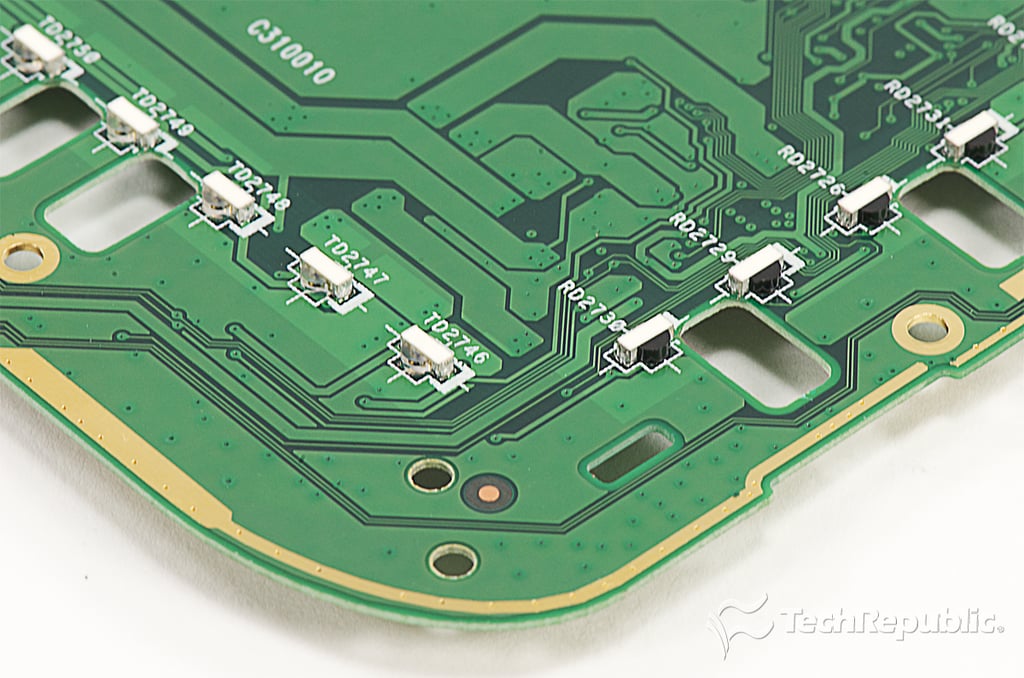
\n\tAs with the outer shell and battery, the circuit board is nearly identical to the one on the standard Nook. There’s an 800 MHz TI OMAP processor, a 256MB mobile DRAM chip, a 2GB storage chip, a Jorjin Wi-Fi module, and Neonode’s . Besides a few extra really small ICs and components, the only big difference, is a connector used for the GlowLight’s LEDs.
\n
\n\tPhoto by: Bill Detwiler / TechRepublic
\n\tCaption by: Bill Detwiler
\n\tFor a detailed analysis of the teardown, check out my article and video, Nook GlowLight teardown reveals secrets behind integrated light and lower weight.
Bill Detwiler is the Editor for Technical Content and Ecosystem at Celonis. He is the former Editor in Chief of TechRepublic and previous host of TechRepublic's Dynamic Developer podcast and Cracking Open, CNET and TechRepublic's popular online show. Previously, Bill was an IT manager in the social research and energy industries. He has bachelor's and master's degrees from the University of Louisville, where he has also lectured on computer crime and crime prevention.


