
The NoteMagix C90 Ultra Notebook from Velocity Micro is a compact yet powerful notebook computer designed for gaming while on the move. In many ways the NoteMagix C90 Ultra is comparable to the Alienware m9750 notebook we looked at a reviewed earlier, but the C90 sells for hundreds of dollars less.

Velocity Micro has been around for a long time, at least in terms of online computer retailers. But this is the first product I have tried from this company.

The notebook is packed to reduce the possibility of damage, which is always a good idea.

One thing about a notebook you notice when you have to unpack things as often as I do — there is not much to it.
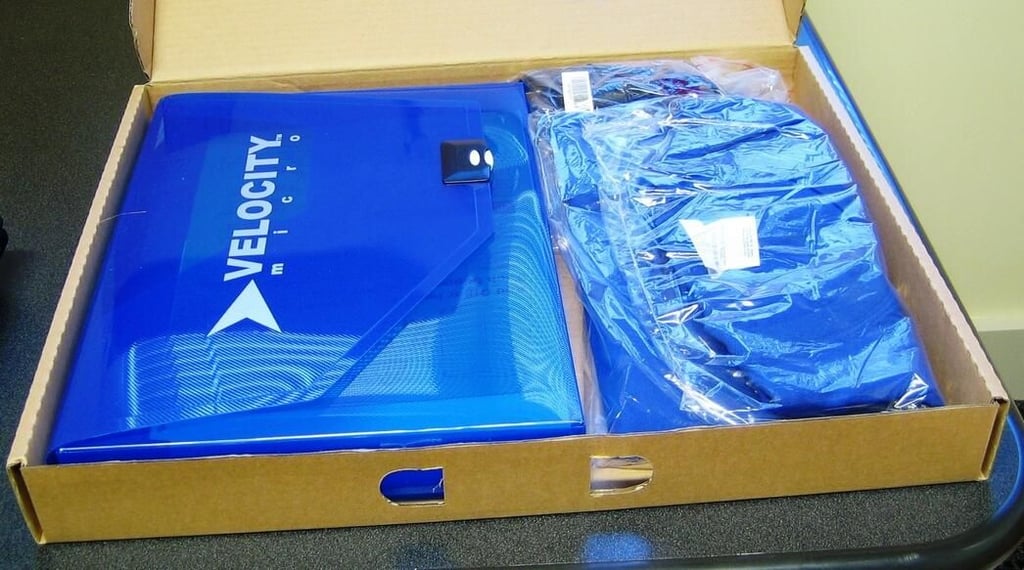
Custom PC retailers like to pack goodies in with their products. Our C90 Ultra came with a T-shirt and a plastic folder with our documentation.
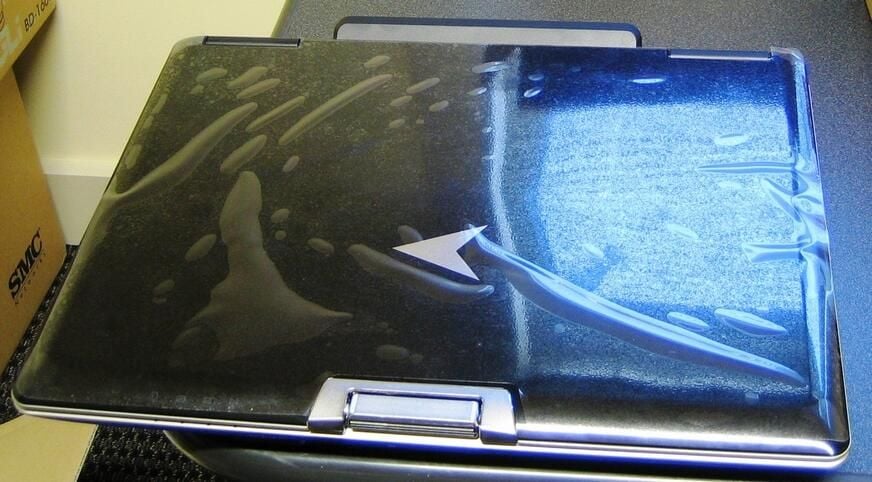
Retailers are big on glossy black these days. The glossy always looks great out of the box, but it doesn’t take long for the fingerprints to accumulate.
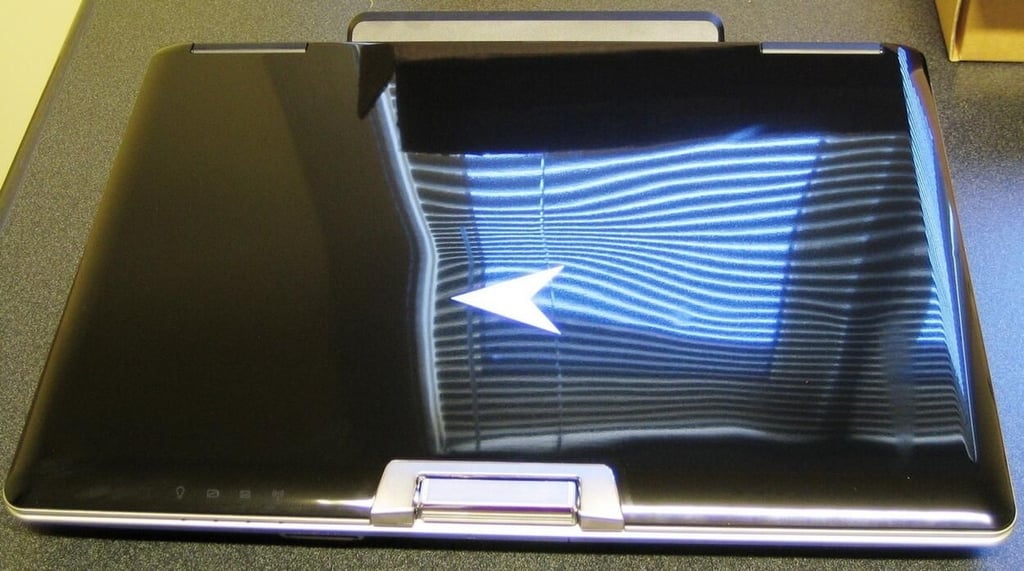
The lid on the C90 Ultra has no clasps. The top just opens without any buttons to push. I often complain about how difficult it can be to open a notebook in tight spaces when there is a clasp — never realized someone was listening.
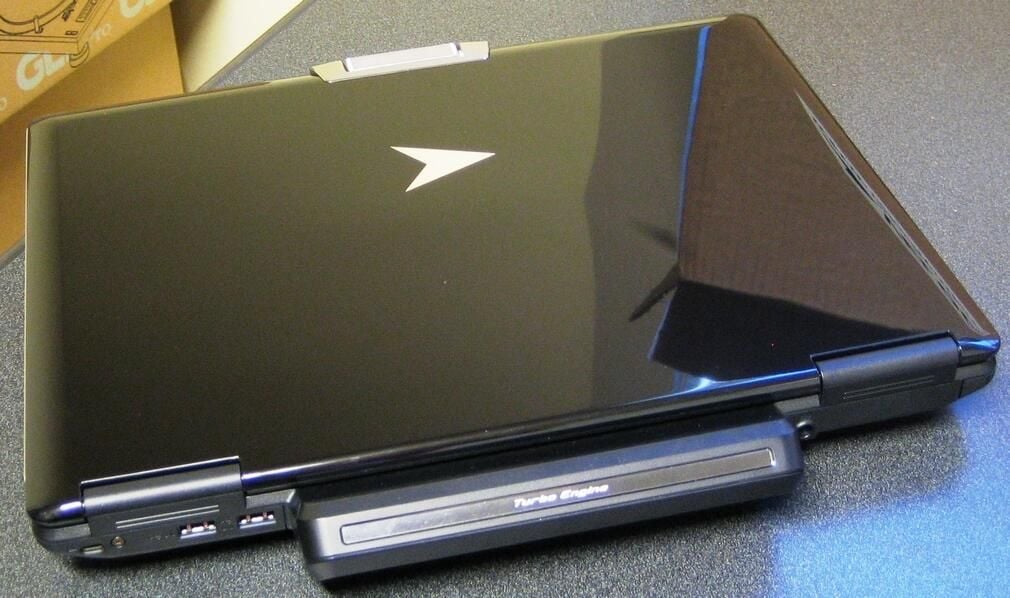
The C90 Ultra from Velocity Micro has a large appendage on the back labeled Turbo Engine. When we crack the notebook open you’ll see what is inside.
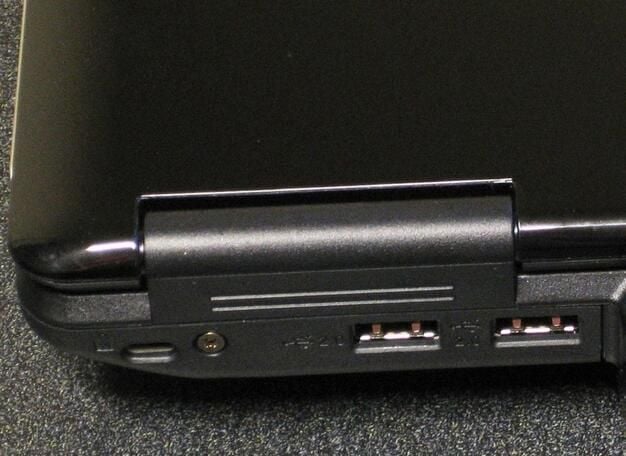
The C90 Ultra has ports and connections galore. There are two USB connections located on the back.
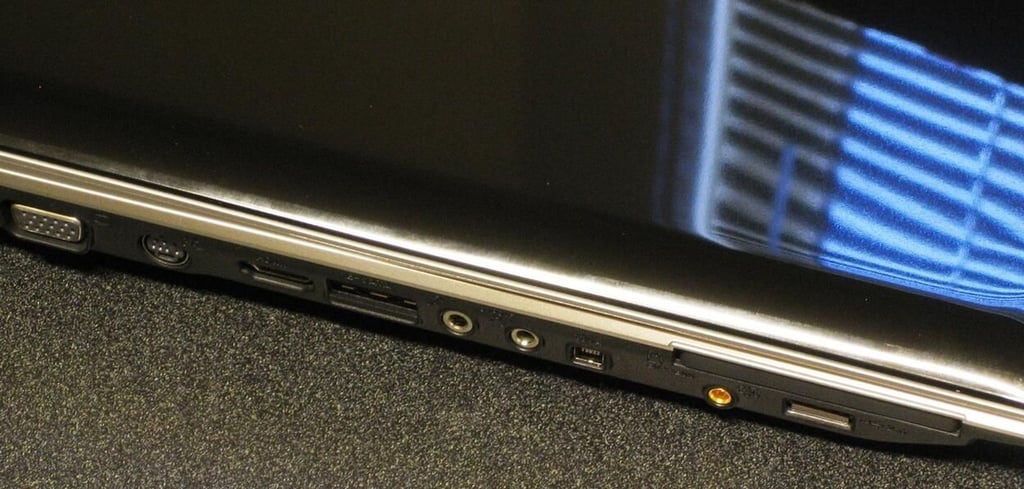
The left hand side of this notebook has a plethora of connections.
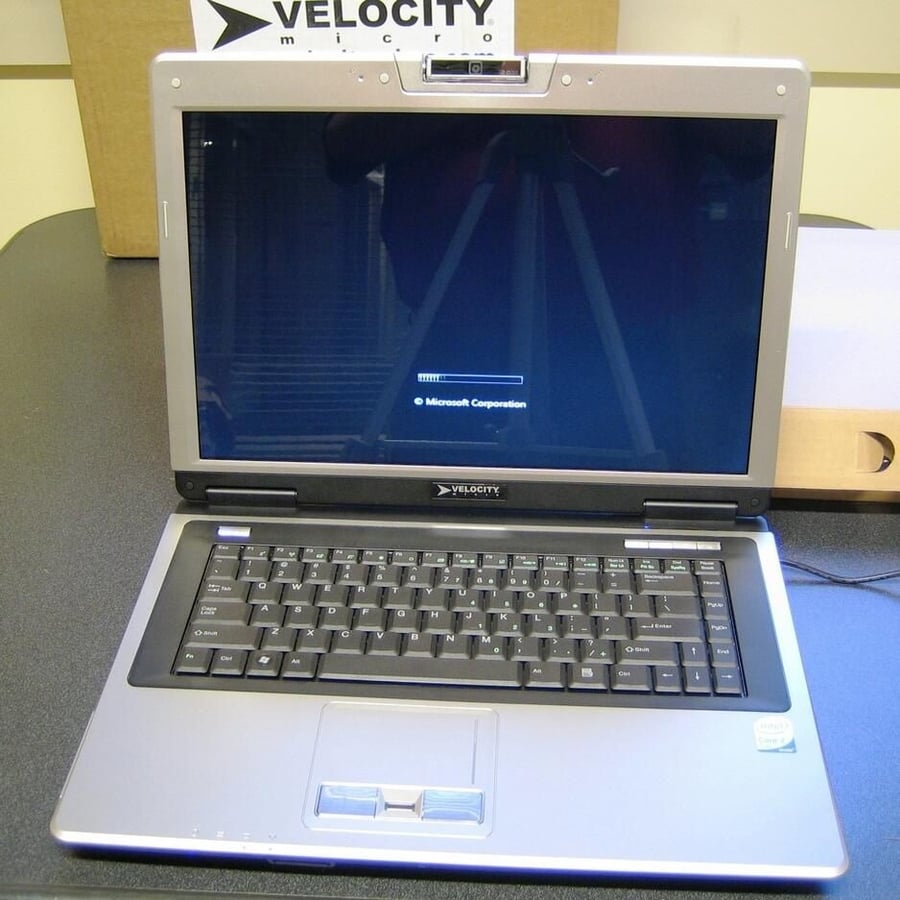
The C90 Ultra ships with Windows Vista.
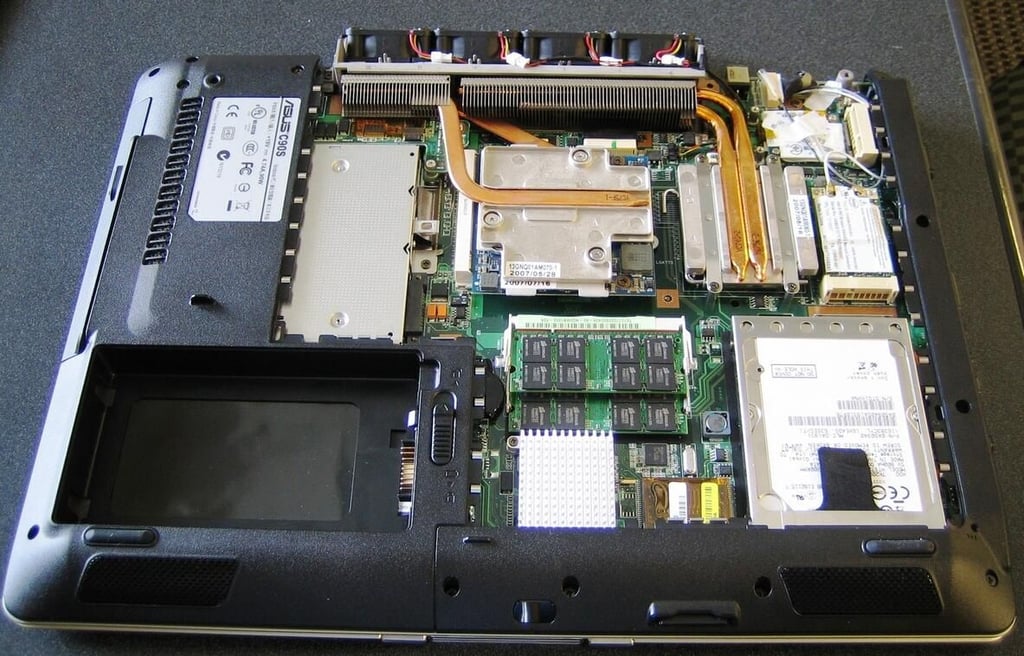
The general layout of the C90 Ultra screams efficiency and heat disposition.

Our test unit contained 2GB of Corsair RAM. I believe 2GB should be the standard amount of RAM for any PC running Windows Vista.
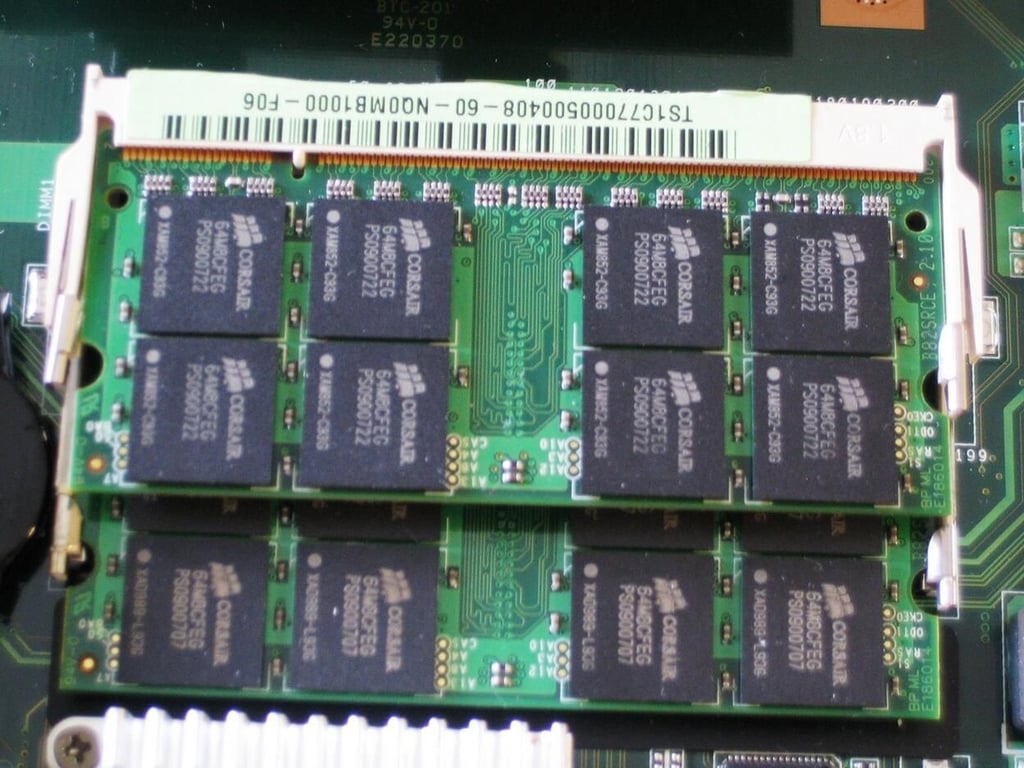
Corsair makes some of the best RAM around — Velocity Micro made a good choice here.
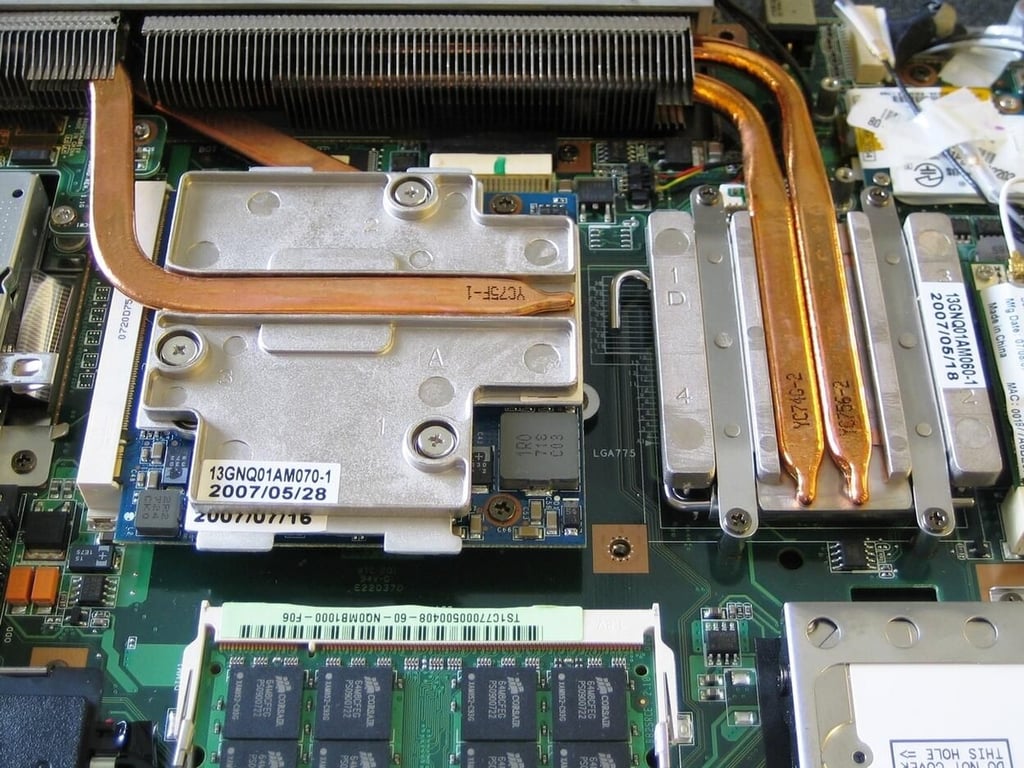
Both the GPU and CPU generate plenty of heat which is drawn off by the copper to the radiator fins.
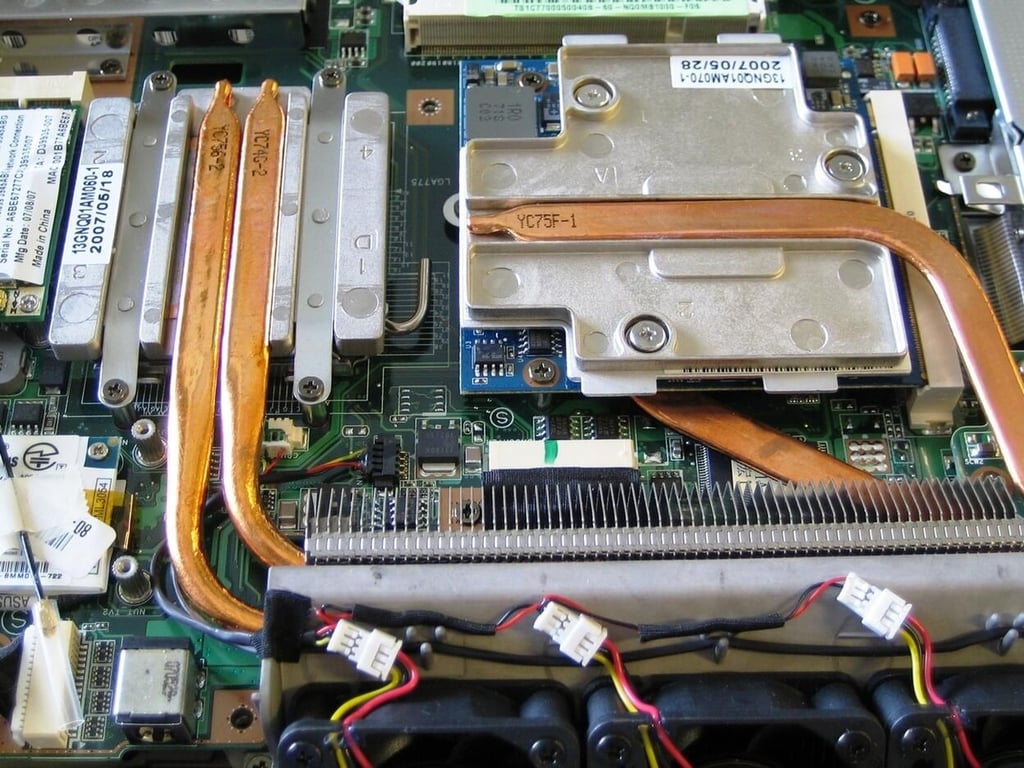
The fins draw away the heat and dissipate it outside the case.
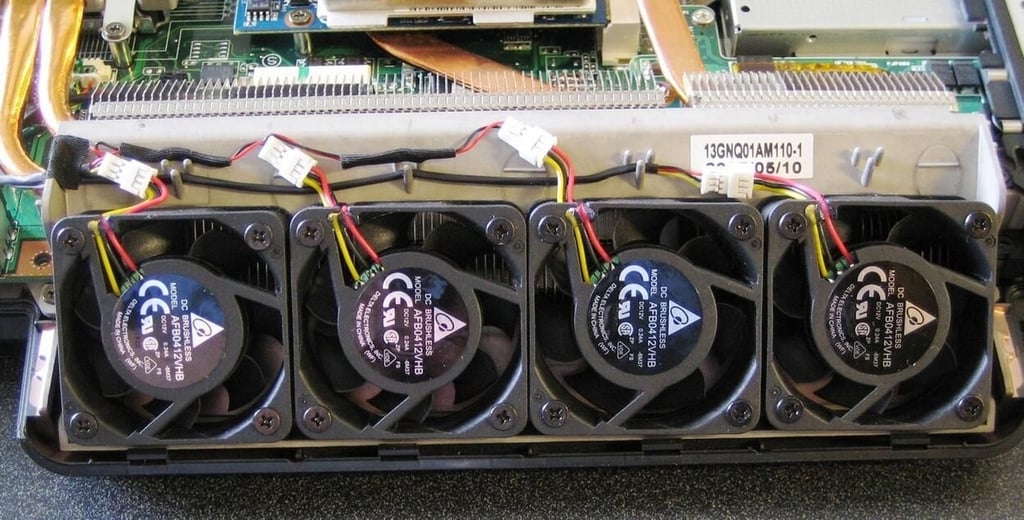
The dissipation of heat is accelerated as necessary by this bank of four fans. Remember the Turbo Engine from before — well this is what that appendage contained.
These fans kick in as needed, so when you push the notebook hard the noise can be a little distracting.
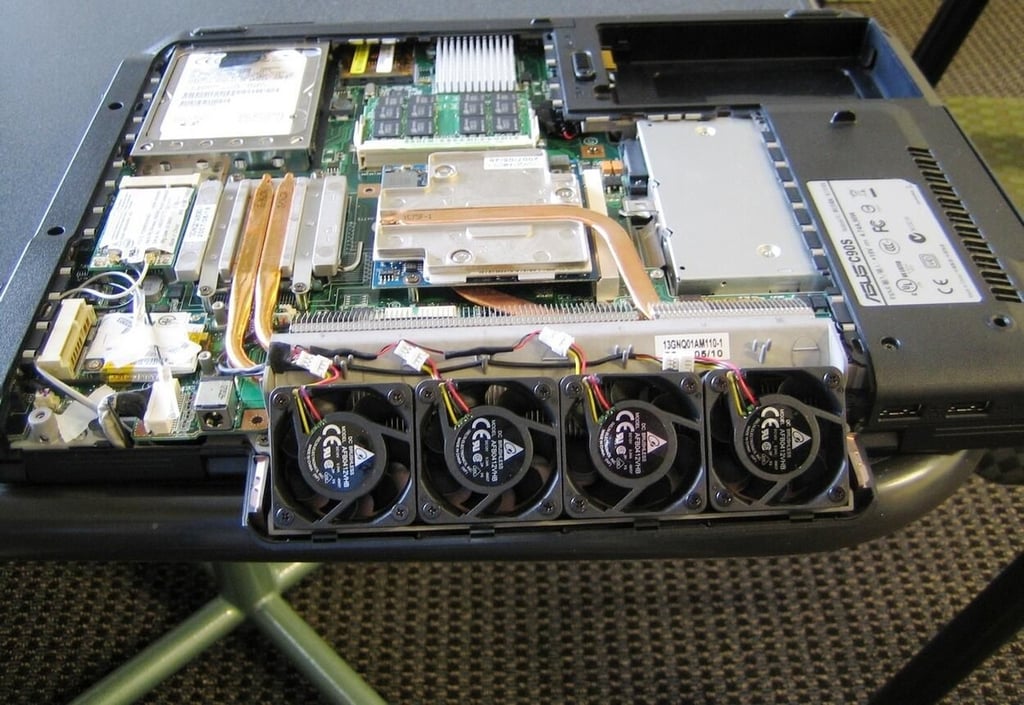
As you can imagine, when the fans are all cranking, the heat pulled out of the notebook is quite noticeable. However, in a stroke of design genius, the C90 Ultra’s Turbo Engine throws most of the heat out the back and away from your lap. I was able to set this notebook on my lap and use it comfortably even though the fans were all on.
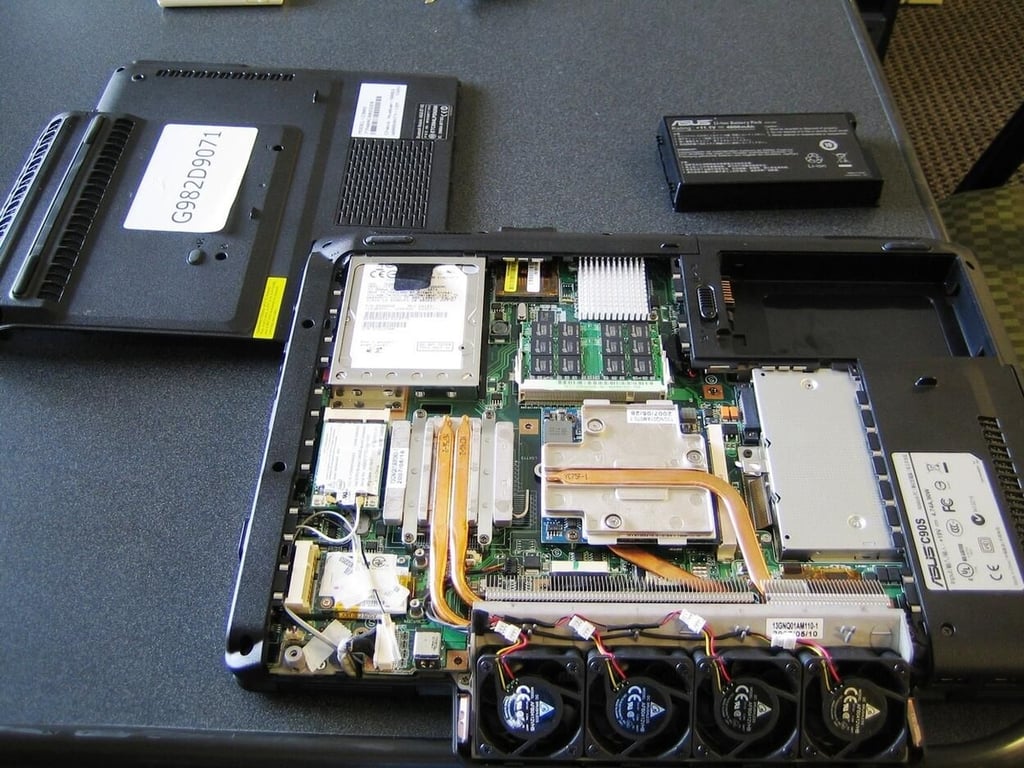
According to the manual for the Asus C90S, you can easily upgrade the RAM, CPU and GPU. Of course, our test unit arrived pretty much maxed out already.
The Velocity Micro C90 Ultra is a fine notebook computer for not only gaming but for almost any other PC activity. It is an excellent choice for a general purpose PC notebook. Velocity Micro is selling the basic version for $1495, but you can get one similar to our test unit for a little over $1700. That’s a lot of bang for the buck.

Mark W. Kaelin has been writing and editing stories about the information technology industry, software, hardware, gaming, finance, accounting, and technology geekdom for more than 30 years.


