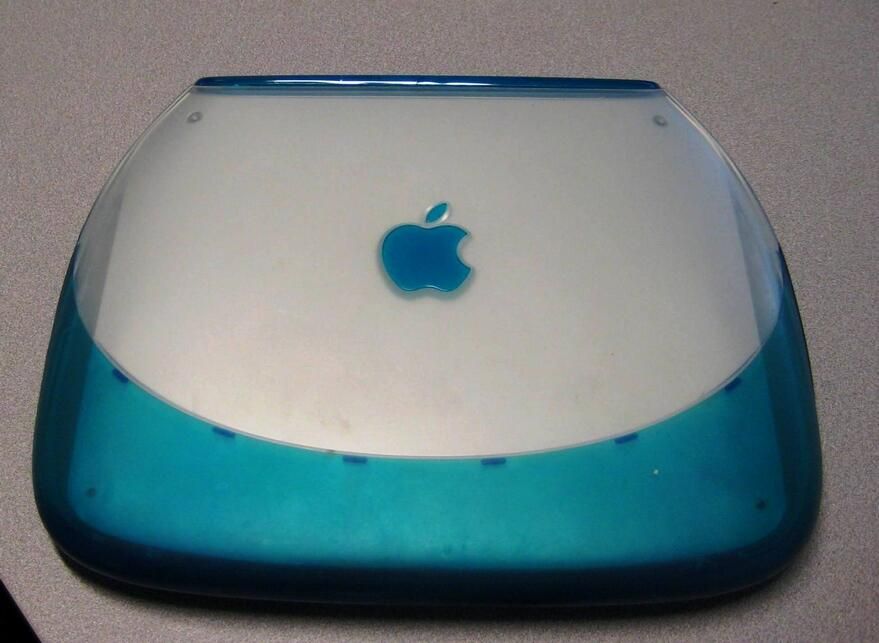
With an innovative design that was meant to grab your attention, the original clamshell iBook from Apple generated almost as much buzz in the IT world as the more recent iPhone. In 1999, personal computer users were generally stuck with the familiar black rectangle laptop, but the iBook only came in blueberry and orange and was shaped like a clamshell (toilet seat?). But what was the iBook like on the inside — we find out in this TechRepublic Cracking Open.
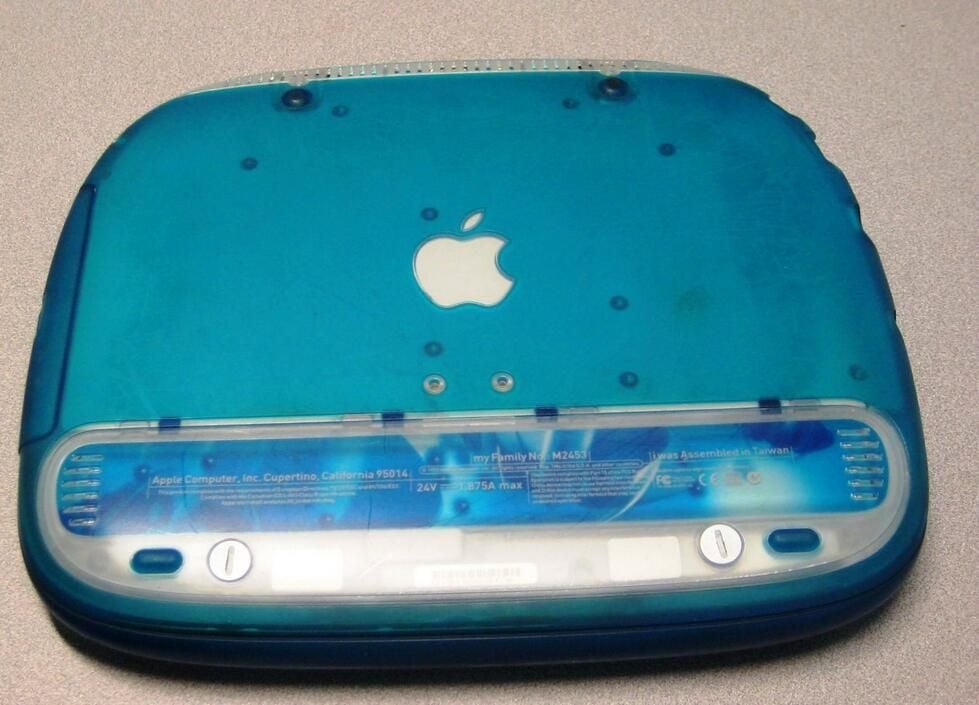
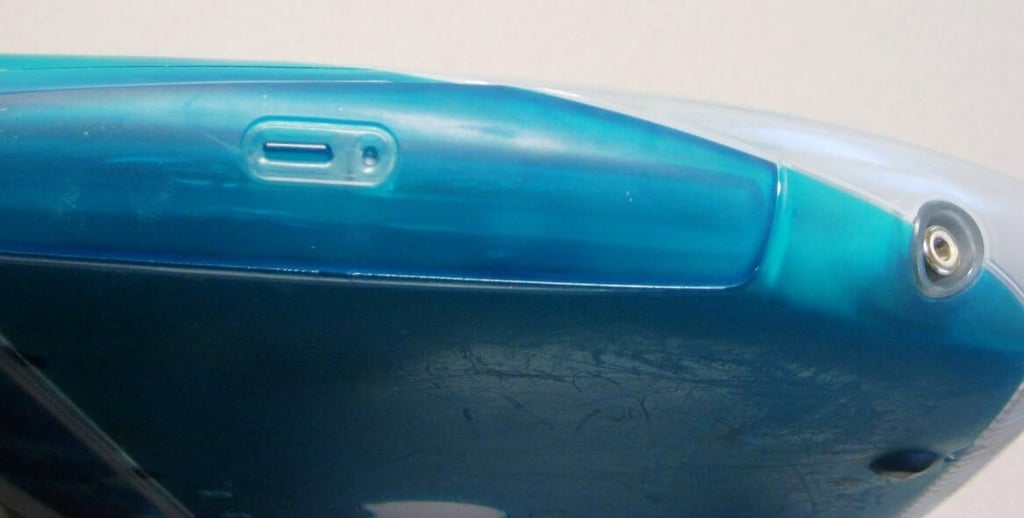
A CD-ROM and an AC power connector are the only other ports.
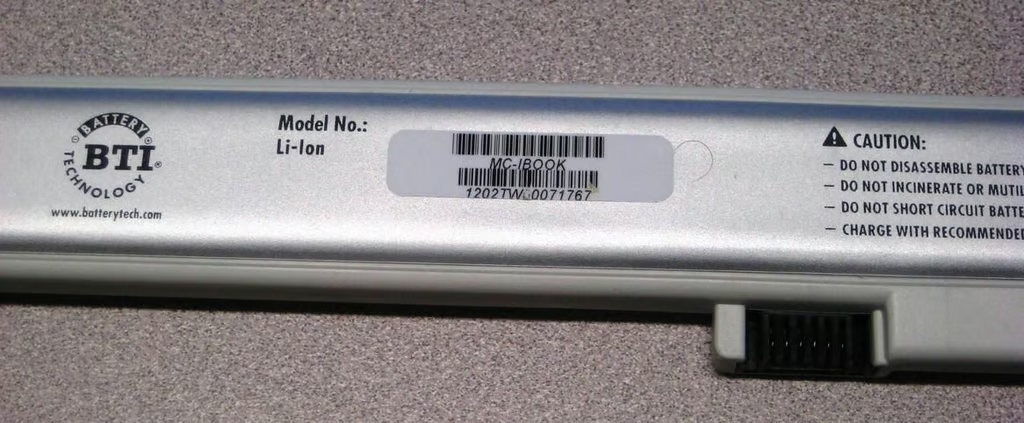
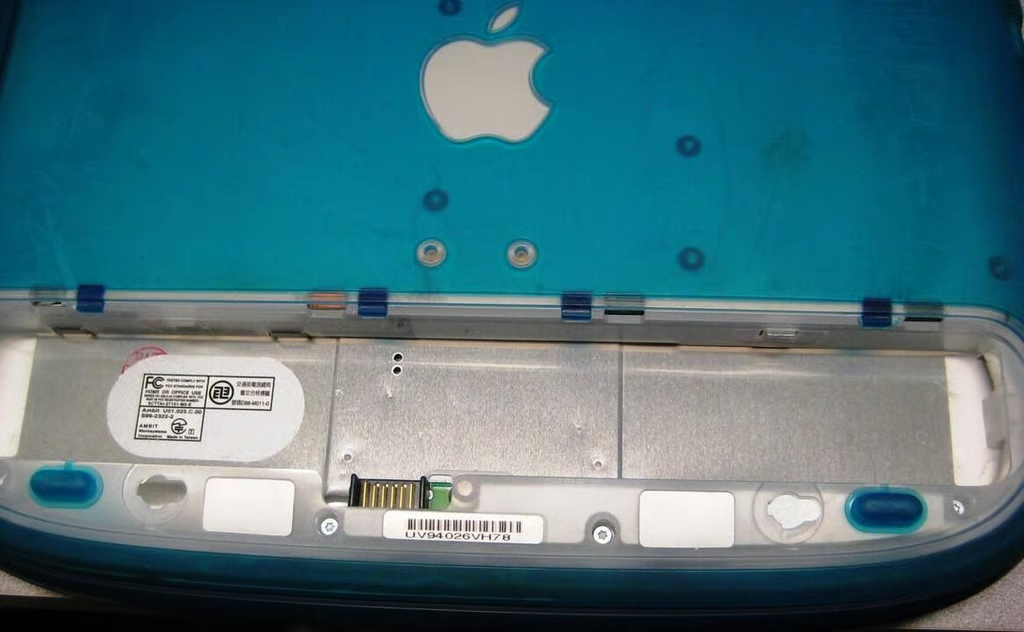
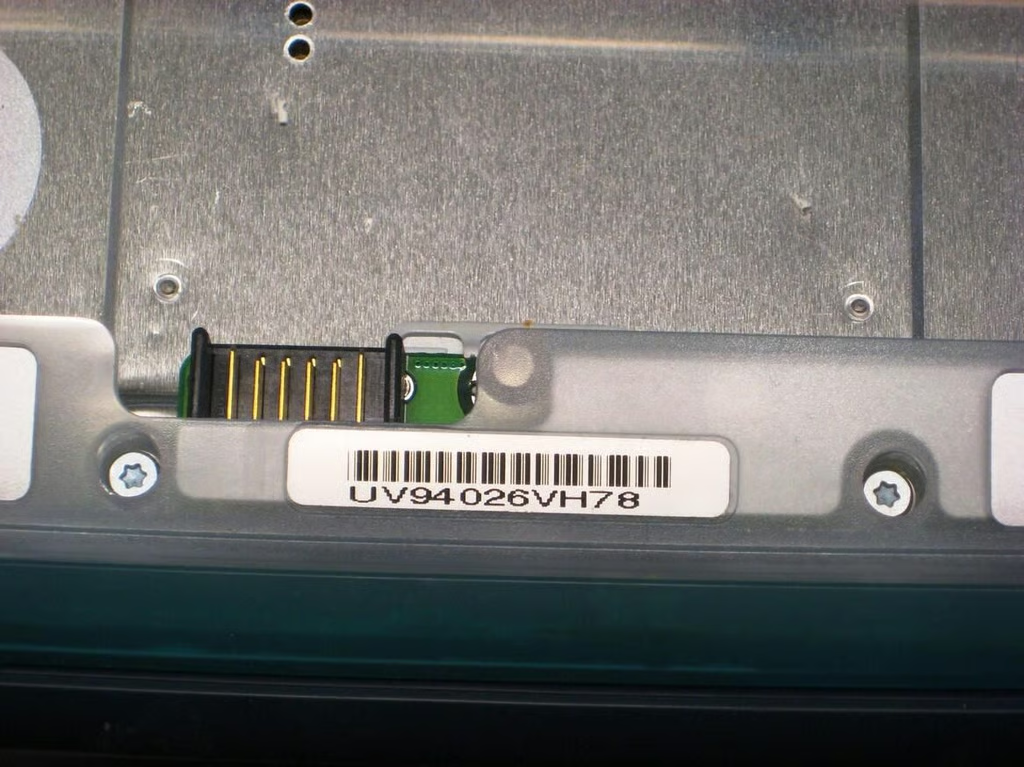
As we look closer at the empty battery compartment we can see some of the screws we will have to remove to get inside our iBook. Note that they require an Allen wrench.
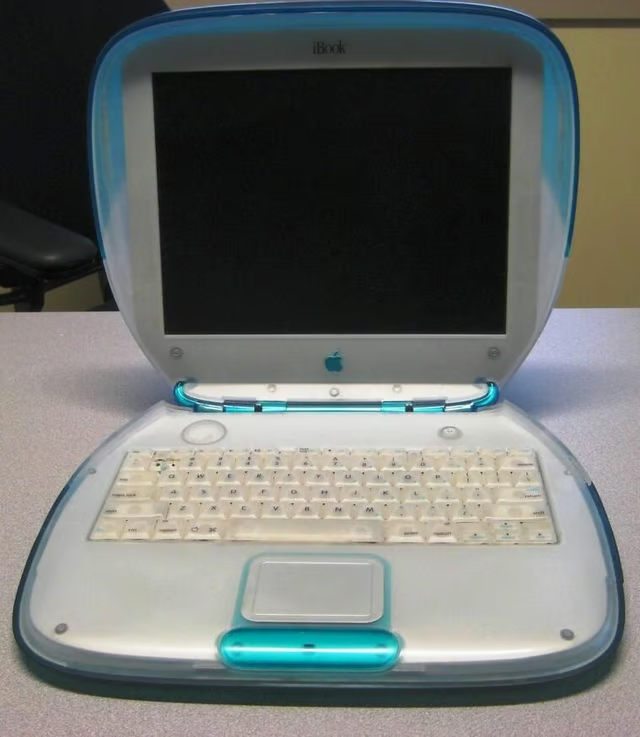
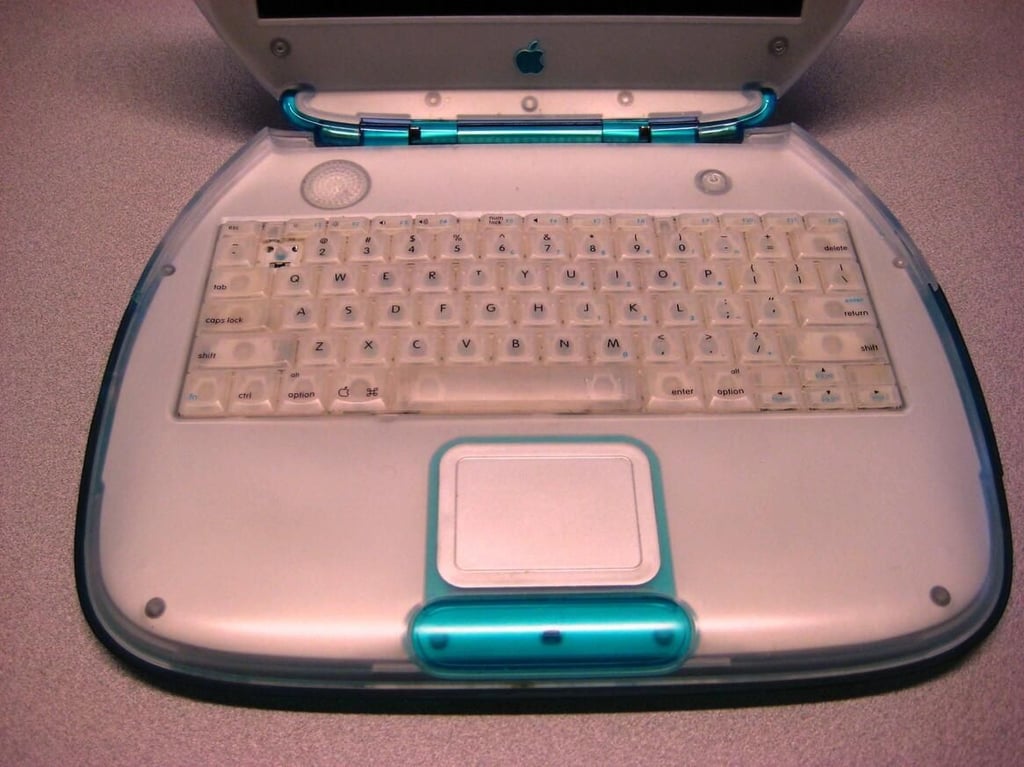
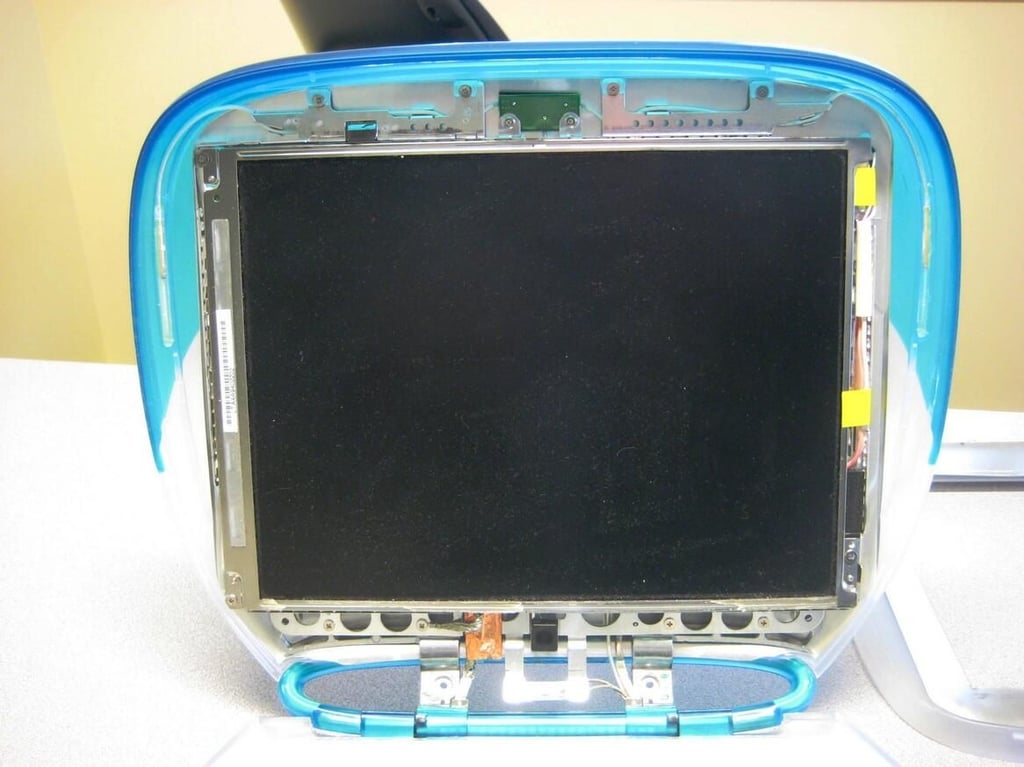
While it may not be cracked it is very dirty. A close examination does not reveal any clues about why the LCD quit working.
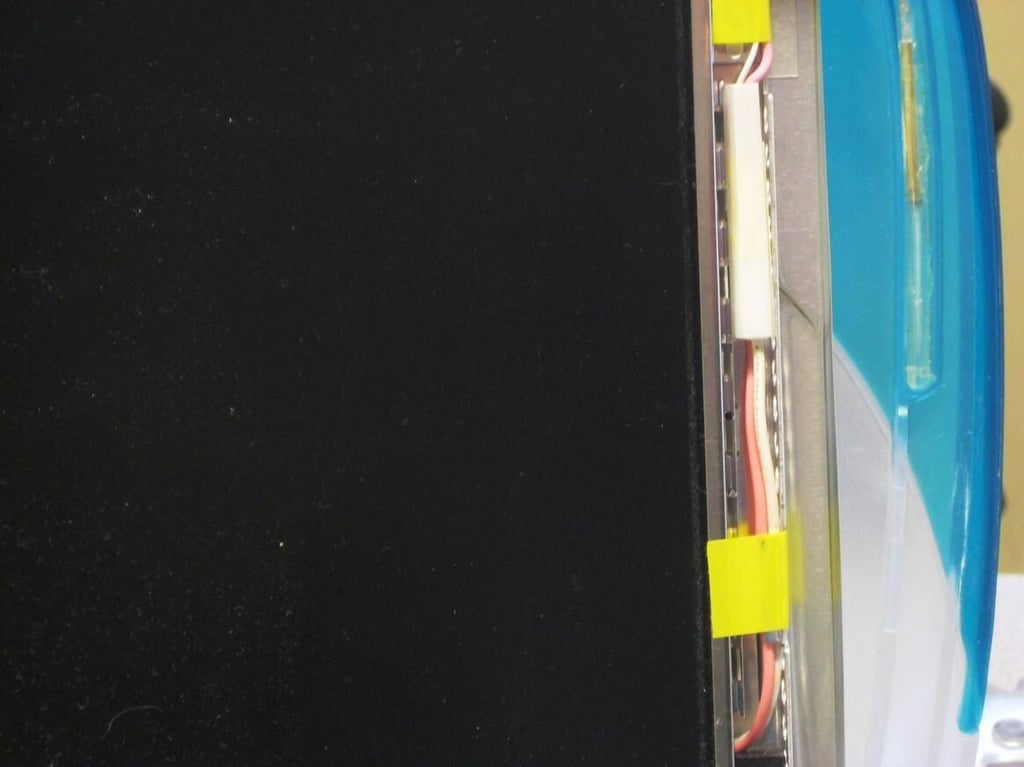
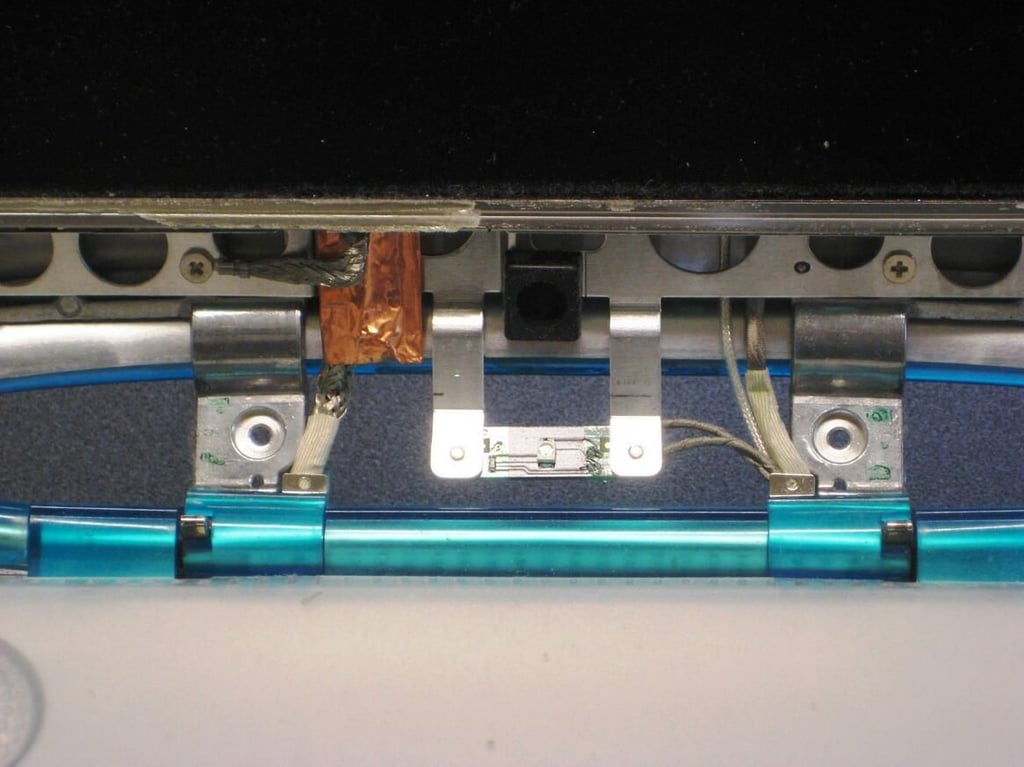
The connections at the base where the two clam shell halves join seem a little frazzled — perhaps that is where the problems lay.
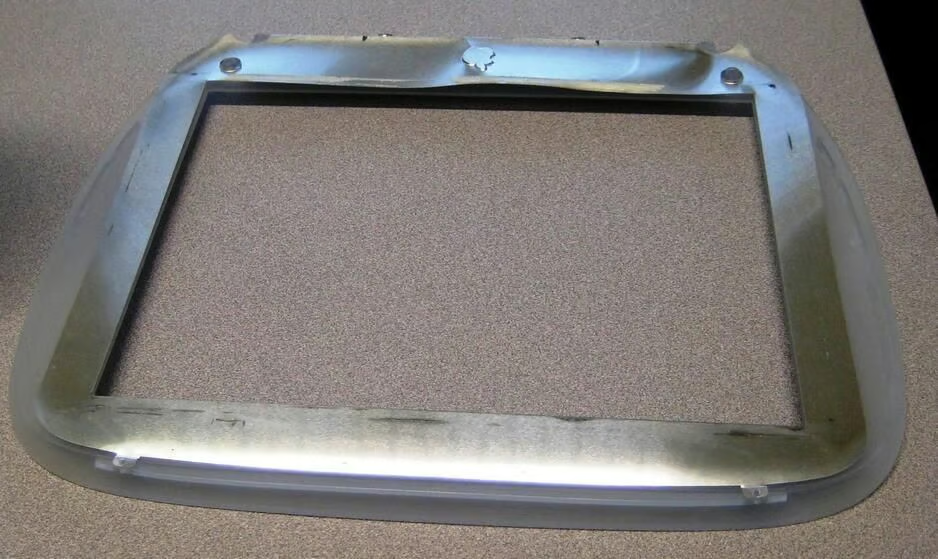
While just getting started with the cracking open, several themes become obvious. The iBook contains lots of plastic parts and lots of screws. By the time I am done there will be over 50 loose screws and several more will still be left that I didn’t see the need to remove.
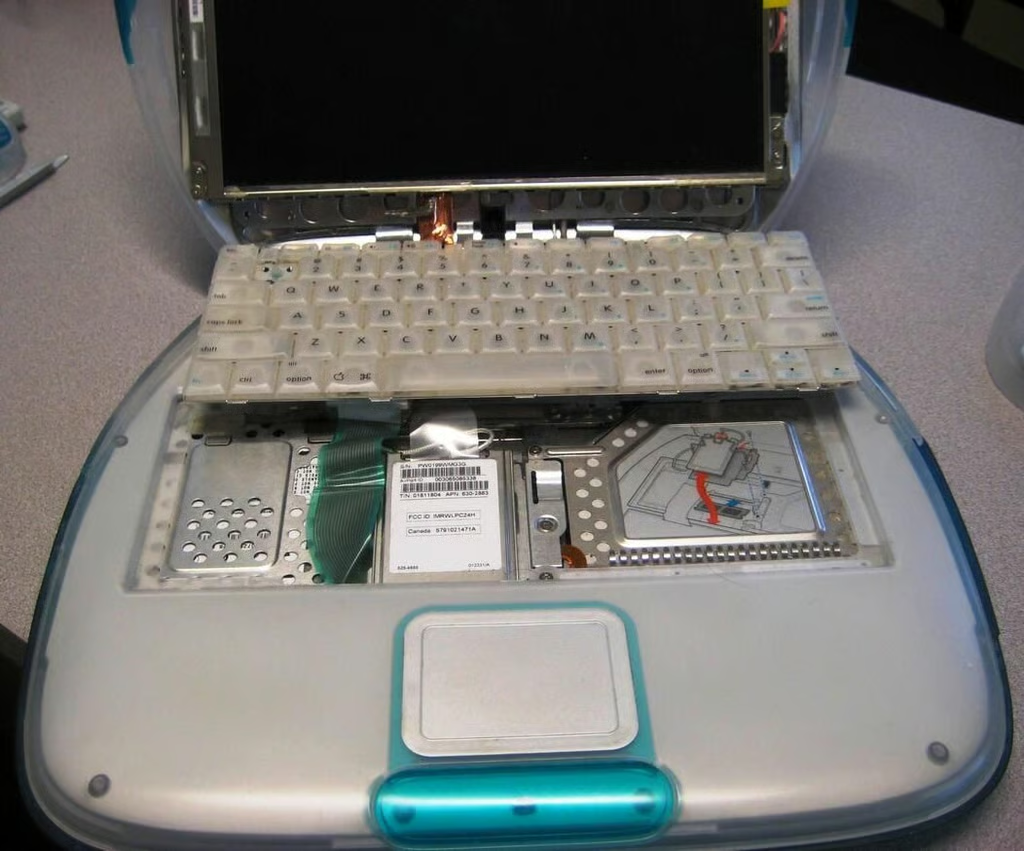
Apple hid the upgradeable parts, what few there are, under the keyboard which just pops out of its housing.
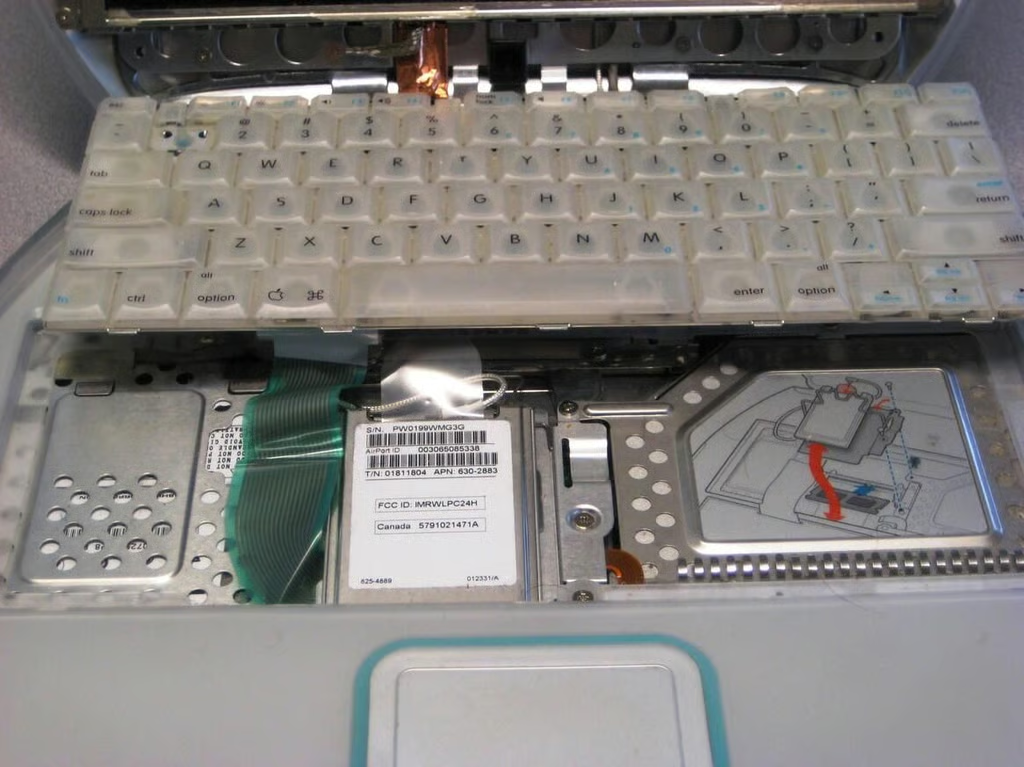
The first thing to come out is the PCMCIA AirPort WiFi card. Under it is a metal plate held in place by two screws.
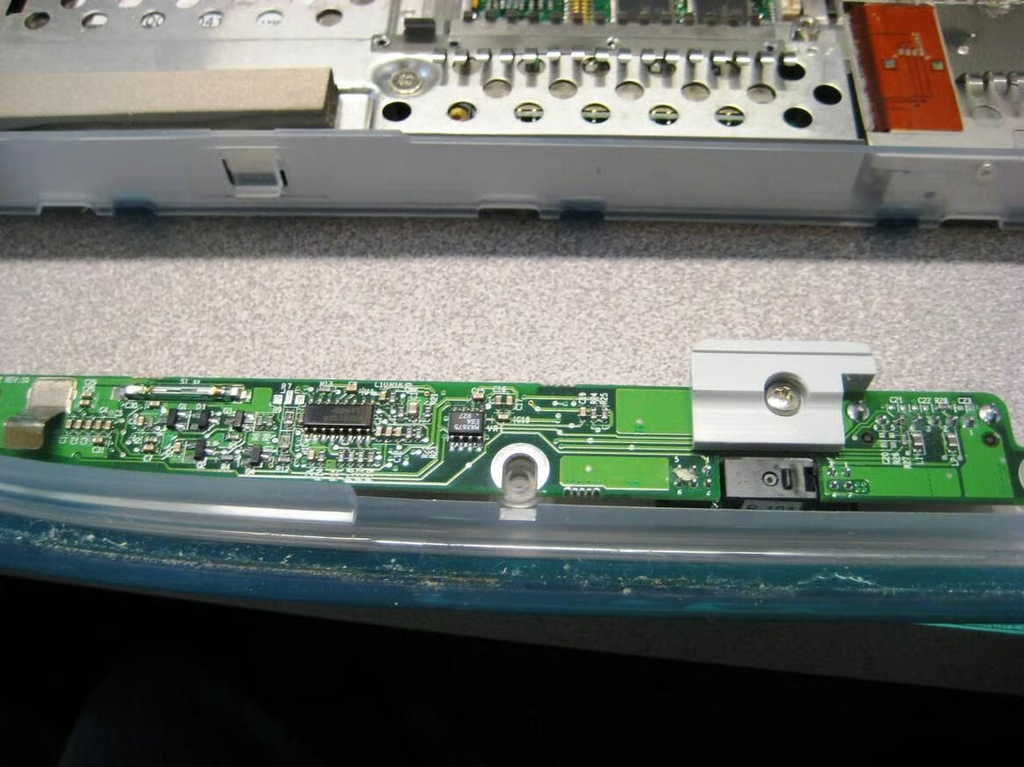
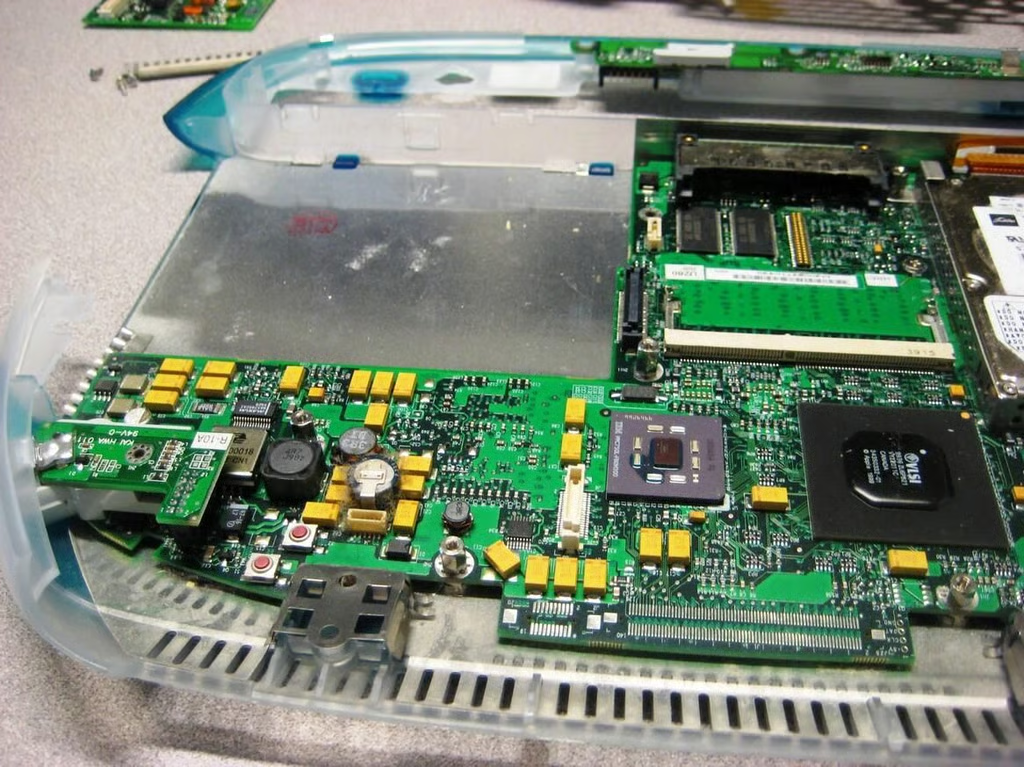
The power circuitry is situated along the front edge of the iBook.
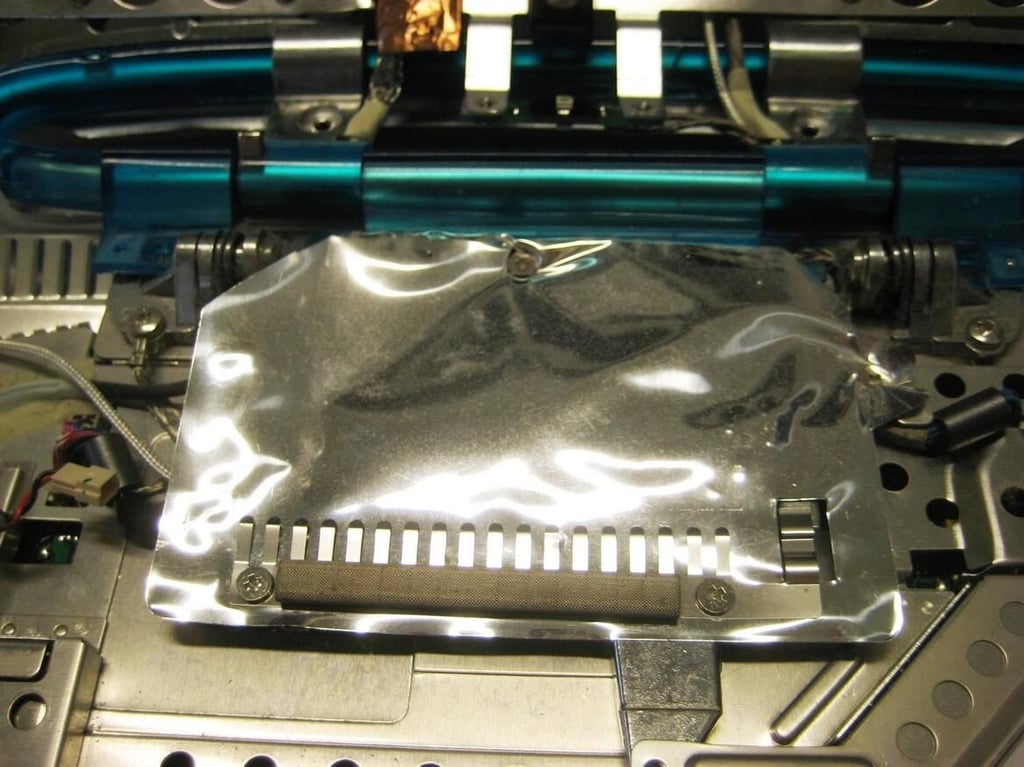
The aluminum foil like blanket must be covering something important.
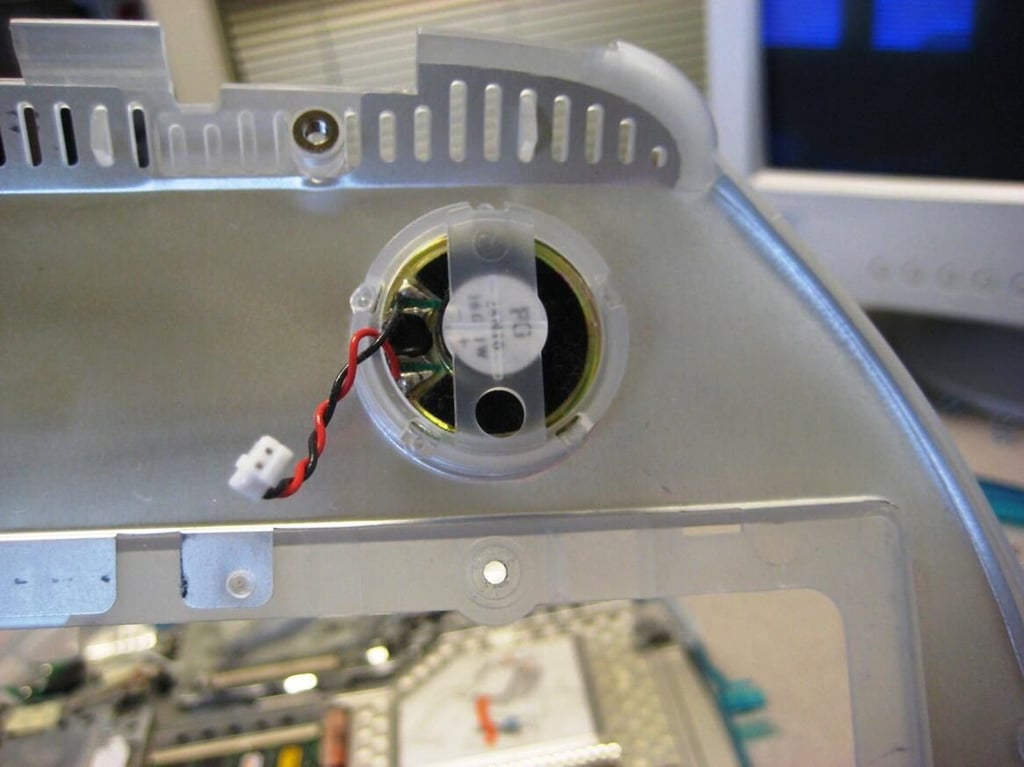
Not going to get much more than beeps out of this speaker.
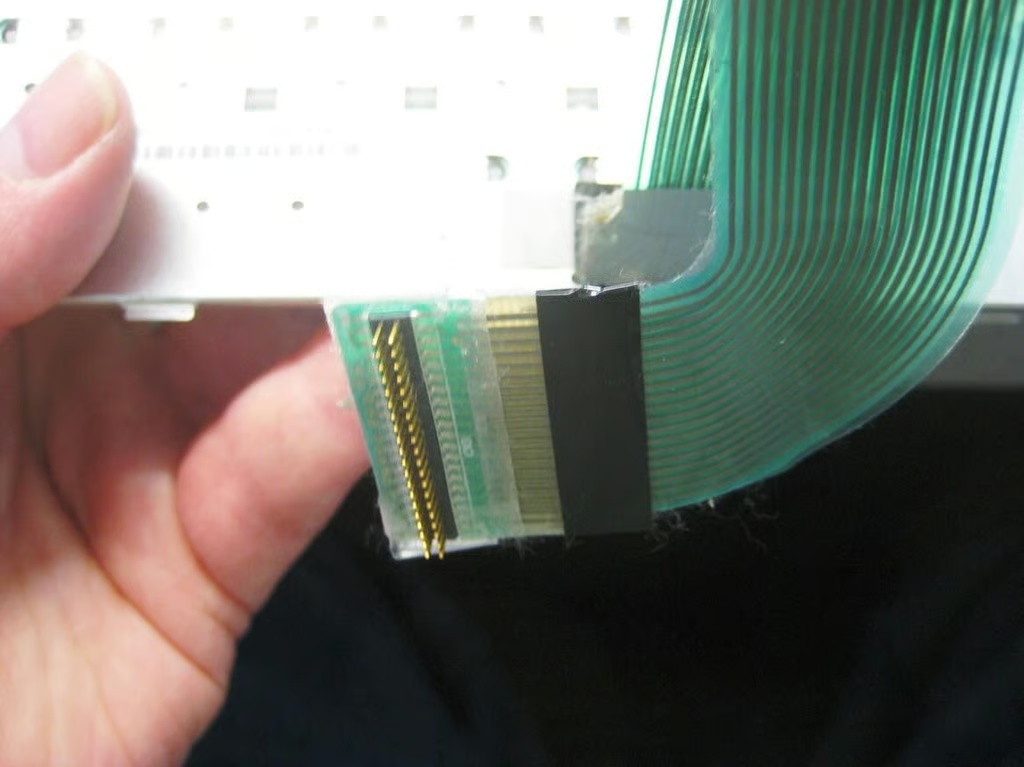
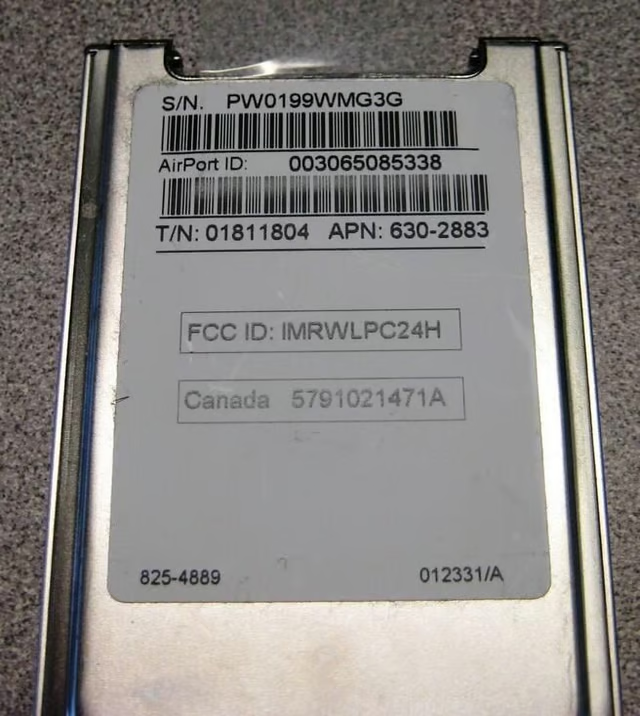
I’m going to see if this card will work in my old IBM z50 Workpad.
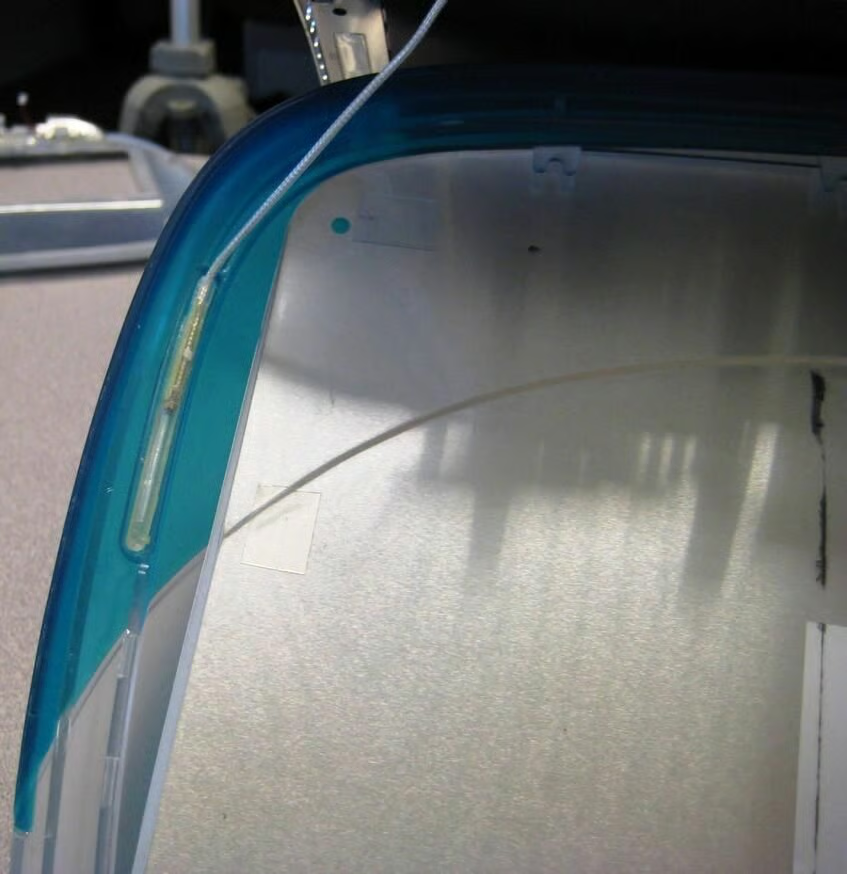
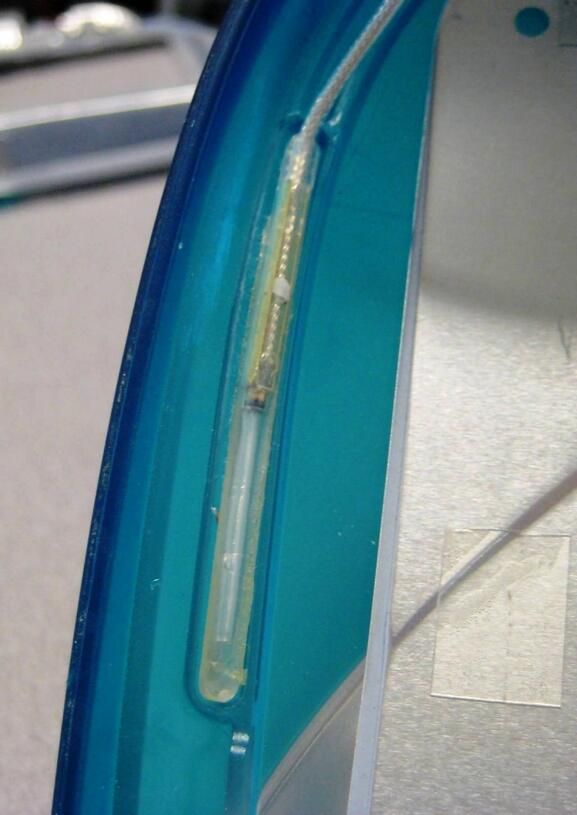
The sides of the iBook lit up when it was on — how unnecessarily cool is that. Perhaps this is why my new PC has neon lights inside of it.
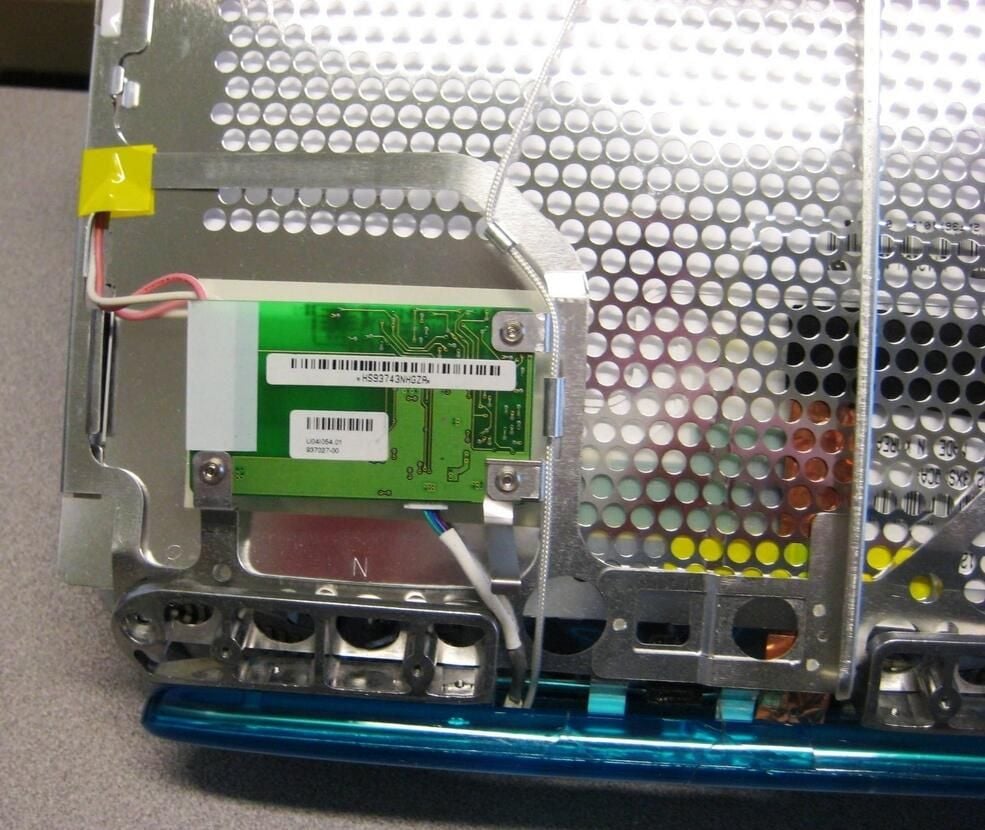
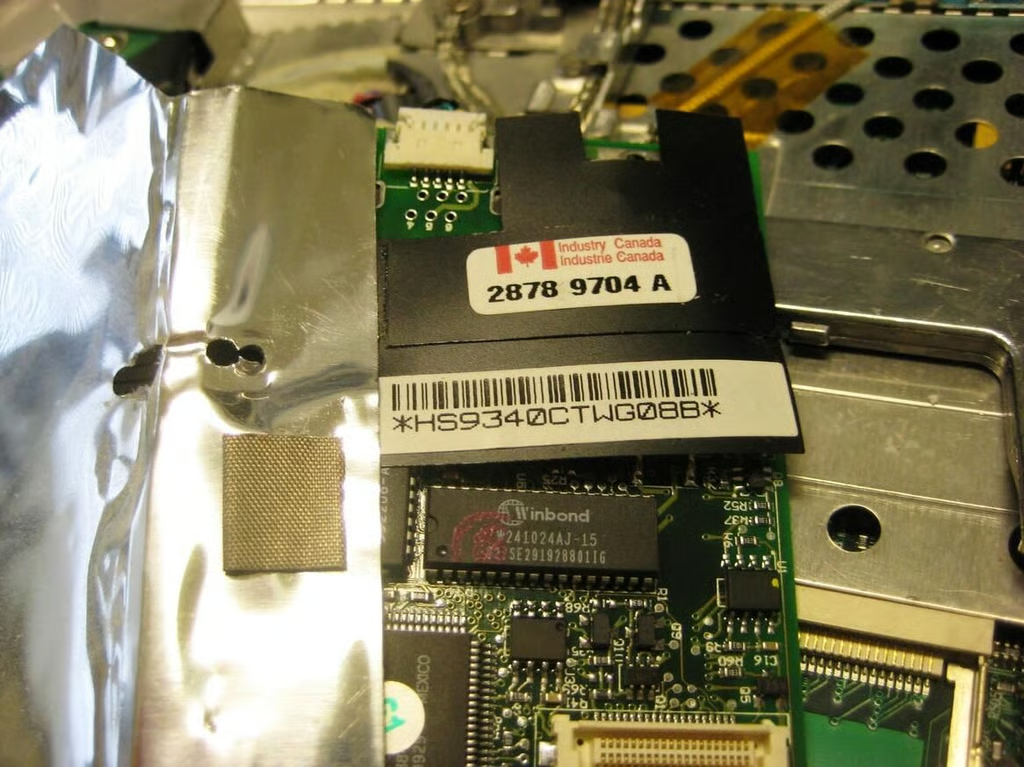
On the flip side, the modem card wrapping indicates a Canadian influence.
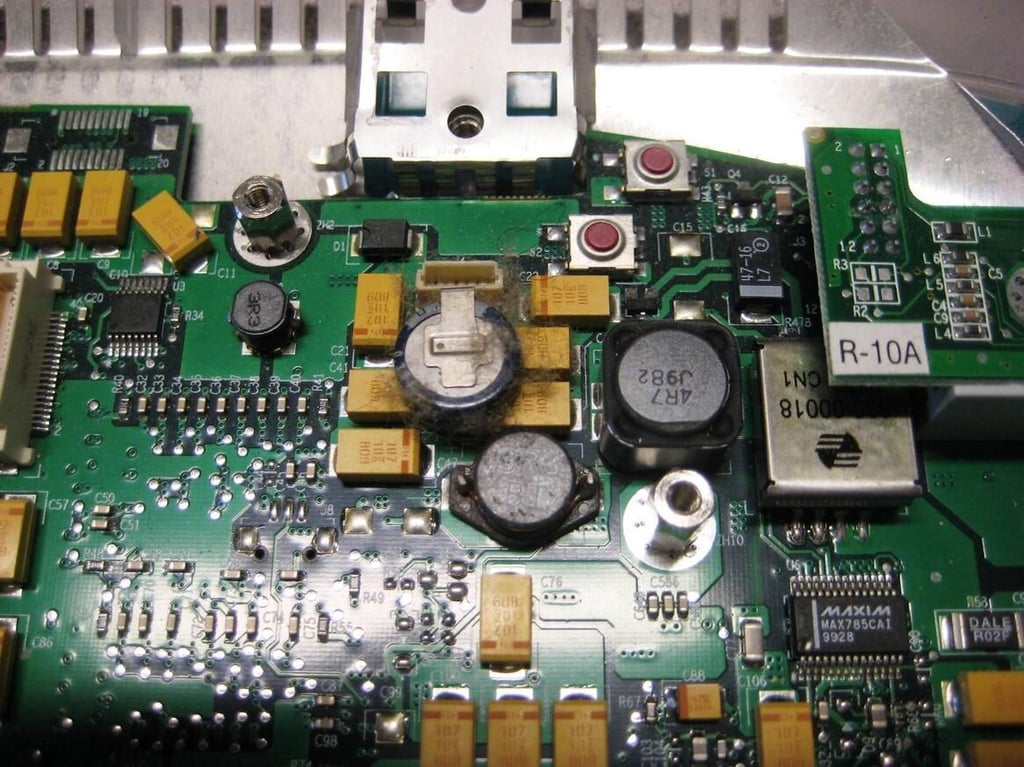
The main logic board has many additional electronics. The Maxim chip in the right corner for example is an SSOP.
This part shows quite a lot of dirt — must have been some air flow here. Perhaps heat played a factor in our blueberry iBook’s demise.
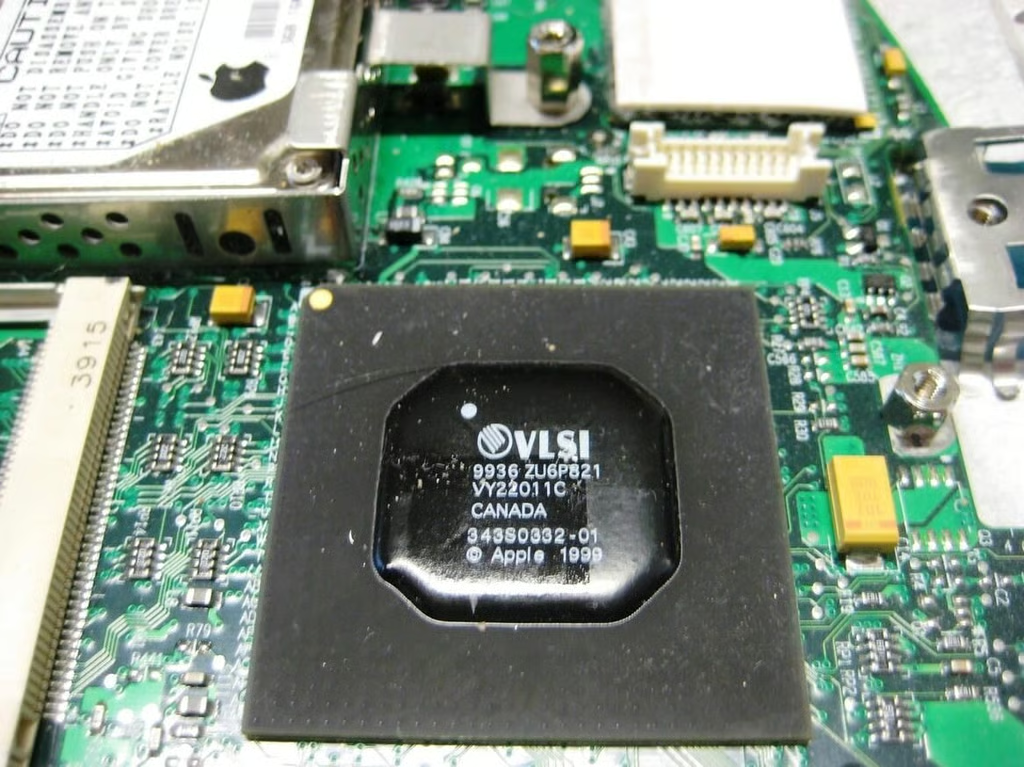
The most likely explanation for this chip is video, but I could find no reference that would tell me straight out. I do know that you can still purchase it.
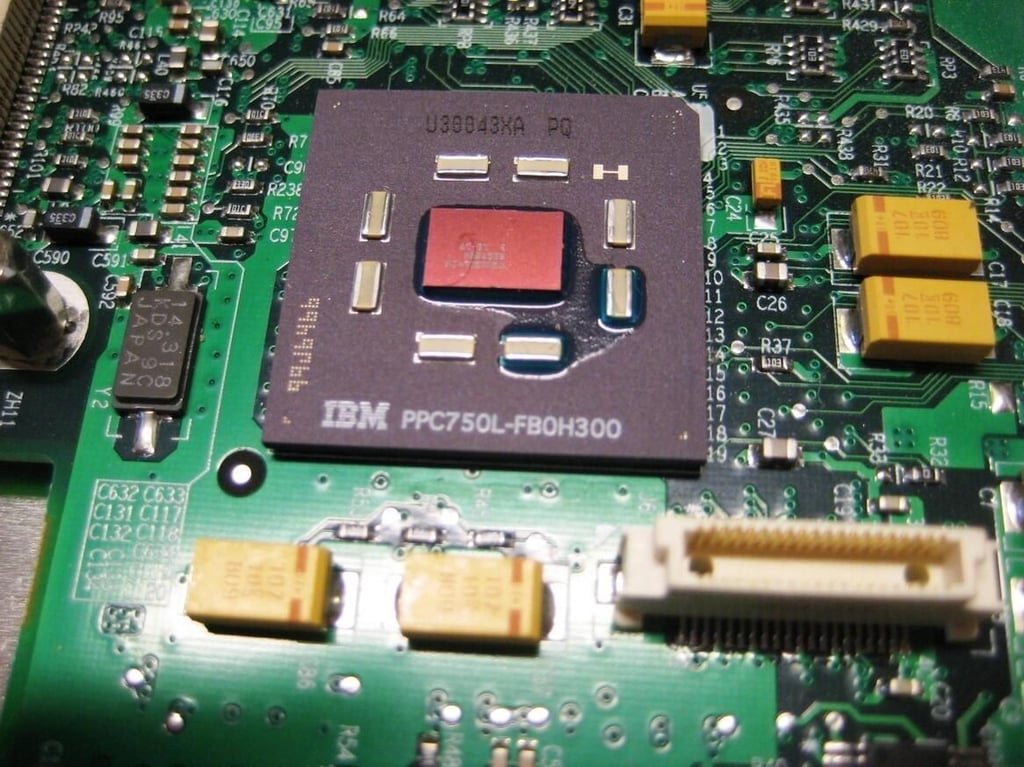
With IBM all over it, this must be the Power PC CPU.
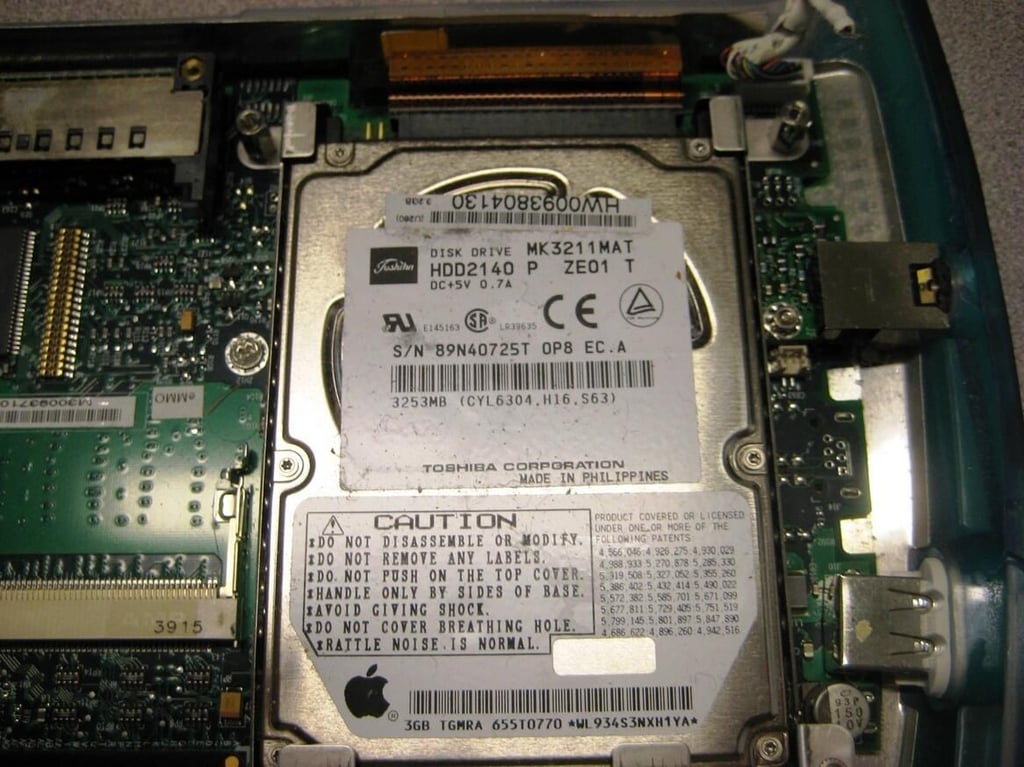
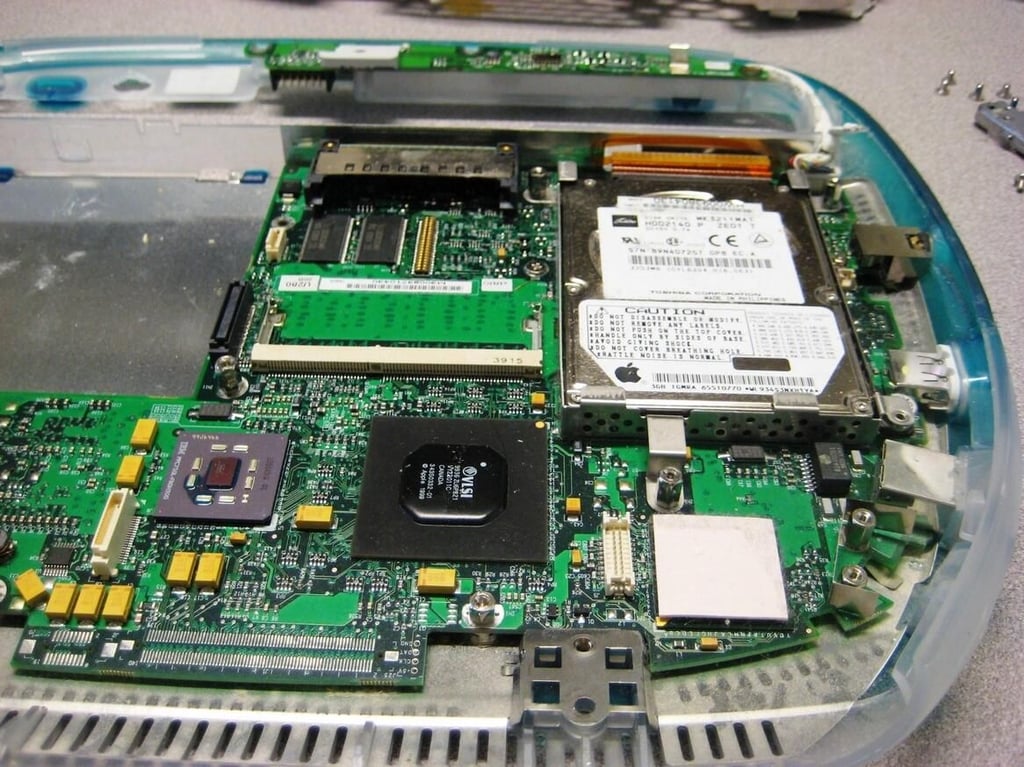
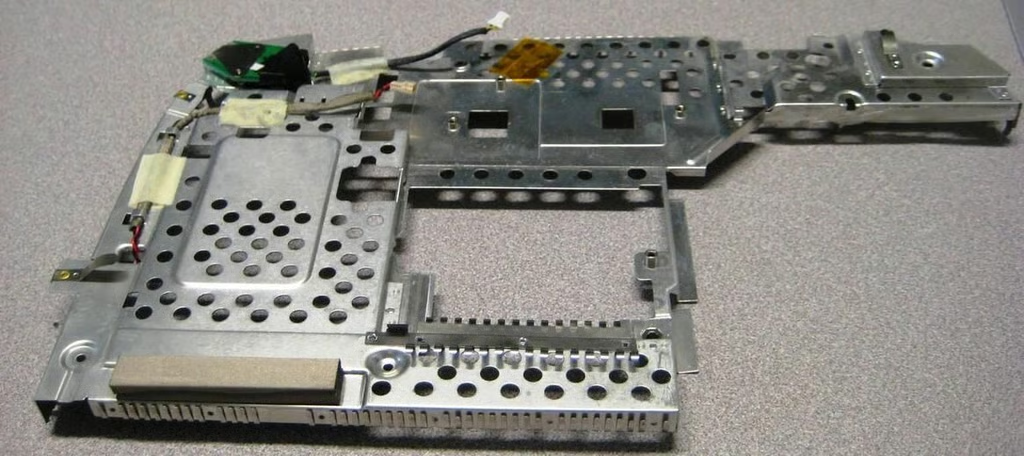
This monstrosity covered most of the chips in the iBook. It had about 10 screws holding it in place.
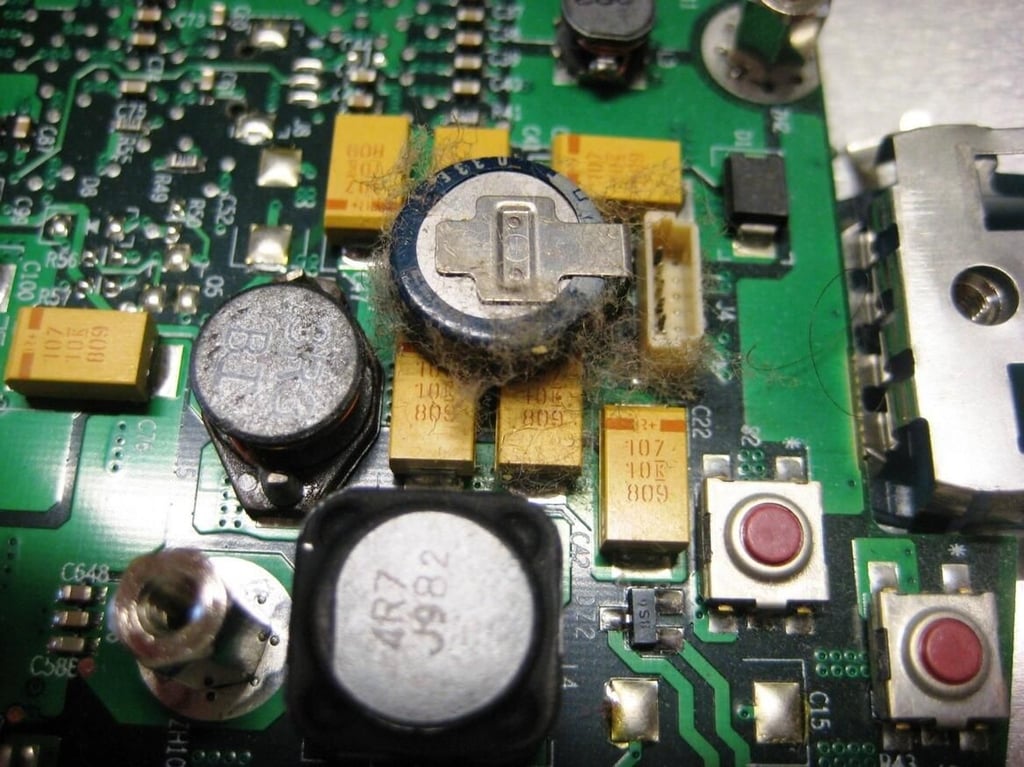
I am guessing there were some animals near this iBook at one time.
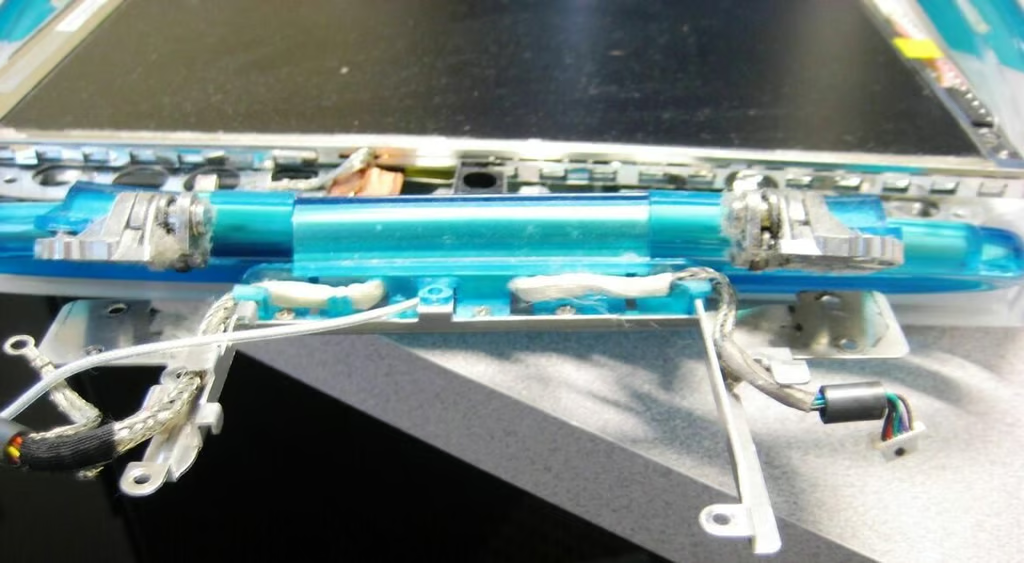
The combination of plastic and metal in the hinge between the two clamshell pieces strikes me as flimsy. Yet, this is where the handle to the iBook was attached.
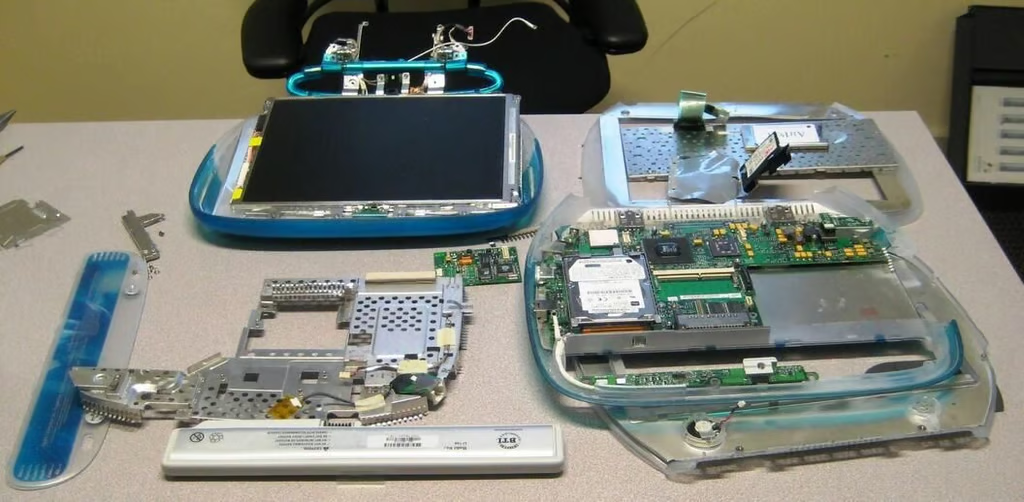
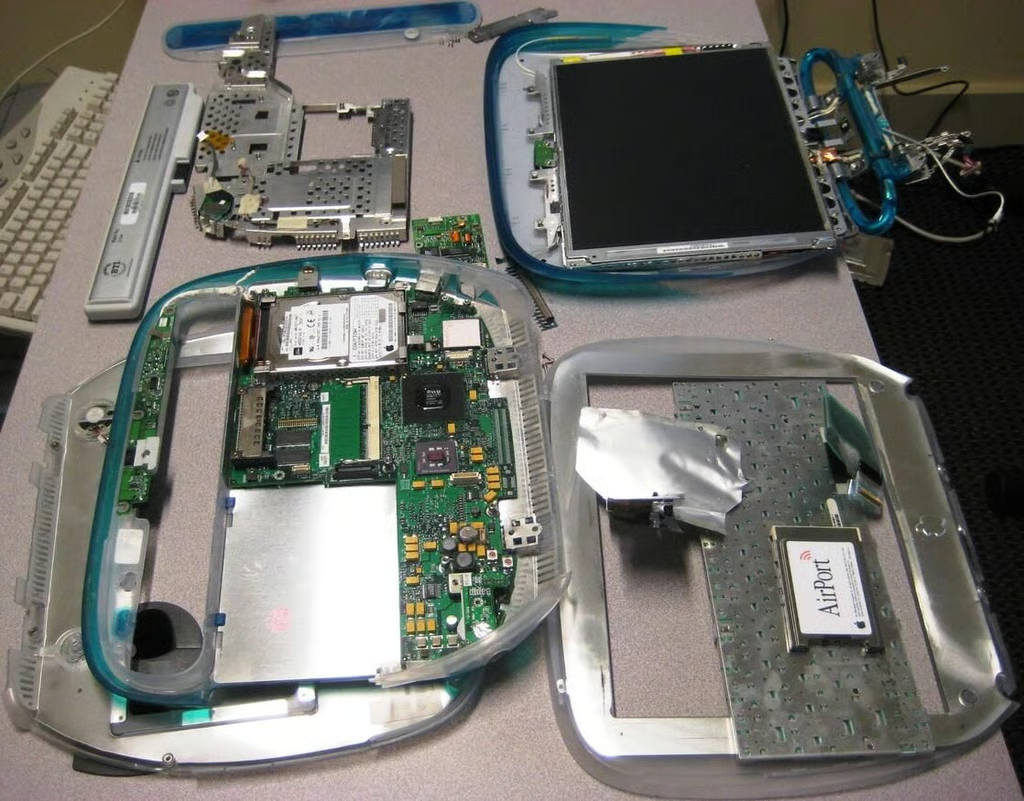
The Apple iBook G3 was considered innovative for its time in 1999, but I found the components to be fairly standard. The only real innovation was in the way the iBook looked.
Personally, I didn’t like the look back then and it has not grown on me up to now. But the insides of our iBook make for a good TechRepublic Cracking Open Photo Gallery.

Mark W. Kaelin has been writing and editing stories about the information technology industry, software, hardware, gaming, finance, accounting, and technology geekdom for more than 30 years.


