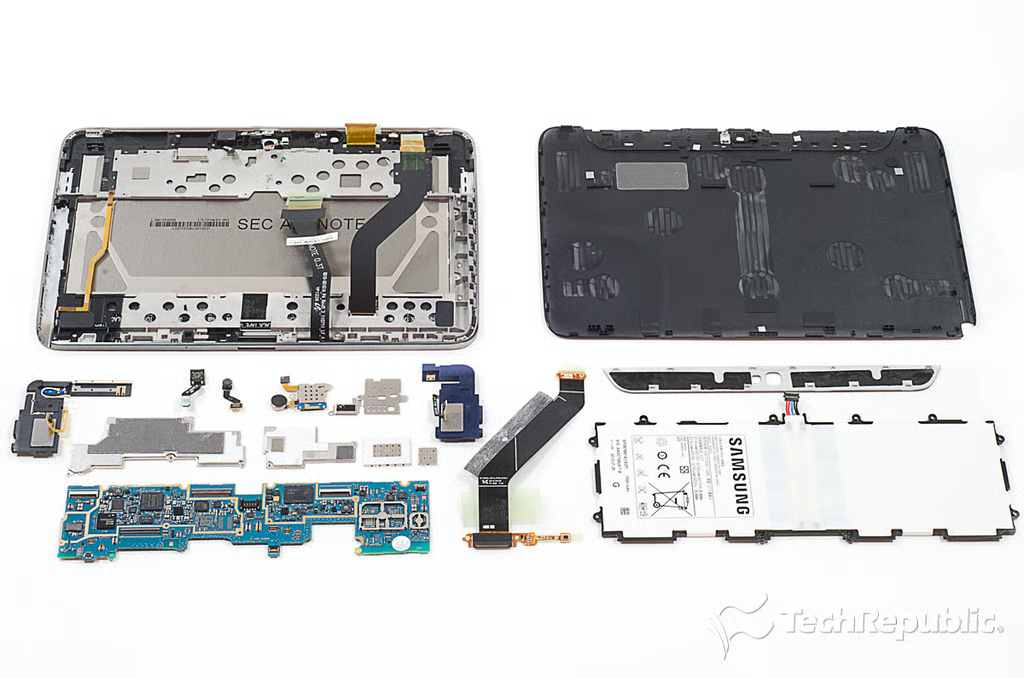
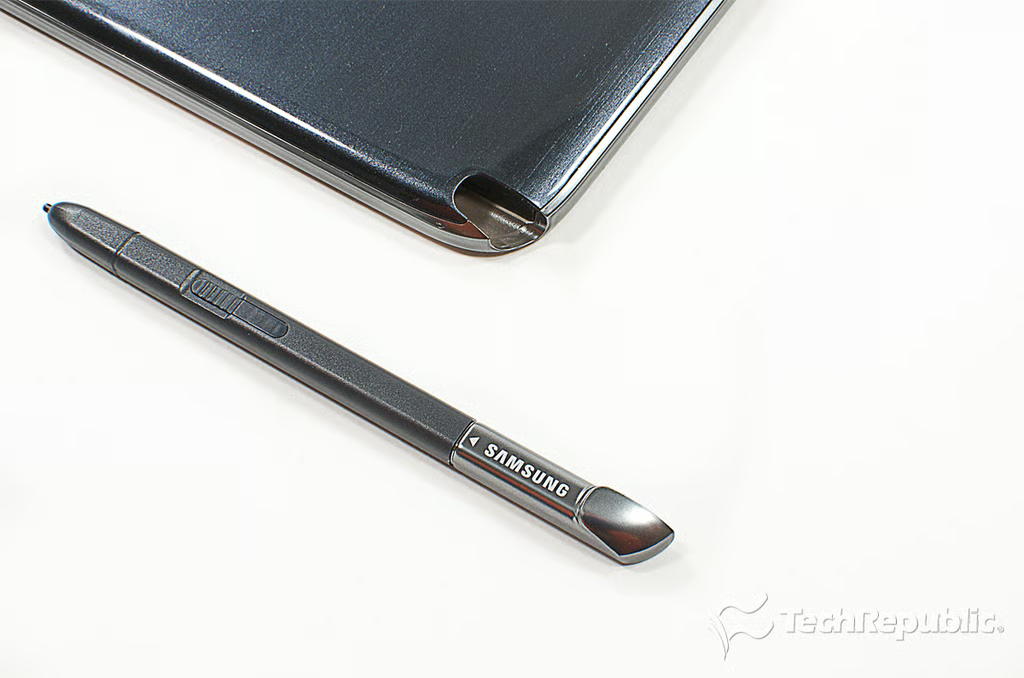
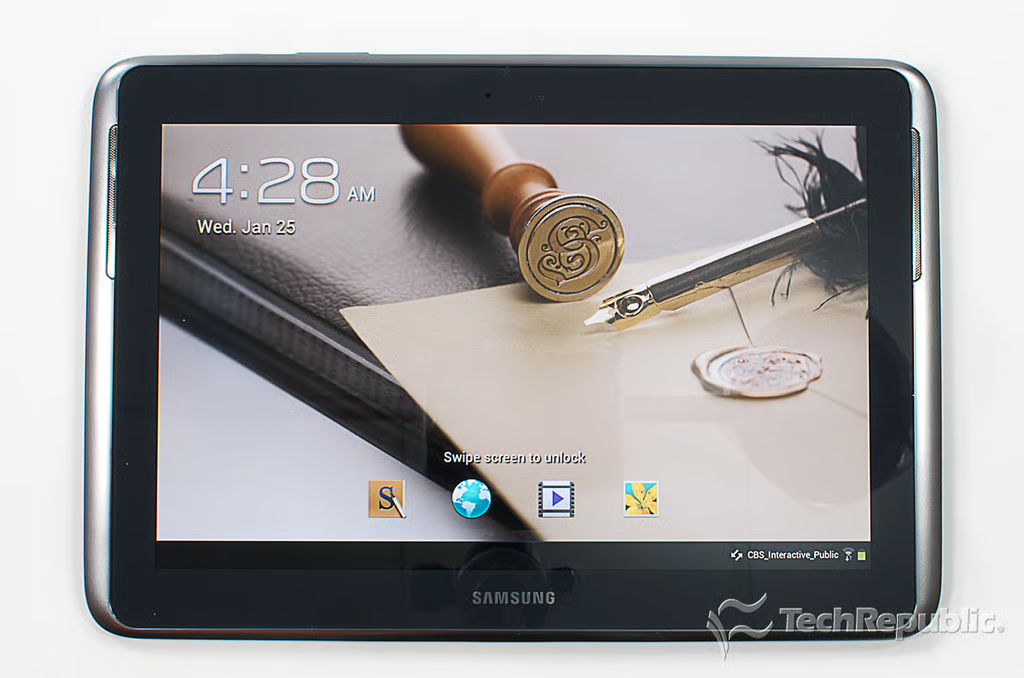
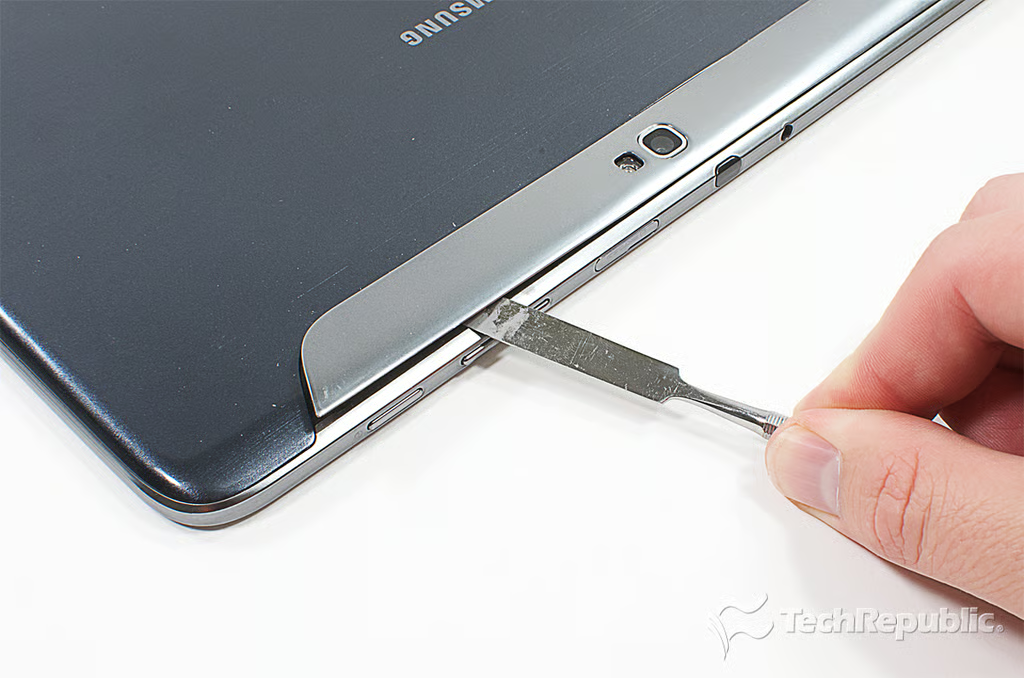
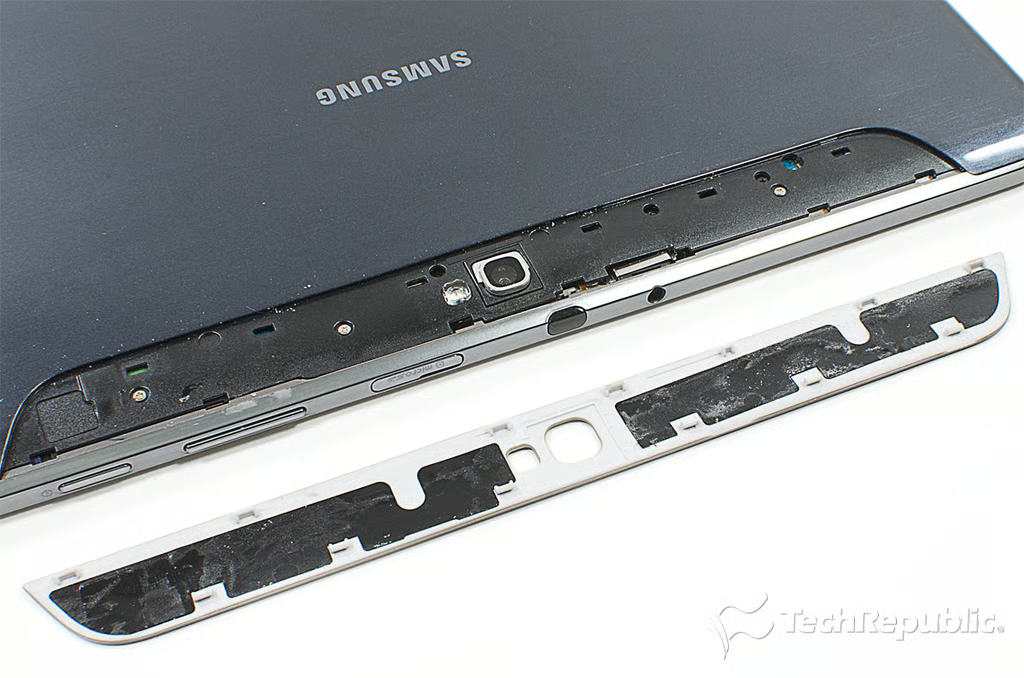
\n\tAfter cracking open Samsung’s Galaxy Tab 10.1 last year, I criticized the tablet for feeling flimsy and having tamper-resistant screws on the back cover. Thankfully, Samsung addressed both these concerns in the 10-inch Note.
\n\tPhoto by: Bill Detwiler / TechRepublic
\n\tCaption by: Bill Detwiler
Cracking Open Galaxy Note 10.1: Hardware specifications and pricing
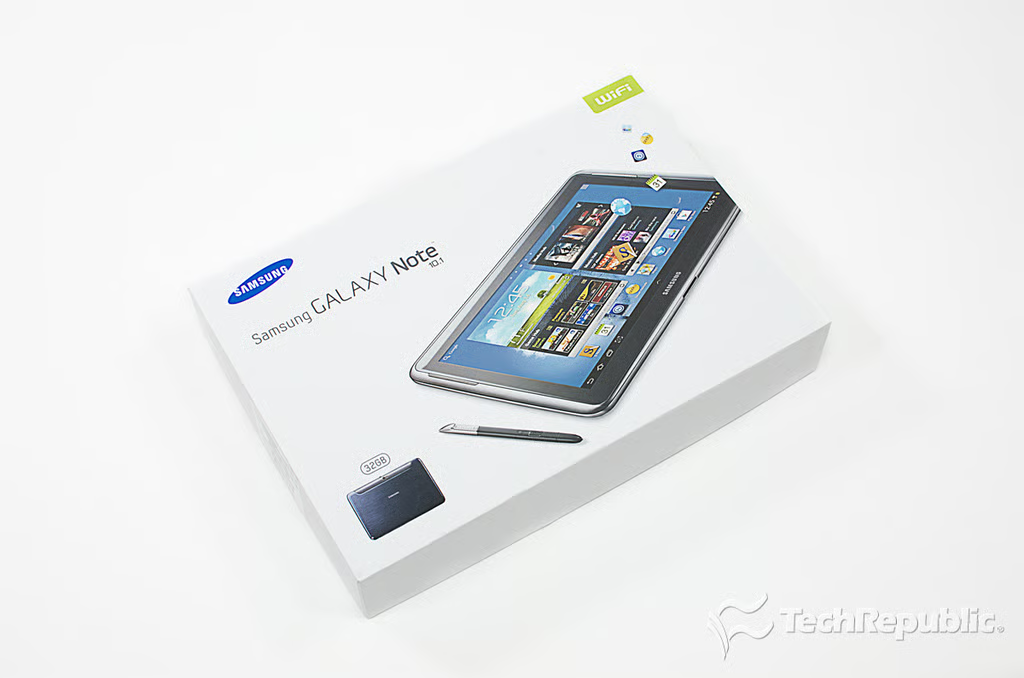
\n\tOur test unit had a 1.4GHz 4 Quad Exynos processor, 2GB of RAM, 32GB of storage, 5MP rear-facing camera, 2MP front-facing camera, and 10.1″ WXGA LCD (1280×800). It was a Wi-Fi-only model ($549) , but an HSPA+ global version is also available.
\n
\n\tPhoto by: Bill Detwiler / TechRepublic
\n\tCaption by: Bill Detwiler
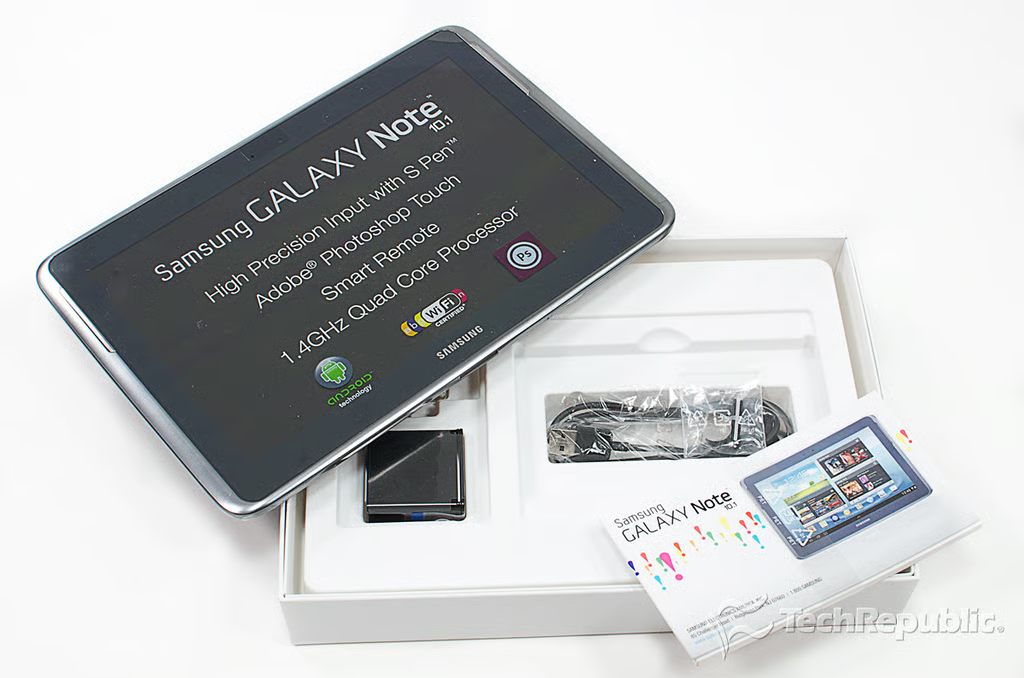
Cracking Open Galaxy Note 10.1: Box contents
Cracking Open Galaxy Note 10.1: Dimensions and weight
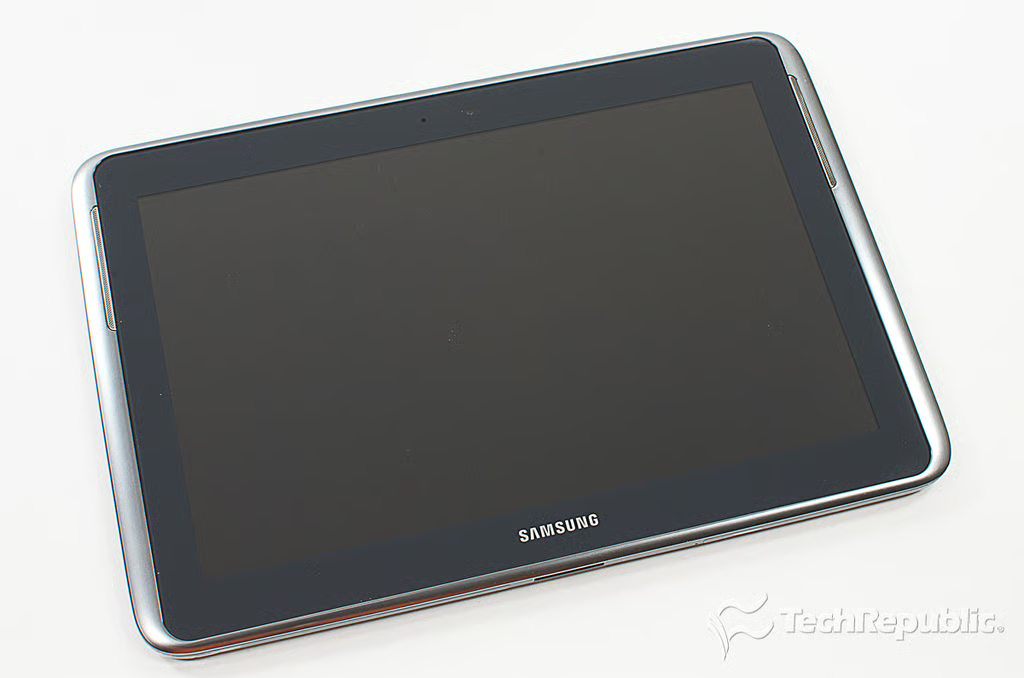
\n\tThe Galaxy Note 10.1 measures 10.11 (W) x 6.9″ (H) x 0.35″ (D) and weighs 1.29 pounds.
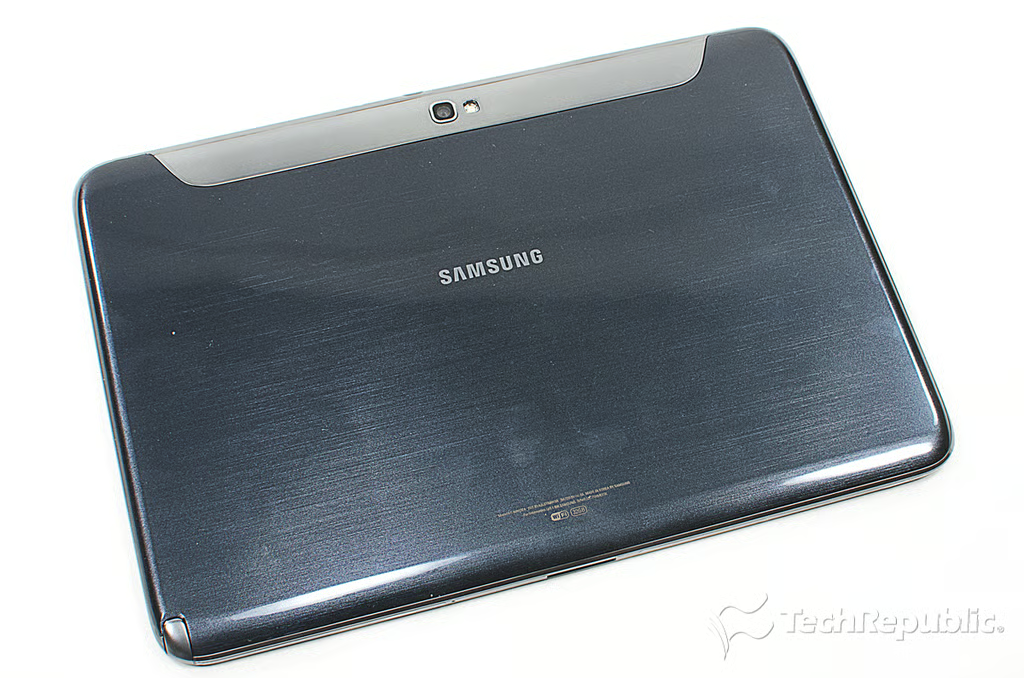
Cracking Open Galaxy Note 10.1: Back
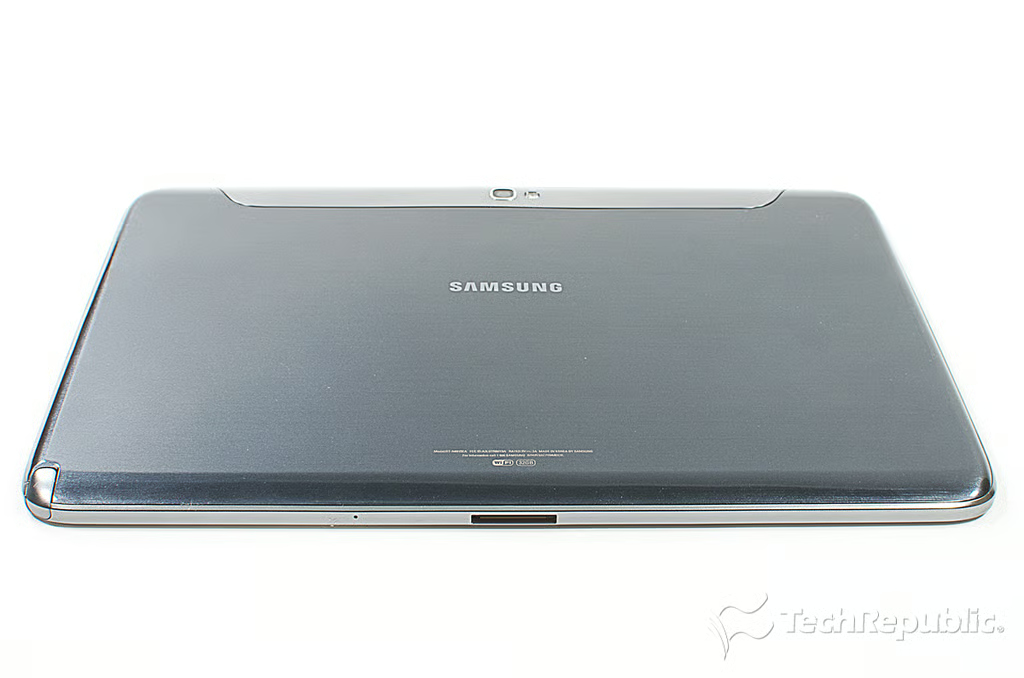
Cracking Open Galaxy Note 10.1: Bottom
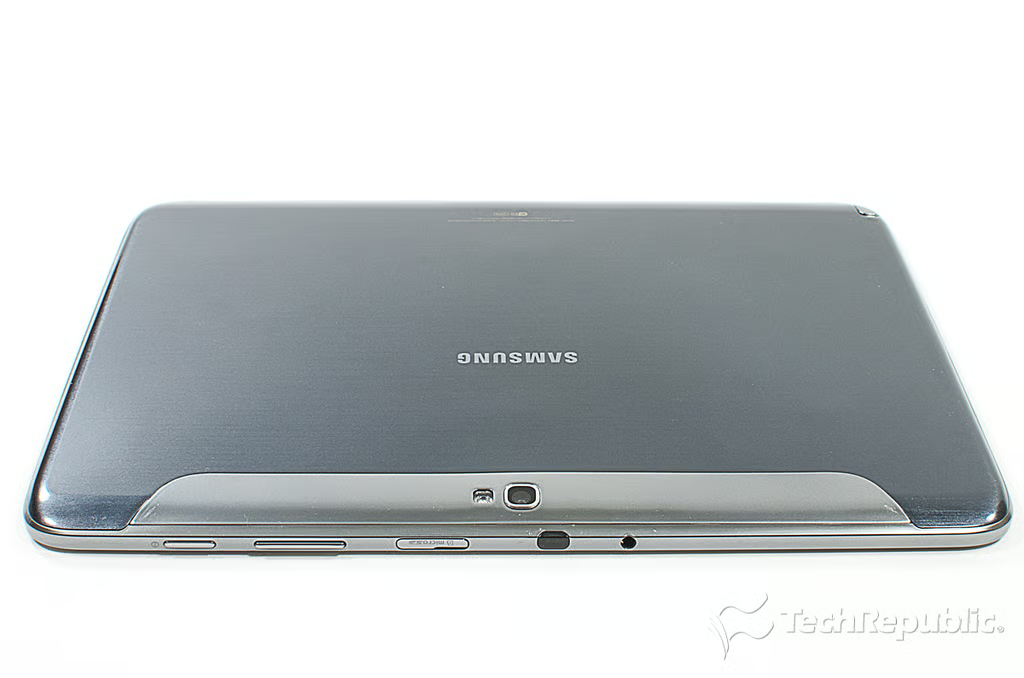
Cracking Open Galaxy Note 10.1: Top
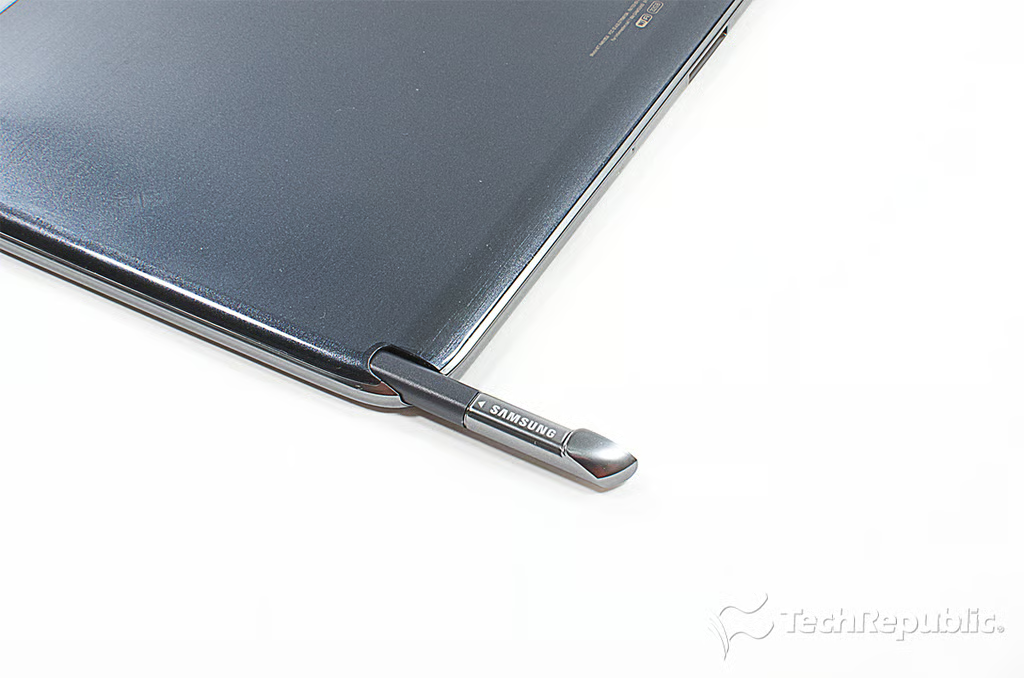
Cracking Open Galaxy Note 10.1: S Pen stylus in the storage slot
Cracking Open Galaxy Note 10.1: S Pen stylus
Cracking Open Galaxy Note 10.1: Display
Cracking Open Galaxy Note 10.1: Removing the upper trim
Cracking Open Galaxy Note 10.1: Upper trim hides back cover screws
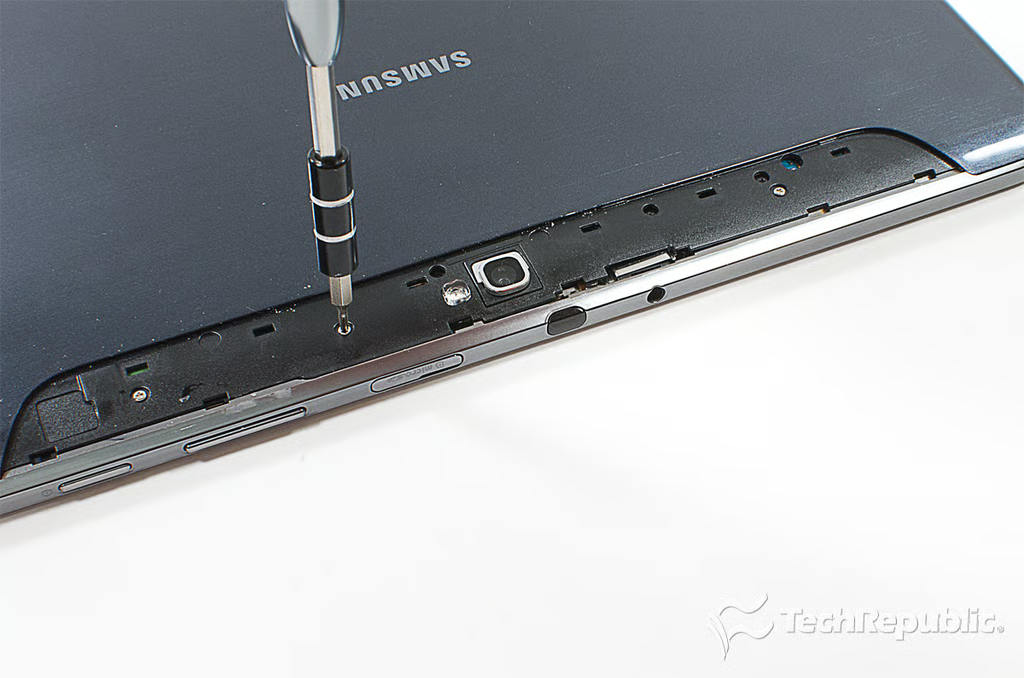
Cracking Open Galaxy Note 10.1: Removing the back cover screws
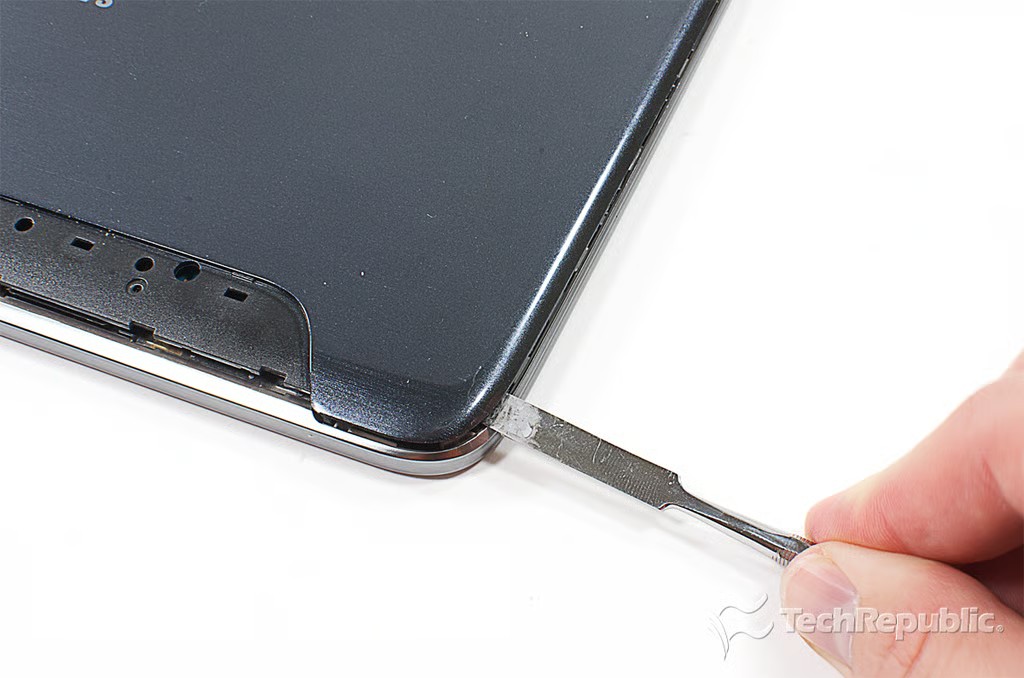
Cracking Open Galaxy Note 10.1: Popping loose the back cover
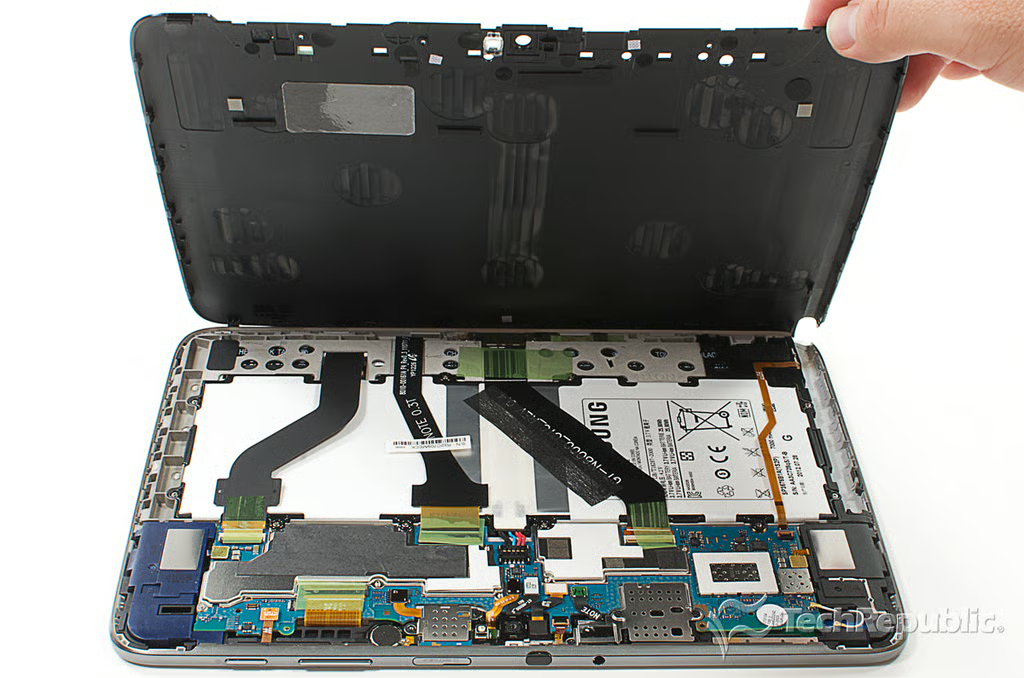
Cracking Open Galaxy Note 10.1: Removing the back cover
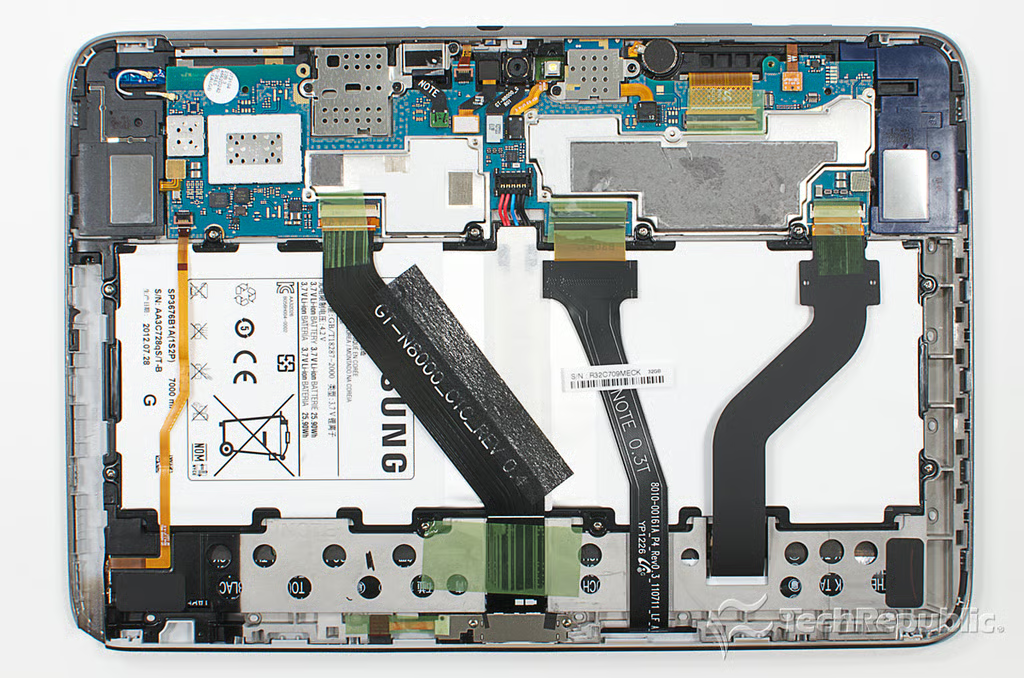
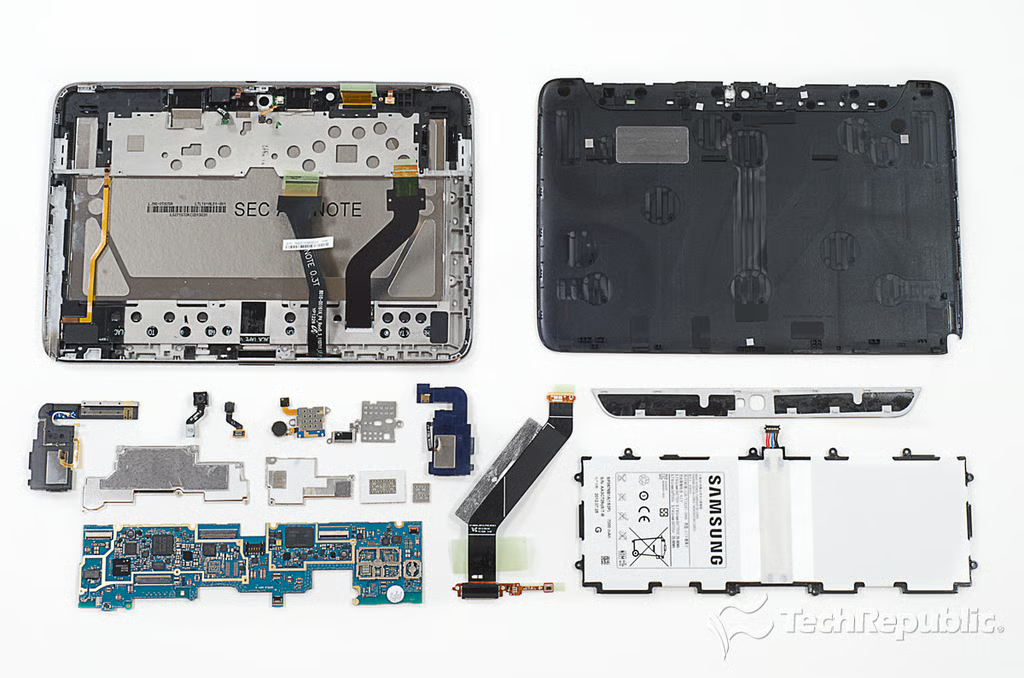
Cracking Open Galaxy Note 10.1: Internal hardware
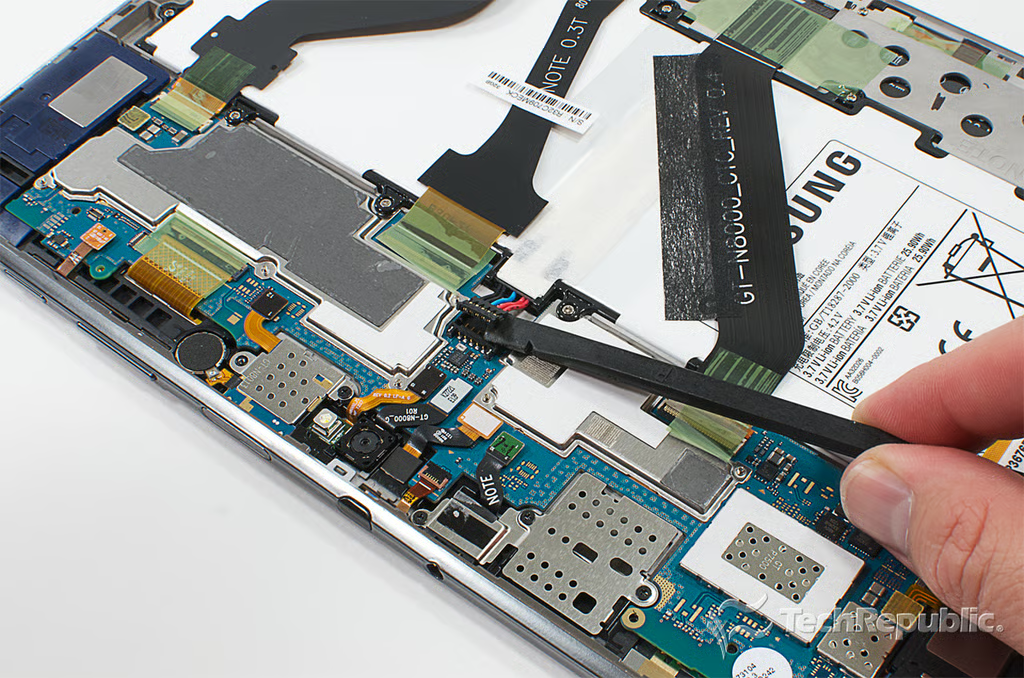
Cracking Open Galaxy Note 10.1: Disconnecting the battery
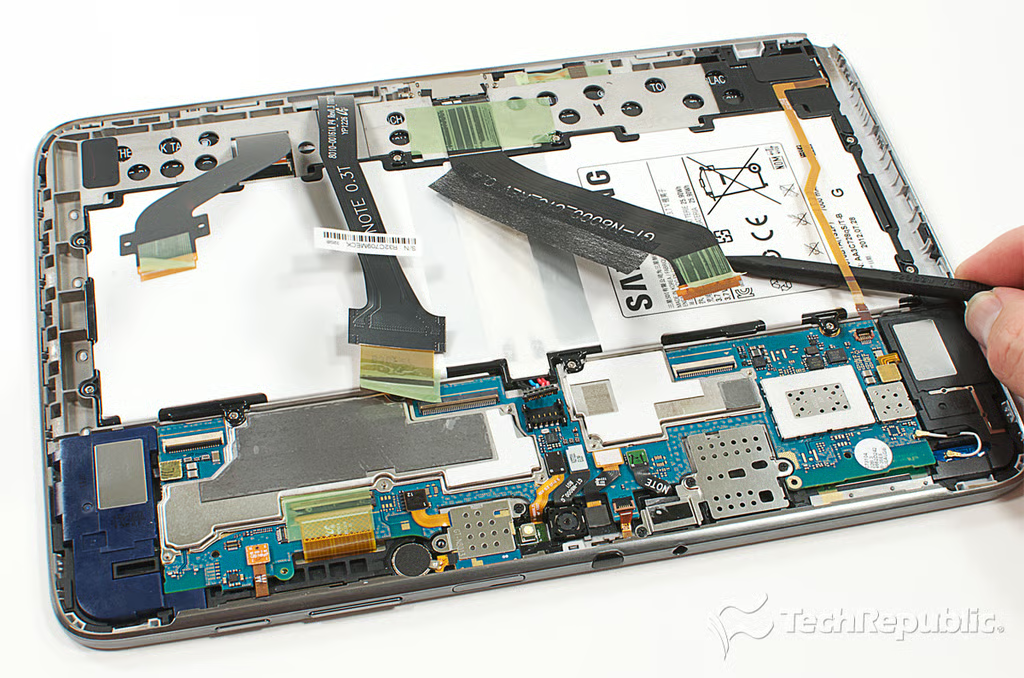
Cracking Open Galaxy Note 10.1: Disconnecting the display, digitizer, docking connector and S Pen contact ribbon cables
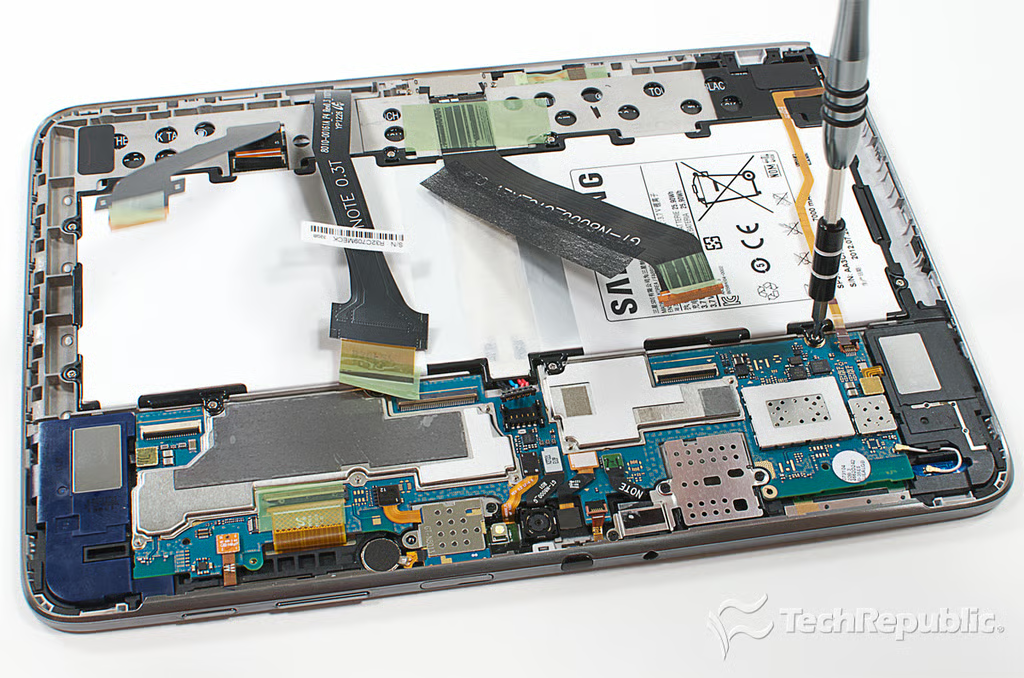
Cracking Open Galaxy Note 10.1: Removing the battery screws
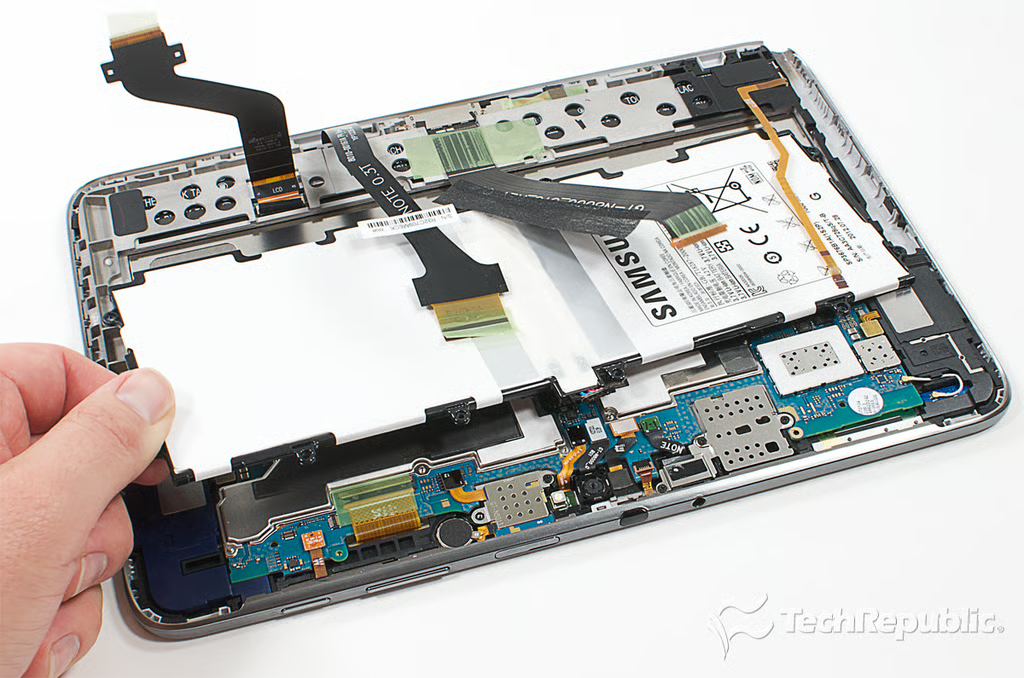
Cracking Open Galaxy Note 10.1: Removing the battery
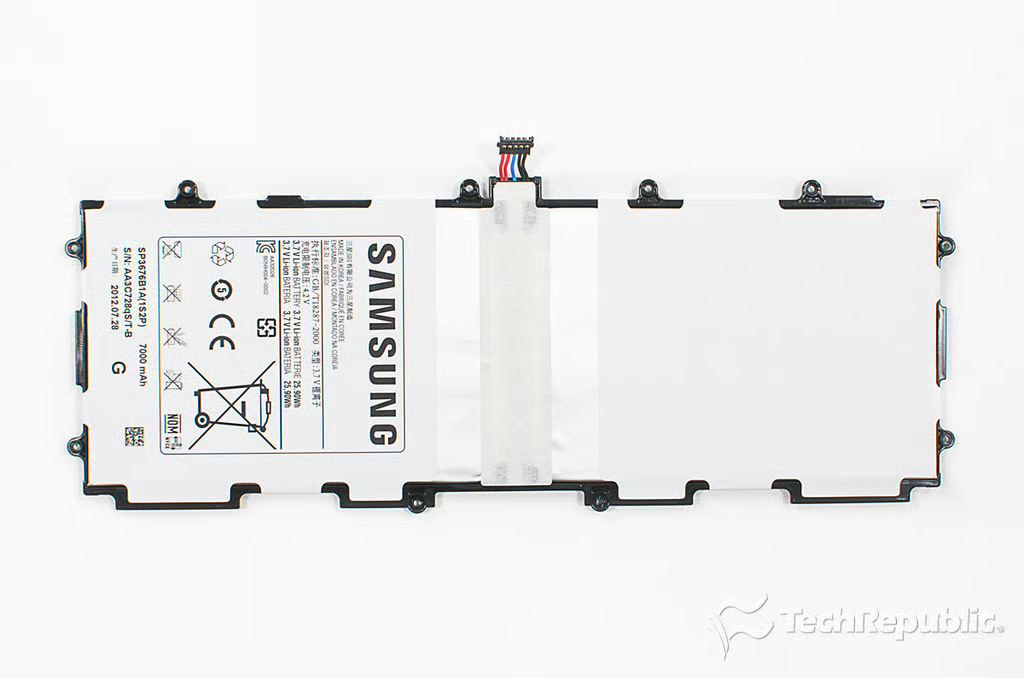
Cracking Open Galaxy Note 10.1: 3.7 volts, 7000 mAh Li-ion battery (SP3676B1A(1S2P))
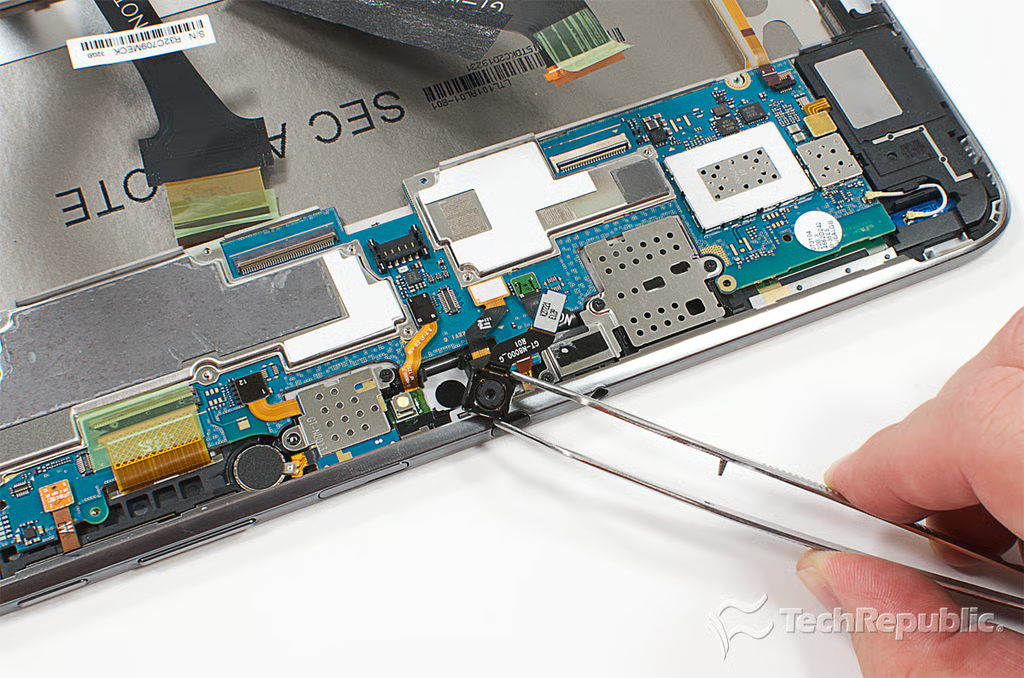
Cracking Open Galaxy Note 10.1: Removing the rear-facing camera
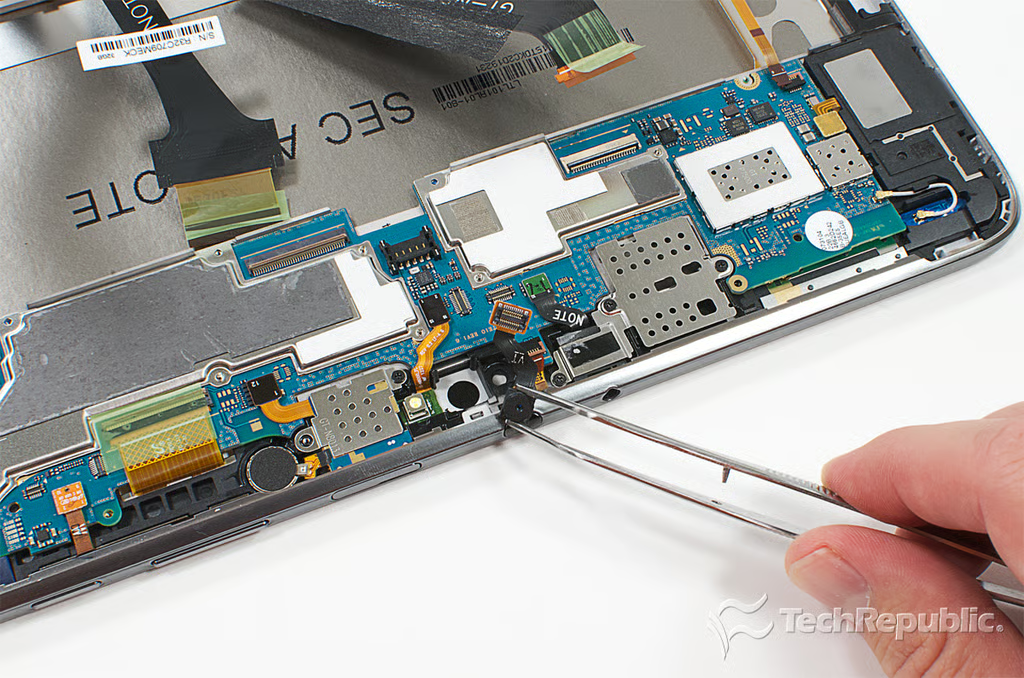
Cracking Open Galaxy Note 10.1: Removing the front-facing camera
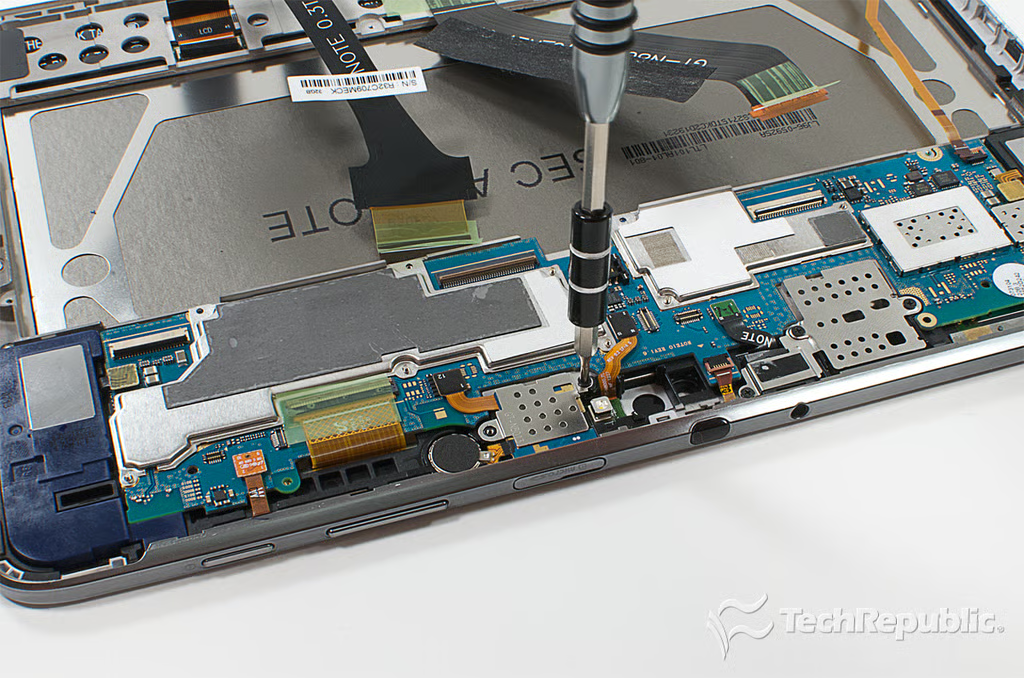
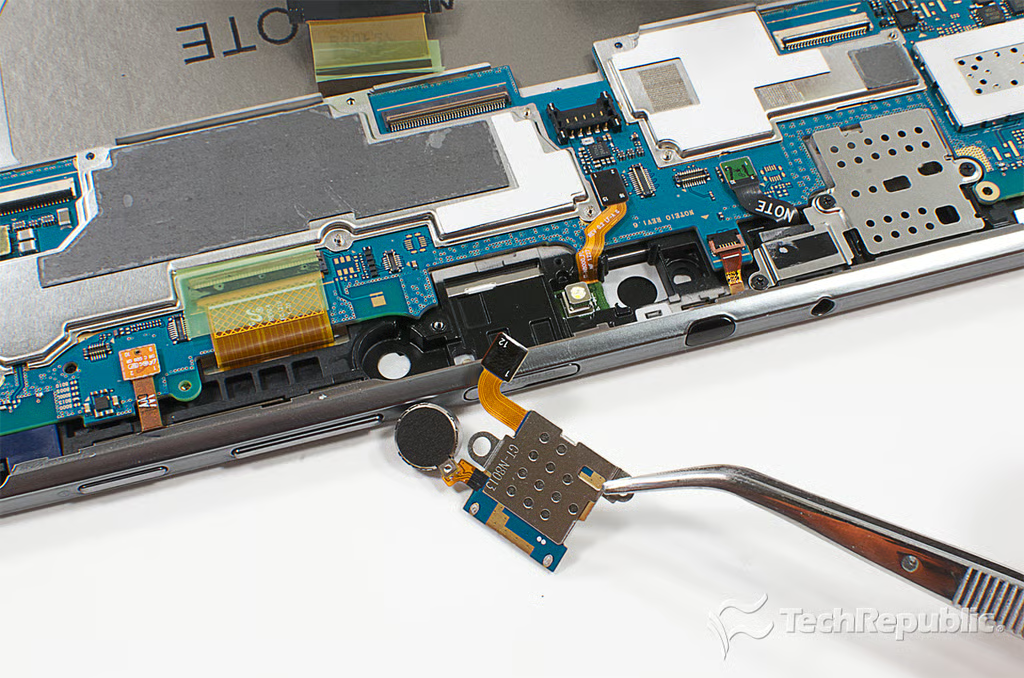
Cracking Open Galaxy Note 10.1: Removing the vibration motor and microSD card slot assembly screw
Cracking Open Galaxy Note 10.1: Removing the vibration motor and microSD card slot assembly
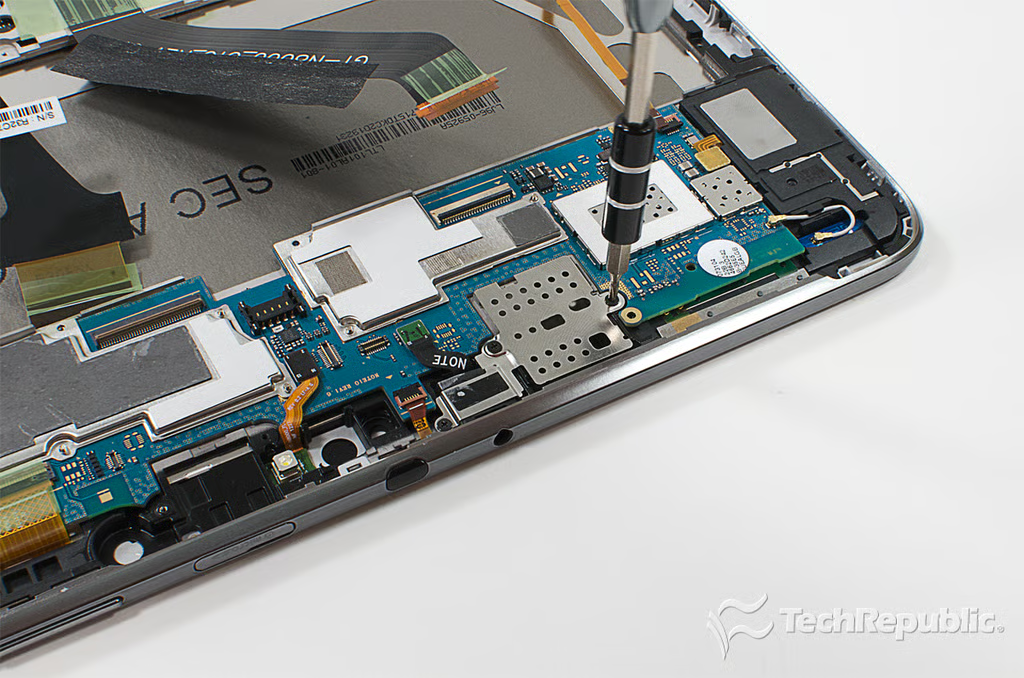
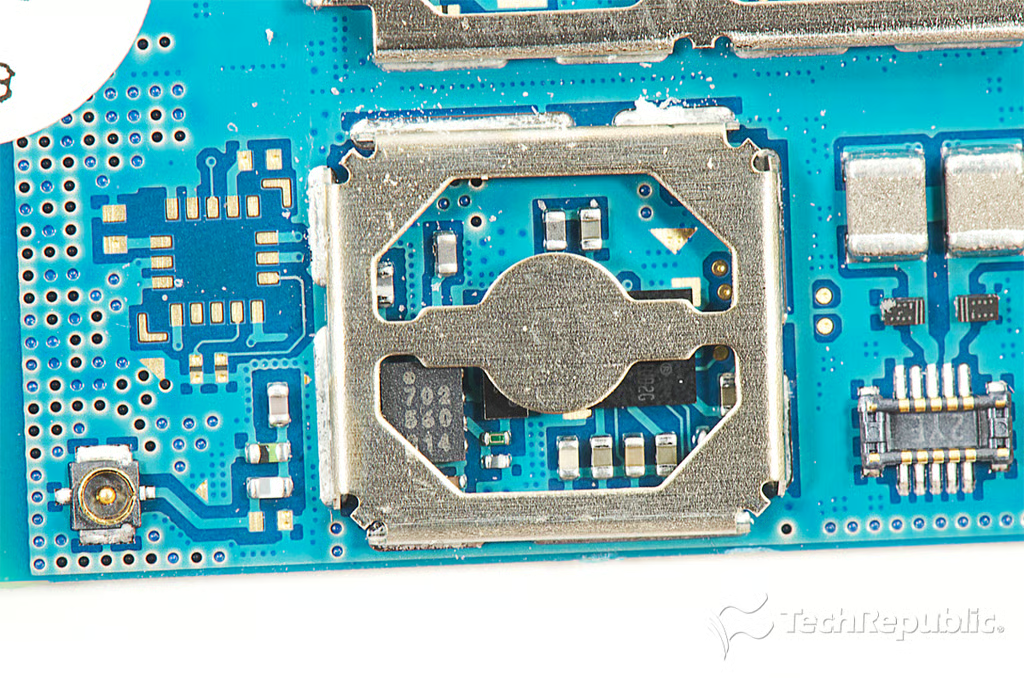
Cracking Open Galaxy Note 10.1: Removing the metal cover for the SIM card slot screw (HSPA+ models only)
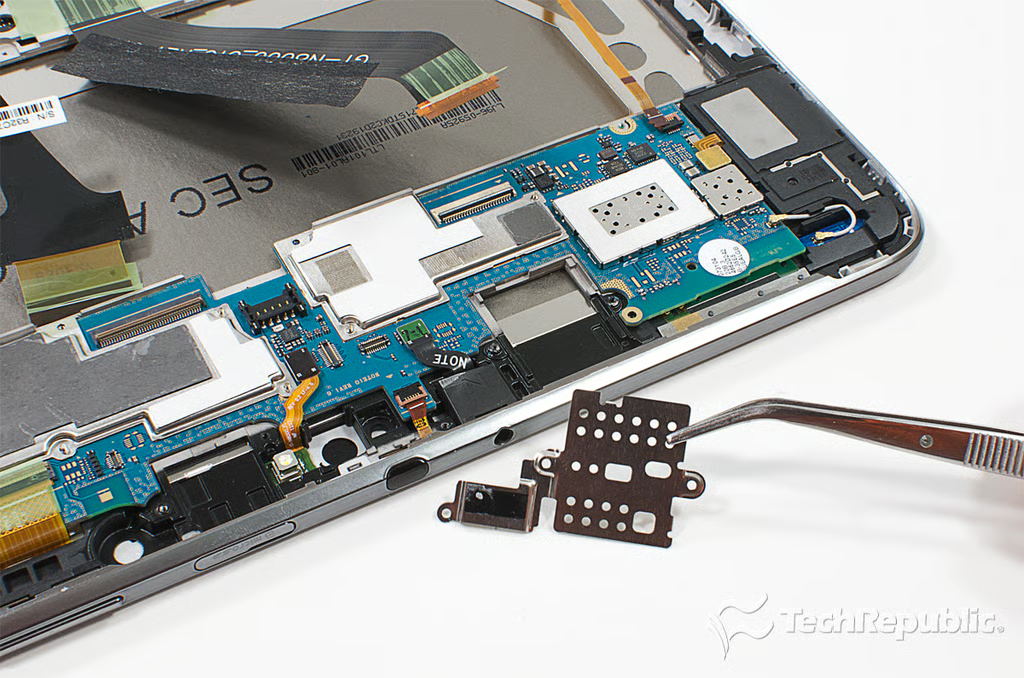
Cracking Open Galaxy Note 10.1: Removing the metal cover for the SIM card slot (HSPA+ models only)
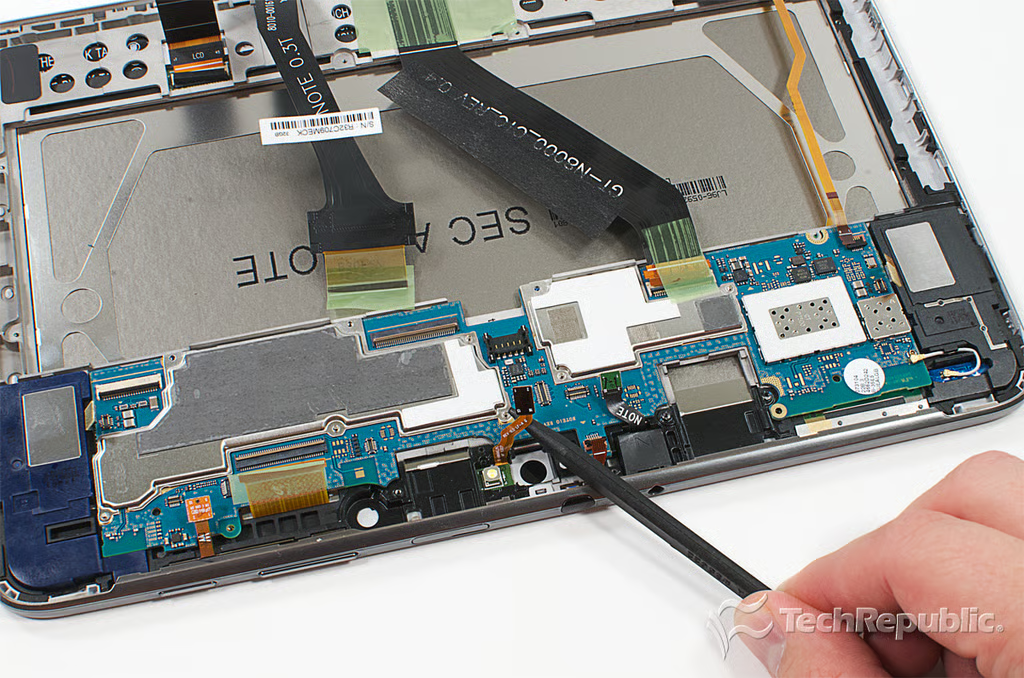
Cracking Open Galaxy Note 10.1: Disconnecting the LED flash ribbon cable
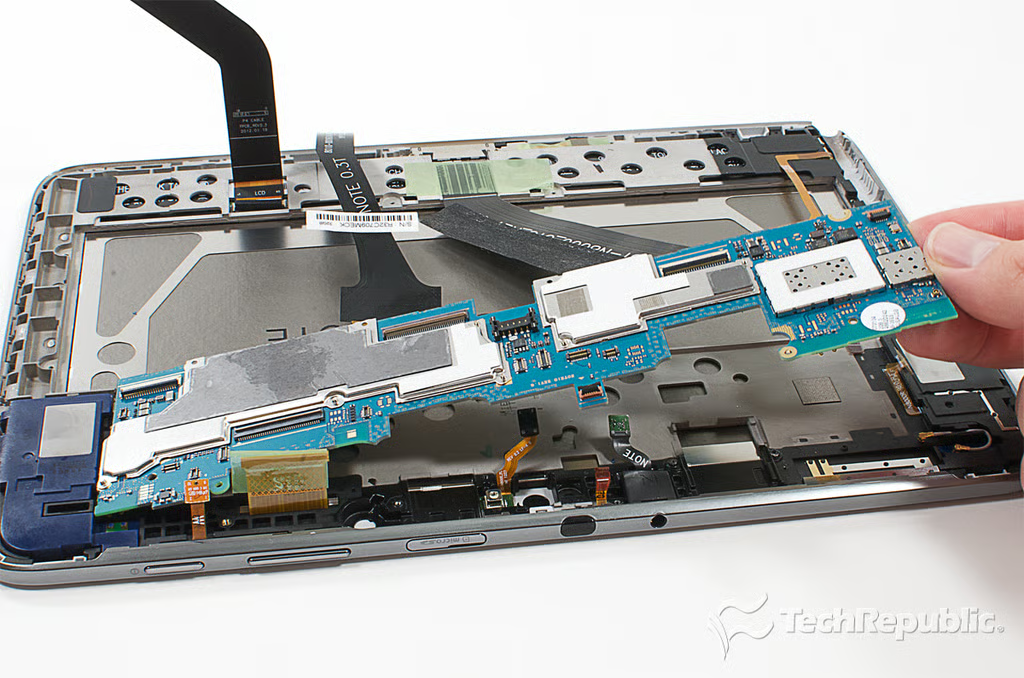
Cracking Open Galaxy Note 10.1: Removing the motherboard
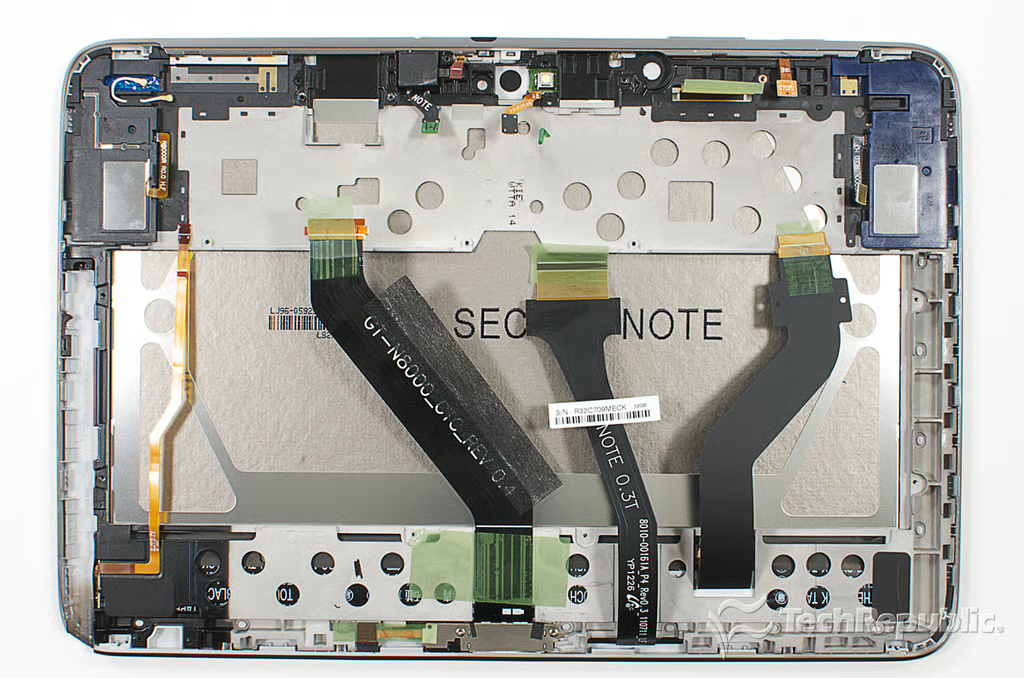
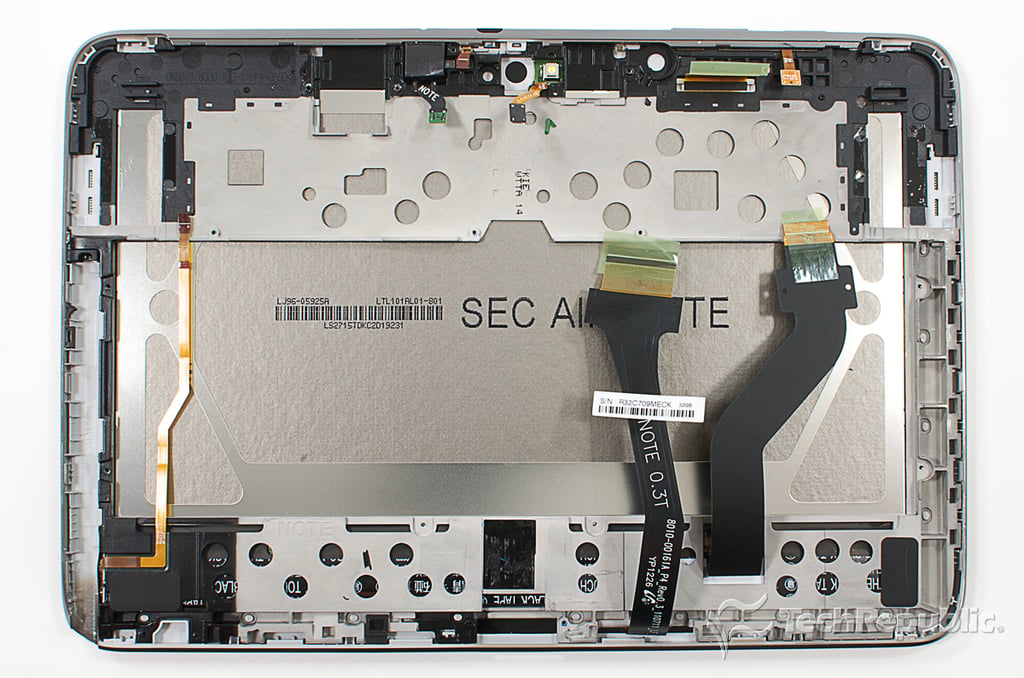
Cracking Open Galaxy Note 10.1: Front panel assembly with display and internal frame attached
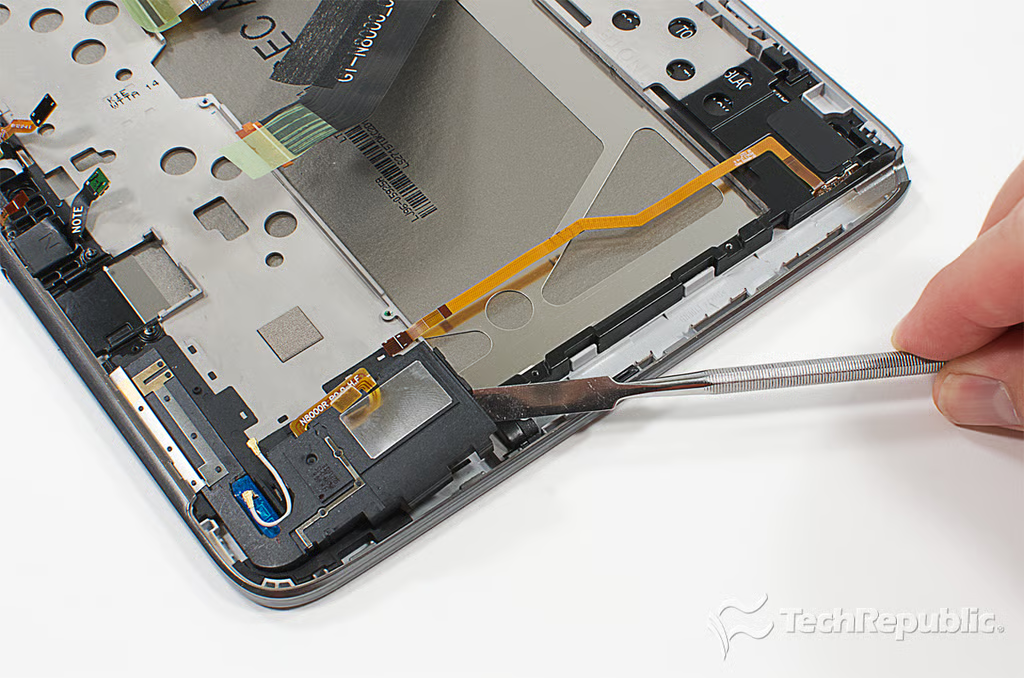
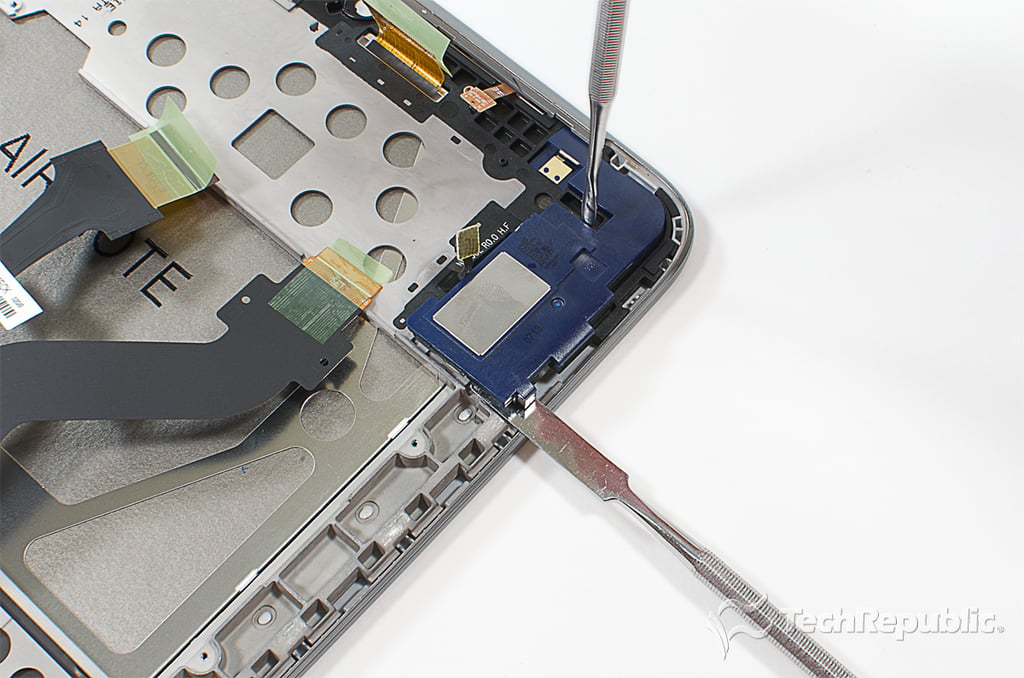
Cracking Open Galaxy Note 10.1: Removing the right speaker
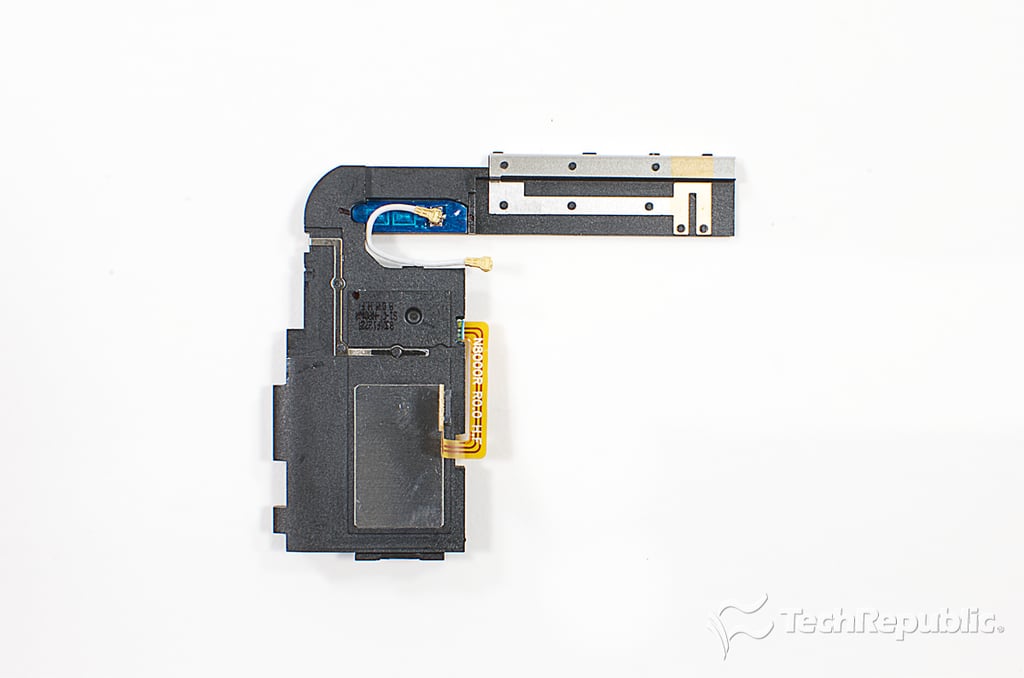
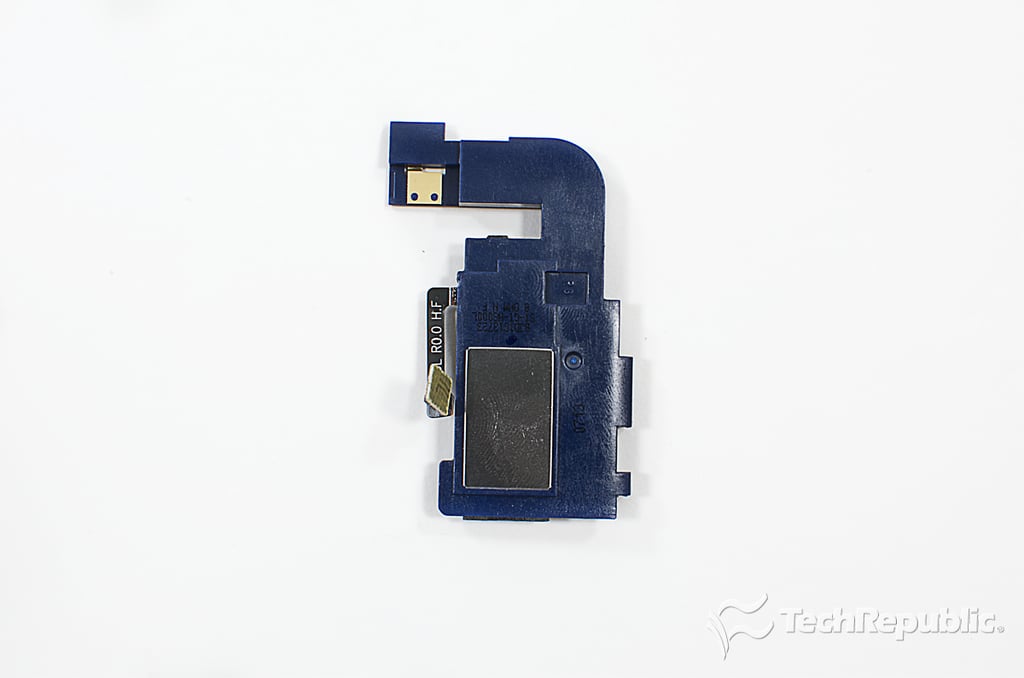
Cracking Open Galaxy Note 10.1: Right speaker - Back
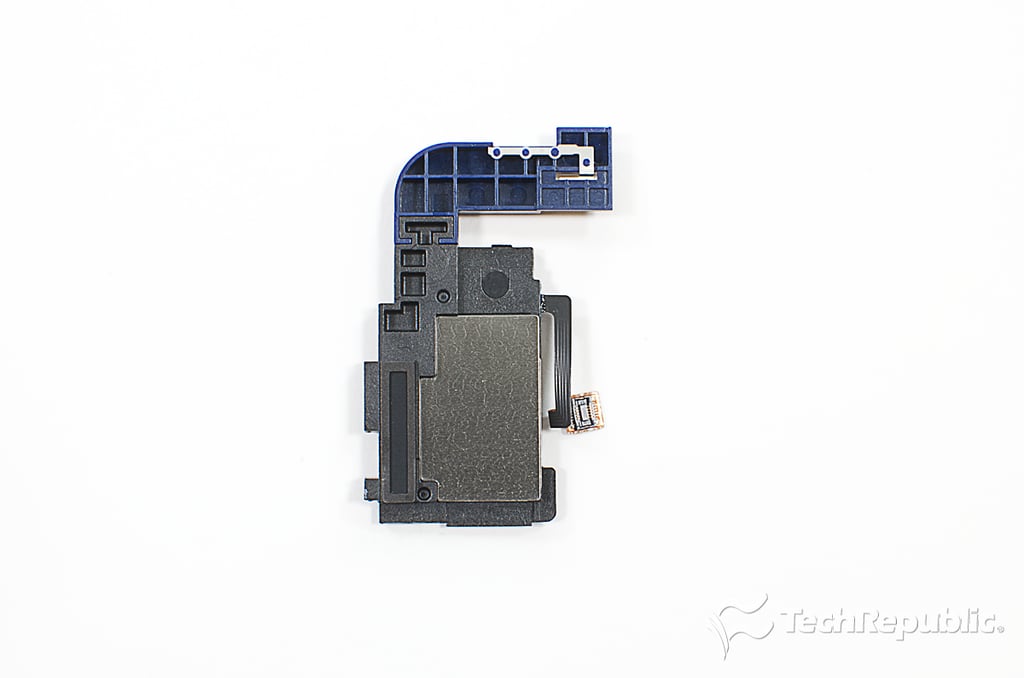
Cracking Open Galaxy Note 10.1: Right speaker - Front
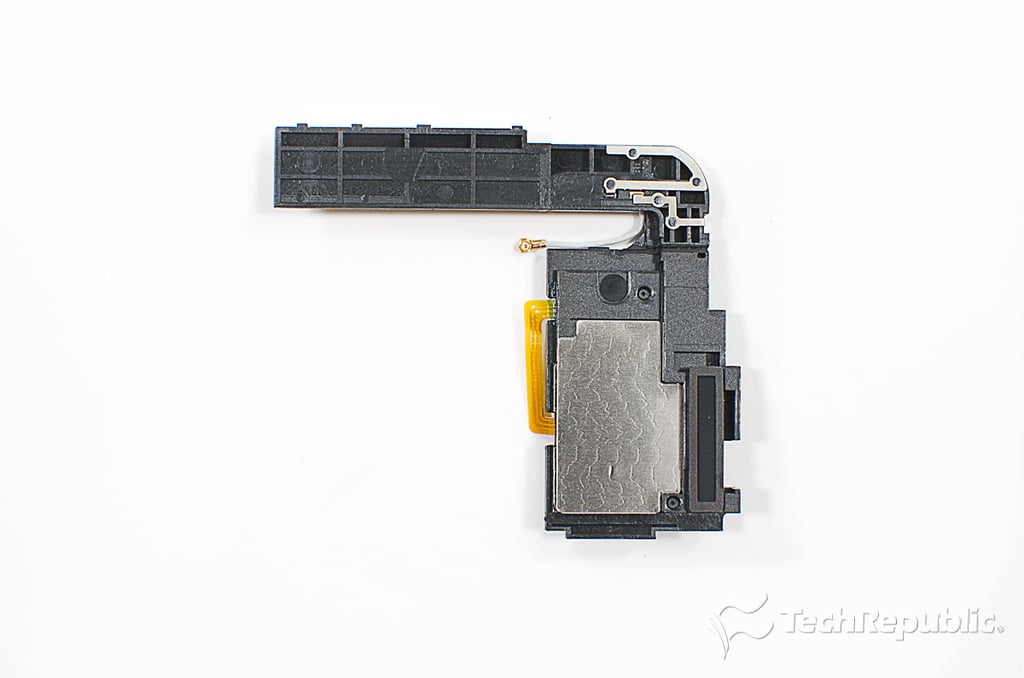
Cracking Open Galaxy Note 10.1: Removing the left speaker
Cracking Open Galaxy Note 10.1: Left speaker - Back
Cracking Open Galaxy Note 10.1: Left speaker - Front
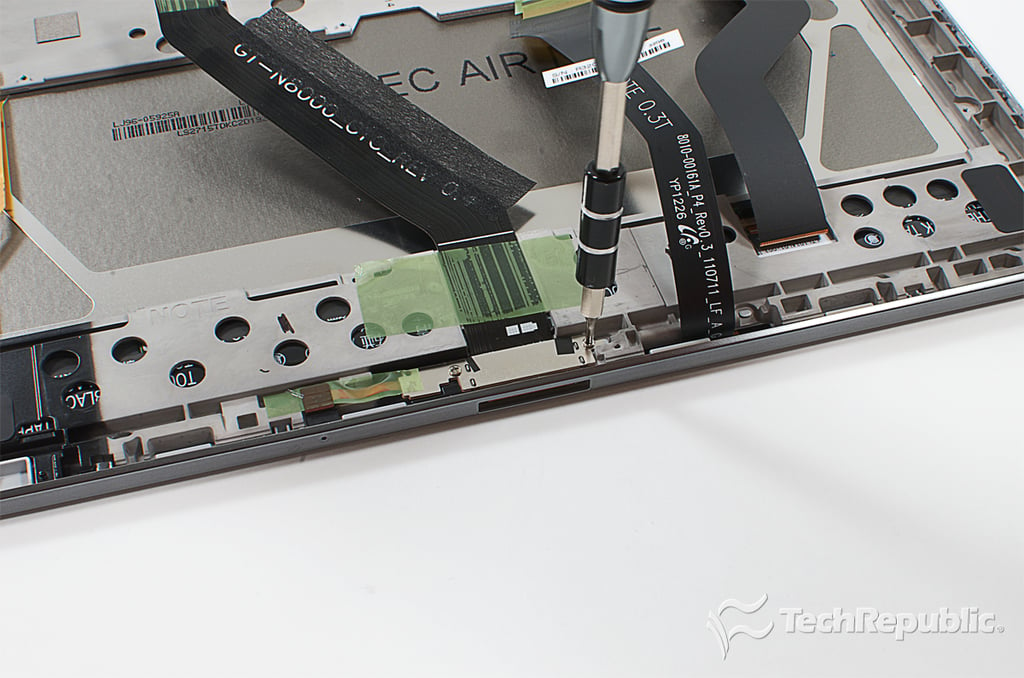
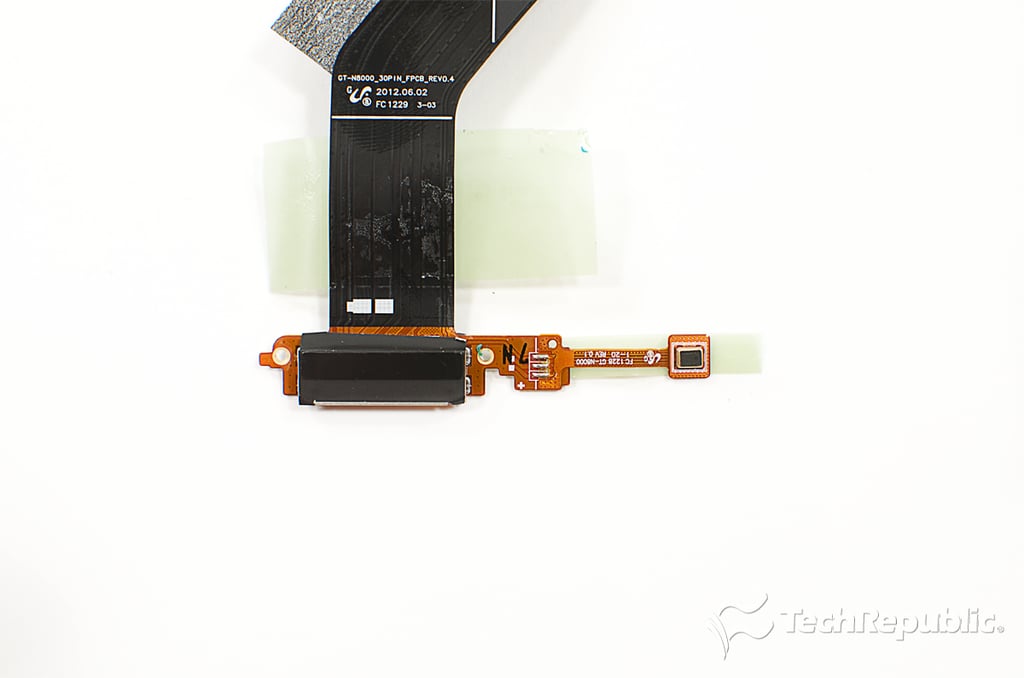
Cracking Open Galaxy Note 10.1: Removing the docking connector screws
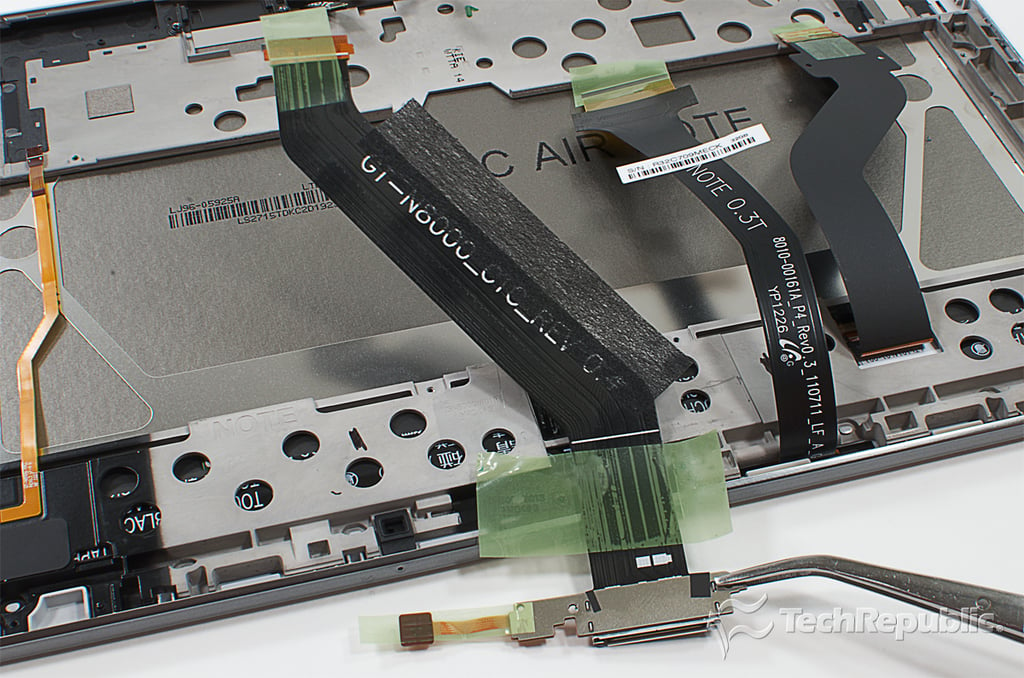
Cracking Open Galaxy Note 10.1: Removing the docking connector
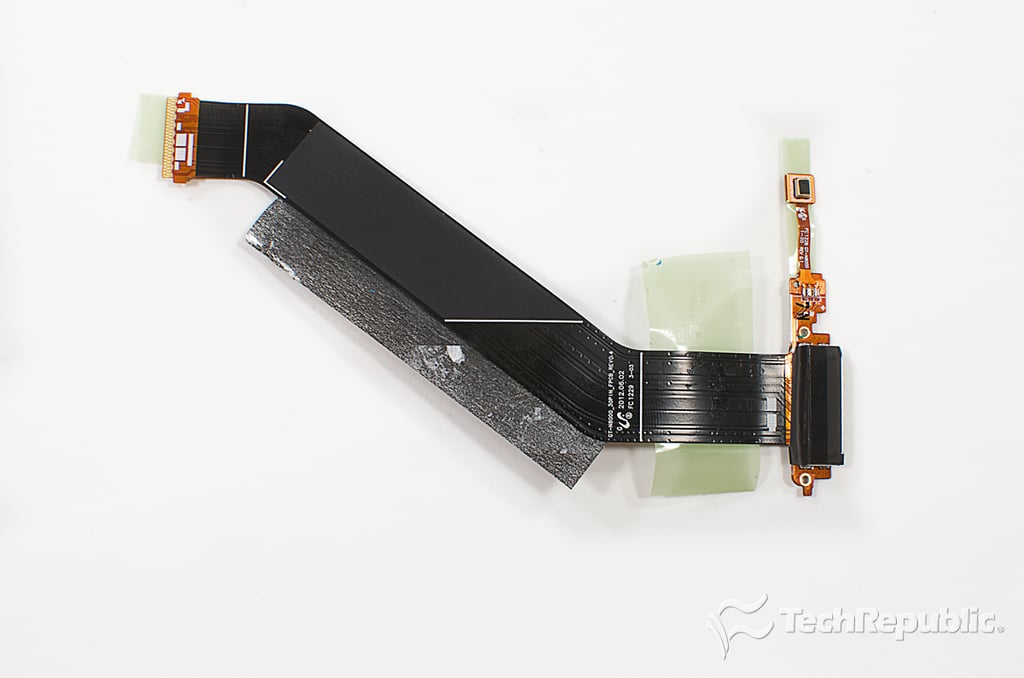
Cracking Open Galaxy Note 10.1: Docking connector and microphone assembly - Back
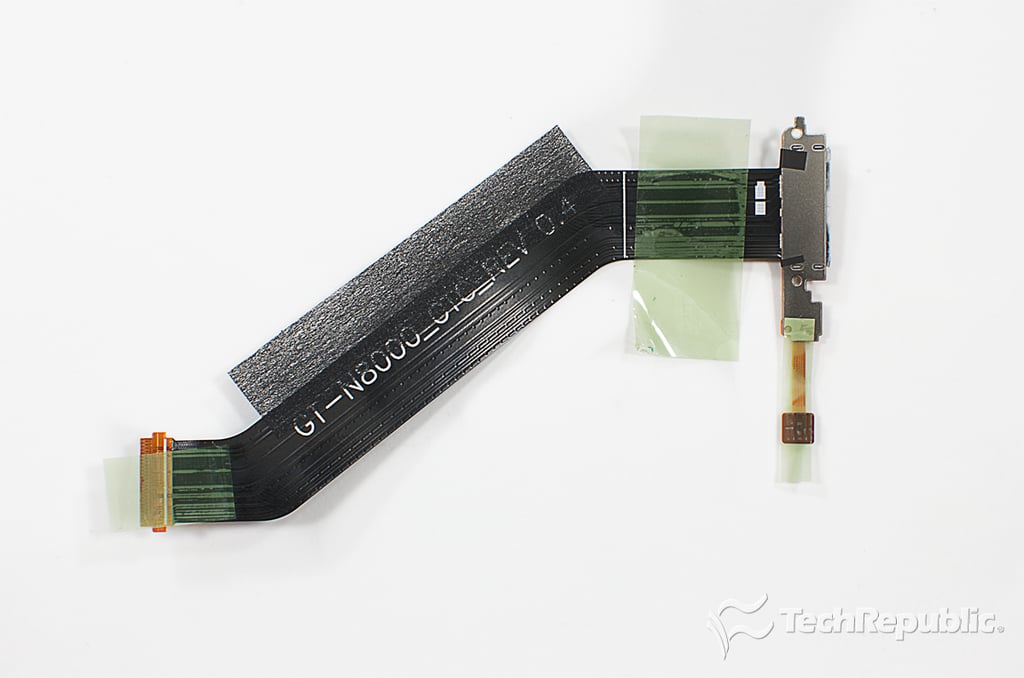
Cracking Open Galaxy Note 10.1: Docking connector and microphone assembly - Front
Cracking Open Galaxy Note 10.1: Docking connector and microphone
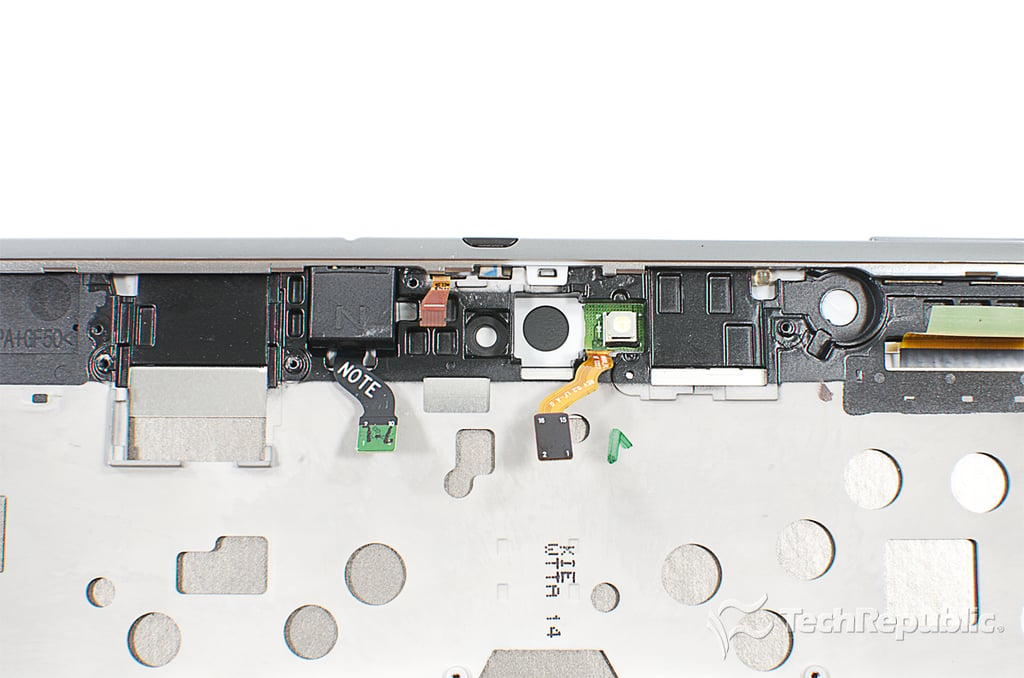
Cracking Open Galaxy Note 10.1: Front panel, display, and internal frame
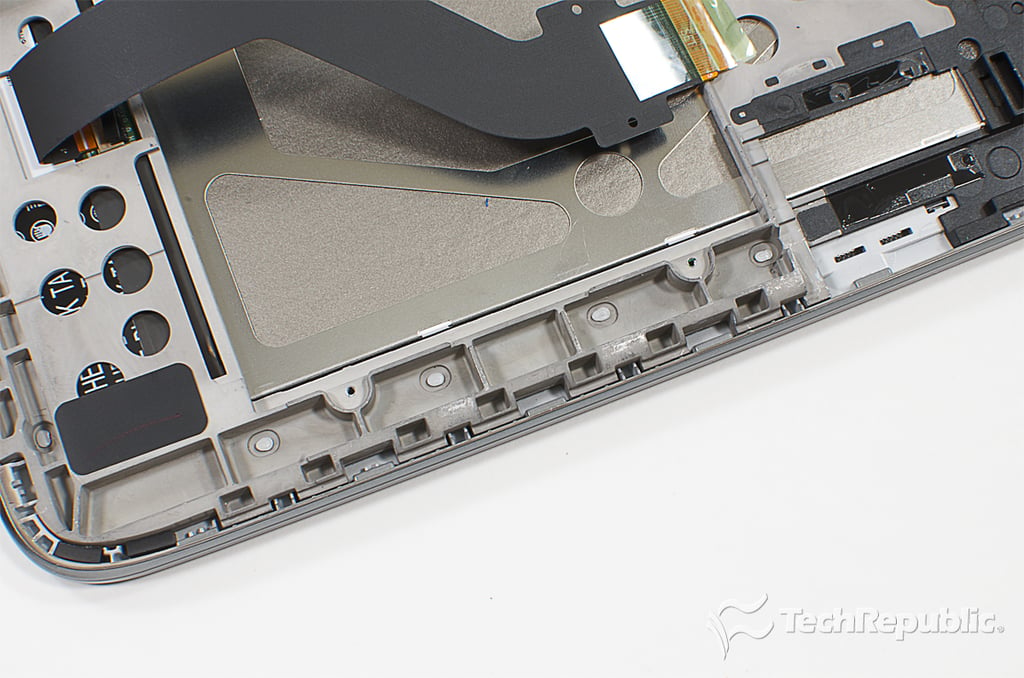
Cracking Open Galaxy Note 10.1: Staking process used to bond the front panel and internal frame
Cracking Open Galaxy Note 10.1: LED flash
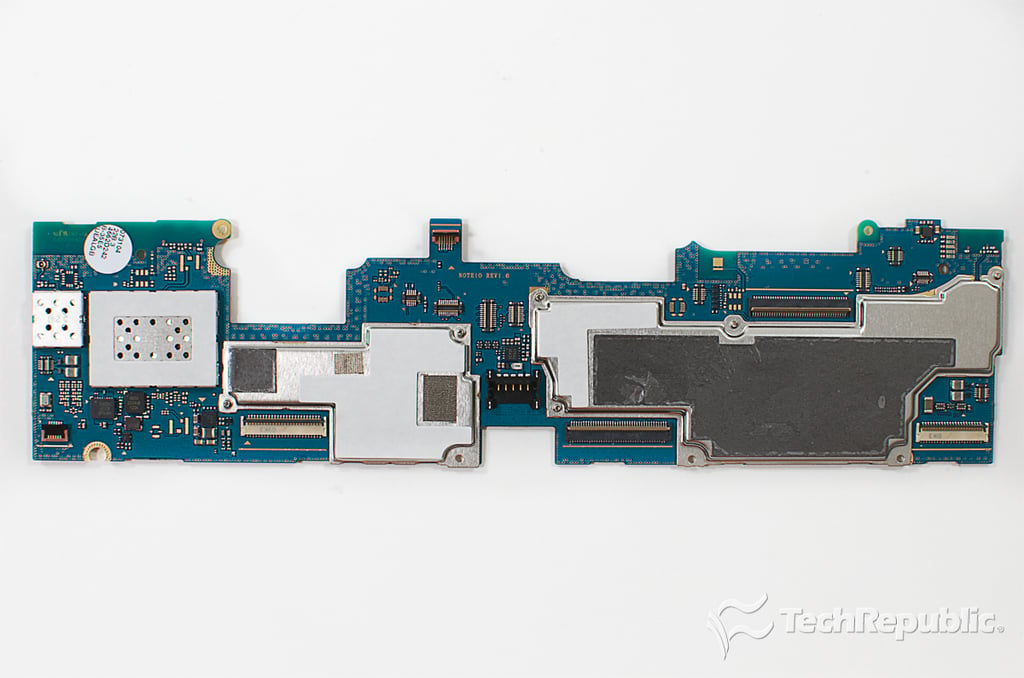
Cracking Open Galaxy Note 10.1: Motherboard with EMI/RFI shields
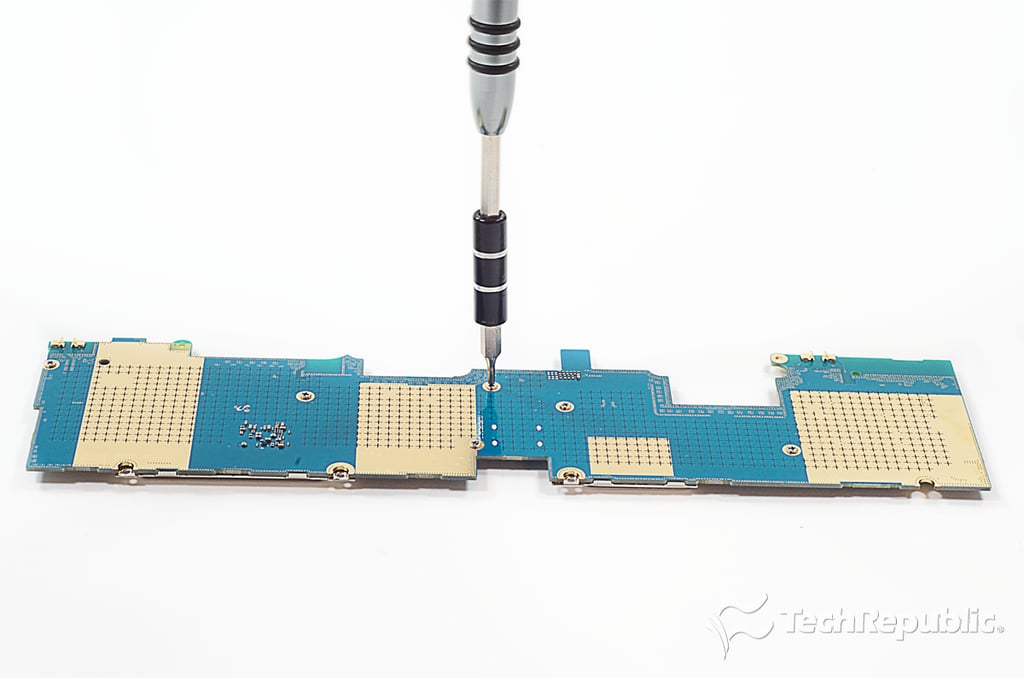
Cracking Open Galaxy Note 10.1: Removing the EMI/RFI shield screws
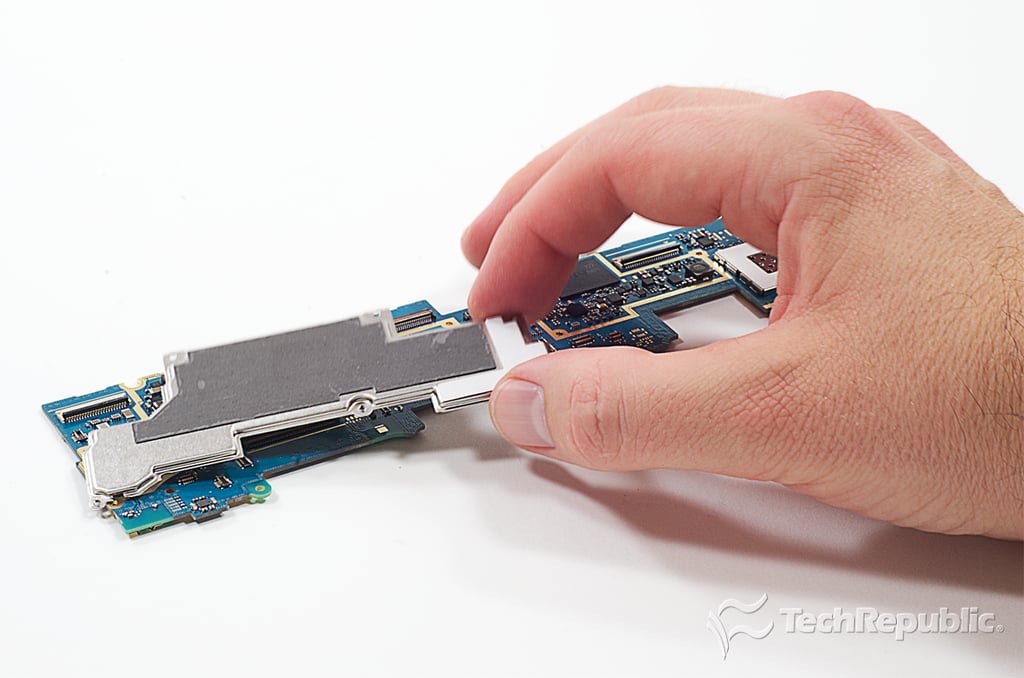
Cracking Open Galaxy Note 10.1: Removing the EMI/RFI shields
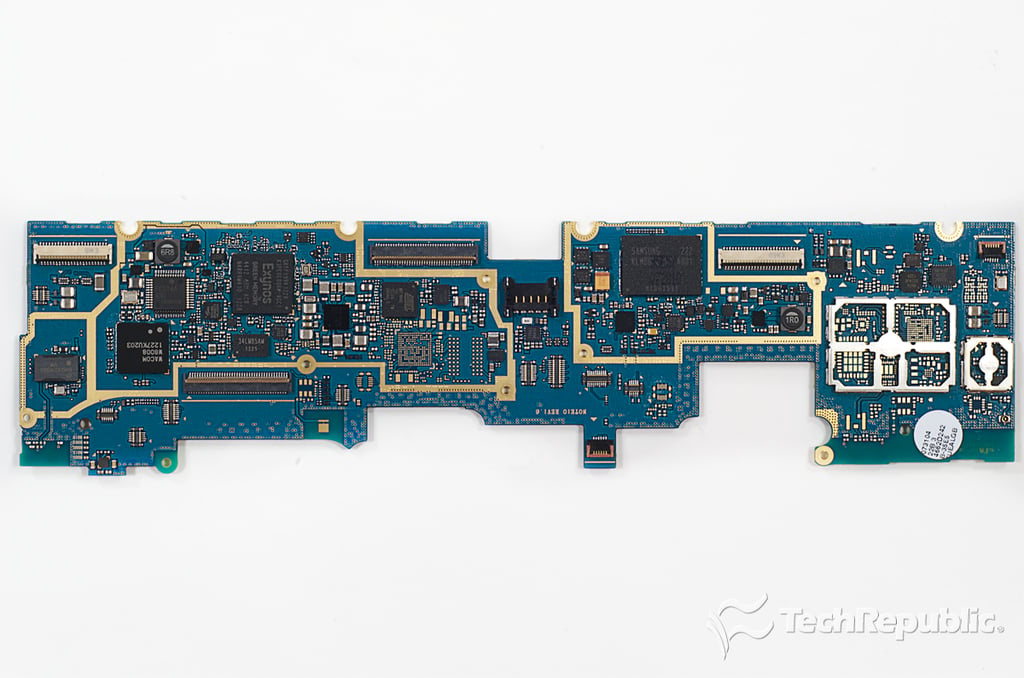
Cracking Open Galaxy Note 10.1: Motherboard - Top
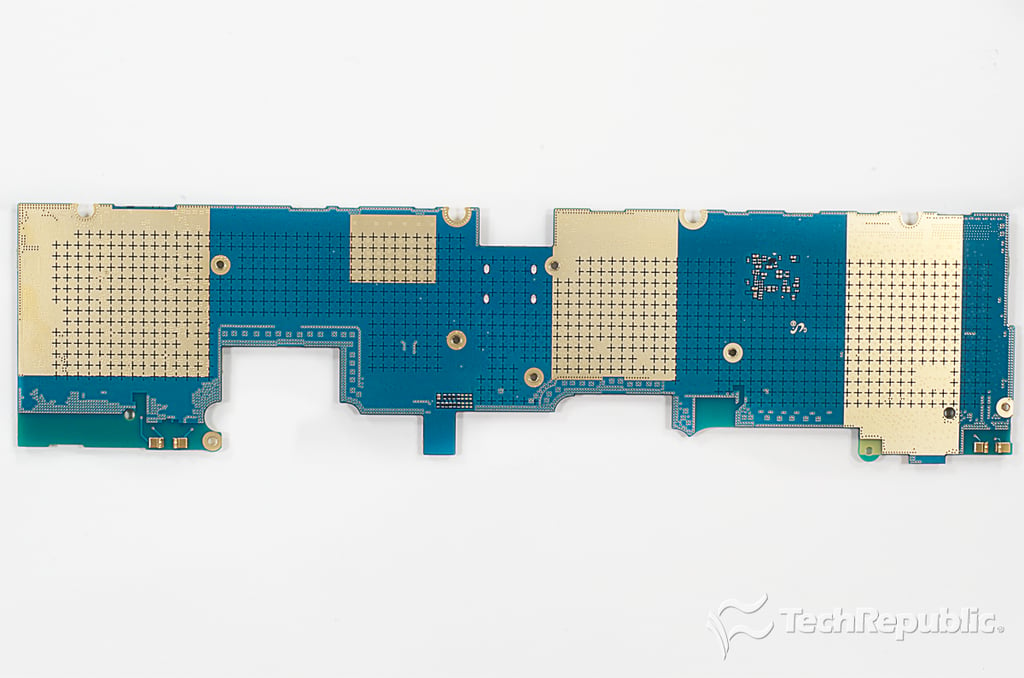
Cracking Open Galaxy Note 10.1: Motherboard - Bottom
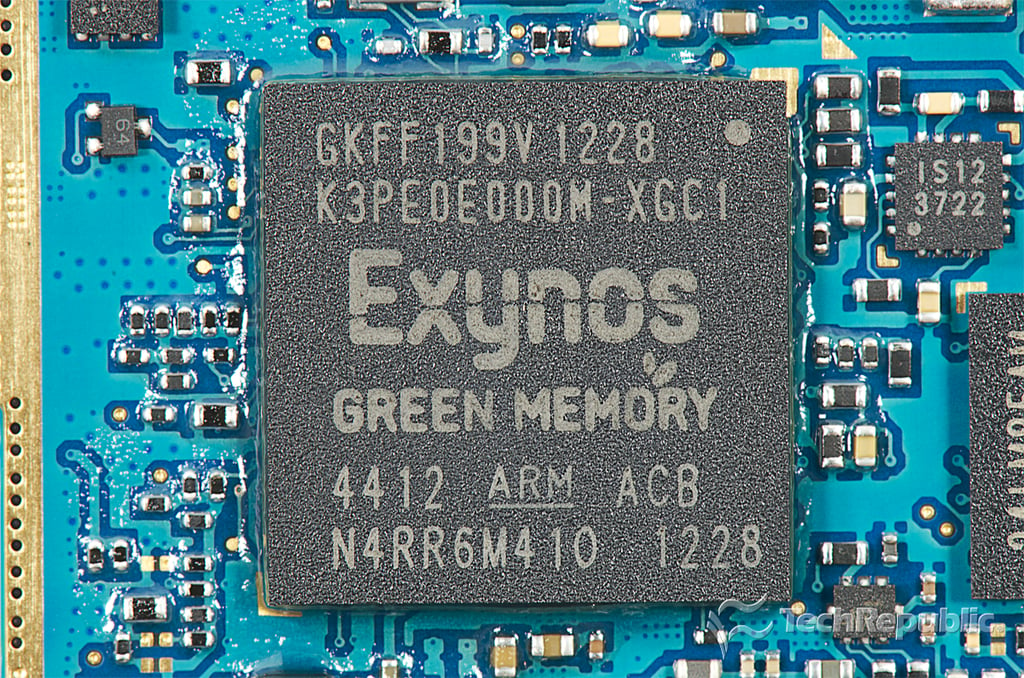
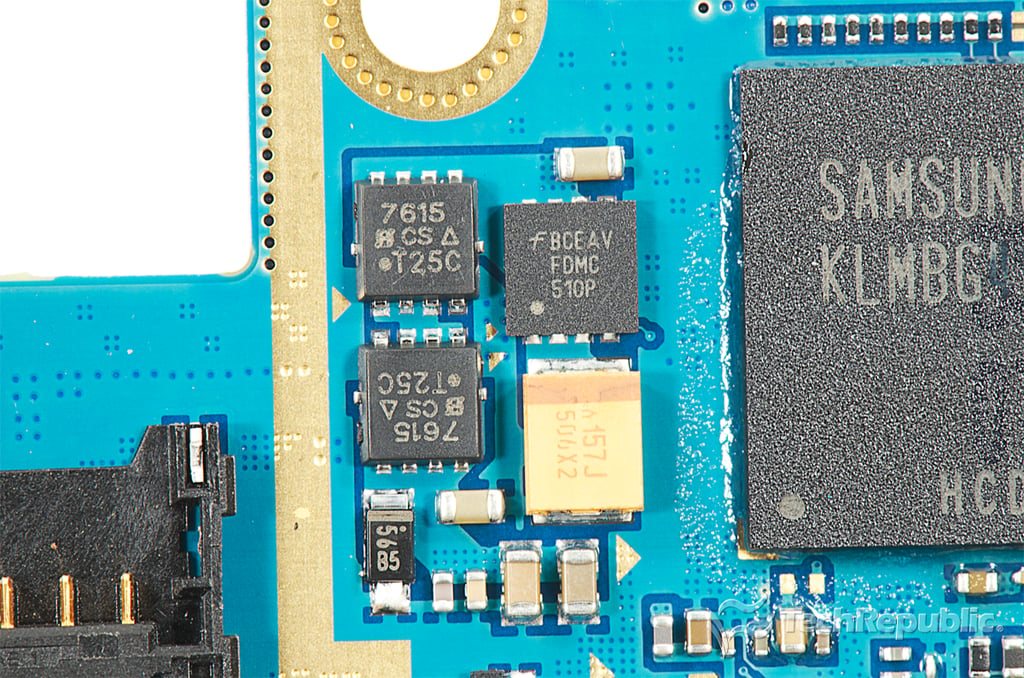
Cracking Open Galaxy Note 10.1: 1.4GHz Samsung Exynos 4 Quad processor with integrated graphics (4412) and 2GB Samsung K3PE0E000M-XGC1 RAM
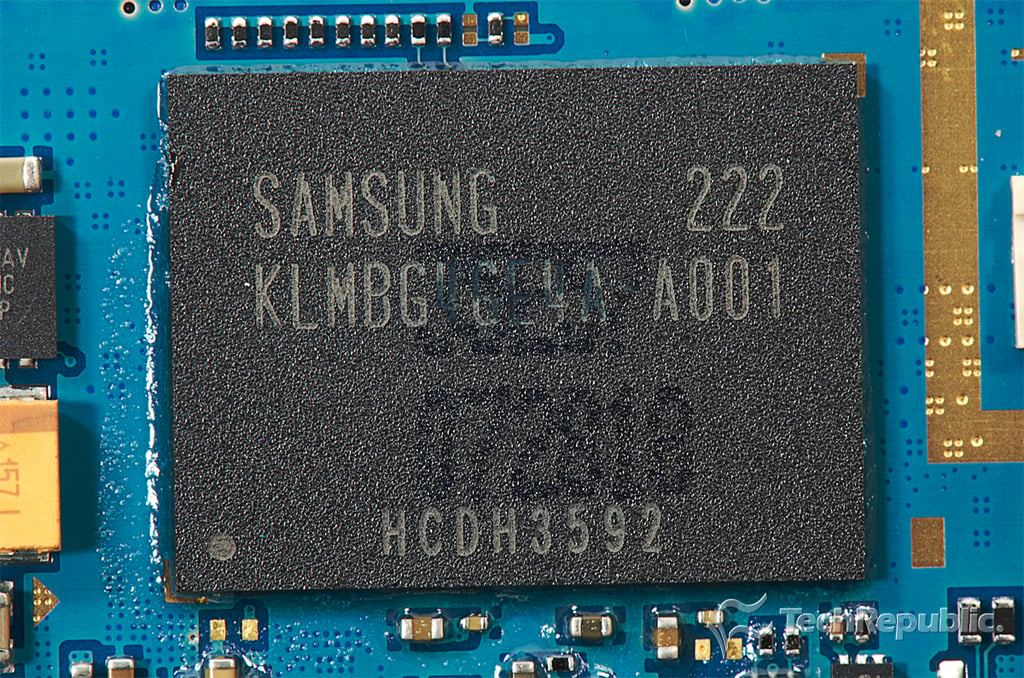
Cracking Open Galaxy Note 10.1: 32GB Samsung KLMBG4GE4A-A00x eMMC
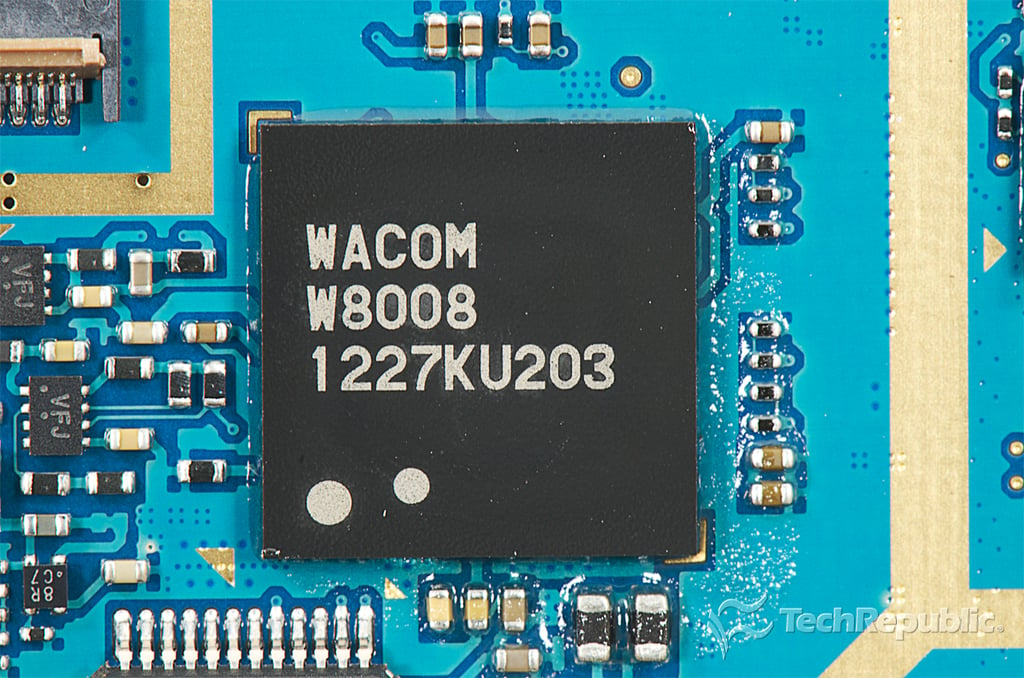
Cracking Open Galaxy Note 10.1: Wacom W8008 1227KU203
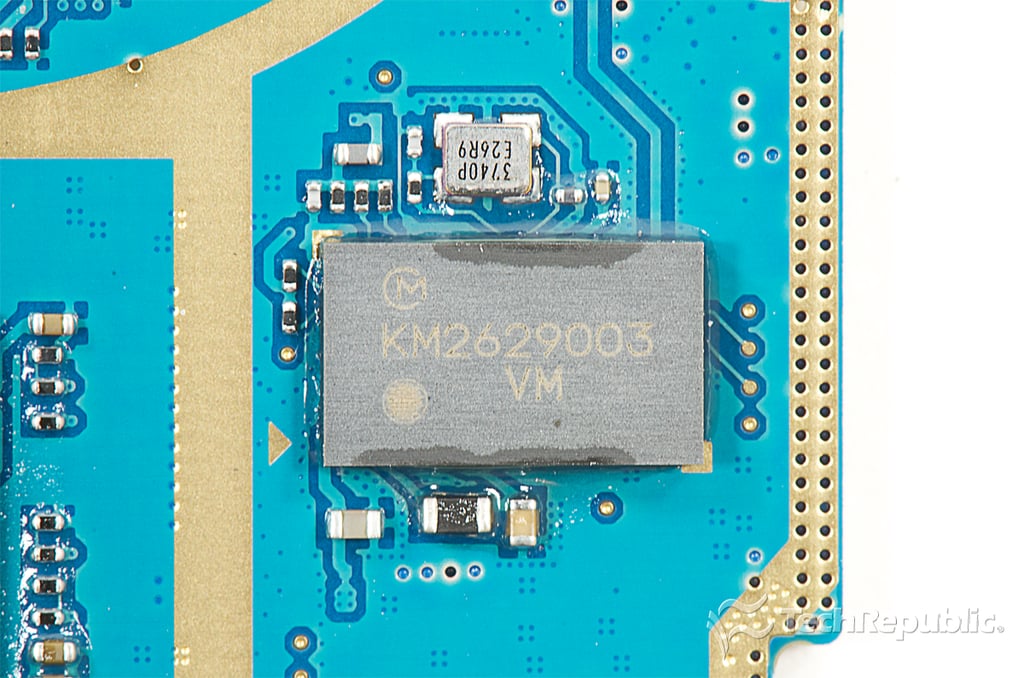
Cracking Open Galaxy Note 10.1: KM2629003
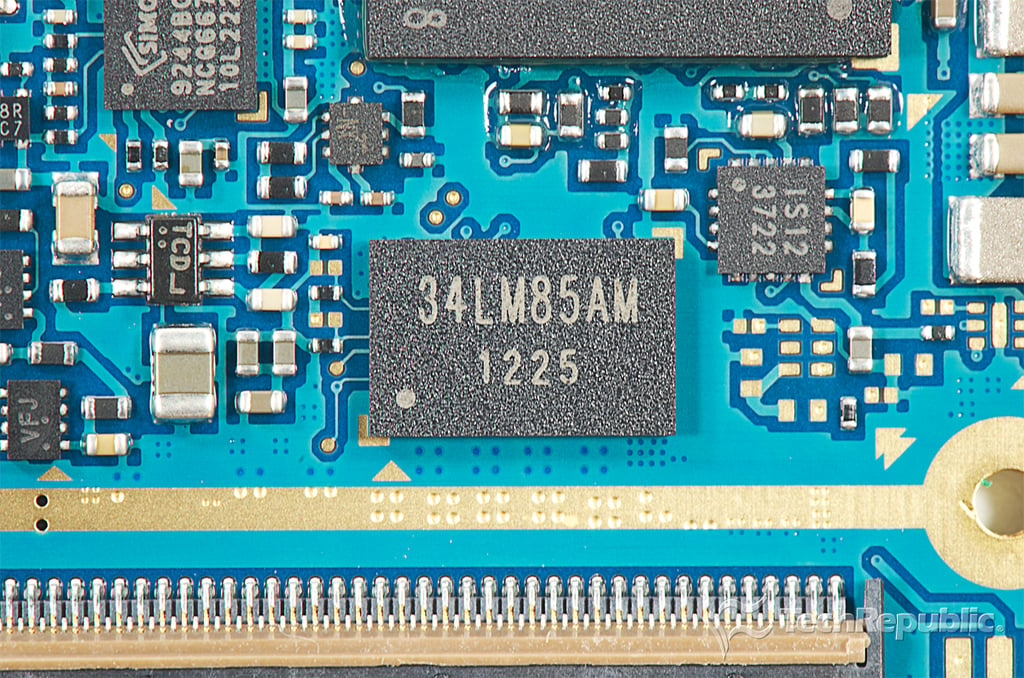
Cracking Open Galaxy Note 10.1: 34LM85AM 1225
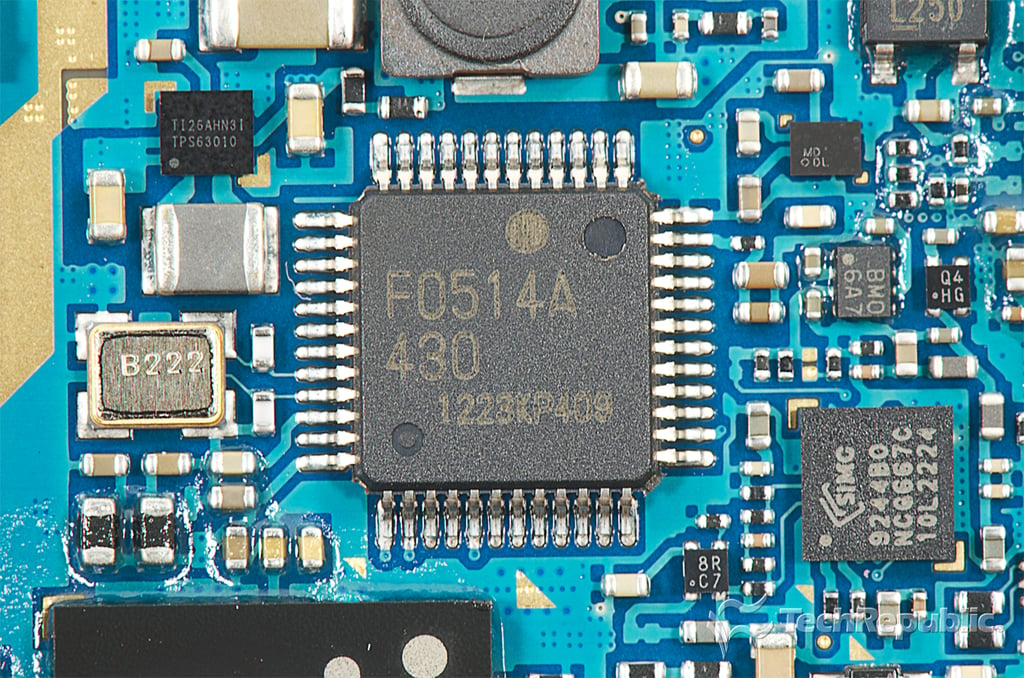
Cracking Open Galaxy Note 10.1: F0514A 430 1223KP409
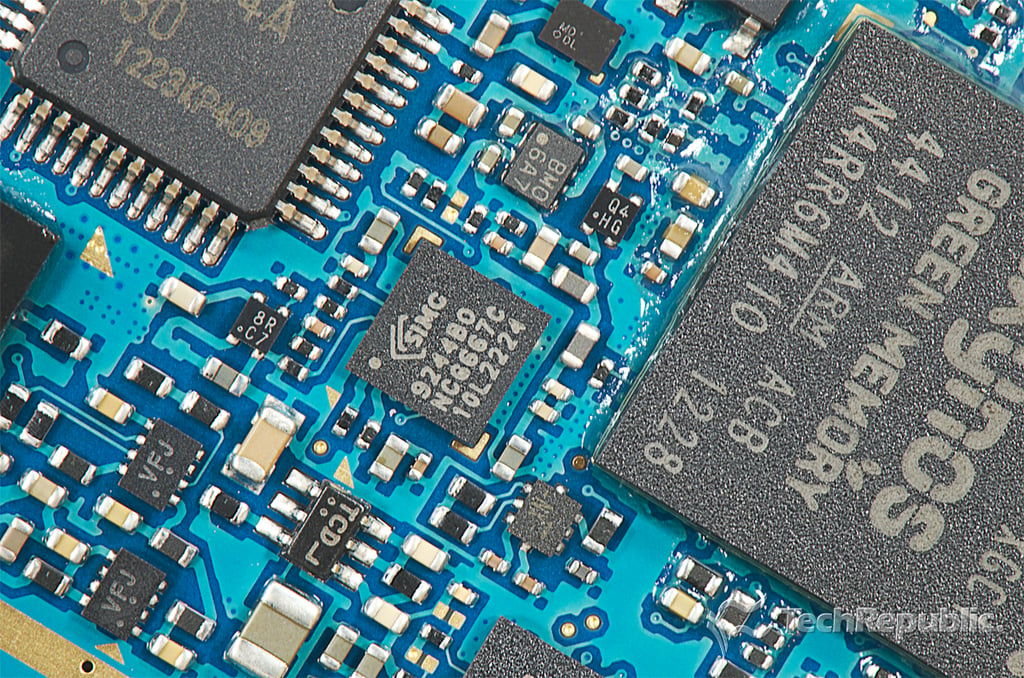
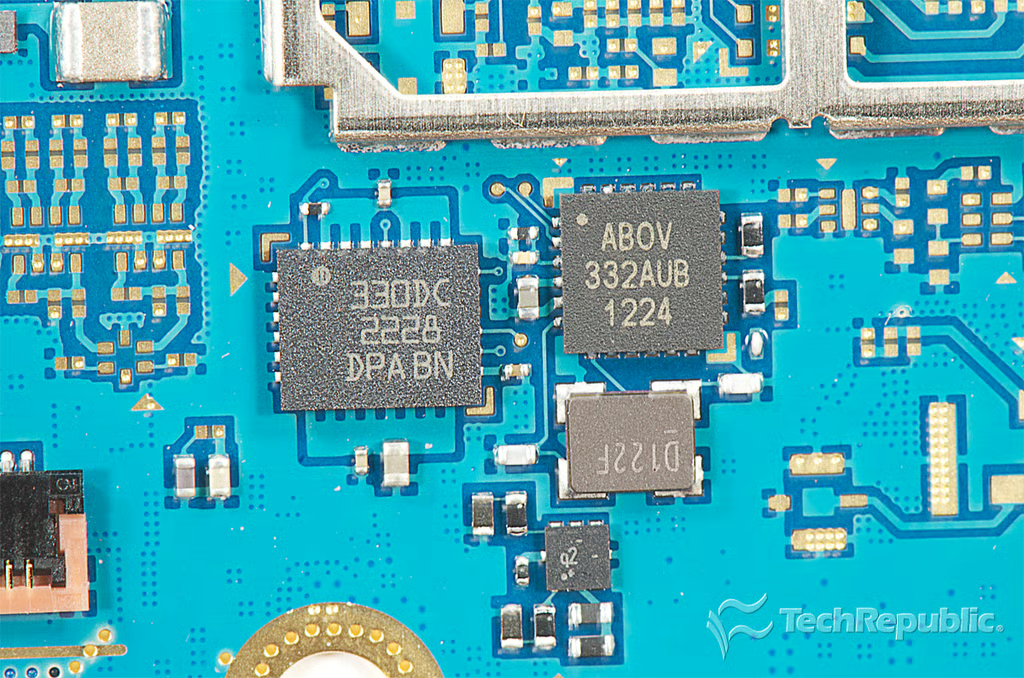
Cracking Open Galaxy Note 10.1: Silicon Image Sil9244 MHL Transmitter with HDMI Input (SIMG 9244B0 NC6667C 10L2224)
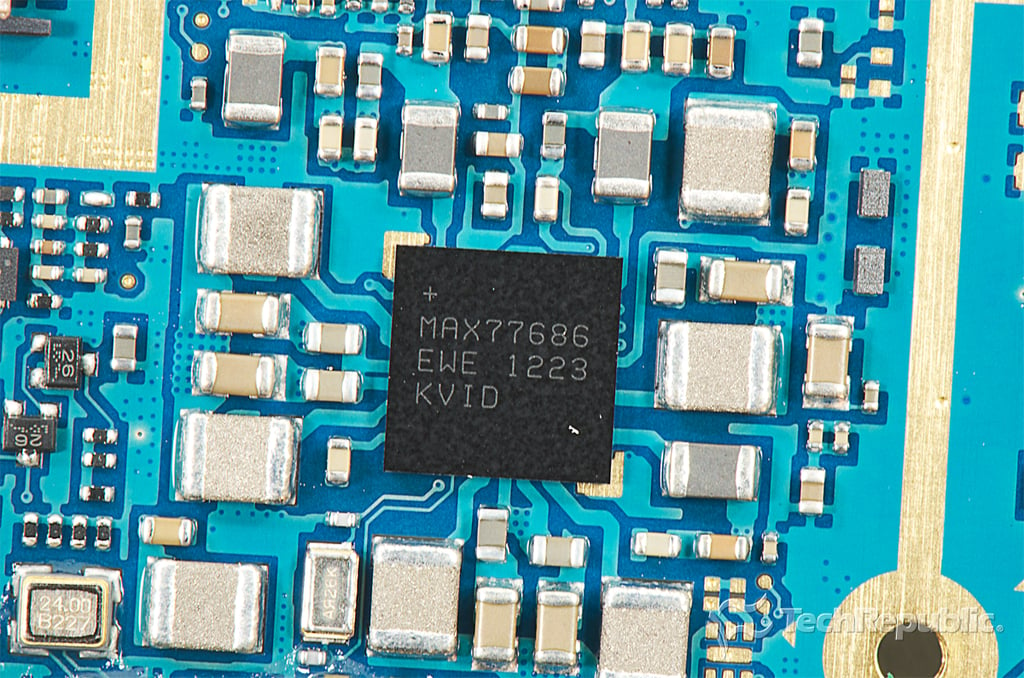
Cracking Open Galaxy Note 10.1: Maxim Power MAX77686 regulator
Bill Detwiler is the Editor for Technical Content and Ecosystem at Celonis. He is the former Editor in Chief of TechRepublic and previous host of TechRepublic's Dynamic Developer podcast and Cracking Open, CNET and TechRepublic's popular online show. Previously, Bill was an IT manager in the social research and energy industries. He has bachelor's and master's degrees from the University of Louisville, where he has also lectured on computer crime and crime prevention.