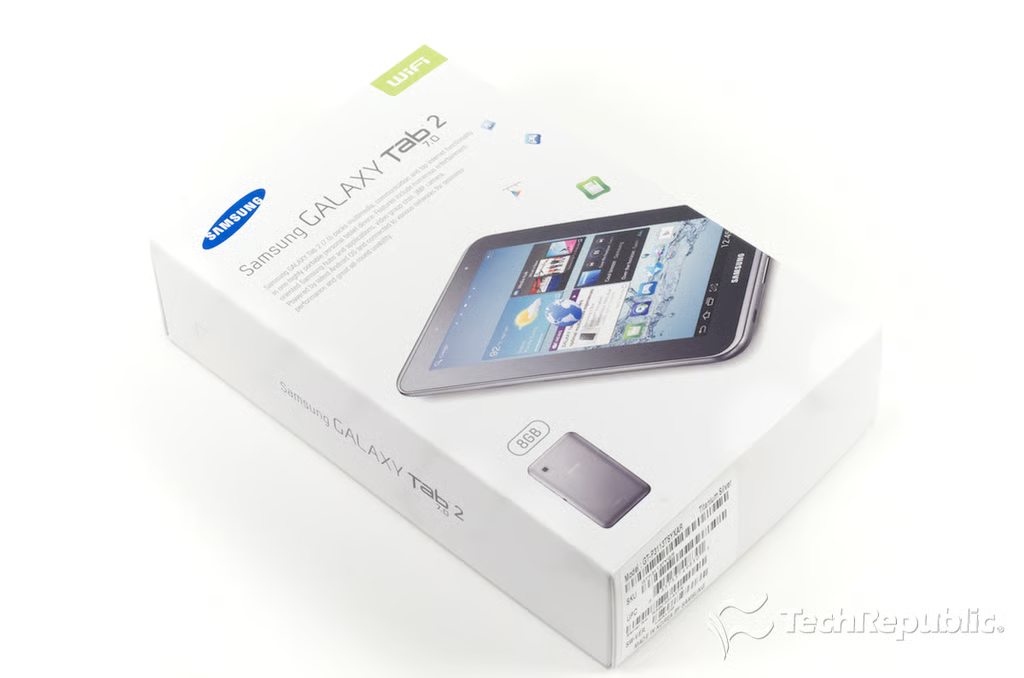
\n\tThe Samsung Galaxy Tab 2 7.0 retails for $249 (US). In comparison, the Amazon Kindle Fire retails for $199 and the Samsung Galaxy Tab 7.0 Plus runs either $349 or $449 (depending on how much storage you get).
\n\t
\n\tPhoto by: Bill Detwiler / TechRepublic
\n\tCaption by: Bill Detwiler
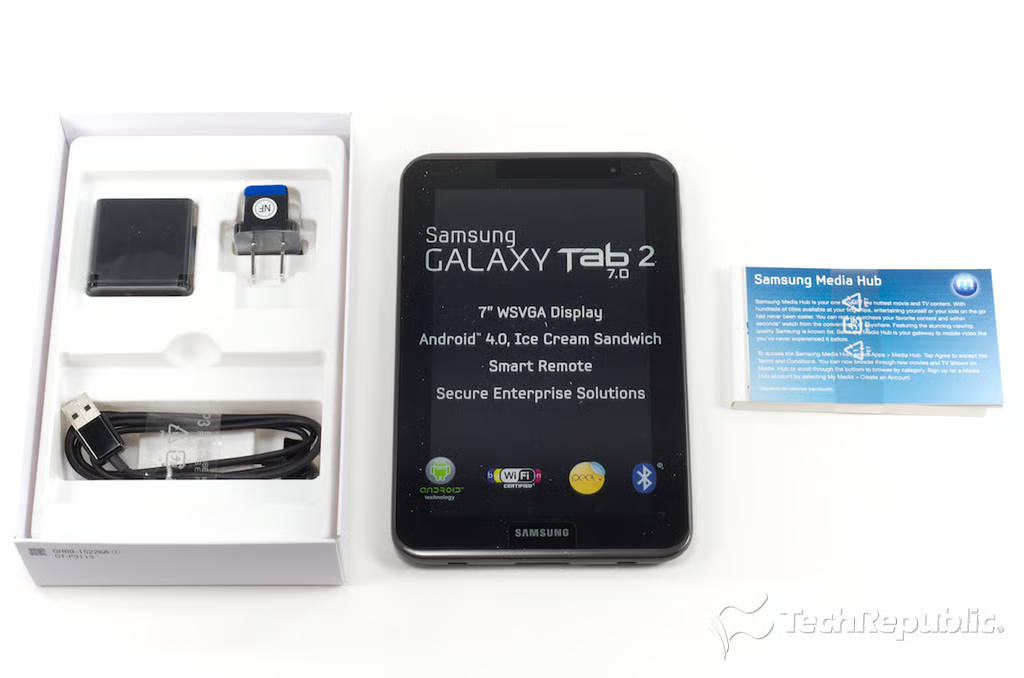
Samsung Galaxy Tab 2 7: Box contents
\n\tAlong with the tablet itself, the Galaxy Tab 2 7.0’s box contains a AC power adapter, USB cable, and product documentation.
\n
\n\tPhoto by: Bill Detwiler / TechRepublic
\n\tCaption by: Bill Detwiler
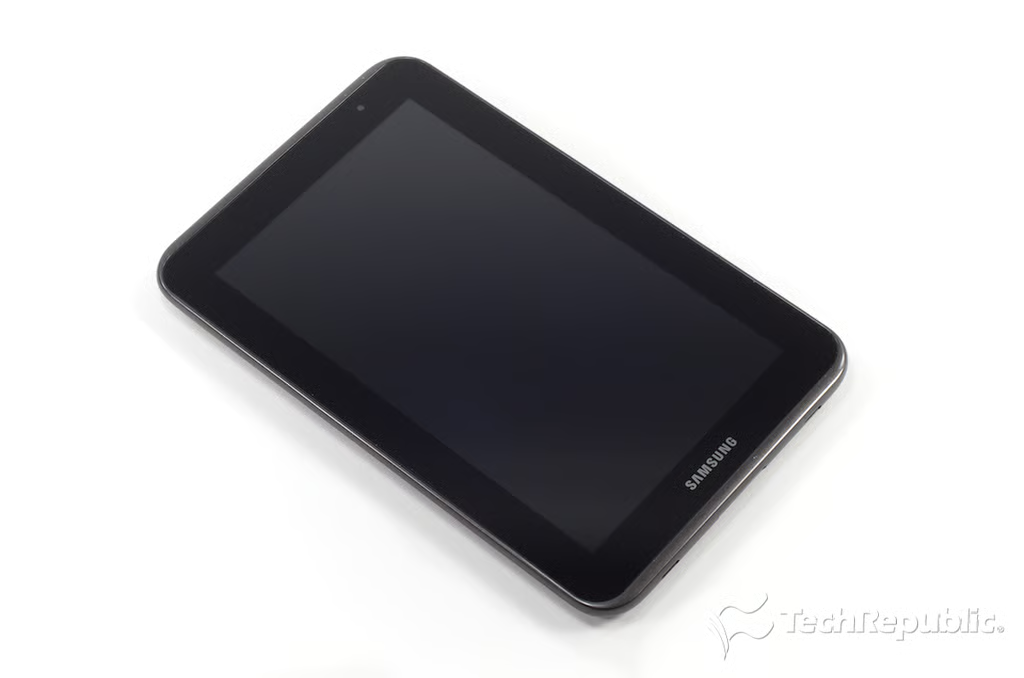
Samsung Galaxy Tab 2 7: Hardware specs and dimensions
\n\tThe Galaxy Tab 2 7.0 has a 1GHz dual-core Texas Instruments OMAP 4430 processor, 1GB of RAM, 8GB of storage, a 7″ Plane to Line Switching (PLS) LCD (1,024 x 600 resolution), 802.11b/g/n and Bluetooth, a 3-megapixel rear-facing camera, and a VGA front-facing camera. It measures measures 7.6″ (H) x 4.8″ (W) x 0.41″ (D) and weighs 12.1 ounces.
\n\t
\n\tPhoto by: Bill Detwiler / TechRepublic
\n\tCaption by: Bill Detwiler
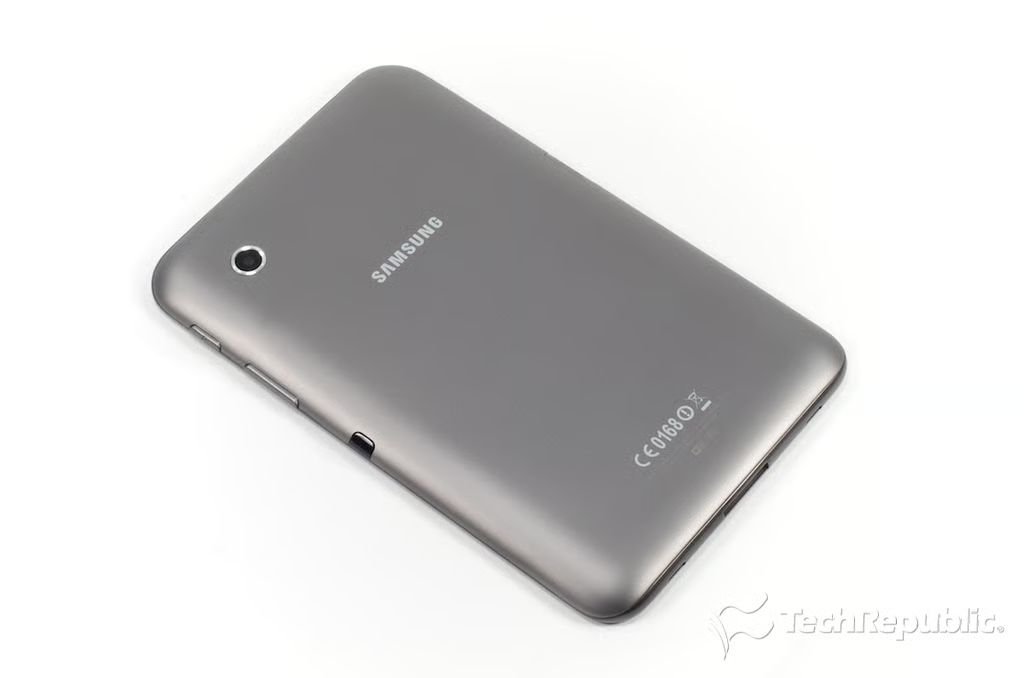
Samsung Galaxy Tab 2 7: Back
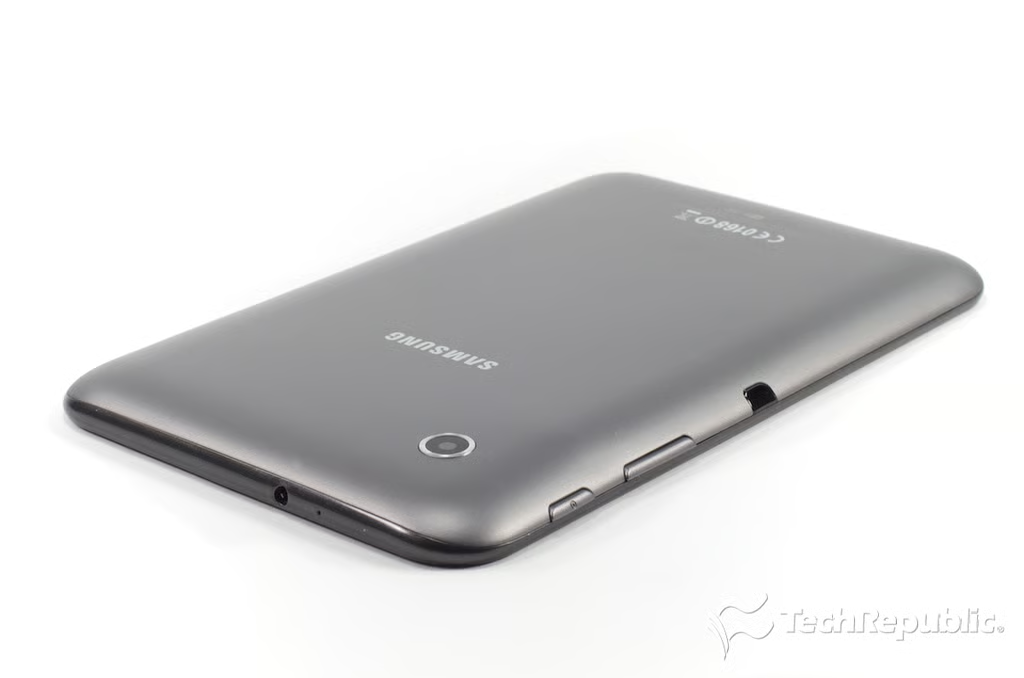
Samsung Galaxy Tab 2 7: Headphone jack, microphone, rear camera, power button, volume keys, and IR blaster
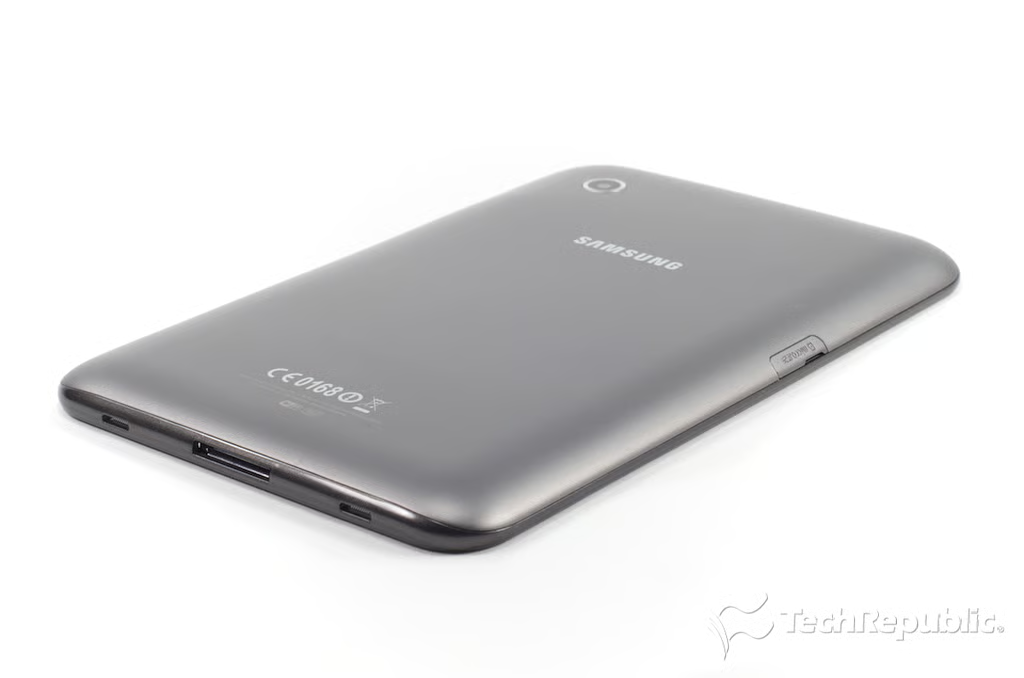
Samsung Galaxy Tab 2 7: Speakers and USB connector
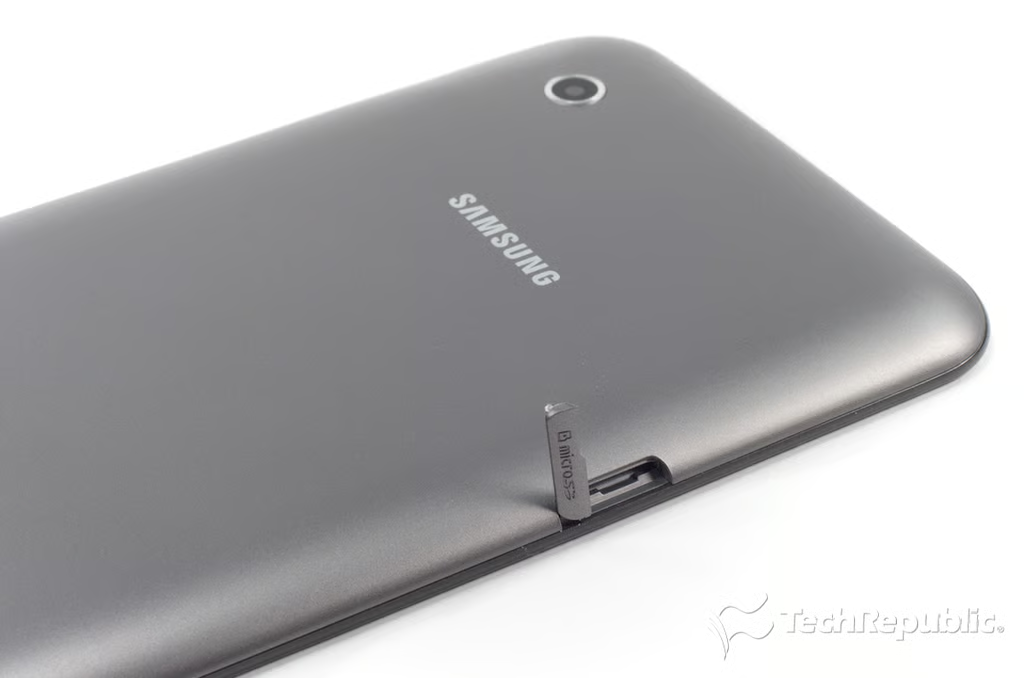
Samsung Galaxy Tab 2 7: microSIM card slot
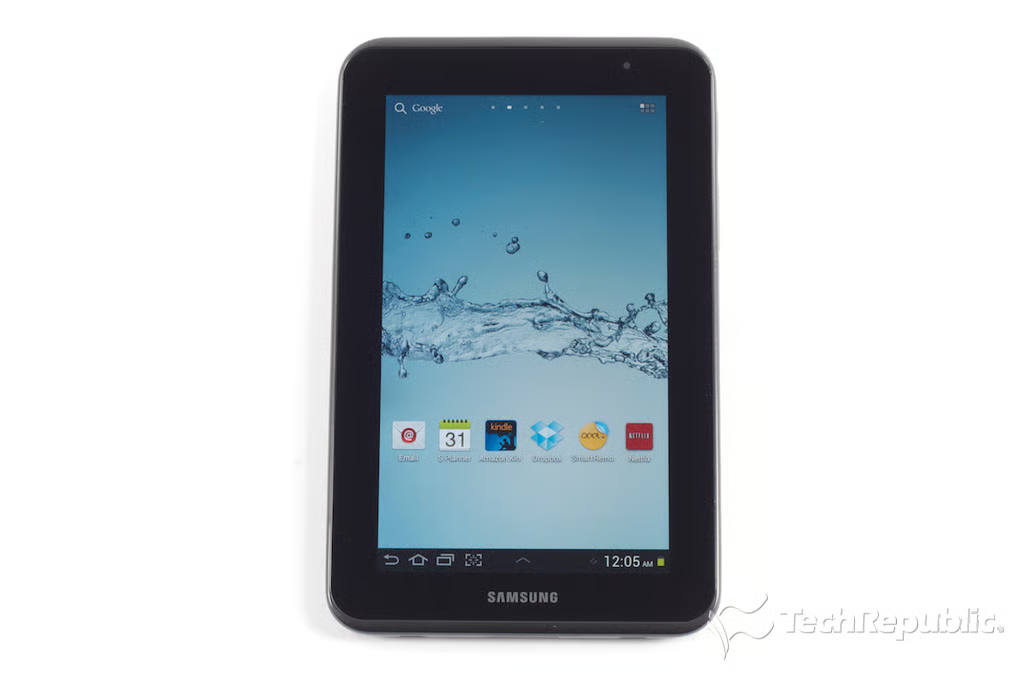
Samsung Galaxy Tab 2 7: 7-inch Plane to Line Switching (PLS) display
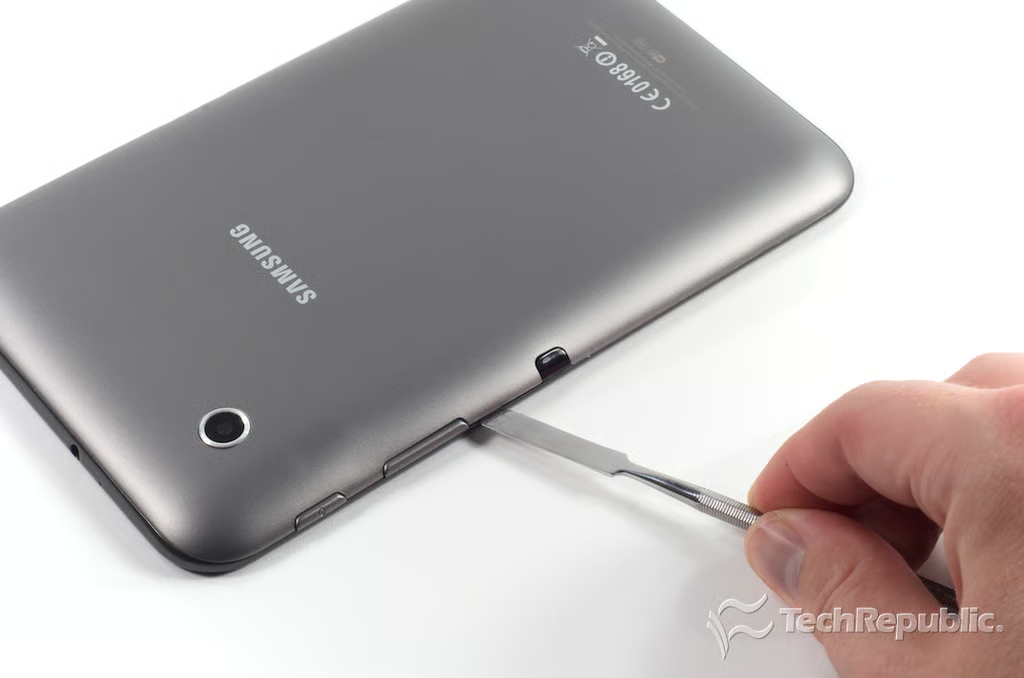
Samsung Galaxy Tab 2 7: Loosening the back cover
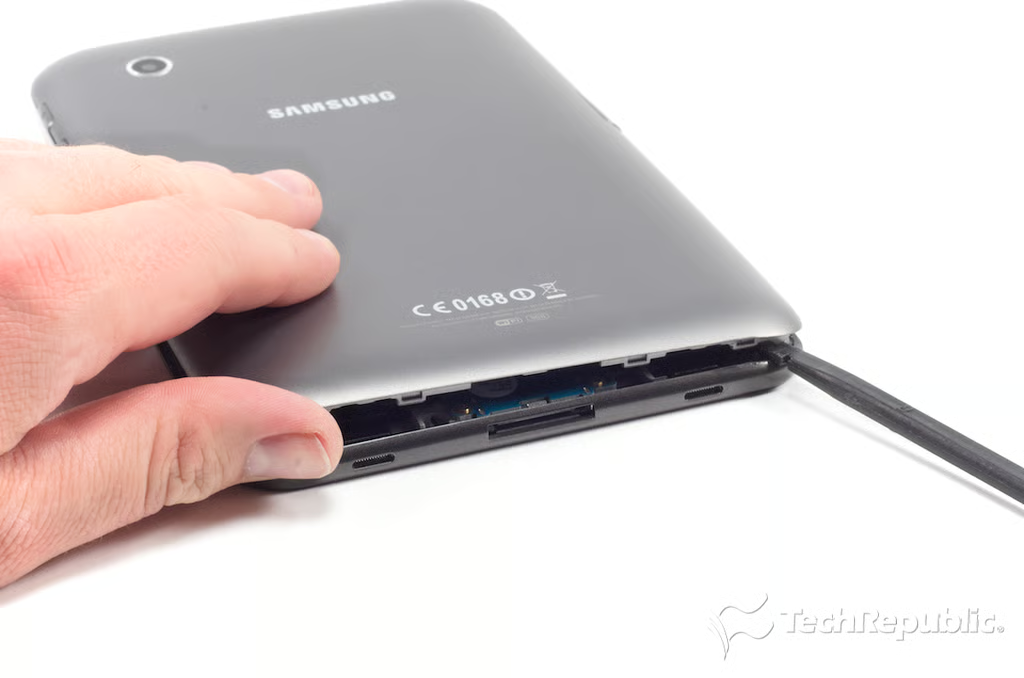
Samsung Galaxy Tab 2 7: Popping loose all the back cover tabs
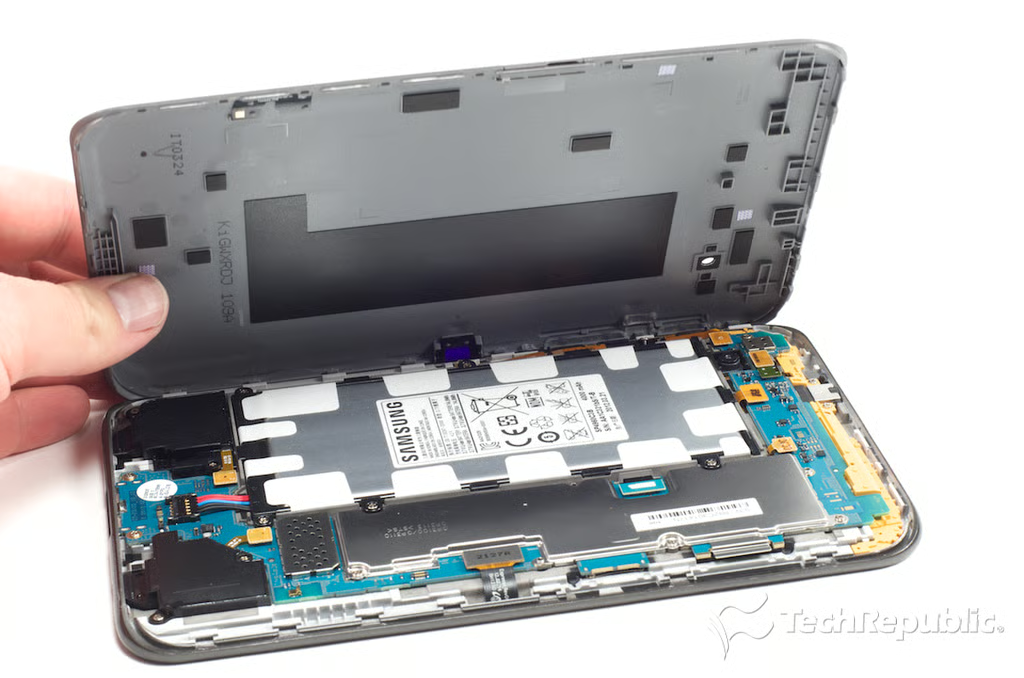
Samsung Galaxy Tab 2 7: Removing the back cover
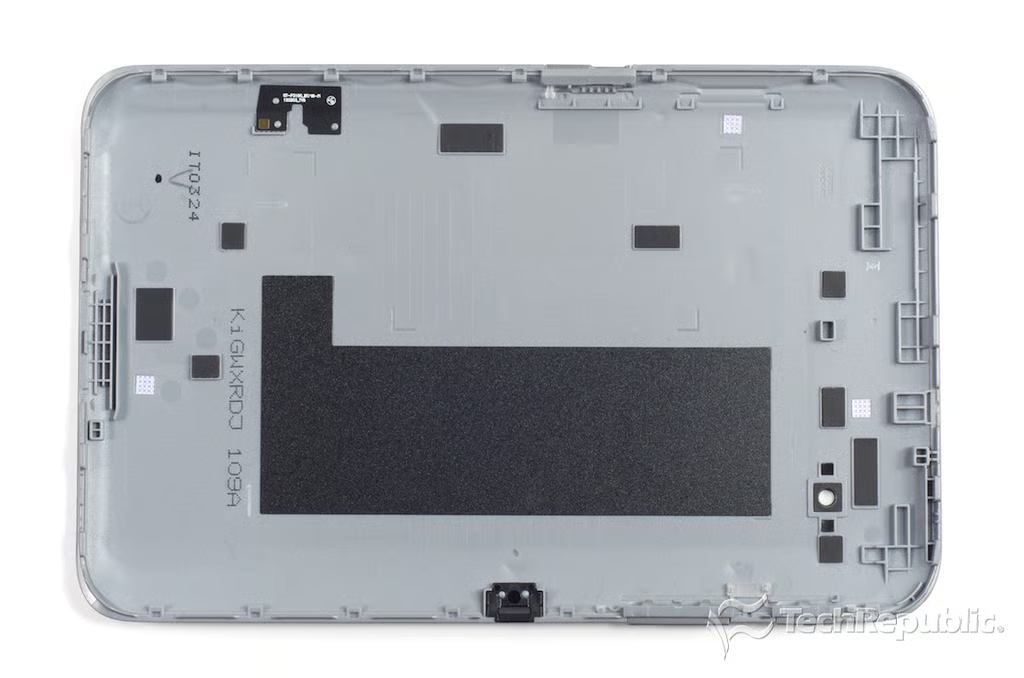
Samsung Galaxy Tab 2 7: Back cover
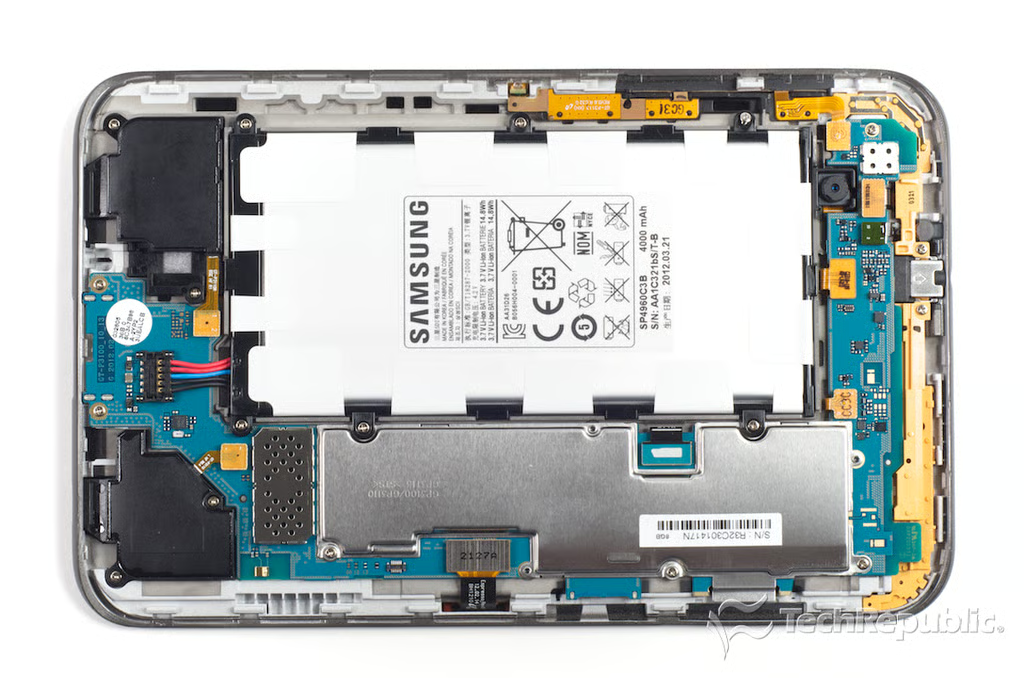
Samsung Galaxy Tab 2 7: Internal hardware
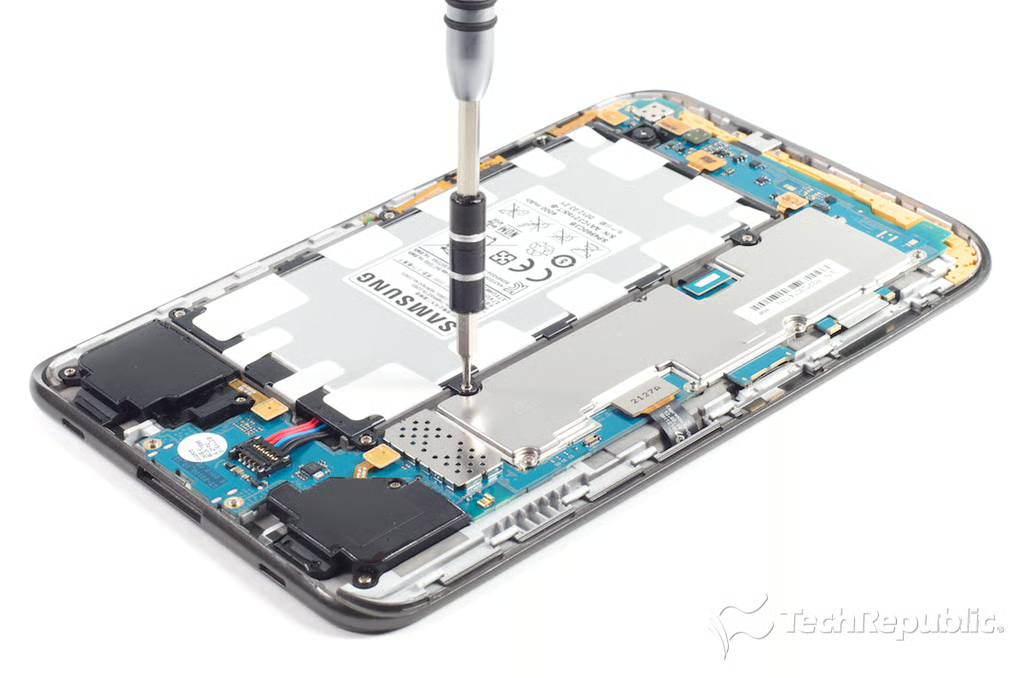
Samsung Galaxy Tab 2 7: Removing the battery screws
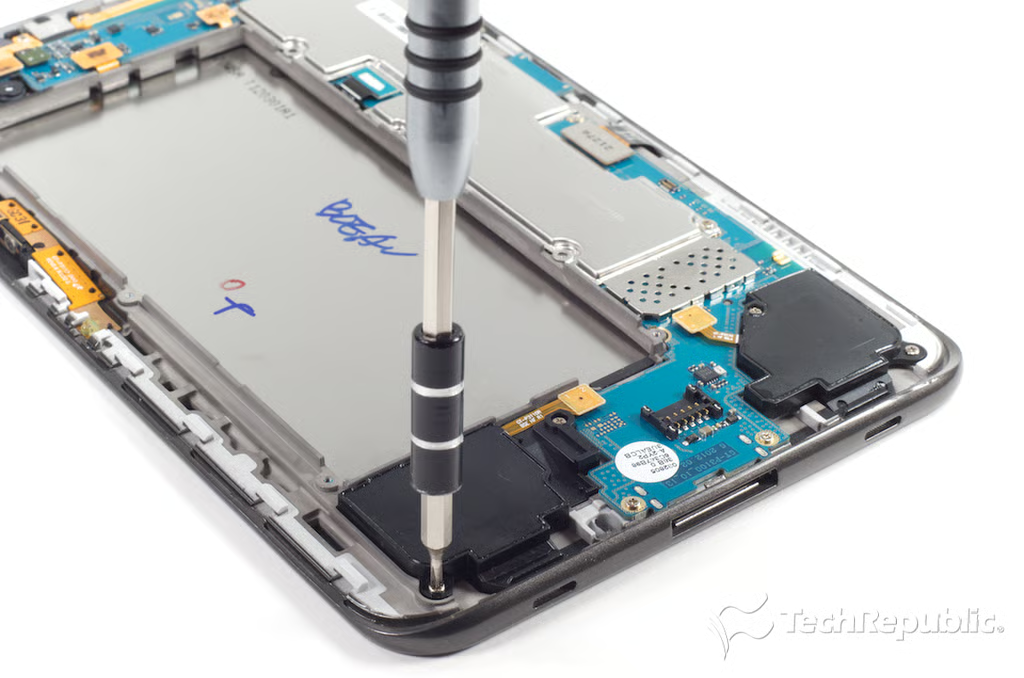
Samsung Galaxy Tab 2 7: Removing the speaker screws
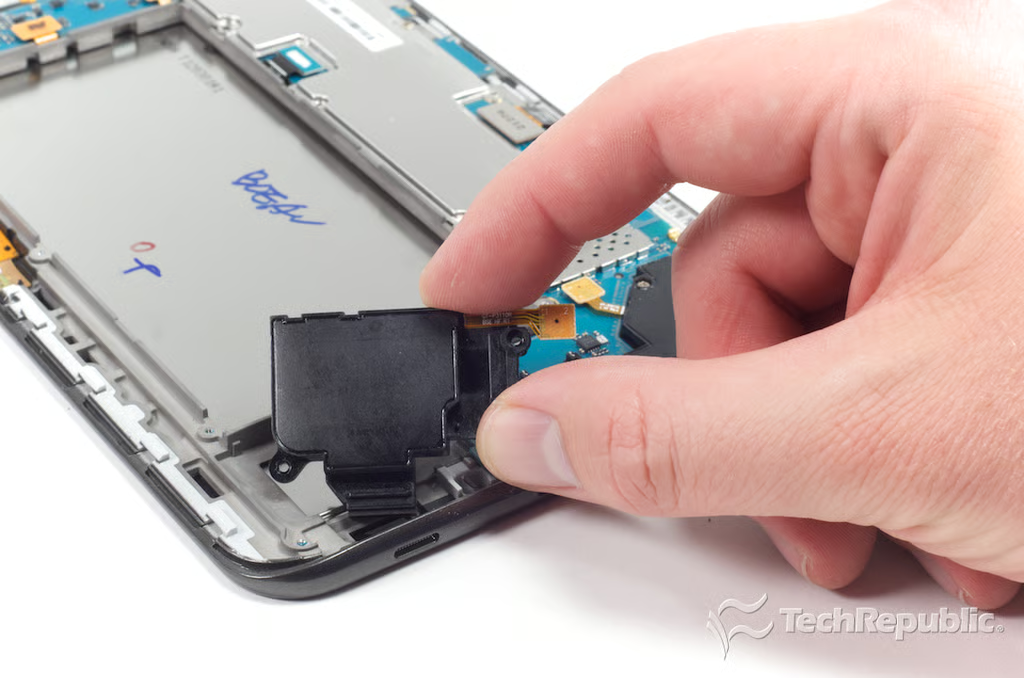
Samsung Galaxy Tab 2 7: Removing the right-side speaker
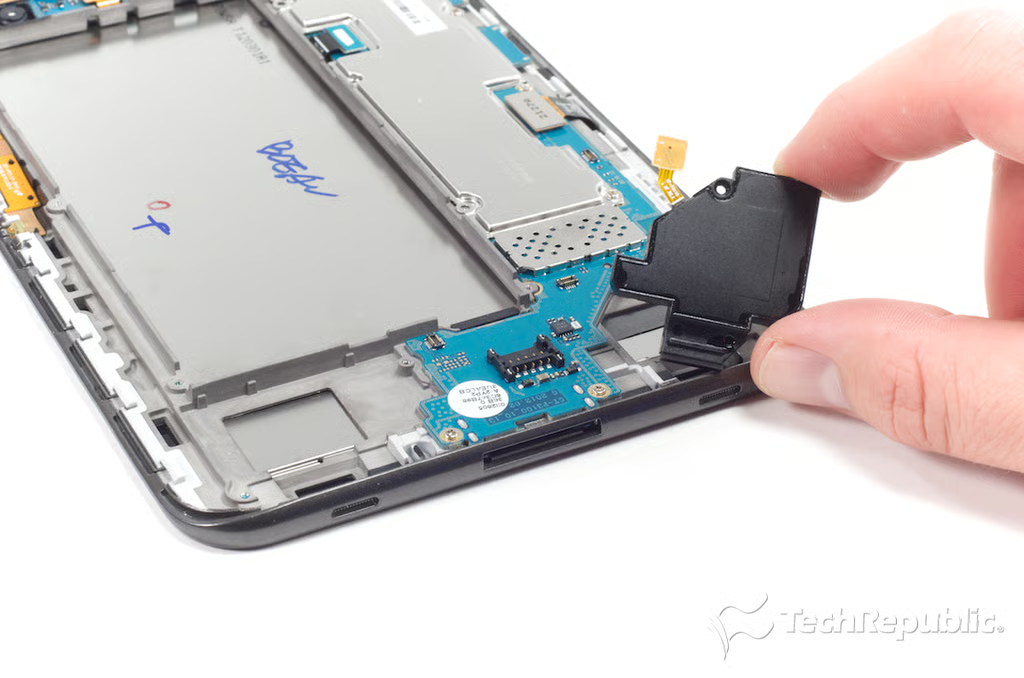
Samsung Galaxy Tab 2 7: Removing the left-side speaker
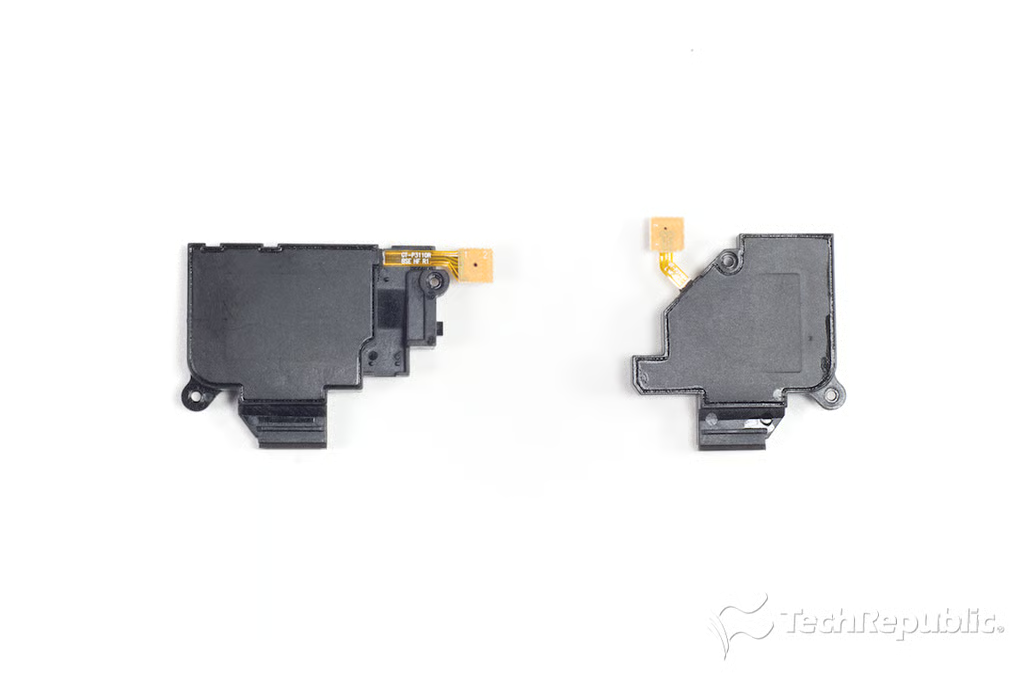
Samsung Galaxy Tab 2 7: Speakers
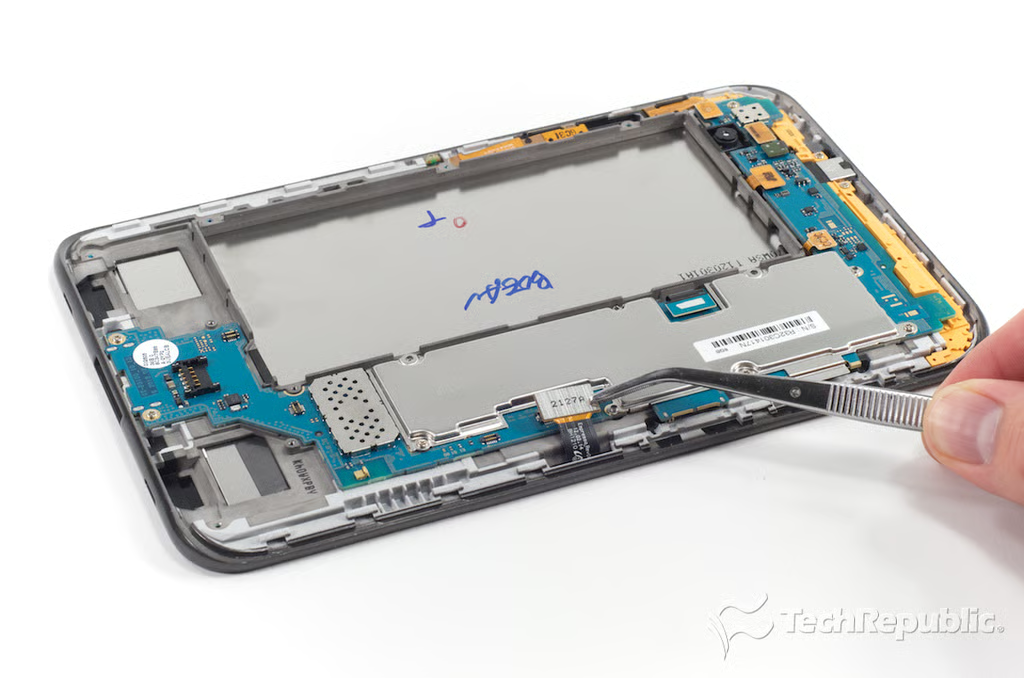
Samsung Galaxy Tab 2 7: Disconnecting the left-side PCB connectors
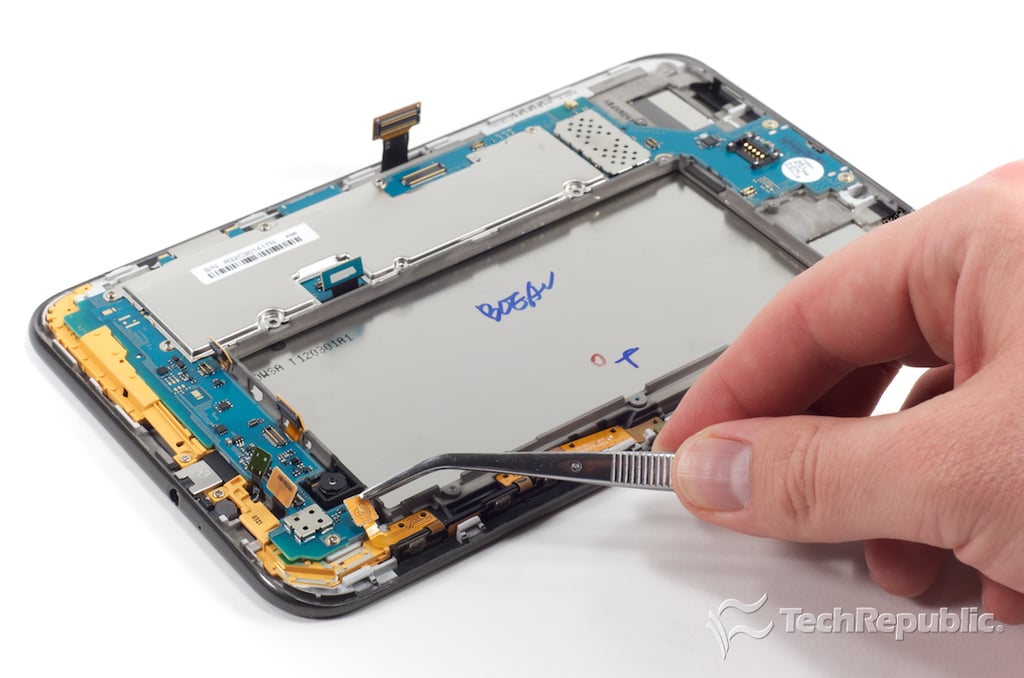
Samsung Galaxy Tab 2 7: Disconnecting the upper PCB connectors
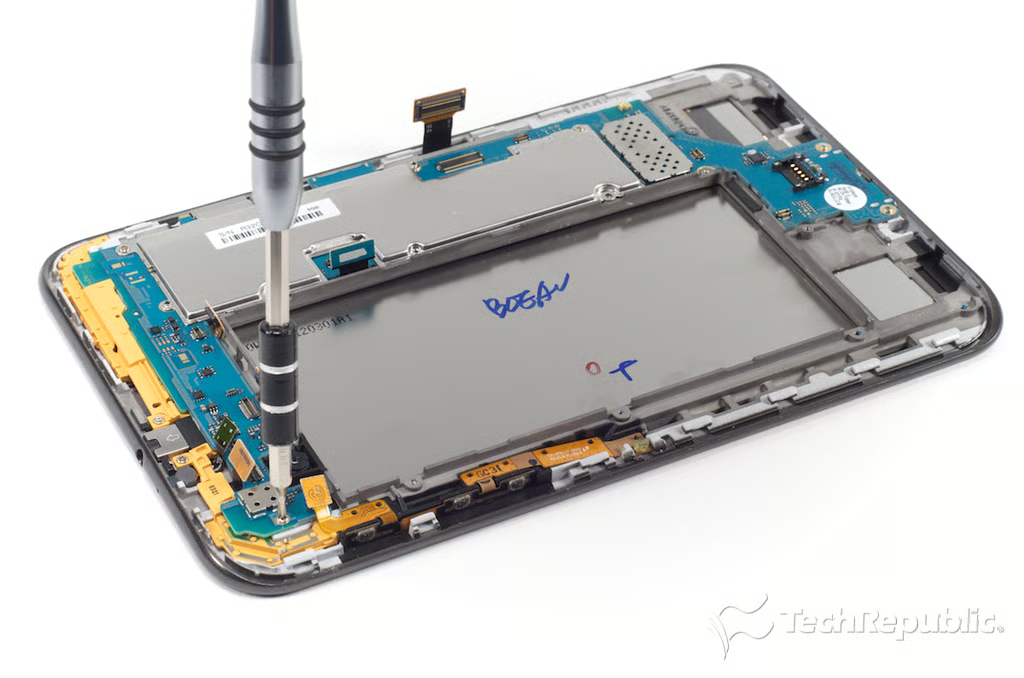
Samsung Galaxy Tab 2 7: Removing the main PCB screws
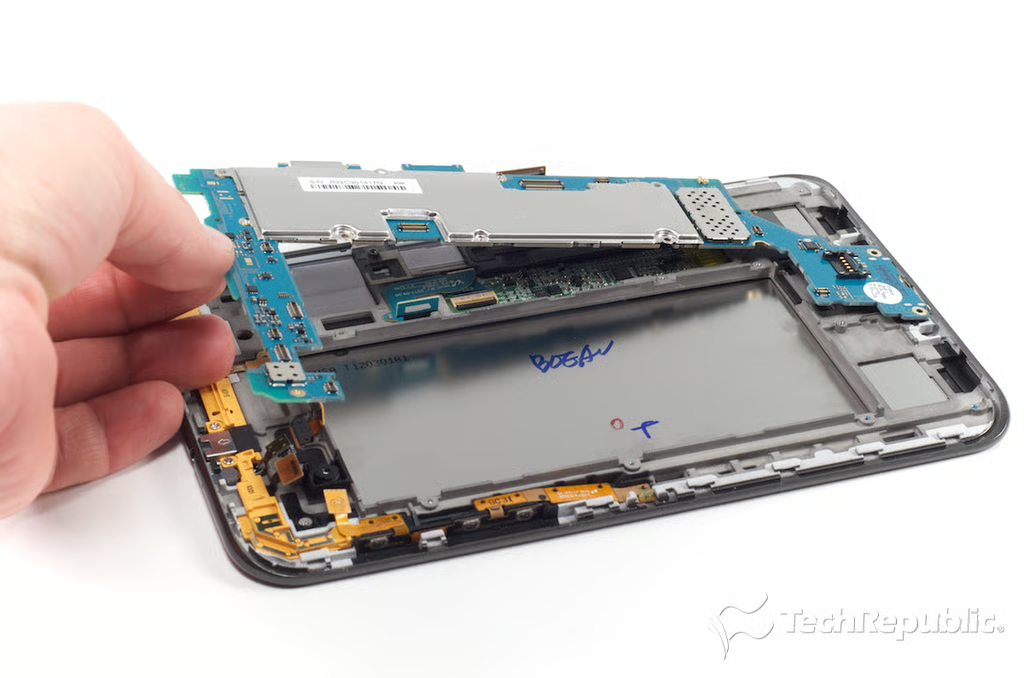
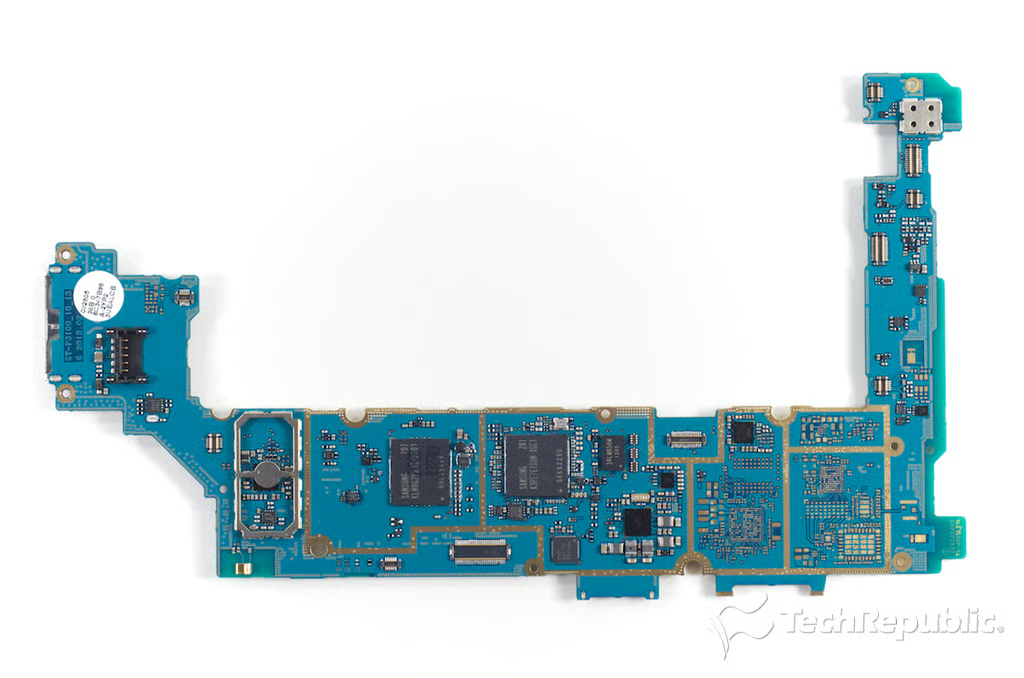
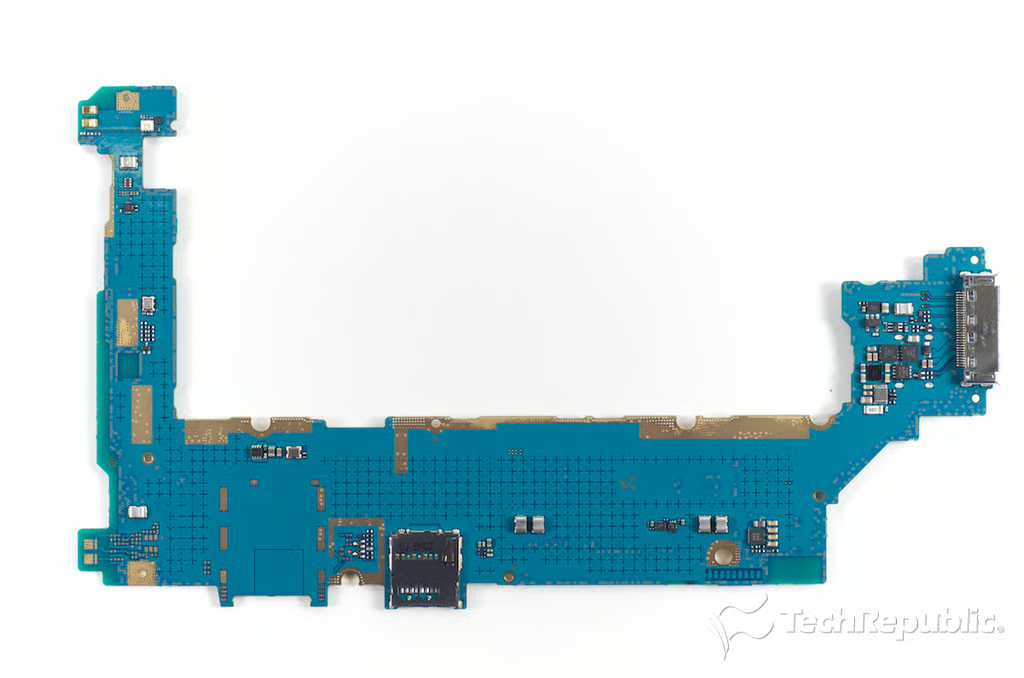
Samsung Galaxy Tab 2 7: Removing the main PCB
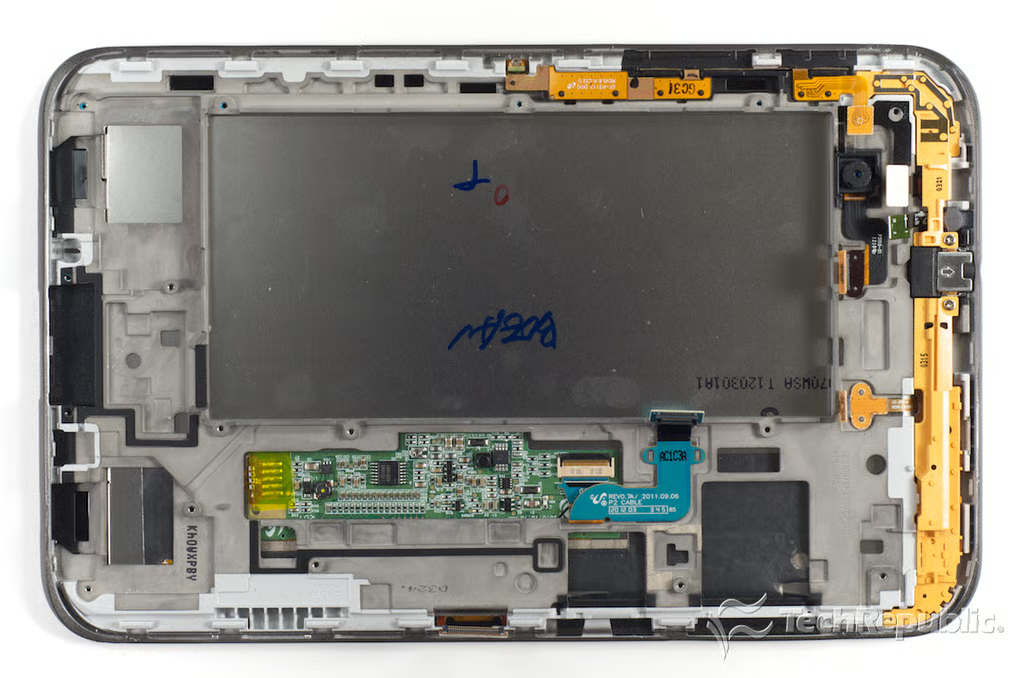
Samsung Galaxy Tab 2 7: Body, front panel, display and attached components
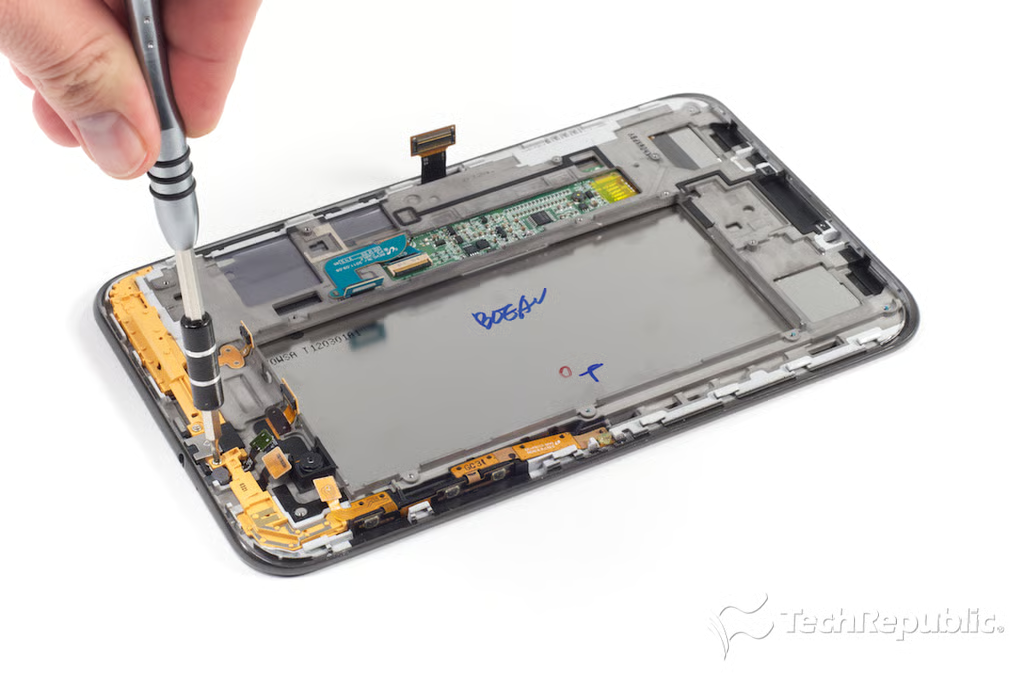
Samsung Galaxy Tab 2 7: Removing the upper bracket/antenna screws
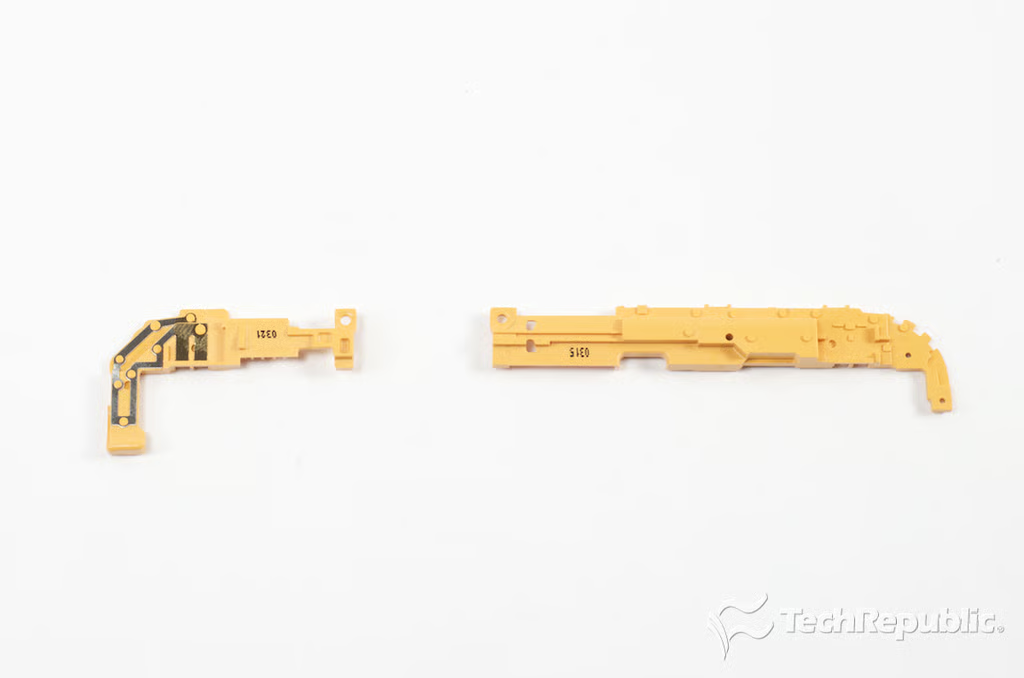
\n\tThere are two yellow brackets mounted along the upper edge of the Galaxy Tab 2 7.0’s internal frame. The both cover the ribbon cables for some of the internal components, and the right-side bracket also appears to serve as an antenna.
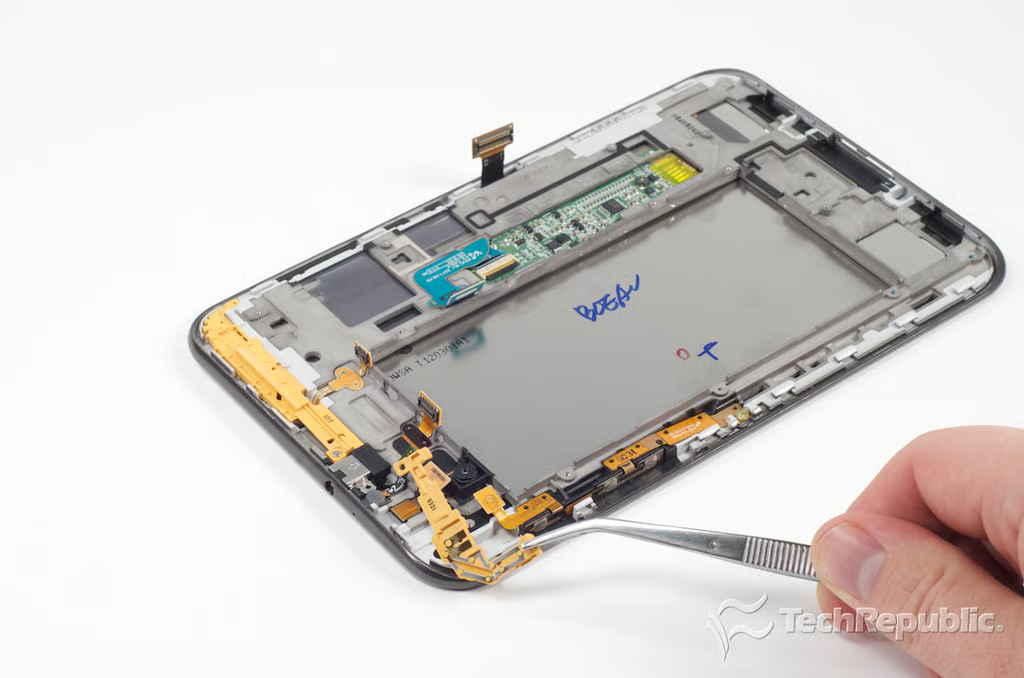
Samsung Galaxy Tab 2 7: Removing the right-side bracket/antenna
\n\tThe
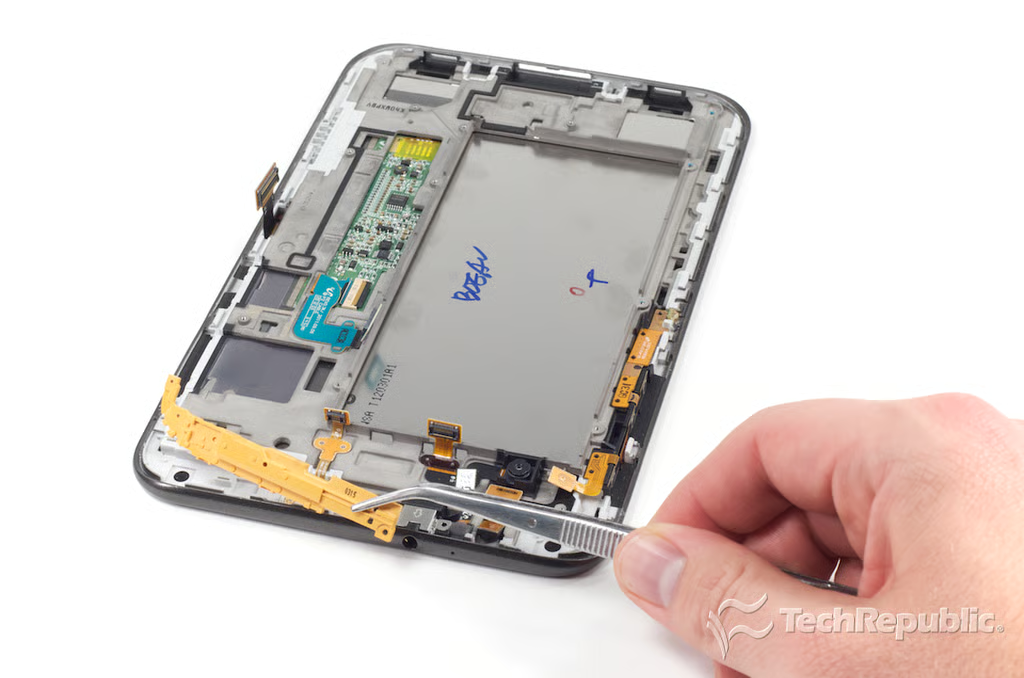
Samsung Galaxy Tab 2 7: Removing the left-side bracket
Samsung Galaxy Tab 2 7: Internal brackets
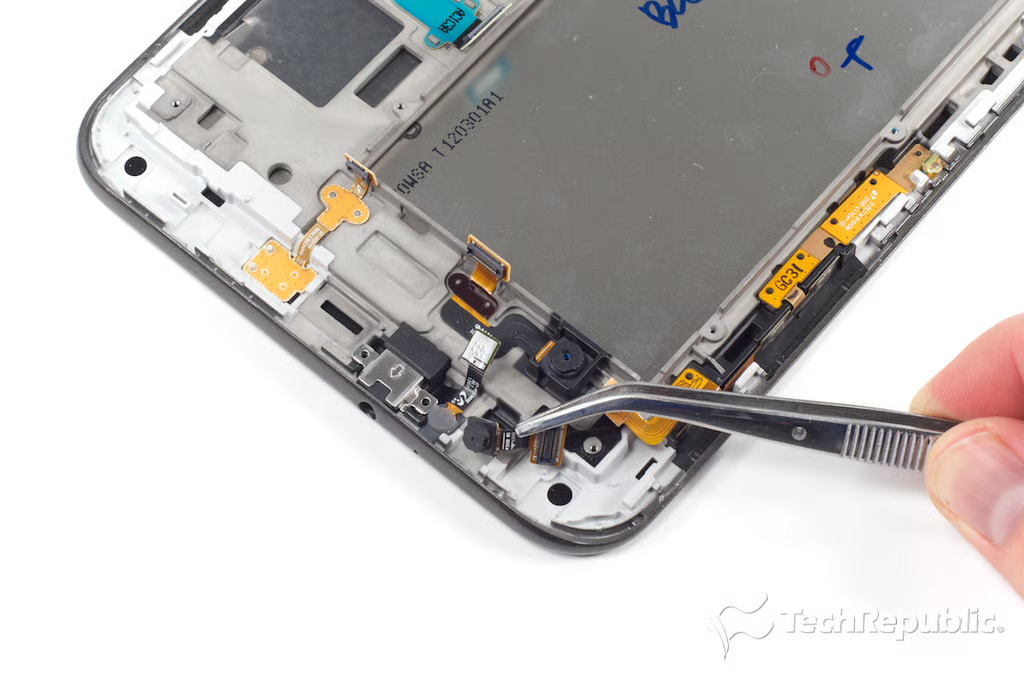
Samsung Galaxy Tab 2 7: Removing the front-facing VGA camera
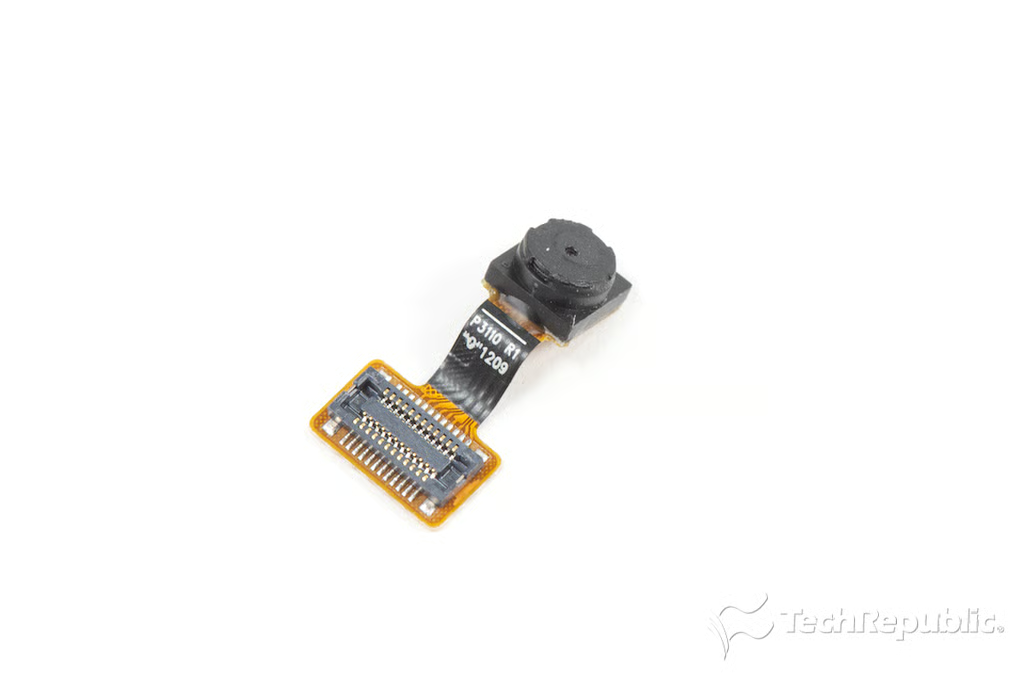
Samsung Galaxy Tab 2 7: Front-facing VGA camera
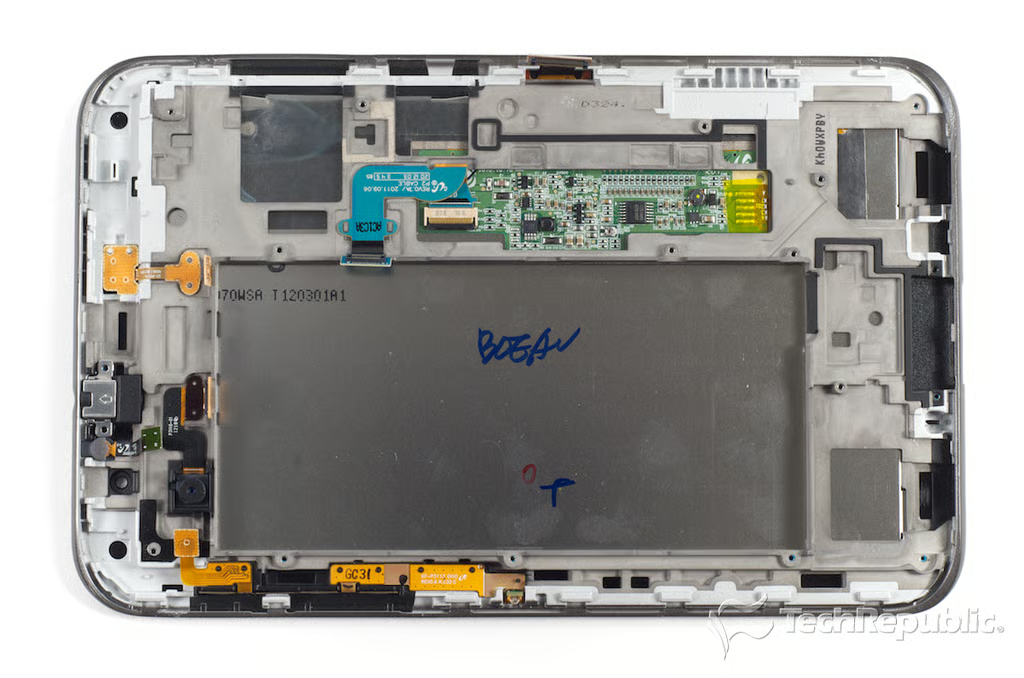
Samsung Galaxy Tab 2 7: Internal frame, front panel, and display
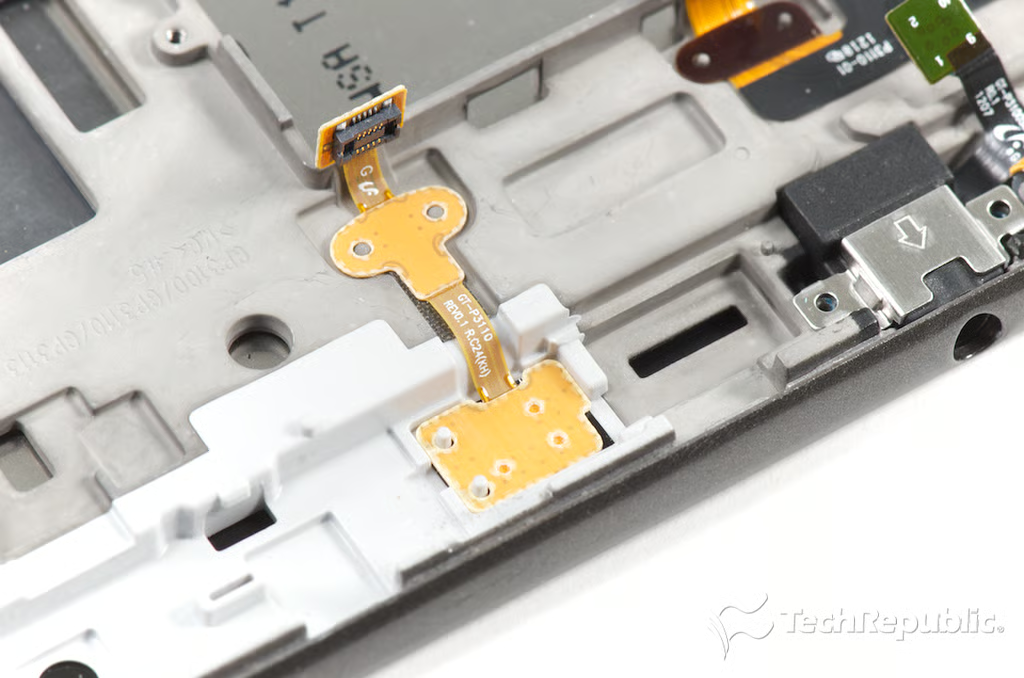
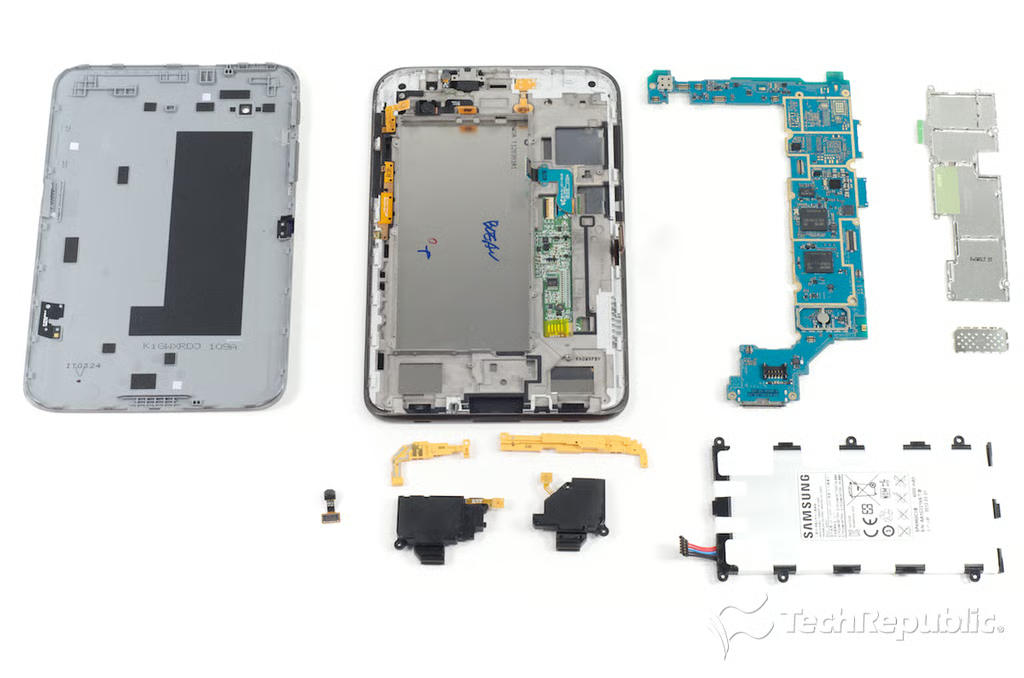
\n\tAt this point, I decided to stop removing components from the Galaxy Tab 2 7.0’s frame. The remaining button contacts, ribbon cables, are securely fastened to the frame, and I didn’t want to damage any of them.
Samsung Galaxy Tab 2 7: IR blaster
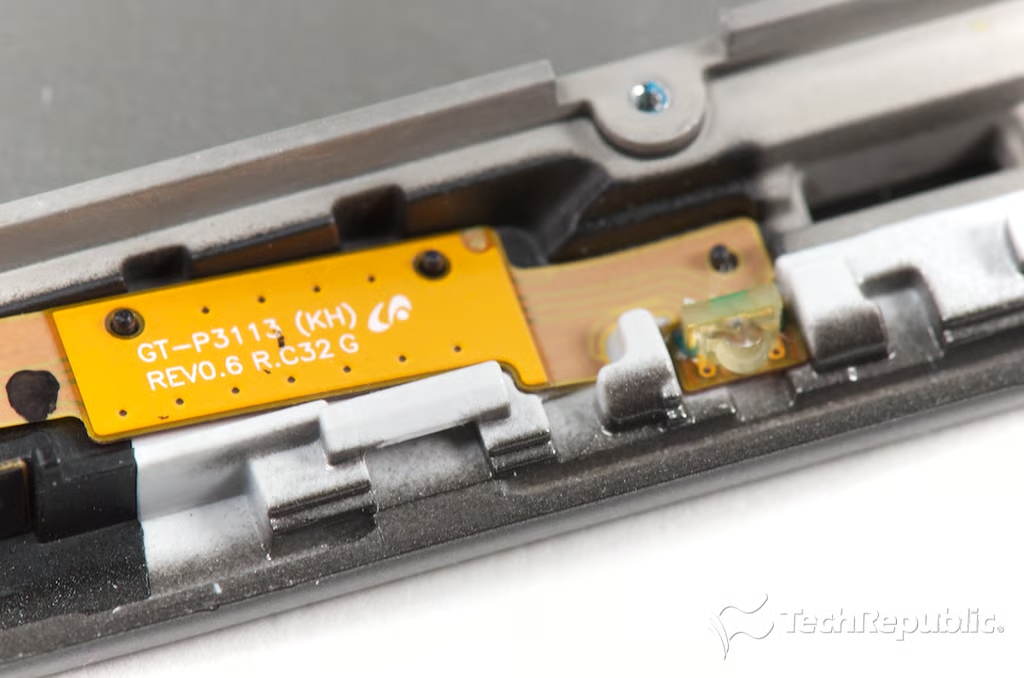
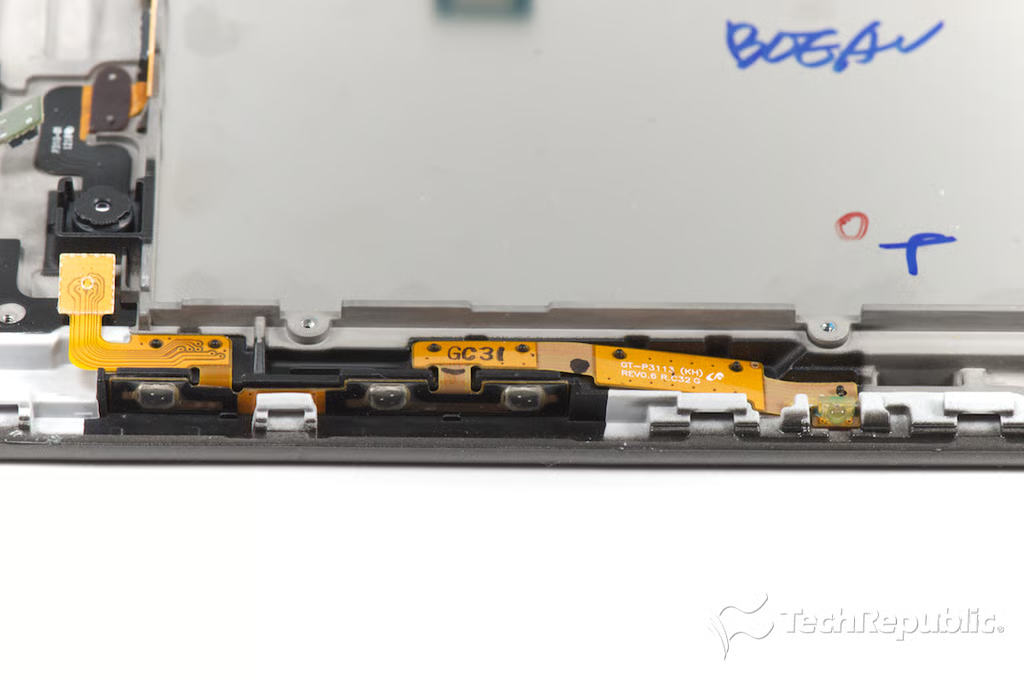
Samsung Galaxy Tab 2 7: Power button, volume keys, and IR blaster
Samsung Galaxy Tab 2 7: Rear-facing 3MP camera
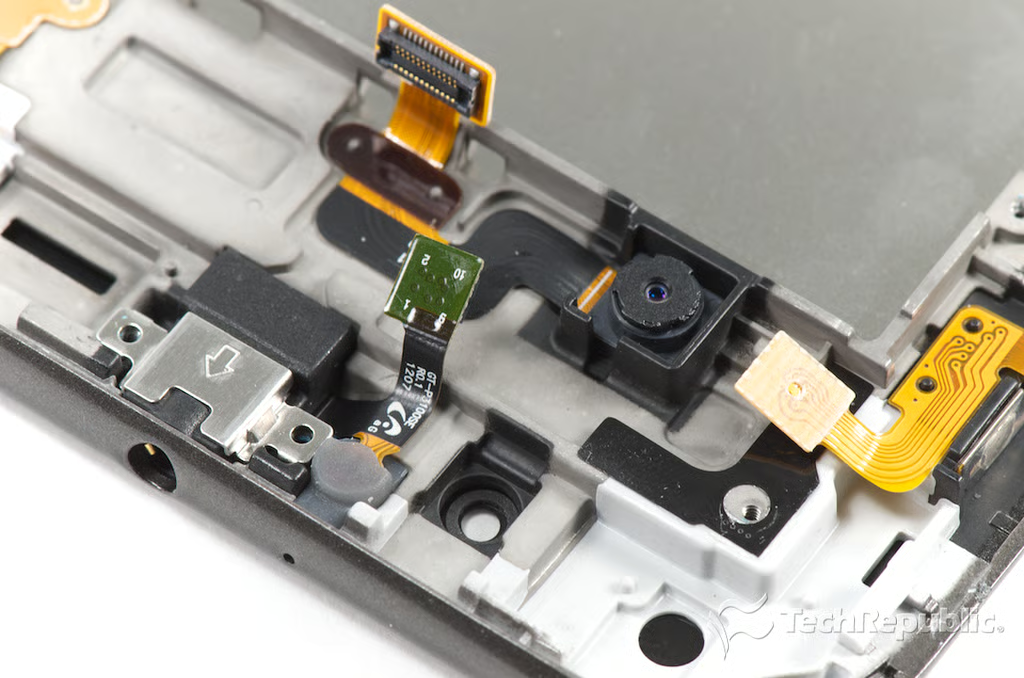
Samsung Galaxy Tab 2 7: Front sensor and 3.5mm headphone jack
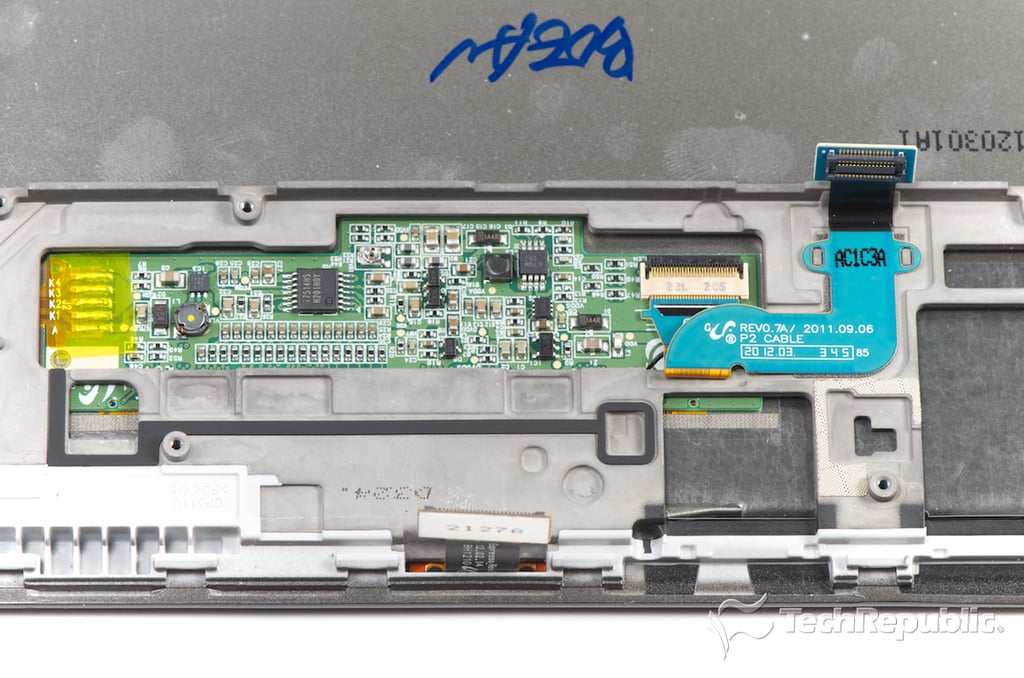
Samsung Galaxy Tab 2 7:
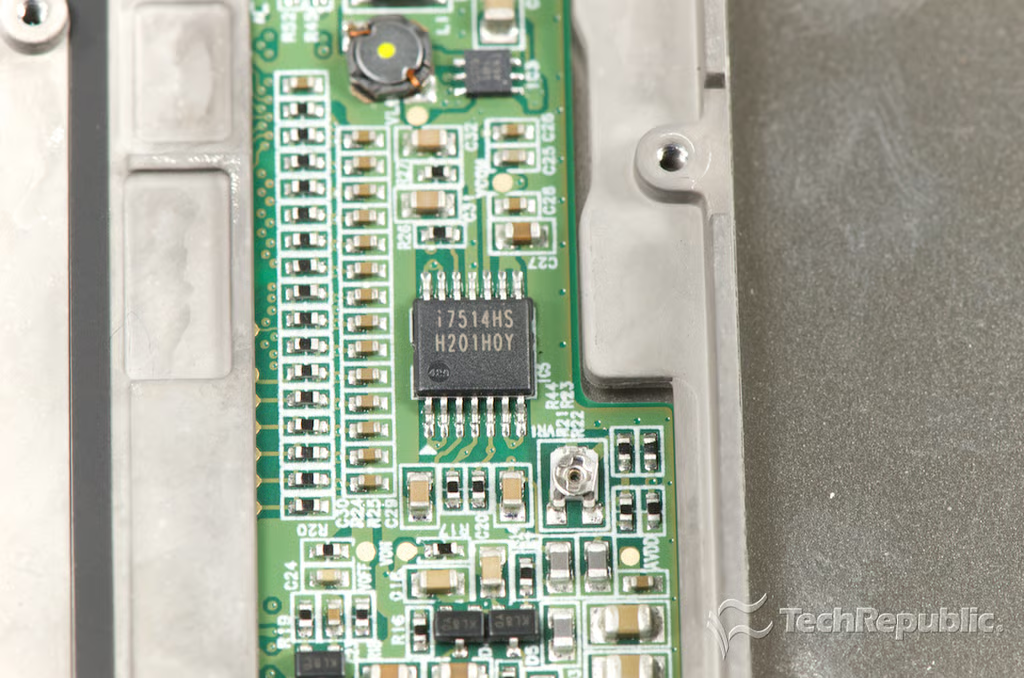
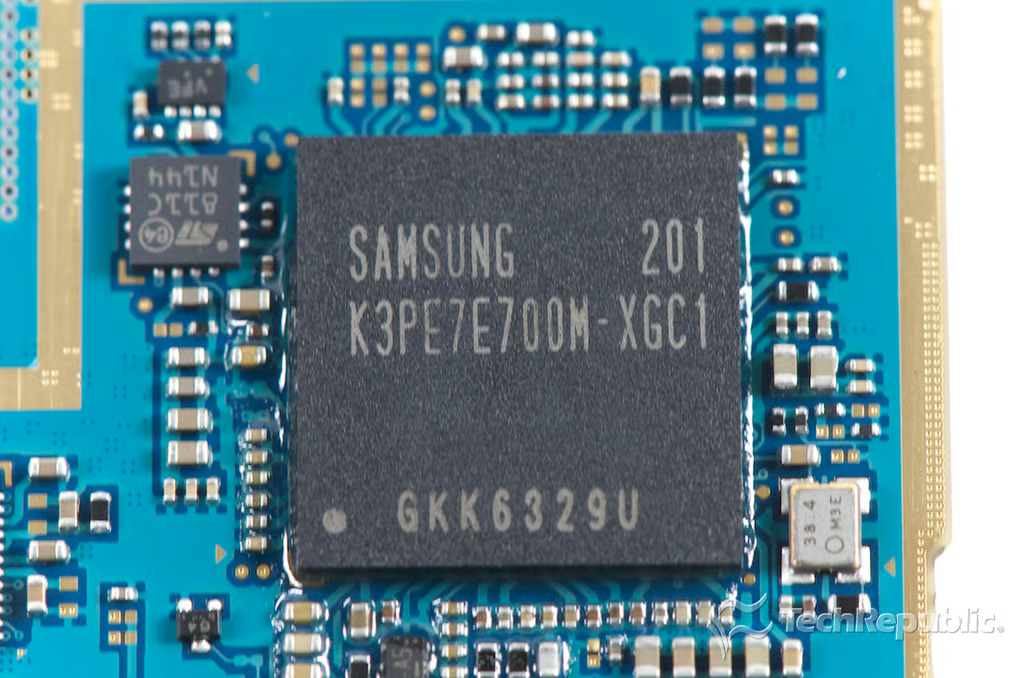
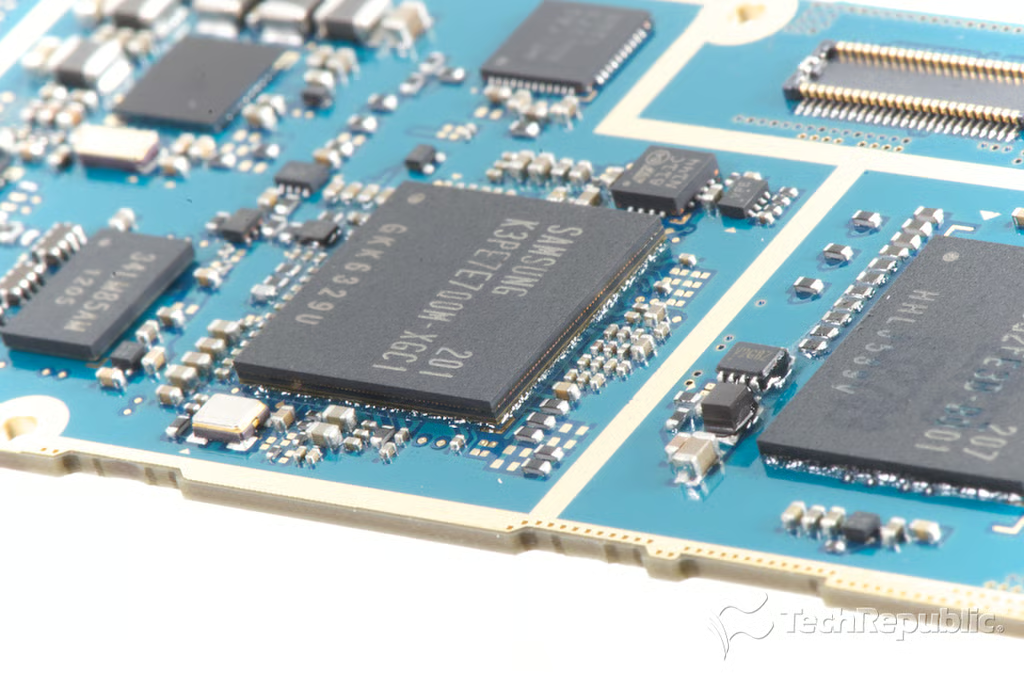
Samsung Galaxy Tab 2 7: Unknown i7514HS H201H0Y
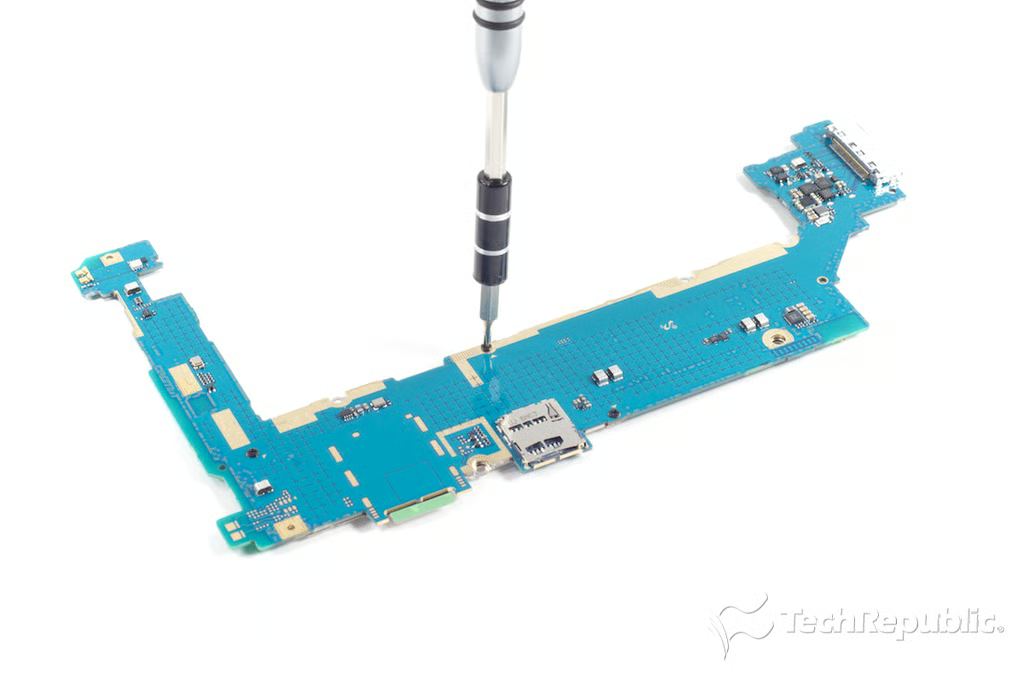
Samsung Galaxy Tab 2 7: Removing the main PCB EMI/RFI shield screws
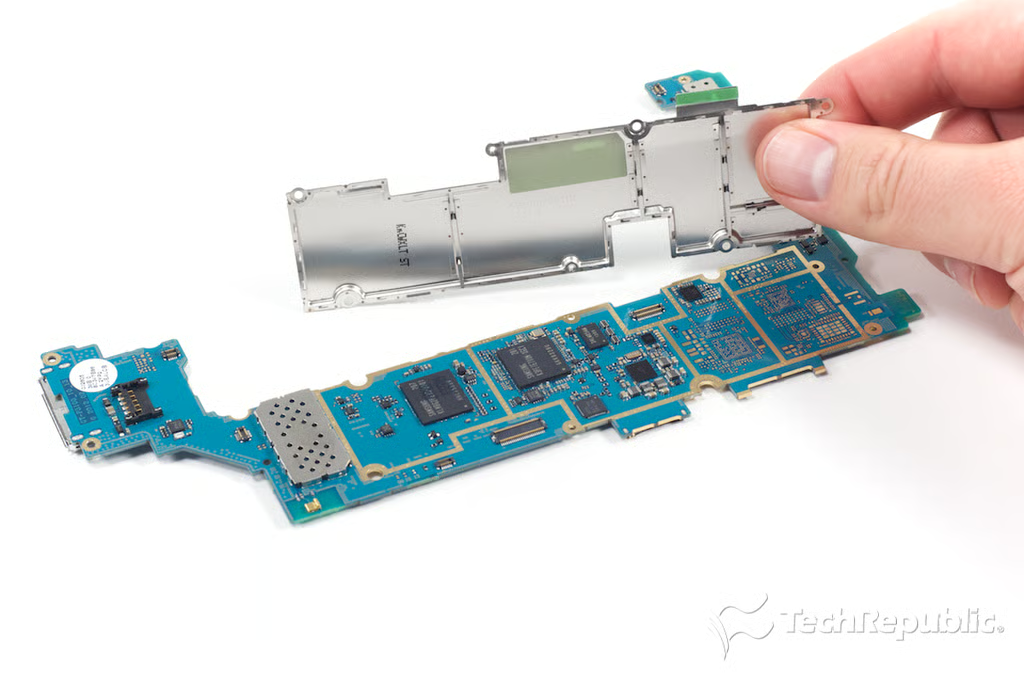
Samsung Galaxy Tab 2 7: Removing the main PCB's EMI/RFI shield
Bill Detwiler is the Editor for Technical Content and Ecosystem at Celonis. He is the former Editor in Chief of TechRepublic and previous host of TechRepublic's Dynamic Developer podcast and Cracking Open, CNET and TechRepublic's popular online show. Previously, Bill was an IT manager in the social research and energy industries. He has bachelor's and master's degrees from the University of Louisville, where he has also lectured on computer crime and crime prevention.