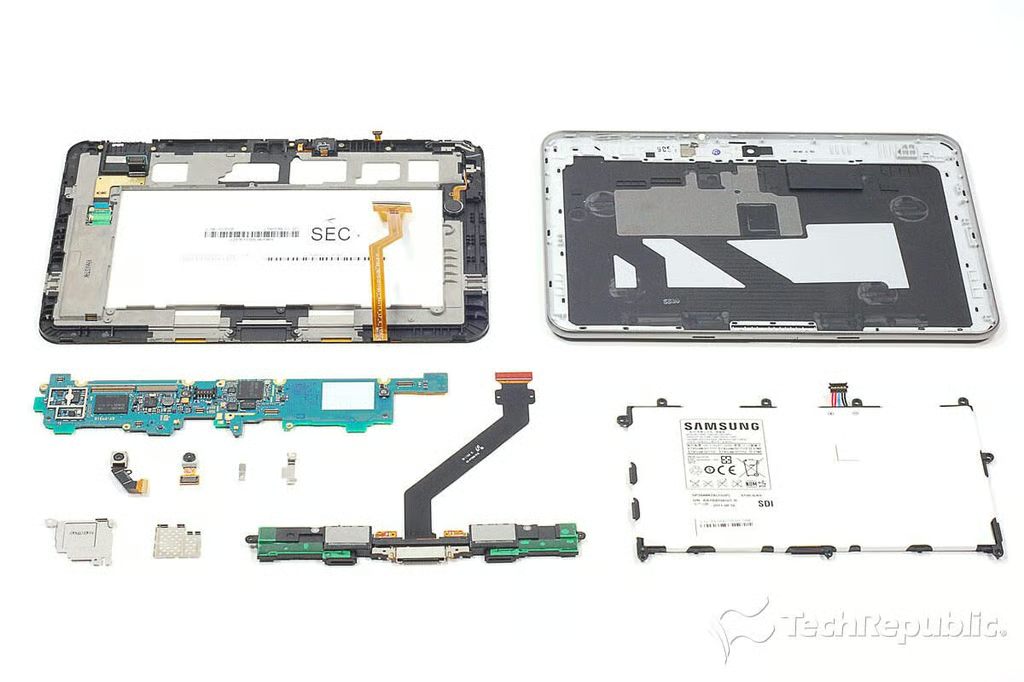
\n\tThe Galaxy Tab 8.9 is Samsung’s follow-up to the Galaxy Tab 7.0 and Galaxy Tab 10.1 released earlier this year.
\n
\n\tI cracked open both the 7-inch and 10-inch tablets and couldn’t resist giving the mid-sized Galaxy Tab the same treatment. Follow along as we crack open the Samsung Galaxy Tab 8.9 tablet.
\n
\n\tFor a more complete analysis of the hardware inside the Galaxy Tab 8.9, check out my article, Samsung Galaxy Tab 8.9 teardown: Unmarked processor, replaceable battery.
\n
\n\t
\n\tPhoto by: Bill Detwiler / TechRepublic
\n\tCaption by: Bill Detwiler
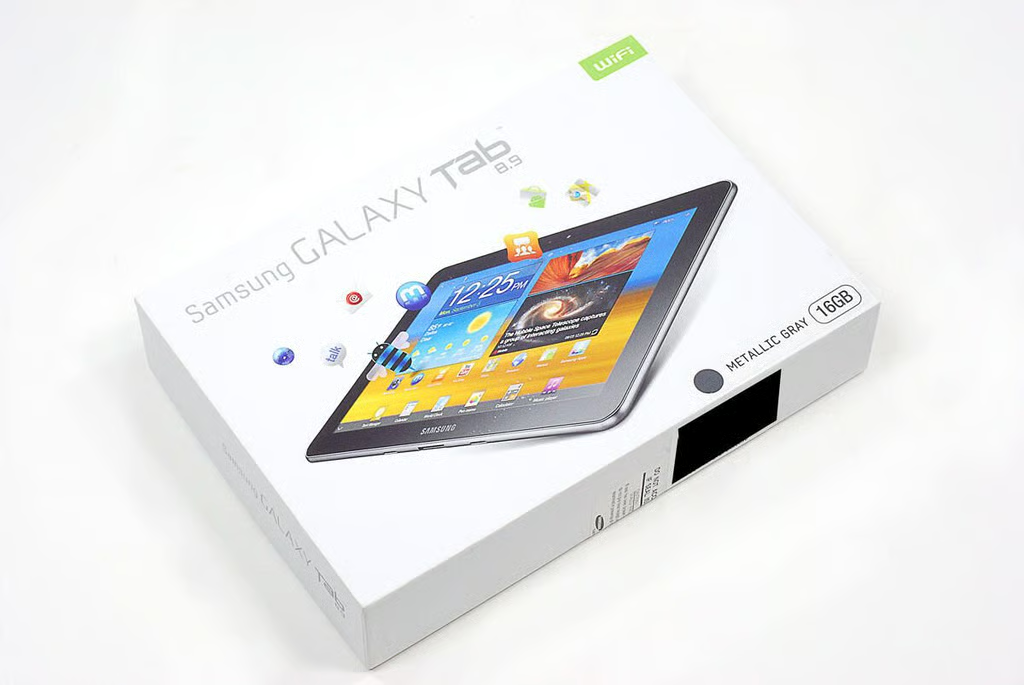
\n\tAs of this writing, the Samsung Galaxy Tab 8.9 is available for $449.99 (US). The current versions only support Wi-Fi connectivity.
\n\tPhoto by: Bill Detwiler / TechRepublic
\n\tCaption by: Bill Detwiler
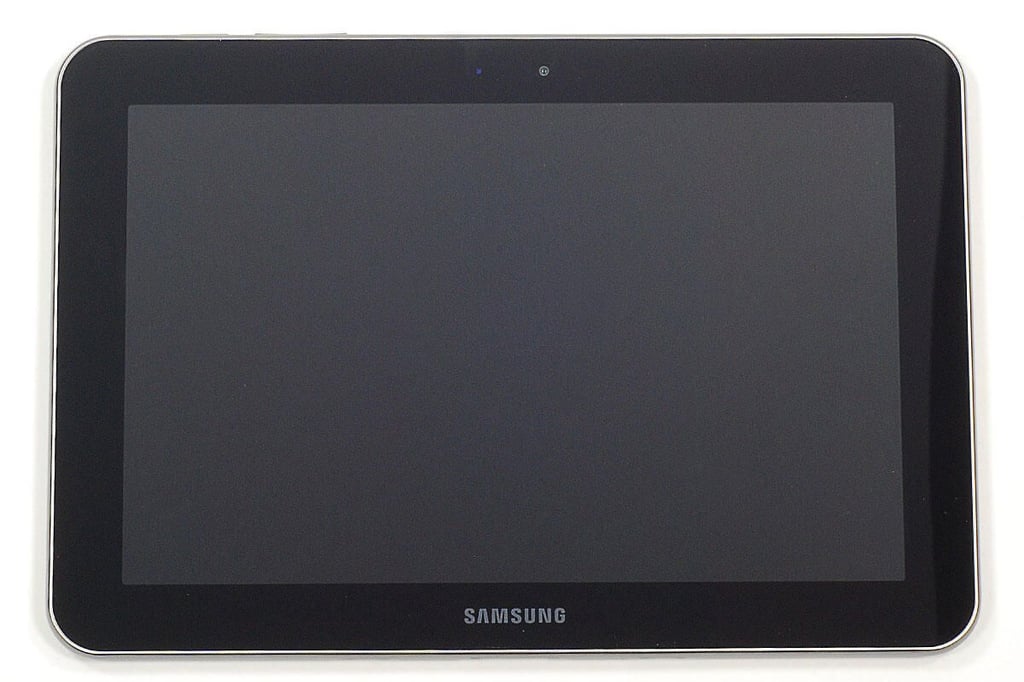
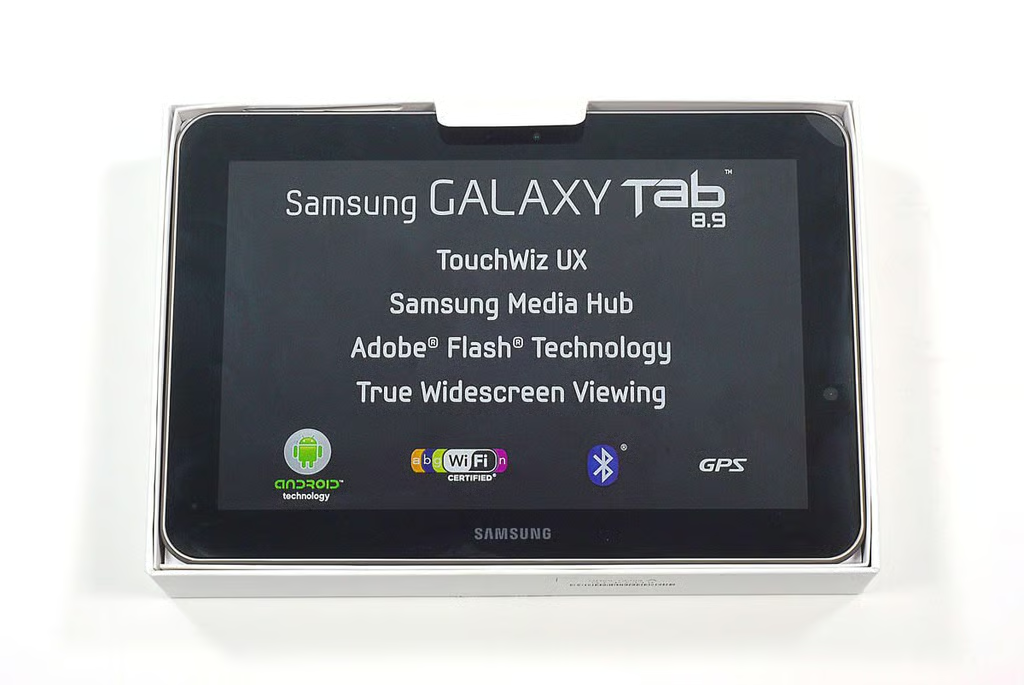
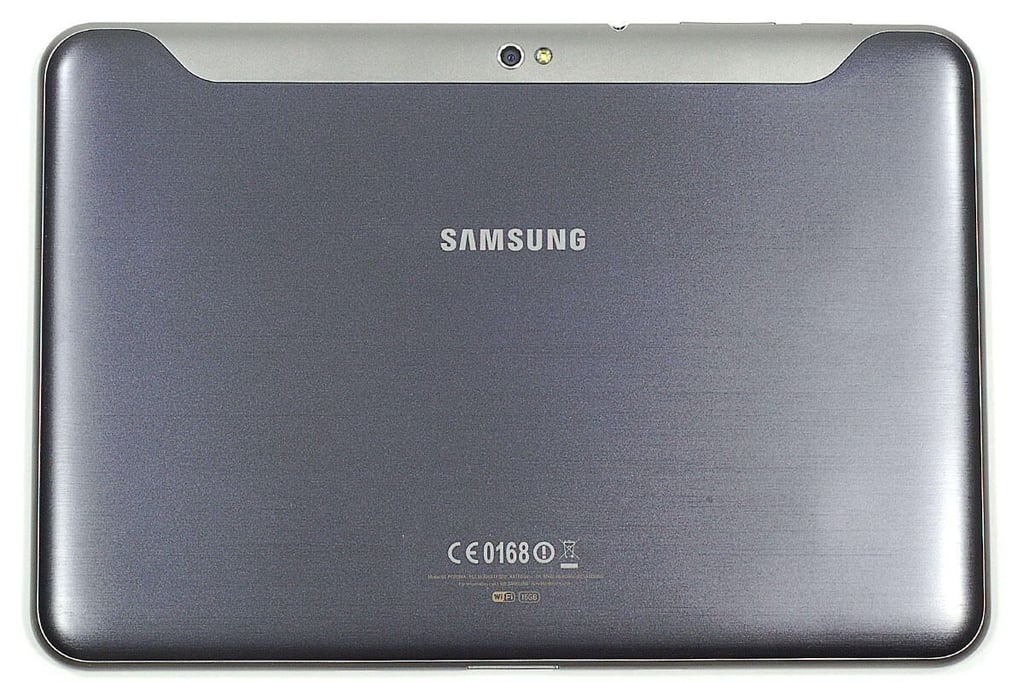
\n\tThe Samsung Galaxy Tab 18.9 comes in both gray and white versions. It has a dual-core 1GHz processor, 1GB of LPDDR DRAM, a 8.9-inch touchscreen display (1280×800), a 2.0 MP front camera and 3.0 MP rear camera. The Galaxy Tab 8.9 comes with Android 3.1 Honeycomb installed.
\n\t
\n\tPhoto by: Bill Detwiler / TechRepublic
\n\tCaption by: Bill Detwiler
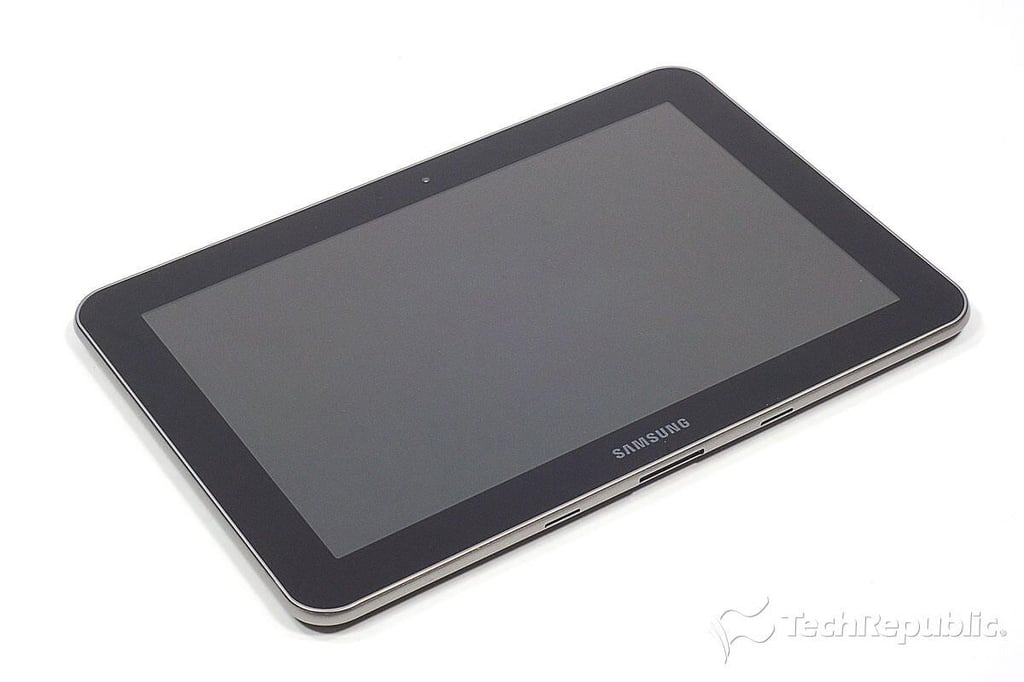
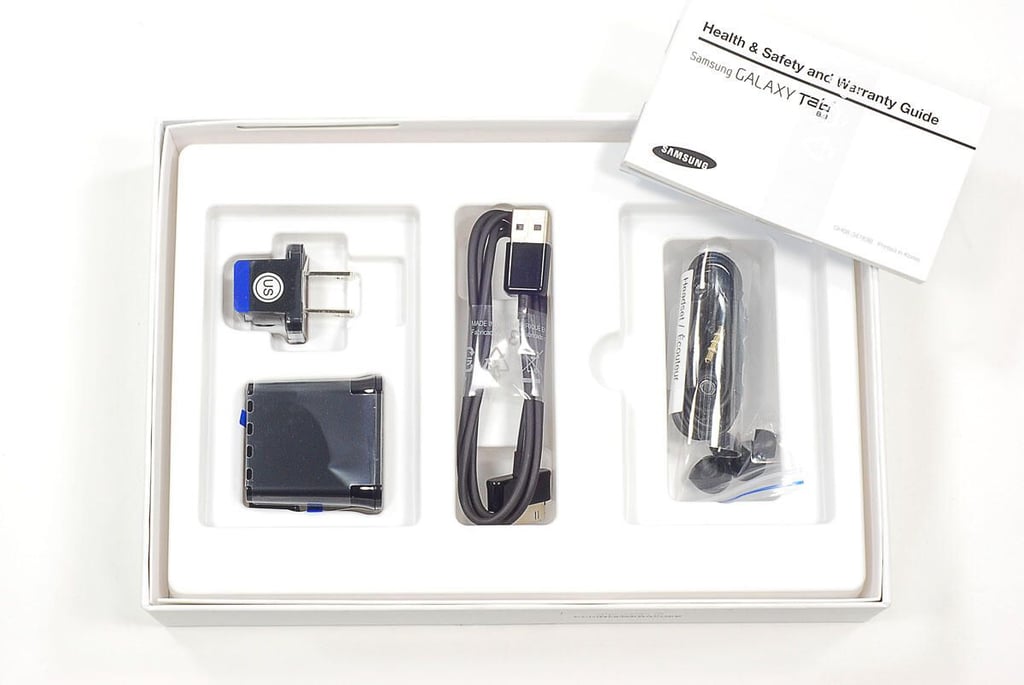
\n\tThe Samsung Galaxy Tab 8.9 weighs just under one pound (447 grams) and measures 9.09″ (W) x 6.21″ (H) x 0.34″ (D). It’s the same thickness as the Apple iPad 2, but even lighter.
\n\t
\n\tPhoto by: Bill Detwiler / TechRepublic
\n\tCaption by: Bill Detwiler
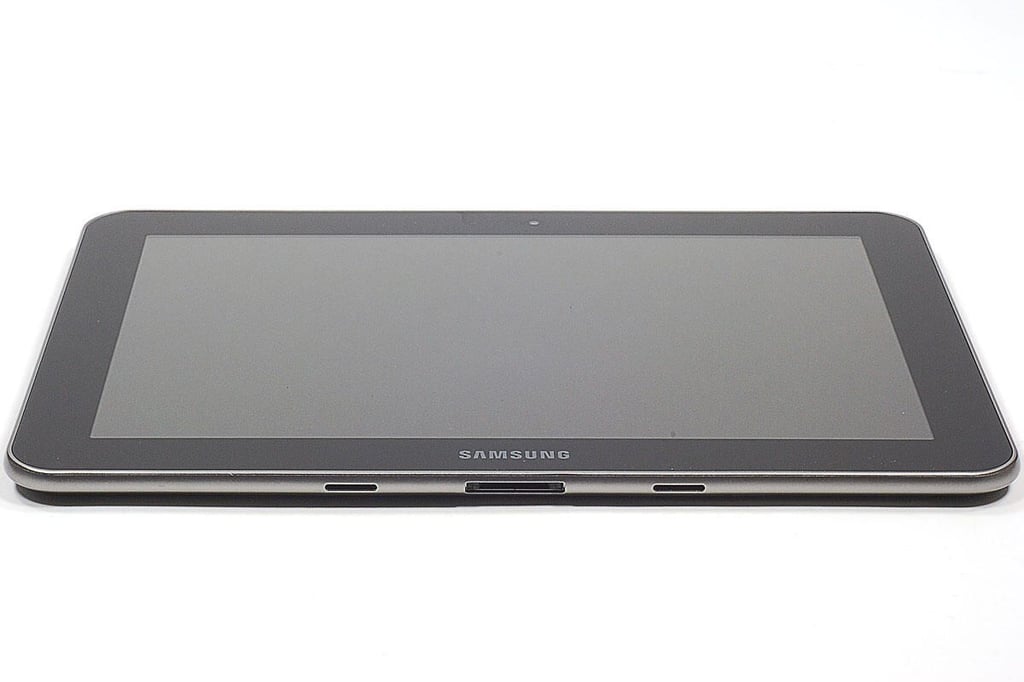
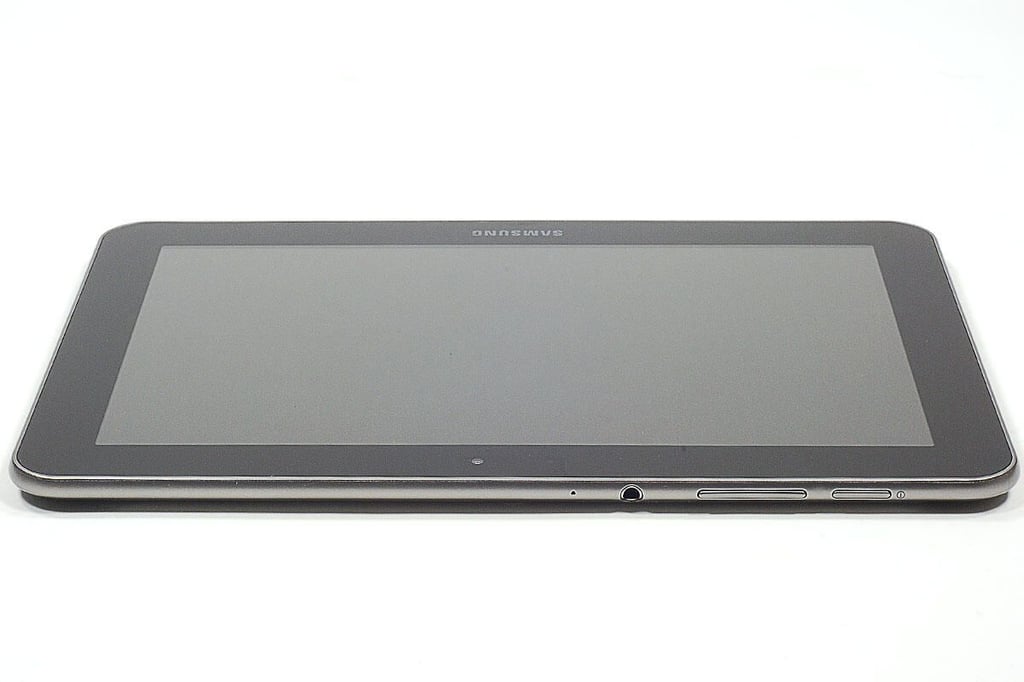
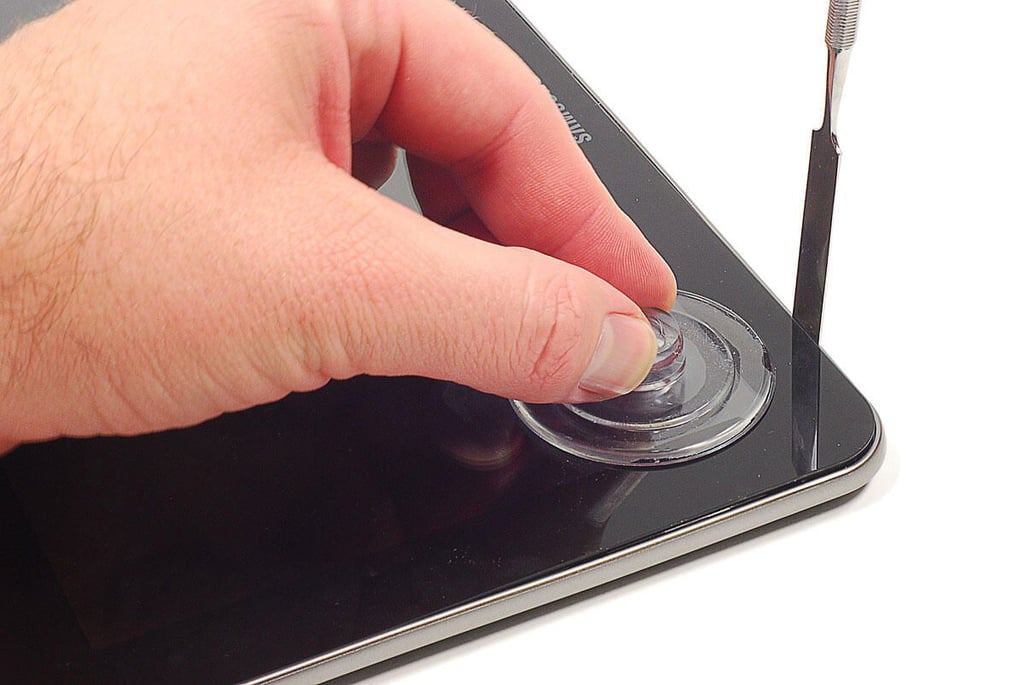
\n\tThe Galaxy Tab 8.9’s back cover is held in place with plastic tabs. I used a thin metal blade to pry loose the cover, and a suction cup to apply slight upward pressure on the display assembly.
\n
\n\tPhoto by: Bill Detwiler / TechRepublic
\n\tCaption by: Bill Detwiler
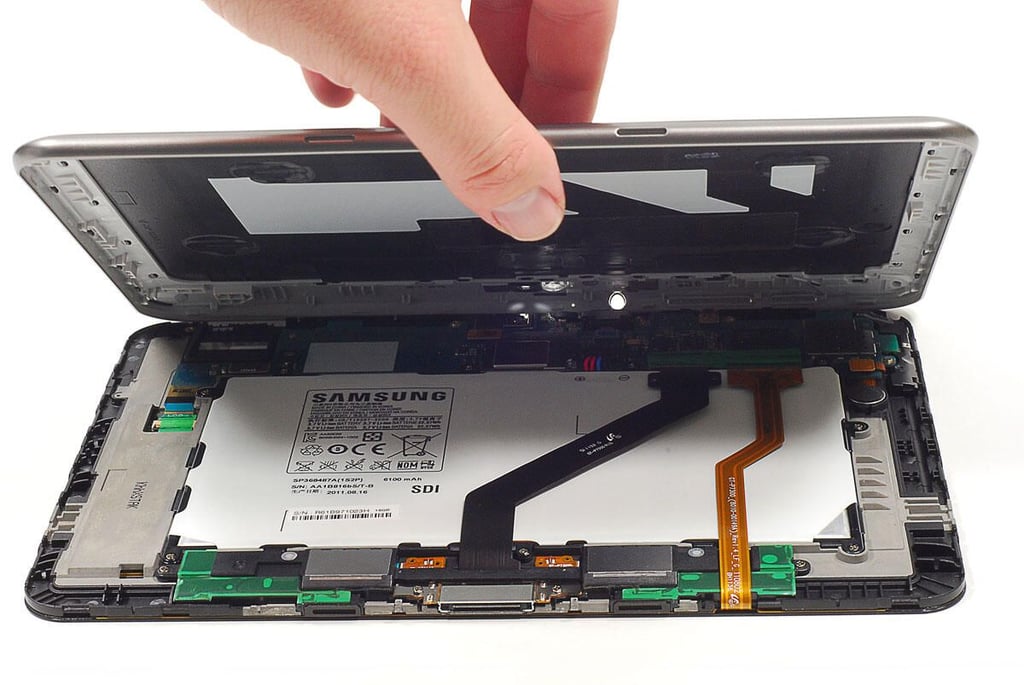
\n\tWith the back cover detached from the front panel assembly, I lifted it off the Galaxy Tab 8.9.
\n
\n\tPhoto by: Bill Detwiler / TechRepublic
\n\tCaption by: Bill Detwiler
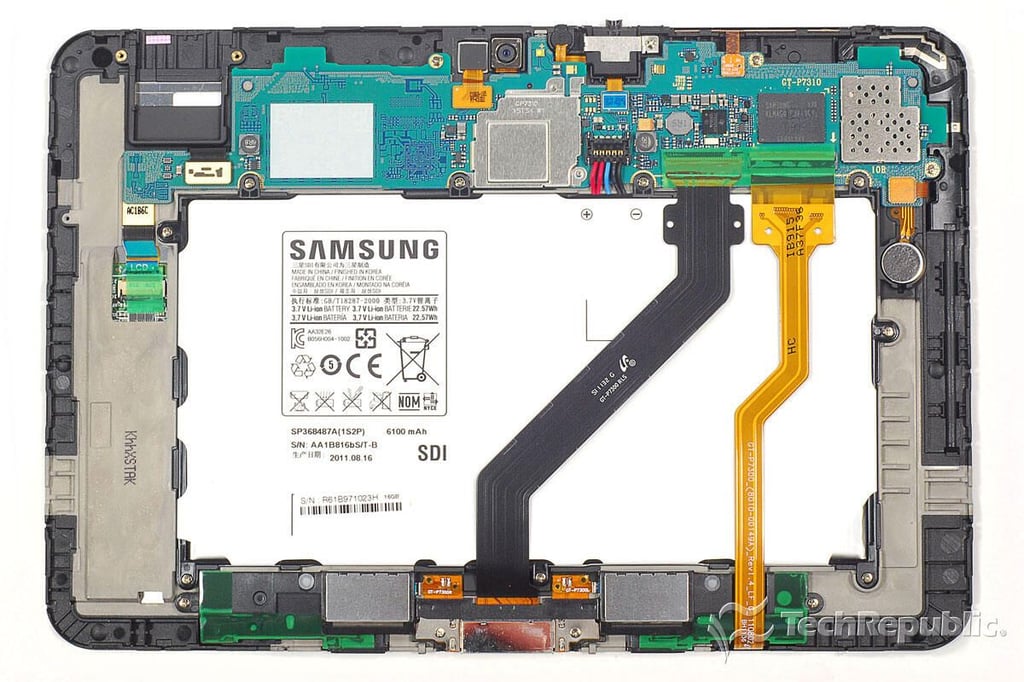
\n\tLike the Galaxy Tab 10.1, the 8.9 model has a very efficient internal hardware layout. A single large PCB contains most components and there are only two ribbon cables the run across the device.
\n
\n\tPhoto by: Bill Detwiler / TechRepublic
\n\tCaption by: Bill Detwiler
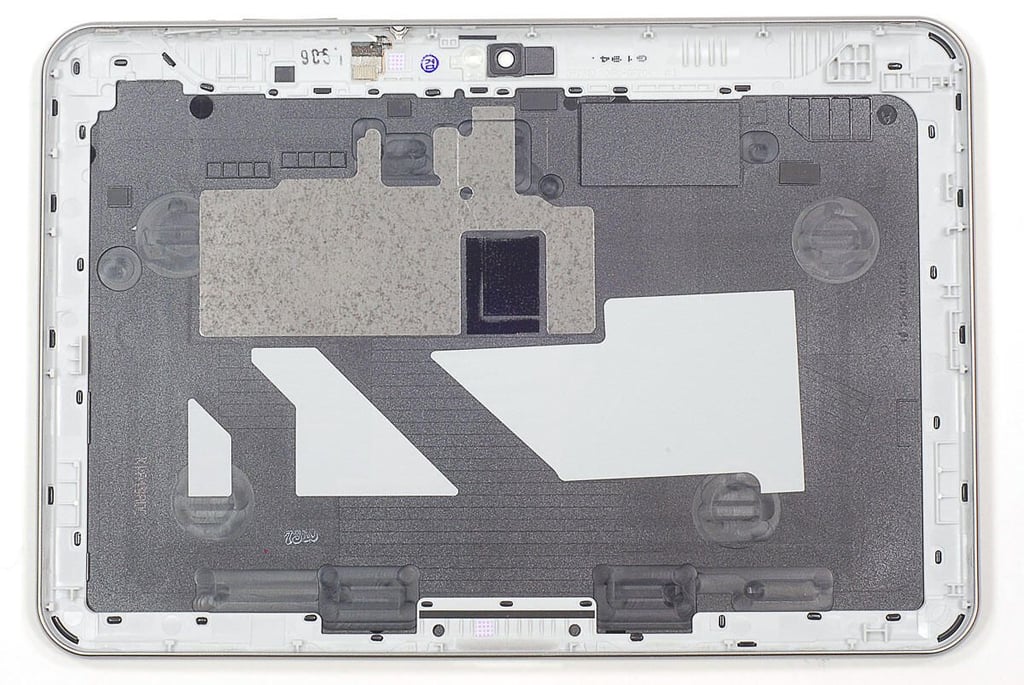
\n\tUnlike the Galaxy Tab 10.1, the 8.9’s back cover is not held in place with heavy-duty adhesive.
\n
\n\tPhoto by: Bill Detwiler / TechRepublic
\n\tCaption by: Bill Detwiler
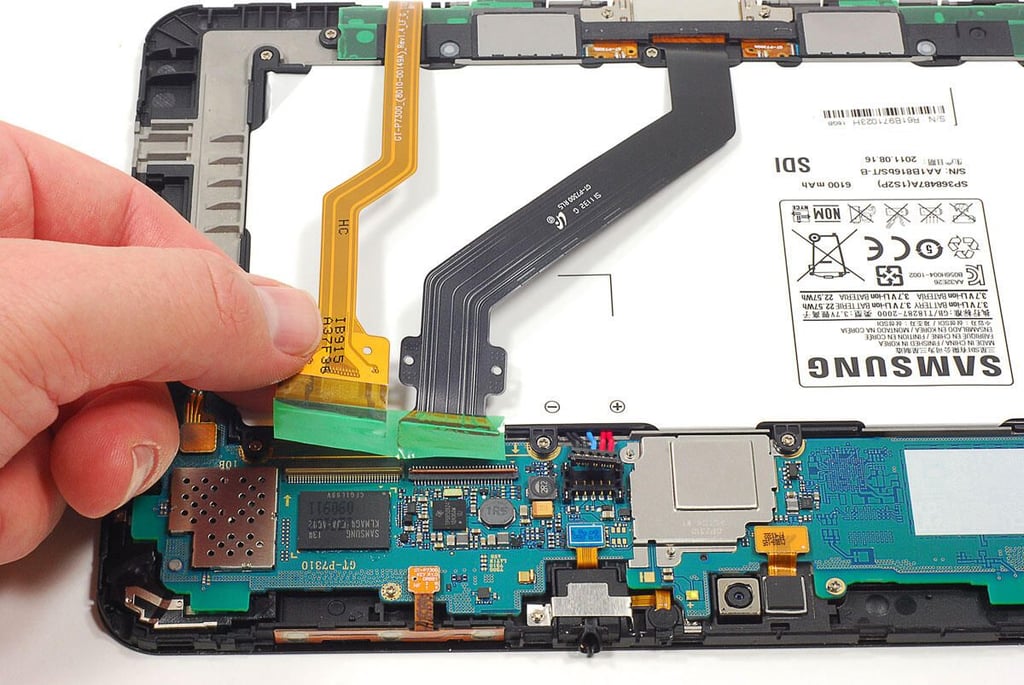
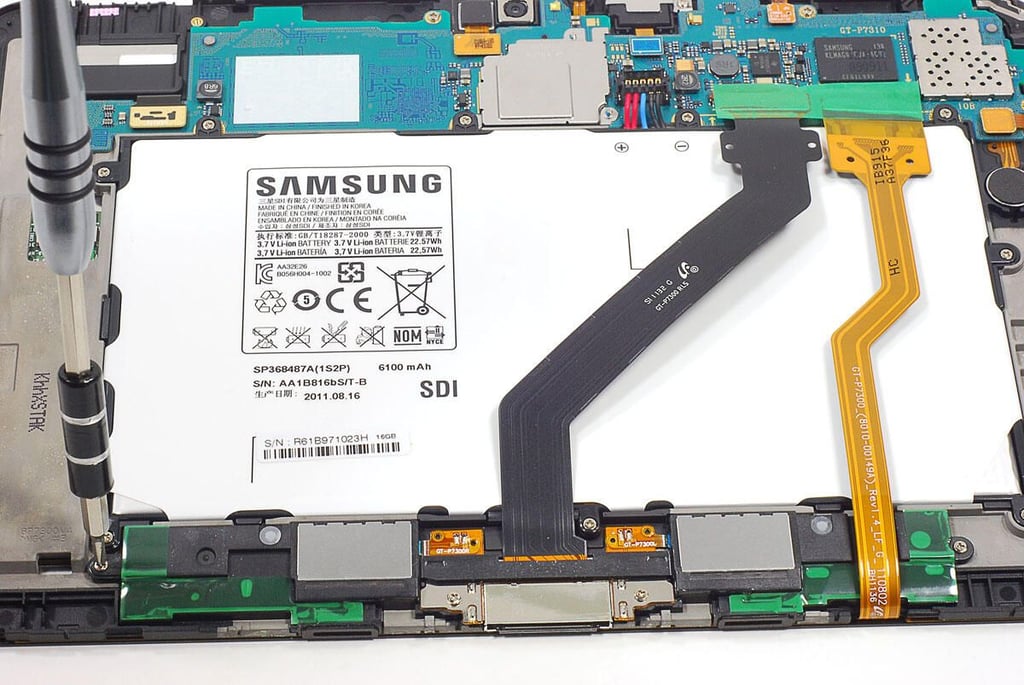
\n\tFour screws hold the the docking connector/speaker assembly to the Galaxy Tab 8.9’s internal frame.
\n
\n\tPhoto by: Bill Detwiler / TechRepublic
\n\tCaption by: Bill Detwiler
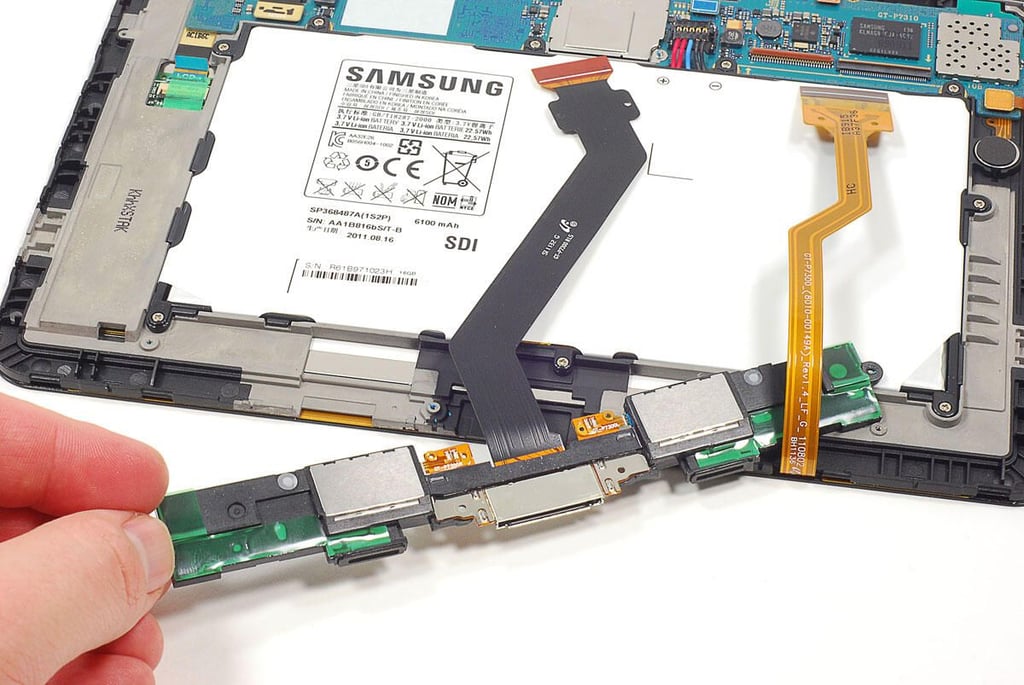
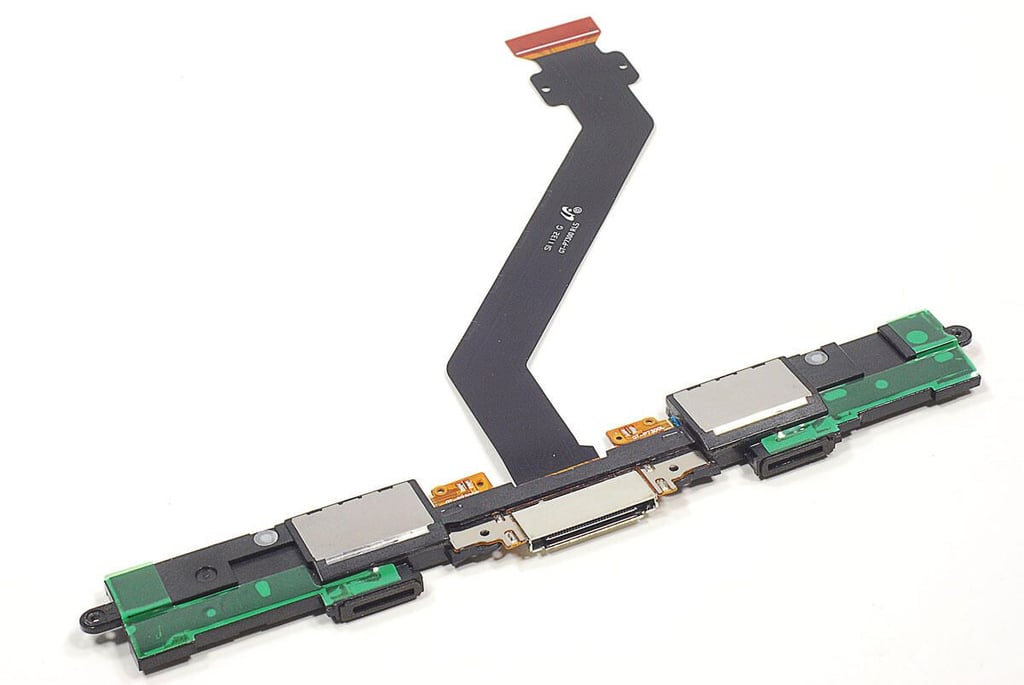
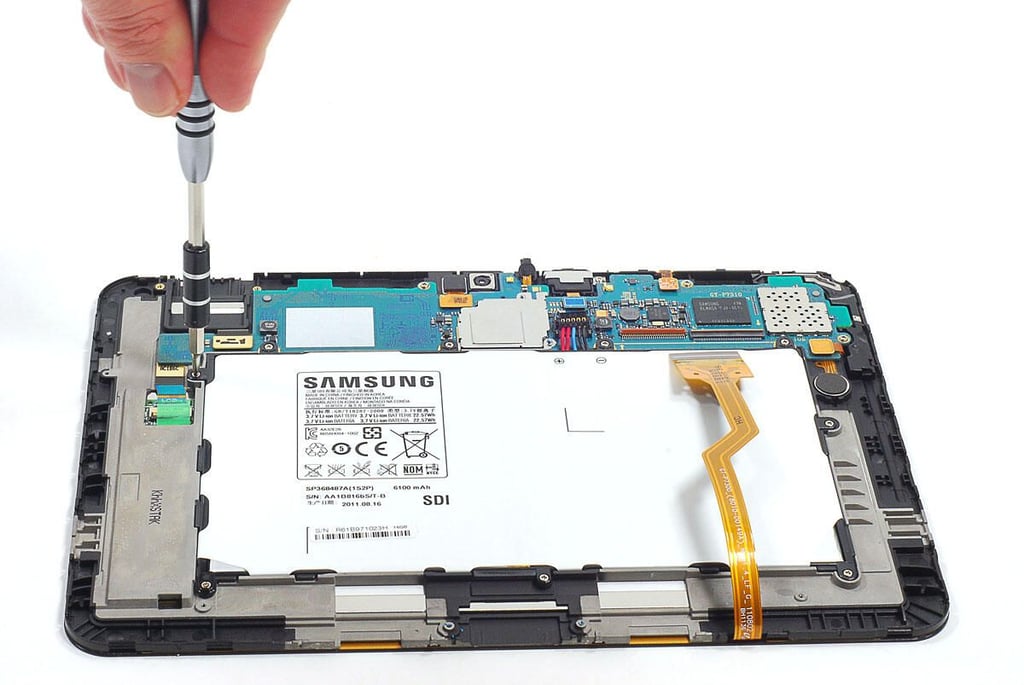
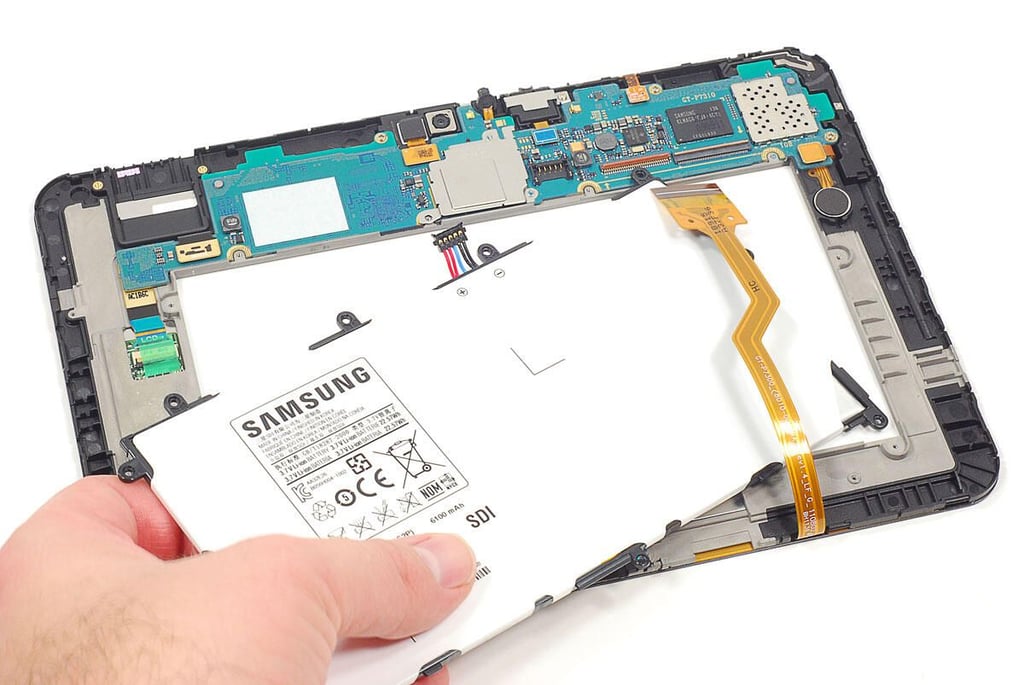
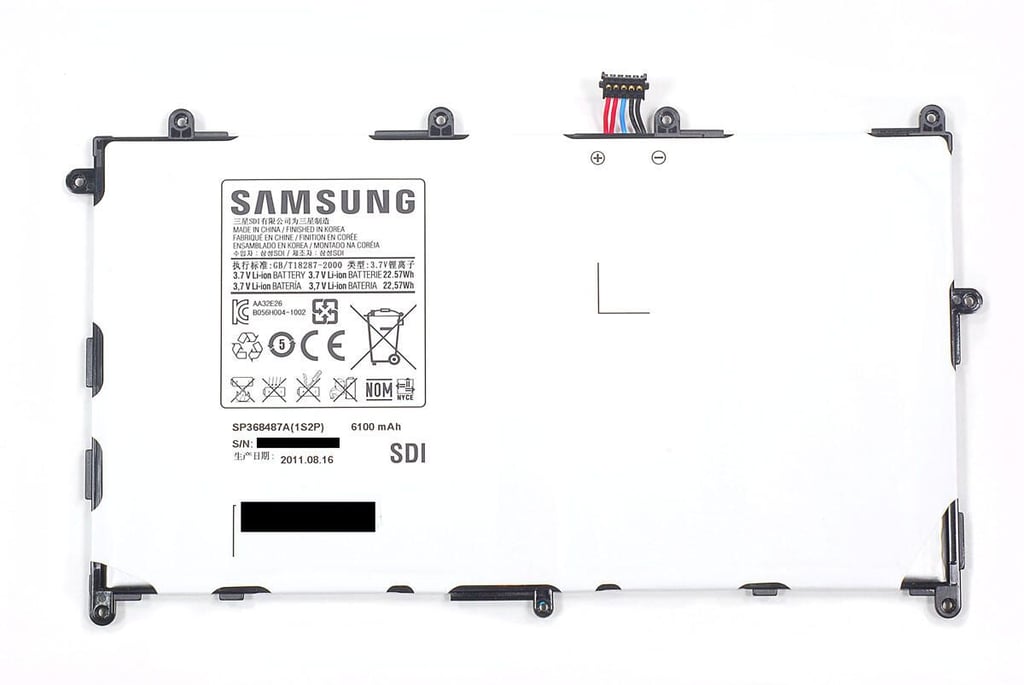
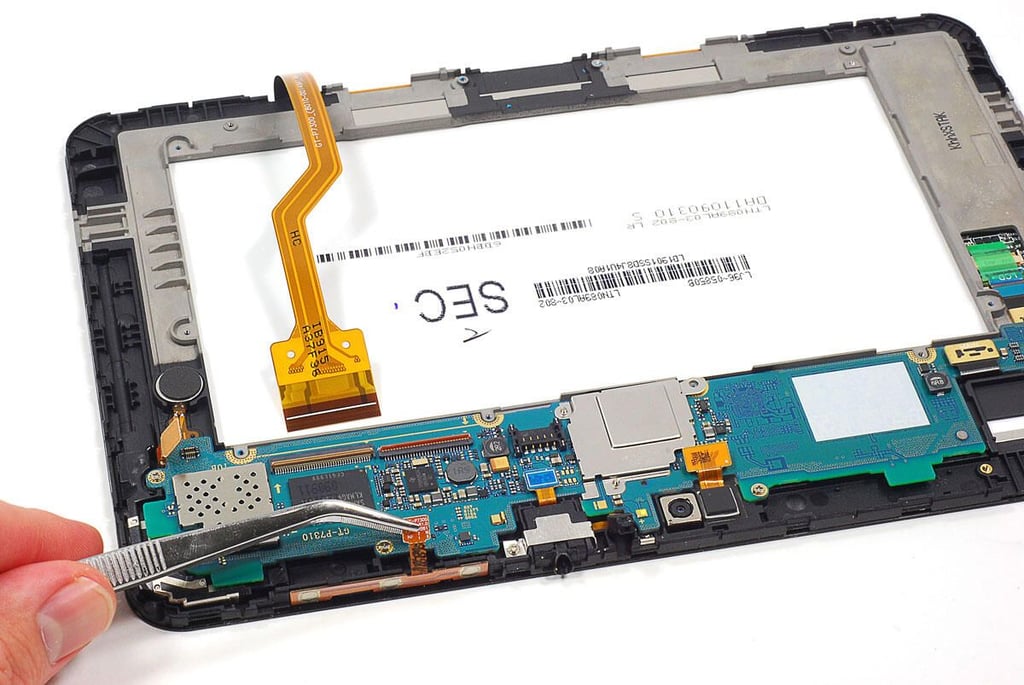
\n\tSeveral ribbon cables connect various components (cameras, LCD, headphone jack, etc.) to the Galaxy Tab 8.9’s motherboard. You’ll need to disconnect these before removing the motherboard.
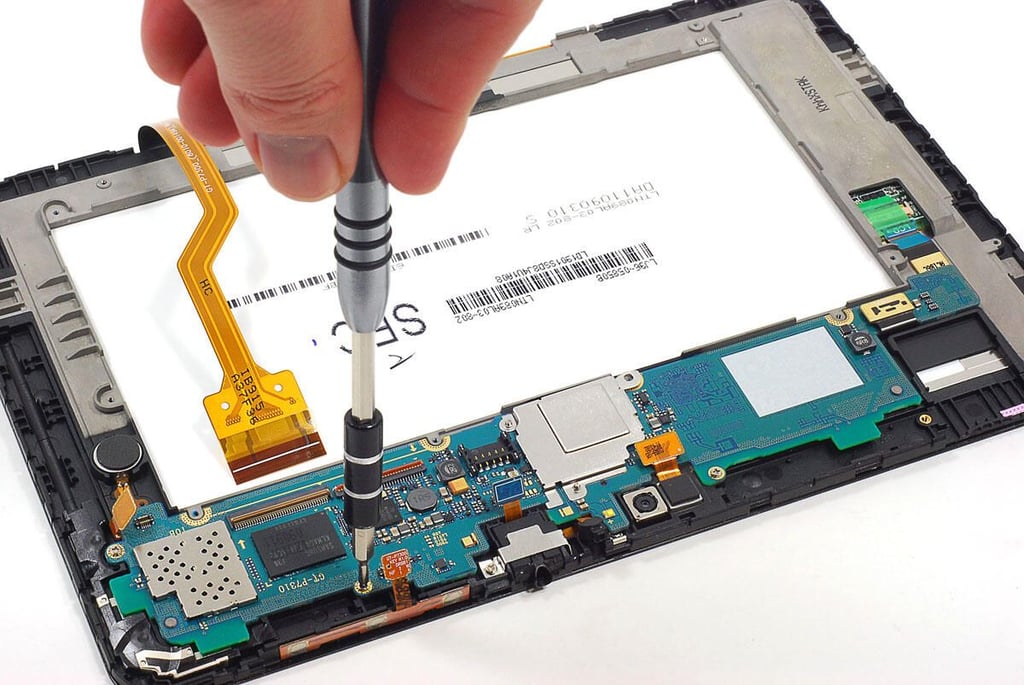
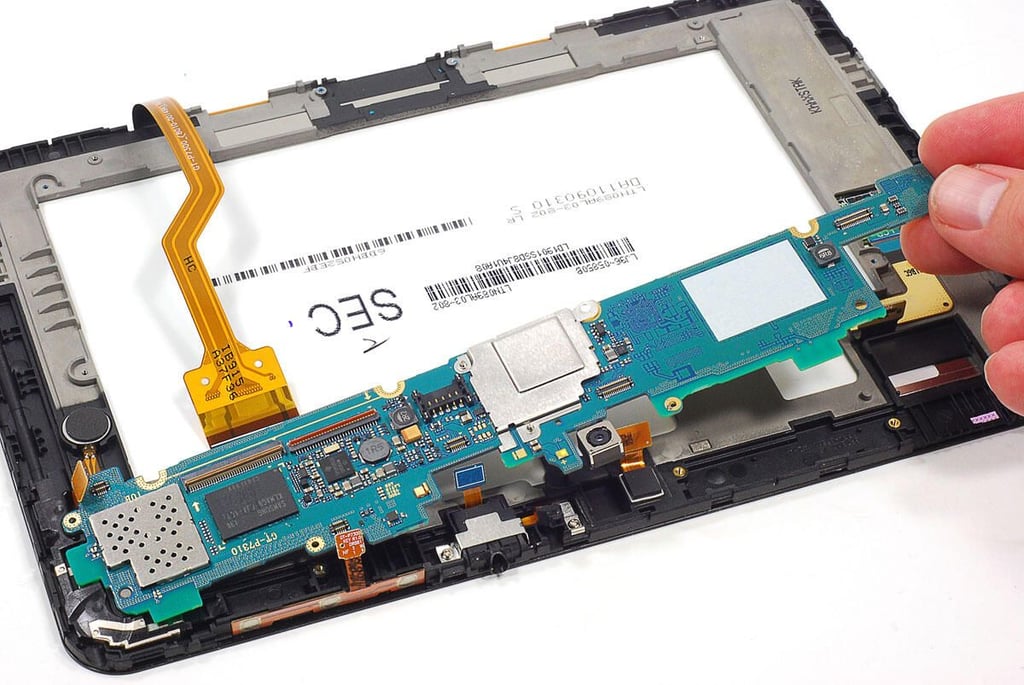
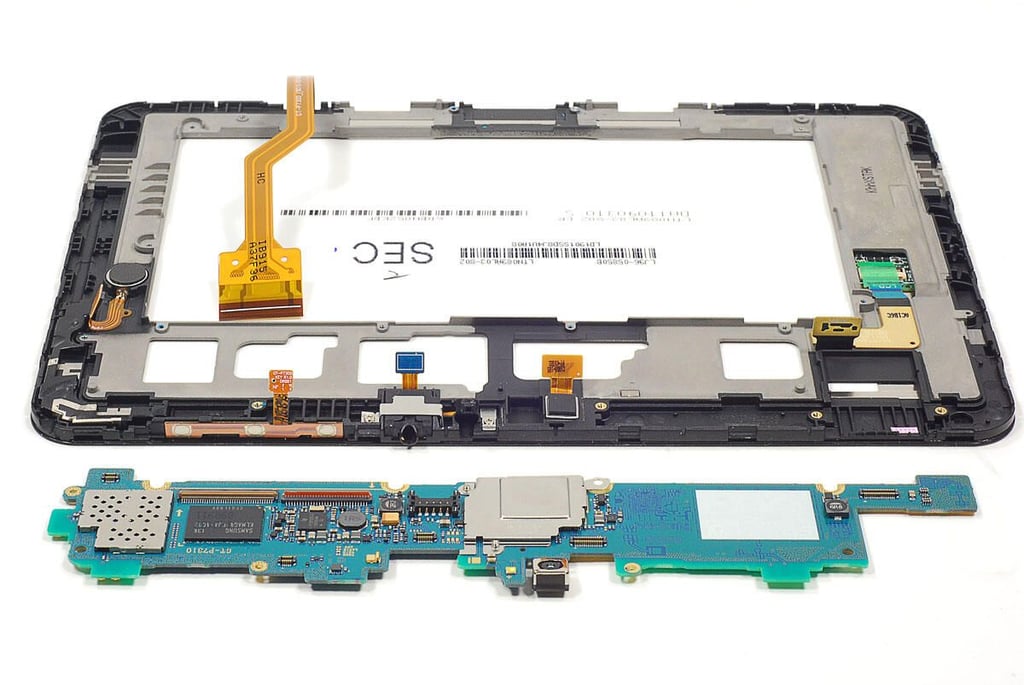
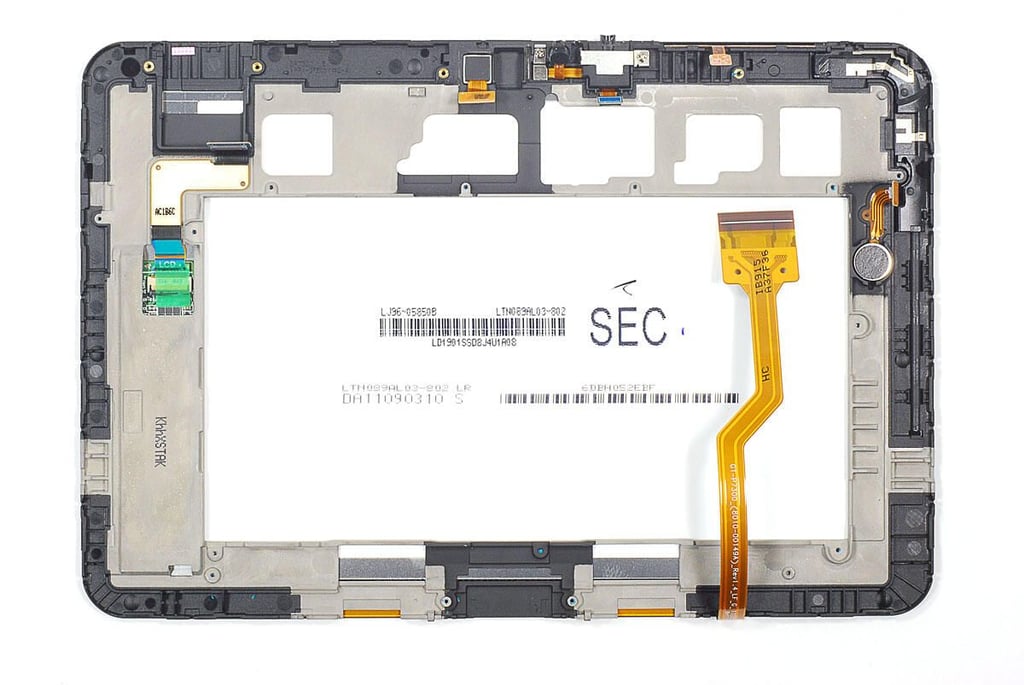
\n\tThe Galaxy Tab 8.9’s touchscreen panel and LCD are fused together into a single unit. Separating the two components is likely to damage one or the other.
\n
\n\tYou can however, remove sevral of the other components attached to the assembly.
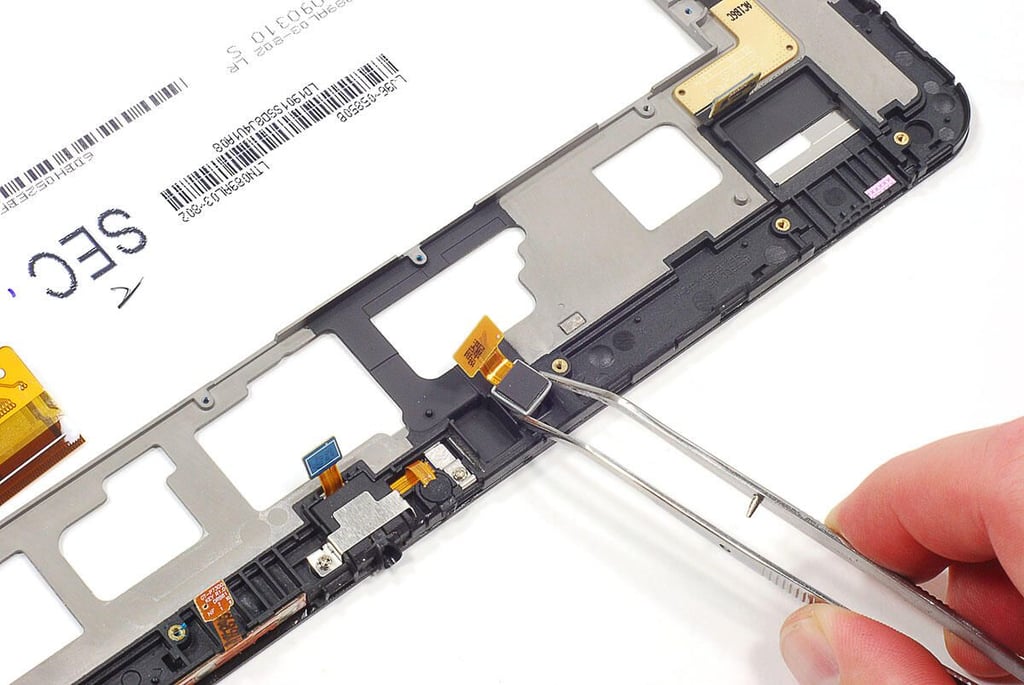
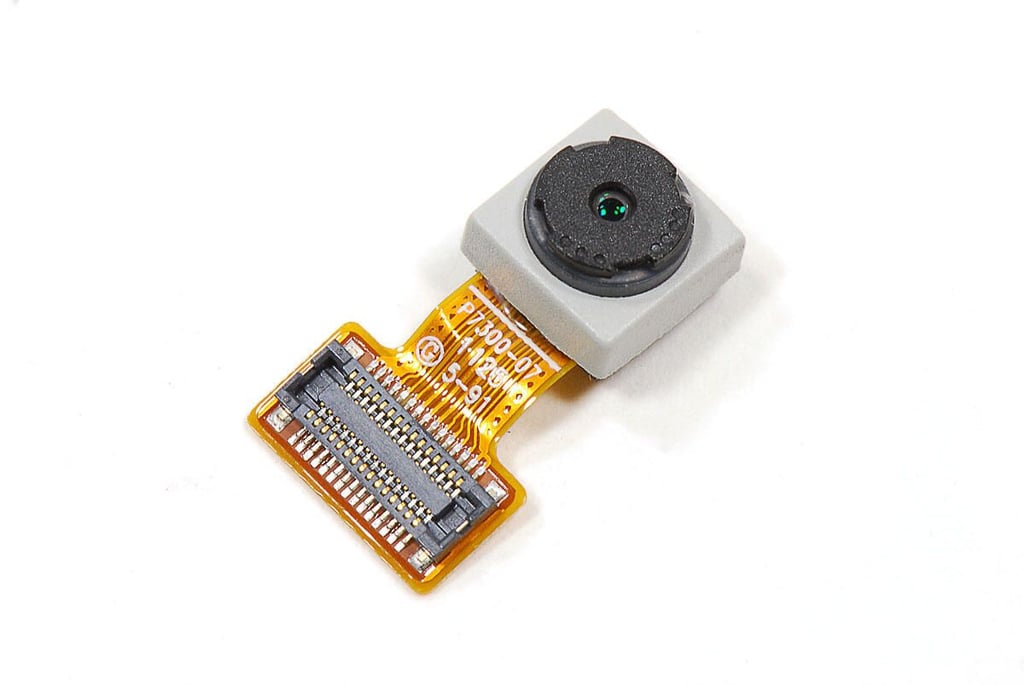
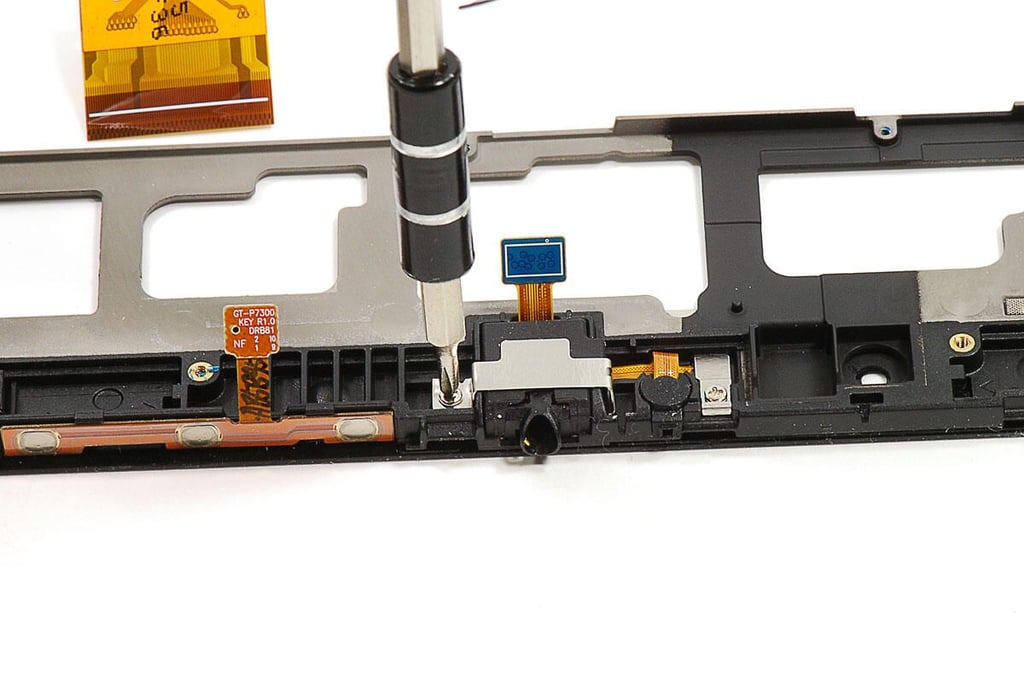
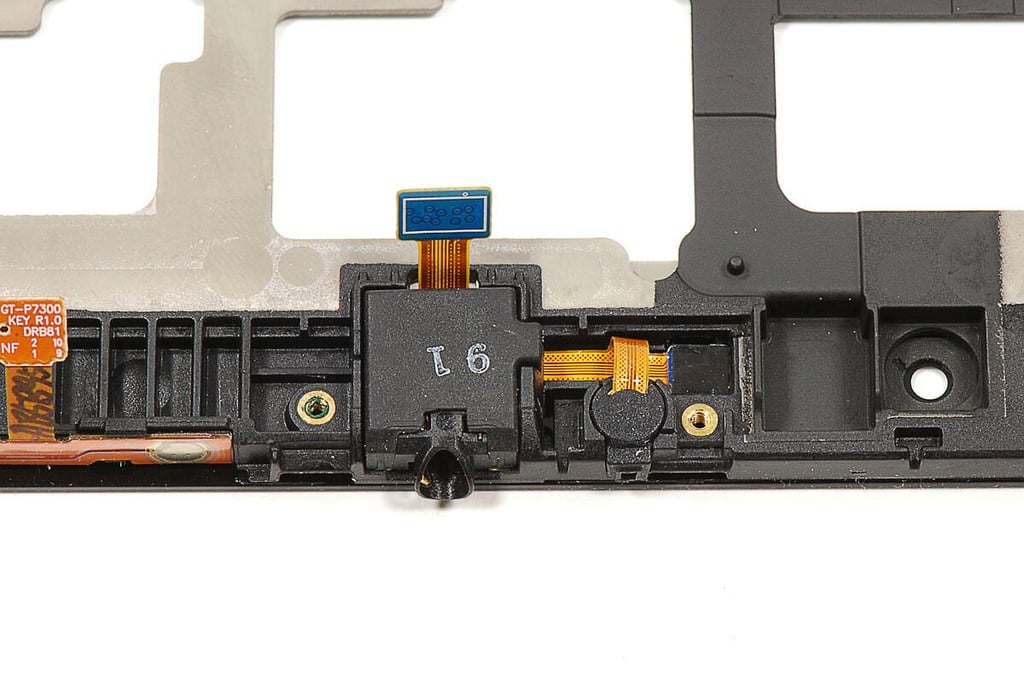
\n\tThe 3.5mm headphone jack, microphone, and ambient light sensor are all connected. They are held in place with a pair of metal brackets and adhesive.
\n
\n\tAlthough the brackets are easy to removed, the light sensor is firmly attached to the front glass panel. I feared prying it loose would damage the sensor, so I left the components in place.
\n
\n\tPhoto by: Bill Detwiler / TechRepublic
\n\tCaption by: Bill Detwiler
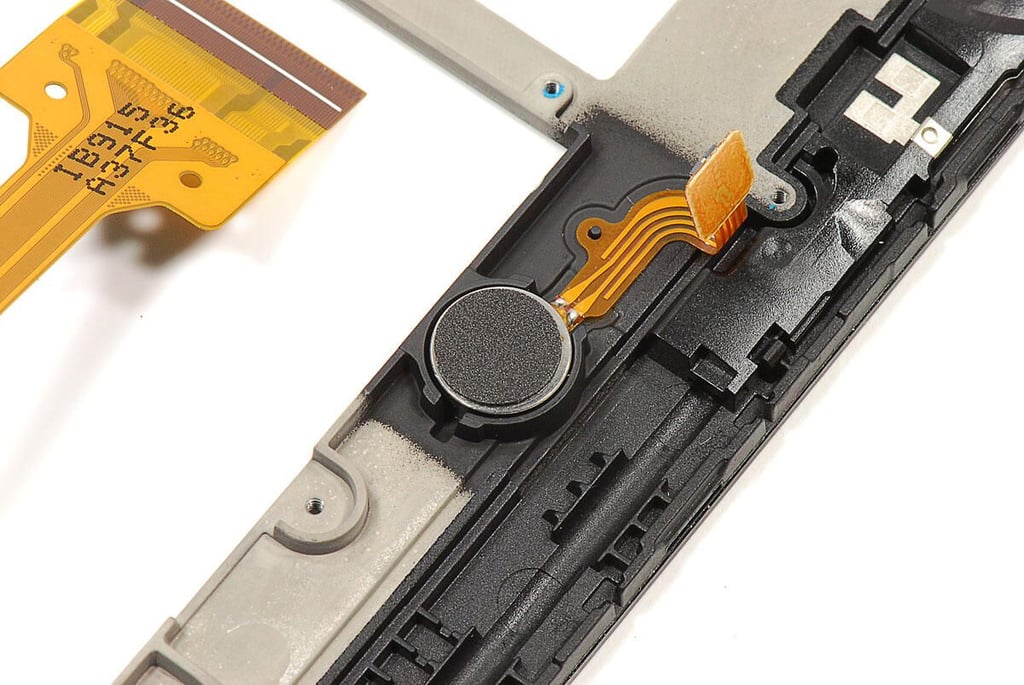
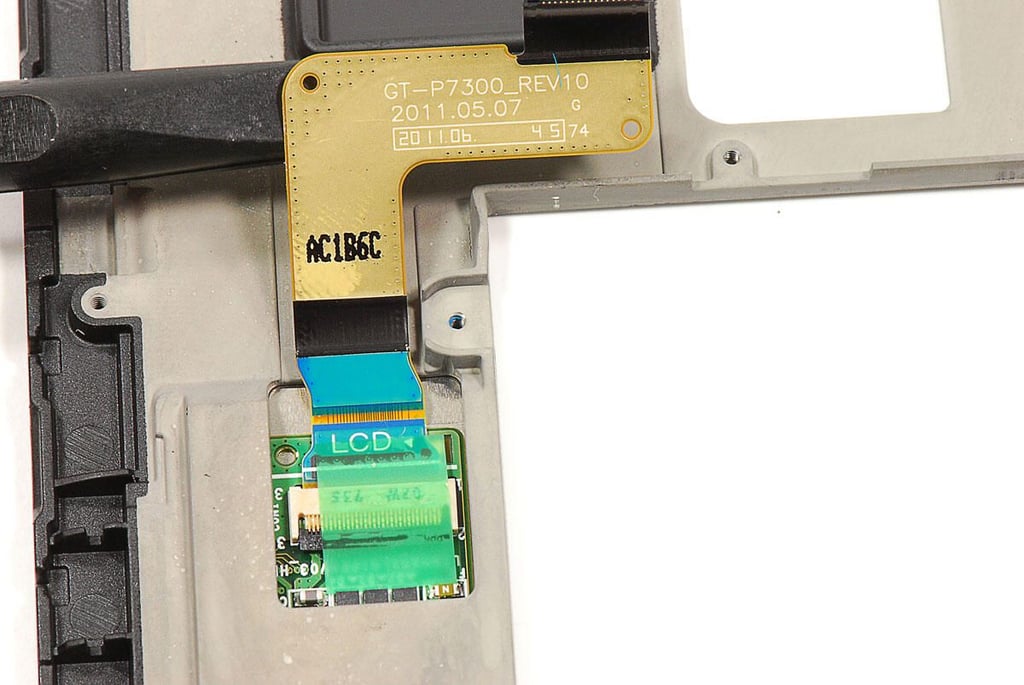
\n\tThe small PCB connected to the Galaxy Tab 8.9’s LCD is covered by the unit internal frame. There’s no way to access the PCB without breaking the frame away from the front glass panel–an action that would likely damage the front panel assembly beyond repair.
\n
\n\tPhoto by: Bill Detwiler / TechRepublic
\n\tCaption by: Bill Detwiler
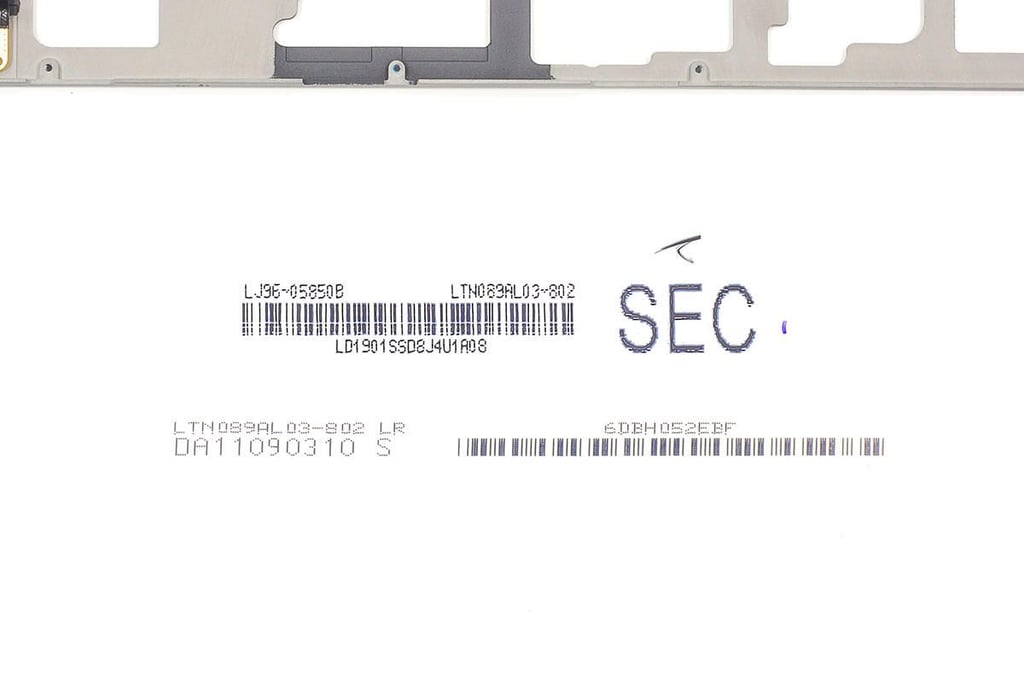
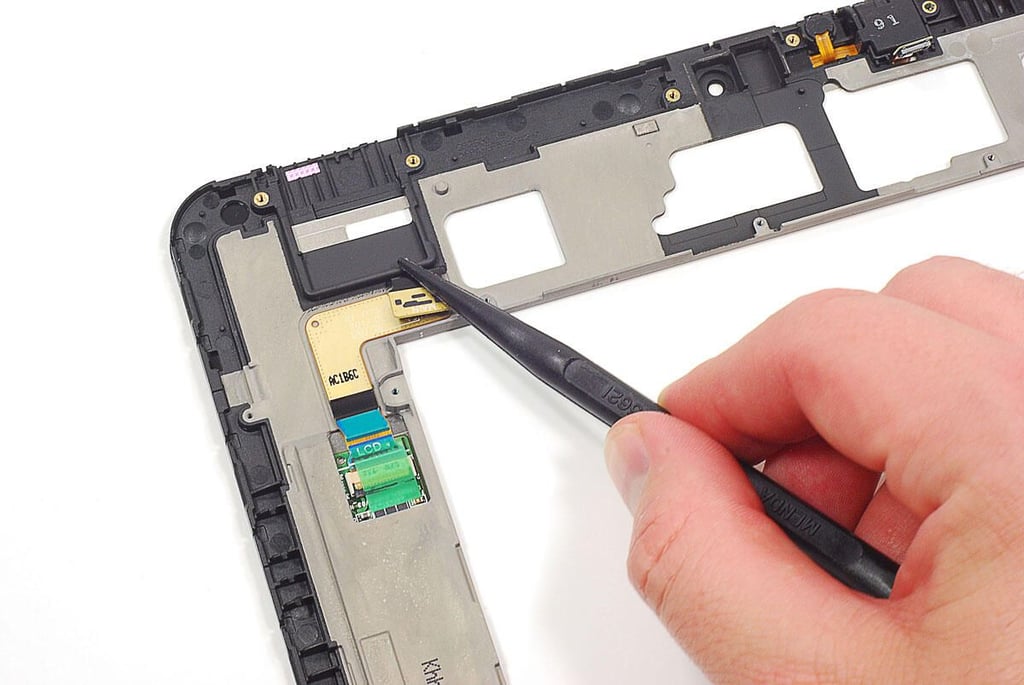
\n\tThe Galaxy Tab 8.9 has a mysterious empty spot inside the case. Given the cavity’s location and size, it’s likely either for the future addition of a SIM card or microSD memory card reader.
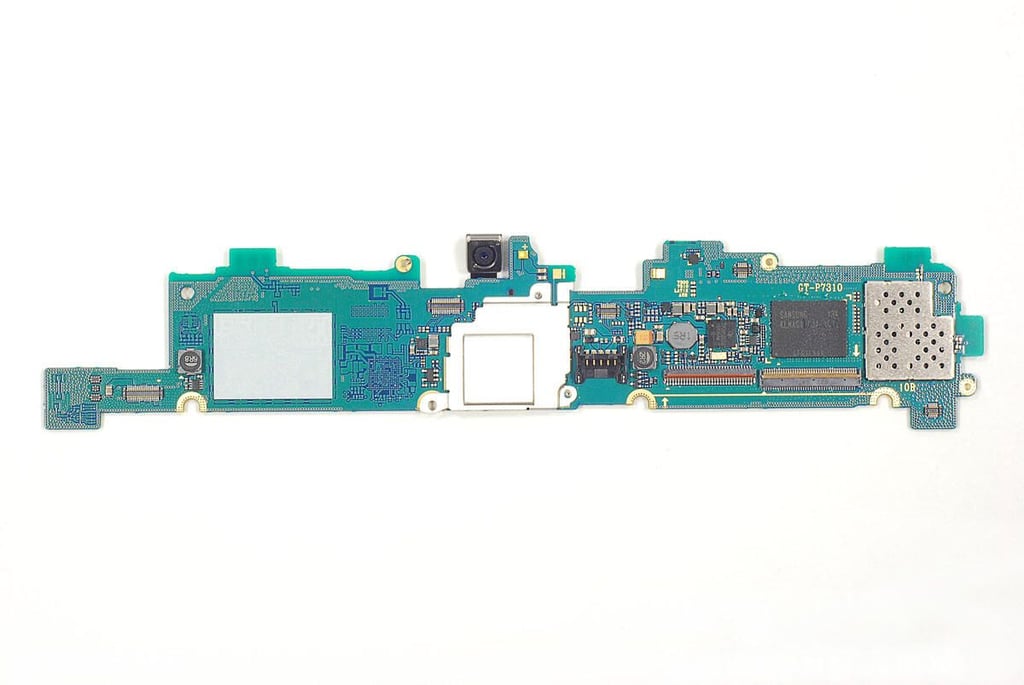
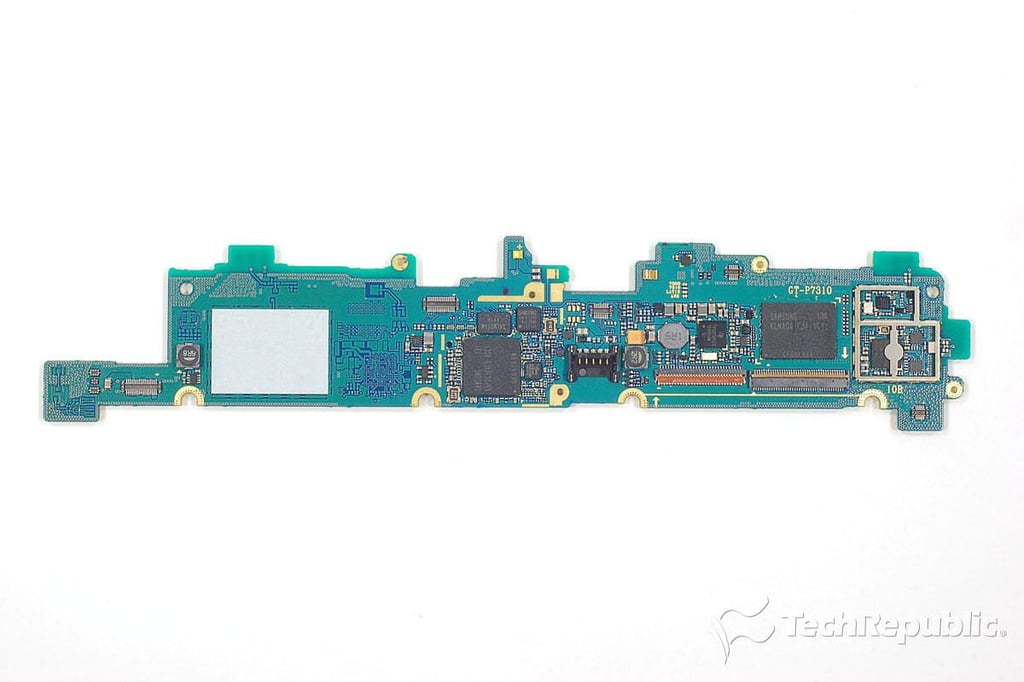
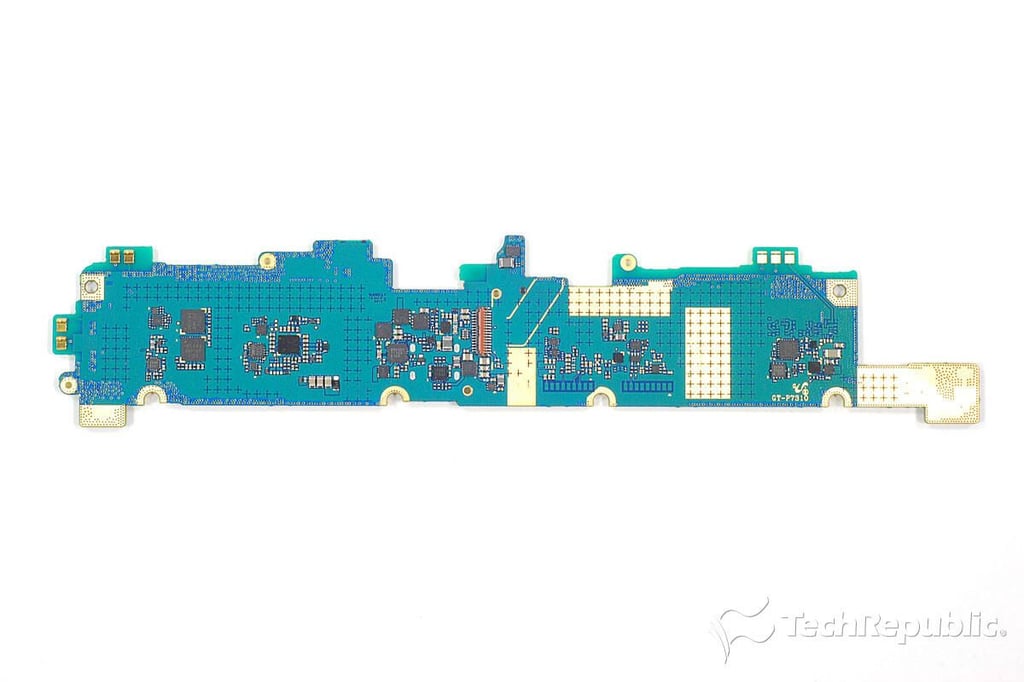
\n\tNo that we’ve thorooughly examined the display/touchscreen assembly, let’s turn our attention to the Galaxy Tab 8.9’s motherboard. At this point, the rear-facing camera and EMI shields are still attached.
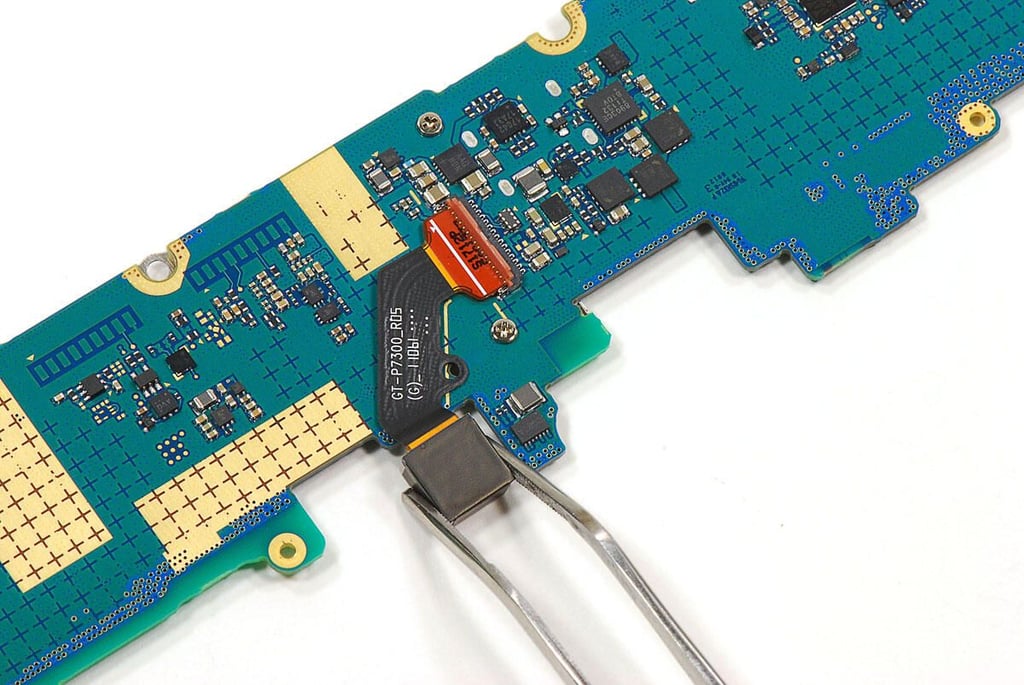
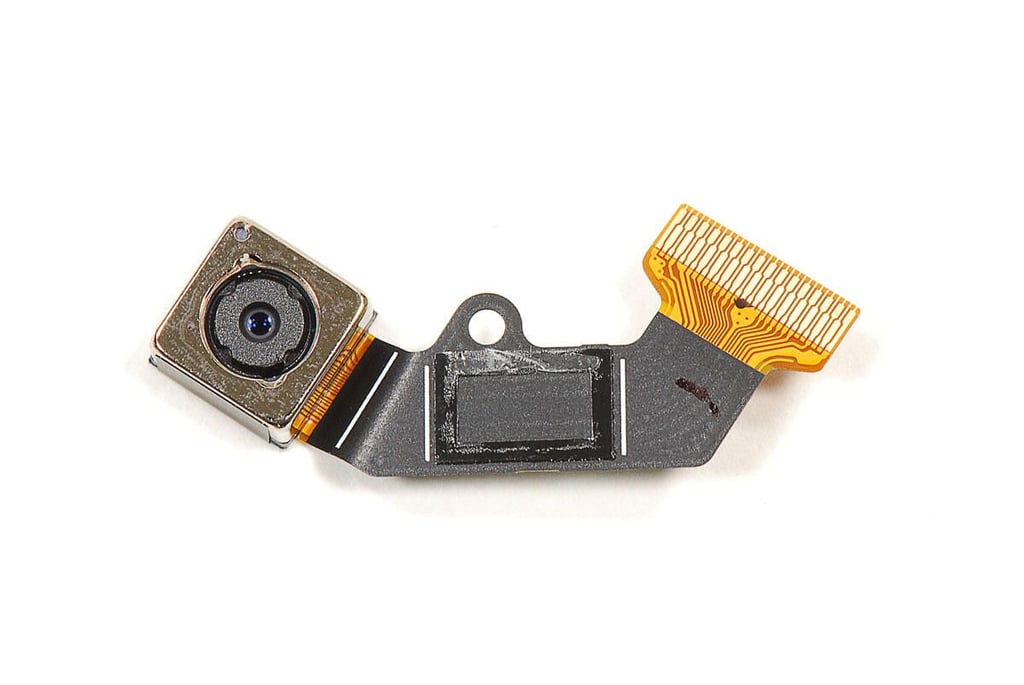
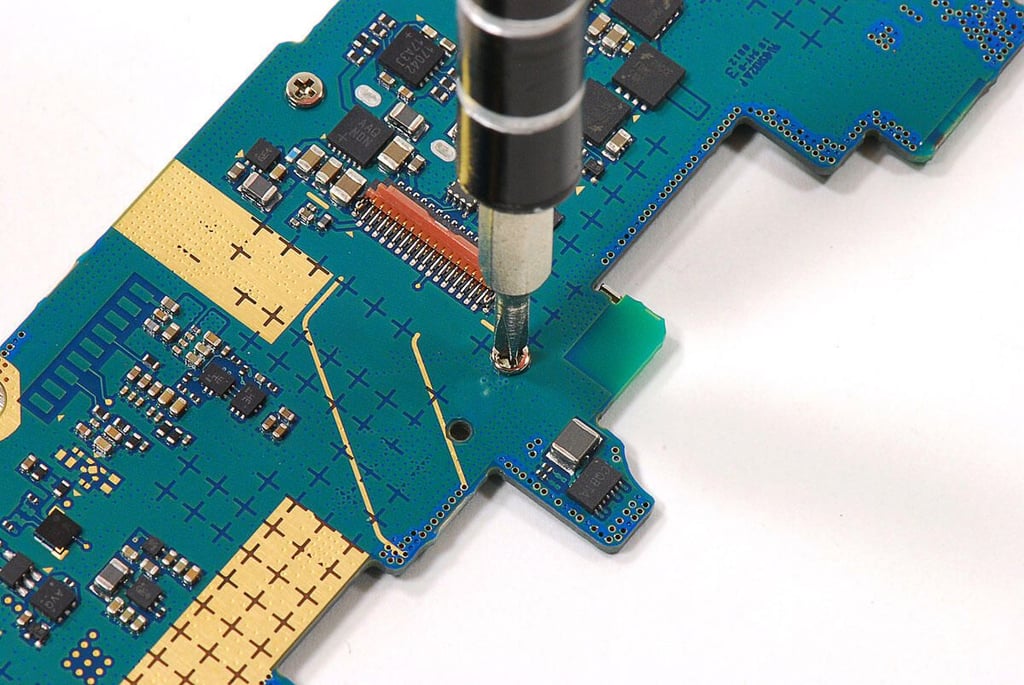
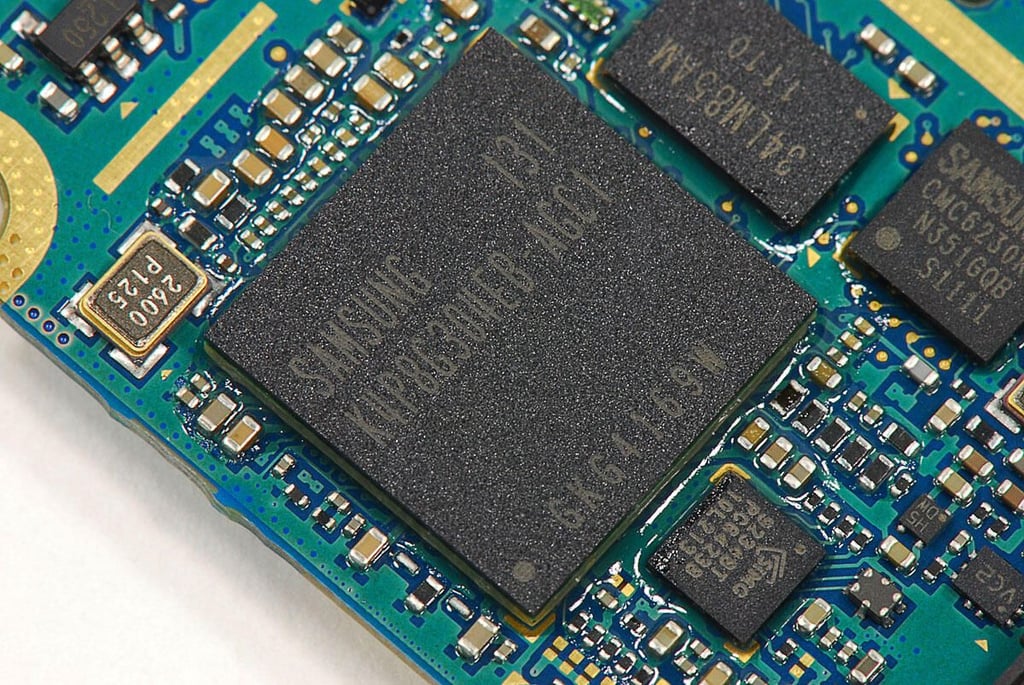
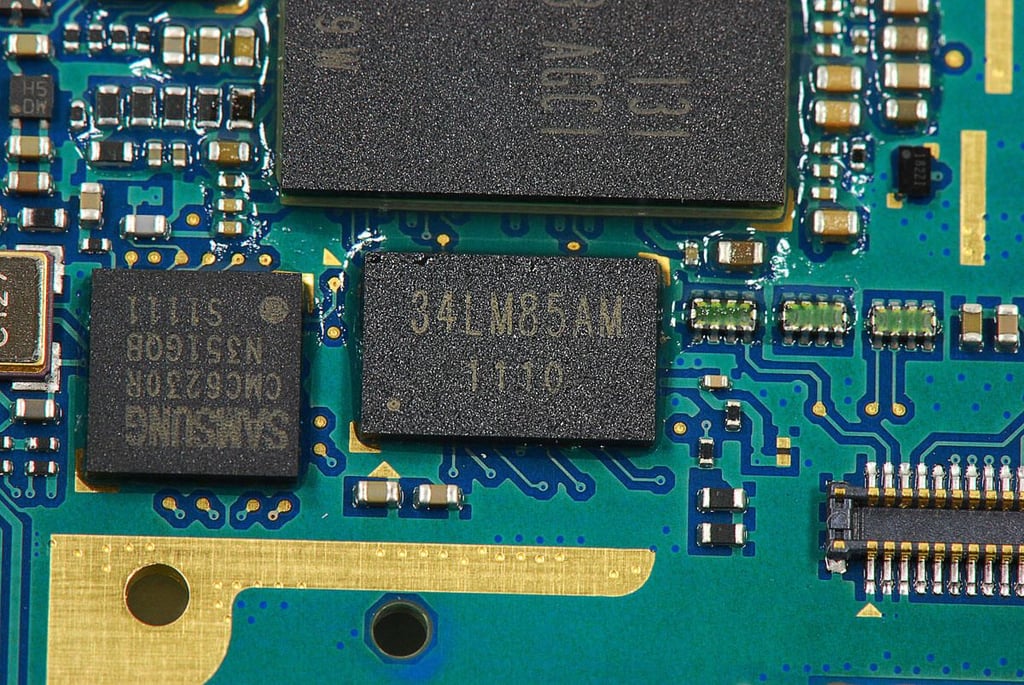
\n\tI’m not exactly sure what this chip (markings 34LM85AM 1110) is. As there isn’t a clearly marked NVIDIA chip on the motherboard, it could be the 1.0 GHz dual-core NVIDIA Tegra 2 T250S application processor. The Tegra 2 processor could also be mounted under the Samsung RAM chip.
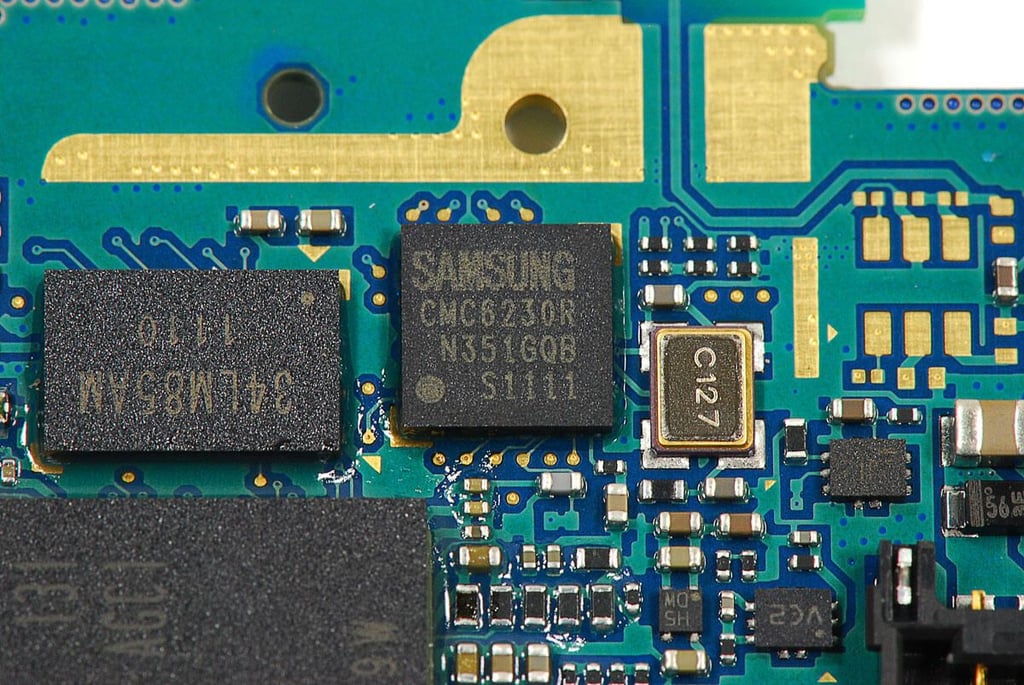
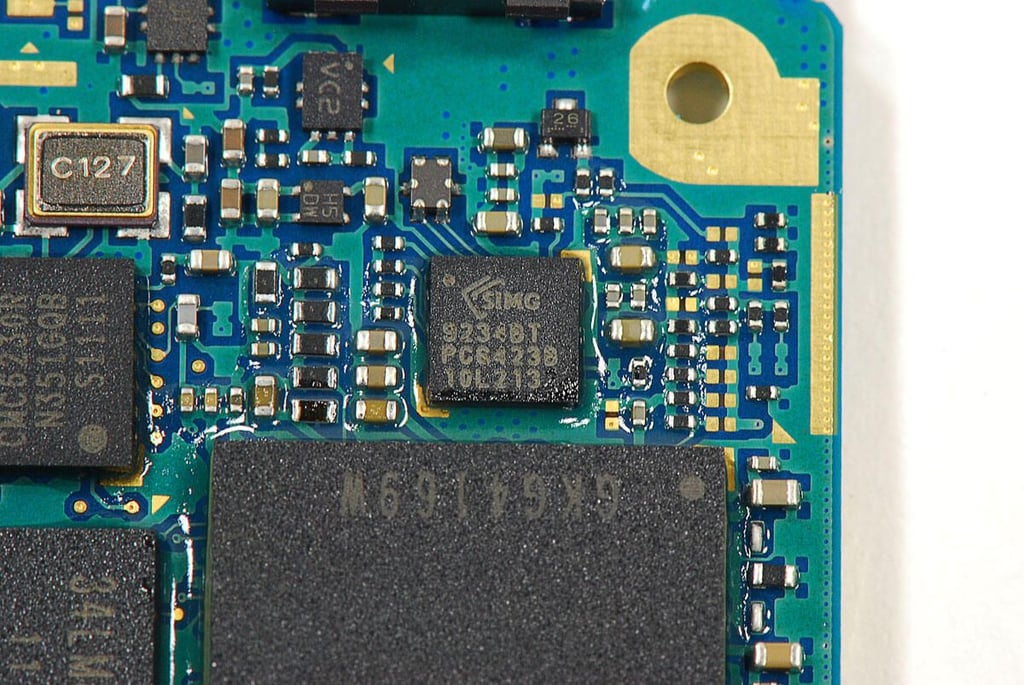
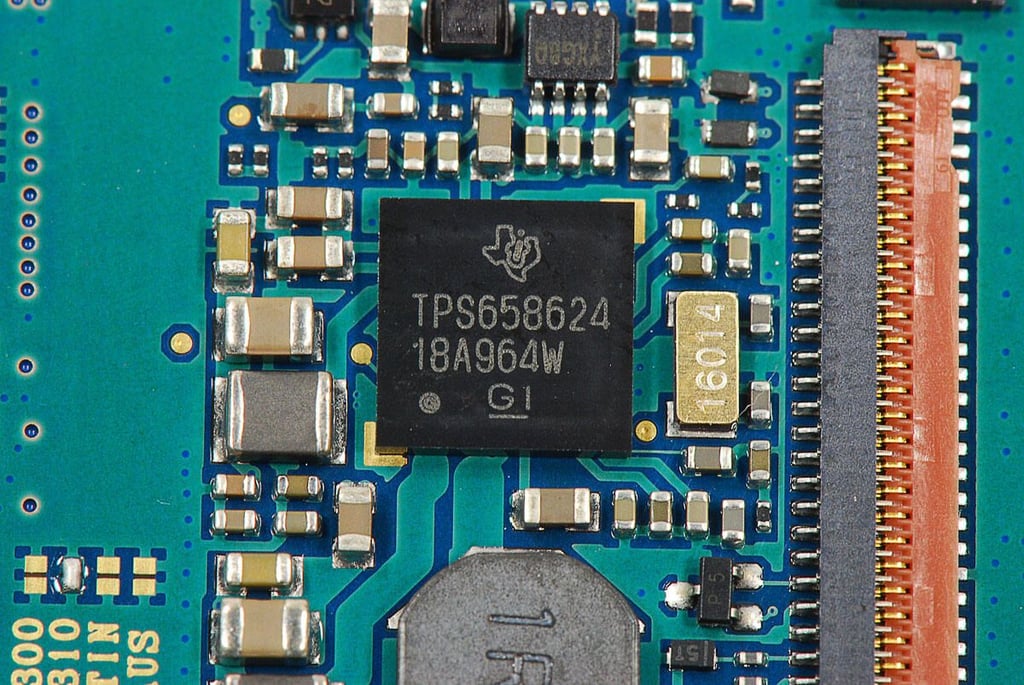
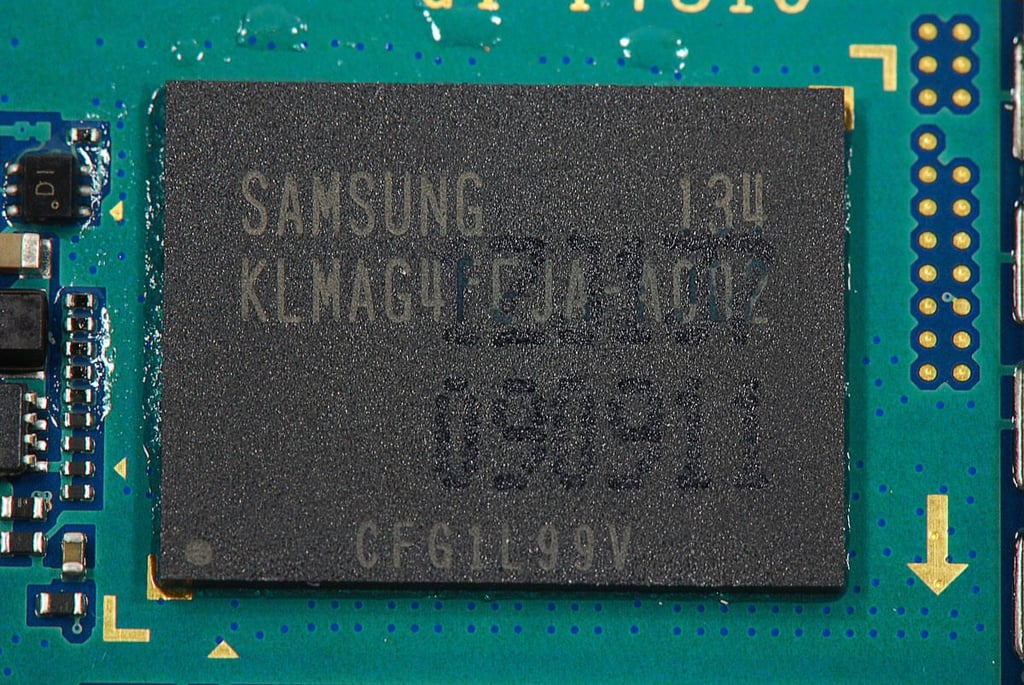
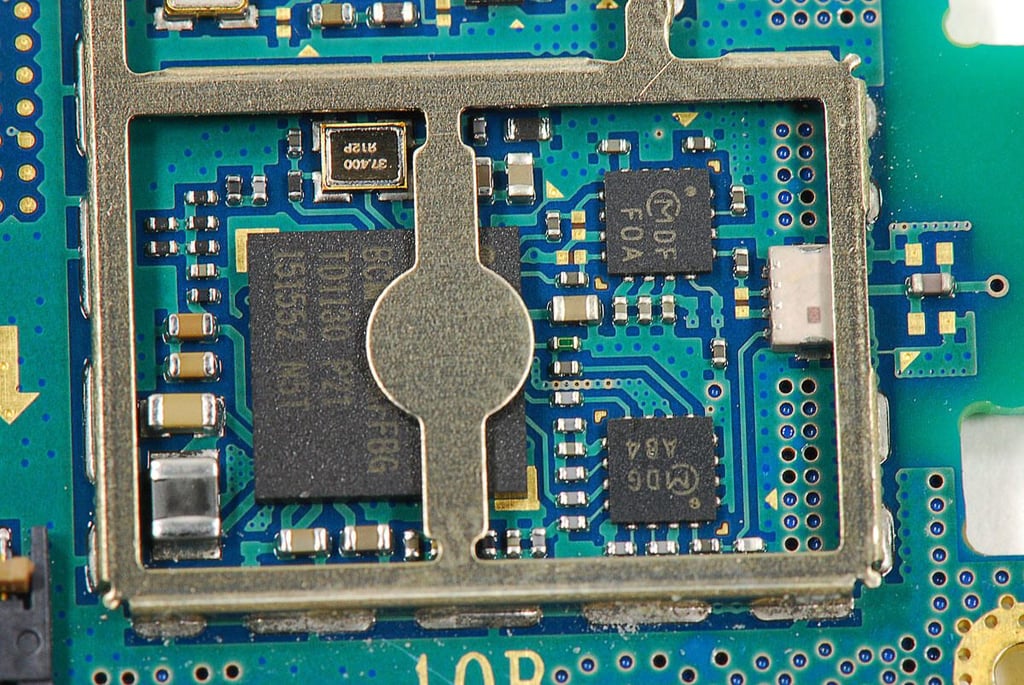
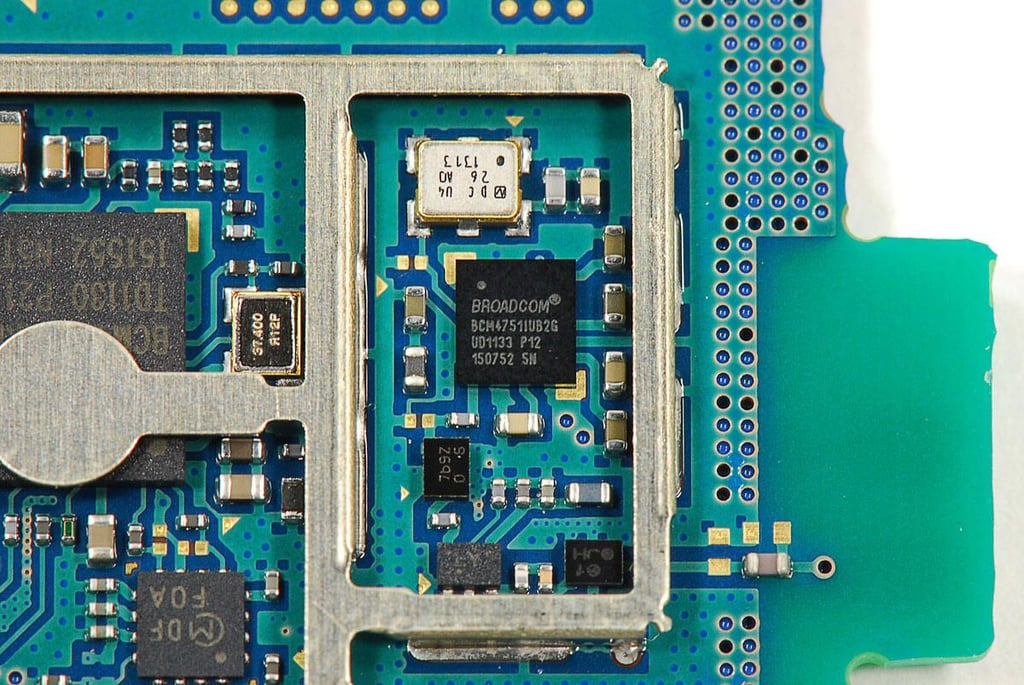
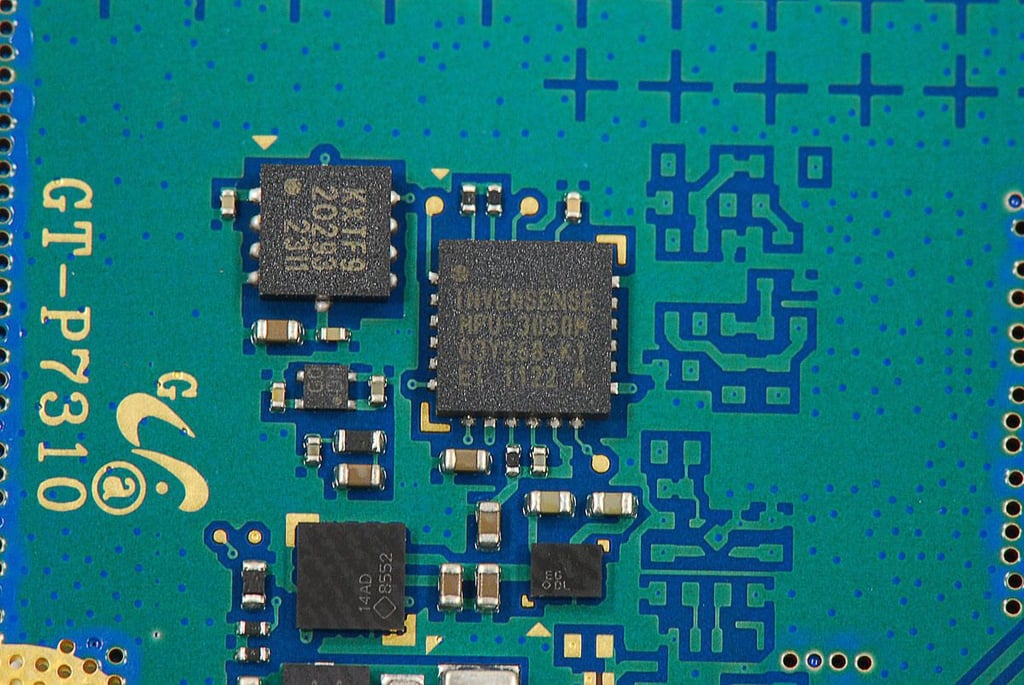
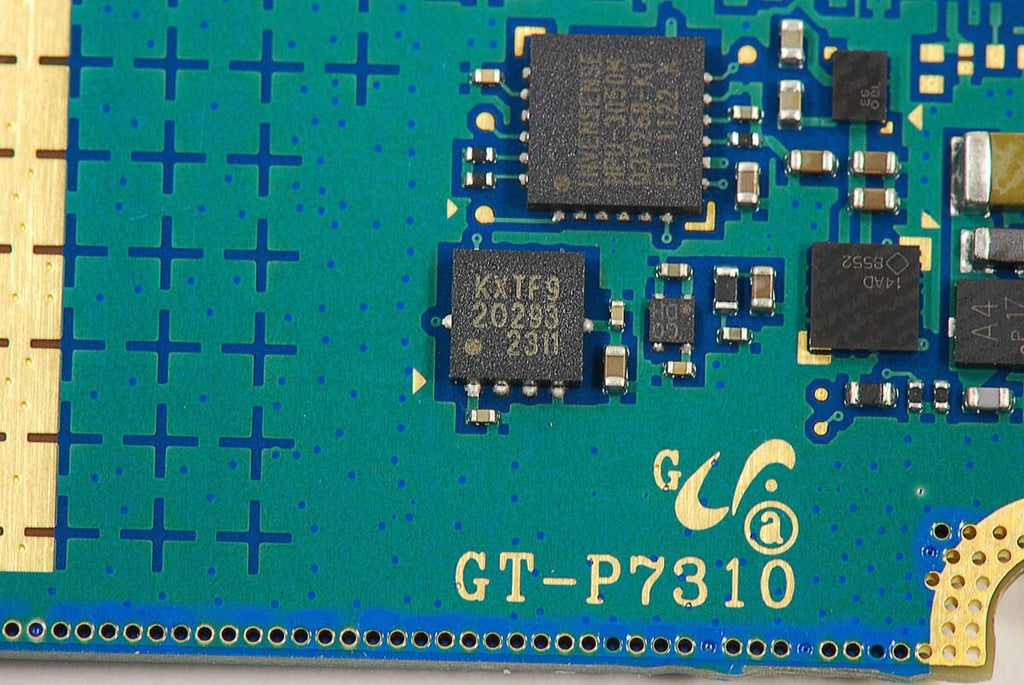
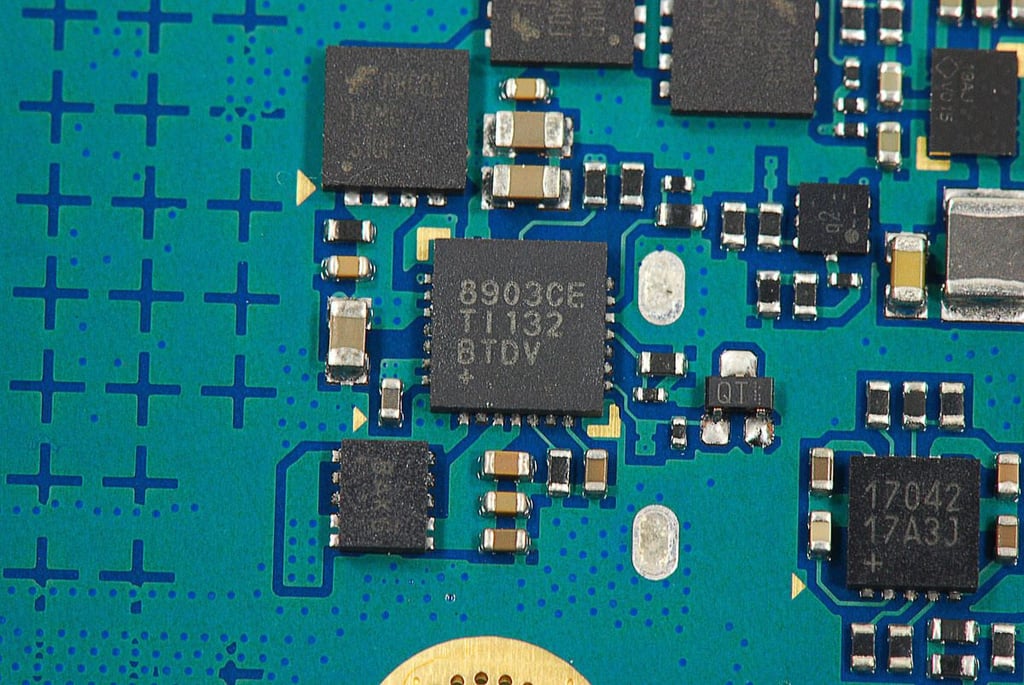
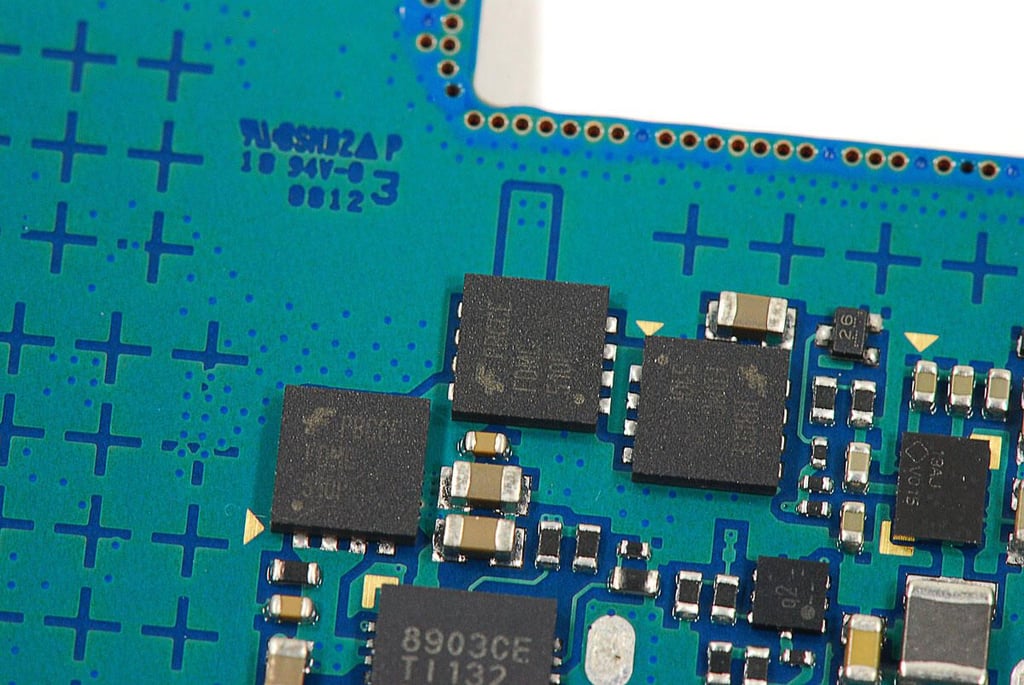
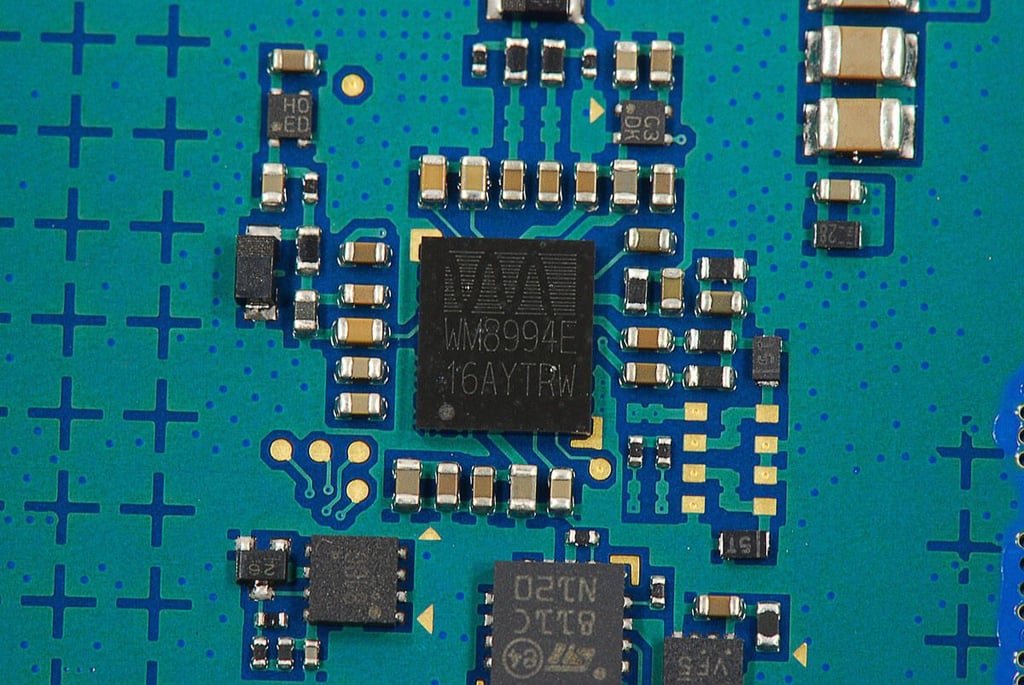
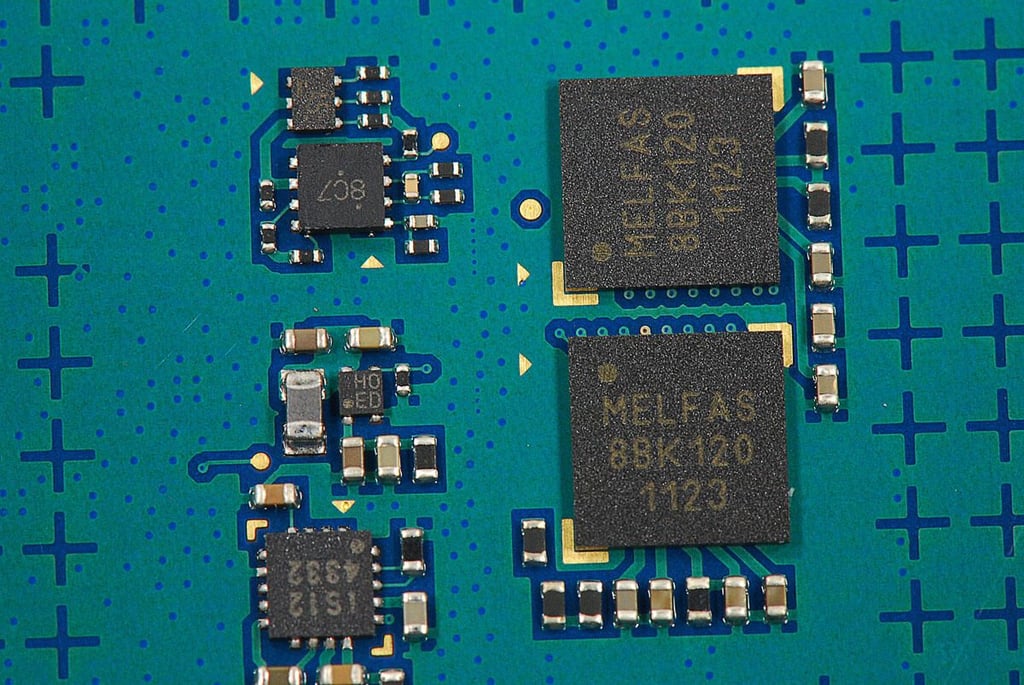
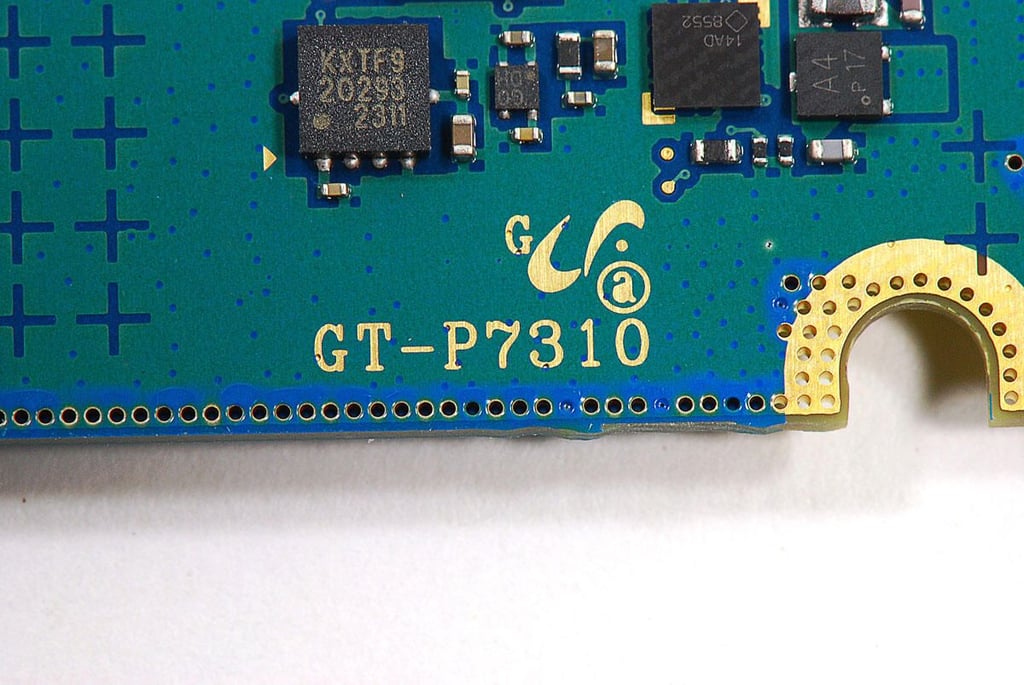
\n\tThe Galaxy Tab 8.9’s motherboard is stamped with the device’s model number (GT-P7310).
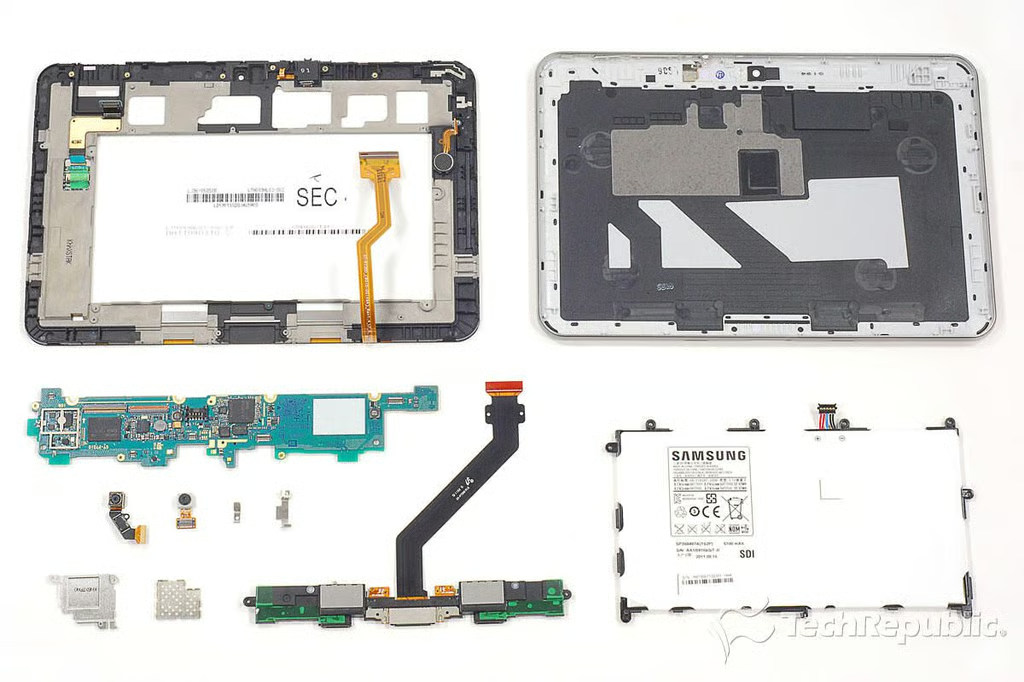
\n\tThe Galaxy Tab 8.9 was relatively easy to crack open. As I expected, it has an extremely efficient internal hardware layout and is well-built. This Android tablet did provide a few surprises however. It either doesn’t have a standard Nvidia Tegra 2 processor, like the Galaxy Tab 10.1, or the processor isn’t mounted to the motherboard. And, it lacks a microSD card slot and HDMI output.
\n
\n\tFor a more complete analysis of the hardware inside the Galaxy Tab 8.9, check out my article, Samsung Galaxy Tab 8.9 teardown: Unmarked processor, replaceable battery.
Bill Detwiler is the Editor for Technical Content and Ecosystem at Celonis. He is the former Editor in Chief of TechRepublic and previous host of TechRepublic's Dynamic Developer podcast and Cracking Open, CNET and TechRepublic's popular online show. Previously, Bill was an IT manager in the social research and energy industries. He has bachelor's and master's degrees from the University of Louisville, where he has also lectured on computer crime and crime prevention.


