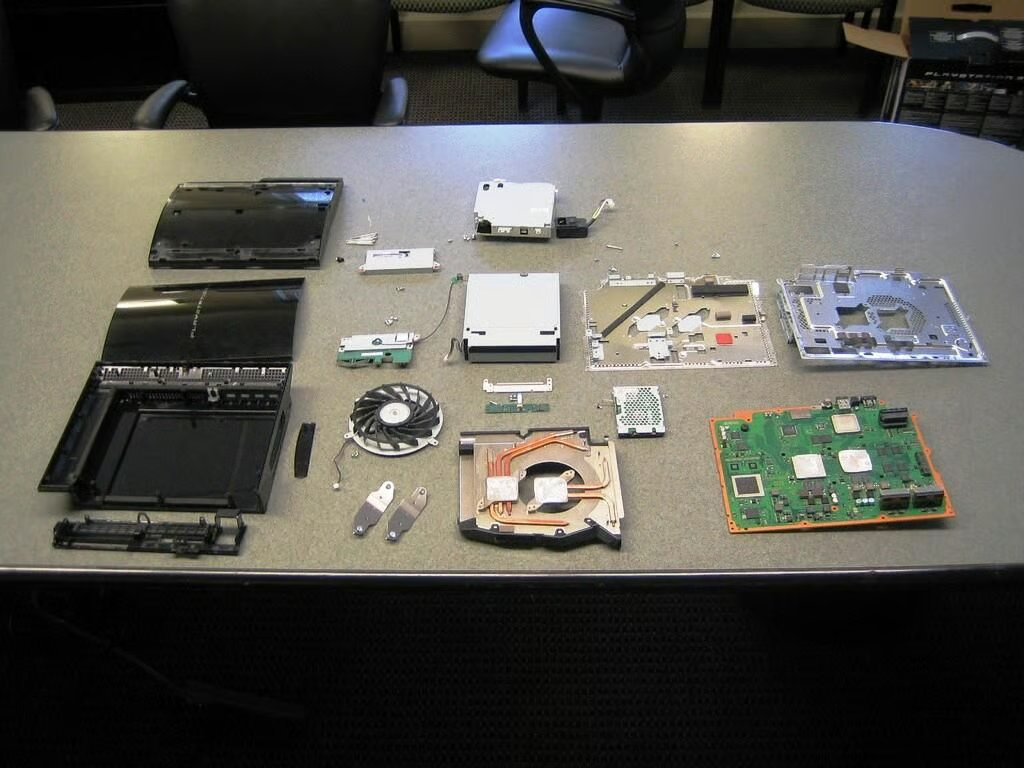
\n\tOnce the initial launch rush died down, we were able to finally buy a Sony PlayStation 3. After taking it for a test drive, I began the surprisingly easy disassembly process. Come along as we go inside the PS3 and see the hardware that makes Sony’s $599 console tick.
\n
\n\t\n\n
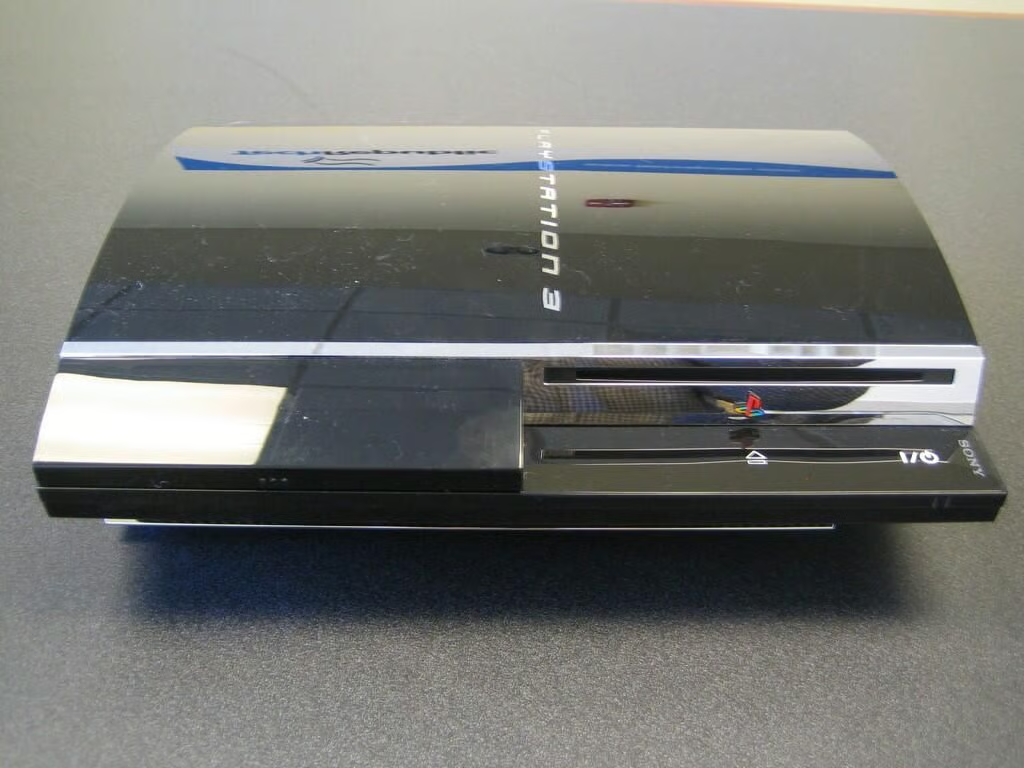
Our 60GB HDD PlayStation 3 comes with IBM’s ell Broadband Engine CPU, Nvidia’s RSX Reality Synthesizer (main GPU), Sony Emotion Engine Graphics Synthesizer (GPU for PS2 games), 256MB XDR Main RAM and 256MB GDDR3 VRAM, 2.5′ Serial ATA (60GB) hard drive, 4 USB 2.0 ports, Memory Stick/SD/CompactFlash Slots, Ethernet (10BASE-T, 100BASE-TX, 1000BASE-T jack, IEEE 802.11 b/g Wi-Fi support, Bluetooth 2.0 (EDR), 1 HDMI output, 1 analog AV output, 1 digital audio output (optical), the over-hyped Blu-ray/DVD/CD Drive “read only”.
The PS3 is approximately 325mm (W) x 98mm (H) x 274mm (D) and weighs in at about 5 kg.
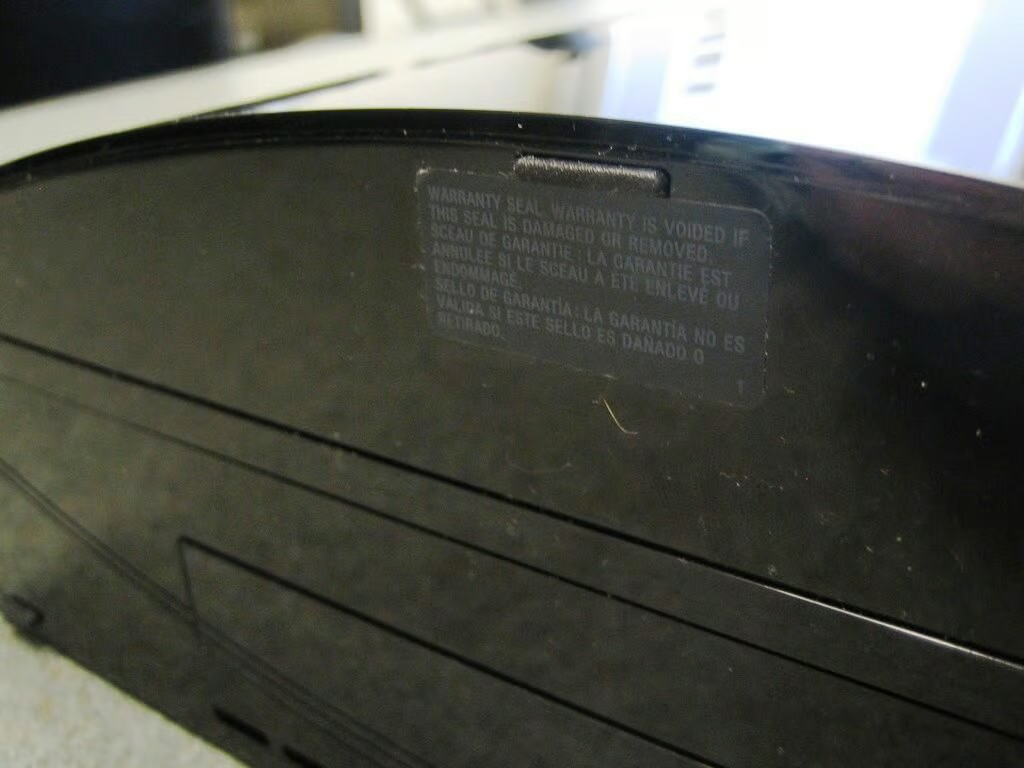
First, remove the “Warranty void if removed” sticker on the right side/bottom of the PS3–above the hard drive panel. Then, use a flathead screwdriver to carefully remove the pad beneath the sticker.
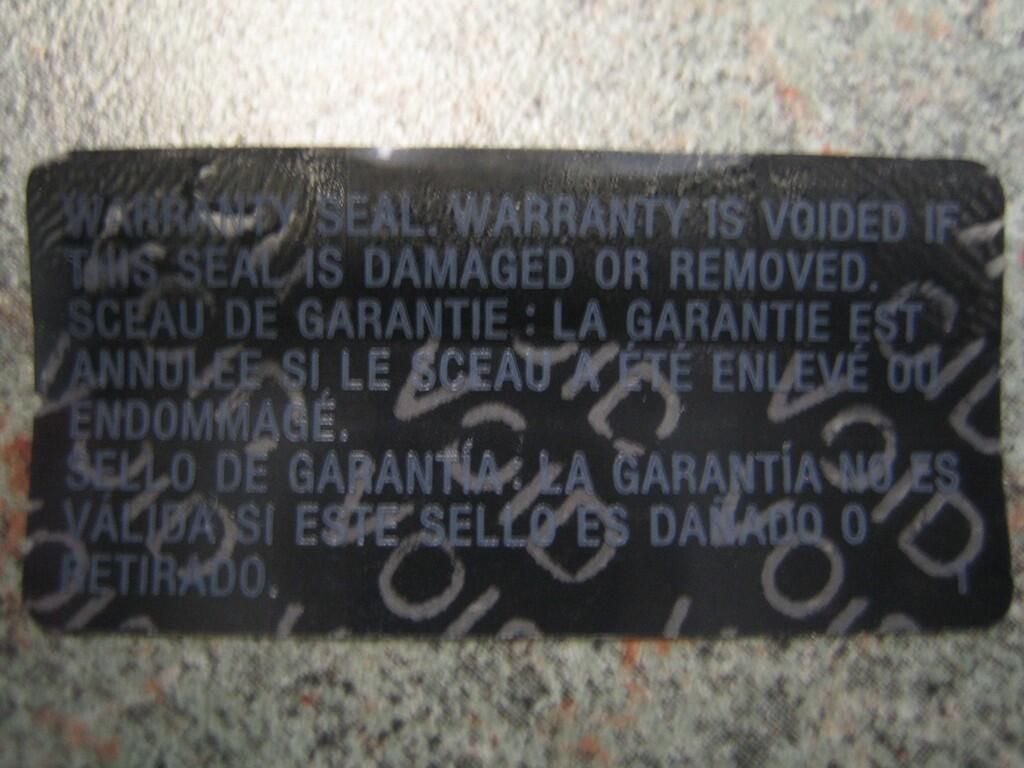
There’s no going back now.
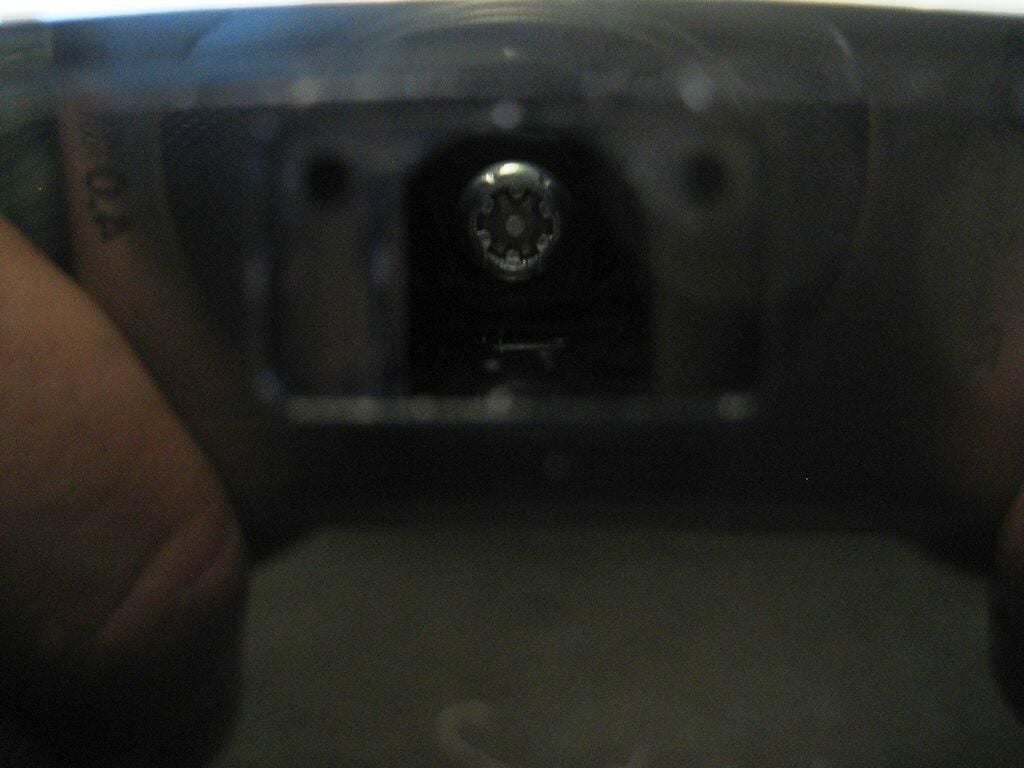
Removing the rubber pad reveals a Torx security screw–with a raised pin in the center. I was able to remove the screw with a regular Torx driver.
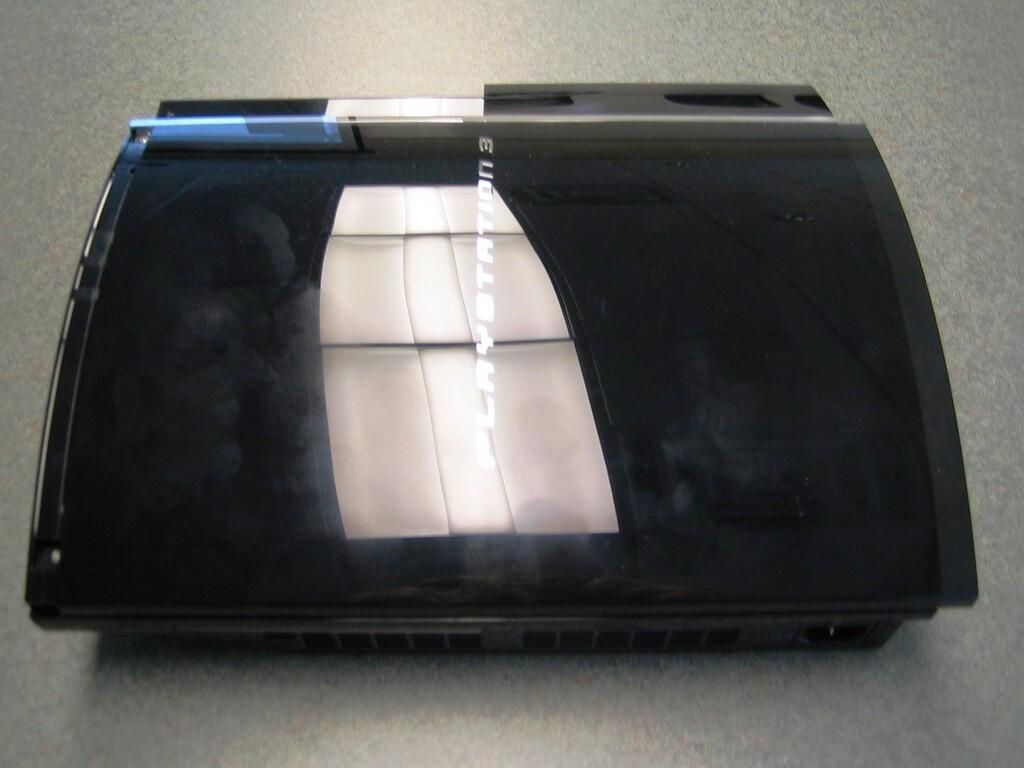
With the single security screw removed, you can slide the PlayStation’s top cover sideways and remove it.
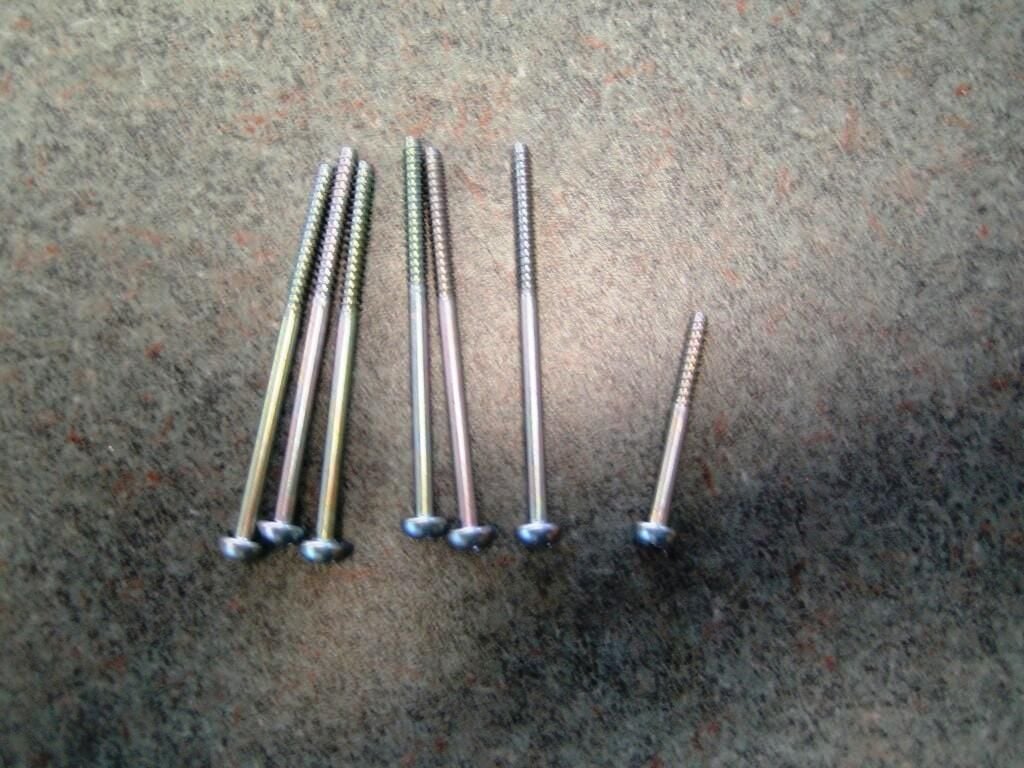
One screw is shorter than the others.
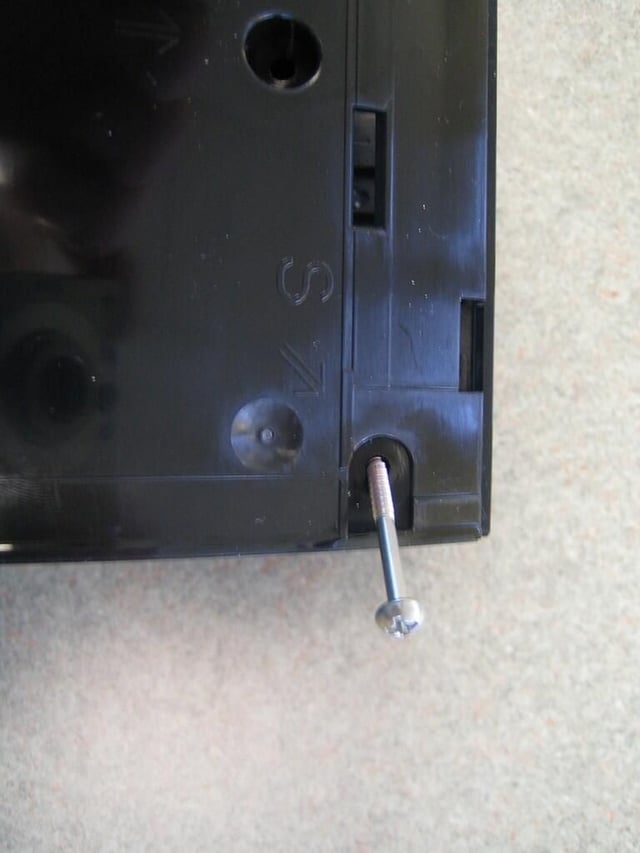
Luckily, an S marks the location of the short screw.
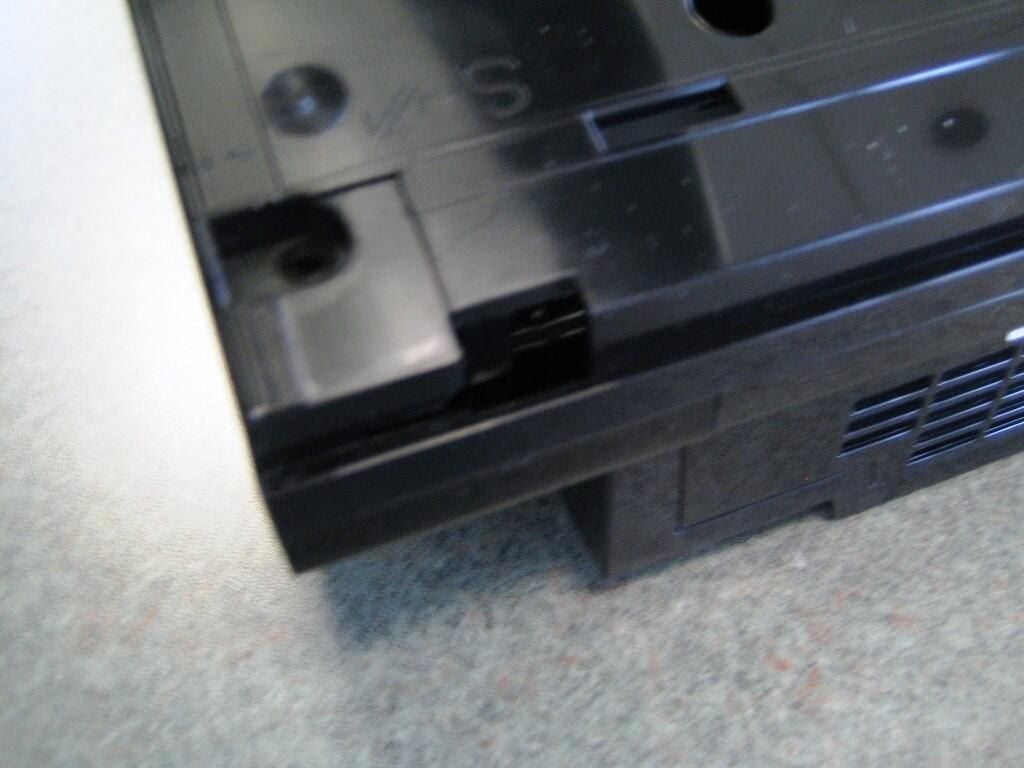
Once the screws have been removed and safely set aside, gently depress the plastic clips that secure the top of the case to the bottom. There are two clips at the back and one in the middle of the case. You’ll need a screw driver to press inside the small square holes and release the latches.
As you release the latches, gently pull up on the top of the case from the back of the PS3.
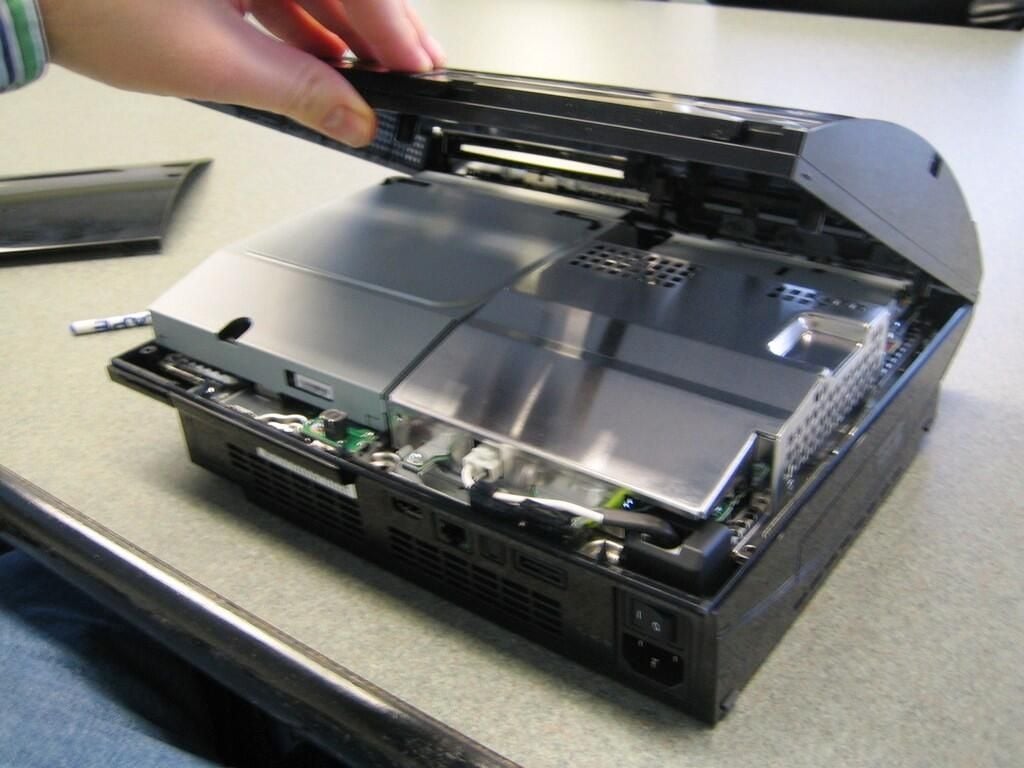
With the latches released, the top half of the case should lift off easily.
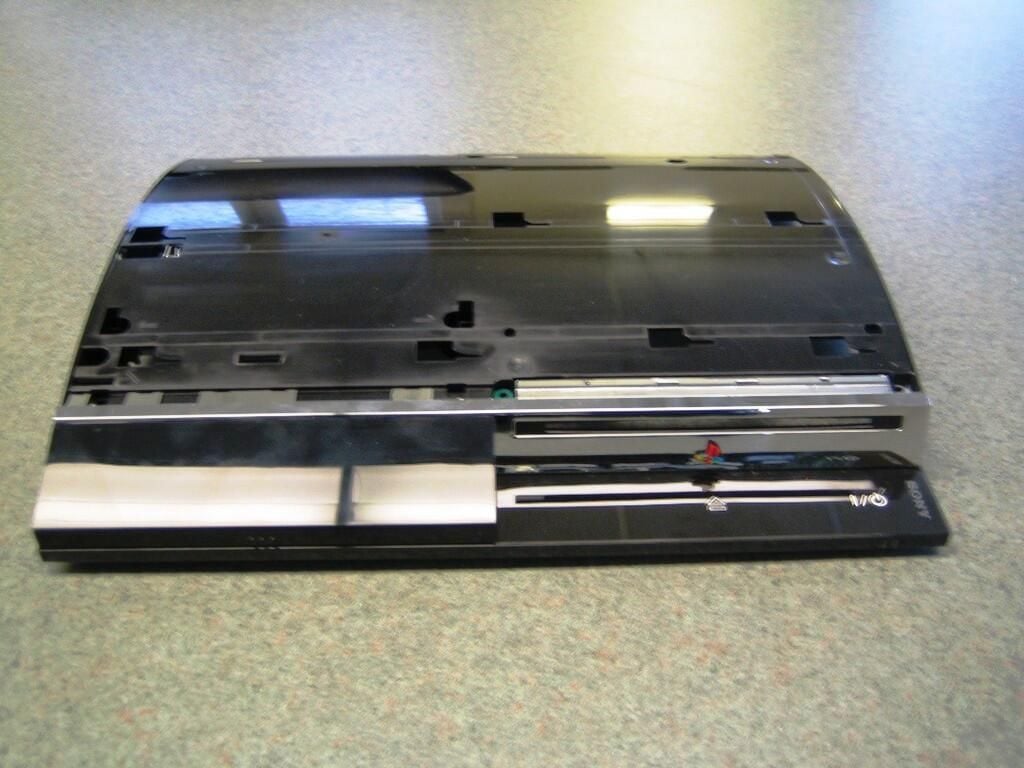
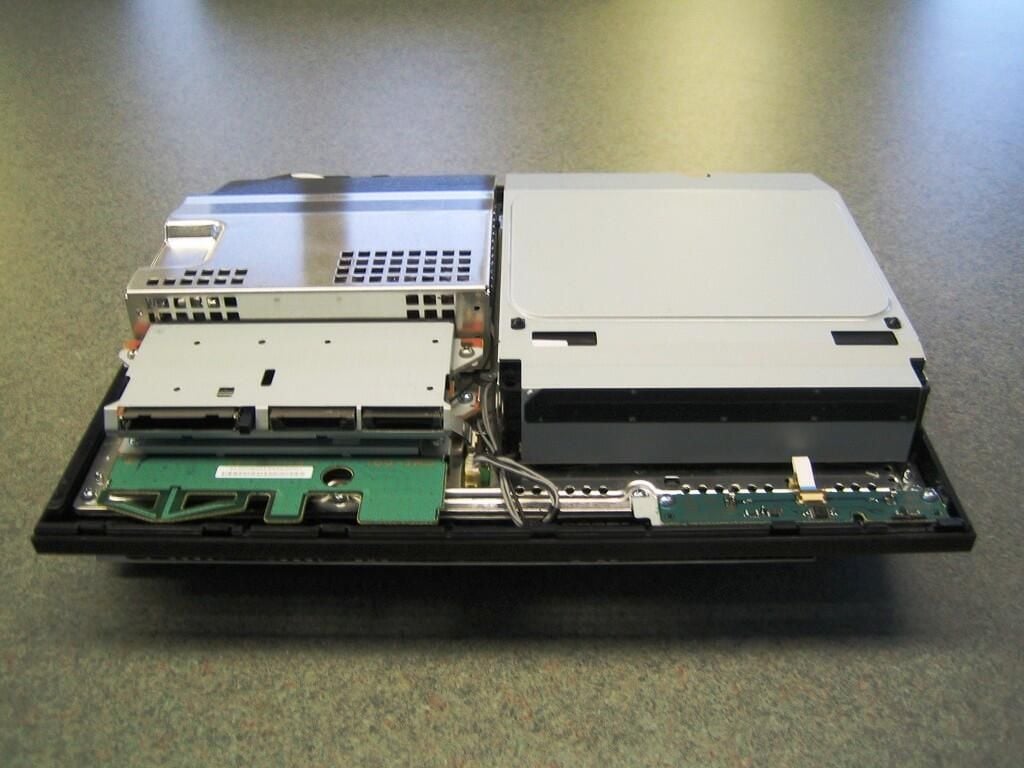
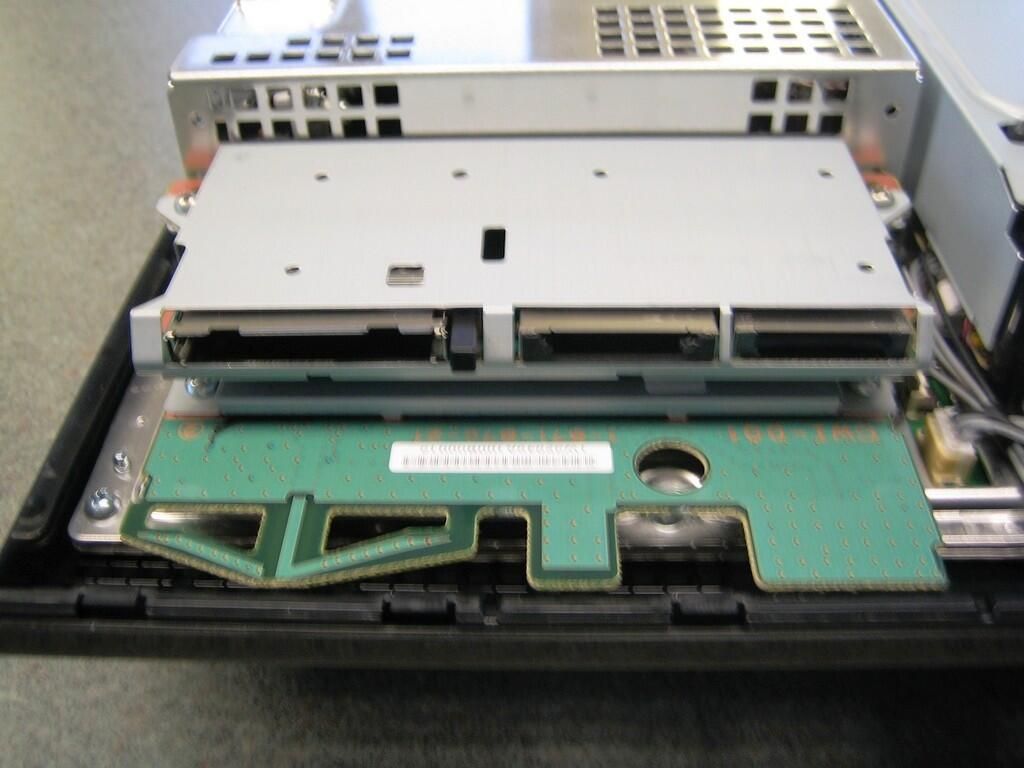
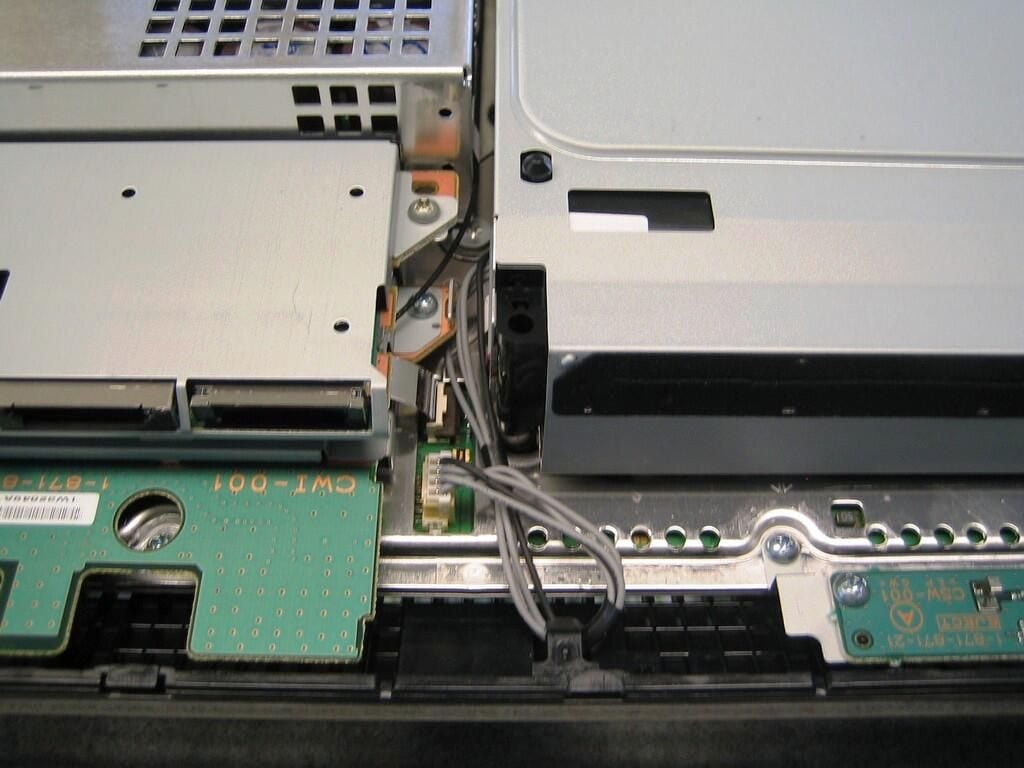
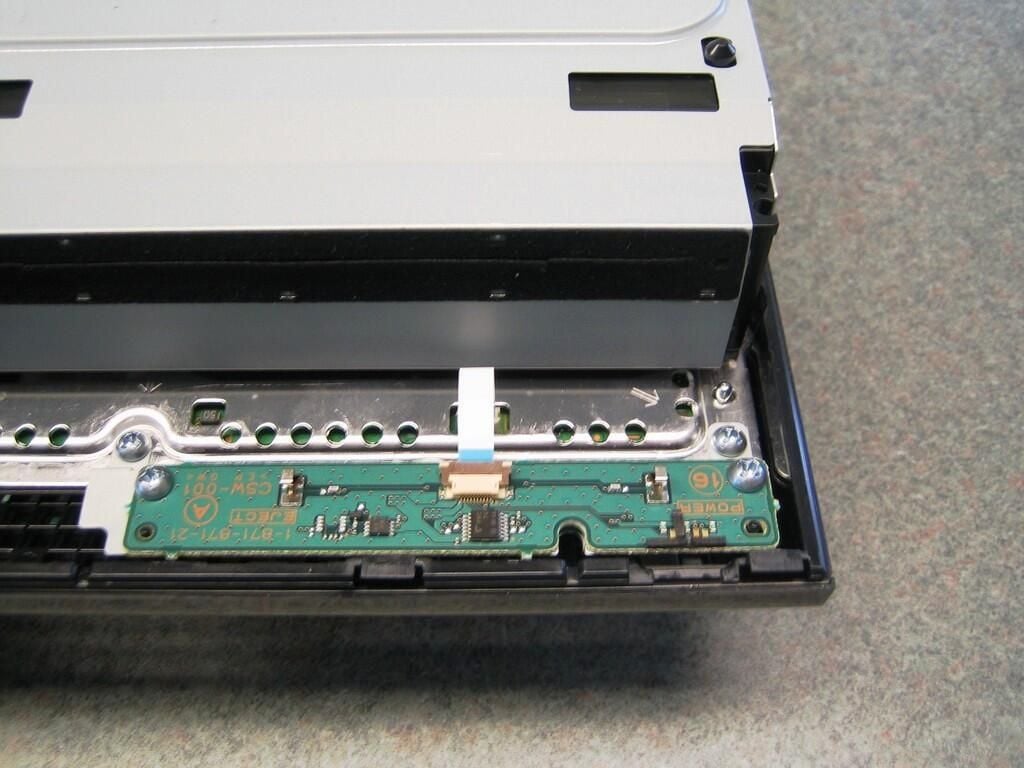
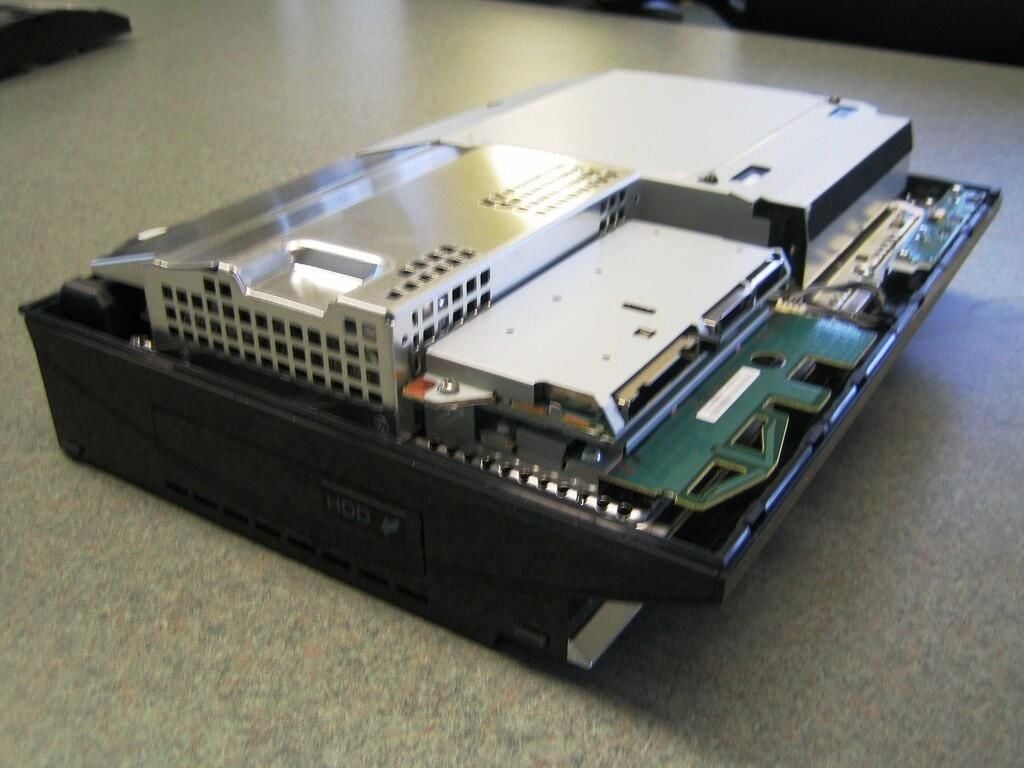
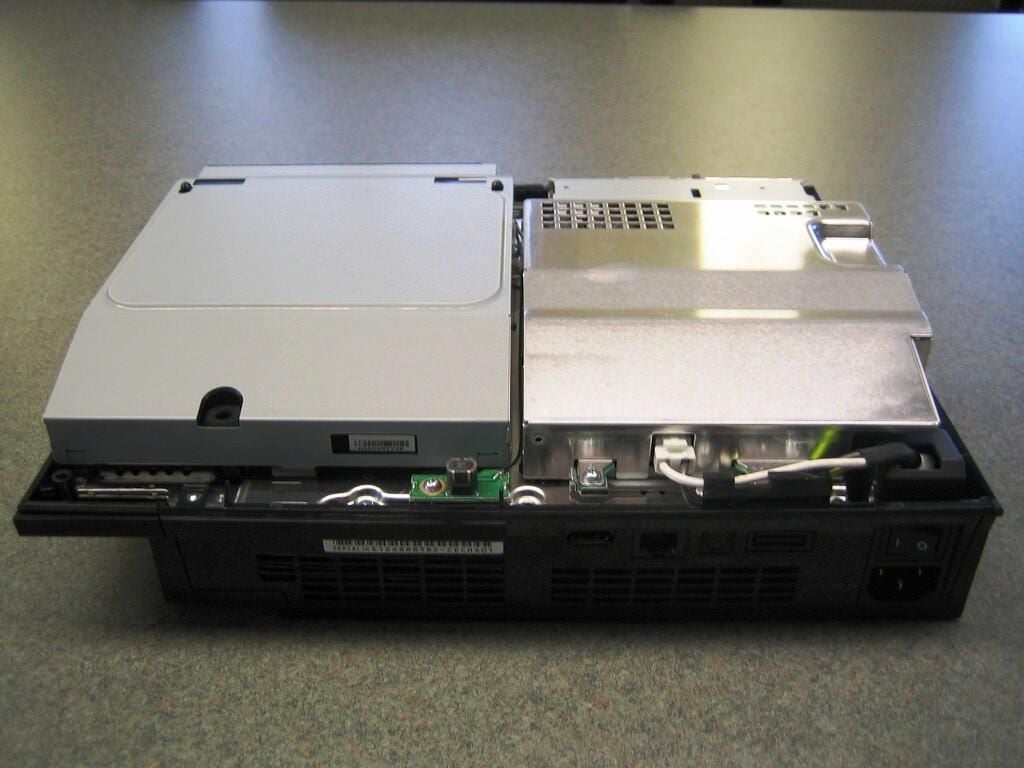
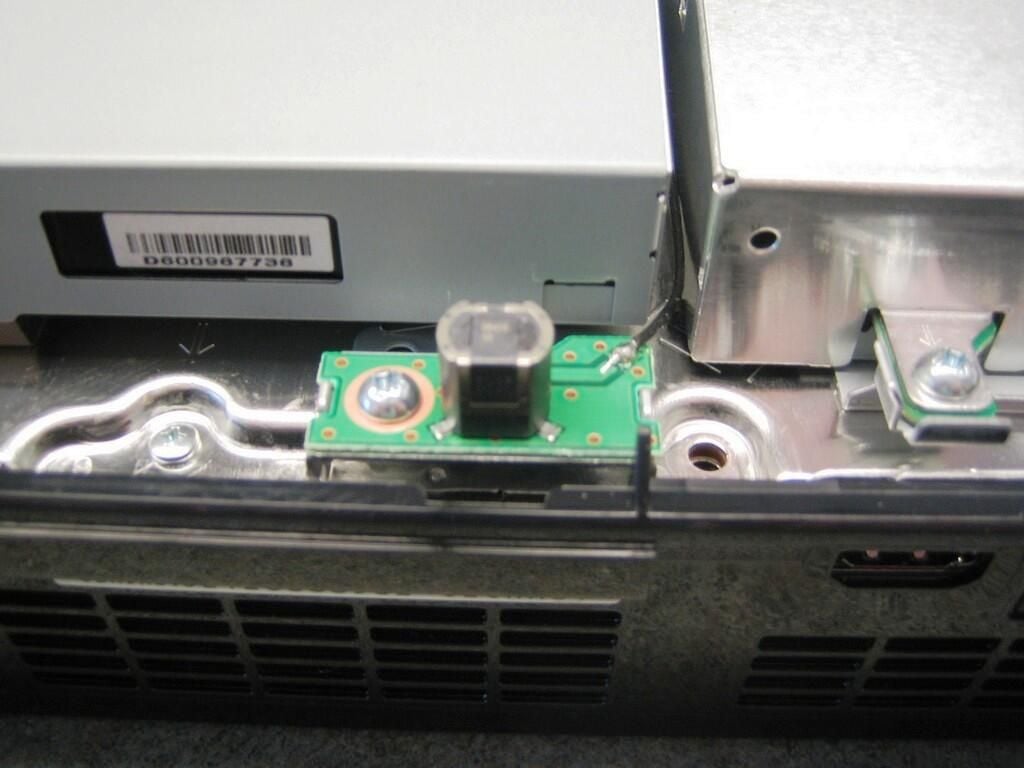
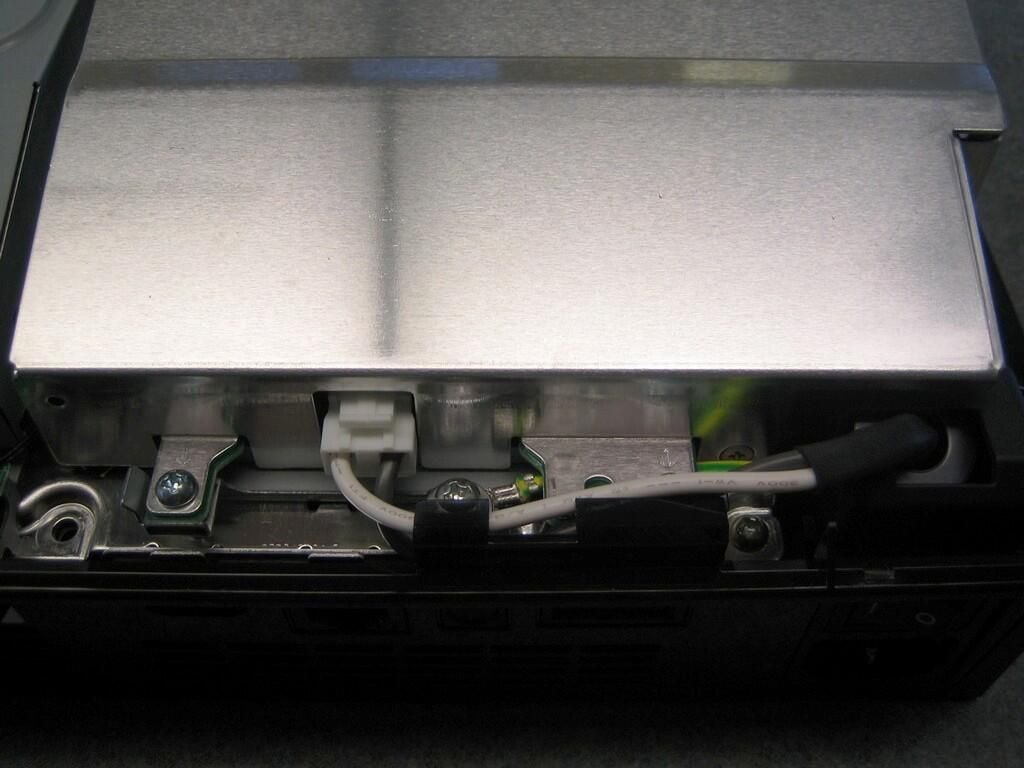
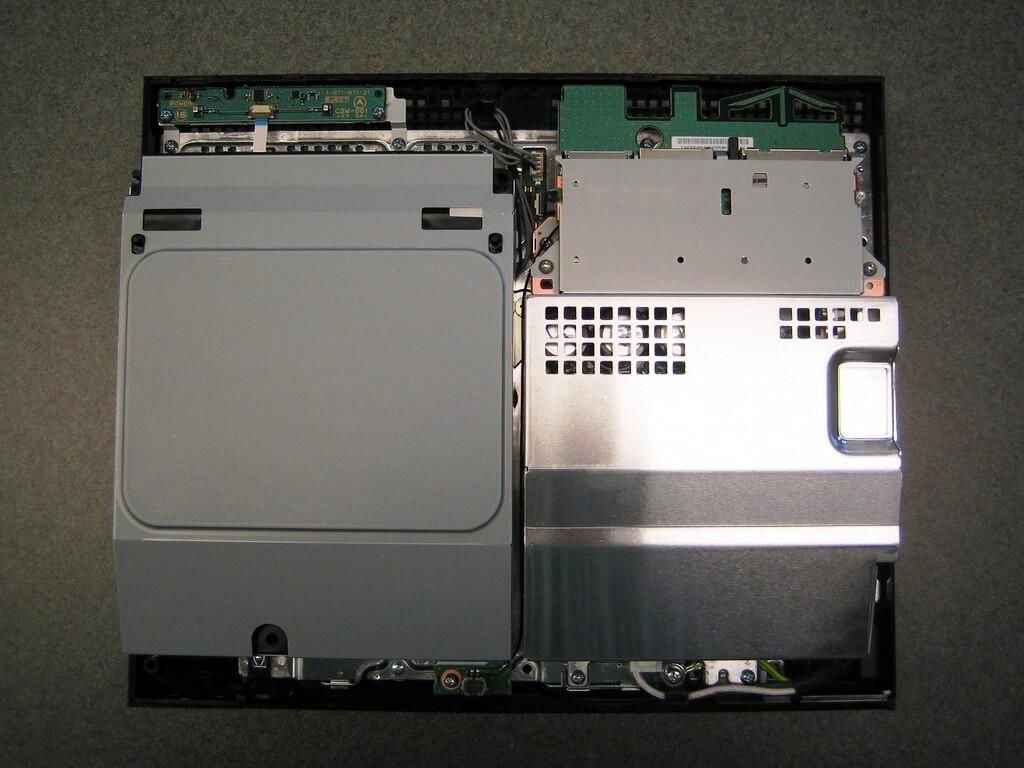
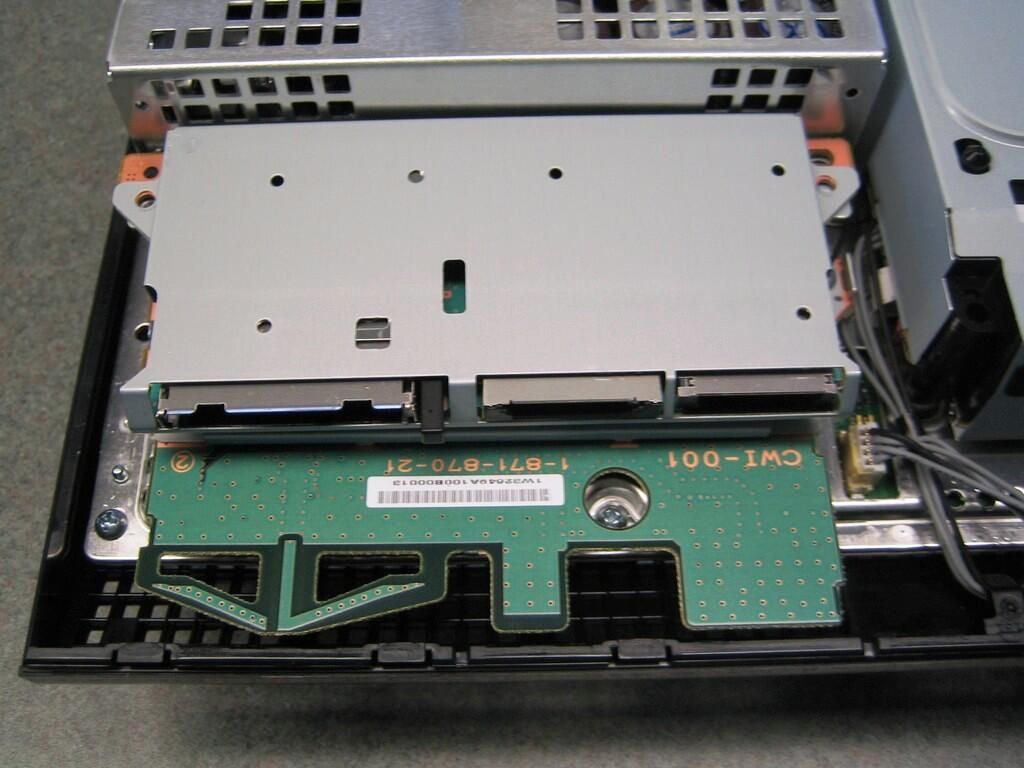
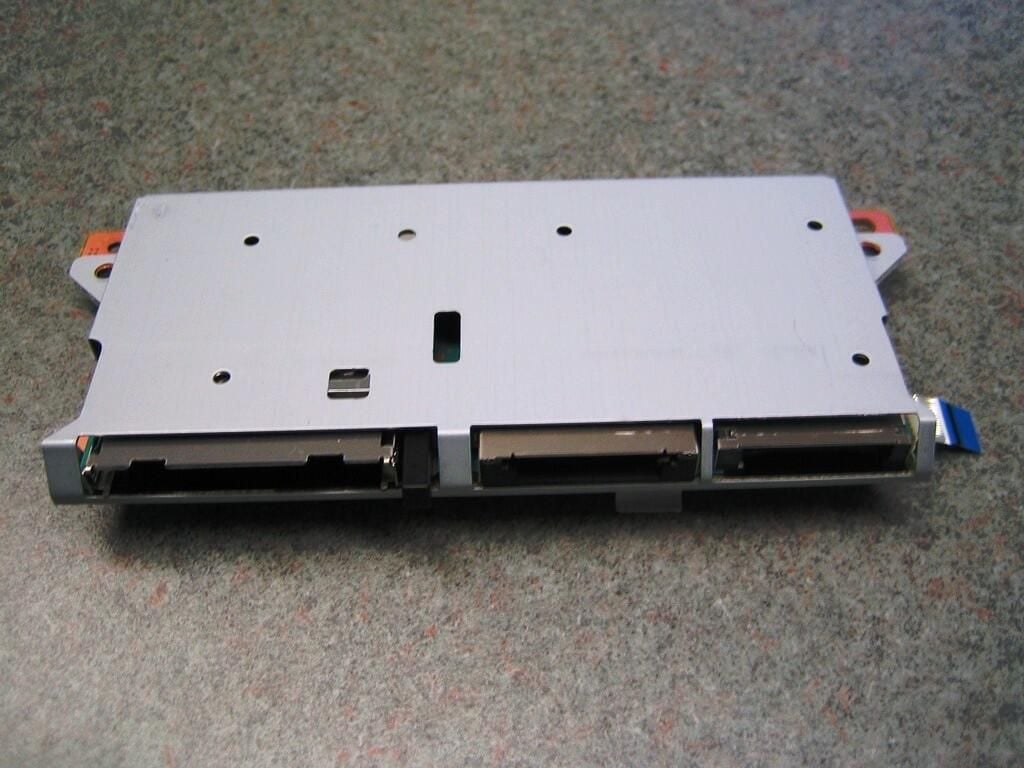
To continue disassembling our 60GB HDD PlayStation 3, we must remove the Memory Stick/SD/CompactFlash unit, which is held in place by two screws.
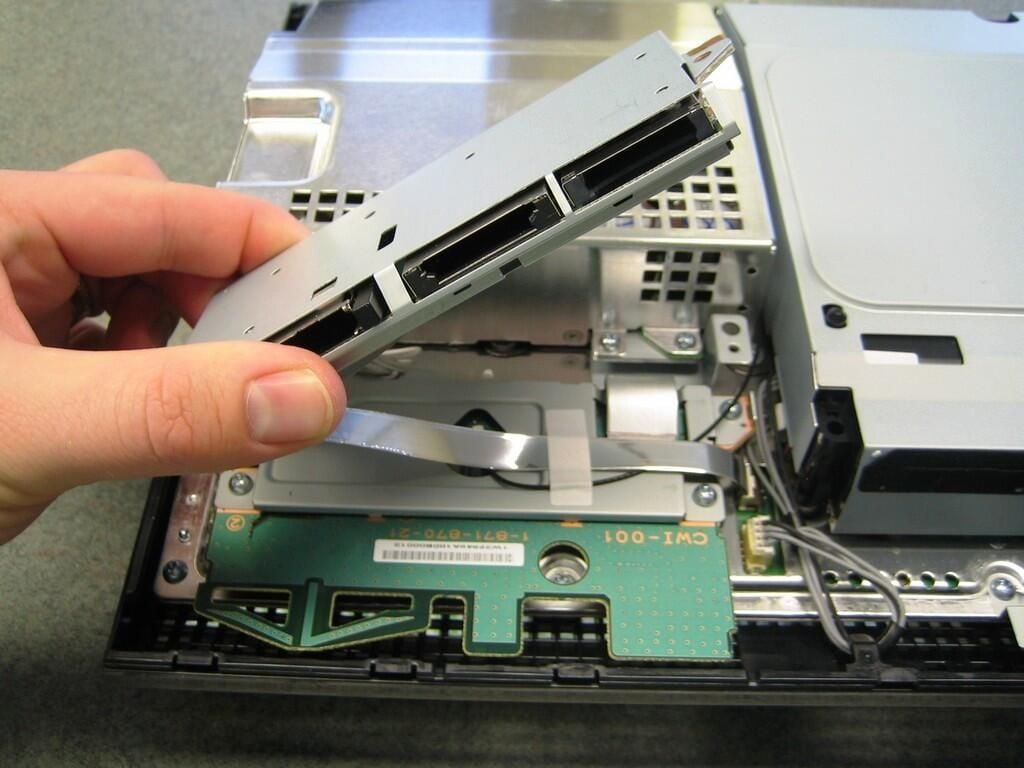
The Memory Stick/SD/CompactFlash unit is connected via very thin ribbon cable. The cable is held in place with a white, adhesive sticker that you will need to cut, tear, or completely remove before disconnecting the cable from the motherboard.
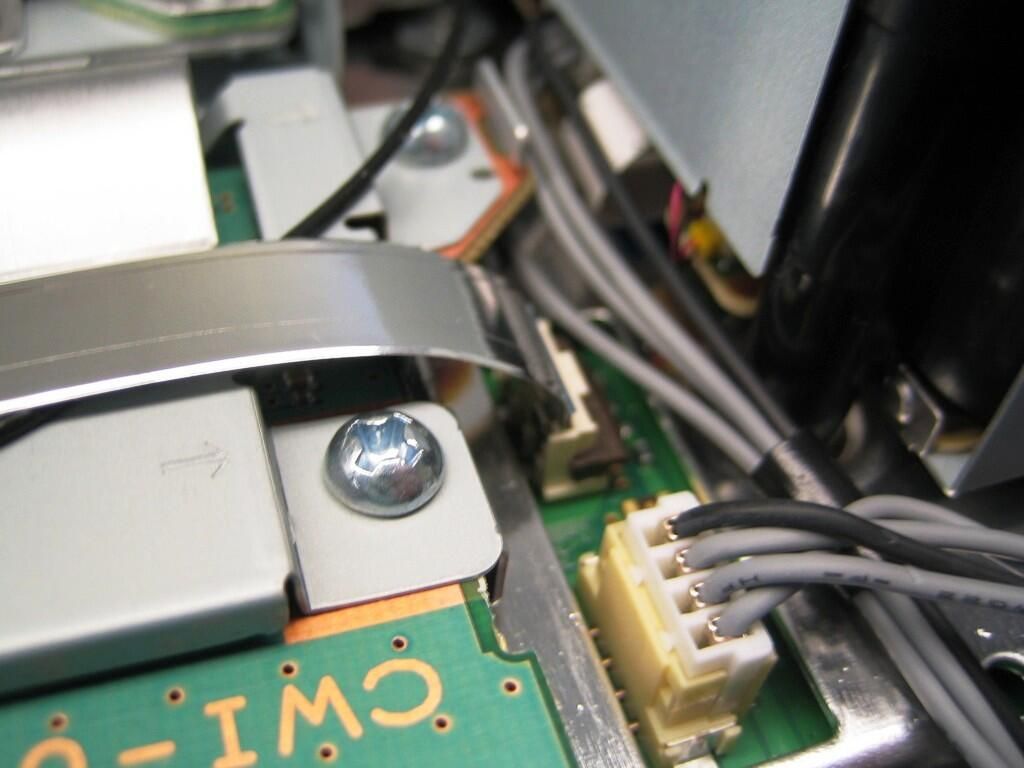
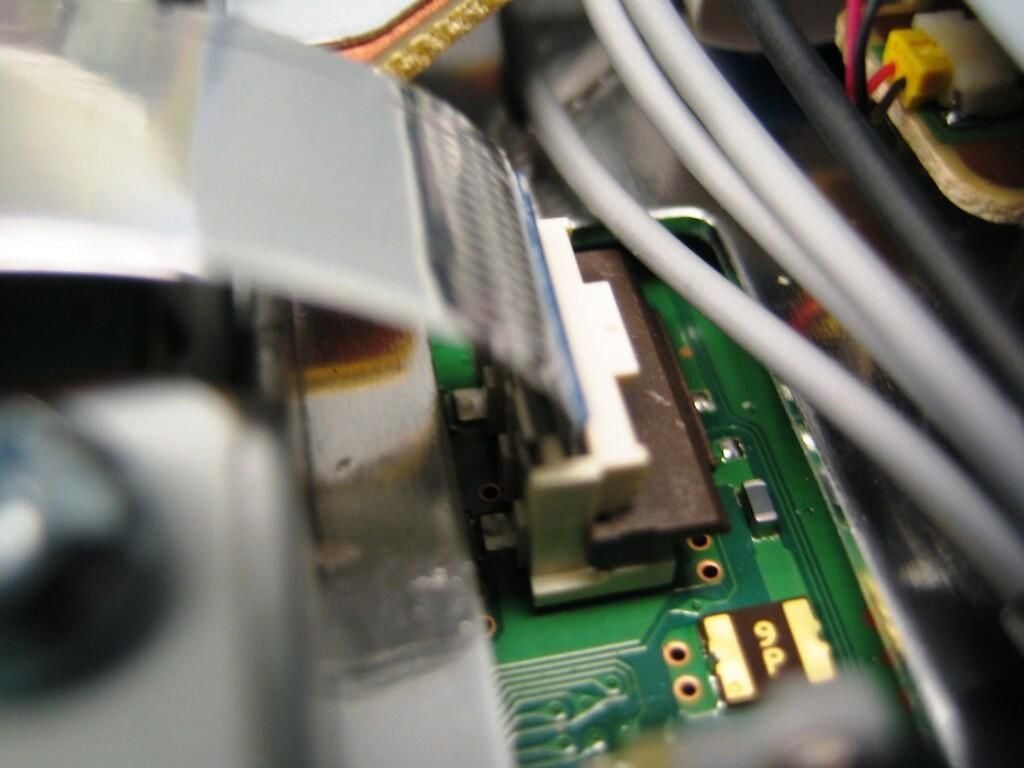
Gently lift up on the ribbon cable connector’s brown gate to release the cable.
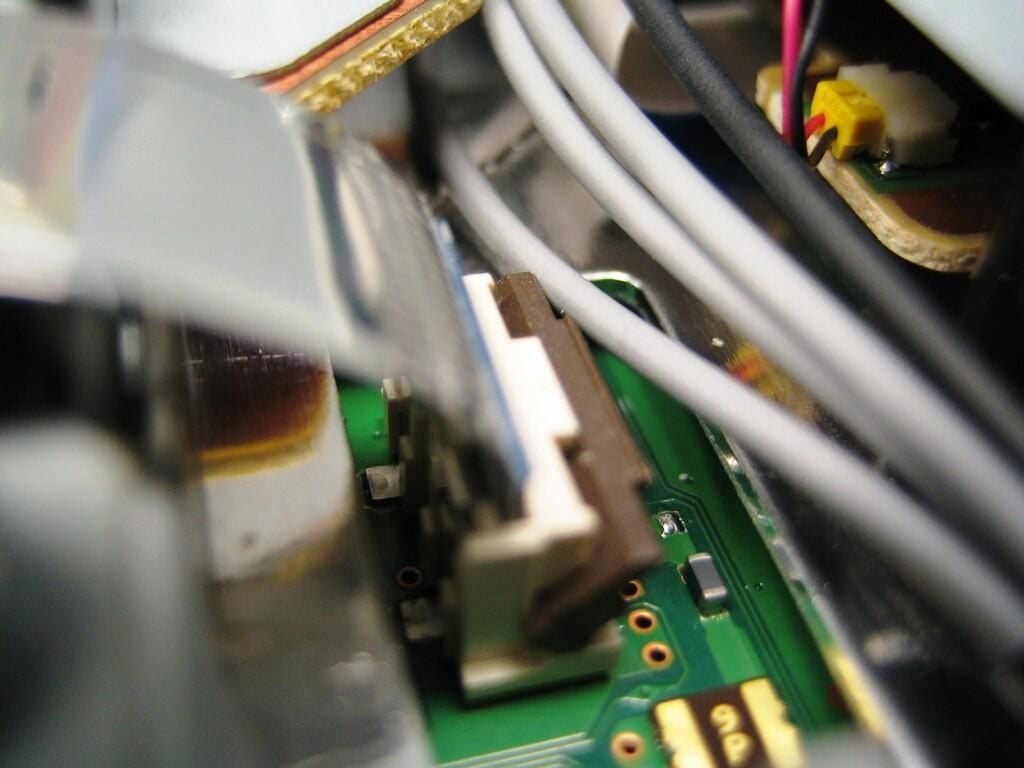
The ribbon cable connector in the open/unlocked position. Now, you can safely remove the ribbon cable.
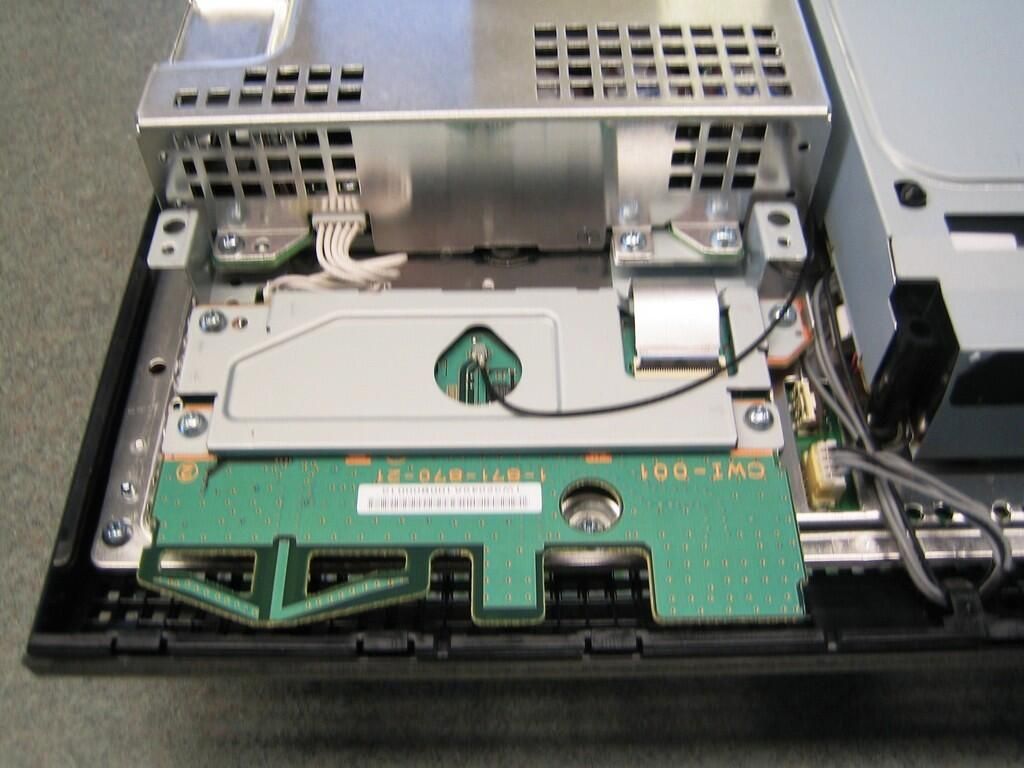
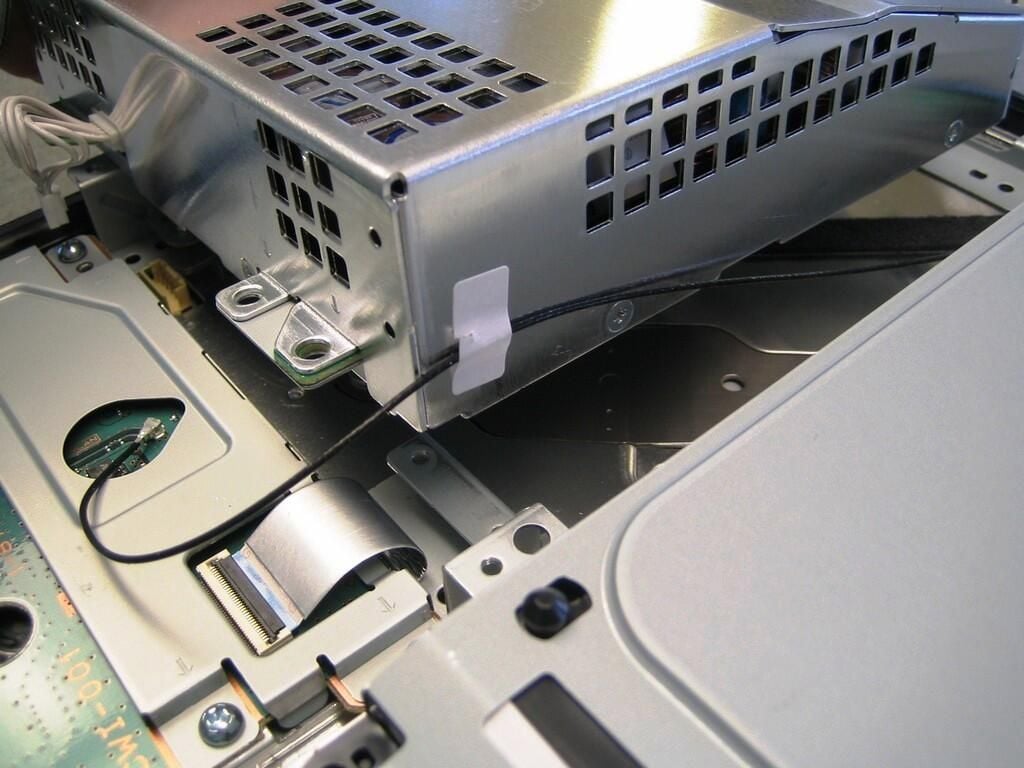
Removing the PlayStation 3’s power supply unit (PSU) is next on our disassembly task list. If you haven’t done so, disconnect all the PSU cables and remove the screws, that hold the PSU to the metal chassis and plastic case.
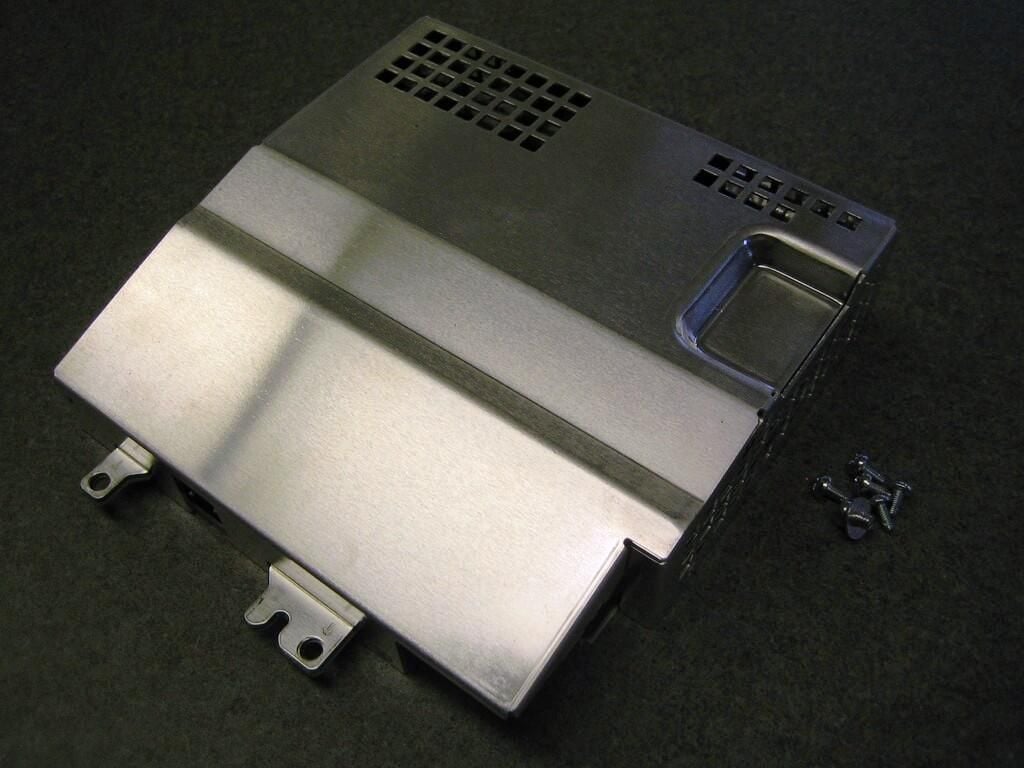
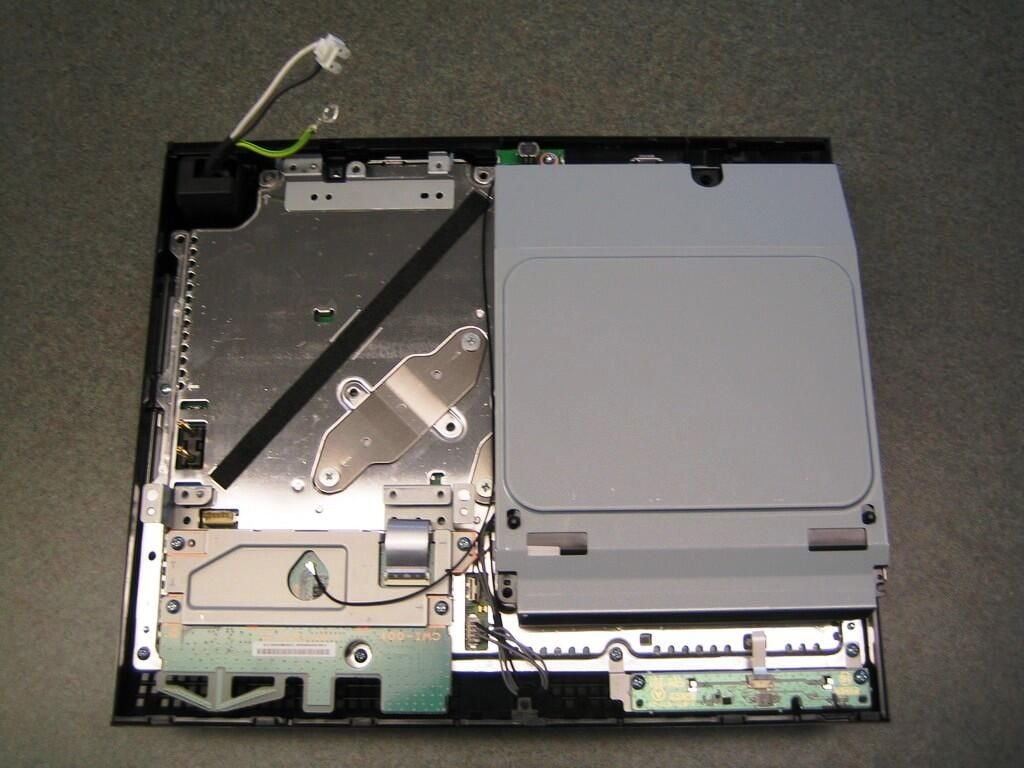
With the power supply unit remove, we can see a bit more of the metal shielding.
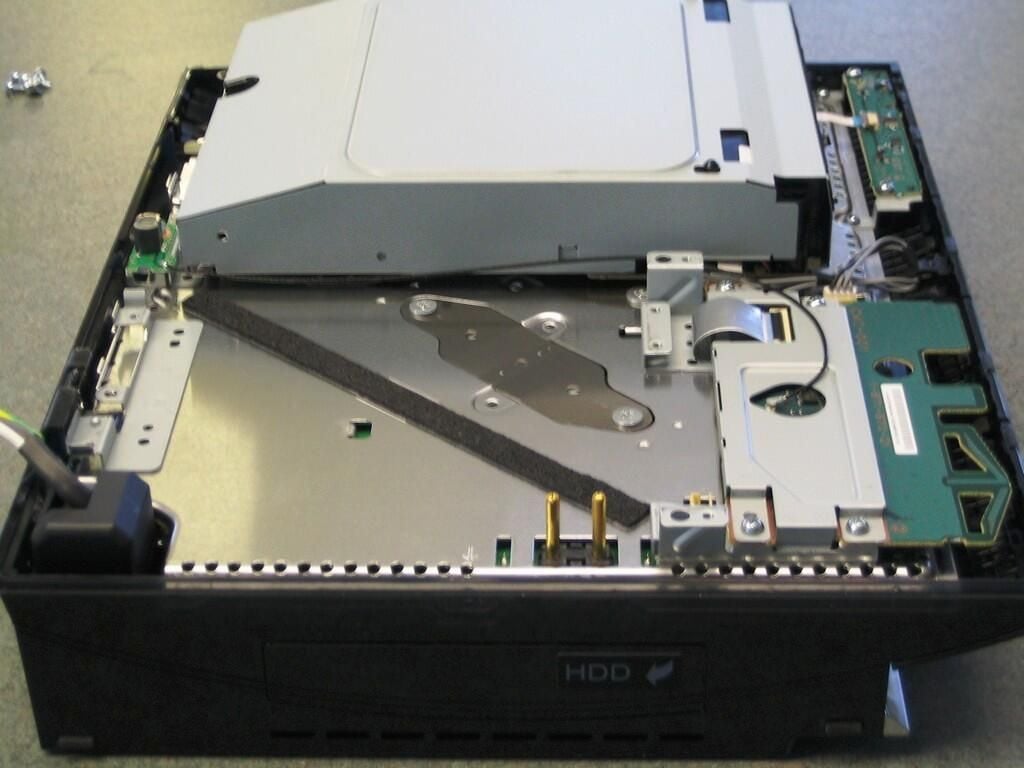
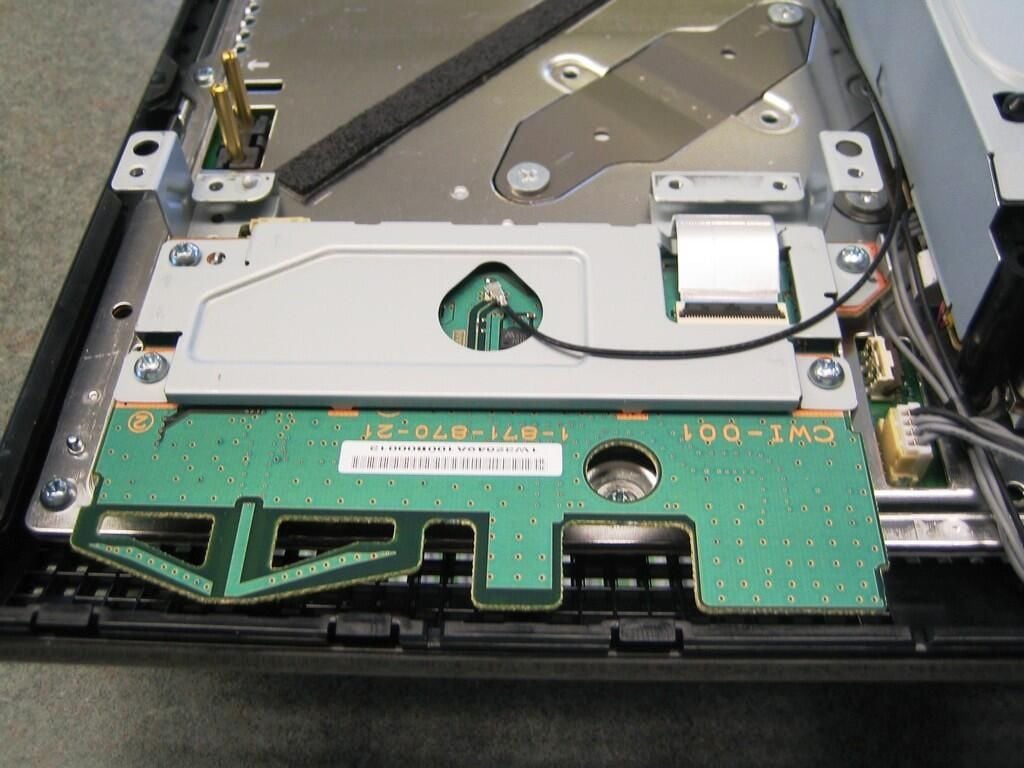
The 60GB HDD PlayStation 3 system contains both Bluetooth and Wi-Fi. I can’t be 100 percent certain, but most of my research indicates that both are located on these boards. My assumption makes sense, as Sony could easily install different boards for each model PS3.
There are four screws holding the front board in place and one screw holding the rear board in place. Remove all five screws.
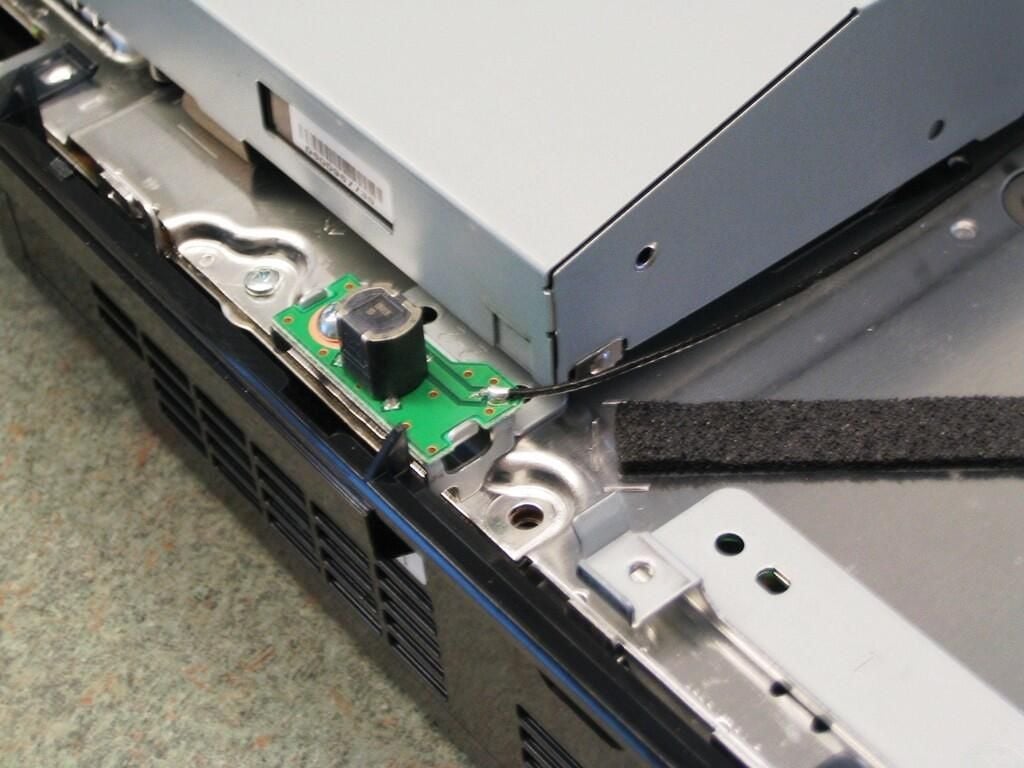
I’m not sure whether this board houses the Bluetooth or Wi-Fi unit. Regardless, you’ll need to remove it to proceed.
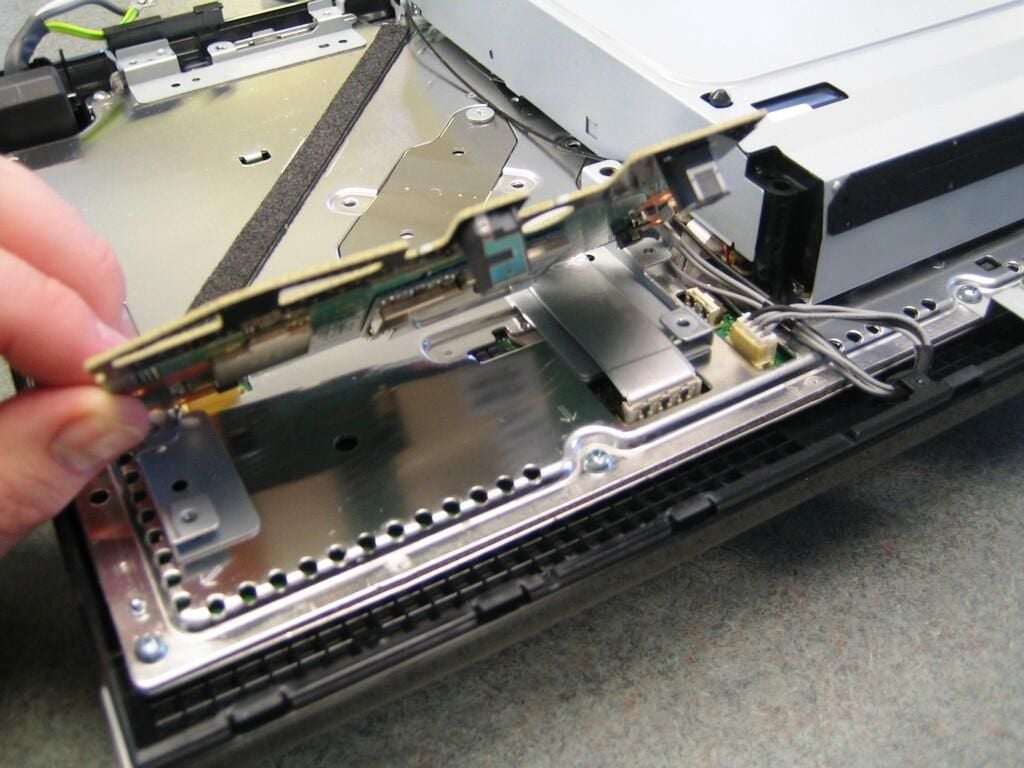
With the screws removed, gently lift off the Bluetooth/Wi-Fi board and locate the board’s ribbon cable.
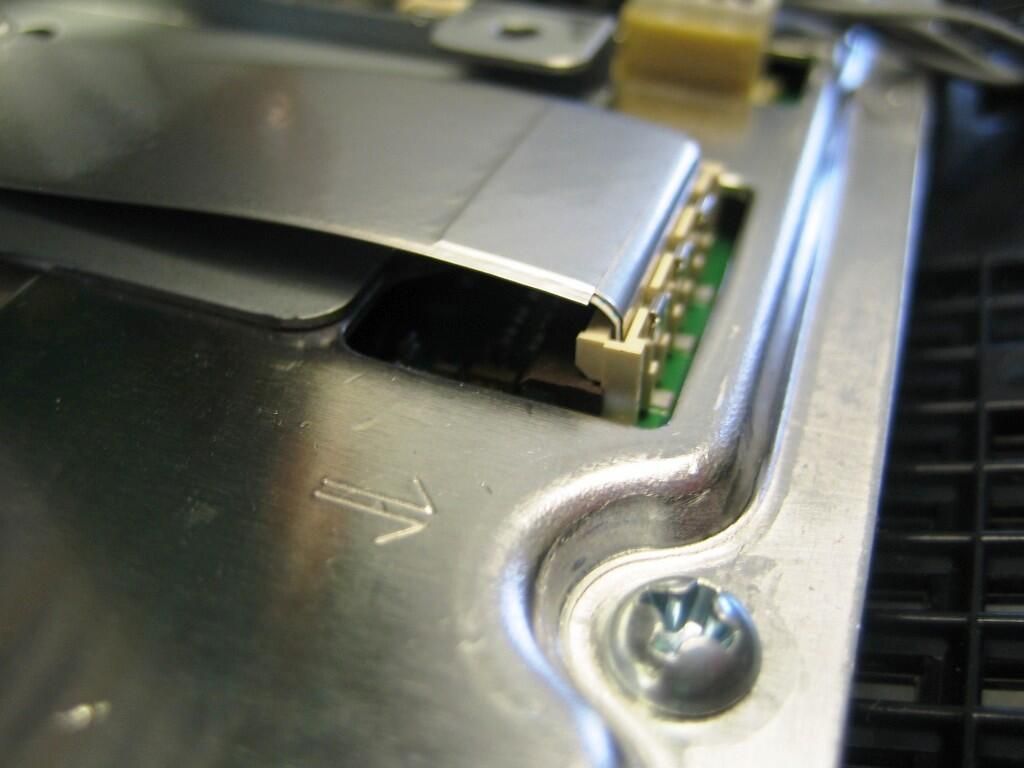
As with the memory card unit’s ribbon cable connector, you’ll need to gently raise the brown gate on the Bluetooth/Wi-Fi board’s ribbon cable connector.
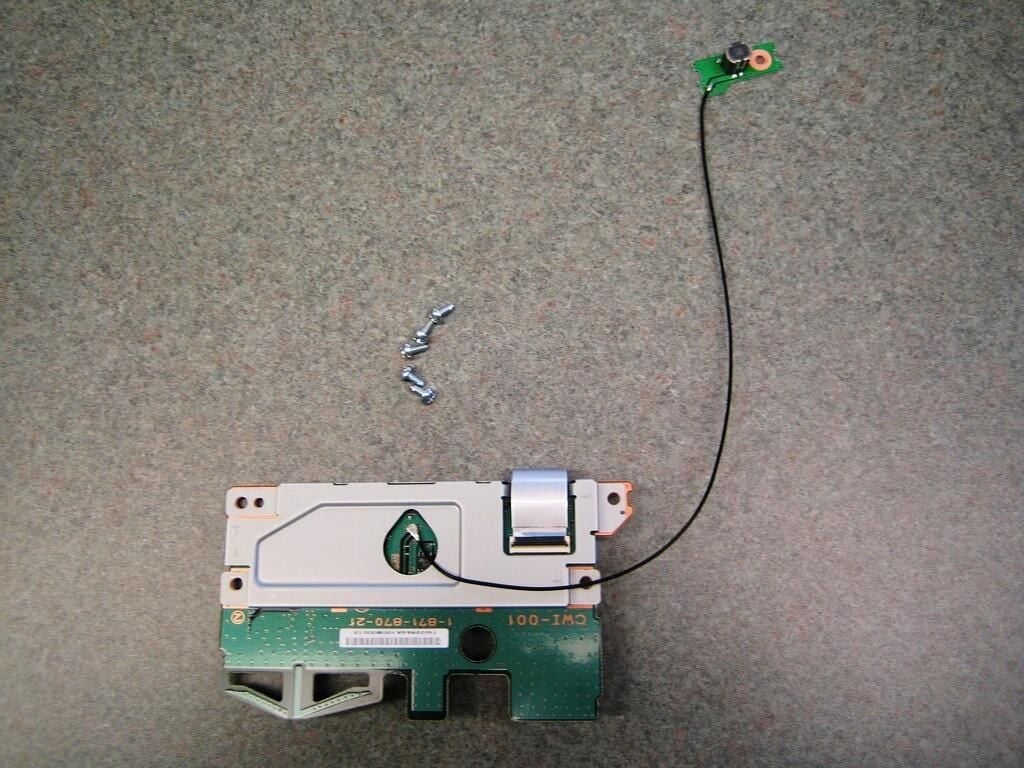
Although both the 60GB HDD and 20GB HDD versions support the PlayStation 3’s wireless Bluetooth controller, only the 60GB HDD version supports Wi-Fi. I’m not sure what this board looks like, or if it even exists, on 20GB HDD PS3 models.
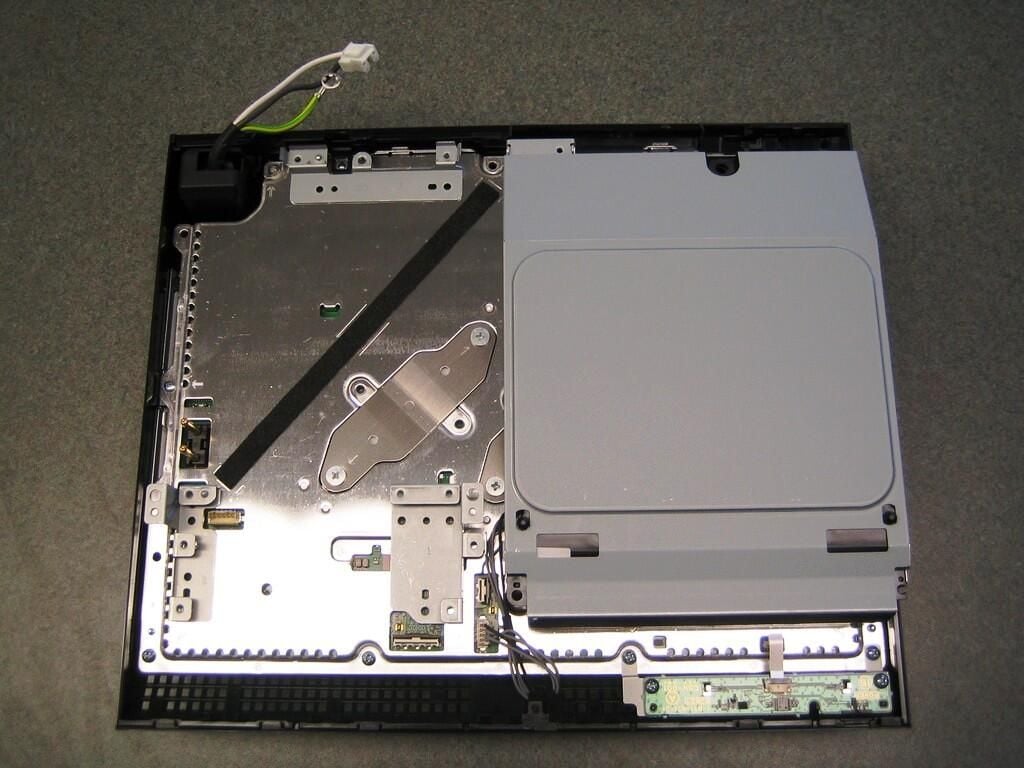
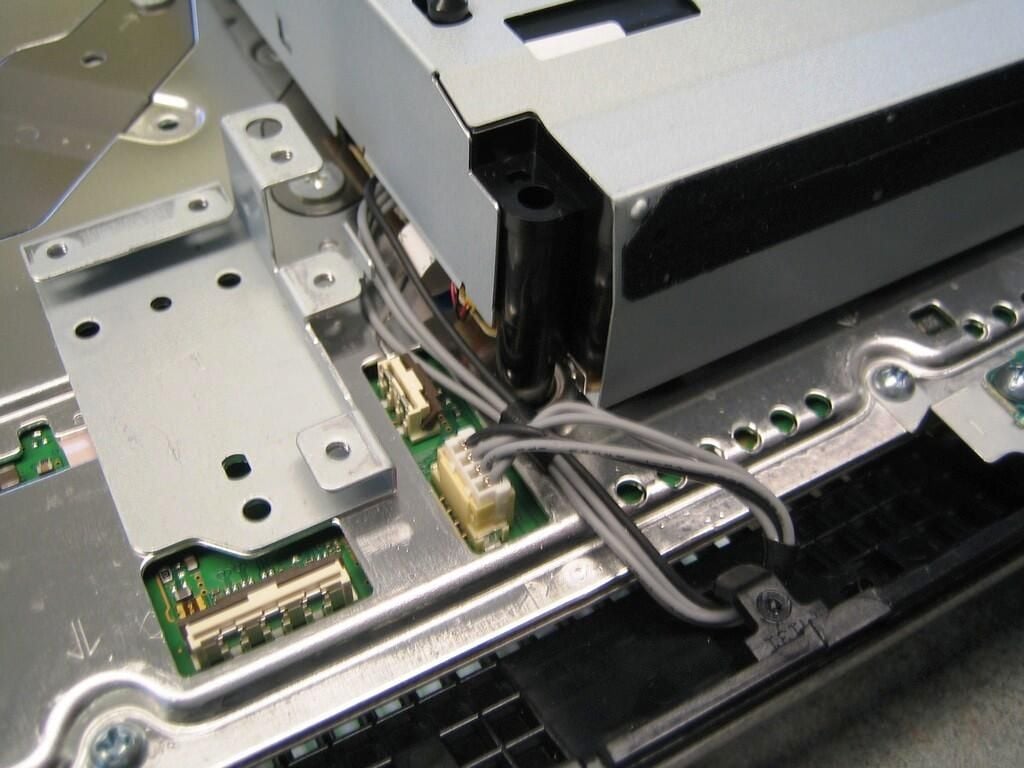
To remove the Blu-ray/DVD/CD Drive, disconnect the drive’s power cable and gently lift up on the drive. Don’t lift too far. The drive’s ribbon cable is hidden under the drive and must also be disconnected.
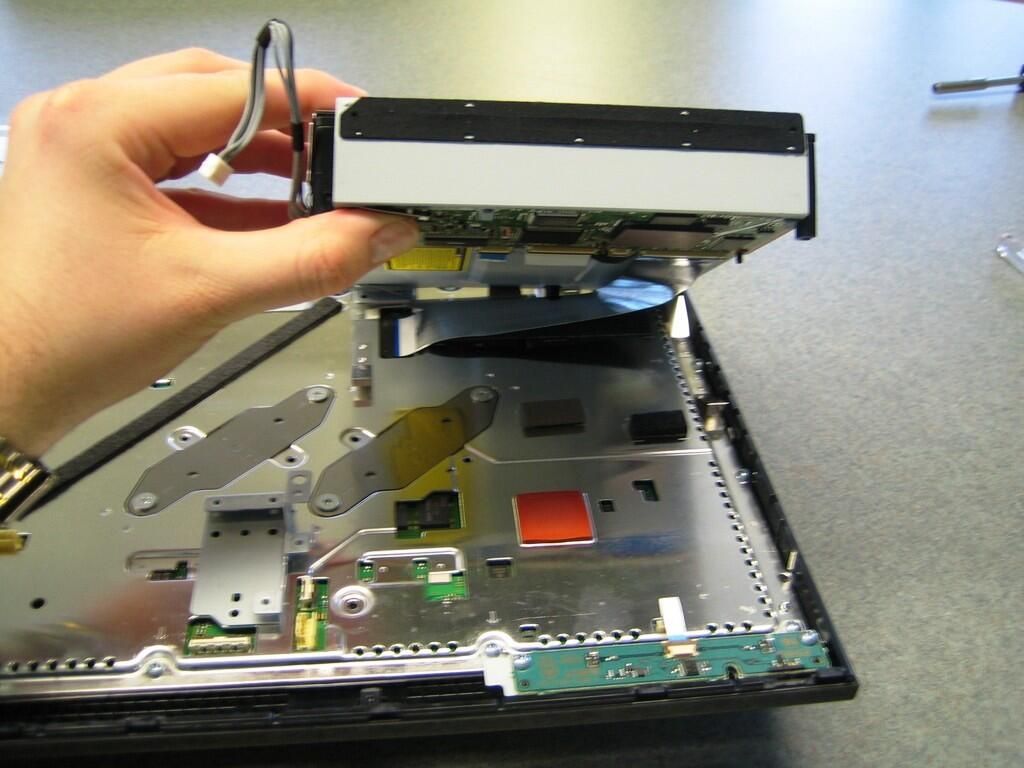
The ribbon cable is folded under the drive.
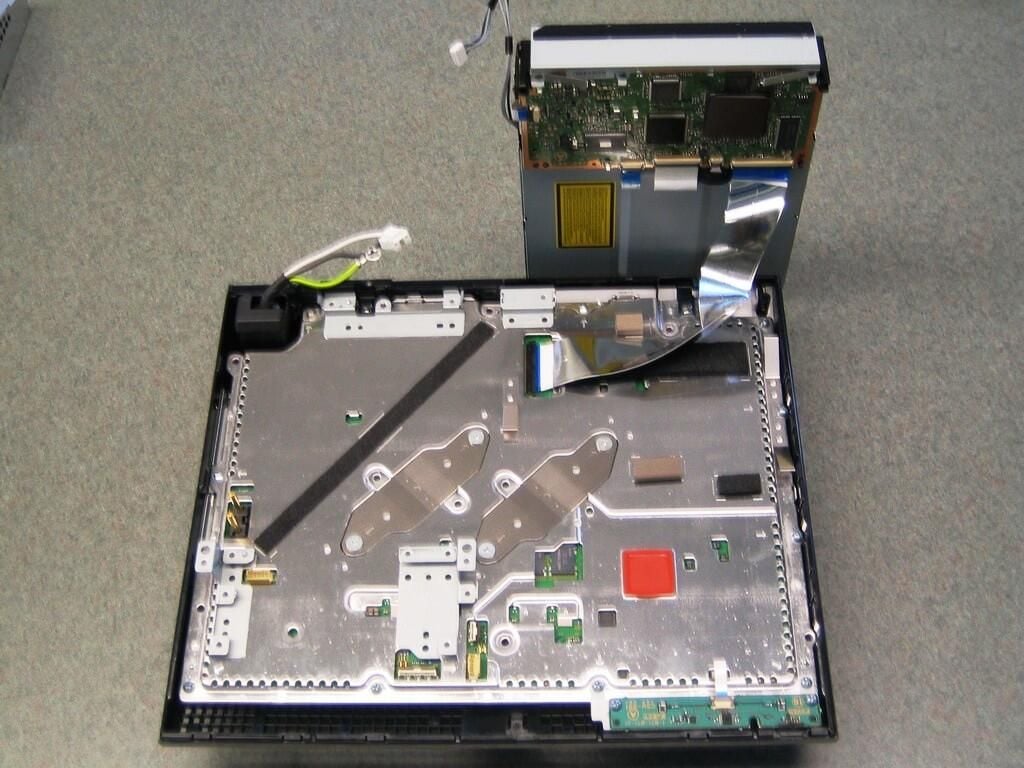
By standing the drive up on end, I could use both hands to remove the ribbon cable.
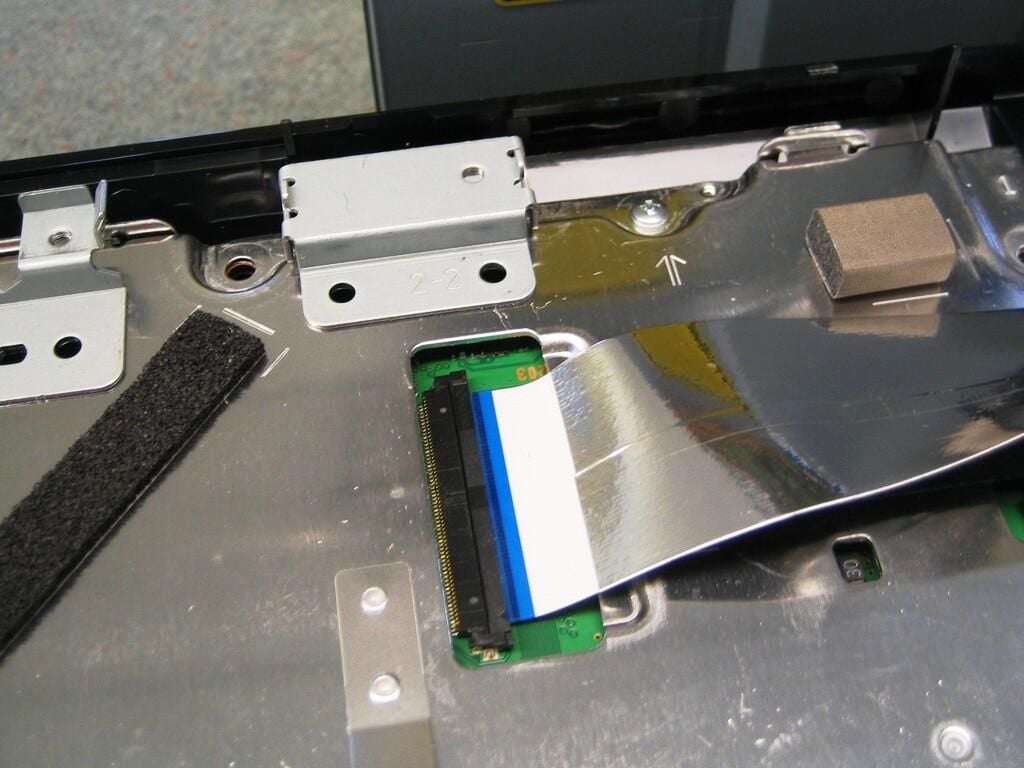
I really hate these fragile ribbon cable connectors.
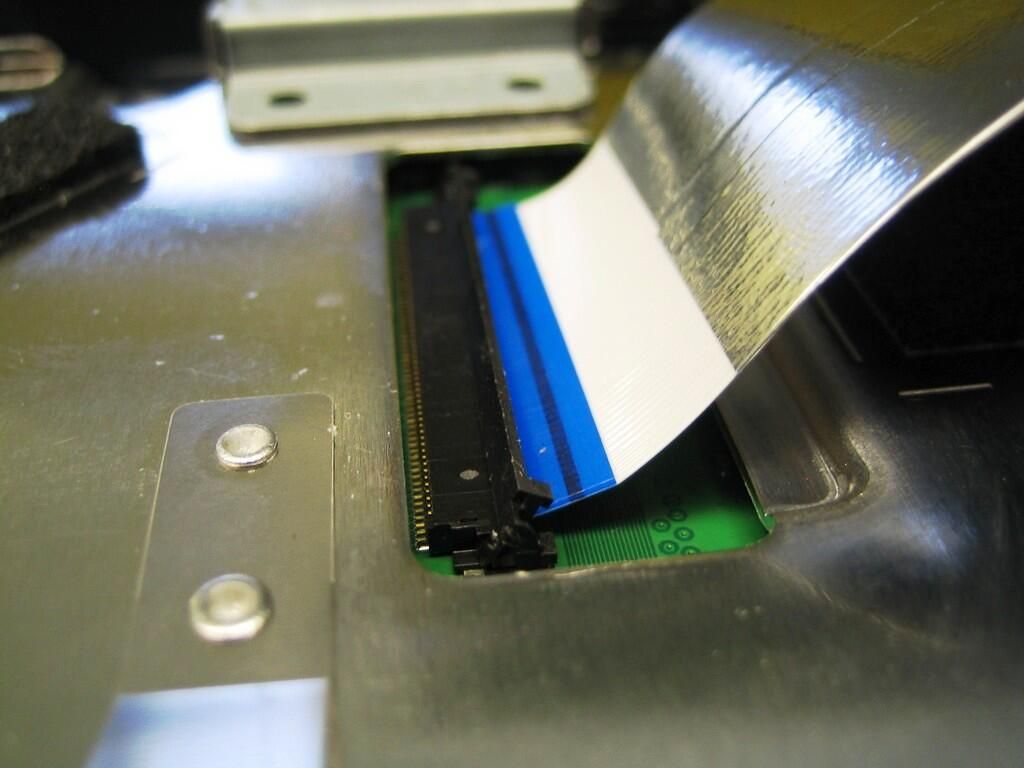
Very gently lift up the gate on the connector and pull the cable free.
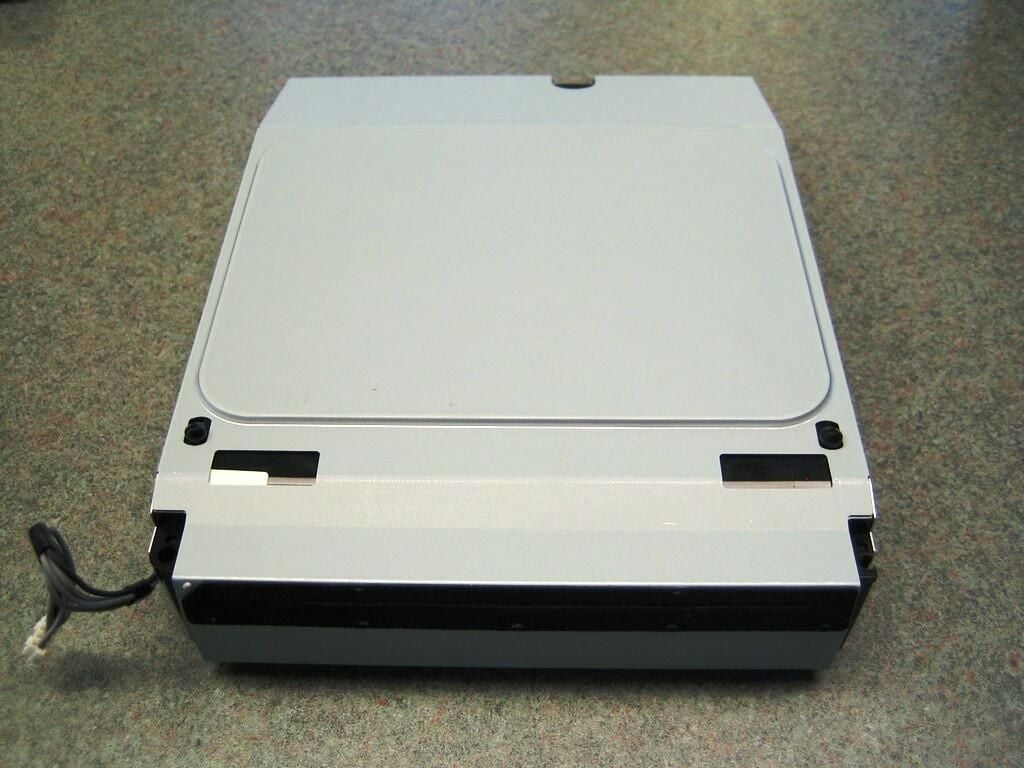
Well, here it is. The much-hyped Blu-ray drive that Sony hopes will be the next video standard.
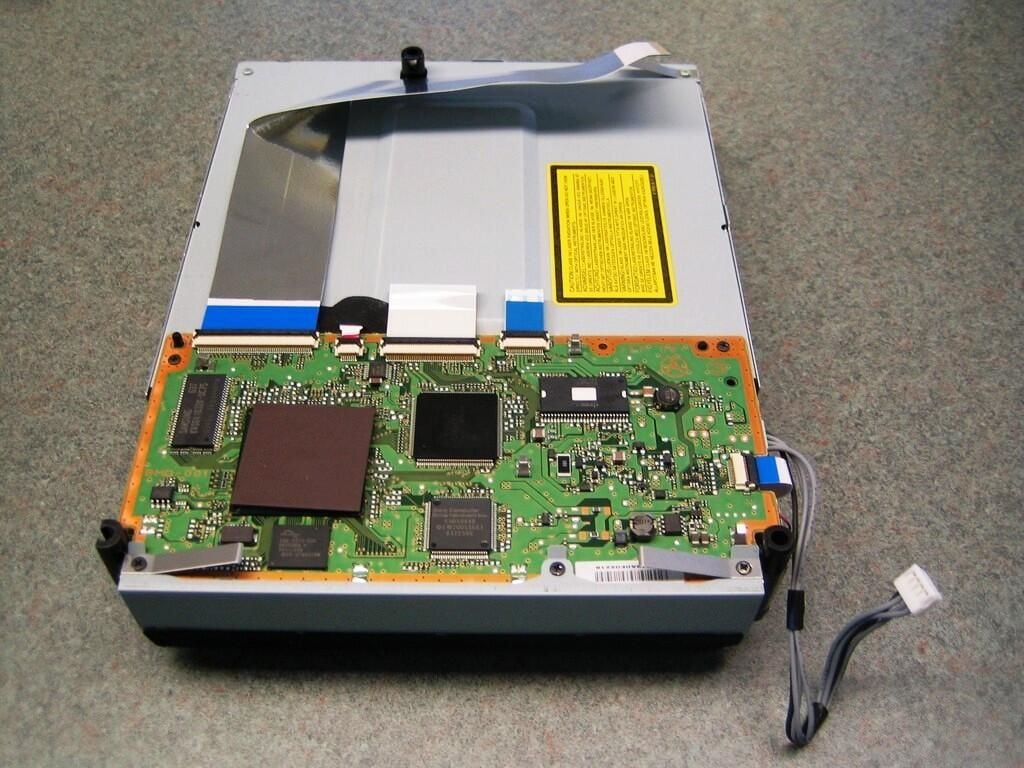
The drive’s controller board is mounted under the drive.
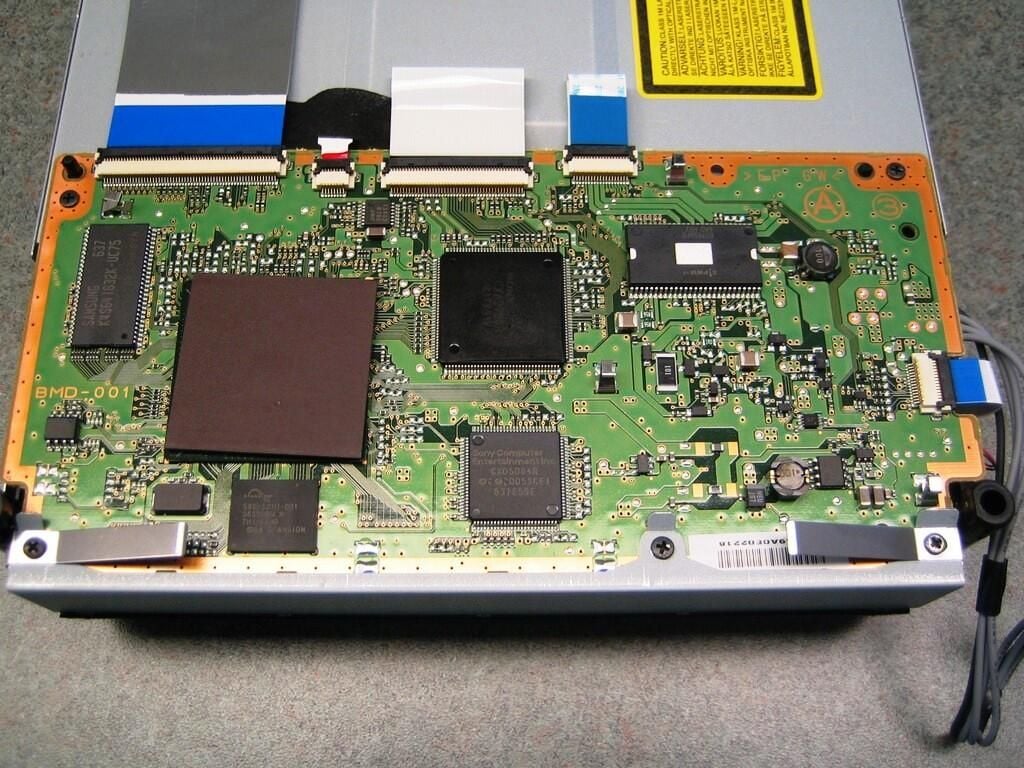
The drive’s controller board contains a 64M
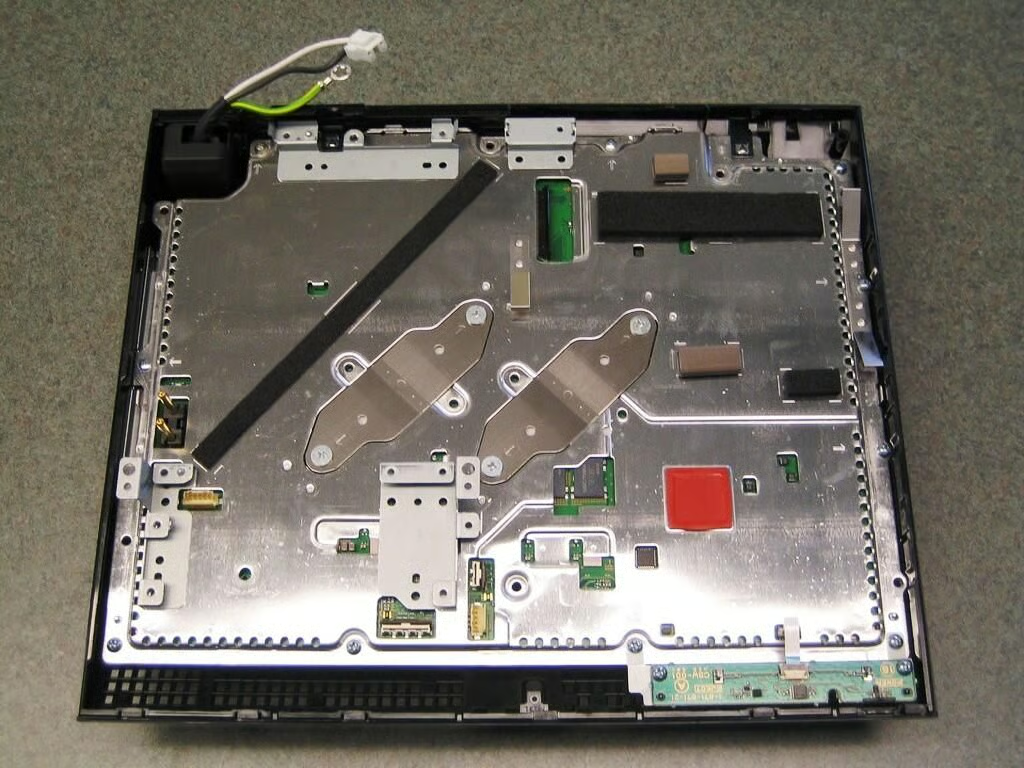
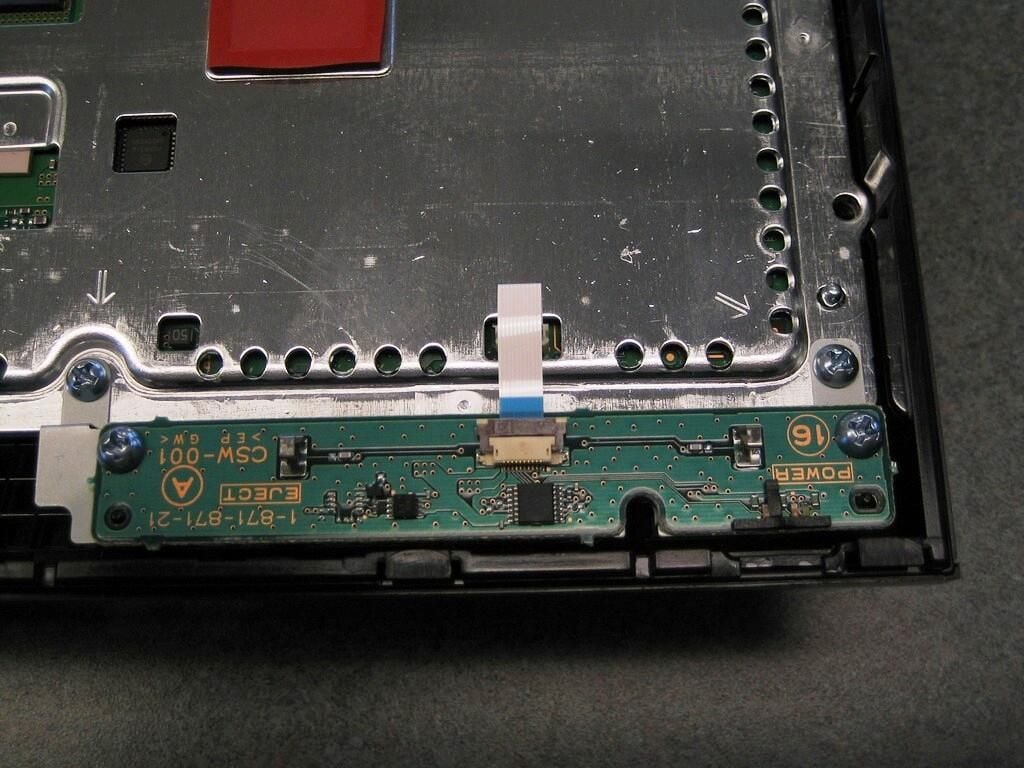
Next, remove the four screws that hold the power and eject button circuit board and its metal stand. Then, gently disconnect the board’s ribbon cable and remove the board and stand.
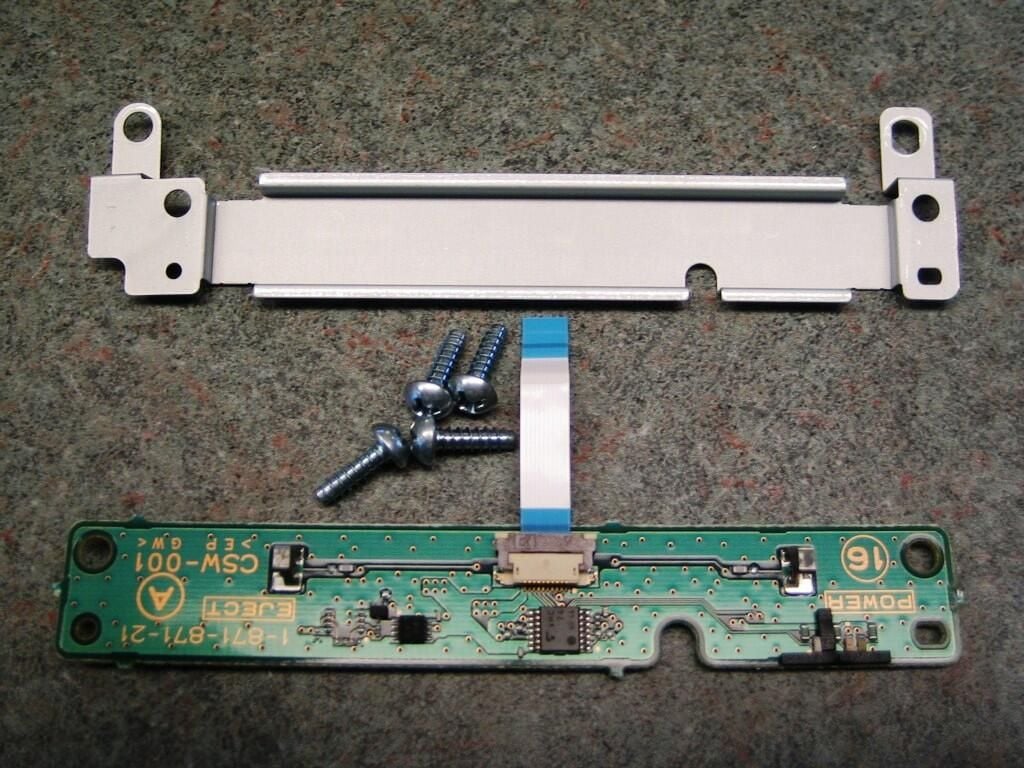
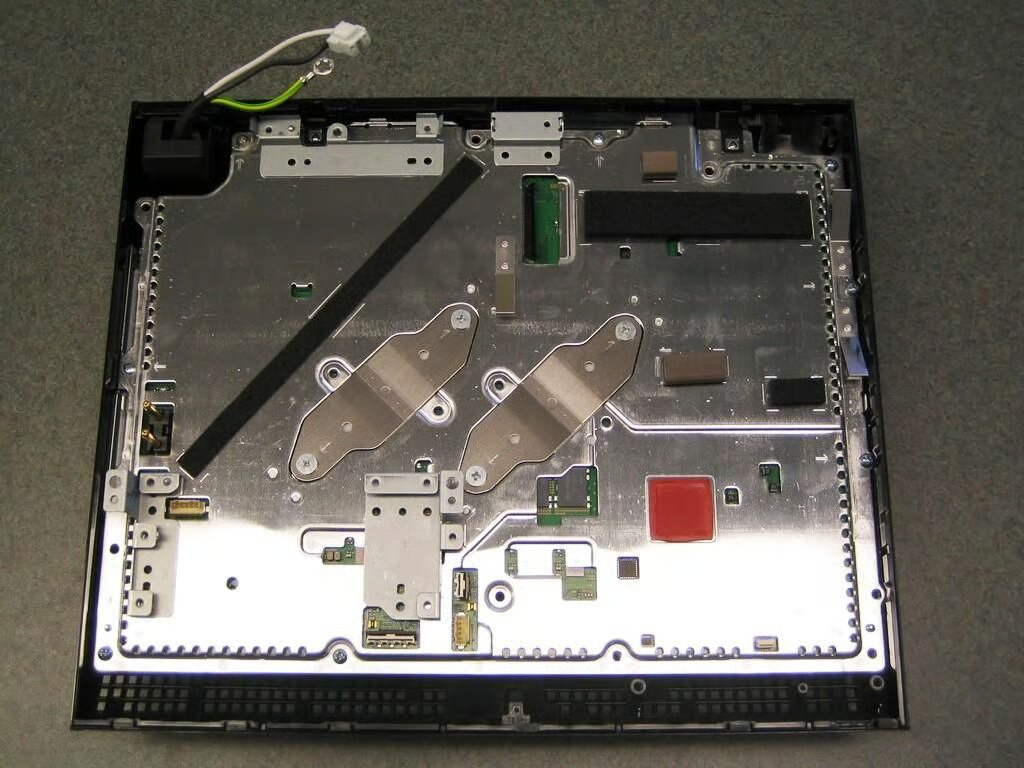
Finally, all the top components are removed.
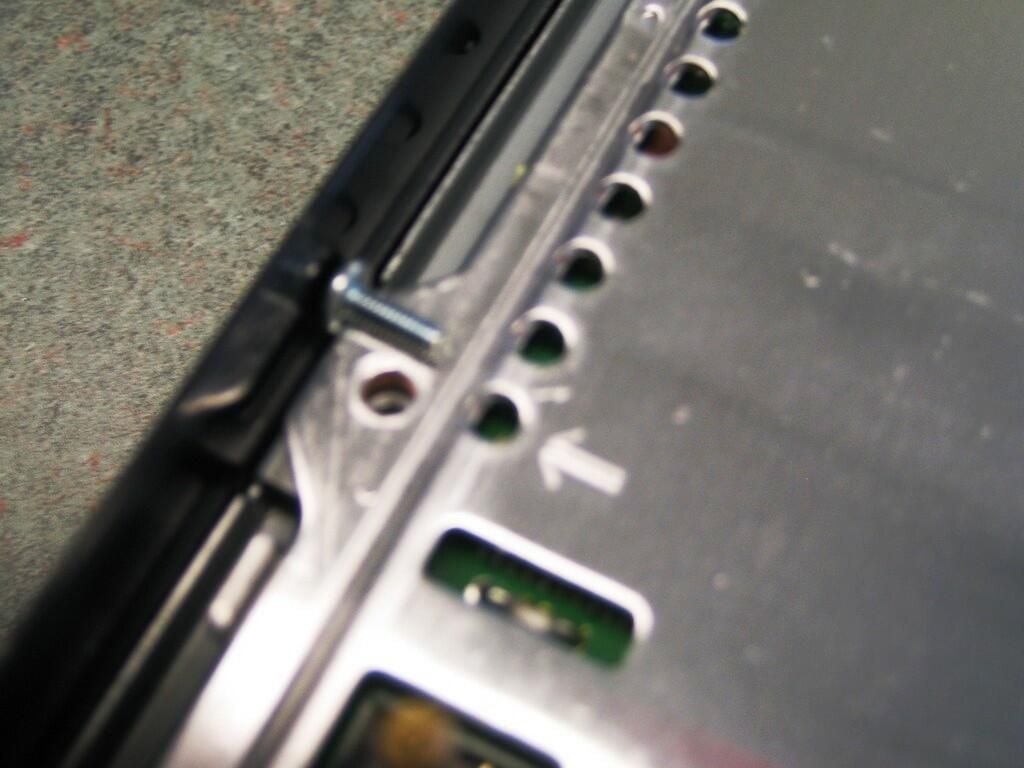
Now remove the eight screws holding the metal chassis to the plastic case. Sony has conveniently marked these screws with small arrows.
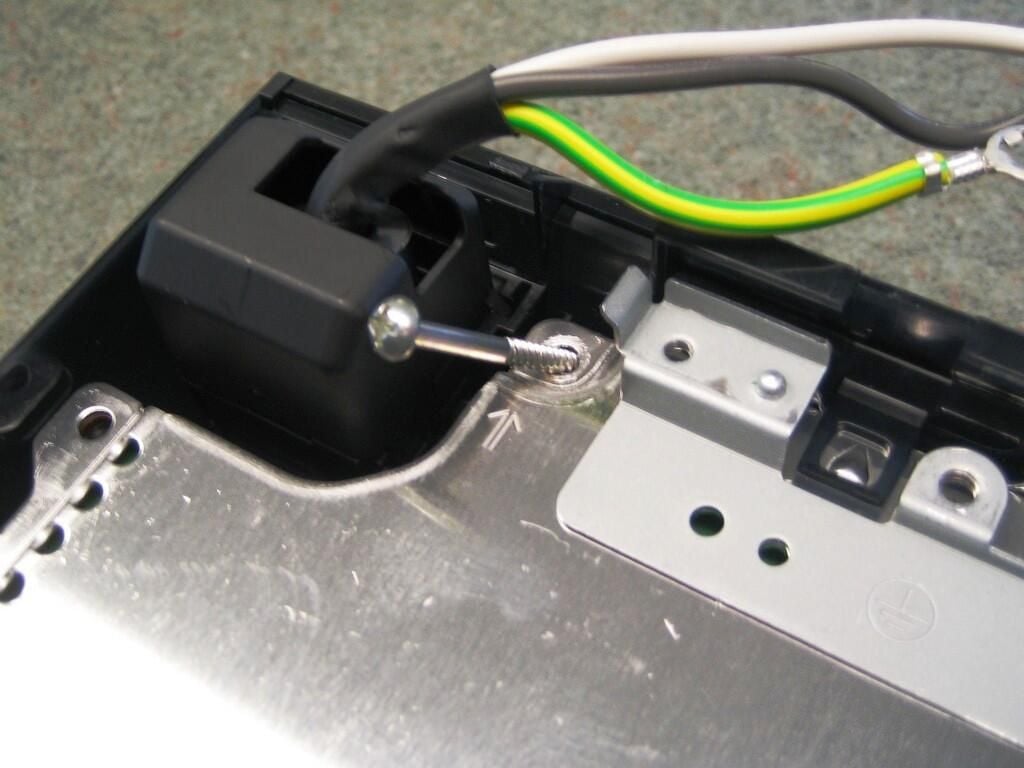
All but one of the screws will be the same length. The longer screw is located next to the PlayStation 3’s power switch.
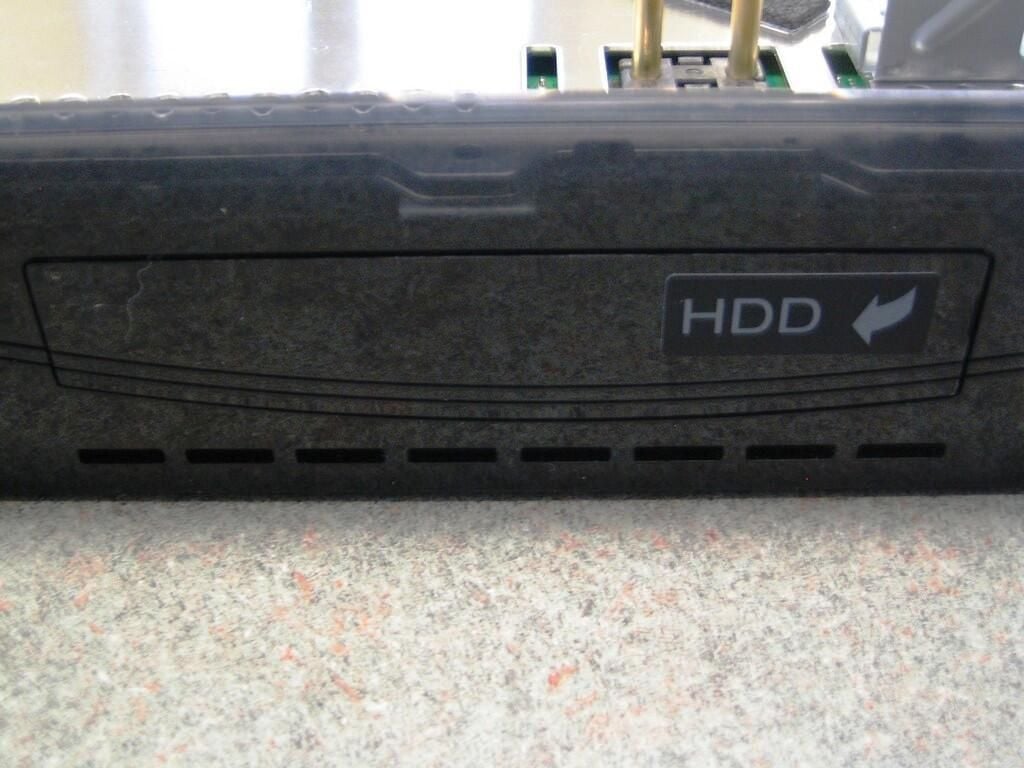
If you haven’t done so already, you must remove the hard drive panel before continuing. When in place, the panel’s plastic catches prevent you from removing the motherboard assembly from the case.
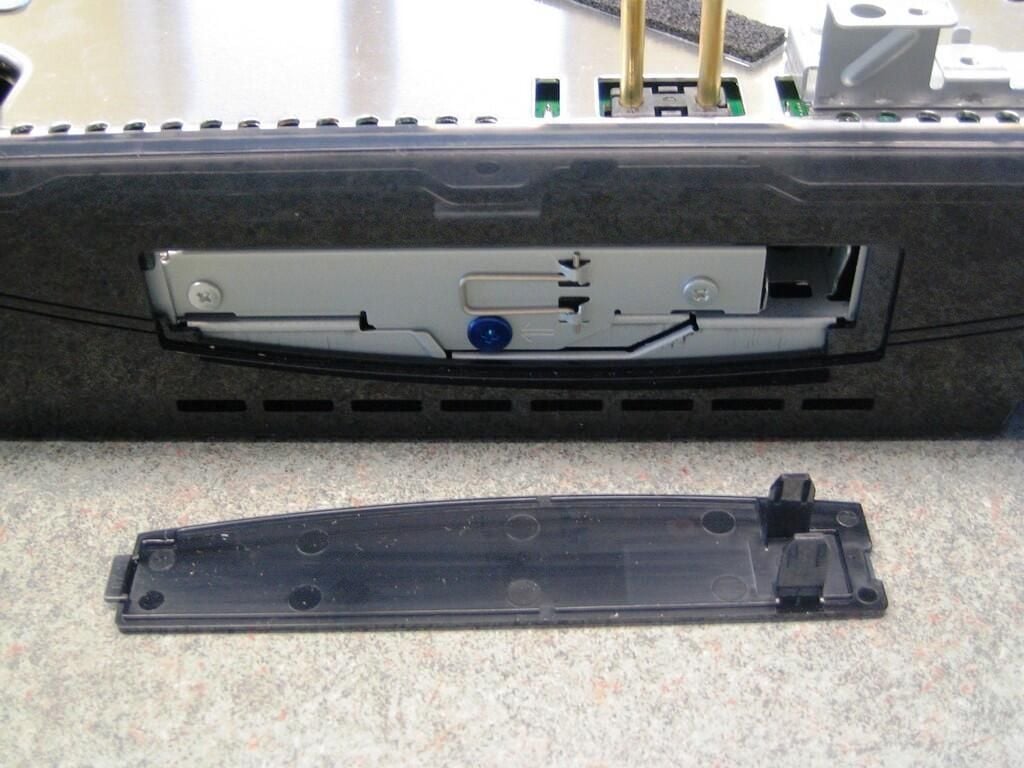
To remove the panel, use your fingernail or a flathead screwdriver to gently it loose from the slot next to the HDD sticker.
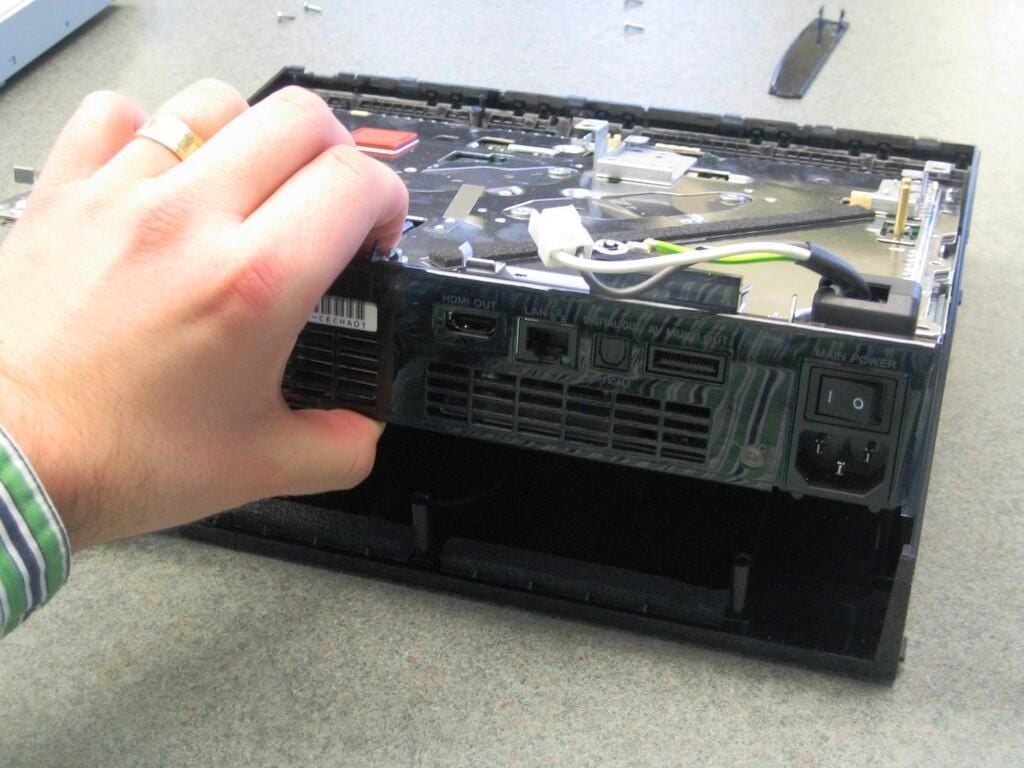
With the hard drive case panel removed, gently lift up on the motherboard assembly to remove the remaining components.
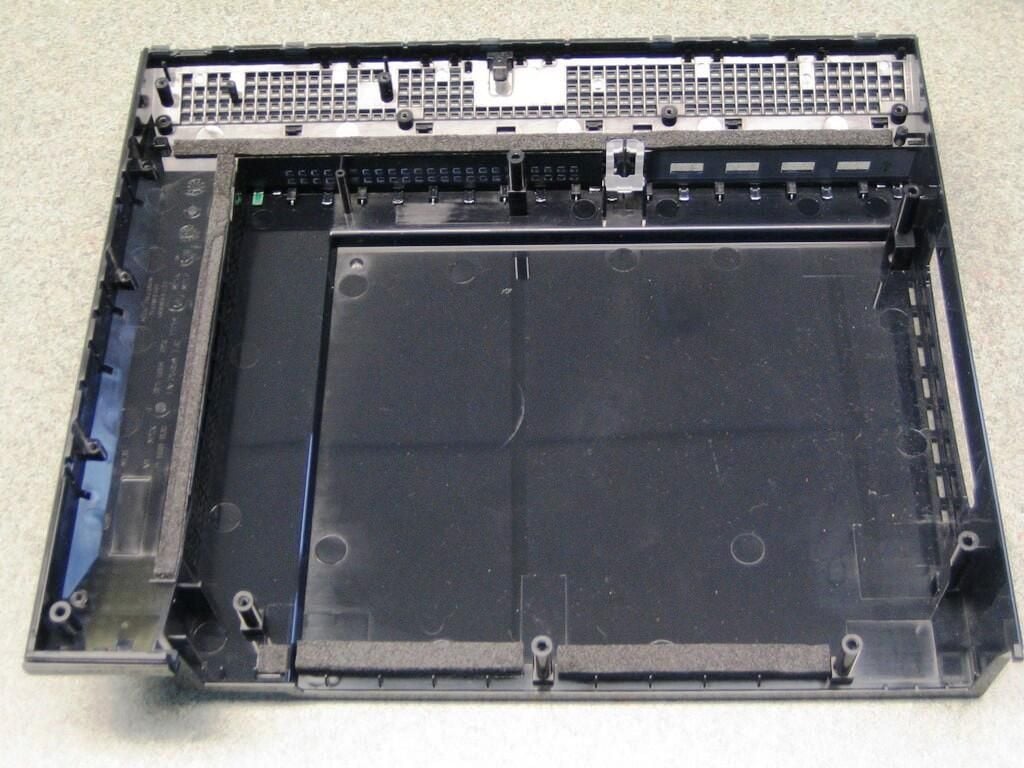
With the motherboard assembly out, there’s nothing left to remove from the PlayStation 3 case’s bottom half.
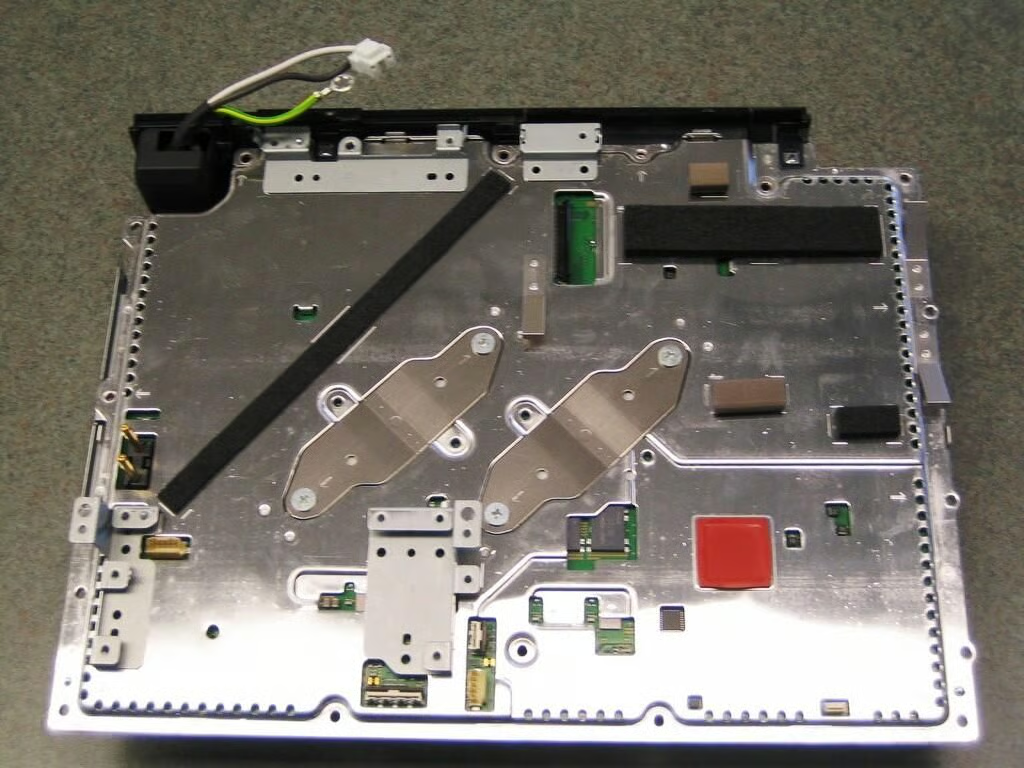
With the exception of the two diagonal brackets that secure the motherboard and shielding to the cooling system, there’s not much to see on top of the motherboard assembly. The motherboard is mounted upside down in the chassis, therefore most of the interesting components are hidden on the bottom.
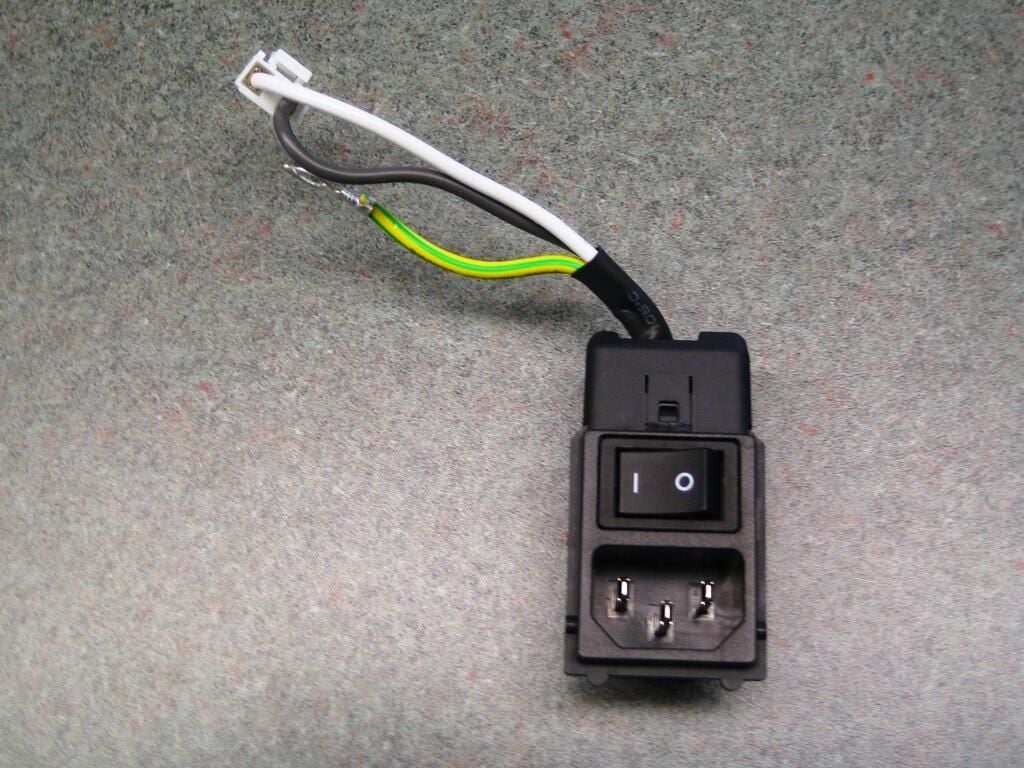
You can easily remove the PlayStation 3’s main power switch at this time by sliding it out of the rear case panel.
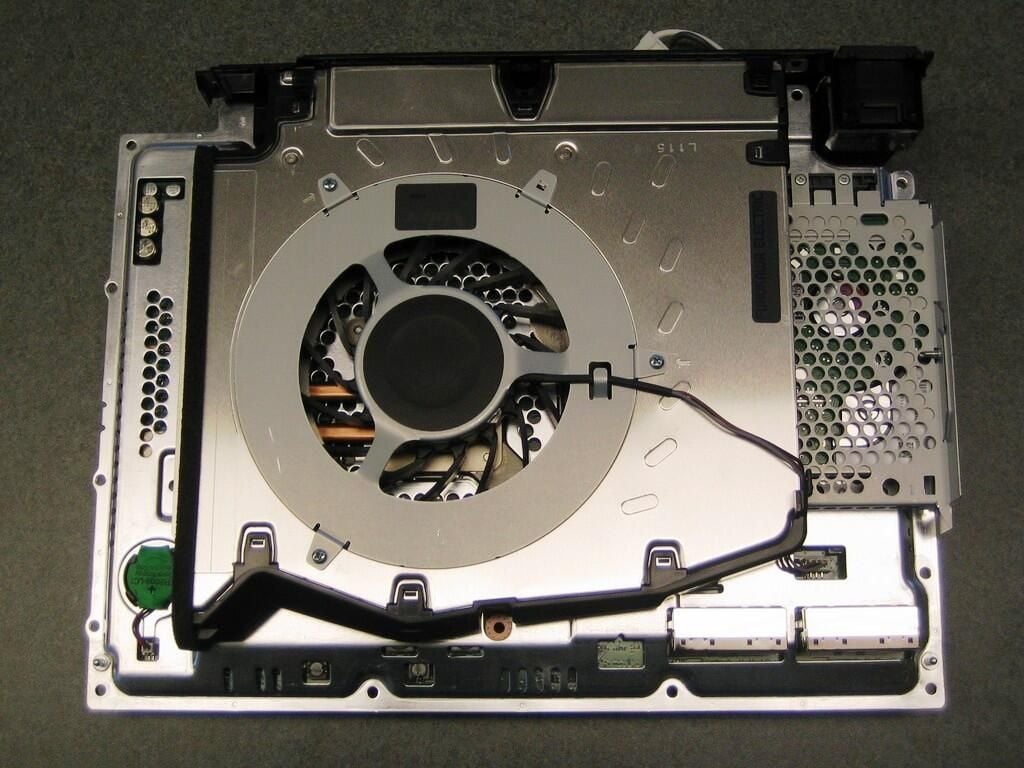
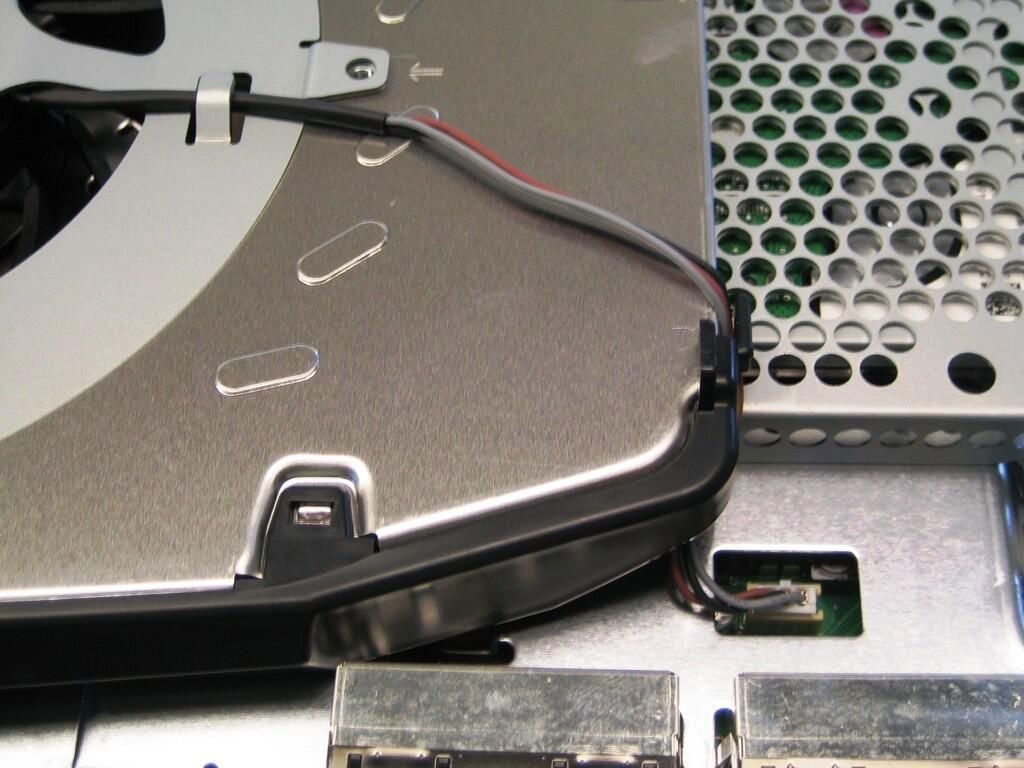
The PlayStation 3 has a massive cooling system that dominates the underside of the motherboard assembly.
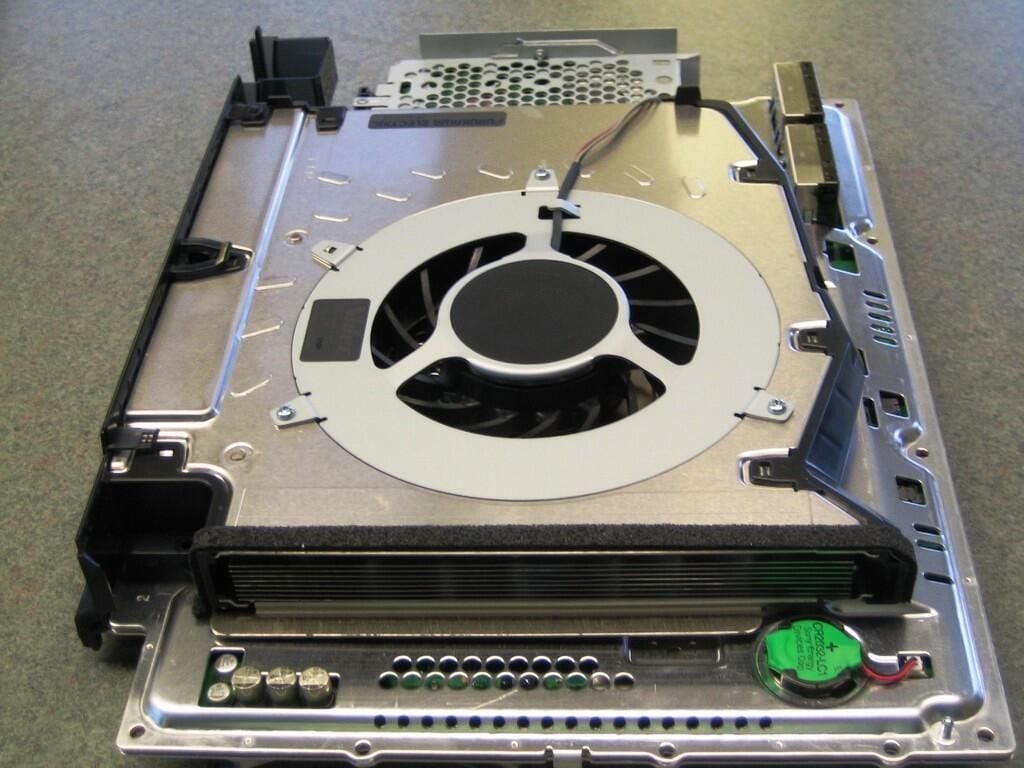
The cooling system is almost as wide as the motherboard assembly.
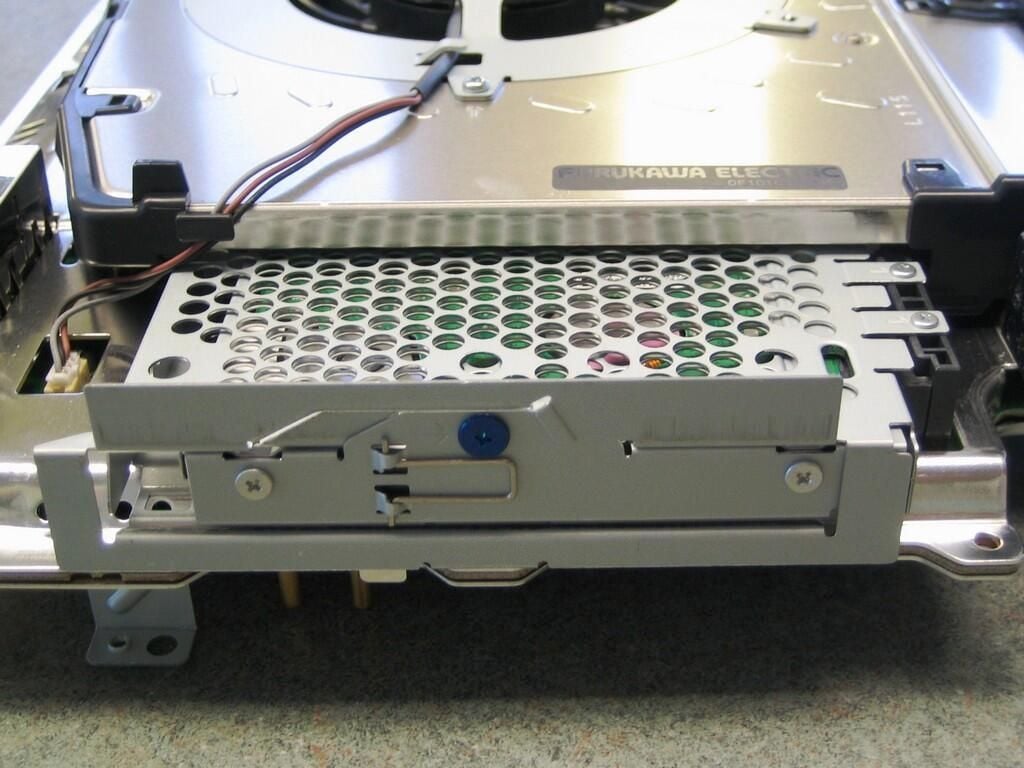
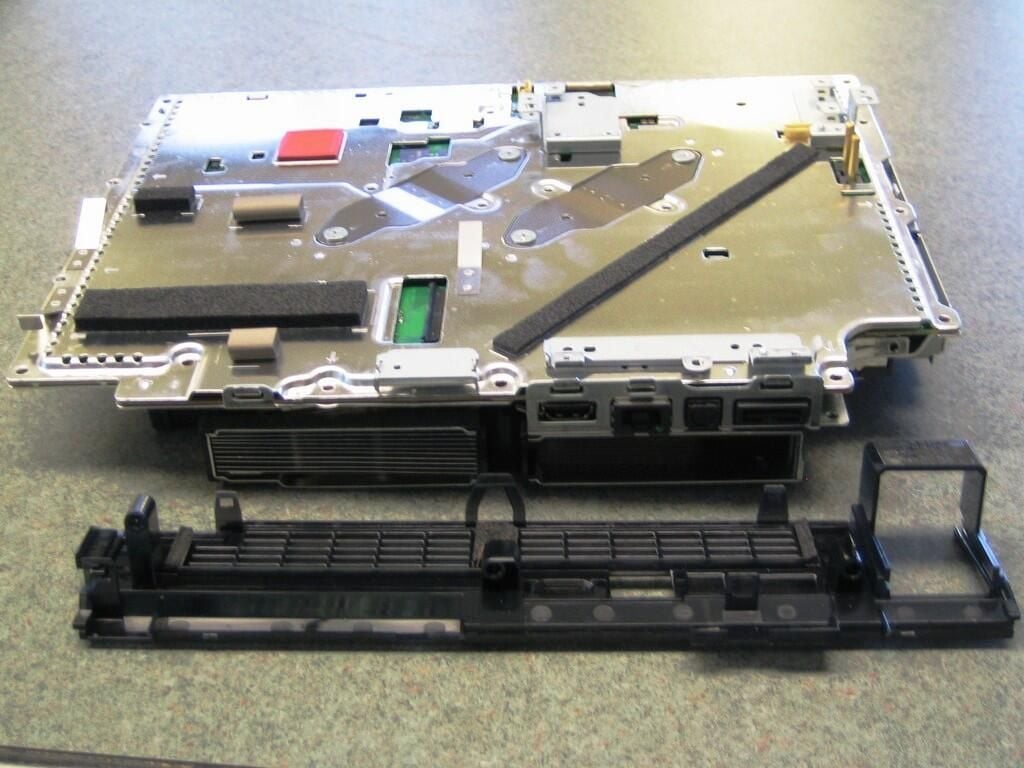
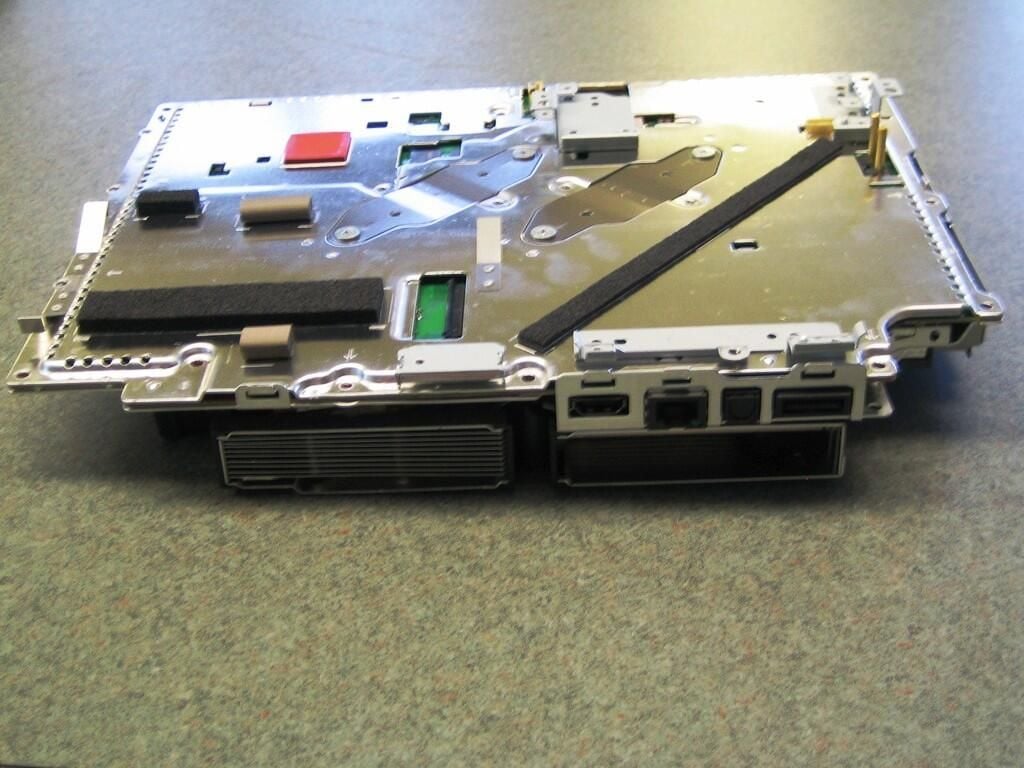
To remove the rear case panel, gently pry up the four plastic clips that secure it to the metal shielding.
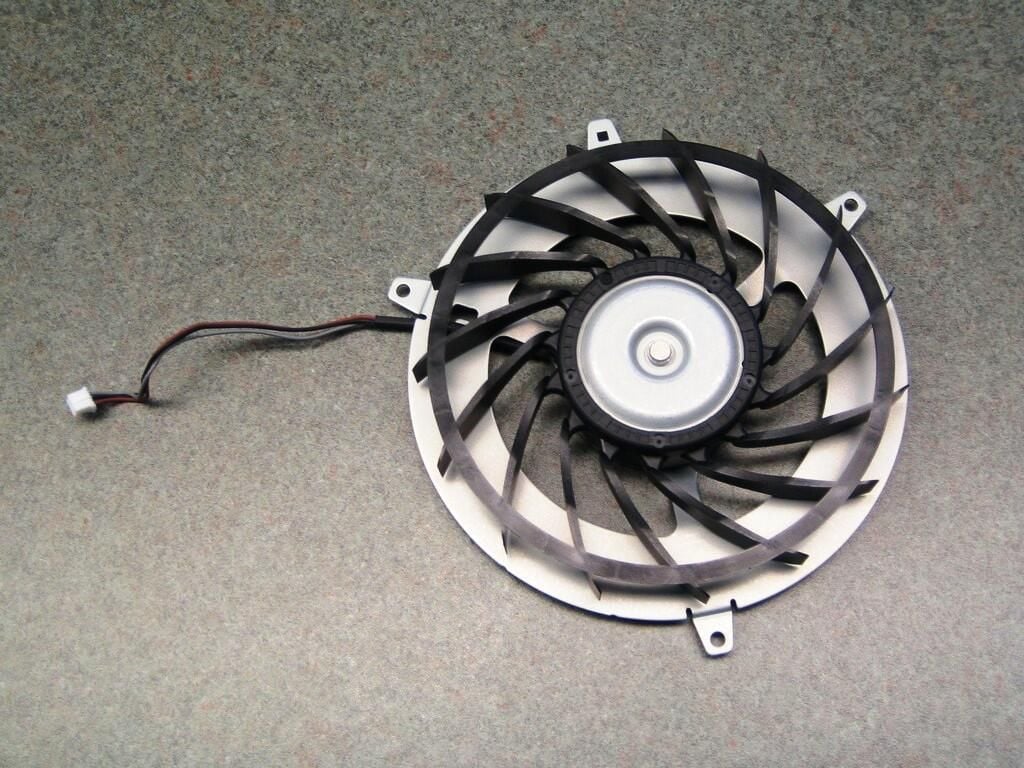
Compared to standard PC fans, The PlayStation 3’s cooling fan is absolutely massive.
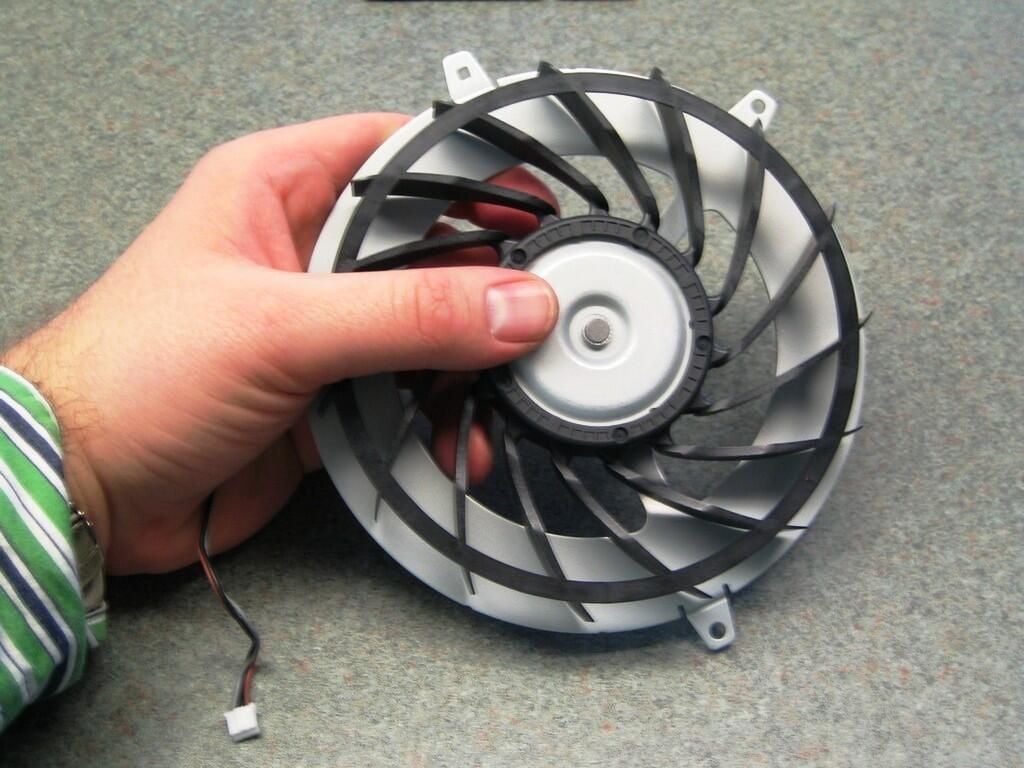
To give you an idea of the fan’s impressive size, this picture shows me holding the fan.
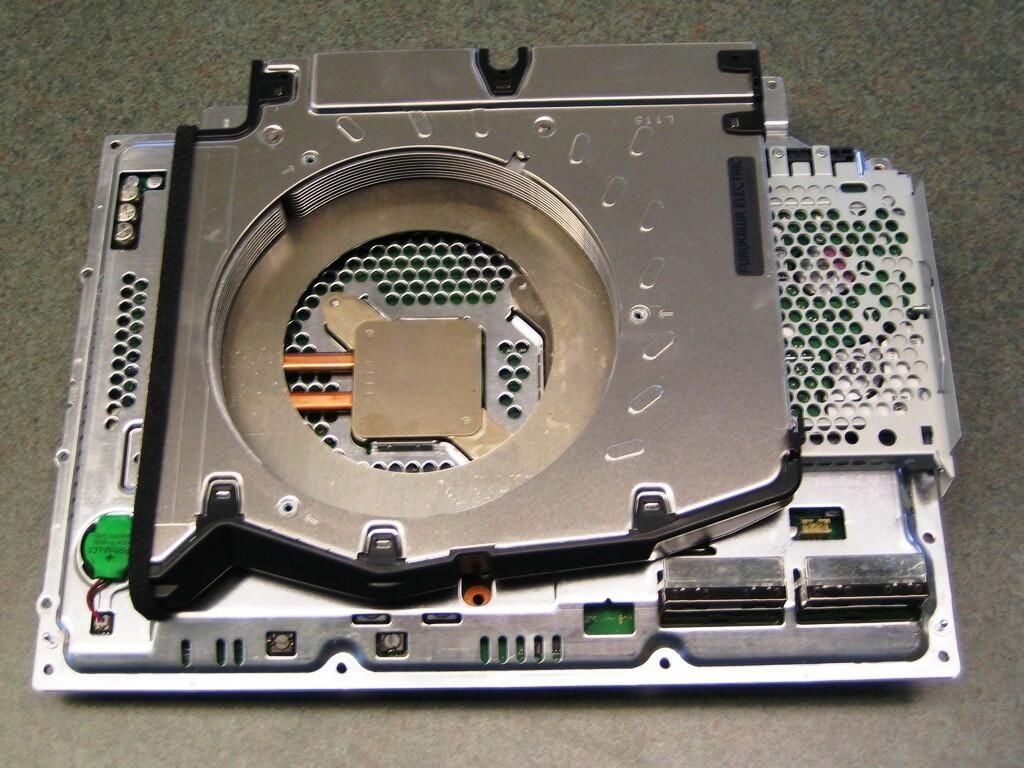
With the fan removed, we get our first glimpse at one of the system’s two cooling blocks.
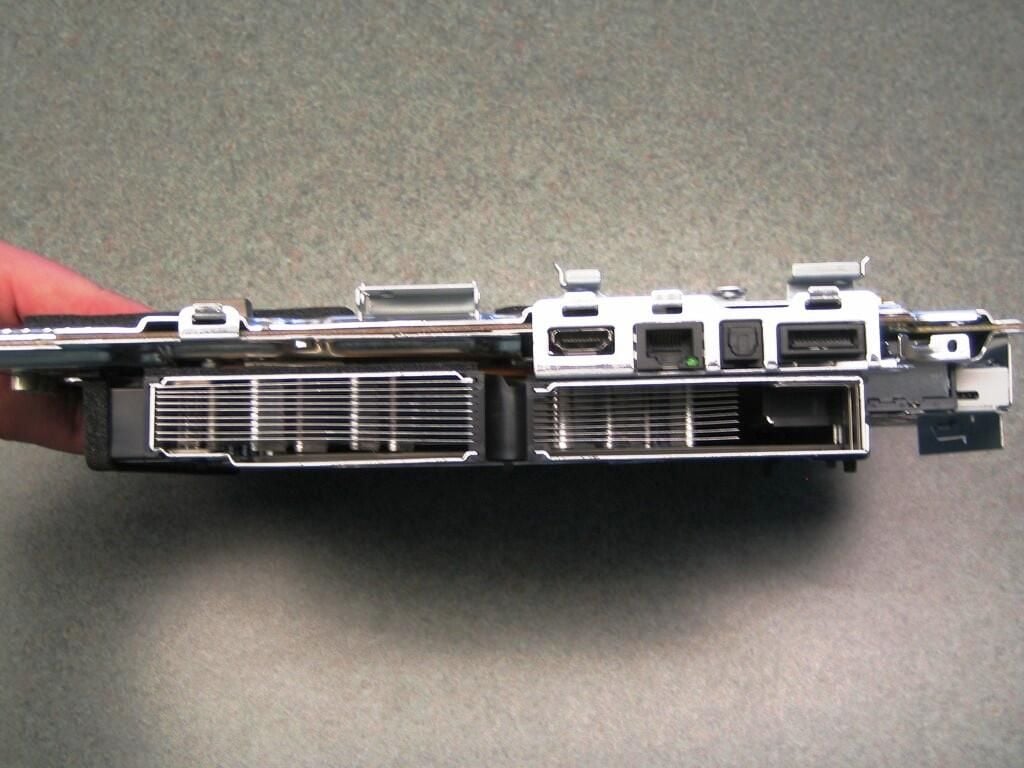
The cooling system makes up most of the motherboard assembly’s rear profile.
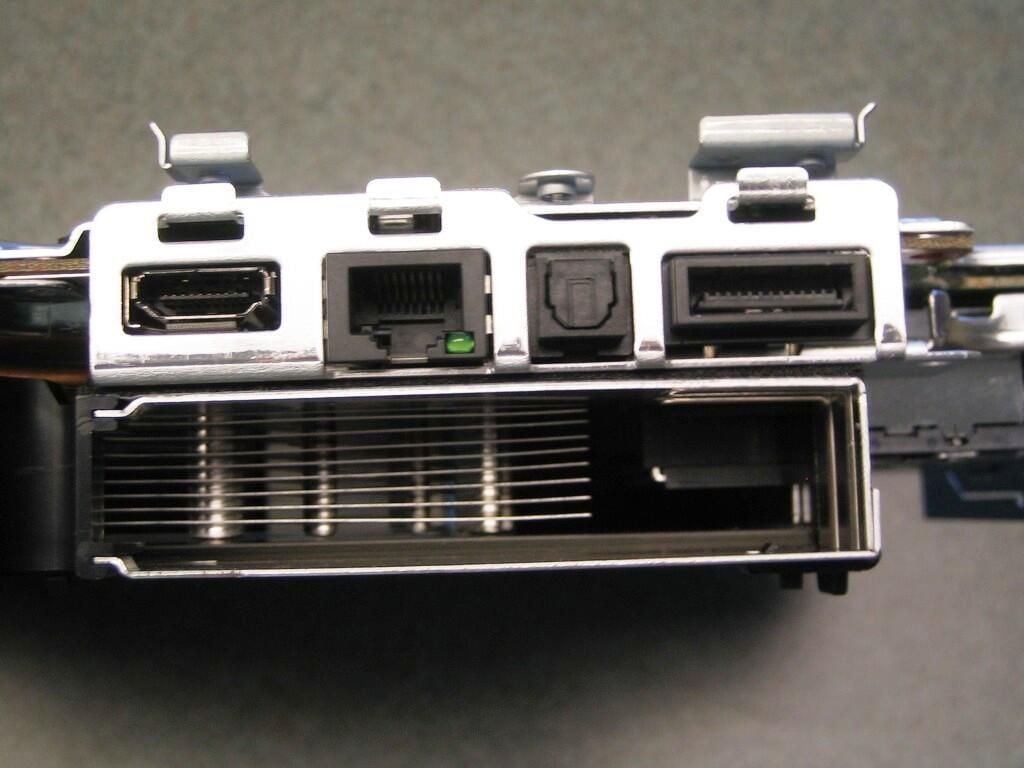
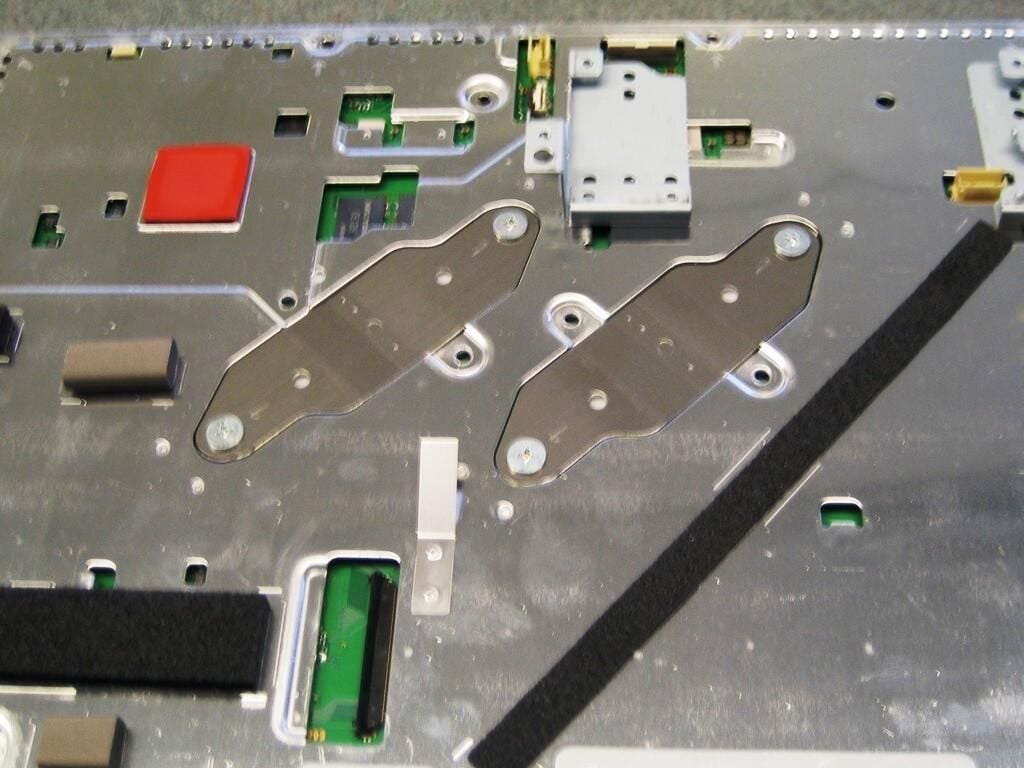
To release the cooling system and metal shielding from the motherboard, remove the four screws that hold the diagonal brackets in place. The brackets are bent to create pressure when screwed in place. When reassembling the PS3, you must tighten each bracket’s screws a little at a time to avoid binding one of the screws.
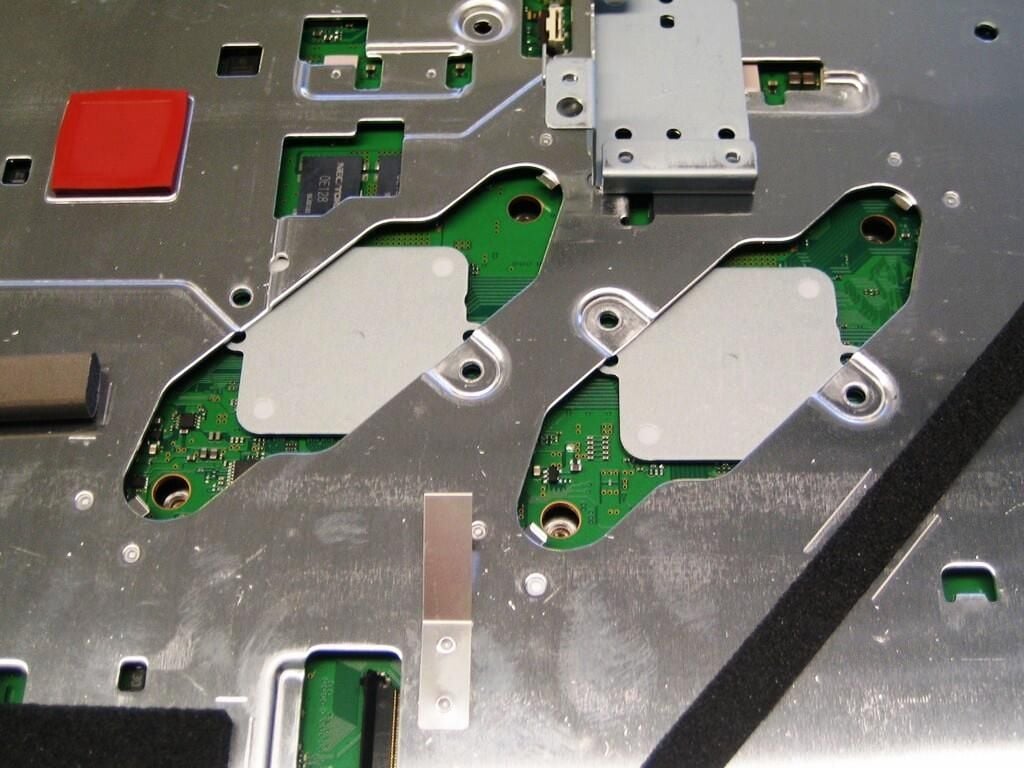
With the brackets removed, you can remove the cooling system and metal shielding.
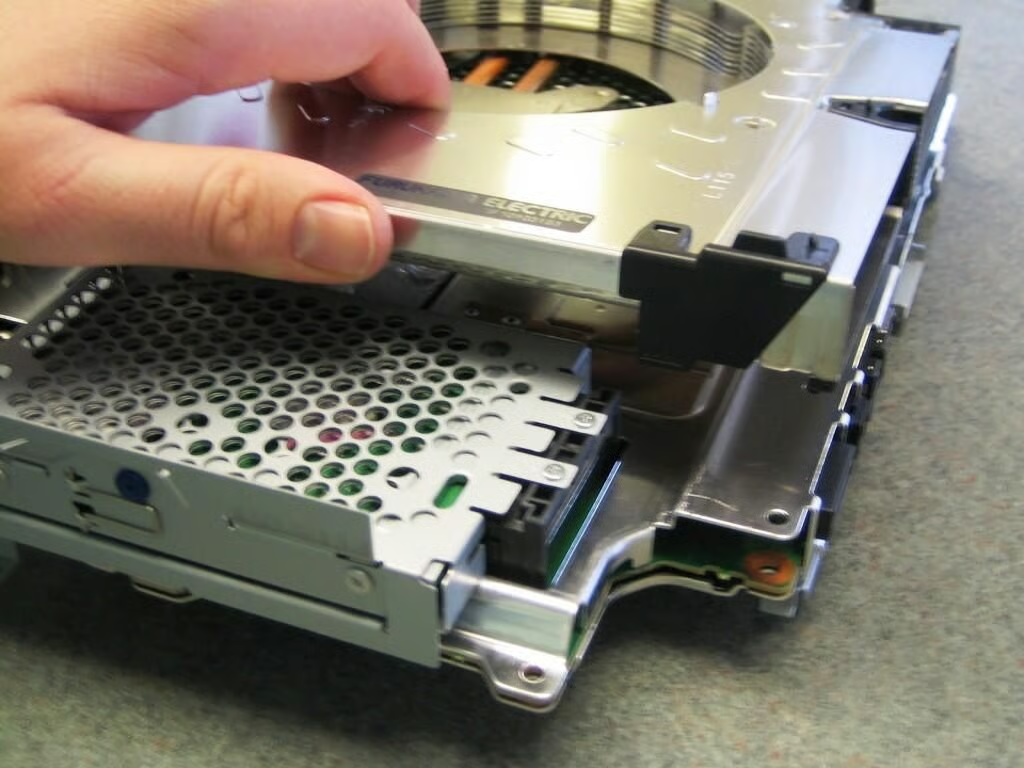
Carefully flip the motherboard assembly over and gently lift up on the cooling system enclosure. A layer of thermal paste exists between the cooling blocks and PS3’s CPU and main GPU. Be gentle when removing the cooling system enclosure to avoid damaging the CPU or main GPU.
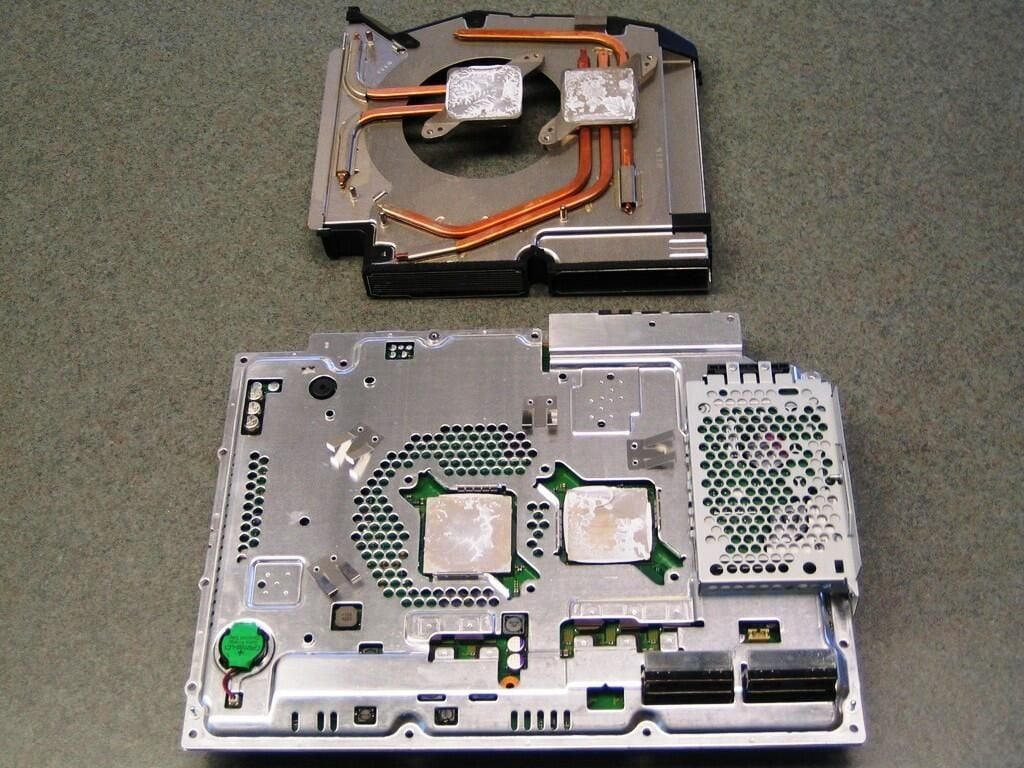
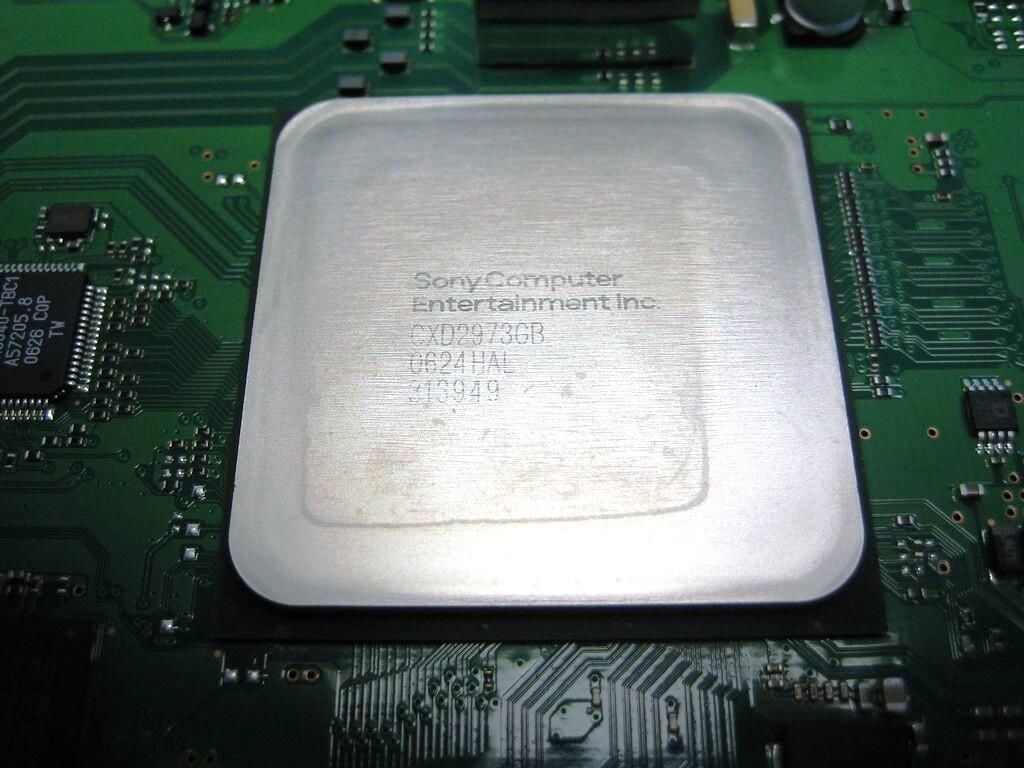
With the cooling system removed, we get our first look at the IBM Cell Broadband Engine (right) and Nvidia’s RSX Reality Synthesizer (left).
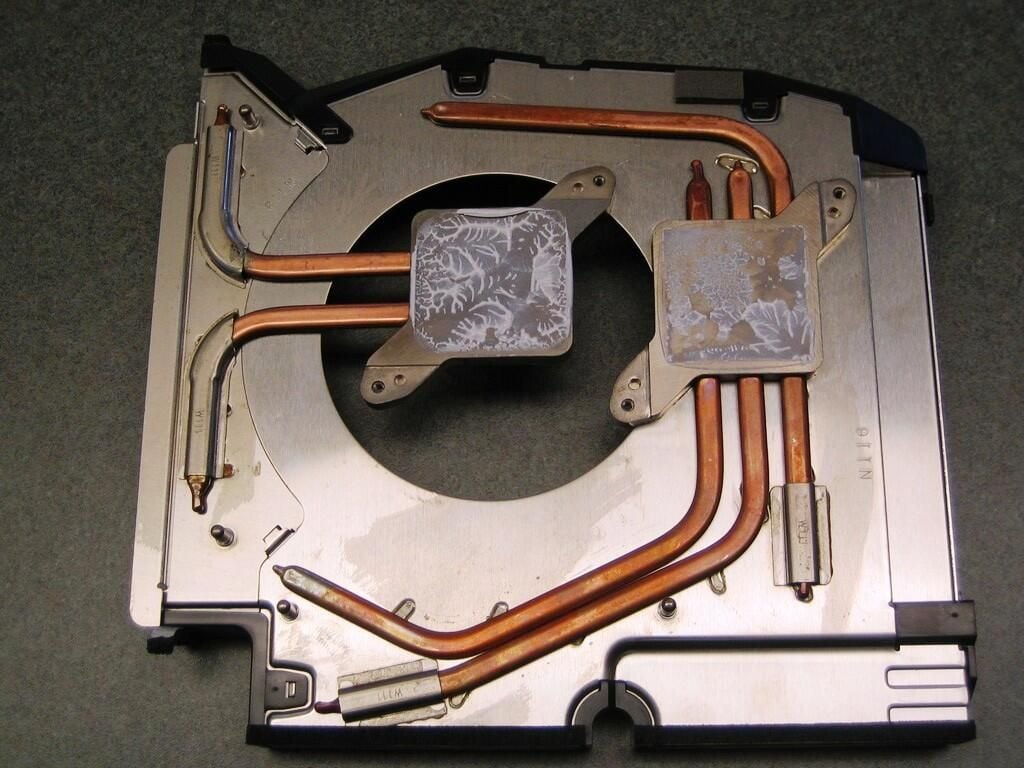
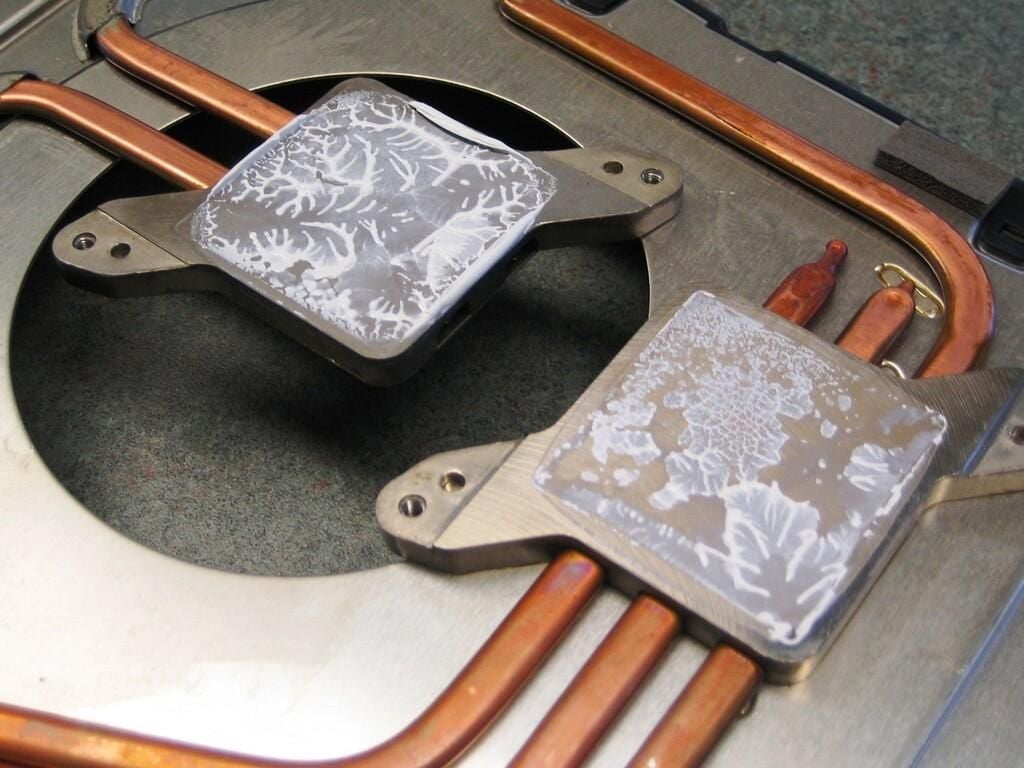
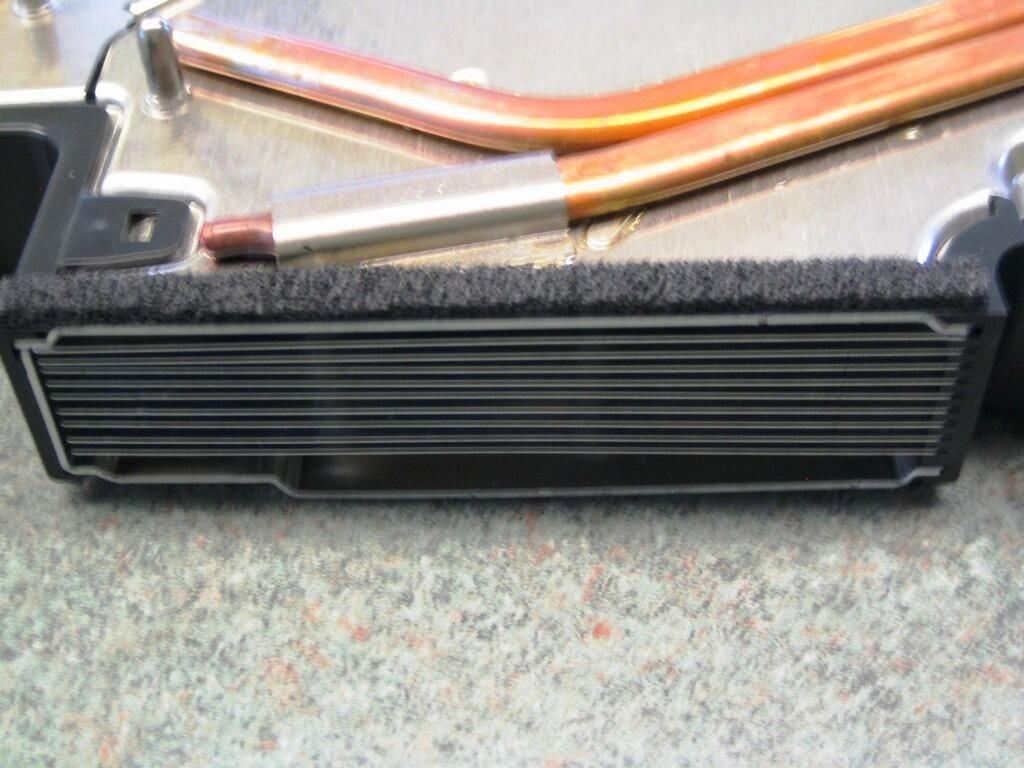
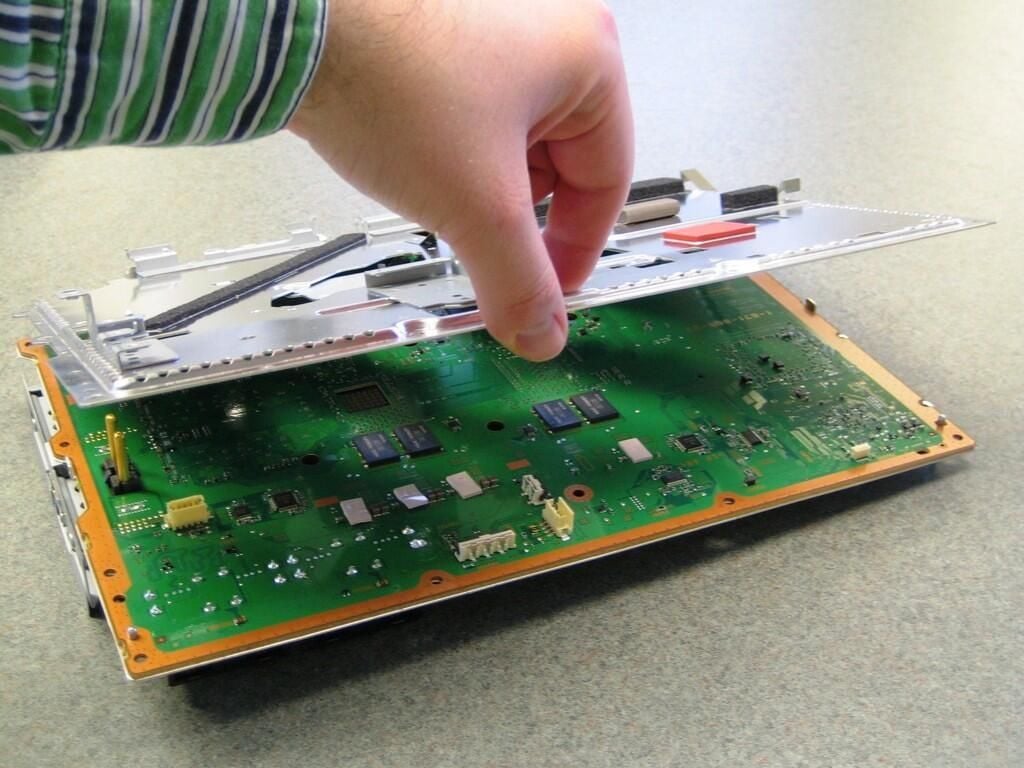
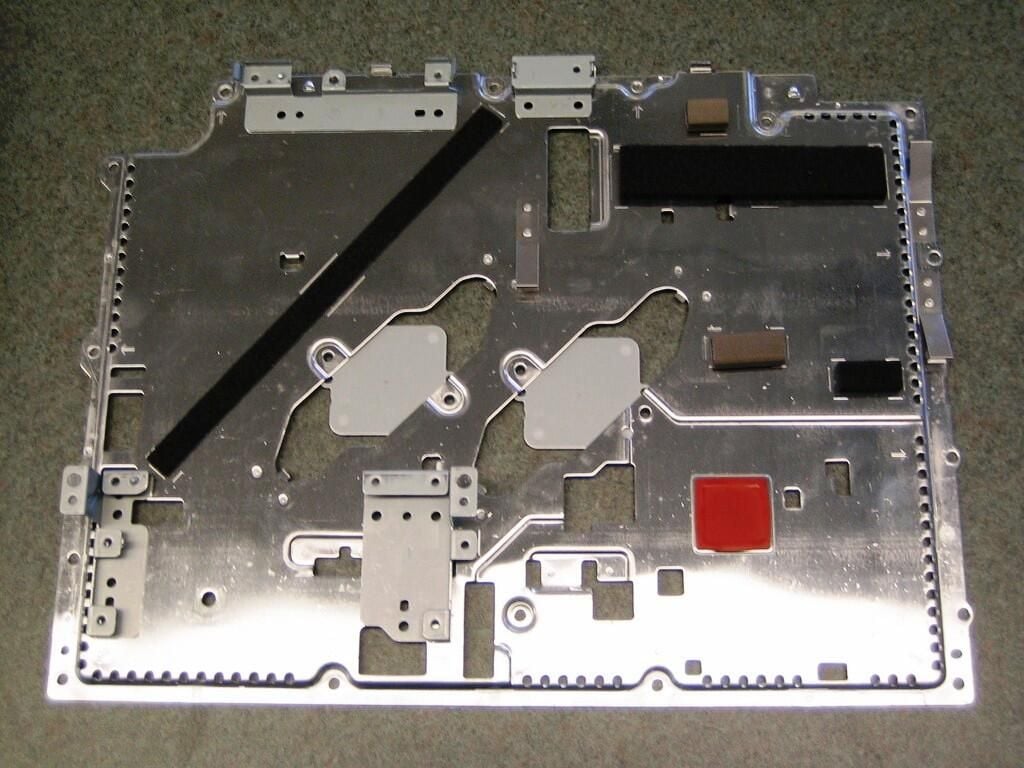
With the colling system enclosure removed, gently separate the metal shielding from the motherboard. Because the motherboard is mounted upside down in the PS3 case, the removing the the top metal shield reveals the bottom of the motherboard. Be careful with lifting the shield. The metal is thin and easily bent.
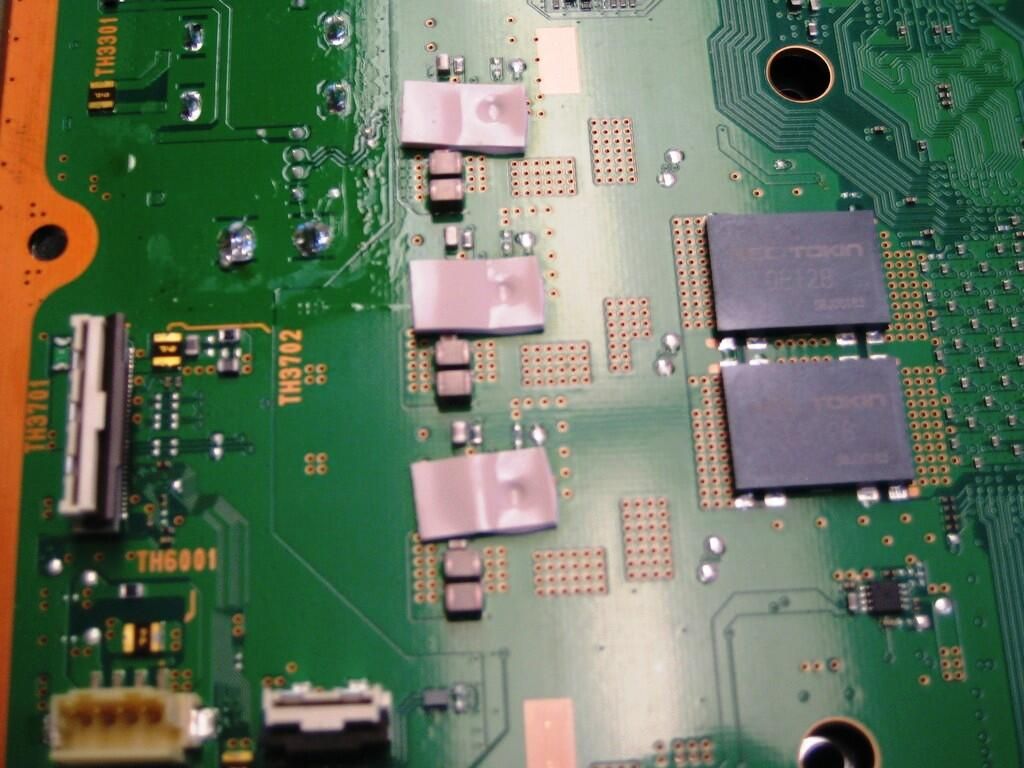
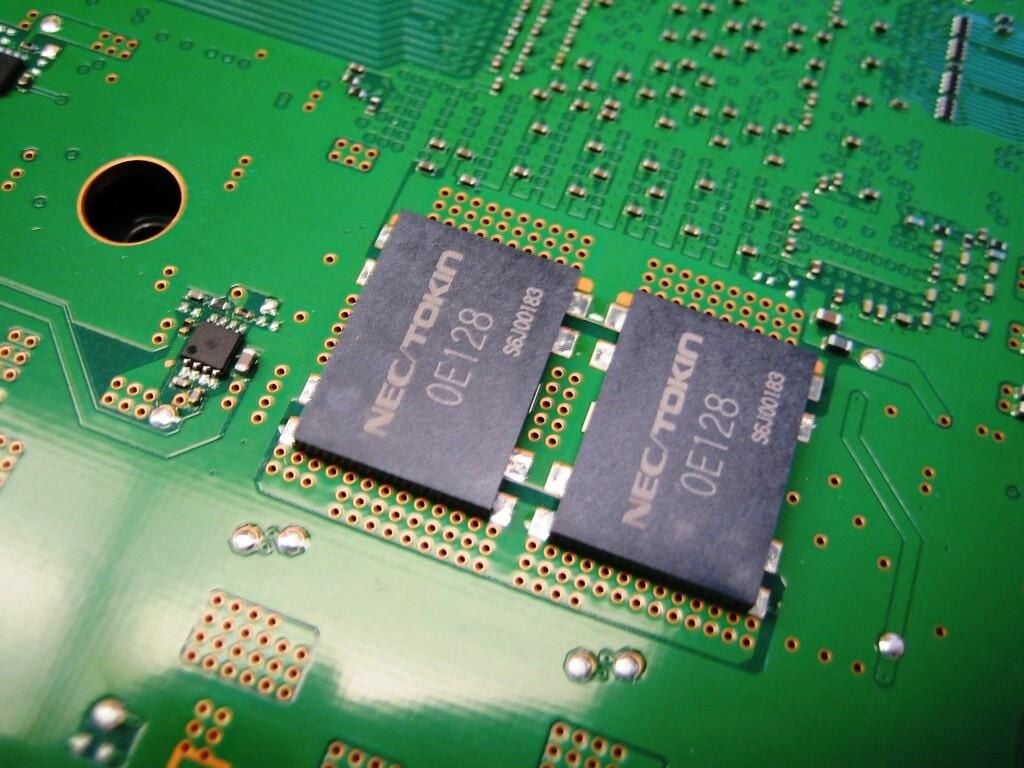
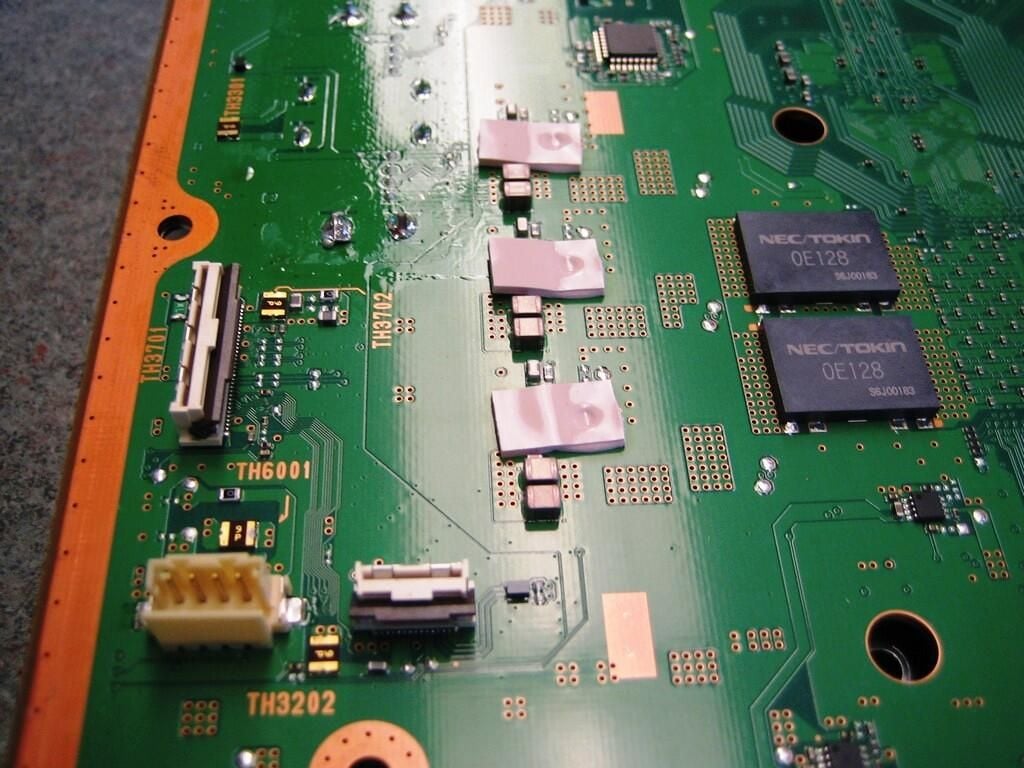
These are two of the four NEC TOKIN Proadlizers located on the bottom of the motherboard–another four are located on top. These Proadlizers work as part of the power regulator for the Cell Broadband Engine (CPU), shown in this photo, and Nvidia’s RSX Reality Synthesizer (main GPU).
The gray foam pads protect and cushion the motherboard from the metal shielding.
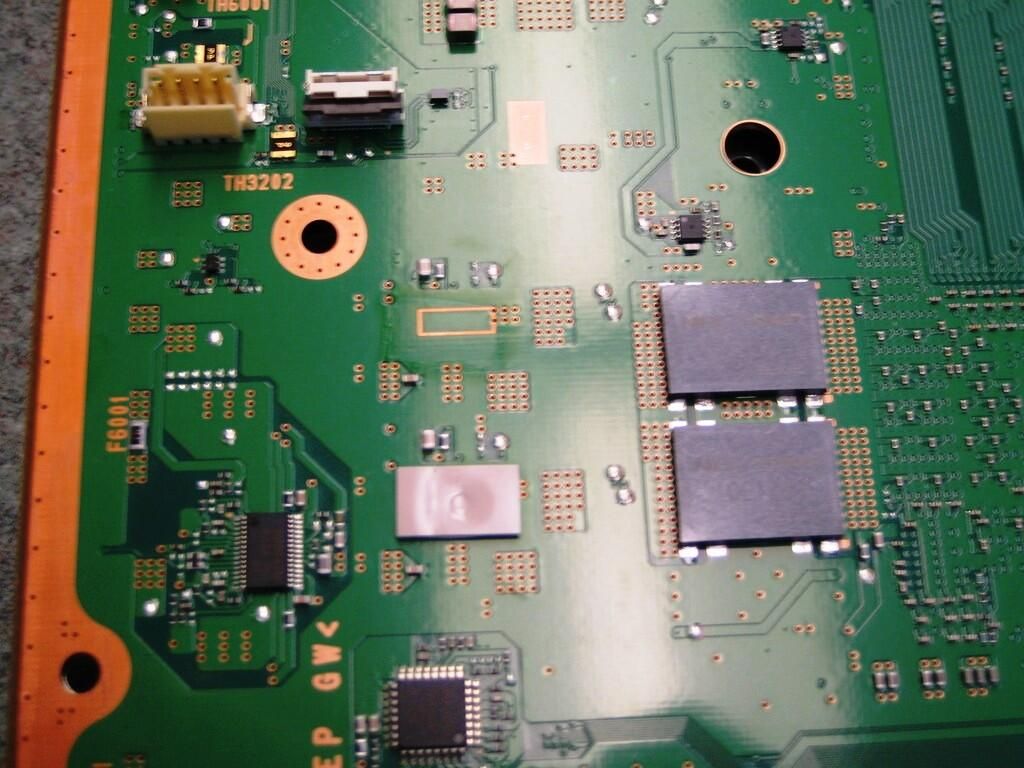
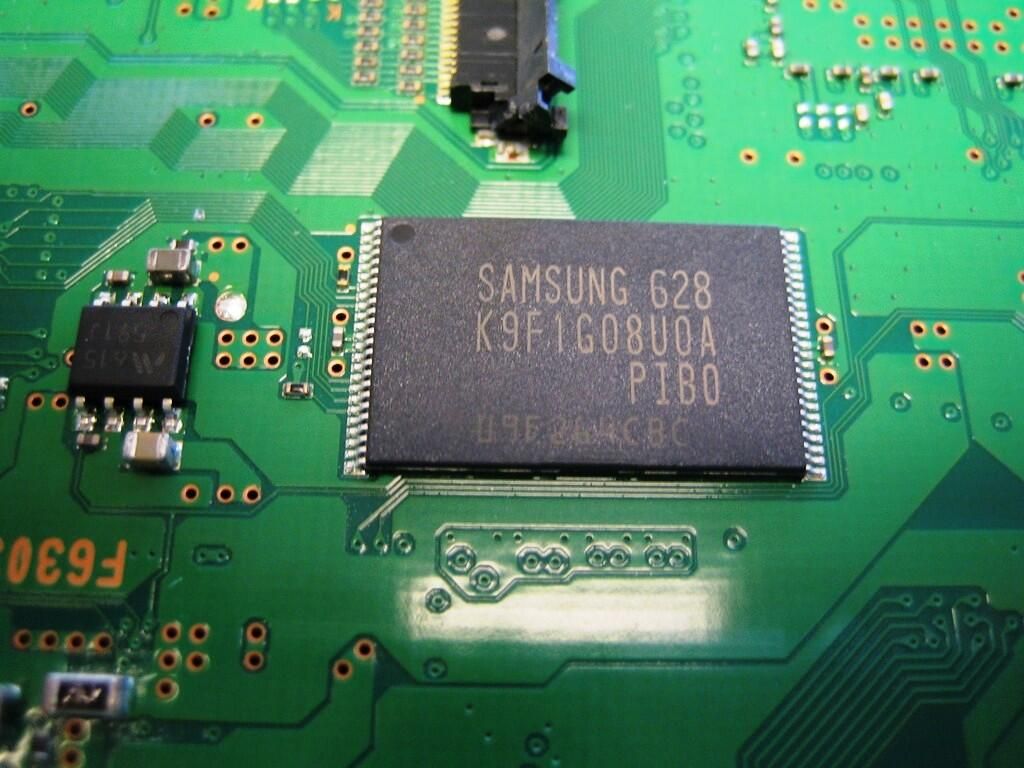
Located directly below the optical drive connector, this Samsung chip provides 128MB (128M x 8 Bit) of NAND Flash memory.
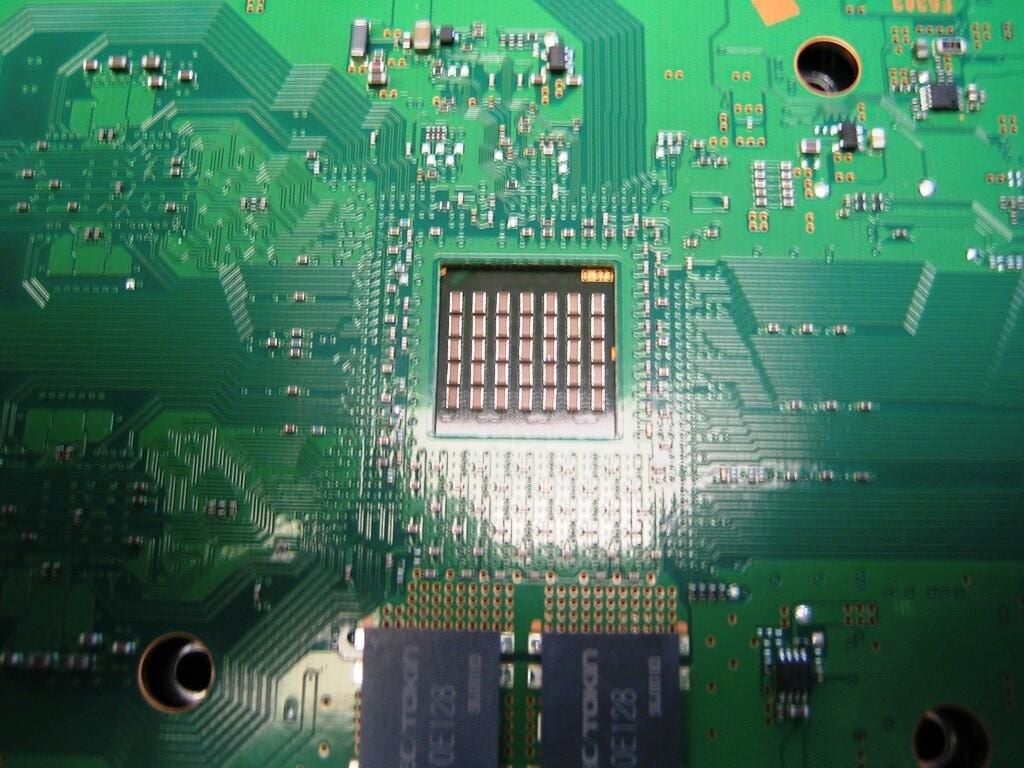
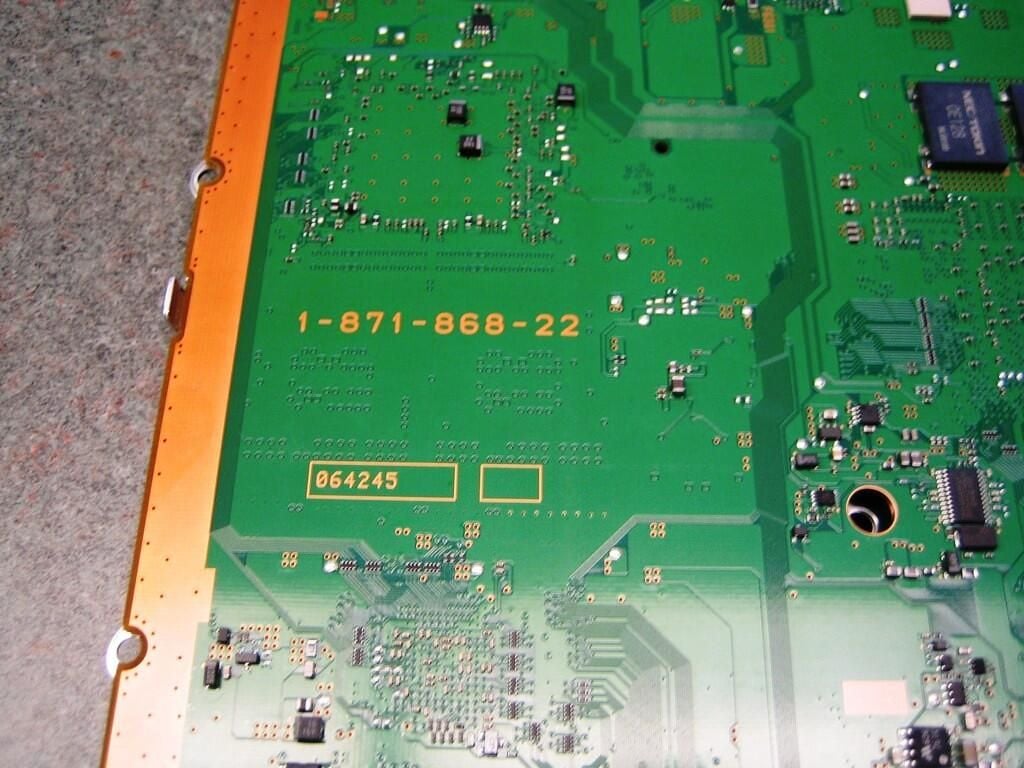
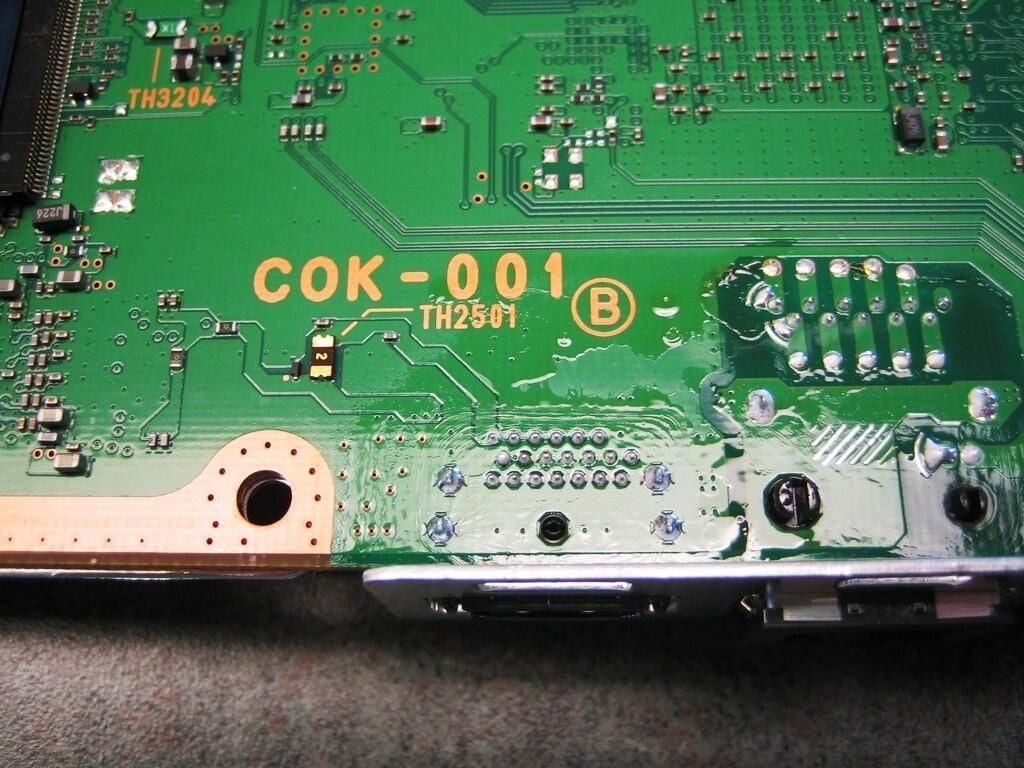
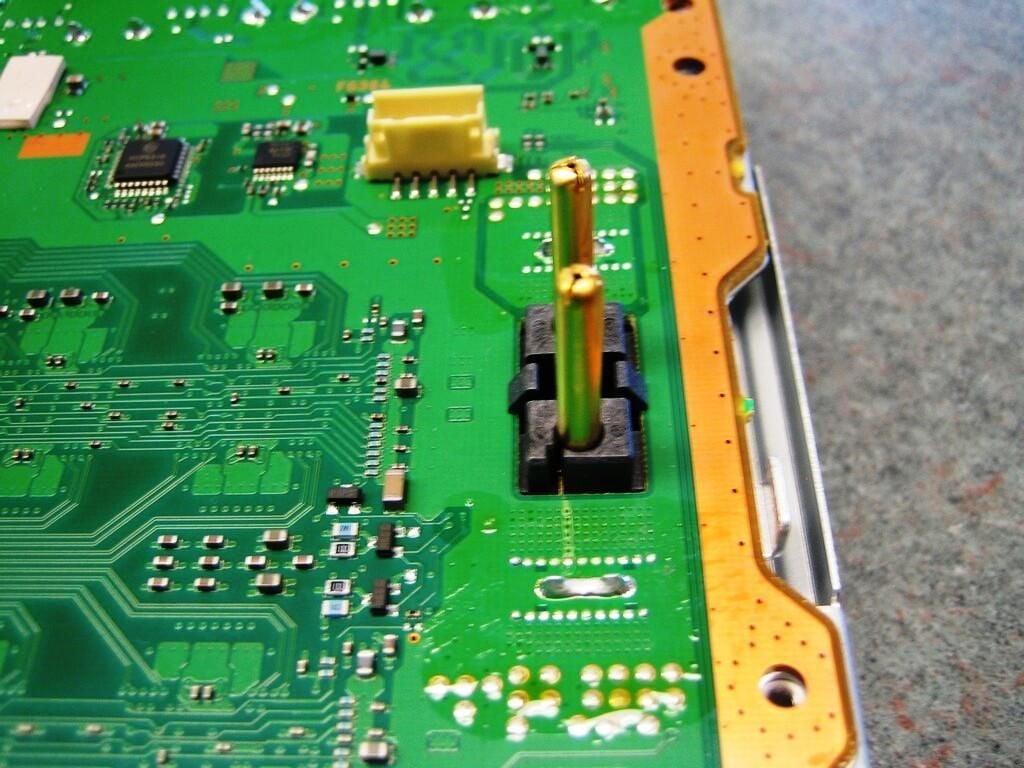
These posts connect the PlayStation 3’s motherboard to the unit’s power supply.
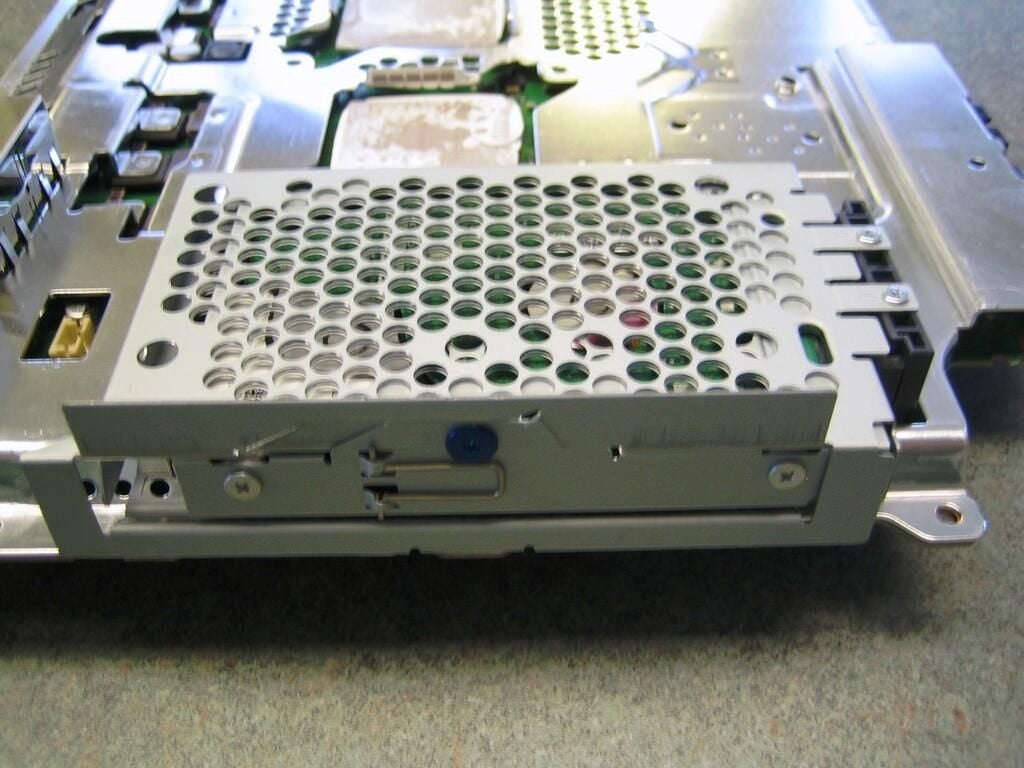
Unlike the Xbox 360, the Playstation 3’s hard drive is designed to easily upgraded. I could have, and probably should have, removed the HDD before disassembling the PS3, but the thought slipped my mind. There’s no time like the present.
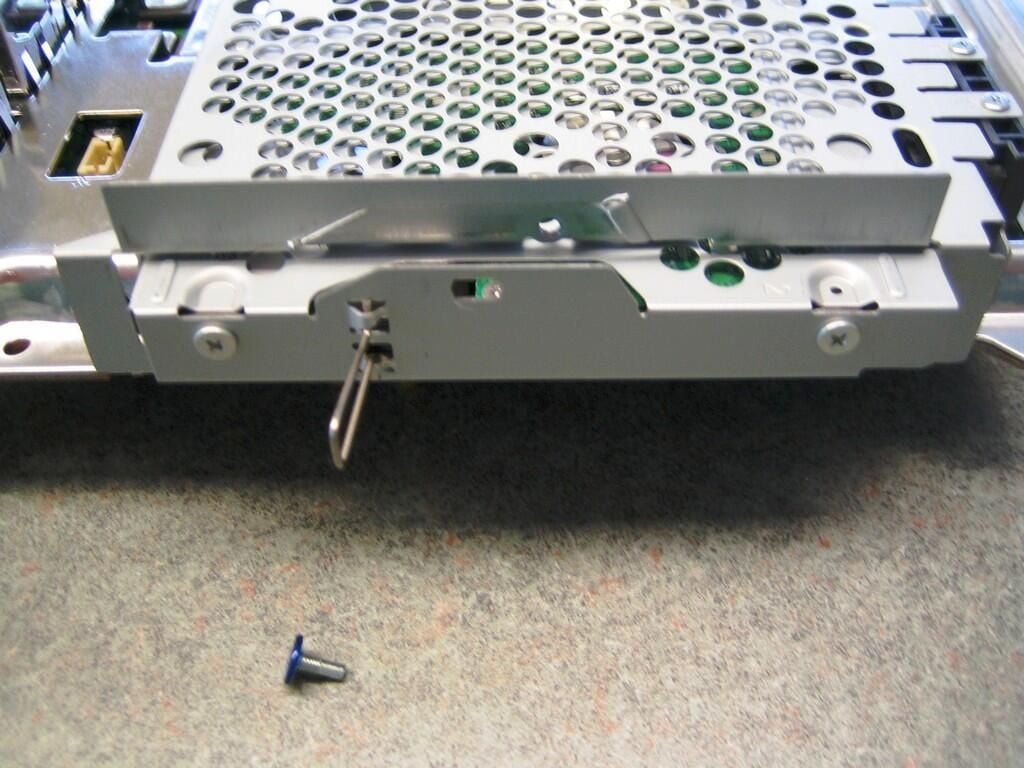
Remove the single blue screw holding the hard drive cage in place. Using the pull-out wire tab, slide the drive back away from the connectors and pull the drive cage out of the metal shielding’s drive enclosure.
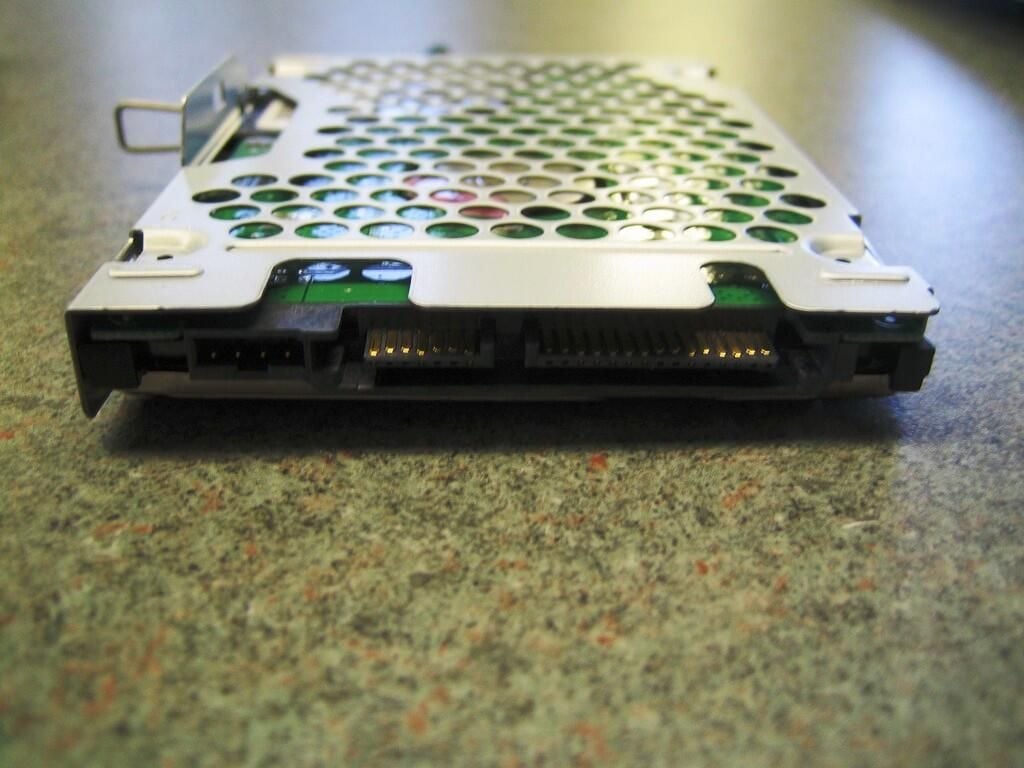
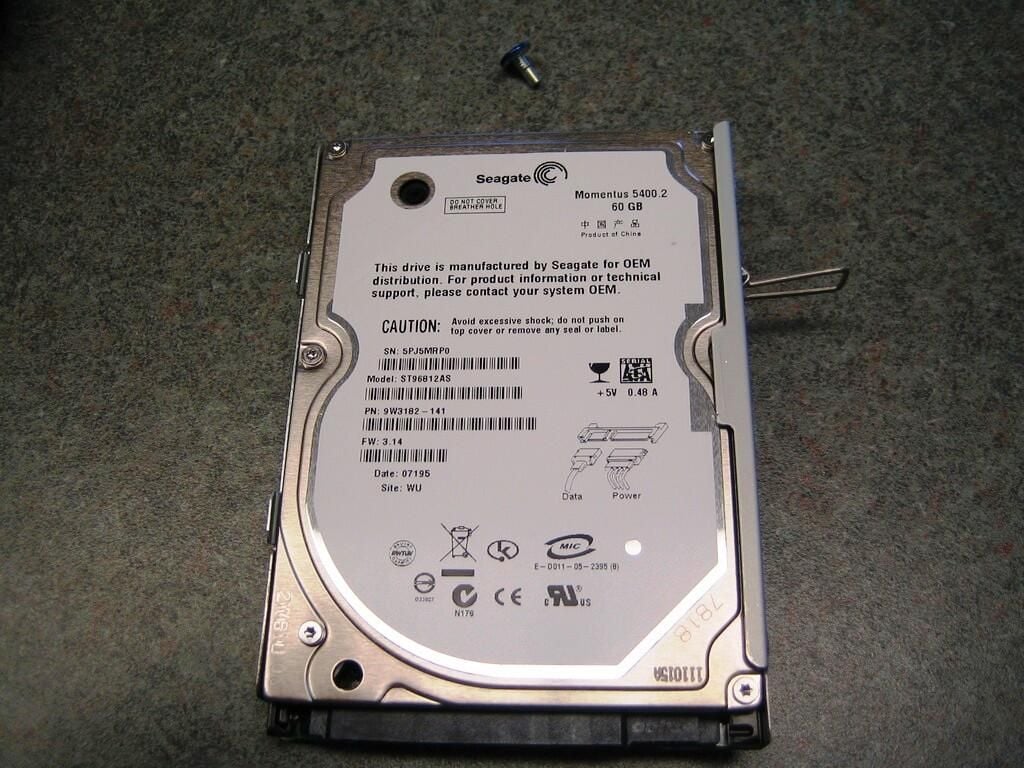
Our 60GB HDD PlayStation 3 used a Seagate Momentus 5400.2 OEM SATA hard drive.
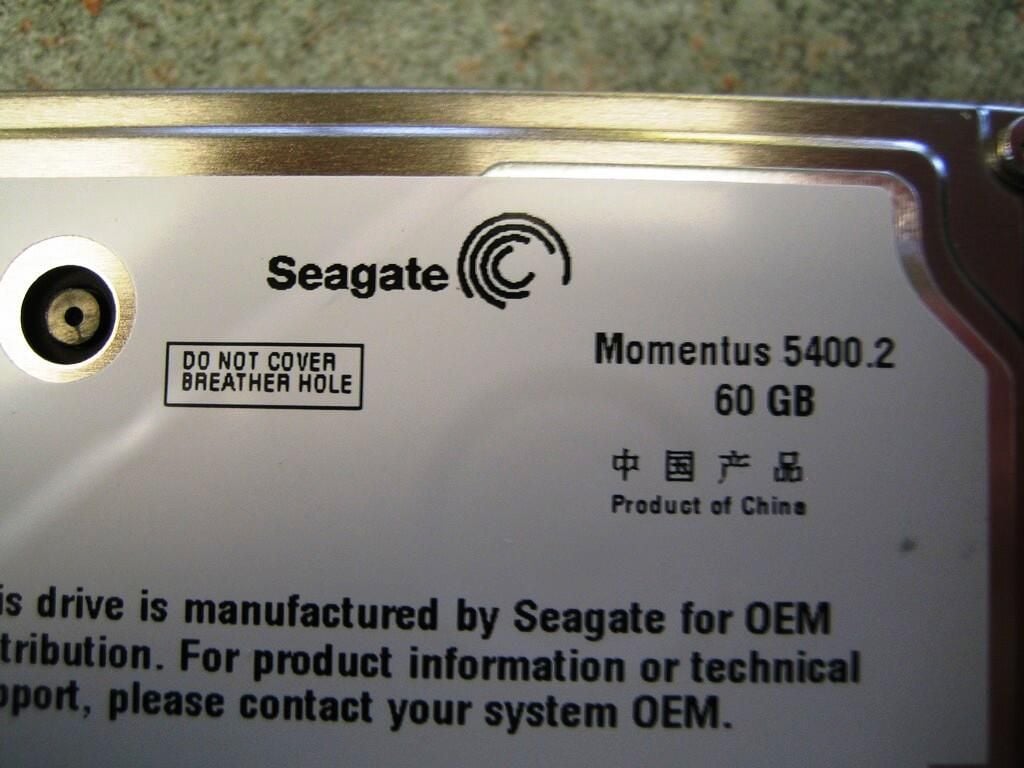
You can learn more about the PlayStation 3’s 60GB HDD on Seagate’s Web site.
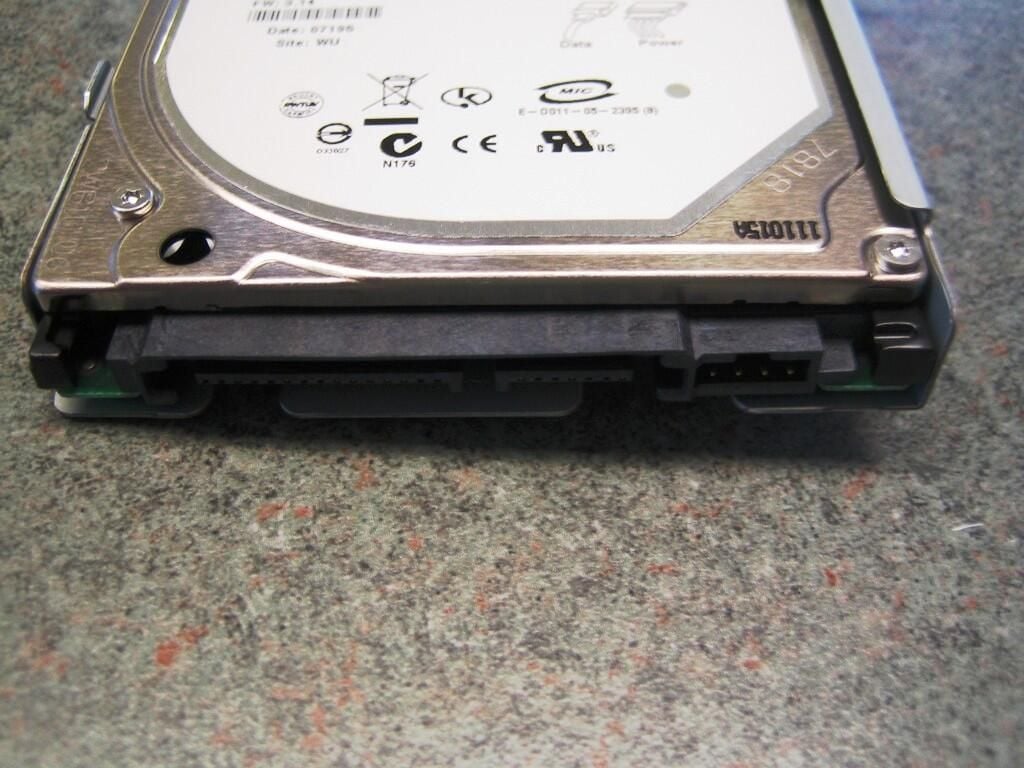
According to Seagate, the “SATA 1.5 Gb/s interface offers fast 150-MB/s interface speed.”
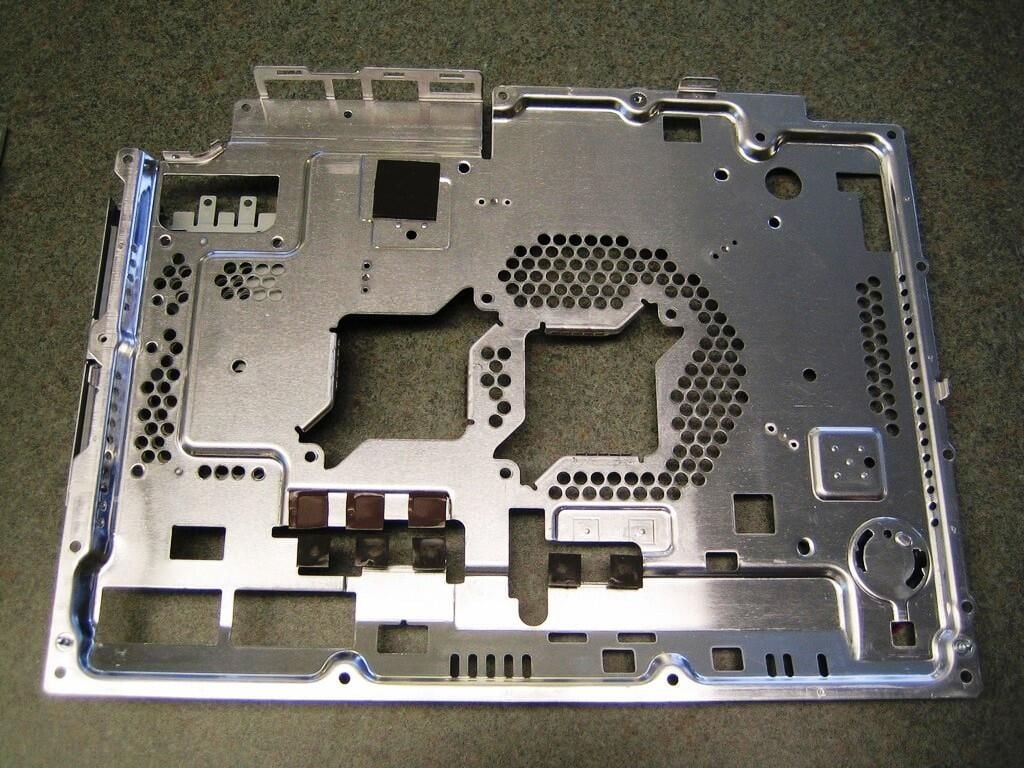
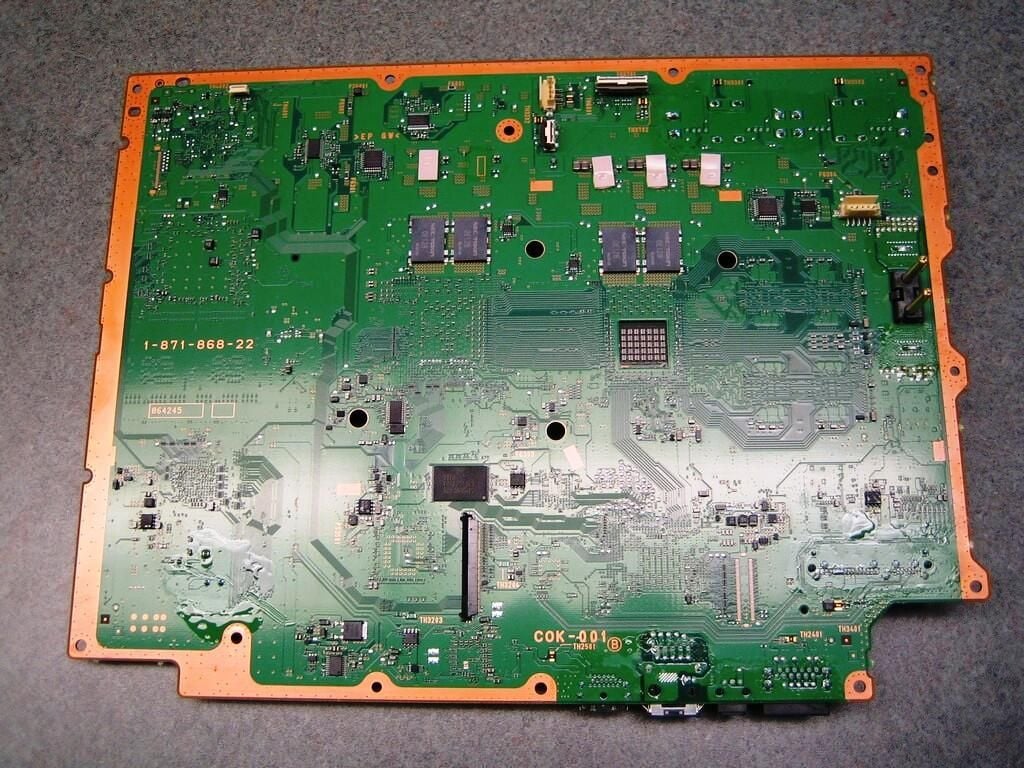
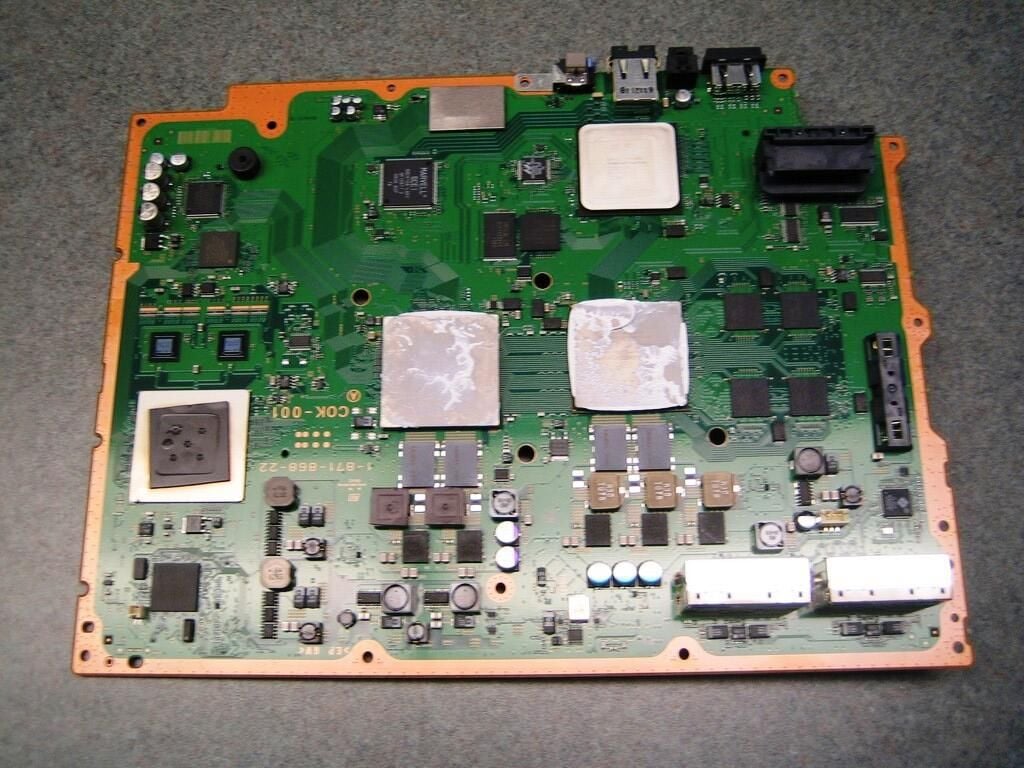
With the metal shielding removed from the top of the PlayStation 3’s motherboard we can see where most of the action happens.
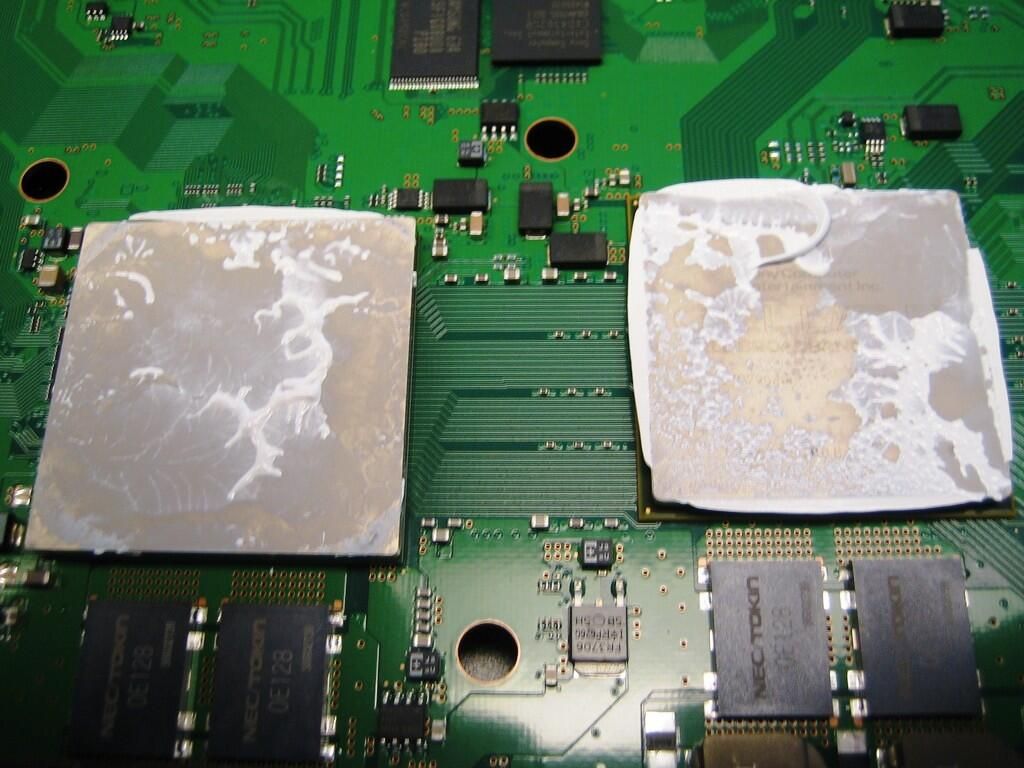
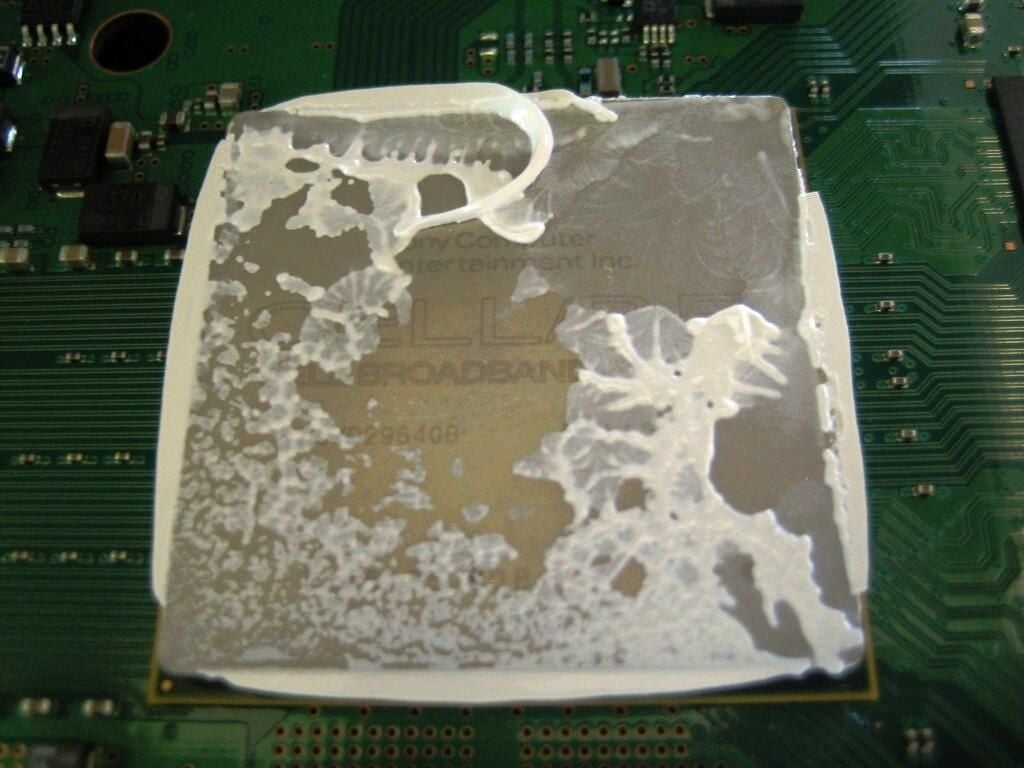
The white stuff is thermal paste. I didn’t have any extra on hand, so I left the original paste as is.
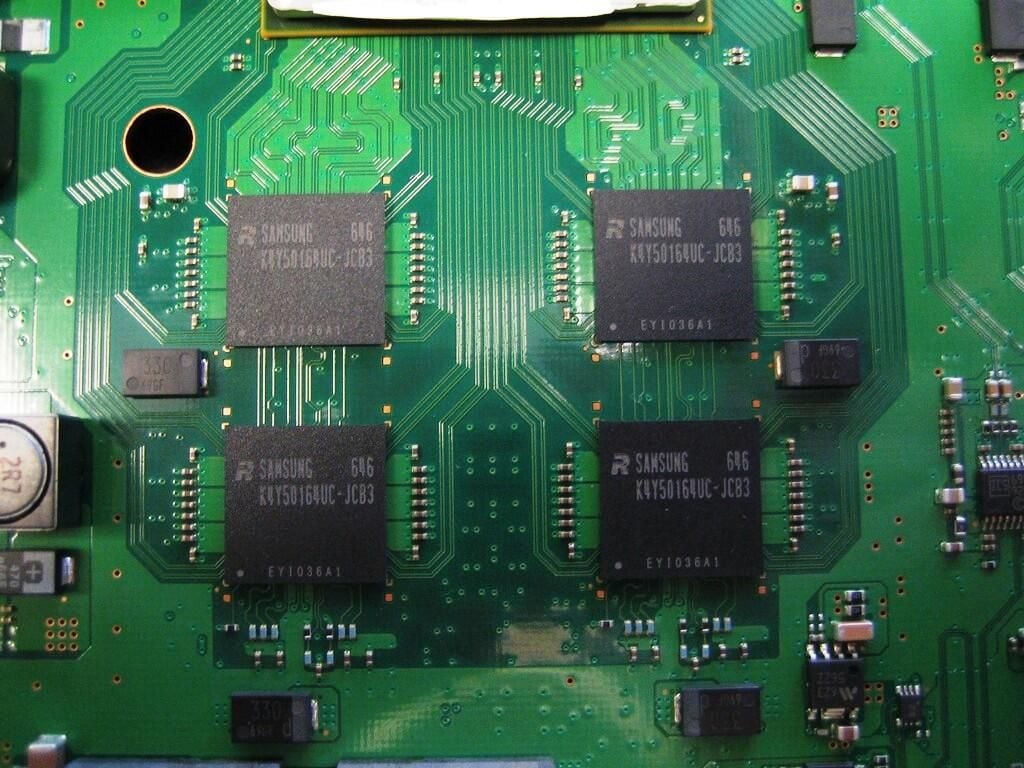
The PlayStation 3 has 256MB of XDR DRAM.
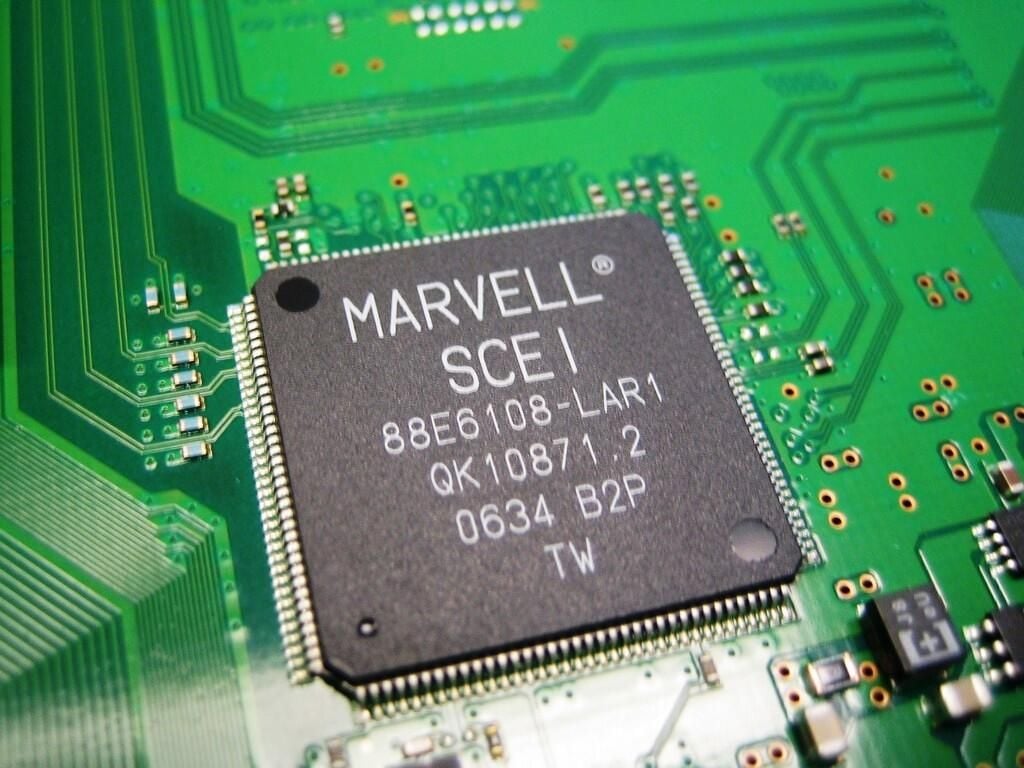
After quite a bit of research, I believe this chip is Marvell Technology Group Ltd.’s 802.11 b/g module, which provides the PS3’s WLAN capabilities. This chip may also provide the PS3’s wired LAN functionality.
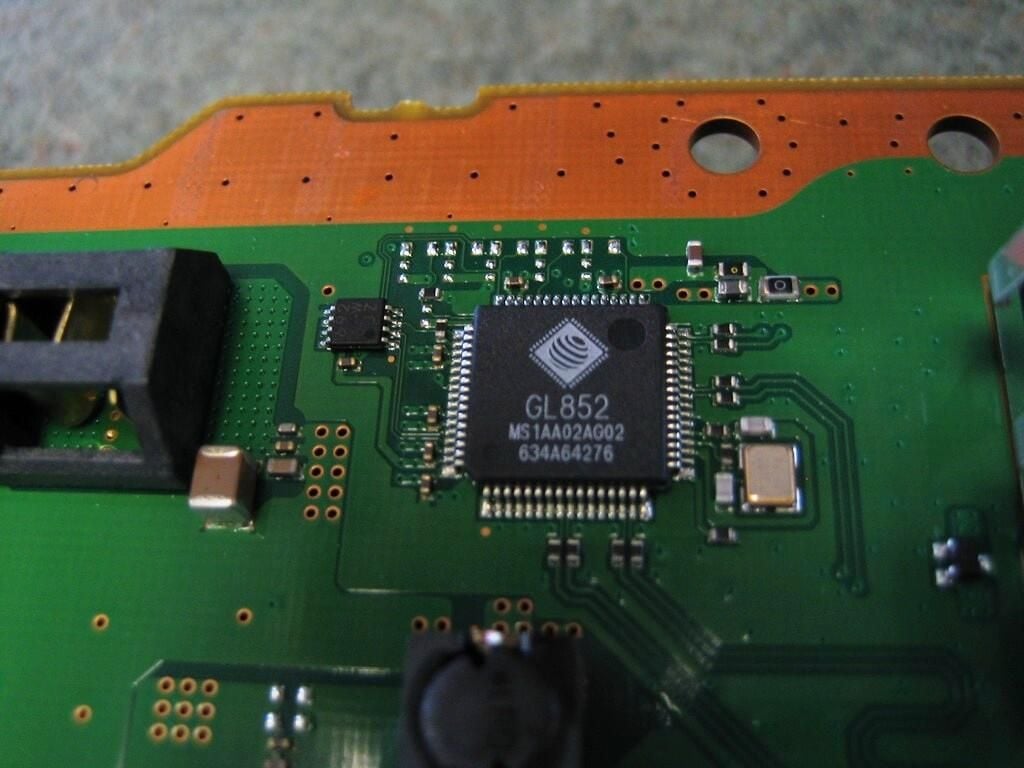
The information I’ve found indicates this chip is the PS3’s Serial ATA controller.
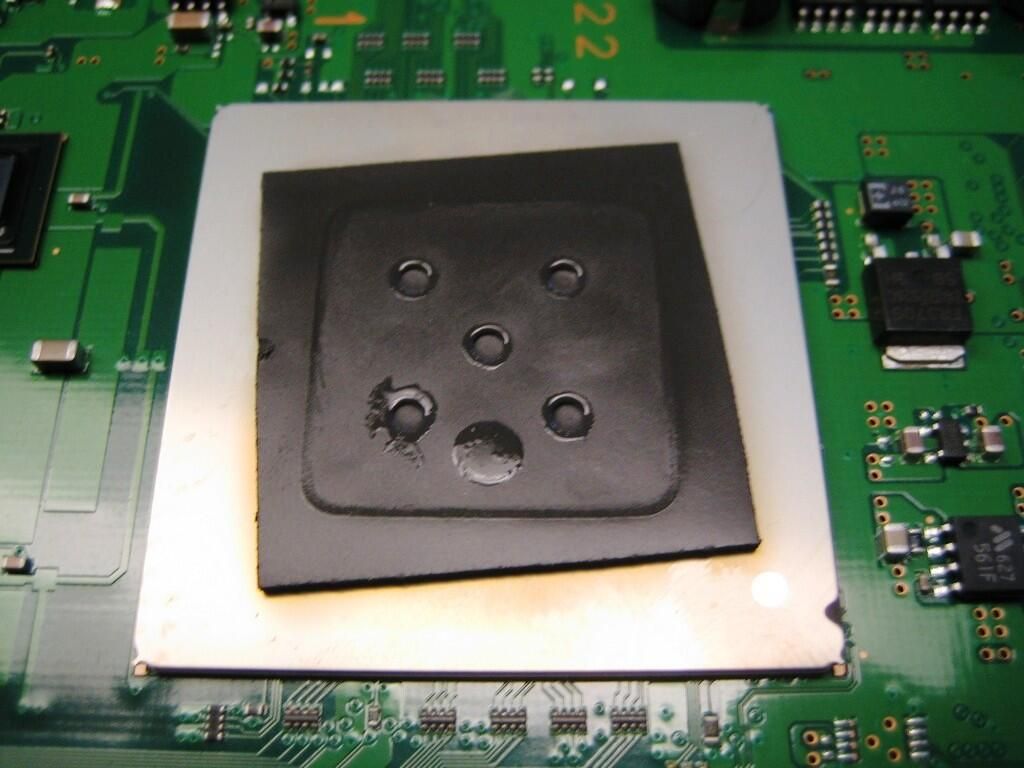
The PlayStation 3 is backward-compatible with PlayStation 2 game. Much of the PS3’s motherboard in used for PS2 components, such as the Sony Emotion Engine Graphics Synthesizer. In this picture, a black, rubber pad protects the top of the processor.
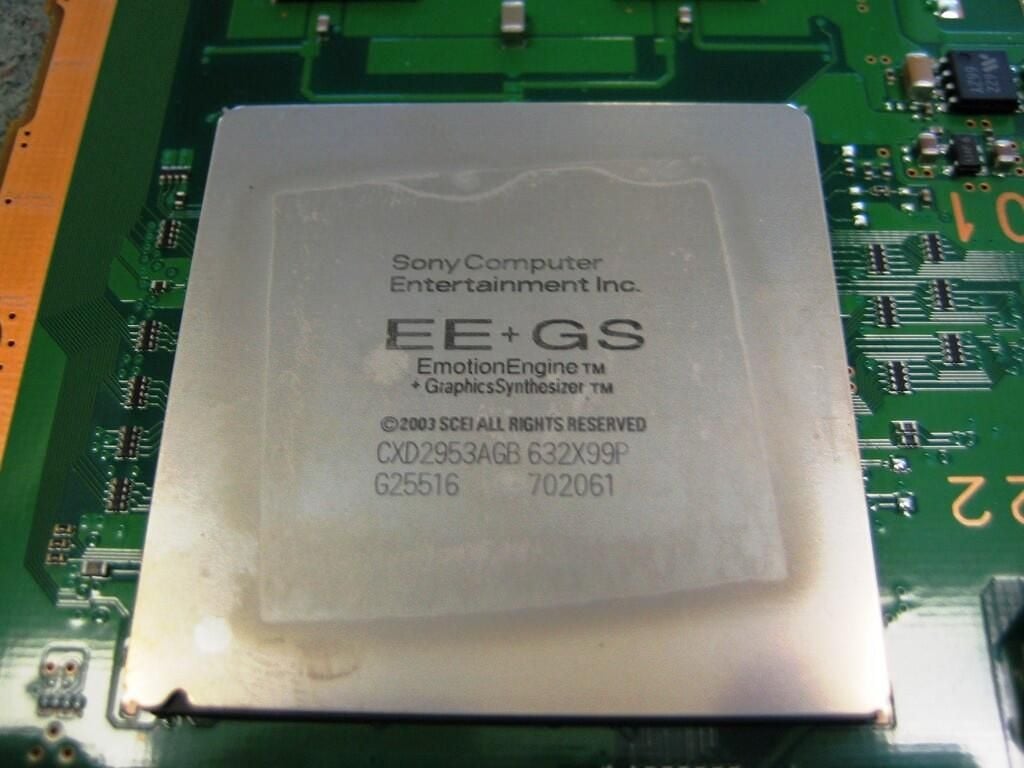
The Sony Emotion Engine Graphics Synthesizer is used as the GPU for PS2 games.
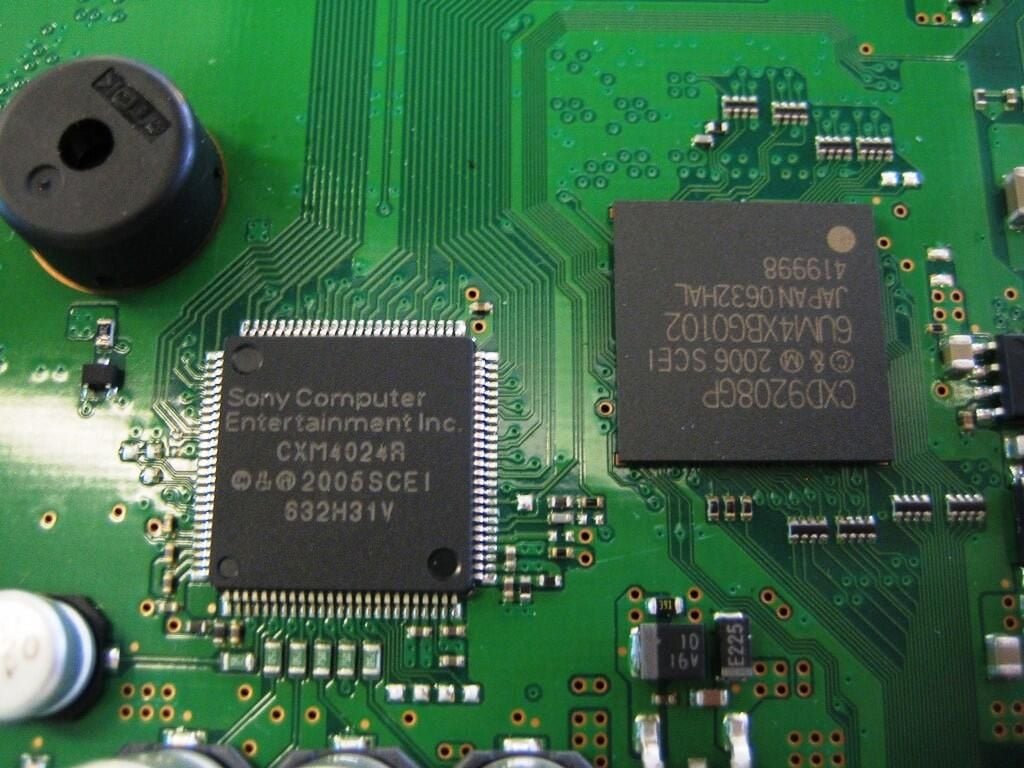
Located above the Sony Emotion Engine Graphics Synthesizer, the components in this picture are also part of the PlayStation 3’s PS2 hardware, including the round buzzer.
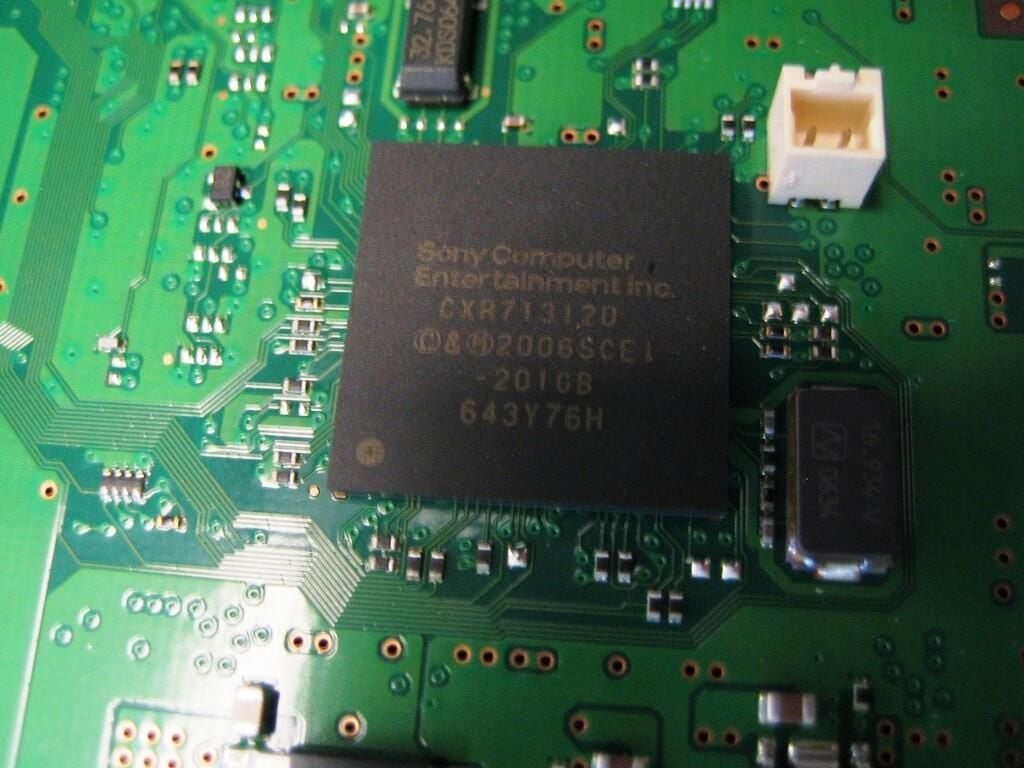
Much like Nintendo’s Virtual Console, Sony’s PlayStation Network will allow PlayStation 3 owners to download PlayStation 1 and PlayStation 2 titles to their PS3.
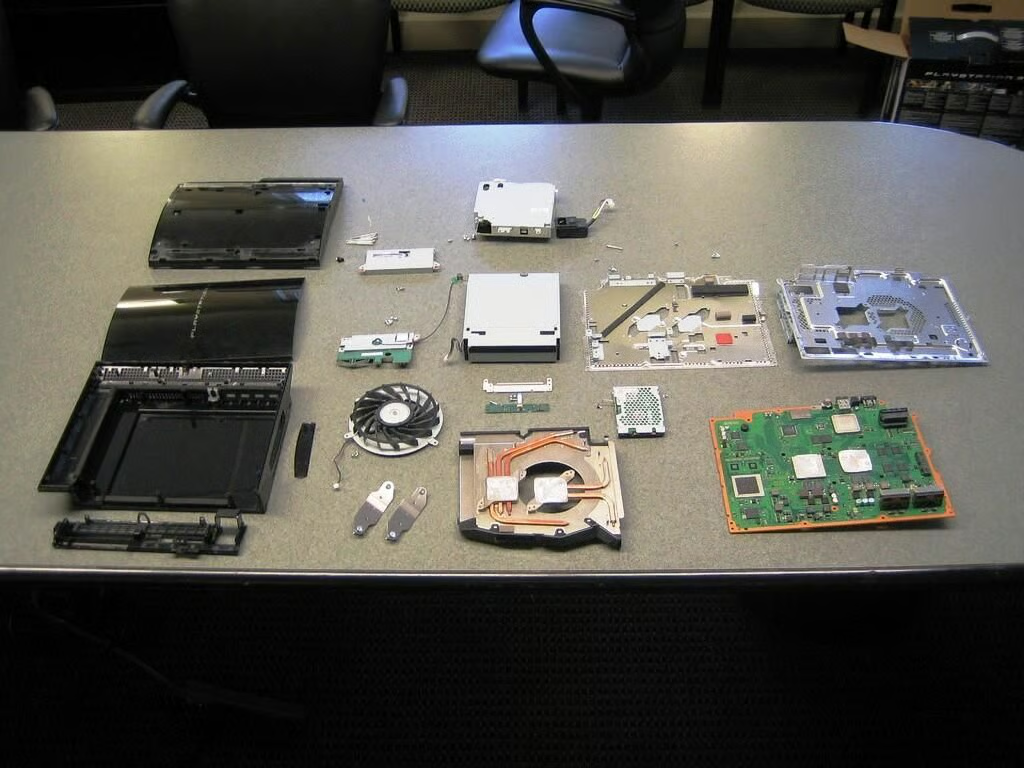
I was honestly amazed at how easy the PlayStation 3 was to disassemble. When compared with the Microsoft Xbox 360 and Nintendo Wii, the PS3 gave me the least problems. The Wii was the most difficult (I hate Tri-wing screws) and the Xbox 360 was in the middle. Sony seems to have had disassembly in mind when they designed the PS3.
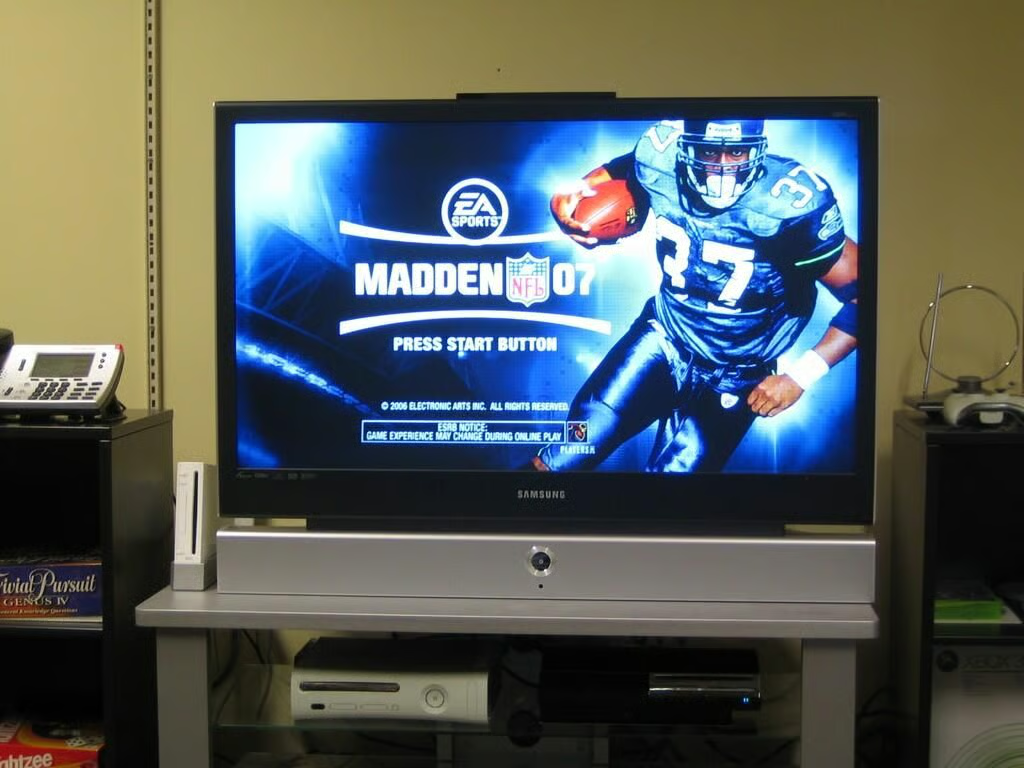
To test the Blu-Ray Disc (BD)/DVD/CD drive, I inserted Madden NFL 07. It worked!
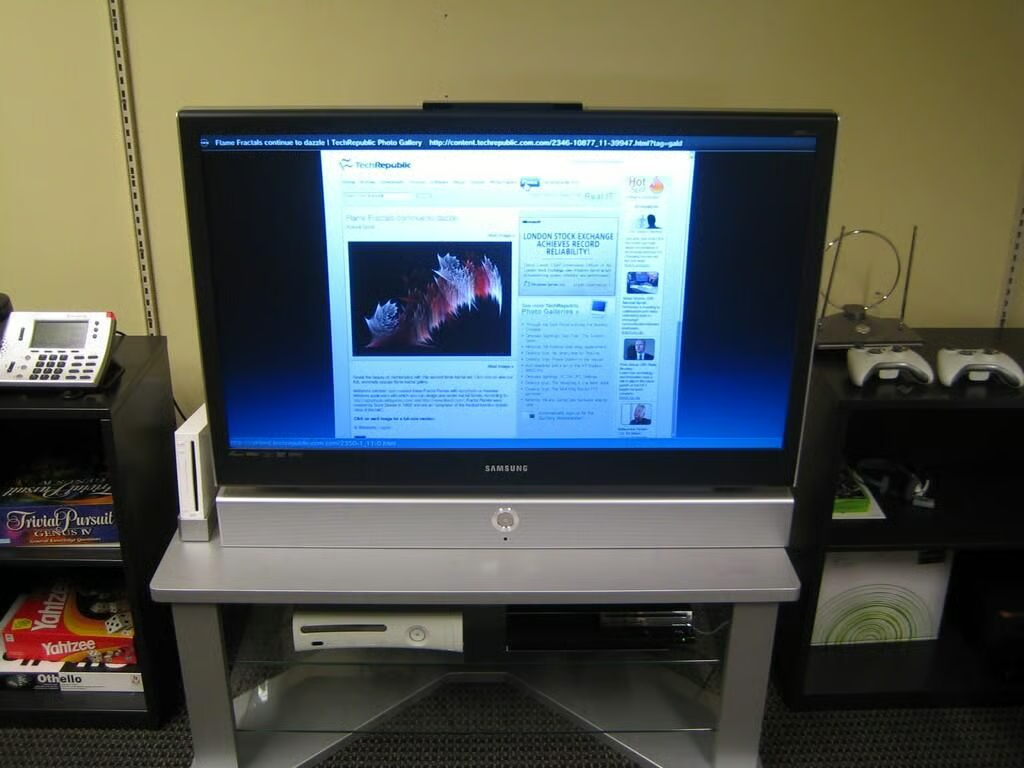
I even tried the Wi-Fi network connection. This photo shows me browsing TechRepublic with the PlayStation 3’s built-in Web browser.
Bill Detwiler is the Editor for Technical Content and Ecosystem at Celonis. He is the former Editor in Chief of TechRepublic and previous host of TechRepublic's Dynamic Developer podcast and Cracking Open, CNET and TechRepublic's popular online show. Previously, Bill was an IT manager in the social research and energy industries. He has bachelor's and master's degrees from the University of Louisville, where he has also lectured on computer crime and crime prevention.


