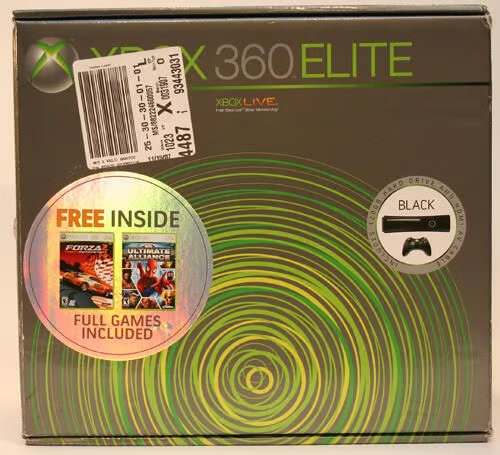
The Xbox 360 Elite includes two games and ships in this box. The Xbox 360 Elite is Microsoft’s premier entry in its Xbox 360 console line that also includes the original Xbox 360 and the Xbox 360 Arcade models.

Activision’s game Marvel Ultimate Alliance is included with the Xbox 360 Elite console, which also includes a massive 120GB hard drive, wireless controller and component video and HDMI cables.
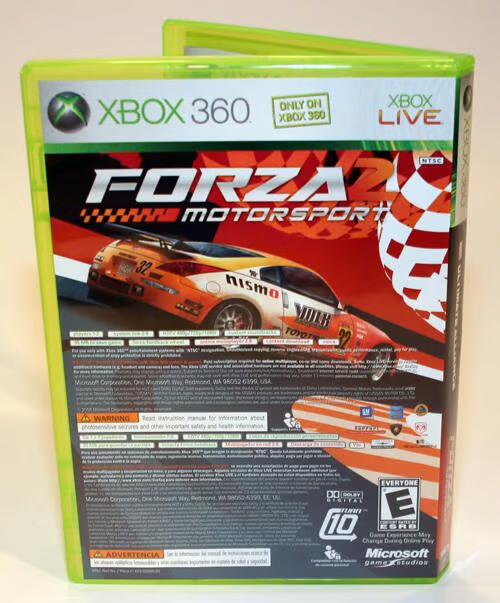
In addition to including the Marvel Ultimate Alliance game, the Xbox 360 Elite ships with Microsoft’s Forza2 Motorsport title.
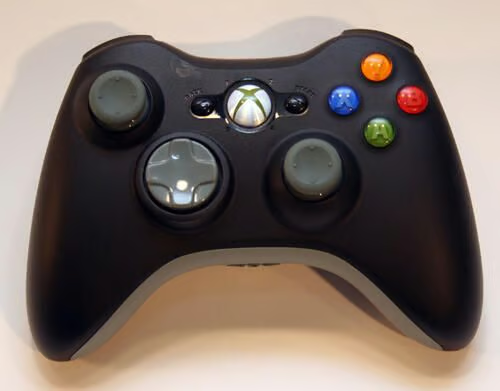
One wireless controller is included with the Xbox 360 Elite console.
Here’s a look at the Xbox 360 wireless controller from its front.
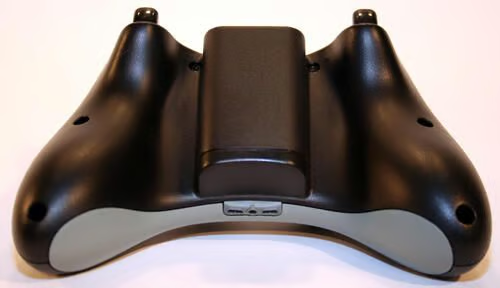
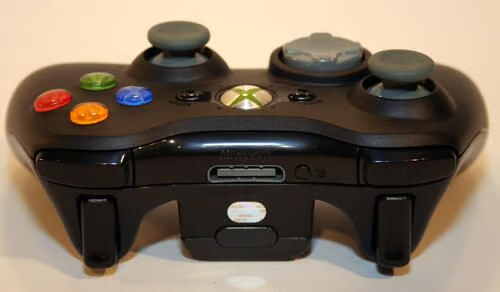
The Xbox 360 Elite wireless controller’s undercarriage. Two AA batteries tuck inside the middle compartment.
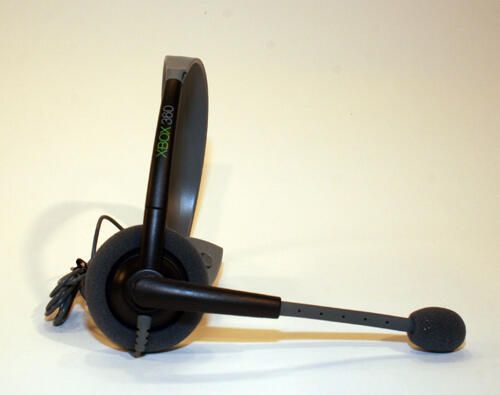
The Xbox 360 Elite also includes this wired headset.
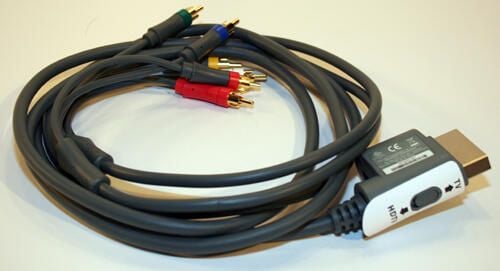
This HD-Component Video cable enables viewing Xbox 360 play in HD.
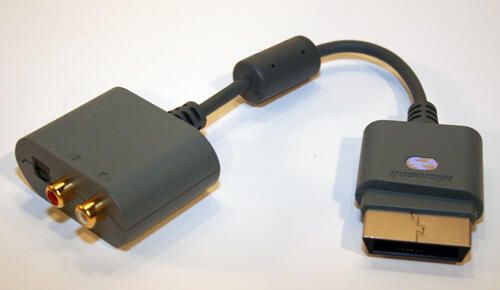
Included with the Xbox 360 Elite is this optical/RCA adapter, which enables enhanced sound in non-HDMI stereo systems.
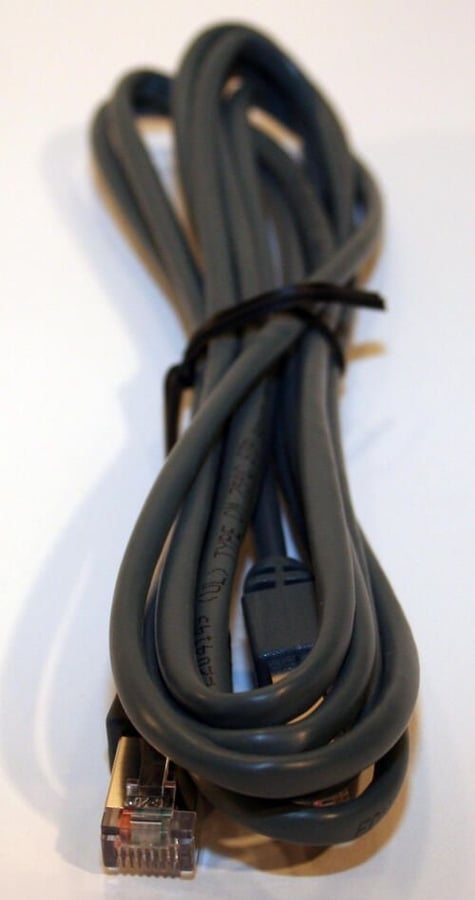
The Xbox 360 Elite console includes a category 5 network cable.
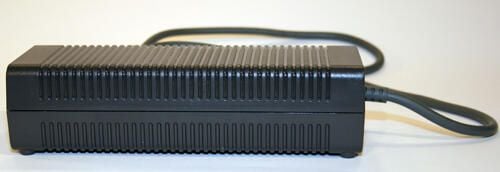
Microsoft engineers struggled to eliminate heat in the popular game console. In order to reduce temperature levels, the console’s power supply actually sits outside the console itself in this brick.
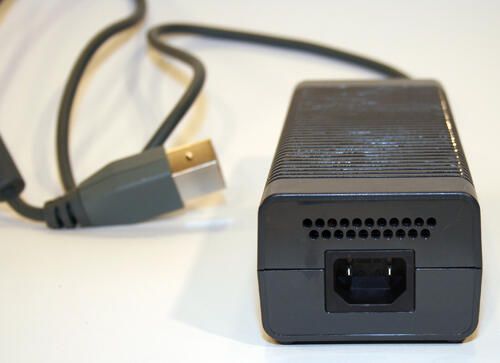
Another view of the Xbox 360 Elite power brick.
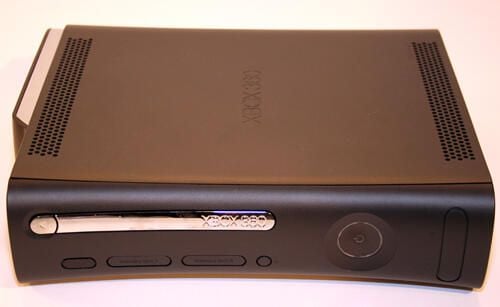
The Xbox 360 Elite looks very similar to previous Xbox consoles, except it’s black.
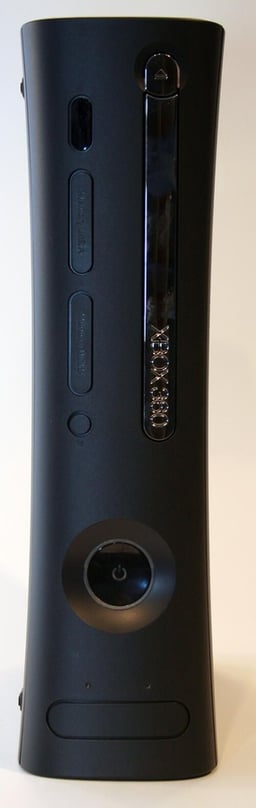
Here’s another look at the Xbox 360 Elite, which like other 360 models, can stand on-end or flat.
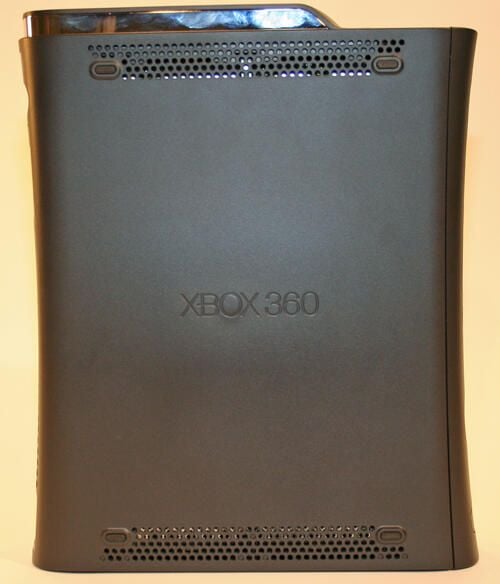
Here’s a side view of the Xbox 360 Elite. Note the functional cut outs at top and bottom that help encourage air flow through the console.
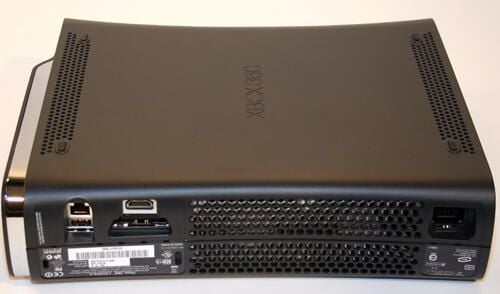
A look at the Xbox 360 Elite from behind.
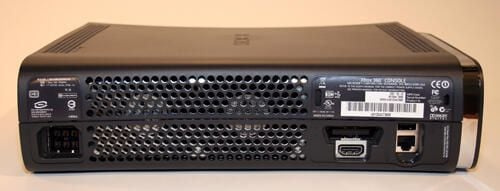
The Xbox 360 Elite boasts a pair of large fans that can be seen here behind the console’s black plastic case.
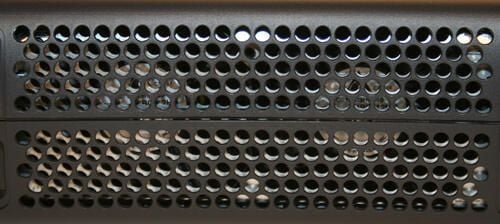
Here’s a close up look at the two cooling fans at the rear of the Xbox 360 Elite.
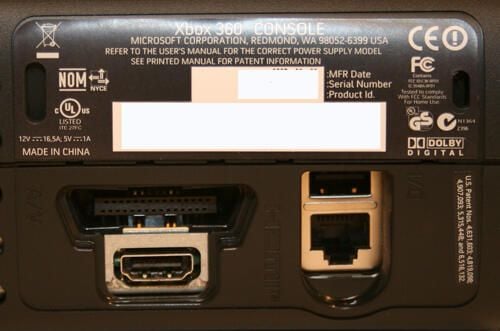
The Xbox 360 Elite boasts a full complement of input ports. In this image you can see the HDMI port (lower left), proprietary audio/video (top left), a USB input (top right) and a standard Ethernet jack (bottom right).
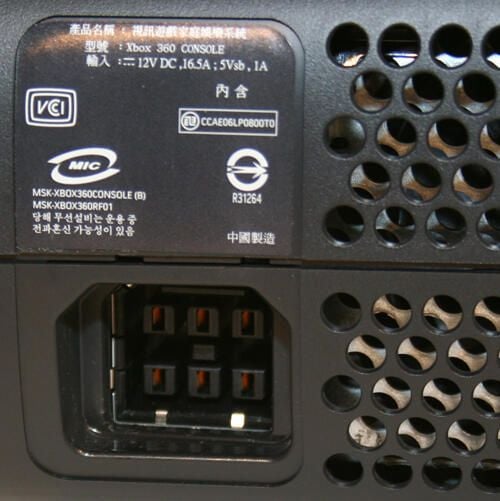
Here is the port where the Xbox 360 Elite’s power supply plugs in to the console.
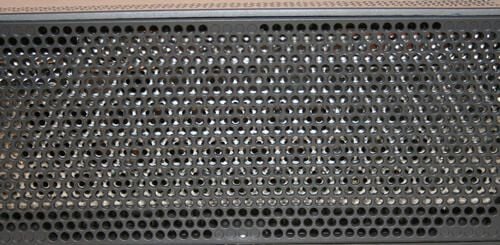
Here’s a close up look at the Xbox 360 Elite’s perforated mesh case.
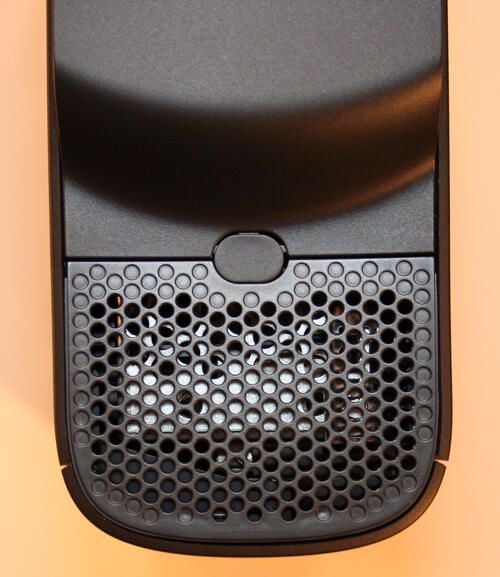
Depressing this push button, which is found on top the Xbox 360 Elite, releases the 120GB hard disk enclosure.
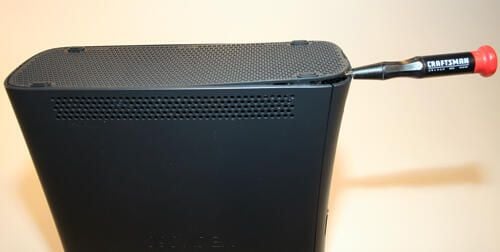
To disassemble the Xbox 360 Elite (which is likely to void your console’s warranty), slip a small flat head screwdriver into the slot found at the base of the Xbox. Then, slowly and carefully remove the bottom perforated base.
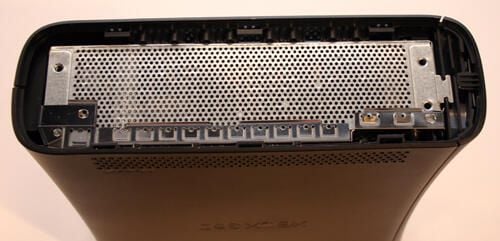
Removing the Xbox 360 Elite’s bottom perforated panel reveals the actual console’s chassis.
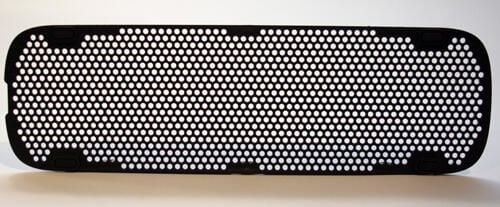
This is the Xbox 360 Elite’s plastic perforated bottom plate once removed from the console itself.
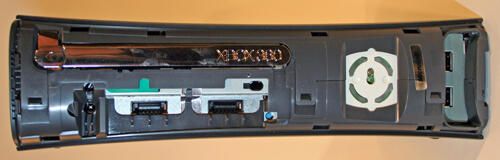
Carefully peeling away the front decorative plate reveals three interlocking clips that secure the case’s two halves together.
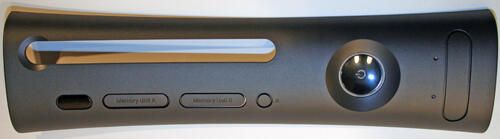
Here’s the Xbox 360 Elite’s front cover by itself.
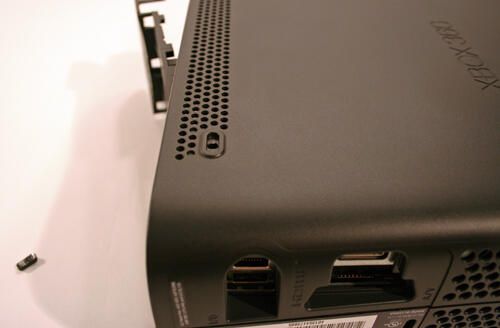
Inserting a small screwdriver in the hole hidden by one of the console’s rubber feet helps free the console’s perforated top.
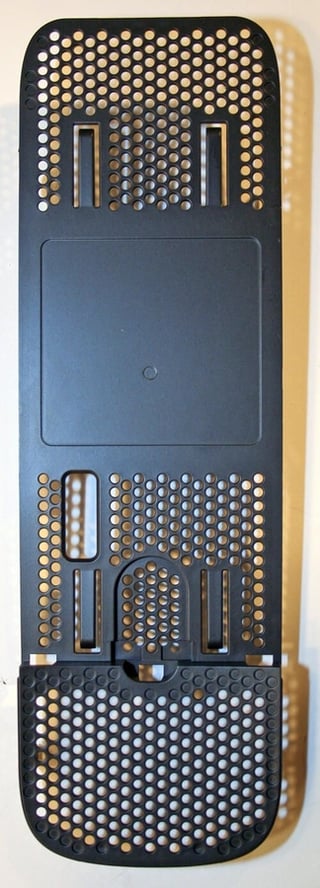
Here’s the Xbox 360 Elite’s perforated top (removed from the console). Much like the perforated bottom plastic case, the only differences are some spacing adjustments and a cutout to accommodate the hard disk enclosure’s connection to the main console circuitry.
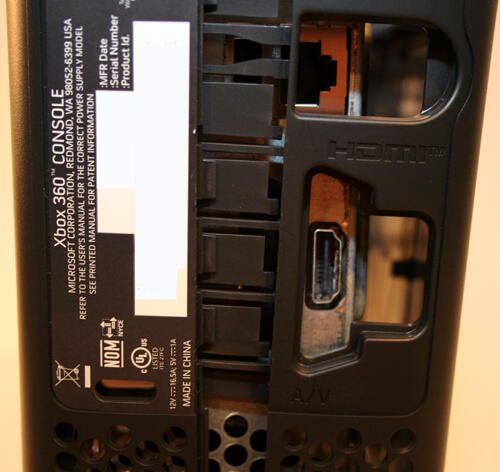
When separating the Xbox 360 Elite’s casing, disassembly requires inserting a flat head screwdriver (or other similar object) gingerly between the plastic casing’s two locking halves to ease removal. In this image numerous locking clips can be seen.
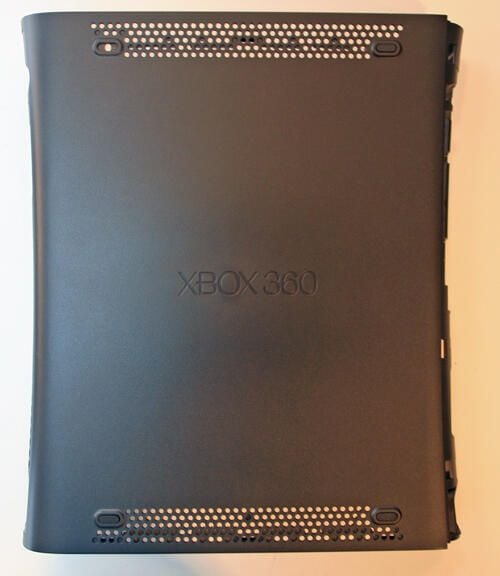
Here’s the bottom casing removed from the Xbox 360 Elite.
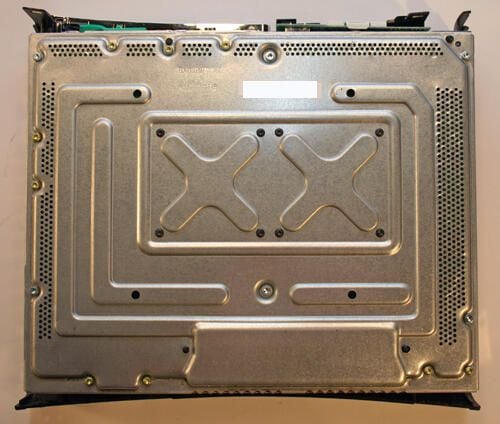
With the bottom plastic casing removed, the Xbox 360 Elite’s chassis becomes visible.
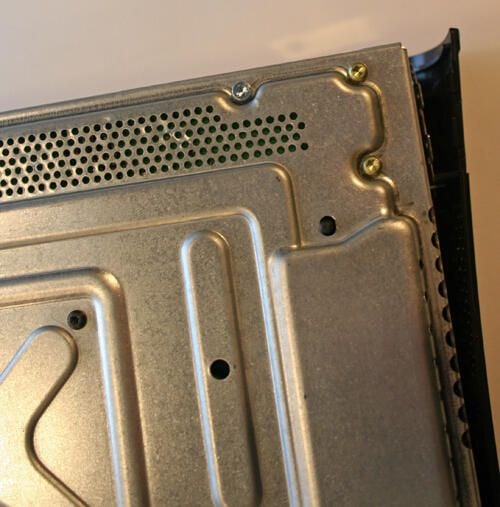
Six torx screws (like the silver one toward the top center) must be removed to proceed with the Xbox 360 Elite’s disassembly.
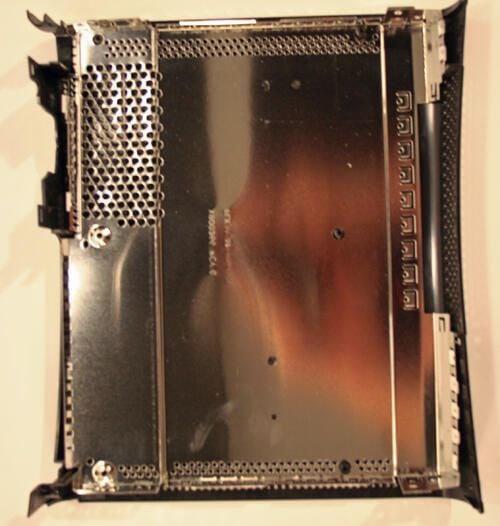
The entire inside bottom of the Xbox 360 Elite case is lined with a metal sheeth to enable heat dissipation.
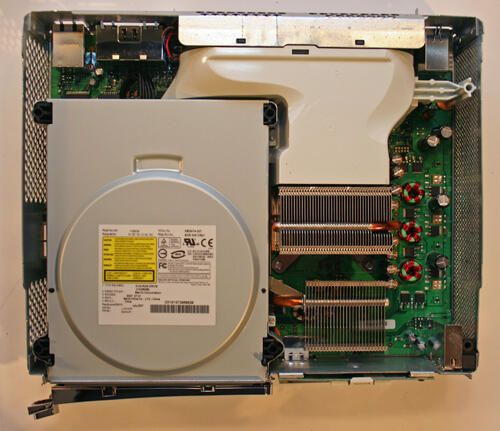
With the cover removed, the Xbox 360 Elite’s DVD drive is clearly visible to the bottom left.
Meanwhile, the unit’s two large fans sit at the back, while a large gray plastic air tunnel (or shroud) helps cool the console’s high-performance graphics chip. Note the second heat sink that’s been added to the unit at the bottom right; this heat sink was not present in the first generation consoles.
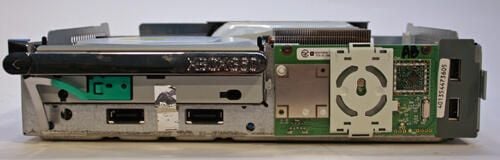
Here’s the Xbox 360 console chassis completely removed from its black plastic casing.
Two USB ports can be seen at the far right, while two proprietary memory ports can be seen beneath the silver DVD tray toward the unit’s left side.\r\n\r\nThe green circuit board to the right, meanwhile, powers the unit’s RF capabilities.
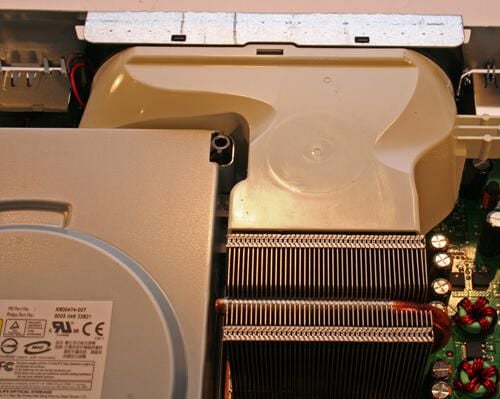
Heat dissipation is critical to the Xbox 360 Elite’s performance. Engineers worked with the first generation 360 consoles to route significant volumes of air around the unit’s ATI Xenos graphics engine and triple-core IBM-designed PowerPC CPU using this ductwork (that connects to the console’s two rear-mounted fans).
The heat sink shown here cools the unit’s IBM-designed, IBM-manufactured CPU.
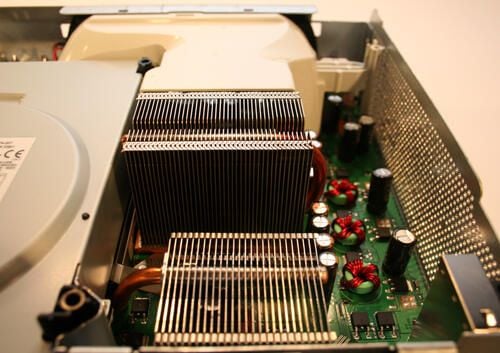
The Xbox 360 Elite boasts a second heat sink.
The heat sink seen here in the foreground was added to the Xbox 360 Elite to assist in eliminating overheating issues experienced with the first generation of 360 models.
You can view the original Xbox 360 heat sink configuration in a previous TechRepublic Photo Gallery.
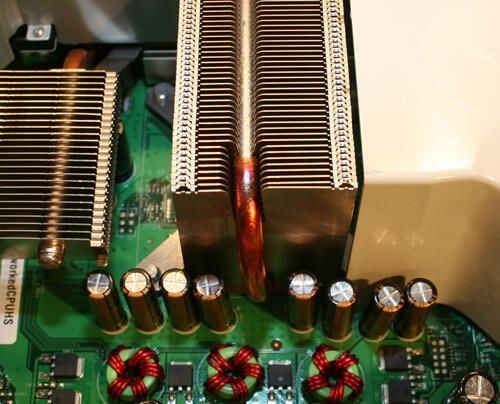
Here’s a closer look at the piping that helps the CPU’s heat sink lower operating temperatures (with assistance from the unit’s two fans and air shroud).
To the left you can make out a second heat sink not present in original Xbox 360 models. This additional heat sink provides greater cooling capacity for the ATI graphics processing unit.
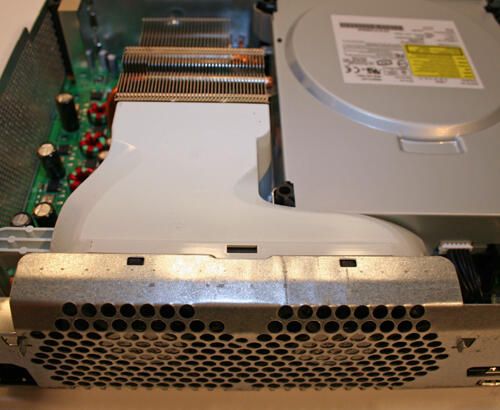
Here’s a closer look at the air shroud that connects to the unit’s two rear-mounted cooling fans.
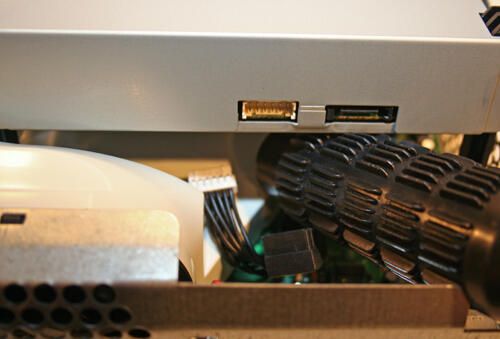
Before removing the Xbox 360 Elite’s DVD drive, the power (black) and data (white) cables must be carefully removed from the rear of the device. Once the cables are unplugged, the drive can be lifted clear of the chassis and motherboard assembly.
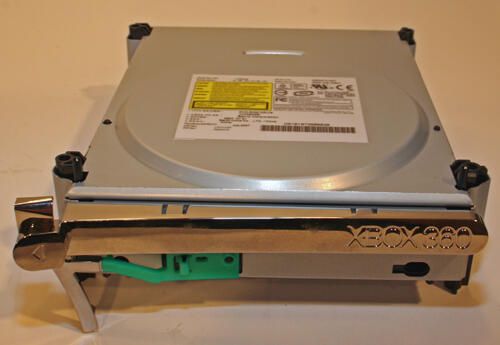
The Xbox 360 Elite’s DVD drive is manufactured by Ben-Q.
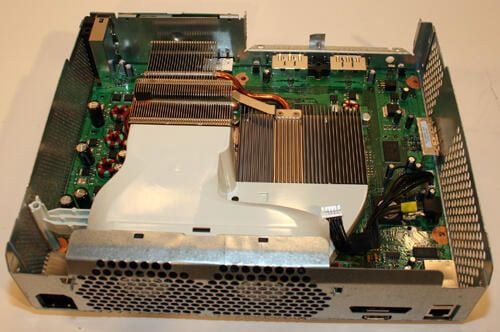
With the Ben-Q DVD drive removed, the ATI graphics chip-cooling heat sink is clearly visible on the Microsoft motherboard.
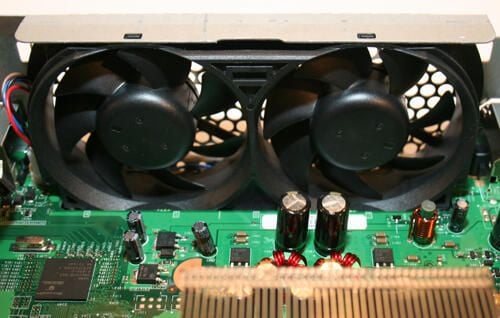
Here’s a closer look at the twin-molded cooling fans that lower operating temperatures inside the Xbox 360 Elite.
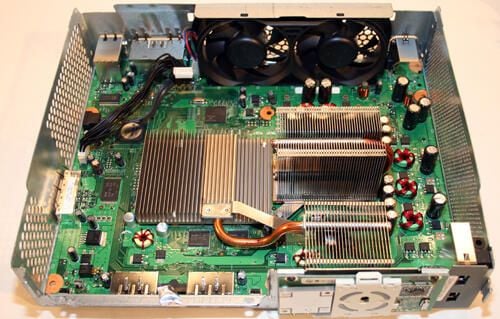
Inside the Xbox 360 Elite chassis, the Microsoft motherboard (complete with CPU- and GPU-cooling heat sinks) is clearly visible now.
In addition to a third heat sink, the new Elite model boasts additional epoxy securing the triple-core CPU to the motherboard. Rumor has it that the additional bonding material prevents the chip from working loose from the main board when temperatures climb high.\r\n\r\nThe CPU sits below the larger raised heat sink to the right, while the GPU sits below the wider and lower heat sink to the left.
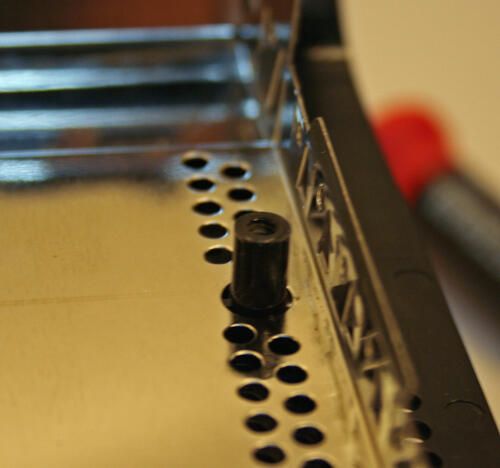
These mounting pins, found inside the Xbox plastic cover, help the six torx screws secure the cover’s two halves together.
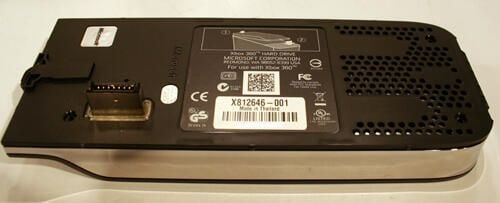
Here’s another look at the Xbox 360’s hard disk enclosure. Normally the enclosure sits atop the Xbox 360 Elite’s case.
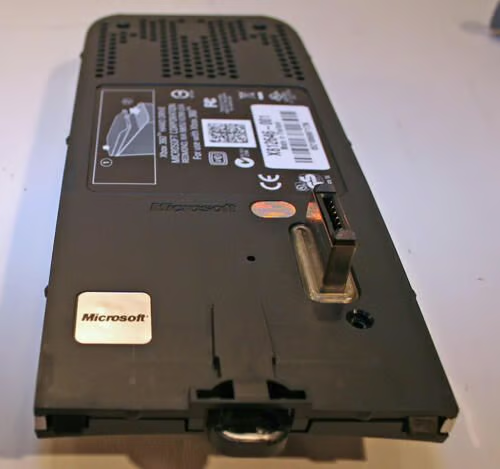
Cracking open the hard disk enclosure requires removing the silver Microsoft sticker shown here (in order to access a fourth screw required to open the case). Once removed, the sticker leaves a tell-tale pattern behind, thereby revealing the user has accessed the hard disk and voiding the unit’s warranty.
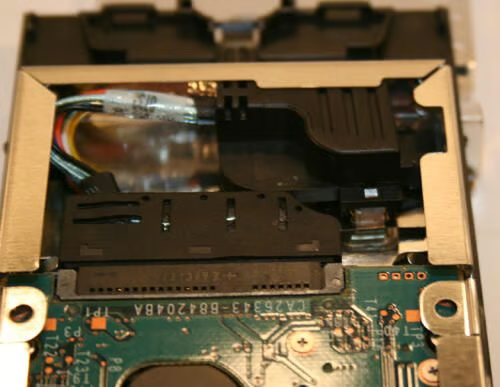
Microsoft engineers designed this SATA mounting bracket to connect the Xbox 360 Elite’s laptop-sized hard disk.
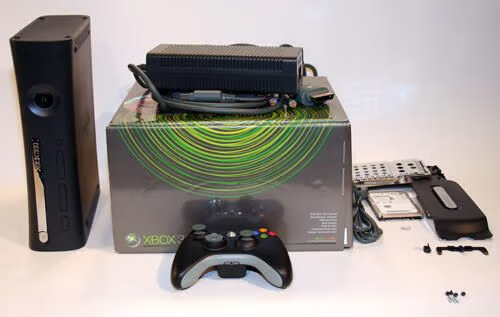
Here are all the pieces that come with the Xbox 360 Elite, Microsoft’s premier console.

Erik Eckel is a managing partner at Louisville Geek and president of Eckel Media Corp. He previously served as Executive Editor at TechRepublic. He received Microsoft Engineer accreditation from Sullivan University and earned his Bachelor's Degree in English from the University of Louisville. He's earned Network+, Windows NT 4.0 MCP+I and MCSE, and Windows 2000 Professional MCP accreditations.


