Download the Windows 7 USB/DVD Download Tool from the Microsoft Store
\n\tThis gallery is also available as a post in the TechRepublic Windows and Office Blog.
\n\t
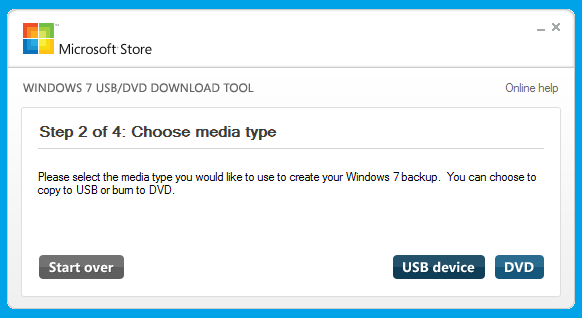
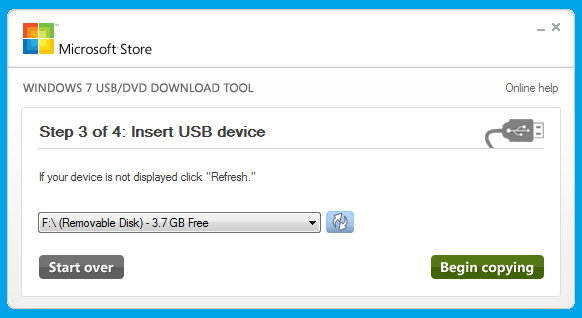
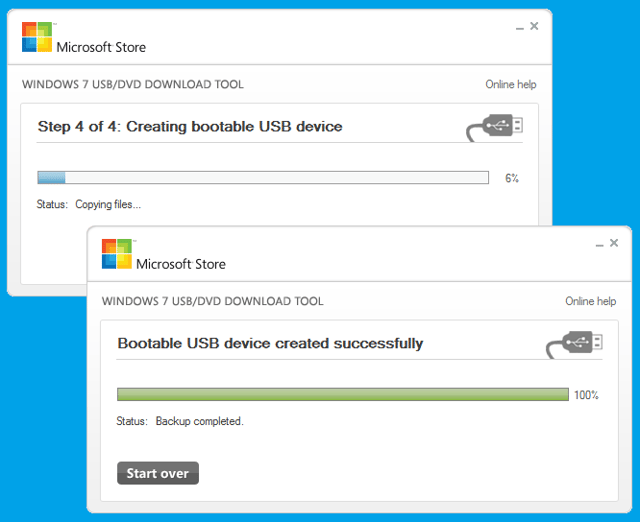
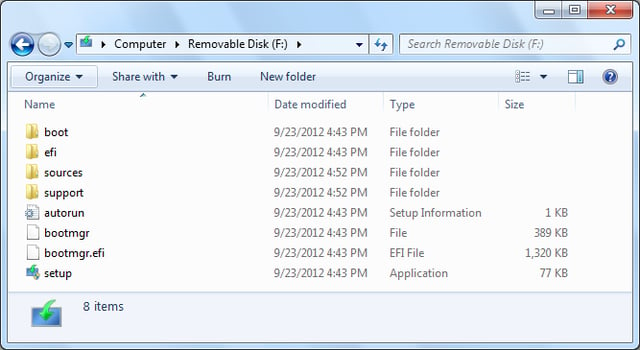
\n\tIn last week’s post, Get the free 90-day evaluation of Windows 8 Enterprise, I showed you how to download the free 90-day evaluation copy of the final version of Windows 8 Enterprise and burn the ISO file to a bootable DVD using Windows 7’s Windows Disc Image Burner tool. While installing from a DVD is suitable in most situations, you may want to be able to install Windows 8 from a USB flash drive. Fortunately, doing so is not as difficult as it once was. In fact, Microsoft has a utility called the Windows 7 USB/DVD Download Tool that will allow you to convert the ISO image so that it can boot from a USB flash drive. (Keep in mind that while the tool has Windows 7 in its name, it will still work for Windows 8.)
\n
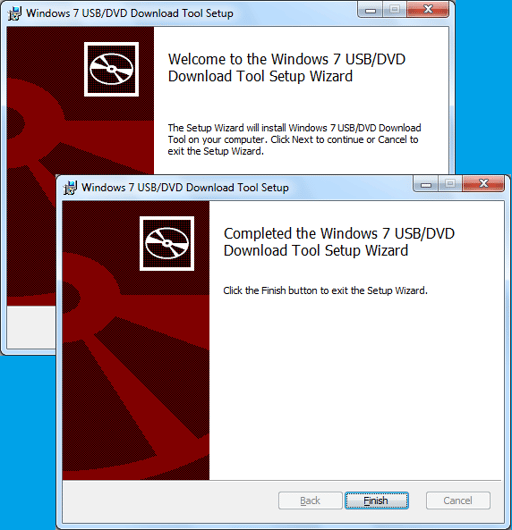
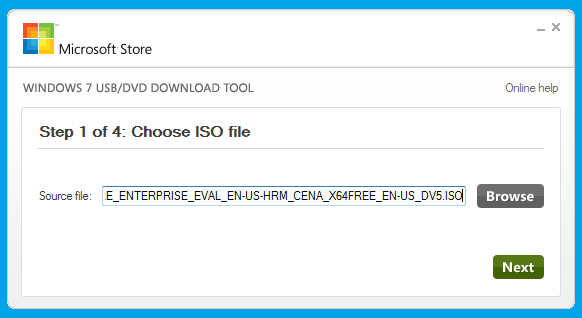
\n\tIn this article, I’ll show you how to download, install and use the Windows 7 USB/DVD Download Tool to transfer the Windows 8 Enterprise evaluation ISO to a bootable USB flash drive. Keep in mind that while I’ll use the Windows 8 Enterprise evaluation ISO as my example, this procedure will work with any Windows 7 or Windows 8 ISO.
\n
\n\t\n\n
\n
\n\tWhat you need
\n
\n\tTo install the Windows 7 USB/DVD Download Tool, you need at least a Pentium 233 MHz processor and 50MB of free hard disk space. You can install the tool in Windows XP SP2, Windows Vista, or Windows 7 (32-bit or 64-bit). Your USB flash drive must be at least 4GB and it should not have any other files on it. In fact, I recommend that you perform a full format of your USB flash drive; just to be sure that it is error free.
\n
\n\tIf you are running Windows XP, you will need to download and install both Microsoft .NET Framework 2.0 and Microsoft Image Mastering API v2 before you install the Windows 7 USB/DVD Download Tool. Keep in mind that the most current version of the .NET Framework is 4.5, but if you only want to download 2.0, previous versions are available on the .NET site linked above.
\n
\n\tDownloading the tool
\n
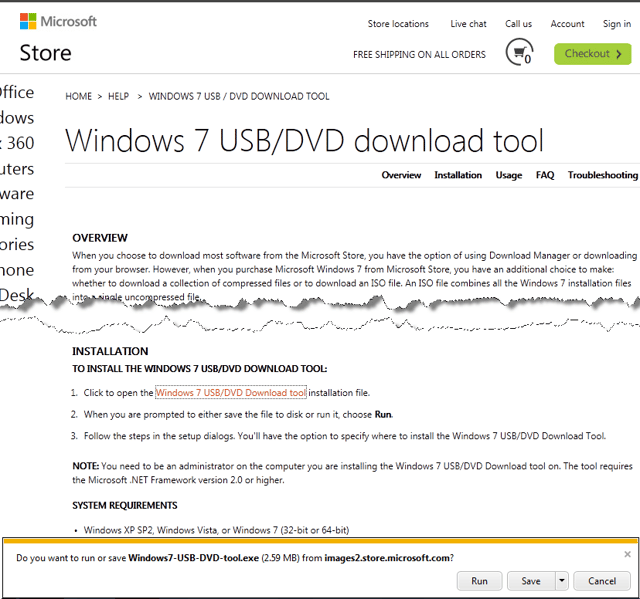
\n\tDownloading the tool is easy. To begin, head over to the Microsoft Store’s Windows 7 USB/DVD Download Tool page and scroll down until you see the download link. When you click it you’ll be prompted to either Run or Save the tool. For my example, I chose to save the file so that I could experiment with the tool on various machines.
\n
\n\tImages by Greg Shultz for TechRepublic.