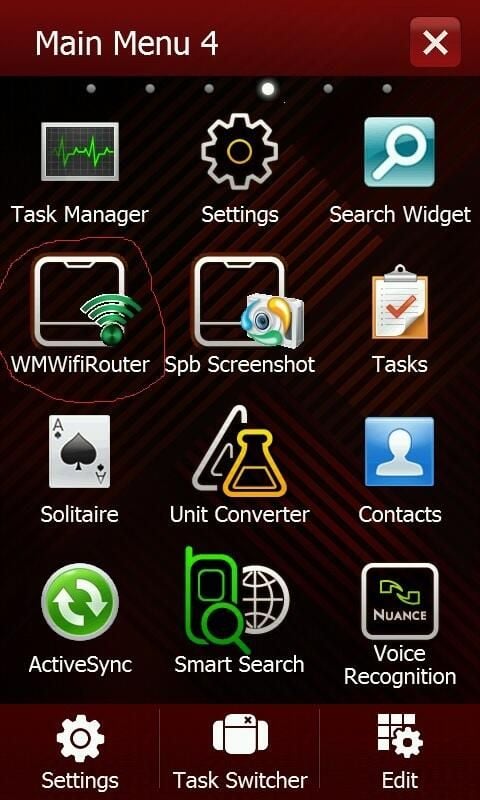
When my FiOS Internet connection went down, I used the WMWifiRouter program to connect my Sony VAIO laptop to the Internet through my Windows Mobile phone’s 3G service. You can download WMWifiRouter with the ActiveSync installer to install from your desktop, but since my desktop had no Internet connection, I opted to download the CAB installer directly to the phone. Here’s a look at the simple installation process.
WMWifiRouter installs easily and is accessed from your phone’s Programs list.
For more details, including a few caveats, read my post Turn your smartphone into a WAP with WMWifiRouter.
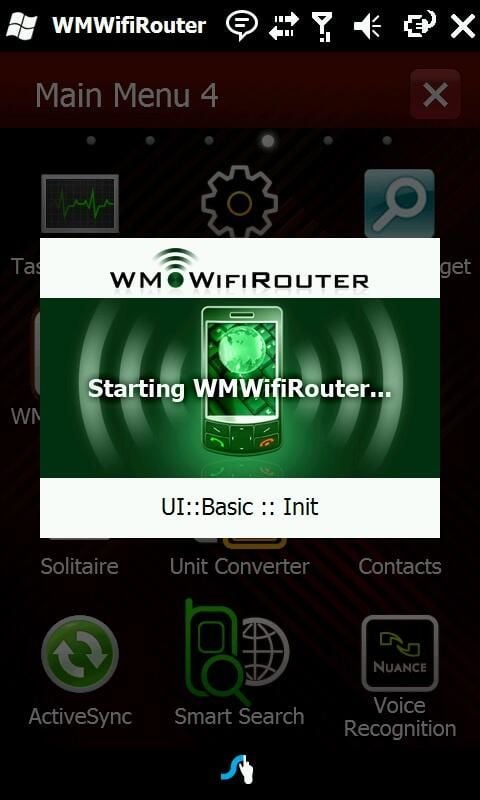
It takes a moment for the program to initialize.
For more details, including a few caveats, read my post Turn your smartphone into a WAP with WMWifiRouter.
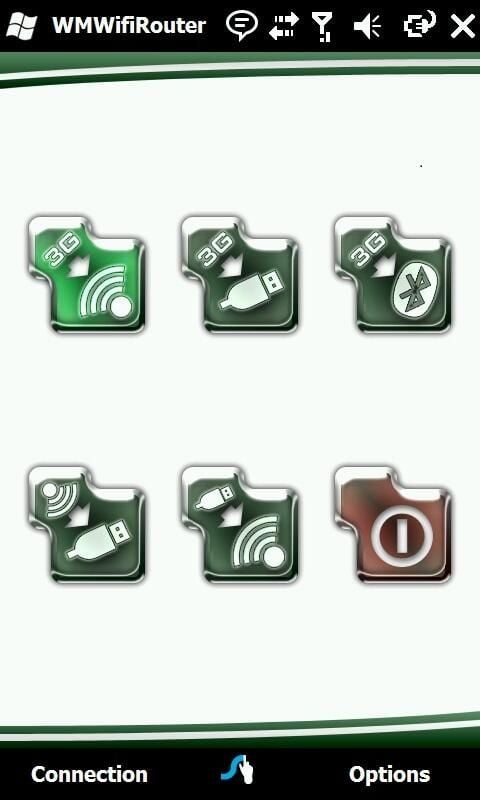
You can choose from these connection types: 3G to Wi-Fi, 3G to USB, 3G to Bluetooth, Wi-Fi to USB, and USB to Wi-Fi.
For more details, including a few caveats, read my post Turn your smartphone into a WAP with WMWifiRouter.
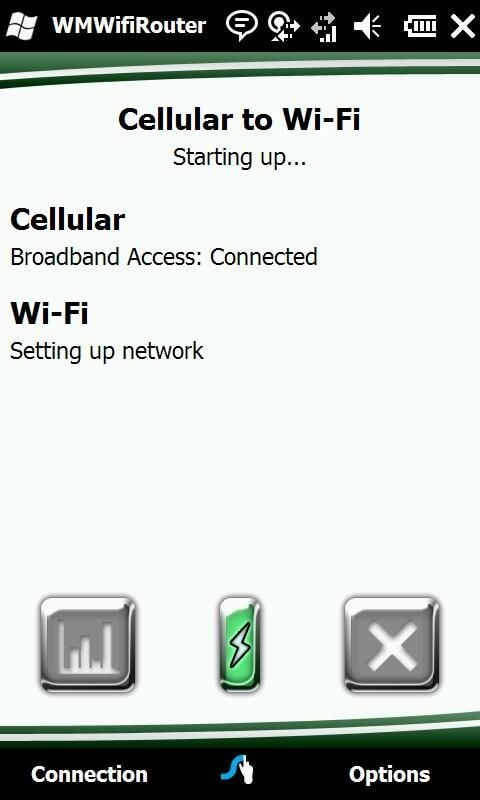
WMWifiRouter sets up the wireless network.
For more details, including a few caveats, read my post Turn your smartphone into a WAP with WMWifiRouter.
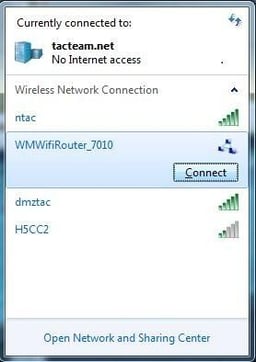
On your Wi-Fi enabled laptop, you’ll see the new network in the list of available wireless networks.
For more details, including a few caveats, read my post Turn your smartphone into a WAP with WMWifiRouter.
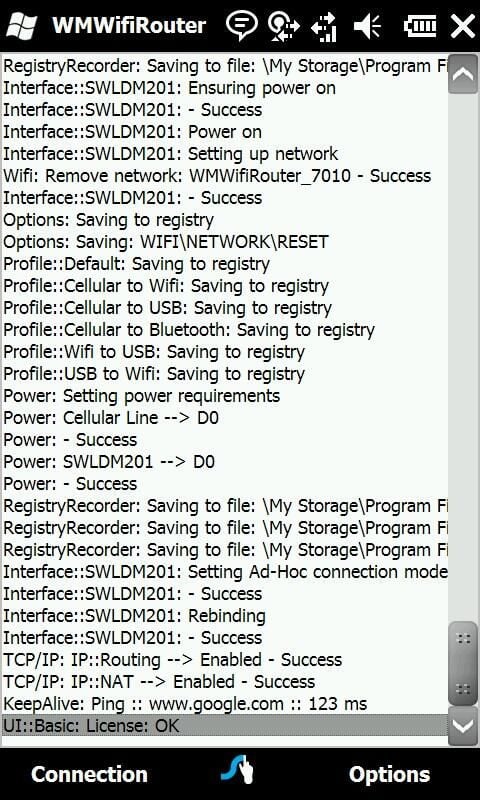
The log file can be helpful in troubleshooting connectivity problems.
For more details, including a few caveats, read my post Turn your smartphone into a WAP with WMWifiRouter.

DEBRA LITTLEJOHN SHINDER is a technology consultant, trainer and writer who has authored a number of books on computer operating systems, networking, and security. These include Scene of the Cybercrime: Computer Forensics Handbook, published by Syngress, and Computer Networking Essentials, published by Cisco Press. She is co-author, with her husband, Dr. Thomas Shinder, of Troubleshooting Windows 2000 TCP/IP and the best-selling Configuring ISA Server 2000, ISA Server and Beyond and Configuring ISA Server 2004. \ \ Deb is also a tech editor, developmental editor and writer to over twenty additional books on subjects such as the Windows 2000 and Windows 2003 MCSE exams, CompTIA Security+ exam and TruSecure?s ICSA certification. She formerly edited the Brainbuzz A+ Hardware News and currently edits Sunbelt Software?s WinXP News (www.winxpnews.com) and Element K's Inside Windows Server Security journal. Her articles are regularly published on TechRepublic?s TechProGuild site and Windowsecurity.com, and have appeared in print magazines such as Windows IT Pro (Windows & .NET) Magazine. She has authored training material, corporate whitepapers, marketing material, and product documentation for Microsoft Corporation, GFI Software, Hewlett-Packard, DigitalThink, Sunbelt Software, CNET and other technology companies. \ \ Deb currently specializes in security issues and Microsoft products; she has been an MCSE since 1998 and has been awarded Microsoft?s Most Valuable Professional (MVP) status in Windows Server Security. A former police officer and police academy instructor, she lives and works in the Dallas-Ft Worth area and teaches computer networking and security and occasional criminal justice courses at Eastfield College in Mesquite, TX.


