\n\tThis gallery is also available as a post in the Five Apps Blog.
\n
\n\tFew things in life are more frustrating than needing to open a file, but not being able to remember the password that will allow it. Thankfully, there are a variety of utilities designed to help crack forgotten passwords.
\n
\n
\n
\n
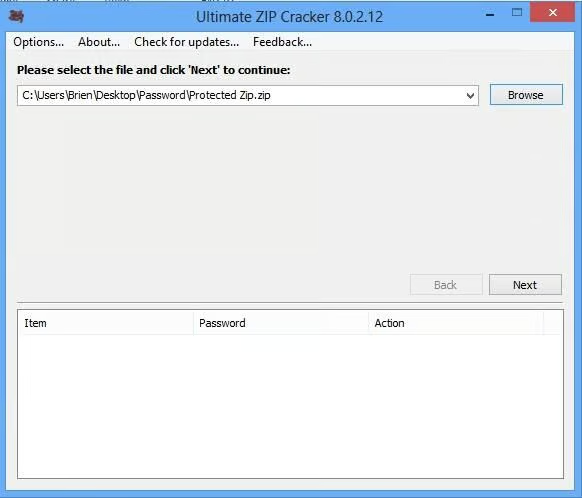
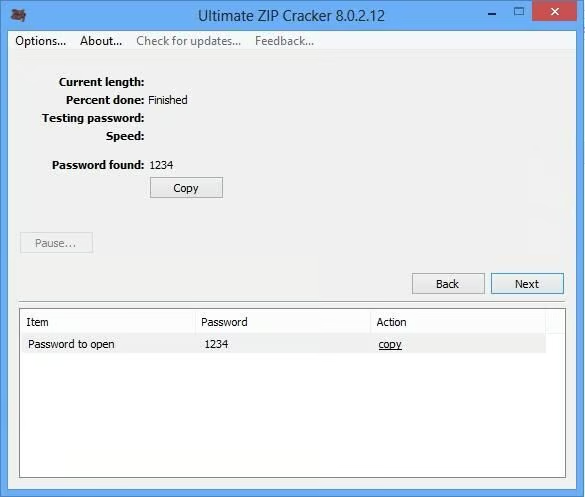
\n\tAs the name implies, Ultimate ZIP Cracker is a utility for retrieving lost passwords for ZIP files. This program is completely utilitarian and there is nothing fancy about it at all, but it works. In preparation for writing this bog post I created a ZIP file and assigned it a password of 1234. Ultimate ZIP Cracker cracked the password in less than a second.
\n
\n\tCredit: Images by Brien Posey for TechRepublic
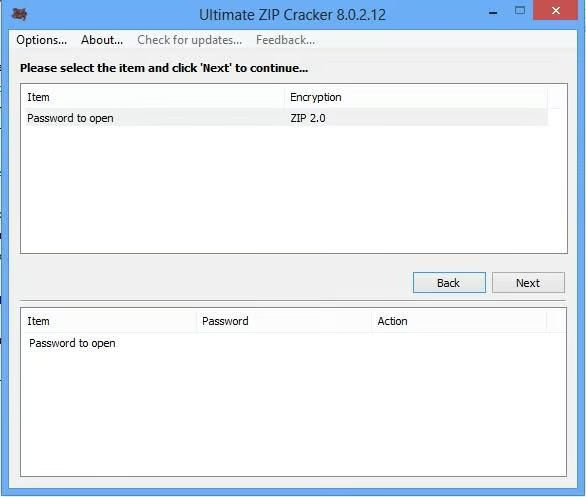
\n\tUltimate ZIP Cracker sells for $59.00, but there is a free trial version available for download.
\n
\n\tCredit: Images by Brien Posey for TechRepublic
\n\tCredit: Images by Brien Posey for TechRepublic
\n
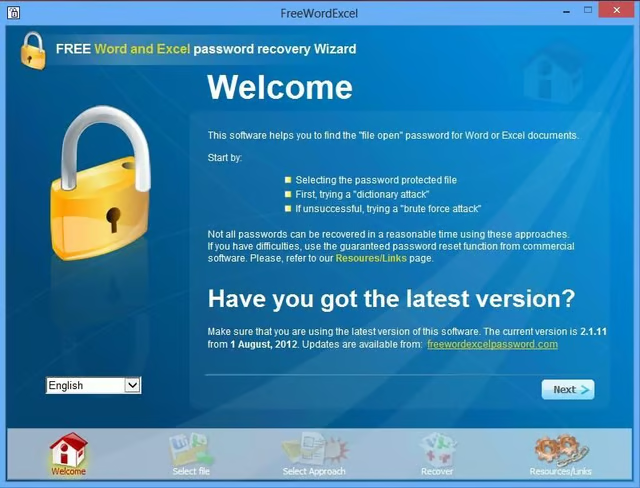
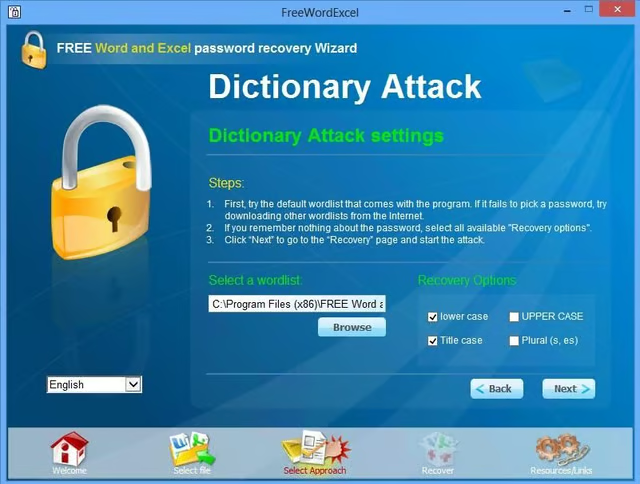
\n\tFree Word Excel Password Recovery Wizard is a free utility for retrieving lost passwords to Microsoft Word and Excel documents. This utility can perform either a dictionary lookup or a brute force crack.
\n
\n\tCredit: Images by Brien Posey for TechRepublic
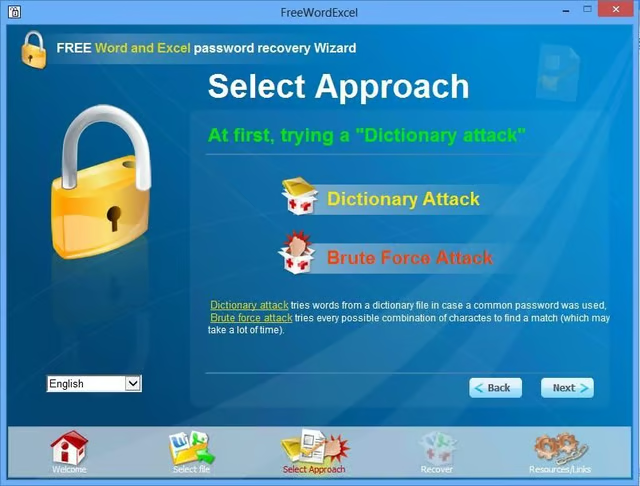
\n\tIn preparation for testing this tool, I assigned a five digit password to a Microsoft Word document. The tool allows you to configure the lengths of the passwords that you want to attempt. I configured the utility to perform a brute force crack using only five digit passwords. The crack completed successfully in less than ten seconds.
\n
\n\tCredit: Images by Brien Posey for TechRepublic
\n\tCredit: Images by Brien Posey for TechRepublic
\n
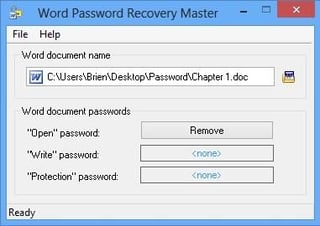
\n\tWord Password Recovery Master is a utility designed to remove password protection from Microsoft Word documents. However, the software requires Internet access to do so.
\n
\n\tCredit: Images by Brien Posey for TechRepublic
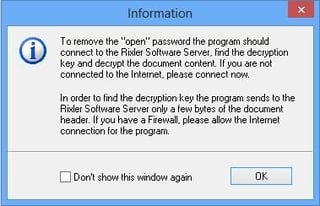
\n\tWord Password Recovery Master sells for $14.98, but a free trial download is available. The trial version of this software will confirm that password removal is possible for your document, but you cannot actually remove the password without purchasing the full version.
\n
\n\tCredit: Images by Brien Posey for TechRepublic
\n
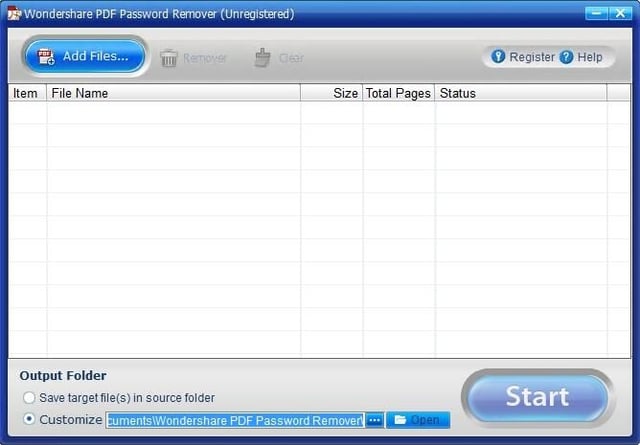
\n\tWondershare PDF Password Remover is a utility that is designed to remove passwords and restrictions from PDF files. The utility works by creating a brand new, unlocked version of the PDF document.
\n
\n\tCredit: Images by Brien Posey for TechRepublic
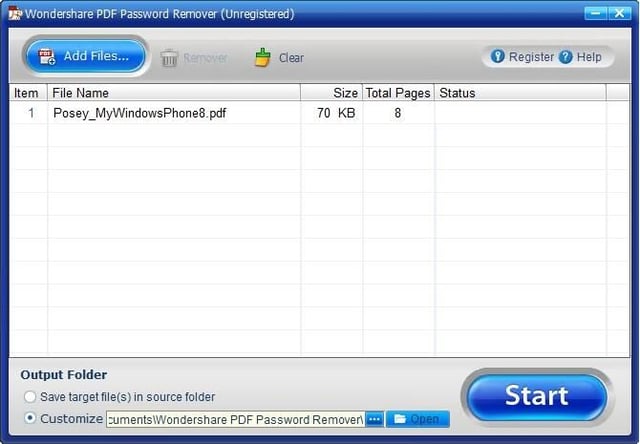
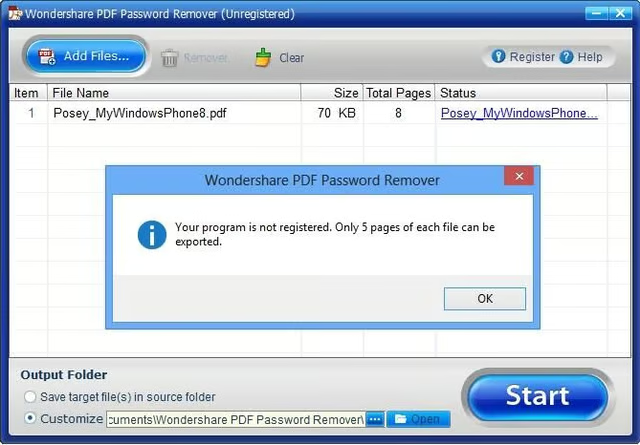
\n\tWondershare PDF Password Remover sells for $14.95, but a free trial download is available. The trial version is limited to extracting five pages from a protected document.
\n
\n\tCredit: Images by Brien Posey for TechRepublic
\n\tCredit: Images by Brien Posey for TechRepublic
\n
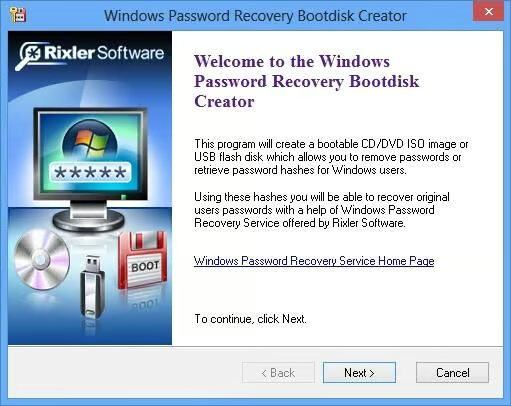
\n\tWindows Password Recovery Bootdisk This utility works by creating a boot disk that you must boot your computer from in order to recover the password. The reason why a boot disk is used is because it allows the password recovery process to occur outside of the Windows operating system so that the operating system’s various protective measures can be avoided.
\n
\n\tCredit: Images by Brien Posey for TechRepublic
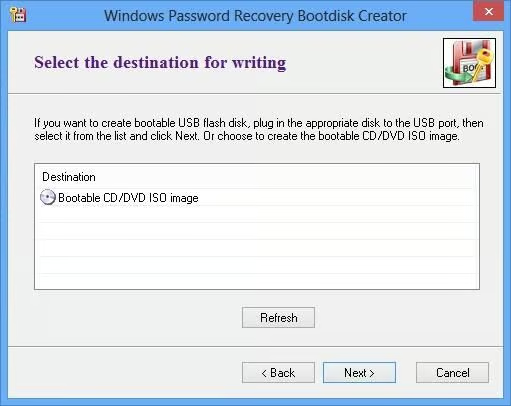
\n\tWindows Password Recovery Bootdisk sells for $19.95, but a free trial version is available for download.
\n
\n
\n\t
\n\t
\n
\n
\n\tCredit: Images by Brien Posey for TechRepublic

* 1988 - Started teaching myself about computers \ * 1992 - Mainframe programmer for an insurance company \ * 1993 - Network Administrator for a different insurance company \ * 1996 - Author for The Cobb Group \ * 1998 - Network Administrator for Fort Knox \ * 1999 - CIO for chain of hospitals \ * 2000 - Gave up the corporate rat race to work out of my home. I have been a full time technical author ever since. Visit my Web sites at http://www.brienposey.com and http://www.relevanttechnologies.com \


