\n\tThis gallery is also available as an entry in the Five Apps Blog.
\n
\n\t
\n
\n\tWhether you have that killer recorded presentation you need to pare down to a succinct and to-the-point minute-long sound-bite, or whether you have more ambitious goals like creating music and voiceover tracks for training videos, website material, and other content, Windows plays host to numerous audio editors that truly get the job done. Out of all of the ones I have tried up to this point, here are a few that stood out as worthy and brought music to my ears.
\n
\n
\n
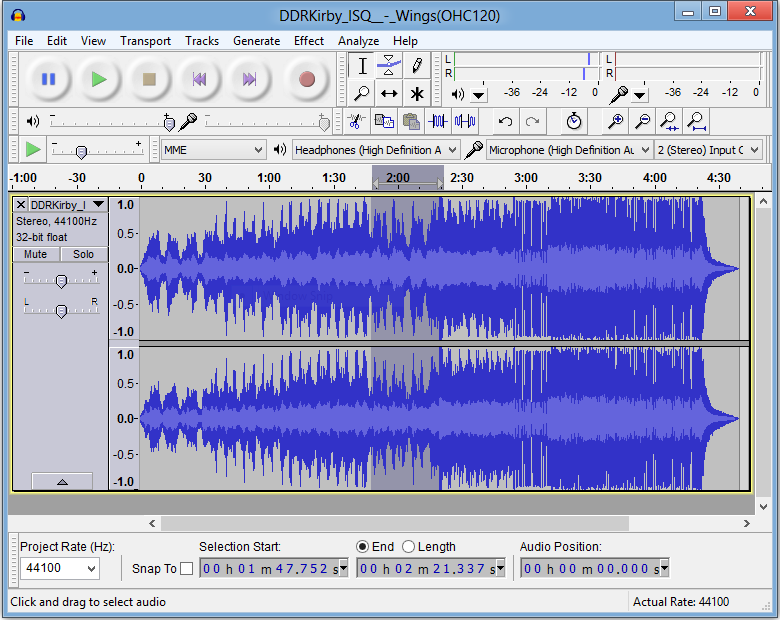
\n\tWhen it comes to the open-source realm, you simply can’t go wrong with Audacity. In development since 2000, this software is surprisingly powerful and robust, yet doesn’t cost a measly dime to use and operate. The special effects and filters library is fairly decent, if not dicey at times from a quality perspective.
\n
\n\tCredit: Images by Matthew Nawrocki for TechRepublic
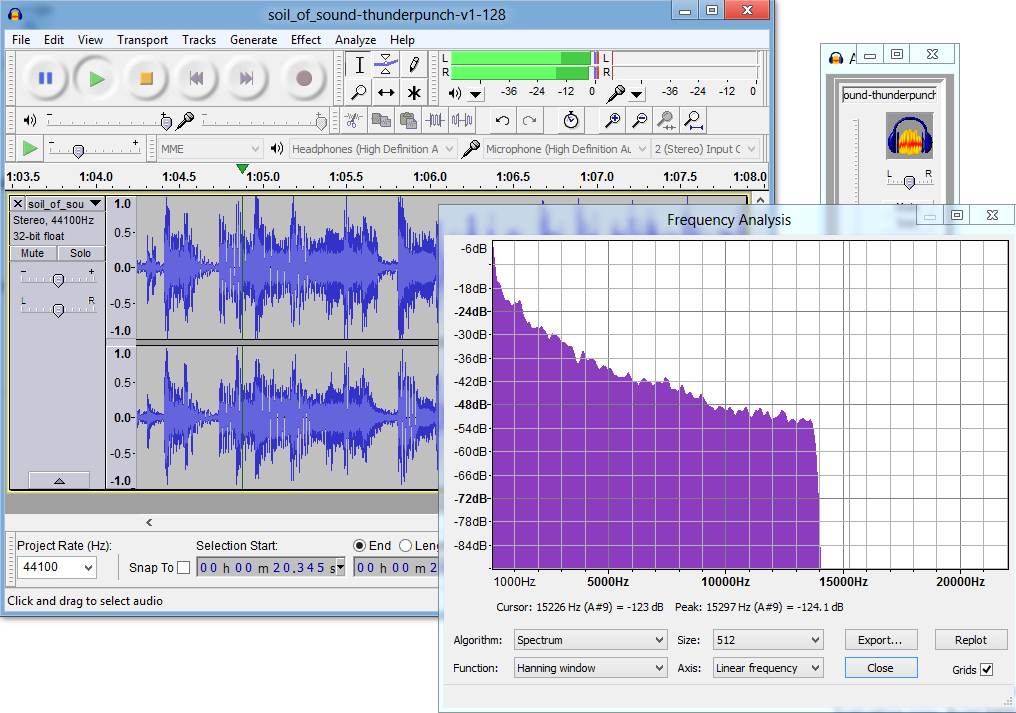
\n\tWhat makes this program even more impressive is how extensible it is via plug-ins like FFMPEG and LAME-ENC for working with all kinds of media formats on the fly. The cross-platform capability with Mac OS X and Linux environments doesn’t hurt either, so you can share your .aup project bundles with almost anyone.
\n
\n\tCredit: Images by Matthew Nawrocki for TechRepublic
\n
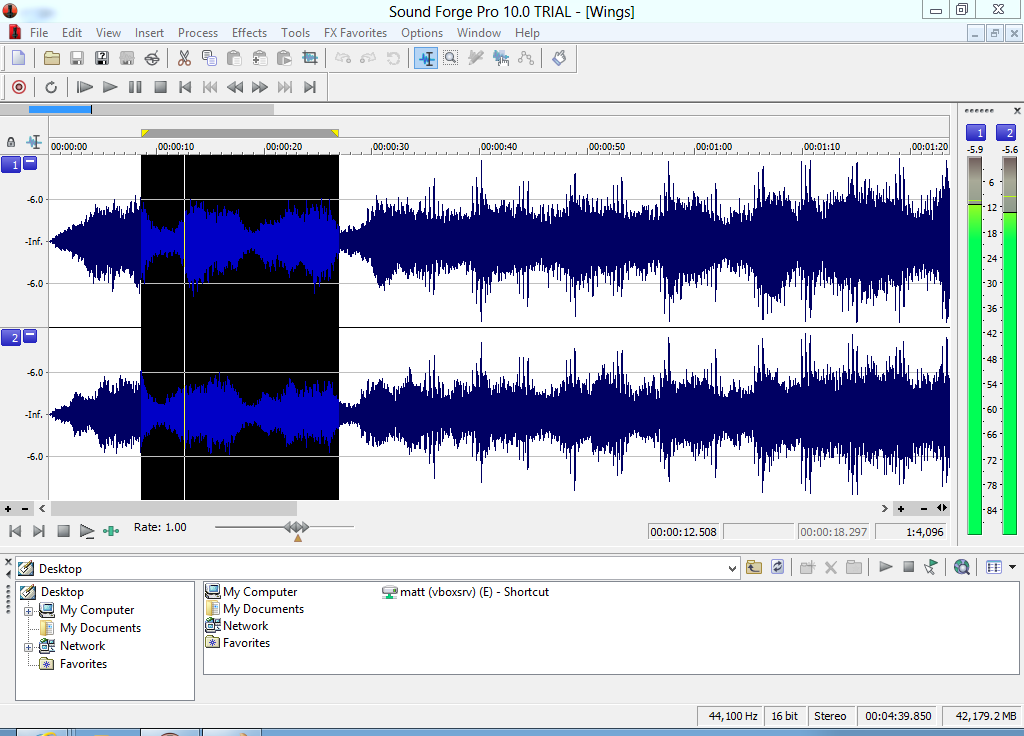
\n\tIf you are looking for something more professional and upscale, Sony’s got your back with their professional lineup of tools. Sound Forge 10 Pro is quite the premier package, giving you not only excellent effects and crisp edits, but support for incredibly high sample-rate audio (think 192 KHz), VST plugins, and Dolby AC3 export capability.
\n
\n\tCredit: Images by Matthew Nawrocki for TechRepublic
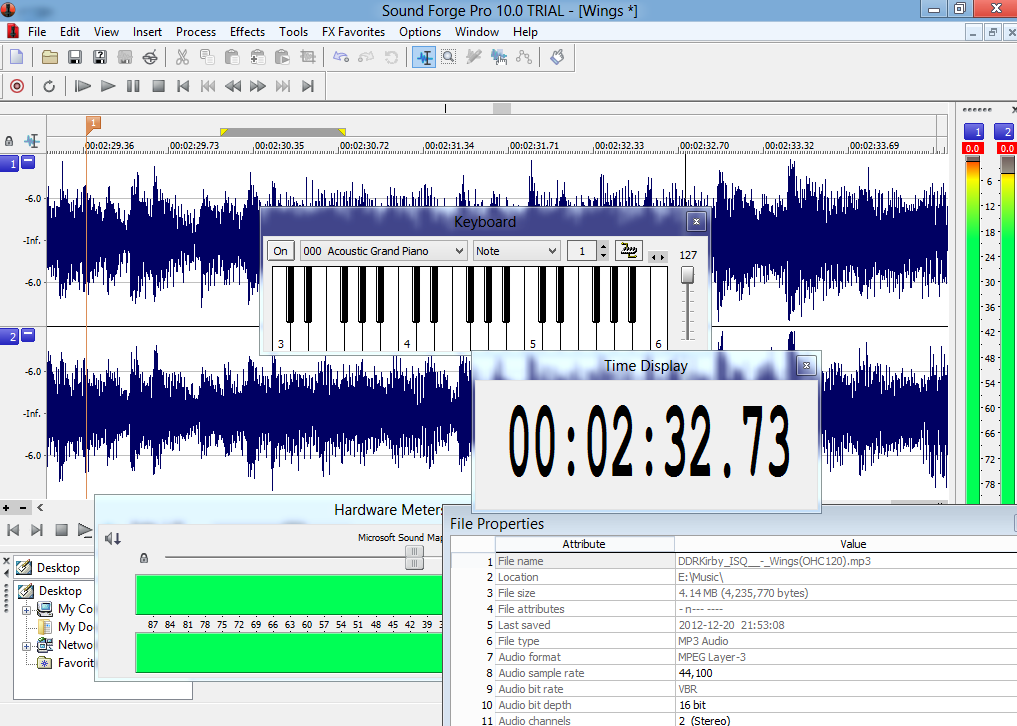
\n\tOf course, given the high price of $374.95, I would only heartily recommend this software to anyone that uses professional-grade audio equipment (like my ESI Juli@ sound card with its balanced TRS jacks for instance) in order to maximize your value. This app is certainly not for the faint of heart or wallet.
\n
\n\tCredit: Images by Matthew Nawrocki for TechRepublic
\n\t
\n
\n
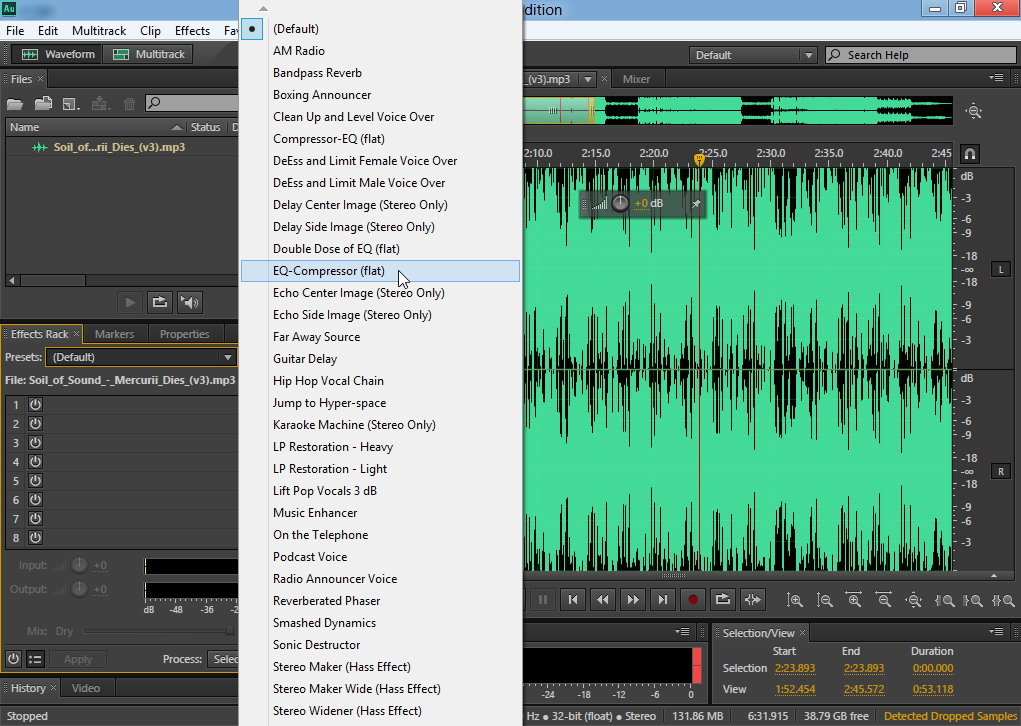
\n\tAnother high-end product worth mentioning is Audition CS6 from Adobe. I used this software extensively in some of my multimedia classes and, despite the rather gray and bland looking interface, it was easy to get around in and the tie into the rest of the Creative Suite was a huge bonus for data interoperability.
\n
\n\tCredit: Images by Matthew Nawrocki for TechRepublic
\n\t
\n
\n
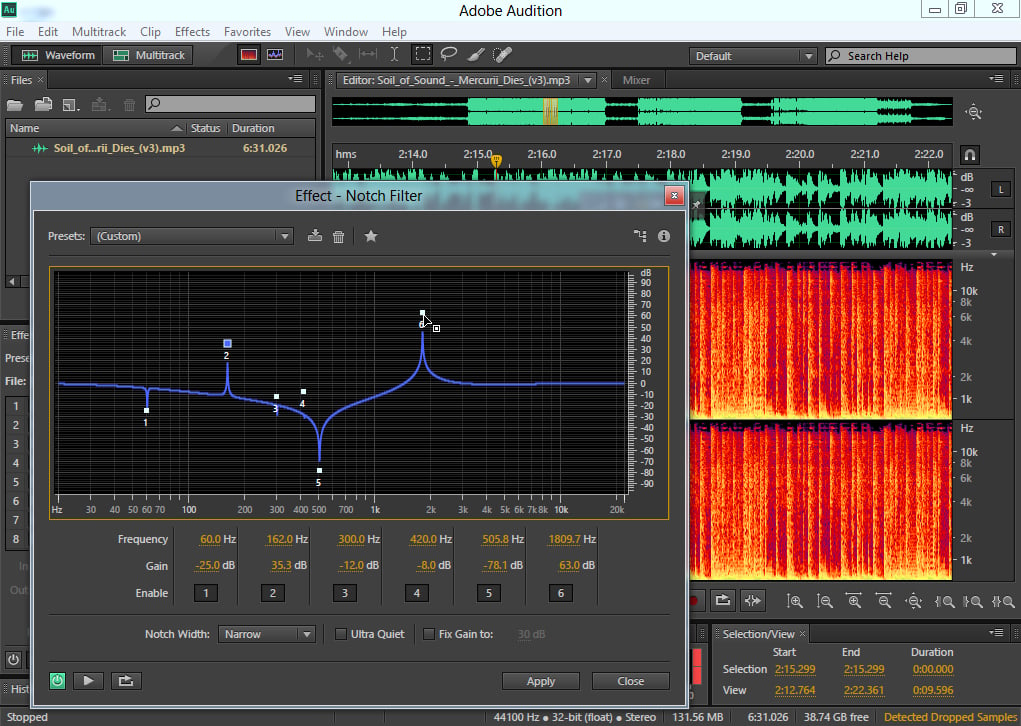
\n\tAnother high-end product worth mentioning is Audition CS6 from Adobe. I used this software extensively in some of my multimedia classes and, despite the rather gray and bland looking interface, it was easy to get around in and the tie into the rest of the Creative Suite was a huge bonus for data interoperability.
\n
\n\tCredit: Images by Matthew Nawrocki for TechRepublic
\n\t
\n
\n
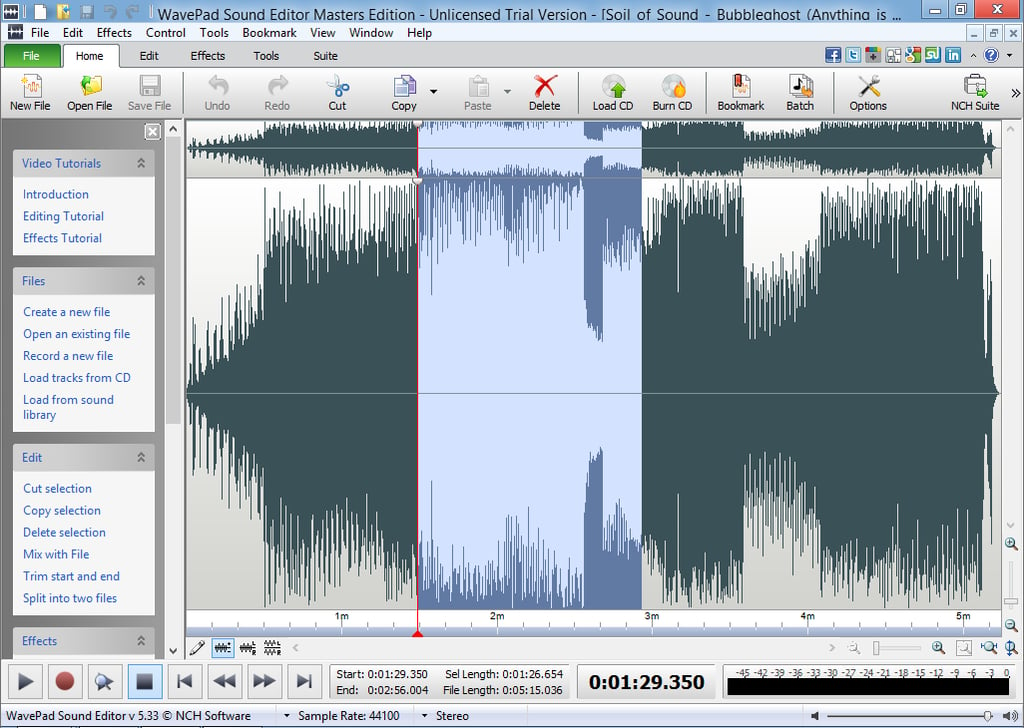
\n\tNCH has carved their own niche in the A/V world, with various tools ranging from video and audio editors to active security surveillance software. WavePad is another excellent hit, offering a small package which offers capable audio manipulation and a cleanly designed UI.
\n
\n\tCredit: Images by Matthew Nawrocki for TechRepublic
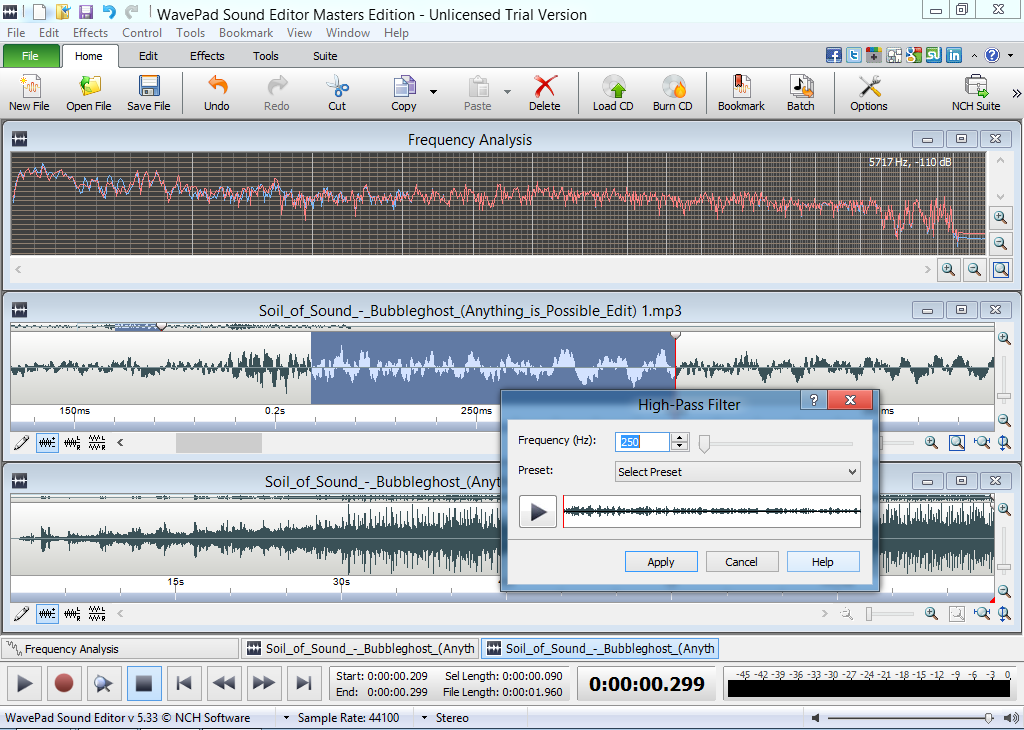
\n\tThe software comes in Standard and Master Editions, costing $34.99 and $59.99 respectively. The only major difference between the two is the fact that the Master Edition can use VST plugins while the Standard Edition cannot.
\n
\n\tCredit: Images by Matthew Nawrocki for TechRepublic
\n\t
\n
\n
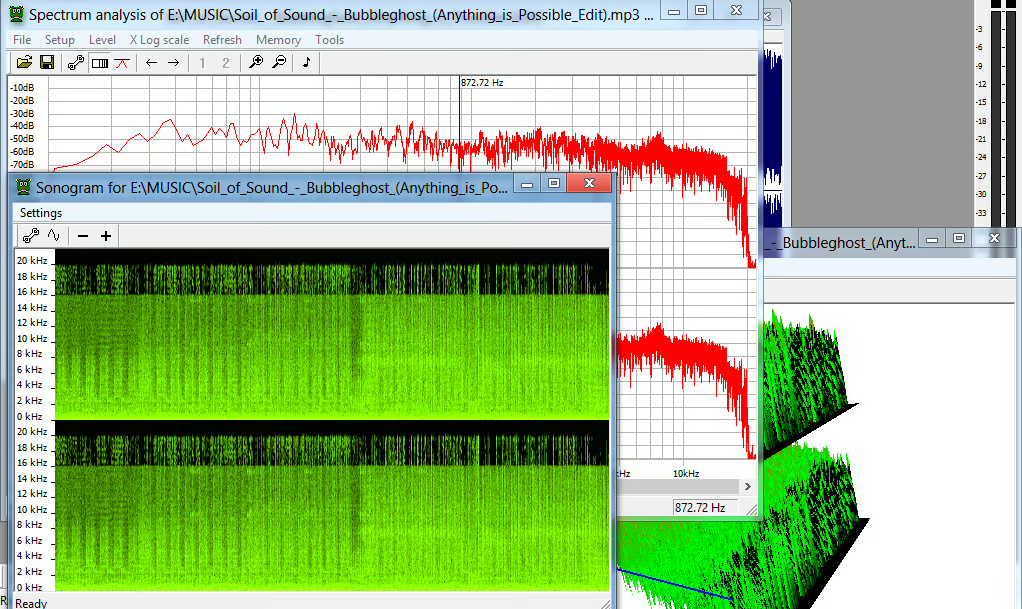
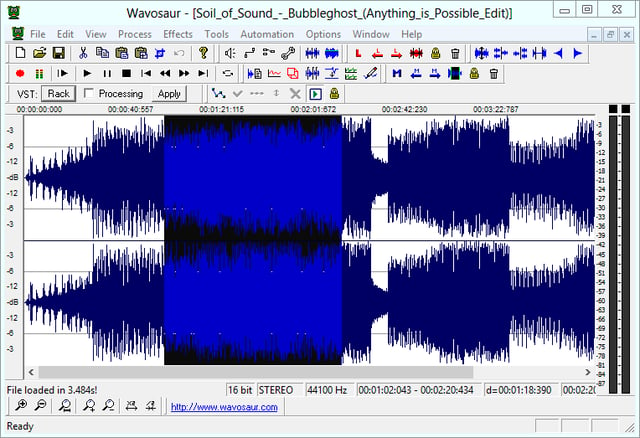
\n\tLast, but certainly not least, another audio editor that really caught my attention was Wavosaur. Not only is this tool free as in beer, but the software is extremely lightweight, clocking in at under 1MB.
\n
\n\tCredit: Images by Matthew Nawrocki for TechRepublic
\n\t
\n
\n\tAnd, despite its virtual floppy disk sized dimensions, Wavosaur is still massively feature packed for what it is, even including detailed file-level analysis of audio and support for VST and ASIO plugins, which is quite impressive to say the least.
\n
\n\tAlso read:
\n
\n\t
\n\t
\n
\n
\n\tCredit: Images by Matthew Nawrocki for TechRepublic

A former avid technology writer and an IT guru, Matthew is here to help bring the best in software, hardware and the web to the collective consciousness of TechRepublic's readership. In addition to writing for TechRepublic, Matthew currently works as a Customer Success Professional for Ultimate Software in Santa Ana, California.


