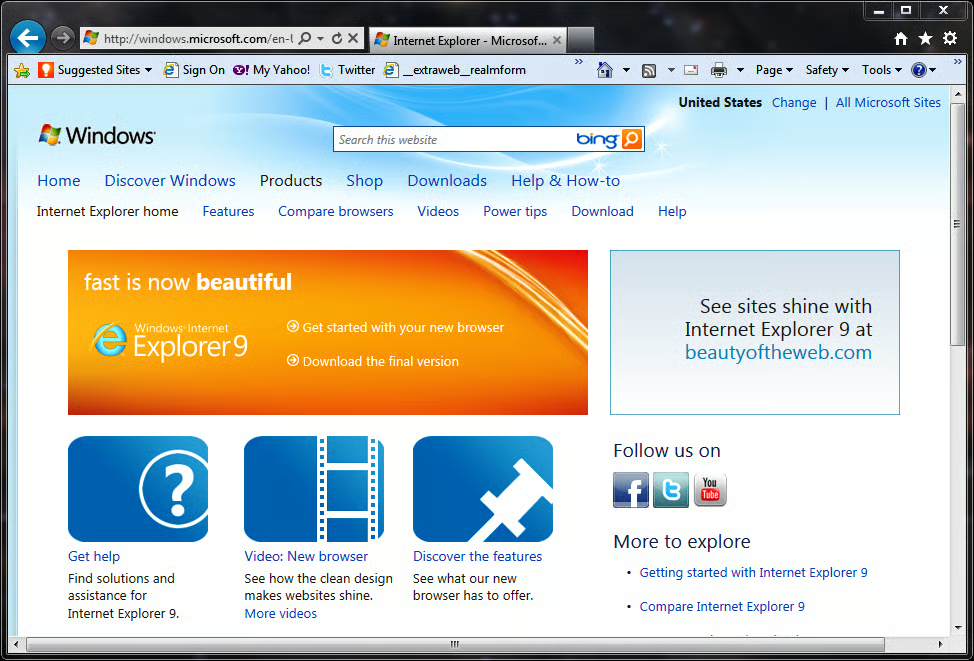
\n\tOn March 14, 2011, Microsoft released the final version of Internet Explorer 9 touting the browser’s ability to deliver a more beautiful Web experience. Here are some screen shots of the new browser.
\n
\n\tYou can download the latest version of Internet Explorer 9 from the Microsoft Web site.
\n
\n\tNOTE:If you are running the Windows XP operating system, this link will take your to Internet Explorer 8. Windows XP users cannot use IE9 at all.
\n
\n\tClick the download link to get started.
\n
\n\tAll images created by Mark Kaelin for TechRepublic. All rights reserved.
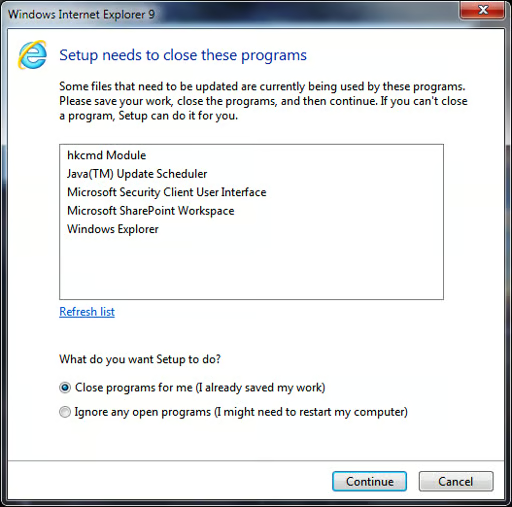
\n\tAs you can see, the tentacles of IE9 reach deep.
\n
\n\tAll images created by Mark Kaelin for TechRepublic. All rights reserved.
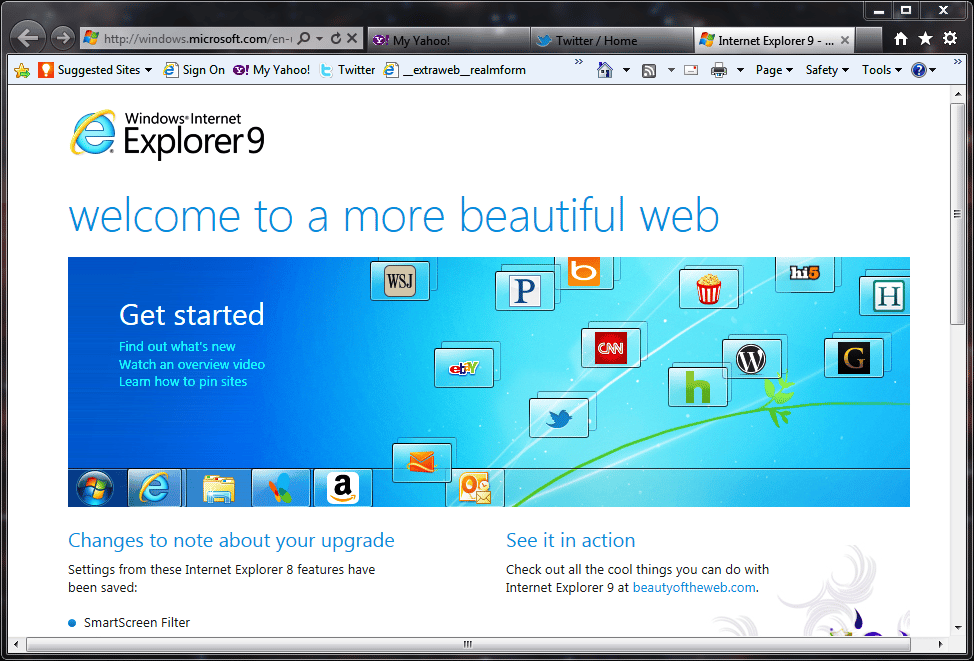
\n\tWelcome to a more beautiful web.
\n
\n\tAll images created by Mark Kaelin for TechRepublic. All rights reserved.
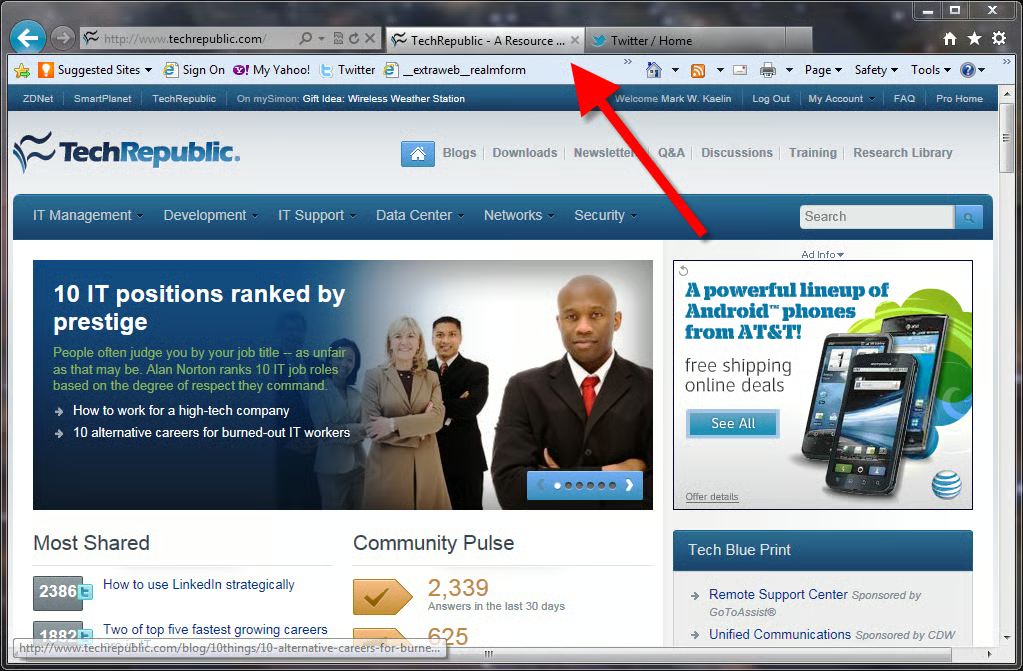
\n\tNote that the open website tabs are moved up to the same line as the address bar. One of the new features that will take some getting used to.
\n
\n\tAll images created by Mark Kaelin for TechRepublic. All rights reserved.
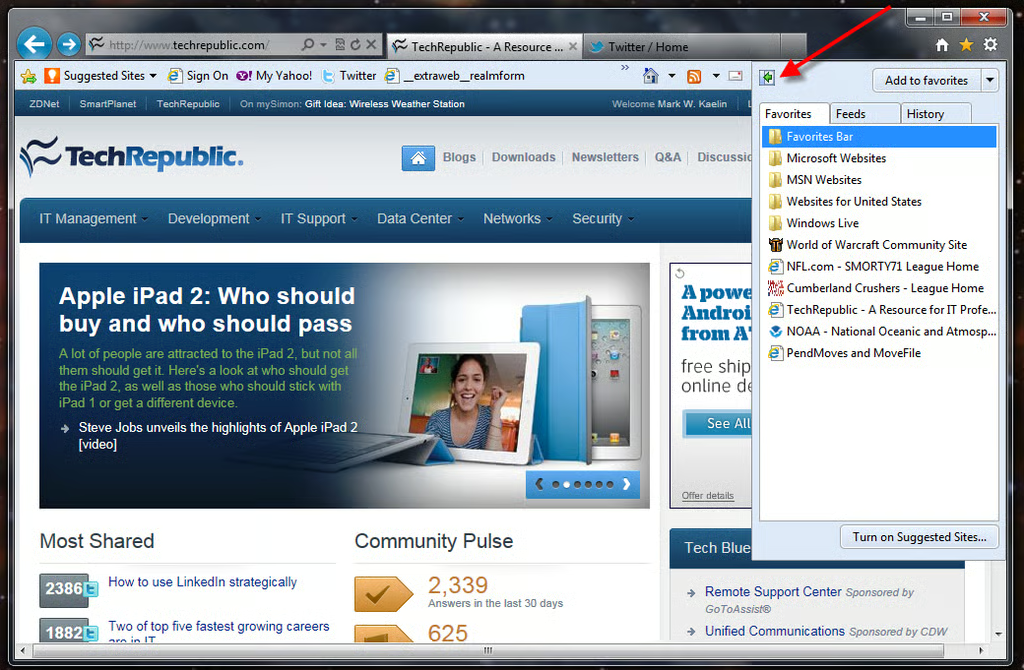
\n\tThe favorites list is sort of hidden in the upper right-hand corner (yellow star). It seems on the wrong side to me.
\n
\n\tAll images created by Mark Kaelin for TechRepublic. All rights reserved.
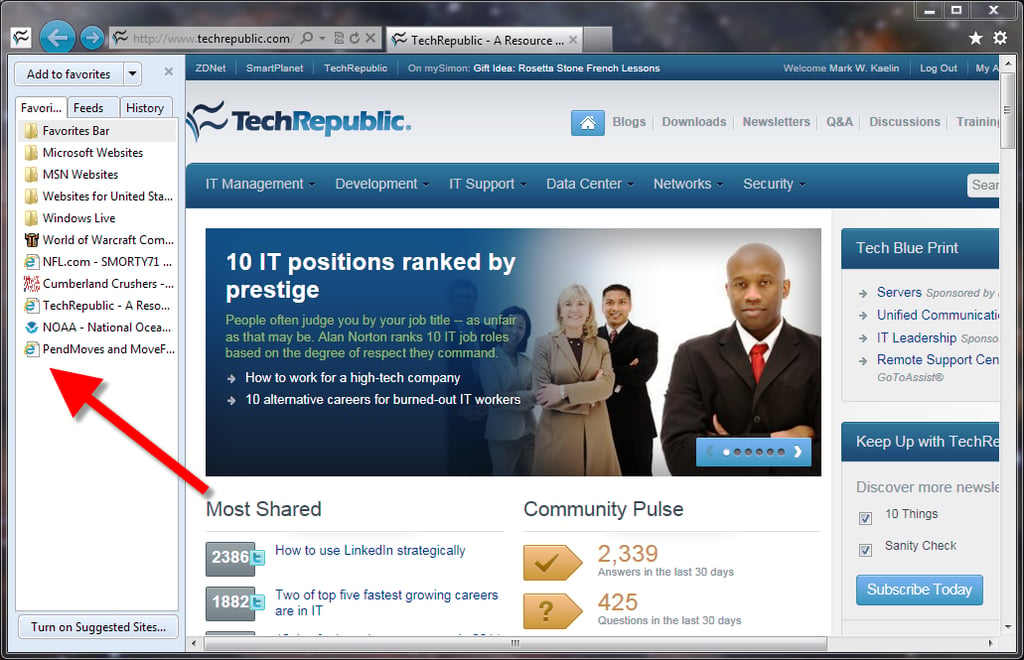
\n\tYou can pin the favorites list to the open browser, but doing so will take away some valuable screen real estate.
\n
\n\tAll images created by Mark Kaelin for TechRepublic. All rights reserved.
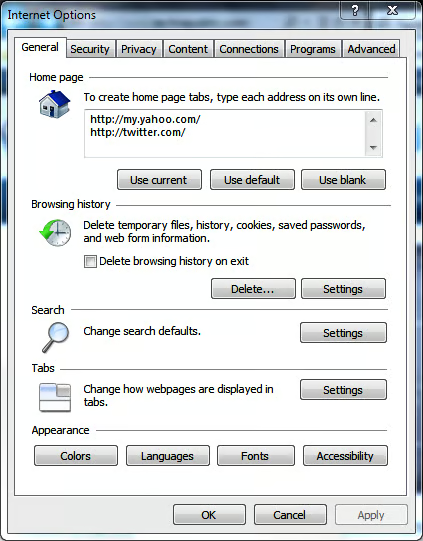
\n\tInternet Options – General
\n
\n\tAll images created by Mark Kaelin for TechRepublic. All rights reserved.
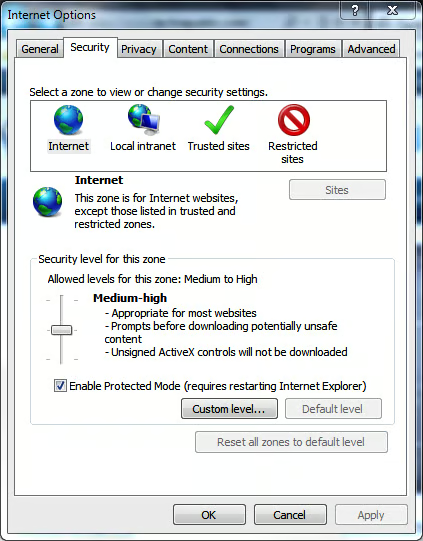
\n\tInternet Options – Security
\n
\n\tAll images created by Mark Kaelin for TechRepublic. All rights reserved.
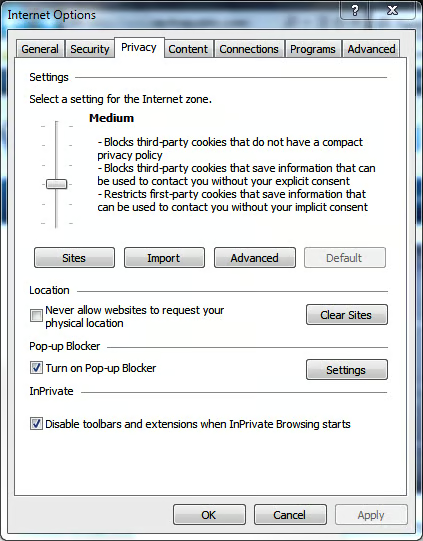
\n\tInternet Options – Privacy
\n
\n\tAll images created by Mark Kaelin for TechRepublic. All rights reserved.
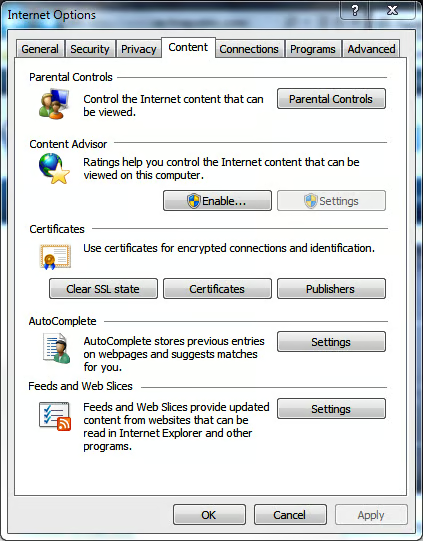
\n\tInternet Options – Content
\n
\n\tAll images created by Mark Kaelin for TechRepublic. All rights reserved.
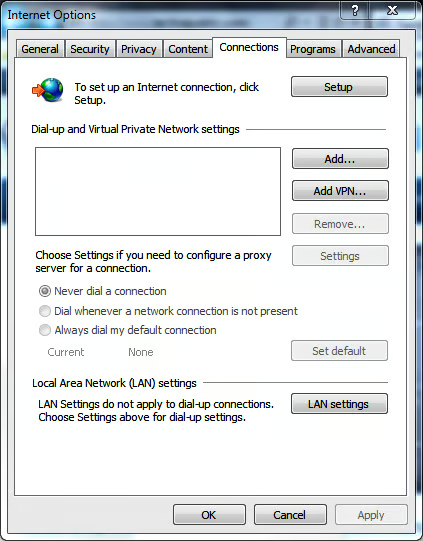
\n\tInternet Options – Connections
\n
\n\tAll images created by Mark Kaelin for TechRepublic. All rights reserved.
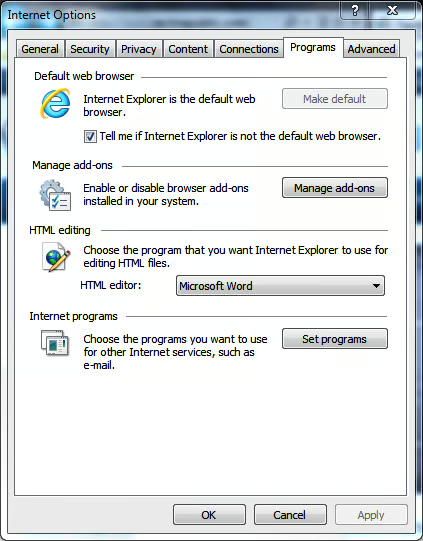
\n\tInternet Options – Programs
\n
\n\tAll images created by Mark Kaelin for TechRepublic. All rights reserved.
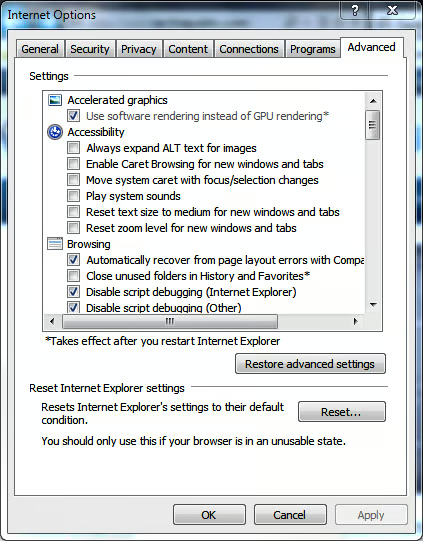
\n\tInternet Options – Advanced
\n
\n\tAll images created by Mark Kaelin for TechRepublic. All rights reserved.
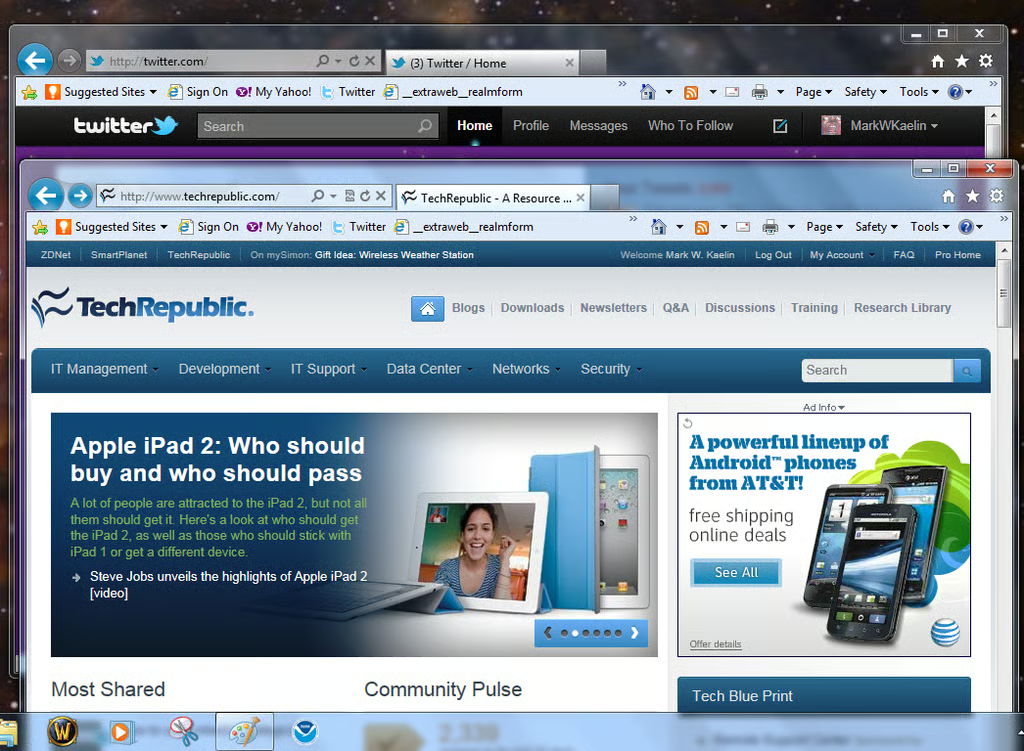
\n\tBecause each open web site is a tab, you can grab a tab and pull it off the current browser page to create its own window – just like you can with Chrome for example.
\n
\n\tAll images created by Mark Kaelin for TechRepublic. All rights reserved.
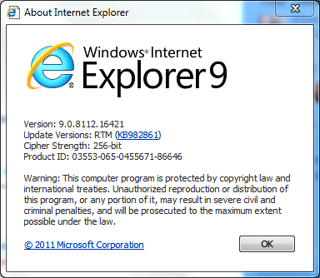
\n\tThe Internet Explorer 9 About page.
\n
\n\tAll images created by Mark Kaelin for TechRepublic. All rights reserved.
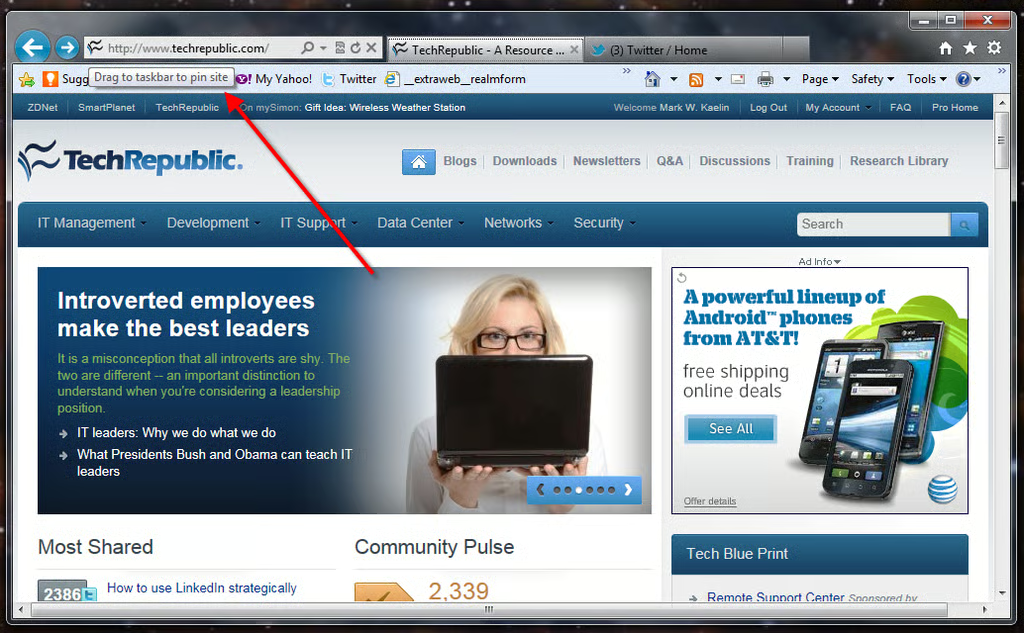
\n\tArguably the most interesting feature of Internet Explorer 9 is the ability to pin Web pages to the Windows Taskbar. The idea is that Web pages you visit often are more like applications and you will want to think of them that way.
\n
\n\tI can see the logic, but I’m not sure I really want to treat Web sites as applications. Another feature that will take some time to get used to.
\n
\n\tAll images created by Mark Kaelin for TechRepublic. All rights reserved.
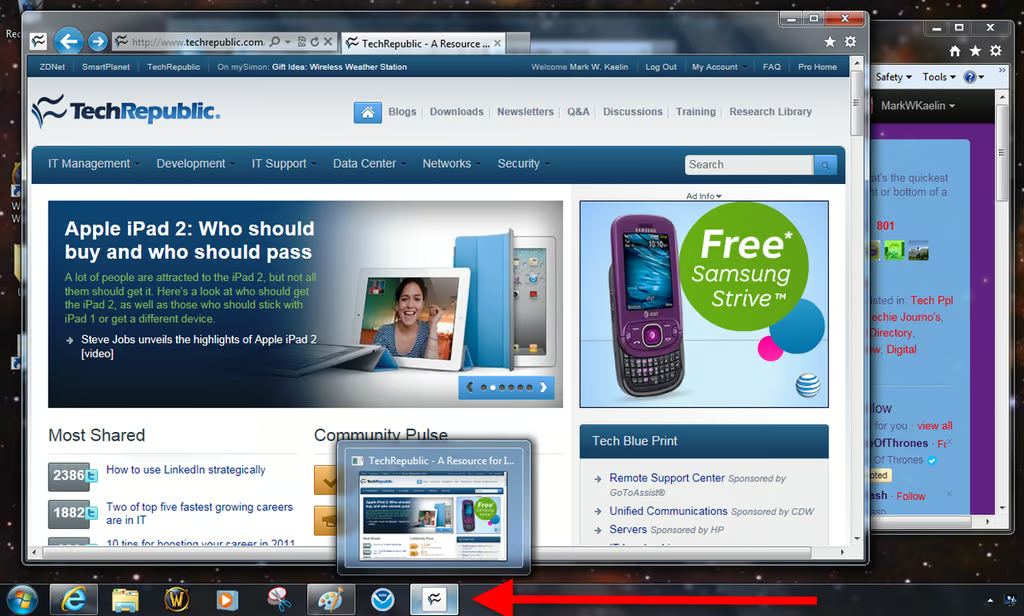
\n\tAs a pinned application on the Taskbar, the Web icon behaves like other pinned applications, including thumbnail previews.
\n
\n\tAll images created by Mark Kaelin for TechRepublic. All rights reserved.
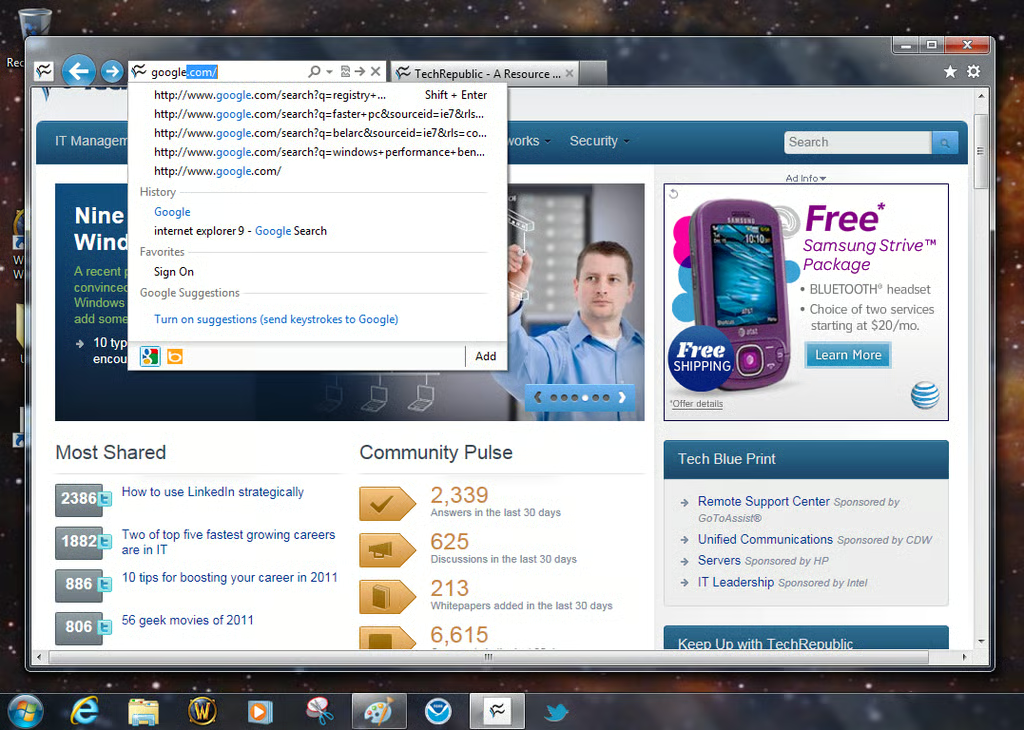
\n\tThe Address Bar is now also the Search Box – just type a term in the box and IE9 will conduct a search using your default search engine.
\n
\n\tAll images created by Mark Kaelin for TechRepublic. All rights reserved.
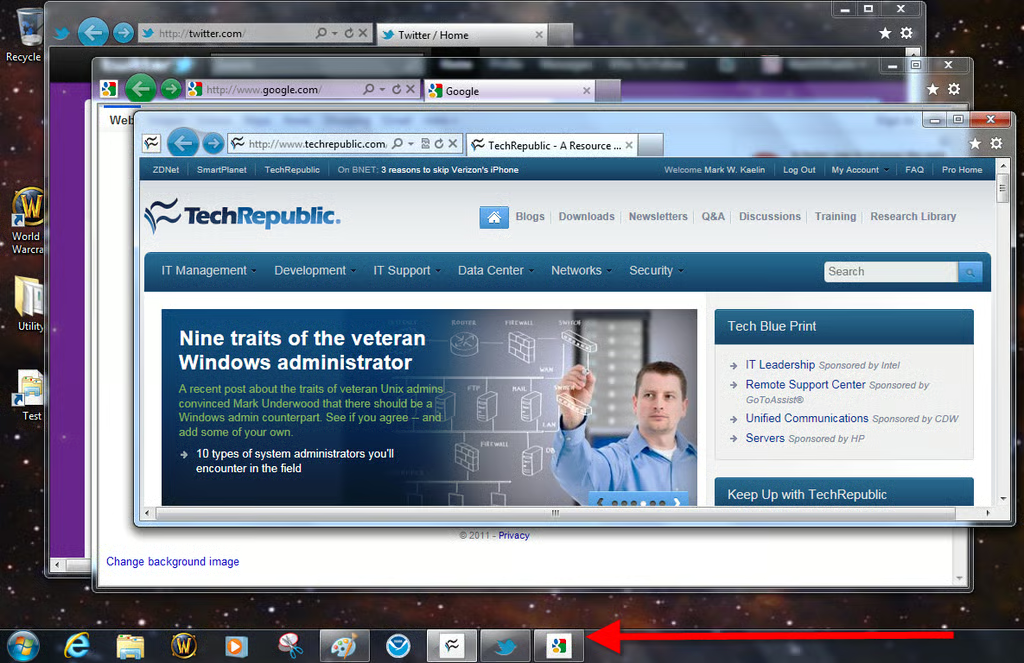
\n\tAs you can see, by pinning Websites to the Taskbar, you get more specific information about the Web pages on display. Note, that the IE9 icon does not indicate open windows
\n
\n\tAll images created by Mark Kaelin for TechRepublic. All rights reserved.because that information is being handled and conveyted by the pinned icons.

Mark W. Kaelin has been writing and editing stories about the information technology industry, software, hardware, gaming, finance, accounting, and technology geekdom for more than 30 years.


