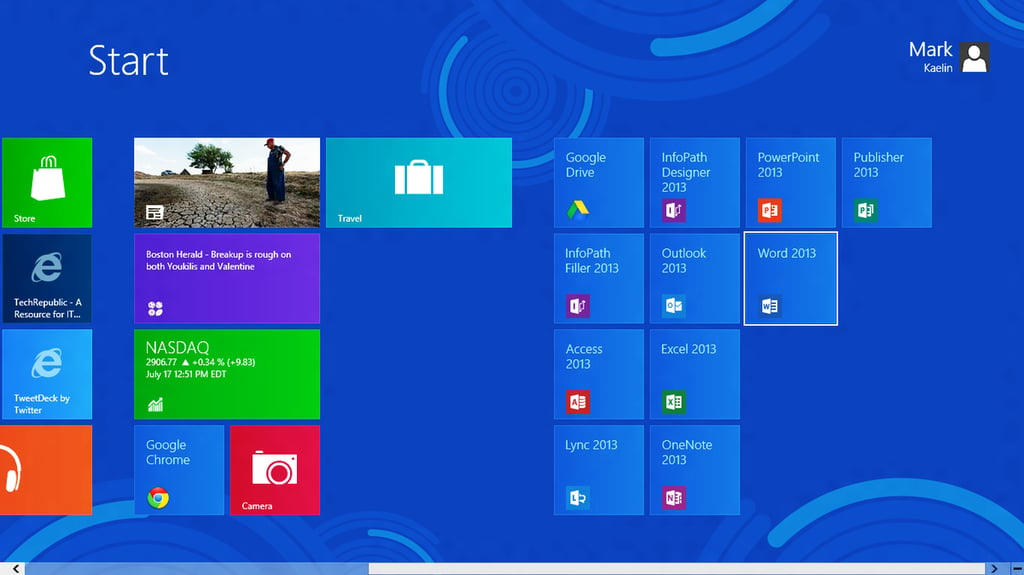
\n\tOn July 16, 2012, Microsoft made available a preview version of Office 2013. While all the typical parts of the familiar productivity suite are still here, there is a definite change of philosophy \u2013 Office 2013 is tablet-ready and Windows 8 friendly.
\n
\n\tTechRepublic will be diving headlong into the various parts of Office 2013 until it is released, but I thought you might want to get a quick overview of what’s coming.
\n
\n\tAs you can see, Office 2013 fits right in with the Windows 8 Metro interface.
\n
\n\tIf you want to get your hands on the preview yourself, head over to the Microsoft Office 2013 website.
\n
\n\tAll images by Mark Kaelin prepared for TechRepublic. All rights reserved.
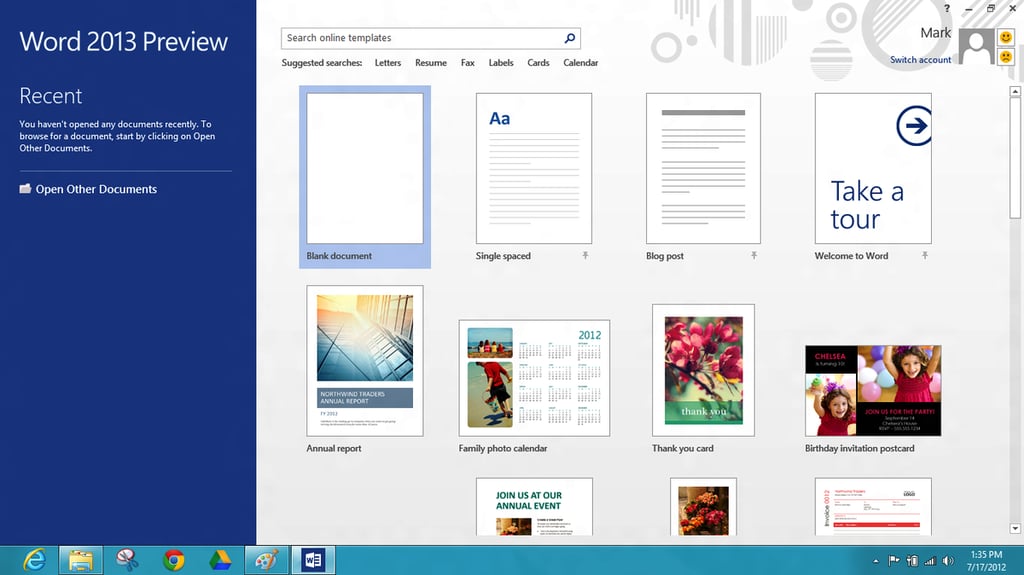
\n\tSince I practically live in Word, I started by clicking that tile. The Metrofication of all things Office is obvious from the moment you start.
\n
\n\tAll images by Mark Kaelin prepared for TechRepublic. All rights reserved.
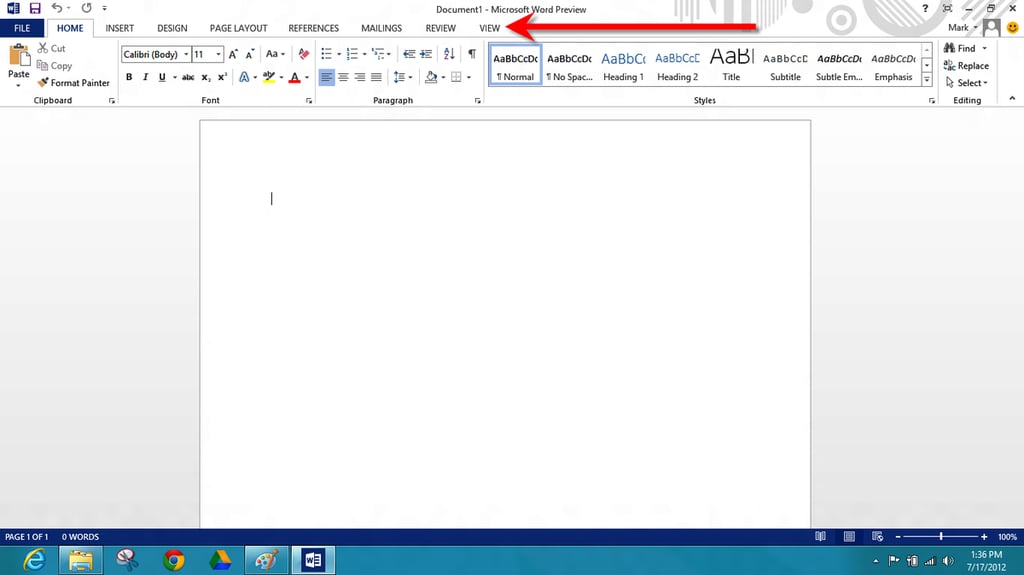
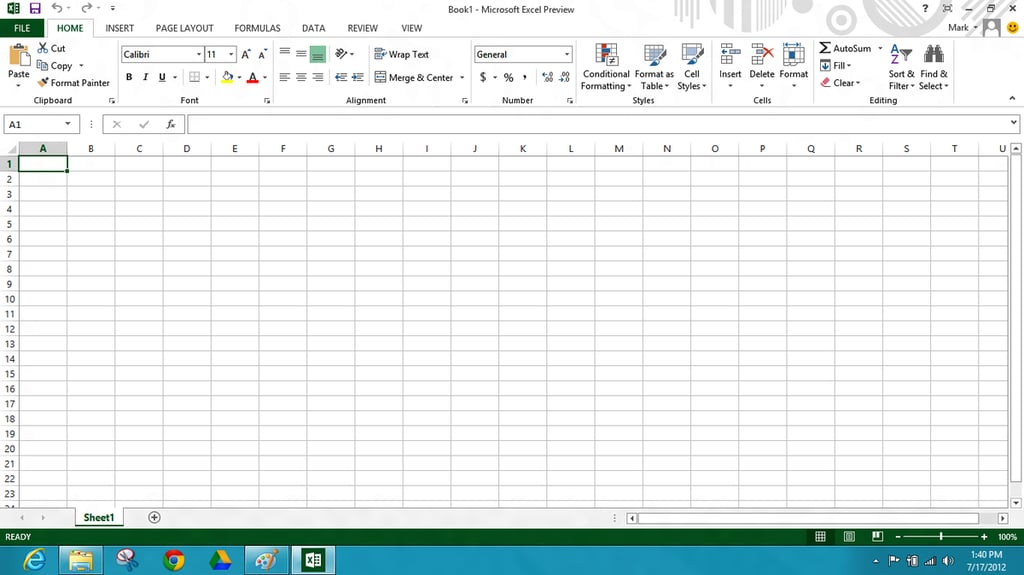
\n\tThe Word application has taken on a more minimalist feel. The first thing I noticed is the all caps menu – very strange.
\n
\n\tAll images by Mark Kaelin prepared for TechRepublic. All rights reserved.
\n\tAll images by Mark Kaelin prepared for TechRepublic. All rights reserved.
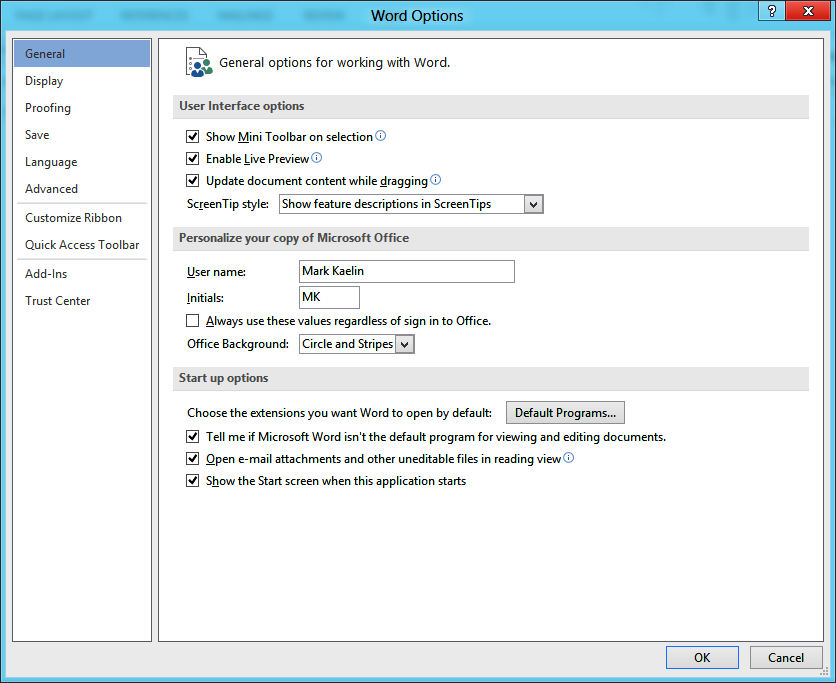
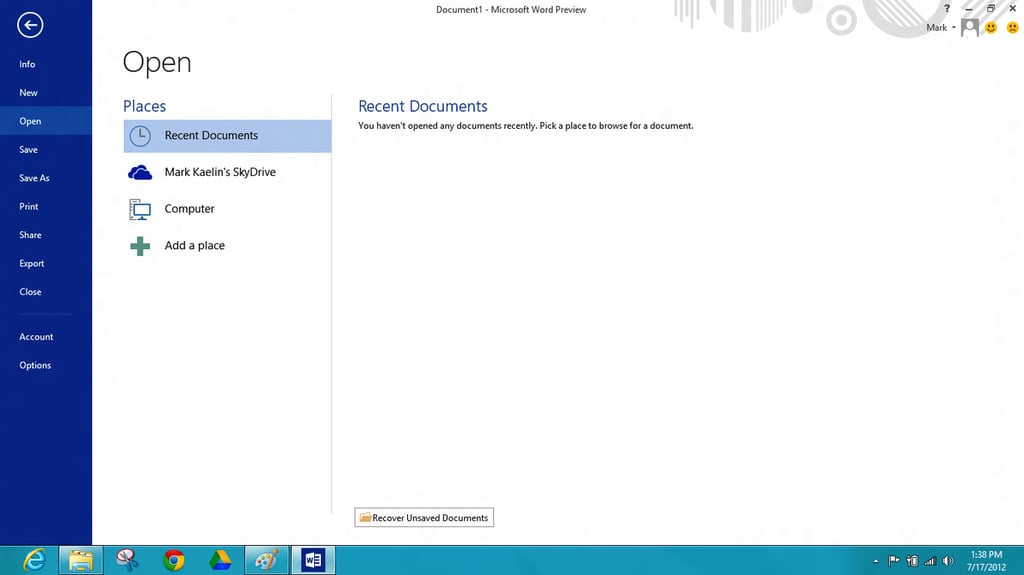
\n\tThe Word 2013 options menu is very similar to the options menu in 2010. This will be an interesting place to explore in the coming months.
\n
\n\tAll images by Mark Kaelin prepared for TechRepublic. All rights reserved.
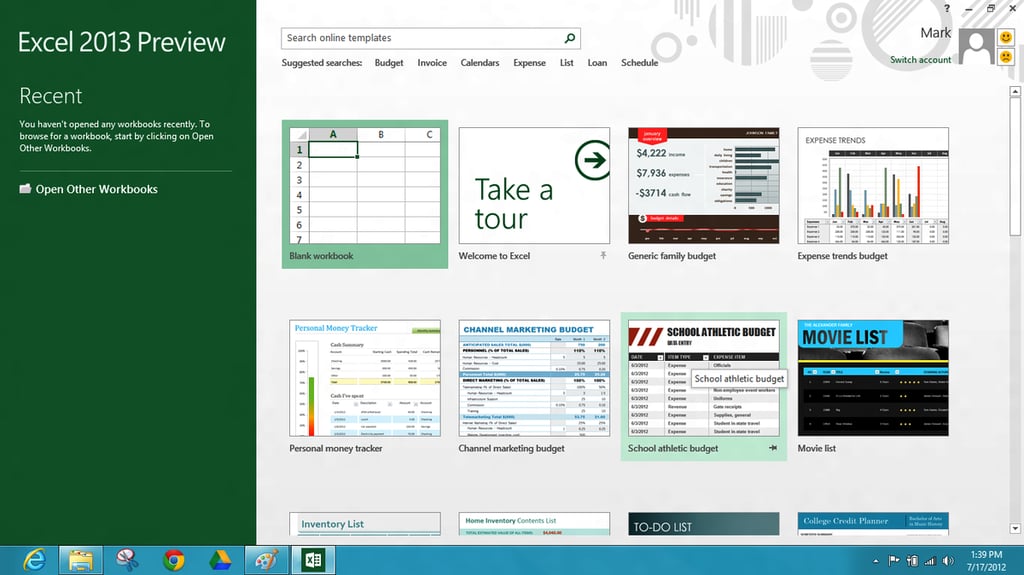
\n\tThe Excel 2013 opening screen is similar to Words, with various templates featured. You can also see there is a tour – that’s a nice idea that I’ll have to examine closer.
\n
\n\tAll images by Mark Kaelin prepared for TechRepublic. All rights reserved.
\n\tAll images by Mark Kaelin prepared for TechRepublic. All rights reserved.
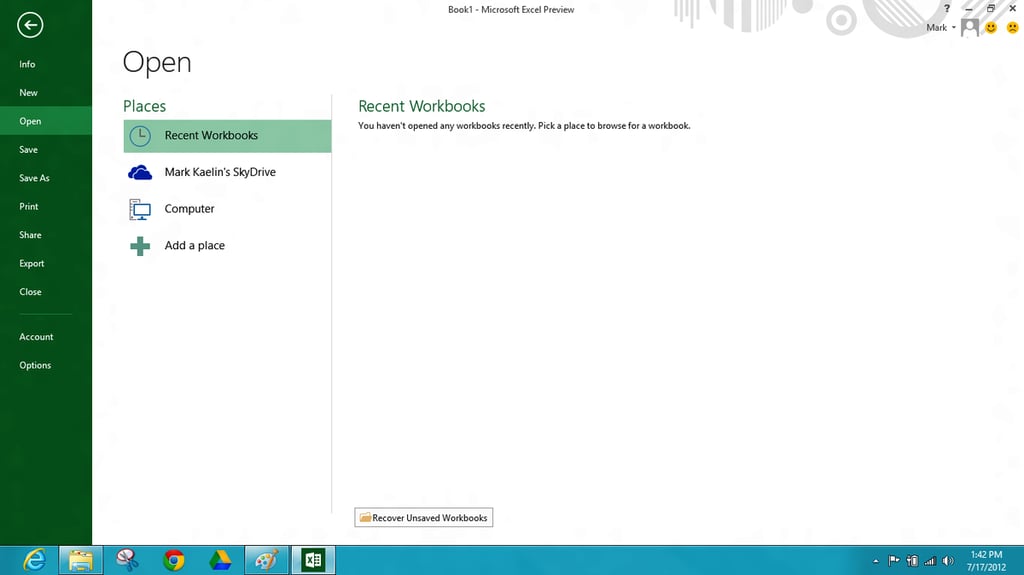
\n\tThe Excel 2013 files menu has much the same set of features as Word. Note the SkyDrive reference – the cloud plays a prominent role in this version of Office.
\n
\n\tAll images by Mark Kaelin prepared for TechRepublic. All rights reserved.
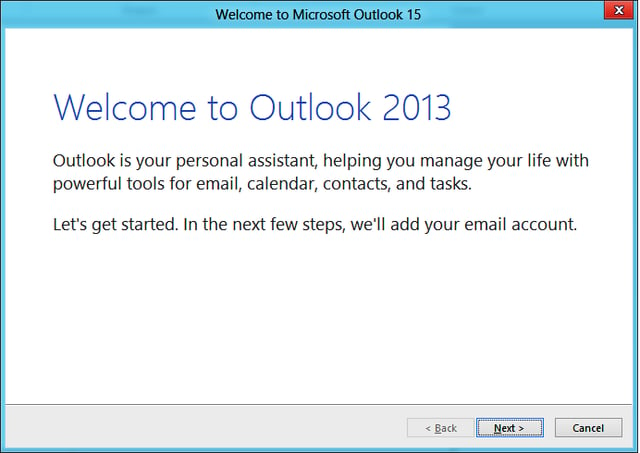
\n\tOutlook 2013 starts with the familar wizard that will lead you through the process of setting up an email account. I decided not to do that right now.
\n
\n\tAll images by Mark Kaelin prepared for TechRepublic. All rights reserved.
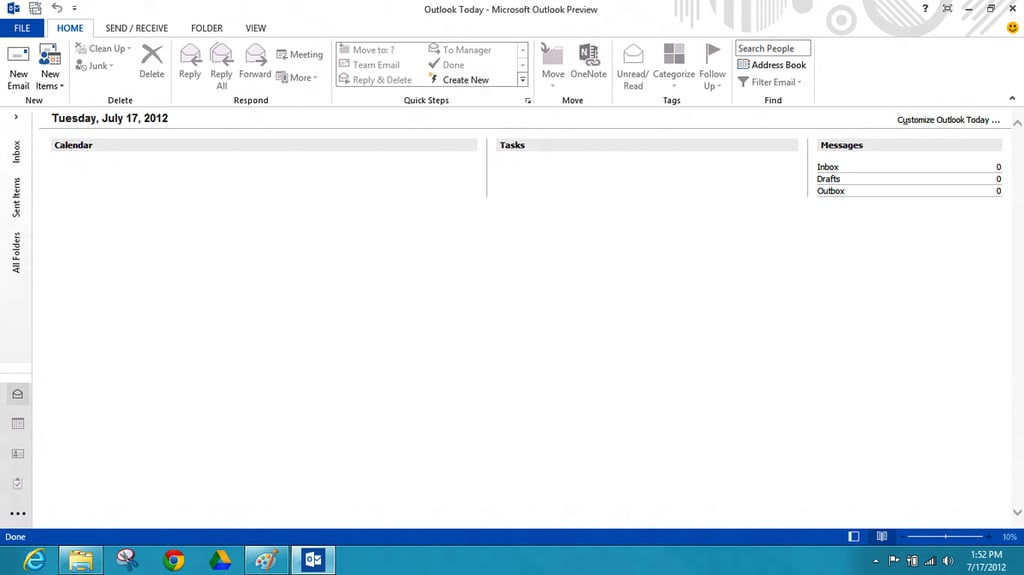
\n\tThe Outlook 2013 screen is similar to 2010, which I really like. Some say Outlook is too cluttered, but I disagree.
\n
\n\tAll images by Mark Kaelin prepared for TechRepublic. All rights reserved.
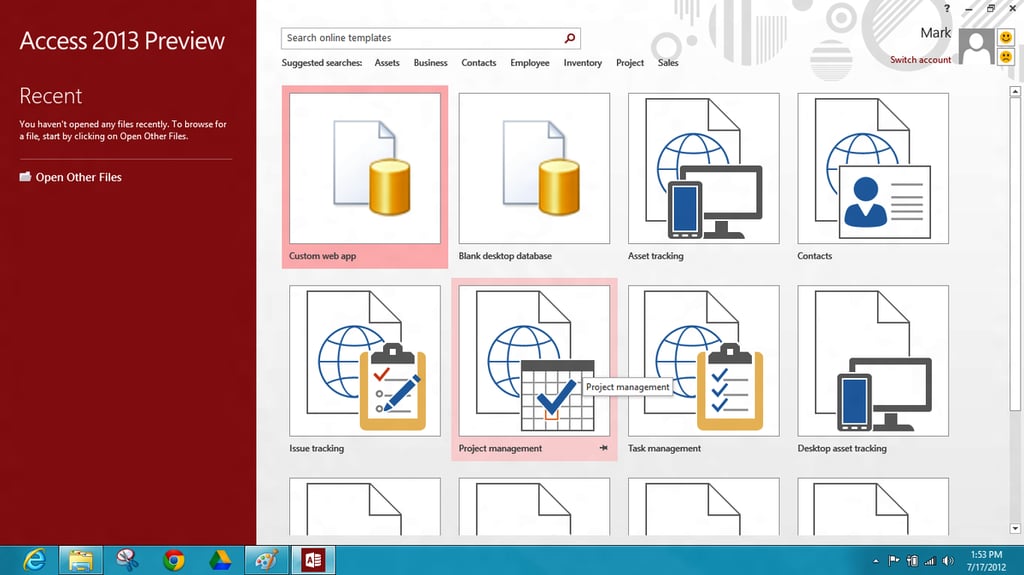
\n\tAccess is not used by every Office user, but those that do make good use of it. The power of a well-constructed database cannot be denied. Access 2013 offers several templates to help you get started.
\n
\n\tAll images by Mark Kaelin prepared for TechRepublic. All rights reserved.
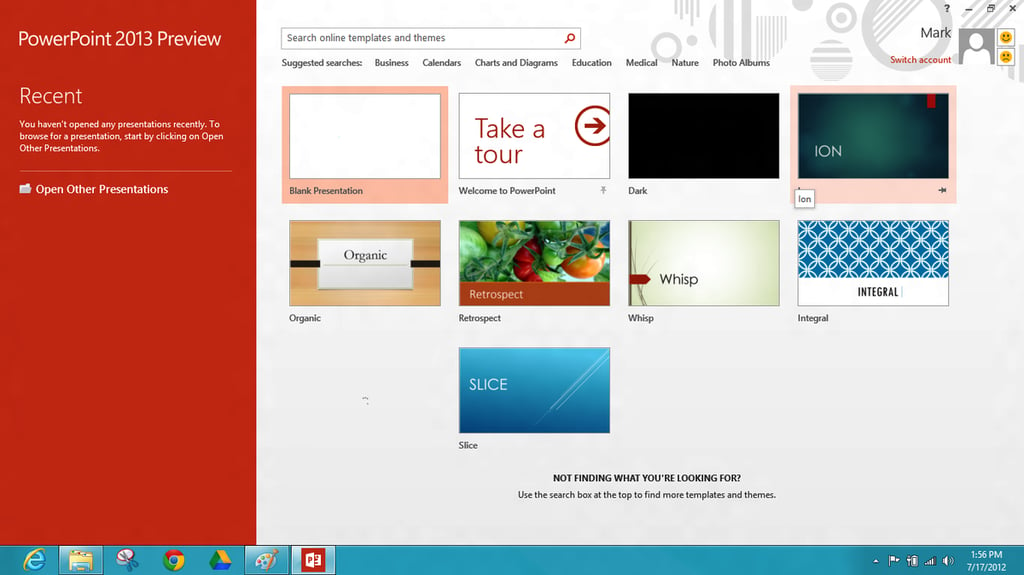
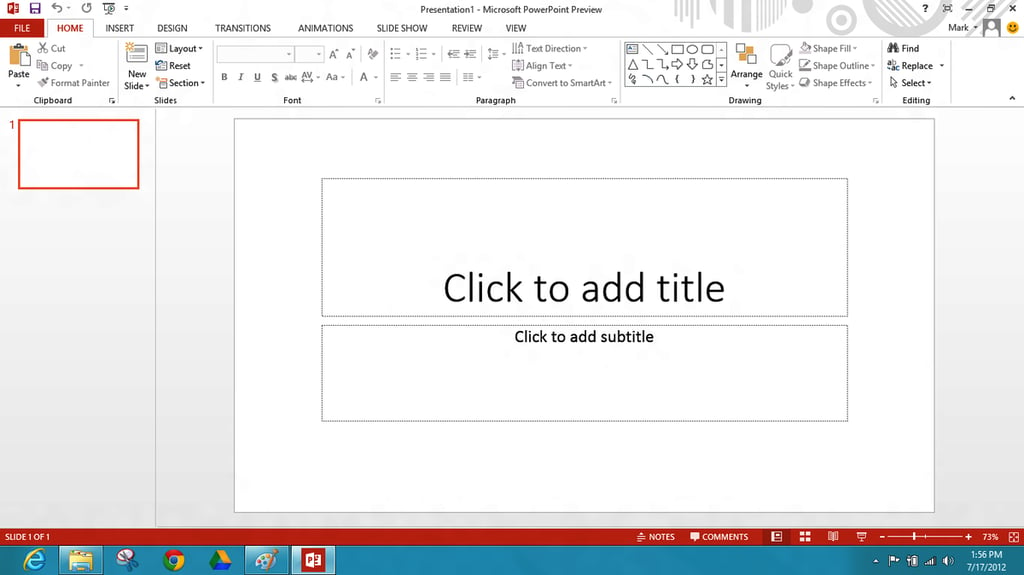
\n\tWe all have a love/hate relationship with PowerPoint that I don’t think is going to go away with PowerPoint 2013.
\n
\n\tAll images by Mark Kaelin prepared for TechRepublic. All rights reserved.
\n\tAll images by Mark Kaelin prepared for TechRepublic. All rights reserved.
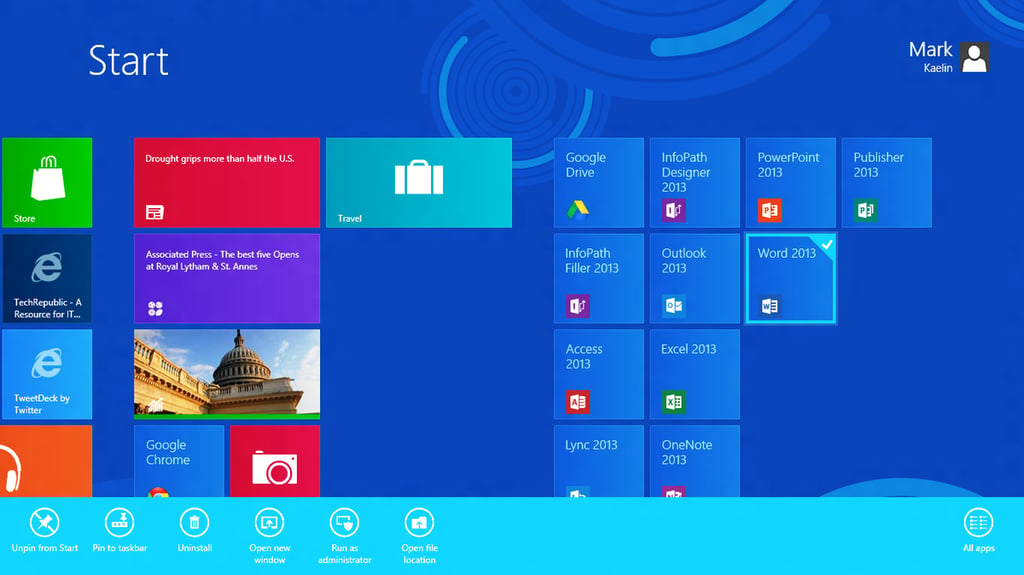
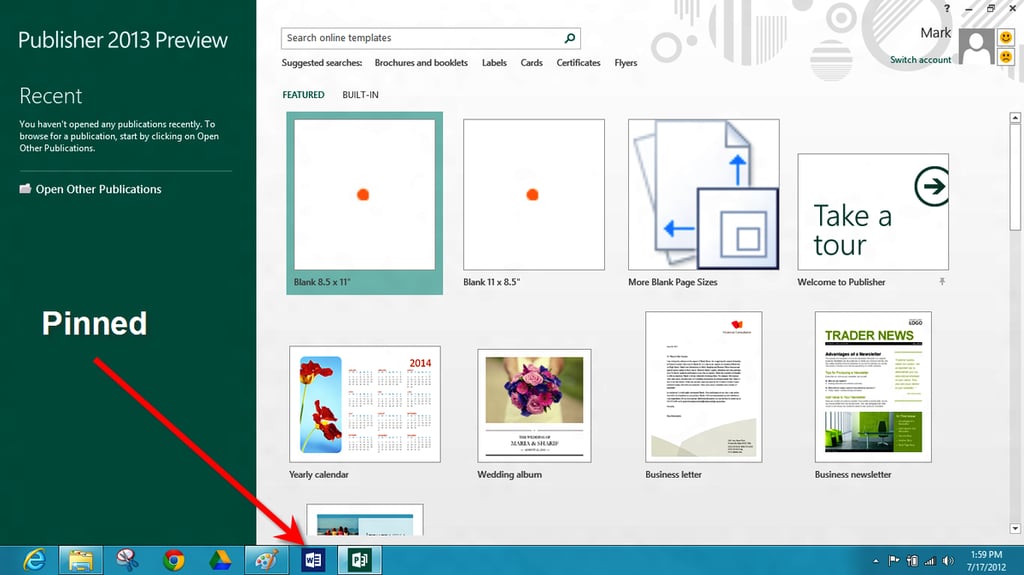
\n\tThe one thing that you should do for any application you use often in Windows 8 is pin it to the Taskbar.
\n
\n\tAll images by Mark Kaelin prepared for TechRepublic. All rights reserved.
\n\tAll images by Mark Kaelin prepared for TechRepublic. All rights reserved.
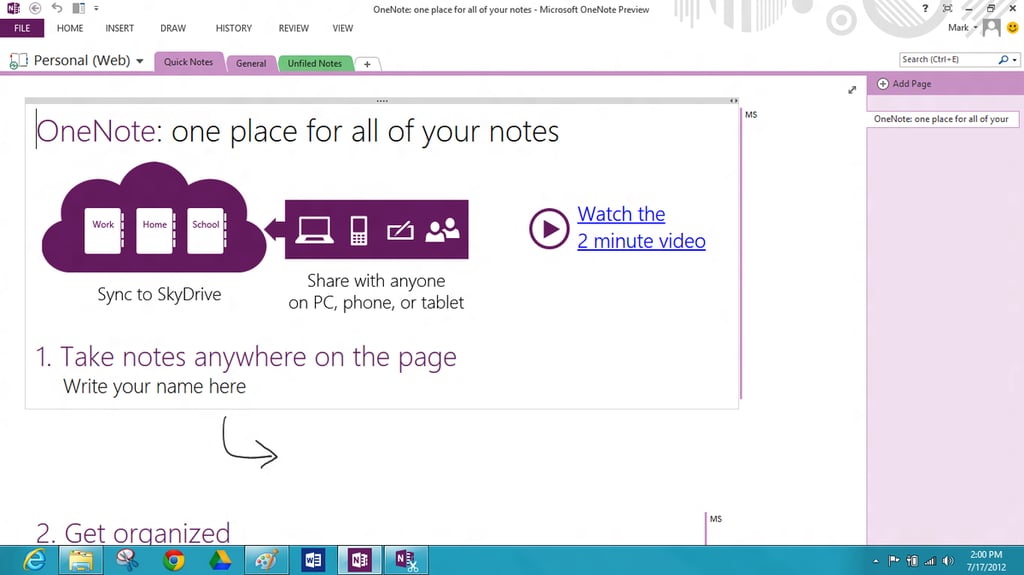
\n\tSome people are very fond of OneNote and with a close tie to SkyDrive, I can see more users adopting and adapting to the application. I’m going to check out the video – perhaps I will gain a better appreciation for OneNote 2013.
\n
\n\tWe’ll take a deeper look at Office 2013 in the next few weeks, but this First Look gallery should give you an overview of what you can expect with Office 2013.
\n
\n\tAll images by Mark Kaelin prepared for TechRepublic. All rights reserved.

Mark W. Kaelin has been writing and editing stories about the information technology industry, software, hardware, gaming, finance, accounting, and technology geekdom for more than 30 years.


