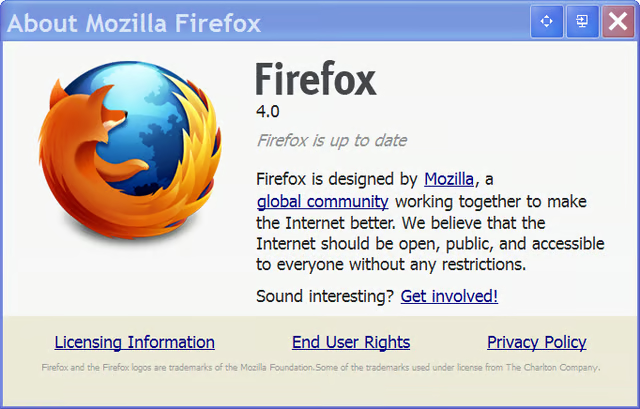
\n\tMozilla Firefox 4 is now available as a free download. As these First Look screenshots show, Firefox 4 has taken some cues from Chrome and Internet Explorer 9 to make a cleaner and more nimble web browsing experience.
\n
\n\tImages created by Mark Kaelin for TechRepublic. All rights reserved.
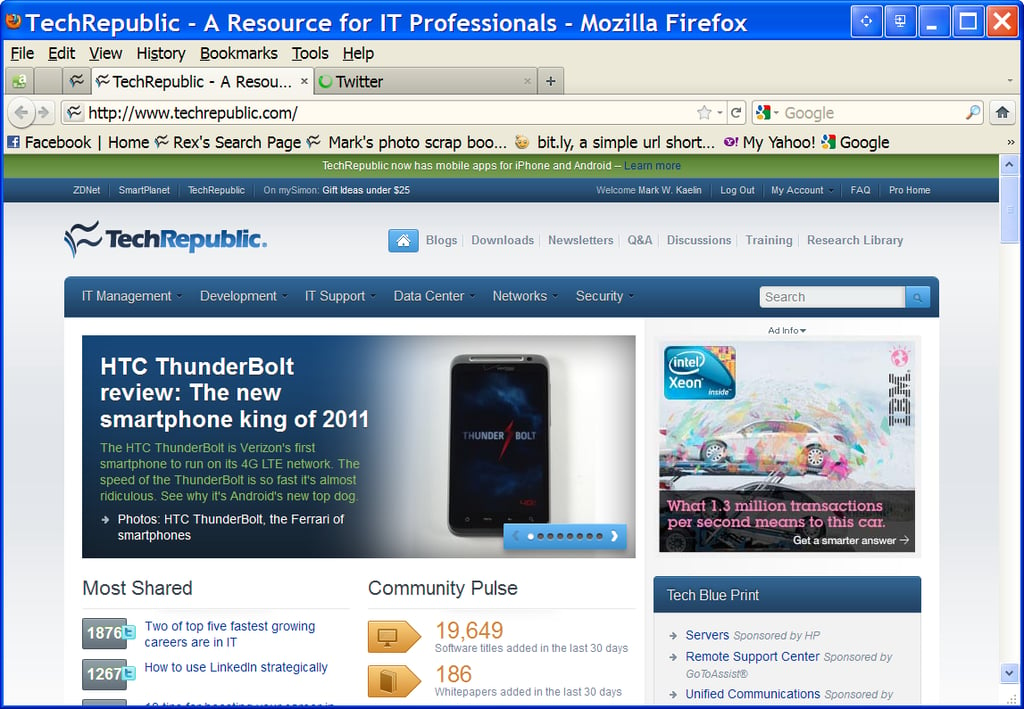
\n\tThe TechRepublic front door.
\n
\n\tImages created by Mark Kaelin for TechRepublic. All rights reserved.
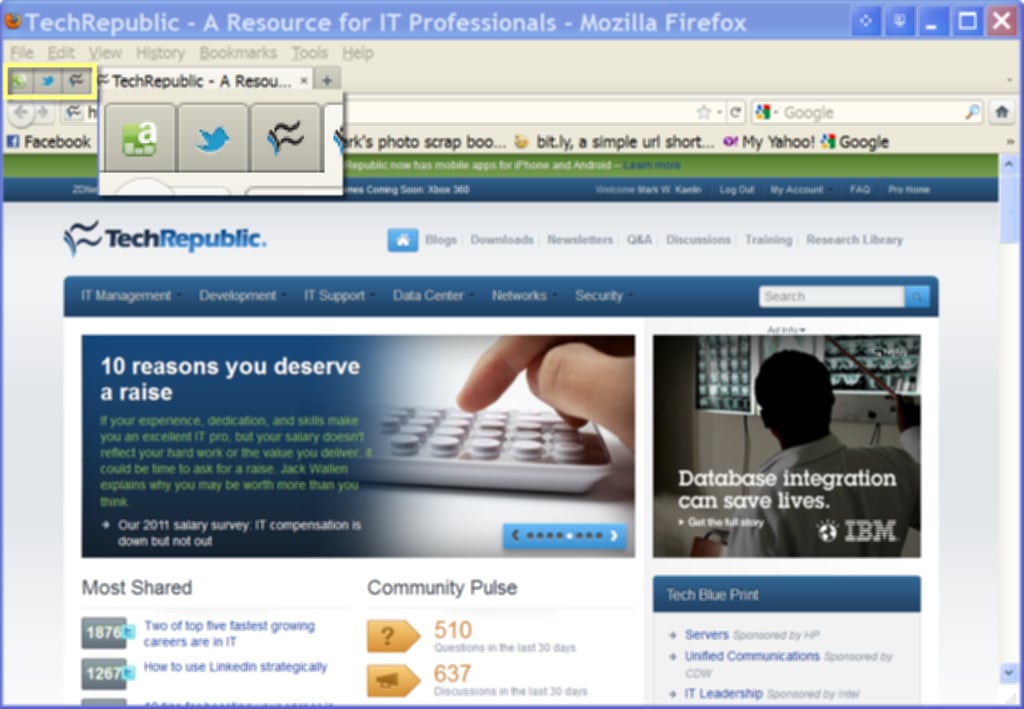
\n\tSimilar to Internet Explorer 9, you can pin websites for easy access. Only in IE9 the pinned icons are on the Taskbar, while in Firefox 4 they are located on the tab bar.
\n
\n\tImages created by Mark Kaelin for TechRepublic. All rights reserved.
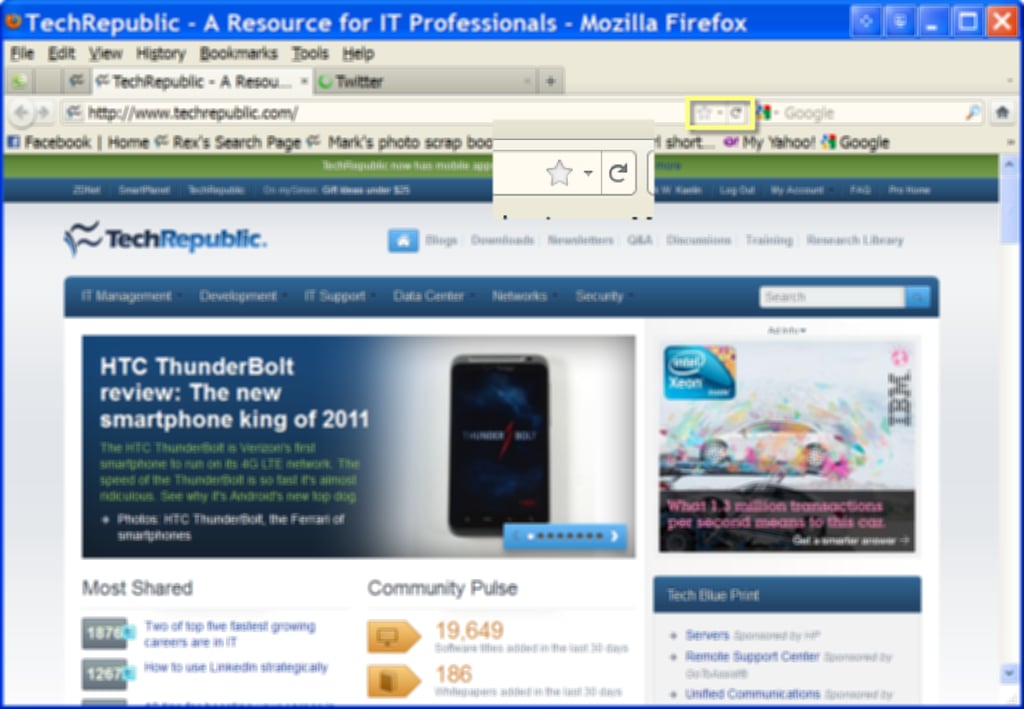
\n\tBookmark favorites and access browser history with convenient icons.
\n
\n\tImages created by Mark Kaelin for TechRepublic. All rights reserved.
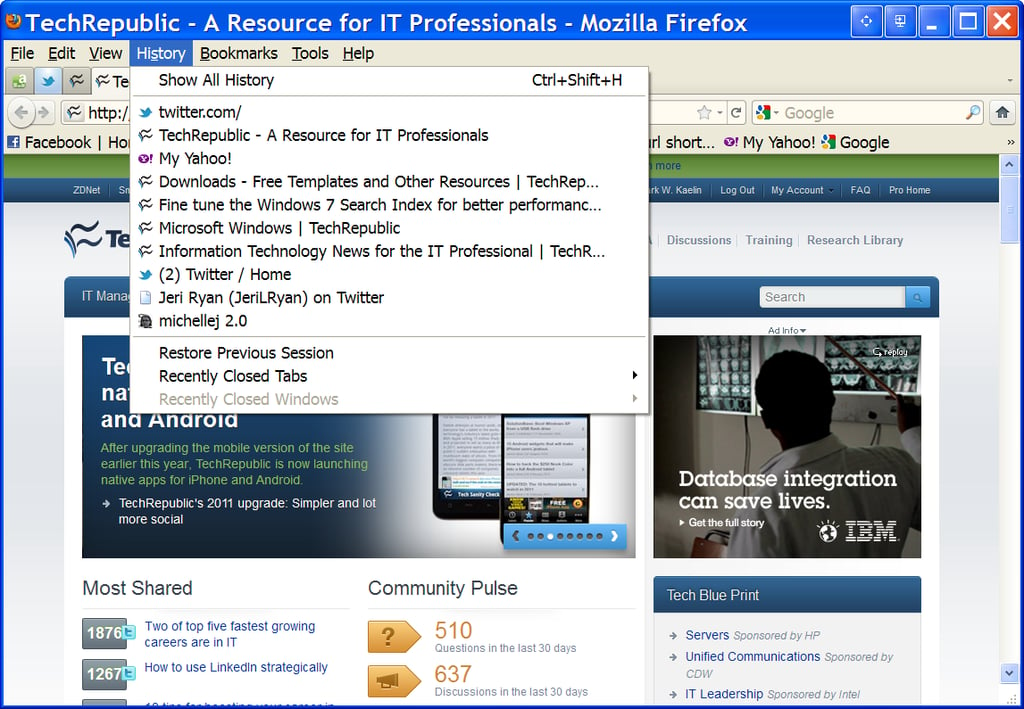
\n\tHistory menu.
\n
\n\tImages created by Mark Kaelin for TechRepublic. All rights reserved.
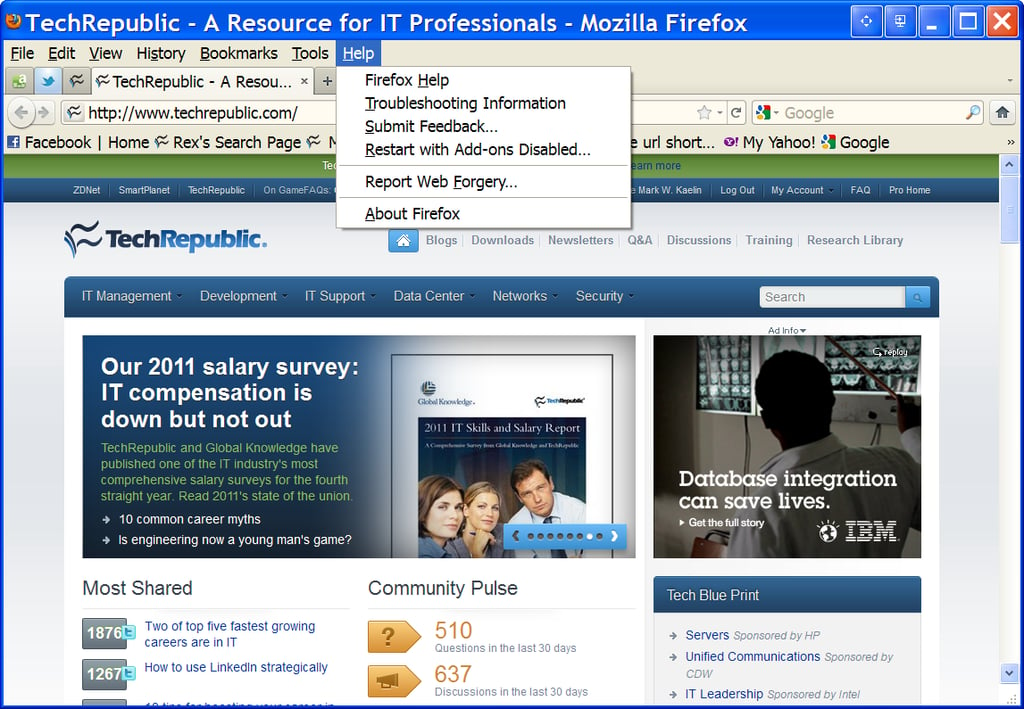
\n\tHelp menu.
\n
\n\tImages created by Mark Kaelin for TechRepublic. All rights reserved.
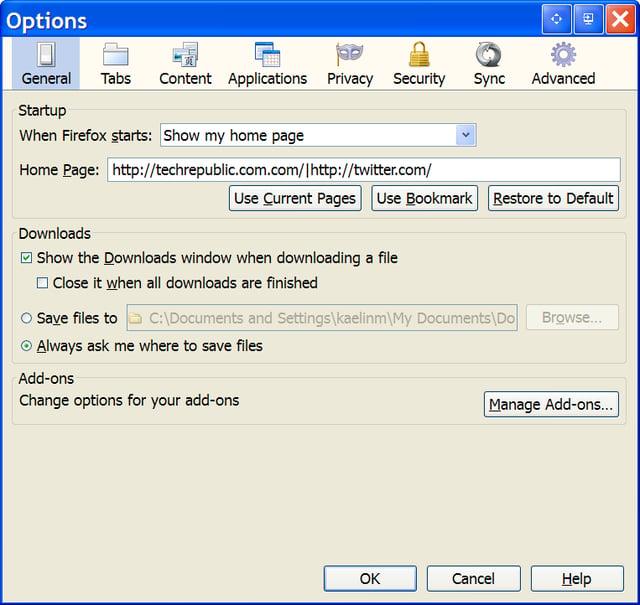
\n\tGeneral options screen.
\n
\n\tImages created by Mark Kaelin for TechRepublic. All rights reserved.
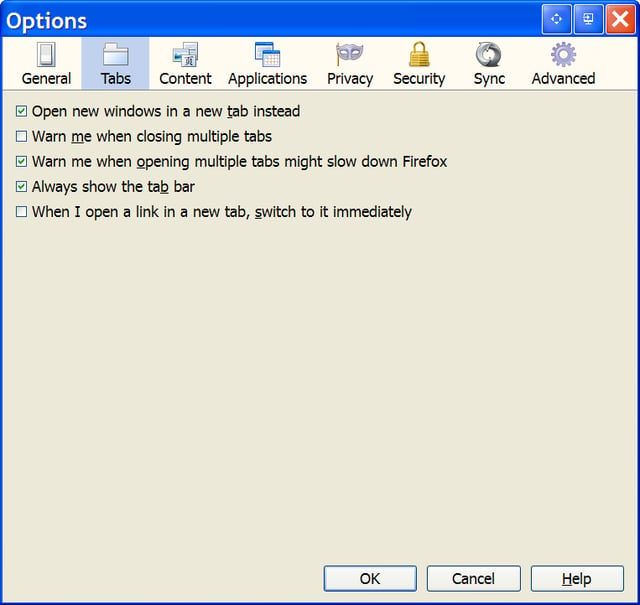
\n\tTabs option screen.
\n
\n\tImages created by Mark Kaelin for TechRepublic. All rights reserved.
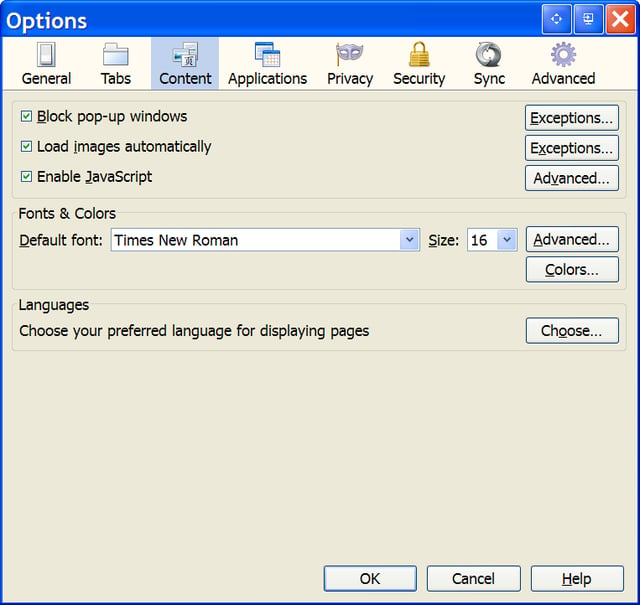
\n\tContent options screen.
\n
\n\tImages created by Mark Kaelin for TechRepublic. All rights reserved.
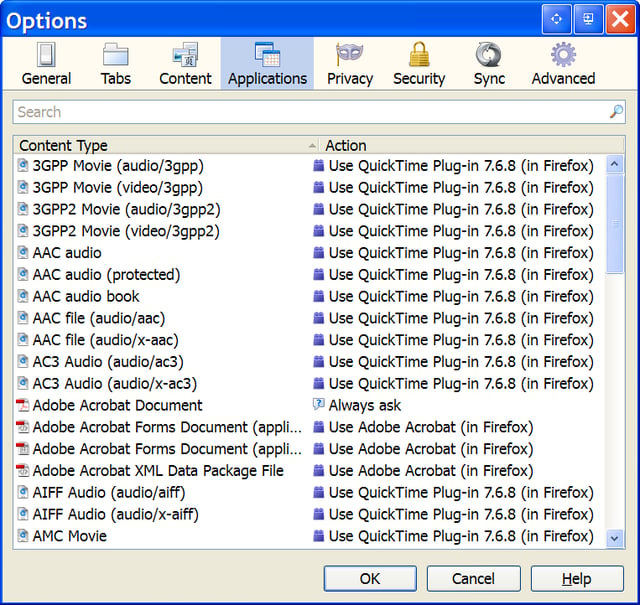
\n\tApplications option screen.
\n
\n\tImages created by Mark Kaelin for TechRepublic. All rights reserved.
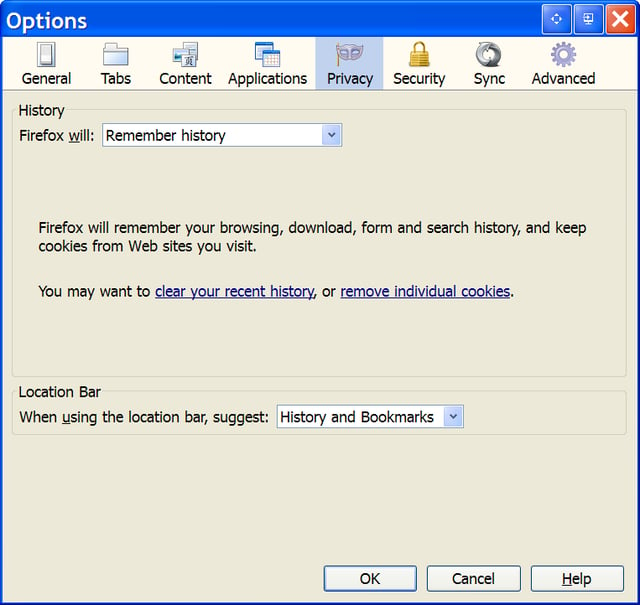
\n\tPrivacy options screen.
\n
\n\tImages created by Mark Kaelin for TechRepublic. All rights reserved.
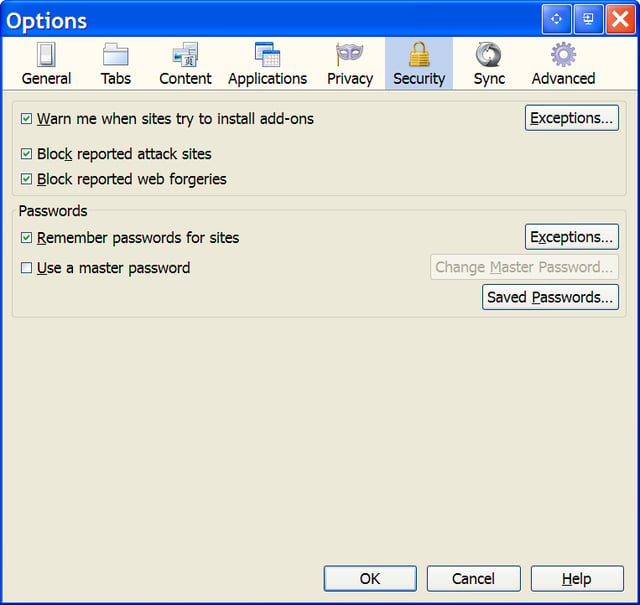
\n\tSecurity options screen.
\n
\n\tImages created by Mark Kaelin for TechRepublic. All rights reserved.
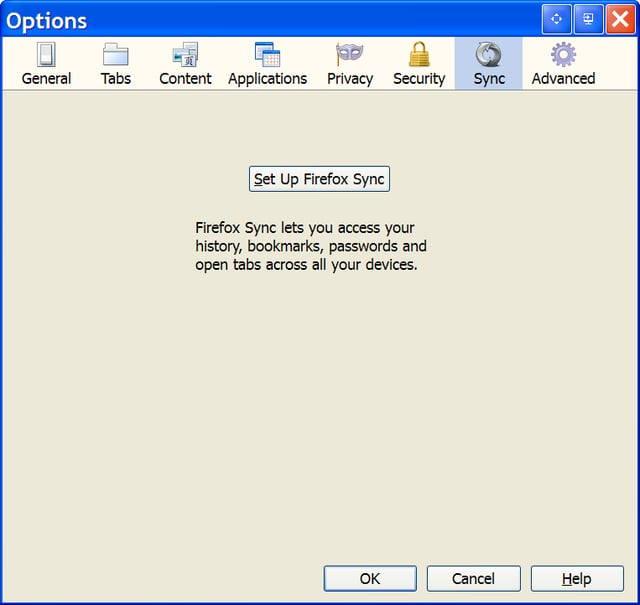
\n\tSync options screen – we’ll revisit this one.
\n
\n\tImages created by Mark Kaelin for TechRepublic. All rights reserved.
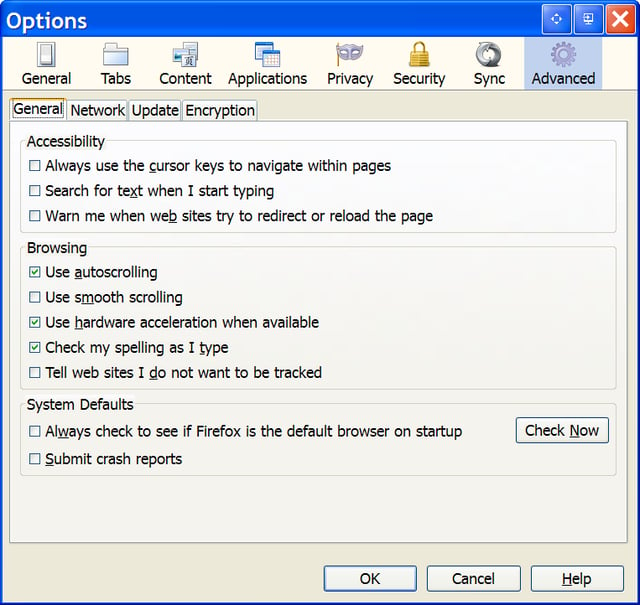
\n\tAdvanced options screen – General tab.
\n
\n\tImages created by Mark Kaelin for TechRepublic. All rights reserved.
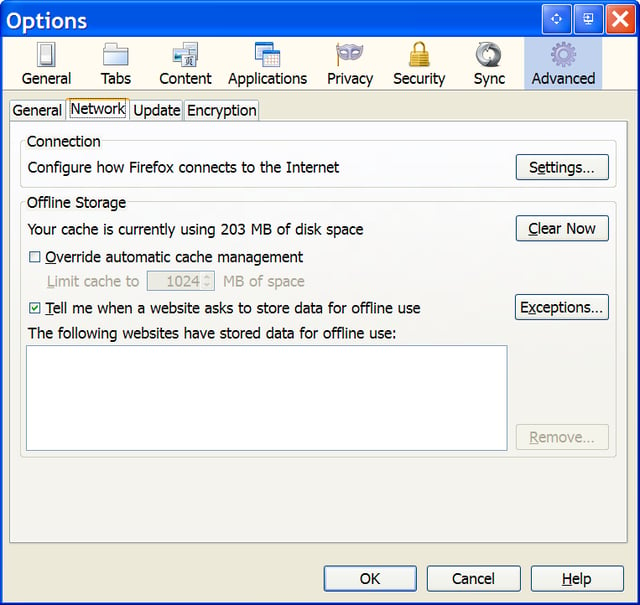
\n\tAdvanced options screen – Network tab.
\n
\n\tImages created by Mark Kaelin for TechRepublic. All rights reserved.
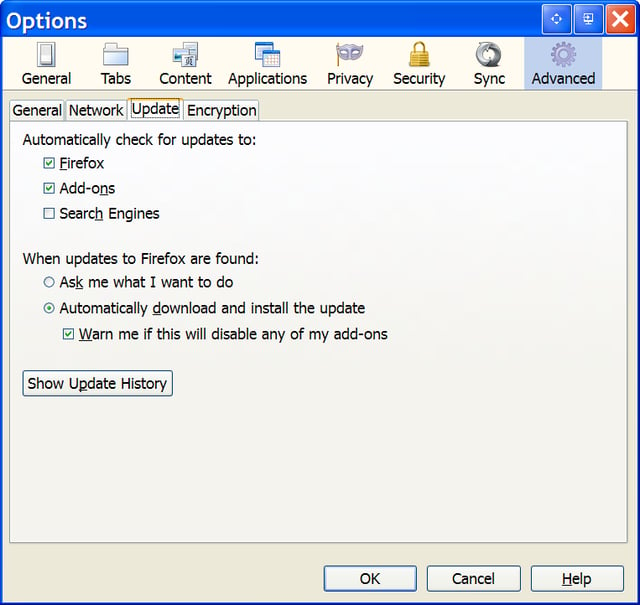
\n\tAdvanced options screen – Update tab.
\n
\n\tImages created by Mark Kaelin for TechRepublic. All rights reserved.
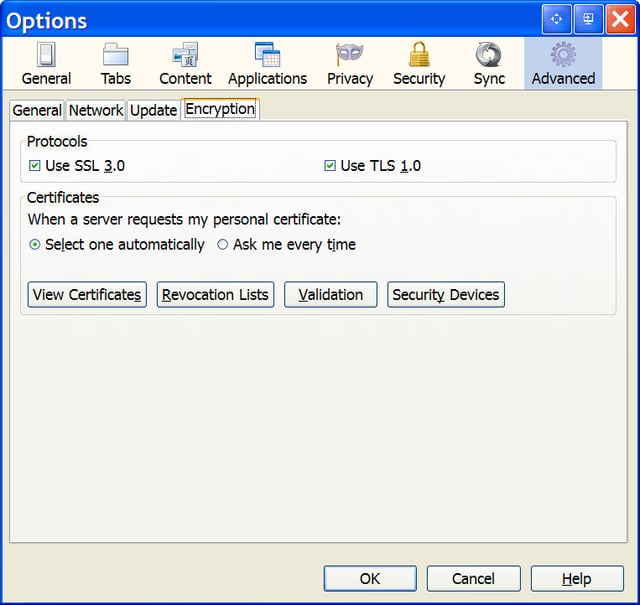
\n\tAdvanced options screen – Encryption tab.
\n
\n\tImages created by Mark Kaelin for TechRepublic. All rights reserved.
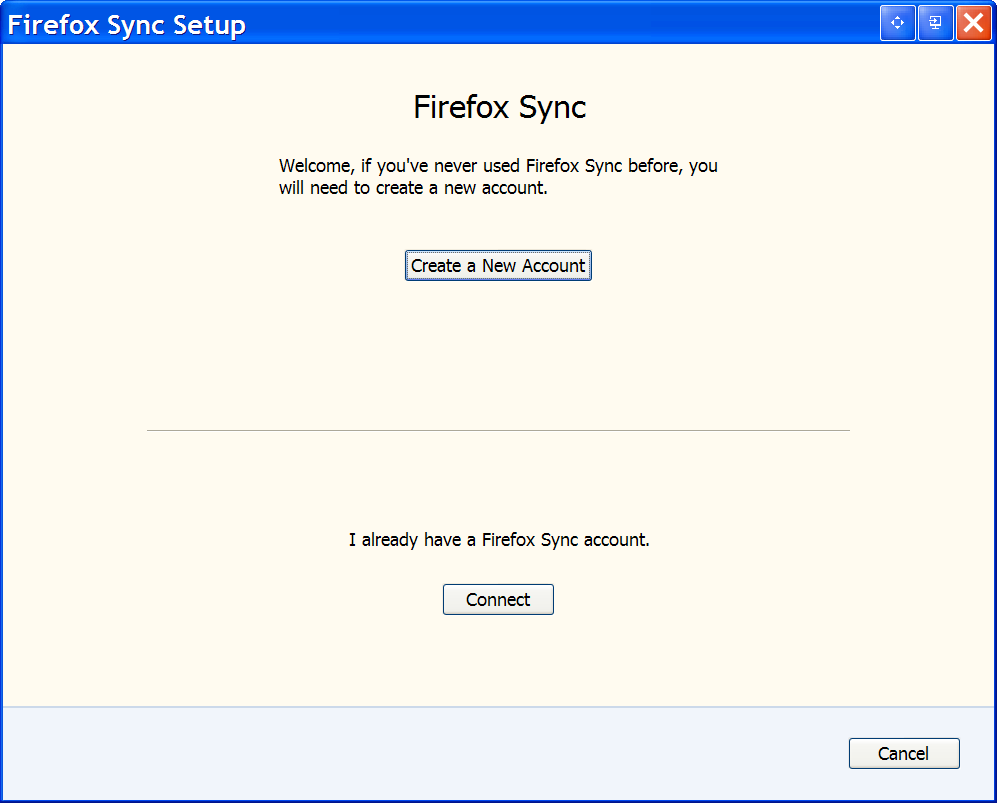
\n\tYou’ll have to setup Firefox Sync first before you can use the service.
\n
\n\tI am curious – do you use the Firefox Sync service? Is it effective? Do you recommend it?
\n
\n\tImages created by Mark Kaelin for TechRepublic. All rights reserved.
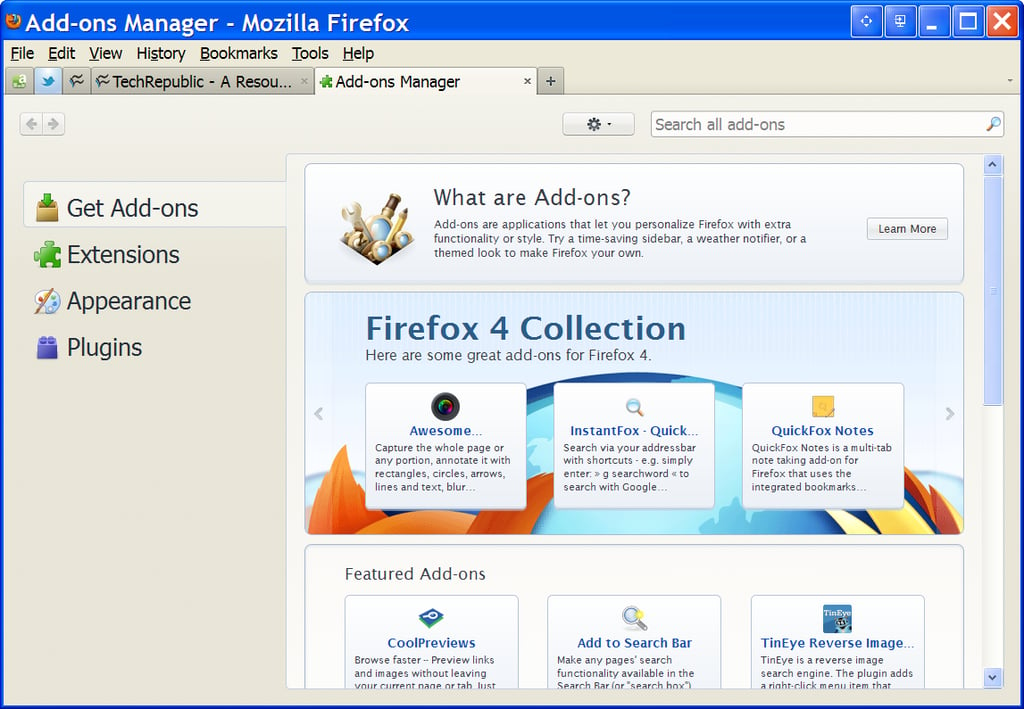
\n\tOf course, add-ons are availabe for Firefox 4, but beware, many of the add-ons that worked with Firefox 3.6 are not compatible with 4. You’ll have to download updated versions, if they are available.
\n
\n\tImages created by Mark Kaelin for TechRepublic. All rights reserved.
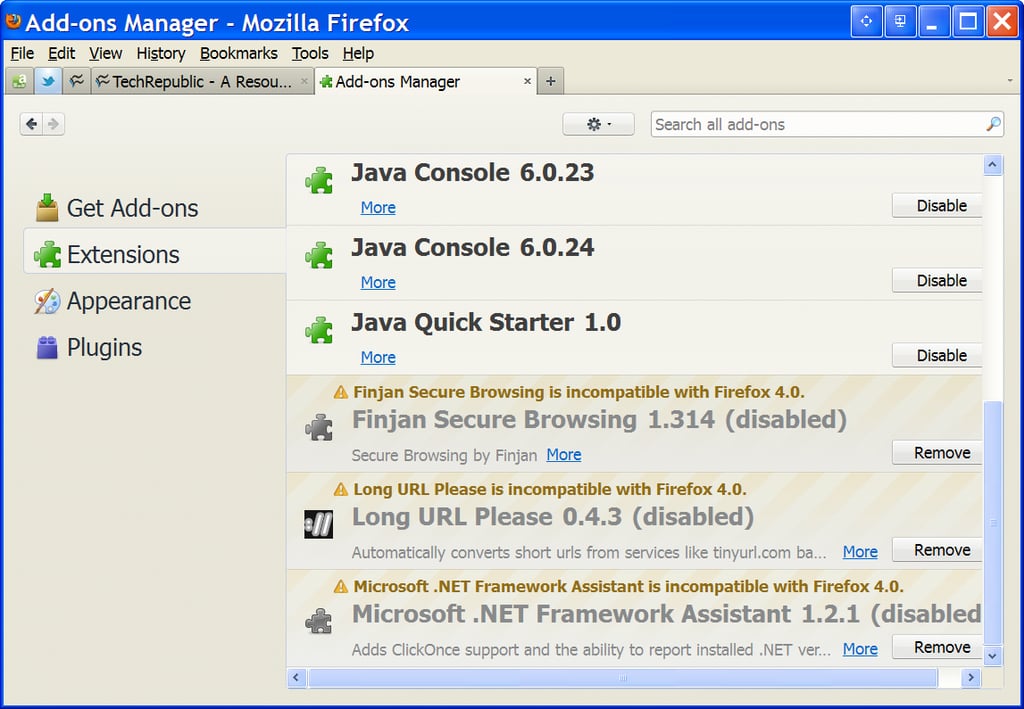
\n\tSimilar to add-ons, extensions for Firefox 4 are available, but many of the older 3.6 extenstions will not work with 4.
\n
\n\tImages created by Mark Kaelin for TechRepublic. All rights reserved.
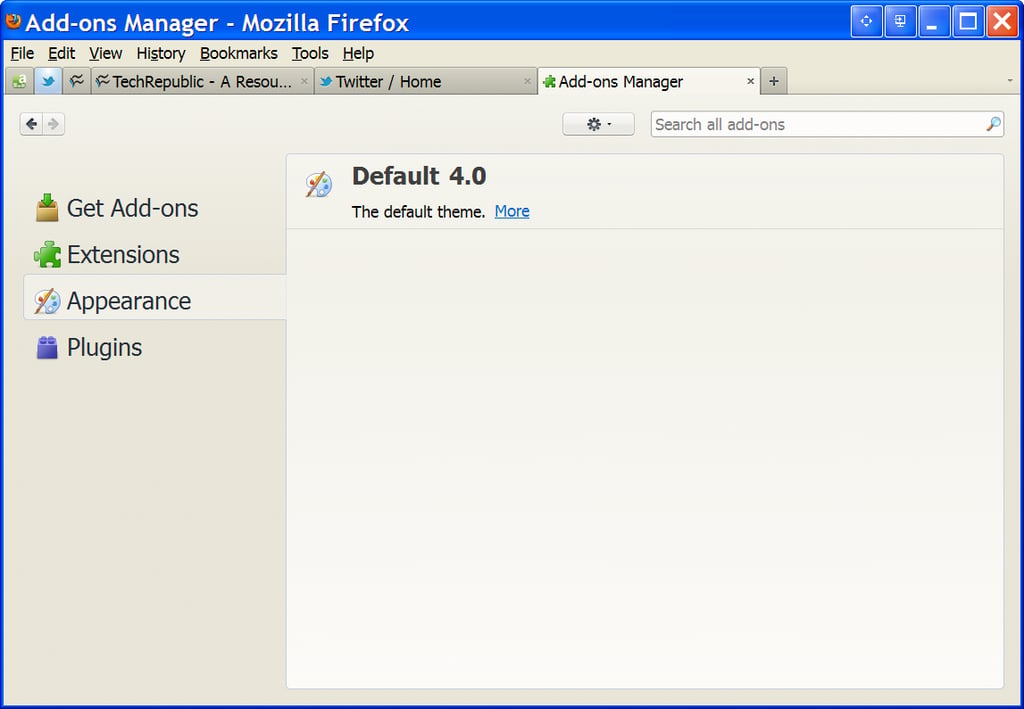
\n\tThe default Firefox 4 theme is okay with me, but you may crave something more.
\n
\n\tImages created by Mark Kaelin for TechRepublic. All rights reserved.
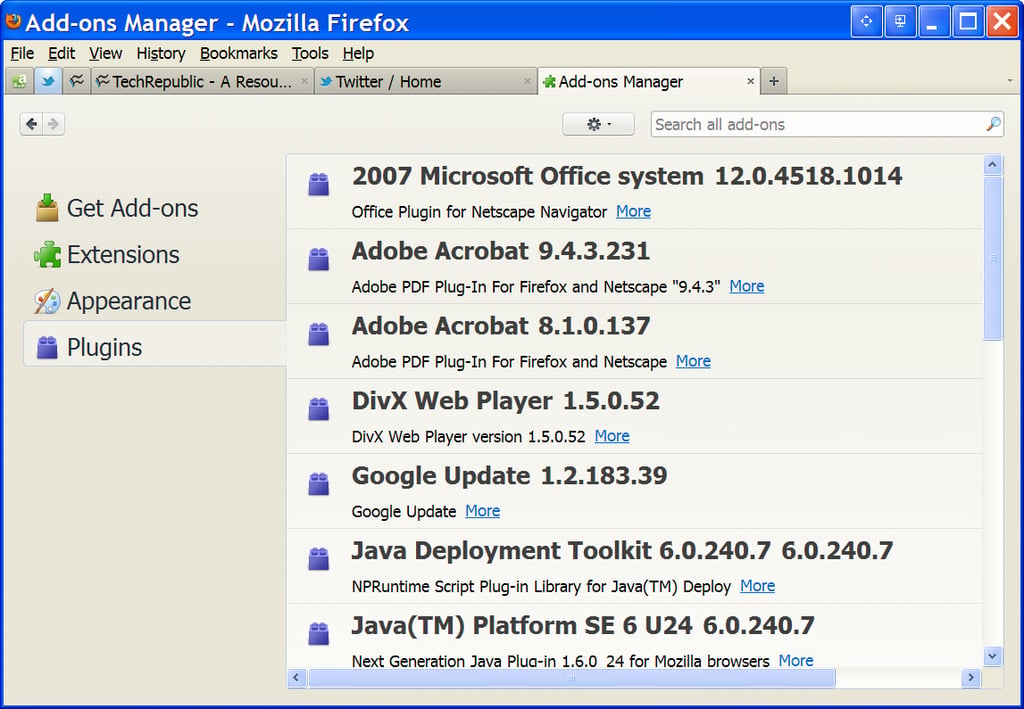
\n\tFirefox plugins are also available, but they may need to be updated to work with version 4.
\n
\n\tImages created by Mark Kaelin for TechRepublic. All rights reserved.

Mark W. Kaelin has been writing and editing stories about the information technology industry, software, hardware, gaming, finance, accounting, and technology geekdom for more than 30 years.


