\n\tThe Windows 8 Consumer Preview is now available to everyone and can be downloaded directly from Microsoft.
\n
\n\t\n\n
\n
\n\tImages by Mark Kaelin for TechRepublic.
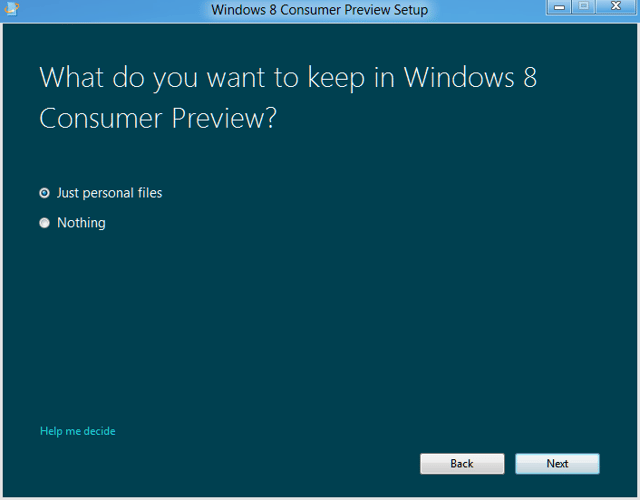
\n\tImages by Mark Kaelin for TechRepublic.
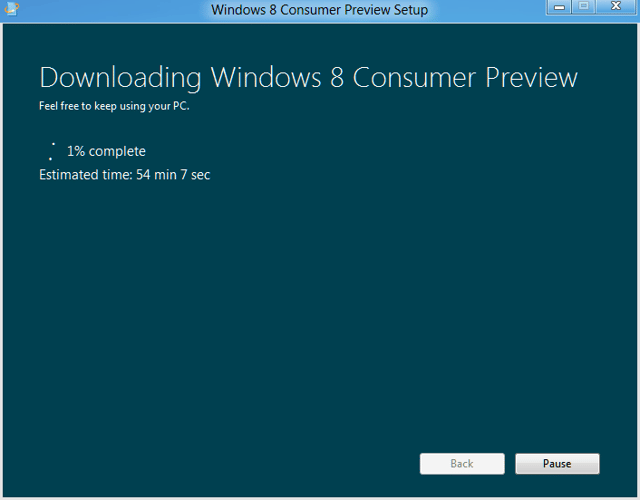
\n\tImages by Mark Kaelin for TechRepublic.
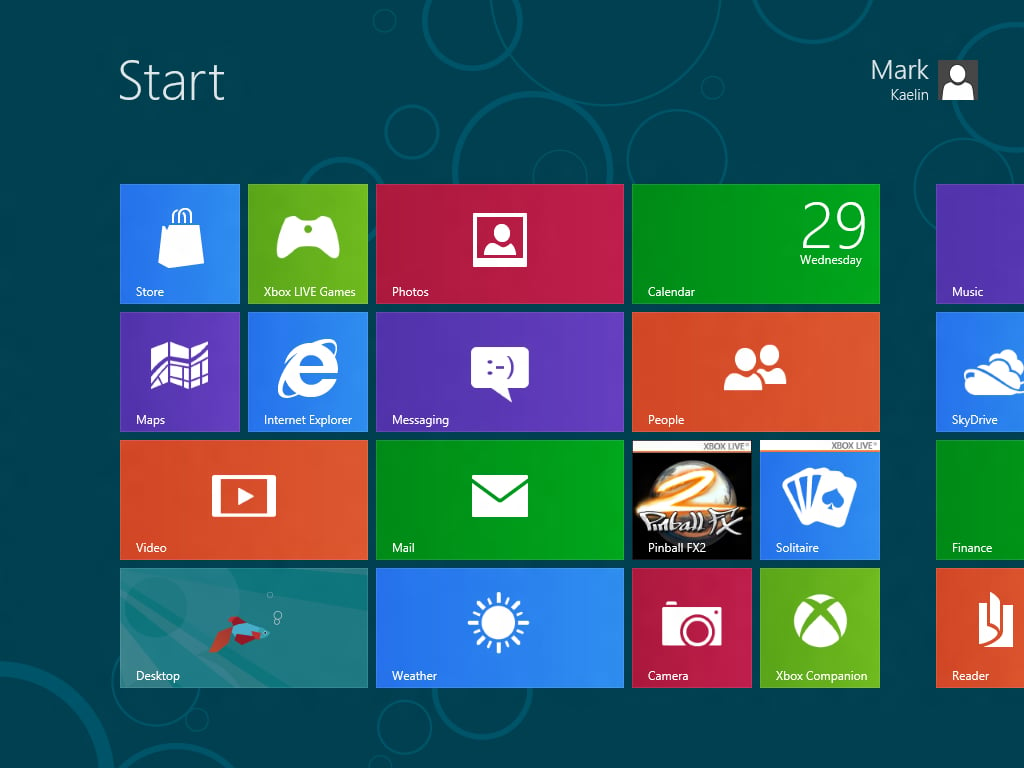
\n\tImages by Mark Kaelin for TechRepublic.
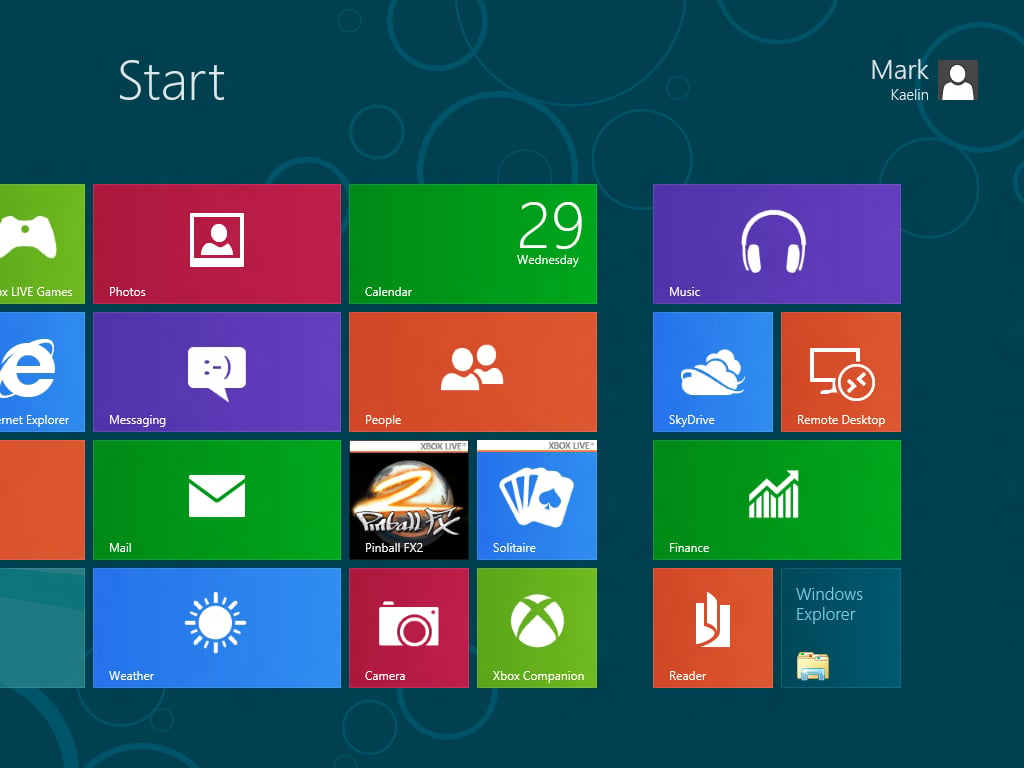
\n\tImages by Mark Kaelin for TechRepublic.
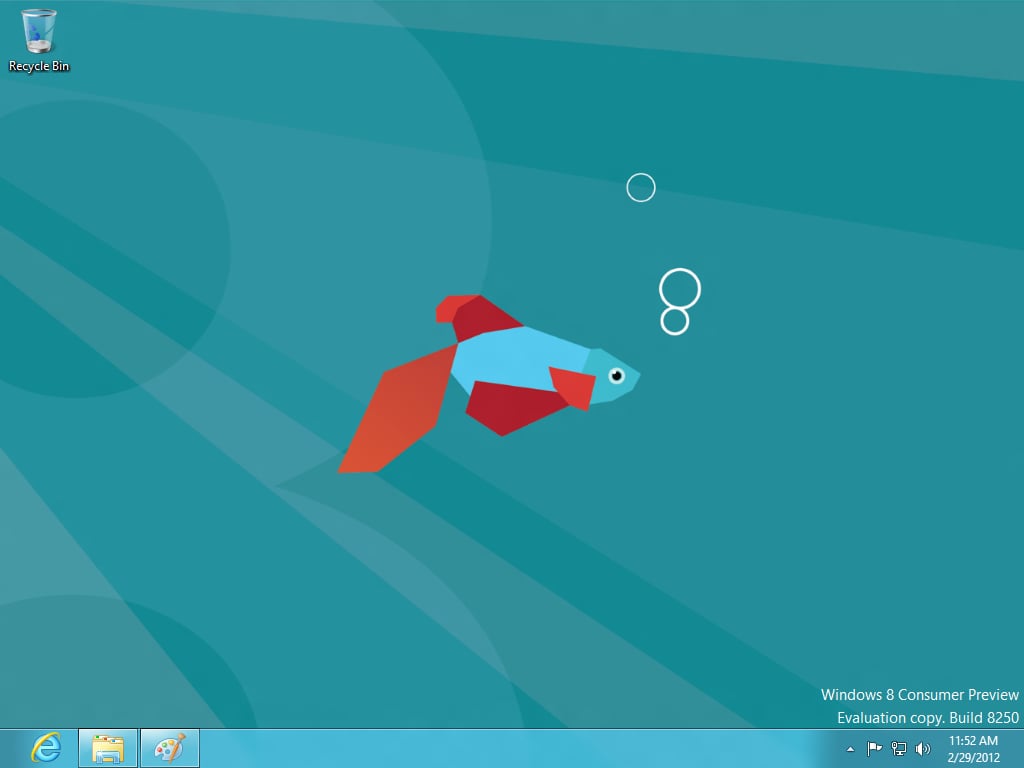
\n\tI know there has been much discussion about the traditional Windows Desktop – here it is in all its glory. It is just a clck away right now and I’m sure at some point we will find a way to eliminate that click. So, don’t despair.
\n
\n\tImages by Mark Kaelin for TechRepublic.
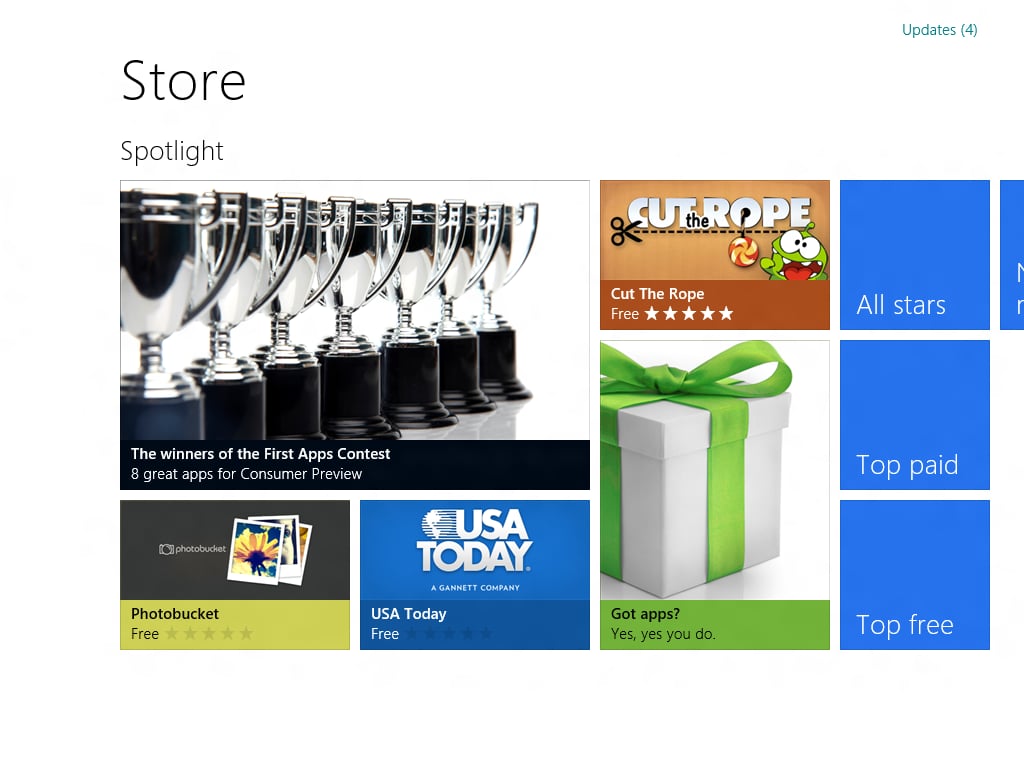
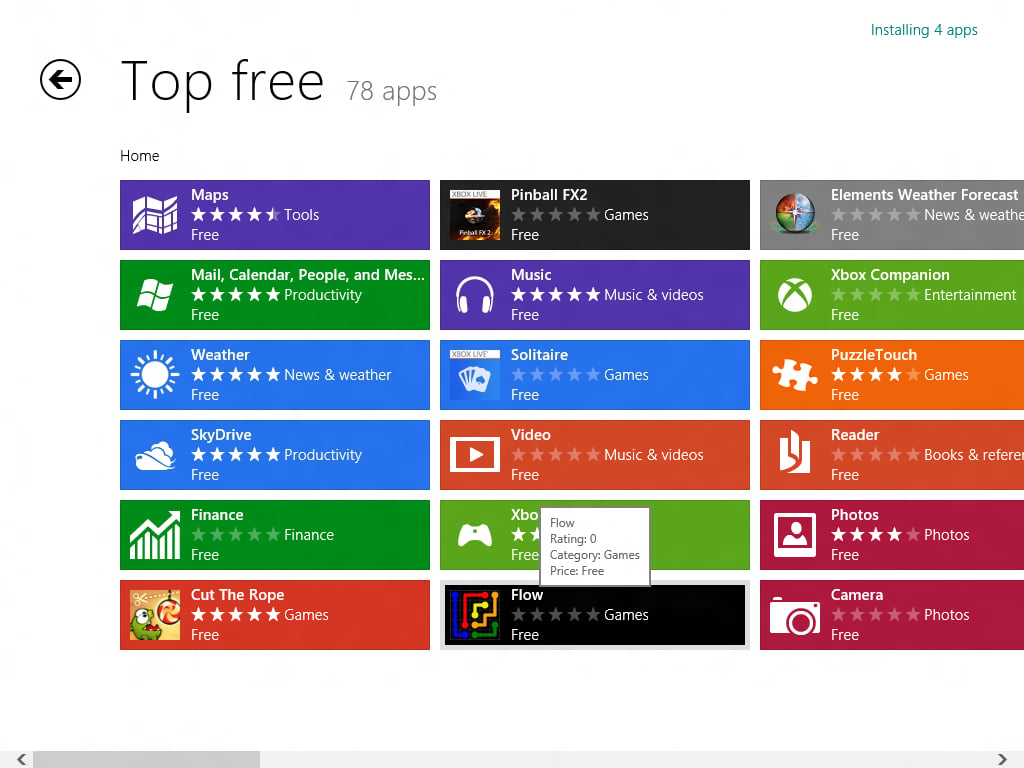
\n\tThere are a number of apps in the Store already with more to come before the final Windows 8 is released.
\n
\n\tImages by Mark Kaelin for TechRepublic.
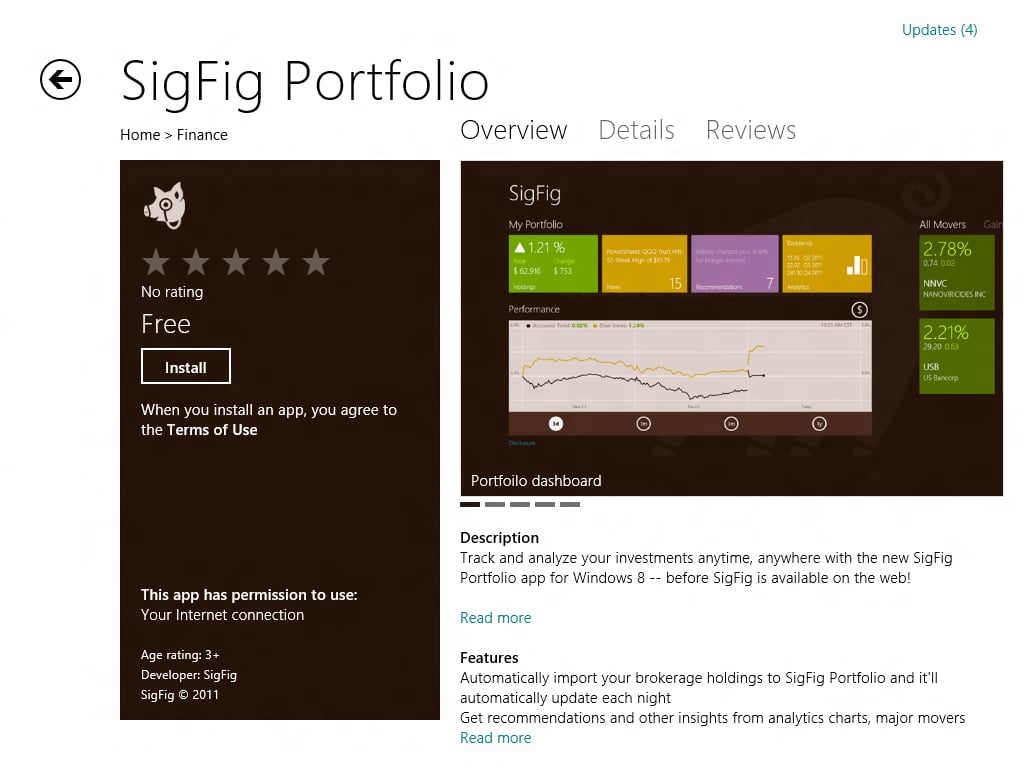
\n\tImages by Mark Kaelin for TechRepublic.
\n\tImages by Mark Kaelin for TechRepublic.
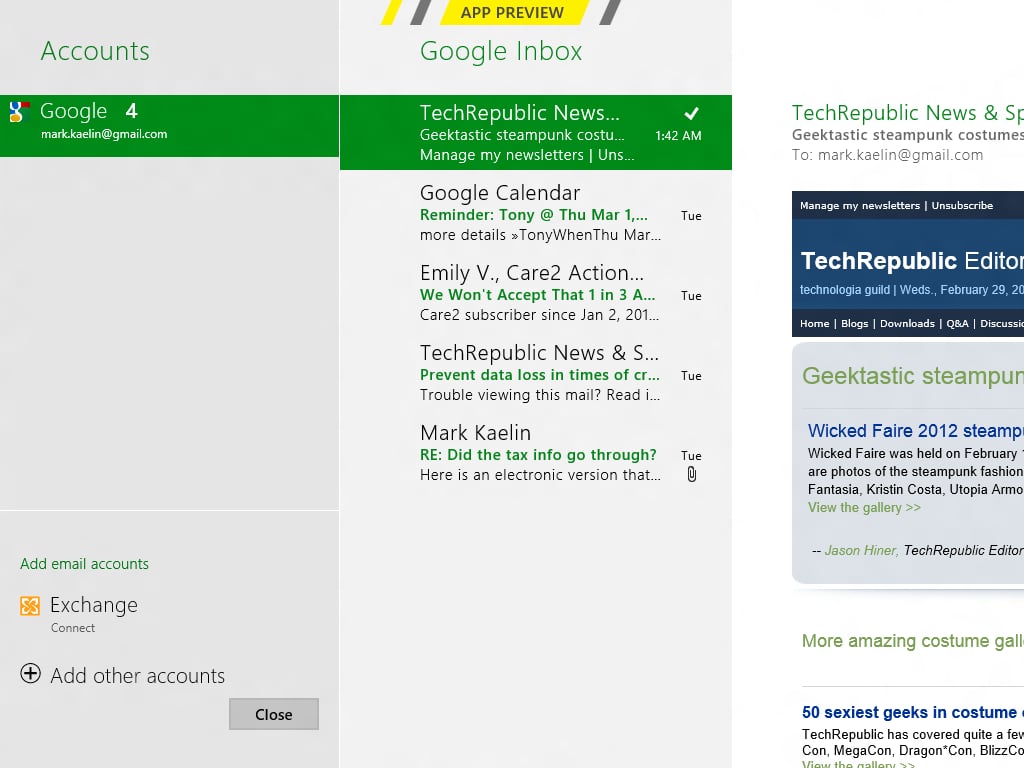
\n\tI was able to connect to my Gmail account with just a few clicks – I was actually surprised by how simple it turned out to be.
\n
\n\tImages by Mark Kaelin for TechRepublic.

\n\tImages by Mark Kaelin for TechRepublic.
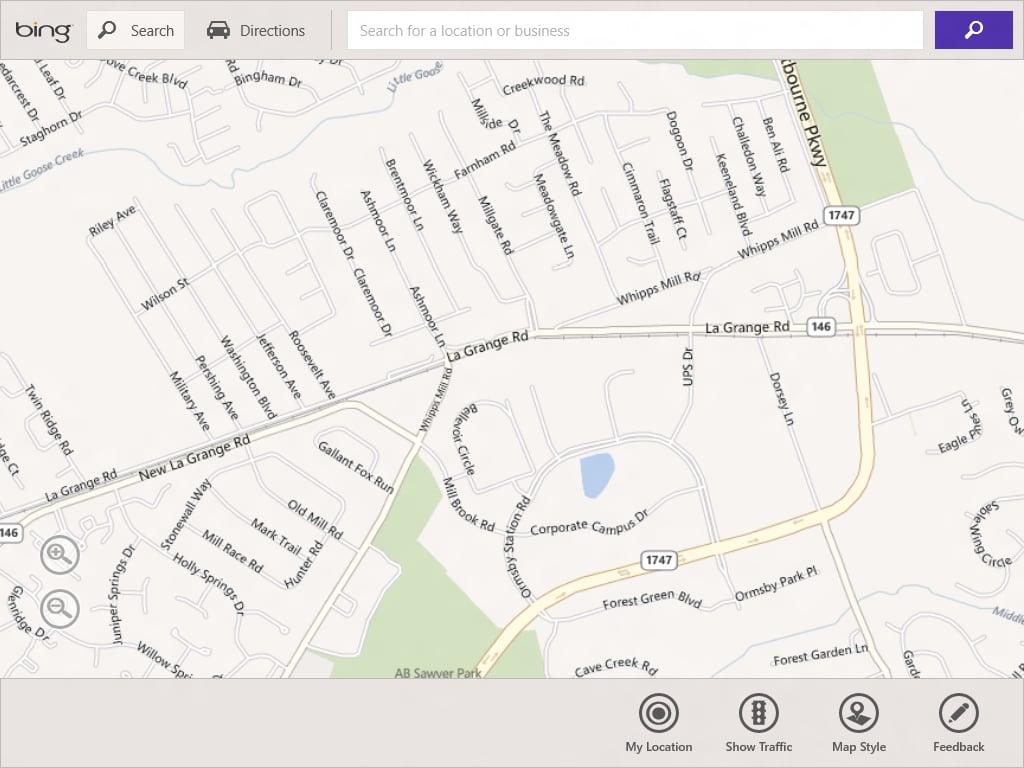
\n\tWe are loading Windows 8 on a tablet, so we will soon learn what contstitutes a right-click in the touch interface.
\n
\n\tImages by Mark Kaelin for TechRepublic.
\n\tImages by Mark Kaelin for TechRepublic.
\n\tImages by Mark Kaelin for TechRepublic.

\n\tImages by Mark Kaelin for TechRepublic.
\n\tImages by Mark Kaelin for TechRepublic.
\n\tImages by Mark Kaelin for TechRepublic.
\n\tImages by Mark Kaelin for TechRepublic.
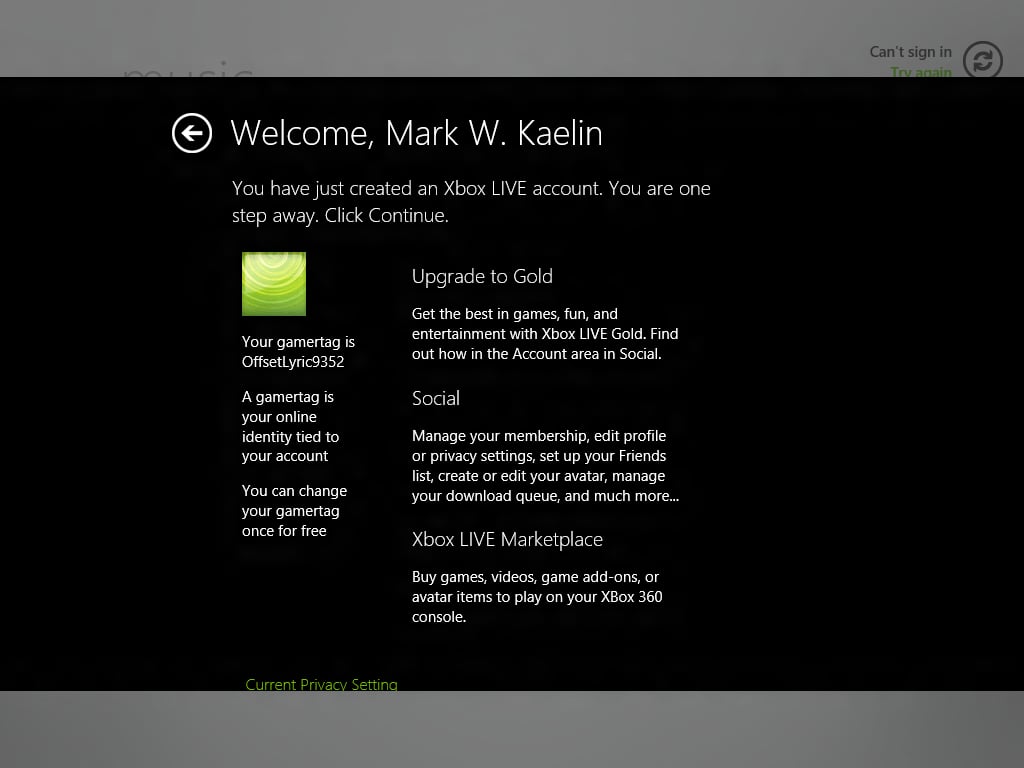
\n\tImages by Mark Kaelin for TechRepublic.
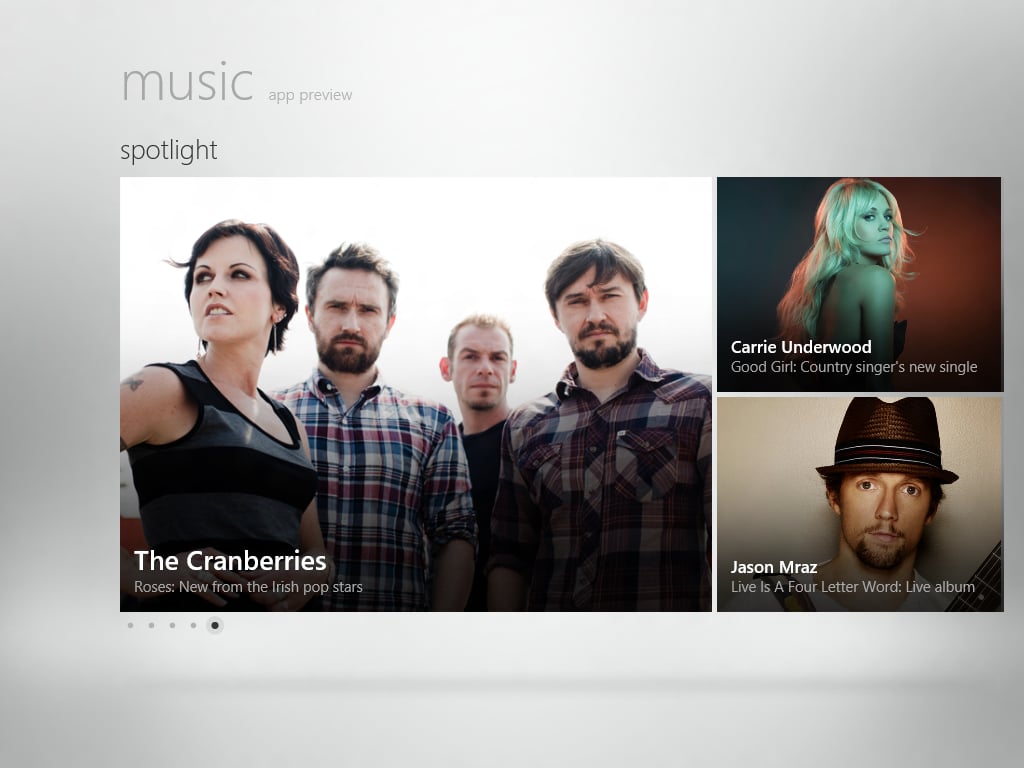
\n\tImages by Mark Kaelin for TechRepublic.

\n\tImages by Mark Kaelin for TechRepublic.
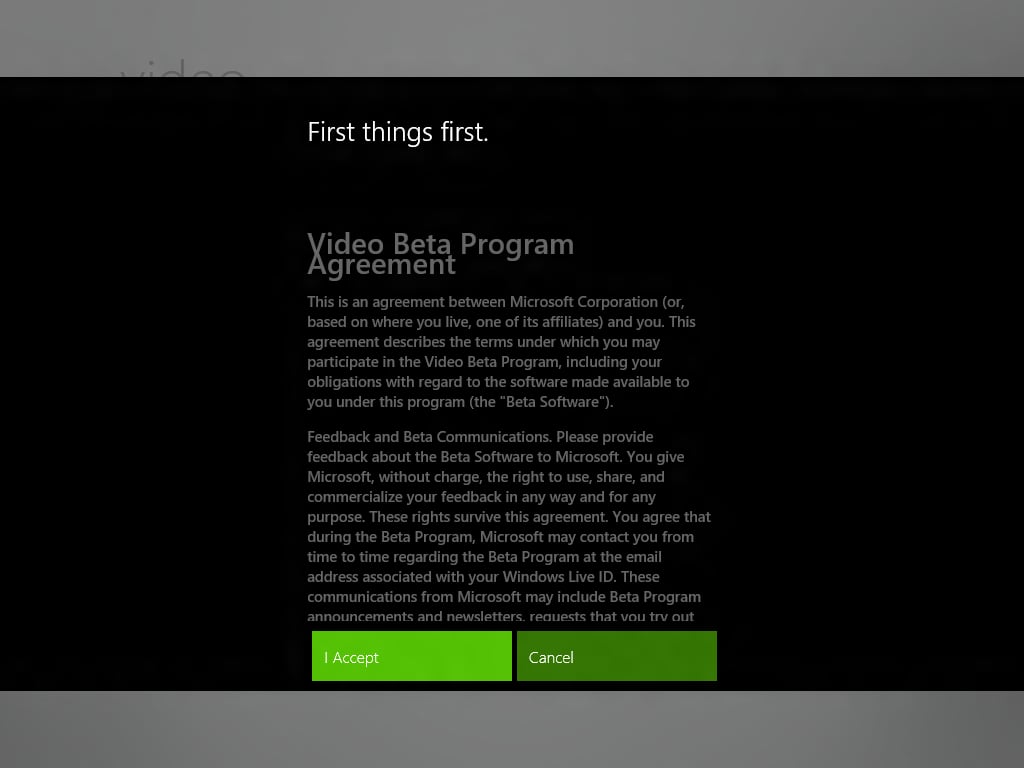
\n\tImages by Mark Kaelin for TechRepublic.
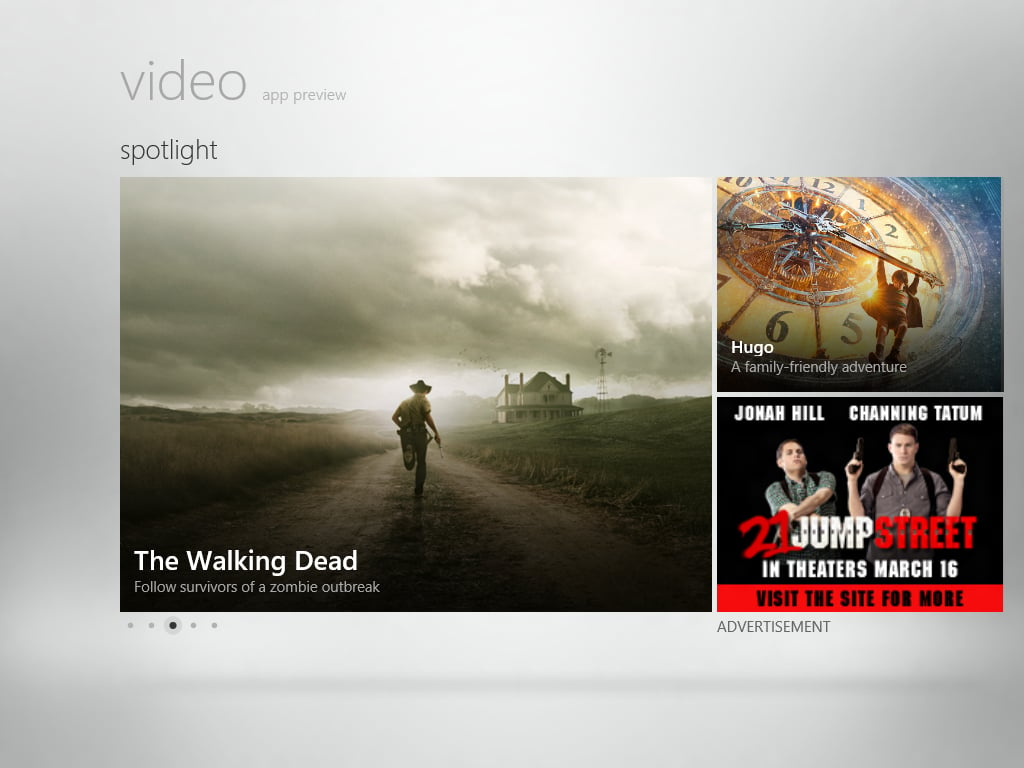
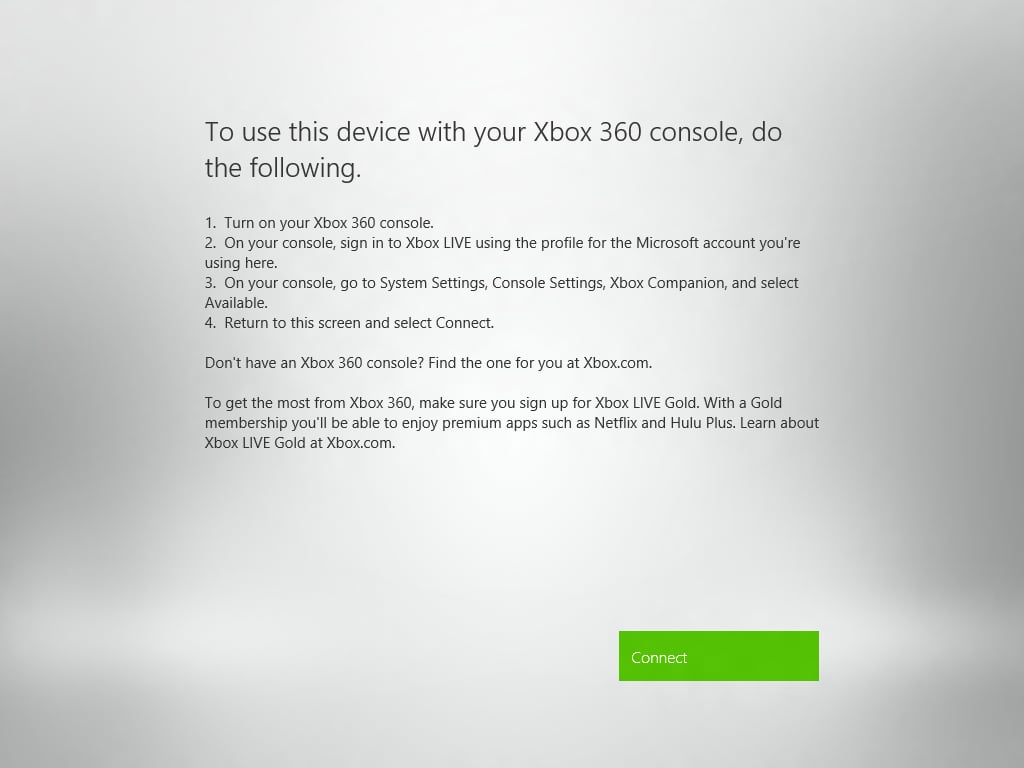
\n\tAgain, XBox Live plays an important part in thw way Windows 8 and the video app work. If you have XBox Live you can play the videos that come with your account on any device running Windows 8 and tied to that account. Instant ecosystem.
\n
\n\tImages by Mark Kaelin for TechRepublic.
\n\tImages by Mark Kaelin for TechRepublic.
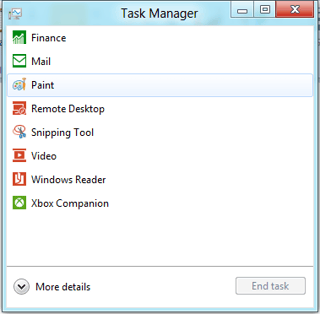
\n\tFor me, and I suspect others, the idea of apps running, or at least stubs running, in the background is going to require a change of thinking while on the desktop. Will these apps slow down gaming? Do I have to clear them out before running Skyrim for example? I’ll be testing this.
\n
\n\tImages by Mark Kaelin for TechRepublic.
\n\tImages by Mark Kaelin for TechRepublic.
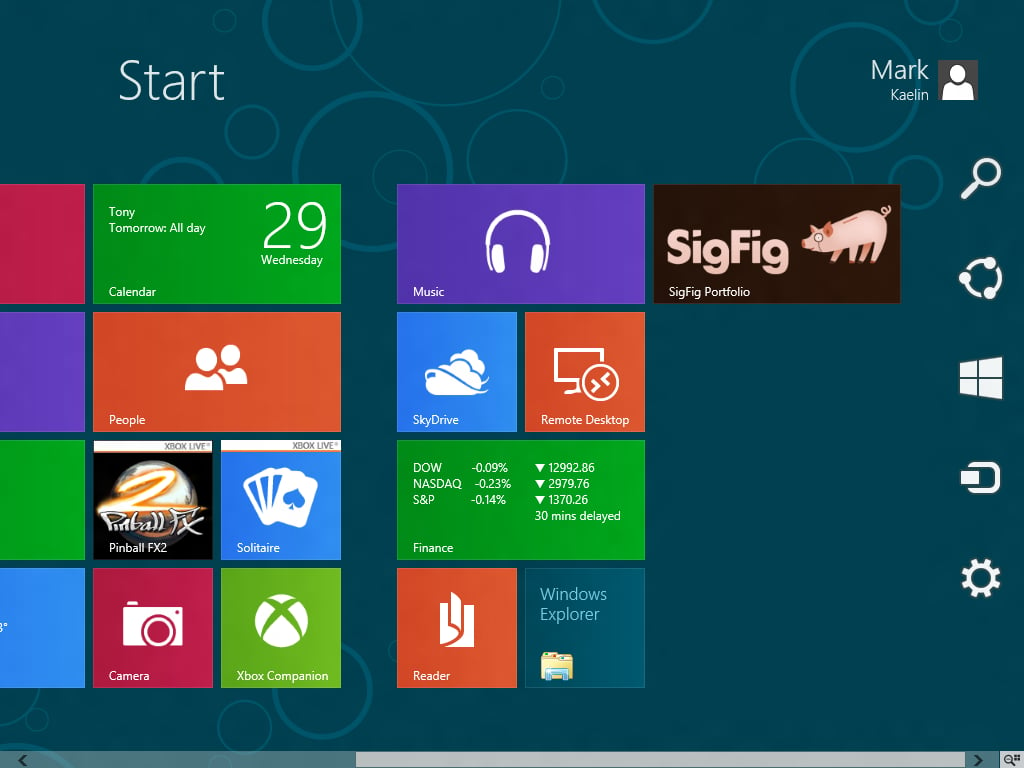
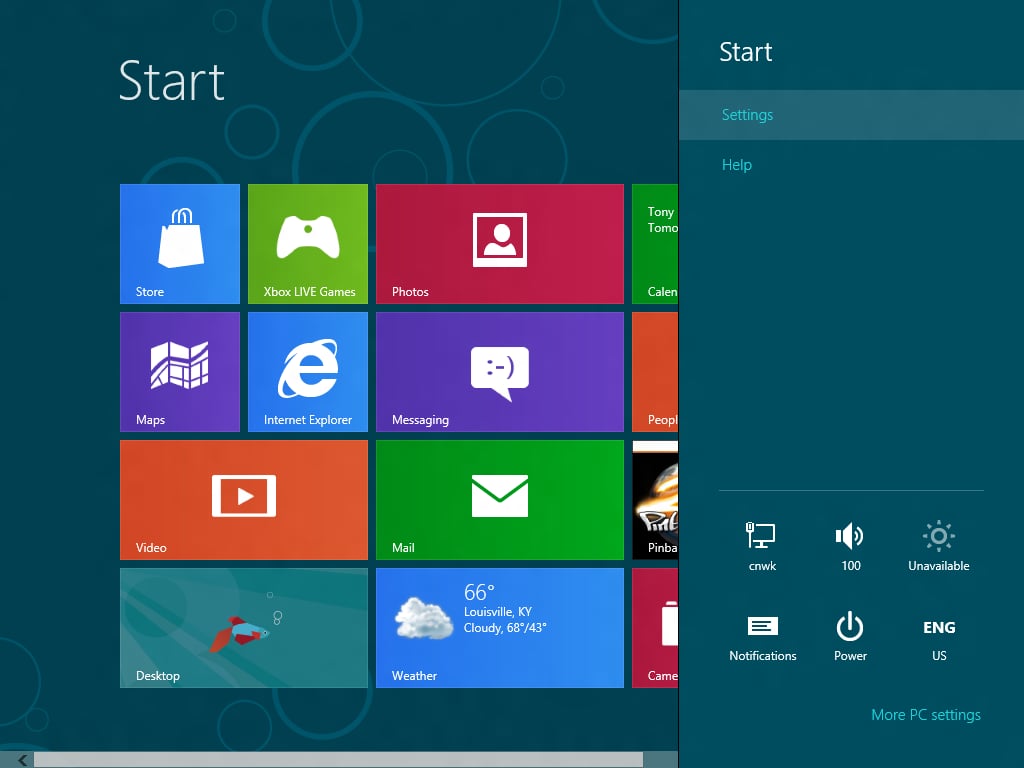
\n\tAnother new feature us old-timers will have to adjust to is the hotspot. To get a menu of settings including the off button, you have to move your mouse over to the bottom right corner.
\n
\n\tImages by Mark Kaelin for TechRepublic.
\n\tImages by Mark Kaelin for TechRepublic.
\n\tImages by Mark Kaelin for TechRepublic.
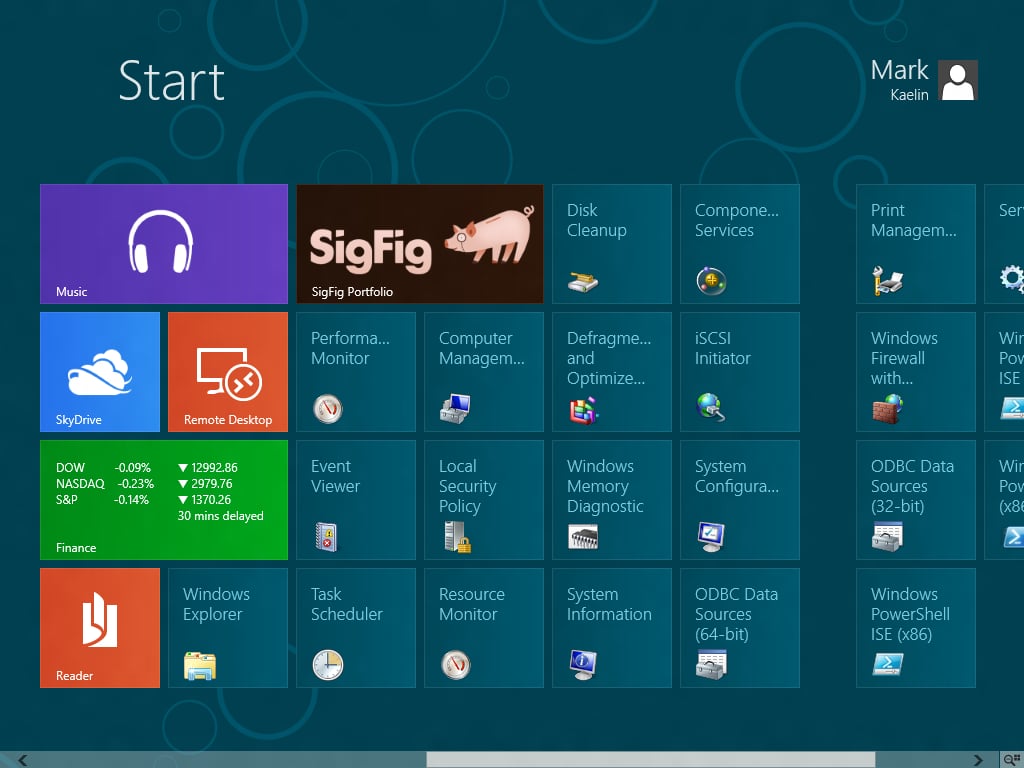
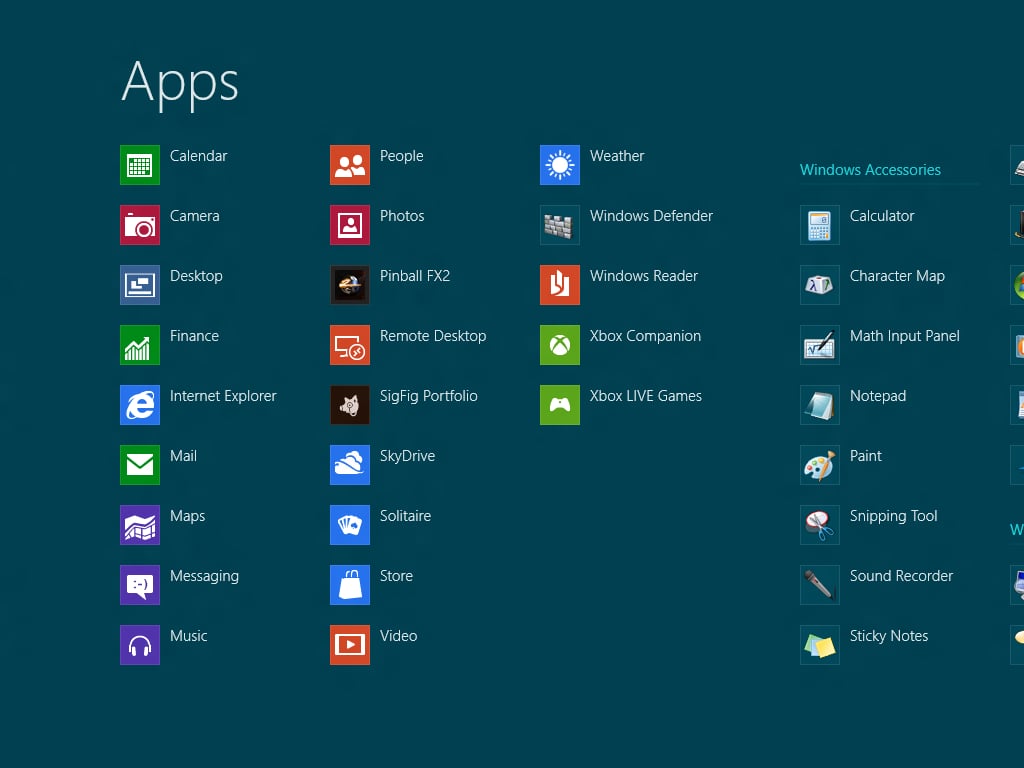
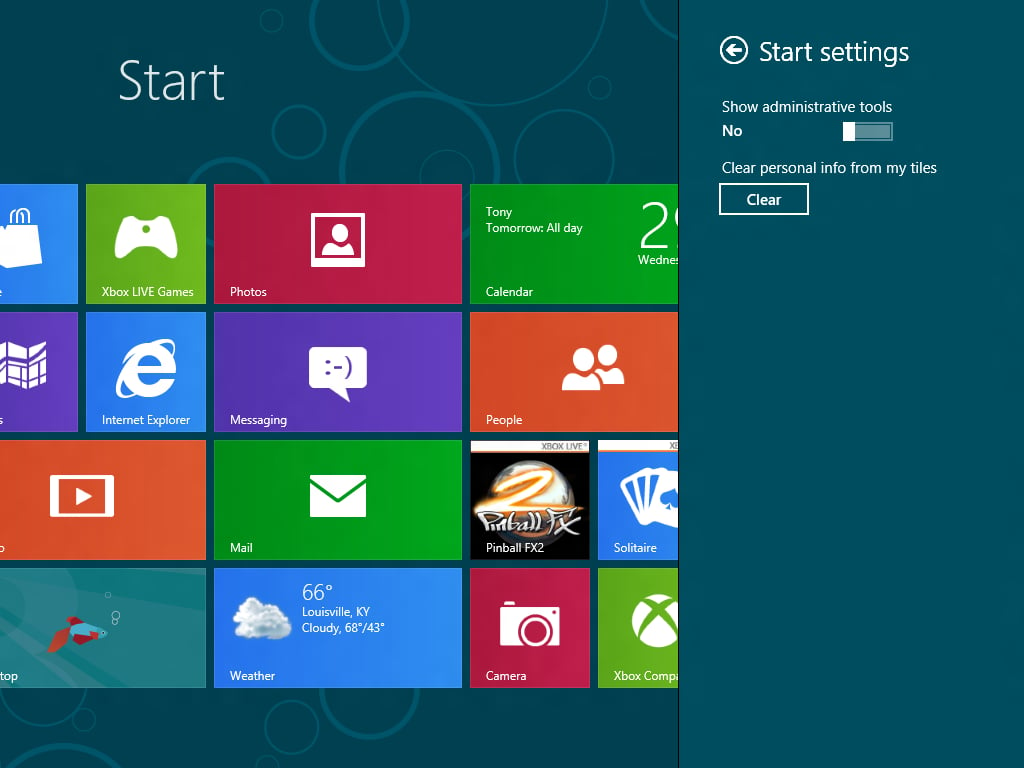
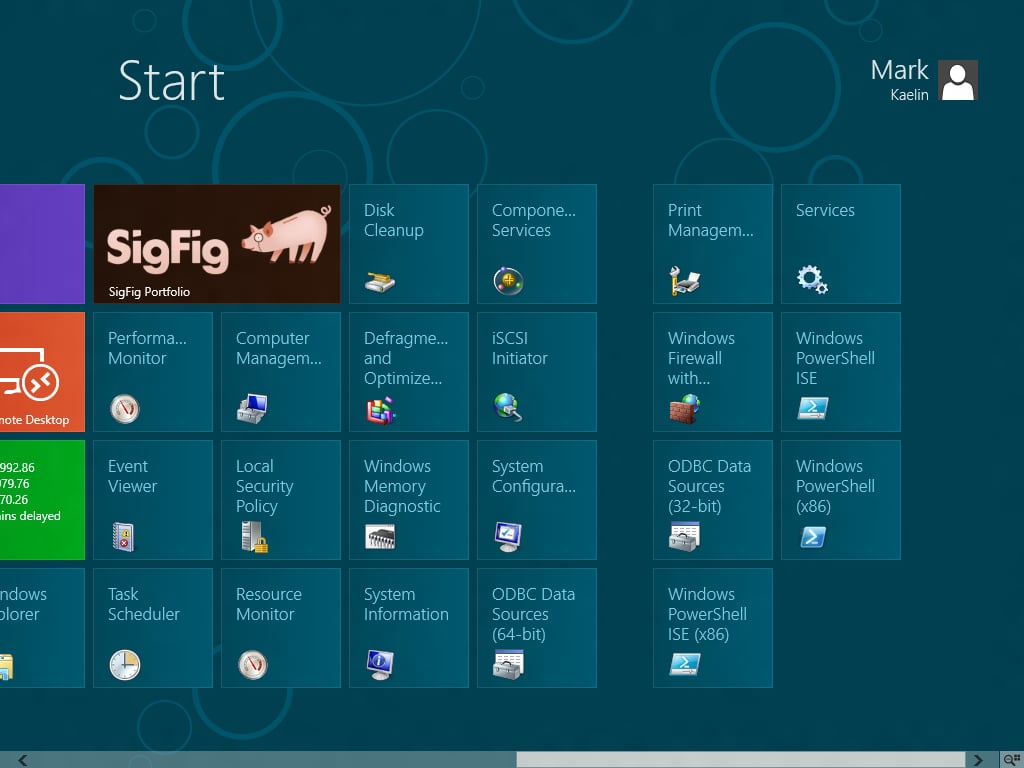
\n\tThe administration set of tiles is not someting most of us are going to keep on display, but if you have to do some administration tasks it is nice to have all the apps available.
\n
\n\tImages by Mark Kaelin for TechRepublic.
\n\tImages by Mark Kaelin for TechRepublic.
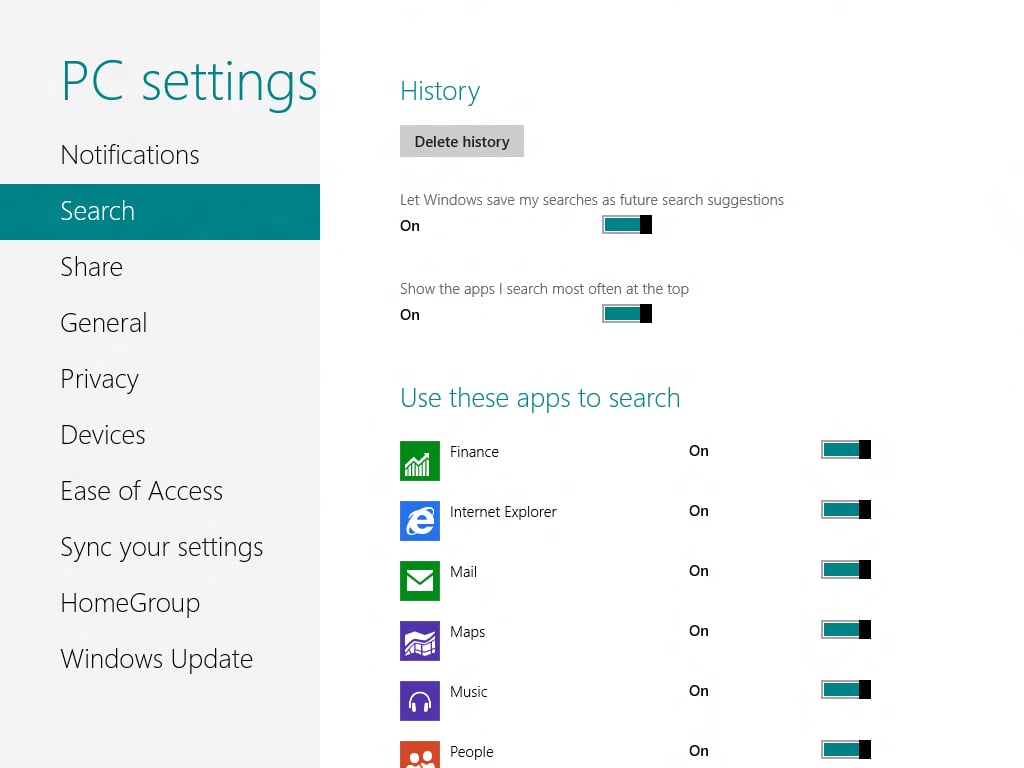
\n\tAnother privacy area – saved searches.
\n
\n\tImages by Mark Kaelin for TechRepublic.
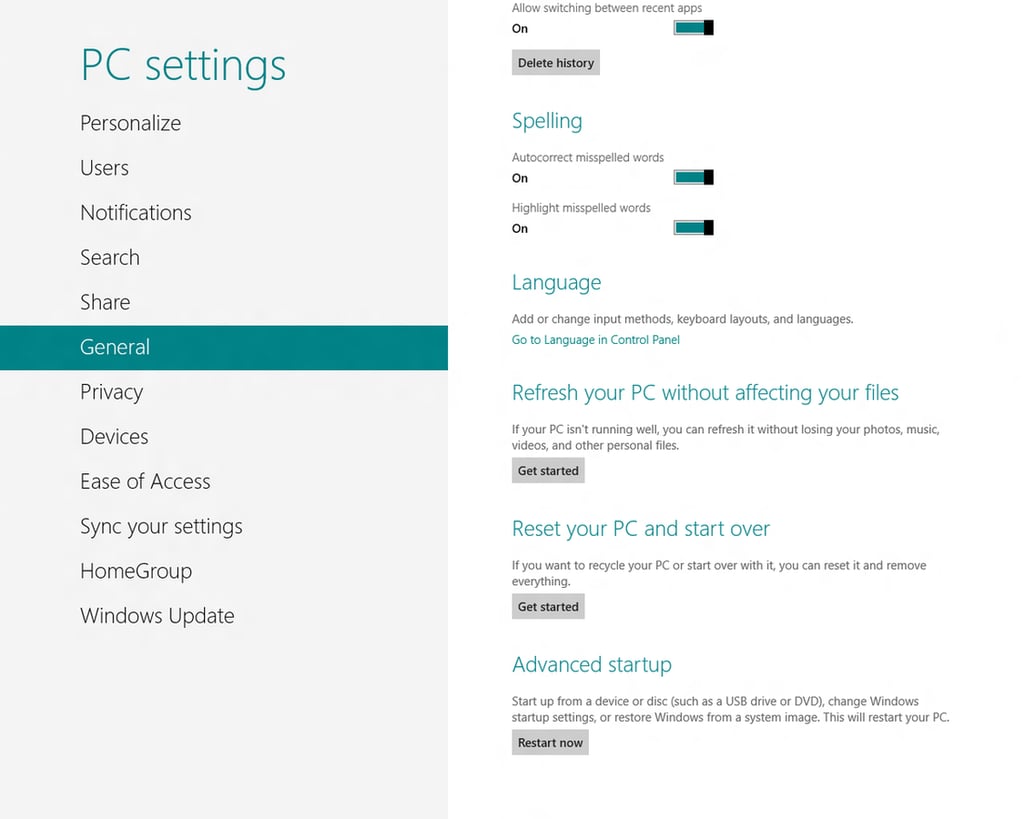
\n\tYour PC will be easier to reset now.
\n
\n\tImages by Mark Kaelin for TechRepublic.
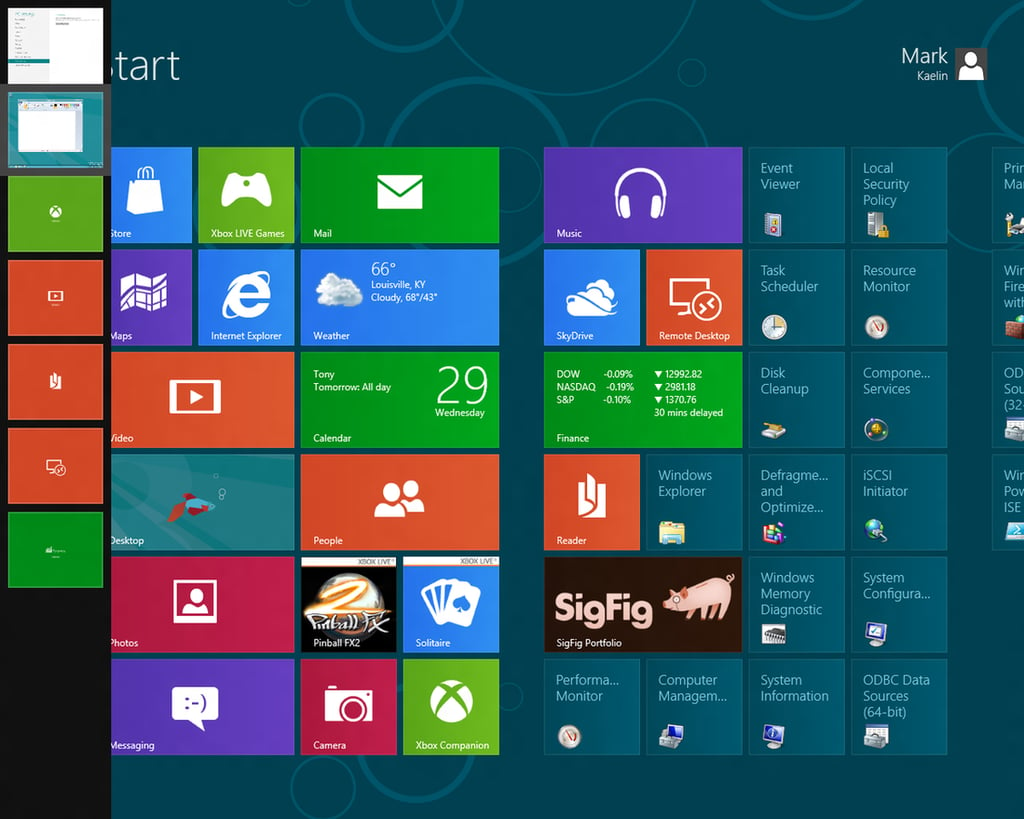
\n\tThe left hand hotspot presents easy access to certain apps. The bottom left corner will give you an chance to return to the Metro Interface.
\n
\n\tImages by Mark Kaelin for TechRepublic.
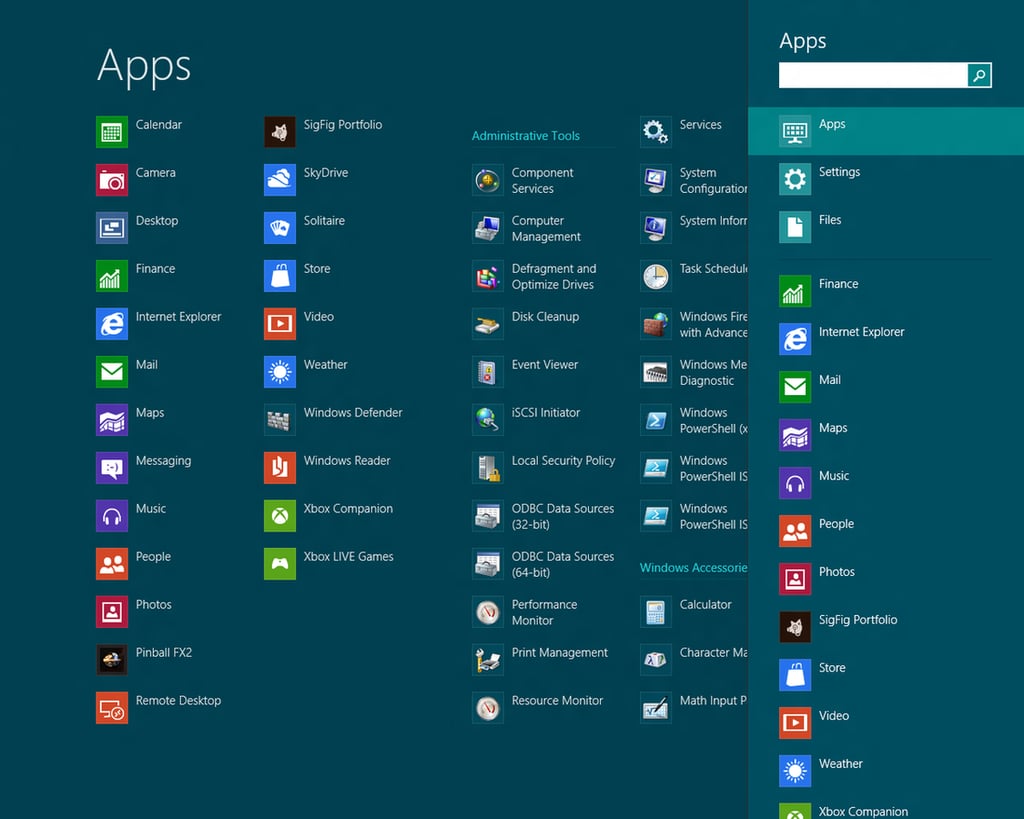
\n\tYou can search for apps, files, or settings
\n
\n\tImages by Mark Kaelin for TechRepublic.

Mark W. Kaelin has been writing and editing stories about the information technology industry, software, hardware, gaming, finance, accounting, and technology geekdom for more than 30 years.


