
\n\tThis gallery is also available as a post in the Five Apps Blog.
\n
\n\tHere are five gift ideas to give a loved one this holiday season \u2013 or to spend those gift cards on the following week. Be sure to read the article for more information about these five apps.
\n
\n\tPlants vs. Zombies, available for iPhone or iPad, will help you prepare for that coming zombie apocalypse. You’ll need a setup in your backyard similar to this one to fend them off. Bruce Campbell would be proud.
\n
\n\tScreen capture by Wally Bahny for TechRepublic

\n\tWhen not defending your house, be sure to tend your Zen Garden.
\n
\n\tScreen capture by Wally Bahny for TechRepublic
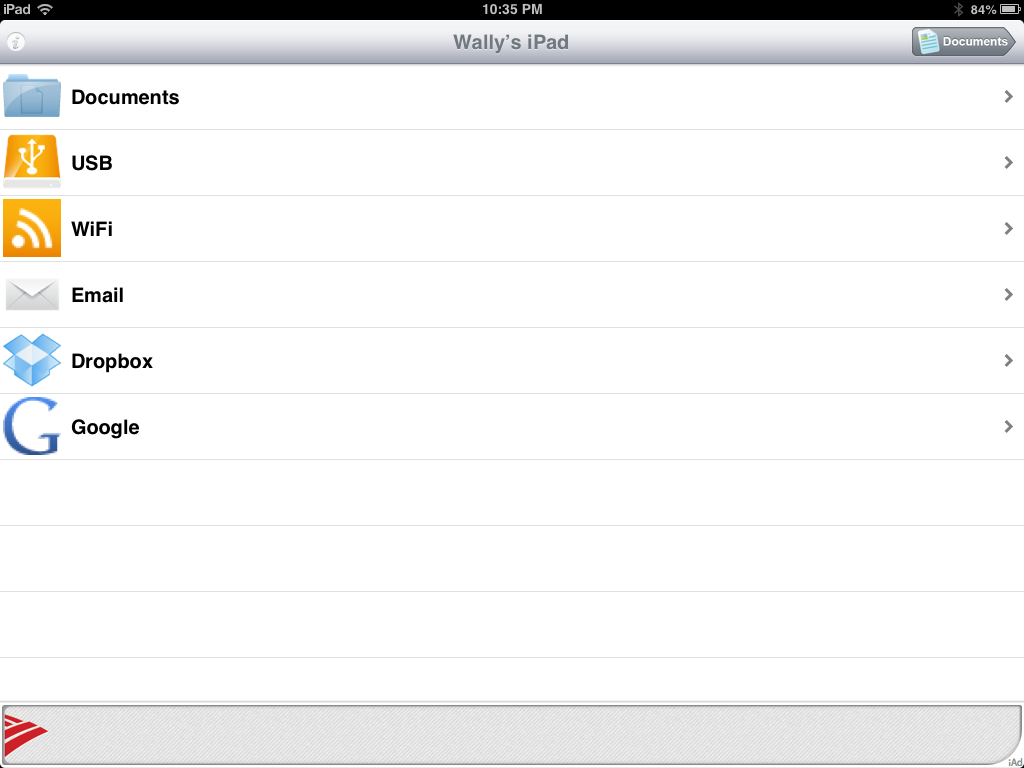
\n\tDocuments has the ability to load text or spreadsheet documents from the local iPad, USB, WiFi, Email, Dropbox, or Google.
\n
\n\tScreen capture by Wally Bahny for TechRepublic
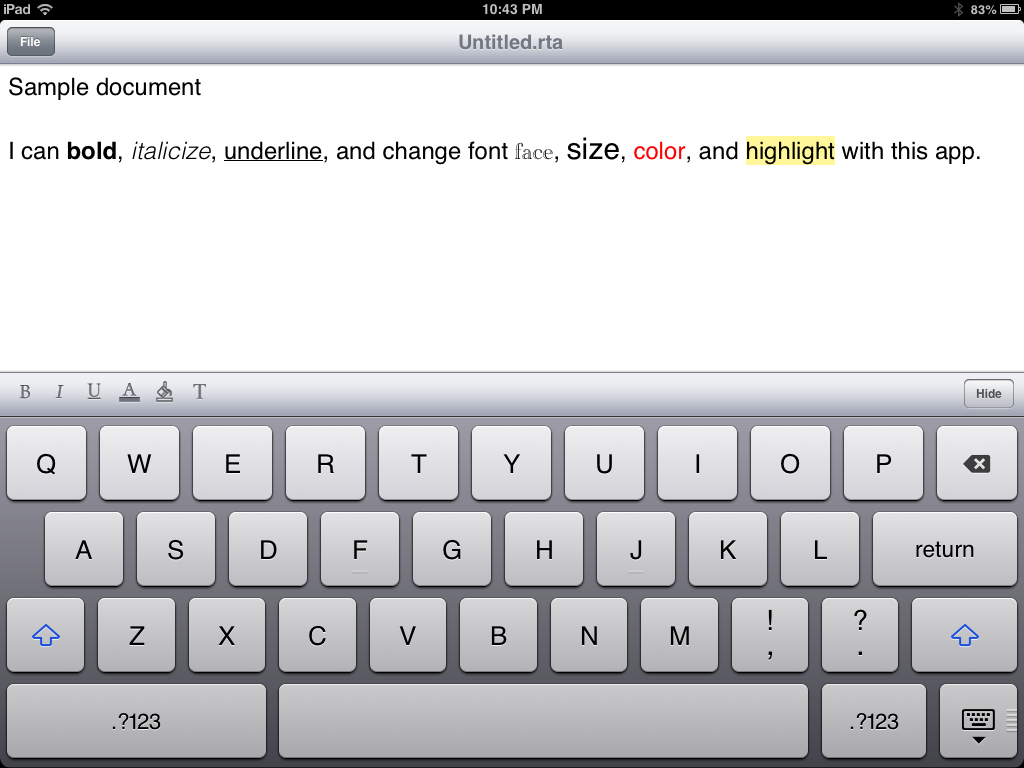
\n\tThe free version of Documents is limited to certain formatting features and file formats, but the paid version has many more options.
\n
\n\tScreen capture by Wally Bahny for TechRepublic

\n\tLike the word processor, the spreadsheet feature is also limited in the free version. Pick up the paid version for a much more feature-rich spreadsheet app.
\n
\n\tScreen capture by Wally Bahny for TechRepublic

\n\tVideo Tube is an user-friendly way to browse and watch YouTube videos. It comes with several common views and, of course, the ability to search.
\n
\n\tScreen capture by Wally Bahny for TechRepublic
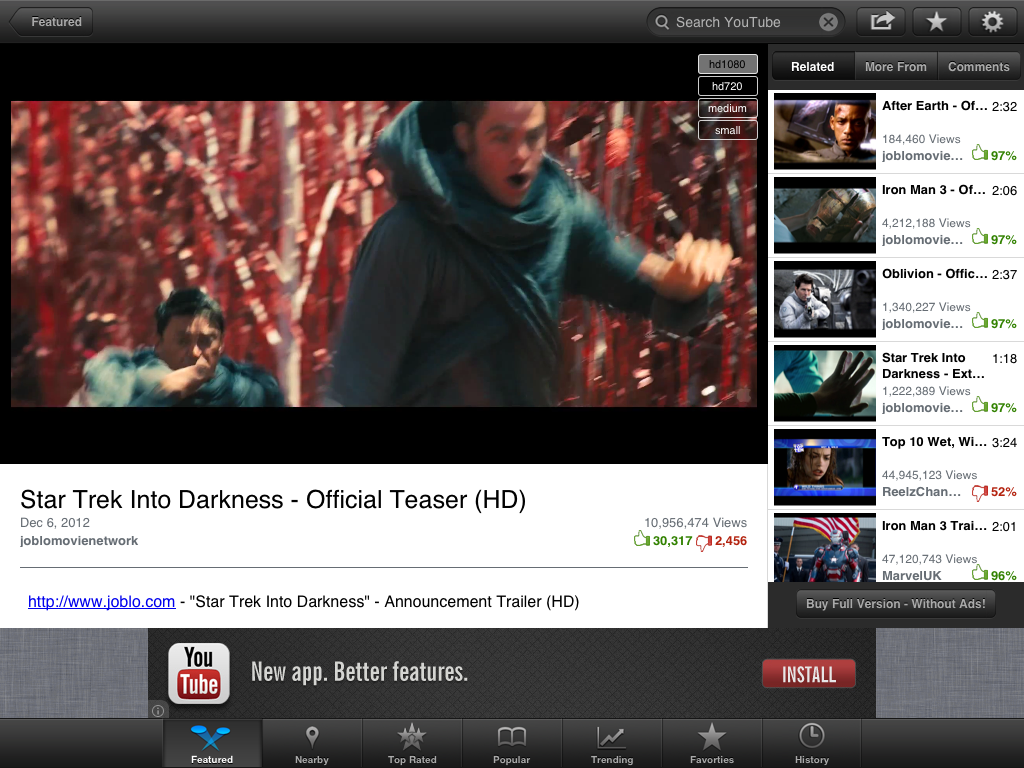
\n\tWhile playing a video, you can see related videos and read the comments.
\n
\n\tScreen capture by Wally Bahny for TechRepublic
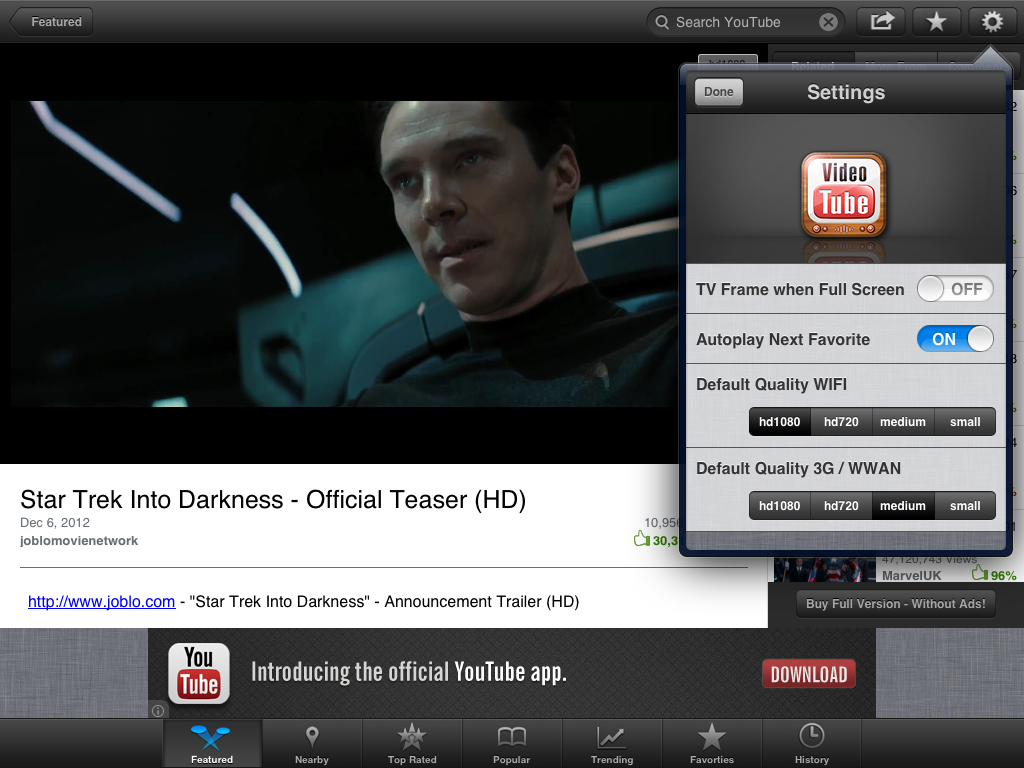
\n\tVideo Tube has several options for enhancing the user experience. For example, choose your default video quality based on your connection type.
\n
\n\tScreen capture by Wally Bahny for TechRepublic
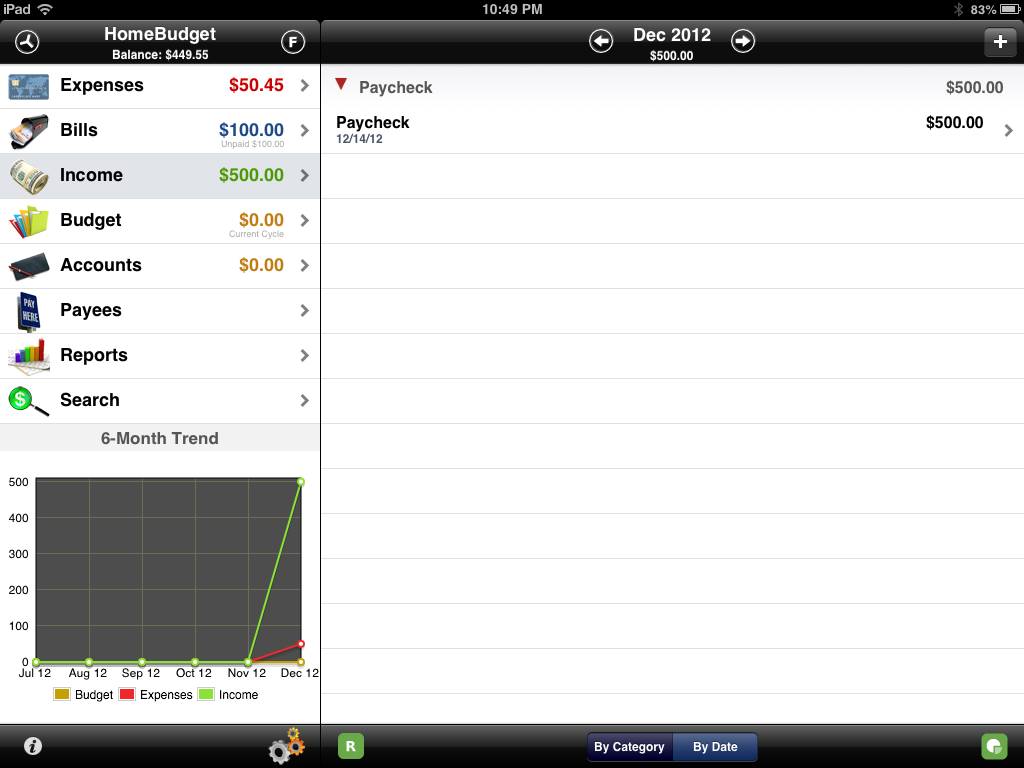
\n\tHomeBudget allows you to capture expenses and income as well as plan for bills and set up a budget.
\n
\n\tScreen capture by Wally Bahny for TechRepublic
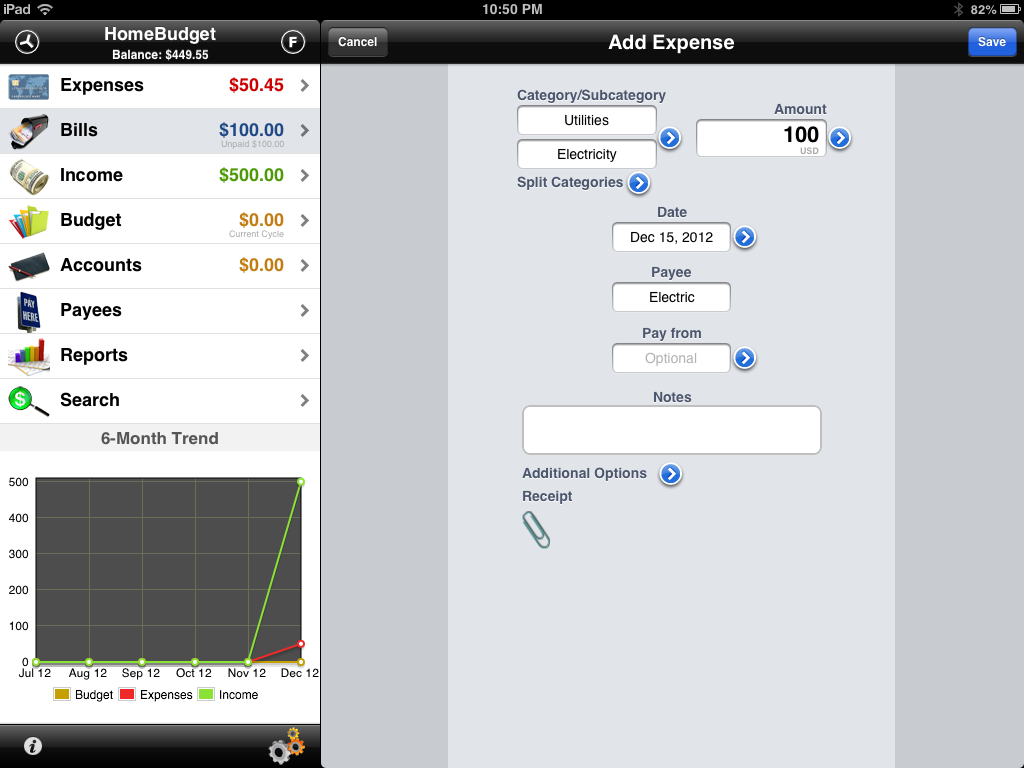
\n\tEntering a source of income or an expense is as easy or hard as you want it to be. Expenses, like the one above, allow you to categorize the expense and even split it between multiple categories. You can also specify the name of the Payee as well as which personal account you’re drawing the money from.
\n
\n\tScreen capture by Wally Bahny for TechRepublic
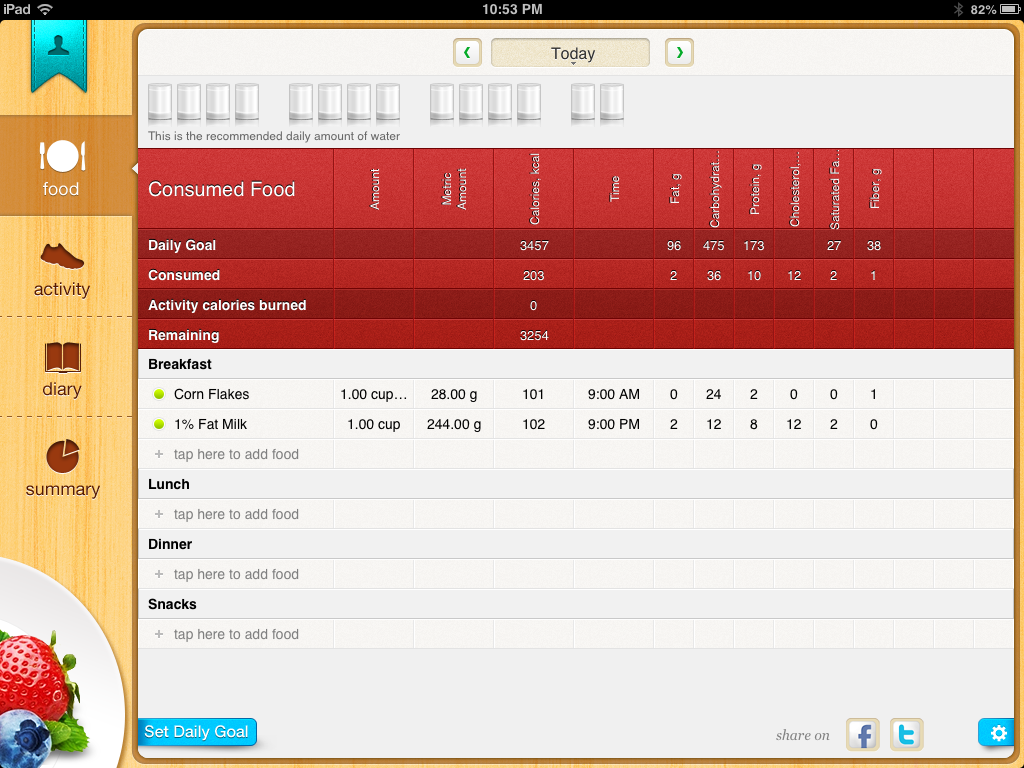
\n\tCalorie Counter Plus helps you track food and activity very easily. Adding a food item is as simple as selecting it from a drill-down menu and then choosing the quantity consumed.
\n
\n\tScreen capture by Wally Bahny for TechRepublic
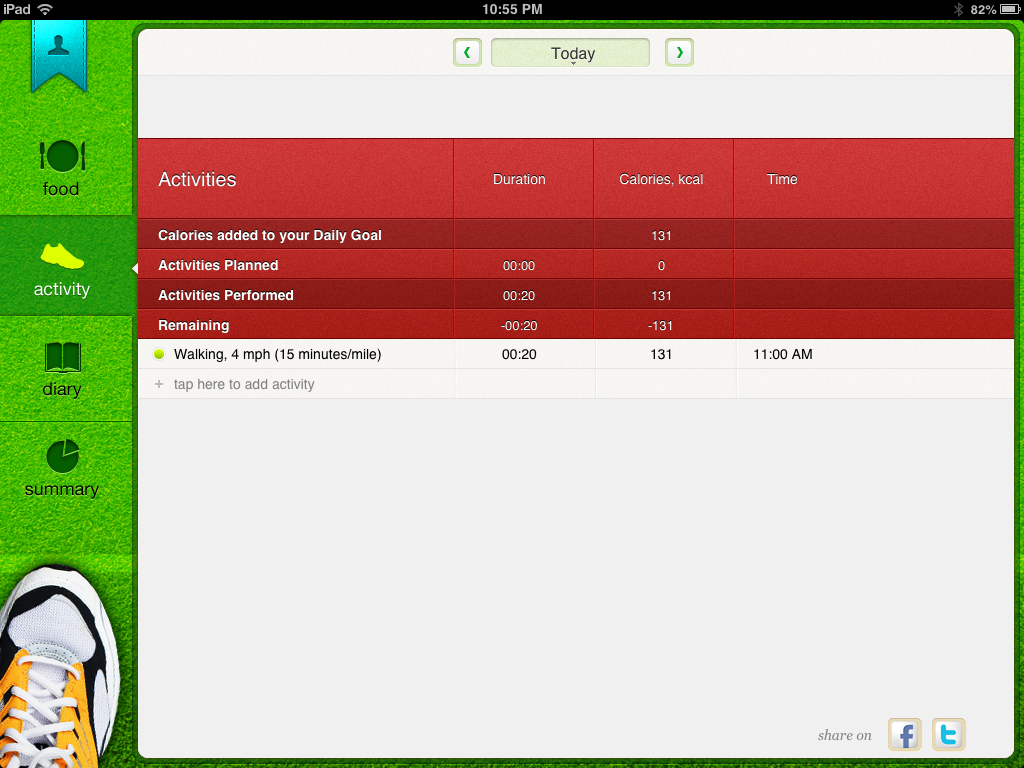
\n\tActivity is logged in a similar way as food. Other options available are the Diary which allows you to track body measurements and set up a weight loss plan. Finally, the Summary allows you to compare your actual results against the plan you set up.
\n
\n\tScreen capture by Wally Bahny for TechRepublic


