\n\tThis screenshot gallery is also available as a post in the TechRepublic Five Apps Blog.
\n
\n\tThe Internet is not a riskless place. It is filled with sites that are bent on compromising your privacy. Many general retail sites track your shopping habits and Web browsing history. More questionable sites may attempt to install key loggers or other types of Trojans. Fortunately, there are a number of different utilities that you can use to help protect your privacy. This article outlines five such applications.
\n
\n
\n\tCredit: Images by Brien Posey for TechRepublic
\n
\n
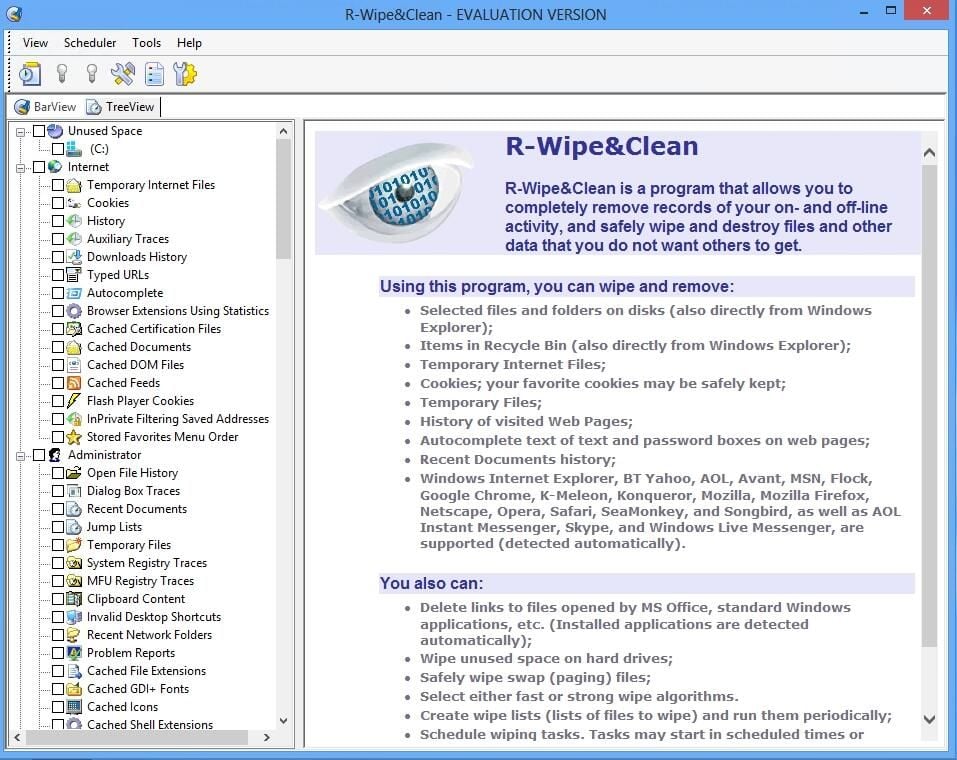
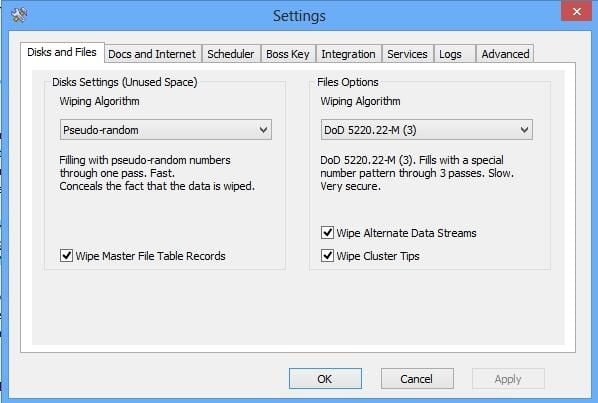
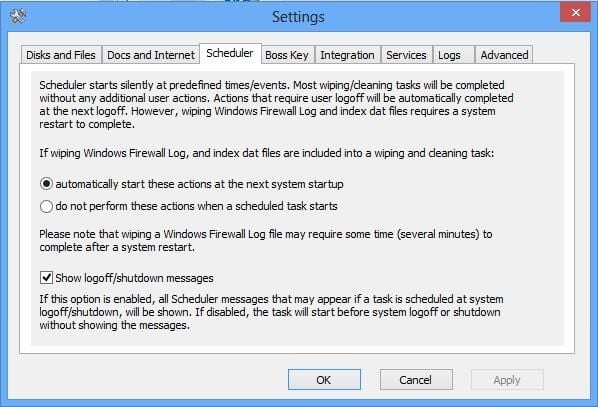
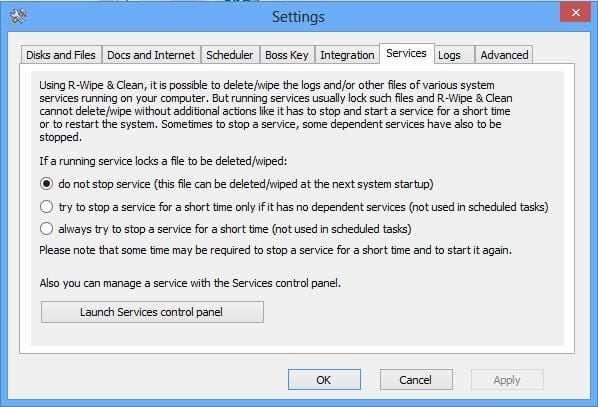
\n\tR-Wipe&Clean is designed to protect your privacy by removing some of the most commonly exploited data. The simple act of using your computer generates data files that can be exploited. This includes things like temporary files, the Internet Explorer cache, recently used document lists, and even the Windows Pagefile. R-Wipe&Clean is designed to protect your privacy by securely deleting unnecessary data files that could potentially be used to compromise your privacy.
\n
\n\tCredit: Images by Brien Posey for TechRepublic
\n\tR-Wipe&Clean sells for $28.99, but a free 15-day trial is available for download.
\n
\n\tCredit: Images by Brien Posey for TechRepublic
\n\tCredit: Images by Brien Posey for TechRepublic
\n
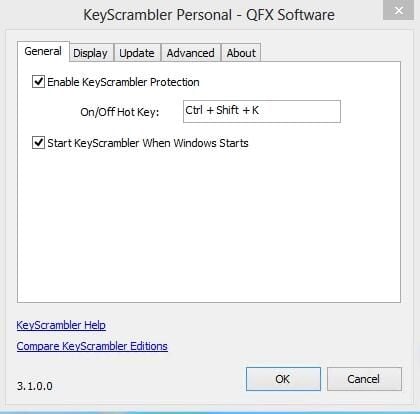
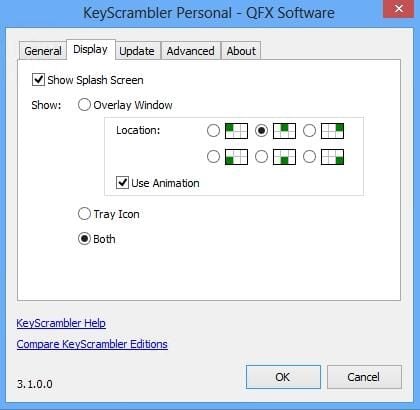
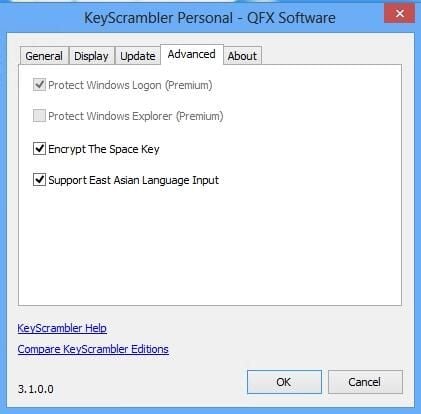
\n\tKeyScrambler Personal is a free tool that is designed to combat key loggers. The utility acts as a driver that encrypts keystrokes so that they cannot be interpreted by a key logger. The utility is designed to load when Windows starts up and is enabled using a simple hot key.
\n
\n\tCredit: Images by Brien Posey for TechRepublic
\n\tCredit: Images by Brien Posey for TechRepublic
\n\tCredit: Images by Brien Posey for TechRepublic

\n
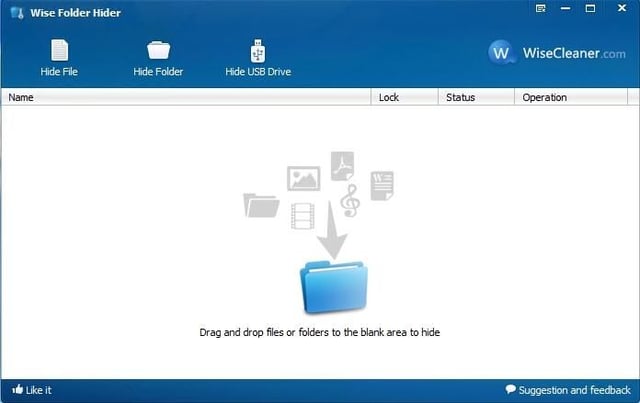
\n\tWise Folder Hider is a free tool that is designed to hide the existence of folders containing sensitive data.
\n
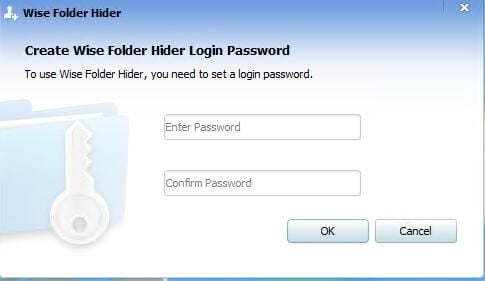
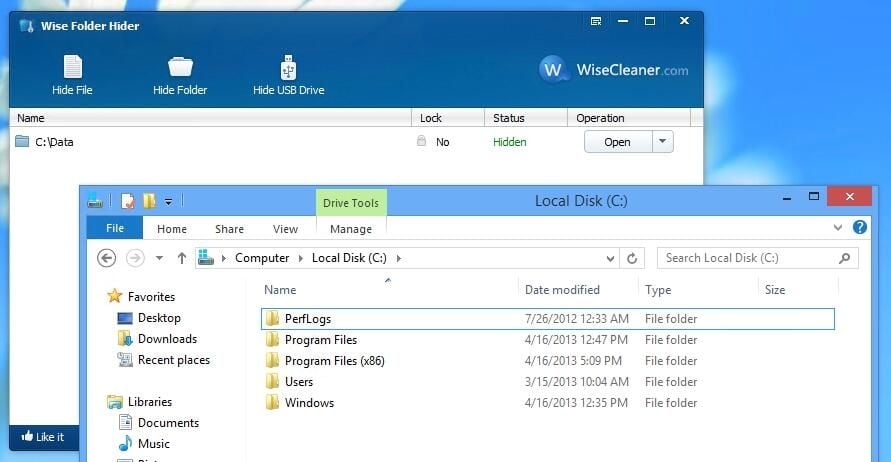
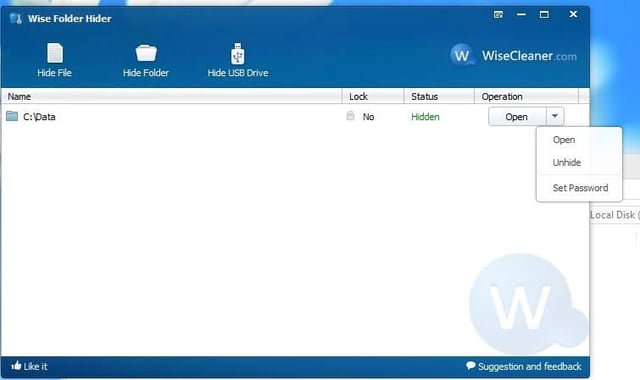
\n\tThe application is simple, easy to use, and it works surprisingly well. You must simply drag files and folders to the Wise Folder Hider interface. Upon doing so, the files and folders disappear from File Explorer. The Wise Folder Hider application is password protected, but it is possible to add an additional password to data that is extra sensitive. That way, the data is only accessible to those who know both passwords.
\n
\n\tCredit: Images by Brien Posey for TechRepublic
\n\tCredit: Images by Brien Posey for TechRepublic
\n\tCredit: Images by Brien Posey for TechRepublic
\n\tCredit: Images by Brien Posey for TechRepublic
\n\tCredit: Images by Brien Posey for TechRepublic
\n
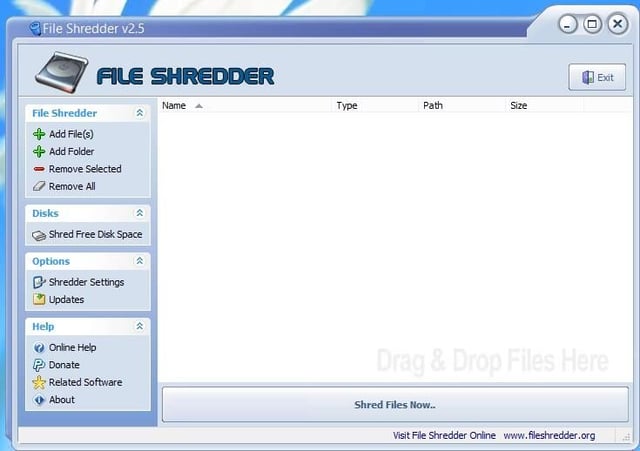
\n\tFile Shredder is a free tool that is designed to securely erase files from your computer. In addition to its ability to shred files and folders, you can also securely erase any data that might be lurking within supposedly free disk space.
\n
\n\tCredit: Images by Brien Posey for TechRepublic
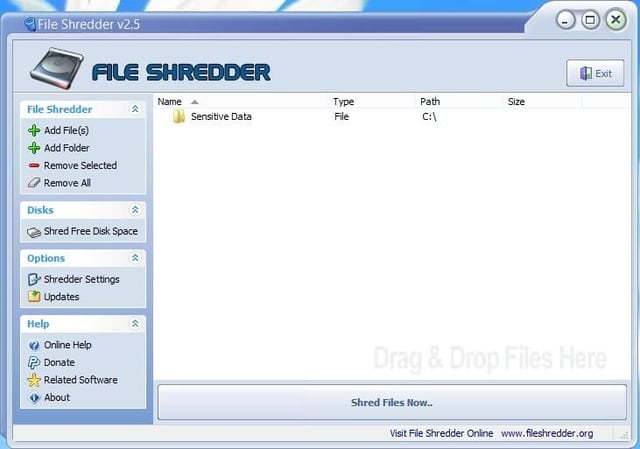
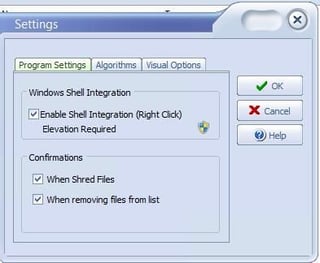
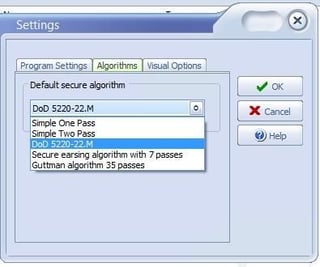
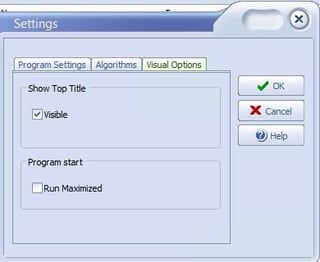
\n\tThe File Shredder interface is relatively simplistic, but the application does allow you to choose between several different algorithms for securely deleting data.
\n
\n\tCredit: Images by Brien Posey for TechRepublic
\n\tCredit: Images by Brien Posey for TechRepublic
\n\tCredit: Images by Brien Posey for TechRepublic
\n\tCredit: Images by Brien Posey for TechRepublic
\n
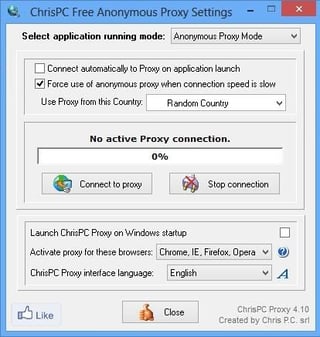
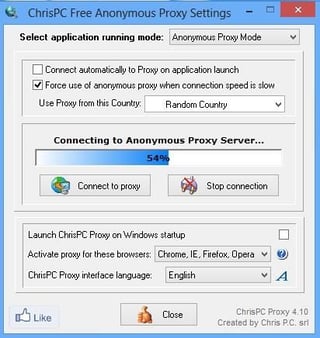
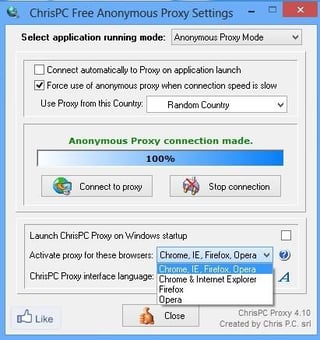
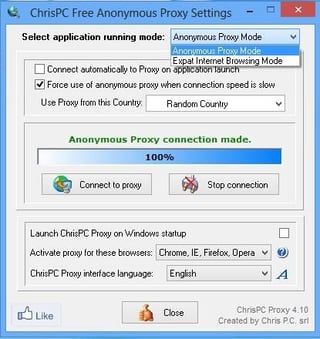
\n\tChrisPC Free Anonymous Proxy is a free tool for anonymously surfing the Web. Although there are countless utilities that do the same thing, there is one thing makes ChrisPC Free Anonymous Proxy unique.
\n
\n\tCredit: Images by Brien Posey for TechRepublic
\n\t
\n
\n\tChrisPC Free Anonymous proxy allows you to access Web sites that have been blocked. This ability could be especially useful to those who travel a lot (like me). Many hotels block Web sites such as Netflix and Hulu in an effort to get guests to purchase pay per view movies. Likewise, some American Web sites are blocked when visiting foreign countries. ChrisPC Free Anonymous Proxy can help you to access the blocked content.
\n
\n\tCredit: Images by Brien Posey for TechRepublic
\n
\n\t
\n\t
\n
\n
\n\tCredit: Images by Brien Posey for TechRepublic
\n\tCredit: Images by Brien Posey for TechRepublic

* 1988 - Started teaching myself about computers \ * 1992 - Mainframe programmer for an insurance company \ * 1993 - Network Administrator for a different insurance company \ * 1996 - Author for The Cobb Group \ * 1998 - Network Administrator for Fort Knox \ * 1999 - CIO for chain of hospitals \ * 2000 - Gave up the corporate rat race to work out of my home. I have been a full time technical author ever since. Visit my Web sites at http://www.brienposey.com and http://www.relevanttechnologies.com \


