\n\tThis gallery is also available as a post in the TechRepublic Five Apps Blog.
\n
\n\tOn most days I find that I spend more time working in Microsoft Outlook than any other application. Although Microsoft has done a good job of covering the basics in Outlook, there is always room for improvement. This article lists five utilities that can provide some extra functionality to Outlook. Some are intended specifically for use with Outlook. Others probably were not created with Outlook in mind, but are useful nonetheless.
\n
\n\t\n\n
\n
\n\tCredit: Images created by Brien Posey for TechRepublic
\n\t
\n
\n
\n
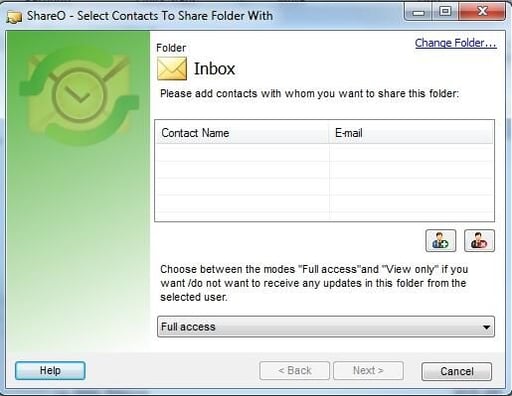
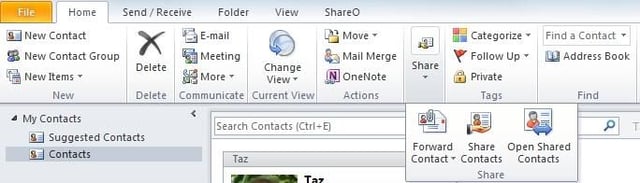
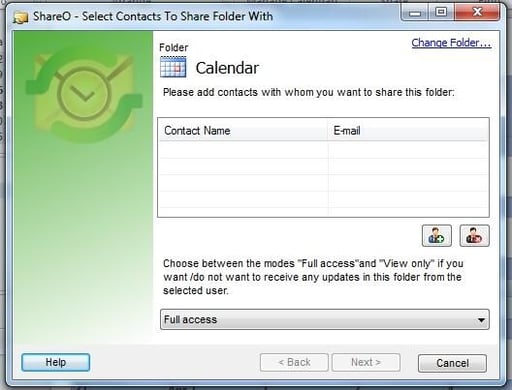
\n\tShareO for Outlook is a utility that makes it easy to share Outlook data with others. Outlook has native capabilities for sharing things like contacts and calendars, but sharing generally requires a compatible E-mail account. ShareO is designed to allow you to share folders, contacts, calendars, etc. with your contacts, even if you do not have an Exchange mailbox.
\n
\n\tCredit: Images created by Brien Posey for TechRepublic
\n\t
\n
\n\tThe software is an add-in for Outlook 2010 and integrates neatly into the Outlook toolbar. Unfortunately, the current version does not seem to work with Outlook 2013.
\n
\n\tShareO for Outlook sells for $34.95, but a 14-day free trial is available for download.
\n
\n\tCredit: Images created by Brien Posey for TechRepublic
\n\t
\n
\n
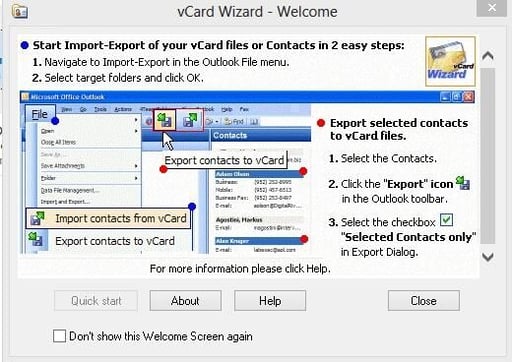
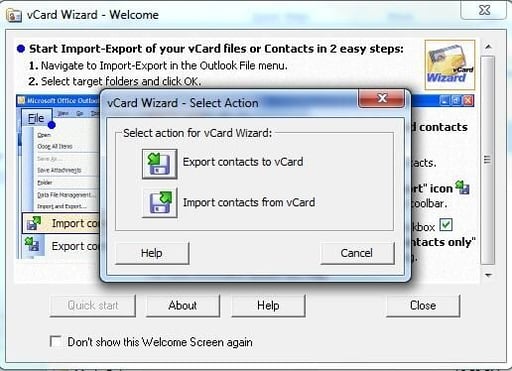
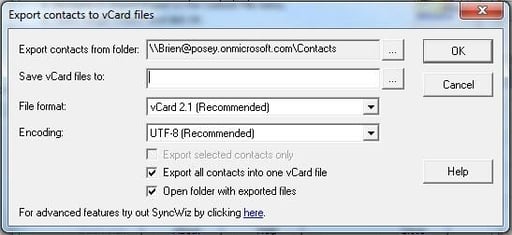
\n\tvCard Wizard for Outlook is a utility that is designed to export your contacts to vCard format. The software can create a separate vCard for each contact, or it can group all of your contacts into a single vCard.
\n
\n\tCredit: Images created by Brien Posey for TechRepublic
\n\t
\n
\n\tvCard Wizard for Outlook is designed to work as an Outlook add-in, but there is also a Start menu option that can be used to launch vCard Wizard. Clicking this icon launches Outlook and opens vCard Wizard.
\n
\n\tvCard Wizard for Outlook costs $12.95, but a free 14-day trial is available for download.
\n
\n\tCredit: Images created by Brien Posey for TechRepublic
\n\tCredit: Images created by Brien Posey for TechRepublic
\n\t
\n
\n
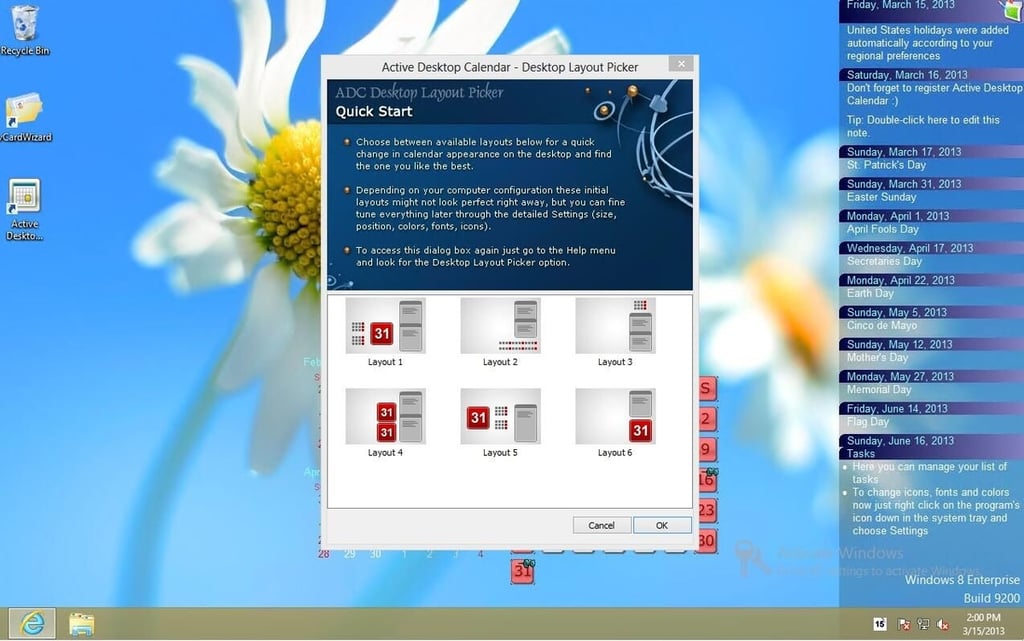
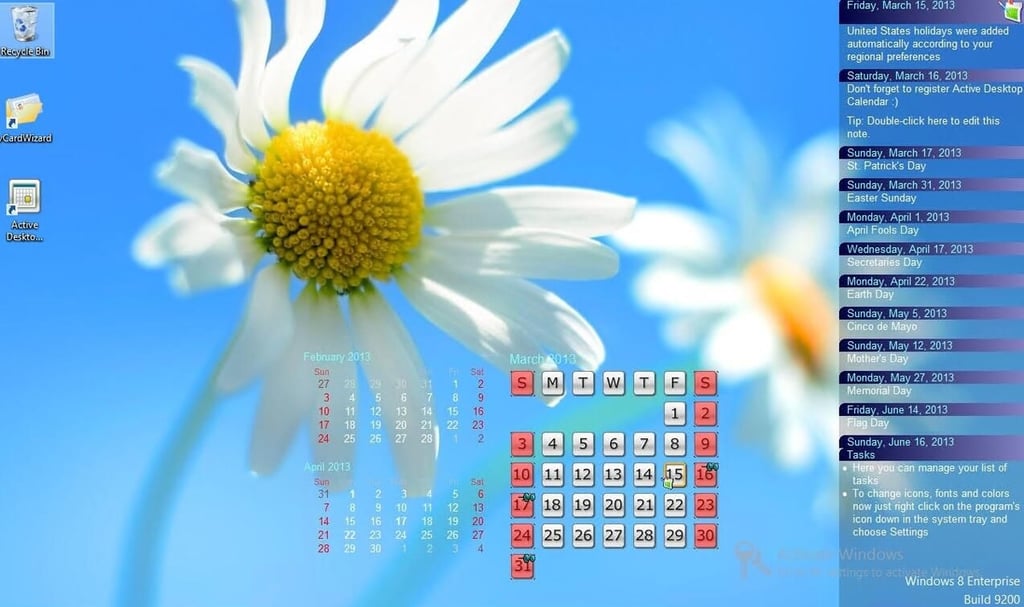
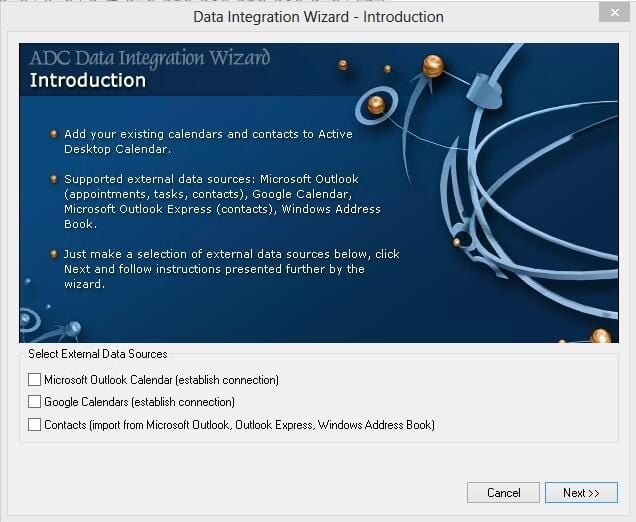
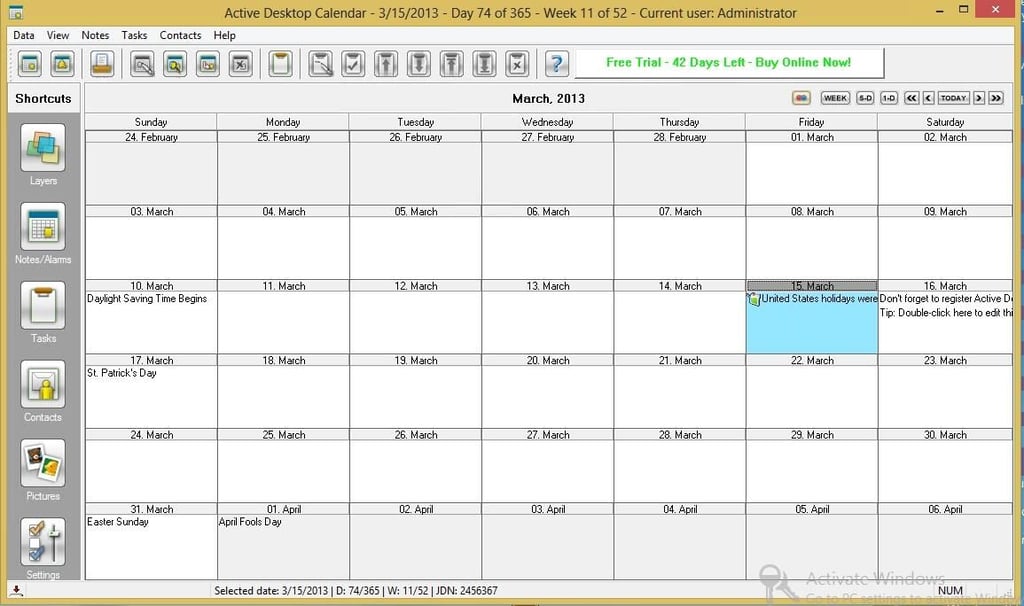
\n\tActive Desktop Calendar isn’t an Outlook add-in, but rather a utility that might best be thought of as an Outlook supplement. Active Desktop calendar is a standalone application that displays a calendar on your Windows desktop. However, it is possible to link Active Desktop Calendar to Outlook so that items from the Outlook calendar are displayed directly on your desktop.
\n
\n\tCredit: Images created by Brien Posey for TechRepublic
\n\t
\n
\n\tActive Desktop Calendar costs $29.00, but a free 42-day trial is available for download.
\n
\n\tCredit: Images created by Brien Posey for TechRepublic
\n\tCredit: Images created by Brien Posey for TechRepublic
\n\tCredit: Images created by Brien Posey for TechRepublic
\n\t
\n
\n
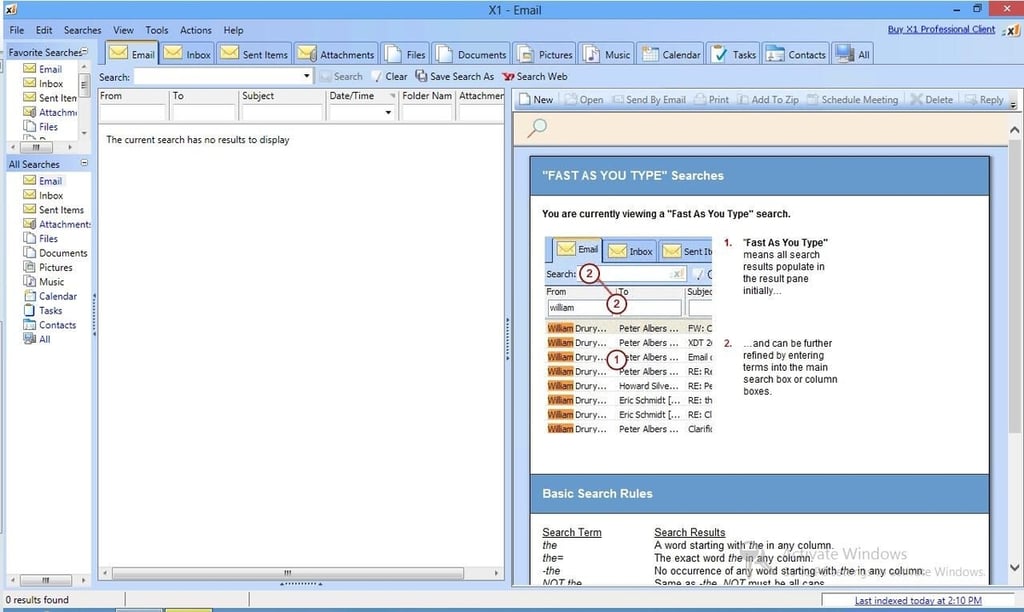
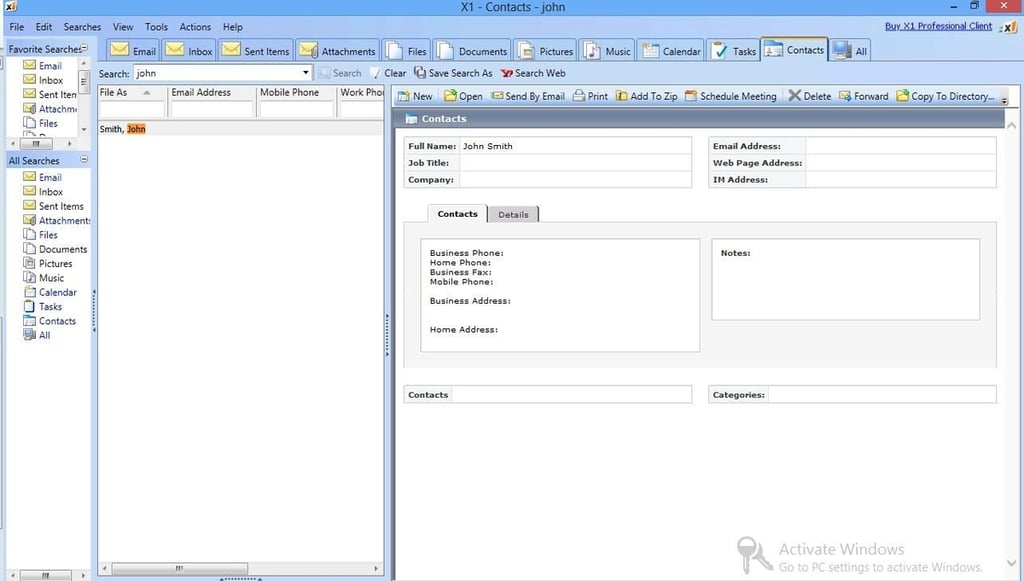
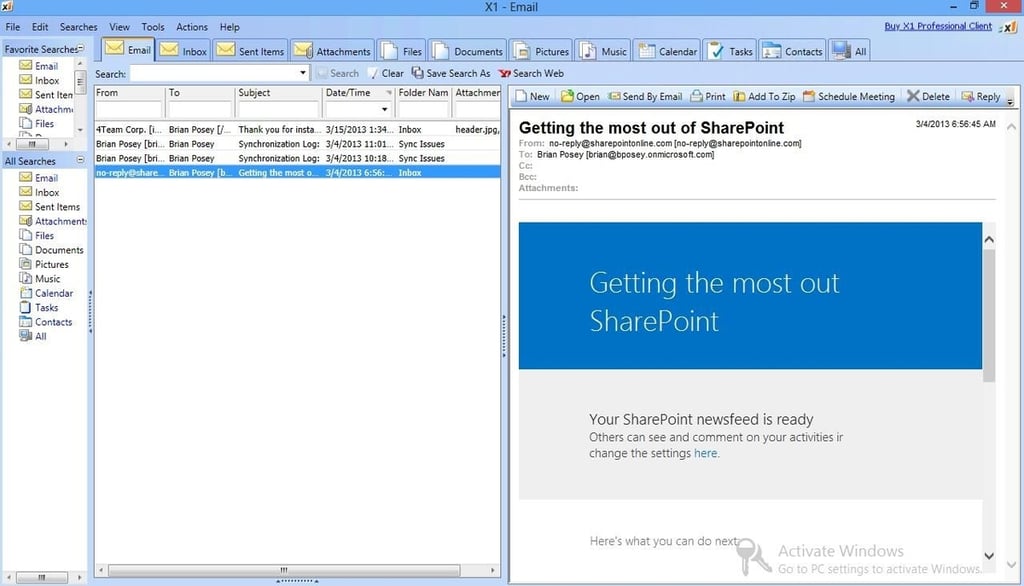
\n\tX1 Professional Client is a desktop search application that is specifically designed to work with Outlook.
\n
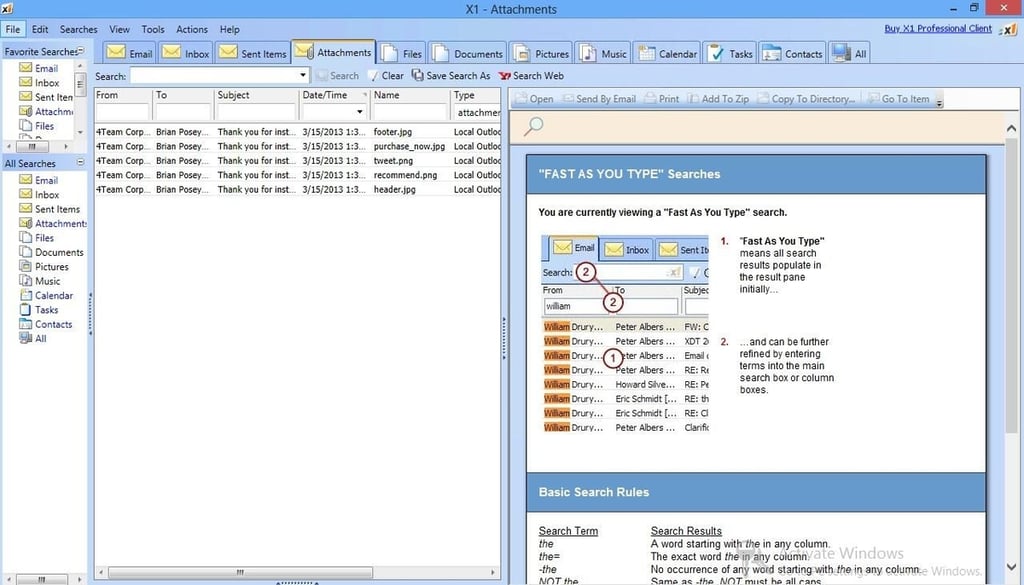
\n\tThe thing that makes X1 Professional Client so cool is that it has a full view of your mailbox, contacts, calendar, etc. In fact, you can use X1 Professional to read and reply to messages. Of course this utility’s real power is in its search capabilities. Search results are divided into a series of tabs. For example, you can search for messages, sent items, contacts, messages with attachments, and much more.
\n
\n\tX1 Professional Client sells for $49.95, but a free 14-day trial is available for download.
\n
\n\tCredit: Images created by Brien Posey for TechRepublic
\n\tCredit: Images created by Brien Posey for TechRepublic
\n\tCredit: Images created by Brien Posey for TechRepublic
\n\tCredit: Images created by Brien Posey for TechRepublic
\n\t
\n
\n
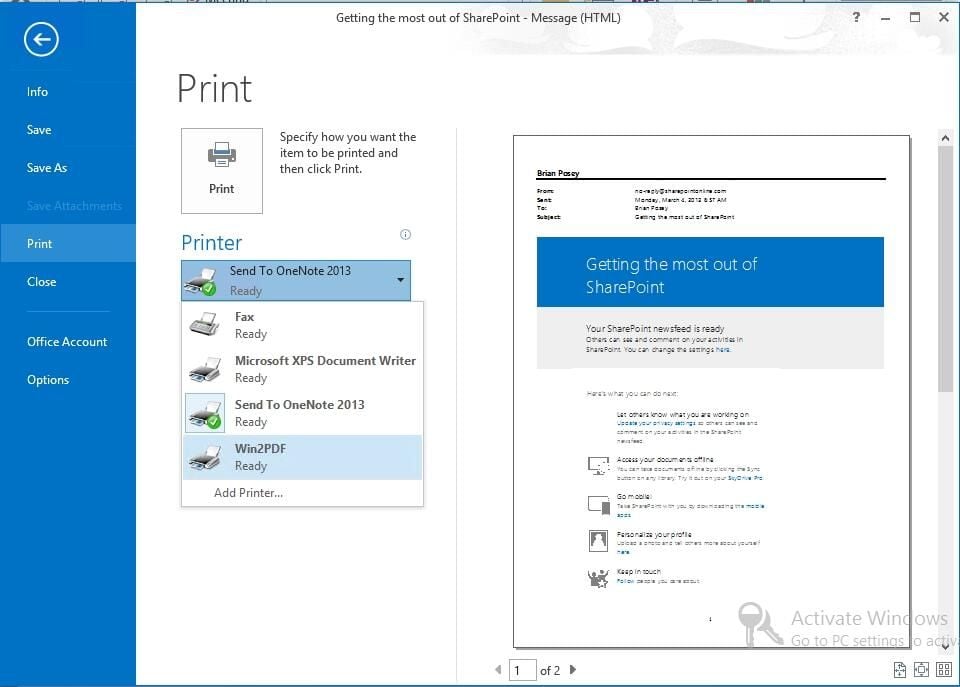
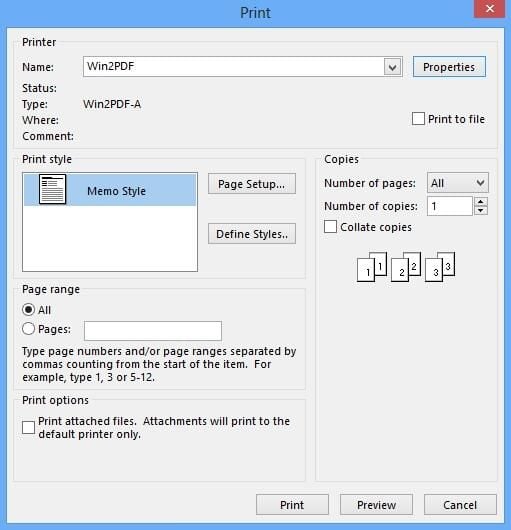
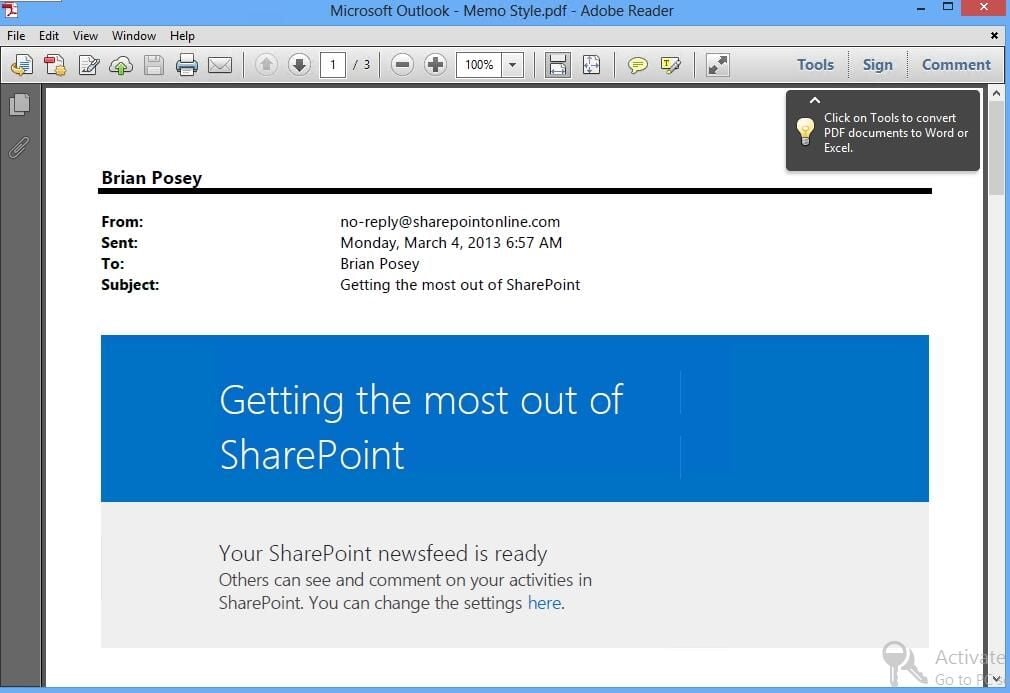
\n\tOne of my favorite features in Office 2010 and Office 2013 is the ability to save Office documents as PDF files. For whatever reason though, Microsoft did not include this capability in Outlook. Outlook lets you save messages, but you cannot save them in PDF format. This is where Win2PDF comes into play.
\n
\n\tCredit: Images created by Brien Posey for TechRepublic
\n\t
\n
\n\tWin2PDF is not designed specifically for use with Outlook, but it is a great Outlook compliment. The software is essentially a print driver that sends documents to a PDF file rather than to a printer. In essence this means that anything that you can print can be turned into a PDF. In the case of Outlook, this means that you could turn things like E-mail messages and contacts into PDF files.
\n
\n\tWin2PDF costs $35, but a free trial version is available. The trial version is fully functional and does not expire, but adds an extra page to each PDF file that you create.
\n
\n\tCredit: Images created by Brien Posey for TechRepublic
\n\t
\n
\n
\n\t
\n\t
\n
\n
\n\tCredit: Images created by Brien Posey for TechRepublic

* 1988 - Started teaching myself about computers \ * 1992 - Mainframe programmer for an insurance company \ * 1993 - Network Administrator for a different insurance company \ * 1996 - Author for The Cobb Group \ * 1998 - Network Administrator for Fort Knox \ * 1999 - CIO for chain of hospitals \ * 2000 - Gave up the corporate rat race to work out of my home. I have been a full time technical author ever since. Visit my Web sites at http://www.brienposey.com and http://www.relevanttechnologies.com \


