\n\tThis gallery is also available as a post in the TechRepublic Five Apps Blog.
\n
\n\tIf you’ve been at the IT game long enough, you have encountered a rootkit. They are some of the nastiest of the malicious software because it hides the presence of other, malicious software. This obfuscation can lead to SPAM bots and plenty of other nasty surprises. One of the issues with standard anti-virus tools is that they cannot find and remove rootkits. And, the second you suspect a rootkit, action must be taken immediately.
\n
\n\tWhat better way to attack quickly than a piece of portable software? And if that portable software is specific to rookits, you’re way ahead of the game. But what apps are available and, of those apps, which ones are up to the task at hand? I’ve gone through a number of such tools and found what I believe to be some of the best of the free portable rootkit removers. Get ready to download!
\n
\n\t\n\n
\n
\n
\n
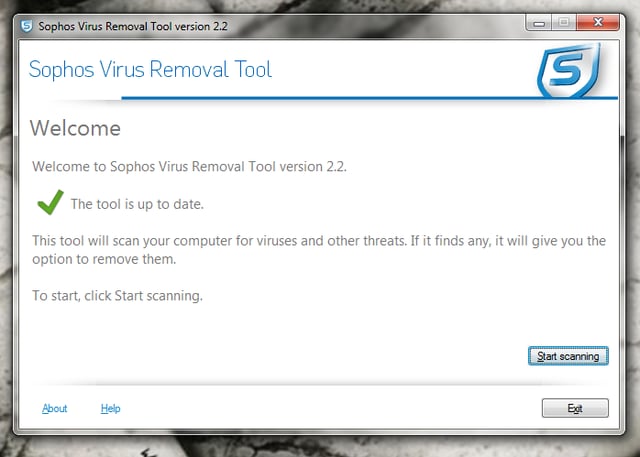
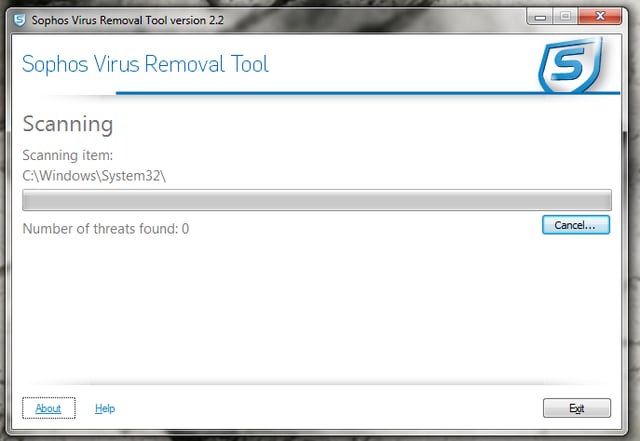
\n\tSophos Anti Rootkit is a powerful rootkit removal tool that scans, detects, and removes rootkits. Unlike many of the other rootkit removers, Sophos allows you to select where it looks. By default it will scan the registry and local hard drives. Once the scan is complete, Sophos will display its results. It is crucial that you carefully scan through the results to make sure you are not deleting anything necessary. Also – Sophos does require an install, but you can install it on your USB stick and run it from there.
\n
\n\tCredit: Images by Jack Wallen for TechRepublic.
\n\tCredit: Images by Jack Wallen for TechRepublic.
.jpg?w=512)
\n
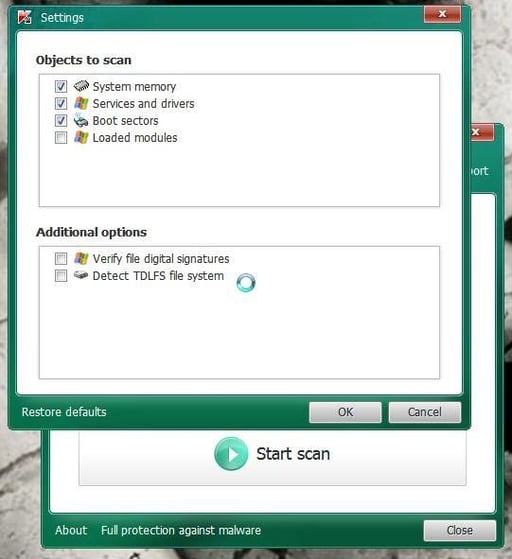
\n\tKaspersky TDSSKiller is probably one of my top picks for this task. Not only is it great at detecting rootkits, it has an incredibly simple to use interface and is lightning fast at scanning. Although Kaspersky TDSSKiller might be a bit more limited on the amount of rootkits it can find, its success rate outshines most other tools. This tool should be used in conjunction with other rootkit and anti-virus tools.
\n
\n\tCredit: Images by Jack Wallen for TechRepublic.
\n\tCredit: Images by Jack Wallen for TechRepublic.
\n
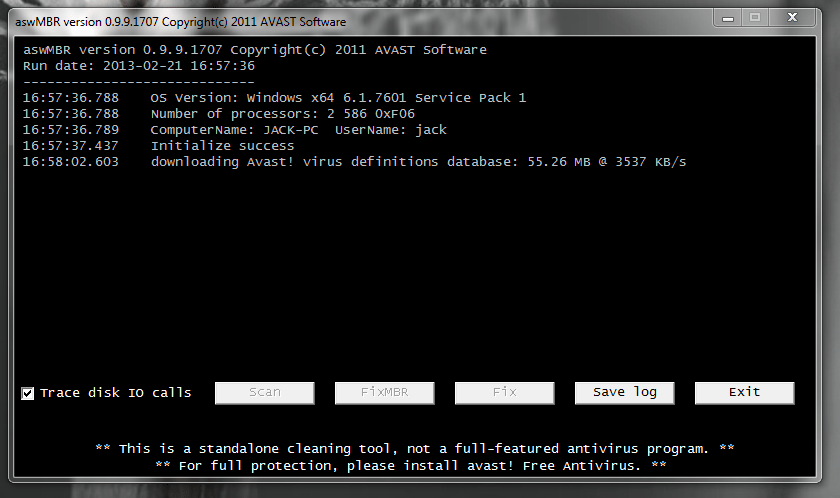
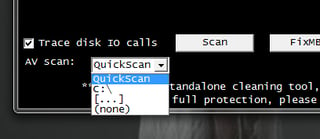
\n\tAvast aswMBR looks like an old-school terminal window. Don’t be fooled – this tool packs a powerful punch. One feature this tool has, that most others do not, is the Fix MBR feature. With this you can specifically target the Master Boot Record of the PC. Avast aswMBR also allows you to download the latest virus definitions from Avast. This means you don’t have to constantly download the latest version of the tool onto your USB drive.
\n
\n\tCredit: Images by Jack Wallen for TechRepublic.
\n\t
\n
\n\tCredit: Images by Jack Wallen for TechRepublic.
\n
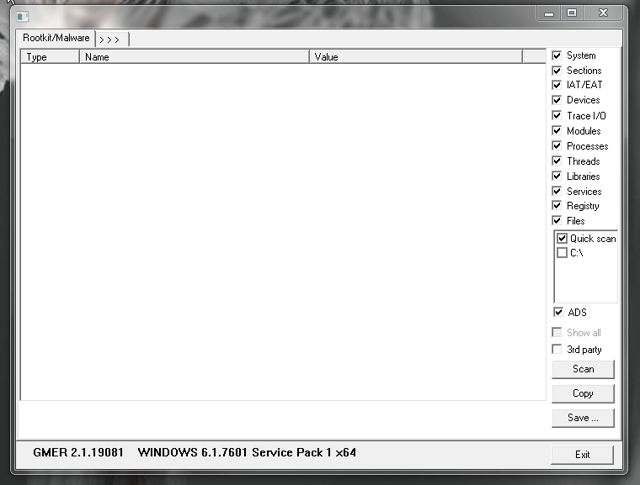
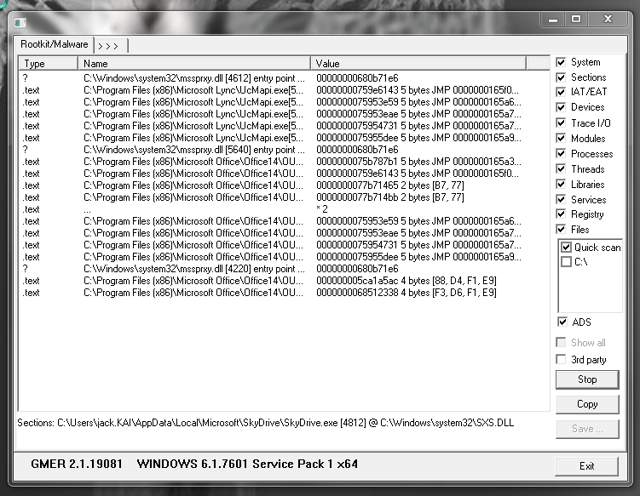
\n\tGMER is another top pick that can easily outperform all other tools in its class. The one caveat to this software is that it does require a bit of knowledge to interpret the results. This tool isn’t one you simply click and disinfect. You let the tool scan, you pour through the results, and you decide what should be repaired/removed. GMER is the tool you should have in your toolkit that is used when you run across more stubborn infections.
\n
\n\tCredit: Images by Jack Wallen for TechRepublic.
\n\tCredit: Images by Jack Wallen for TechRepublic.
\n
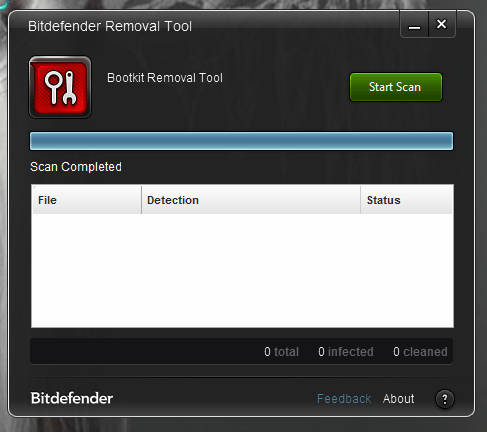
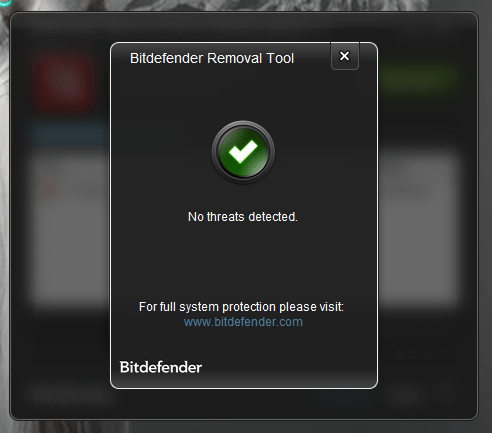
\n\tBitdefender Anti Rootkit comes from the maker of one of my favorite antivirus tools. This tool should actually be renamed (as it has been on the actual UI) Bitdefender Bootkit, as it scans for (and removes) all known bootkits (rootkits that load into the MBR). Bitdefender Anti Rootkit can remove probably the widest range of threats, which makes it another top choice. This tool also offers an incredibly user-friendly interface.
\n
\n\tCredit: Images by Jack Wallen for TechRepublic.
\n
\n\tA rootkit removal tool is one you hope you never have to use. But when the unwanted happens, make sure you have at least one of these tools on hand to take care of the issue – otherwise you might be faced with an operating system re-install!
\n
\n
\n\t
\n\t
\n
\n
\n\tCredit: Images by Jack Wallen for TechRepublic.

Jack Wallen is an award-winning writer for TechRepublic, The New Stack, and Linux New Media. He's covered a variety of topics for over twenty years and is an avid promoter of open source. For more news about Jack Wallen, visit his website jackwallen.com.


