
\n\tThese days, losing your phone is a lot like losing your wallet. You have data on that device, and should anyone get to it, they could wreak havoc on your life. Sure, there are ways to secure it. But you still might need to wipe your phone in certain situations. Here are five apps to help you wipe your data from an Android phone.
\n
\n\tNote: If you’d prefer to view this information as a blog post, check out this entry in our Five Apps blog.
\n
\n\tPhoto credit: Copyright \u00a9 iStockphoto.com/svengine
\n
\n\t
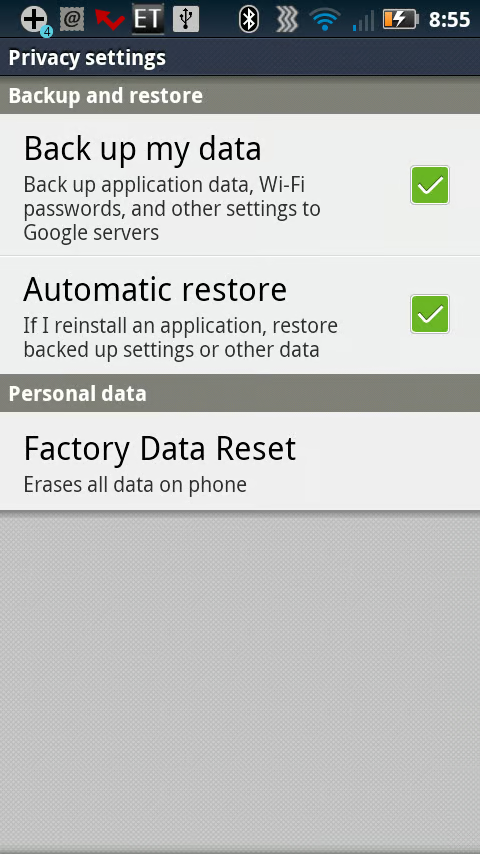
\n\tThe built-in functionality is probably the easiest to use, as it doesn’t require any installation. Just get to the restore from the Settings menu (where will depend upon your handset and carrier). Of course, you need to have the phone handy to wipe the data on the phone.
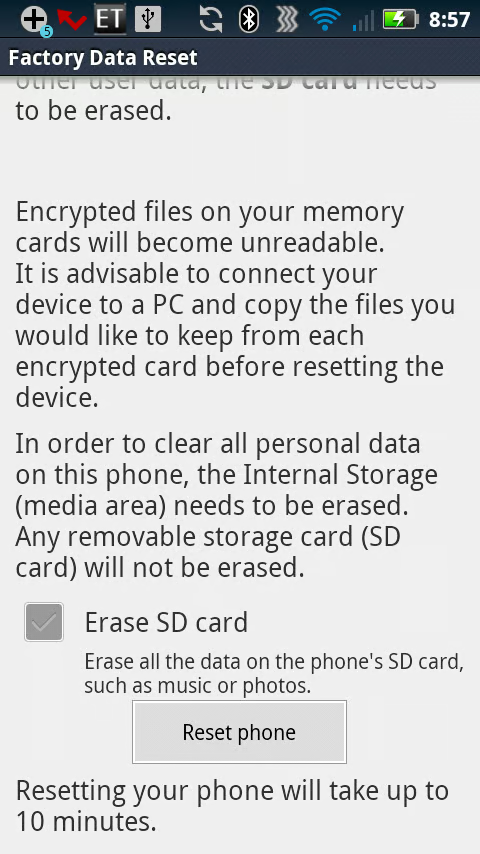
\n\tYou may also have an option to erase data on the SD card. If you’re planning to return or recycle the phone, you will definitely want to take that action.
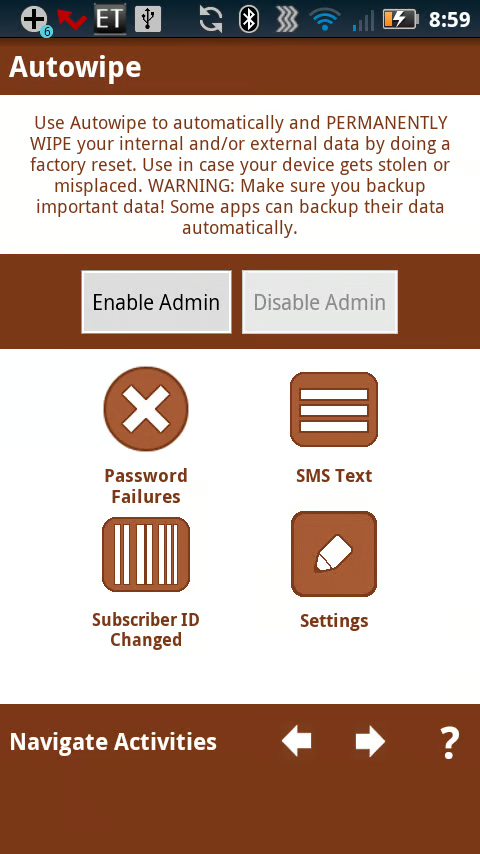
\n\tAutowipe lets you set up auto wiping of your phone based on specific criteria. You can trigger an autowipe based on a certain number of password failures, an SMS test, or Subscriber ID change.
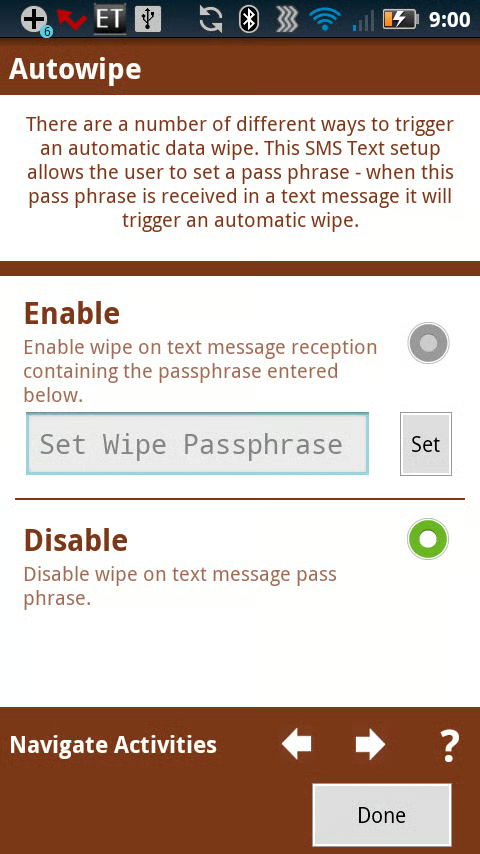
\n\tThere are two versions of Autowipe: Free and No ads. The no ads version is .99 cents.
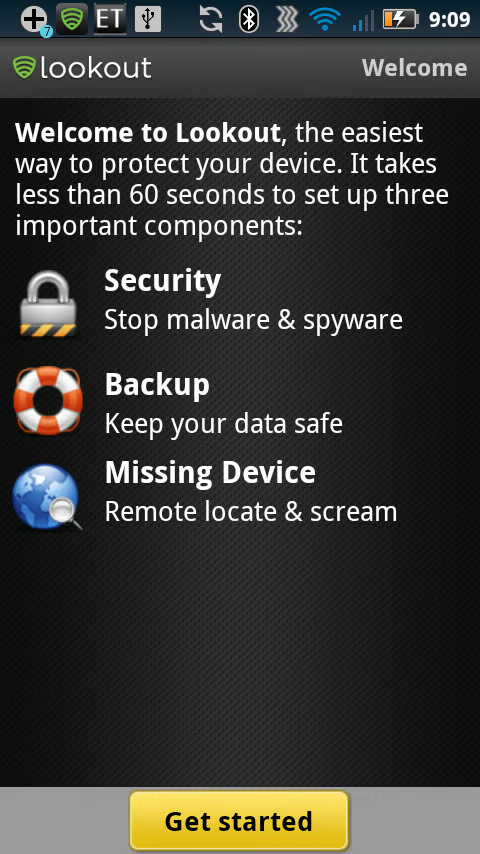
\n\tThe wipe feature is available only for the Premium version of Lookout Security & Antivirus, although the free version can help you locate your lost phone or sound an alarm remotely.
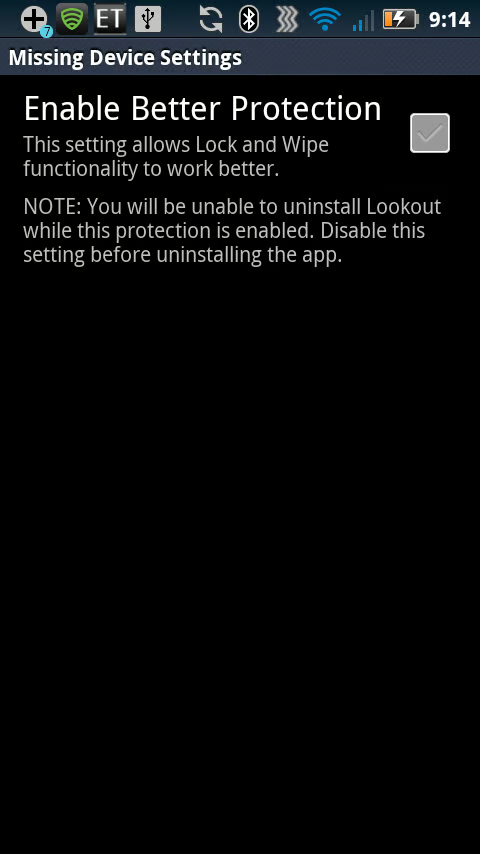
\n\t This Premium version adds several features to the standard version: safe browsing, remote lock and wipe, privacy advisor, and advanced backup.

Jack Wallen is an award-winning writer for TechRepublic, The New Stack, and Linux New Media. He's covered a variety of topics for over twenty years and is an avid promoter of open source. For more news about Jack Wallen, visit his website jackwallen.com.


