
\n\tSome users think that the Windows Explorer shell is a fine desktop. But if you’ve played around in the land of Linux for a while, that less-than-flexible Explorer interface may not work for you. One solution is to install a replacement Explorer shell. There are plenty of shells to choose from, some open source, some proprietary. Here’s a rundown of five of the most appealing choices.
\n
\n\tNote: If you’d prefer to view this information as a blog post, check out this entry in our Five Apps blog.
\n
\n\tPhoto: iStockphoto.com/TopStep2005TopStep2005
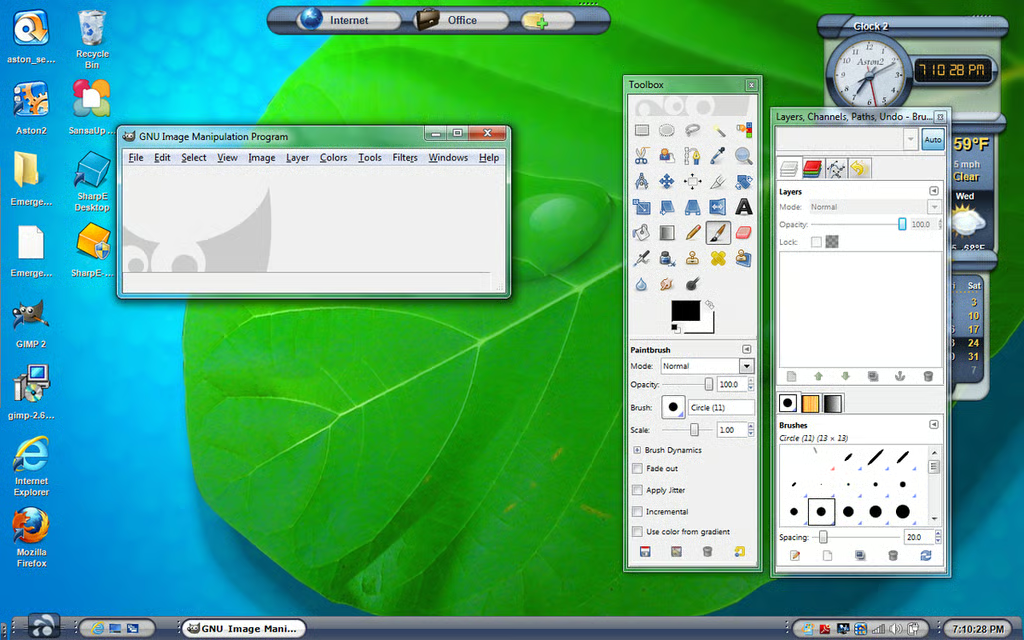
\n\tAston Shell is one of the most feature-rich of all the replacements. With plenty of add-ins, plug-ins, themes, and widgets to play with, the Aston desktop can become pretty much anything you like.
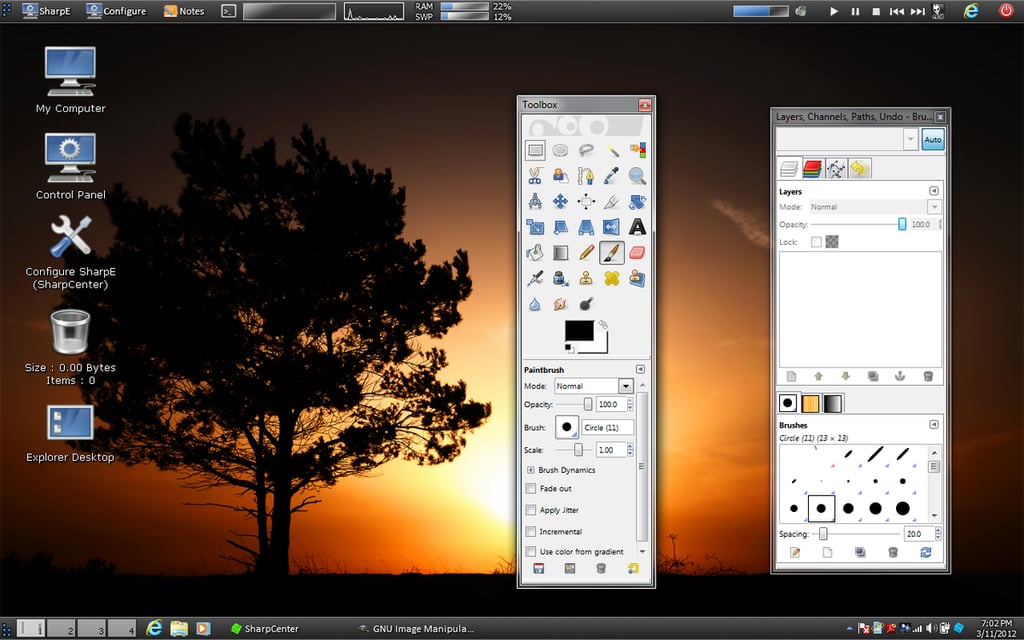
\n\tSharpEnviro may remind you of Classic GNOME. It’s designed to provide a flexible, user-friendly desktop shell that pleases both new and advanced users.
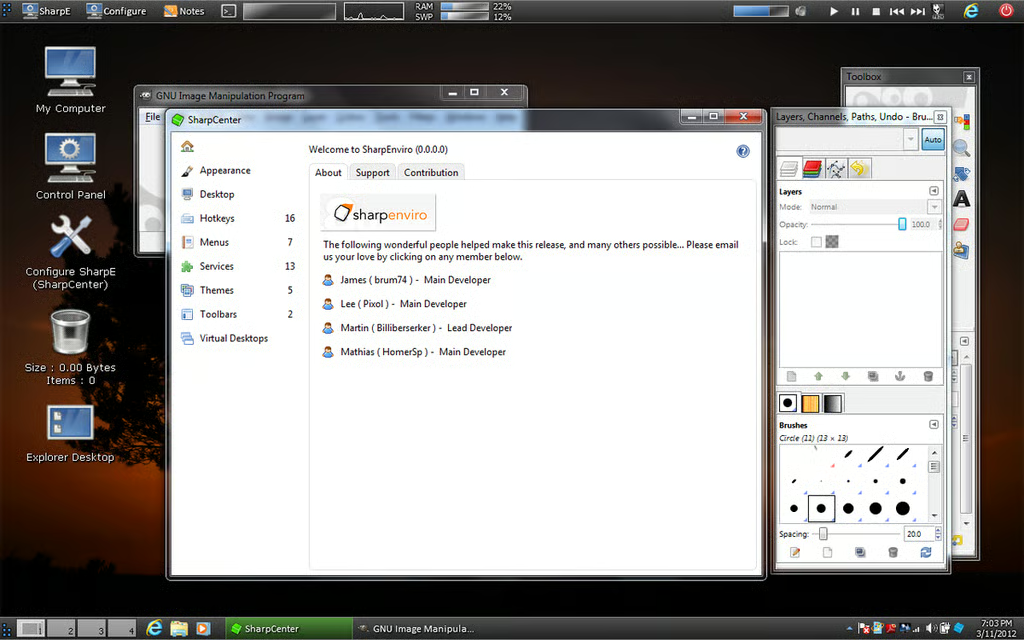
\n\tShareEnviro will especially appeal to users who want to be able to customize every aspect of their desktop. This shell is open source, so it’s free of charge.
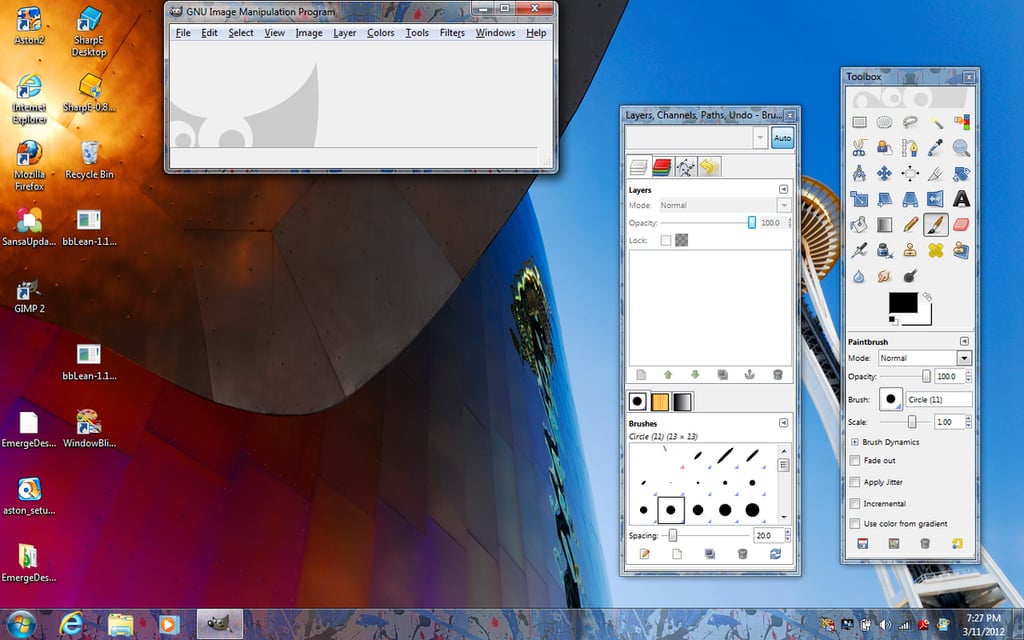
\n\tWindowBlinds, by Stardock, used to be a full-blown desktop shell replacement, but now it’s a tool for improving the look and feel of the Windows 7 shell.
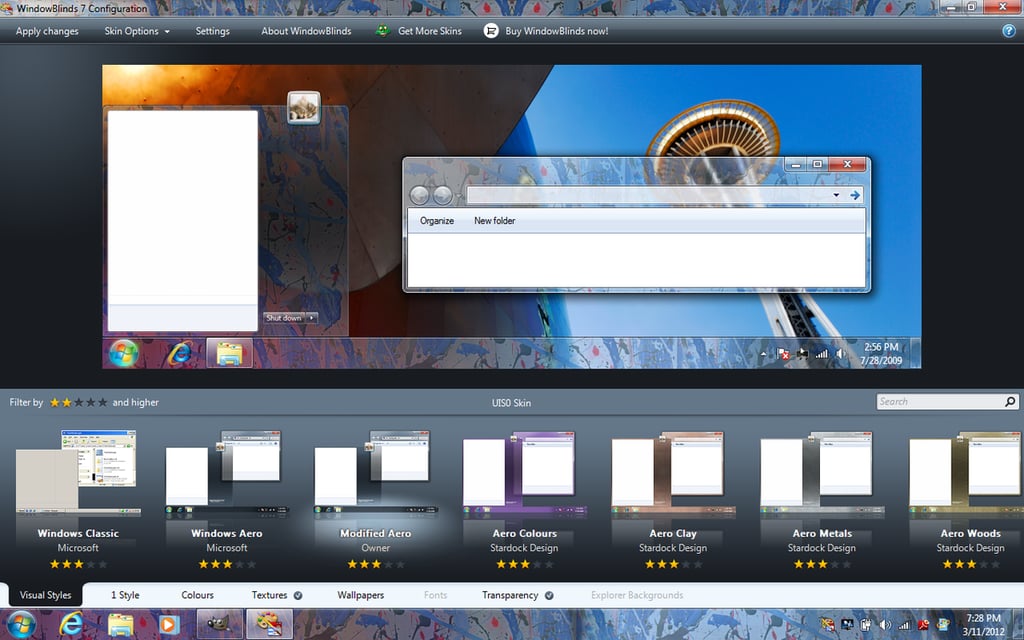
\n\tYou won’t be adding widgets and new and improved menus with WindowBlinds. But the enhanced appearance of the Windows 7 interface can be fairly dramatic. This shell costs $19.95
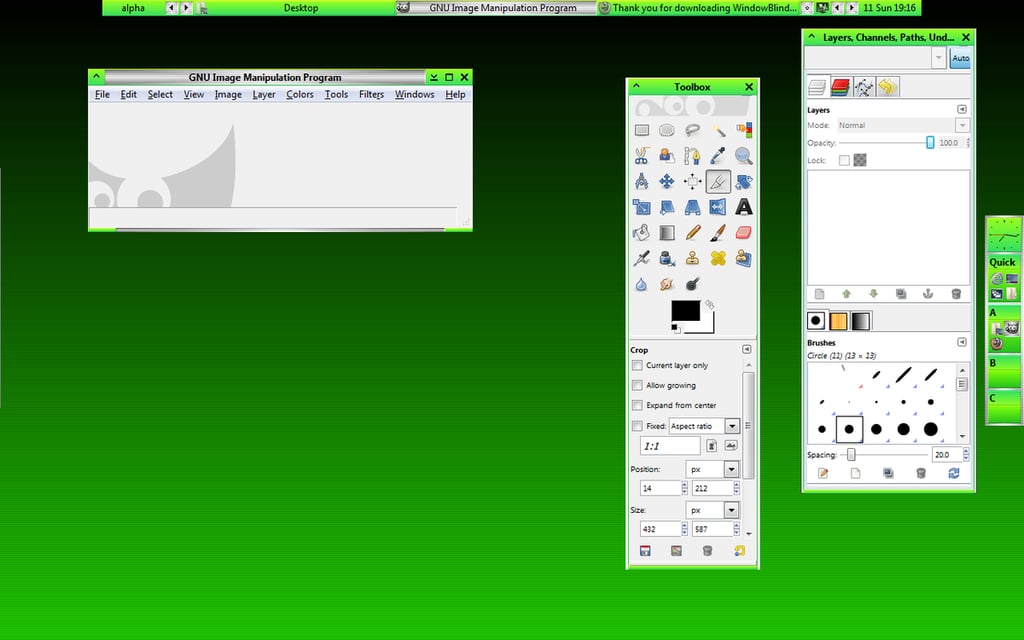
\n\tbbLean is one of two BlackBox clones we’ll look at here. BlackBox was always considered one of the lightest, fastest window managers in the Linux environment. So if you want a desktop shell for Windows that is incredibly fast and minimal, bbLean is a great choice.
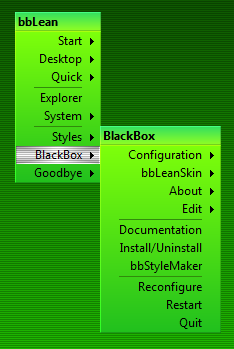
\n\tbbLean also offers hotkeys, window skinning, the slit, the taskbar, the icon box, and the mouse menu. Lean and fast. It’s open source, so it’s free of charge.
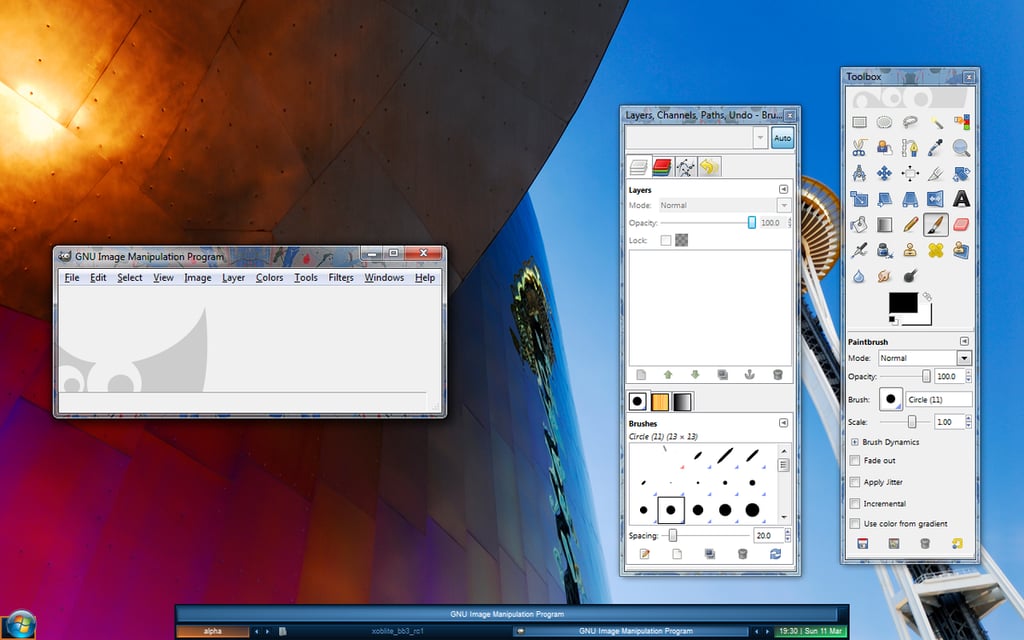
\n\tXoblite is also a BlackBox clone for Windows. It offers a few more advanced features than bbLean, such as plugins, some extra tools, and a font pack. The default Xoblite desktop is similar to that of bbLean, but out of the box it looks more polished and advanced.

Jack Wallen is an award-winning writer for TechRepublic, The New Stack, and Linux New Media. He's covered a variety of topics for over twenty years and is an avid promoter of open source. For more news about Jack Wallen, visit his website jackwallen.com.


