\n\tThis gallery is also available as a post in the TechRepublic Five Apps Blog.
\n
\n\tFTP is still alive and kicking. There are plenty of businesses that still depend upon not only having FTP clients, but FTP servers. For some, needing an FTP server cannot require access to an actual server. For those, the ability to set up an FTP server on a desktop computer means getting things done quickly and easily.
\n
\n\tBut where do you find FTP servers that are both free and easily set up and managed? Easy, you look here. I have found five of the easiest to set up FTP servers available. Each of these will reliably serve up your files from a desktop.
\n
\n
\n
\n
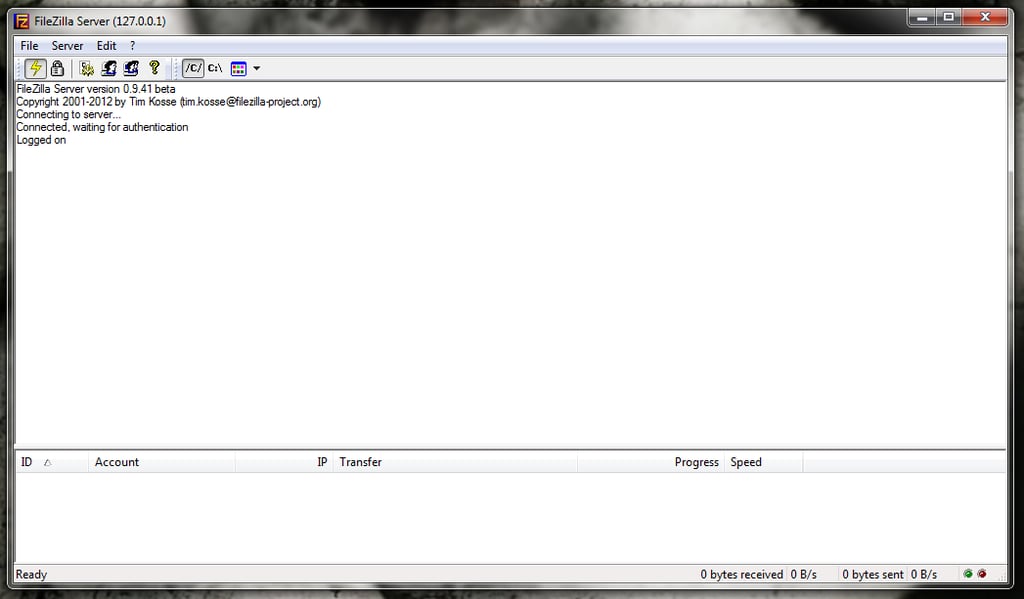
\n\tFileZilla is one of the most widely-used desktop-ready FTP servers on the planet. There’s a reason for its wide-spread usage – it’s incredibly easy to use, and full of features, including: FTP, FTPS (FTP over SSL/TLS), Compression, Encryption with SSL/TLS, user management, an easy to use administrative interface, install as auto-start or manual start server, alias support, and much more.
\n
\n\tCredit: Images by Jack Wallen for TechRepublic
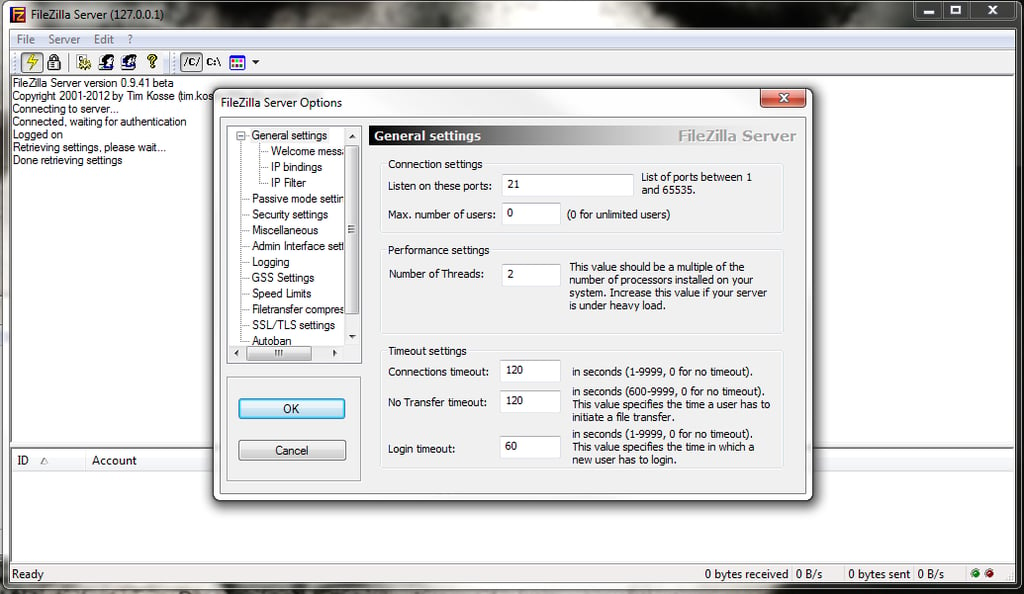
\n\tThe FileZilla server only supports the Windows desktop.
\n
\n\tCredit: Images by Jack Wallen for TechRepublic
\n
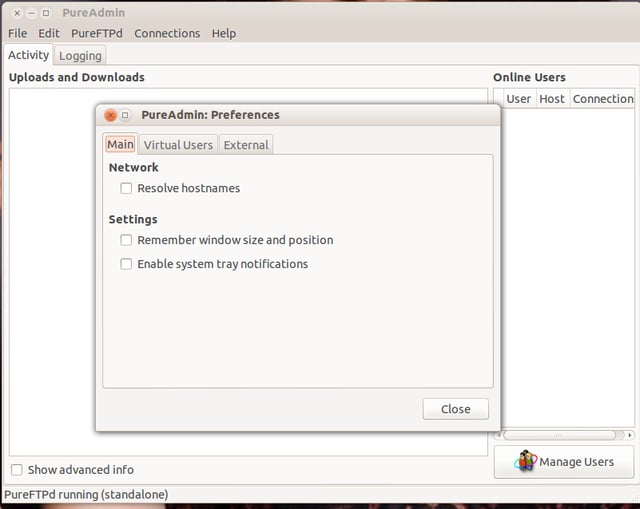
\n\tPureFTPD is a BSD-based FTP server that can be installed on most Linux desktops and servers. PureFTPD can be used as a command-line only FTP server or can be configured with the help of one of the GUI front-ends.
\n
\n\tCredit: Images by Jack Wallen for TechRepublic
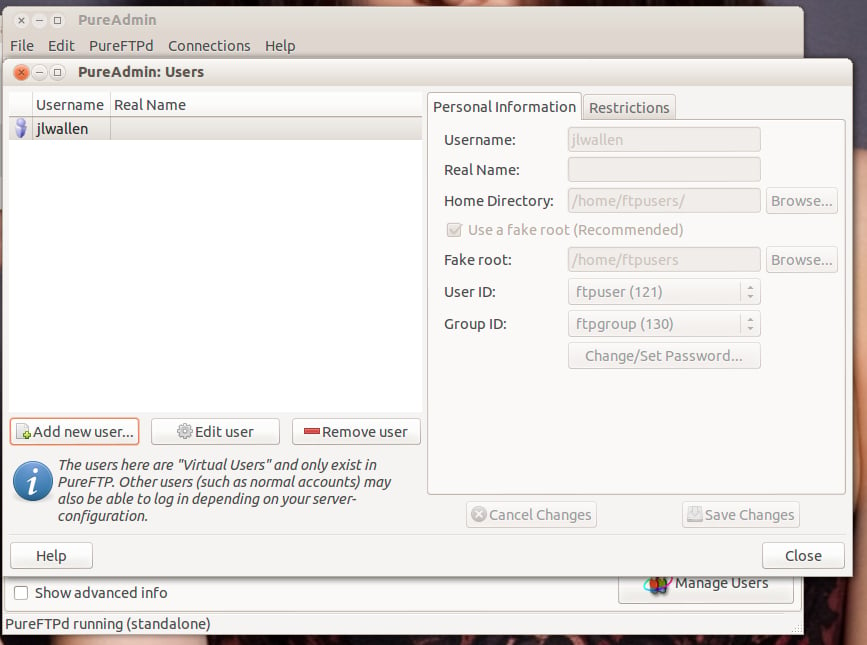
\n\tPureFTPD offers tons of features that cover individual users, small business, or even ISPs, including: SSL/TSL, runs on BSD, Linux, UNIX, and iPhone. It also includes powerful user-management, user throttling, FXP support, protection against brute-force attacks, PAM authentication support, built-in cryptographic hashes, centralized user information in a MySQL database, and much more.
\n
\n\tCredit: Images by Jack Wallen for TechRepublic
\n
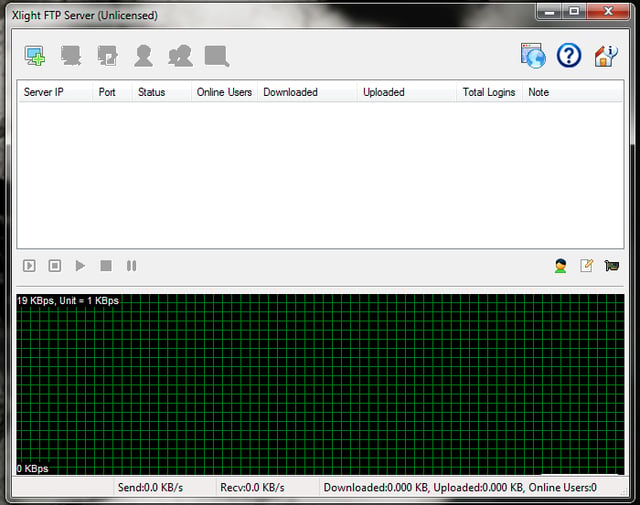
\n\tXlight FTP Server is another offering for the Windows desktop that focuses on high performance, powerful features, and ease of use. Xlight features: LDAP/AD integration, user information stored in database, SSL support, email event notification, UNC path impersonation, session and error logs, GUI remote admin, native user isolation, real-time configuration management, virtual server support, bandwidth control, anti-leech support, and much more. Xlight FTP Server has three versions: Personal, Standard, and Professional.
\n
\n\tCredit: Images by Jack Wallen for TechRepublic
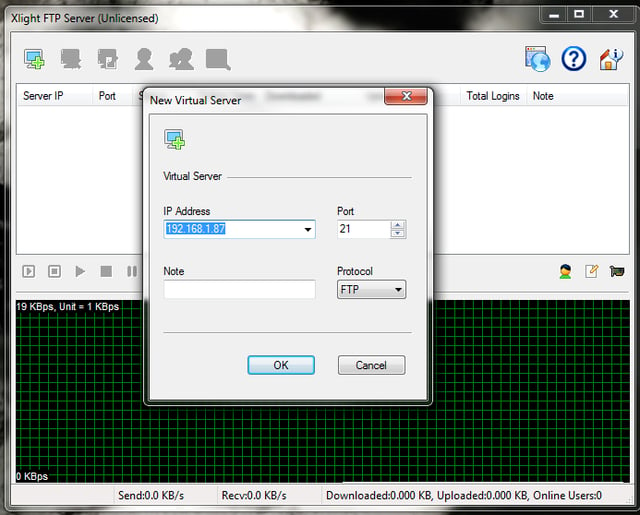
\n\tThe Personal edition is free. For information about the three versions, visit the Xlight FTP Server purchase page.
\n
\n\tCredit: Images by Jack Wallen for TechRepublic
\n
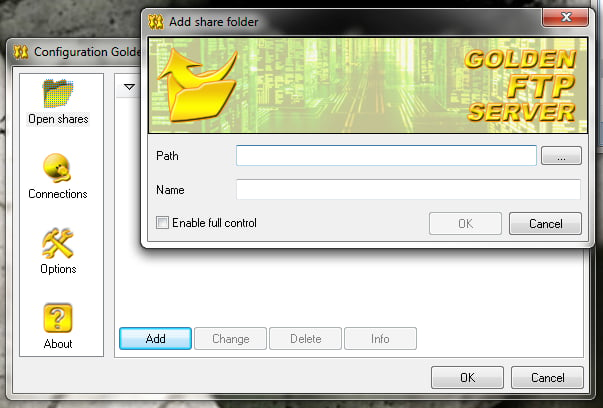
\n\tGolden FTP Server is extremely easy to use and can be set up by anyone with nearly any level of PC skills. Golden FTP Server doesn’t offer the features of some of its competition, but for anyone looking to get the basic ability to serve up files from a Windows desktop, Golden is, well, golden.
\n
\n\tCredit: Images by Jack Wallen for TechRepublic
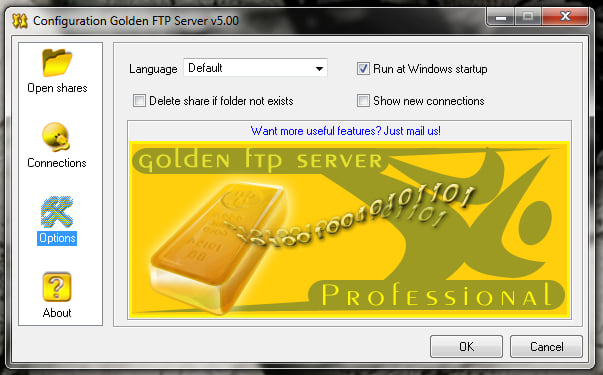
\n\tThe feature list includes: Multi-lingual interface, multi-threaded downloads, resume aborted downloads, and more.
\n
\n\tCredit: Images by Jack Wallen for TechRepublic
\n
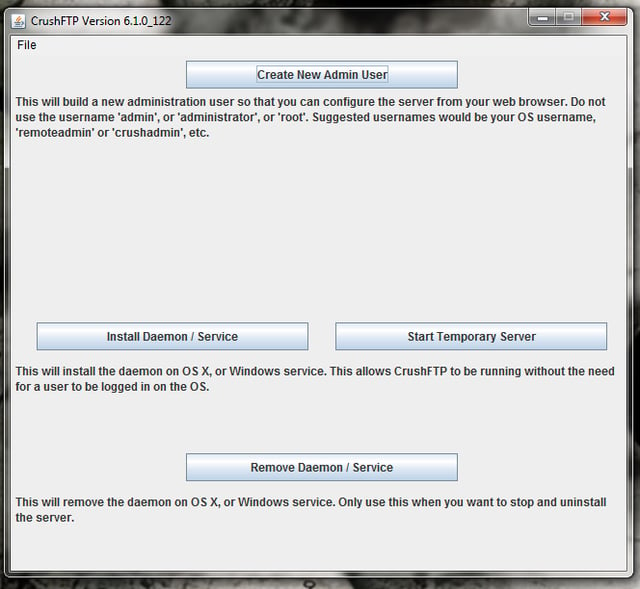
\n\tCrush FTP Server offers three version: Home, Small Business, and Professional. With this FTP server you can have as powerful an FTP server as your needs demand. Crush FTP features include: secure protocols support (including WebDAV SSL), Web-based interface, thumbnail previews, custom web forms, event logging, built-in reporting, server admin and monitoring, in-stream data alterations, real-time file replication and syncing, high availability transfers, graphs, job scheduling, plugin support, and much more.
\n
\n\tCredit: Images by Jack Wallen for TechRepublic
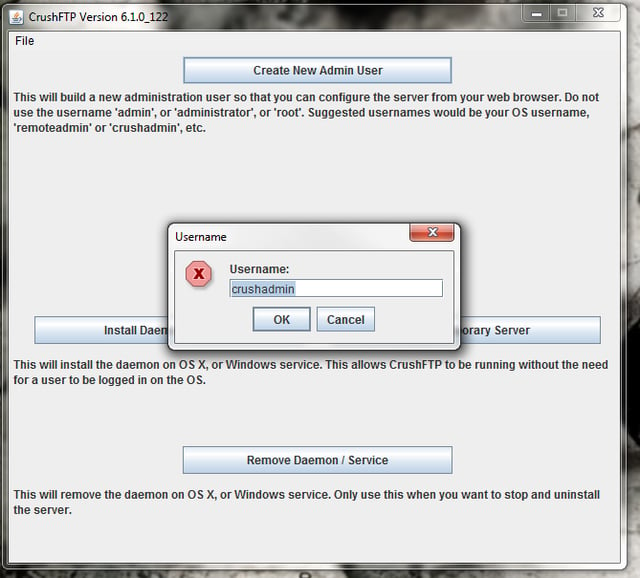
\n\tCrushFTP is an FTP server that can easily grow as your business grows.
\n
\n
\n\tIf you’re looking for an FTP server that is cost-effective, reliable, and easy to set up and manage, look no further than these five options. You’ll find everything from feature-rich free servers to powerful ISP-ready servers that still won’t break your bank.
\n
\n
\n\t
\n\t
\n
\n
\n\tCredit: Images by Jack Wallen for TechRepublic

Jack Wallen is an award-winning writer for TechRepublic, The New Stack, and Linux New Media. He's covered a variety of topics for over twenty years and is an avid promoter of open source. For more news about Jack Wallen, visit his website jackwallen.com.


