
\n\tThe terms user-friendly and encryption might seem mutually exclusive, but there are some handy tools that encompass both. Most people assume that Linux encryption is all handled from within the command line — and some of it can be. But it doesn’t have to be that way. Here are a few encryption apps offer security and ease of use.
\n
\n\t
\n
\n\tNote: If you’d prefer to view this information as a blog post, check out this entry in our Five Apps blog.
\n
\n\tPhoto: iStockphoto.com/lcs813
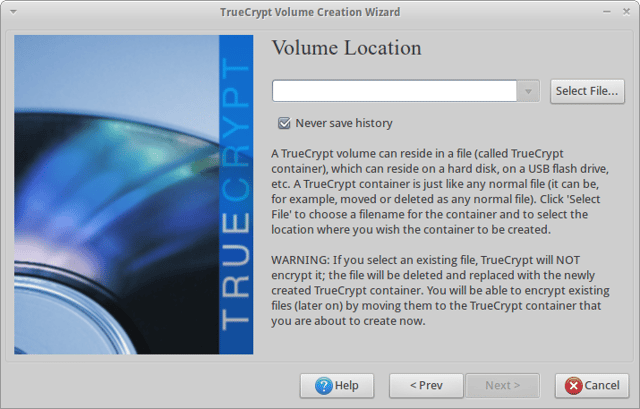
\n\tThis virtual encrypted disk is accessible only using the passphrase associated with it. What’s nice about this tool is that data is automatically encrypted as it is created and decrypted as it is loaded.
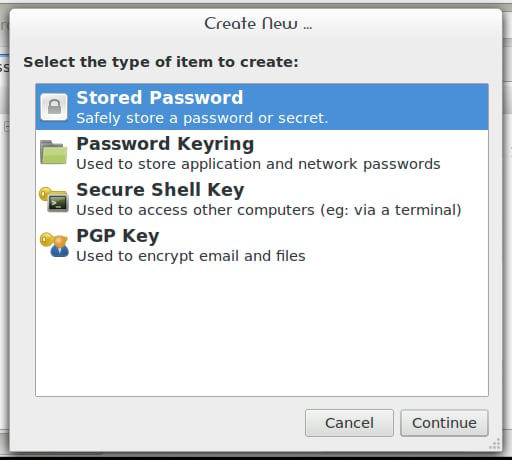
\n\tSeahorse is a GNOME front end for GnuPG that makes creating and managing your PGP much easier than using the command line. It can perform data encryption and digital signature creation as well as key management operations.
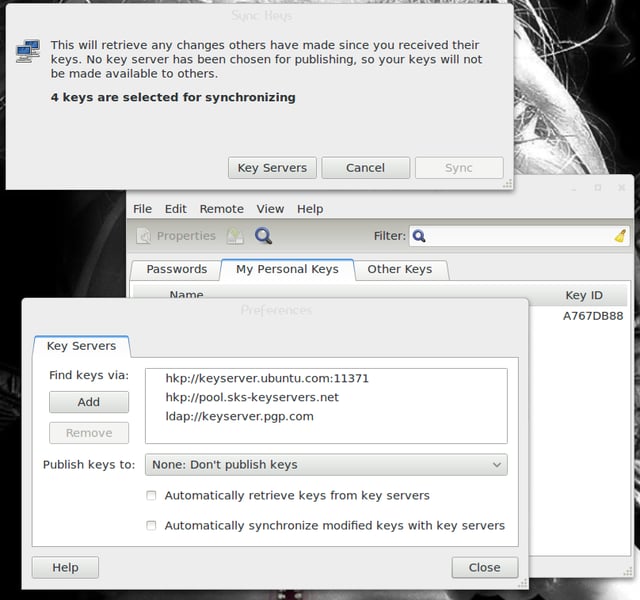
\n\tThe Seahorse interface is so intuitive, anyone can handle the management of PGP keys.
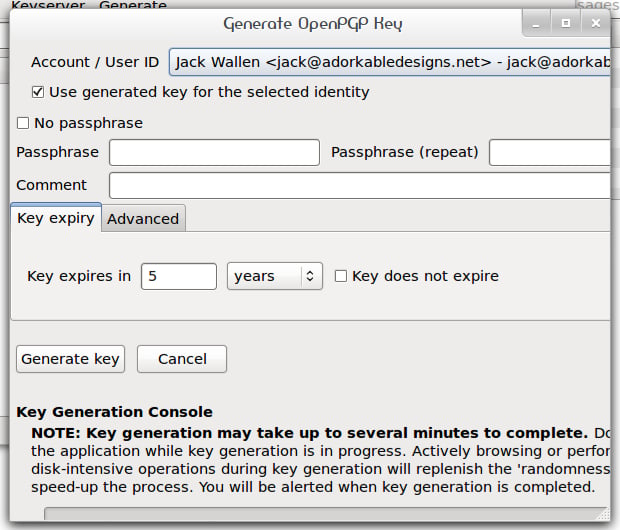
\n\tEnigmail s an extension for the Thunderbird email client that allows for the easy encryption/decryption of incoming/outgoing email.
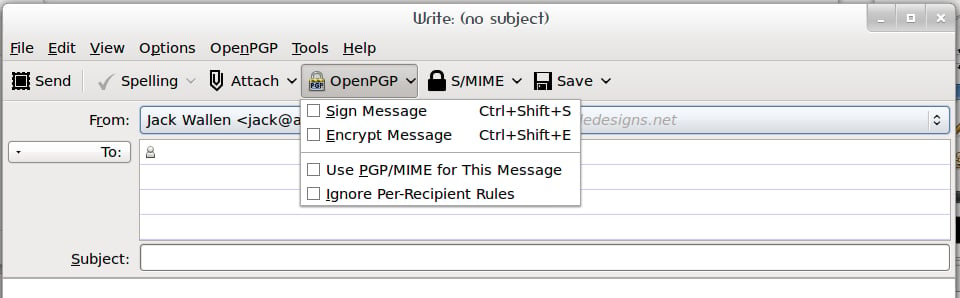
\n\tNew GnuPG users will appreciate Enigmail’s easy-to-use wizards, which will walk them through the process of signing and encrypting email and help them create GnuPG encryption keys (and manage the keys they receive).
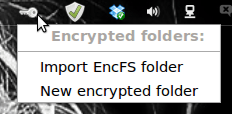
\n\tCryptKeeper is a tool for managing EncFS file systems. It resides as a system tray applet for easy access.
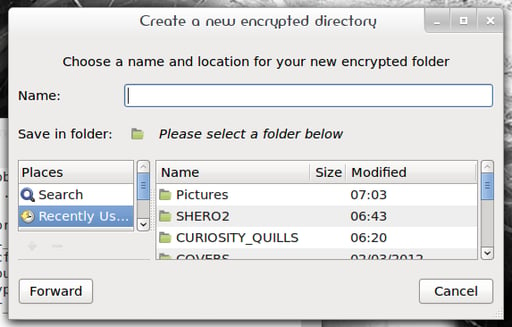
\n\tCryptKeeper works with Classic GNOME, Gnome 3, KDE, and XFCE.

Jack Wallen is an award-winning writer for TechRepublic, The New Stack, and Linux New Media. He's covered a variety of topics for over twenty years and is an avid promoter of open source. For more news about Jack Wallen, visit his website jackwallen.com.


