
\n\tNOTE: If you’d prefer to view this information as a blog post, check out this entry in our Five Apps blog.
\n
\n\tI’m not a fan of Windows Explorer as a file manager. When it starts up the old Not Responding behavior, it can be a nightmare of frustration. That’s why I often rely upon one of the free replacements for the default Windows file manager. There are quite a few. Here are my top five. Give these a try and more than likely you will come out with one you like.
\n
\n\t
\n
\n\t
\n
\n\tPhoto: iStockphoto.com/lucato
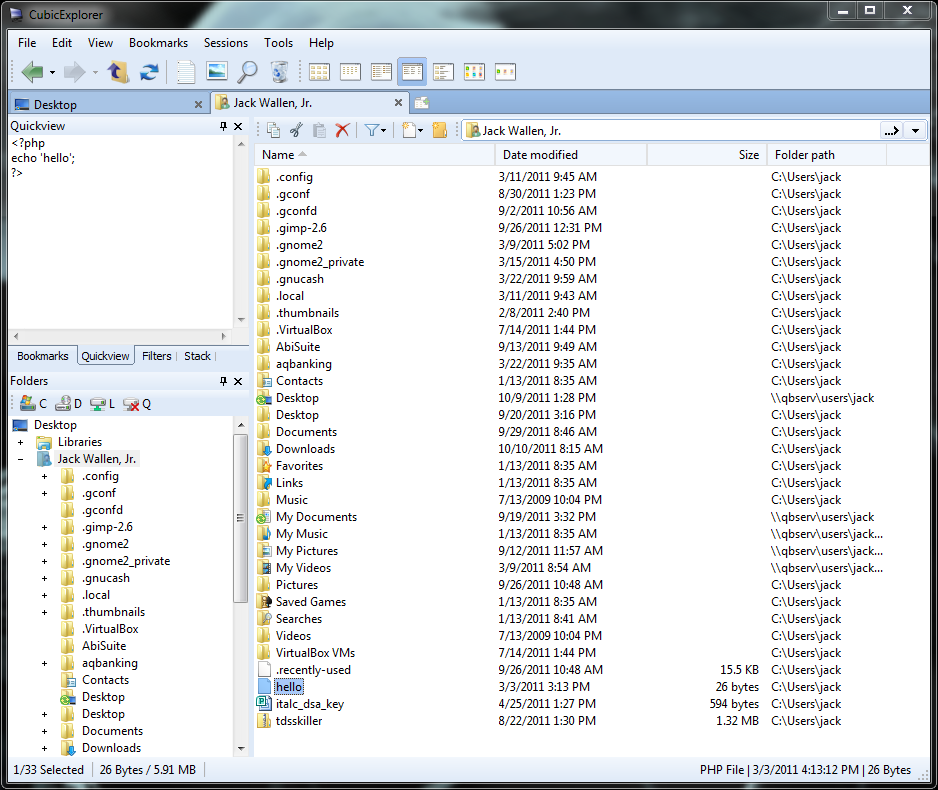
\n\tCubicExplorer is a fine example of how to make a full-featured, yet lightweight file manager for Windows. It’s broken up into three panels: Main navigation window, Navigation tree, and Filter/Preview/Dropstack panel. The Dropstack panel allows you to drag and drop files/folders into groups for temporary quick access.
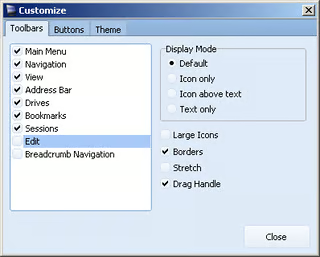
\n\tCubicExplorer offers a lot of great features: tabbed exploring, bookmark files and folders, search filters, a built-in text editor, file preview, transparency levels for different programs, themes, shortcut key support, breadcrumb navigation, session saving, and much more.
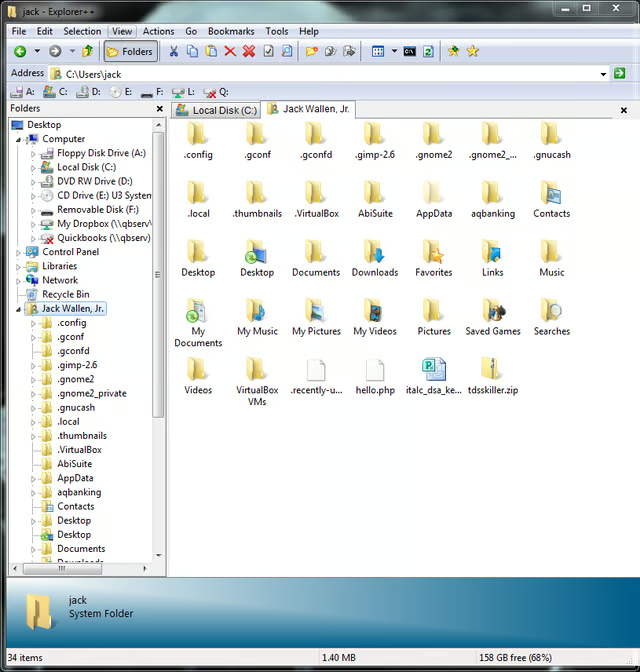
\n\tWhat I like about the Explorer++ file manager is that it’s not required to install, so you can run it from a flash drive. No more having to put up with wonky Explorer on your machine or any other machine. Pop this tool on a flash drive and carry it around with you — you’ll have a file manager that will work when Explorer is flaking out.

\n\tExplorer++ features complete portability, tabbed browsing, real-time previews as files are selected, easy-to-remember keyboard shortcuts, a customizable user interface, full drag-and-drop support, and advanced file operations.
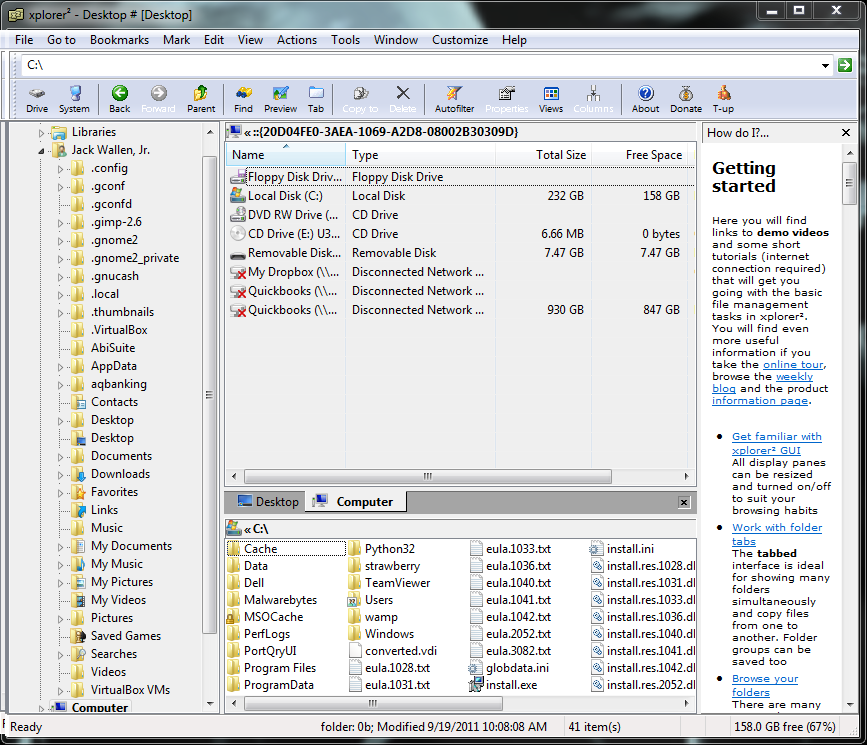
\n\tXplorer2 comes in two flavors: free and not free. The free version (called the Lite version) doesn’t have all the features of the paid version (you’ll be missing Advanced Searching and Customer Support) but is still a solid file manager.
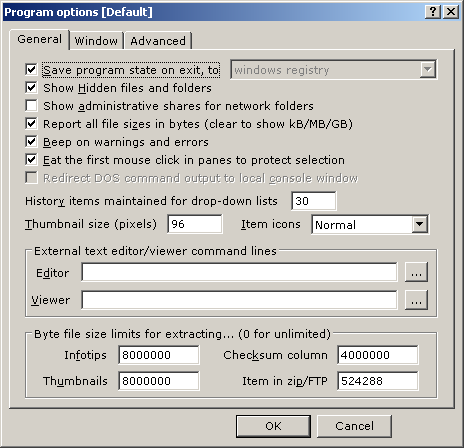
\n\tXplorer2 lets you browse the entire shell namespace, preview docs/pics/music/video, view side by side, filter using wildcards, synchronize folders, and obtain more information per file/folder than you get with the default file manager.
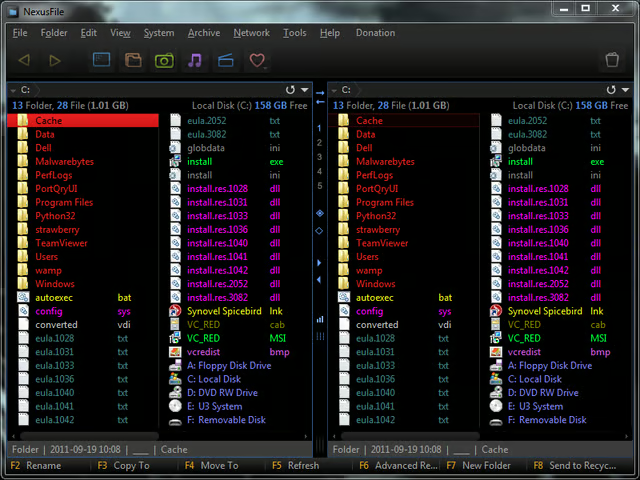
\n\tNexusFile brings a bit of style to Windows. Not only is it skinnable, it also offers some great built-in features: tabbed browsing, built-in FTP, built-in archive, advanced rename, Split/Join File, and much more.
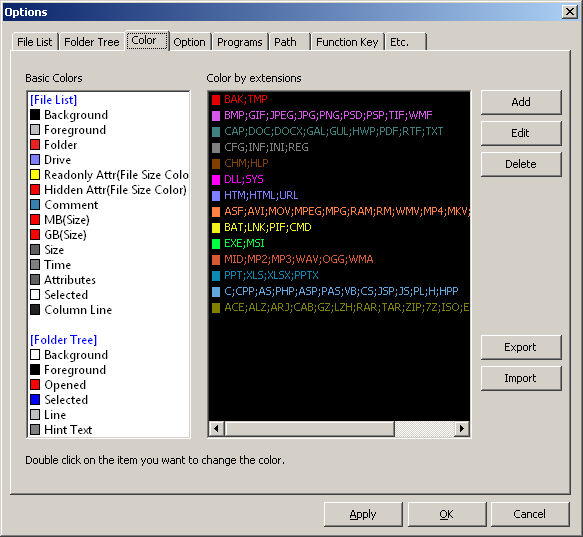
\n\tNexusFile might well be one of the most powerful Windows file managers you will come across. The interface may take some time for new users to grow accustomed to. But for anyone who has used a typical FTP client (or an older file manager), the learning curve will be nonexistent.
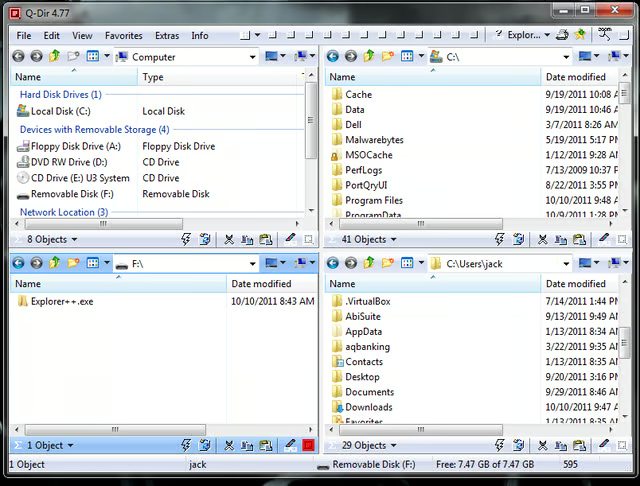
\n\tAs the site says Warning: Once Q-Dir, always Q-Dir!!! Whether that applies to you will depend upon what you want from a file manager. If you want a crazy amount of interface control, Q-Dir might be the perfect fit for you. Q-Dir offers a large number of preconfigured viewing options to satisfy just about any need. You want four panes? You got it! That is, after all, what the Q stands for: quad.
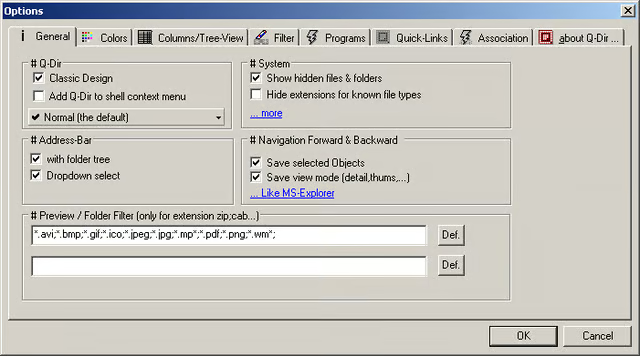
\n\tYou can install this file manager on your hard disk or as a portable solution. It offers preview filters, drag and drop, clipboard, exporting to XLS/CVS/TST/HTML, screen magnifier, color filter, highlight filter, and much more.

Jack Wallen is an award-winning writer for TechRepublic, The New Stack, and Linux New Media. He's covered a variety of topics for over twenty years and is an avid promoter of open source. For more news about Jack Wallen, visit his website jackwallen.com.


