
\n\tNOTE: If you’d prefer to view this information as a blog post, check out this entry in our Five Apps blog.
\n
\n\tProtecting a PC against malicious software is a never-ending battle. The second you think you have your machine clean, something else appears — no matter what piece of software you use to combat this plague. Even so, you still need to have some protection installed. Here are the five tools I prefer for keeping Windows as malware-free as possible. They don’t cost a dime, and they’re about as reliable as a malware removal tool can be.
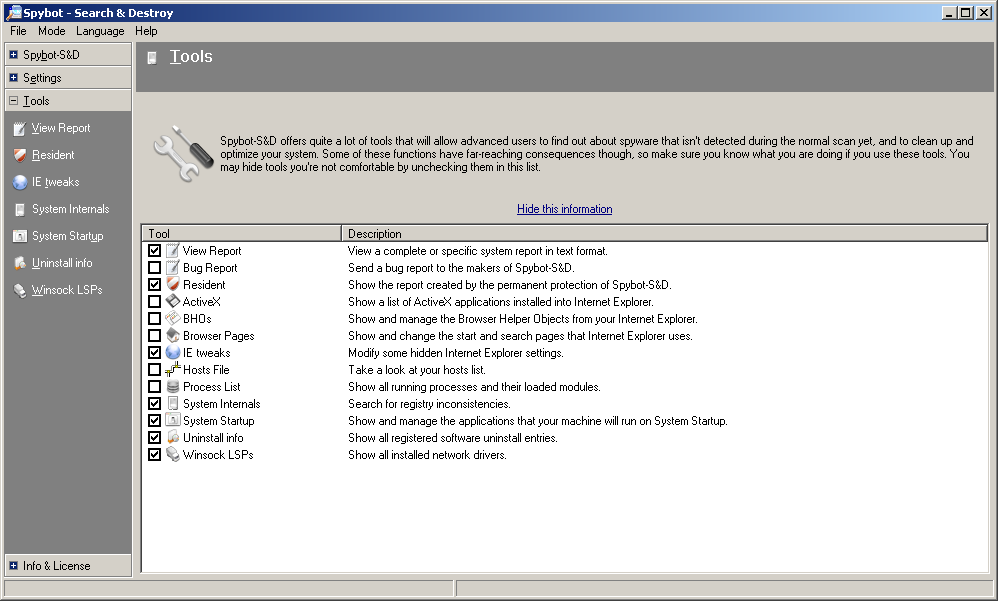
\n\tSince there is no harm in having two anti-malware tools on one machine (unlike antivirus, which is a big no-no), using Malwarebytes and S&D as a one-two punch will catch most every piece of malware. The one thing S&D has over the free version of Malwarebytes is that it has a real-time scanner.
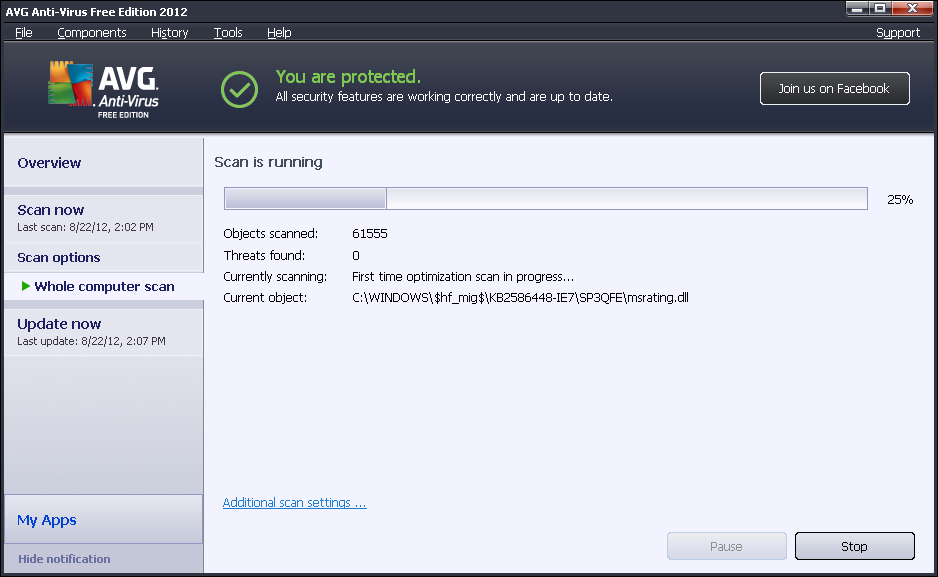
\n\tFor the longest time, I was a big advocate of AVG Free for antivirus protection. Now? Not so much. AVG Free’s ability to keep viruses at bay is less than stellar. But it does a fairly good job of removing malware.
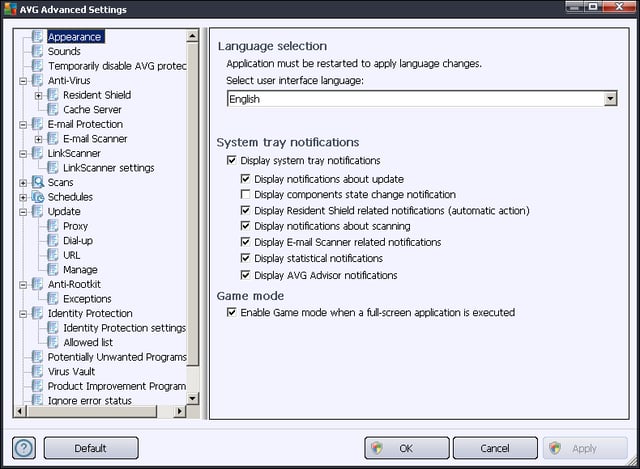
\n\tWhat I like about AVG is that it’s unobtrusive. When a scan is running, you will hardly notice. The big downfall of AVG is that, should you have to run ComboFix, you can’t just turn it off. To run a tool like ComboFix, you actually have to completely remove AVG. That is a real pain.

Jack Wallen is an award-winning writer for TechRepublic, The New Stack, and Linux New Media. He's covered a variety of topics for over twenty years and is an avid promoter of open source. For more news about Jack Wallen, visit his website jackwallen.com.


