
\n\tKeeping track of lots of passwords can be a challenge. I once saw a Windows SBS box sit, unable to be maintained, because no one could remember the password. That was a silly mistake, especially when so many applications are available to help with password management. I’m going to introduce you to five such applications — each of which does a great job of storing your passwords and won’t set you back a single penny.
\n
\n\tNote: If you’d prefer to view this information as a blog post, check out this entry in our Five Apps blog.
\n
\n\tPhoto: iStockphoto.com/PashaIgnatov
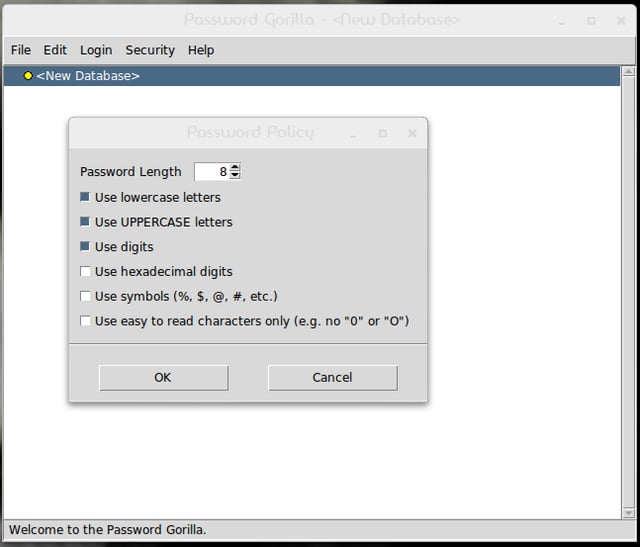
\n\tIn typical fashion, a single master password is used to protect the encrypted file that contains the password database. Password Gorilla is fairly stripped down, without many bells and whistles. It does one thing and does it well.
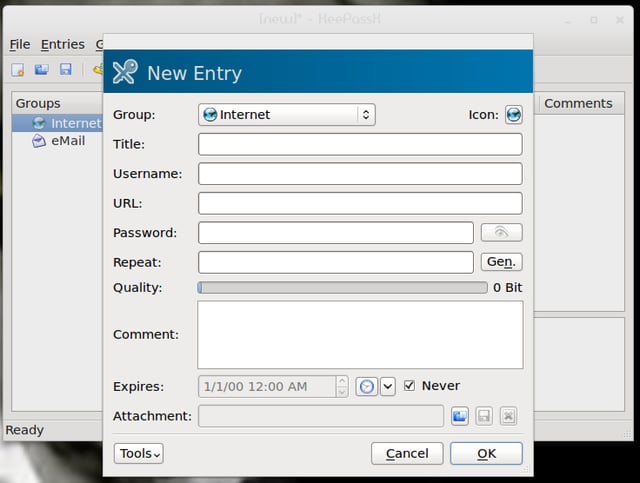
\n\tKeePassX is a cross-platform, open source tool that rivals KeePass. It offers extensive management features and enables you to search in specific groups or in the complete database. You can access the KeePassX database using a password and/or a key file.
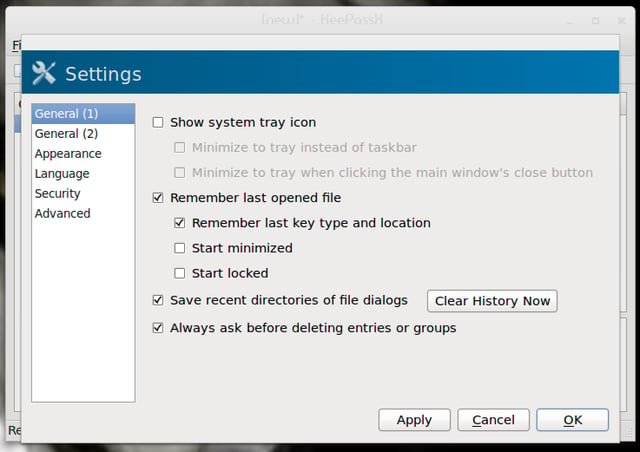
\n\tKeePassX provides a customizable password generator and a password quality indicator. It uses Advanced Encryption Standard (AES) or the Twofish algorithm.
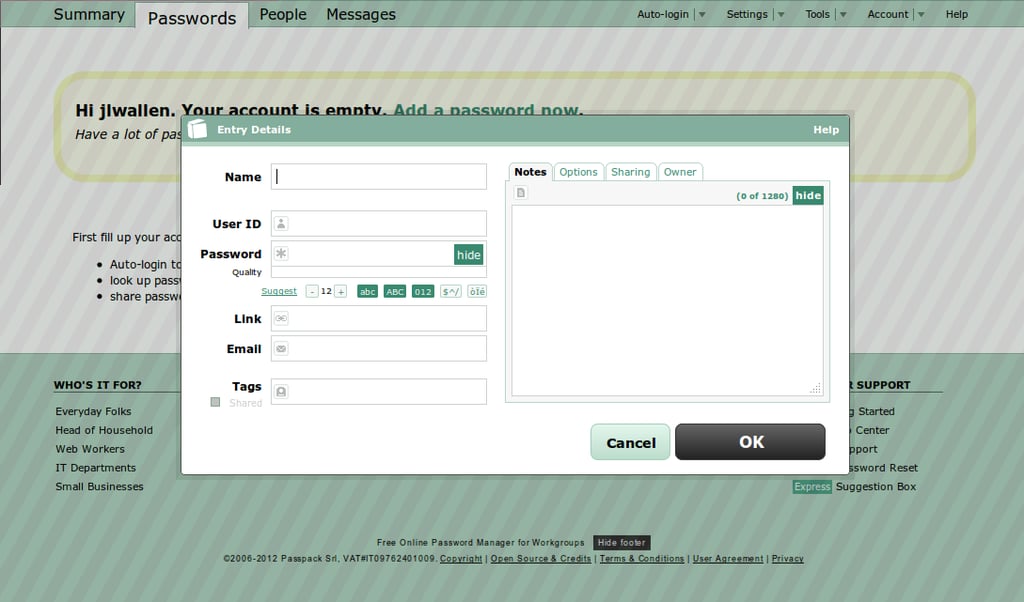
\n\tPasspack is an online password manager that offers free and paid accounts. (The free account limits the number of passwords you can keep.) Although some might balk at the idea of keeping passwords online, Passpack has been around and vetted by plenty of large companies.
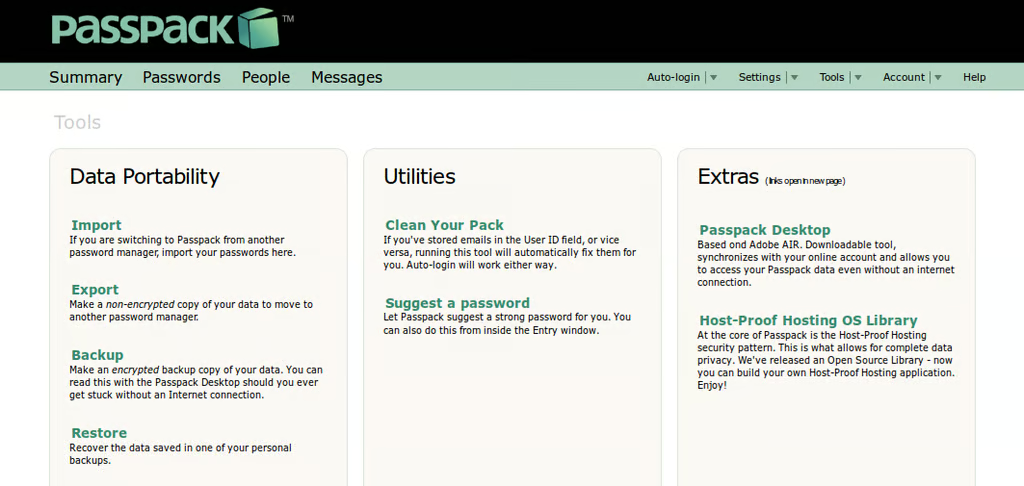
\n\tPasspack allows you to share passwords on a need-to-know basis (free account limited to one user share). It also has a unique feature — the Passpack It! button — which allows you one-click entry into many sites requiring authentication.
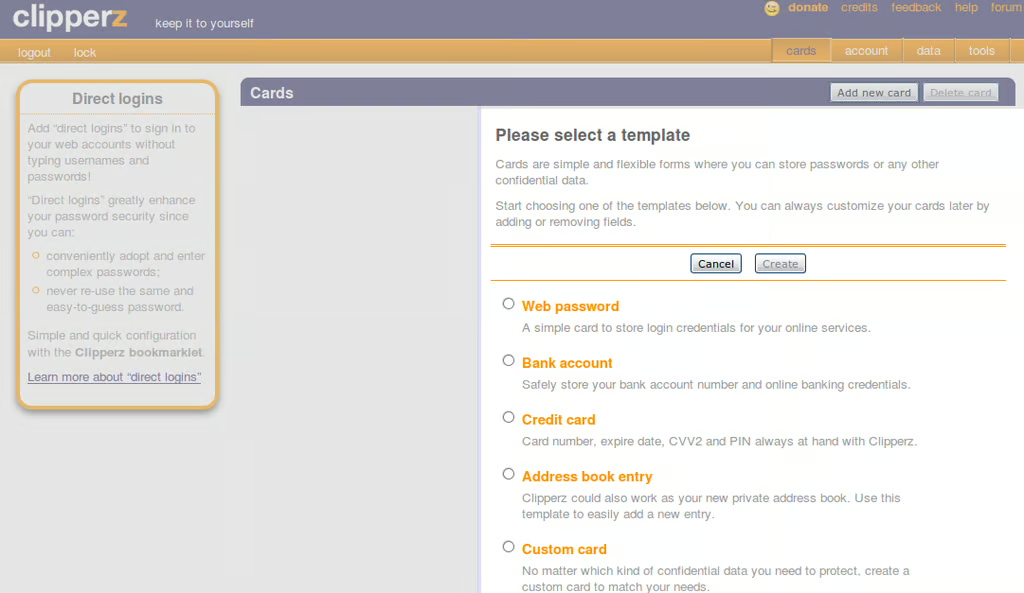
\n\tClipperz is another online password management site designed to keep track of your myriad passwords. It stores each entry in the form of a card. You can create cards for Web, bank account, custom, and direct login.
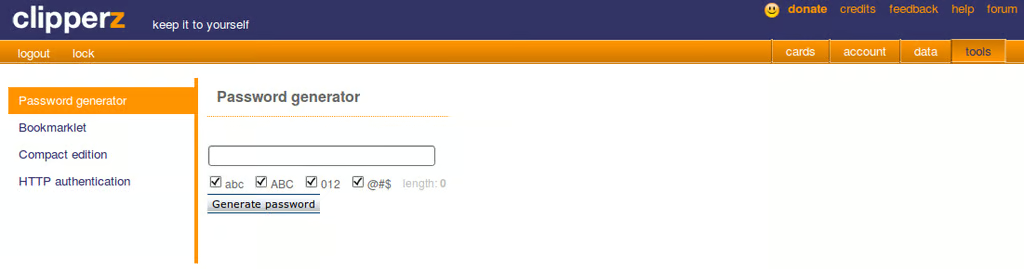
\n\tClipperz also offers a Compact edition that works as a sidebar for the Firefox browser. And you can install a bookmarklet so that adding a new card is as simple as clicking the button in the browser (without having to go to your Clipperz account) and adding the information.

Jack Wallen is an award-winning writer for TechRepublic, The New Stack, and Linux New Media. He's covered a variety of topics for over twenty years and is an avid promoter of open source. For more news about Jack Wallen, visit his website jackwallen.com.


