It’s inevitable: At some point you’re going to need to recover from a disaster. You’ll have a hard drive fail and either you’ll lose valuable data or the machine will refuse to boot. When this occurs, if you happen to have a disk image, the task will be far easier. But many budgets don’t include the cost of some of the pricier disk imaging software, like Acronis Backup and Restore. When you don’t have the budget, what do you do? If you’re lucky, you have access to one of these free applications, all of which do an admirable job of cloning a hard drive.
Some of these apps are more powerful than others. While some will do a-bit-for-bit copy, others create a full ISO of your running system. Some are Windows specific and others don’t care what platform you’re running. In the end, what’s important is that you use the tool that best suits your skills and needs.
SEE: 5 free and reliable cloning tools (TechRepublic)
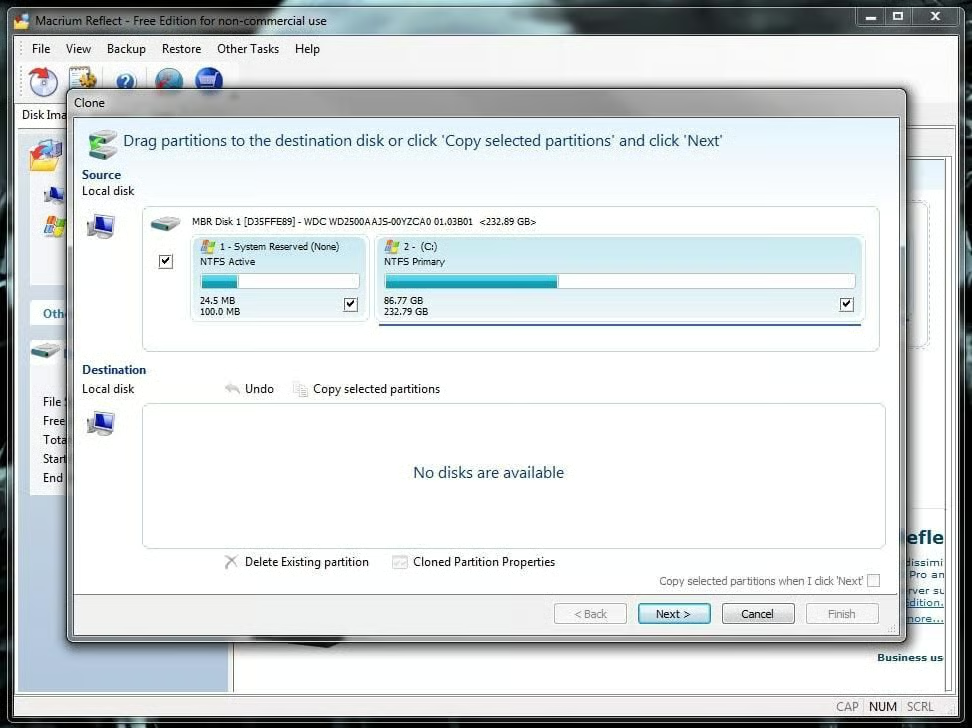
Macrium Reflect Free does disk imaging and disk cloning, allows you to access images from the file manager, creates a Linux rescue CD. It’s compatible with Windows Vista and 7.
SEE: 5 free and reliable cloning tools (TechRepublic)
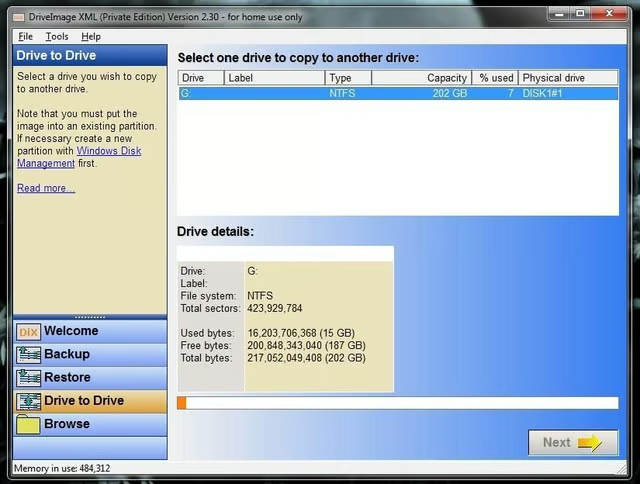
DriveImage XML can also restore an image to a machine without the need for a reboot. This software runs under Windows XP, Windows Server 2003, Vista, and 7.
SEE: 5 free and reliable cloning tools (TechRepublic)
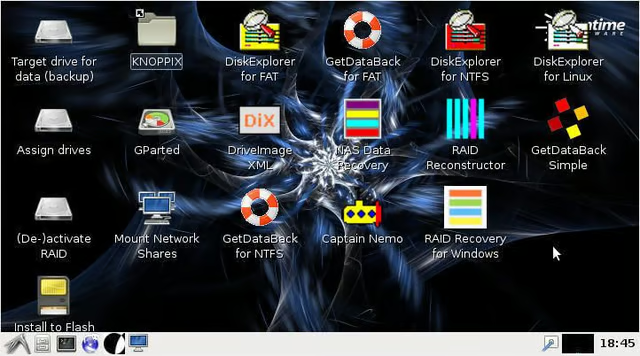
With Runtime Live CD you can boot most desktops into a full-blown (Knoppix-based) Linux distribution, where you have access to plenty of tools to help you back up data (and clone drives). Tools available include: GetDataBack Pro, DiskExplorer, Captain Nemo Pro, NAS Data Recover, RAID Recovery for Windows, DriveImage XML, Disk Digger, dd, and more. You should have everything necessary to run a successful backup or clone.
Note: You must burn the Runtime Live CD onto a bootable USB drive and boot the computer you need to clone from that. You also must have a drive available to serve as a target, which must be mapped from within the running Live CD.
SEE: 5 free and reliable cloning tools (TechRepublic)
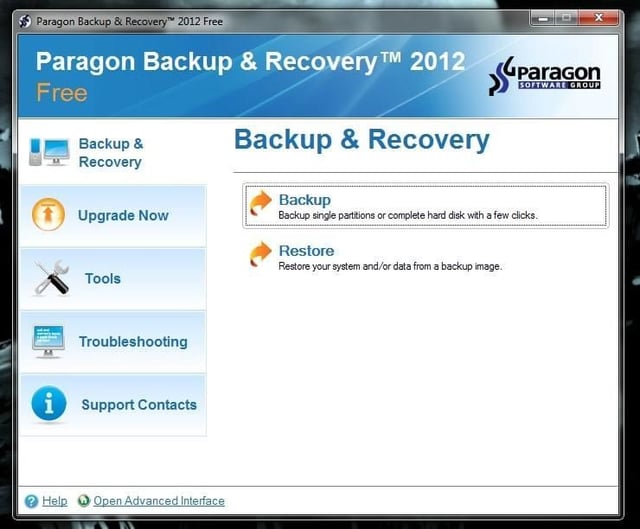
Paragon Backup & Recovery Free is for stand-alone Windows machines, and it does a great job of handling scheduled imaging. The free version is based on the powerful pro version, but it’s for personal use only.
SEE: 5 free and reliable cloning tools (TechRepublic)

Jack Wallen is an award-winning writer for TechRepublic, The New Stack, and Linux New Media. He's covered a variety of topics for over twenty years and is an avid promoter of open source. For more news about Jack Wallen, visit his website jackwallen.com.


