
\n\tI’m a big fan of the dock. Whether it’s on the Linux or the Mac desktop, a dock creates a cleaner look and makes it easier to access your programs. Here are five good docks for the Windows 7 environment. They all offer a clean style and easy configuration. Each one offers a free version, and some offer added features in a paid-for release.
\n
\n\tNote: If you’d prefer to view this information as a blog post, check out this entry in our Five Apps blog.
\n
\n\tPhoto: (XWindows Dock) Aqua-soft.org
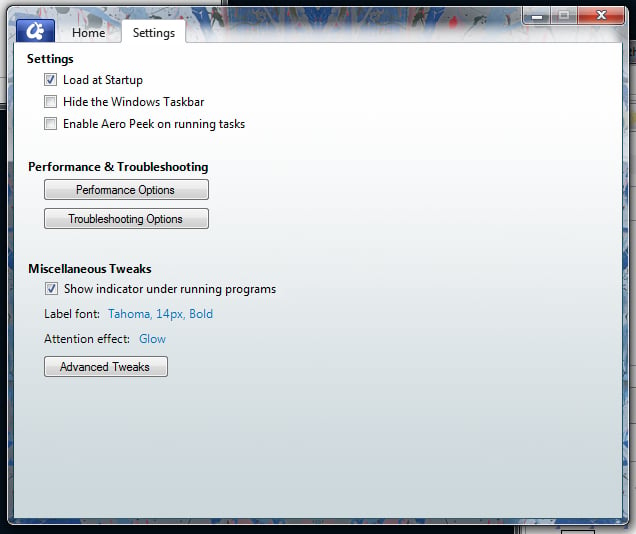
\n\t The paid version of ObjectDock ($19.95) adds better organization, easier app switching, and dock tabs, among other features.

\n\tXWindows Dock is a fairly straightforward dock that focuses on simplicity. You can just drag any icon from the desktop onto the dock and voila! — instant launcher.
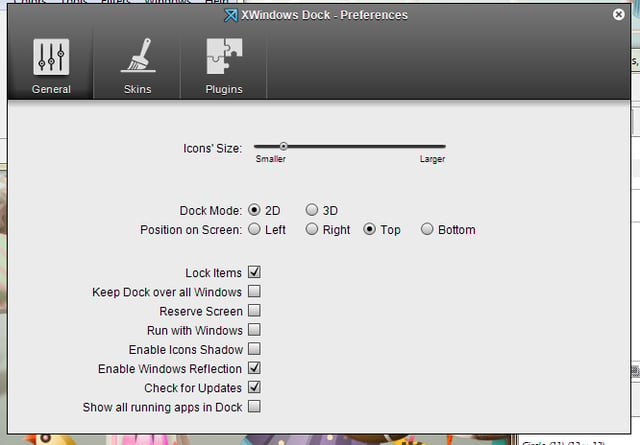
\n\tXWindows Dock is still in beta, so features like plug-ins aren’t exactly there yet (although they have the groundwork for them). XWindows Dock does contain two nice plug-ins — the stack container (quick navigation through folders) and a Gmail mail checker.

\n\tSliderDock is more a psuedo 3D ring dock than a static dock that sits at the bottom or top of your desktop. You can add as many icons to SliderDock as you like and then scroll the ring around with your mouse wheel to find the one you want to launch.
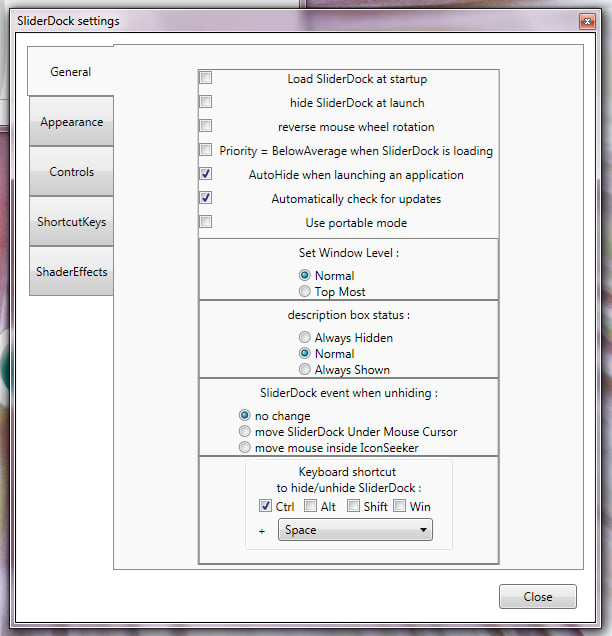
\n\tSliderDock is highly customizable and easy to use. Just be sure you have a clean desktop before you try to use it. If you have tons of icons, you won’t be able to see the application launchers on Slider.

\n\tRocketDock is one of my favorite docks. It’s highly customizable (and skinnable), and it offers smooth animations, alpha blending, an easy drag-and-drop interface, real-time windows previews, positioning and layering options, the best documentation of all the docks listed, and solid customizations for each item added to the dock.
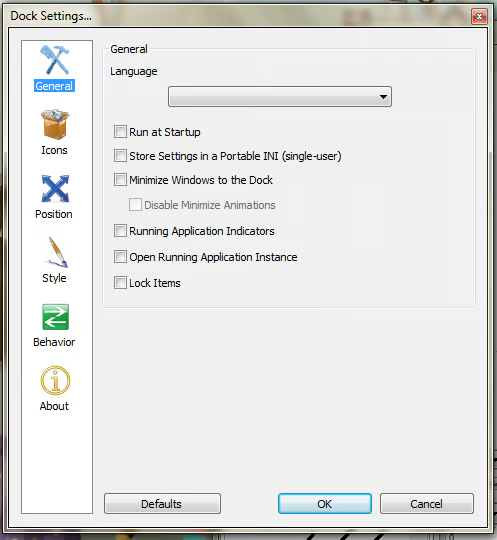
\n\tRocketDock also offers taskbar support, so all minimized applications will appear as icons (a la Mac Dock). RocketDock is free and has a nice listing of add-ons.
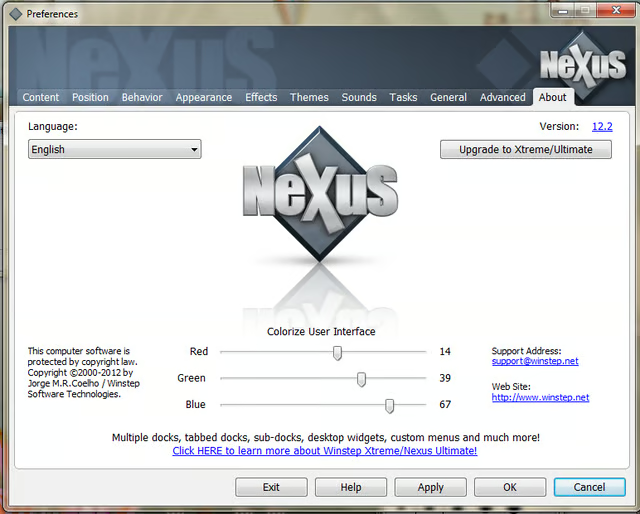
\n\tNexus (both the Free and the Ultimate versions) is the only dock that offers system tray support and multiple mouse-over effects. Of the five docks here, Nexus is by far the most powerful one.

Jack Wallen is an award-winning writer for TechRepublic, The New Stack, and Linux New Media. He's covered a variety of topics for over twenty years and is an avid promoter of open source. For more news about Jack Wallen, visit his website jackwallen.com.


