\n\tNOTE: If you’d prefer to view this information as a blog post, check out this entry in our Five Apps blog.
\n
\n\tAt some point, every administrator will need to diagram a network. For some, it’s their primary duty — and they tend to rely on powerful, expensive tools like Microsoft Visio. But for those who need to use a diagramming tool only occasionally, a cheaper solution is best. Luckily, there are several free apps that handle the task well.
\n
\n\tHere are five tools that can help you diagram your network without breaking your budget. Some are Windows-only, while others are cross platform.
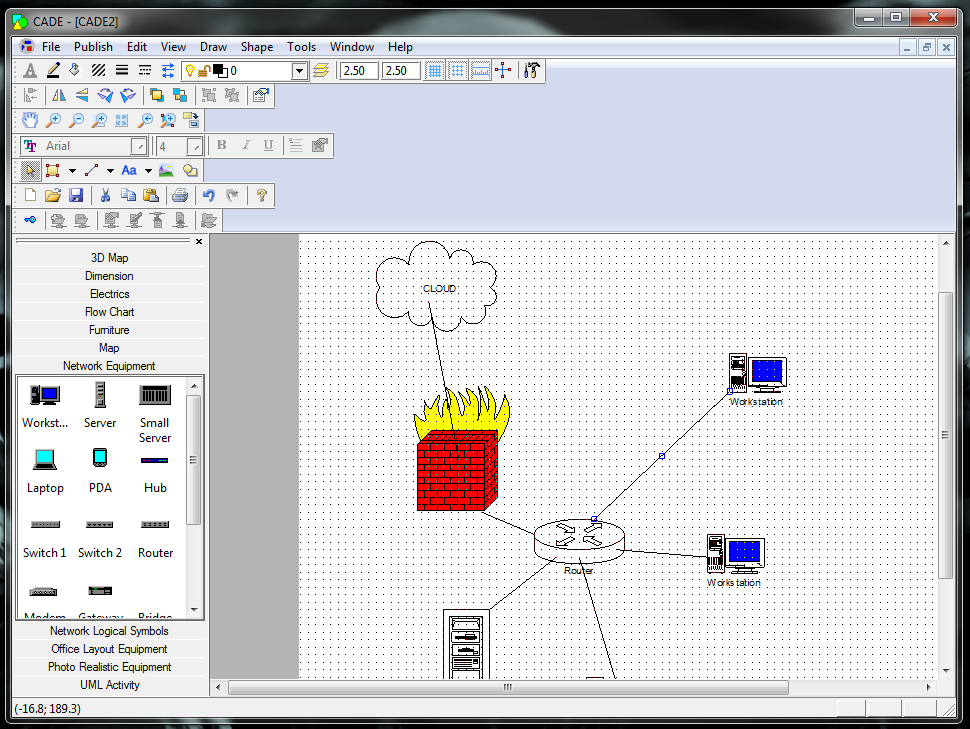
\n\tCADE was developed primarily as a CAD tool, but it also serves as a handy network diagramming tool. It’s a 2D vector editor for Windows. Although it doesn’t have all the bells and whistles of some costlier tools, it can handle the task of diagramming your network with ease.
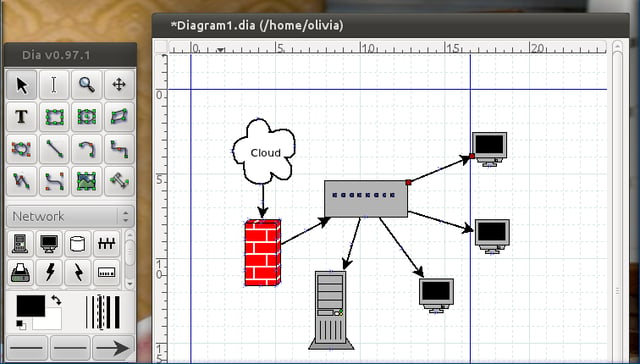
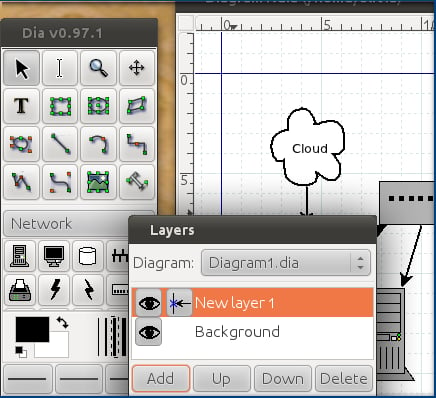
\n\tDia is an open source, GTK+ diagramming tool that has a shallow learning curve and can help you create basic network diagrams. Like CADE, Dia was inspired by Visio — but with a much more casual approach and feel. Dia loads and saves XML formatted documents that are gziped by default to save space. Dia is also available for Linux, Mac, and Windows.

\n\tDiagram Designer is another freeware tool that suffers (like Dia) from looking a bit on the outdated side. But Diagram Designer’s ease of use should certainly make up for the old-school feel of the application.
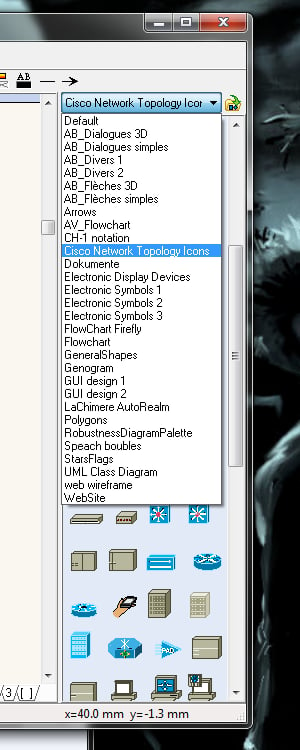
\n\tDD features include customizable template objects, a spell checker, import/export (WMF, EMF, BMP, JPEG, PNG, MNG, ICO, GIF, and PCX), a slide show viewer, a graph plotter, a calculator, MeeSoft Image Analyzer integration, and compressed file format.

\n\tGliffy is the only Web-based tool on this list. It’s easy to use and it works on any platform. With the ability to drag and drop shapes from numerous object libraries, you can have your network diagram ready in no time.
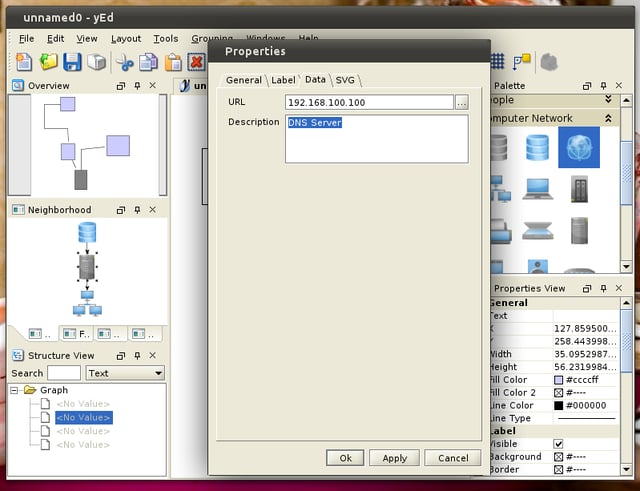
\n\tThe auto-layout feature is particularly cool. It uses a wide range of sophisticated layout algorithms to automatically arrange your diagrams, saving you time and effort.

Jack Wallen is an award-winning writer for TechRepublic, The New Stack, and Linux New Media. He's covered a variety of topics for over twenty years and is an avid promoter of open source. For more news about Jack Wallen, visit his website jackwallen.com.


