
\n\tWindows comes with a general purpose media player, but you might find that a third-party player does a better job for you. Here are several popular desktop media players you can download and install for free.
\n
\n\t
\n
\n\tNote: If you’d prefer to view this information as a blog post, check out this entry in our Five Apps blog.
\n
\n\tPhoto: iStockphoto.com/pagadesign
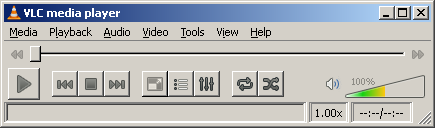
\n\tI discovered VLC Media Player several years ago when I couldn’t get Windows Media Player to play a particular file. Since then, I have found that VLC has been consistently able to play files that other media players just won’t play.
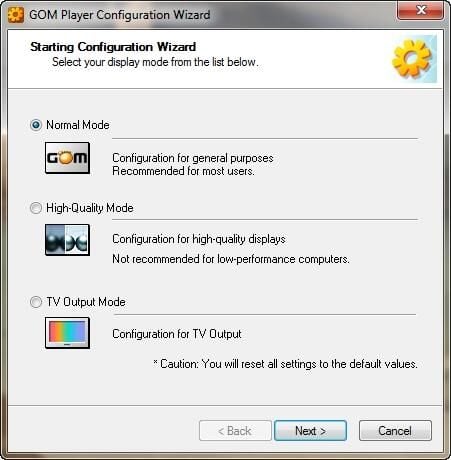
\n\tGOM Media Player focuses on making your videos look as good as possible. When you launch GOM Media player, it asks you whether you want to run the player in normal mode, high quality mode (optimized for high end computers with HD displays), or in TV output mode. The setup process also lets you indicate whether your computer is equipped with surround sound.
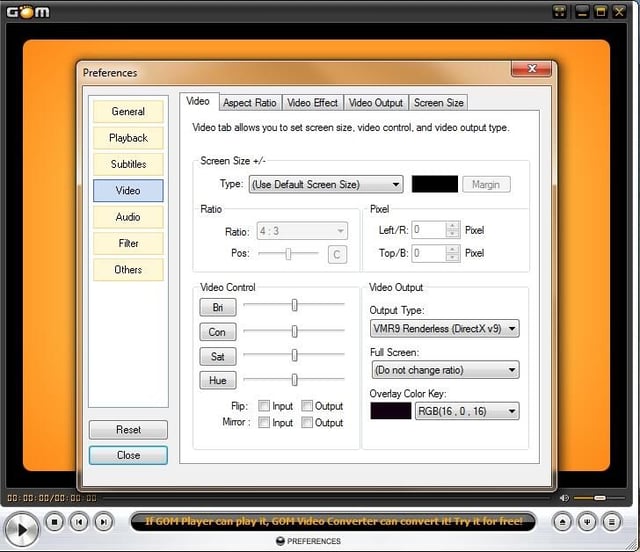
\n\tGOM Media Player lets you adjust things like the aspect ratio, the hue, and saturation of video playback, and a number of settings allow you to optimize video playback. GOM Media Player also includes a number of audio and video codecs.
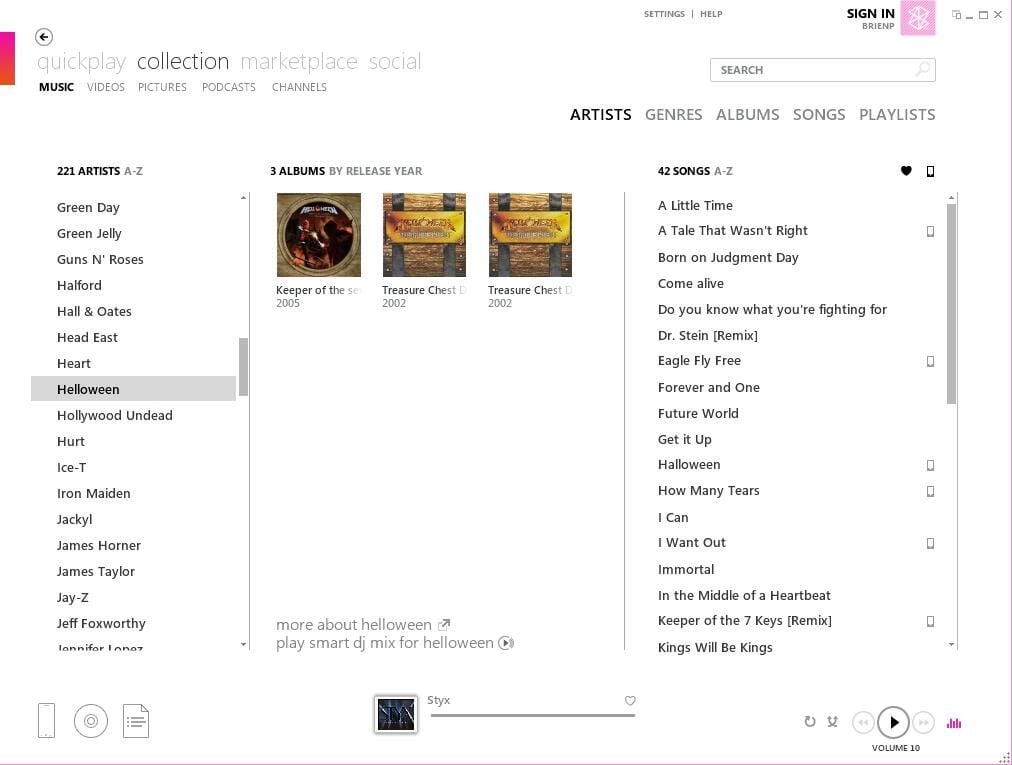
\n\tI installed the Zune on my PC because my Windows Phone 7 device and my Zune HD required it. I don’t use the Zune software as my primary media player, but there are a couple of things about it I really like.
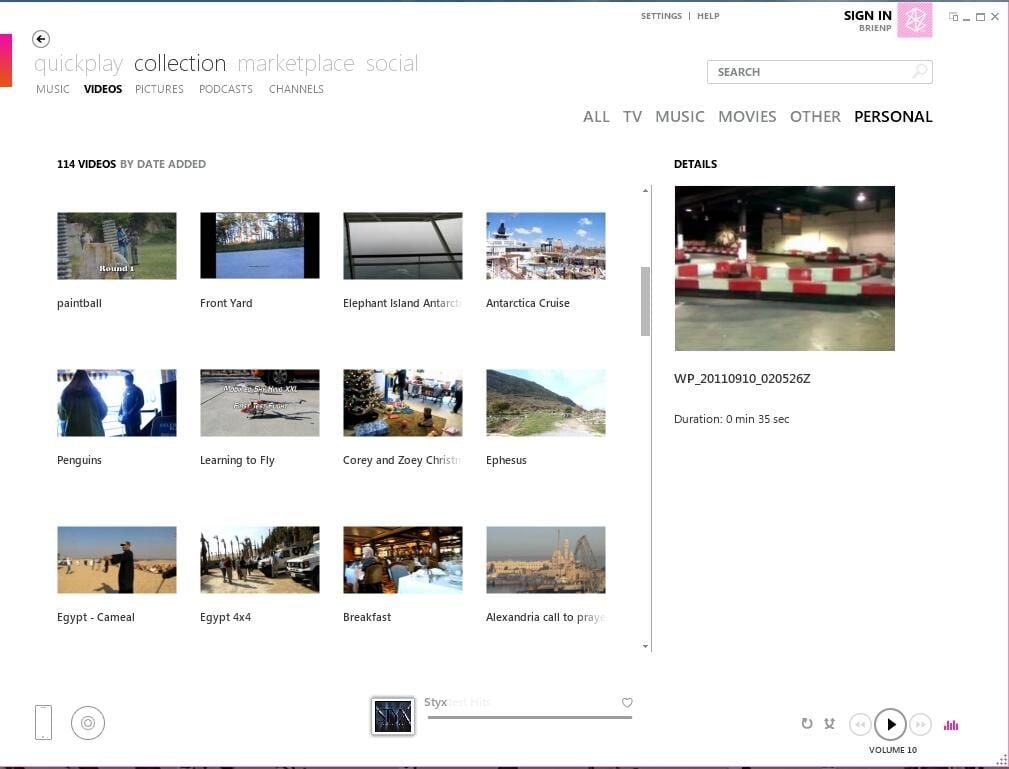
\n\tZune makes it easy to navigate your media collection. You can sort music by artist, album, genre, song, or playlist. (It does a better job organizing music than organizing your videos.) And when it comes to playing music, Zune produces much better sound quality than Windows Media Player.
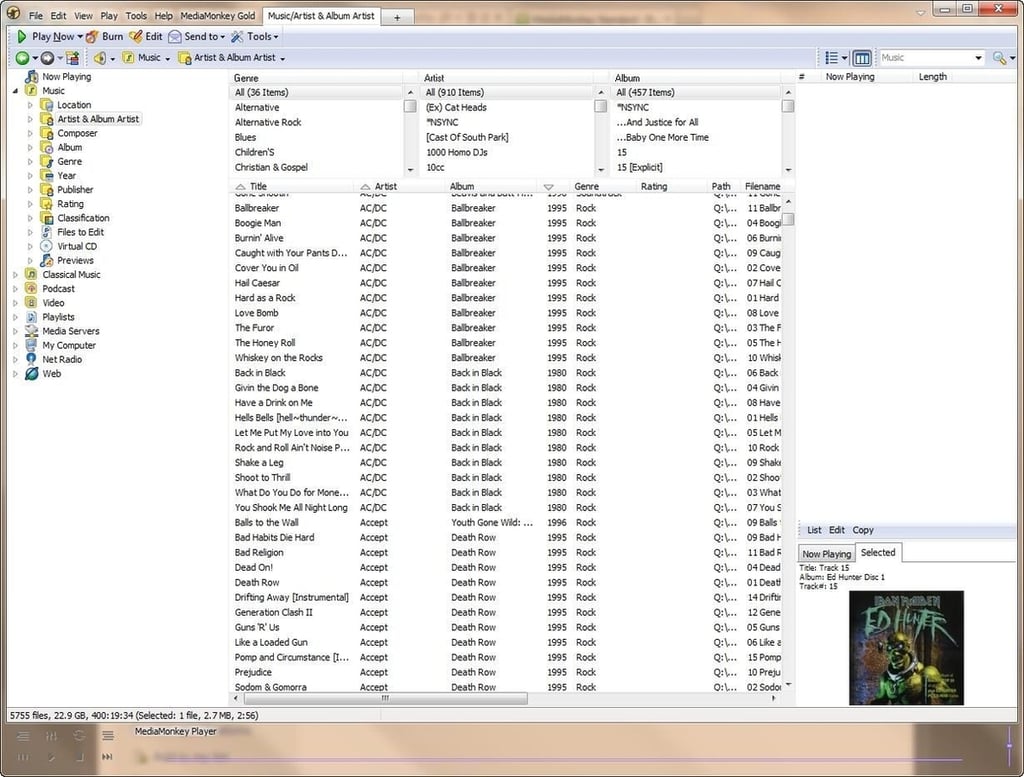
\n\tI discovered MediaMonkey a few years ago when I was having trouble getting my Sony Walkman X to display album art. At the time, MediaMonkey was the only application I could find that could copy music files and album art to my Walkman X in a format it liked.
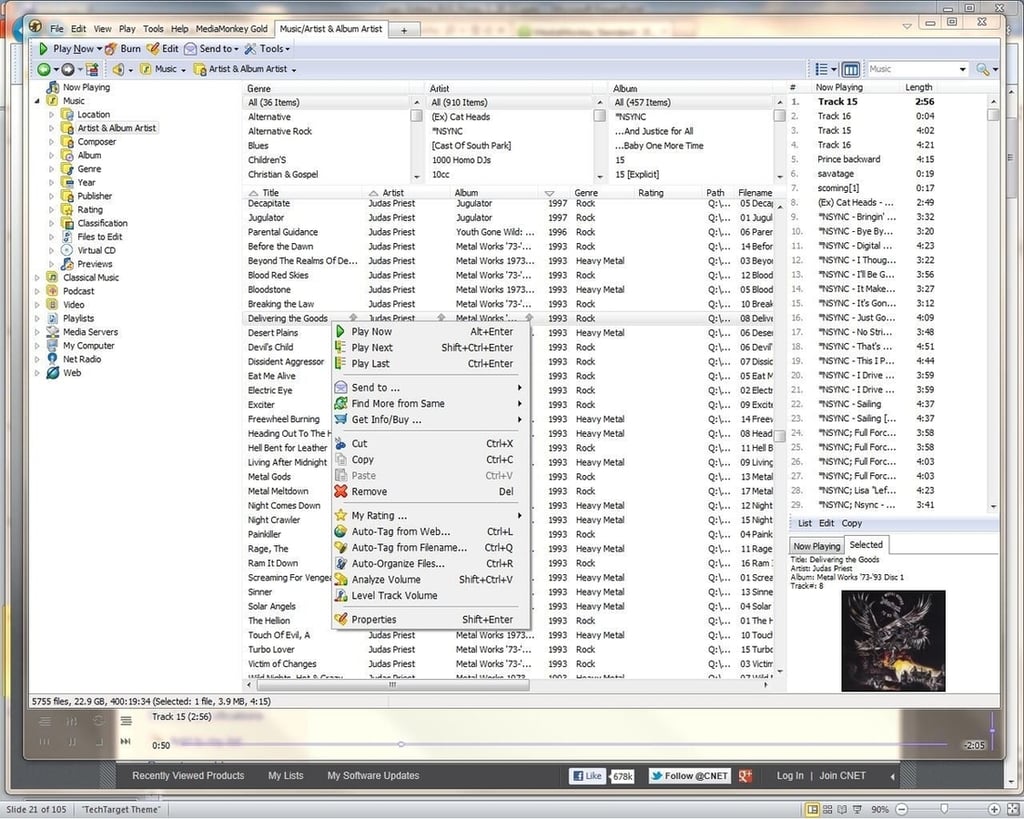
\n\tMediaMonkey also works really well for managing large music collections. It includes several auto tag features that let you associate various attributes (including album art) with songs in your collection. MediaMonkey even offers CD / DVD burning capabilities.
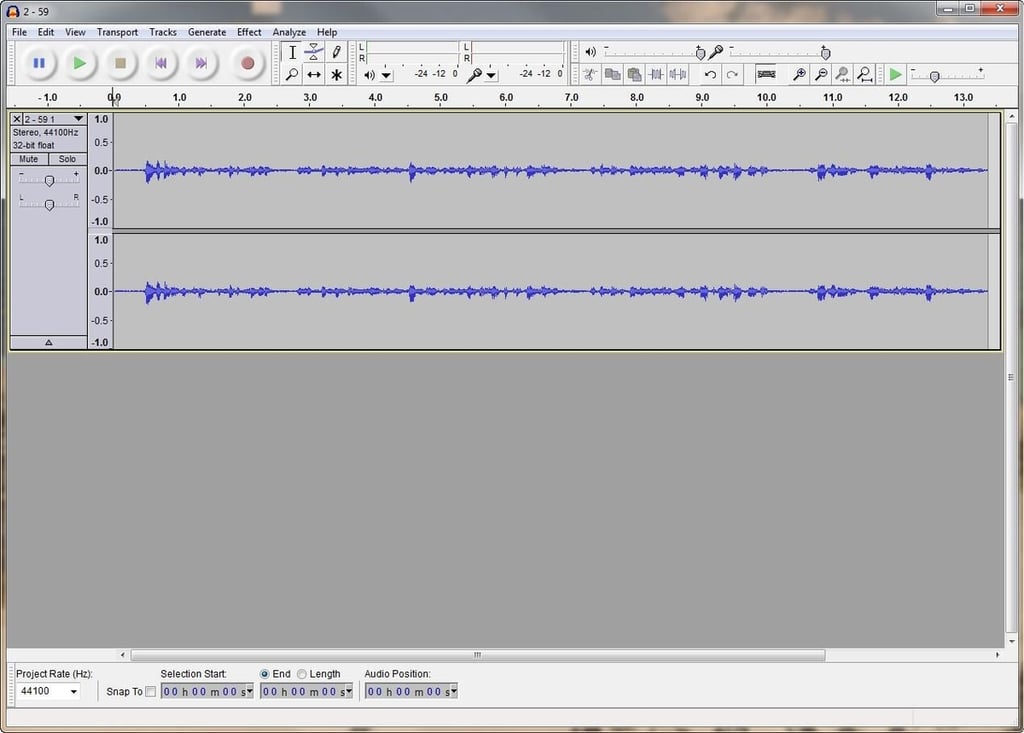
\n\tAudacity is more sound editor than media player, but I had to include it here because it’s such a great application. I use Audacity all the time for recording podcasts and other audio. The software features multi-track recording and editing capabilities.
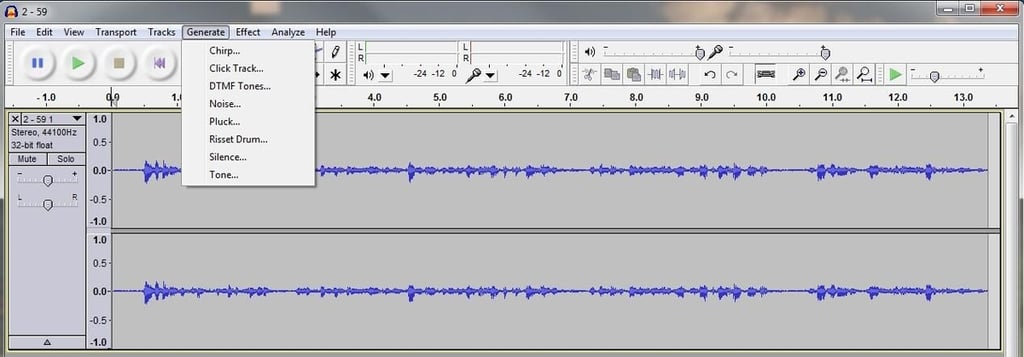
\n\tAlong with basic sound editing, Audacity allows you to generate various effects, align tracks, and even plot an audio spectrum. With its mind-boggling assortment of options, when it comes to sound editing there is very little this application can’t do.

* 1988 - Started teaching myself about computers \ * 1992 - Mainframe programmer for an insurance company \ * 1993 - Network Administrator for a different insurance company \ * 1996 - Author for The Cobb Group \ * 1998 - Network Administrator for Fort Knox \ * 1999 - CIO for chain of hospitals \ * 2000 - Gave up the corporate rat race to work out of my home. I have been a full time technical author ever since. Visit my Web sites at http://www.brienposey.com and http://www.relevanttechnologies.com \


