
\n\tToday, video editing has become a completely mainstream technology, with countless video editing products on the market. Here are five video editing apps worth checking out.
\n
\n\tNote: If you’d prefer to view this information as a blog post, check out this entry in our Five Apps blog.
\n
\n\tPhoto: iStockphoto.com/iLexx
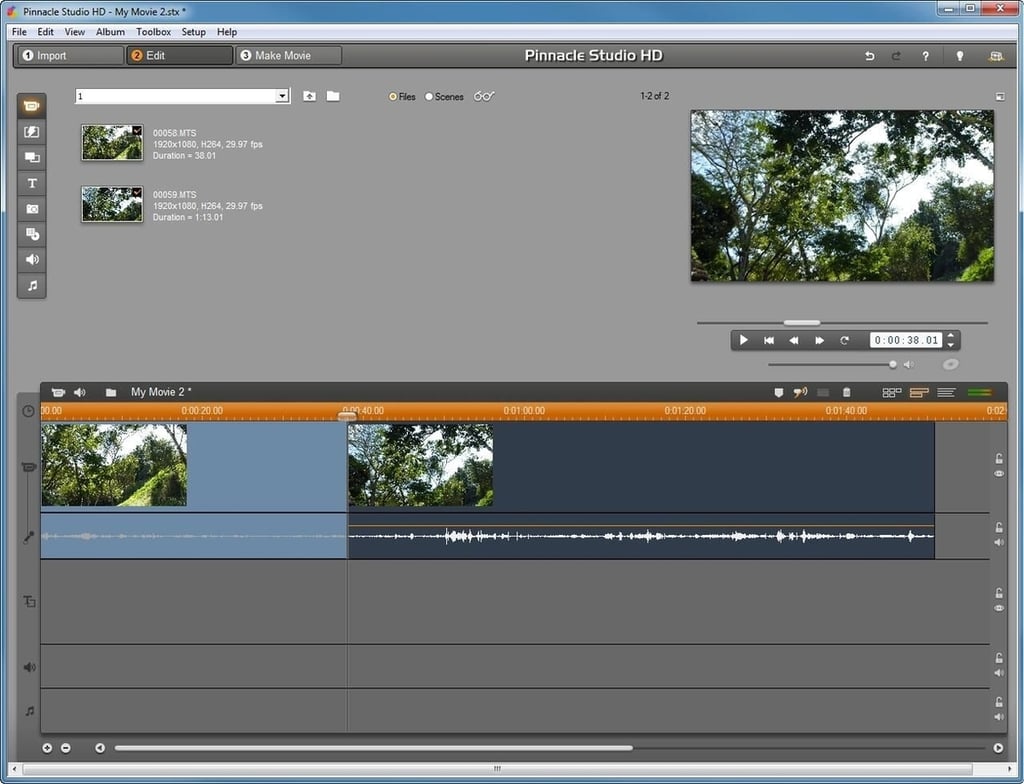
\n\tPinnacle Studio (Figure A) has been around practically forever. It provides a good balance between ease of use and a solid set of features. Overall, the software does a really nice job — however, it’s a little bit buggy. I have had some problems with the live preview occasionally freezing on me.
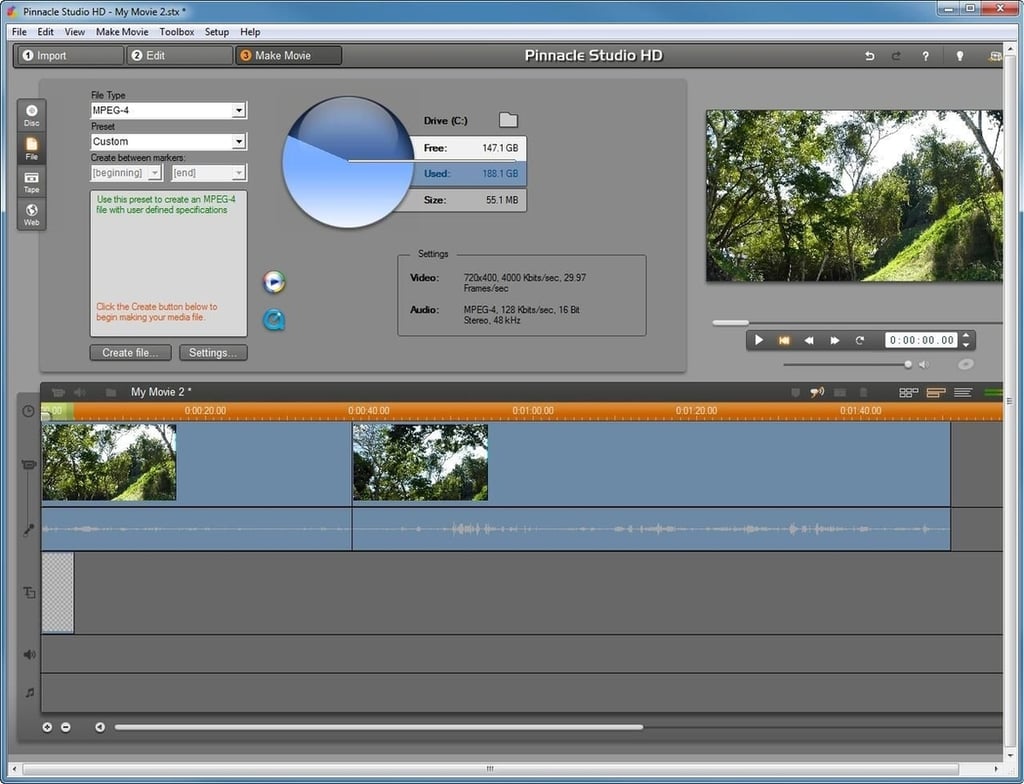
\n\tPinnacle Studio uses a timeline method for video editing, in which elements such as video clips, music, sound effects, and video effects are arranged along a timeline so that you can place each element at precisely the right spot within the video you are creating.
\n
\n\tPinnacle Studio HD Ultimate sells online for $79.95
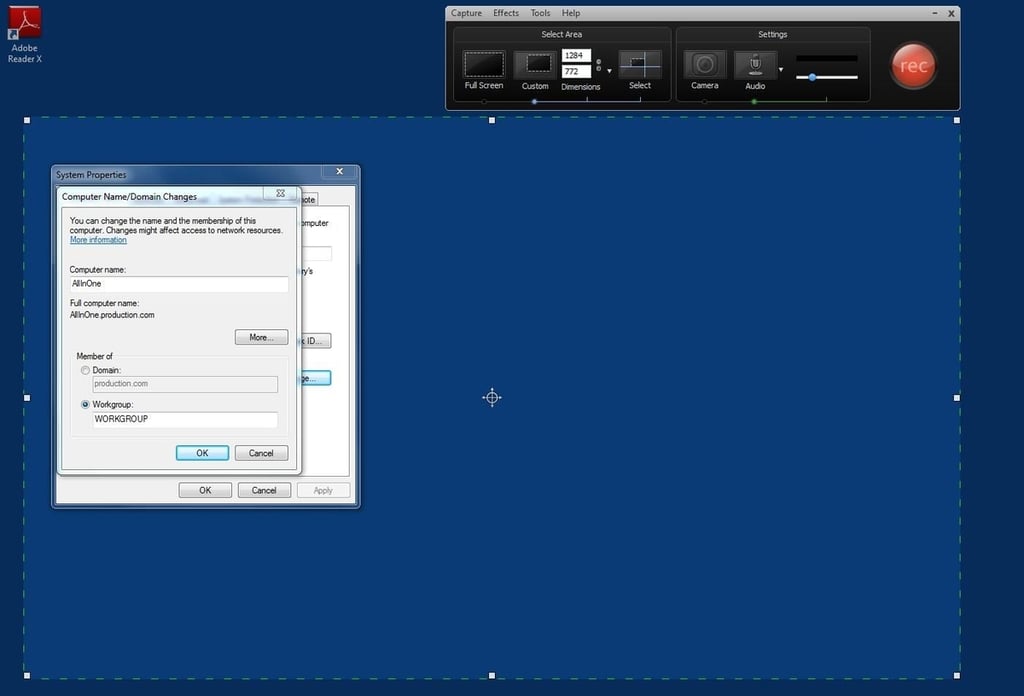
\n\tCamtasia also includes a smart zoom feature that automatically zooms in on the area of the screen where you are working so that fine details are better seen in the finished video.
\n
\n\tCamtasia Studio sells online for $299.00
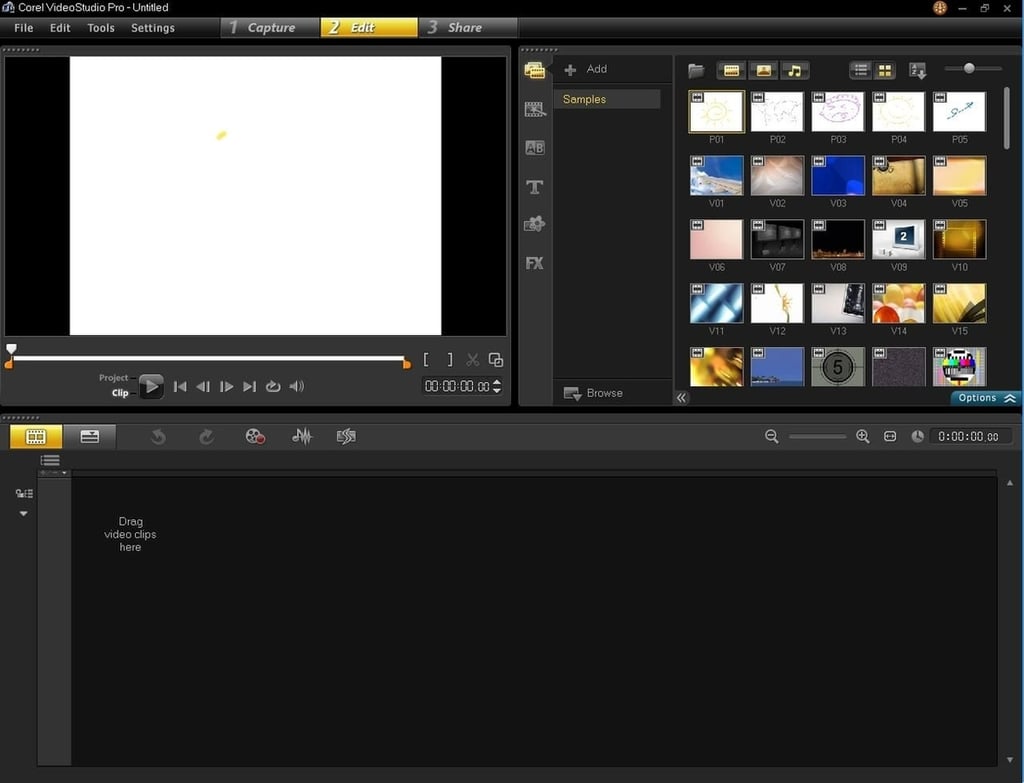
\n\tCorel VideoStudio Pro is designed to add polish to your home movies. Like most of the other products I have worked with, it lets you add video clips and other elements to your project in a linear fashion to form the finished video. Your projects can include things like graphics, titles, transitions, and special effects.
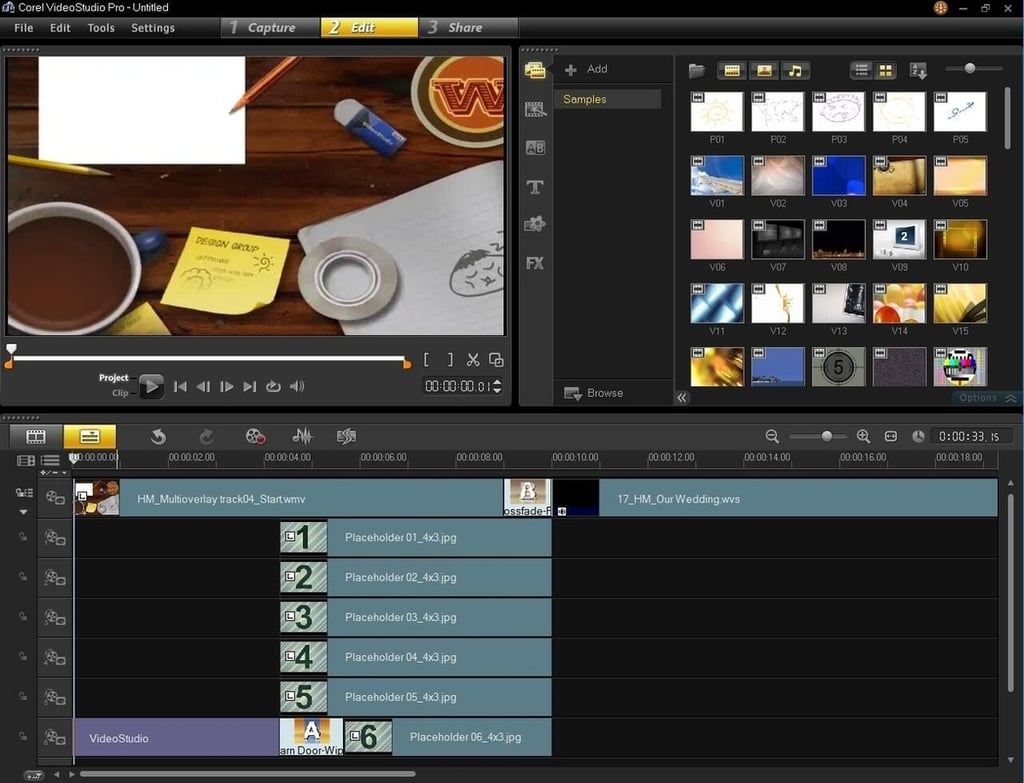
\n\tCorel VideoStudio Pro seems to work relatively well, but I did have trouble installing it on one of my lab machines. I received a message stating that the installation failed — no reason, no apologies. Fortunately, this seems to have been an isolated incident.
\n
\n\tCorel VideoStudio Pro sells online for $99.00.
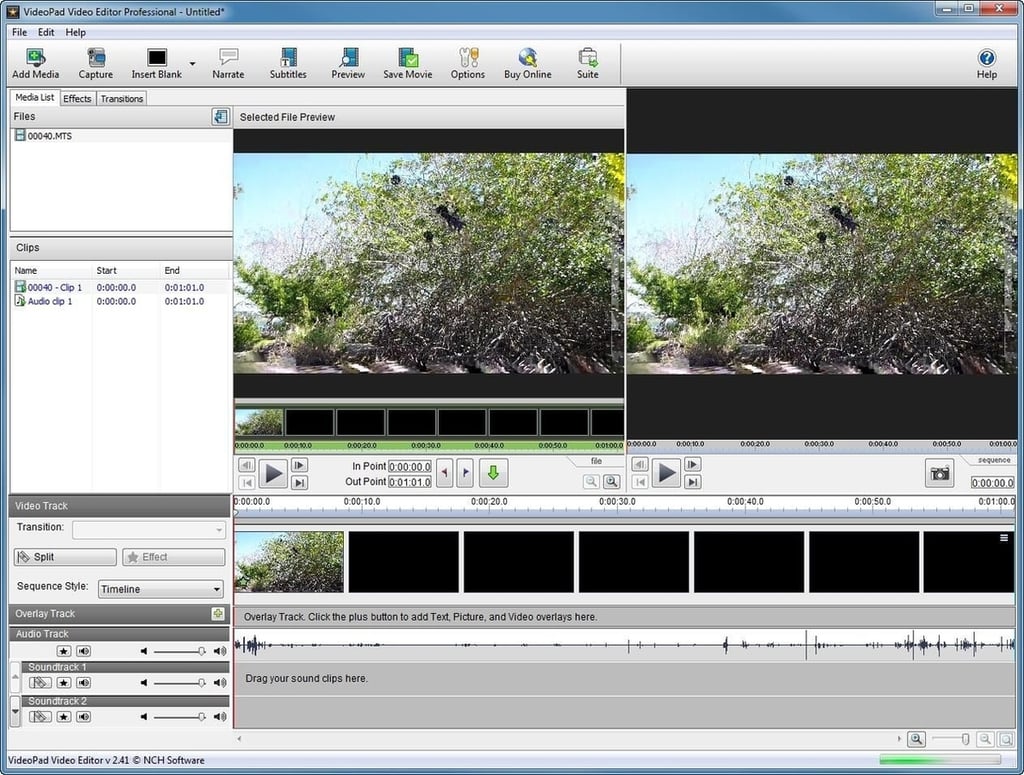
\n\tVideoPad Video Editor also lets you add polish to your movies. It has all the basics of video editing covered and offers numerous options for creating disks (CD, DVD, Blu-ray), media files, and for uploading videos directly to YouTube.
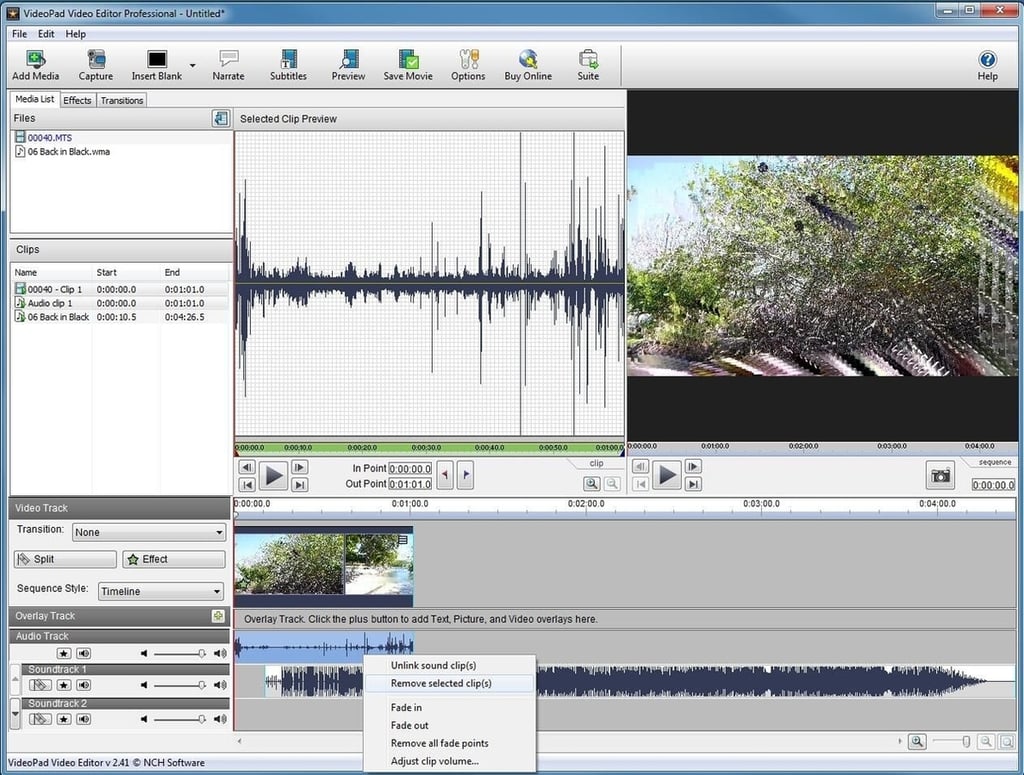
\n\tOne of my favorite features is the set of audio editing tools. VideoPad Video Editor includes multi-track sound-mixing software that lets you blend voice-over, music, sound effects, and pretty much anything else you can dream up.
\n
\n\tPerhaps the coolest thing about this app is that NCH offers a free version for noncommercial use. If you want all the bells and whistles, the Master’s Edition is available online for $69.95
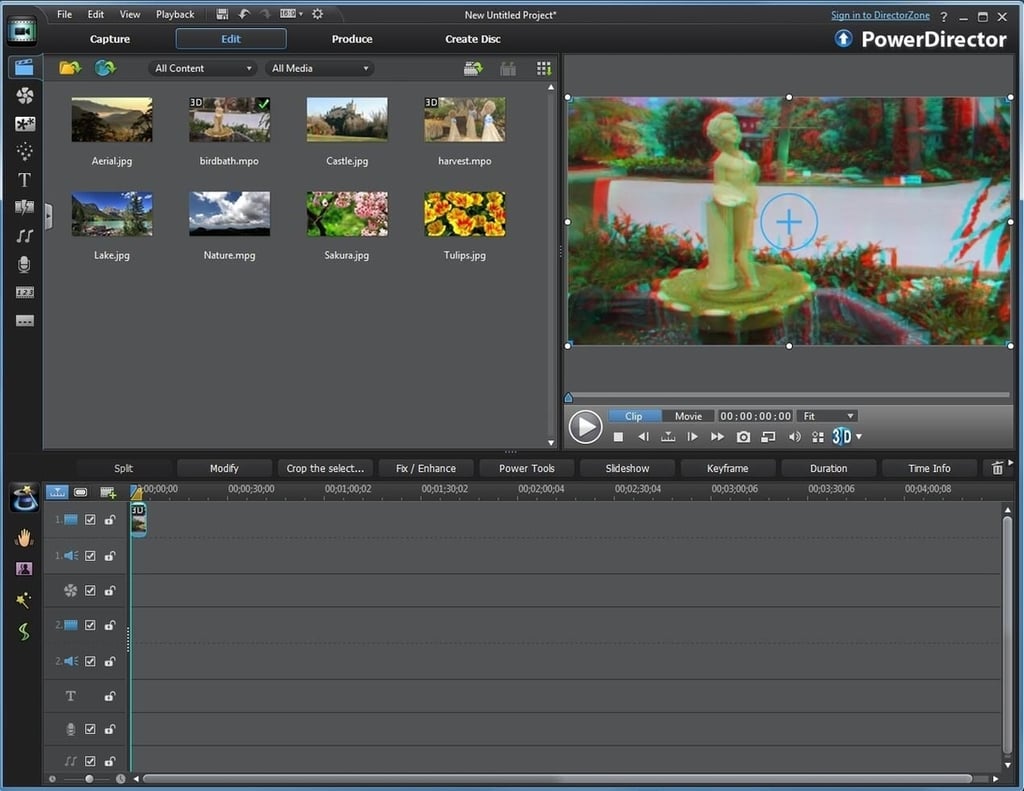
\n\tCyberLink PowerDirector has most of the same features as the other video editors I have discussed, but it also offers 3D support. You can create 3D videos that use the old school red and blue anaglyphic 3D glasses or you can create a full-blown 3D Blu-ray disk.
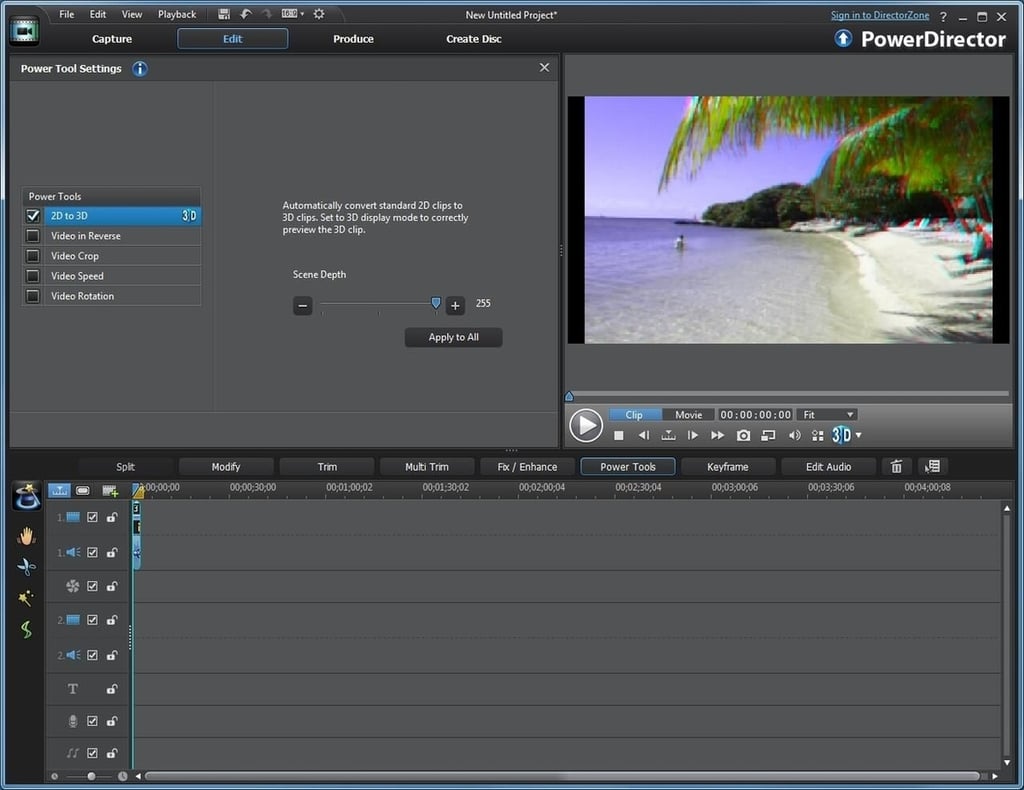
\n\tI didn’t have any native 3D content to test with PowerDirector, but it lets you convert 2D content into 3D. I really wasn’t expecting much from this feature, but I was surprised by just how good my 2D videos looked in 3D.

* 1988 - Started teaching myself about computers \ * 1992 - Mainframe programmer for an insurance company \ * 1993 - Network Administrator for a different insurance company \ * 1996 - Author for The Cobb Group \ * 1998 - Network Administrator for Fort Knox \ * 1999 - CIO for chain of hospitals \ * 2000 - Gave up the corporate rat race to work out of my home. I have been a full time technical author ever since. Visit my Web sites at http://www.brienposey.com and http://www.relevanttechnologies.com \


