
\n\tAh, the USB stick — one of the IT admin’s best friends. It travels with you and helps you rescue machines, work magic, and make end users sigh with relief. Some of these apps you copy to the hard drive and install; others can be run from the stick itself. A few of them are full-blown operating systems that can help you completely recover a corrupted or infected platform.
\n
\n\tWhatever the style and purpose, there are plenty of portable apps for the USB stick that can be hard to live without. Here are five tools I deem must-haves.
\n
\n\tNote: If you’d prefer to view this information as a blog post, check out this entry in our Five Apps blog.
\n
\n\tPhoto: iStockphoto.com/grekoff
\n
\n\t
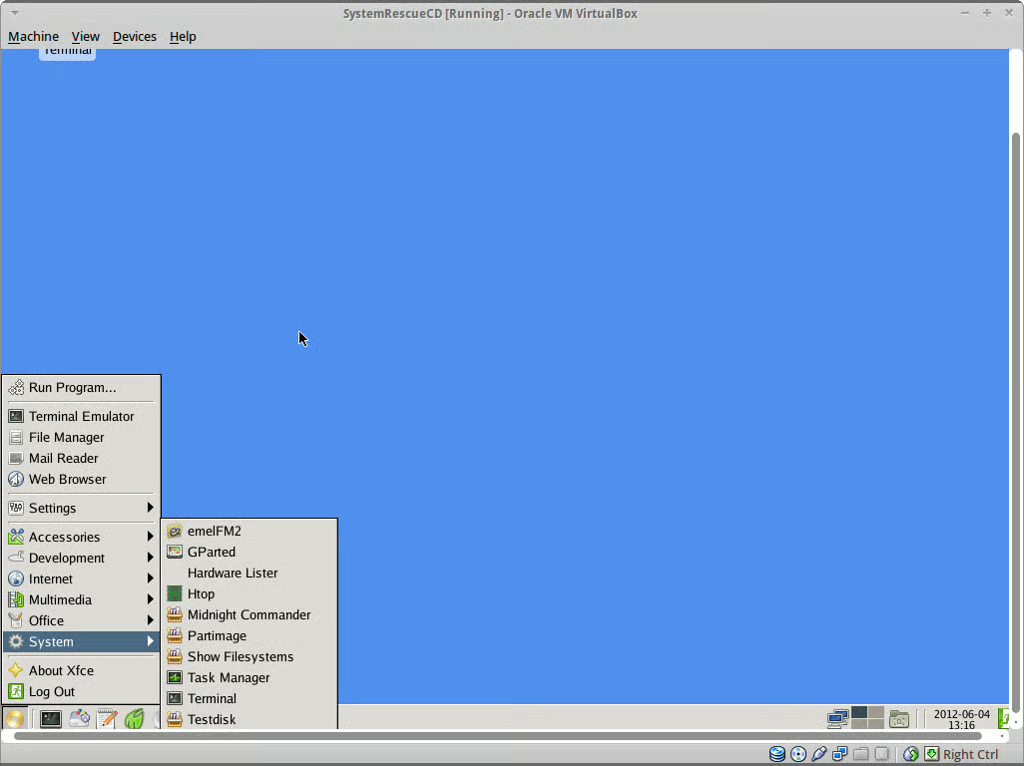
\n\tWith this distribution, you can recover partitions, recover data, image a disk, test a hard disk, edit configuration files, burn a disk, check for rootkits, run an antivirus scan, securely wipe a hard drive, and much more.
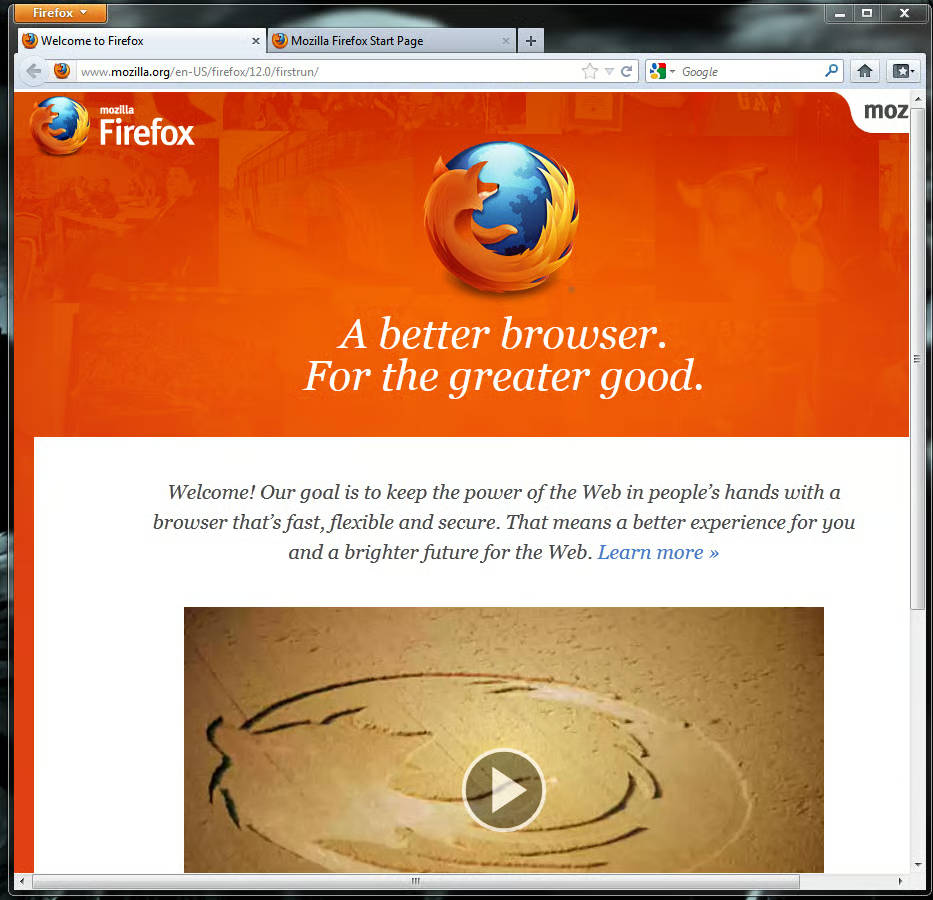
\n\tSometimes, a Web browser is a necessity for solving a problem. But when the browser on the desktop won’t run, what do you do? You break out Portable Firefox.
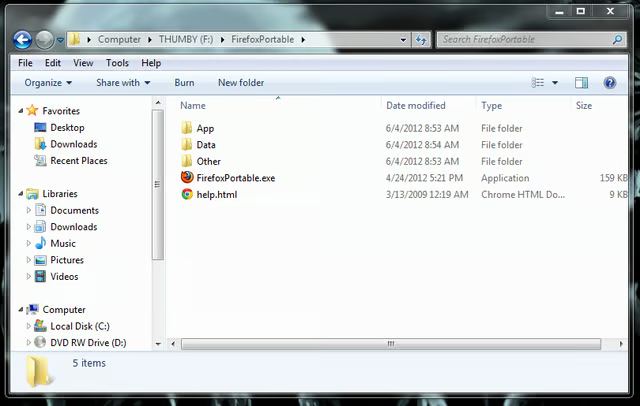
\n\tThis version of Firefox has all the great features you’re used to. In fact, some will be hard-pressed to figure out that Firefox is running from a USB stick.
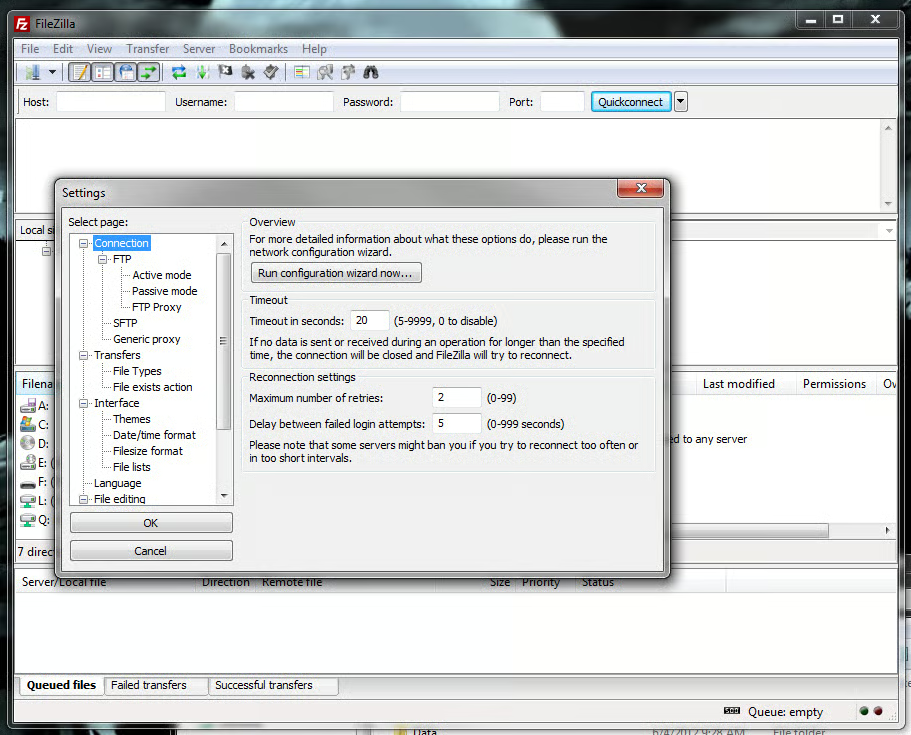
\n\tAn FTP client is especially crucial when a file is too large to fit on a USB drive or if the file must be loaded to a remote machine you do not have physical access to. This application is run directly from the USB drive and isn’t installed on the PC.

\n\tExplorer++ Portable is a file manager with all the usual features you’ve grown to expect from a file manager. But why should you carry a file manager with you? Have you ever had to repair a machine where Explorer won’t run? Makes for a major challenge. Having a portable file manager gets around that issue with ease.

\n\tExplorer++ Portable offers features like tabs, keyboard shortcuts, a customizable UI, drag-and-drop support, and file merging and splitting.

Jack Wallen is an award-winning writer for TechRepublic, The New Stack, and Linux New Media. He's covered a variety of topics for over twenty years and is an avid promoter of open source. For more news about Jack Wallen, visit his website jackwallen.com.


