\n\t
\n
\n\tNOTE: If you’d prefer to view this information as a blog post, check out this entry in our Five Apps blog.
\n
\n\tOne of the nice things about Internet Explorer is that you aren’t limited to the browser functionality provided by Microsoft. Internet Explorer is extensible through the use of third-party add-ons. Here are a few of my favorites.

\n\tCocoon for Internet Explorer is a security plugin. Cocoon is designed to protect your privacy by allowing you to browse the Web anonymously while also protecting your computer against malware and various privacy threats.
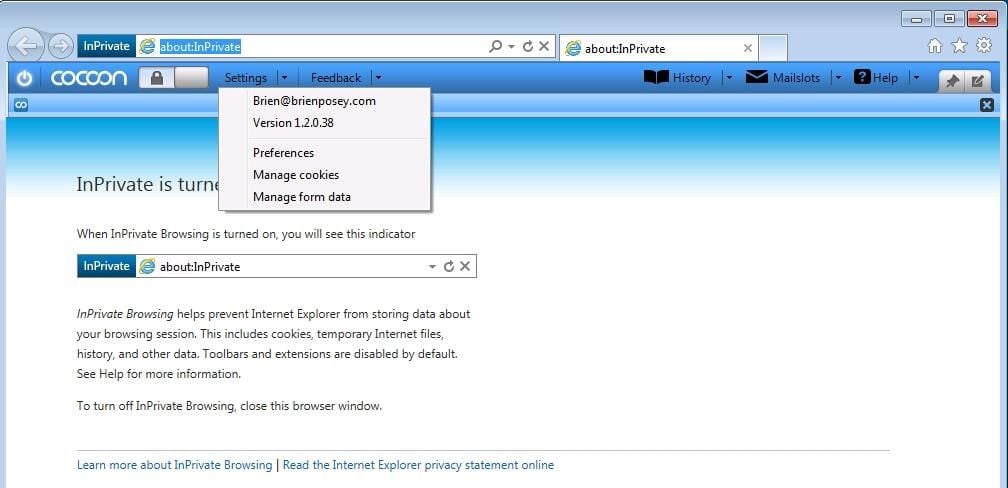
\n\tCocoon acts as a proxy, so all the IE data, such as cookies and browsing history, are stored in the cloud. That way, your computer remains isolated from exploits that take advantage of those components.
\n
\n\tCocoon for Internet Explorer requires you to sign up for an account before use. It gives you the option of using a free account, but you’ll have to put up with ads. Paid plans without ads cost $4.99 per month or $29 per year.
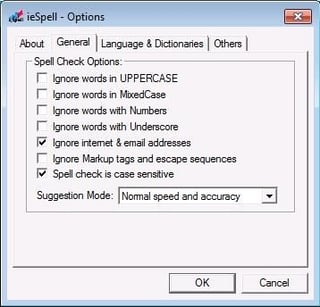
\n\tieSpell solves a problem I deal with on a daily basis: poor spelling. My spelling isn’t really a problem when I’m using Microsoft Office because it has a spell checker, but Internet Explorer doesn’t have one. This is where ieSpell comes in. It adds a spell checker to Internet Explorer — and it’s free for personal use.
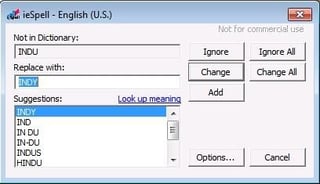
\n\tieSpell is accessible through Internet Explorer’s Tools menu. When you initiate ieSpell, it checks the entire Web page — both static text and text you entered yourself. ieSpell could also be handy for Web developers who want to proof their work.
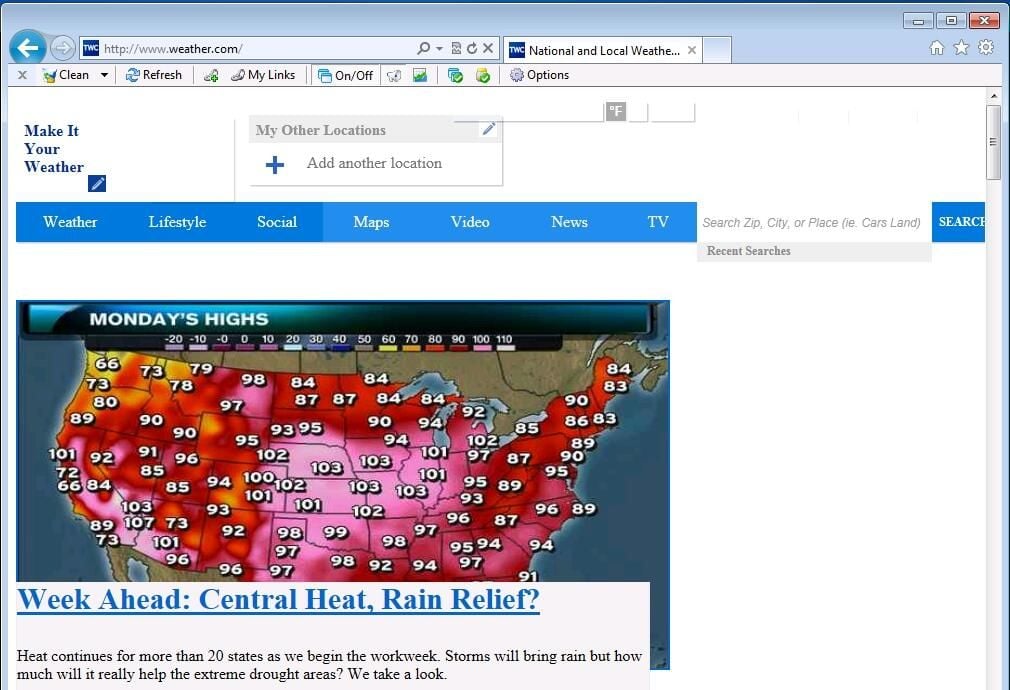
\n\tIn my tests, Super Ad Blocker didn’t remove the ads from every Web page, but overall it did a good job. Super Ad Blocker sells for $29.95, but a free 15-day trial is available.
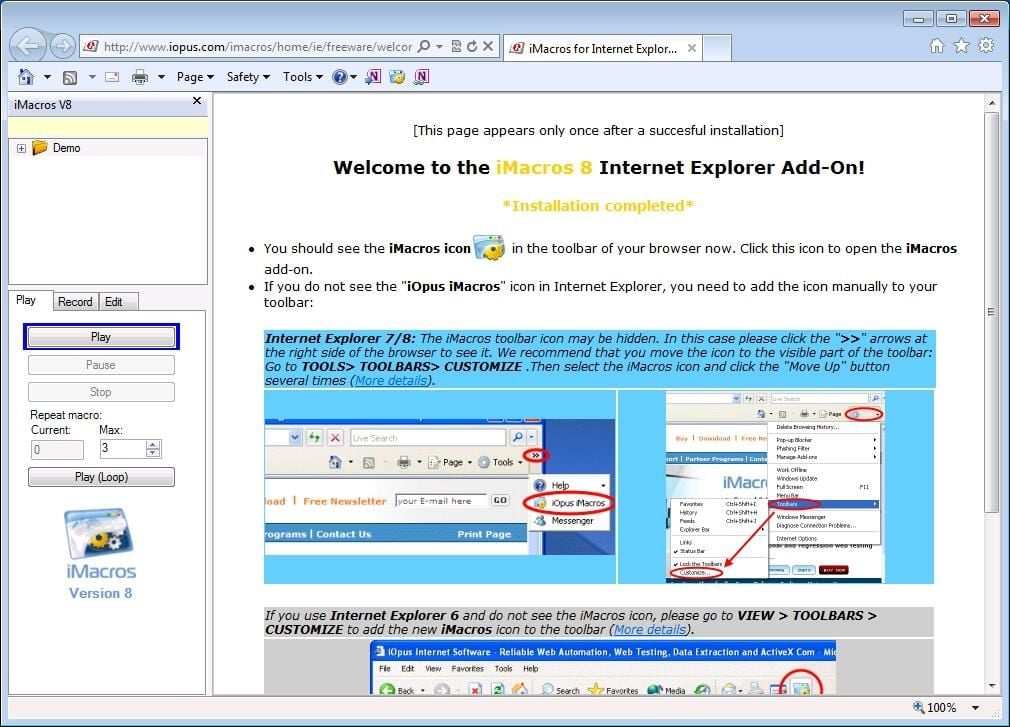
\n\tiMacros for Internet Explorer lets you create macros within IE. Browser macros are especially useful for automating the process of filling out common Web form fields, such as your name or address.
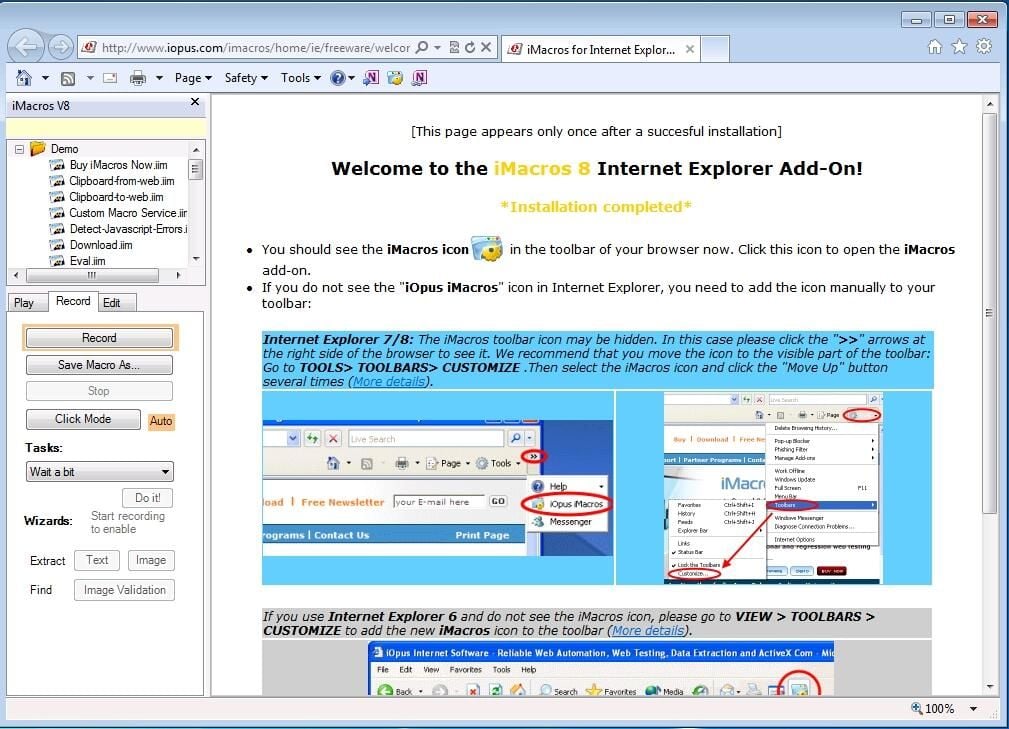
\n\tYou access iMacros through a button on the main IE interface. There are separate tabs for recording and playing macros, which makes it easy to stay organized. Best of all, iMacros for Internet Explorer is available for free.
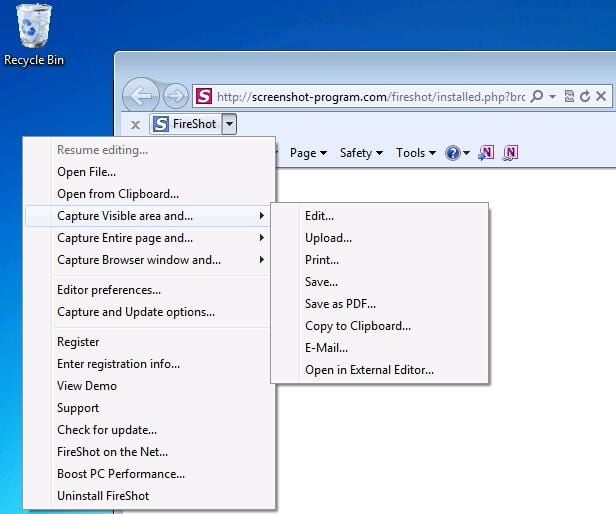
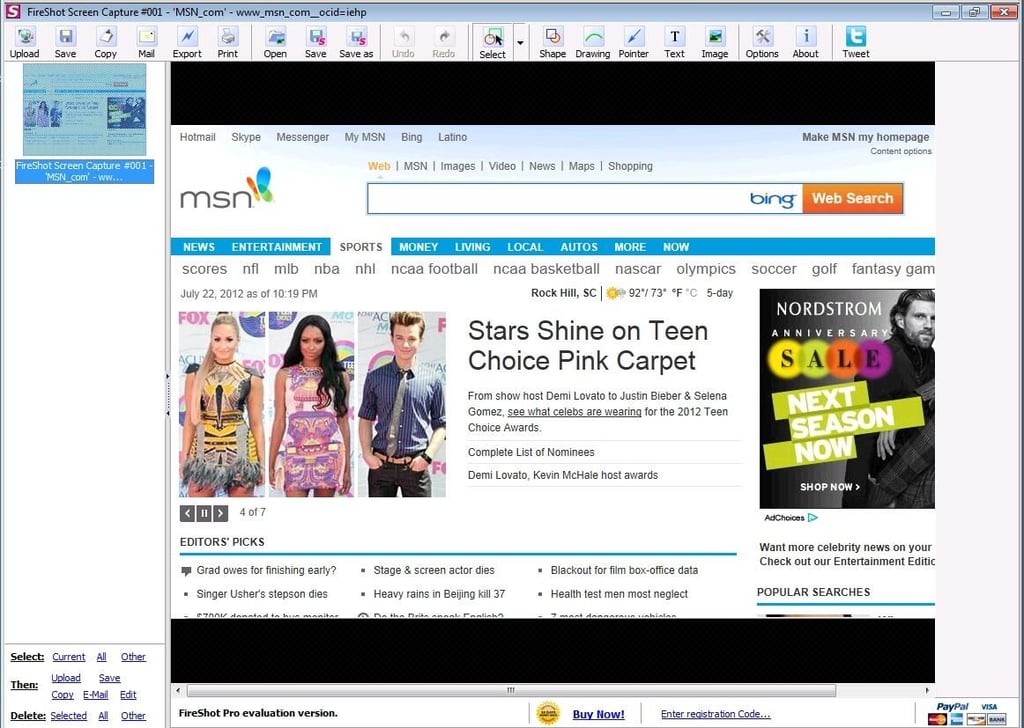
\n\tFireShot for Internet Explorer makes it easy to capture the contents of a Web page. This is far more than just a screen capture app. You can capture a Web page and mark it up and you can convert a Web page into a PDF document.
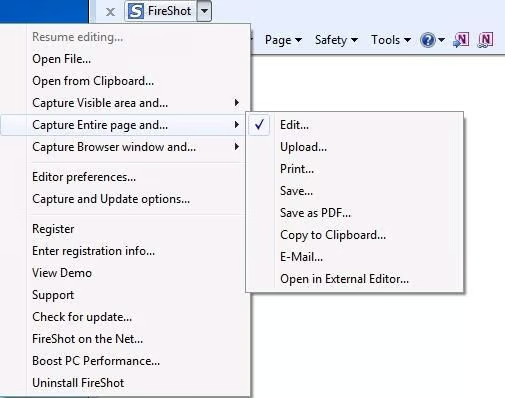
\n\tThis tool is a must-have for anyone who has ever needed to extract information from a Web page. FireShot for Internet Explorer sells for $34.95, but it’s free to try.

* 1988 - Started teaching myself about computers \ * 1992 - Mainframe programmer for an insurance company \ * 1993 - Network Administrator for a different insurance company \ * 1996 - Author for The Cobb Group \ * 1998 - Network Administrator for Fort Knox \ * 1999 - CIO for chain of hospitals \ * 2000 - Gave up the corporate rat race to work out of my home. I have been a full time technical author ever since. Visit my Web sites at http://www.brienposey.com and http://www.relevanttechnologies.com \


