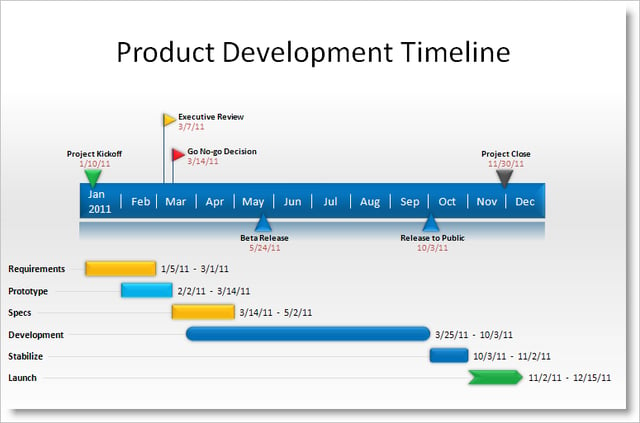
\n\tWe all know how easy it is to create a bad, mind-numbing presentation. Fortunately for both presenters and their hapless victims, various add-ons are available to make presentations more functional and compelling. Here are some tools that can help.
\n
\n\tNote: If you’d prefer to view this information as a blog post, check out this entry in our Five Apps blog.
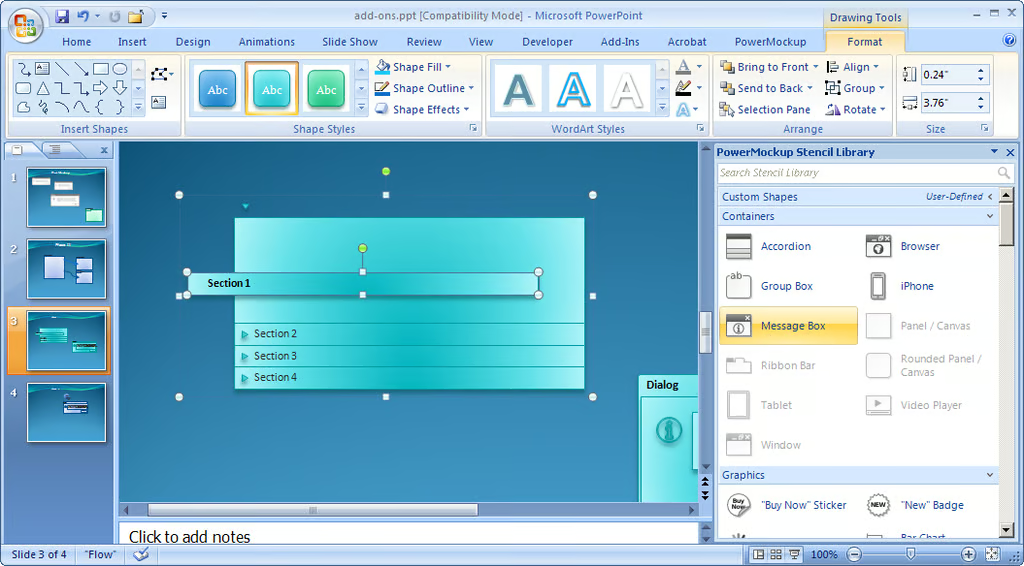
\n\tPowerMockup is an add-on for PowerPoint 2007/2010 that lets you create wireframes and design mockups for apps and Web sites. It comes with 89 interface elements and 104 wireframe icons, which you can edit and manipulate using PowerPoint’s built-in design tools. PowerMockup integrates with PowerPoint by adding a Ribbon tab.
\n
\n\tClicking Show Stencil Library opens a movable/sizeable pane that features various categories of shapes and icons for building your mockups. It offers a speedy search bar at the top and lets you import stencils, create custom categories, and add your own stencils to the library.
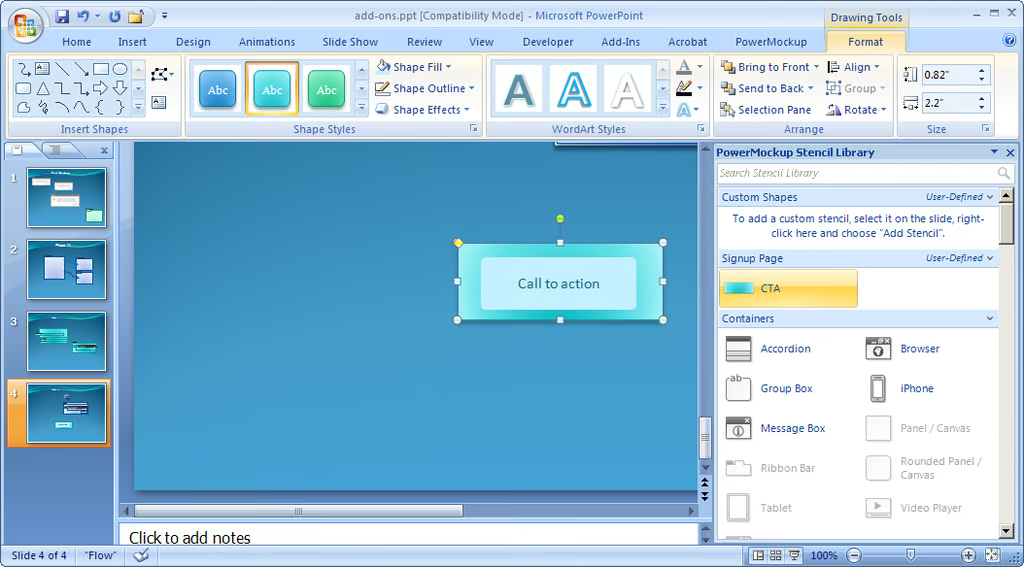
\n\tA single PowerMockup license costs $39.95, a small team license (five users) is $119.95, and a team license (10 users) is $199.90. A trial version is also available. Although it comes with a limited selection of interface shapes, you can still get a good idea of how well the add-on might serve your needs.
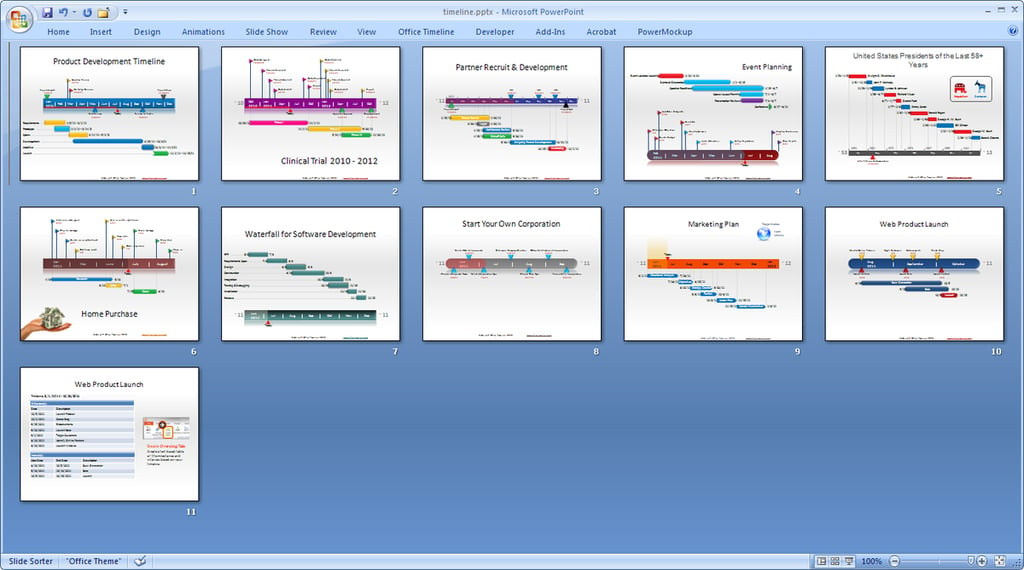
\n\tOffice Timeline 2010, also designed for PowerPoint 2007/2010, lets you create schedules and timelines for project planning and tracking purposes. The big selling point with this one is simplicity, both in building a timeline and in interpreting what’s represented on it. And oh yeah, it’s also free.
\n
\n\tWhen you launch PowerPoint after installing Office Timeline, it will display a tutorial slide show that runs through the Timeline basics, followed by a series of useful sample timelines. It’s worth buzzing through the tutorial just to get a sense of what you can do with the tool — everything from event planning to waterfall development to a product launch schedule.
\n
\n\tLike PowerMockup, the Office Timeline tool adds a tab to the PowerPoint Ribbon. To create a timeline, switch to this tab and click New to launch the New Timeline Wizard. After you’ve created your timeline, you can use the tools on the Timeline tab to fine-tune it. The results are bright, splashy, and easy to read.
\n\t
\n
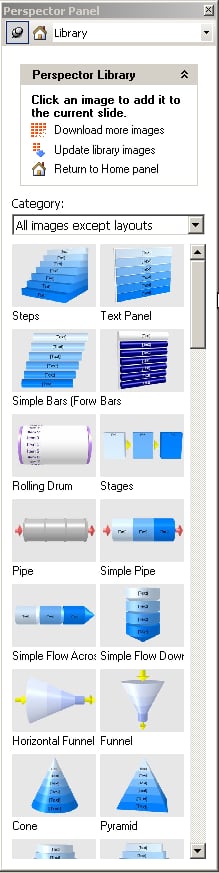
\n\tPerspector provides an easy outlet for anyone who wants to create snazzy 3D objects for their PowerPoint slides. The 30-day trial version is plagued with in-your-face nag screens trying to get you to buy the product and subscribe to its newsletter. But once you thrash your way past them, you can begin to explore the options in the Perspector Panel, which appears in the PowerPoint window.
\n
\n\tYou can insert an image or list from the Perspector Library, create a new 3D image, or convert an existing list or shape into a 3D image. Perspector opens an editing window where you choose the desired options . You can save your images in the Library as Users Images.
\n
\n\t
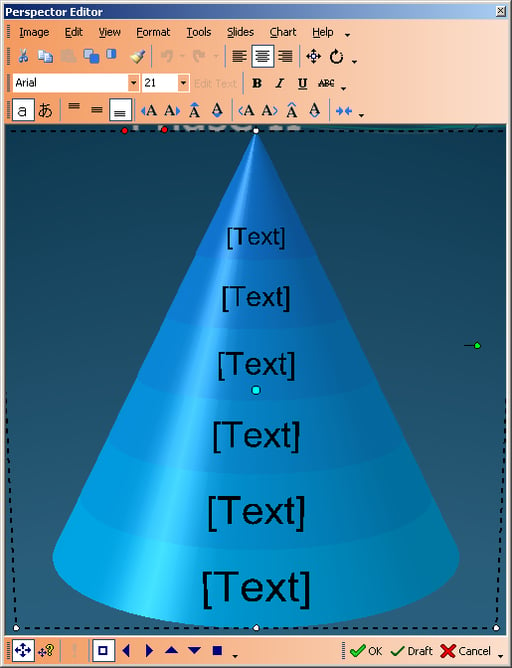
\n\tPerspector is fun to play with, and I was able to produce a few fairly impressive objects. Some turned out better than others, and I kept getting an error message that seemed to reflect a small code glitch somewhere, at least in the trial version. But it didn’t hamper the generation of the images.
\n
\n\tPerspector comes in several editions, ranging in price from $ 59 to $299. If you use a lot of charts and business graphics in your presentations — and you’re not content with PowerPoint’s built-in options — a test drive of this add-on might be worth your while.
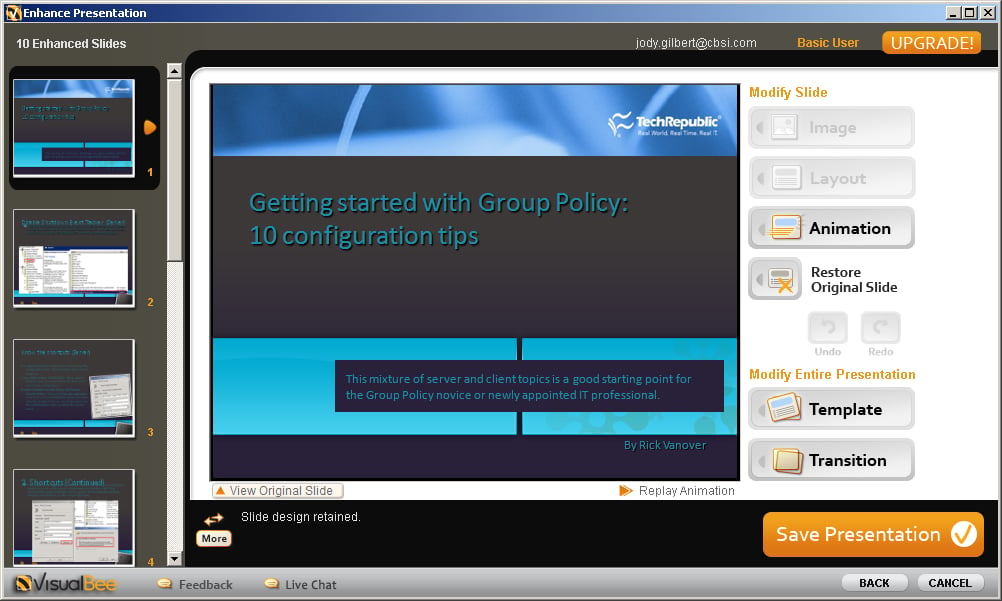
\n\tThere’s no shortage of presentation templates out there, and sometimes they can cure a terminally dull slide show. But when you need a bit more help, check out VisualBee . It’s a free add-on that’s designed to enhance your existing presentations. When you run VisualBee, it analyses your presentation text and structure and tries to improve it. You may not like everything it comes up with, but it will probably contribute some legitimate improvements or give you some ideas you can work with.
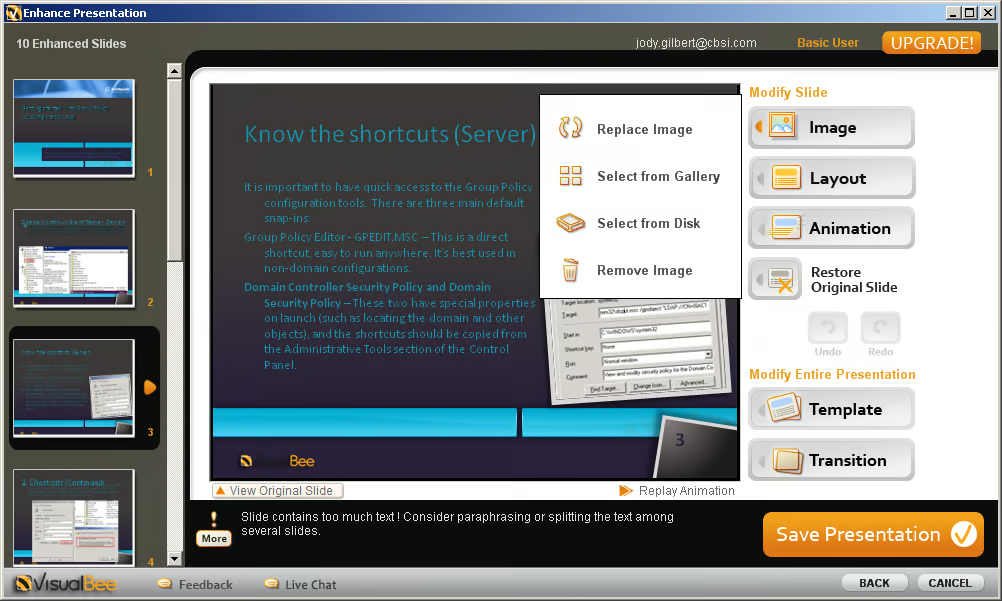
\n\tThe free download limits you to a 10-slide presentation and puts the VisualBee logo on each one. For $39.90/year, you get unlimited slides and no logo, and the $79.90/year edition offers some additional features.
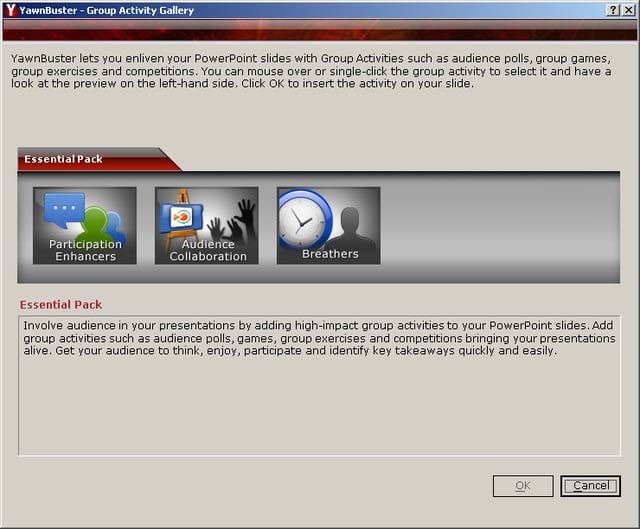
\n\tWell, you gotta like the name, for starters. And as you can probably guess, YawnBuster is designed to interject a little life into your presentations — via group activities, polls, brainstorming features, quizzes, and other audience participation ploys. It’s slick and nicely designed. Once it’s installed, you can access a menu of options from PowerPoint’s Add-Ins tab, insert a Flash-based activity onto a slide, and then tweak the activity to suit your needs. The trial version I looked at was massively encumbered by nag screens, but the product potential outweighed that annoyance.
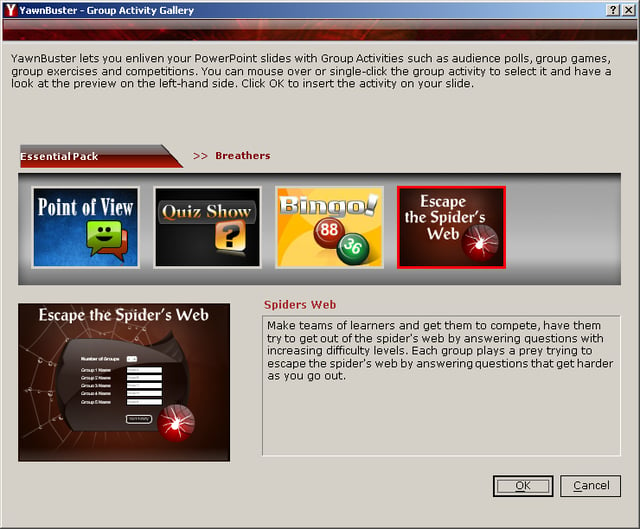
\n\tThe trial version is based on the Essential Pack. The full versions of various packs are available from the YawnBuster site, and you can purchase them individually ($99 for the Essential, Competitive Games, and Training Games Packs; $79 for the Business Activities Pack) or get them bundled for $299.

Jody Gilbert has been writing and editing technical articles for the past 25 years. She was part of the team that launched TechRepublic.


