
\n\tMany people take a dim view of password recovery tools for ethical reasons — understandably so. You have a tool that can, in some cases, crack passwords on machines. But in certain situations, these tools may be the only thing that can save you from having to go as far as reinstalling the operating system.
\n
\n\tLet’s take a look at five “free” password recovery tools. I say “free” because in some cases there are tables that must be purchased (such as rainbow tables) to break some types of passwords.
\n
\n\tNote: If you’d prefer to view this information as a blog post, check out this entry in our Five Apps blog.
\n
\n\tPhoto: iStockphoto.com/proxyminder
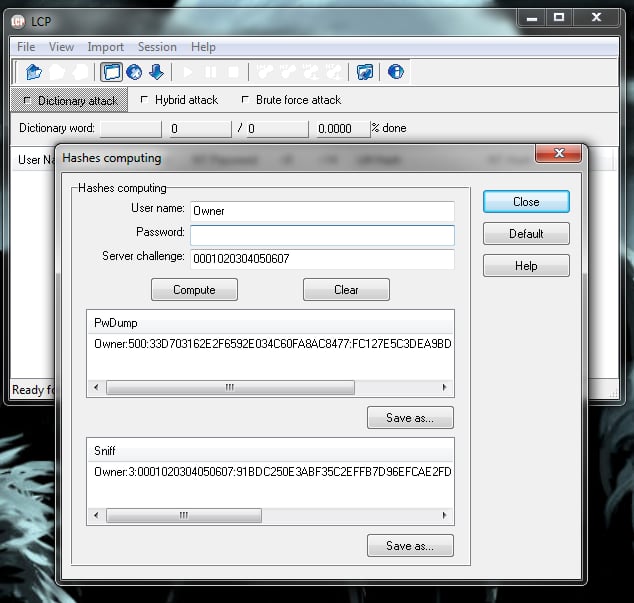
\n\tLCP is a user-account password recovery tool for Windows NT/2000/XP/2003. This tool can recover using a dictionary attack, brute force attack, or a hybrid dictionary/brute force attack. LCP allows you to import from a local computer, remote computer, SAM file, .LC file, LCS file, PwDump file, and Sniff file.
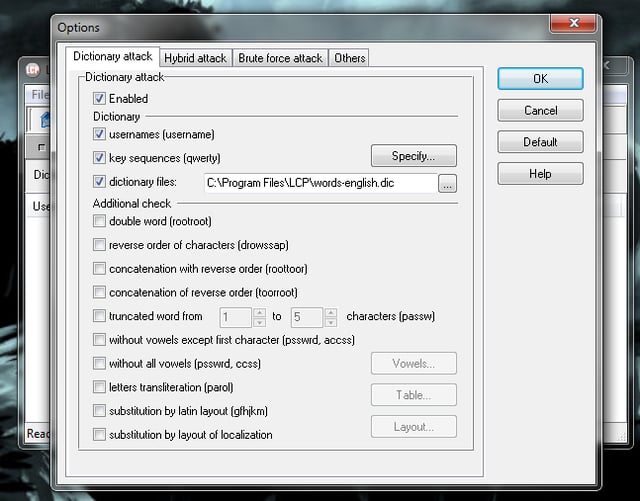
\n\tAs with many of these applications, you should avoid using your machine while LCP recovers passwords, as it will consume the majority of your machine resources for the crack.
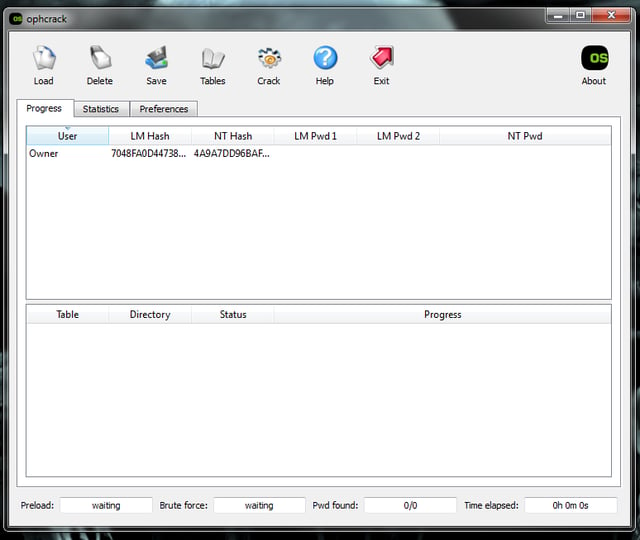
\n\tOphcrack is one of the most popular password recovery tools. It’s free (open source as well), cross platform, and very reliable. Ophcrack uses a solid implementation of rainbow tables that just happens to have been done by those who created the method.
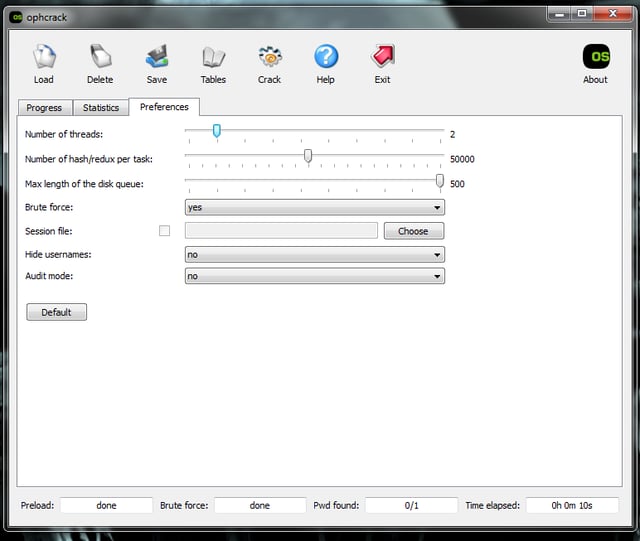
\n\tOphcrack runs on Windows, Linux/UNIX, and Mac. It cracks LM and NTLM hashes; has free tables for XP, Vista, and 7; includes a brute-force module for simple passwords; offers an audit mode and a CSV export; presents real-time graphs; has a LiveCD for easier (and more efficient) recovery; and dumps and loads hashes from encrypted SAM.
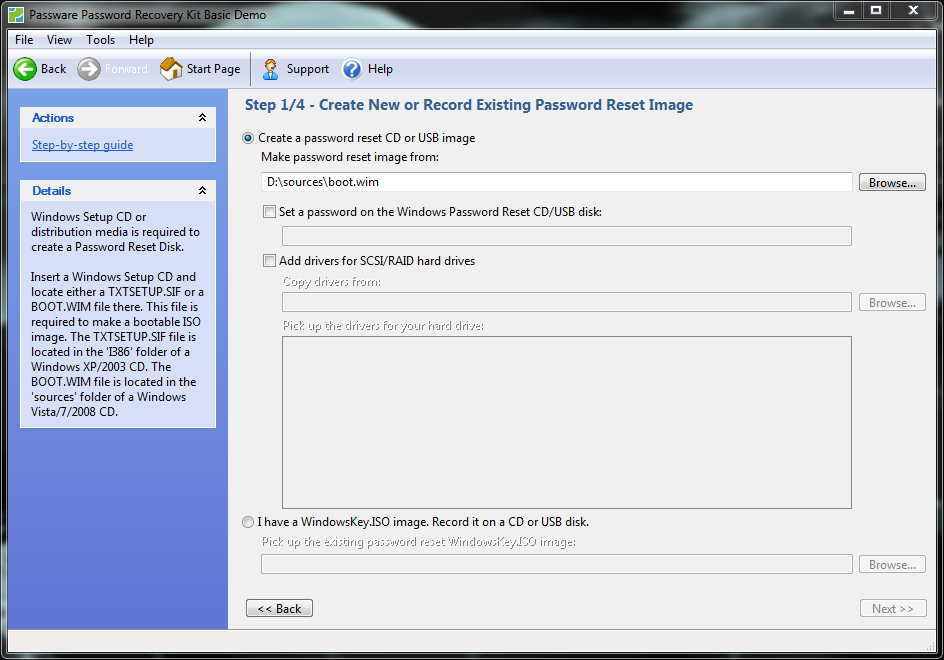
\n\tWindows Key is simple to use, and it can reset both local (standard version) and domain admin account (Enterprise edition only) passwords. It promises a 100% recovery rate. Although Windows Key has a free trial, you’ll have to pony up for the full version (Standard $39.00 USD, Enterprise $295.00 USD) before you can really recover any passwords.
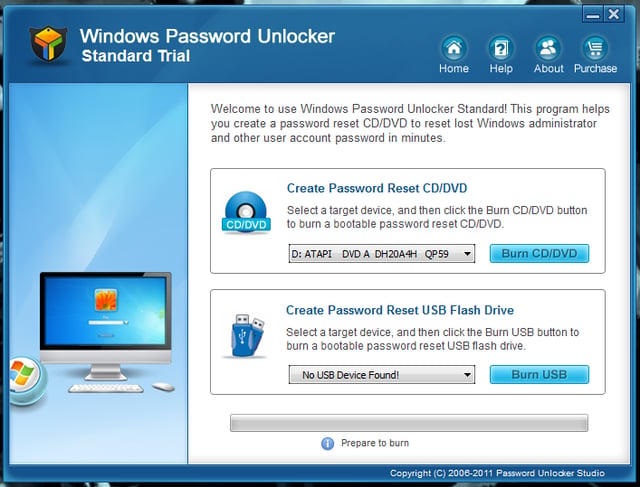
\n\tWindows Password Unlocker also creates a USB or CD that can then be booted to recover passwords.
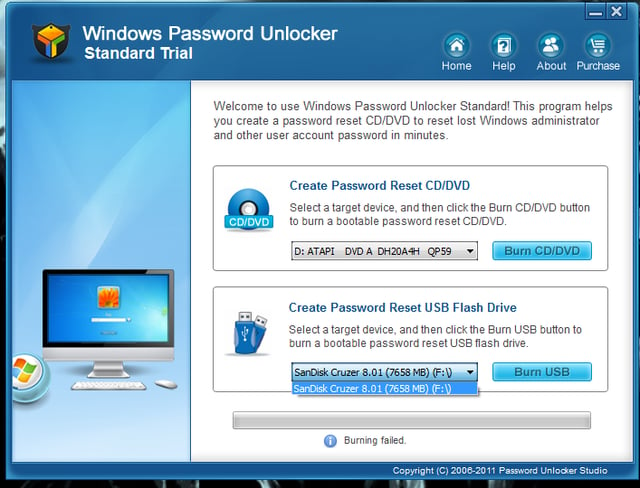
\n\tThere are three editions of this tool: Standard ($19.95 USD), Professional ($29.95 USD), and Enterprise ($49.95 USD). Only the Enterprise and Professional editions can recover passwords. (Enterprise can even recover domain admin password.) The standard version simply removes the passwords, and it doesn’t support the USB flashdrive method.
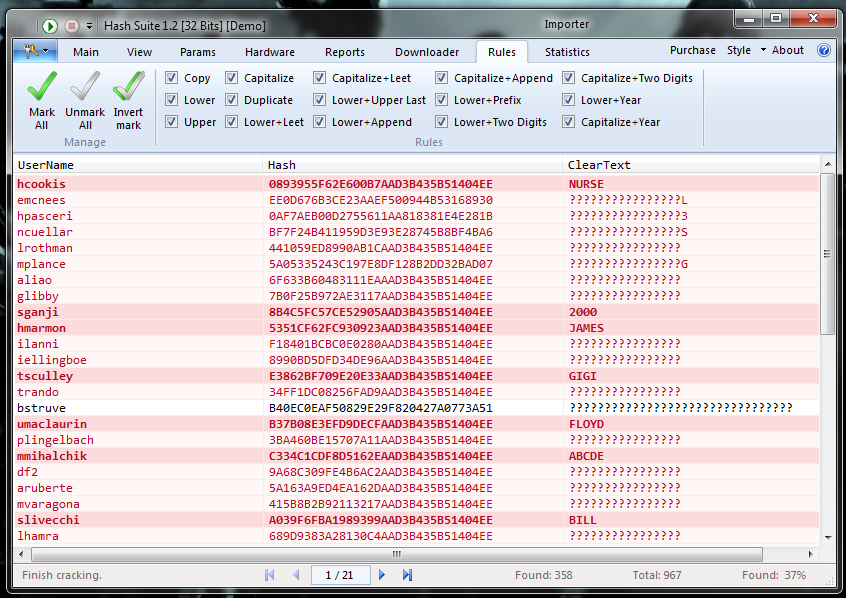
\n\tThis is the go-to tool when you need to recover (or test) a number of password hashes. Please note: To successfully use this tool, you will need to employ a pwdump tool to gain the necessary hashes for Hash Suite to crack. Here is a list of possible pwdump tools.

Jack Wallen is an award-winning writer for TechRepublic, The New Stack, and Linux New Media. He's covered a variety of topics for over twenty years and is an avid promoter of open source. For more news about Jack Wallen, visit his website jackwallen.com.


