\n\tThis gallery is also available as a post in the Five Apps Blog.
\n
\n\tEven if you are not in the habit of visiting questionable Web sites, you may occasionally find it necessary to clean up Internet Explorer in an effort to protect your privacy and/or improve the browser’s performance. This article discusses five utilities that can help you to clean up Internet Explorer and cover your tracks.
\n
\n\t\n\n
\n
\n
\n
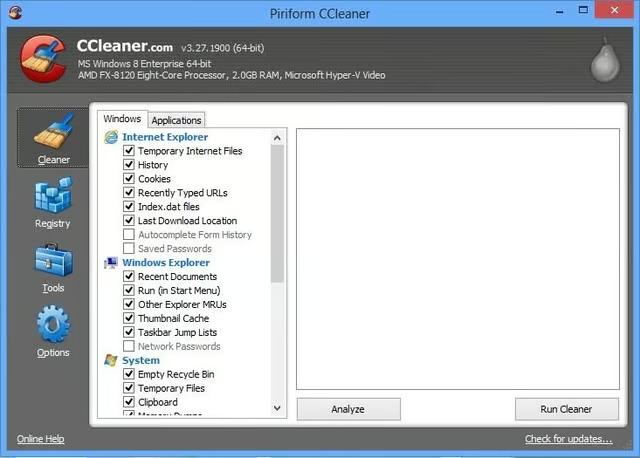
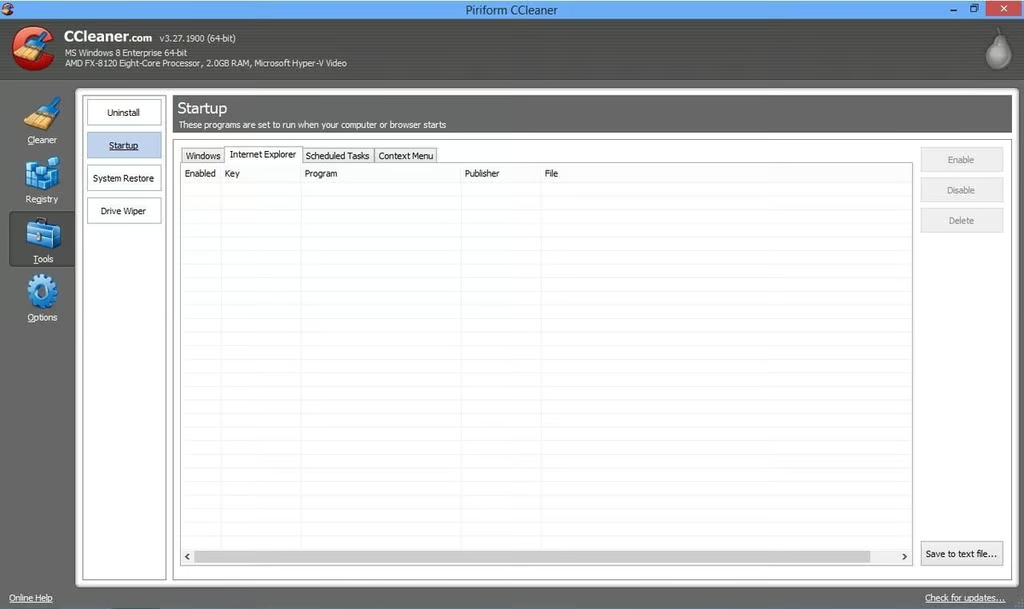
\n\tCCleaner is a free tool for cleaning up Windows and Internet Explorer. This versatile tool fixes registry errors, removes temporary files, and things like CHKDSK fragments and memory dumps.
\n
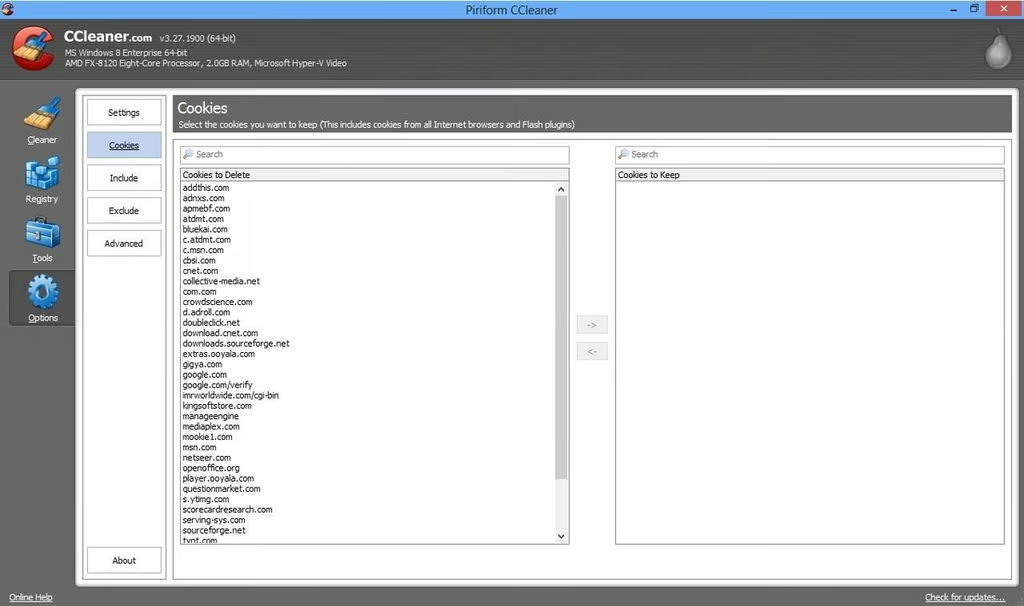
\n\tWhen it comes to cleaning Internet Explorer, CCleaner clears the browser history, and removes cookies and temporary Internet files. The nice thing about this utility (besides its versatility) is that it doesn’t have to perform a blanket deletion of your cookies. You have the option of specifying cookies that you would like to keep.
\n
\n\tCredit: Images by Brien Posey for TechRepublic
\n\tCredit: Images by Brien Posey for TechRepublic
\n\tCredit: Images by Brien Posey for TechRepublic
\n\t
\n
\n
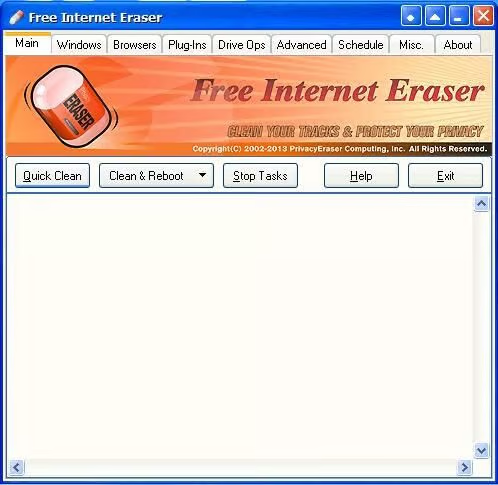
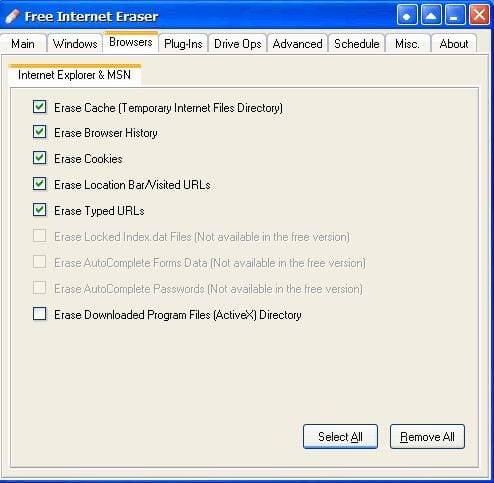
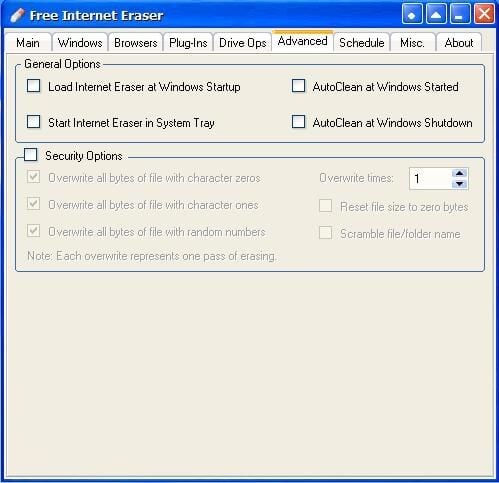
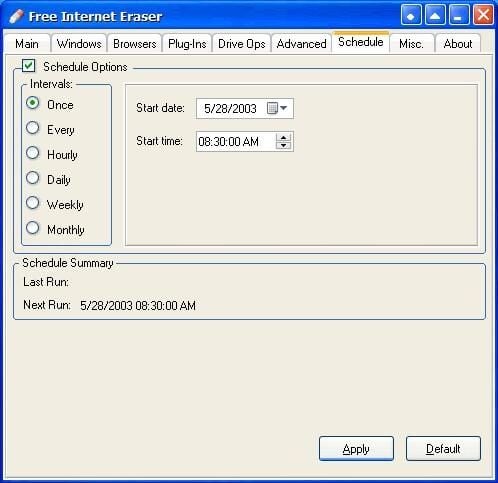
\n\tFree Internet Eraser is a free tool for cleaning Windows and covering your tracks in Internet Explorer. This utility covers all of the basics, such as deleting browsing history, cookies, and temporary Internet files. A particularly nice feature is the Schedule option, which allows you to automate the clean up process. However, if you want the option of securely removing deleted items from your hard disk then you will have to upgrade to the professional version.
\n
\n\tCredit: Images by Brien Posey for TechRepublic
\n\tCredit: Images by Brien Posey for TechRepublic
\n\tCredit: Images by Brien Posey for TechRepublic
\n\tCredit: Images by Brien Posey for TechRepublic
\n\t
\n
\n
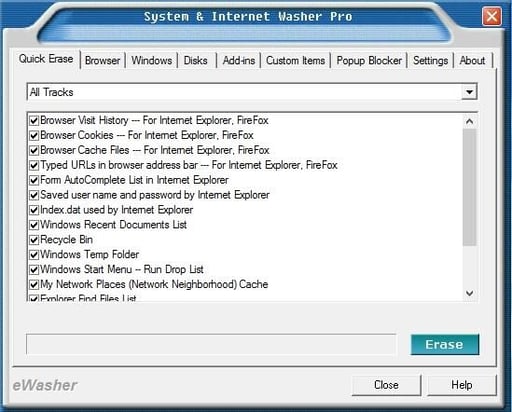
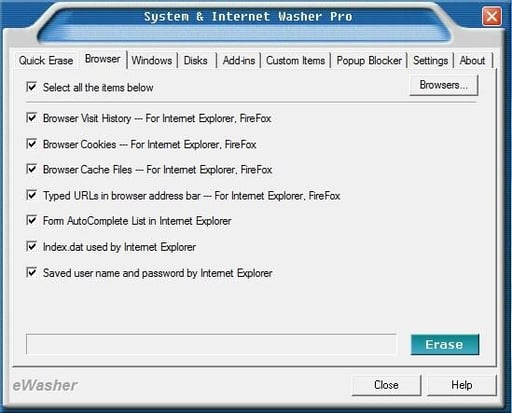
\n\tSystem and Internet Washer Pro is a utility for removing Internet Explorer data such as Web browsing history, temporary files, and cookies. In addition to its support for Internet Explorer, the utility also contains a cleaner for Windows and a pop-up blocker.
\n
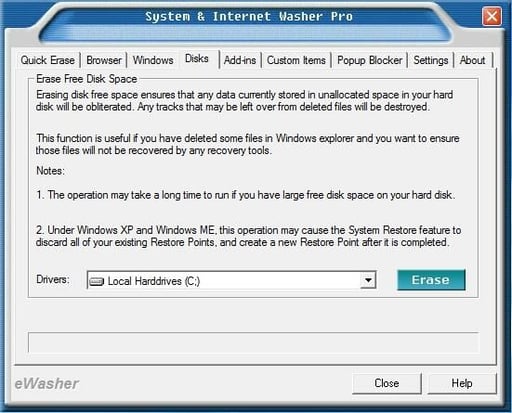
\n\tEach of the utility’s functions are presented on a separate tab. These tabs allow you to select the individual components that you want to clear and click an Erase button. A Quick Erase tab lets you perform Windows and Internet Explorer cleaning simultaneously. A nice touch is the Disk tab, which lets you securely remove deleted files from your hard disk.
\n
\n\tSystem and Internet Washer Pro sells for $34.95, but a free 15 day trial is available for download.
\n
\n\tCredit: Images by Brien Posey for TechRepublic
\n\tCredit: Images by Brien Posey for TechRepublic
\n\tCredit: Images by Brien Posey for TechRepublic
\n\t
\n
\n
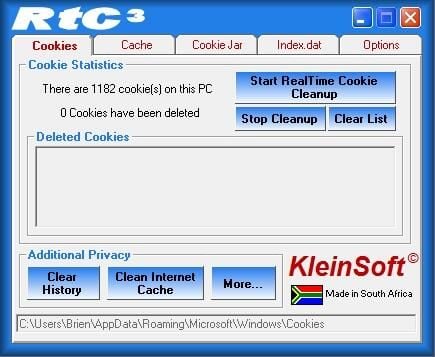
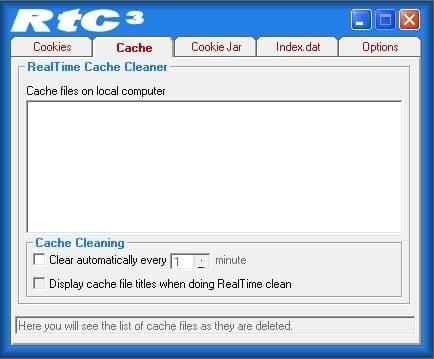
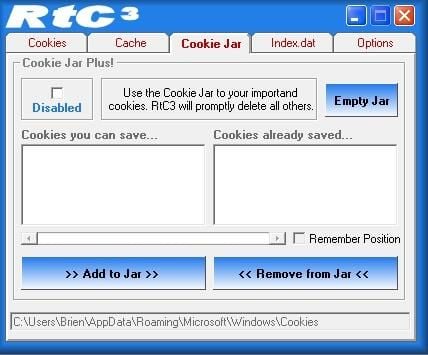
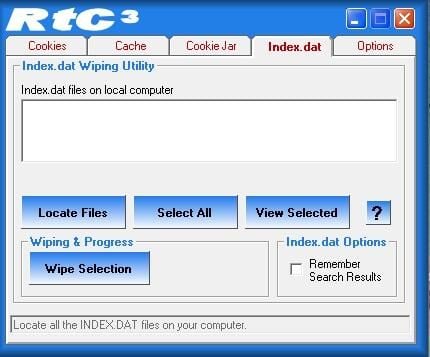
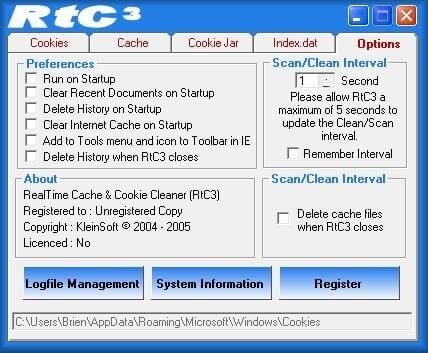
\n\tRealTime Cookie and Cache Cleaner is rather unique among Internet Explorer clean up programs in that it attempts to clean the browser in real time, while the user is browsing the Internet. While the clean up process does not happen in true real time, it does happen about once a minute and seems not to disrupt the browsing process. This utility works well on Windows 7, but did not work correctly on Windows 8.
\n
\n\tRealTime Cookie and Cache Cleaner sells for $9.95, but a free 30 day trial is available for download.
\n
\n\tCredit: Images by Brien Posey for TechRepublic
\n\tCredit: Images by Brien Posey for TechRepublic
\n\tCredit: Images by Brien Posey for TechRepublic
\n\tCredit: Images by Brien Posey for TechRepublic
\n\tCredit: Images by Brien Posey for TechRepublic
\n\t
\n
\n
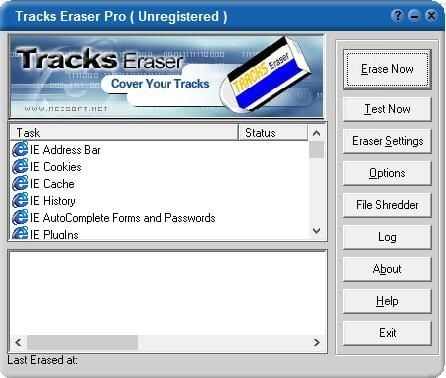
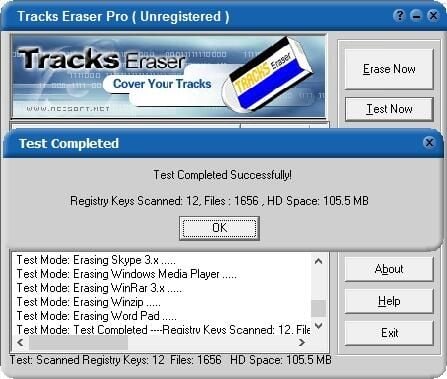
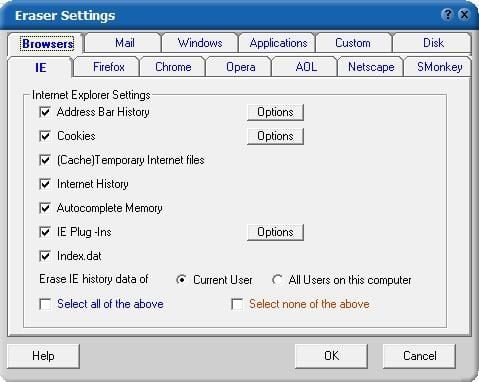
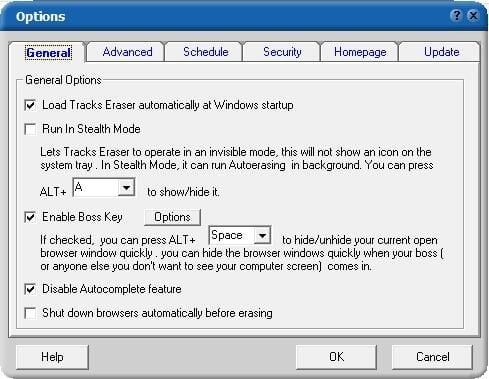
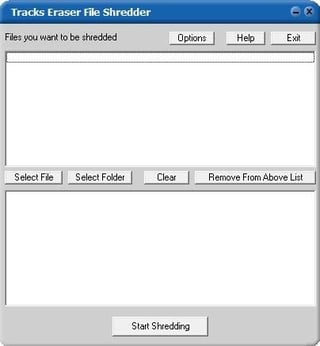
\n\tTracks Eraser Pro is a browser cleaner that goes way beyond just taking care of the basics. For starters, this cleaner works with Internet Explorer, Chrome, and Firefox, and other browsers. The utility also includes a test feature so that you can test an erase operation before committing to it. Other nice features include a file shredder and my personal favorite, a boss key that lets you quickly hide a browser screen when the boss (or anyone else) walks into the room.
\n
\n\tTracks Eraser Pro costs $29.95, but a free 30 day trial is available for download.
\n
\n\tCredit: Images by Brien Posey for TechRepublic
\n\tCredit: Images by Brien Posey for TechRepublic
\n\tCredit: Images by Brien Posey for TechRepublic
\n\tCredit: Images by Brien Posey for TechRepublic
\n\t
\n
\n
\n\t
\n\t
\n
\n
\n\tCredit: Images by Brien Posey for TechRepublic

* 1988 - Started teaching myself about computers \ * 1992 - Mainframe programmer for an insurance company \ * 1993 - Network Administrator for a different insurance company \ * 1996 - Author for The Cobb Group \ * 1998 - Network Administrator for Fort Knox \ * 1999 - CIO for chain of hospitals \ * 2000 - Gave up the corporate rat race to work out of my home. I have been a full time technical author ever since. Visit my Web sites at http://www.brienposey.com and http://www.relevanttechnologies.com \


