
\n\tOut of the box, a PC works great. But over time, it can become bogged down and buggy. Fragmentation, hard-disk issues, bad memory, viruses, filled caches, and registry errors can cause computers to act flaky or even stop working all together. Luckily, a bit of preventive maintenance can keep those machines running in tip-top shape.
\n
\n\tNote: If you’d prefer to view this information as a blog post, check out this entry in our Five Apps blog.
\n
\n\tPhoto: iStockphoto.com/meltonmedia
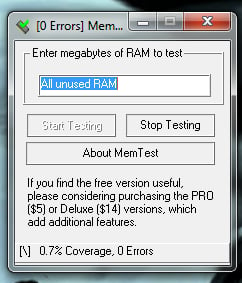
\n\tThe only drawback to MemTest (and most software memory testers) is that it can’t pinpoint which memory chip is bad. But if you’re looking for a memory tester that can be run while Windows itself is running, MemTest is your tool.
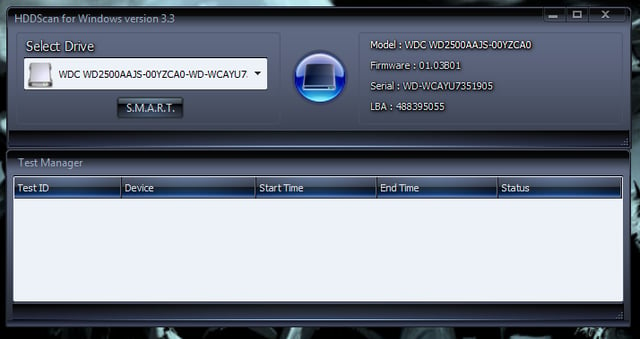
\n\tHDDScan is a free hard disk diagnostic tool that supports standard drives, RAID arrays, Flash USB, and SSD drives.
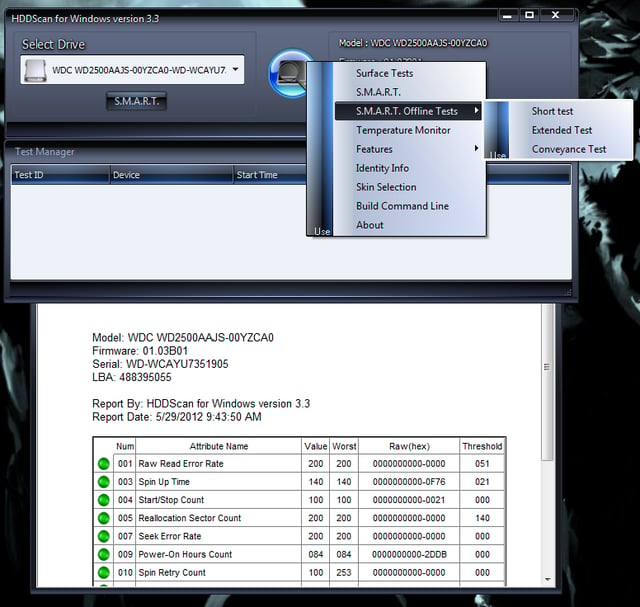
\n\tWith this tool, you can scan for errors, show S.M.A.R.T. attributes, and change a limited number of HDD parameters (such as AAM and APM). The storage device tests include: verification in linear mode, reading in linear mode, erasing in linear mode, and reading in Butterfly mode.
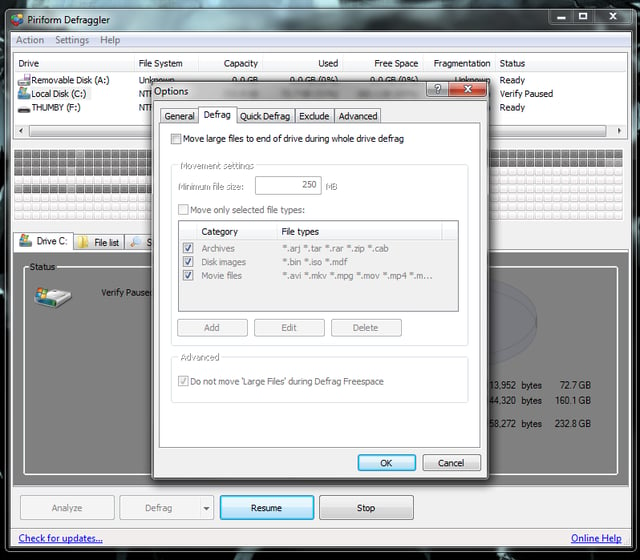
\n\tDefraggler also offers a portable version, so you don’t have to install the tool on every machine you touch. But I recommend installing Defraggler and setting up regularly scheduled defrags to keep every machine on your network running smoothly.

Jack Wallen is an award-winning writer for TechRepublic, The New Stack, and Linux New Media. He's covered a variety of topics for over twenty years and is an avid promoter of open source. For more news about Jack Wallen, visit his website jackwallen.com.


