
\n\tI started playing around with photography a while ago and decided I needed more than a file manager to manage my photos. Here are a few tools I found that meet various needs for various levels of users.
\n
\n\tNote: If you’d prefer to view this information as a blog post, check out this entry in our Five Apps blog.
\n
\n\tPhoto: iStockphoto.com/naqieweinaqiewei
\n
\n\t
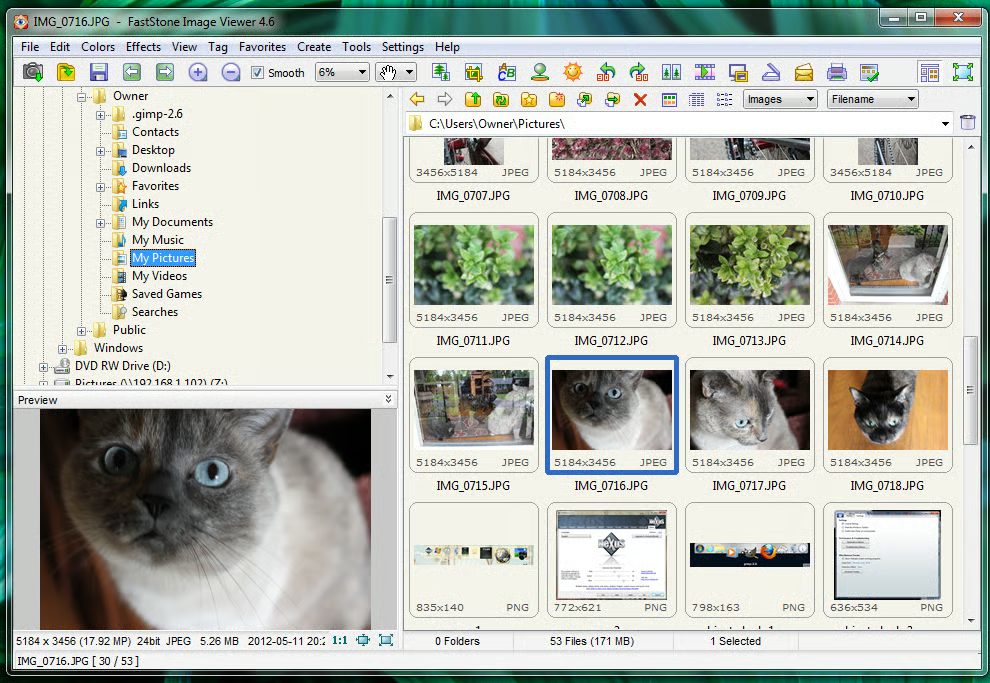
\n\tFastStone Image Viewer does red eye removal, resizing, retouching, cropping, and more. It has a full-screen mode, quick access to EXIF information, a thumbnail browser, and it can handle multiple image file formats.
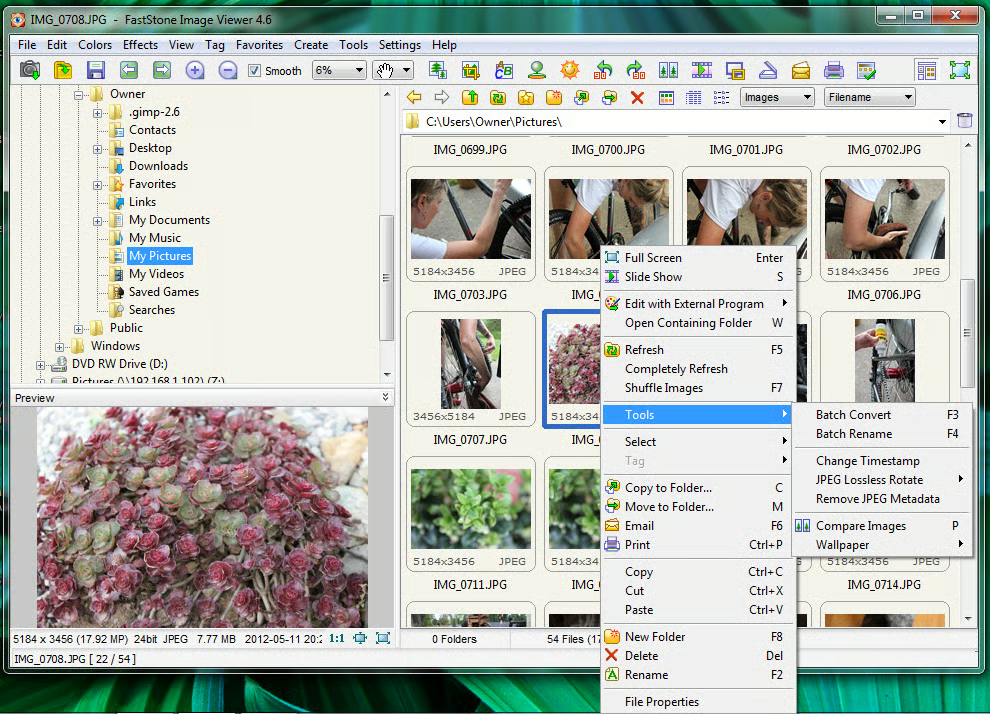
\n\tFastStone is free for personal use but requires a license for business use. This tool is available only for Windows, but it does offer a portable version.
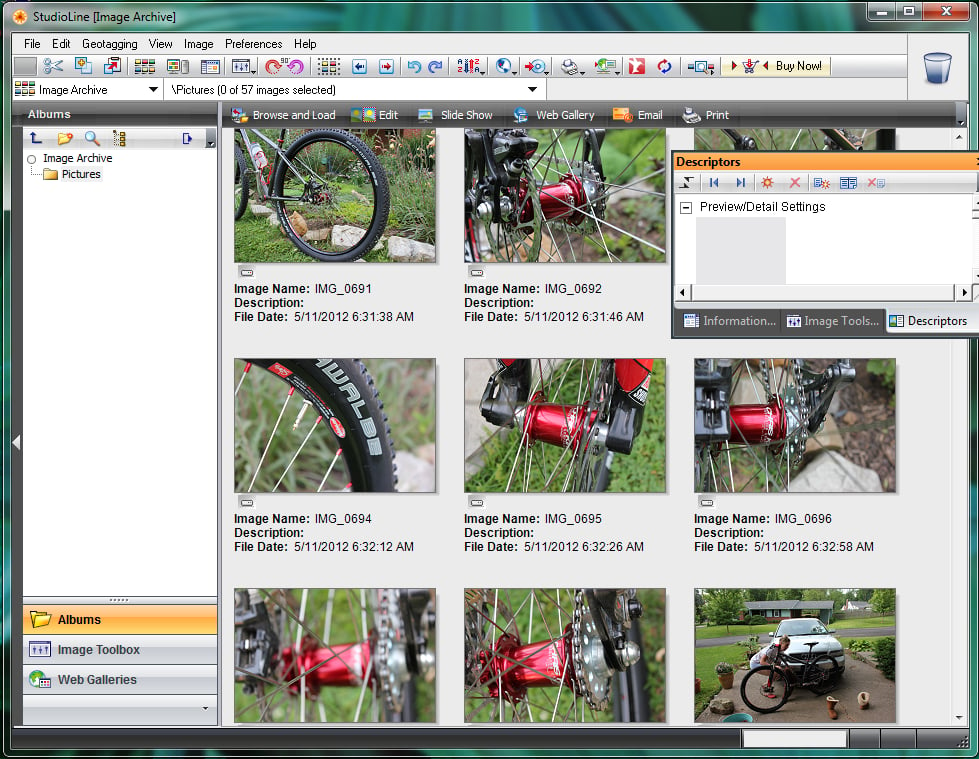
\n\tStudioLine Photo Basic offers some unusual features, including Geo Caching, image editing, descriptions, archiving, and online albums. It also offers dual monitor support and a built-in auto-update function.
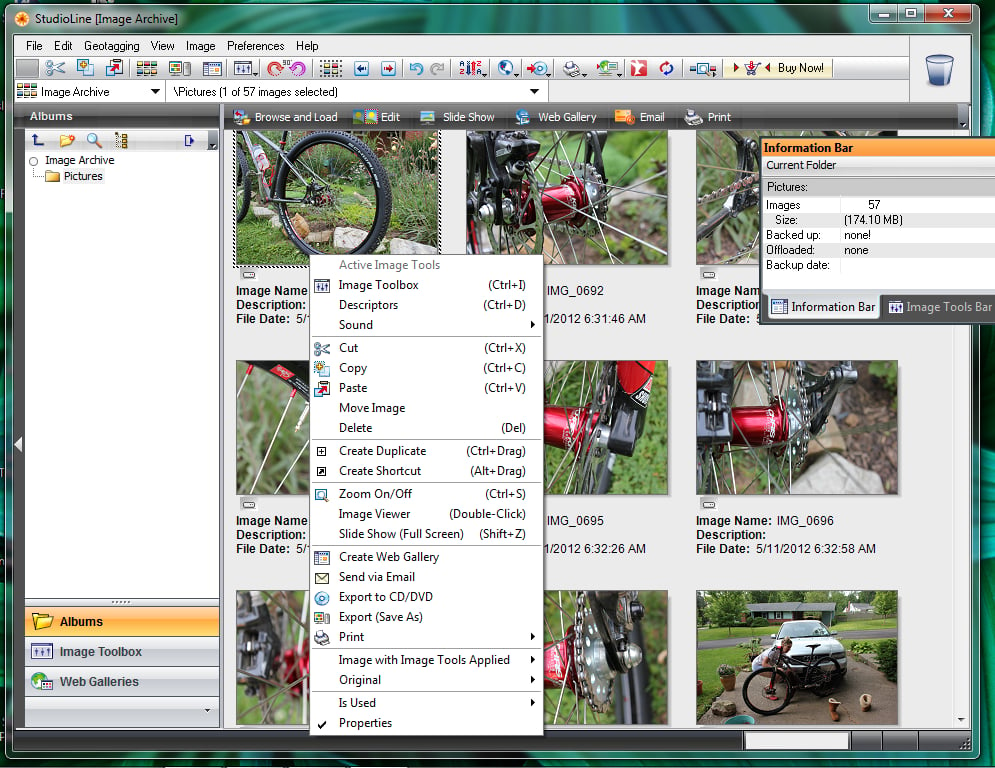
\n\tStudioLine supports batch processing for the editing features and has an outstanding, user-friendly interface. This Windows tool is free of charge.
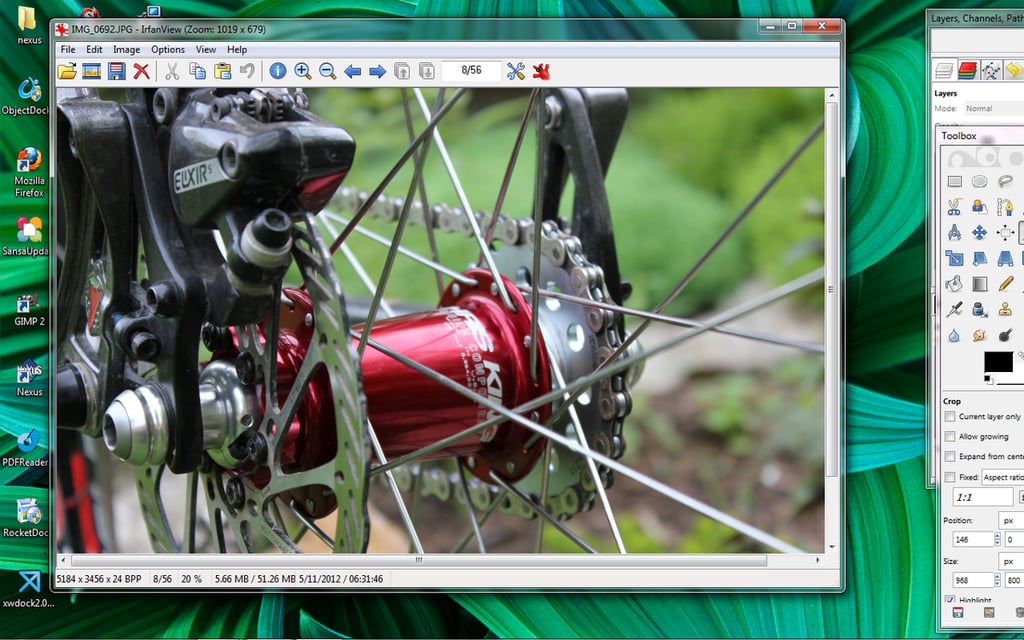
\n\tIrfanView offers multilingual support, vast file format support, Adobe Photoshop filter support, paint and email options, a built-in multimedia player, embedded print profile support, and much more. Its free and is available only for Windows.
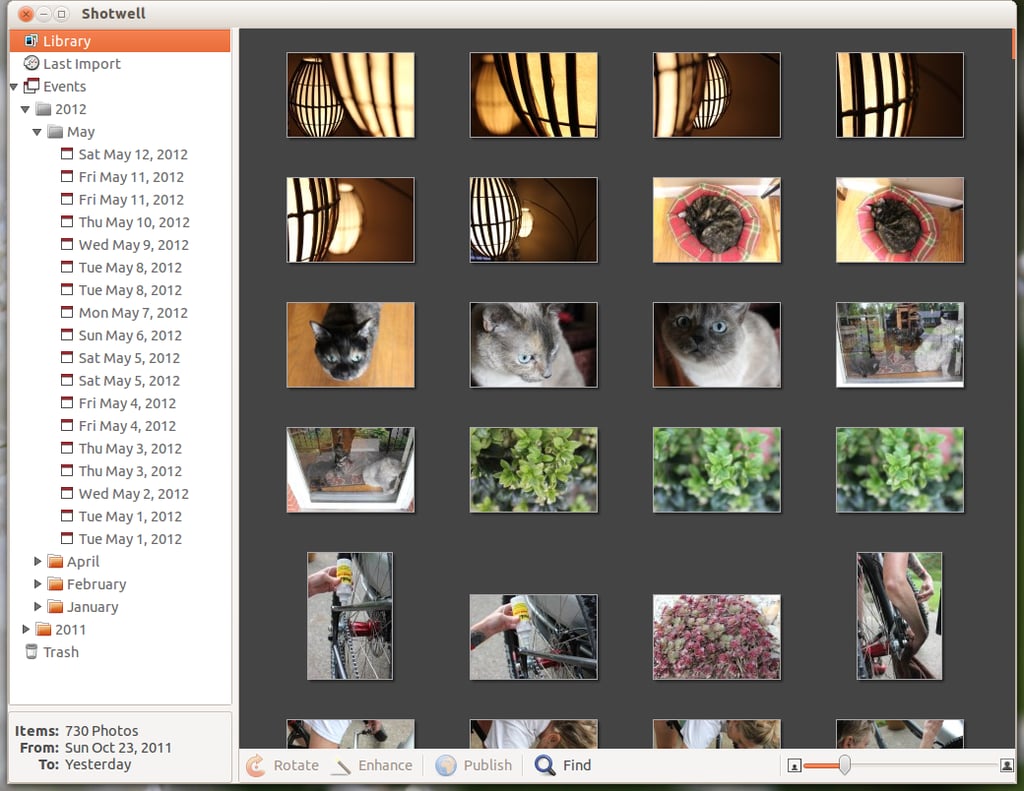
\n\tShotwell is the open source photo manager for the GNOME operating system. It comes preinstalled with all GNOME 3-based and Ubuntu Unity systems.
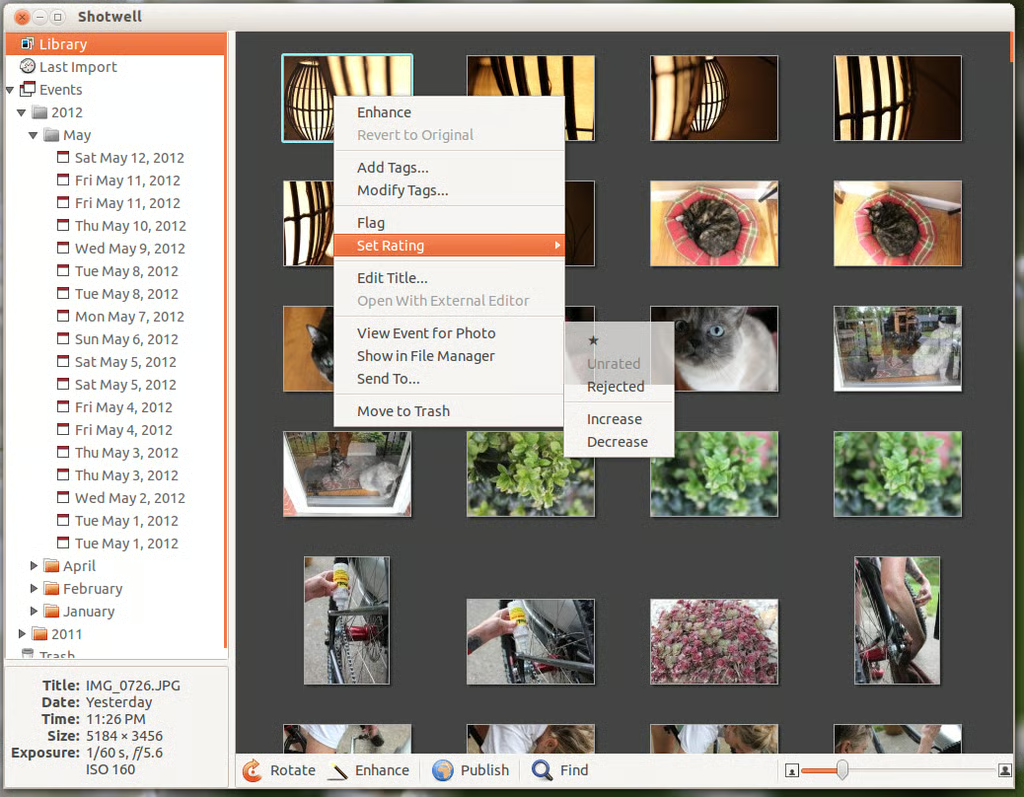
\n\tShotwell is an incredible tool for managing your photo collections. It includes direct import from cameras or SD cards, automatic grouping of photos by date, tagging, ratings, editing (rotate, crop, red eye reduction, exposure, saturation, etc.), and the ability to easily publish photos.
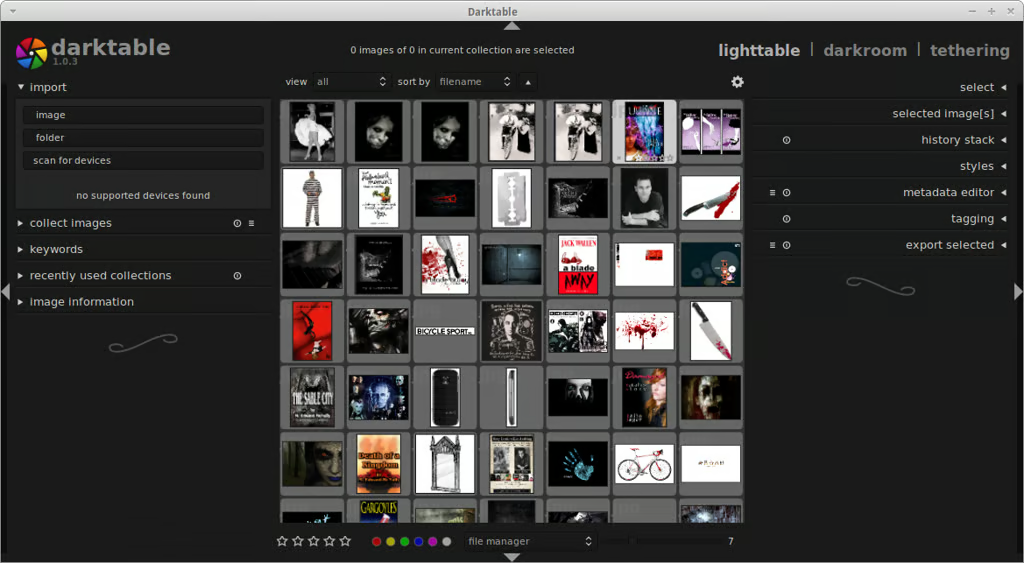
\n\tDarktable is not just an image management tool, but a photo workshop and workflow tool. It can manage your photos, as well as work with RAW images. It also offers plenty of powerful filters and tools, helps manage images with tagging, supports color profiles, allows you to search images with database queries (via a plug-in), and offers a full-screen zoomable interface.
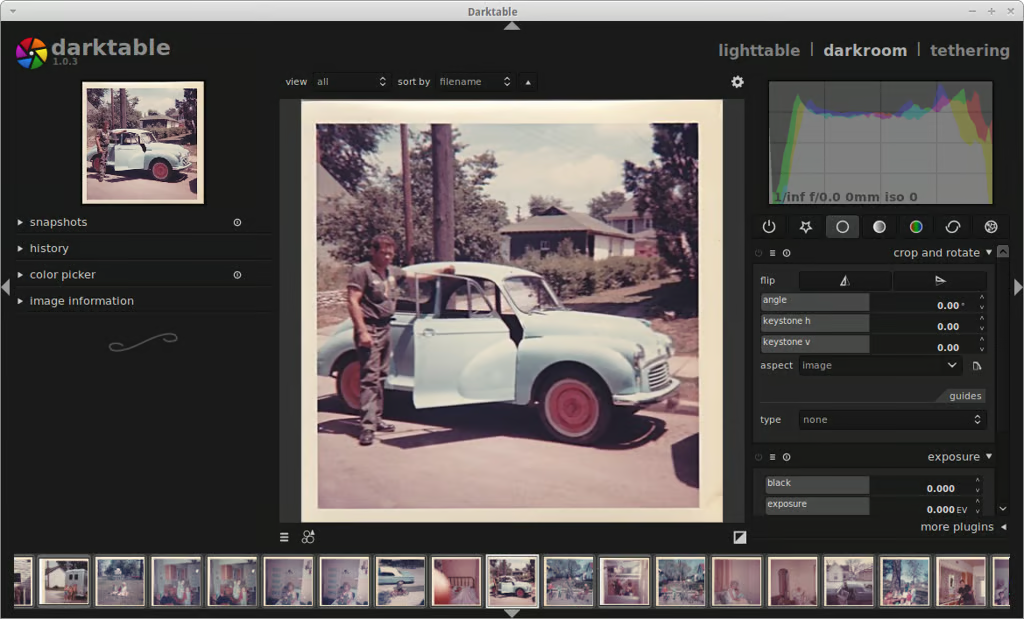
\n\tUnlike most of the other image management tools, Darktable does have a steeper learning curve. It’s free and is available for Linux, Solaris, and OS X.

Jack Wallen is an award-winning writer for TechRepublic, The New Stack, and Linux New Media. He's covered a variety of topics for over twenty years and is an avid promoter of open source. For more news about Jack Wallen, visit his website jackwallen.com.


